Hi, How Can We Help You?
  • 203-504 Cottonwood Ave, Coquitlam
  • service@moerepair.ca
  • +1 (778) 951-4872

Category Archives: Computer Repair Burnaby

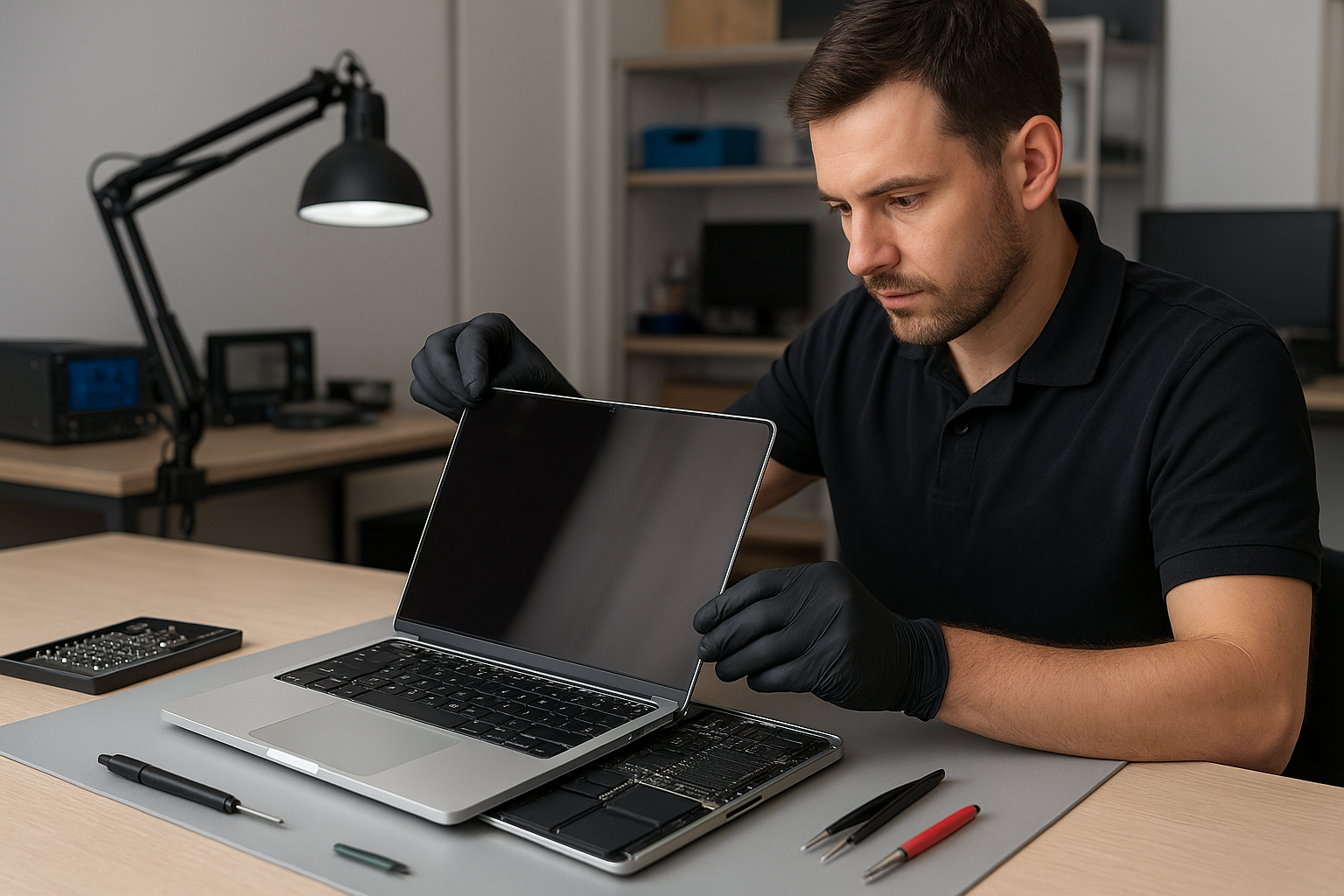
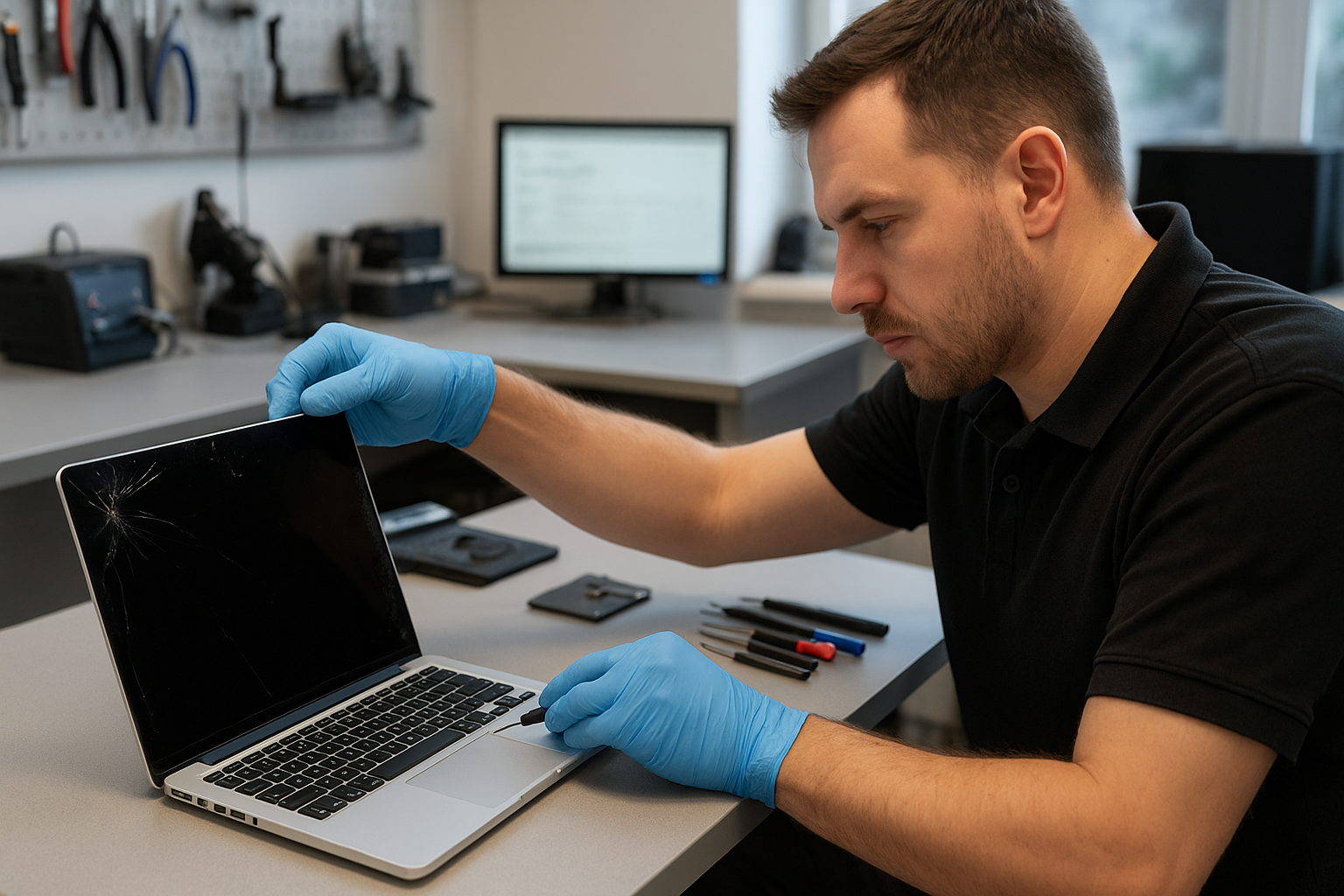
MacBook Screen Repair Coquitlam

If your MacBook screen is cracked, flickering, or showing lines, you need experienced help. At Moe Repair we perform MacBook Screen Repair Coquitlam customers trust. We explain the problem, diagnose it properly, and offer repair or replacement options you can understand.

Why screens fail: a short problem overview

MacBook displays are delicate assemblies: glass, digitizer, LCD or OLED panel, backlight and cables. Failures can come from a single impact, accumulated stress at the hinge, liquid exposure, or internal component failure after a drop.

Because Apple changes components across models, the repair approach for a 2012 MacBook Pro can be different from a 2020 MacBook Air. We assess the whole assembly, not just the cracked glass.

Common symptoms of display problems

  • Visible cracks or glass shattering
  • Vertical or horizontal lines on the screen
  • Black spots, blotches, or dead pixels
  • Flickering, dim, or uneven backlight
  • No image while the MacBook powers on (audio may play)
  • Touch issues on models with Touch Bar or touch-sensitive elements
  • Intermittent image loss when opening or closing the lid

Common causes we see at Moe Repair

One common issue we regularly see at Moe Repair is hinge wear causing pressure on the display cable. Customers often treat it as a screen problem, but the cable connection or hinge can be the real culprit.

Other causes include direct impact, pressure on the lid (for example in backpacks), liquid spills, manufacturing defects, or a failing display controller on the logic board. Identifying the root cause prevents repeated failures after a repair.

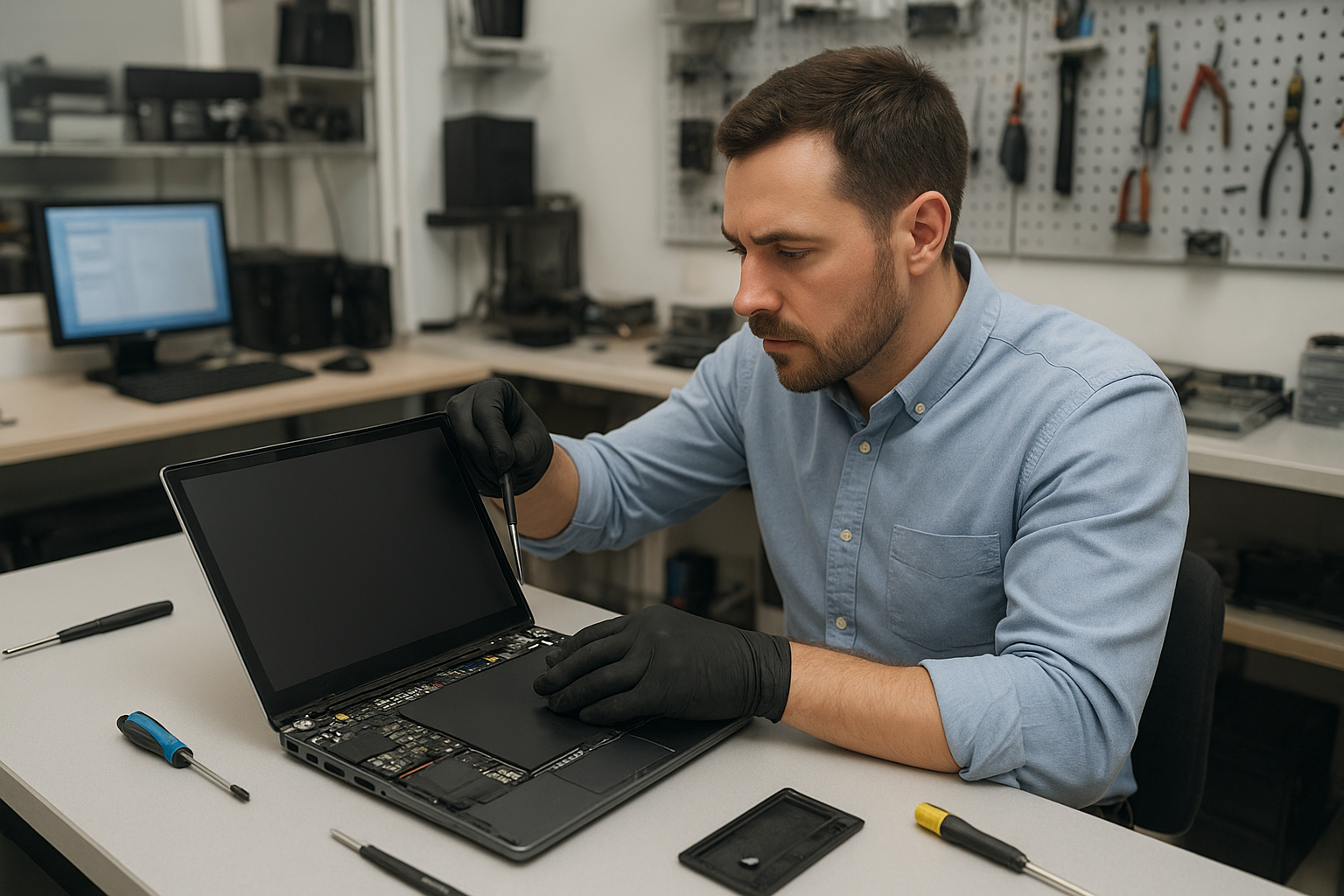
How we professionally diagnose MacBook screen issues

As experienced technicians we follow a step-by-step diagnostic process to avoid unnecessary part swaps:

  • Visual inspection for cracks, corrosion, or loose hinges.
  • External tests: power cycle, safe boot, and connecting to an external monitor to separate screen vs graphics/logic board issues.
  • Check internal connections: display cable, LVDS/eDP connector and board seating.
  • Functional testing: backlight levels, color reproduction, and detecting dead pixels.
  • Liquid damage check: looking for corrosion or residue that could affect both display and logic board.

We document findings and explain the diagnosis before any repair work starts.

Repair options we provide

Depending on the diagnosis, we offer tailored options:

  • Glass-only replacement when applicable; this keeps the original panel but requires careful separation and precision.
  • Full display assembly replacement for models where the glass and panel are fused or if the panel is damaged.
  • Connector and cable repair when the issue is a loose or damaged cable at the hinge.
  • Logic board repair referral when the display controller fails and repair is more cost-effective than replacement.
  • Data recovery services when the MacBook powers but the screen prevents access to files.

Advantages of professional repair

Professional technicians can save time and money by diagnosing correctly and using proper tools. We use anti-static precautions, correct adhesives and calibration after panel replacement to maintain color and brightness accuracy.

Repairing a screen instead of replacing the machine preserves your data, reduces environmental waste, and can be the most cost-effective choice for many customers in Coquitlam and Metro Vancouver.

When replacement makes more sense

There are times where a full screen assembly replacement or even a logic board repair is the right call. We recommend replacement when the panel is physically damaged beyond repair, when the digitizer is non-functional, or when multiple components have failed after significant liquid damage.

If the MacBook has additional problems like severe motherboard damage or failed SSD, we explain the pros and cons of repair versus replacement so you can make an informed decision.

What to expect during the repair process

We will explain the steps we take without promising specific turnaround times. Typical workflow includes acceptance and intake, diagnostic testing, customer approval for agreed repairs, parts ordering when required, repair and post-repair testing, and final quality checks.

We keep you informed at each stage and test the unit with real-world apps to ensure the display behaves reliably before returning it to you.

Preventative maintenance and best practices

To avoid screen damage, use a protective sleeve or hard-case when traveling, avoid placing heavy items on top of your laptop, and keep liquids away from the keyboard and hinge area. Regularly check hinge tightness and address any looseness early—this prevents stress on the display cable.

For MacBook users in Coquitlam, we recommend a periodic check if you carry your laptop daily. Small issues like a loose screw or stretched hinge can become a cracked screen if ignored.

Real technician advice from Moe Repair

When customers bring us a cracked MacBook screen, the single worst thing they sometimes do is try to peel or pry the broken glass themselves. This risks cutting the panel, damaging the digitizer, and creates small shards that complicate repair.

Another mistake is attempting cheap third-party components without verification. Low-quality panels can have poor color, lower brightness, or fail earlier. We source reliable parts, and when OEM-equivalent options are unavailable we explain the trade-offs clearly.

If your MacBook was exposed to liquid, power it off immediately and bring it in for assessment. Continued use can spread corrosion from the keyboard to the display connectors and logic board.

How we decide if repair is worthwhile

We weigh several factors: the cost of parts and labor, the MacBook model and its remaining useful life, overall condition, and your needs for performance or data. If you plan to upgrade soon, a targeted repair (like a cable repair) might be better than a full assembly replacement.

We always present transparent options and never push unnecessary services. Our goal is a reliable outcome tailored to your budget and device condition.

Frequently Asked Questions

Q: Can a cracked MacBook screen be repaired or must it be replaced?

A: It depends on the model. Some older MacBooks allow glass-only repairs while many modern MacBooks require a full assembly replacement because the glass and panel are fused. We diagnose and advise the most appropriate option.

Q: Will replacing the screen affect my data?

A: Screen repair does not normally impact data on the SSD. However, we always recommend a backup before any repair when possible, and we offer data recovery and SSD upgrade services if you need them.

Q: Do you repair Retina displays and newer MacBook models?

A: Yes. We work on MacBook Air, MacBook Pro, and Retina models. Each model requires the right parts and calibration, and we handle those specifics at Moe Repair.

Q: What if my screen problem is actually the logic board?

A: We check this during diagnosis by connecting to an external monitor and inspecting internal connectors. If the logic board is the issue, we provide options including motherboard repair and referral for advanced board-level service.

Q: Can liquid damage cause screen issues?

A: Yes. Corrosion or shorted components from liquid can affect the display cable, connectors and display controller. Prompt inspection reduces the chance of cascading failures.

Q: Do you service customers outside Coquitlam?

A: We serve customers throughout Metro Vancouver including Burnaby, Vancouver, Surrey, Port Moody and New Westminster. Moe Repair welcomes walk-ins and booked drop-offs from the surrounding communities.

Q: How do I prepare my MacBook before bringing it in?

A: Power off the MacBook if it’s safe to do so, remove any external accessories, and bring your charger. If you have a firmware password or FileVault enabled, let us know so we can discuss access options.

Q: Do you offer other services related to screen repair?

A: Yes. We provide battery replacement, hinge repair, keyboard replacement, liquid damage repair, SSD upgrades and data recovery. These often come up alongside screen problems and we can handle multiple tasks in one visit.

Conclusion

For dependable MacBook Screen Repair Coquitlam customers, Moe Repair offers experienced diagnostics, honest advice, and professional repairs. We focus on a correct diagnosis, quality parts, and real-world testing so your MacBook returns to reliable use.

Call to action

If your MacBook display needs attention, contact Moe Repair today for a clear diagnosis and straightforward options. Phone: 778-951-4872 | Email: service@moerepair.ca | Website: https://moerepair.net. We serve Coquitlam and Metro Vancouver with trusted MacBook repair services.
Laptop Repair Coquitlam

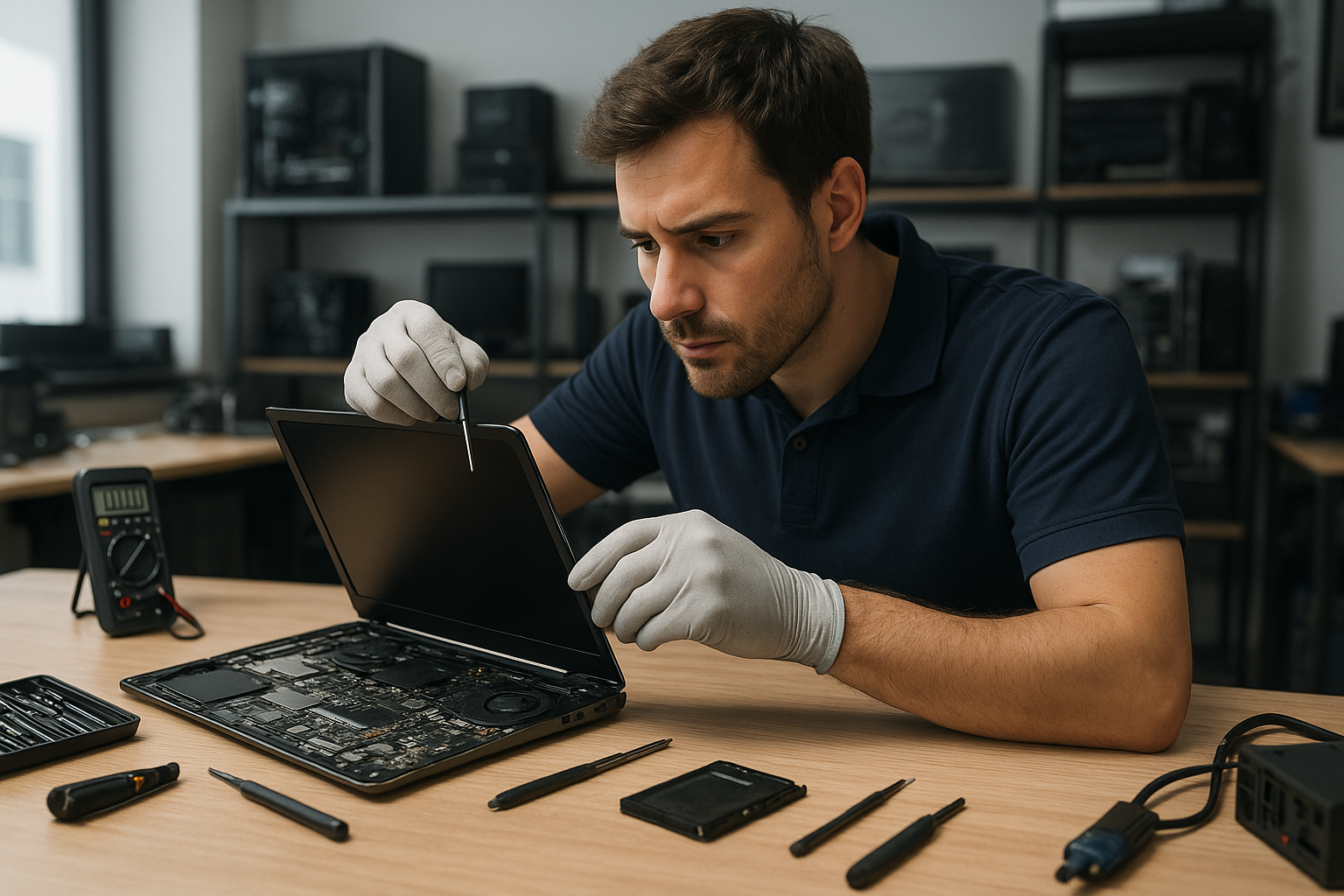
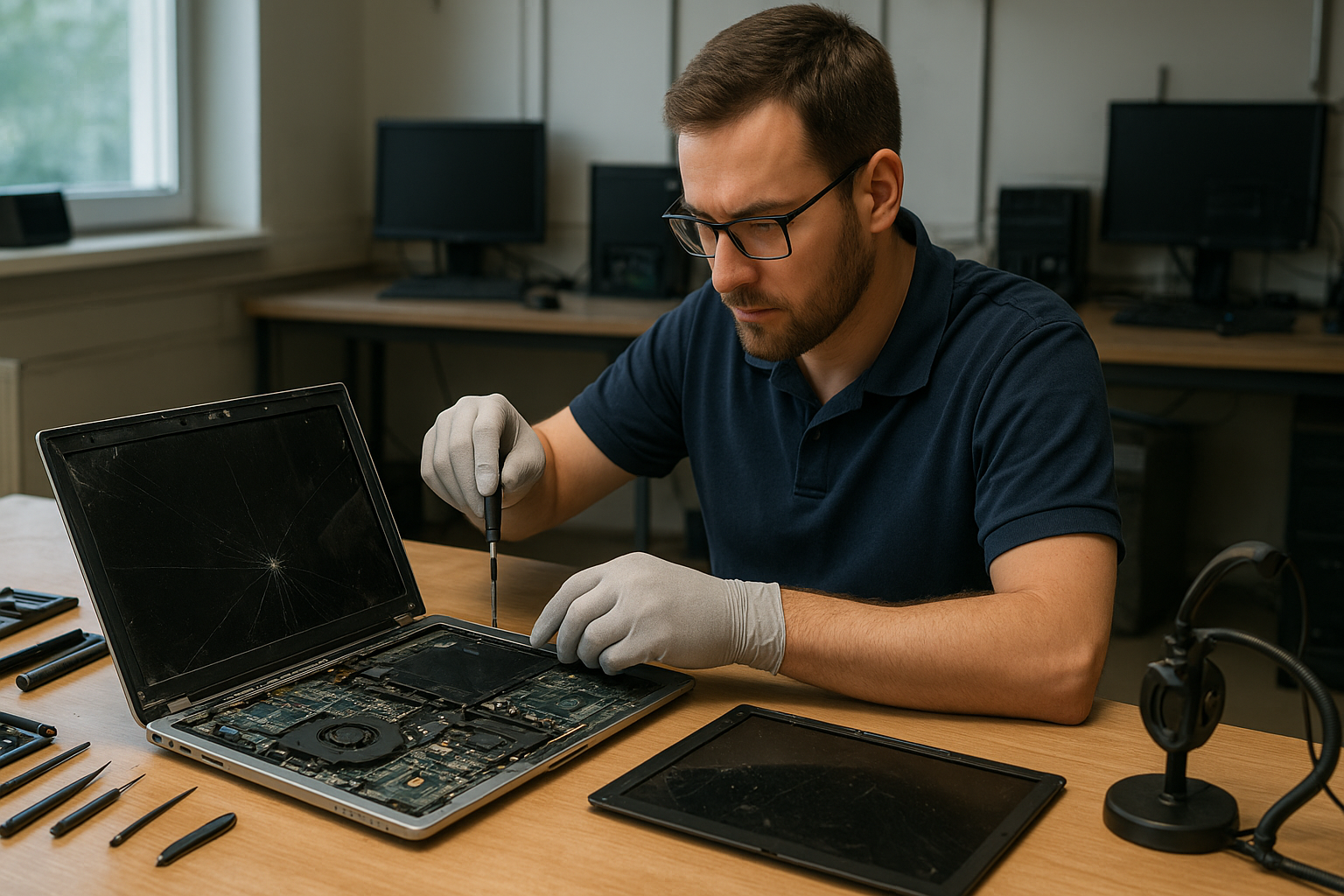
At Moe Repair we provide professional Laptop Repair Coquitlam residents trust. Whether you have a cracked laptop screen, a battery that won’t hold a charge, or a laptop that won’t boot, we start with clear diagnostics and practical advice.

Why this matters

A laptop is often your primary tool for work and life. Ignoring early symptoms makes problems worse and increases repair risk. We explain issues plainly, show you options, and only perform repairs that make sense for your device and budget.

Common symptoms we see

  • Blank screen or flickering display after power-on
  • Slow performance, frequent freezing, or blue screens
  • Battery drains quickly or won’t charge
  • Physical damage: cracked screen, broken hinge, or missing keys
  • Liquid spills with corrosion or sticky keyboard
  • Charging port loose or intermittently connecting
  • Strange noises from the fan or hard drive
  • Operating system errors and persistent viruses

Common causes

Symptoms come from many sources. A cracked laptop screen is usually impact damage. Battery problems often come from age or heat stress. Performance issues can be caused by failing storage, insufficient RAM, malware, or corrupted system files.

Liquid damage introduces corrosion that spreads and short-circuits components. Motherboard failures are commonly caused by power surges, overheating, or spilled liquids. Charging port damage is usually physical wear or foreign debris.

How professionals diagnose problems

At Moe Repair our diagnostic process is hands-on and transparent. We begin with a visual inspection, then power tests to document behavior. We run hardware checks on RAM, storage drives, and battery health. For software issues we examine system logs, event viewer entries, and perform malware scans when needed.

If needed we open the laptop to inspect connectors, the charging port, and motherboard components. For liquid damage we look for corrosion, residue, and burnt traces on boards. We do not replace components before confirming the root cause.

Repair options we offer

After diagnosis we review repair strategies with you. Common services include:

  • Screen replacement for cracked or dim displays
  • Battery replacement to restore runtime
  • Keyboard and hinge repair for physical wear
  • Charging port repair to regain reliable charging
  • Motherboard repair when individual components can be fixed
  • SSD and RAM upgrades to boost speed and responsiveness
  • Liquid damage repair with cleaning and component-level fixes
  • Data recovery from failing drives
  • Virus removal and Windows or macOS repair for software issues

Advantages of repairing over replacing

Repairing often preserves your data and custom setup. Upgrading storage to an SSD or adding RAM can extend a laptop’s usable life and improve performance significantly. Repairs can be more sustainable and less costly than replacing a well-maintained machine.

We recommend repair when the cost of parts and labor is reasonable compared to the replacement value, and when the device meets your performance needs after repair.

When replacement makes more sense

Replacement can be the better option if the laptop has multiple major failures, severe motherboard damage beyond economic repair, or if its hardware is too outdated for modern software. We help you weigh repair costs against replacement and suggest models or configurations if you choose to replace.

Estimated repair process

Every repair begins with an accurate diagnosis. We provide a written estimate and explain your options. For hardware jobs we test parts on the bench before installation. After repair we run stress tests and quality checks to ensure stability. We always confirm the device boots and that the issue is fully resolved before returning it to you.

We do not promise exact turnaround times at intake because repair complexity varies. Instead, we communicate updates and get your approval before proceeding with any additional work.

Preventative maintenance to avoid future problems

Good habits reduce repair risk. Keep vents clear and avoid using laptops on soft surfaces that block airflow. Back up important data regularly to an external drive or cloud service. Use a surge protector with your charger, and clean the keyboard and screen gently to avoid debris build-up.

For battery longevity, avoid extreme heat and full discharges when possible. For physical protection, use a padded case and avoid placing heavy items on top of the laptop.

Real technician advice

One common issue we regularly see at Moe Repair is customers running heavy applications while on battery-only mode, which stresses older batteries. We advise configuring power settings for performance only when plugged in.

Another common mistake is attempting DIY screen replacements with the wrong parts. Laptops often use model-specific connectors and adhesives. A poor-quality screen can introduce backlight issues or touch problems on touchscreen models.

How we decide if repair is worthwhile

We consider three things: the root cause, the cost of required parts and labor, and the device’s current value to you. If a low-cost component like an SSD or battery will return useful life, we recommend repair. If the motherboard needs multiple component-level rework and parts are scarce, we provide honest guidance on replacement alternatives.

Service examples and brands

We handle a wide range of brands including Dell, HP, Lenovo, ASUS, Acer, MSI, Microsoft Surface, Samsung, LG, and Apple MacBook. For example, we’ve replaced cracked laptop screens on Windows notebooks, swapped MacBook batteries, and recovered data from failing hard drives on gaming laptops.

We also provide SSD upgrades for older systems, RAM upgrades for multitasking performance, virus removal and Windows installation work for business computers, and specialized motherboard repair when appropriate.

What to bring when you visit

Bring your laptop, power adapter, and any relevant passwords if you are comfortable providing them. For data-sensitive devices we can perform repairs without accessing your data; just tell us your preference. If you have recent backups, mention them so we can prioritize data safety during repairs.

Frequently asked questions

Scroll down to the FAQ section for common questions about diagnosis, data recovery, and service options. If your question is urgent call our front desk for immediate advice.

Conclusion

If you need reliable Laptop Repair Coquitlam homeowners and businesses trust, Moe Repair offers transparent diagnostics, skilled repairs, and practical advice. We focus on fixes that extend the life of your device while protecting your data and budget.

Contact us for a clear diagnosis and honest options—repair, upgrade, or replacement—based on real-world technical assessment.

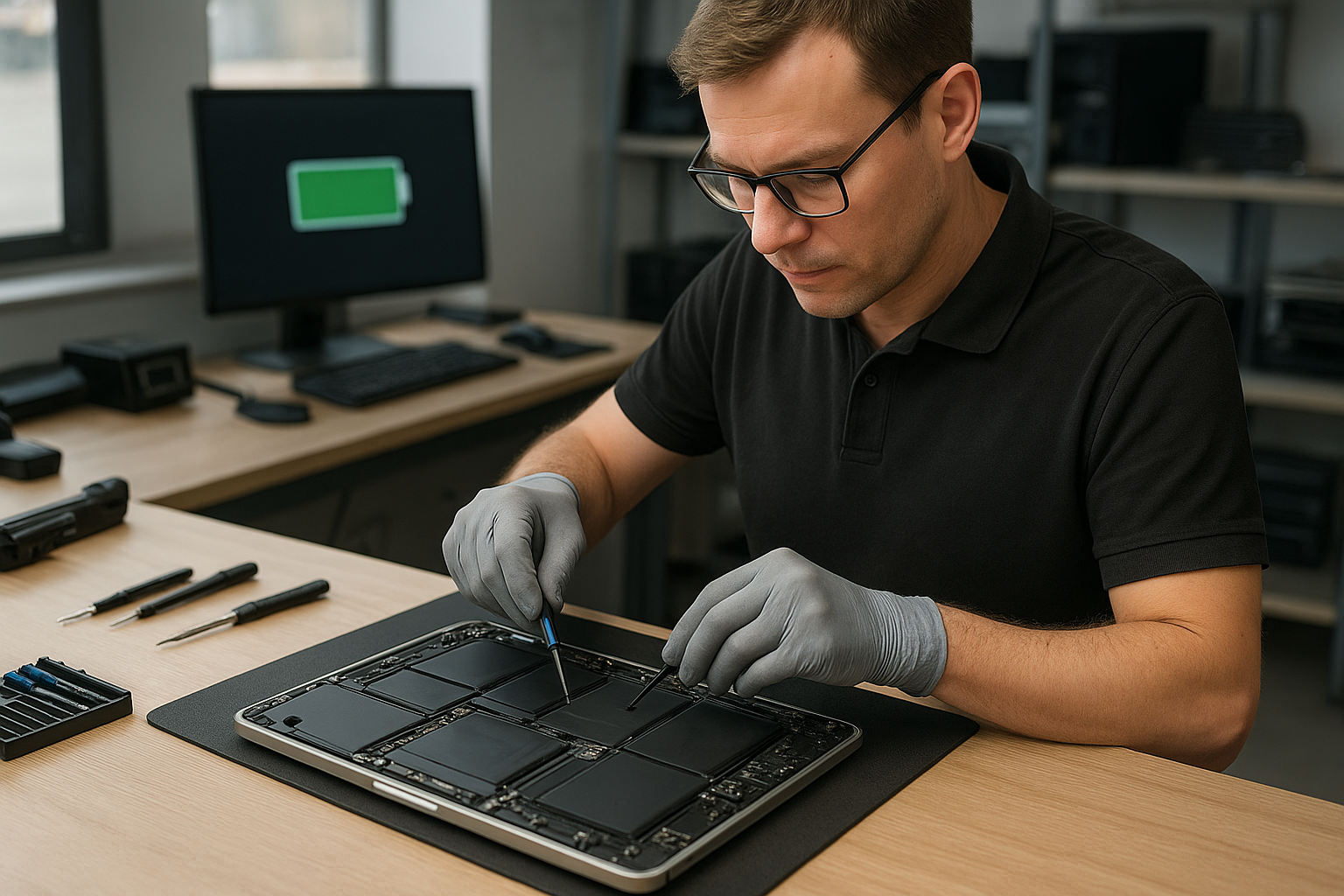
MacBook Pro Battery Replacement Coquitlam

If your MacBook Pro is losing charge quickly, showing inaccurate battery percentage, or the trackpad area is bulging, you need professional MacBook Pro Battery Replacement Coquitlam services. At Moe Repair we diagnose the real cause, explain your options, and perform safe, reliable replacements so your MacBook returns to dependable daily use.

Why your MacBook Pro might need a battery replacement

Batteries are consumable parts. Over time they lose capacity and can develop issues that affect performance and safety. Customers often bring devices to us after noticing poor battery life, unexpected shutdowns, or a sudden drop in reported battery health.

One common situation we see at Moe Repair is a MacBook that behaves fine on AC power but shuts down instantly when unplugged. That often points to a battery that can no longer hold charge rather than a software problem.

Common symptoms of a failing MacBook Pro battery

  • Rapid battery drain or much shorter run time than before
  • Battery status shows Service or Replace Soon in macOS
  • MacBook shuts down unexpectedly at moderate charge levels
  • Bulging or swelling in the bottom case or keyboard area
  • Battery percentage jumps or reports inaccurate charge
  • MacBook will not power on without the charger attached

Common causes we diagnose

Not every battery issue is caused by the battery cell itself. We look for these underlying causes during diagnostics:

  • Normal cell wear after many charge cycles
  • Heat damage from heavy use or blocked vents
  • Faulty charging circuitry on the logic board
  • Software that prevents proper charging or reporting
  • Physical damage or liquid exposure that affected battery integrity

Professional diagnostic process

At Moe Repair we follow a technician-first diagnostic workflow so you get the right repair, not unnecessary parts replacement.

  • Gather symptoms and history. We ask about usage, recent damage, and charger type.
  • Visual inspection. We check for swelling, corrosion, or liquid indicators.
  • Software checks. We examine macOS battery health info and run system diagnostics.
  • SMC and NVRAM checks. We verify if controller resets change behaviour.
  • Hardware tests. We measure charging voltage and test with a known-good charger and cable.
  • Decision. If tests point to a worn or swollen battery, we recommend a battery replacement. If charging circuitry or a logic board fault is present, we explain repair options.

Repair options for MacBook Pro Battery Replacement Coquitlam

After diagnostics we present clear options so you can choose what fits your needs.

  • Battery replacement only. Replace the battery with a high-quality OEM-equivalent unit and reuse the original case and components.
  • Topcase and battery replacement. For MacBook Pro models where the battery is integrated into the topcase, we can replace the full assembly if needed.
  • Logic board repair plus battery. If the charging IC or board traces are damaged, we quote board repair along with the battery.
  • Data backup and recovery. If the MacBook will be offline during repair and data is critical, we offer data backup services before work begins.

Advantages of professional replacement

Replacing a MacBook Pro battery is more than swapping cells. Proper installation preserves safety and longevity.

  • Certified technicians remove adhesive and connectors without damaging the chassis.
  • We use high-quality batteries tested for capacity and safety instead of generic low-grade cells.
  • After replacement we verify charging behavior and run stress checks so you leave with a reliable machine.
  • We offer clear diagnostics and follow-up advice to avoid repeat visits.

When full replacement or additional repairs make more sense

Some situations require more than a battery change. We recommend broader repairs when necessary:

  • Severe case swelling that has warped the chassis or screen hinges may need topcase replacement.
  • If the logic board has damage to charging circuits, board-level repair or replacement is advised.
  • When a MacBook has multiple aging components, combining a battery replacement with an SSD upgrade can give new life to an older machine.

Our estimated repair process

We keep the process simple and transparent. First we run diagnostics and share the findings. If a battery replacement is the right choice, we order the correct part and schedule the repair.

We do not guess at parts or perform unnecessary work. If parts must be ordered, we explain availability and proceed only with your approval. After replacement we test charging, battery reporting, and perform a short stress test to confirm the repair.

Preventative maintenance to extend battery life

Small habits extend battery longevity and reduce the need for early replacement.

  • Avoid prolonged heat exposure and never block vents while running heavy tasks.
  • Use Apple-recommended chargers and cables or high-quality equivalents to protect charging circuits.
  • Keep macOS updated and review battery health information periodically.
  • Store the MacBook at around 50 percent charge if you will not use it for a long time.

Real technician advice from Moe Repair

One common mistake we see is trying to fix charging problems with resets alone. Resets help when controllers misbehave, but they do not restore lost battery capacity.

Another frequent issue is using high-wattage or mismatched third-party chargers that work initially but cause long-term stress to the charging circuitry. If you are unsure about the charger, bring it with the MacBook and we will test it during diagnostics.

What to avoid

  • Do not attempt to pry out an internal battery without experience. Adhesive and connectors are tricky and damage is common.
  • Avoid using inexpensive, unknown-brand batteries that may not include proper safety circuits.
  • Do not ignore signs of swelling. A swollen battery can put pressure on the screen and other components.

Local service and support

Moe Repair serves customers throughout Metro Vancouver, including Coquitlam, Burnaby, Port Moody, New Westminster, Vancouver, Surrey, and Maple Ridge. We perform MacBook Repair services like battery replacement, screen repair, keyboard replacement, SSD upgrades, and data recovery.

Frequently Asked Questions

Below are common questions our Coquitlam customers ask about MacBook Pro battery replacement.

  • How will you determine if my battery needs replacing? We run system diagnostics, check battery health in macOS, inspect the battery physically, and test charging with a known-good charger. The combined results tell us whether the battery or another component is at fault.
  • Do you use original Apple batteries? We use high-quality OEM-equivalent batteries that meet or exceed safety standards. We explain the part source during diagnostics so you know what to expect.
  • Will data be lost during battery replacement? Replacing the battery does not intentionally erase data. We still recommend a backup before repair, especially for machines with existing issues.
  • Can I continue using my MacBook while charging if the battery is bad? You can use it on AC power, but a failing battery can mask other faults and presents a safety risk if swollen. We recommend getting it inspected promptly.
  • Do you repair logic boards if charging is the real issue? Yes. If diagnostics show charging circuitry faults, we provide a clear quote and repair options, including logic board repair when feasible.
  • What does a swollen battery look like? You may notice a raised trackpad, separation at the seams, or bulging under the keyboard. If you see swelling, stop using the device and bring it in for inspection.
  • Can software updates fix battery problems? Sometimes SMC or macOS updates fix reporting issues, but they cannot restore lost capacity once the cells are worn.
  • Do you recycle old batteries? Yes. We dispose of and recycle batteries according to local environmental regulations.

Conclusion

If your MacBook Pro is showing signs of reduced battery life or physical swelling, professional MacBook Pro Battery Replacement Coquitlam services at Moe Repair will diagnose the root cause and restore safe operation. We focus on accurate diagnostics, quality parts, and clear communication so you can choose the best path for your device.

Call Moe Repair at 778-951-4872 or email service@moerepair.ca to schedule a diagnostic. Visit our website at https://moerepair.net to learn more about MacBook Repair, Battery Replacement, SSD Upgrade, and data recovery services in Coquitlam and across Metro Vancouver.

Laptop screen replacement Coquitlam: Fast, Expert Service

If you saw this page because you need Laptop screen replacement Coquitlam, you are in the right place. I’m a senior technician at Moe Repair with over 15 years repairing laptops from Coquitlam, Port Moody and Burnaby. This guide explains symptoms, diagnostics, repair steps, and realistic expectations so you can decide the best option for your device.

Why screens fail and common symptoms

Screens give up for many reasons: physical cracks, pressure damage, liquid exposure, or component failure. Typical symptoms include:

  • Cracked glass or unresponsive touch on a Surface or touchscreen
  • Vertical or horizontal lines across the display
  • Backlight failure or dim display
  • Flickering, ghosting, or colour distortion on Retina and non-Retina panels
  • Dead pixels or partial image loss

These signs often point to either the LCD/OLED panel, the display cable, the inverter on older models, or the graphics circuitry on the motherboard.

How we diagnose a laptop screen issue

At Moe Repair we follow a step-by-step diagnostic workflow. First we document the symptom and model details, including brand and series (for example Dell XPS, HP Pavilion, Lenovo ThinkPad, MacBook Air or Surface Pro). Then we perform these checks:

  • Connect an external monitor to rule out GPU or motherboard failure.
  • Inspect the bezel and hinge area for signs of physical or liquid damage.
  • Run backlight and panel tests, including a bright flashlight test to detect image under a dead backlight.
  • Swap display cable temporarily when possible to isolate cable faults.
  • Test power and voltage rails on the display connector when the problem suggests motherboard involvement.

If the external display works fine but the internal panel does not, the issue is usually the screen or cable. If nothing displays externally, we investigate the motherboard, GPU, or operating system issues and offer options such as data recovery in Coquitlam if data integrity is a concern.

Typical laptop screen replacement Coquitlam procedures

When replacing a screen, I follow these practical steps:

  • Order a compatible panel: match model number, connector type, and resolution. For MacBook Retina panels we source OEM or high-quality equivalents; for gaming laptops we match refresh rate.
  • Power down and remove the battery when serviceable. For sealed units, use ESD-safe isolation and motherboard power disconnects.
  • Remove bezel and hinges carefully, document screws and cable routing, and detach camera or Wi-Fi antenna cables if needed.
  • Install the new panel and test before reassembly to verify display, backlight, and webcam function.
  • Reassemble with new adhesive or foam strips if required and perform final QA including angle tests on hinges.

We also offer related services like laptop repair in Coquitlam, battery replacement, SSD upgrades, and MacBook repair when multiple issues appear during diagnostics.

Real-world repair example

A customer from Port Moody brought a 15” Dell Inspiron with a shattered corner and vertical green lines after a drop. I inspected the hinge for metal shards and connected an external monitor. The external image was clean, so I opened the display assembly, checked the LVDS/eDP cable and found the cable frayed at the hinge. Replacing the cable alone fixed the lines, but the glass was cracked so I recommended a full panel replacement. After ordering a matching IPS panel we completed the replacement, confirmed the backlight and webcam worked, and reassembled the unit. The laptop returned with normal color and no lines; the customer approved the repair and kept their original data intact.

Cost, parts, and warranty expectations

Prices vary by model. A basic 14” LCD replacement is less than a high-resolution MacBook Pro Retina or Surface display. We quote after inspection and only proceed with your approval. Most parts come with a 90-day parts-and-labor warranty; OEM panels or Apple parts may carry manufacturer warranties. If we find motherboard damage or liquid corrosion, we provide options: panel-only, panel plus cable, or motherboard repair. We never recommend unnecessary services and will link the repair to related needs such as computer repair in Coquitlam or SSD upgrades when they improve performance.

Practical tips to protect your new screen

After a replacement, follow these steps to reduce future risk: use a hard shell or padded sleeve, avoid carrying heavy items on top of the laptop, keep liquids away from the work area, and check hinge health periodically. If your laptop has a touchscreen, apply a tempered-glass protector. For gamers, avoid extreme lid flexing, and for commuters in Vancouver or Burnaby, store the laptop in a separate compartment to prevent pressure damage.

Contact Moe Repair Today

If you need Laptop screen replacement Coquitlam, contact Moe Repair for a free consultation. Call us at 778-951-4872 or email service@moerepair.ca to describe your symptom and model. We will schedule a quick diagnostics appointment, recommend parts, and provide transparent pricing before any work starts. We serve Coquitlam and nearby areas including Port Moody, Port Coquitlam, and Burnaby. Walk-ins are welcome, but booking ensures faster service.

FAQs

Below are answers to common customer questions about laptop screen replacement in Coquitlam.

How long does a screen replacement take?

Most common laptop screen replacements take 1 to 3 business days depending on parts availability. If we have the panel in stock, we can often complete same-day repairs. For devices requiring ordered parts, timelines extend to the supplier lead time.

Will my data be safe during the repair?

Yes. Replacing a screen does not affect your data. If we must touch the motherboard or storage, we recommend a backup. If backup is needed we can help with data recovery in Coquitlam or cloning services before repairs.

Do you use OEM parts for MacBook or Surface?

We use OEM panels when available and high-quality replacements otherwise. For MacBook and Surface models we explain the trade-offs and warranty differences before you decide.

Can a cracked screen cause other issues?

Yes. Shards can damage the cable or camera, and pressure can transfer to the motherboard, causing display or power issues. We inspect surrounding components and recommend any additional repairs like hinge or motherboard work if needed.

What if my laptop also has battery or fan issues?

We can diagnose and combine services such as battery replacement, laptop fan replacement, thermal paste replacement, or SSD upgrades in one visit to save time. Ask about bundled pricing when you contact Moe Repair.

Moe Repair
Phone: 778-951-4872
Email: service@moerepair.ca

Xbox Series X cleaning service Coquitlam

Professional Console Repair and Maintenance

At Moe Repair in Coquitlam we offer professional Xbox Series X cleaning service Coquitlam and full console maintenance backed by more than 15 years of hands on experience. As senior console technicians we diagnose thermal and mechanical problems that cause loud fan noise, overheating, random shutdowns and performance issues. Our service area focuses heavily on Coquitlam and surrounding communities including Burnaby, Port Moody, Port Coquitlam, New Westminster and Maple Ridge.

PS5 Liquid Metal Replacement

Although this page highlights Xbox Series X cleaning, our shop also performs advanced services for PlayStation models. PS5, PS5 Slim and PS5 Pro sometimes suffer from aged or improperly applied thermal interface materials. We replace degraded thermal paste with high quality liquid metal when appropriate, improving heat transfer and stabilizing CPU and GPU temperatures. Liquid metal replacement requires precision, experience and full disassembly to avoid shorts and maintain long term reliability.

Console Cleaning and Dust Removal

Dust buildup is one of the most common reasons consoles overheat. Our Xbox Series X cleaning service in Coquitlam includes careful disassembly, compressed air dust removal, manual cleaning of intake and exhaust ports, fan blade cleaning and inspection of heatsinks. We remove accumulated lint, pet hair and debris that restrict airflow and contribute to loud fan noise. Dust removal extends component life and restores quieter operation whether you bring an Xbox Series X, Xbox Series S, or any PlayStation model.

Console Overheating Repair

Overheating manifests as thermal throttling, framerate drops, loud fans and sometimes sudden shutdowns. Our overheating repair process starts with diagnostic testing in our shop. We monitor temperature sensors, run stress tests and listen for abnormal fan behavior. Depending on findings we perform targeted repairs: fan cleaning or replacement, reapplication of thermal paste or liquid metal, heatsink reseating and power board inspection. For local customers in Coquitlam, Burnaby and Port Moody we often provide same day diagnostics and clear explanations of recommended work.

Signs Your Console Needs Service

  • Loud or high pitched fan noise during normal operation
  • Console becomes very hot to touch near vents
  • Performance issues like stuttering, dropped frames or slow load times
  • Random shutdowns, restarts or failure to boot
  • Visible dust buildup around vents or on your entertainment cabinet

Many customers in Port Coquitlam and New Westminster bring consoles after experiencing one or more of these signs. Early service prevents component damage and avoids costly board level repairs down the road.

Why Thermal Management Matters

Thermal management is the foundation of console longevity and consistent performance. Modern consoles like the Xbox Series X and the PS5 series are designed with tight thermal tolerances. Poor airflow or aging thermal interface materials cause higher operating temperatures which accelerate wear on components and can cause thermal throttling. Our approach combines dust removal, fan servicing, heatsink cleaning and when necessary, professional thermal compound or liquid metal replacement to restore optimal heat transfer.

Gaming Consoles We Service

We service a wide range of consoles including:

  • Xbox Series X
  • Xbox Series S
  • PS5, PS5 Slim, PS5 Pro
  • Legacy consoles for cleaning and general maintenance

Whether you live in downtown Coquitlam or the neighbouring areas of Maple Ridge and Burnaby, we provide professional care and clear pricing. For non-console work visit our other services like computer repair in Coquitlam, laptop repair in Coquitlam and MacBook repair in Coquitlam.

Why Choose Moe Repair

As a locally owned repair shop in Coquitlam our technicians combine deep technical skill with customer focused service. We use industry grade cleaning tools, ESD safe disassembly procedures and high quality thermal products. Common benefits customers notice after our cleaning service include quieter fans, lower operating temperatures, fewer random shutdowns and more consistent game performance. For a direct estimate or to arrange a drop off please contact Moe Repair.

Frequently Asked Questions

How long does an Xbox Series X cleaning service in Coquitlam take?

Typical cleaning and basic diagnostics take 1 to 2 business days depending on our queue. More advanced repairs like liquid metal replacement or fan replacement may take longer. We provide timelines up front and keep you updated during the repair.

Do you perform PS5 liquid metal replacement?

Yes. We perform PS5 liquid metal replacement when appropriate and only after a full diagnostic and risk assessment. Liquid metal improves thermal performance but requires careful application and insulating measures to prevent short circuits.

Will cleaning my console void the warranty?

If your console is still under manufacturer warranty we recommend checking the terms first. Unauthorized disassembly can void warranty coverage. For out of warranty units or those already exhibiting hardware issues, our services are safe, documented and performed with customer consent.

How much does cleaning and dust removal cost?

Costs vary based on service depth. Basic external cleaning is inexpensive while full internal cleaning, fan replacement or thermal rework are higher. Call 778-951-4872 or bring your console in for a no obligation estimate.

Can you fix random shutdowns and loud fan noise?

Yes. Those symptoms are often caused by dust, failing fans, degraded thermal paste or sensor issues. We perform step by step diagnostics to pinpoint the root cause and recommend the most cost effective repair.

Real Repair Example

Case: A PS5 arrived from a customer in Port Coquitlam reporting loud fan noise, random shutdowns during long sessions and reduced frame rates. Initial inspection showed heavy dust buildup in the intake vents and visible lint inside the fan housing. Diagnostic stress tests confirmed the CPU was reaching 95C under load and the console would throttle or shut down after sustained play.

Repair process:

  • Full disassembly in an ESD safe environment and photographic documentation of connector placement.
  • Compressed air and manual cleaning of the fan assembly, intake channels and heatsink fins to remove dust and compacted debris.
  • Fan blades inspected for wobble and bearing noise. Fan was within tolerance but cleaned thoroughly; fan replacement was prepared as an optional add on.
  • Old thermal paste was removed and the die surfaces cleaned. We inspected the heat spreader and determined liquid metal reapplication would significantly lower temperatures.
  • Liquid metal was applied carefully to the CPU with insulating blocks in place for surrounding components. Heatsink was reinstalled and secured to the correct torque.
  • Unit was reassembled and run through extended stress testing. Peak CPU temperature dropped from 95C to 68C. Fan noise reduced significantly and there were no further shutdowns under the same load conditions.

Outcome: Customer reported restored performance, quieter operation and stable long play sessions. The liquid metal application and dust removal solved the thermal issues and prevented more invasive board level work.

Contact Moe Repair Today

Moe Repair
778-951-4872
service@moerepair.ca

Located in Coquitlam and serving Burnaby, Port Moody, Port Coquitlam, New Westminster and Maple Ridge. For bookings or questions please contact Moe Repair or call 778-951-4872.

Laptop repair Vancouver: Fast, Local Laptop Service

If your device is slow, won’t boot, or shows a black screen, our team at Moe Repair handles those issues and more. Laptop repair Vancouver customers get hands-on diagnostics, transparent pricing, and repairs completed with genuine parts. Call Moe Repair at 778-951-4872 or email service@moerepair.ca to start a diagnosis.

Common laptop problems we fix in Vancouver

Typical symptoms we see daily include no power, erratic charging, flickering or cracked displays, overheating and thermal shutdowns, noisy fans, sticky or dead keys, and frequent blue screen errors. We also handle virus infections, slow Windows performance, and failed SSDs. For Mac-specific issues, see our MacBook repair in Coquitlam page for model-level guidance.

Laptop repair Vancouver: How we diagnose laptop issues

Diagnosis starts with a physical inspection and history. We ask when the problem started and what changed recently. Then we run a structured workflow: test the charger and battery, check DC jack integrity, boot into BIOS or recovery, and run hardware tests on RAM and storage. If the laptop boots inconsistently we run power-rail checks and thermal monitoring.

Diagnostic tools and steps

  • Multimeter to test power adapters and DC jack continuity.
  • Bootable USB with Windows or Linux to isolate OS vs hardware faults.
  • Storage health checks using SMART and manufacturer utilities for SSDs.
  • Thermal imaging or IR sensors to identify hotspots and failing fans.
  • Motherboard-level inspection using magnification to spot corrosion or cracked solder joints.

We document findings and present repair options before any work starts. If you need broader services, we also provide computer repair in Coquitlam for desktop PCs and networking issues.

Typical laptop repairs and procedures

Common repairs include screen replacement, battery replacement, keyboard replacement, trackpad repair, laptop fan replacement, thermal paste replacement, SSD upgrades, operating system repair, virus removal, and motherboard repair when necessary. For liquid damage we perform ultrasonic cleaning, component-level drying, and board-level repairs if corrosion is present.

When replacing parts we use OEM or high-quality third-party components and perform burn-in tests. For Windows issues we perform a clean Windows installation only after backing up user data or after confirmed consent. We also handle email setup and printer setup for home and office users.

Real repair example from a Vancouver customer

A recent customer in Vancouver brought a Lenovo ThinkPad that would not charge and shut down immediately after unplugging the adapter. I tested the charger with a multimeter and confirmed proper voltage. Next, I inspected the DC jack and found a cracked solder pad. After removing the bottom cover and isolating the power rail, I re-soldered the jack and reinforced the pad, then tested the motherboard under load. The laptop charged normally and remained stable during a two-hour stress test. The customer chose this repair over a full board replacement and saved significant cost.

Parts replacement, data safety, and data recovery options

When a drive shows imminent failure we prioritize data recovery before performing repairs. We perform safe cloning and can refer to our data recovery in Coquitlam process when necessary. For MacBooks and other models with proprietary storage, we explain upgrade and recovery options including SSD upgrades and migration services.

How long do repairs take and what should customers bring

Most repairs (screen, battery, keyboard) complete in one to three business days depending on parts availability. Motherboard repairs or complex liquid damage work can take longer. Bring any original chargers, and if possible back up personal files. If you cannot, we will attempt recovery and present options. For Mac users, enable FileVault knowledge or provide password details to allow diagnostics. For more local options, see our laptop repair in Coquitlam service page.

Preventive care and tips for local users

To reduce failures, keep vents clear, avoid using laptops on soft surfaces, and schedule thermal paste replacement every 3-5 years for heavy users. Regularly update your operating system and drivers and run a malware scan if you notice suspicious performance issues. If you commute between Vancouver and nearby cities like Coquitlam or Burnaby, bring the laptop in at the first sign of trouble to avoid larger failures.

Contact Moe Repair Today

Moe Repair provides a free consultation and local pickup options for nearby areas including Coquitlam, Burnaby, Richmond, and New Westminster. Call 778-951-4872 or email service@moerepair.ca to describe your laptop symptoms and schedule a diagnosis. We explain repair options, costs, and estimated timelines before any work begins, and we can advise whether a screen replacement, battery swap, SSD upgrade, or motherboard repair is the most cost-effective solution.

Frequently asked questions

Below are answers to common concerns. You can always contact Moe Repair for a direct consultation.

Local service, warranty, and next steps

We offer limited labour warranties on parts and repairs. Warranty terms vary by repair type and part. If you are in Vancouver and need gaming PC repair, blue screen repair, or Wi-Fi troubleshooting, contact us for an estimate. For MacBook models we advise model-specific parts — for example MacBook Air and MacBook Pro SSD upgrades require specific adapters and procedures.

More help

If you are unsure whether to repair or replace, bring the laptop in and we will give an honest assessment. For corporate or bulk repair inquiries we provide site visits across Metro Vancouver. Moe Repair: trustworthy local technicians, clear quotes, and hands-on experience. Phone 778-951-4872, email service@moerepair.ca.

Xbox Series X cleaning service Coquitlam

Professional Console Repair and Maintenance

At Moe Repair in Coquitlam we specialize in professional console cleaning and thermal management for modern systems including Xbox Series X, Xbox Series S, PS5, PS5 Slim and PS5 Pro. Dust buildup, loud fan noise, overheating, and random shutdowns are the most common issues we diagnose. With over 15 years of experience repairing gaming consoles and computers across Coquitlam and neighbouring communities like Burnaby, Port Moody, Port Coquitlam, New Westminster and Maple Ridge, our technicians deliver thorough, reliable service and long-term results.

We offer comprehensive services from simple fan cleaning and dust removal to advanced thermal solutions like PS5 liquid metal replacement and thermal rework. Many customers come to us after experiencing performance issues, frequent crashes, or hot-running systems. Our goal is to return consoles to optimal performance with proper cooling and proven repair techniques.

PS5 Liquid Metal Replacement

Liquid metal replacement is an advanced thermal upgrade commonly requested for PS5 models (standard PS5, PS5 Slim and PS5 Pro). While Xbox Series X uses a different cooling architecture, the concept of improving thermal conductivity applies to all consoles. On PS5 systems, dried or improperly applied thermal interface material can lead to hotspots, loud fans, thermal throttling and random shutdowns.

We perform the following when doing a PS5 liquid metal replacement:

  • Complete teardown in a clean workspace
  • Safe removal of the old thermal paste or degraded liquid metal
  • Cleaning and inspection of the die, IHS, and cooling plate
  • Application of high-quality liquid metal under strict ESD and short-circuit protection
  • Reassembly and thermal validation including stress testing and temperature logging

For PS5 Pro and PS5 Slim variants we tailor the process to the model-specific cooler and heat spreader layout. This process often resolves overheating and loud fan noise issues for customers who have tried basic cleaning with no improvement.

Console Cleaning and Dust Removal

Regular cleaning is the most cost-effective way to extend your console’s life. Dust builds up in vents, around fans, and on heat sinks. We provide full disassembly cleaning for Xbox Series X and Series S as well as Sony consoles. Our cleaning service includes compressed air dust removal, ultrasonic cleaning of fan assemblies when necessary, and careful removal of debris that can block airflow.

Common dust-related symptoms:

  • Loud fan noise at idle or low loads
  • Higher than normal operating temperatures
  • Intermittent performance drops during gameplay
  • Random shutdowns under load

We recommend scheduling a cleaning if your console is more than a year old, stored on carpet, or used in areas with pets or heavy foot traffic — typical in homes across Coquitlam, Port Coquitlam and Port Moody.

Console Overheating Repair

Overheating can be caused by dust, failing fans, dried thermal paste, or poor thermal interface application. Our overheating repair process includes a full diagnostic, fan and airflow tests, temperature monitoring under load, and targeted repairs. Repairs may include fan replacement, fan cleaning, heatsink re-seating, and for PS5 models, liquid metal replacement. For Xbox Series X we perform heatsink and fan cleaning or replacement and check the vapor chamber assembly for proper seating.

We validate repairs with stress tests and real-world gaming sessions to ensure sustained temperature reduction and elimination of random shutdowns and thermal throttling. If parts are required we use OEM or high-quality compatible components and always discuss options and costs before proceeding.

Signs Your Console Needs Service

Watch for these warning signs that indicate your Xbox Series X or PS5 needs service:

  • Loud or irregular fan noise
  • Frequent overheating warnings or thermal shutdowns
  • Random shutdowns during play or short sessions
  • Unusual performance drops, frame stuttering or long load times
  • Visible dust accumulation in vents

If you notice any of these, bring your console to Moe Repair in Coquitlam or contact Moe Repair to book a diagnostic. Our diagnostics are thorough and we provide a clear repair plan and cost estimate.

Why Thermal Management Matters

Thermal management affects performance, longevity, and reliability. Proper airflow, clean fans, and effective thermal interfaces keep components within safe operating temperatures. Inadequate cooling causes repeated thermal cycling, which accelerates component wear and can lead to permanent damage. Whether it’s an Xbox Series X with an obstructed intake or a PS5 needing liquid metal replacement, correcting thermal issues prevents future failures and stabilizes performance.

We also advise on preventative maintenance: location selection (avoid enclosed cabinets), orientation, and periodic cleanings. Customers in New Westminster and Maple Ridge often choose scheduled cleanings to keep consoles running quietly and efficiently year-round.

Gaming Consoles We Service

Our technicians service a wide range of consoles including:

  • Xbox Series X — specialization in internal cleaning, thermal checks, and fan replacement
  • Xbox Series S — compact cooling checks and dust removal
  • PS5, PS5 Slim, PS5 Pro — including liquid metal replacement and full thermal rework
  • Legacy consoles — cleaning and retrofit cooling solutions where applicable

We also handle related services for PCs and laptops — see our pages for computer repair in Coquitlam, laptop repair in Coquitlam and MacBook repair in Coquitlam if you need multi-device support in the same visit.

Why Choose Moe Repair

Moe Repair combines technical expertise with local service. Our shop in Coquitlam offers:

  • Experienced technicians with 15+ years of console and electronics repair
  • Clean bench procedures for liquid metal work and SMD-safe handling
  • Transparent pricing and full diagnostics before repairs
  • Same-day or next-day turnarounds for many cleaning jobs
  • Servicing customers from Burnaby to Maple Ridge with a local touch

We stand behind our repairs with a warranty and post-repair support. If your console returns with the same symptom within the warranty period, we’ll re-evaluate at no charge.

Frequently Asked Questions

How often should I clean my Xbox Series X or PS5?

For most homes, an annual deep clean is sufficient. If your console is used heavily, stored in a dusty room, or near pets, consider a cleaning every 6 months. Regular quick dusting combined with an annual full service helps avoid overheating and loud fans.

Is liquid metal replacement safe for my PS5?

When performed by experienced technicians using proper safety protocols, liquid metal replacement is safe and effective on PS5 models. At Moe Repair we use ESD-safe procedures, protect exposed circuits, and test thoroughly to avoid shorts or leaks.

Will cleaning improve loud fan noise?

Yes—cleaning removes dust that causes fans to work harder and become noisy. If noise persists, we inspect the bearings and motor for wear and replace the fan if necessary.

Do you service consoles from Port Moody and Port Coquitlam?

Absolutely. We serve Coquitlam and nearby areas including Port Moody, Port Coquitlam, Burnaby, New Westminster and Maple Ridge. Drop off your console or contact Moe Repair for drop-off instructions and turnaround times.

Can thermal fixes stop random shutdowns?

Often yes. Random shutdowns are frequently caused by overheating or thermal throttling. By improving cooling—through cleaning, fan replacement, or liquid metal/thermal interface work—we stabilize temps and eliminate many shutdown issues.

Real Repair Example

Case: A customer brought in a PS5 (standard model) from Coquitlam reporting loud fan noise, frequent overheating warnings and random shutdowns after 30–45 minutes of gameplay.

Diagnostic process:

  • Recorded ambient and internal temperatures under load using thermal sensors and software
  • Inspected visible dust in intake/exhaust, removed cover and noted significant dust on the fan and heatsink fins
  • Ran a fan and power integrity test to confirm the fan motor was operating within spec

Repair steps taken:

  • Full disassembly and ultrasonic cleaning of the fan assembly where appropriate
  • Compressed-air and brush removal of dust from the heatsink and internal vents
  • Careful inspection of the thermal interface; found partially degraded thermal paste at several points
  • Performed liquid metal replacement following safety protocols, applied high-quality liquid metal and reassembled with new thermal pads where needed
  • Re-tested under stress for 90 minutes to verify temperature stability and absence of shutdowns

Final outcome: Idle and load temperatures dropped by an average of 8–12°C. Fan noise returned to quiet levels and the console ran stable during extended gaming sessions. The customer reported no further random shutdowns after two weeks of follow-up.

Contact Moe Repair Today

Moe Repair

778-951-4872

service@moerepair.ca

If your Xbox Series X or PS5 is overheating, making loud noises, or shutting down unexpectedly, don’t wait. Contact Moe Repair to schedule a diagnostic and get expert console cleaning and thermal repair in Coquitlam.

Laptop screen replacement Coquitlam: Fast, local laptop screen repair

If your display is cracked, flickering, or shows vertical lines, a proper Laptop screen replacement Coquitlam technician can prevent further damage and save your data. I’m a senior technician at Moe Repair and I’ll explain the symptoms, the diagnostic steps we use, and what a typical repair looks like for customers in Coquitlam and nearby areas.

Signs you need Laptop screen replacement Coquitlam

Common symptoms that point to screen failure include these clear signs: visible cracks, dead pixels, backlight failure (the screen is dark but you can faintly see images), vertical or horizontal lines, touch digitizer not responding, and intermittent flicker when you move the lid. If the laptop runs but the image is distorted or absent, you might still have a cable or motherboard issue rather than a broken panel.

Common causes of laptop screen damage in Coquitlam

Screens get damaged from drops, pressure, liquid spills, and hinge fatigue. Heat and age also cause the backlight or inverter to fail. In some cases, a failed GPU or a cracked solder joint on the motherboard mimics screen symptoms. When locals bring machines from Burnaby or Port Moody, they often report hinge damage from slamming lids or cameras knocked by bags.

How we diagnose screen problems

At Moe Repair we follow a step-by-step diagnostic routine to isolate the fault. First, we connect an external monitor to check whether the GPU and OS are outputting a proper signal. Next, we inspect the screen with the lid at different angles to reproduce flicker and check the display cable. We perform a short power-on test with the bezel removed to watch for loose connectors, and we use a voltage check on backlight rails where applicable. If needed, we run a motherboard scan to detect graphics errors. This process separates a true panel failure from a cable, inverter, or logic board issue.

Repair process for screen replacement

When a panel is confirmed faulty, we order a matching OEM or high-quality compatible assembly. Repairs follow these steps:

  • Backup recommendations: We advise customers to back up data or we can assist with data recovery in Coquitlam if a drive is failing.
  • Careful disassembly and documentation of screws and brackets.
  • Disconnect battery and ESD-safe workspace checks.
  • Replace the screen assembly and seating the connector with microscope verification when needed.
  • Functional test: brightness, colors, touch (if applicable), and hinge motion.
  • Reassembly and final stress test for 24 hours when possible.

We also perform related services like keyboard replacement, trackpad repair, battery replacement, and thermal paste replacement if required during the repair.

Parts, models and compatibility

We replace screens on common models: Dell XPS, Inspiron, Latitude, HP Pavilion and EliteBook, Lenovo ThinkPad and IdeaPad, ASUS ZenBook and ROG, Acer Aspire, and Apple MacBook Air and MacBook Pro. For MacBook screen problems we coordinate with our MacBook repair in Coquitlam procedures to match Retina panels and force touch displays. We use OEM panels when available or high-grade replacements that meet original specs. Surface devices and some thin ultrabooks require special glass bonding and calibration; those get an extra inspection step.

Real repair example from Coquitlam

A recent customer from Coquitlam brought in a Lenovo IdeaPad with a cracked corner and a large spiderweb crack across the right side of the screen. The laptop still booted and the external HDMI output was fine. I opened the bezel and confirmed the LCD panel itself had multiple hairline cracks affecting the digitizer. After discussing options I ordered an OEM matching panel. The repair included removing the damaged glass, replacing the display assembly, and recalibrating the touch layer. Post-repair tests showed full touch response and consistent brightness. The customer returned after two days and confirmed the hinge and display worked well during travel. We also recommended a protective sleeve to prevent a repeat.

Pricing, turnaround and warranty

Turnaround depends on part availability. For common models we often complete same-day or next-day repairs. Price varies by panel type: standard LCD, IPS, Retina, or touch digitizer replacements each have different costs. We provide a clear estimate before any work. Most repairs include a parts and labor warranty. If a motherboard or GPU fault is detected, we offer a separate estimate for motherboard repair or replacement. For general laptop issues we also handle virus removal, Windows installation, SSD upgrades and blue screen repair.

Preventing future screen damage

Use a padded sleeve, avoid pressure on the lid, and close the laptop gently. If your hinge feels loose, get it inspected before it damages the cable. Regular tune-ups and cleaning of fan dust help prevent heat-related display failures. For gamers, consider extra padding in backpacks to protect larger 15 to 17-inch screens.

Frequently asked questions

How long does a laptop screen replacement take?

Most common screens can be replaced in one business day if the part is in stock. Rare panels can take several days to source. We give an ETA with every estimate.

Will I lose my data during the repair?

Screen replacement itself does not affect data on the drive, but we always recommend a backup. If you need help, our data recovery in Coquitlam team can assist.

Can a cracked screen damage the motherboard?

Rarely. Pressure that deforms the chassis can stress connectors or solder joints. During diagnostics we test for motherboard issues and will advise if additional repairs are needed. We also offer computer repair in Coquitlam services for related faults.

Do you use OEM parts?

We source OEM panels when available and use high-grade compatible parts otherwise. We inspect every replacement for dead pixels, backlight uniformity, and touch response.

What warranty do you provide?

We provide a parts and labor warranty on screen replacements; the exact length depends on the part. We will outline warranty details on the invoice.

Contact Moe Repair Today

If you need Laptop screen replacement Coquitlam or other laptop repair services, call Moe Repair for a free consultation. We offer local pickup and drop-off options for nearby areas including Burnaby and Port Moody. Contact Moe Repair at 778-951-4872 or email service@moerepair.ca to describe your symptoms and get a transparent estimate. We serve Coquitlam and surrounding communities and can often schedule same-day diagnostics.

For other services we provide, check our laptop repair in Coquitlam and MacBook repair in Coquitlam pages. To book an appointment directly, contact Moe Repair.

Moe Repair
Phone: 778-951-4872
Email: service@moerepair.ca

Xbox Series X cleaning service Coquitlam

Professional Console Repair and Maintenance

At Moe Repair in Coquitlam we provide professional console repair and maintenance focused on keeping your gaming sessions smooth, quiet, and reliable. With over 15 years of experience repairing consoles and computers, our technicians specialize in thermal management, fan cleaning, dust removal and complex fixes like liquid metal application on PS5 systems. Whether you live in Coquitlam, Burnaby, Port Moody, Port Coquitlam, New Westminster or Maple Ridge, we offer fast diagnostics and trusted service for Xbox Series X, Xbox Series S, PS5, PS5 Slim and PS5 Pro models.

PS5 Liquid Metal Replacement

While this page highlights our Xbox Series X cleaning service in Coquitlam, our bench technicians are also experienced with PS5 liquid metal replacement and advanced thermal upgrades. Liquid metal replacement on PS5 and PS5 Pro units improves heat transfer from the CPU to the heatsink, reducing temperatures and preventing throttling. We carefully remove old TIM, inspect pads and solder joints, apply premium liquid metal with the correct insulating and bonding procedures, and thoroughly test thermal performance. This service is ideal when a PS5 is suffering from overheating, loud fan noise, or random shutdowns after extended play.

Console Cleaning and Dust Removal

Xbox Series X cleaning service Coquitlam at Moe Repair includes full internal cleaning, disassembly when required, fan inspection and compressed air dust removal, and targeted cleaning of intake/exhaust pathways. Dust buildup is the most common cause of loud fan noise, poor cooling, and reduced performance. Our process for cleaning consoles includes:

  • External inspection and testing to reproduce the issue
  • Safe disassembly following manufacturer-friendly procedures
  • Compressed air, soft brushes and vacuum-assisted dust extraction to remove dust buildup from heatsinks and vents
  • Deeper cleaning of fan blades and motor bearings to restore smooth operation
  • Thermal paste inspection and reapplication if temperatures remain elevated
  • Final testing under load to confirm reduced fan speeds and stable temperatures

We also offer PS5 cleaning service and PS5 fan cleaning as standalone jobs for players who want to keep their hardware running quietly. For Xbox Series S owners we provide the same attention to airflow pathways, though the layout differs from the Series X.

Console Overheating Repair

Overheating is a top reason gamers bring consoles to our Coquitlam shop. Symptoms include loud fan noise, thermal throttling and performance issues, random shutdowns, or consoles that won’t stay on during long sessions. Our console overheating repair workflow covers diagnostics, cleaning, thermal paste or liquid metal replacement (for PS5 variants), fan replacement when necessary, and validation under stress tests.

Real repair example: A customer brought in a PS5 Pro from Port Moody suffering repeated overheating and random shutdowns after 45–60 minutes of play. We performed a step-by-step diagnostic: verified event logs showing thermal shutdowns, ran a controlled load to reproduce the issue, and opened the chassis to inspect for dust and inadequate thermal contact. The heatsink was heavily coated with dust and the factory thermal paste showed signs of drying. We performed a deep dust removal, cleaned the fan assembly and intake, replaced the thermal paste and inspected the liquid metal compound on a nearby PS5 variant (it was still intact). After reassembly and a 2-hour stress test, temperatures dropped by 12–15°C under load, fan speeds were quieter and the unit no longer shut down. The customer from Port Moody picked up the PS5 Pro and noticed noticeably improved performance and quieter operation the same day.

Signs Your Console Needs Service

Watch for these common signs that your Xbox Series X or PS5 needs professional attention:

  • Loud fan noise that gets worse over time
  • Overheating messages or thermal throttling during gameplay
  • Random shutdowns or reboots mid-session
  • Reduced frame rates, stuttering or performance issues
  • Visible dust buildup in vents or around intake grilles

If you’re in Coquitlam, Burnaby, New Westminster, Maple Ridge, Port Coquitlam or nearby, bring your console to Moe Repair for a full inspection. Early cleaning and maintenance prevent more serious component damage down the line.

Why Thermal Management Matters

Good thermal management keeps your console running within safe temperature windows, protects internal components, and avoids performance throttling. Proper airflow, clean fans, effective heatsinks and appropriate thermal interface materials (TIM) all contribute. For certain PS5 models, liquid metal can be a superior TIM solution when properly applied. On Xbox Series X units, correct heatsink seating and unobstructed airflow are critical. Our technicians balance noise reduction with cooling efficiency so you get a quieter console without risking higher temperatures.

Gaming Consoles We Service

We service a wide range of gaming consoles including:

  • Xbox Series X — full cleaning, fan replacement, thermal diagnostics
  • Xbox Series S — dust removal and airflow optimization
  • PS5, PS5 Slim, PS5 Pro — liquid metal replacement, fan cleaning, overheating repair
  • Older consoles — cleaning and basic repairs where applicable

Our shop in Coquitlam receives consoles from communities across the Lower Mainland, including Burnaby, Port Moody, Port Coquitlam, New Westminster and Maple Ridge. We also perform related services like computer repair in Coquitlam, laptop repair in Coquitlam and MacBook repair in Coquitlam for players who need multi-device support.

Why Choose Moe Repair

Choosing Moe Repair means selecting experienced technicians who treat consoles with care. Our benefits include:

  • 15+ years of experience in console and electronics repair
  • Transparent diagnostics and fair pricing for Xbox Series X cleaning service Coquitlam
  • Genuine repair practices with ESD-safe workstations and proper parts
  • Local service with quick turnarounds for Coquitlam, Burnaby, Port Coquitlam and nearby communities
  • Post-repair testing to confirm overheating issues are resolved

If you need guidance before bringing a console in, feel free to contact Moe Repair for advice or a simple consultation over the phone or email.

Frequently Asked Questions

How long does an Xbox Series X cleaning service in Coquitlam take?

Most cleaning jobs take 1–3 business days depending on queue and the severity of dust buildup. If additional repairs are required, we’ll provide an estimate and timeline.

Do you offer liquid metal replacement for PS5 and PS5 Pro?

Yes. We offer PS5 liquid metal replacement and full thermal rework for PS5 and PS5 Pro systems. This is performed only when appropriate and with full testing to ensure reliability.

Will cleaning my console void the warranty?

Opening a console can affect manufacturer warranties. We’ll discuss warranty implications when you bring the unit in. For out-of-warranty consoles or units past the warranty period, we recommend professional cleaning to extend lifespan.

Can you fix loud fan noise and random shutdowns?

Yes. Loud fan noise is commonly caused by dust buildup, worn bearings or poor thermal contact. Random shutdowns are often thermal-related. Our diagnostic process identifies root causes and addresses them with cleaning, fan replacement, or TIM replacement as needed.

Do you service consoles from outside Coquitlam?

Absolutely. We service consoles from Burnaby, Port Moody, Port Coquitlam, New Westminster, Maple Ridge and beyond. Local pickup and drop-off options may be available—ask when you call.

Contact Moe Repair Today

Moe Repair

778-951-4872

service@moerepair.ca

If your Xbox Series X is making noise, running hot, or shutting down unexpectedly, bring it to Moe Repair in Coquitlam for a complete cleaning and thermal check. For questions or to schedule a drop-off, contact Moe Repair or call us at 778-951-4872. We also support related computer and laptop repairs: computer repair in Coquitlam, laptop repair in Coquitlam and MacBook repair in Coquitlam.

Laptop screen repair Coquitlam: fast, experienced screen replacement

If you searched for “Laptop screen repair Coquitlam” because your display is cracked, dark, or flickering, you are in the right place. I’m a senior technician at Moe Repair with over 15 years repairing laptops in Coquitlam and nearby cities. We diagnose faults quickly, explain options, and replace screens using OEM or high-quality aftermarket panels depending on availability.

Common symptoms that need Laptop screen repair Coquitlam

Customers bring laptops with many display problems. Typical symptoms include:

  • Visible crack or shattered glass
  • Lines across the screen or vertical bars
  • Backlight works but image is faint
  • Black screen with power LED on
  • Touchscreen unresponsive or erratic
  • Flickering, colour distortion, or dead pixels

These problems affect all brands from Dell XPS and Inspiron to MacBook Pro and Air, Lenovo ThinkPad and Yoga, HP Pavilion and Envy, and Microsoft Surface models.

How we diagnose a laptop display fault

When you bring your laptop to Moe Repair we start with non-destructive tests. First we connect an external monitor to check whether the GPU and motherboard output is working. If the external image is fine, the issue is isolated to the panel, inverter, or cable. If the external monitor also fails, we proceed to motherboard and cable diagnostics.

We then open the bezel, inspect the display cable for bent pins, and test the LVDS/eDP connector under load. For backlight issues we measure voltage on the inverter or LED driver rail. Touchscreen faults require checking the digitizer and testing the touch controller in Device Manager or System Report.

Real repair procedures we use

Repairs follow safe disassembly and ESD precautions. Typical procedures include:

  • Order correct panel using model and serial numbers or part code
  • Remove battery and power, prise off bezel, and disconnect camera and cable assemblies
  • Replace LCD or digitizer, ensuring cable routing and adhesive are correct
  • Test screen before reassembly and calibrate touchscreen if needed
  • Stress-test under load and return unit to the customer only after final checks

We can also replace hinges, inverter boards, or repair the motherboard if necessary. For MacBook logic board or retina displays we offer specialized parts and skilled microsoldering where required. See our MacBook repair in Coquitlam page for model-specific details.

Real-world repair example

A recent customer from Port Moody brought a Lenovo Yoga with a large diagonal crack and intermittent vertical lines. On arrival I checked the external video output—the external display was stable, which pointed to the panel. I removed the bezel and found the eDP cable was intact but the panel glass was split and pressing on the glass produced more lines. I ordered an exact replacement panel, replaced it the next day, tested the hinge alignment and touchscreen calibration, and returned the laptop with normal brightness and no lines. The customer accepted an OEM panel quote and paid for parts and labour after a full demo of the repaired display.

Parts, turnaround time, and honest pricing

Turnaround depends on parts availability. We keep common panels for HP, Dell, Lenovo, and several MacBook sizes in stock and can often do same-day or next-day repairs. Specialty IPS or Retina panels may take longer. We quote parts and labour up front and always show you the failing component before ordering parts.

For other services like battery replacement, SSD upgrades, virus removal, or data recovery we combine repairs to save you time. Learn more about our general computer repair in Coquitlam and combined service options.

When a screen can’t be fixed

Not every display fault is repairable at a reasonable cost. If the motherboard has suffered impact damage or the display controller on the logic board is fried, replacing the entire motherboard or using an external monitor may be better. We provide clear options including data recovery in Coquitlam when repair cost outweighs replacement.

Why choose Moe Repair for Laptop screen repair Coquitlam

Our technicians use proper tools, original-equivalent parts, and a proven diagnostic flow. We document the fault, explain if a replacement or repair makes sense, and offer warranty on both parts and labour. We also handle related services like keyboard replacement, trackpad repair, thermal paste replacement, and Wi-Fi troubleshooting so one visit solves multiple issues. For laptop-specific work see our laptop repair in Coquitlam page.

Typical costs and warranty

Costs vary by model and panel type. Expect lower prices for mainstream 15-inch displays and higher for Retina or high-refresh gaming panels like ROG and Alienware. We provide a parts warranty and 30-day labour warranty on screen replacements. If a related component fails within warranty we fix it promptly.

FAQ

Below are common questions customers ask; a fuller FAQ is at the end of this article.

Contact Moe Repair Today

Moe Repair offers a free consultation and same-day estimates for Laptop screen repair Coquitlam. Call 778-951-4872 or email service@moerepair.ca to describe your laptop model and symptoms. We serve Coquitlam and nearby cities like Port Moody, Port Coquitlam, Burnaby, and Vancouver. Walk-ins are welcome, but booking ensures faster diagnostics and parts availability.

FAQs about Laptop screen repair Coquitlam

See the answers below for typical questions. If you need more detail please contact Moe Repair.

Moe Repair
Phone: 778-951-4872
Email: service@moerepair.ca