Hi, How Can We Help You?
  • 203-504 Cottonwood Ave, Coquitlam
  • service@moerepair.ca
  • +1 (778) 951-4872

Category Archives: Computer Repair Burnaby

Xbox Series X cleaning service Coquitlam

Professional Console Repair and Maintenance

At Moe Repair in Coquitlam, we offer professional Xbox Series X cleaning service Coquitlam gamers trust. With over 15 years of hands-on experience repairing consoles and computers, our team specializes in deep cleaning, thermal management, and performance restoration. Whether you live in Coquitlam or the surrounding areas like Burnaby, Port Moody, Port Coquitlam, New Westminster, or Maple Ridge, we provide fast, reliable service to get your console running quietly and efficiently again.

We understand the frustration of loud fan noise, overheating, random shutdowns, and performance drops. Our technicians diagnose the root cause, remove dust buildup, service fans, and recommend or perform advanced thermal work when required—including PS5 liquid metal replacement for PlayStation clients. If you need help now, contact Moe Repair or call us at 778-951-4872.

PS5 Liquid Metal Replacement

Although this service page focuses on Xbox Series X cleaning service Coquitlam, our shop is also an experienced PS5 service centre. The PS5 and its variants—PS5 Slim and PS5 Pro—sometimes benefit from liquid metal replacement when thermal paste alone won’t manage heat effectively. Liquid metal improves heat transfer from the APU/GPU to the heatsink, reducing thermals and making fan curves more stable.

At Moe Repair we perform liquid metal replacement using safe, manufacturer-aware techniques. We first fully disassemble, inspect for corrosion or signs of previous improper work, and test thermal pads and heat spreaders before applying liquid metal. We then reassemble and run thermal stress tests to ensure stability. PS5 clients from Coquitlam and nearby cities often see significant temperature drops and quieter operation after this upgrade.

Console Cleaning and Dust Removal

Dust buildup is the primary cause of noisy fans and overheating across console models—PS5, PS5 Slim, PS5 Pro, Xbox Series X, and Xbox Series S. Dust accumulates on heatsinks, within fan blades, and around vents, reducing airflow and insulating heat-generating components. Our Xbox Series X cleaning service Coquitlam includes:

  • Full exterior and interior dust removal using anti-static vacuums and soft brushes
  • Disassembly to access heatsinks, vents, and fan housings
  • Compressed air cleaning, careful degreasing of fan bearings, and lubrication where appropriate
  • Inspection and replacement of dusty or degraded thermal pads/paste
  • Reassembly, firmware checks, and final thermal testing

We also offer a PS5 cleaning service with the same meticulous approach. After cleaning, many consoles return to near-new acoustics and maintain performance longer.

Console Overheating Repair

Overheating can cause random shutdowns, graphical glitches, and long-term component damage. Our overheating repairs begin with a complete diagnostic: thermal imaging, fan speed and voltage checks, and component-level inspection. For Xbox Series X cleaning service Coquitlam customers, we commonly find:

  • Clogged heatsink fins and blocked vents
  • Failing or noisy fans requiring cleaning or replacement
  • Dried or improperly applied thermal paste and degraded thermal pads
  • Firmware or software issues causing excessive fan speeds

Repairs range from fan cleaning/replacement to full thermal rework. For PS5 and its variants, if the thermal interface is failing, we discuss options including high-quality thermal paste replacement or liquid metal, always explaining the risks and benefits to the customer.

Signs Your Console Needs Service

Many signs point to a console in need of professional attention. Watch for:

  • Loud or irregular fan noise — fans ramping up without heavy load
  • Overheating — high temperature warnings or burning smells
  • Random shutdowns or crashes during gameplay
  • Performance issues — frame drops, stuttering, or slow loading
  • Visible dust buildup around vents and USB ports

If you notice any of the above and are in Coquitlam, Burnaby, Port Moody, Port Coquitlam, New Westminster, or Maple Ridge, bring your device to Moe Repair for a thorough inspection. We also offer related services such as computer repair in Coquitlam, laptop repair in Coquitlam, and MacBook repair in Coquitlam if you have other devices needing care.

Why Thermal Management Matters

Good thermal management preserves performance and extends component life. Consoles are engineered with tight tolerances; inadequate cooling can force the system to throttle performance to avoid damage. Our approach to thermal management includes:

  • Precision cleaning of heatsinks, fans, and vents to restore airflow
  • Replacing worn thermal paste and pads with high-quality materials
  • Optional liquid metal upgrades for PS5 systems when appropriate
  • Fan calibration and firmware checks to ensure proper fan response curves
  • Post-service stress testing to verify long-term stability

These steps reduce loud fan noise, prevent overheating, stop random shutdowns, and resolve many performance issues caused by dust buildup and degraded thermal interfaces.

Gaming Consoles We Service

At Moe Repair we handle a wide range of consoles, including:

  • Xbox Series X — full cleaning, fan maintenance, thermal checks
  • Xbox Series S — compact thermal solutions and dust removal
  • PS5, PS5 Slim, PS5 Pro — cleaning, liquid metal replacement, overheating repair
  • Older Xbox and PlayStation models — cleaning, fan replacement, and repairs

Whether it’s routine maintenance or an advanced thermal repair, our team in Coquitlam has the technicians and equipment required for reliable repairs.

Why Choose Moe Repair

Moe Repair combines 15+ years of repair experience with local focus. We prioritize transparent diagnostics, flat-rate quotes, and fast turnaround times for customers in Coquitlam and neighbouring communities. Key reasons locals choose us:

  • Experienced technicians specializing in console thermal issues
  • Advanced tools for safe disassembly and liquid metal application
  • Comprehensive testing after every service to ensure reliability
  • Friendly local service serving Burnaby, Port Moody, Port Coquitlam, New Westminster, Maple Ridge, and beyond

Before you consider replacing a console due to overheating or noise, bring it to Moe Repair for an honest assessment. Many consoles are salvageable with a proper cleaning or thermal rework.

Frequently Asked Questions

How long does an Xbox Series X cleaning take?

Most cleaning services take 1–2 business days depending on queue and whether parts (like replacement fans) are required. We provide an estimated completion time when you drop off your console.

Will cleaning fix random shutdowns?

Often yes — if random shutdowns are caused by overheating or a failing fan. We diagnose thermal issues and perform targeted repairs. If the shutdowns stem from other hardware faults, we’ll explain options clearly.

Is liquid metal safe for PS5?

When applied correctly by experienced technicians, liquid metal is an effective thermal solution. It must be used with caution because it’s conductive. We only offer this service after full inspection and customer consent.

Do you service consoles from cities outside Coquitlam?

Yes. We serve players across the Lower Mainland, including Burnaby, Port Moody, Port Coquitlam, New Westminster, and Maple Ridge. Drop-offs and mail-in options are available—contact us for details.

Can cleaning improve framerate or loading times?

Cleaning and improved thermal management can reduce thermal throttling, which may stabilize and improve performance. While it won’t change game code, it can prevent heat-induced slowdowns.

Real Repair Example: PS5 Overheating Diagnosis and Repair

Case: A PS5 from a Coquitlam customer experienced loud fan noise, frequent thermal warnings, and several random shutdowns during heavy play sessions. The system began showing frame-rate drops after extended gaming.

Diagnostic process: We ran an initial inspection and thermal imaging scan, which showed irregular hotspots near the APU and limited airflow through the rear heatsink. The fan bearings were dirty and the thermal pads around the VRMs were hardened. There was also a small accumulation of dust inside the fan housing blocking some blades.

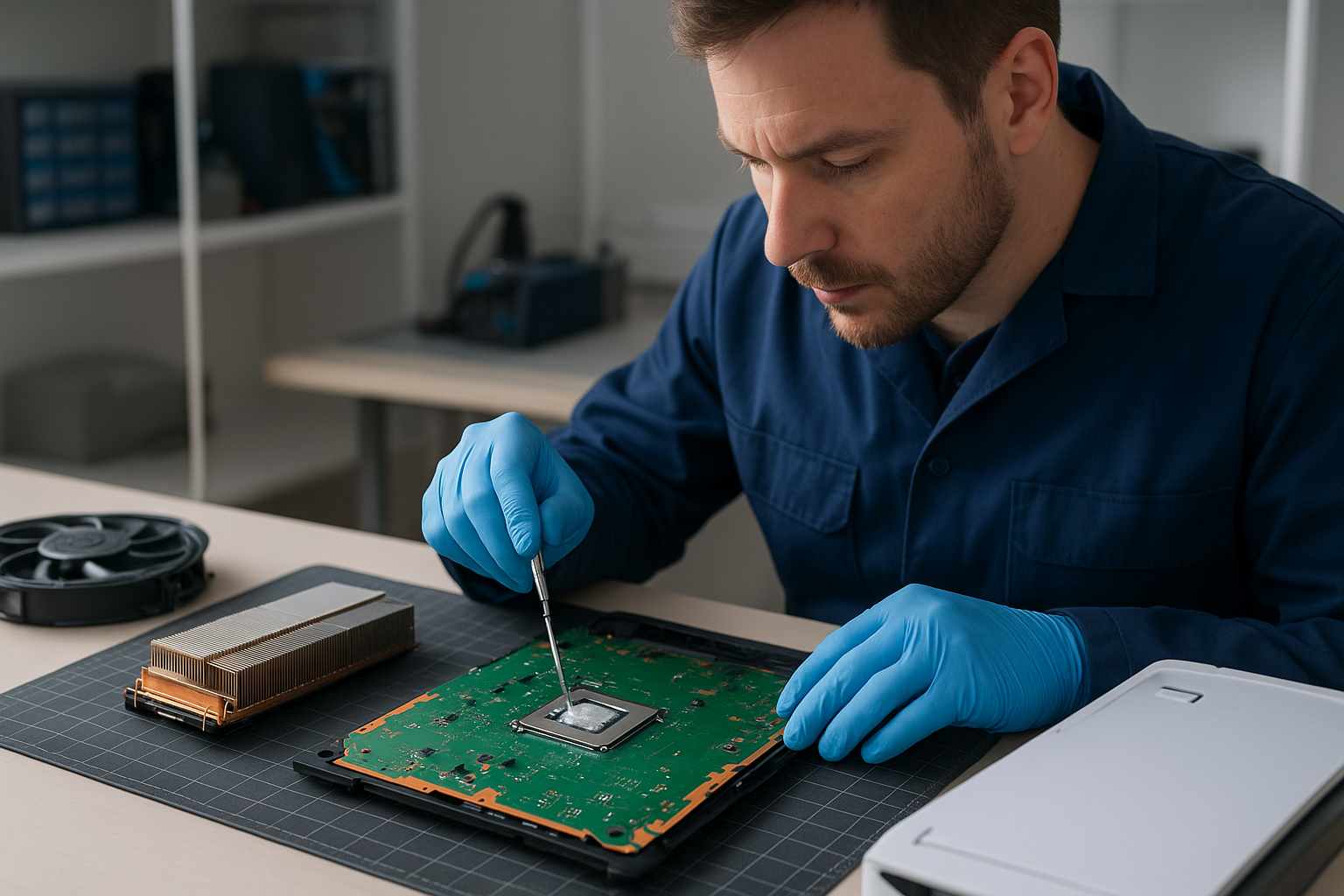
Repair steps taken: We fully disassembled the PS5 to access the APU and heatsink. After careful dust removal and ultrasonic-safe cleaning of the fan, we replaced degraded thermal pads and cleaned old thermal paste from the APU. Because the customer wanted the best long-term thermal performance, we discussed and received approval for a controlled liquid metal replacement on the APU. We applied liquid metal using a non-spill technique, reassembled the console, and performed a multi-hour stress test while monitoring temperatures and fan curves.

Final outcome: Temperatures dropped substantially (idle and load), fan noise normalized under load, and the random shutdowns ceased. The customer reported a quieter system and more stable performance during extended sessions. We documented the repair and provided maintenance tips to prevent future dust buildup.

Contact Moe Repair Today

Moe Repair

778-951-4872

service@moerepair.ca

If your Xbox Series X or PlayStation is struggling with overheating, loud fans, or random shutdowns, bring it to Moe Repair for expert service in Coquitlam. For other device needs, check our computer repair in Coquitlam, laptop repair in Coquitlam, and MacBook repair in Coquitlam pages. To schedule service, contact Moe Repair or call 778-951-4872 today.

Laptop screen replacement Coquitlam: fast, reliable repairs

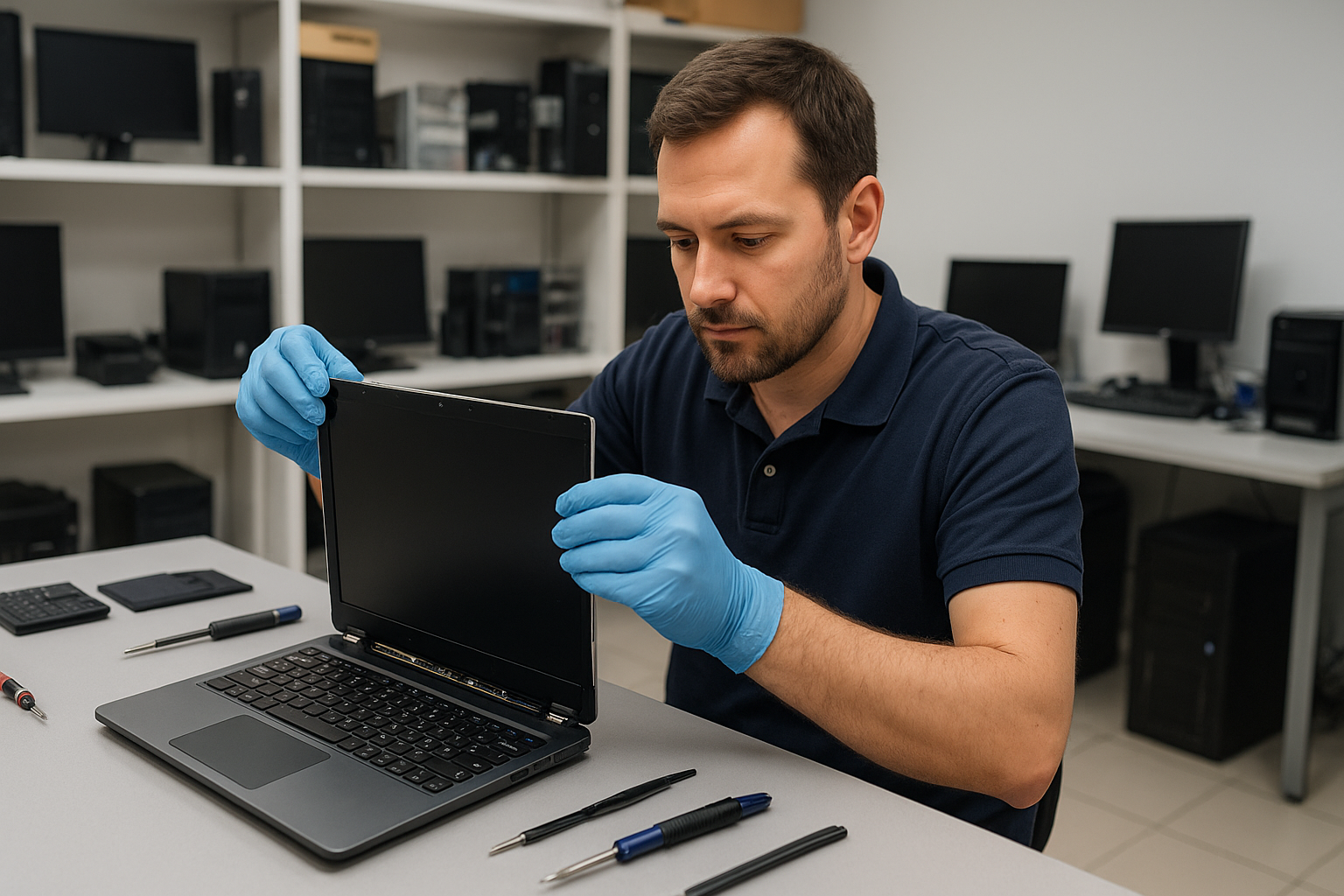
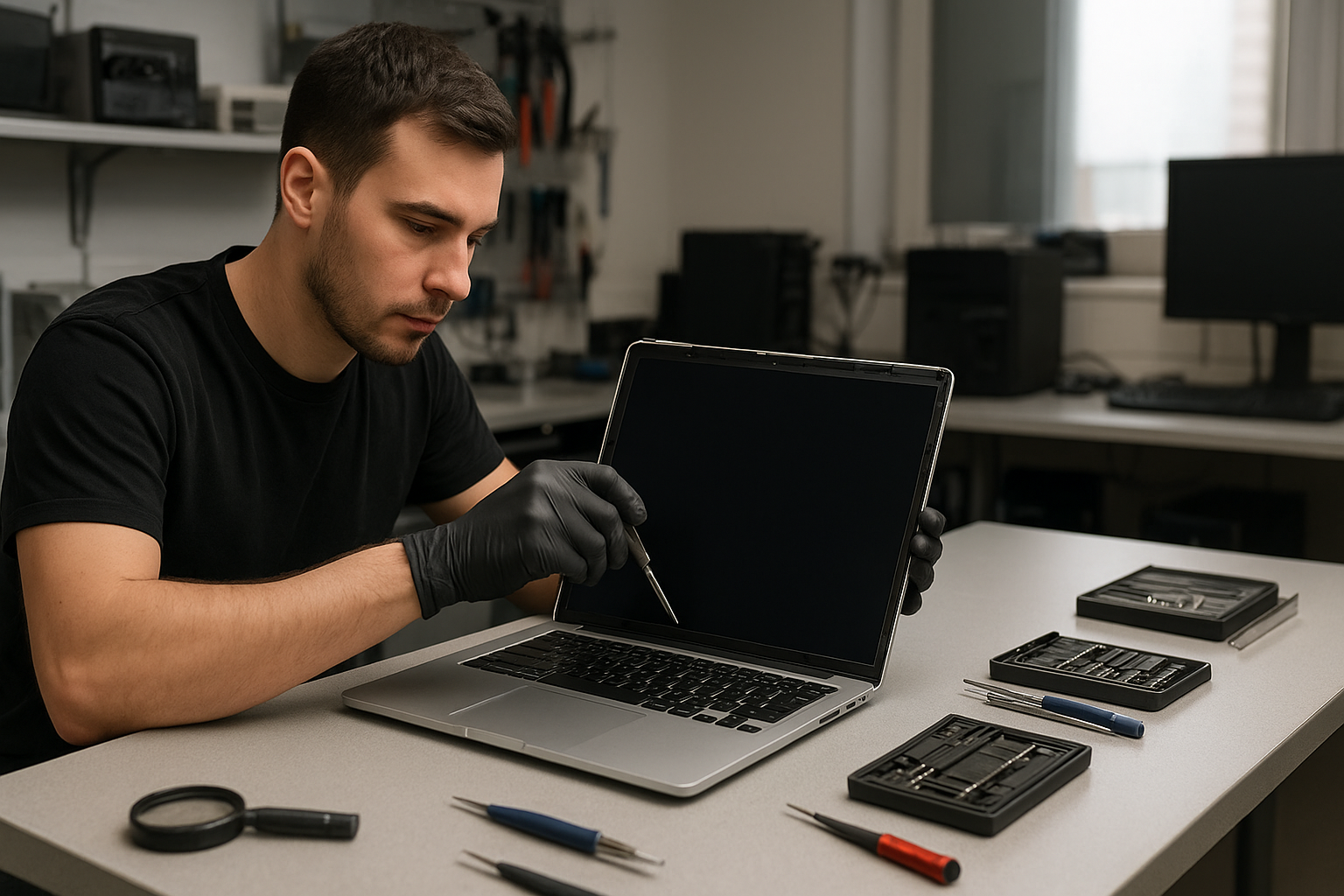
If your display is cracked, showing vertical lines, flickering, or no image at all, a Laptop screen replacement Coquitlam technician at Moe Repair can diagnose the issue the same day. I inspect panels, cables, and graphics outputs to find the root cause before replacing any parts. That helps avoid unnecessary costs and gets your laptop back in working order faster.

Common symptoms that need a screen replacement

Customers in Coquitlam often bring laptops with these symptoms: visible cracks, spider webbing, black spots, white or colored lines, backlight failure, touch digitizer issues, and total black screens while the system boots. Sometimes the laptop shows an image on an external monitor but not on the internal panel. These details help me narrow down whether the LCD, the display cable, the inverter on older units, or the GPU is the problem.

How we diagnose screen problems

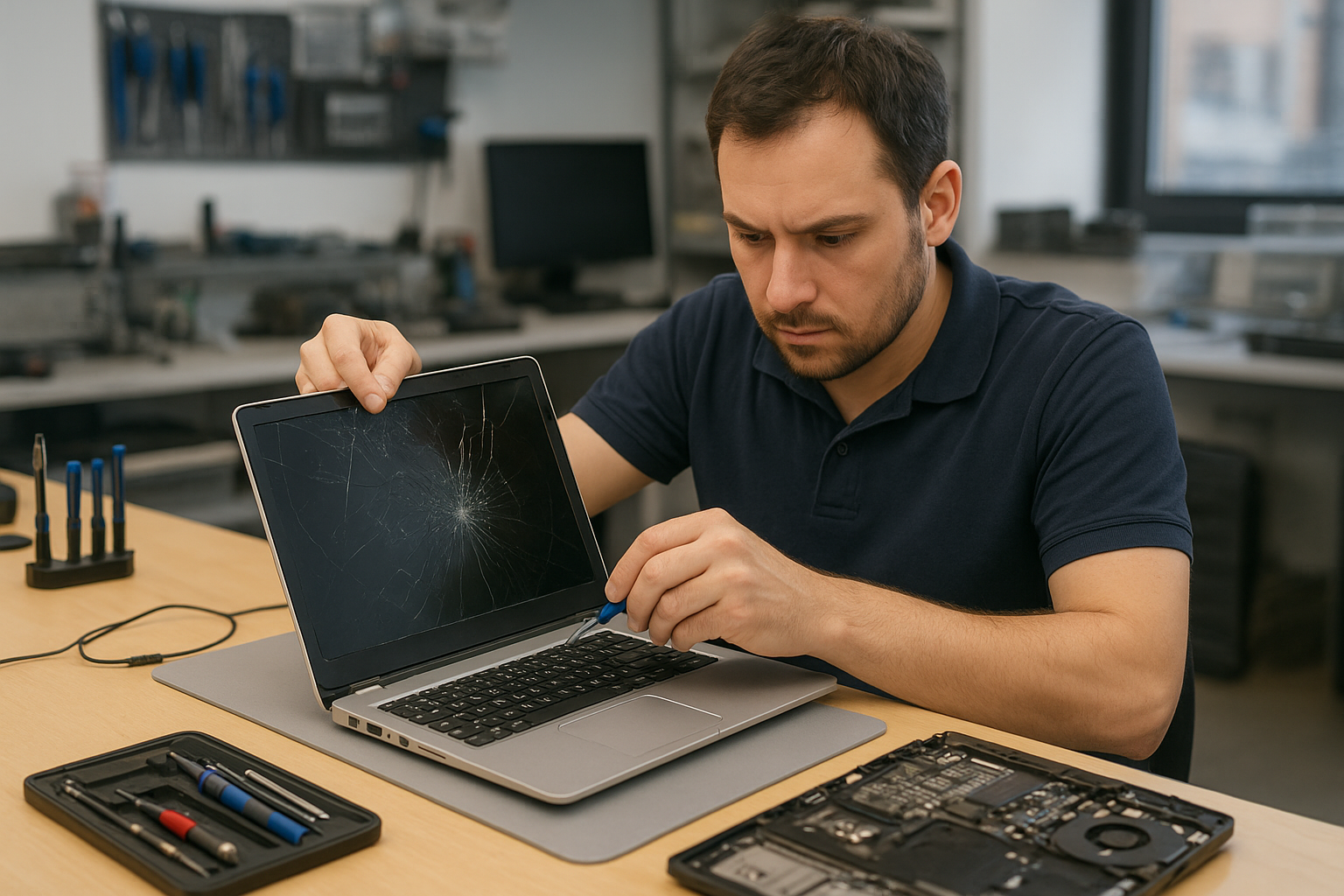
Diagnostics start with a quick visual and functional check. I connect an external monitor to determine if the GPU outputs video. I open the bezel to inspect the display connector, looking for loose pins, torn cables, or burnt traces. For backlight problems I test the LED driver and measure power rails with a multimeter. I also test the digitizer on touch models. When necessary I use known-good donor panels to confirm whether a new panel fixes the issue before ordering parts.

Real repair procedures we use

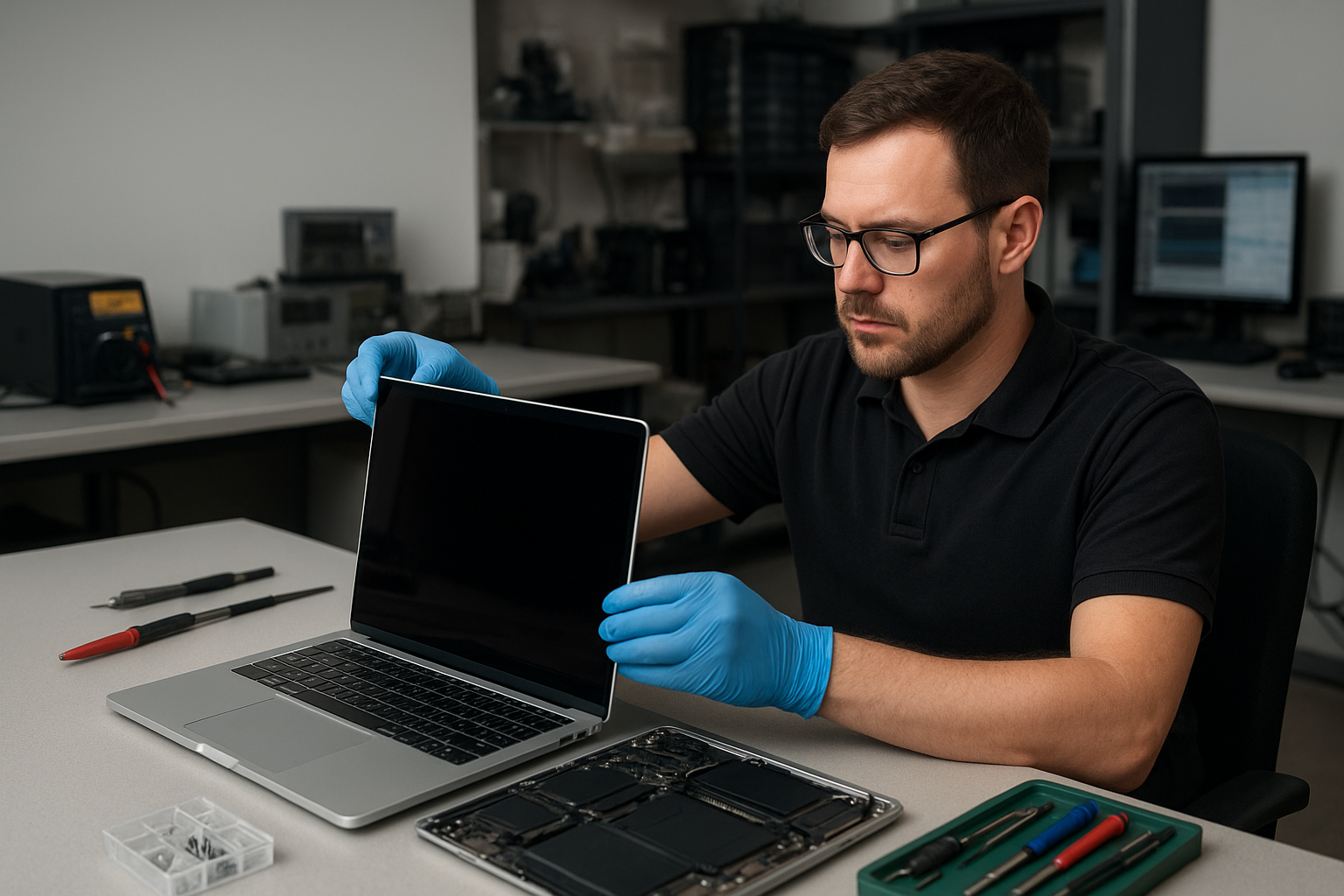
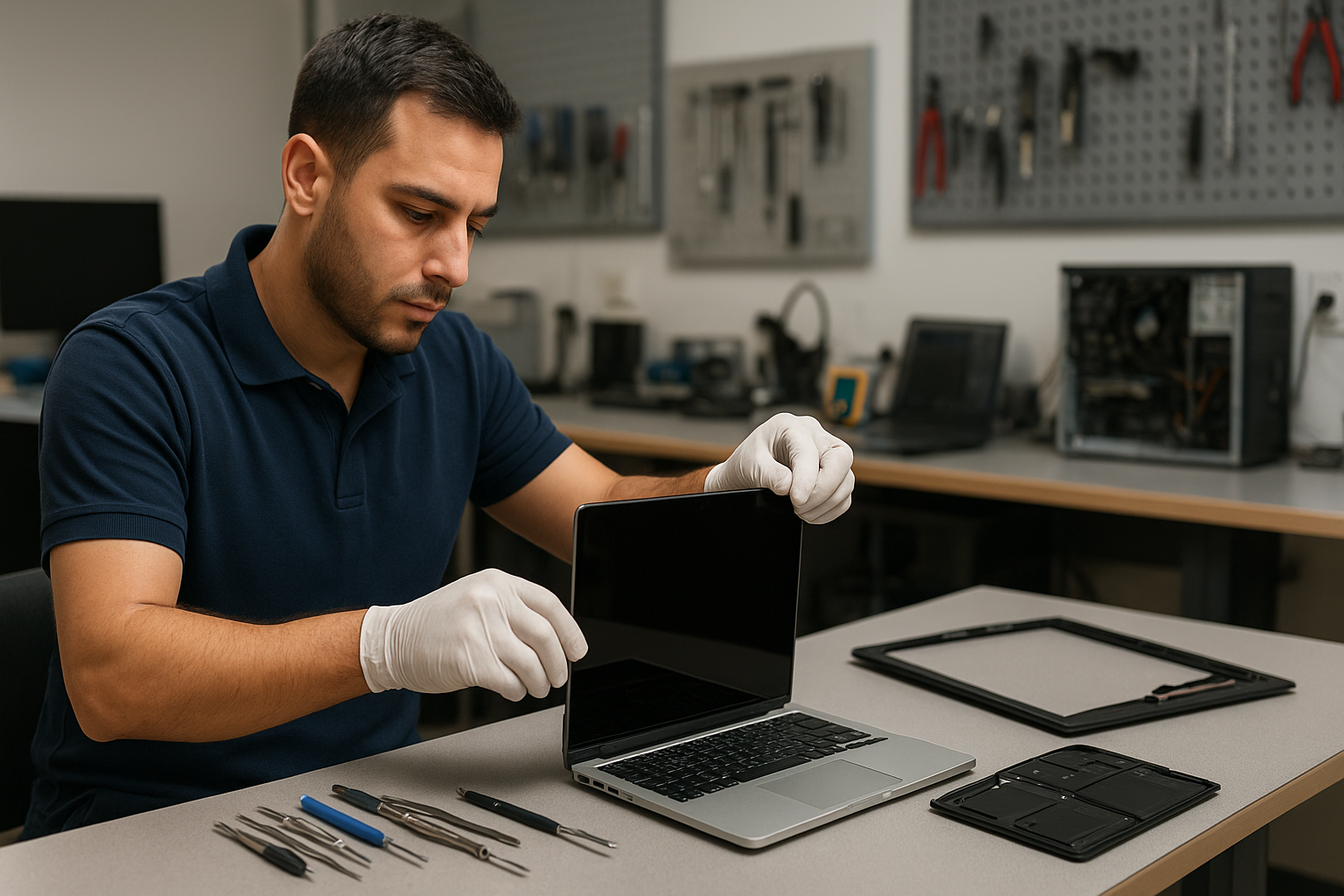
After diagnosis I follow a step-by-step repair process: power down and remove battery, discharge capacitors, remove bezel screws, pry bezel carefully, disconnect the LVDS or eDP cable, swap the panel, reconnect and test before sealing the bezel. I use OEM or high-quality aftermarket panels depending on availability and budget. For touchscreen laptops I replace both the glass and digitizer if needed and re-calibrate the touch controller. I always follow ESD safe practices and test the repaired unit under load to confirm stability.

Example repair from our Coquitlam shop

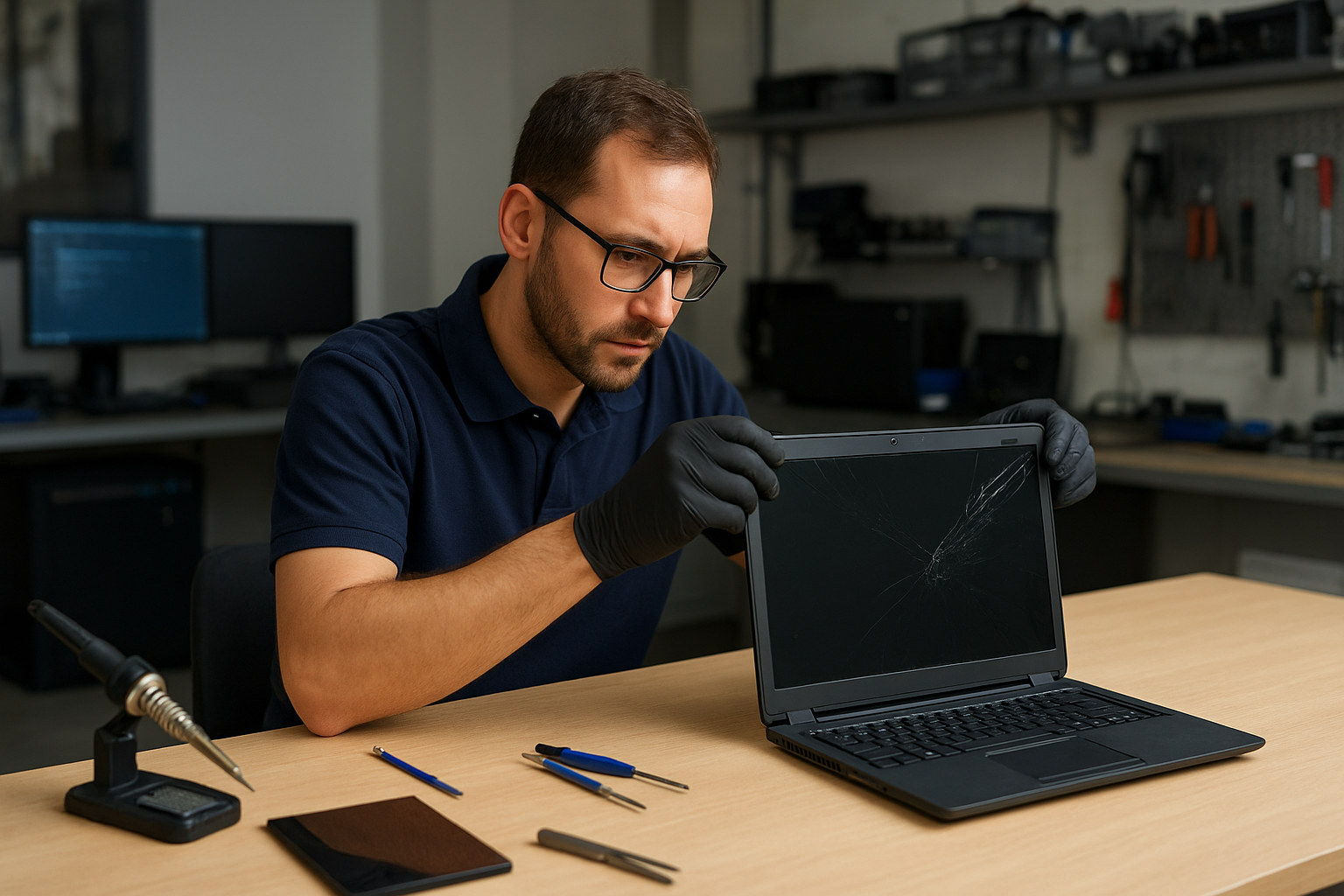
A recent customer from Coquitlam brought a Lenovo ThinkPad with a cracked screen and intermittent backlight. The laptop powered on and BIOS booted, but the internal display had black bands and the touch layer failed. I connected an external monitor which displayed normally. I removed the bezel, inspected the eDP cable and connector, and confirmed a cracked LCD panel. I sourced a compatible ThinkPad panel, replaced the panel and digitizer, reseated the connector, and tested brightness control and touch responsiveness. The screen returned to normal, and the customer tested the machine before pickup. I explained repair options and pricing before starting. The repair did not require motherboard work and completed the same day.

Parts, models, and brand experience

We repair a wide range of brands and models including Dell XPS, Inspiron, Alienware, HP Pavilion, Envy, Omen, Lenovo ThinkPad and IdeaPad, ASUS ZenBook and ROG, Acer Aspire and Nitro, and Apple MacBook Air and Pro. For MacBook screen issues we follow Apple-specific procedures and can work on Retina displays and LED backlight modules. If your laptop needs additional services like battery replacement or motherboard repair, we can handle those as well to restore full functionality.

When a screen replacement is not the only fix

Sometimes the visible symptom hides other faults. Liquid damage, failed graphics chips, or a damaged display cable can mimic a dead panel. In those cases I recommend a full inspection and may suggest services such as data recovery, SSD upgrades, or operating system repair. I always show customers test results so you understand the reason for the repair recommendation.

Pricing, parts sourcing, and timelines

Costs depend on model and panel type. Standard 15.6 inch LCD replacements are quicker and less expensive than high-resolution OLED or Retina assemblies. I quote parts and labor after a hands-on diagnostic. When panels are in stock I can often complete the repair the same day. I offer OEM sourcing when possible and explain warranty on both parts and labor.

Practical advice for laptop owners

  • Power down and avoid using a cracked screen to prevent further damage.
  • Back up important files before any repair. If you need help, we offer data recovery.
  • If the image appears only on an external monitor, mention that when you call to speed up diagnostics.
  • Keep your receipt and serial number—warranty or prior repairs can affect part sourcing.

FAQ

Below are common questions local customers ask. For more detail, please contact our shop.

Contact Moe Repair Today

Moe Repair offers a free consultation and same-day diagnostics in many cases. Call 778-951-4872 or email service@moerepair.ca to describe your laptop issue and schedule a drop-off in Coquitlam. We serve nearby areas including Port Moody and Port Coquitlam and can advise if walk-in service is available. I will explain repair options, part choices, and expected timelines before any work begins. Reach out and we will help prioritize your repair based on urgency.

Why choose Moe Repair in Coquitlam

I combine 15 years of repair experience with clear diagnostics and honest pricing. Many local customers recommend us for laptop hinge repair, trackpad repair, thermal paste replacement, and complex motherboard work alongside screen replacements. You can also find help for virus removal, Windows installation, and printer setup. If you are unsure whether you need a screen, bring the laptop in and I will run targeted tests.

Contact information: Moe Repair — Phone: 778-951-4872 — Email: service@moerepair.ca. For broader laptop servicing options see our pages on laptop repair in Coquitlam and MacBook repair in Coquitlam. To schedule a visit use our contact Moe Repair page.

Local service and nearby coverage

We serve Coquitlam directly and provide repairs for customers from Port Moody, Port Coquitlam, Burnaby, and Vancouver. If travel is difficult we can discuss parts-only options or arrange a convenient drop-off.

PS5 cleaning service Coquitlam

Professional Console Repair and Maintenance

At Moe Repair in Coquitlam we specialize in professional console repair and maintenance with over 15 years of hands-on experience. Our team diagnoses and services PS5 systems including the PS5 Slim and PS5 Pro, and we also support Xbox Series X and Xbox Series S consoles. Whether you’re dealing with loud fan noise, random shutdowns, overheating, poor performance, or visible dust buildup, our technicians provide thorough, reliable service for gamers across Coquitlam and nearby communities like Burnaby, Port Moody, Port Coquitlam, New Westminster and Maple Ridge.

PS5 Liquid Metal Replacement

One of the advanced services we offer is PS5 liquid metal replacement. Over time thermal paste and factory thermal interfaces can degrade, leading to higher temperatures and throttling. Liquid metal provides superior thermal conductivity for PS5 CPUs and GPUs compared to standard thermal paste when applied correctly. Our process includes full disassembly, safe cleaning of mounting surfaces, application of liquid metal under strict safety and insulation protocols, and thorough testing. We service PS5, PS5 Slim and PS5 Pro models, and advise when liquid metal is appropriate versus high-quality thermal paste based on age, symptoms, and usage patterns.

Console Cleaning and Dust Removal

Dust buildup is the most common cause of noise and overheating in gaming consoles. Our PS5 cleaning service Coquitlam covers internal dust removal, fan cleaning, and cleaning of heat sinks and vents. We use anti-static procedures and compressed air and vacuum systems designed for electronics to remove accumulated dust without pushing it further into the system. After cleaning, we inspect cooling paths and fans for damage and replace worn or noisy fans when necessary. Regular dust removal not only reduces loud fan noise but also prevents long-term performance issues and random shutdowns.

Console Overheating Repair

Overheating can show up as thermal throttling, FPS drops, graphical glitches, or sudden shutdowns. Our overheating repair workflow starts with temperature and performance diagnostics to identify whether the cause is dust, failing fans, degraded thermal interface material, or a deeper hardware fault. Common repairs include fan cleaning or replacement, reflowing or replacing thermal compounds, liquid metal replacement when appropriate, and addressing airflow blockages. We test consoles under load to verify temperatures and stability after repair so you can return to uninterrupted gaming in Coquitlam and neighboring cities.

Signs Your Console Needs Service

Watch for these clear signs your PS5 needs professional attention:

  • Loud or unusual fan noise during light use
  • System feels hot to the touch or vents are blowing very warm air
  • Random shutdowns or reboots, especially under load
  • Performance issues such as frame drops or stuttering
  • Excessive dust visible in vents, ports, or on external surfaces

If you experience any of these symptoms in Coquitlam, Burnaby, Port Moody, Port Coquitlam, New Westminster or Maple Ridge, bring your console in for a diagnostic. Our early intervention can prevent more expensive repairs down the line.

Why Thermal Management Matters

Thermal management is critical for maintaining optimal performance and lifespan of modern consoles. The PS5’s powerful CPU and GPU generate significant heat under sustained load. Proper thermal management includes clean airways, functioning fans, and effective thermal interface materials. Neglecting these can lead to thermal throttling — where the system deliberately reduces clock speeds to cool down — resulting in reduced performance and a degraded gaming experience. At Moe Repair we focus on effective thermal solutions: fan tuning, dust removal, and when necessary, careful liquid metal application to improve heat transfer and stability.

Gaming Consoles We Service

While our focus keyword is PS5 cleaning service Coquitlam, our technicians are experienced with a wide range of consoles and models. We regularly service:

  • PS5, PS5 Slim, PS5 Pro
  • Xbox Series X, Xbox Series S
  • Older PlayStation and Xbox models (diagnostics and cleaning available)

We also perform related electronics work and can coordinate with our other services for customers who need computer repair in Coquitlam, laptop repair in Coquitlam, or MacBook repair in Coquitlam.

Why Choose Moe Repair

Located in Coquitlam, Moe Repair has built a reputation for honest diagnostics and transparent pricing. Our advantages include:

  • Over 15 years of professional repair experience
  • Specialized PS5 knowledge, including liquid metal work and thermal management
  • Cleanroom-style disassembly and anti-static procedures
  • Fast turnarounds for common services like fan cleaning and dust removal
  • Local support for Coquitlam, Burnaby, Port Moody, Port Coquitlam, New Westminster and Maple Ridge

For questions, you can always contact Moe Repair to book a diagnostic or request a quote.

Frequently Asked Questions

How often should I have my PS5 cleaned?

We recommend a basic external cleaning every 3 months if you game heavily, and an internal cleaning and inspection every 12 months. Homes with pets or smoking may require more frequent services due to faster dust and debris accumulation.

Is liquid metal safe for my PS5?

When applied by experienced technicians, liquid metal is safe and offers improved thermal performance. It requires careful masking and insulation to prevent short circuits. We only recommend liquid metal after a full diagnostic confirms it is appropriate for the unit.

Will cleaning fix random shutdowns?

Cleaning often resolves shutdowns caused by overheating due to dust and poor airflow. If shutdowns persist after cleaning, we perform further diagnostics to check for failing power components or board-level issues.

How long does a typical PS5 cleaning service take?

Basic cleaning and fan inspection can be completed the same day in many cases (usually 1-3 hours). More involved work, including liquid metal replacement or fan replacement, can take 1-3 business days depending on parts availability and workload.

Do you offer warranties on repairs?

Yes. We provide a warranty on parts and labor for repairs we complete. Warranty length varies by repair type—ask a technician for specific terms when you drop off your console.

Real Repair Example

Case: PS5 with persistent overheating and loud fan noise. A customer from Port Moody brought a PS5 that would heat up quickly and shut down during long sessions. Symptoms included loud, high-RPM fan noise, occasional random shutdowns, and reduced frame rates.

Diagnostic process: We began with external inspection and temperature logging during a controlled load test. Internal inspection revealed heavy dust buildup in the intake and heat sink fins, a slightly misaligned fan blade causing extra vibration, and dried thermal paste on the CPU/GPU contact surfaces.

Service performed: Full disassembly and anti-static cleaning removed dust from vents, fan assembly and heat sink. The damaged fan was replaced with a matched OEM-spec unit and the fan housing was realigned. We cleaned the CPU/GPU surfaces and, due to the age and symptoms of the unit, recommended a liquid metal replacement for improved thermal transfer. After careful masking and application of liquid metal, we reassembled the system, re-ran load tests, and verified stable temperatures, reduced fan RPM under the same load, and no further shutdowns.

Outcome: The PS5 returned to the customer from Port Moody with significantly quieter operation, stable performance under extended play, and a clear reduction in internal temperatures. The customer also received maintenance tips to prolong the console’s lifespan.

Contact Moe Repair Today

Moe Repair
778-951-4872
service@moerepair.ca

If you’re experiencing overheating, loud fan noise, dust buildup, random shutdowns, or performance issues with your PS5, PS5 Slim or PS5 Pro in Coquitlam or nearby towns like Burnaby, Port Moody, Port Coquitlam, New Westminster and Maple Ridge, bring your console to Moe Repair for expert diagnostics and service. For other device needs, visit our pages for computer repair in Coquitlam, laptop repair in Coquitlam, or MacBook repair in Coquitlam. We look forward to helping you get back to gaming.

MacBook Pro battery replacement Coquitlam

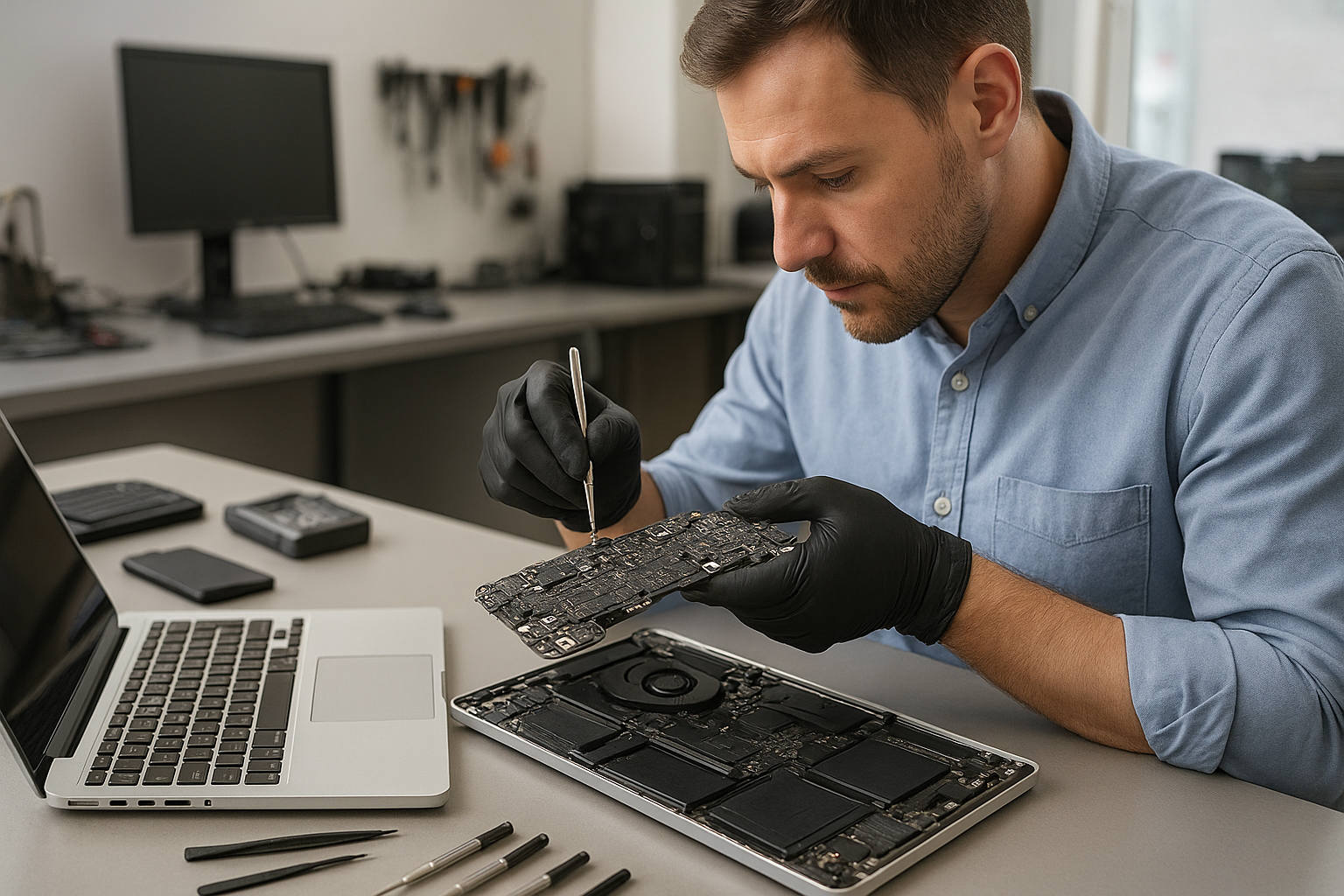
If your MacBook Pro is losing charge quickly, not charging at all, or showing a swollen battery, a MacBook Pro battery replacement Coquitlam specialist can help. I am a senior technician with 15 years of hands-on experience diagnosing batteries, logic board power rails, and SMC issues. This article explains common symptoms, realistic diagnostic steps, the replacement process, and what to expect when you bring your MacBook to Moe Repair.

Common symptoms that point to a failing battery

Customers in Coquitlam and Burnaby often report these symptoms first: sudden shutdowns, charging stuck at a percentage, battery health reporting Service or Replace Soon, visible swelling lifting the trackpad, and high cycle count in system diagnostics. A battery-related charging issue sometimes mimics a logic board failure, so a careful diagnosis matters.

MacBook Pro battery replacement Coquitlam: signs and inspection

Start with a visual inspection and software checks. I check System Information and look at cycle count and condition. I use tools like CoconutBattery for a quick snapshot of battery health and voltage. Next I perform a SMC reset and test with a known-good charger. If the battery is swollen I stop using the laptop and schedule a replacement because swelling can damage the case, keyboard, or trackpad.

Detailed diagnostic procedure

My diagnostics include:

  • Checking charger voltage and MagSafe/USB-C cable continuity.
  • Running system_profiler and CoconutBattery to read cycle count and health.
  • Inspecting the DC-in board and battery connector for corrosion or physical damage.
  • Booting into safe mode to rule out software-related charging anomalies.
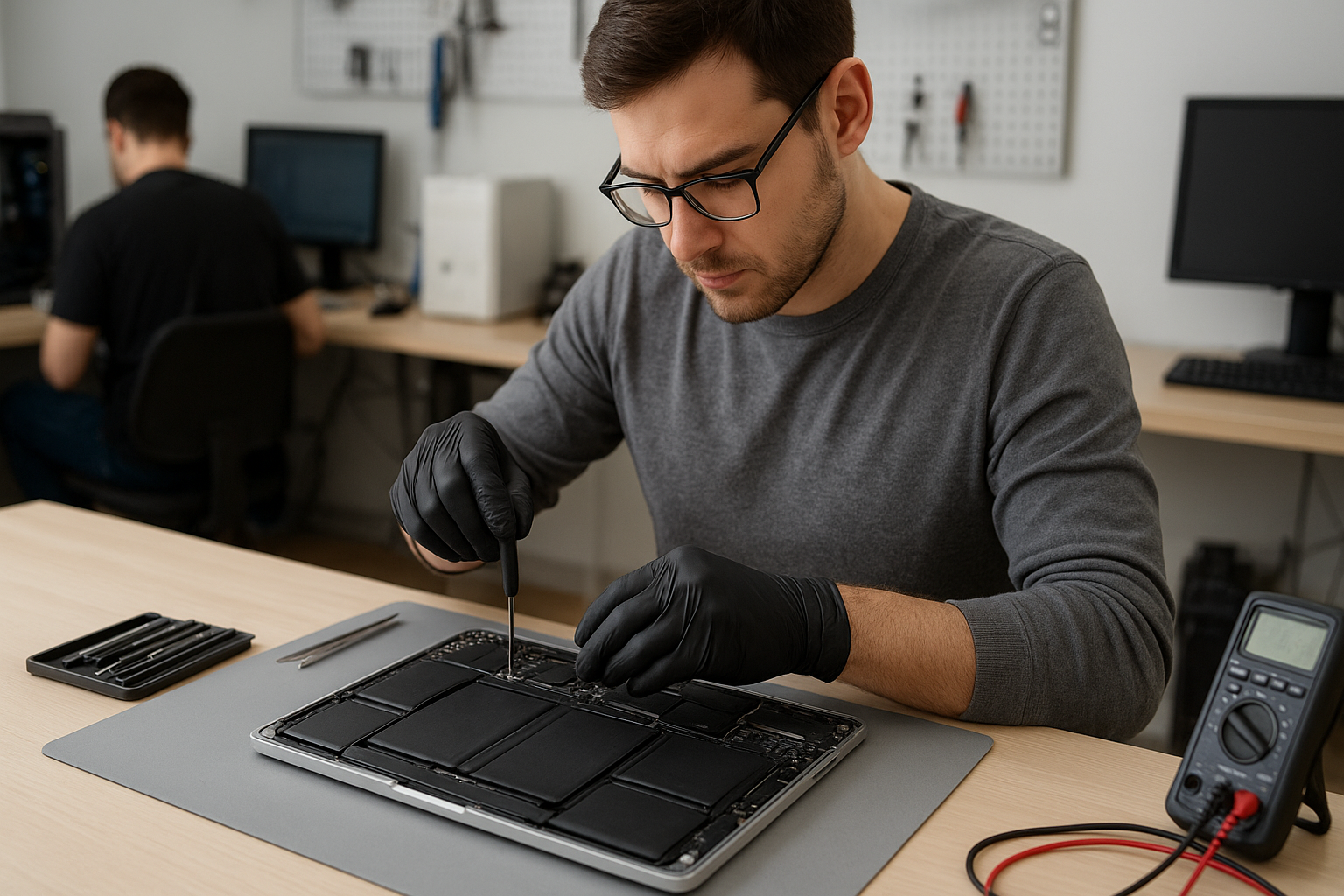
  • Using a multimeter on the battery leads for Macs where the battery is serviceable.

If diagnostics suggest the battery is the issue, I discuss options, expected costs, and replacement timelines. For other issues I might recommend motherboard repair or a charger replacement. We also handle MacBook repair in Coquitlam when a failed charging circuit or logic board is involved.

Replacement procedure and quality checks

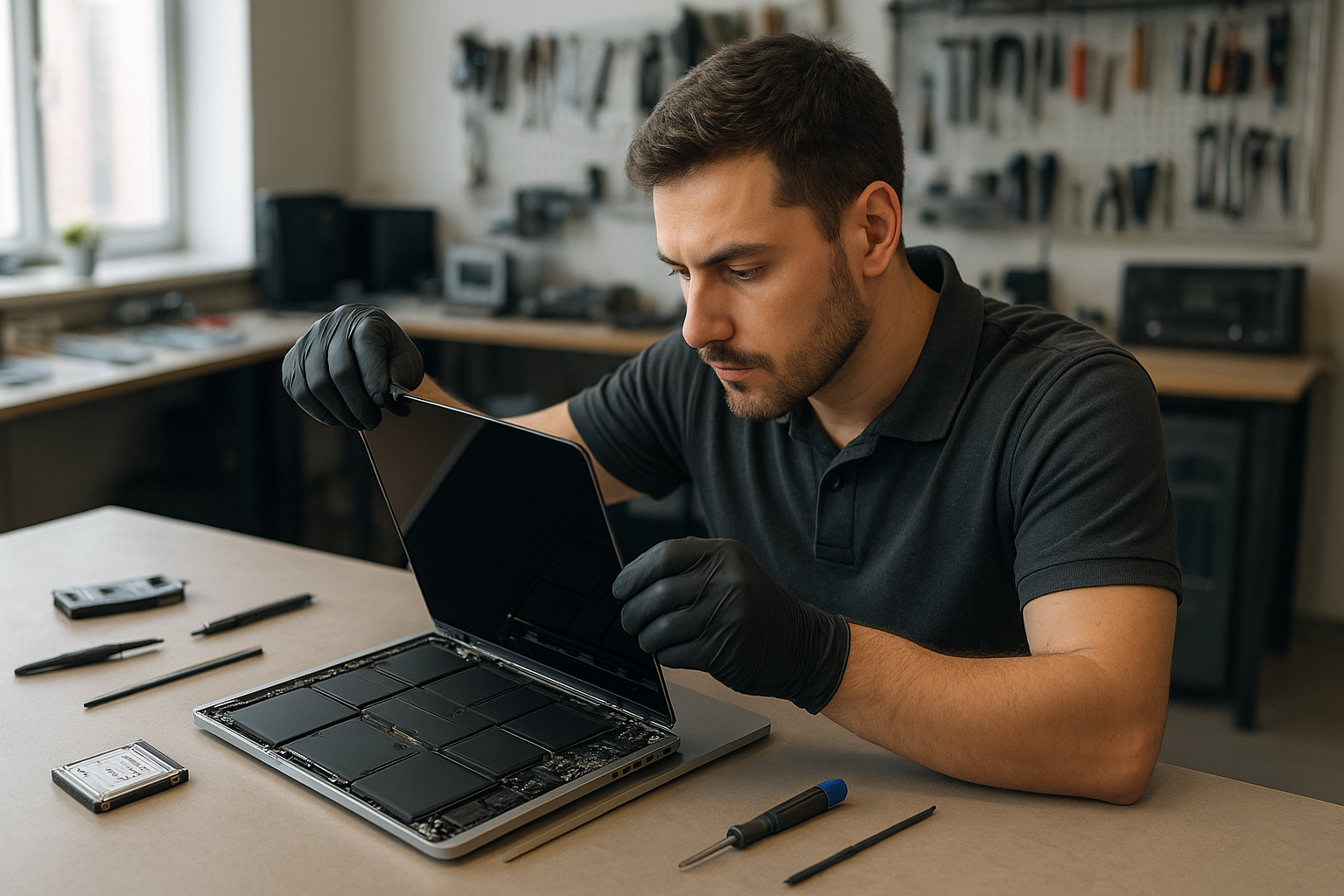
When replacing a battery I follow safe, manufacturer-aware procedures: power down, remove the lower case, disconnect the battery connector before any other work, and remove adhesive using approved solvents and pry tools. For Retina MacBook and MacBook Pro 2016 and later models I take extra care with battery cell adhesives and flex cables. I install a genuine-equivalent battery, reconnect, and run a full calibration and stress test for at least 6 to 24 hours to confirm stable charging under load.

After replacement I run a full system check, including thermal monitoring and an SMC health check. If any sign of a deeper problem appears, such as abnormal current draw on the logic board, I will explain motherboard repair options or an SSD upgrade if performance issues are present.

Real-world repair example

A recent customer from Port Moody brought in a Mid-2015 MacBook Pro 13 that would only run when plugged in and showed a Service battery status. I checked the charger and verified 16.5V on the adapter, then confirmed the battery cycle count was over 900 and internal voltage sag under load. The battery had no visible swelling but failed voltage tests. I explained replacement options, obtained customer approval, and replaced the battery with a tested unit. After replacement I ran CoconutBattery and a 12-hour load test. The MacBook reported Normal condition and held charge through the test. The customer left satisfied and the laptop no longer required constant tethering to a charger.

Cost, parts, and warranty details

Costs vary by model: older MacBook Pro 13 and 15 batteries typically cost less than newer Retina and 16-inch models. We provide transparent pricing and use quality batteries with a local warranty. If data recovery is needed during a repair we can handle that too — see our data recovery in Coquitlam page for options. For other services such as screen replacement, keyboard replacement, or thermal paste refresh we can combine repairs to save time and shipping costs.

How to prepare your MacBook before you bring it in

Back up your data with Time Machine or a manual copy. If you cannot power on, we can still perform diagnostics and offer partial data recovery. Remove any third-party cases. Bring your charger and tell us the symptoms and when they began. If your MacBook has liquid damage or a swollen battery, power it off and do not try to puncture the battery.

Why choose Moe Repair for battery replacement

Moe Repair has 15+ years repairing laptops and computers in Coquitlam and nearby areas like New Westminster and Port Coquitlam. We handle Apple battery service, logic board troubleshooting, and offer related services like SSD upgrades, virus removal, and operating system repair. If your case requires a motherboard repair or a trackpad replacement after a swollen battery, we have the tools and experience to advise you honestly.

Contact Moe Repair Today

If you need a MacBook Pro battery replacement Coquitlam, call Moe Repair for a free consultation and fast turnarounds. We offer in-shop diagnostics and local pickup in Coquitlam, and we serve nearby cities including Burnaby, Port Moody, and New Westminster. Call Moe Repair at 778-951-4872 or email service@moerepair.ca to book an appointment. We will run a complete battery and charging system check, explain repair options, and schedule the replacement with genuine-equivalent parts and a local warranty. If your device needs additional work we can combine services like a screen replacement or SSD upgrade to get your MacBook reliable again.

For laptop work beyond batteries we also provide laptop repair in Coquitlam and full computer repair in Coquitlam. Ready to start? Contact Moe Repair today.

Moe Repair
Phone: 778-951-4872
Email: service@moerepair.ca

Frequently asked questions

See the FAQ below for quick answers to common concerns. If you do not find your question, call us for a free consultation.

Xbox Series X thermal paste replacement Coquitlam

Professional Console Repair and Maintenance

At Moe Repair in Coquitlam, we specialize in console thermal management and full-service maintenance for modern gaming systems. Whether you live in Coquitlam, Burnaby, Port Moody, Port Coquitlam, New Westminster, or Maple Ridge, our experienced technicians provide precise diagnostics and repairs for overheating, loud fan noise, random shutdowns, and performance issues. Our services range from Xbox Series X thermal paste replacement to PS5 liquid metal replacement, fan cleaning, and comprehensive dust removal.

PS5 Liquid Metal Replacement

Liquid metal is an advanced thermal compound used in many high-performance PS5 models and aftermarket upgrades, particularly popular for PS5, PS5 Slim, and PS5 Pro users seeking the best thermal conductivity. We perform careful liquid metal inspection, safe application, and, if needed, replacement services. Liquid metal delivers superior thermal transfer but requires meticulous handling to prevent short circuits and substrate damage. Our technicians follow manufacturer-aware procedures, consult owners about warranty considerations, and can revert or replace liquid metal with high-grade thermal paste if you prefer a safer long-term option.

Console Cleaning and Dust Removal

Dust buildup is one of the primary causes of overheating and loud fan noise in consoles. Our cleaning process includes full disassembly, targeted dust removal from vents, heatsinks, and fan blades, and a thermal inspection of heatpipes and cooling plates. We service Xbox Series X and Xbox Series S as well as Sony systems like the PS5, PS5 Slim, and PS5 Pro. Dust removal is essential not just for immediate temperature reduction but for preventing long-term performance degradation and component stress that leads to random shutdowns.

Console Overheating Repair

Overheating symptoms include elevated internal temperatures, loud fan noise during moderate loads, FPS drops, graphical glitches, and random shutdowns. Our overheating repair workflow is methodical:

  • Detailed temperature and fan-speed diagnostics using industry-standard tools
  • Full internal inspection for dust, degraded thermal paste, or failed fans
  • Fan cleaning or replacement, and heatsink servicing
  • Thermal paste replacement or liquid metal re-application as appropriate
  • Stress testing to confirm thermal stability under load

This process applies to both Xbox Series X thermal paste replacement Coquitlam customers and owners of PS5 family consoles. Our goal is to restore quiet, consistent performance and eliminate the risk of overheating-related hardware failures.

Signs Your Console Needs Service

Watch for these common signs that indicate a thermal or cooling issue:

  • Loud or unusually frequent fan ramps during light gameplay
  • Random shutdowns or automatic reboots during games or updates
  • Decreased performance, frame drops, or thermal throttling
  • Persistent high surface temperatures on the console chassis
  • Visible dust buildup around vents and in fan intakes

If you notice any of these in your Xbox Series X, Xbox Series S, PS5, PS5 Slim, or PS5 Pro, bring your console to Moe Repair in Coquitlam for a professional evaluation.

Why Thermal Management Matters

Proper thermal management increases component lifespan, maintains stable performance, and prevents catastrophic failures. Thermal paste and liquid metal bridge the microscopic gaps between the CPU/GPU and the heatsink; over time these compounds dry out or migrate, reducing heat transfer efficiency. Replacing degraded thermal paste on an Xbox Series X can lower operating temperatures by several degrees, reduce fan noise, and stop thermal throttling. For PS5 systems with liquid metal, proper application is critical for optimal cooling but requires expertise to avoid conductivity risks.

Gaming Consoles We Service

Moe Repair services a wide range of consoles with an emphasis on thermal systems and cooling repairs:

  • Xbox Series X — full thermal paste replacement, fan cleaning, and heatsink inspection
  • Xbox Series S — cleaning service and thermal maintenance
  • PS5, PS5 Slim, PS5 Pro — liquid metal replacement, fan cleaning, and general maintenance
  • Legacy consoles — select repairs for older systems with cooling problems

We also provide complementary services for gamers who use PCs and laptops: computer repair in Coquitlam, laptop repair in Coquitlam, and MacBook repair in Coquitlam.

Why Choose Moe Repair

With over 15 years of experience in console and electronics repair, Moe Repair offers:

  • Local expertise in Coquitlam and nearby communities like Burnaby, Port Moody, Port Coquitlam, New Westminster, and Maple Ridge
  • Professional diagnostics and transparent pricing
  • Careful component-level work: thermal paste replacement, liquid metal handling, fan replacements, and dust removal
  • Fast turnaround on most thermal jobs and thorough testing to ensure full stability
  • Friendly support and clear advice about maintenance to avoid future overheating

When you need reliable Xbox Series X thermal paste replacement in Coquitlam, we combine technician skill with customer service to get you back to gaming quickly and safely. You can also contact Moe Repair to schedule a service or get a quote.

Frequently Asked Questions

How do I know if my Xbox Series X needs thermal paste replacement?

If your console runs hot, fans are louder than usual, or you experience random shutdowns and performance drops, the thermal interface may have degraded. Our diagnostics confirm if thermal paste replacement will help.

Is liquid metal better than thermal paste for PS5?

Liquid metal has superior thermal conductivity and can lower temperatures more effectively on PS5 models, but it is electrically conductive and requires expert application. We evaluate each PS5, PS5 Slim, or PS5 Pro individually and discuss the best option for your unit.

How long does Xbox Series X thermal paste replacement take?

Most thermal paste replacements are completed within 1–3 business days depending on workload and parts availability. We always perform post-service stress testing to ensure the repair is successful.

Can cleaning my console at home prevent overheating?

Basic external cleaning helps, but internal dust removal, fan cleaning, and periodic thermal inspections by a technician are the most effective ways to prevent overheating and performance issues.

Do you service consoles from outside Coquitlam?

Yes. Gamers from Burnaby, Port Moody, Port Coquitlam, New Westminster, Maple Ridge, and surrounding areas bring consoles to our Coquitlam shop. We also advise on safe shipping procedures for customers who need to mail their consoles for repair.

Real Repair Example

Case: A PS5 brought in from Port Moody exhibiting loud fan noise, frequent high-temperature warnings, and random shutdowns during 4K gameplay. Initial diagnostics recorded core temperatures 12–18°C above expected levels under load. We disassembled the unit and found heavy dust accumulation in the intake ducts, an uneven liquid metal application from a previous aftermarket job, and a partially obstructed fan bearing.

Repair process:

  1. Complete dust removal using compressed air, anti-static brushes, and targeted vacuuming.
  2. Fan cleaning and bearing lubrication where appropriate; replaced the fan assembly because the bearing showed early signs of failure.
  3. Careful removal and inspection of the liquid metal layer. After evaluating risk and owner preference, we re-applied new liquid metal using a controlled syringe method, masked surrounding PCB areas, and verified isolation to prevent any conductive bridging.
  4. Reassembly and multi-hour stress testing with thermal logging to verify stable temperatures and fan behavior.

Outcome: The PS5’s peak temperatures dropped by 10–14°C, fan noise returned to a quiet background level during gameplay, and random shutdowns were eliminated. The owner reported smoother performance and longer uninterrupted sessions.

Contact Moe Repair Today

Moe Repair

778-951-4872

service@moerepair.ca

For professional Xbox Series X thermal paste replacement Coquitlam residents trust, or to discuss PS5 liquid metal replacement, cleaning, and overheating repairs, contact Moe Repair or call us at 778-951-4872. We’re here to keep your console cool, quiet, and running at peak performance.

Laptop screen replacement Coquitlam: Fast, Reliable Screen Repair

At Moe Repair I perform Laptop screen replacement Coquitlam for cracked, flickering, or black screens. If your display shows lines, has a shattered glass layer, or the backlight is dead, a timely replacement can restore usability and prevent further damage. I provide hands-on diagnostics, OEM and high-quality aftermarket panels, and clear repair options.

Why choose Moe Repair for laptop screen replacement Coquitlam

I have over 15 years of experience repairing laptop displays, motherboards, and touch digitizers on-site in Coquitlam. I diagnose issues, show you the failed components, and explain why a screen replacement is recommended versus other repairs. For related services I also handle laptop repair in Coquitlam and computer repair in Coquitlam, and I regularly service MacBook screens through MacBook repair in Coquitlam.

Common screen symptoms and diagnostics

Symptoms I see every week include:

  • Cracked glass with a working backlight but dead pixels.
  • Black screen with audio and fans running.
  • Flickering or vertical/horizontal lines.
  • Dim image indicating LED backlight or inverter issues.
  • Unresponsive touch on convertible or touchscreen models.

My diagnostic steps are systematic. First I test the laptop on an external monitor to confirm whether the GPU and motherboard output video. Next I inspect the LCD connector and cable for damage or corrosion. Then I test the backlight under low-light conditions and check inverter or LED driver voltages. Finally, I open the bezel to inspect the digitizer and frame for mechanical stress. This process distinguishes between an LCD replacement, backlight repair, cable replacement, or motherboard fault.

What the replacement process looks like

When you approve a screen replacement I follow a strict workflow: order the correct panel (OEM where available), backup your data if requested, remove the battery and discharge capacitors, carefully detach the old screen and disconnect the LVDS/eDP cable, and install the new display. I then align the bezel, test under load, and verify touch and brightness levels. I document serial numbers and provide a short test report.

Parts, brands, and compatibility

I source panels for most models including MacBook Pro and MacBook Air, Dell XPS and Inspiron, Lenovo ThinkPad and IdeaPad, HP Pavilion and Envy, ASUS ZenBook and ROG, Acer Aspire and Predator, and Microsoft Surface devices. For some laptops the touchscreen digitizer and glass are fused to the LCD; in those cases I order the full assembly. If OEM parts are not available I discuss high-quality aftermarket alternatives and warranty differences before proceeding.

Real repair example from a Coquitlam customer

A recent Coquitlam customer brought a Lenovo ThinkPad with a shattered glass layer and intermittent display. I first connected an external monitor to confirm the GPU output. The external display worked, which pointed to the panel assembly. After removing the bezel I found the LVDS cable intact but the edge of the LCD had visible delamination. I sourced an OEM-compatible LCD+digitizer assembly, replaced the unit, and reassembled the laptop. Post-repair tests included brightness sweeps, touch calibration, and a 30-minute stability run. The laptop returned to the customer with touch and display fully functional. I explained the parts used and provided a 90-day workmanship check. While most screen replacements are successful, I never guarantee outcomes for unrelated preexisting faults such as hidden motherboard damage.

Related repairs and services we offer

Often a screen repair pairs with other maintenance: battery replacement, SSD upgrades, motherboard repair, liquid damage repair, keyboard replacement, trackpad repair, laptop fan replacement, thermal paste replacement, OS or Windows installation, virus removal, and data recovery. If data recovery is needed before a repair I can route you to our data recovery in Coquitlam service. For gaming rigs or complex builds we also offer gaming PC repair and component upgrades.

Tips to protect your laptop screen and avoid future damage

Use a padded sleeve in backpacks, avoid placing heavy items on top of your laptop, and clean screens gently with a microfibre cloth and 70% isopropyl if needed. If you travel or commute in Metro Vancouver, consider a screen protector for extra impact resistance. For hinge-related stress I recommend avoiding opening the lid past its intended angle and checking hinges for play during regular tune-ups.

Frequently Asked Questions about Laptop screen replacement Coquitlam

Q: How long does a screen replacement typically take?
A: Most common laptop screen replacements take 2 to 4 hours once the correct part is on hand. If a part must be ordered it may take 1 to 5 business days depending on availability.

Q: Will I lose my data during a screen replacement?
A: Screen replacement itself does not erase data, but I recommend a backup prior to service if you are concerned. If needed, we can coordinate data recovery in Coquitlam before work begins.

Q: Do you use OEM parts?
A: Whenever possible I use OEM panels. If OEM is unavailable I explain aftermarket options and their warranty differences so you can choose.

Q: Can you repair a touchscreen digitizer separately?
A: Some models have the digitizer fused to the LCD, which requires replacing the whole assembly. I inspect your model and advise if separate digitizer replacement is feasible.

Q: Do you service Apple and Windows laptops?
A: Yes. I provide MacBook repair and Windows laptop services including screen replacement, battery replacement, and SSD upgrades.

Contact Moe Repair Today

Moe Repair offers a free consultation and honest pricing for Laptop screen replacement Coquitlam and nearby areas. Call Moe Repair at 778-951-4872 or email service@moerepair.ca to describe your issue and get a time estimate. We service Coquitlam and nearby communities, offer local pickup when available, and provide a clear parts warranty. If you prefer, drop by for a quick visual inspection and same-day quotes.

PS5 cleaning service Coquitlam

Professional Console Repair and Maintenance

At Moe Repair in Coquitlam, we specialize in professional console repair and maintenance with more than 15 years of experience servicing gaming systems. Our PS5 cleaning service Coquitlam is tailored to keep your console running cool and quiet. We service PS5, PS5 Slim, PS5 Pro and other modern consoles including Xbox Series X and Xbox Series S. Whether you’re in Coquitlam or nearby Burnaby, Port Moody, Port Coquitlam, New Westminster or Maple Ridge, our trained technicians deliver reliable diagnostics, cleaning, and thermal upgrades.

PS5 Liquid Metal Replacement

Liquid metal thermal compound has become a preferred solution for many PS5 owners who want optimal thermal management. We perform careful PS5 liquid metal replacement for eligible units, ensuring improved heat transfer between the SoC and heatsink. This service reduces hotspot temperatures, lowers fan RPMs, and can decrease the chance of thermal throttling and random shutdowns. Our technicians follow manufacturer-aware procedures to protect solder joints, sensors, and internal components when applying or removing liquid metal.

Console Cleaning and Dust Removal

Dust buildup is the single most common cause of loud fan noise and overheating in consoles. Our PS5 cleaning service Coquitlam includes full disassembly, targeted dust removal, and compressed-air-free cleaning of heat sinks and vents to prevent moisture or residue. We remove accumulated dust from the fan blades, intake grills, and internal channels that impede airflow. After cleaning, we reassemble and test the console to confirm quieter operation and stable temperatures.

Console Overheating Repair

Overheating can present as loud fans, frequent crashes, random shutdowns, or degraded performance. Our overheating repair process begins with a thorough diagnostic to identify root causes: dust, failed thermal pads, dried-out thermal paste, or a failing fan. For PS5 units we inspect the cooling assembly, check thermal paste condition, evaluate thermal pads, and test fan bearings. We repair or replace defective fans, reapply high-performance thermal paste or perform liquid metal replacement where appropriate, and verify results with stress testing.

Signs Your Console Needs Service

  • Loud fan noise even when idle
  • Console running hotter than usual or very warm to the touch
  • Random shutdowns during gameplay
  • Dropped frame rates, stuttering, or throttled performance
  • Visible dust buildup around vents and ports

If you notice any of these signs on a PS5, PS5 Slim, PS5 Pro, or an Xbox Series X/S, bring your console to Moe Repair in Coquitlam. Early intervention saves components and can prevent data loss or hardware failure.

Why Thermal Management Matters

Thermal management is vital for sustained performance and longevity. Modern consoles pack powerful SoCs into compact enclosures — the smaller the enclosure, the more important efficient heat transfer becomes. Proper cooling keeps GPU and CPU temperatures in the optimal range, avoids thermal throttling and preserves solder and components over time. Our services—routine fan cleaning, dust removal, thermal paste replacement, and liquid metal application—are designed to maximize airflow and heat dissipation so your PS5 Pro or PS5 Slim performs how Sony intended.

Gaming Consoles We Service

We regularly work on:

  • PS5 (standard edition)
  • PS5 Slim
  • PS5 Pro
  • Xbox Series X
  • Xbox Series S

We also provide general gaming console maintenance and diagnostics for older systems and accessories. If your console is used heavily for long sessions or is located in a pet-friendly or dusty environment, schedule periodic cleaning to maintain performance.

Why Choose Moe Repair

Moe Repair is locally owned and operated in Coquitlam with a strong reputation across Burnaby, Port Moody, Port Coquitlam, New Westminster and Maple Ridge. Our technicians are trained in console teardown, SMD-awareness, and ESD-safe handling. We prioritize careful disassembly, record serial numbers, and test thoroughly after service. Benefits of choosing us include:

  • Experienced technicians with 15+ years of electronics and console repair
  • Clear diagnostics and transparent pricing
  • Quality thermal pastes and careful liquid metal application when appropriate
  • Fast turnaround and thorough functional testing
  • Local pickup/drop-off advice for residents of Coquitlam and nearby cities

For other devices, check our computer repair in Coquitlam, laptop repair in Coquitlam, and MacBook repair in Coquitlam pages.

Frequently Asked Questions

How often should I get my PS5 cleaned?

For typical home use, we recommend a professional cleaning every 12-18 months. If your home has pets, heavy dust or smoking, consider cleaning every 6-12 months.

Is liquid metal safe for my PS5?

When applied by an experienced technician with ESD-safe methods, liquid metal is safe and effective. It offers better thermal conductivity than standard paste but requires careful application and periodic inspection.

Will cleaning void my warranty?

Disassembling a console can affect the manufacturer’s warranty. We advise checking Sony’s warranty terms. For out-of-warranty units, our cleaning and repairs are recommended. We document everything and can provide detailed reports if warranty or RMA is pursued.

Can dust cause random shutdowns?

Yes. Excess dust can restrict airflow, causing high temperatures that trigger thermal shutdowns to protect the hardware. Cleaning the fan, vents, and heat sink typically resolves this.

Do you offer fan replacement for Xbox Series X/S?

Yes. We service cooling fans and related components on Xbox Series X and Xbox Series S, and we provide the same diagnostic and cleaning process as we do for PS5 consoles.

Real Repair Example

Case: A PS5 from Coquitlam arrived with reports of loud fan noise, frequent random shutdowns during gameplay, and reduced frame rates. The unit had been in a basement gaming room for three years without professional cleaning.

Diagnostic Process: We ran a visual inspection and thermal logging. Intake vents were clogged with dust and pet hair. Temperature spikes on the SoC reached 95°C under load, indicating poor heat transfer. The fan bearings showed wear and the existing thermal paste was dried and crusted. We opened the unit in our ESD-safe bench, photographed component positions and serials, and performed component-level tests.

Service Actions: We performed a full internal cleaning—removing dust from vents, fan blades, and heat sink channels with targeted vacuum and solvent-safe swabs. The fan was replaced because of worn bearings. We cleaned the old thermal compound and inspected the die contact surfaces. Given the thermal paste condition and the owner’s desire for improved cooling, we recommended and performed a liquid metal replacement on the SoC using a non-conductive guard on surrounding components and thermal pad retention to prevent migration.

Final Outcome: Post-service thermal logs showed maximum SoC temperatures dropped by 12–15°C under the same workload. Fan noise reduced significantly and the console no longer experienced random shutdowns during extended play. We provided the owner with care tips and a recommended cleaning schedule. The customer in Port Moody reported immediate improvement and long gaming sessions without issues.

Contact Moe Repair Today

Moe Repair

778-951-4872

service@moerepair.ca

Need service? Visit our contact Moe Repair page to book an appointment or bring your console by our Coquitlam shop. We serve Coquitlam, Burnaby, Port Moody, Port Coquitlam, New Westminster and Maple Ridge with fast, professional PS5 cleaning service and overheating repair.

Protect your investment—schedule PS5 maintenance today to prevent loud fans, overheating, and performance issues. Call 778-951-4872 or email service@moerepair.ca.

Laptop screen replacement Coquitlam

Laptop screen replacement Coquitlam is a common request at Moe Repair. I see everything from hairline cracks to completely black displays. If your laptop shows vertical lines, flickering, dead pixels, or a shattered glass panel, you need accurate diagnosis before a replacement. I will outline symptoms, diagnostic steps, realistic repair procedures, and what to expect for common models like Dell XPS, MacBook Pro, HP Pavilion, Lenovo ThinkPad, and Microsoft Surface.

Laptop screen replacement Coquitlam: Signs and Symptoms

Typical symptoms include flicker during movement, backlight failure, colored bands, or a display that stays black while the laptop appears to boot. Liquid spots, touch failure on a 2-in-1, and progressively worsening dead pixels are also common. When a customer from Port Moody called with a half-black display, I asked about recent drops and checked external display behavior to separate GPU issues from the screen assembly.

Common causes of laptop screen damage in Coquitlam

Screens fail for several reasons: accidental drops, pressure and lid impacts, hinge fatigue, liquid spills, and manufacturing defects. Heat and faulty inverter circuits can dim older CCFL backlit panels. I also see problems after cheap DIY repairs where the flex cable was torn. If you want general laptop service or an SSD upgrade while we handle the display, mention that when you bring your device in.

How we diagnose broken laptop screens

Diagnosis starts with a visual inspection of the panel and hinges. Then I connect an external monitor to check graphics output. If the external display is fine, the problem is the LCD, digitizer, or backlight. I open the bezel and inspect the LVDS/eDP cable, inverter, and connector for damage. I test power rails and use a spare panel when available to confirm the fault. For MacBook Pro and MacBook Air, I also check the display data channel and board traces before ordering parts. For laptop repair in Coquitlam, those steps reduce wasted parts costs and speed turnaround.

Replacement process and realistic repair procedures

Once diagnosed, replacement follows these steps: obtain the correct assembly, back up data if requested, remove the broken assembly, transfer the webcam and hinges if needed, fit the new screen, and run stress testing for 24 to 48 hours. We use OEM or high-quality compatible panels depending on availability. For touchscreen digitizers, we recalibrate after installation. We also offer battery replacement, thermal paste replacement, and motherboard repair if damage extended beyond the display. If you need additional services like data recovery, mention it so we can coordinate repair with minimal downtime.

Parts and quality

For brands such as Apple, Dell, HP, Lenovo, ASUS, and Acer I source panels matched to the original spec when possible. For MacBook repair in Coquitlam, Retina displays require careful calibration and a clean room approach to avoid dust under the glass. If you need a quick consult about compatibility, visit our laptop repair in Coquitlam page for more service details.

Real repair example from Coquitlam

A recent customer from Burnaby brought a Lenovo Legion with a cracked screen after it slipped off a couch. The laptop booted to BIOS but showed a spiderweb crack and vertical green lines. I first connected an external monitor; image was clean, so GPU was fine. I removed the top bezel, inspected the eDP cable, and found the cable intact but the LCD glass shattered. I ordered a matching IPS panel, transferred the webcam and lid sensors, installed the new assembly, and calibrated brightness and color profiles. The repair restored a clean display and the final test included hinge stress cycles and a full OS boot. The customer left satisfied; data recovery was not required.

When to repair vs replace your laptop

Deciding depends on age, motherboard condition, and repair cost. If the laptop is newer and the motherboard is sound, a screen replacement is usually cost-effective. If there is significant liquid damage, motherboard repair or data recovery may be required. For a combined quote on display and possible SSD upgrades, ask about our computer repair in Coquitlam services so we can bundle tasks efficiently.

Preventive tips and what customers should do

  • Turn the laptop off and avoid closing it after a spill.
  • Use a screen protector and a padded case to reduce impact damage.
  • Back up your data before any repair to simplify recovery if needed.
  • Bring the charger and any relevant accessories to speed diagnosis.

For Wi-Fi troubleshooting or a tune-up after the repair, we can perform a computer tune-up and thermal paste replacement while the machine is open.

Frequently asked questions

Below are common customer concerns. You can also see our service range and request support through computer repair in Coquitlam or specifically for Apple devices on our MacBook repair in Coquitlam page.

Contact Moe Repair Today

Moe Repair offers local laptop screen replacements with transparent pricing and a free consultation. Call 778-951-4872 or email service@moerepair.ca to arrange drop-off or local pickup in Coquitlam. We serve nearby areas including Burnaby and Port Moody and can coordinate data recovery if needed. Schedule a quick diagnostic so we can confirm parts and timing before starting work.

Moe Repair
Phone: 778-951-4872
Email: service@moerepair.ca

For questions about blue screen repair, operating system repair, or gaming PC repair, contact us or visit data recovery in Coquitlam to discuss files before repair.

Frequently asked questions

This section repeats the core FAQs below for quick reference.

MacBook Pro battery replacement Coquitlam: Fast, local service by Moe Repair

If your MacBook Pro shows poor runtime, sudden shutdowns, or a swollen battery, a professional MacBook Pro battery replacement Coquitlam technician can help. At Moe Repair I run a targeted battery diagnosis within 15 minutes and explain options before any work begins. You can reach us at 778-951-4872 or service@moerepair.ca.

MacBook Pro battery replacement Coquitlam: Signs and Symptoms

Common signs you need a battery replacement include rapid battery drain, unexpected shutdowns at 30-40% charge, the macOS Battery Condition reporting “Replace Soon” or “Service Battery”, battery swelling lifting the trackpad, and the laptop only powering on with the charger. I also see issues where the battery reports high cycle counts or the laptop refuses to charge past a low percentage.

How we diagnose battery issues in Coquitlam

Diagnosis starts with software checks: System Information for cycle count and condition, Console logs to find sudden shutdown events, and a Safe Boot to rule out background processes. Next I test the MagSafe or USB-C charger and cable, measure charging voltage at the connector, and perform an SMC reset if appropriate. If symptoms persist I open the MacBook, visually inspect the battery for swelling, check the battery connector and flex cable, and use a multimeter to verify battery rail voltage.

Real technician repair procedures

Battery replacement procedures vary by model. For a Retina unibody MacBook Pro I remove the bottom case, disconnect the battery connector, remove adhesive strips or use gentle heat and adhesive remover, swap the battery pack, and reconnect. For 2016 and later Touch Bar models I follow anti-static precautions and work under magnification to avoid flex cable damage. After installing a new OEM-grade or OEM-equivalent battery I run a charge/discharge cycle, verify charging behavior, and confirm macOS shows normal cycle count and condition.

Typical turnaround, parts, and testing

Most MacBook Pro battery replacement Coquitlam jobs take 30 minutes to 2 hours depending on model and availability of parts. I stock batteries for common Retina models and can order others within 1-3 business days. All batteries are quality-tested before installation. After repair I stress test the MacBook with a battery and power cycle test to ensure stability. If you need data protection before service, I can discuss data recovery in Coquitlam options.

Models, compatibility, and safety

I work on MacBook Pro models including Retina 2012-2015, Touch Bar 2016-2021, and later models. Some newer MacBooks have glued-in batteries requiring patience and proper tools. I follow Apple safety protocols for swollen cells and arrange safe battery recycling. If you have a MacBook Air or iMac battery concern I also provide MacBook repair in Coquitlam and diagnostics.

Real repair example from a Coquitlam customer

A recent customer in Coquitlam brought a 2015 MacBook Pro that shut down at 20% and had a high cycle count. I checked System Information, which showed 1050 cycles and “Service Battery”. I confirmed the charger and measured the battery rail voltage; readings were fluctuating under load. After explaining options I removed the bottom case, replaced the original battery with a tested OEM-equivalent pack, reseated the connector, and recalibrated the battery. Post-repair the MacBook ran a controlled discharge test and stayed stable. The customer reported normal runtime the next day. I documented the diagnostics and left clear aftercare steps.

What to expect on arrival

Bring your MacBook and any important passwords. I recommend a quick backup, but I can perform a backup or discuss data recovery in Coquitlam if files are at risk. When you drop off for laptop repair in Coquitlam I perform an initial inspection, provide a written estimate, and begin work only after you approve the quote.

Other services we provide

Beyond battery replacement I handle screen replacement, keyboard replacement, trackpad repair, SSD upgrades, motherboard repair, liquid damage repair, thermal paste replacement, and virus removal. For customers switching between Windows and macOS I also offer operating system repair and Windows installation. If your Mac needs a tune-up or Wi-Fi troubleshooting I can help with that too.

Pricing and warranty

Pricing depends on MacBook Pro model and battery availability. I use tested batteries and provide a limited warranty on parts and labor. I will not guarantee outcomes where the motherboard or charging circuits are damaged until I perform diagnostics. If further repairs are needed, such as motherboard repair, I will explain the options clearly.

Frequently Asked Questions

How long does a MacBook Pro battery replacement take?

Most replacements take 30 to 120 minutes. If parts are not in stock it can take 1 to 3 business days. I will advise on the expected turnaround during your initial call or drop-off.

Will replacing the battery fix sudden shutdowns?

If the cause is a failing battery then yes it often resolves sudden shutdowns. However, I always check the charging circuitry and perform tests because motherboard faults can mimic battery failure.

Do you use original Apple batteries?

I use OEM-equivalent batteries that meet safety and performance specifications. When genuine Apple parts are available I will inform you of the cost. All batteries are tested prior to installation.

Can you replace a swollen battery safely?

Yes. Swollen batteries are handled with care: the device is powered down, the battery isolated, and removed using safe techniques. I arrange proper recycling for the old pack.

Do I need to back up my Mac before service?

Yes, always back up important data. I can assist with backups or discuss data recovery if you cannot back up before service.

Contact Moe Repair Today

Moe Repair offers a free consultation for MacBook Pro battery replacement Coquitlam customers. Call 778-951-4872 or email service@moerepair.ca to describe your symptoms and get a time estimate. We serve Coquitlam and nearby areas including Port Moody, Port Coquitlam, Burnaby, and New Westminster and can advise on same-day pickup or next-day parts. Bring your MacBook by for a quick diagnostic and a clear price before any work begins.

Moe Repair
Phone: 778-951-4872
Email: service@moerepair.ca

Xbox Series X thermal paste replacement Coquitlam

Professional Console Repair and Maintenance

At Moe Repair in Coquitlam we specialize in console thermal management and complete maintenance for modern gaming systems. Whether you own an Xbox Series X, Xbox Series S, PS5, PS5 Slim, or PS5 Pro, our shop provides expert diagnostics and repairs to address loud fan noise, dust buildup, overheating, random shutdowns, and performance issues. We serve gamers across Coquitlam and nearby communities including Burnaby, Port Moody, Port Coquitlam, New Westminster and Maple Ridge.

PS5 Liquid Metal Replacement

For PS5, PS5 Slim and PS5 Pro consoles the factory thermal interface can degrade or be insufficient for high-performance models. We offer professional PS5 liquid metal replacement for thermal conductivity improvements where appropriate. Liquid metal can lower die temperatures significantly, but it requires careful application and long-term stability checks. At Moe Repair we evaluate each PS5 for suitability and perform the replacement using industry-safe procedures to avoid shorts and corrosion. We also offer traditional high-quality thermal paste options for clients who prefer them.

Console Cleaning and Dust Removal

Dust buildup is the most common reason consoles run loud and hot. Our console cleaning and dust removal service includes safe opening of the chassis, compressed air and vacuuming, brush-cleaning the heatsink and fan blades, and clearing vents. We remove pet hair, lint, and dust that cause fans to spin at high RPM and produce loud fan noise in Xbox Series X, Xbox Series S, PS5 and other models. Regular cleaning reduces fan wear, improves thermal transfer and helps prevent overheating and random shutdowns.

Console Overheating Repair

Overheating symptoms include loud cooling fans, sudden shutdowns during gameplay, thermal throttling, and reduced performance. Our overheating repair process starts with a full diagnostic on the bench: thermal imaging, fan speed analysis, and internal inspection for dust, degraded thermal paste or liquid metal failures. For Xbox Series X thermal paste replacement Coquitlam residents trust, we disassemble the console, remove the old thermal paste, clean the CPU and GPU mating surfaces with high-grade isopropyl alcohol, and apply premium thermal paste formulated for console processors. If we find a PS5 with liquid metal issues, we either reflow and reapply liquid metal or replace it with a high-performance paste depending on the condition and client preference.

Real repair example: PS5 overheating and liquid metal inspection

A local customer brought in a PS5 that suffered frequent shutdowns and extremely loud fan noise after long sessions. Diagnostic steps: we captured temperature logs during a stress test and used a thermal camera to locate hot spots. Internally we found heavy dust buildup around the fan and heatsink, as well as a partially separated liquid metal spreader that had migrated and reduced contact efficiency. Repair actions: full disassembly, ultrasonic cleaning of the heatsink, careful removal of migrated liquid metal, replacement of any corroded contacts, reapplication of liquid metal using a controlled micro-droplet technique, and thorough cleaning of the fan assembly. After reassembly the PS5 ran 7–10 degrees Celsius cooler under load, fan RPM was reduced significantly, shutdowns ceased, and sustained frame rates stabilized. The console passed a multi-hour burn-in test before return to the customer.

Signs Your Console Needs Service

  • Loud or irregular fan noise during normal gameplay
  • Unexpected shutdowns or restarts under load
  • Visible dust coming out of vents or clogged intake/exhausts
  • Reduced performance, stuttering, or thermal throttling in demanding titles
  • High surface temperatures or hot spots detected near vents

If you notice any of these signs on your Xbox Series X, Xbox Series S, PS5, PS5 Slim or PS5 Pro, book an inspection. Early intervention like cleaning or thermal paste replacement can prevent permanent damage to the SoC or other components.

Why Thermal Management Matters

Thermal management is critical for gaming consoles. Proper heat transfer between the CPU/GPU and the heatsink, efficient airflow and clean fans all prolong component life and maintain consistent performance. Replacing degraded thermal paste on an Xbox Series X or reapplying liquid metal on a PS5 can reduce temperatures and stop aggressive fan behavior. Left unchecked, high temperatures accelerate solder fatigue, warp plastic components, increase power draw and lead to intermittent failures. Moe Repair uses OEM-safe practices and premium materials to restore optimal thermal performance.

Gaming Consoles We Service

We service a wide range of consoles with a focus on thermal and cooling system repairs:

  • Xbox Series X – thermal paste replacement, fan repair, dust removal
  • Xbox Series S – cleaning, airflow optimization, repairs
  • PS5, PS5 Slim, PS5 Pro – liquid metal replacement, fan cleaning, overheating repair
  • Older consoles – maintenance and cleaning to extend life

We also perform related services for PCs and laptops. If your gaming PC or laptop in Coquitlam needs thermal paste replacement or a cleaning we can help: see our computer repair in Coquitlam, laptop repair in Coquitlam and MacBook repair in Coquitlam pages for more details.

Why Choose Moe Repair

With more than 15 years of experience repairing consoles and computers in Coquitlam, Moe Repair combines technical expertise with local customer care. Our technicians are trained in thermal interface replacement, safe use of liquid metal, fan replacement and board-level diagnostics. We provide honest estimates, clear communication and a warranty on repairs. Customers from Burnaby, Port Moody, Port Coquitlam, New Westminster and Maple Ridge choose us for reliable service and fast turnaround.

We also make it easy to reach us and book a repair. For questions or to schedule a diagnostic, contact Moe Repair or call our shop directly.

Frequently Asked Questions

How long does an Xbox Series X thermal paste replacement take?

Typical turnaround is 2–4 business days depending on workload and whether we need to source parts. Emergency same-day service may be available—call 778-951-4872 to check current availability.

Is liquid metal safer or better than thermal paste for PS5?

Liquid metal offers lower thermal resistance and can improve temperatures, but it requires precise application and ongoing monitoring for migration or corrosion. We evaluate each PS5 and discuss the best option. For many consoles we recommend premium thermal paste unless liquid metal is requested and the unit is prepared for it.

Will cleaning my console void the warranty?

Opening a console typically voids the manufacturer’s warranty. For out-of-warranty units or if the warranty has expired, professional cleaning and thermal services are recommended. We provide clear documentation and testing so you understand the work performed.

How do I know if my console needs thermal paste replacement versus just cleaning?

If temperatures remain high or you see persistent thermal throttling after cleaning, it points to degraded thermal paste or failed liquid metal. Our diagnostic includes temperature logging and inspection to determine whether paste replacement is needed.

Do you offer pickup and delivery in Coquitlam?

We offer local pickup/delivery options in many cases—call 778-951-4872 to arrange service. We cover Coquitlam and nearby areas including Burnaby, Port Moody, Port Coquitlam, New Westminster and Maple Ridge.

Contact Moe Repair Today

Moe Repair
778-951-4872
service@moerepair.ca

For appointments or quotes, contact Moe Repair or call us. We service Xbox Series X thermal paste replacement Coquitlam clients with fast, professional work and clear communication. Whether you need fan cleaning, dust removal, PS5 liquid metal replacement, or broader gaming console maintenance, bring your system to Moe Repair and get back to smooth, cool gameplay.