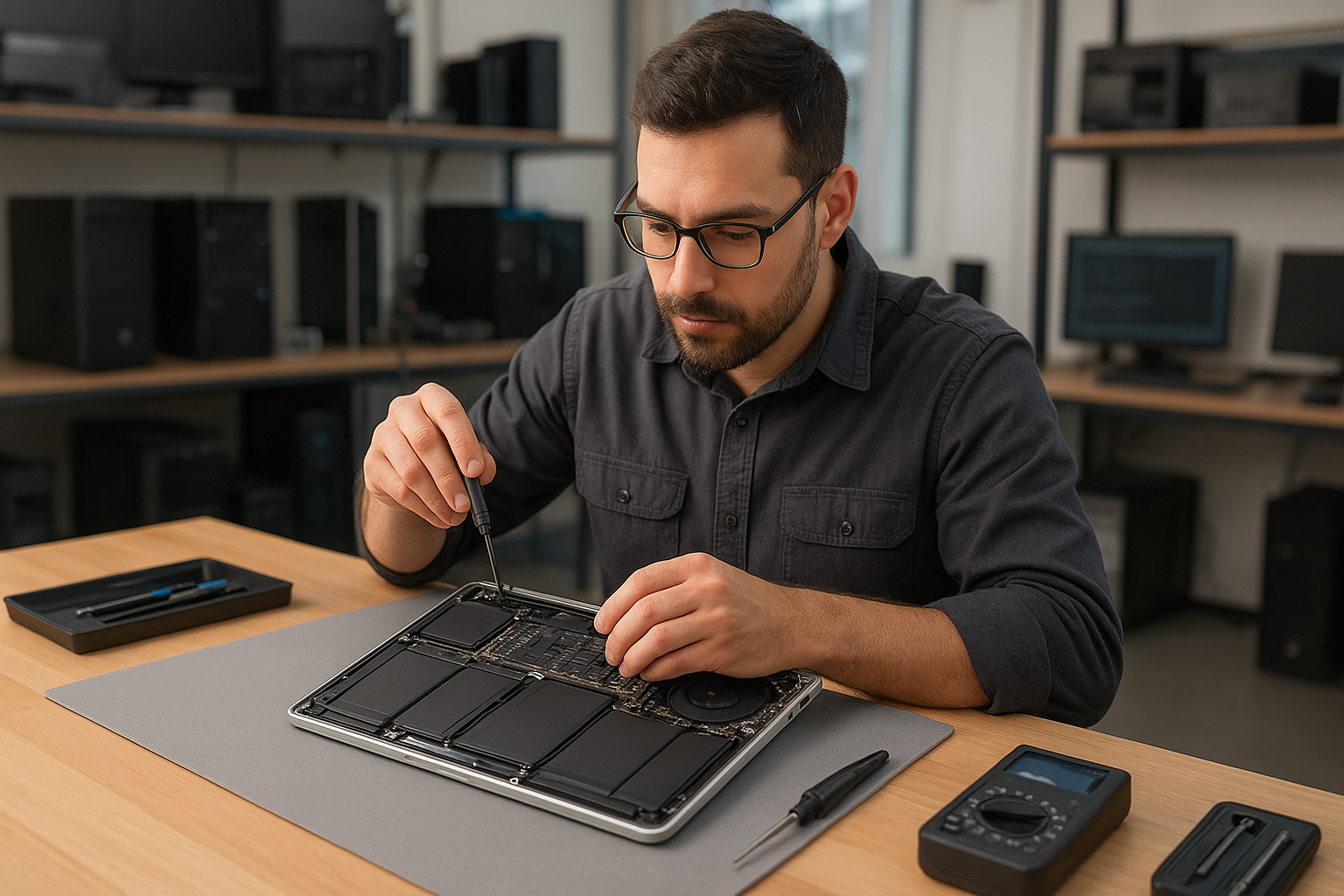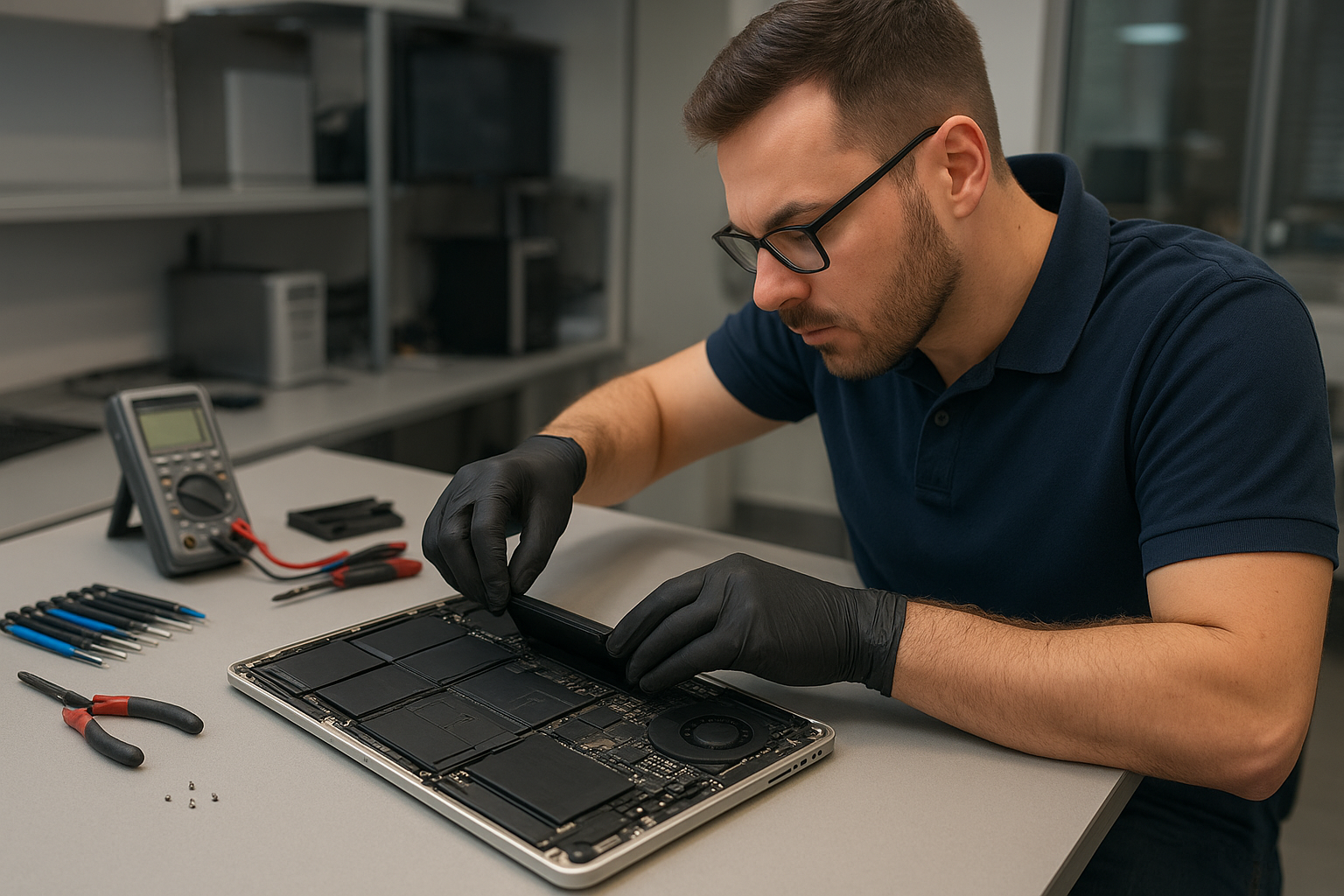
Hi, How Can We Help You?
  • 203-504 Cottonwood Ave, Coquitlam
  • service@moerepair.ca
  • +1 (778) 951-4872

Category Archives: Computer Repair Burnaby

Surface Laptop Battery Replacement Montreal Moe Repair

Surface Laptop Battery Replacement Montreal Moe Repair is a common search we see from customers who want fast, reliable battery service for Microsoft Surface devices. At Moe Repair in Coquitlam we handle Surface battery diagnostics and replacements every week, and we focus on safe disassembly, proper parts sourcing and thorough testing to protect your data and your device.

Why Surface batteries fail: a quick problem overview

Surface laptops use integrated batteries and compact assemblies. Over time cells degrade, connectors wear, or charging circuitry fails. Heat, heavy charging cycles, accidental liquid exposure and physical damage accelerate failure. When a Surface battery stops holding charge or swells, the repair becomes both a performance and a safety priority.

Common symptoms customers bring to Moe Repair

  • Battery percentage drops quickly or jumps erratically.
  • Device only runs when plugged in and shuts down on battery.
  • Battery shows as “Not Charging” even when the charger is connected.
  • Battery gauge stuck at a single percentage level.
  • Visible swelling or chassis rising at the keyboard or trackpad.
  • Device will not boot unless the charger is attached.
  • Windows reports battery errors or fails to detect the battery.

Common causes of Surface battery problems

Understanding the root cause helps decide whether a battery swap is adequate or if additional motherboard work is required. Typical causes include:

  • Age-related capacity loss: cells simply lose usable capacity after many charge cycles.
  • Charging circuit failure on the mainboard: the battery may be fine but the system cannot charge it.
  • Physical damage from drops or pressure, causing connector failure or cell damage.
  • Exposure to heat or liquid, which can corrode contacts or damage the battery pack.
  • Poor charging habits or third-party chargers causing irregular charging behavior.

How professionals diagnose Surface battery issues

At Moe Repair our diagnostic workflow is methodical and transparent. We start with a full visual inspection for swelling and liquid damage. Next we run software checks in Windows and UEFI to read battery health and cycle data. Then we test the charger and Surface Connector with known-good adapters and perform a measured load test to see how the battery behaves under real use.

If the battery appears fine in software but the device will not charge, we inspect the charging circuit and port area. For suspected motherboard faults we open the unit and examine solder joints and the power delivery components. If a battery is swollen or shows electrical faults we remove it and test it on a safe bench power supply to confirm cell behavior before recommending replacement.

Repair options for Surface battery problems

Depending on diagnosis, you typically have these options:

  • Battery replacement: install a tested, high-quality replacement battery and verify charge cycles and calibration.
  • Charging port or connector repair: replace a damaged Surface Connector or repair connector contacts.
  • Motherboard repair: repair or replace damaged charging circuitry when the battery itself is healthy.
  • Data preservation and SSD upgrade: if the battery issue coincides with other failures, we can secure data first and suggest SSD or RAM upgrades while the device is open.

Advantages of professional battery replacement

Replacing a Surface battery at a professional shop protects you from common DIY risks. Professionals have:

  • Proper tools to separate glued components and remove batteries without puncturing cells.
  • Antistatic workstations to protect sensitive components.
  • Test procedures to ensure the new battery calibrates and charges correctly with your Surface firmware.
  • Experience identifying hidden damage so you don’t replace a battery when the real issue lies on the mainboard.

When a full replacement or motherboard repair makes more sense

We won’t recommend a battery swap if diagnostics show the charging IC or power delivery on the motherboard is failing. In those cases replacing the battery won’t fix the symptom and may hide an ongoing fault. Similarly, if the Surface has multiple issues—severe liquid damage, broken display hinges, or a failing SSD—sometimes a comprehensive repair or replacement is the better investment.

Estimated repair process (what we do, step by step)

Here is the typical approach we follow at Moe Repair in Coquitlam when a Surface comes in with battery trouble:

  • Arrival and intake: we note symptoms, back up any accessible data with your permission, and record device condition.
  • Diagnostics: visual inspection, charger and connector tests, battery health readout and load testing.
  • Quote and approval: we explain findings and provide recommended options so you choose the right repair path.
  • Parts sourcing: we order or use in-house stock of high-quality replacement batteries and connectors.
  • Repair: careful disassembly, battery removal, replacement and reassembly with correct adhesives and torque settings.
  • Testing: full charge/discharge cycles, stress tests and final QA to ensure stable operation.
  • Handover: we explain what we tested, how to care for the new battery and provide contact details for follow-up support.

We do not guess at turnaround times on arrival. Each Surface model and condition varies, and we communicate ETA after diagnostics and parts confirmation.

Preventative maintenance to extend battery life

Small habits prevent premature battery problems. Our technicians advise customers across the Tri-Cities to:

  • Avoid extreme heat and never leave the Surface in a hot car.
  • Use the supplied Surface charger or a reputable replacement rated for your model.
  • Update Windows and firmware: charging firmware updates can fix erratic behavior.
  • If storing long-term, keep the battery partially charged rather than at 0% or 100% for months.
  • Bring your device in at the first sign of swelling or charging issues—early intervention prevents bigger damage.

Real technician advice from Moe Repair

One issue we regularly see at Moe Repair in Coquitlam is customers using low-quality USB-C bricks that appear to charge but never fully power the Surface. That can mask a poor battery condition until the device suddenly fails. Another scenario: a swollen battery pushes against the keyboard and trackpad, causing intermittent keyboard issues. Removing a swollen battery quickly avoids keyboard or screen damage.

When customers bring a Surface that only works on AC power, we always test with a known-good charger first. If the device still behaves poorly, we examine the connector and the power management area on the motherboard. Often the right fix is a connector repair rather than swapping batteries unnecessarily.

Services we commonly perform alongside battery replacement

While the Surface is open, many customers choose additional services to extend the life of their device. We often recommend:

  • SSD upgrade for faster performance and better storage reliability.
  • RAM checks and diagnostics if slow performance coexists with battery issues.
  • Data recovery if the device has intermittent power that risks data loss.
  • Thermal paste replacement for older units that run hot and shorten battery life.

Frequently asked questions

The FAQ below covers common customer concerns about Surface battery replacements.

Data Recovery Services Montreal

Searching for Data Recovery Services Montreal brings up many options. As a technician at Moe Repair in Coquitlam, I wrote this guide to help you understand what good data recovery looks like, how professionals diagnose failures, and what questions to ask before you hand over a drive or device.

Why this guide matters

Data loss happens to individuals and businesses across Canada. Recovering files can be straightforward or complex depending on the cause. One issue we regularly see at Moe Repair in Coquitlam is a simple logical failure treated like a hardware failure—leading to unnecessary expense and risk. This guide helps you avoid that trap and explains how technicians decide on the best approach.

Problem overview: What is data recovery?

Data recovery is the process of retrieving inaccessible, corrupted, deleted or formatted data from storage media. That includes internal laptop drives, desktop hard drives, external USB drives, SSDs, RAID arrays and memory cards. A successful recovery preserves your files while minimizing further damage.

Common symptoms indicating you need data recovery

  • Missing files after deletion or reformat
  • Operating system fails to boot but drive is detected
  • Drive makes clicking, grinding or repeated spin-up noises
  • Frequent file corruption or unreadable folders
  • SMART warnings or sudden drop in performance
  • External drive not recognized by multiple computers
  • Liquid damage or physical impact to the device

Common causes of data loss

Understanding the cause helps guide recovery technique.

  • Logical errors: accidental deletion, format, corrupted file system or OS issues.
  • Electronic failures: failed drive controller or damaged PCB.
  • Mechanical failures: head crash, spindle failure, or bearing issues often produce clicking sounds.
  • Firmware corruption: drive firmware becomes corrupted and the device becomes unreadable.
  • SSD-specific issues: controller or NAND chip failures and internal wear-leveling complications.
  • Raid failures: multiple drive issues, controller faults, or configuration errors.
  • Environmental damage: liquid spills, drops or excessive heat.

How professionals diagnose problems

At Moe Repair in Coquitlam we follow a careful diagnostic process to avoid further damage and to estimate recovery odds. The steps technicians take include:

  • Initial interview: Ask what happened, when, and what you attempted. That information often reveals logical errors vs. physical faults.
  • Visual inspection: Look for obvious damage—burn marks, corrosion, dented enclosures, or missing screws.
  • Non-powered tests: Check connectors and enclosures without powering drives when physical damage is suspected.
  • Controlled power-up: Connect to diagnostic equipment and record behavior—spin-up, noises, SMART data and controller responses.
  • Imaging: Create a sector-by-sector read-only copy of the device to work from. Imaging protects the original media and increases chances of success.
  • Analysis: Use software tools to inspect file system structures, signature tables and partition entries to determine recovery path.

We always document the process and provide a clear cost estimate before proceeding with higher-risk procedures.

Repair and recovery options

Options depend on diagnosis and customer goals. Typical approaches include:

  • Logical recovery: Use file-carving and file system repair tools to recover deleted or corrupted files from an intact drive.
  • Electronic repair: Replace a failed PCB or restore firmware when possible. This requires matching firmware and board revision—a delicate task.
  • Mechanical repair in cleanroom environments: Swap read/write heads or perform platter transfers for damaged HDDs. This is necessary for serious mechanical failures.
  • Chip-off and specialist SSD techniques: Extract data from NAND chips when controller-level recovery is not possible. This is complex and requires lab equipment.
  • RAID reconstruction: Rebuild RAID arrays using parity and sequence analysis to extract files from multiple failed drives.

Advantages of professional repair

  • Higher chance of recovering critical data with less risk of further damage.
  • Secure handling and confidentiality for personal and business files.
  • Experienced technicians can identify and avoid common customer mistakes that make recovery harder.
  • Documentation and clear communication about likelihood of success and available options.

When replacement makes more sense

Sometimes data recovery is possible but not economically sensible for the client. Reasons to consider replacement over recovery include:

  • When the drive contents are not valuable or can be recreated from backups.
  • Severe physical damage when the cost of lab-level recovery outweighs the value of the data.
  • End-of-life hardware where continued use poses reliability and security risks.

Technicians at Moe Repair in Coquitlam explain these trade-offs clearly and help customers decide whether to recover data, replace hardware, or both.

Typical recovery process

Every case is different, but a responsible recovery follows these stages:

  • Intake and evidence preservation: We record device state and limit further use.
  • Diagnostic testing: Non-destructive tests to determine failure type.
  • Imaging or secure cloning: Work from copies whenever possible.
  • Recovery attempt: Logical reconstruction, file extraction, or hardware repair depending on diagnosis.
  • Verification: Confirm recovered files open and are intact before delivery.
  • Delivery and advice: Provide recovered data on a new media and advise on backup strategies.

Always ask a provider to confirm they will not overwrite the original media and that they use read-only methods first.

Preventative maintenance to avoid data loss

  • Keep regular backups using 3-2-1 rule: three copies, two media types, one offsite.
  • Use surge protection and avoid running laptops on unstable power sources.
  • Replace drives showing SMART warnings; don’t ignore recurring bad sectors.
  • Shut down a device immediately after liquid spills and consult a repair shop—continued power can worsen damage.
  • Be careful with quick fixes found online; some can make recovery impossible.

Real technician advice from Moe Repair

One common mistake we see from customers throughout the Tri-Cities is repeatedly plugging a failing external drive into different computers. That often increases mechanical stress and reduces recoverable data. If your drive makes unusual noises or is not recognized, stop using it and get a proper diagnostic.

Another tip: avoid running DIY tools that write to the disk when you don’t have a backup. Many free utilities are useful for healthy drives but can make a marginal drive irrecoverable.

How we help Coquitlam businesses and residents

Moe Repair is a trusted computer repair shop in Coquitlam. We regularly perform data recovery, SSD upgrades, motherboard repair and business computer repair. If you are in Coquitlam, Burnaby, Port Coquitlam, Port Moody, New Westminster or Vancouver, our technicians can assess your device, explain the recovery options and recommend the best path forward.

Data Recovery Services Montreal: What Montreal searchers should know

Searches for Data Recovery Services Montreal often bring users to this guide because the recovery principles are universal. Whether you are in Montreal or Coquitlam, ask providers about their diagnostic process, whether they create read-only images, and if they have cleanroom or chip-off capabilities for severe failures.

Frequently Asked Questions

See the FAQ section below for common customer questions. These answers reflect our experience diagnosing and recovering drives every week.

Conclusion

If you searched for Data Recovery Services Montreal to find answers, this guide should help you evaluate providers and make better decisions. For customers in Coquitlam and the Tri-Cities, Moe Repair provides clear diagnostics, honest advice and professional recovery options for laptops, desktops, external drives and SSDs. Contact us for a consultation.

Business: Moe Repair
Website: https://moerepair.net
Phone: 778-951-4872
Email: service@moerepair.ca
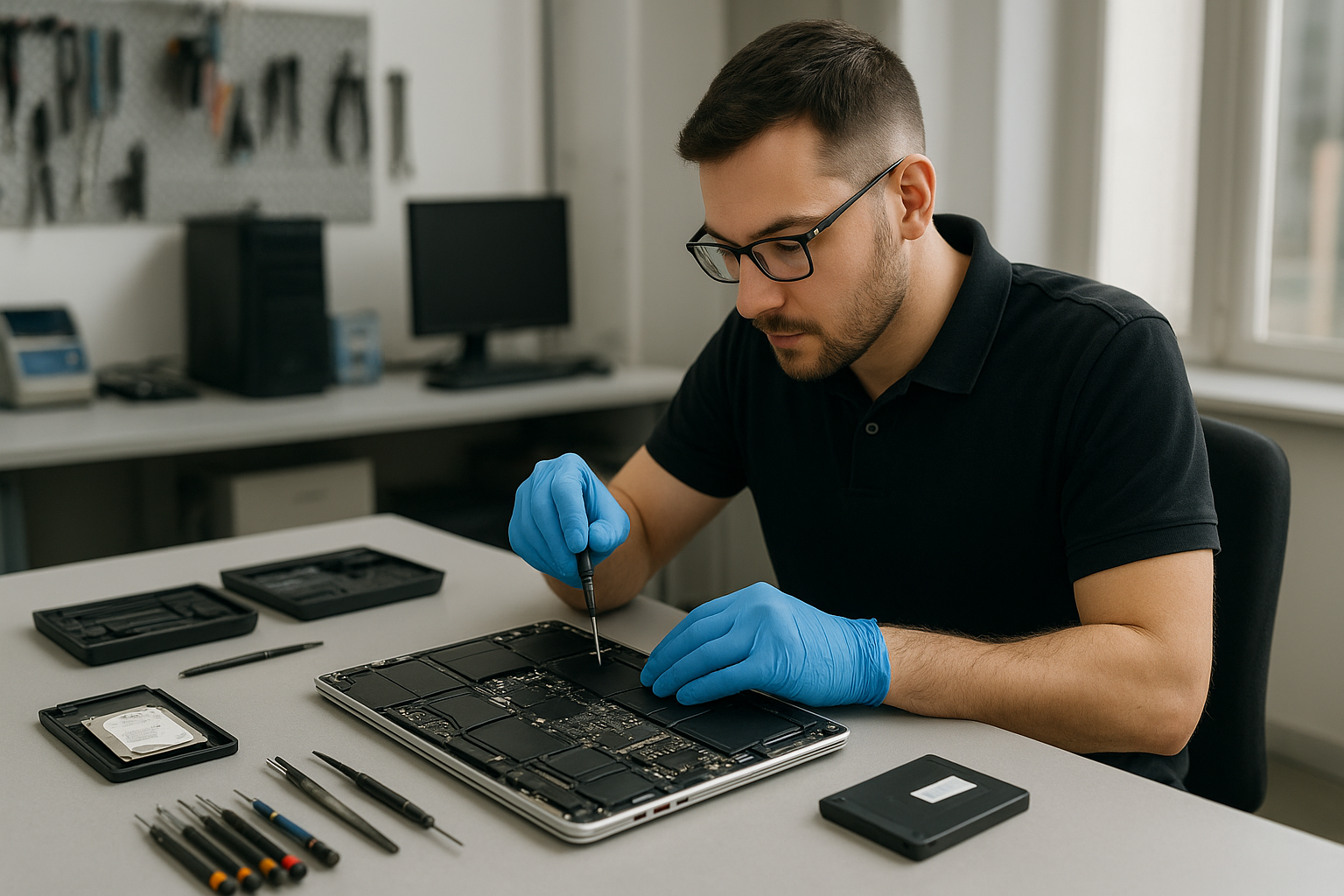
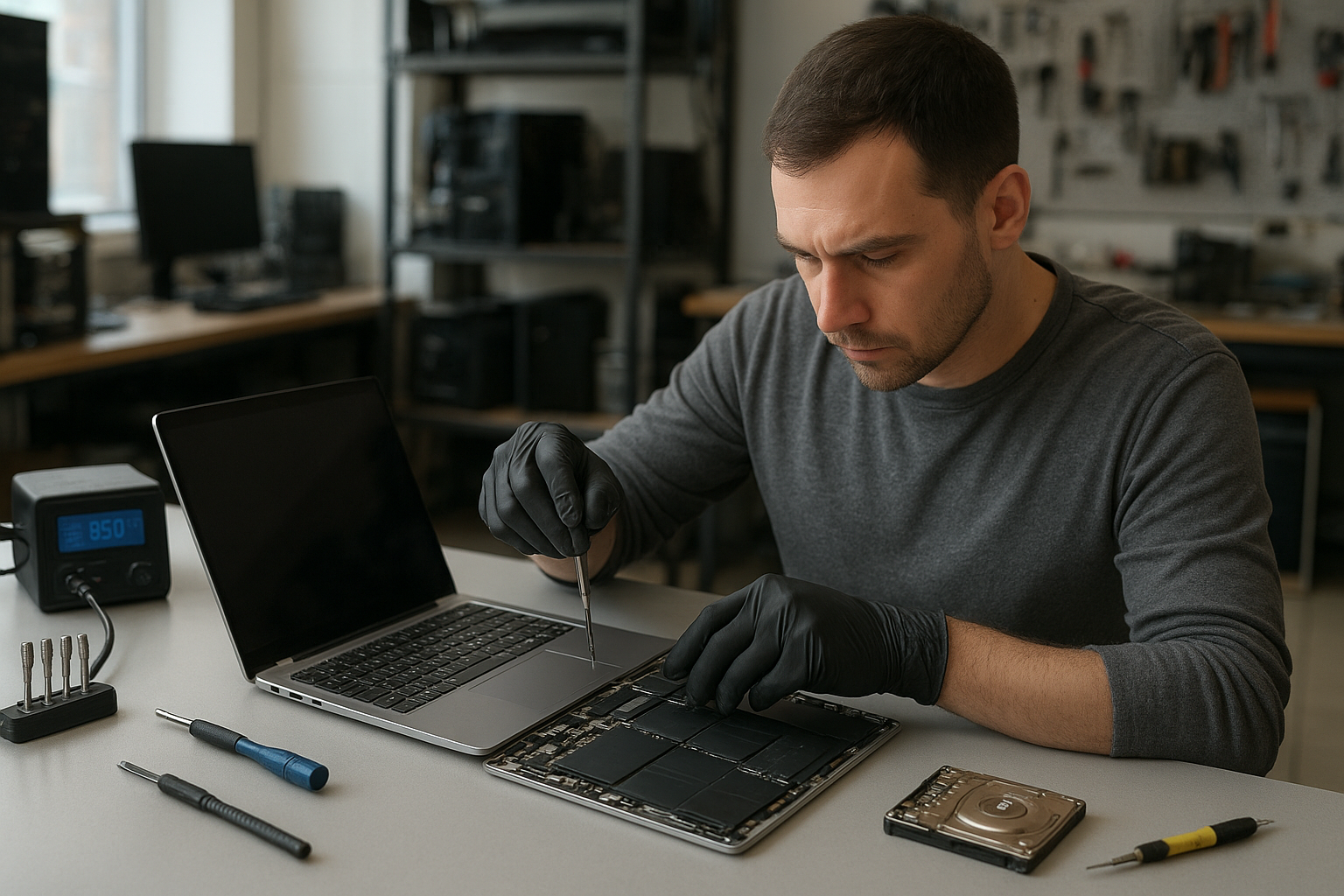
Console Repair Service Calgary

If you typed Console Repair Service Calgary into search, this article helps you decide what to do next. I am a senior technician at Moe Repair in Coquitlam and I explain how professionals diagnose consoles, common failure causes, safe troubleshooting steps, repair options and when replacement makes more sense.

Why this guide matters

Gaming consoles like PlayStation, Xbox and Nintendo Switch are sealed, complex devices. Owners in Calgary and across Canada often face confusing symptoms: blinking lights, no display, disk errors, or sudden shutdowns. Knowing the real causes helps you avoid common mistakes and saves time and money when you contact a repair shop.

Problem overview: What we see most often

At Moe Repair in Coquitlam we frequently diagnose consoles with overheating, HDMI failures, disc drive errors and firmware issues. Many of these root causes are the same whether the unit is in Coquitlam or Calgary. Understanding the symptoms helps you decide between DIY steps and professional repair.

Common symptoms

  • Console will not power on or shows a blinking power light.
  • No video or intermittent display on TV or monitor.
  • Video artifacts, stuttering or sudden shut downs during gameplay.
  • Disc drive fails to read or makes grinding noises.
  • Controllers disconnect, buttons stick or joystick drift occurs.
  • Console overheats, fans loud or system throttles performance.
  • Software errors, failed updates or corrupted save data.
  • Liquid exposure or visible corrosion on ports.

Common causes

A few underlying issues account for most console problems. Here’s what technicians check first:

  • Power supply failure: Internal or external power bricks fail and prevent startup.
  • Overheating and clogged cooling: Dust, dried thermal paste or failed fans lead to thermal shutdowns.
  • HDMI or display port damage: Bent pins or cold solder joints cause no video or artifacts.
  • Motherboard faults: Capacitor failures, surface-mount component damage or trace cracks from heat cycles.
  • Mechanical wear: Disk drives and optical lenses wear out, producing read errors.
  • Firmware and software corruption: Failed updates or corrupted system files can brick a console.
  • Liquid damage: Spills cause corrosion and intermittent faults at ports and connectors.
  • Controller issues: Joystick drift, worn contacts or Bluetooth pairing problems.

Professional diagnostic process

Here is how a repair shop like ours approaches a console diagnosis. A proper sequence prevents unnecessary parts replacement and preserves your data.

  • Intake questions: We ask about symptoms, recent incidents (drops, spills, failed updates) and any troubleshooting you already tried.
  • Visual inspection: Check for obvious damage, scorch marks, liquid residue, broken ports or swollen capacitors.
  • Power and connectivity checks: Verify voltage at the power input and test with a known-good cable or power brick if possible.
  • Boot log and error codes: Capture LED blink patterns, on-screen errors or audible codes—these narrow down faults quickly.
  • Thermal and mechanical tests: Run the console to observe fan behavior, heat rise and disk drive operation.
  • Component-level checks: If required, technicians probe solder joints, check capacitors and inspect BGA areas under magnification.
  • Soft recovery attempts: Attempt safe-mode restores, firmware re-flash and file system repairs before any invasive work.
  • Data safety assessment: For consoles with internal storage or external drives, we evaluate the risk to saved games and provide data recovery options.

Repair options

Repairs fall into a few categories depending on the root cause and the owner’s priorities.

  • Simple fixes: HDMI cable replacement, controller repair, fan cleaning and thermal paste refresh are common non-invasive fixes.
  • Mechanical repairs: Disc drive service, lens replacement or tray motor repair are precise but routine for skilled technicians.
  • Component-level repair: Reflowing or replacing soldered chips, replacing capacitors or fixing power supply sections require bench-level skills and tools.
  • Firmware and software repair: Restoring system images, recovering from failed updates and reinstalling firmware can bring bricked consoles back to life.
  • Data recovery: For consoles with damaged internal storage, technicians can sometimes extract saved data using specialized tools and imaging techniques.

Advantages of repairing versus replacing

Repair can save money, preserve saved games and reduce electronic waste. For moderately priced repairs, you keep your existing games, subscriptions and personalized settings. Repairs also avoid the hassle of migrating accounts and storage when successful.

When replacement makes more sense

There are times when a new console is the better choice. Consider replacement if:

  • Multiple major components fail at once, indicating broad motherboard damage.
  • Repair cost approaches the price of a current-generation replacement.
  • Your console is several generations old and lacks features you need.
  • Manufacturer repair is required for warranty and you have valid coverage.

Estimated repair process

Every repair is different. After diagnostics, a reliable repair shop provides a clear plan: the parts required, potential risks and options for data recovery. Expect technicians to seek your approval before doing component-level work. The process typically flows: intake, diagnostic report, approval, repair work, testing and handoff.

Preventative maintenance

  • Keep consoles on a hard, flat surface with adequate ventilation.
  • Clean dust from vents and fans regularly with low-pressure air or a soft brush.
  • Avoid placing consoles near heat sources or in enclosed cabinets during long sessions.
  • Use surge protection to shield against power spikes.
  • Back up saved data to cloud services or external storage where possible.

Real technician advice

One issue we regularly see at Moe Repair in Coquitlam is consoles that suffered preventable damage from blocked airflow. Users stack devices or place consoles on carpets. The first step is always to restore airflow and check for dust buildup before assuming a major failure.

A second common mistake is attempting aggressive DIY repairs. Removing shields and reflowing chips without the right tools can make a repair impossible. If your console has sentimental save data or expensive accessories, consult a pro first.

If a console shows firmware errors after an interrupted update, avoid repeated forced restarts. That can worsen corruption. Document the error codes or LED patterns and share them with a technician for targeted recovery steps.

Services we commonly recommend

When customers contact Moe Repair from the Tri-Cities area about gaming devices, we often suggest these services where appropriate: data recovery from internal storage, motherboard repair, thermal paste replacement, disk drive repair and controller servicing. These services are closely related to our core computer repair, laptop repair and MacBook repair work.

Frequently Asked Questions

  • Q: Can I fix a blinking power light myself?

    A: Start with basic checks: verify the power cable and outlet, try a known-good cable and inspect for obvious damage. If the light pattern persists, bring error details to a technician—LED patterns often indicate specific faults.

  • Q: Will cleaning the fan void warranty?

    A: Opening the console can void manufacturer warranty. If your unit is under warranty, contact the manufacturer first. For out-of-warranty units, professional cleaning is safe and recommended.

  • Q: Can saved games be recovered after motherboard damage?

    A: Sometimes. Recovery depends on whether the storage media survived. Technicians can image the storage and attempt recovery, but success is not guaranteed.

  • Q: Is thermal paste replacement useful for consoles?

    A: Yes. Dried thermal paste reduces heat transfer and can lead to overheating. Replacing thermal compound is a common, effective repair when thermal-related shutdowns occur.

  • Q: How do I know if my HDMI port is damaged?

    A: Symptoms include no video, intermittent loss of signal or physical looseness. A known-good cable and TV test can isolate the port. Technicians inspect ports and, if needed, repair or re-solder connections.

  • Q: Are controller issues covered when I send a console for repair?

    A: Controller issues are often handled separately. If controllers are included with the console, mention that during intake so technicians can test them and quote any repairs.

  • Q: Can software updates brick a console?

    A: Failed updates can corrupt firmware and make a console unbootable. Professional shops can sometimes re-flash firmware or use recovery modes to restore functionality.

  • Q: Do you recommend replacing an old console or repairing it?

    A: If the issue is a single, repairable component (drive, port or fan), repair is usually worthwhile. If the motherboard is extensively damaged or repair costs near replacement value, replacement may be better.

Conclusion

Console Repair Service Calgary searches often reflect urgent problems. Whether you are in Calgary or here in Coquitlam, understanding symptoms, causes and the professional diagnostic process helps you make the right choice. Moe Repair’s technicians handle motherboard repair, thermal paste replacement, disc drive service, firmware recovery and data recovery for gaming systems and related devices. If you need advice or an experienced opinion, contact us before attempting risky DIY repairs.

Contact Moe Repair

Business: Moe Repair | Website: https://moerepair.net | Phone: 778-951-4872 | Email: service@morepair.ca

We serve customers in Coquitlam and the Tri-Cities and offer technician guidance for owners elsewhere. If you want a professional diagnostic or help assessing repair versus replacement, call or email with your console model, symptoms and any error codes.

MacBook Pro Screen Replacement Vancouver

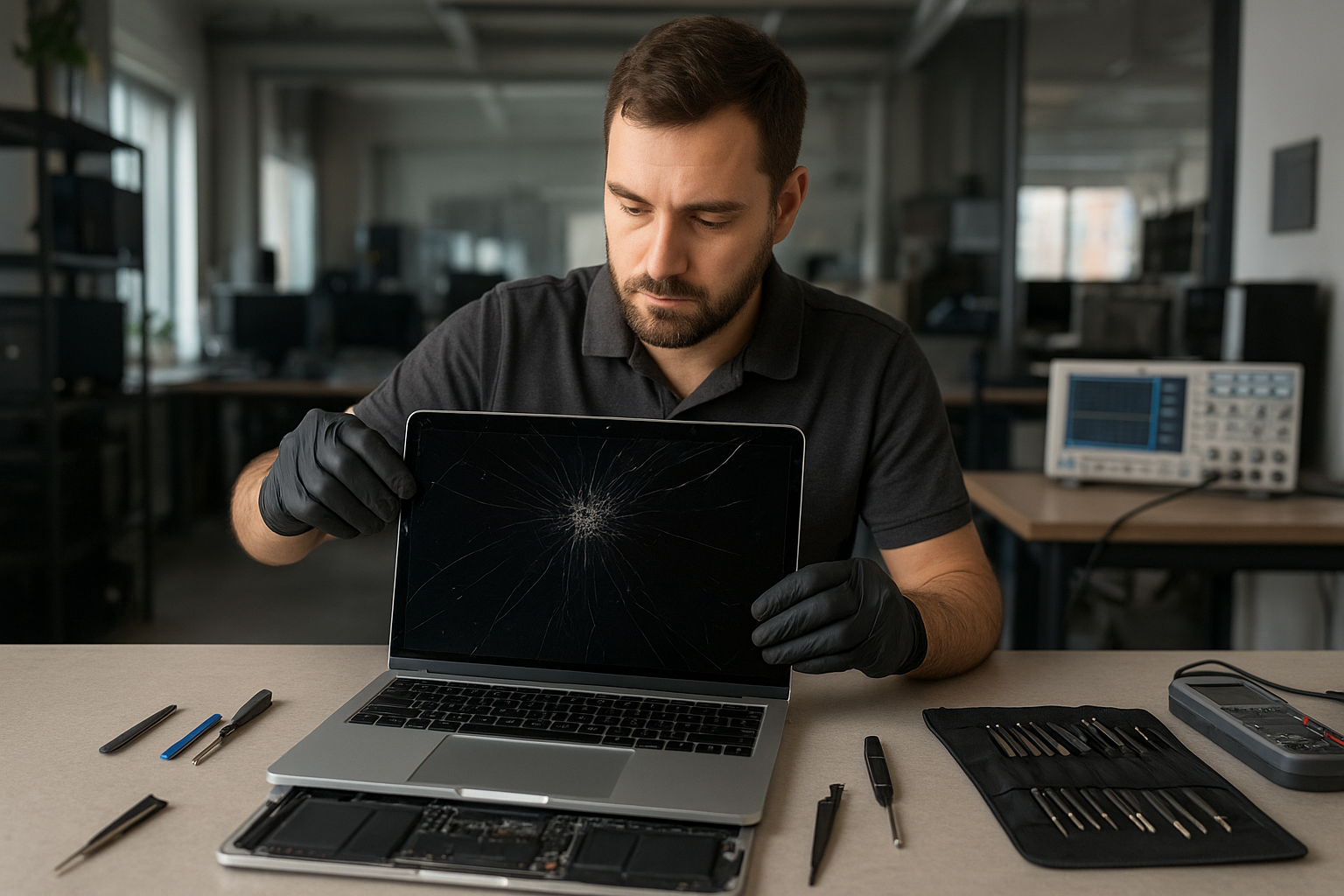
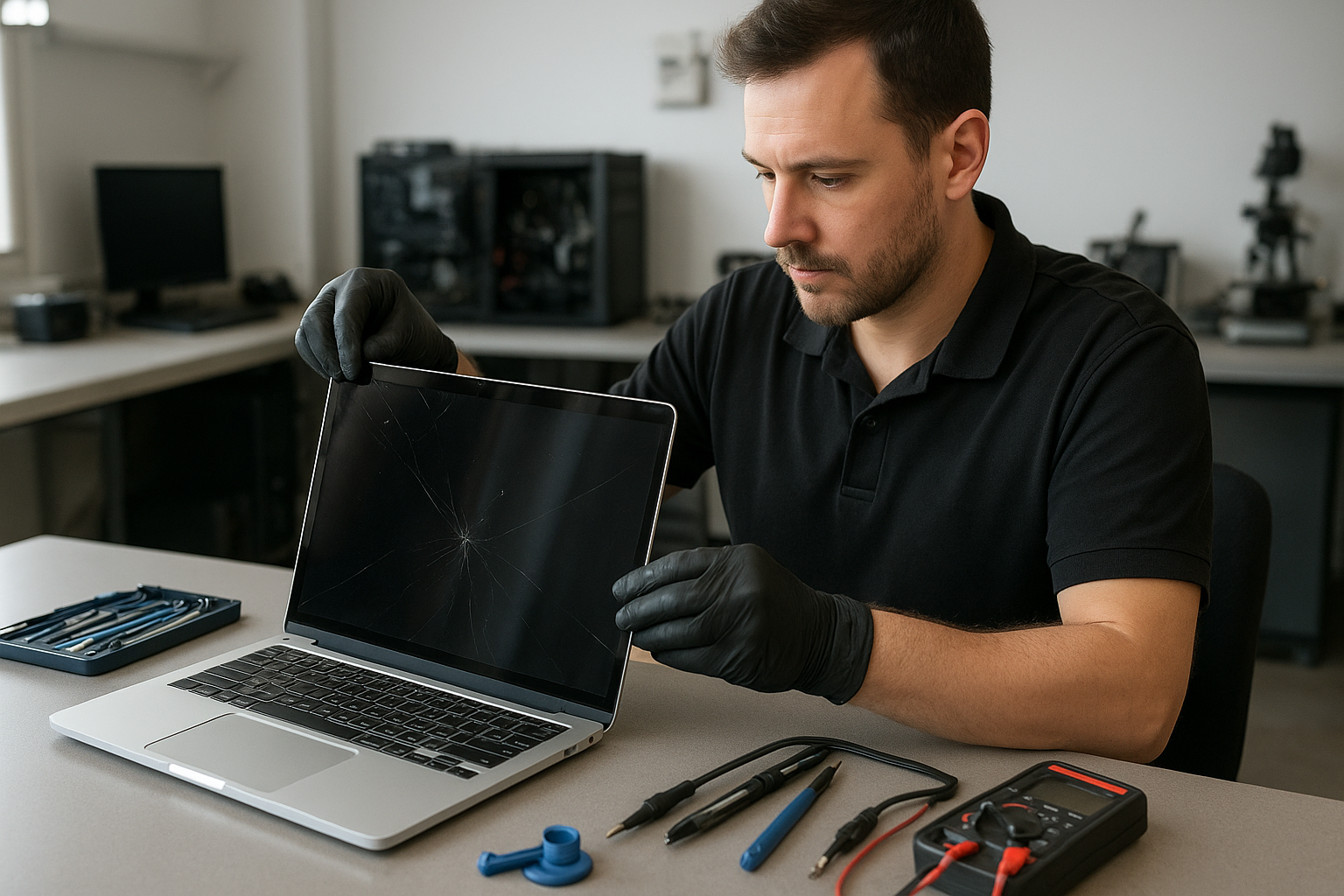
If your MacBook Pro screen is cracked, flickering, or shows lines, a fast, accurate repair matters. At Moe Repair in Coquitlam we provide professional MacBook Pro screen replacement Vancouver customers trust. Our goal is to restore your display and protect your data while explaining the issue in plain language.

Problem overview: What we see with MacBook Pro displays

MacBook Pro displays fail in several ways. Some problems are cosmetic, such as small cracks or scratched glass. Others affect usability: vertical or horizontal lines, backlight failure, image retention, or a completely black screen. We also see issues caused by liquid damage or loose display cables after a drop.

Common symptoms

  • Cracked or shattered glass with visible damage
  • Flickering screen or intermittent image
  • Vertical or horizontal lines across the display
  • Dim or no backlight while image is present
  • Black screen but Mac seems to boot (sounds or keyboard lights)
  • Dead pixels or patchy discoloration
  • Touch/trackpad unresponsive with display faults (on Touch Bar models)

Common causes

Understanding why a display failed helps you avoid repeat problems. The most common causes we diagnose at Moe Repair in Coquitlam are:

  • Physical impact: drops and pressure damage the LCD or glass.
  • Hinge stress: worn hinges can stress the screen and cable over time.
  • Liquid exposure: even small spills can corrode connectors and the panel.
  • Connector failure: display cable or logic board connector issues can mimic a bad screen.
  • Manufacturing defects: rare, but some panels fail prematurely.

How professionals diagnose screen problems

When you bring a MacBook Pro to Moe Repair, our technicians follow a step-by-step diagnostic process that focuses on safety and data protection:

  • Visual inspection to identify glass vs panel damage and check for liquid signs.
  • External tests: connect an external monitor to determine if the GPU and logic board are working.
  • Safe disassembly to inspect display cable, connector, and hinge condition.
  • Component-level checks for power to the backlight and continuity through the LVDS/eDP connector.
  • Document findings and recommend repair options with clear outcomes and risks.

This process is why reputable repair shops avoid guessing. For example, a black screen with an external monitor working usually rules out the GPU and points to the display assembly or cable.

Repair options

After diagnosis we explain options so you can choose the right path for your situation:

  • Screen replacement: replacing the entire display assembly (glass, panel, and bezel) is a common, reliable fix.
  • Glass-only repair: available on some models when only the glass is damaged and the panel underneath is fine; this depends on model and availability.
  • Display cable or hinge repair: if the panel is fine but the cable is damaged, replacing the cable and repairing the hinge can restore the screen.
  • Logic board repair: when video output fails at the board level, board repair or replacement may be necessary and is a different service.
  • Data salvage and display workaround: if repair is complex, we prioritize data recovery and temporary display solutions until a full repair is possible.

Advantages of professional repair

Choosing a trained technician protects your investment. At Moe Repair we:

  • Use industry-standard tools and static-safe procedures.
  • Inspect and clean connectors to prevent recurring issues.
  • Test the logic board and power rails before replacing expensive parts.
  • Provide honest guidance about repair feasibility and next steps.

When replacement makes more sense

Sometimes a full display replacement is the safest, most cost-effective choice. Replacement is usually recommended when:

  • Glass and LCD are both damaged or the touchscreen layer is compromised.
  • There is visible liquid corrosion affecting connectors or the panel.
  • The hinge has damaged the cable beyond repair causing intermittent failures.

We never push unnecessary replacements. Our technicians explain trade-offs clearly, based on the machine age, repairability, and your priorities.

What to expect during the repair process

Below is the typical flow we follow for a MacBook Pro screen replacement at Moe Repair in Coquitlam. We do not promise exact times here because each model and damage scenario varies.

  • Intake and intake diagnostics: confirm symptoms, backup recommendations, and get authorization to proceed.
  • Detailed teardown: safe removal of the screen assembly and inspection of internal connectors and hinges.
  • Part replacement: install the new display assembly or panel using proper adhesives and alignment procedures.
  • Post-repair testing: verify image quality, backlight, color calibration, and mechanical fit.
  • Final quality check and data integrity verification before customer pickup.

We also communicate clearly if a secondary issue appears during disassembly, such as corrosion or logic board damage.

Preventative maintenance and how to avoid screen damage

  • Use a protective sleeve or clamshell case while transporting your MacBook Pro.
  • Avoid placing heavy objects on top of your laptop.
  • Clean the screen with a soft microfiber cloth and approved cleaners; do not spray liquid directly on the display.
  • Be cautious around liquids and keep drinks away from your workspace.
  • Address hinge stiffness early; it often leads to cable stress and display issues.

Real technician advice from Moe Repair

One issue we regularly see at Moe Repair in Coquitlam is customers continuing to use a MacBook with a hairline crack. That small crack can let moisture and dirt enter and turn a glass repair into a panel replacement. If you notice any damage, bring it in for a quick inspection. We also recommend backing up important files before any repair—especially when there are signs of liquid damage.

Another common mistake is attempting DIY replacement with cheap third-party parts. Poorly matched panels can show poor color, remain dim, or fail prematurely. Our technicians test panels and source reliable components to avoid those outcomes.

Services we commonly pair with screen replacement

  • Battery replacement when the case is opened
  • Keyboard or trackpad service for models with integrated assemblies
  • Hinge repair to prevent future cable stress
  • SSD upgrade or data recovery if a drive issue appears
  • macOS repair or calibration after hardware changes

Frequently Asked Questions

Below are the most common customer questions. For tailored advice, call or visit our Coquitlam shop.

1. Can I use my MacBook Pro with a cracked screen?

You can in some cases, but a cracked screen risks further damage and could cut your fingers. Small cracks can become larger, and liquid or dust can enter the assembly. We usually recommend inspection and backup first.

2. Will a screen replacement affect my data?

Replacing the display does not touch your data on the SSD. However, if we see liquid damage or other issues, we advise backing up before proceeding. We can assist with data recovery if needed.

3. Are original parts required?

Some models accept glass-only repairs, others need full assemblies. We source high-quality parts that match panel specifications. We will explain the difference and quality expectations during the estimate.

4. How do you know if the problem is the screen or the logic board?

We test with an external monitor and inspect internal connectors. If the external monitor works fine, the logic board is likely okay and the issue is the display assembly or cable.

5. Do you service older MacBook Pro models?

Yes. We repair a wide range of MacBook Pro models. Availability of parts varies by model and year; we will be transparent about options.

6. Can liquid damage be repaired along with the screen?

Often yes, but liquid damage can affect multiple components. We clean and test connectors and may recommend additional repairs if corrosion is present.

7. Do you offer warranty on display repairs?

Repair-specific warranty policies depend on the replaced parts and procedures. We will provide warranty details in writing with each repair estimate.

8. Should I repair or replace my MacBook Pro?

We decide based on diagnosis, age, repairability, and cost-effectiveness. For many customers in Coquitlam and the Tri-Cities, a screen replacement extends the useful life of their MacBook Pro at a lower cost than a new machine.

Conclusion: MacBook Pro Screen Replacement Vancouver

If you need MacBook Pro screen replacement Vancouver-area customers trust Moe Repair in Coquitlam for experienced, transparent service. We diagnose problems thoroughly, protect your data, and explain realistic repair options so you can decide with confidence.

Call to schedule a diagnostic or ask about parts availability: 778-951-4872. Visit our website: https://moerepair.net or email service@moerepair.ca. We serve customers across Coquitlam and the Tri-Cities including Burnaby, Port Coquitlam, Port Moody, New Westminster, and Vancouver.

Vancouver MacBook Repair and Data Recovery Moe Repair

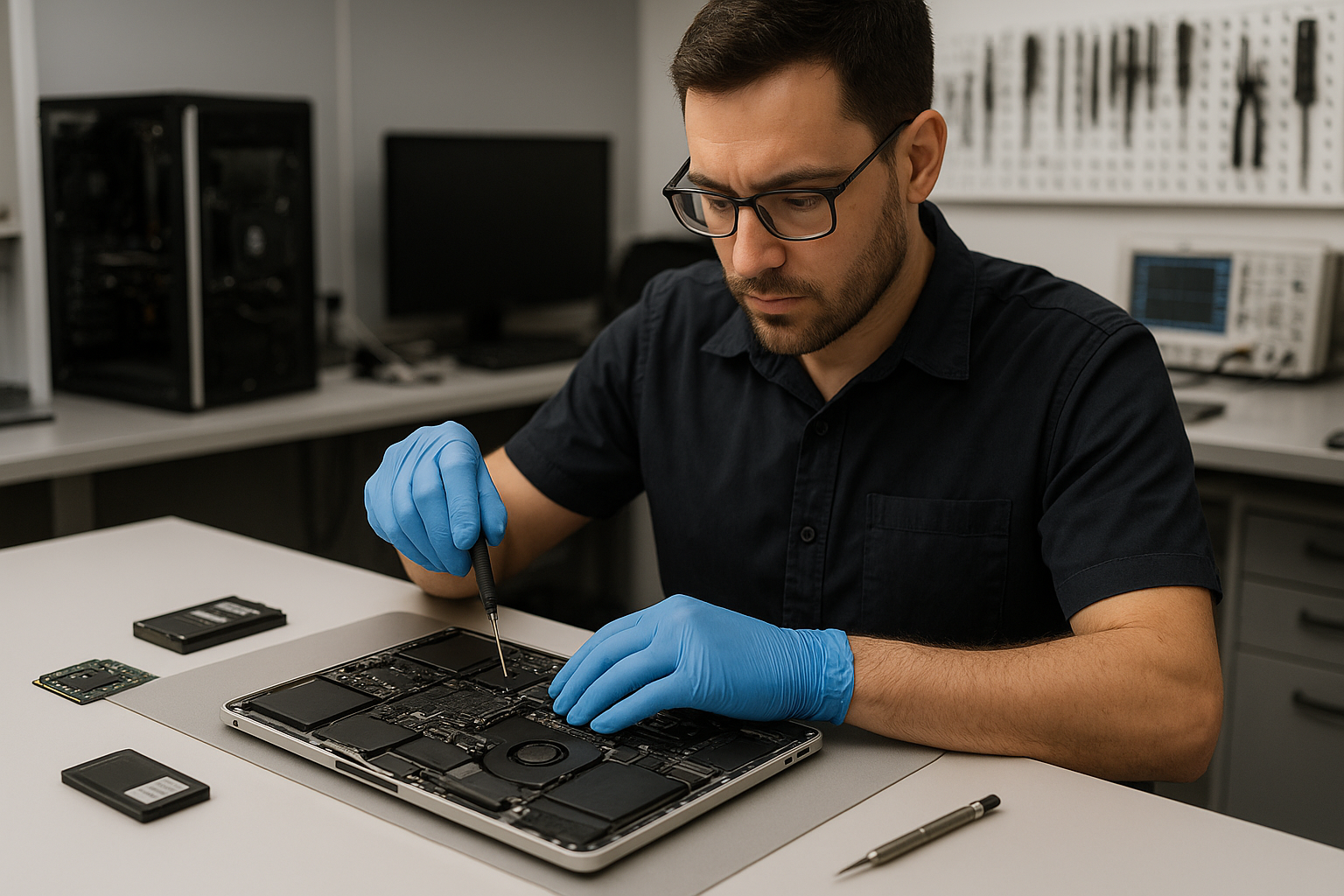
Vancouver MacBook Repair and Data Recovery Moe Repair operates out of Coquitlam and serves customers throughout the Tri-Cities and Vancouver area. If your MacBook shows signs of failure, won’t boot, has a damaged screen, or needs data recovered from a failing drive, our technicians explain the problem clearly and outline honest repair options.

Why this matters: the problem overview

MacBooks are reliable, but they still fail. Physical damage, liquid spills, degraded storage, firmware corruption, and logic board faults are common. Many customers in Coquitlam and nearby communities bring devices after hours of frustrating troubleshooting. At Moe Repair we prioritize preserving your data, diagnosing the root cause and recommending the safest fix.

Common symptoms customers bring to Moe Repair

  • MacBook does not power on or shows a blank screen
  • Slow performance after macOS updates or with full storage
  • Strange noises from the drive or repeated kernel panics
  • Cracked or flickering display after a drop
  • Battery not charging or swelling battery cases
  • Liquid-damaged keyboards or trackpads
  • Files missing, corrupted, or inaccessible after a crash

Common causes we see in Coquitlam

  • Logic board faults from thermal stress or component failure
  • SSD or HFS/APFS corruption from sudden power loss or failed updates
  • Physical impact causing screen, hinge, or casing damage
  • Liquid ingress shorting connectors or corroding contacts
  • Battery wear from age or incorrect charging cycles
  • Malware, rogue kernel extensions, or incompatible third-party drivers

How our professional diagnostic process works

At Moe Repair we follow a step-by-step diagnostic routine used by experienced technicians. This keeps diagnostics transparent and avoids unnecessary replacement parts.

  • Initial intake and symptom verification. We document what you experienced and backup what we can immediately.
  • Non-invasive checks: power delivery, charger validation, and SMC/PRAM resets when appropriate.
  • Targeted hardware tests: external display check, RAM and SSD health scans, battery cycle status and thermal readings.
  • Software analysis: boot logs, macOS Recovery checks, and file system verification for APFS or HFS volumes.
  • Board-level inspection: microscope inspection for corrosion, blown components, or connector damage when symptoms indicate logic board issues.
  • Data preservation plan: if data is at risk, we halt destructive steps and prioritize cloning the drive for recovery work.

Repair options we recommend

After diagnosis we present clear options so customers can decide. We explain benefits, risks, and expected outcomes.

  • Simple software repair: macOS repair, file recovery, malware removal, or SMC/PRAM updates.
  • Component replacement: battery replacement, display replacement, trackpad or keyboard repairs, and charging port repair.
  • SSD upgrade or clone: move to a larger, faster SSD and migrate data safely.
  • Thermal services: thermal paste replacement and fan cleaning to restore cooling performance.
  • Board-level repair: component-level fixes on the logic board for power, GPU, or storage controller faults.
  • Data recovery: logical and physical recovery from failing SSDs, encrypted volumes, or damaged file systems.

Advantages of repair vs replacement

Repair can save money and preserve data. Replacing only the failed component keeps your original configuration intact and is often greener than a full replacement. For many Coquitlam customers, upgrading an old hard drive to an SSD revives a MacBook and extends its usable life.

When replacement makes more sense

There are situations where replacement is the wiser choice:

  • Irreparable logic board damage or multiple failed subsystems where repair cost approaches the value of the device.
  • Severe chassis deformation after a major impact that compromises internal alignment and long-term reliability.
  • End-of-life hardware where no compatible parts exist for modern security updates.

When we recommend replacement, we explain the reasons and help customers choose a suitable replacement or trade-in path.

Estimated repair process (what to expect)

We do not promise exact turnaround times before diagnosis. Typical workflow includes intake, diagnostics, customer approval, parts procurement if needed, repair, and verification. For data recovery we prioritize cloning and safe extraction before performing any repairs that might risk data integrity.

One common case we see at Moe Repair in Coquitlam: a customer arrives with a MacBook that boots inconsistently. Our diagnostics found a failing SSD and degraded battery. We cloned the SSD to secure the data, replaced the SSD with an upgraded drive and installed a new battery. The customer left with their data intact and noticeably faster performance.

Preventative maintenance to avoid future failures

Small habits prevent many repairs:

  • Keep backups: use Time Machine or cloud backup. Backups are your best insurance against data loss.
  • Avoid eating and drinking near your laptop to reduce liquid damage risk.
  • Regularly clean vents and fans to avoid overheating; thermal paste replacement restores cooling on older MacBooks.
  • Update macOS and apps from official sources and avoid unknown kernel extensions.
  • Replace batteries when capacity drops significantly; swollen batteries can damage enclosures and components.

Real technician advice from Moe Repair

As technicians who repair a wide range of MacBook models, we emphasize clarity and safety. Do not attempt board-level repairs unless you have ESD protection and proper tools. Swapping parts without diagnostics can make problems harder to fix and increase data risk.

Common customer mistakes we see include trying cheap third-party adapters, which can damage charging circuitry, or using abrasive cleaners on screens, which removes coatings. When facing data loss, avoid running drive repair utilities that write to the drive until a proper image is made.

Related services at Moe Repair

If your MacBook needs more than a quick fix, we offer related services that often solve the root cause: MacBook Repair, Laptop Screen Repair, Battery Replacement, SSD Upgrade, Thermal Paste Replacement, Motherboard Repair, Charging Port Repair and Data Recovery. For business customers in Coquitlam we provide Business Computer Repair and preventive maintenance plans for small offices.

Frequently Asked Questions

  • Q: My MacBook won’t turn on. Can you recover my files?

    A: Yes. We first attempt a safe power diagnosis and, if storage access is possible, clone the drive to preserve data before continuing repairs.

  • Q: Is data recovery possible from a damaged SSD?

    A: Often yes, but SSD recovery depends on the type of failure. We analyze the controller and NAND health; some logical issues are recoverable while some physical NAND failures are more complex.

  • Q: Do you perform thermal paste replacement on MacBooks?

    A: Yes. Thermal paste replacement and fan servicing can significantly reduce temperatures and extend component life, especially on older models we see in Coquitlam.

  • Q: Will replacing my SSD void Apple warranty?

    A: Replacing non-Apple parts can affect warranty. We advise customers about warranty implications and provide professional installation and documentation.

  • Q: Can you fix a MacBook with liquid damage?

    A: Many liquid-damaged MacBooks are repairable if addressed quickly. We inspect for corrosion and shorted components and prioritize data extraction when necessary.

  • Q: How do you decide between repair and replacement?

    A: We weigh repair cost, part availability, machine age and data importance. We present options and let you decide with clear pros and cons.

  • Q: Do you offer business support for multiple devices?

    A: Yes. Moe Repair provides Business Computer Repair services for small offices across the Tri-Cities, including Coquitlam and Burnaby.

  • Q: Can you upgrade my older MacBook to run modern apps?

    A: Often an SSD upgrade and a clean macOS install improve responsiveness. We recommend solutions compatible with your model and workflow.

Conclusion

Vancouver MacBook Repair and Data Recovery Moe Repair in Coquitlam combines hands-on technician expertise with transparent diagnostics to restore performance and recover data. Whether you need board-level repair, an SSD upgrade, screen replacement, or secure data recovery, we provide straightforward options so you can make an informed decision.

For reliable MacBook repair and data recovery across the Tri-Cities and Vancouver, contact Moe Repair to book a diagnostic. We explain the issue, prioritize your data and recommend the repair path that makes the most sense for your device.

Contact Moe Repair: Website: https://moerepair.net | Phone: 778-951-4872 | Email: service@moerepair.ca

Moe Repair Gaming PC Repair Calgary

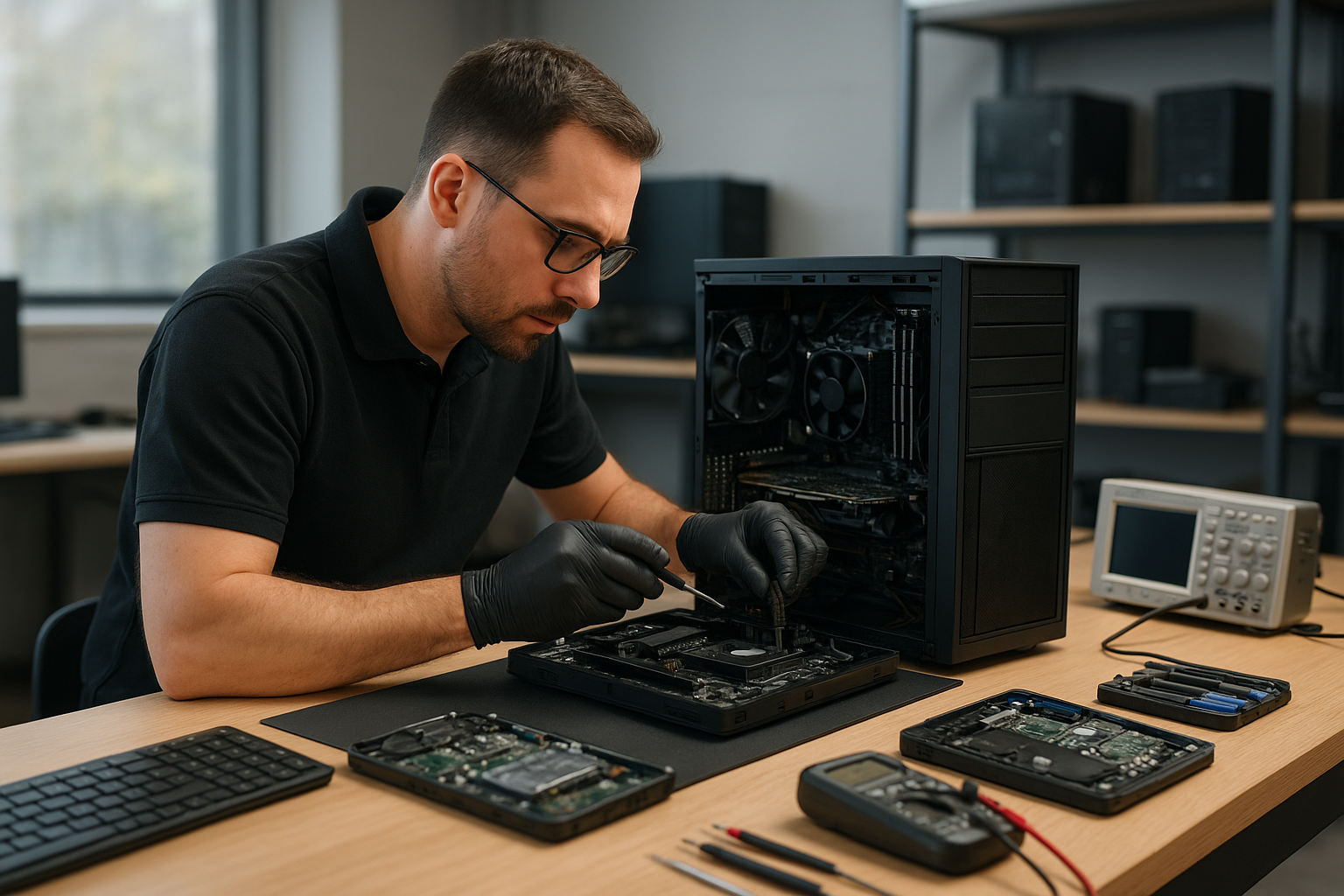
If you searched “Moe Repair Gaming PC Repair Calgary” you probably need clear answers fast. While Moe Repair is a Coquitlam-based repair shop, this guide gives Calgary gamers professional diagnostics, realistic repair options and proven maintenance steps you can use now.

Why this guide matters

Gaming PCs have unique failure modes: high temperatures, power draw spikes and driver conflicts. One issue we regularly see at Moe Repair in Coquitlam is a machine that runs fine for light work but crashes during a long gaming session. Understanding symptoms and causes helps you decide whether to fix, upgrade or replace components.

Problem overview

Gamers in Calgary and across the Tri-Cities experience similar problems: sudden shutdowns, degraded performance, stuttering, artifacting and boot failures. These can be caused by hardware wear, firmware or software problems, or simple maintenance issues like clogged fans and dried thermal paste.

Common symptoms

  • Unexpected shutdowns or restarts under load
  • Severe FPS drops or stuttering in games
  • Artifacts, screen tearing or corrupted graphics
  • Boot failures, POST beeps or no display
  • Blue screen errors or Windows kernel crashes
  • System not powering on at all
  • Fans spinning loudly or erratically

Common causes

These symptoms usually point to a handful of root causes. At Moe Repair we diagnose each one methodically:

  • Power supply (PSU) failure or insufficient wattage for upgraded GPUs
  • Overheating due to dust, failed fans or old thermal paste
  • Failing GPU or GPU driver issues
  • Failing RAM or bad memory timings
  • Motherboard faults or failing capacitors
  • Corrupted operating system, drivers or malware
  • Storage drive failures affecting load times and crashes

How professionals diagnose gaming PC problems

When a customer brings a gaming rig to Moe Repair in Coquitlam we follow a clear diagnostic flow. This is the same flow you can replicate to narrow issues before booking professional service.

  • Ask for symptoms and recent changes: new hardware, updates, or spills.
  • Perform visual inspection: loose cables, blown caps, dust build-up.
  • Boot tests: safe mode, BIOS checks and POST error codes.
  • Power analysis: swap in a known-good PSU or test voltages.
  • Thermal checks: monitor CPU and GPU temperatures under idle and load.
  • Component isolation: test with one RAM stick, onboard graphics, or a different GPU.
  • Software checks: update drivers, run SFC/CHKDSK, and malware scans.
  • Data protection: back up critical files before major repairs or replacements.

Repair options

Repair choices depend on the diagnosis. Typical options we recommend at Moe Repair include:

  • Replace or upgrade PSU when power instability or capacity is the issue.
  • Clean cooling system and replace thermal paste for high temperatures.
  • Replace failing GPU or test with a loaner GPU to confirm.
  • Swap RAM modules and verify stability with memtest tools.
  • Repair or replace damaged motherboard components if necessary.
  • SSD upgrade or cloning when storage is slow or failing.
  • Fresh Windows installation and driver cleanup when software causes instability.

Advantages of repair

Repairing a gaming PC can be more cost-effective than replacing the whole system. Upgrading the PSU, adding an SSD or replacing thermal paste can restore performance and extend lifespan. At Moe Repair in Coquitlam we prioritize repairs that return the best value for gamers across the Tri-Cities.

When replacement makes more sense

Sometimes repair is no longer economical. Signs replacement makes sense include multiple failing components, obsolete motherboard socket preventing upgrades, or severe physical damage. In these cases, we recommend a targeted replacement plan rather than piecemeal fixes that force repeated visits.

Estimated repair process (what to expect)

While exact turnaround depends on parts and workload, a practical repair process looks like this:

  • Initial consultation and symptom intake by phone or email.
  • Diagnostic testing: visual inspection, boot logs, stress tests and thermal readouts.
  • Client approval for suggested repairs or upgrades.
  • Parts ordering if replacements are required; we advise on compatible models and warranties.
  • Repair execution, testing and post-repair stress checks.
  • Data verification and handoff with maintenance instructions.

We always back up critical data before major operations and explain risks clearly. For gamers in Calgary reading this guide, you can perform many of the pre-checks above and share the results when you contact a technician for further help.

Preventative maintenance

Prevention is the best way to avoid downtime. Simple maintenance steps keep a gaming PC healthy:

  • Clean dust every 3 to 6 months, focusing on heatsinks and intake filters.
  • Replace thermal paste every few years, especially with high-temperature CPUs or overclocking.
  • Monitor temps with a reliable app and keep ambient airflow clear.
  • Ensure the PSU has adequate wattage for your current GPU and drives.
  • Keep GPU and chipset drivers updated, and avoid driver beta releases on primary systems.
  • Use surge protection and a quality UPS to avoid power-related damage.

Real technician advice

From two decades of repairs, here are practical pointers we share with customers in Coquitlam and the Tri-Cities:

  • When troubleshooting, change only one variable at a time. Swapping multiple parts makes it hard to identify the true cause.
  • Keep a record of BIOS settings before making changes. Resetting BIOS without notes can hide configuration issues.
  • If you see artifacting, test with a different monitor and cable before condemning the GPU.
  • Always rule out software before replacing hardware. A driver rollback or clean Windows install often fixes perceived hardware failures.
  • Back up game saves and key data regularly. We have recovered drives at Moe Repair, but prevention saves time and stress.

Frequently Asked Questions

Below are common questions Calgary gamers ask when they search for gaming PC repair guidance.

  • Can you repair my gaming PC if I live in Calgary? We are based in Coquitlam and serve customers across the Tri-Cities. We can provide phone and email guidance for remote troubleshooting, and advise on parts and diagnostics. For hands-on repair, local repair shops in Calgary will be necessary.
  • How do I know if my PSU is failing? Symptoms include random shutdowns, failure to boot under load and power-related error codes. A technician will test voltages and may swap a known-good PSU to confirm.
  • Are thermal paste replacements worth it? Yes. Dried or improperly applied thermal paste causes higher temps and thermal throttling. Thermal paste replacement is a common service at Moe Repair in Coquitlam.
  • My GPU shows artifacts—repair or replace? Artifacting can be caused by GPU hardware failure, overheating or driver corruption. A stepwise diagnosis (driver clean, thermal test, test in another system) will determine the right action.
  • Can software cause FPS drops? Absolutely. Background apps, driver conflicts and Windows updates can degrade gaming performance. A clean driver install and performance optimization often helps.
  • Should I upgrade to an SSD for gaming? Yes. An SSD improves load times and overall responsiveness. Moe Repair routinely recommends SSD upgrades as a high-value improvement.
  • What should I do after a liquid spill? Power off immediately, unplug and contact a technician. Do not power on the PC until a professional inspects it to avoid short circuits.
  • Will you recover lost game saves? Data recovery depends on the drive condition. We advise backing up to cloud or external storage to avoid the need for recovery services.
  • How do I prevent GPU overheating? Ensure case airflow, clean fans and gaps, replace thermal paste when necessary, and avoid aggressive overclocking without proper cooling.

Conclusion

Moe Repair Gaming PC Repair Calgary provides practical, technician-backed guidance for gamers searching from Calgary and beyond. While our shop operates from Coquitlam, our diagnostic approach, repair best practices and maintenance tips apply anywhere. If you need hands-on service in Coquitlam or expert remote advice, we can help you identify the problem and recommend the right next steps.

Contact Moe Repair

Business: Moe Repair
Website: https://moerepair.net
Phone: 778-951-4872
Email: service@moerepair.ca
We service gaming rigs and provide computer repair, laptop repair, MacBook repair, data recovery and thermal paste replacement across Coquitlam and the Tri-Cities. Call or email with your diagnostic notes and we will walk you through next steps.

MacBook Pro Screen Replacement Vancouver Moe Repair

At Moe Repair in Coquitlam we perform MacBook Pro screen replacement and display repair for customers across Vancouver and the Tri-Cities. If your Retina display is cracked, flickering, showing lines, or black, this guide explains how we diagnose problems, the repair options we recommend, and how to protect your MacBook afterward.

Why a clear diagnosis matters for MacBook screen repair

One issue we regularly see at Moe Repair is customers assuming the screen is the only problem. A cracked display can accompany logic board damage, backlight failure, or cable issues. Proper diagnosis separates display damage from faults like GPU issues or liquid corrosion so we only replace what’s necessary.

Common symptoms of a failing MacBook Pro display

  • Visible crack or shattered glass after a drop
  • Black screen with power visible (sound or keyboard backlight works)
  • Vertical or horizontal lines across the display
  • Flickering, dimming, or uneven brightness
  • Touch or trackpad issues following impact
  • Image ghosting, color shift, or pixelation

Common causes we see in Coquitlam and Vancouver

Damage sources are predictable: drops, pressure, hinge stress, or liquid spills. Repeated hinge strain can delaminate the display assembly. We also diagnose battery swelling, which pushes on the screen from inside the case. Many residents of the Tri-Cities bring MacBooks that have had gradual damage from daily use rather than a single traumatic event.

How professional diagnostics work at Moe Repair

Our technicians follow a step-by-step diagnostic routine to isolate the problem. That routine includes a visual inspection, boot tests with external displays, and targeted component checks. We check the display cable and connector, inspect for liquid residue on the logic board, and run hardware tests in macOS or recovery mode. When appropriate we attach an external monitor to determine if the GPU or display panel is at fault.

Diagnostics also include photographing damage, documenting serial numbers, and advising customers about data recovery if liquid or impact affected storage. We explain findings in plain language and outline repair options before any work begins.

Repair options for MacBook Pro screen problems

Repair choice depends on the failure mode. Options we typically offer:

  • Screen assembly replacement: For cracked glass, delaminated Retina panels, or shattered displays we replace the entire display assembly.
  • LCD or backlight repair: When the glass is intact but the image is corrupted, we replace internal display components where feasible.
  • Cable and connector repair: Loose or damaged LVDS/eDP cables often cause lines or flicker; reseating or replacing the cable can fix this.
  • Hinge repair in conjunction with display replacement when hinge wear has damaged the display or cables.
  • Logic board inspection and repair when external testing shows the GPU or board is failing.

Advantages of repairing your MacBook Pro display

Repairing the display preserves your existing system configuration and avoids migrating data. A correct screen replacement restores visual accuracy, which is important for photo, video, and design work. Repair also tends to be more cost-effective than replacing the entire laptop when the rest of the hardware is healthy.

When replacement makes more sense than repair

Replacement of the display assembly is often the most reliable option when the glass is shattered or the panel is irreparably damaged. We recommend replacing the entire display assembly when internal components are delaminated, water-damaged, or the repair would be nearly as costly as a full assembly swap. We’ll explain the pros and cons so you can make an informed choice.

What to expect during the MacBook Pro screen replacement process

Our technicians begin by backing up data if the customer requests assistance. We then power down the MacBook, discharge capacitors where necessary, and remove the display assembly. Inside, we inspect cables, hinges, and the upper case for hidden damage. After installing the new display assembly we run calibration, brightness, and color tests to ensure the Retina screen meets Apple specifications. You will receive a clear report of the work performed and recommendations for future care.

Real-world repair scenarios from Moe Repair in Coquitlam

Example: A client from Port Coquitlam brought a 2016 MacBook Pro with flickering and lines after a fall. External display output was clean, which pointed to the internal display cable. We replaced the cable and reattached the display assembly; the image returned to normal and the customer avoided a full replacement.

Another example involved a swollen battery pushing on the screen in a Burnaby customer’s MacBook. Replacing the battery and the display assembly corrected pressure damage and prevented further case deformation.

Preventative maintenance and best practices

  • Use a padded sleeve or hard case, especially if you commute in Vancouver or travel across the Tri-Cities.
  • Avoid placing heavy objects on top of the laptop when it is closed.
  • Address hinge stiffness early; lubrication or hinge repair can stop cable wear.
  • Keep liquids away from your MacBook and power down immediately if a spill occurs.
  • Schedule battery health checks—swelling batteries are a hidden risk for screen damage.

Common customer mistakes and what to avoid

Customers sometimes attempt DIY glass-only fixes or use off-brand parts that don’t match MacBook tolerances. In many MacBook Pro models the glass and the LCD are fused; attempting only a glass swap often leaves uneven touch, poor color, or worse. We also see customers delay repairs, which can allow liquid damage to spread from the display to the logic board.

How we decide if a repair is worthwhile

We evaluate the MacBook’s overall condition, age, and the severity of damage. If the cost of parts and labor for a reliable repair is reasonable compared to the device’s remaining usable life, we recommend repair. If logic board failure or severe corrosion is present across multiple components, we explain alternatives like data recovery and system replacement so customers can choose the best path.

Local service and support across the Tri-Cities and Vancouver

Moe Repair is based in Coquitlam and regularly serves customers from Burnaby, Port Coquitlam, Port Moody, New Westminster, and Vancouver. Many customers prefer bringing in devices for a hands-on diagnostic; we also offer phone consultations to help triage problems before you visit. Our goal is to give clear, honest advice so you can protect your investment.

Technician tips: Quick checks before you bring your MacBook in

  • Try an external monitor to see if the laptop’s GPU is outputting correctly.
  • Note when the damage started and any recent impacts or spills.
  • Make a quick backup if the device is still accessible; backups save time if a logic board repair is needed.
  • Avoid pressing on cracked glass; shards can cause injury and further damage.

Frequently Asked Questions

Scroll to the FAQ section below for common questions customers ask at Moe Repair.

Conclusion

MacBook Pro screen replacement Vancouver Moe Repair means experienced technicians, careful diagnostics, and service rooted in Coquitlam. Whether you have a cracked screen, flicker, or strange lines, we will identify the root cause and recommend the most reliable fix. Protect your data, avoid DIY risks, and let a certified technician restore your display.

Call to action: For fast, professional MacBook screen repair in Coquitlam and Vancouver contact Moe Repair at 778-951-4872 or email service@moerepair.ca. Visit https://moerepair.net to book diagnostics or learn about related services like battery replacement, motherboard repair, SSD upgrades, and data recovery.

Moe Repair MacBook Repair Vancouver

At Moe Repair in Coquitlam we diagnose and fix MacBook problems for customers across Vancouver and the Tri-Cities. If your MacBook is slow, won’t boot, shows a cracked screen, or has suffered liquid damage, we provide clear diagnostics, practical repair options, and reliable data recovery. Our goal is to get you back to work with minimal fuss and maximum transparency.

Why this matters: common MacBook problems we see in Coquitlam

One issue we regularly see at Moe Repair in Coquitlam is a MacBook that appears dead after a liquid spill. Another frequent call is for Macs with swollen batteries or flickering displays. These problems often look worse to customers than they are to a trained technician. Our Coquitlam shop serves homeowners, students, and local businesses across Burnaby, Port Coquitlam, Port Moody, New Westminster and Vancouver.

Problem overview: what brings customers to Moe Repair

Customers bring MacBooks to us when they experience symptoms like no power, distorted video, stuck on the spinning wheel, frequent crashes, or keyboard failures. For business clients, we also handle network issues, virus removal, macOS repair and secure data recovery.

Common symptoms

  • MacBook will not turn on or shows a black screen
  • Unexpected shutdowns and overheating
  • Cracked or unresponsive display
  • Battery not charging or swelling
  • Keys not working or sticky keyboard
  • Liquid exposure with corrosion or sticky keys
  • Slow startup, beachballing, and poor performance
  • Data access issues after a crash or accidental deletion

Common causes

Problems can come from hardware failure, accidental damage, software corruption, or user errors like installing incompatible software. Age-related wear, thermal paste degradation, and SSD or HDD failure are also frequent causes. For business systems, improper shutdowns and network misconfiguration often lead to repeated issues.

How professionals diagnose problems at Moe Repair MacBook Repair Vancouver

When you bring a MacBook to our Coquitlam shop we follow a step-by-step diagnostic routine. A concise service ticket notes the symptoms you report, then a technician performs non-invasive checks before opening the machine. That includes powering tests, SMC and NVRAM resets, and external display checks.

If hardware needs inspecting we open the case, visually check for corrosion or damage, and test components with calibrated tools. For data concerns we image drives first to preserve evidence. Our diagnostics focus on isolating the faulty component so we can recommend repair versus replacement honestly.

Repair options we offer

We provide a wide range of MacBook services in Coquitlam and the surrounding areas:

  • Screen repair and MacBook display replacement
  • Battery replacement and safe battery disposal
  • Keyboard replacement and hinge repair
  • Charging port repair and logic board troubleshooting
  • Motherboard repair and component-level rework
  • Liquid damage repair and corrosion cleaning
  • SSD upgrades and RAM upgrades to boost performance
  • Data recovery from damaged drives and SSDs
  • macOS repair, virus removal and secure reinstallations
  • Thermal paste replacement and cooling system service

Advantages of professional repair

Repairing a MacBook can save money and extend service life. We reuse only reliable parts, perform thorough testing, and protect your data. For companies in Coquitlam needing business computer repair we provide repeatable, documented services that minimize downtime.

Technicians at Moe Repair prioritize safe handling. For example, when replacing batteries we check for swelling and inspect the adhesive and connectors. When we upgrade SSDs we clone drives before making changes, so your files remain intact.

When replacement makes more sense

There are times when replacement is the better choice. If a MacBook has severe motherboard damage, multiple failed components, or is beyond economical repair compared to current market value, we will tell you. We provide clear options so customers can make informed decisions, especially for older models where SSD or battery upgrades could be a better investment than a costly logic board repair.

Estimated repair process (what to expect)

First we collect your device and detailed symptom notes. Next we run diagnostics and provide a quote with recommended repairs. If you approve, we order parts and perform the repair with component-level testing. Finally we verify macOS behavior, battery health, and run stress tests before handing the machine back to you.

We never guess at root causes. If a repair requires additional work after inspection, we explain why and provide revised options. For businesses, we can document the work for asset records.

Preventative maintenance and simple steps to avoid problems

Regular maintenance prevents many common failures. Clean vents and fans, update macOS and apps, and use a surge protector. Avoid placing liquids near your laptop and use a protective case if you commute through Vancouver or the Tri-Cities. For older machines, replacing thermal paste and upgrading to an SSD delivers noticeable performance and fewer heat-related shutdowns.

Real technician advice from Moe Repair

Always back up before bringing a device in. We advise customers to enable Time Machine or use an external drive. If your MacBook gets wet, power it down immediately, disconnect power, and bring it to a shop rather than trying to dry it with heat sources. Running a machine with liquid inside increases corrosion and can make a repair more complicated.

Be cautious with DIY battery swaps from unknown sellers. Improper batteries can be hazardous. We source reliable components and test them before installation.

MacBook-specific tips for Coquitlam residents

Coquitlam’s humid coastal environment can accelerate corrosion after liquid spills. We recommend having a local trusted shop like Moe Repair evaluate any spill, even if the machine seems to work afterward. Many customers across Burnaby and Port Coquitlam have avoided major board repairs by getting early treatment.

Frequently asked questions

Below are common questions we hear at our Coquitlam location. See the FAQ section for more detailed answers tailored to specific scenarios.

Conclusion

If you need reliable service, Moe Repair MacBook Repair Vancouver offers experienced diagnostics, honest advice, and repairs performed by certified technicians in Coquitlam. We serve customers across the Tri-Cities and Vancouver, and our priority is restoring your MacBook safely and securely.

Contact Moe Repair: For MacBook screen repair, battery replacement, data recovery or motherboard work, call 778-951-4872, email service@moerepair.ca, or visit https://moerepair.net. Bring your device to our Coquitlam shop or contact us for guidance.

MacBook Pro Screen Replacement Calgary Moe Repair

If you searched “MacBook Pro Screen Replacement Calgary Moe Repair”, you probably have a damaged display or are comparing repair options. I’m a senior technician at Moe Repair in Coquitlam. In this guide I will explain how we diagnose screen problems, what causes failures, repair choices, and realistic next steps whether you’re in Coquitlam or looking for advice from Calgary.

Problem overview: What counts as a screen problem

Screen issues range from simple cracks to complex display and logic board faults. A cracked glass panel is obvious. Less obvious problems include flicker, colour banding, black patches, or a screen that stays dark while the system looks active. These are common topics for laptop repair and MacBook screen repair we see every week.

Common symptoms

  • Cracked or shattered glass
  • Partial image, vertical or horizontal lines
  • Backlight failure or very dim display
  • Flickering or intermittent image
  • Touch or digitizer not responding on applicable models
  • Colour shifts, discoloured areas or bright spots
  • No image but MacBook powers on (possible cable or board fault)

Common causes

Screen failures typically come from impact, pressure, hinge stress, or liquid ingress. Sometimes the cable between the display and motherboard loosens. Other times the backlight inverter or T-con controller fails. On Retina MacBook Pro models, damage to the glass or LCD panel itself is usually the culprit. We also see failures caused by overheating, accidental drops, and DIY attempts to open the lid without the right tools.

How professionals diagnose MacBook screen problems

At Moe Repair in Coquitlam we follow a step-by-step diagnostic routine so customers get the right fix. The process avoids unnecessary parts replacement and protects data.

  • Visual inspection for cracks, dents, corrosion or liquid residue.
  • Power-on test to observe behaviour: flicker, black screen, or dim backlight.
  • External monitor test to determine if the GPU or logic board is working.
  • Check display connector and cables for damage or loose connections.
  • Open the hinge area where applicable to inspect cable routing and signs of wear.
  • Run macOS hardware diagnostics and logs to catch intermittent failures.

We always explain findings in plain language so customers from Coquitlam, Burnaby, or even Calgary understand the cause and options.

Repair options for MacBook Pro screen issues

Once diagnosed, common repair options include:

  • Glass-only repair – for models where the glass separates from the LCD. Not all MacBook Pros support safe glass-only repairs without risking screen quality.
  • LCD panel replacement – replaces the LCD layer for dead pixels, black spots, or severe pressure damage.
  • Complete display assembly replacement – used when glass and LCD are fused, or when flex cables, cameras, or sensors are damaged.
  • Connector and cable repair – a loose or pinched display cable can cause flicker or no image but is cheaper to fix than a full display swap.
  • Backlight repair – for dim displays caused by LED backlight failures or power issues.

We also check related systems: hinge repair if the hinge has damaged cables, battery replacement if swelling affects the screen, and motherboard repair when GPU or display circuits fail. As a full-service computer repair shop, Moe Repair can advise on SSD upgrades or data recovery if you need access to files before any invasive work.

Advantages of professional repair

Choosing a trained technician avoids secondary damage. Professionals use correct tools, anti-static practices, and high-quality replacement parts. We match repairs to the model: Retina MacBook Pro panels require specific handling compared to older MacBook or third-party displays.

Professional repair also protects data. We prioritize preserving the internal drive and can run data recovery if liquid or impact has compromised storage media.

When replacement or trade-in makes more sense

Repair is not always the best route. Consider replacement or trade-in if:

  • Your MacBook Pro has other major failures like a failing logic board or severe liquid damage.
  • Cost of parts and labour approaches market value for a newer MacBook.
  • The device is outdated and you need better performance or battery life.

We help customers in Coquitlam and the Tri-Cities weigh repair vs replacement based on condition and needs. If data recovery is a priority, we can often extract files before any device retirement.

Real technician advice: what we regularly see at Moe Repair

One issue we regularly see at Moe Repair in Coquitlam is customers trying DIY glass removal on Retina models. That often leads to further LCD damage and higher repair cost. Another common mistake is using harsh adhesives that trap heat or warp the lid.
When you bring a MacBook Pro in for laptop screen repair, expect a clear explanation of root cause and options. If the hinge has stressed cables from repeated opening and closing, we explain how hinge repair and proper cable routing prevent a repeat failure.

Estimated repair process (what to expect)

Every repair begins with a diagnostic. We do not invent turnaround times without inspecting the device, but here is the usual workflow we follow:

  • Initial inspection and diagnostic testing.
  • Customer approval of recommended repair option and parts sourcing if necessary.
  • Technician repair, including disassembly, replacement, and safety checks.
  • Post-repair testing, including external monitor checks and system verification.
  • Final QA and customer pickup or shipment arrangements.

We document each step and report back to the customer. If additional issues appear during disassembly, we contact the customer before proceeding further.

Preventative maintenance to protect your MacBook Pro screen

  • Use a padded sleeve or hard case when transporting your MacBook to avoid pressure and impact.
  • Avoid resting heavy objects on the closed lid. Even short pressure can crack thin Retina glass.
  • Keep vents clear and address thermal issues. Overheating can affect internal components and display connectors.
  • Address swollen batteries promptly; they can warp the case and stress the screen and hinges.
  • Have hinges checked if opening or closing is stiff or uneven.

How technicians decide if repair is worthwhile

We balance three factors: cost of parts and labour, the device condition, and customer priorities. If the logic board or storage is failing alongside the screen, repair scope grows. For business customers in Coquitlam needing reliable machines, we sometimes recommend a more comprehensive service like thermal paste replacement or SSD upgrade to extend life after a screen repair.

Service areas and how we help customers across the Tri-Cities

Moe Repair is based in Coquitlam and we regularly service customers from Burnaby, Port Coquitlam, Port Moody, New Westminster and Vancouver. Many clients contact us from outside the region looking for trustworthy advice. If you are searching from Calgary and landed here, use the contact details below for guidance on diagnostics, parts compatibility, and shipping options.

Frequently asked questions

Q: Can a cracked MacBook Pro screen be repaired without replacing the entire display?

A: It depends on the model. Some older MacBooks allow glass-only replacement. Retina panels are often fused glass and LCD, so a full display assembly may be required. We test each unit to recommend the right approach.

Q: Will screen replacement affect my data?

A: Proper display repair does not erase data. However, if the device has internal damage we may disconnect storage during repair. We take precautions and can perform data recovery if needed.

Q: Do you use OEM parts?

A: Parts availability varies by model. We source high-quality components that restore function and display quality. We will discuss part origin and expected outcome before any work.

Q: My MacBook has a dim screen but no cracks. Is that the display?

A: Dim screens can be caused by backlight failure, inverter issues, or a failing display cable. We run tests including external monitor checks to isolate the fault.

Q: Can a swollen battery damage my screen?

A: Yes. Swelling can deform the case, applying pressure to the display and hinges. We recommend addressing battery swelling immediately and include a case inspection during screen diagnostics.

Q: I live outside Coquitlam. Can you still help?

A: Yes. Many customers from the Tri-Cities and beyond contact us for phone diagnostics, advice, or to arrange shipment. Call or email to discuss options specific to your situation.

Q: Are DIY screen repair kits a good idea?

A: DIY kits can be risky without experience. Incorrect disassembly, improper adhesive, or ESD damage to the logic board can make repairs more expensive. We recommend professional service for Retina MacBook Pros.

Q: Will a repaired screen match the original display quality?

A: When we use compatible high-quality parts and follow manufacturer-safe procedures, image quality and colour accuracy are restored. We’ll explain the expected result for your model before starting work.

Conclusion

If you need MacBook Pro screen replacement Calgary Moe Repair results in a trustworthy resource. At Moe Repair in Coquitlam we diagnose thoroughly, explain options, and protect your data. Whether you’re in Coquitlam or searching from Calgary, contact us for clear technician advice and an honest repair plan.

Business: Moe Repair
Website: https://moerepair.net
Phone: 778-951-4872
Email: service@moerepair.ca
Call to action: Call 778-951-4872 or email service@moerepair.ca to book a diagnostic or get advice about MacBook Pro screen repair and related services like battery replacement, hinge repair, SSD upgrade, or data recovery. We serve Coquitlam and customers across the Tri-Cities.

MacBook Pro Repair Vancouver

If you searched for MacBook Pro Repair Vancouver, you want a technician who actually repairs logic boards, replaces screens and recovers data without surprises. At Moe Repair in Coquitlam we handle everything from cracked displays to liquid-damaged motherboards for customers across the Tri-Cities and Vancouver. Below I explain how we diagnose problems, what repairs are most common, and how to choose the right option for your MacBook Pro.

Why bring a MacBook Pro to a local Coquitlam shop?

Many MacBook Pro issues benefit from hands-on troubleshooting. Software symptoms can mask hardware faults, and vice versa. One issue we regularly see at Moe Repair in Coquitlam is a MacBook that boots inconsistently: the customer expects a macOS bug, but the underlying cause is a failing SSD or damaged SMC components. Local repair lets a trained technician inspect the machine, run targeted tests and provide practical options.

Problem overview: common MacBook Pro issues

MacBook Pros suffer from a range of problems as they age or after accidental damage. The most frequent issues we diagnose include:

  • Cracked or flickering display
  • Won’t power on or random shutdowns
  • Battery not charging or poor battery life
  • Keyboard or trackpad failure
  • Liquid spills causing corrosion
  • SSD or data corruption
  • Overheating and fan noise
  • Charging port or hinge damage

Common symptoms customers report

Symptoms point us toward a diagnostic path. Typical customer reports include:

  • Black screen but fans spin
  • Apple logo appears then the Mac reboots
  • No battery icon, even with charger connected
  • Keys sticking after a spill
  • Persistent kernel panics or slow performance
  • Data missing or inaccessible after a crash

Common causes we see in the shop

Symptoms above generally stem from a handful of root causes:

  • Hardware wear: batteries, SSDs and keyboards have finite lives.
  • Impact or pressure damage: cracked displays or bent chassis affect connectors and boards.
  • Liquid damage: even small spills start corrosion that spreads over weeks.
  • Thermal issues: dried or degraded thermal paste, clogged vents and ageing fans lead to throttling and component stress.
  • Software issues: corrupted macOS installations or incompatible updates can mimic hardware faults.

How professionals diagnose MacBook Pro problems

At Moe Repair we follow a step-by-step diagnostic process that saves time and prevents unnecessary parts replacement. A typical workflow includes:

  • Customer intake and symptom history: when the problem started, recent drops or spills, and previous repairs.
  • Non-invasive checks: power supply test, SMC/PRAM resets and external display checks.
  • Component isolation: swapping chargers, testing with another battery where possible, and simple cable reseats.
  • Software analysis: booting in safe mode, running Apple Diagnostics, and checking system logs.
  • Board-level testing: if needed we inspect the logic board under microscope, test voltages and trace power rails.
  • Data-first approach: when data is at risk we prioritize recovery before deep repairs.

This disciplined approach reduces surprise costs and identifies if a repair, part replacement or data recovery is the correct next step.

Repair options for MacBook Pro

Depending on diagnosis, common repairs we perform in Coquitlam include:

  • Screen replacement for cracked or flickering displays.
  • Battery replacement to restore runtime and safety.
  • Keyboard or trackpad replacement including top-case swaps when needed.
  • Charging port repair to fix intermittent or no-charging issues.
  • SSD or RAM upgrades to boost performance and longevity.
  • Motherboard repair and logic board component replacement at the board level.
  • Liquid damage repair with corrosion cleaning and targeted part replacement.
  • Data recovery from failing drives or damaged systems.
  • Thermal paste replacement and thermal system service to reduce heat-related failures.

Advantages of repairing a MacBook Pro

Repairing often saves money compared to replacement, keeps your data and reduces e-waste. For many customers in Coquitlam and the Tri-Cities, a screen or battery replacement or a SSD upgrade gives the MacBook Pro several more productive years. Skilled board-level repairs can restore machines Apple considers obsolete.

When replacement makes more sense

There are cases where replacement is the pragmatic choice. Consider replacement if:

  • The cost of multiple component failures approaches the price of a newer machine.
  • Severe corrosion from liquid damage has spread across multiple board layers.
  • The device is needed for work and downtime from complex repairs is unacceptable.

We explain these trade-offs clearly during diagnosis and provide honest recommendations from a technician perspective.

Estimated repair process (what to expect)

Every repair begins with a clear diagnosis and quote. We test your MacBook Pro, explain findings and list options. If you approve, we order parts, perform the repair and retest all functions. We notify you at each stage and always attempt data-first strategies. For business customers in Coquitlam we offer tailored follow-up, including thermal paste replacement and maintenance to keep the machine reliable.

Preventative maintenance you can do

Prevent issues and extend life with a few simple habits:

  • Keep vents clear and use the MacBook on hard surfaces to improve airflow.
  • Back up regularly with Time Machine or a cloud service to avoid data loss.
  • Use surge-protected power for charging and avoid cheap third-party chargers.
  • Clean the keyboard and ports gently and address spills immediately.
  • Consider an SSD upgrade and thermal paste service as your Mac ages to maintain speed and temperatures.

Real technician advice from Moe Repair in Coquitlam

One practical tip: if your MacBook Pro has intermittent boot issues, bring it in before the failure becomes permanent. Intermittent faults often leave diagnostic traces we can read. Also, avoid running heavy tasks while waiting for a diagnosis; that can obscure thermal problems. Finally, always ask whether replacement parts are OEM, equivalent quality or refurbished — we explain options so you can decide.

Frequently Asked Questions

See the FAQ section below for common customer questions and clear answers from our technicians.

Conclusion

MacBook Pro Repair Vancouver searches often end with confusion about where to go. At Moe Repair in Coquitlam we combine honest diagnostics, board-level expertise and practical advice so customers across the Tri-Cities, Burnaby and Vancouver get a clear repair path. Whether you need screen replacement, battery service, data recovery or motherboard repair, we explain the options and protect your data.

Contact Moe Repair for a reliable MacBook Pro repair from technicians who actually fix logic boards and screens. Website: https://moerepair.net | Phone: 778-951-4872 | Email: service@moerepair.ca