
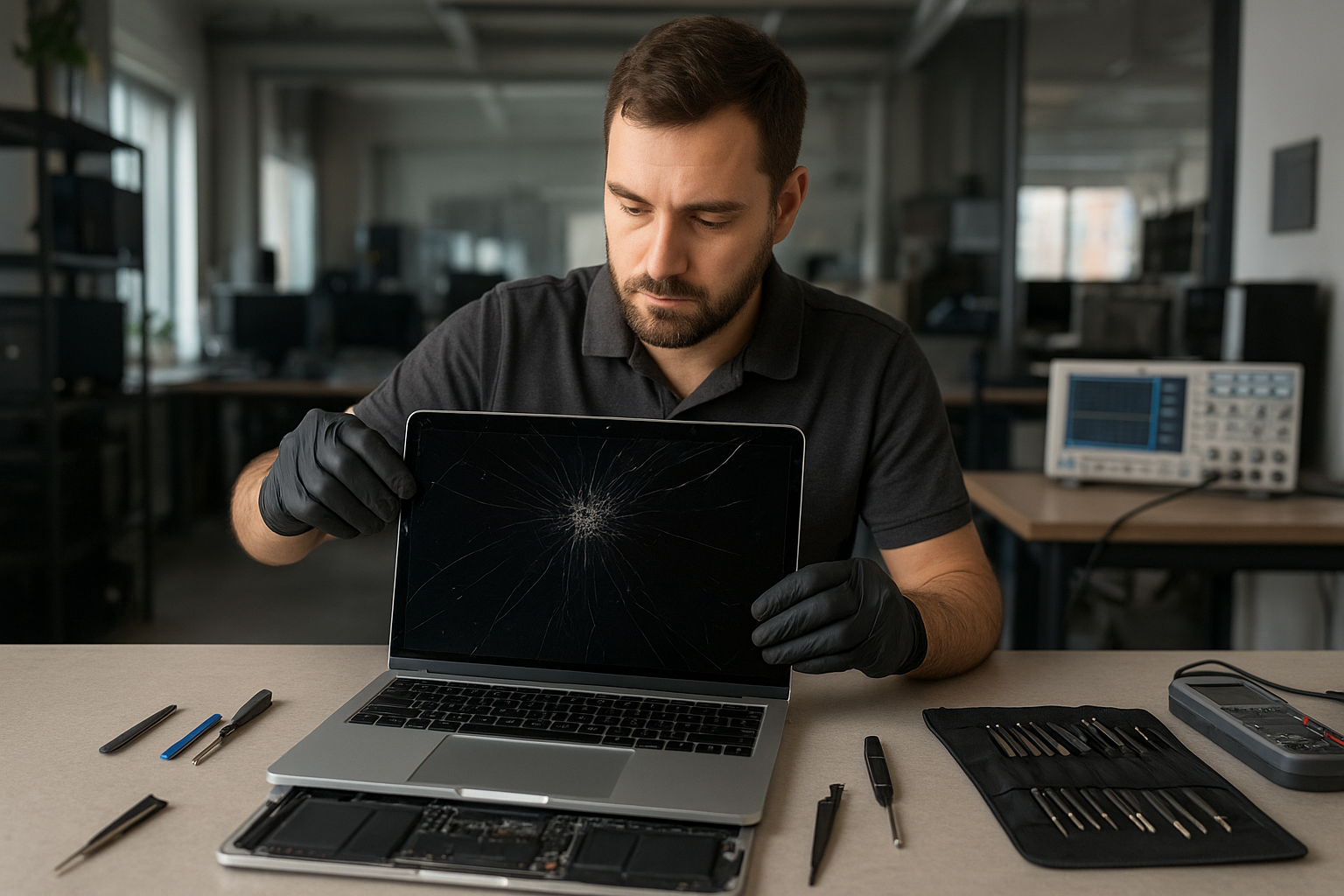
MacBook Pro Screen Replacement Vancouver
If your MacBook Pro screen is cracked, flickering, or shows lines, a fast, accurate repair matters. At Moe Repair in Coquitlam we provide professional MacBook Pro screen replacement Vancouver customers trust. Our goal is to restore your display and protect your data while explaining the issue in plain language.
Problem overview: What we see with MacBook Pro displays
MacBook Pro displays fail in several ways. Some problems are cosmetic, such as small cracks or scratched glass. Others affect usability: vertical or horizontal lines, backlight failure, image retention, or a completely black screen. We also see issues caused by liquid damage or loose display cables after a drop.
Common symptoms
- Cracked or shattered glass with visible damage
- Flickering screen or intermittent image
- Vertical or horizontal lines across the display
- Dim or no backlight while image is present
- Black screen but Mac seems to boot (sounds or keyboard lights)
- Dead pixels or patchy discoloration
- Touch/trackpad unresponsive with display faults (on Touch Bar models)
Common causes
Understanding why a display failed helps you avoid repeat problems. The most common causes we diagnose at Moe Repair in Coquitlam are:
- Physical impact: drops and pressure damage the LCD or glass.
- Hinge stress: worn hinges can stress the screen and cable over time.
- Liquid exposure: even small spills can corrode connectors and the panel.
- Connector failure: display cable or logic board connector issues can mimic a bad screen.
- Manufacturing defects: rare, but some panels fail prematurely.
How professionals diagnose screen problems
When you bring a MacBook Pro to Moe Repair, our technicians follow a step-by-step diagnostic process that focuses on safety and data protection:
- Visual inspection to identify glass vs panel damage and check for liquid signs.
- External tests: connect an external monitor to determine if the GPU and logic board are working.
- Safe disassembly to inspect display cable, connector, and hinge condition.
- Component-level checks for power to the backlight and continuity through the LVDS/eDP connector.
- Document findings and recommend repair options with clear outcomes and risks.
This process is why reputable repair shops avoid guessing. For example, a black screen with an external monitor working usually rules out the GPU and points to the display assembly or cable.
Repair options
After diagnosis we explain options so you can choose the right path for your situation:
- Screen replacement: replacing the entire display assembly (glass, panel, and bezel) is a common, reliable fix.
- Glass-only repair: available on some models when only the glass is damaged and the panel underneath is fine; this depends on model and availability.
- Display cable or hinge repair: if the panel is fine but the cable is damaged, replacing the cable and repairing the hinge can restore the screen.
- Logic board repair: when video output fails at the board level, board repair or replacement may be necessary and is a different service.
- Data salvage and display workaround: if repair is complex, we prioritize data recovery and temporary display solutions until a full repair is possible.
Advantages of professional repair
Choosing a trained technician protects your investment. At Moe Repair we:
- Use industry-standard tools and static-safe procedures.
- Inspect and clean connectors to prevent recurring issues.
- Test the logic board and power rails before replacing expensive parts.
- Provide honest guidance about repair feasibility and next steps.
When replacement makes more sense
Sometimes a full display replacement is the safest, most cost-effective choice. Replacement is usually recommended when:
- Glass and LCD are both damaged or the touchscreen layer is compromised.
- There is visible liquid corrosion affecting connectors or the panel.
- The hinge has damaged the cable beyond repair causing intermittent failures.
We never push unnecessary replacements. Our technicians explain trade-offs clearly, based on the machine age, repairability, and your priorities.
What to expect during the repair process
Below is the typical flow we follow for a MacBook Pro screen replacement at Moe Repair in Coquitlam. We do not promise exact times here because each model and damage scenario varies.
- Intake and intake diagnostics: confirm symptoms, backup recommendations, and get authorization to proceed.
- Detailed teardown: safe removal of the screen assembly and inspection of internal connectors and hinges.
- Part replacement: install the new display assembly or panel using proper adhesives and alignment procedures.
- Post-repair testing: verify image quality, backlight, color calibration, and mechanical fit.
- Final quality check and data integrity verification before customer pickup.
We also communicate clearly if a secondary issue appears during disassembly, such as corrosion or logic board damage.
Preventative maintenance and how to avoid screen damage
- Use a protective sleeve or clamshell case while transporting your MacBook Pro.
- Avoid placing heavy objects on top of your laptop.
- Clean the screen with a soft microfiber cloth and approved cleaners; do not spray liquid directly on the display.
- Be cautious around liquids and keep drinks away from your workspace.
- Address hinge stiffness early; it often leads to cable stress and display issues.
Real technician advice from Moe Repair
One issue we regularly see at Moe Repair in Coquitlam is customers continuing to use a MacBook with a hairline crack. That small crack can let moisture and dirt enter and turn a glass repair into a panel replacement. If you notice any damage, bring it in for a quick inspection. We also recommend backing up important files before any repair—especially when there are signs of liquid damage.
Another common mistake is attempting DIY replacement with cheap third-party parts. Poorly matched panels can show poor color, remain dim, or fail prematurely. Our technicians test panels and source reliable components to avoid those outcomes.
Services we commonly pair with screen replacement
- Battery replacement when the case is opened
- Keyboard or trackpad service for models with integrated assemblies
- Hinge repair to prevent future cable stress
- SSD upgrade or data recovery if a drive issue appears
- macOS repair or calibration after hardware changes
Frequently Asked Questions
Below are the most common customer questions. For tailored advice, call or visit our Coquitlam shop.
1. Can I use my MacBook Pro with a cracked screen?
You can in some cases, but a cracked screen risks further damage and could cut your fingers. Small cracks can become larger, and liquid or dust can enter the assembly. We usually recommend inspection and backup first.
2. Will a screen replacement affect my data?
Replacing the display does not touch your data on the SSD. However, if we see liquid damage or other issues, we advise backing up before proceeding. We can assist with data recovery if needed.
3. Are original parts required?
Some models accept glass-only repairs, others need full assemblies. We source high-quality parts that match panel specifications. We will explain the difference and quality expectations during the estimate.
4. How do you know if the problem is the screen or the logic board?
We test with an external monitor and inspect internal connectors. If the external monitor works fine, the logic board is likely okay and the issue is the display assembly or cable.
5. Do you service older MacBook Pro models?
Yes. We repair a wide range of MacBook Pro models. Availability of parts varies by model and year; we will be transparent about options.
6. Can liquid damage be repaired along with the screen?
Often yes, but liquid damage can affect multiple components. We clean and test connectors and may recommend additional repairs if corrosion is present.
7. Do you offer warranty on display repairs?
Repair-specific warranty policies depend on the replaced parts and procedures. We will provide warranty details in writing with each repair estimate.
8. Should I repair or replace my MacBook Pro?
We decide based on diagnosis, age, repairability, and cost-effectiveness. For many customers in Coquitlam and the Tri-Cities, a screen replacement extends the useful life of their MacBook Pro at a lower cost than a new machine.
Conclusion: MacBook Pro Screen Replacement Vancouver
If you need MacBook Pro screen replacement Vancouver-area customers trust Moe Repair in Coquitlam for experienced, transparent service. We diagnose problems thoroughly, protect your data, and explain realistic repair options so you can decide with confidence.
Call to schedule a diagnostic or ask about parts availability: 778-951-4872. Visit our website: https://moerepair.net or email service@moerepair.ca. We serve customers across Coquitlam and the Tri-Cities including Burnaby, Port Coquitlam, Port Moody, New Westminster, and Vancouver.