Hi, How Can We Help You?
  • 203-504 Cottonwood Ave, Coquitlam
  • service@moerepair.ca
  • +1 (778) 951-4872

Category Archives: Computer Repair Burnaby

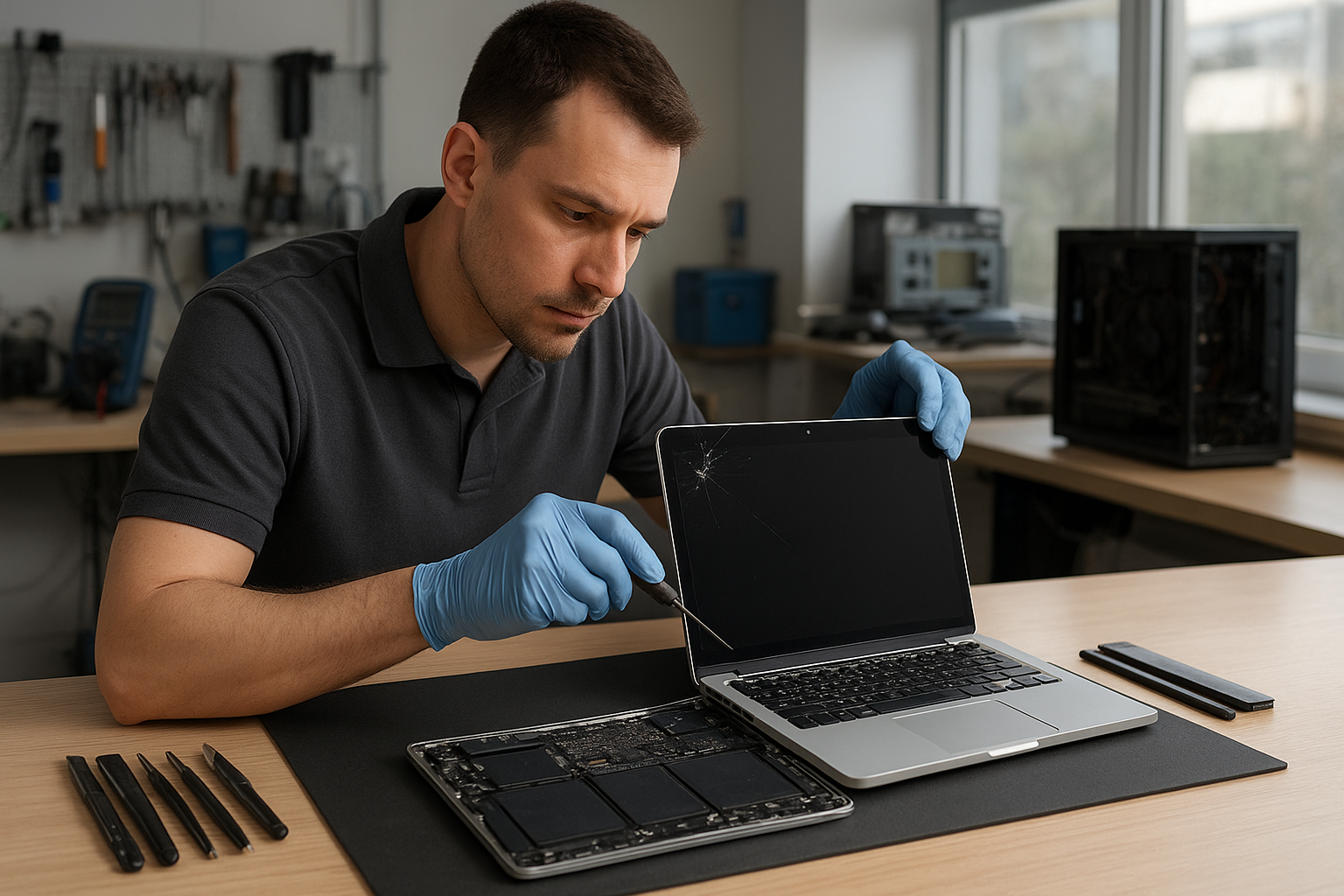
MacBook Pro Screen Repair Coquitlam

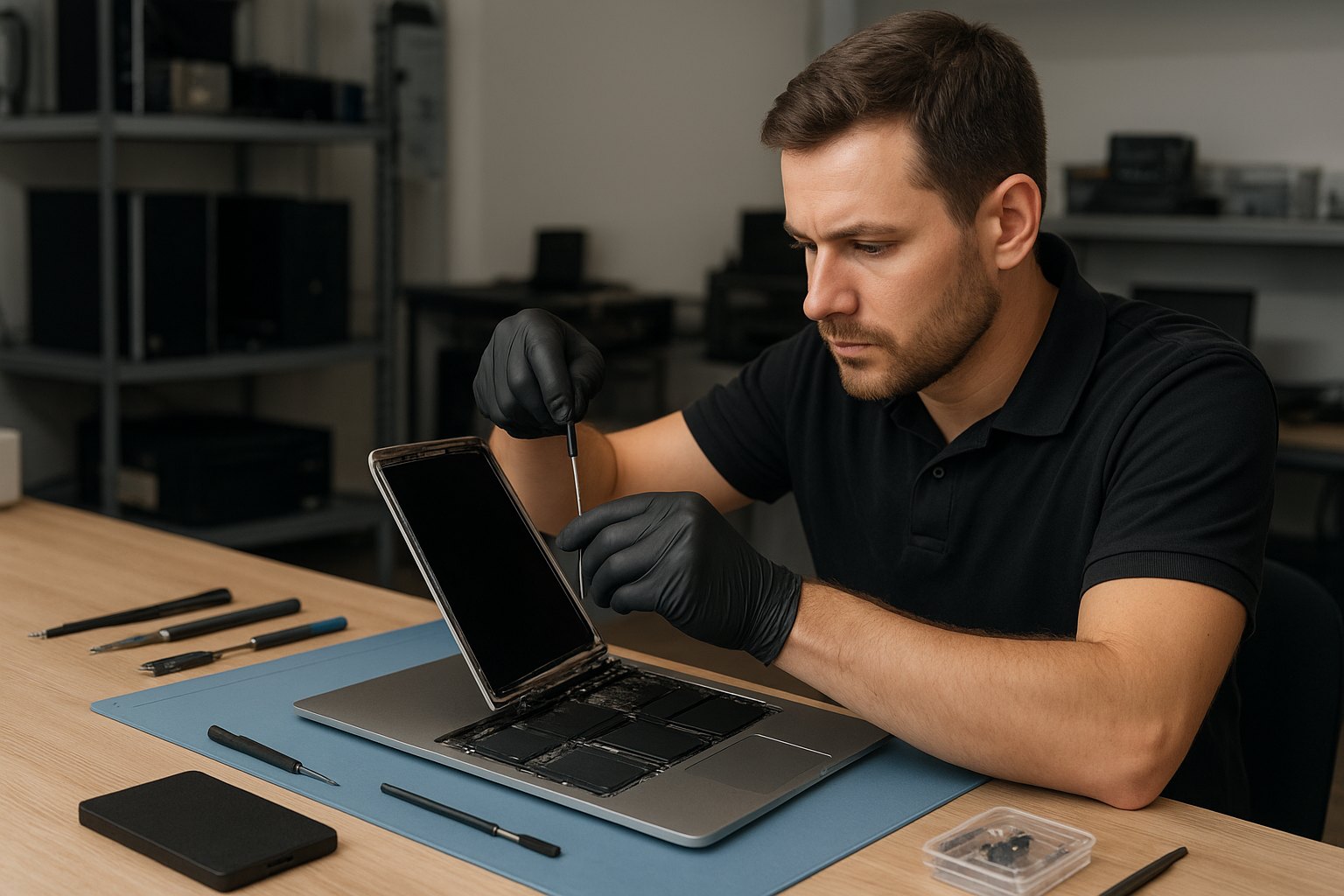
If your MacBook Pro shows a cracked glass, flickering Retina display or black screen, you need a clear diagnostic and an expert repair. At Moe Repair in Coquitlam we handle MacBook Pro screen repair and laptop display replacement with professional diagnostics and practical recommendations. Our goal is to get your notebook back to reliable use while protecting your data and budget.

Why screens fail: quick problem overview

MacBook Pro screens fail for a handful of common reasons. Physical impact causes cracked glass and pressure damage. Liquid spills can corrode connectors and damage the LCD. Normal wear can loosen hinges and stress cables, leading to flicker or intermittent image loss. Finally, motherboard faults or GPU issues sometimes present as screen problems.

Common symptoms customers bring in

  • Cracked or shattered glass with otherwise working system.
  • Vertical or horizontal lines, indicating panel or connector faults.
  • Backlight not lighting up, but faint image visible in bright light.
  • Flickering, color banding or washed-out colors, suggesting inverter or cable issues.
  • Random blackouts or image loss when the lid moves, often hinge or display cable damage.
  • Persistent dead pixels or small clusters of pixels that don’t change.
  • Touch Bar or external monitor behaviors that point to macOS or GPU damage.

What causes these screen problems

Knowing the cause helps us recommend the right solution. A cracked laptop screen almost always comes from impact. Flicker and backlight failures are often cable, connector or backlight inverter issues. Liquid damage frequently affects the LCD, the display cables and sometimes the logic board. And repeated hinge stress can fray the display cable over time.

Professional diagnostic process at Moe Repair

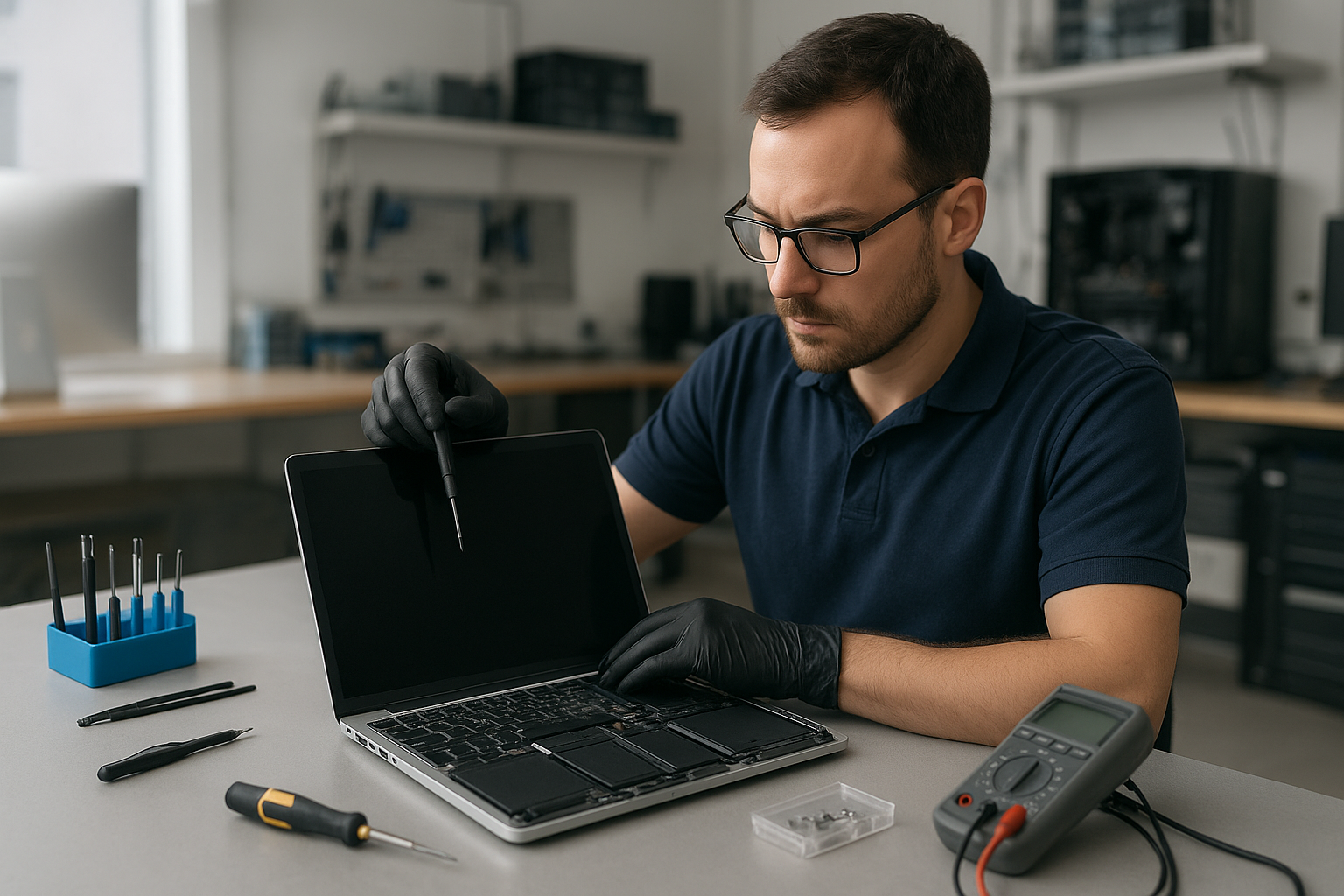
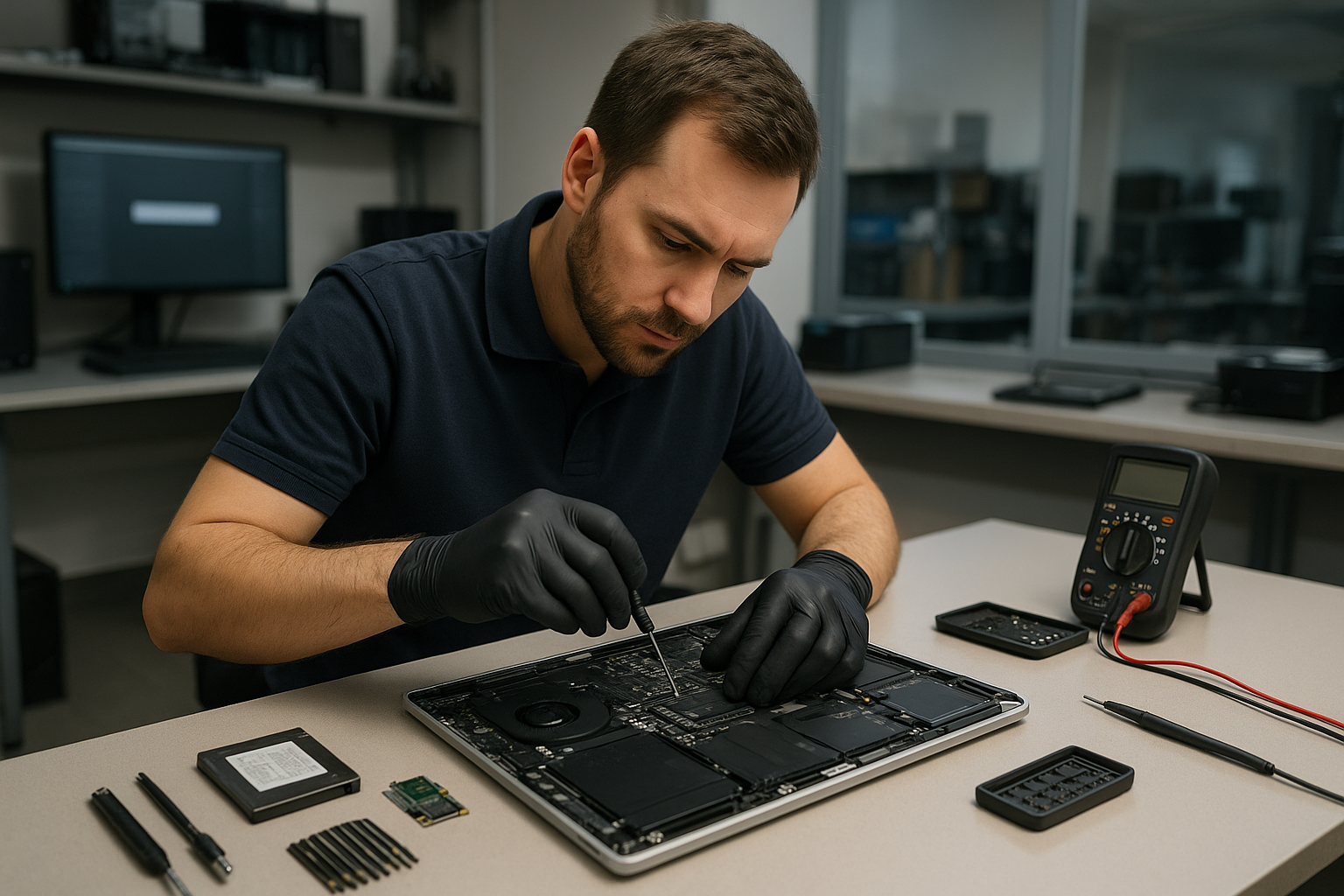
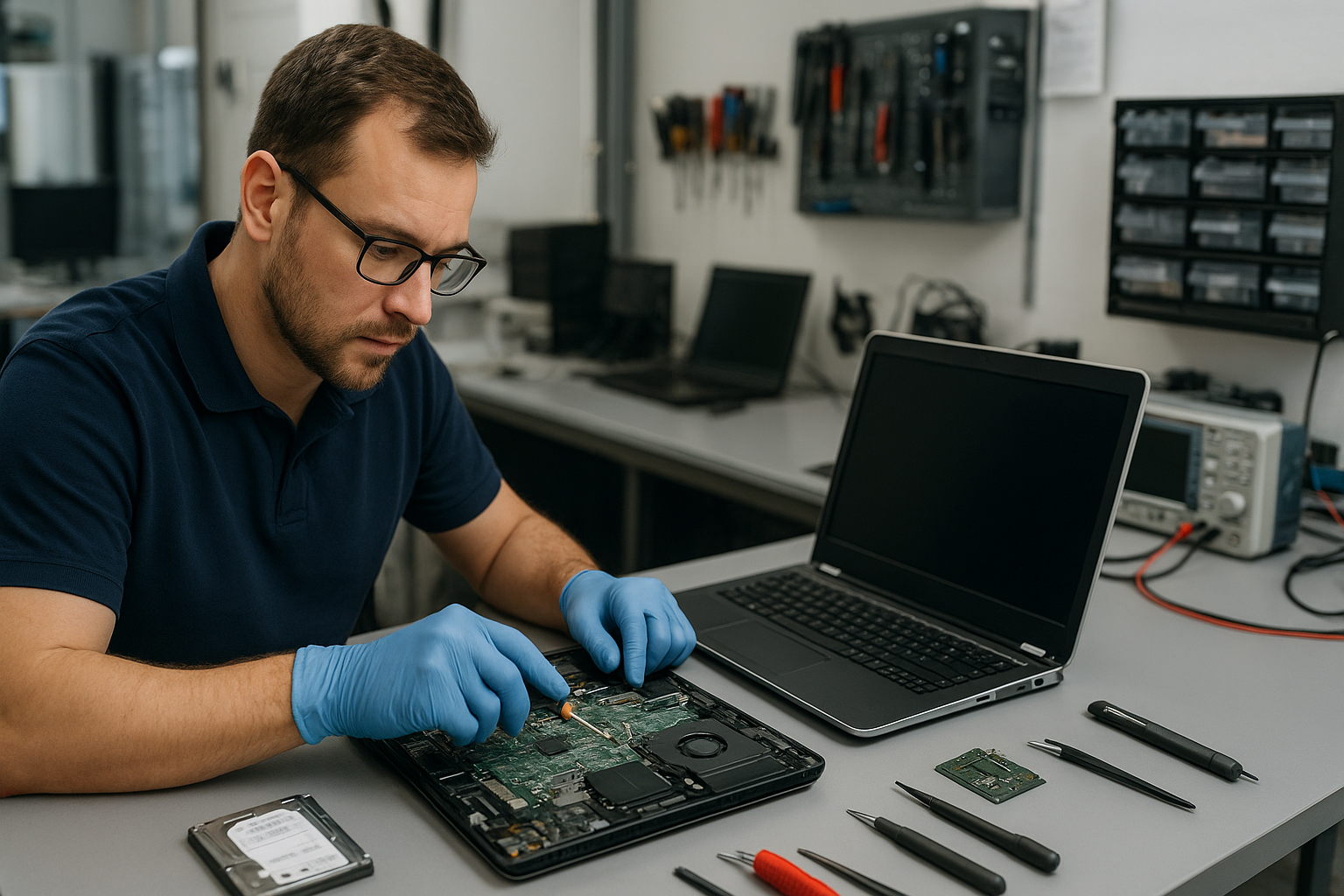
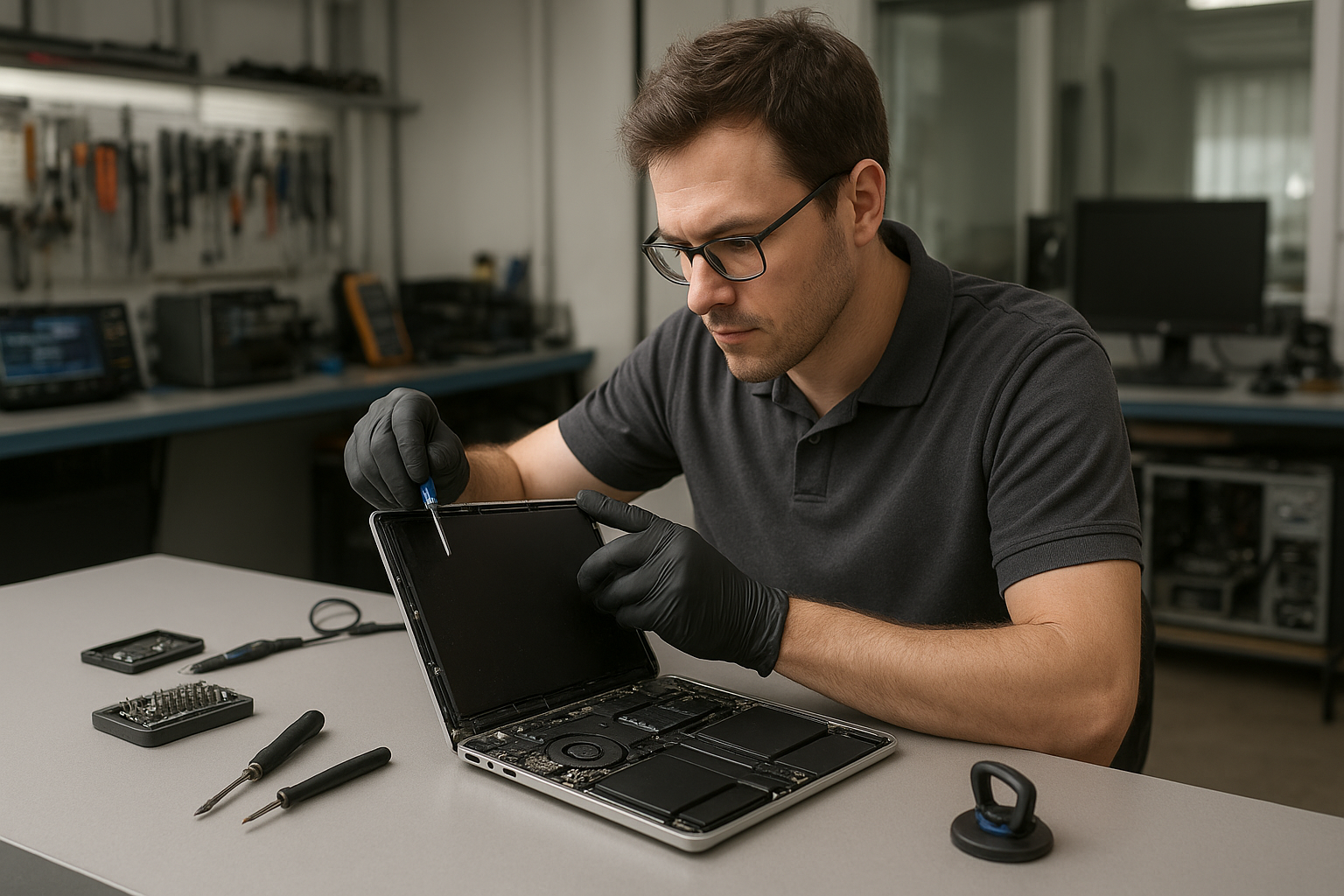
We start every MacBook Pro screen repair with a structured diagnostic. First, we inspect the chassis and hinge for obvious physical damage. Then we run system checks and connect an external monitor to separate display panel faults from GPU or logic board issues. Next, we open the case to inspect the display cable, connectors and backlight components while following ESD-safe procedures.

We test the LCD assembly, backlight and related harnesses. When liquid damage is suspected, we check for corrosion and take steps to isolate affected components. Finally, we review repair options with you, clearly listing risks and expected outcomes so you can choose the best path.

Repair options: which route to take

There are a few sensible options depending on diagnosis:

  • Glass-only repair: For some Retina MacBook Pros, the glass can be separated and replaced without replacing the entire assembly. This depends on model and technician assessment.
  • Full LCD/display replacement: When the panel, backlight or digitizer is damaged, replacing the full assembly is the reliable fix.
  • Connector and cable repair: If the issue lies with a loose or damaged display cable, we can replace or reroute the cable and address hinge wear.
  • Logic board or GPU repair: If an external monitor also shows no image, the logic board may need attention. We provide honest advice and relevant motherboard repair or macOS repair options.
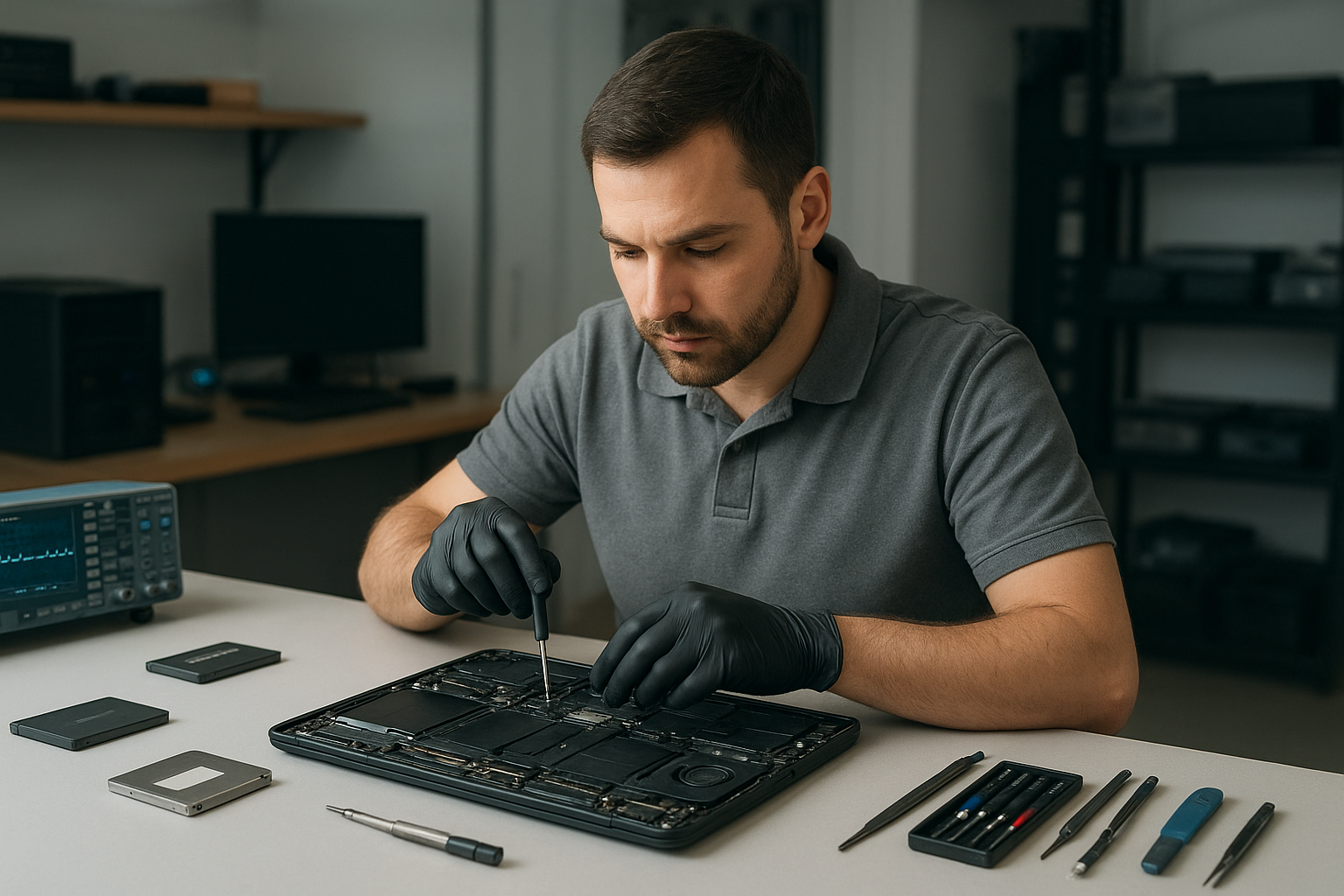
  • Data-first approach: If data recovery is a priority, we preserve drives and advise on SSD upgrade or cloning before any invasive work.

Advantages of professional repair

Choosing a trained technician reduces risk. We use proper tools and ESD-safe practices to avoid collateral damage to the logic board or internal connectors. We test with known-good parts and validate that backlight, color calibration and hinge alignment meet Apple-quality expectations. Also, professional repair minimizes the chance of losing data during service.

When replacement makes more sense

Replacement is the right choice when the LCD is shattered beyond the point where a glass-only fix is feasible. Also, when liquid damage has spread to the logic board and repair costs exceed practical limits, a full assembly replacement or a trade-off solution may be better. We never push unnecessary replacement; we show the full inspection results and explain why one option is recommended over another.

What to expect during the repair process

We keep customers informed at every step. After diagnostic checks we explain the findings and list repair options. If you approve, we order the correct parts and keep you updated on arrivals. During the repair we test the new display assembly before reassembly and calibrate color and brightness. Finally, we run full hardware and software tests to ensure macOS behaves normally with the new display.

Preventative maintenance to protect your screen

  • Use a quality protective case or sleeve and a screen protector to reduce risk of cracks and scratches.
  • Open and close the lid from the center to reduce hinge stress and cable wear.
  • Keep liquids away from your MacBook and clean the keyboard and vents regularly to avoid spills and heat buildup.
  • Take the MacBook in for hinge or keyboard service at the first sign of stiffness or irregular lid movement.

Real technician advice — what customers often get wrong

One common issue we regularly see at Moe Repair is customers assuming an external display problem rules out a panel fault. In many cases a failing backlight or intermittent cable will show odd behaviors that mimic GPU failure. That is why we always test with both external monitors and internal connectors.

Another mistake is attempting DIY screen repair without the right tools. Improper prying can damage the case, fingerprint sensors or the delicate Retina cables. If you value your data and want to avoid compounding damage, bring the MacBook to a certified technician.

Related services we provide

Beyond screen repair, Moe Repair offers comprehensive services that often tie into display jobs. If your MacBook needs a battery replacement, hinge repair, SSD upgrade or motherboard repair after liquid damage, we can handle those too. We also perform data recovery, macOS repair and virus removal for customers across Metro Vancouver.

Serving Coquitlam and Metro Vancouver

We repair MacBook Pro displays for customers in Coquitlam, Burnaby, Vancouver, Surrey, New Westminster, Port Moody, Port Coquitlam, Maple Ridge, Richmond and Pitt Meadows. Moe Repair treats both walk-ins and booked repairs, and we explain each step so you can make an informed decision.

Frequently asked questions

Below are common questions we hear at our Coquitlam shop. If you need a personalized answer, call or book a diagnostic.

  • Q: Can you fix a cracked MacBook Pro glass without replacing the LCD?
    A: Sometimes. Depending on the model and extent of adhesive and clamp design, we may perform a glass-only repair. We inspect the panel and recommend the safest option.
  • Q: My MacBook screen flickers only when I move the lid. Is it the display?
    A: That symptom commonly points to a worn display cable or hinge stress. We inspect the cable route and hinge for wear and test with a bench setup to confirm.
  • Q: Will a third-party screen cause problems with macOS or True Tone?
    A: Some replacement assemblies do not preserve True Tone or color profiles. We discuss trade-offs and, when possible, source parts that maintain color calibration. We always disclose limitations.
  • Q: My MacBook screen is black but I hear startup sounds. Can the display be repaired?
    A: Yes. That usually indicates a backlight or inverter problem, or a disconnected display cable. We run diagnostics to determine the exact cause.
  • Q: Should I back up before bringing my MacBook in for screen repair?
    A: Yes. We recommend a backup prior to any repair. If you cannot, we can prioritize data-first steps and discuss data recovery or cloning options.
  • Q: Do you repair Touch Bar or models with built-in camera issues after screen replacement?
    A: Yes. We diagnose Touch Bar and camera functions during the repair process and address any related connector or sensor issues.
  • Q: My MacBook suffered a spill. Can you still repair the screen?
    A: Liquid damage is variable. We inspect for corrosion and test all components. Sometimes the screen is fine but the logic board or connectors need work. We give a clear summary and options.
  • Q: Is it worth repairing an older MacBook Pro screen?
    A: We evaluate the unit’s overall condition, repair cost, and your usage needs. For many customers a screen replacement plus an SSD upgrade or battery replacement extends useful life affordably. We explain the pros and cons so you can decide.

Conclusion

For reliable MacBook Pro screen repair in Coquitlam trust Moe Repair for honest diagnostics, professional repairs and clear recommendations. Whether you need a cracked laptop screen fixed, a Retina display replaced, or follow-up motherboard or data recovery work, our technicians handle the full scope of laptop repair. Contact us for an assessment and practical advice tailored to your MacBook Pro.

Business: Moe Repair
Website: https://moerepair.net
Phone: 778-951-4872
Email: service@moerepair.ca

Laptop Repair Coquitlam: Trusted Local Technicians at Moe Repair

If your laptop is acting up, slow, or has a cracked screen, Moe Repair provides expert Laptop Repair Coquitlam residents trust. As a Coquitlam-based repair shop serving Metro Vancouver, we handle everything from simple battery replacement to complex motherboard repair. This guide explains how we diagnose problems, repair options, and when replacement makes more sense.

Problem overview: When to seek professional laptop repair

Many issues start small and worsen over time. A flickering display may become a dead screen. A loose charging port can lead to intermittent power and data corruption. Seeking professional help early reduces the risk of permanent damage and data loss.

One common issue we regularly see at Moe Repair is water damage that was left to dry at home. Customers often try rice or DIY fixes; the result is corrosion and additional component failure. Bringing the device in quickly allows us to limit corrosion and improve recovery chances.

Common symptoms

  • Won’t turn on or powers off unexpectedly
  • Blank, flickering, or cracked display
  • Battery won’t charge or drains quickly
  • Keyboard or trackpad not responding
  • Overheating or loud fan noise
  • Slow performance, frequent crashes, or Blue Screen/Kernel Panic
  • Strange noises from the drive or clicking sounds
  • Charging port loose or does not accept a plug
  • Liquid spills or physical damage to hinges and chassis

Common causes we see in Coquitlam

Hardware ages and accumulates wear. Batteries lose capacity, thermal paste dries, and hinges weaken. Physical accidents and liquid spills are frequent causes of screen cracks and keyboard failures. Software issues and malware can masquerade as hardware faults by slowing machines or causing boot failures.

We also see SSD or hard drive failure after long use, or following sudden power loss. For business customers, improper shutdowns or inadequate backups lead to urgent data recovery situations.

Laptop Repair Coquitlam: How professionals diagnose problems

Our diagnostic process is methodical. First, we take a detailed history: what happened, when symptoms began, and any recent changes or drops. Then we run non-invasive tests and boot diagnostics to check firmware and operating system logs.

Next, we isolate components. We test power delivery, batteries, and chargers. We run memory and storage tests to find failing RAM or drives. If the display is affected, we test an external monitor to determine if the problem is the screen, GPU, or motherboard.

For liquid damage, we inspect for corrosion and test individual components before powering up fully. When data is at risk, we prioritize imaging the drive before attempting board-level repairs.

Repair options we recommend

  • Battery replacement for worn or swollen batteries to restore runtime and safety.
  • Screen replacement for cracked laptop screen or failed displays; includes hinge inspection and display cable checks.
  • Keyboard replacement for sticky keys, unresponsive sections, or liquid-damaged keyboards.
  • Charging port repair when ports are loose, corroded, or not transferring power correctly.
  • Motherboard repair for complex faults, power issues, or component-level failures performed by experienced technicians.
  • SSD and RAM upgrades to improve startup times and multitasking for older laptops.
  • Liquid damage repair focused on corrosion removal and component replacement when necessary.
  • Data recovery and drive cloning when drives show errors or have failed to boot.
  • Virus removal and Windows/macOS repair to restore performance and security.

We discuss costs and realistic outcomes before any work starts so you can decide confidently.

Advantages of repairing instead of replacing

Repair often preserves your data, reduces electronic waste, and can be more cost-effective than buying a new machine. Upgrades like SSDs or additional RAM can give an older laptop a second life at a fraction of replacement cost. For MacBook repair and business laptops, repairs often maintain specific software compatibility and settings.

When replacement makes more sense

Sometimes replacement is the smarter choice. If the motherboard has multiple failing components, or repair costs approach the value of a new laptop, replacement may be better. For very old models that lack modern ports or performance, investing in a new device with warranty and updated features may save time and headaches.

We always explain the trade-offs and recommend the option that best fits your budget and needs.

Estimated repair process (what to expect at Moe Repair)

When you bring your laptop to Moe Repair we start with a clear intake: we document symptoms and get permission for diagnostic testing. We perform hardware and software checks and then provide a written estimate and recommended options. After approval, we proceed with parts and repairs, keeping you updated on findings and next steps.

We never perform extra work without consent. If data recovery is needed, we explain risks and the steps we take to preserve your files.

Preventative maintenance to extend laptop life

  • Keep vents clear and clean dust from fans to prevent overheating.
  • Avoid leaving your laptop on soft surfaces that block airflow.
  • Use surge protectors to reduce electrical damage risk.
  • Back up data regularly to an external drive or cloud service.
  • Update operating system and drivers to maintain security and performance.
  • Replace batteries showing swelling or rapid capacity loss.
  • Use a protective case or sleeve to prevent drops and screen cracks.

Real technician advice from Moe Repair

When diagnosing, we separate software versus hardware issues. If the laptop boots to BIOS but not the OS, that points to storage or software. If it shows nothing on both the internal and external display, that implies a power or motherboard issue.

Customers often tell us they tried to fix a board-level problem at home. Removing and reseating parts without static protection can cause additional damage. Leave soldering and complex board work to professionals unless you have experience and the right tools.

Always keep backups. We cannot guarantee data on failing drives. Early imaging is critical for recovery.

Frequently Asked Questions

We cover common customer concerns below and in the FAQ section for easy reference. If you do not find your question, contact us directly.

Contact and local service

Moe Repair serves customers throughout Metro Vancouver, including Coquitlam, Port Coquitlam, Port Moody, Burnaby, Vancouver, New Westminster, Surrey, Richmond, Maple Ridge and Pitt Meadows. For laptop repair, MacBook repair, data recovery, or upgrades call 778-951-4872, email service@moerepair.ca, or visit https://moerepair.net.

Conclusion

For reliable Laptop Repair Coquitlam trusts, Moe Repair combines clear diagnostics, honest recommendations, and skilled technicians who treat your data and device with care. Whether you need a screen replacement, battery replacement, motherboard repair, or an SSD upgrade, we explain your options and help you choose what makes sense.

Call-to-action: Bring your laptop to Moe Repair or call 778-951-4872 for a professional diagnostic and clear repair plan. Email service@moerepair.ca for questions or to book an appointment.

July 23, 2026

Laptop Repair Coquitlam

At Moe Repair we fix laptops in Coquitlam every day. If your laptop won’t boot, the screen is cracked, the battery dies quickly, or it runs slowly, bring it to a certified technician who will diagnose the problem and explain repair options in plain language. We serve Metro Vancouver and customers from Burnaby to Maple Ridge.

Why laptops fail: problem overview

Laptops are compact systems where heat, movement and everyday use create wear. Failures fall into predictable categories: power and charging issues, display and hinge damage, storage or memory faults, liquid spills, and software corruption. Understanding the likely cause helps you pick the right repair and avoid unnecessary cost.

Common symptoms we see at Moe Repair

  • Won’t turn on or shows no power
  • Shows a logo but won’t boot into the operating system
  • Cracked or flickering display
  • Keyboard or trackpad not working
  • Battery drains quickly or won’t charge
  • Strange noises from the fan or hard drive
  • Overheating or sudden shutdowns
  • Liquid spilled on the keyboard or ports
  • Slow performance after years of use
  • Unexpected blue screen or kernel panics

Common causes

Symptoms point to underlying faults. A laptop that fails to power on can have a faulty charger, damaged DC jack, or a failed motherboard. Flickering or black screens are often caused by broken display panels, loose display cables, or GPU issues. Slow performance usually comes from a failing hard drive, insufficient RAM, or malware.

How professionals diagnose problems

At Moe Repair our diagnosis starts with questions and a quick visual inspection. We check power and charging, run hardware self-tests, and inspect connectors for corrosion or physical damage. For software issues we use a controlled boot environment to isolate driver and OS problems. When necessary we remove the drive to image data before testing components.

We document findings and explain whether the issue is mechanical, electrical, or software-based. You get clear options before we start any work.

Typical repair options

  • Battery replacement when capacity drops or cells fail.
  • Screen replacement for cracked, flickering, or dead displays.
  • Keyboard and hinge repair for broken keys or damaged hinges.
  • Charging port repair when the DC jack is loose or corroded.
  • Motherboard repair for power delivery and component failures.
  • SSD and RAM upgrades to improve speed and responsiveness.
  • Data recovery from failed drives before replacement or upgrade.
  • Virus removal and Windows or macOS repair for software corruption.
  • Liquid damage repair including cleaning, corrosion removal, and parts replacement.

Advantages of repairing your laptop

Repairing often costs less than buying new. You keep your files, software, and settings. Replacing a screen, battery, or storage drive can extend the usable life of your laptop for years. Responsible repairs also reduce e-waste and protect any custom configurations you rely on for work or school.

When replacement makes more sense

Sometimes a full replacement is the better choice. We recommend replacement when the motherboard is severely damaged, multiple major components are failing, or the cost of parts and labor approaches the value of a newer machine. Older models with obsolete parts or limited upgrade options are also candidates for replacement.

How Moe Repair decides whether to repair

We weigh the age of the laptop, the cost and availability of parts, and your usage needs. For business laptops or machines with important data we lean toward repair and data recovery. For older consumer laptops where an SSD upgrade and battery replacement won’t bring the performance you need, we may recommend replacement. You always get a clear estimate and the choice.

What to expect during the repair process

After you drop off or book your laptop, we perform a free intake check and provide an estimate. Our technicians then perform a detailed diagnostic and share findings. With your approval we order parts if needed and proceed with repair. We test functionality and run stress checks before returning the machine.

We never start major work without your consent. If data recovery is required we image the drive in a secure environment before repairs.

Preventative maintenance

Prevent problems by keeping vents clear, using cooling pads for heavy use, and avoiding eating or drinking over your laptop. Regularly back up important files and update your operating system and antivirus. For older laptops, a preventive SSD upgrade, a RAM increase, and internal cleaning can avoid many issues.

Real technician advice from Moe Repair

One common issue we regularly see is customers continuing to use laptops with a swollen battery. That is a safety risk. Stop using the device and bring it to a technician for a safe battery replacement. Another frequent mistake is using generic chargers that damage the charging port. Use quality chargers and avoid forcing connectors into ports.

If liquid spills occur, power down immediately, disconnect power, and bring the laptop in. Do not try to dry a laptop with heat—this can spread corrosion. We have recovered many devices after quick action, but delayed cleaning reduces the chance of full recovery.

Brands we service

We work on Dell, HP, Lenovo, ASUS, Acer, MSI, Microsoft Surface, Samsung, LG, and Apple MacBook models. Each brand has quirks; for example, some gaming laptops have soldered components that limit upgrades, while many business-class laptops have modular parts that are easier and more cost-effective to replace.

Repair scenarios from the shop

Scenario 1: A client brought a Lenovo with intermittent shutdowns. Diagnostics showed a failing SSD and thermal paste that needed replacement. After an SSD upgrade and thermal service the system was stable and noticeably faster.

Scenario 2: A MacBook Pro with a cracked screen and water exposure arrived. We secured the data first, replaced the display, and cleaned the logic board. The owner kept their files and avoided costly data loss.

What customers should avoid

  • Ignore strange noises or system warnings
  • Use cheap, unbranded chargers
  • Delay backing up important files
  • Attempt complex repairs at home without proper tools
  • Use compressed air to blow liquid deeper into the laptop

Frequently recommended services

We frequently recommend SSD upgrades, RAM upgrades, battery replacement, screen replacement, and data recovery. For malware or slow systems we offer virus removal and Windows installation services. Businesses benefit from proactive maintenance plans to reduce downtime.

Service area and local support

Moe Repair serves customers throughout Metro Vancouver, including Coquitlam, Port Moody, Port Coquitlam, Burnaby, Vancouver, New Westminster, Surrey, Richmond, Maple Ridge, and Pitt Meadows. We understand local needs and provide recommendations tailored to daily commuters, students, and businesses.

Conclusion

If you need Laptop Repair Coquitlam, bring your device to Moe Repair for honest diagnostics and professional service. We diagnose problems clearly, explain repair options, and protect your data. Call or email us to book an evaluation and get practical advice from a certified technician.

Contact Moe Repair

Phone: 778-951-4872 | Email: service@moerepair.ca | Website: https://moerepair.net

July 23, 2026

Laptop Repair Coquitlam

If your laptop is acting up in Coquitlam, Moe Repair offers expert laptop repair Coquitlam residents trust. We diagnose problems clearly, explain repair options, and fix everything from cracked laptop screens to motherboard faults. Read on to learn how we approach repairs, what failures mean, and how we help customers get reliable laptops again.

Why your laptop failed: a practical overview

Laptops fail for many reasons. Some issues start slowly, like a battery that no longer holds charge. Others are sudden, like liquid damage or a cracked laptop screen after a drop. At Moe Repair we separate symptoms from causes, because treating the symptom alone rarely fixes the root problem.

Common failures fall into these groups: hardware wear, accidental damage, software corruption, and environmental stress. Understanding which group your problem fits helps us recommend repair, upgrade, or replacement.

Common symptoms we see

  • Blank or flickering display and cracked laptop screen
  • Slow performance, frequent freezes or blue screens
  • Battery drains quickly or won’t charge
  • Overheating or noisy fans
  • Keyboard or trackpad not responding
  • Laptop won’t power on or boots intermittently
  • USB or charging port issues
  • Water spills and liquid damage
  • Data loss or corrupted files
  • Unexpected popups, redirects, or slow web browsing from viruses

Common causes behind the symptoms

Often a simple component fails, like a worn-out battery or damaged screen. Other times the issue involves multiple parts: a liquid spill can corrode the keyboard, damage the charging port, and cause motherboard faults. Software problems can mimic hardware failures, so we always run a full diagnostic before opening the case.

Heat and dust are frequent culprits. Blocked airflow leads to overheating, which shortens fan life, weakens solder joints on the motherboard, and accelerates CPU or GPU degradation. Mechanical stress from repeated opening and closing causes hinge failure and screen cable issues.

How professionals diagnose laptop problems

At Moe Repair we follow a step-by-step diagnostic process. First, we document the customer’s report and recreate the issue. Then we run non-invasive tests: power checks, display tests, POST diagnostics, and software scans. If needed we open the laptop and inspect components under magnification for corrosion, cracked solder, or physical damage.

We test with known-good parts when possible: a known battery, charger, or display cable. This helps separate faulty parts from ambiguous symptoms. For software issues, we boot into safe mode or use a clean external drive for a controlled test. For data concerns, we image drives before any write operations to preserve evidence.

Repair options and what they mean

After diagnosis we offer clear options: repair a specific component, upgrade parts like SSD or RAM, or recommend replacement when repair won’t be cost-effective. Typical repairs include:

  • Screen replacement for cracked laptop screens or backlight failures
  • Battery replacement when capacity drops or battery won’t charge
  • Keyboard replacement for non-responsive keys or liquid damage
  • Hinge repair and display cable replacement for wobbling or intermittent screens
  • Charging port repair for loose or damaged power jacks
  • Motherboard repair for short circuits, blown power ICs, or failed components
  • SSD upgrades and RAM upgrades for faster performance
  • Virus removal, Windows installation, and macOS repair for software issues
  • Data recovery from failing drives and corrupted partitions

Advantages of repairing your laptop

Repairing saves money compared to buying new, keeps your data intact, and extends the life of a device you already rely on. Upgrades like SSD or RAM produce noticeable speed improvements and often deliver more value than a new mid-range laptop.

Repair also keeps your specific configuration and accessories working. For businesses, same-configuration repairs reduce compatibility headaches and downtime. At Moe Repair we aim for repairs that restore reliability, not just bandaids.

When replacement makes more sense

Sometimes replacement is the right choice. Typical reasons include: the motherboard is irreparably damaged, repair costs approach the price of a replacement, or the device lacks support for modern upgrades. Also consider replacement for very old systems that cannot run current software securely.

We never push sales. Instead we explain the cost-benefit and help customers compare repair against buying new. For critical business machines we prioritize fast, reliable options that minimize disruption.

What the repair process looks like

We follow a consistent workflow. First, we confirm symptoms and perform diagnostics. Next, we present repair options with clear explanations of parts, risks, and any data handling steps. With customer approval we perform the repair and test thoroughly before returning the laptop.

We document the work and advise on post-repair care. For data recovery or major motherboard work we keep customers informed at each stage. Moe Repair always seeks to minimize surprises and keep communication clear.

Preventative maintenance to avoid repairs

Small habits prevent many common failures. Clean vents and fans regularly to prevent overheating. Use a surge protector to protect against power spikes. Avoid leaving laptops on soft surfaces that block airflow. Back up data to an external drive or cloud so a single failure does not become a disaster.

When traveling, use a protective sleeve and never place heavy items on top of a laptop. For spills, power down immediately and bring the device in for inspection. Quick action often saves a logic board from irreversible corrosion.

Real technician advice from Moe Repair

One common issue we regularly see is a laptop that boots erratically after a spill because the customer continued to power it on. Powering a wet device risks shorting components and spreads corrosion. If a spill happens, shut the laptop down, unplug it, remove any external media, and bring it to a repair shop.

Another frequent mistake is ignoring slow performance. Customers assume a slow laptop means they need a new machine. Often a simple SSD upgrade and a fresh Windows installation will restore speed and extend usable life with a smaller investment.

Brands and models we service

We repair common brands including Dell, HP, Lenovo, ASUS, Acer, MSI, Microsoft Surface, Samsung, LG and Apple MacBook models. Whether it is a business ThinkPad, a gaming MSI, or a MacBook, we tailor repairs to each platform and respect manufacturer-specific service procedures.

Serving Metro Vancouver and surrounding areas

Moe Repair serves customers throughout Metro Vancouver. We help residents in Coquitlam, Port Coquitlam, Port Moody, Burnaby, Vancouver, New Westminster, Surrey, Richmond, Maple Ridge and Pitt Meadows. Local service means faster diagnostics and easier drop-off for urgent repairs.

Frequently asked questions

  • How do you protect my data during repair? We image drives before any invasive work when data is at risk. We never overwrite or delete user data without consent.
  • Can you fix a water-damaged laptop? Often yes, depending on how long it sat powered on and the extent of corrosion. Early inspection improves the chance of recovery.
  • Do you offer upgrades instead of repairs? Yes. SSD and RAM upgrades are common options to improve speed without full replacement.
  • Will a screen replacement affect my laptop’s webcam or mic? We test all integrated components after screen replacement and recalibrate display settings as needed.
  • Can you recover files if the laptop won’t boot? In many cases we can image the drive and recover files, even from failed Windows or macOS systems.
  • What should I do if my laptop overheats? Stop using it on soft surfaces, clean vents, and bring it in for diagnostic service. Overheating can damage internal components over time.
  • Can you fix charging port problems? Yes. We inspect for bent pins, replace ports, and check the power delivery circuit on the motherboard.
  • Do upgrades void my warranty? We explain warranty considerations for each model. Many owner-installable upgrades do not void existing warranties, but manufacturer policies vary.

Conclusion

Moe Repair provides honest, expert laptop repair Coquitlam customers depend on. We diagnose thoroughly, recommend the right option, and perform repairs with care. Whether you need screen replacement, battery replacement, motherboard repair, SSD upgrade, or virus removal, we focus on restoring reliability and protecting your data.

Contact Moe Repair: For trusted service in Coquitlam and Metro Vancouver call 778-951-4872, email service@moerepair.ca, or visit https://moerepair.net for more information. Bring your laptop in and we will assess it with clear, professional advice.

Laptop Repair Coquitlam: Reliable Service from Certified Technicians

If your laptop is acting up in Coquitlam, you need clear answers and repairs you can trust. At Moe Repair we focus on accurate diagnostics and repairs that restore your laptop’s performance. Whether it is a cracked laptop screen, a failing battery, or intermittent power issues, our team treats each device like it belongs to our family.

Common laptop problems we fix in Coquitlam

As experienced technicians we see the same symptoms again and again. Recognizing the symptom is the first step toward the right repair.

  • Won’t power on — no lights, no fan spin, or brief beep then shutdown.
  • Random shutdowns or restarts — unstable performance during work or gaming.
  • Slow performance — long boot times, programs lagging, heavy disk usage.
  • Cracked or flickering display — partial image, black spots, or backlight issues.
  • No battery charging — laptop runs on adapter only or battery refuses to hold charge.
  • Keyboard or trackpad failure — unresponsive keys or erratic cursor movement.
  • Liquid damage — corrosion, sticky keys, or shorting components.
  • Overheating and fan noise — thermal throttling or system shutdown under load.
  • Data access problems — corrupted files or drive not recognized.
  • Virus and system errors — popups, crypto-mining, or repeated blue screens.

What causes these symptoms?

Understanding failure modes helps you avoid repeat problems. In our shop we trace symptoms back to root causes rather than patching symptoms.

  • Wear and tear — batteries, mechanical hinges, and fans degrade over time.
  • Accidental damage — drops and impacts cause cracked displays and board damage.
  • Liquid exposure — spills cause corrosion and shorts that grow worse with time.
  • Thermal stress — dust and dried thermal paste raise temperatures and damage components.
  • Software issues — malware, corrupted OS files, and driver conflicts cause instability.
  • Storage failure — hard drives and older SSDs can fail due to age or power events.
  • Power problems — faulty adapters, damaged charging ports, or battery management faults.

How professionals diagnose laptop problems

At Moe Repair our diagnostic process follows a few clear steps so we can recommend the right repair with confidence.

  • Interview and symptom check — we ask what happened and when problems began to identify likely causes quickly.
  • Visual and physical inspection — we open the chassis when safe, inspect connectors, hinges, ports, and look for corrosion or burn marks.
  • Power and battery tests — measure adapter output, battery voltage and charging behavior without guessing.
  • Memory and storage checks — run memory tests and SMART diagnostics to find failing RAM or storage drives.
  • Screen and GPU tests — isolate display faults to panel, cable, or graphics subsystem.
  • Thermal and fan analysis — monitor temperatures and fan speeds to locate cooling failures.
  • Software diagnostics — check for malware, corrupted system files, and driver conflicts; boot to safe modes or external media when necessary.
  • Data recovery assessment — when drives are inaccessible, we determine recoverability before attempting recovery.

This structured approach reduces guesswork and prevents unnecessary part replacements. We document findings and explain repair options in plain language.

Repair options we provide

Every laptop has options. As technicians we present choices based on reliability, cost-effectiveness, and long-term value.

  • Screen replacement — for cracked laptop screens or faulty panels we replace with compatible display assemblies and test for backlight and touch function when present.
  • Battery replacement — we install high-quality replacement batteries and test charge cycles and capacity.
  • Keyboard and hinge repair — replace worn keys, repair or replace hinges and bezels to restore usability.
  • Charging port repair — remove broken jacks and replace or solder new ports to restore reliable power connections.
  • Motherboard repair — component-level repairs for power delivery circuits, capacitors, and USB power faults when replacement is impractical.
  • Liquid damage repair — disassemble, clean corrosion, replace damaged parts, and test systems to stabilize the device.
  • SSD and RAM upgrades — upgrade storage to NVMe or SATA SSDs and increase RAM for noticeable performance gains.
  • Data recovery — evaluate failed drives and recover accessible files when possible.
  • Virus removal and Windows or macOS repair — remove malware, repair system files, and reinstall or restore operating systems while preserving data where possible.

Advantages of repairing your laptop

Repairing can make sense for many devices. Advantages include lower cost than replacement, keeping important data intact, and reducing e-waste. For business computers and gaming laptops a repair or upgrade can restore full performance at a fraction of the cost of new hardware.

When replacement makes more sense

There are cases where replacement is the better option. We recommend replacement when the motherboard is extensively damaged, parts are unavailable, or repair costs approach the price of a new machine with better specifications. We always explain the trade-offs and help customers choose the best path.

What to expect during the repair process

We follow a clear workflow so customers know what happens to their device.

  • Initial diagnostic — confirm symptoms and identify root cause.
  • Repair authorization — we present options and get your approval before ordering parts or starting work.
  • Component replacement and testing — we install new parts, clean internals, and run stress and power tests to verify the repair.
  • Final quality check — ensure software, drivers, and updates are applied and that the laptop is stable under normal use.
  • Customer handover — we explain repairs performed, show results, and advise on next steps for maintenance or upgrades.

We do not guess turnaround times in writing here because each repair depends on parts availability and diagnostic results. We will always inform you of expected timelines when you drop off or request a quote.

Preventative maintenance to extend laptop life

Small steps prevent many common failures. We recommend the following practices:

  • Keep vents clear and clean dust from fans periodically.
  • Avoid lowering the laptop on soft surfaces while gaming or under load.
  • Use the correct charger and avoid twisting the power cable near the port.
  • Back up important data regularly to an external drive or cloud service.
  • Install OS updates and run periodic malware scans.
  • Protect the screen with a sleeve and avoid pressure on the lid to reduce hinge and display damage.

Real technician advice from Moe Repair

One common issue we regularly see at Moe Repair is customers using damage to the charging cable as a long-term fix. A frayed cable often masks a weak port or battery problem. Replacing the cable without checking the port can lead to a more expensive repair later. Bring both the laptop and the charger when you visit so we can test under real conditions.

Another scenario: after a spill, users allow the laptop to dry and then power it up immediately. Corrosion can set in quickly. If a spill happens, power off, remove the battery if possible, and bring the laptop in for inspection. Early intervention improves the chance of recovery.

Laptop Repair Coquitlam and Metro Vancouver service

Moe Repair serves customers across Metro Vancouver, including Burnaby, Vancouver, Surrey, Richmond, New Westminster, Maple Ridge, Port Moody, Port Coquitlam, and Pitt Meadows. We repair a wide range of brands such as Dell, HP, Lenovo, ASUS, Acer, MSI, Microsoft Surface, Samsung, LG and Apple MacBook models. Whether you need a MacBook screen repair, a Windows laptop battery change, or an SSD upgrade to speed up an older notebook, we cover it.

Frequently asked questions

See our FAQ below for quick answers to common questions. For a personalized assessment contact us directly.

Contact Moe Repair

Business: Moe Repair
Website: https://moerepair.net
Phone: 778-951-4872
Email: service@moerepair.ca

Conclusion

If you are searching for Laptop Repair Coquitlam, choose a shop that explains the problem, shows the failed parts when possible, and offers clear options. At Moe Repair we combine practical diagnostics, certified repair work, and honest recommendations so you can make an informed decision. Call or email us to schedule a diagnostic or bring your laptop to our shop for inspection.

MacBook Screen Repair Coquitlam

If you need MacBook Screen Repair Coquitlam, you want an experienced technician who can diagnose the issue quickly, explain your options clearly, and perform reliable repairs without unnecessary upsells. At Moe Repair we see everything from hairline cracks to full display failures and we help Metro Vancouver customers choose the right path for their MacBook’s display.

Why your MacBook display failed: an overview

Display problems show up in many ways: a cracked glass surface, vertical or horizontal lines, dim or flickering screens, backlight failure, or a totally black display. Sometimes the glass is fine but the LCD or Retina layer is damaged. Other times the issue is a loose display cable, logic board issue, or liquid damage that affects components under the display.

Common symptoms

  • Cracked or shattered glass after an impact
  • Lines across the screen or coloured bands
  • Flickering or intermittent image
  • Dim screen with visible image when bright light is shone
  • Backlight working but no image (often an LCD or connector issue)
  • Touch or trackpad behaving oddly when lid is closed (in newer MacBooks)
  • White or black screen at boot, or distorted image

Common causes

  • Physical impact or dropping the laptop
  • Pressure applied to the lid or screen (carrying with objects on keyboard)
  • Wear in hinges that stresses the display assembly
  • Liquid spills seeping into the display area
  • Connector failure or cable fatigue from frequent opening and closing
  • Faulty backlight or inverter circuitry
  • Motherboard or GPU issues presenting as display faults

How a professional diagnoses MacBook screen problems

When you bring a MacBook for screen repair, we follow a measured diagnostic process to isolate the cause. That prevents unnecessary parts replacement and keeps costs down.

  • Visual inspection: check glass, hinges, and for liquid residue.
  • External tests: connect to an external monitor to determine whether the GPU or logic board is producing an image.
  • Backlight and inverter checks: use controlled tests to verify whether the backlight or its control circuits work.
  • Connector and cable inspection: open the display assembly carefully to inspect ribbon cables, connectors, and the display daughter board.
  • Component-level checks: for complex cases we check board voltages and signals that feed the display.
  • Data backup and safety: we advise and help customers back up data before any invasive repair.

One common issue we regularly see at Moe Repair is a MacBook that looks dead but shows an image on an external monitor. That tells us the GPU and logic board are working and the problem is limited to the internal display assembly or its connector, which is often far less expensive to repair.

Repair options for MacBook screens

Not all screen issues require the same fix. We discuss options with customers and recommend the most reliable choice based on diagnosis and the unit’s overall condition.

  • Glass-only replacement: Works on models where the glass separates from the LCD without disturbing the rest of the assembly. This is device-specific and not always possible.
  • LCD or Retina panel replacement: Replaces the damaged LCD layer or Retina panel when the image layer is damaged or shows lines and artifacts.
  • Full display assembly replacement: Replaces the entire lid including glass, LCD, and housing. This is often used on newer MacBook models where panels are bonded or when hinges are damaged.
  • Connector or cable repair: Fixes loose or damaged display cables or connectors.
  • Motherboard or GPU repair: Used when the display problem originates on the logic board rather than the screen itself.

Advantages of professional repair

Choosing a certified technician means your MacBook is disassembled with the right tools, ESD precautions, and proven repair techniques. That reduces the risk of collateral damage and increases the chance of a durable fix.

  • Accurate diagnosis avoids wasted parts
  • Proper adhesive and sealing to maintain structural integrity
  • Tested quality parts and careful calibration
  • Data protection and clear communication during the process

When replacement makes more sense

Sometimes the best decision is to replace the entire display assembly or consider alternatives. We evaluate factors like the MacBook model, availability of parts, and overall device health. If the logic board has multiple failures or repair costs approach the value of the MacBook, we discuss replacement and upgrade options.

What to expect during our diagnostic and repair process

At Moe Repair we follow a clear, customer-friendly workflow:

  • Initial inspection and verbal estimate over phone or in person.
  • In-shop diagnostic to isolate the issue and confirm parts required.
  • Written approval for the repair with scope outlined; we will not proceed without your consent.
  • Keep you updated during the repair with any changes or additional findings.
  • Final functional tests including screen calibration and quality checks before returning your MacBook.

We always recommend backing up important data before bringing your MacBook in. If data recovery is needed, we provide clear options for MacBook data recovery and SSD upgrade services.

Preventative maintenance to avoid future screen issues

  • Use a protective sleeve or rigid case when transporting your MacBook to avoid pressure on the screen.
  • Do not place objects on the keyboard when closing the lid.
  • Keep liquids away from the laptop; even small spills can cause long-term damage.
  • Address loose hinges early to prevent stress on display cables.
  • Regularly clean the screen with recommended solutions and microfiber cloths to avoid abrasive damage.

Real technician advice from Moe Repair

As a technician with more than 20 years repairing laptops, I tell customers the same practical things I wish everyone knew. First, if you see cracks, stop using the touchscreen or applying pressure. Continued use can make an internal LCD failure worse. Second, if your MacBook experiences a spill, power it down and bring it to a shop quickly; corrosion starts right away. Third, avoid DIY screen repairs if you do not have the right tools; replacing a display on modern MacBook models often requires heat, precise torque, and calibrated reassembly.

At Moe Repair we serve customers throughout Metro Vancouver, including Coquitlam, Burnaby, Port Moody, Port Coquitlam, New Westminster, Vancouver, Surrey, Richmond, Maple Ridge, and Pitt Meadows. We handle related services like battery replacement, hinge repair, keyboard replacement, motherboard repair, SSD upgrade, and macOS repair so you can get all essential work done in one place.

Frequently asked questions

We address common customer concerns honestly and clearly in our FAQ section further below. If you do not find an answer, call us directly.

What should I bring when I come for MacBook screen repair?

Bring your MacBook and any relevant power adapter. If possible, bring proof of purchase or any previous repair records. Back up your data or let us help with data backup options before the repair.

Can you fix a cracked MacBook screen without replacing the whole assembly?

It depends on the model. Some older MacBook models allow glass-only replacement. Many newer MacBooks have bonded displays that require full assembly replacement. We diagnose and explain the most practical option after inspection.

Will a screen replacement affect my data?

Screen repairs typically do not touch the SSD or data, but we still recommend backing up. If we need to open the machine extensively, backups protect you against unlikely events.

Do you use genuine Apple parts?

We use high-quality parts and advise on what is available. Specific OEM part availability varies by model. We will explain your choice of replacement panel and the expected trade-offs during the estimate.

Can a flickering screen be a software issue?

Sometimes. We test with an external monitor and through software safe-boot to distinguish between software and hardware problems. If macOS or driver issues are the cause, we can help with macOS repair or reinstall.

Is liquid damage repair possible for screens?

Yes, but outcomes vary. Early intervention improves the chance of salvaging the display. Corrosion or residue can cause progressive failures if left untreated.

Do you offer other services while my MacBook is in for screen repair?

Yes. Common add-ons include battery replacement, SSD upgrades, RAM upgrades where applicable, fan cleaning, and macOS optimization. We can bundle services if needed.

How do you decide whether to repair or replace a MacBook with display damage?

We consider the model, repair cost, overall condition, and your needs. If the cost or availability of parts makes repair impractical, we discuss replacement options and upgrades candidly.

Conclusion

If you need MacBook Screen Repair Coquitlam, Moe Repair offers clear diagnostics, professional repairs, and honest technician advice. We focus on fixing the root cause, protecting your data, and getting you back to work with a reliable display.

Contact Moe Repair for a diagnostic and repair estimate. Phone: 778-951-4872 | Email: service@moerepair.ca | Website: https://moerepair.net

Call to action: Bring your MacBook to Moe Repair in Coquitlam or call us to schedule a diagnostic. We service Metro Vancouver and can explain repair options over the phone.

Moe Repair Vancouver MacBook Pro Screen Replacement

Moe Repair Vancouver MacBook Pro Screen Replacement is a service we provide every week at our Coquitlam shop. If your MacBook Pro has a cracked screen, lines, flicker, black spots or no image at all, we diagnose the issue and explain repair options in plain language. Many customers throughout the Tri-Cities and Vancouver choose Moe Repair because we focus on honest diagnostics, data-first safety and long-term reliability.

Problem overview: What a damaged MacBook Pro screen looks like

A damaged MacBook Pro display can show many symptoms. Some are obvious, like a shattered glass or a large black area across the panel. Others are subtler: backlight flicker, vertical or horizontal lines, colour shifting, or a completely black screen with audio still working.

At Moe Repair in Coquitlam we treat each symptom as a clue. We determine whether the issue is the glass, the LCD/OLED panel, the backlight, the display cable, or the logic board before recommending a screen replacement or alternate repair.

Common symptoms

  • Visible cracks or shattered glass
  • Black areas, white spots or discoloured patches
  • Vertical or horizontal lines across the screen
  • Flickering brightness or intermittent image
  • No image but sound and sleep/wake respond correctly
  • Touch or force touch malfunction on supported models

Common causes

Most screen damage results from physical impact or pressure: drops, lid slam, or heavy objects placed on the laptop. Pressure damage from incorrect packing or being in a bag with sharp items is common.

Other causes include liquid spills that track under the glass, hinge stress that cracks the panel over time, and manufacturing faults—rare, but possible on older units. Cable or connector failure can mimic panel issues, which is why we never assume the worst without testing.

Moe Repair diagnostics: How we evaluate your MacBook Pro

When you bring a MacBook Pro to Moe Repair in Coquitlam, we follow a step-by-step diagnostic routine. Our goal is to preserve your data, identify the true fault, and offer the most cost-effective fix.

  • Exterior inspection: check housing, hinge, and glass for obvious damage.
  • Power and boot test: confirm the Mac boots correctly and that the issue is limited to the display.
  • External monitor test: connect to an external display to check GPU and logic board output.
  • Backlight and inverter check: determine if the screen lights up at all.
  • Cable and connector inspection: open the hinge area to test the display cable and connectors for corrosion or damage.
  • Panel swap test when possible: use a known-good panel to isolate panel vs logic board faults.

This layered approach reduces unnecessary replacements and helps us decide if a screen replacement is truly required.

Repair options we present

We offer clear options based on diagnostics. These typically include:

  • Glass-only repair when the glass is cracked but the panel underneath is intact. This applies to some older MacBook Pro models but is not always possible on modern sealed displays.
  • Complete screen assembly replacement when the LCD/OLED panel, backlight or digitizer is damaged.
  • Connector or cable repair if the fault is in the display cable or hinge assembly.
  • Logic board repair when the GPU or video circuitry fails—this is rarer but sometimes the correct solution.

At Moe Repair we explain pros and cons of each option and the impact on device longevity. We also discuss data safety and any risks before starting work.

Advantages of professional replacement

Professional replacement preserves your MacBook Pro functionality and reduces the risk of secondary damage. We use proper ESD-safe procedures, calibrated tools, and trained technicians who know Apple assembly patterns.

Choosing a pro also increases the chance of a clean repair with no residual pressure spots, uneven fit, or loose connectors that cause future failures. We document the unit condition before and after work and test extensively on our bench.

When replacement makes more sense

Replacement is usually the right choice when the panel itself is damaged, when touch or backlight is failing, or when the cost to repair other components approaches the value of a new machine. We help customers weigh options, including SSD and RAM upgrades, which can extend an older MacBook Pro’s life and improve value for repair.

In Coquitlam we often help small businesses decide whether to repair or upgrade machines, balancing budget and downtime. Many Tri-Cities customers choose repair when their data, specialized software or configurations make a replacement disruptive.

What to expect during the repair process

We never promise exact turnaround times before inspecting the device, but we do explain the steps you’ll see during repair:

  • Intake and diagnostic confirmation with you present or over the phone.
  • Detailed estimate and approved repair scope.
  • Parts ordering if required. We source compatible display assemblies and high-quality aftermarket parts when OEM is unavailable.
  • Screen replacement using ESD-safe bench procedures and calibrated torque for hinge screws.
  • Post-repair testing: brightness range, colour uniformity, camera and Touch ID checks where applicable.
  • Data-safe handoff and final inspection with you at pickup.

We keep you informed at every stage so you know the status of your MacBook Pro while it’s in our care.

Preventative maintenance to avoid future screen issues

Simple habits reduce the chance of screen damage: always close the lid gently, avoid heavy objects on top of your laptop, and use a padded sleeve for transport. For businesses we recommend laptop cases with structured protection and regular hinge inspections to catch wear early.

We also advise backing up regularly. Even when only the screen fails, backups protect against unrelated hardware issues uncovered during repair.

Real technician advice from Moe Repair

One issue we regularly see at Moe Repair in Coquitlam is customers bringing in MacBooks with bent hinges and internal scratches from forced closure. Forcing the lid to close can tear display cables or damage the panel edges.

What customers should avoid: do not attempt to pop the glass off or pry the bezel with household tools. Modern MacBook displays are fragile and glued under tension. DIY attempts often convert a glass-only issue into a full-panel replacement or logic board damage.

Best practices: keep your MacBook in a protective case when commuting, and let a trained technician open the unit for inspection if you suspect liquid ingress or internal damage.

Related services at Moe Repair

While we perform MacBook Pro screen replacement, we also offer related services that customers often request in Coquitlam and the Tri-Cities: battery replacement, keyboard replacement, hinge repair, SSD upgrades, RAM upgrades, data recovery and motherboard repair. Combining services can reduce overall downtime and strengthen the device after repair.

Moe Repair in the Tri-Cities and Vancouver

We are based in Coquitlam and serve customers from Burnaby, Port Coquitlam, Port Moody, New Westminster and Vancouver. Many small businesses and everyday users in these communities trust us for fast, honest diagnostics and durable screen replacements.

Why local matters

Local repair means faster communication, easier drop-off, and technicians who understand the demands of nearby businesses. We frequently perform screen replacements for clients across Coquitlam who require reliable service and efficient follow-up support.

Moe Repair Vancouver MacBook Pro Screen Replacement: What we recommend

If your MacBook Pro shows any of the symptoms listed earlier, bring it to Moe Repair for a full diagnostic. We will explain the issue, show you test results, and offer clear options.

We prioritize data safety. If the drive access is at risk, we discuss data recovery options before proceeding with invasive repairs.

Frequently asked questions

Below are common customer questions we answer every day. If your question is not listed, call or email us directly.

MacBook Screen Repair Coquitlam

If your MacBook screen is cracked, flickering, or showing lines, you need reliable MacBook Screen Repair Coquitlam residents trust. I’m a senior technician at Moe Repair with over 20 years fixing laptop displays, and this guide explains what we check, how we fix it, and what to expect when you bring your MacBook in.

Why screens fail: problem overview

MacBook displays fail for a few predictable reasons. Some are mechanical, like drops or hinge damage. Others are electrical, such as backlight or cable faults. Liquid exposure and manufacturing wear are also common. Understanding the cause makes the repair faster and more reliable.

Common symptoms of a failing MacBook display

  • Visible cracks or spiderweb damage to the glass
  • Black spots, lines, or coloured artifacts across the screen
  • Backlight that glows unevenly or is completely dark while the machine boots
  • Flickering, intermittent image loss, or vertical/horizontal bands
  • Touch or image distortion on Retina and glass-front models
  • Image displays on an external monitor but not the internal screen

Common causes we see at Moe Repair

One common issue we regularly see at Moe Repair is hinge wear that stretches the display cable over time. Another frequent cause is impact damage: a sharp drop concentrates force into the glass and cracks the LCD beneath. Liquid spills lead to corrosion on the display connector or the logic board. Occasionally, a software or GPU issue mimics a display fault, so a careful diagnostic is essential.

How a professional diagnostic works

We begin with a visual inspection and ask about recent incidents. Then we run these checks:

  • Connect to an external monitor to separate display panel faults from GPU or logic board problems.
  • Inspect the hinge, display cable and connectors for damage or corrosion.
  • Perform SMC and NVRAM checks to rule out firmware-related video issues.
  • Open the display assembly when needed to test the LCD, backlight, and camera board components.
  • Document findings and explain repair options before any work begins.

We record diagnostic notes and photos so you can see the problem and our proposed steps. Transparency is part of building trust.

Repair options: what we can fix

Repair choices depend on the model and the failure mode. Common options include:

  • Glass-only replacement for models where the glass separates from the LCD. This is model-dependent and not available for all MacBook generations.
  • Full display assembly replacement when the LCD or backlight is damaged, or hinge mounts are broken.
  • Display cable or connector repair if the image issue is intermittent or caused by a loose or damaged cable.
  • Logic board repair when video traces or GPU components have failed; this is more complex and evaluated case-by-case.
  • Liquid damage treatment combined with display repair when corrosion affects connectors.

Advantages of professional repair

Choosing a trained technician reduces risk. We use proper tools, ESD-safe procedures, and tested parts. A professional repair preserves other components and lowers the chance of recurring faults. We also test the full system after repair, including camera, ambient light sensor, and Wi-Fi antenna routing that often runs through the display assembly.

When replacement makes more sense

Sometimes a full display replacement or a logic board repair is the practical choice. If multiple components fail, if corrosion is extensive, or if the required parts are unavailable for a specific vintage MacBook, replacement is considered. We always explain the trade-offs so you can decide based on value and long-term reliability.

Estimated repair process

Every MacBook model is different, so we first perform a diagnostic to identify the exact fault. After that, we provide written options that detail the parts needed and any known risks. We do not start work without your approval. If a part is needed from a supplier, we will confirm availability and keep you updated. Our goal is to complete the repair efficiently while preserving your data and system settings.

Parts and compatibility

Apple uses several display types across MacBook, MacBook Air and MacBook Pro lines. Some older Retina panels share parts between years, while newer models often require model-specific assemblies. We verify part compatibility before ordering and will never install a part that will degrade functionality. When third-party parts are used, we explain the differences and expected outcomes.

Data safety and what to do before repair

Back up your data before bringing your MacBook in. Even though screen repairs rarely affect storage, a backup removes risk. If your MacBook cannot boot reliably, we offer data recovery and SSD upgrade services as part of our broader computer repair solutions. Power down the machine if it shows signs of electrical damage or burning smells and bring it in as soon as possible.

Preventative maintenance to protect your screen

  • Use a padded sleeve or hard case for transport to protect from drops.
  • Keep food and liquids away from the keyboard and use a keyboard cover if you work around drinks.
  • Avoid closing the lid with objects on the keyboard like earphones or pens.
  • Inspect and tighten hinges early if you notice looseness; small hinge play can lead to cable strain over time.
  • Clean the screen with a soft microfiber cloth and manufacturer-approved cleaner to avoid abrasion.

Real technician advice from Moe Repair

When customers come in with a cracked screen, I always check the rest of the chassis for hidden damage. Often a drop that cracks the glass also misaligns hinge mounts. If you ignore a small crack you risk dust and moisture getting inside the display assembly, which complicates later repair. Another common mistake is attempting DIY repairs without the right tools; adhesive removal and fragile ribbon cables can cause more damage if handled incorrectly.

How we decide if repair is worthwhile

We weigh several factors: the extent of visible damage, internal component condition, availability of compatible parts, and your plans for the machine. For older MacBooks, the cost and parts scarcity might push the decision toward replacement. For newer models, a display assembly swap often restores full functionality. We explain these choices clearly so you can decide with confidence.

Local service and coverage

Moe Repair serves customers throughout Metro Vancouver, including Coquitlam, Port Coquitlam, Port Moody, Burnaby, New Westminster, Vancouver, Surrey, Richmond, Maple Ridge and Pitt Meadows. If you are local, we can often troubleshoot over the phone and recommend the best next steps before you visit.

Frequently asked questions

Please see the FAQ section below for quick answers to common questions. If your question is specific to your model or damage, call us at 778-951-4872 or email service@moerepair.ca for tailored advice.

Conclusion

If you need reliable MacBook Screen Repair Coquitlam can trust, bring your device to Moe Repair. We provide honest diagnostics, explain your options, and perform repairs with care. Contact us and we will walk you through the process so you can make an informed decision.

Business: Moe Repair | Website: https://moerepair.net | Phone: 778-951-4872 | Email: service@moerepair.ca

Gaming PC Repair Halifax

If you searched for “Gaming PC Repair Halifax” you probably need expert help with a desktop that once ran games smoothly but now stutters, crashes, or refuses to boot. At Moe Repair we diagnose high-performance rigs remotely or via ship-in service and guide Halifax gamers through safe, transparent repairs.

Why choose remote or ship-in gaming PC repair?

High-end gaming desktops rely on precise hardware and clean software. Many Halifax players don’t have local specialists who can diagnose GPU artifacts, intermittent GPU fan failures, or corrupted RAID SSD arrays. We offer remote troubleshooting and secure ship-in options so you get the same professional diagnostics we provide to customers in Metro Vancouver.

Common symptoms gamers report

  • Screen artifacts, flicker, or driver crashes in-game
  • Unexpected shutdowns or restarts under load
  • Long load times, stuttering, or low FPS despite good specs
  • Blue Screen of Death (BSOD) or kernel panic
  • Boot loops, POST beeps, or no display at all
  • Loud or erratic fan noise and high case temperatures
  • USB ports or peripherals intermittently failing
  • Data loss or corrupted game files after a crash

Common causes we see at Moe Repair

One common issue we regularly see at Moe Repair is an aging power supply that passes basic tests but fails under gaming load, causing unexplained reboots. Other frequent causes include GPU driver conflicts, failing graphics cards, clogged cooling leading to thermal throttling, degraded SSDs, and BIOS or firmware incompatibilities after updates.

How our professional diagnostic process works

We start with a careful history: recent changes, error messages, and when failures occur. Remotely we can collect logs, run stress tests, check temperatures, and analyze Windows or Linux event logs. For ship-ins we perform a staged diagnostic:

  • Visual inspection for damaged components, swollen capacitors, or liquid residue
  • Power supply and voltage tests under load
  • GPU and CPU stress testing with real-time thermal monitoring
  • Memory tests (MemTest) and storage health checks (SMART)
  • OS integrity checks, driver rollbacks, and malware scans
  • Data cloning for safe recovery when drives are failing

Repair options we recommend

After diagnostics we present options that balance performance, longevity, and budget. Typical repair paths include:

  • GPU repair or replacement if there are hardware artifacts or fan failures
  • Power supply replacement for instability under load
  • Thermal service: cleaning, fan replacement, and thermal paste reapplication
  • SSD cloning and replacement for degraded drives or failed arrays
  • RAM replacement when memory errors cause crashes
  • Motherboard repair when voltage regulators or connectors fail
  • Software repairs: driver cleanup, OS reinstall, virus removal, and game file validation

Advantages of repairing a gaming PC

Repairing a gaming PC often restores performance at a lower cost than a full replacement. Upgrades like a higher-capacity SSD or additional RAM can extend a rig’s life and improve load times and FPS. Repair also preserves custom cooling loops, expensive GPUs, and specialty motherboards that would be costly to replace.

When replacement makes more sense

Replacement is reasonable if the system uses severely outdated parts, the motherboard has multiple failed components, or the overall cost of parts and labor approaches the price of a modern build with comparable performance. We always show transparent comparisons so you can choose what fits your goals.

What the repair process looks like (step-by-step)

We don’t promise exact turnaround times because each PC is unique, but here is a typical workflow so you know what to expect:

  • Contact us with symptom details and photos or logs
  • Remote troubleshooting session or ship-in scheduling
  • Comprehensive diagnostics and an itemized repair estimate
  • Approval, parts sourcing, and repair work
  • Quality testing under gaming load and final customer approval
  • Return shipping with tracking for ship-in customers

Preventative maintenance every gamer should do

Regular maintenance prevents most common failures. Key tasks include:

  • Cleaning dust from fans, filters, and heat sinks every 3 to 6 months
  • Monitoring GPU and CPU temperatures during gaming sessions
  • Keeping drivers and firmware up to date, but rolling back if a new driver causes instability
  • Backing up game saves and important data to the cloud or an external drive
  • Checking SMART status on SSDs and considering periodic cloning for drives showing early signs of failure

Real technician advice from Moe Repair

When you call, be specific: tell us which game, what resolution, refresh rate, and whether you overclock. Overclocked systems often hide marginal power or cooling issues that only show up in long sessions. Avoid running synthetic benchmarks on a suspected failing system; they can make an unstable PSU or GPU fail catastrophically. We prefer controlled stress tests so failures are predictable and safe.

How we decide whether repair is worthwhile

We weigh component age, repair cost, and future reliability. A high-end GPU with a failing fan and intact memory often gets repaired. A 7-year-old entry-level PSU that fails voltage under load may be replaced instead of repairing multiple components. We give clear recommendations and options so you can decide with confidence.

Local and remote support: where Moe Repair helps

Moe Repair is based in Coquitlam and serves customers throughout Metro Vancouver including Burnaby, Vancouver, Surrey, Richmond, New Westminster, Maple Ridge, Port Moody, Port Coquitlam, and Pitt Meadows. For Halifax customers searching “Gaming PC Repair Halifax” we offer remote diagnostics and secure ship-in service. We can guide you through packaging, provide a diagnostic checklist, and handle parts sourcing when possible.

What Halifax customers should avoid when shipping a gaming PC

  • Poor packaging that allows movement—use original boxes or robust double-boxing
  • Removing heavy GPUs without secure support; secure the PCIe card or remove and pack separately if unsure
  • Shipping without backing up data—always assume data recovery may be needed
  • Attempting advanced soldering or DIY motherboard fixes unless you have the right tools and ESD precautions

Frequently Asked Questions

Q: Can you repair my Halifax gaming PC remotely?
A: Often yes. We can run remote diagnostics, update drivers, adjust settings, and advise on parts. For hardware faults we recommend ship-in service so we can perform safe bench tests.

Q: How do I ship my PC safely?
A: Use the original case box if possible, or double-box with foam. Remove or secure large GPUs, tape the tower shut, and include contact and return address. We provide a ship-in checklist on request.

Q: Will you recover my game saves and data?
A: We include data recovery in our diagnostic process and will discuss options if drives show failure. Always back up regularly to avoid urgent recovery needs.

Q: Do you source replacement GPUs and parts for Halifax customers?
A: We can source many parts and advise on compatibility. Availability depends on market stock; we will inform you of options and lead times.

Q: Can you repair liquid damage to a gaming PC?
A: Yes, but prompt action is critical. Power down immediately, avoid powering on, and ship the system to us. We perform corrosion cleaning and component-level diagnostics.

Q: Is it worth upgrading to an NVMe SSD for games?
A: For faster load times and smoother streaming textures, NVMe upgrades provide a noticeable improvement, especially in open-world titles.

Q: Do you offer performance tuning?
A: Yes. We provide BIOS tuning, safe overclocking, and thermal profile adjustments with stability testing to ensure long-term reliability.

Q: What if my PC still fails after repair?
A: We perform thorough testing before return and stand behind our diagnostics. If issues recur, we re-check and escalate to component-level troubleshooting.

Conclusion

Searching for “Gaming PC Repair Halifax” means you want reliable, expert help. Moe Repair provides professional diagnostics, remote assistance, and secure ship-in repairs from our Coquitlam workshop. We prioritize safe repairs, transparent estimates, and restoring your system to gaming-ready condition.

Contact Moe Repair for a diagnostic: Phone: 778-951-4872 | Email: service@moerepair.ca | Website: https://moerepair.net. Whether you are in Halifax and need ship-in service or in Metro Vancouver and need in-person help, we can get your rig back to peak performance.

MacBook Pro Screen Repair Coquitlam

If your MacBook Pro screen is cracked, flickering, or showing strange lines, Moe Repair provides trusted MacBook Pro Screen Repair Coquitlam customers rely on. We diagnose the issue clearly, explain your options, and carry out repairs with care to preserve your data and device integrity.

Why screens fail: problem overview

Screens are one of the most common failure points on MacBooks. Daily opening and closing, drops, pressure on the lid, and liquid exposure all stress the display assembly. Even a small crack in the glass can allow moisture or dust to reach the LCD or Retina layers and cause more extensive damage.

At Moe Repair we treat screen problems as layered issues. The glass, digitizer (on touch-capable models), the LCD/Retina panel, backlight, and the connector ribbon can each fail independently. A visible crack in the glass does not always mean the entire display needs replacement, but in many cases multiple components are affected.

Common symptoms of a damaged MacBook Pro screen

  • Visible cracks or spiderwebbed glass.
  • Vertical or horizontal lines across the display.
  • Black spots, dark areas, or sections that don’t display anything.
  • Flickering, brightness changes, or dim backlighting.
  • Touch or trackpad responsiveness issues on models with integrated touch features.
  • Distorted colours, washed-out image, or persistent artefacts.

Common causes we see at Moe Repair

We regularly see these real-world scenarios from customers across Coquitlam and Metro Vancouver:

  • Accidental drops or pressure when the laptop is closed with an object inside a bag.
  • Liquid spills seeping into the display edge and corroding connectors.
  • Hinge damage putting uneven force on the display ribbon cable.
  • Manufacturing wear on older models causing backlight or connector failures.
  • Previous cheap repairs where non-compatible parts were used, leading to early failure.

How professionals diagnose a MacBook Pro display

Diagnosis is about isolating which component is at fault. We never guess. We follow a step-by-step process:

  • Visual inspection for glass cracks, corrosion, and loose hinges.
  • External tests: connect to an external monitor to determine if the GPU or logic board is OK.
  • Boot into safe mode and run display tests to identify software versus hardware issues.
  • Careful disassembly to inspect connectors, the display cable, and the back of the panel for damage.
  • Component-level checks when needed, such as testing the backlight circuit or display connector pins.

This diagnostic approach helps us recommend the least invasive, most cost-effective repair path while protecting your data.

Repair options for MacBook Pro screens

After diagnosis we typically present these options:

  • Glass-only replacement when the underlying LCD or Retina panel is intact.
  • Full display assembly replacement when the panel or digitizer is damaged.
  • Connector and cable repair if the problem is a loose or damaged display ribbon.
  • Logic board repair when the GPU or display circuitry is failing (less common for straight screen issues).

We explain trade-offs for each option and which parts are compatible with your MacBook Pro model.

Advantages of professional repair

Choosing an experienced technician reduces the risk of additional damage. We offer:

  • Thorough diagnostics so you pay only for what’s needed.
  • Quality parts and careful installation to avoid pressure marks and false colours.
  • Data-safe procedures to protect photos, documents, and settings.
  • Clear communication about realistic outcomes and next steps.

When replacement makes more sense than repair

Sometimes a full display assembly replacement is the only safe option. You should consider replacement when:

  • The LCD or Retina panel is cracked or showing large dark areas.
  • Multiple layers (glass and panel) are compromised.
  • Previous repair attempts have failed or introduced new faults.
  • Connector damage or corrosion has progressed extensively.

We help you decide based on technical condition and long-term reliability—not on pressure to upsell.

Typical repair process (what to expect)

Our goal is to make repair simple and transparent. The usual process is:

  • Book a diagnostic appointment or drop off your MacBook at Moe Repair.
  • We run tests and explain findings with a clear quote for the repair options.
  • With your approval we order any needed parts and schedule the repair.
  • We complete the repair, test the display thoroughly, and return your MacBook with notes on the work done.

We will never replace parts without your consent. If data recovery or backups are needed we recommend and can perform those services as well.

Preventative maintenance to protect your screen

Small habits prevent larger repair needs:

  • Use a slim sleeve or protective case when transporting your MacBook.
  • Keep liquids away from the laptop and clean the keyboard and vents regularly.
  • Avoid placing heavy items on top of a closed laptop in a bag.
  • Have hinges checked if you notice stiffness or uneven opening—hinge issues often damage screen cables over time.

Real technician advice from Moe Repair

One common issue we see: customers try to press a cracked screen back into place. That often pushes glass shards into the display layers and makes the problem worse. If your screen is cracked, power the device down and bring it in for a diagnostic.

Another scenario involves aftermarket parts. We sometimes find screens that looked fine after repair but later developed colour banding because the replacement panel was not matched to the MacBook’s controller. We always recommend compatible, high-quality parts to avoid recurring faults.

Related services that may help

We often combine MacBook display work with other services to ensure your machine is healthy. Related services include battery replacement, hinge repair, logic board repair, SSD upgrade, RAM upgrade, data recovery, and macOS repair. If display damage is caused by liquid, we perform a full inspection and clean to limit corrosion risks.

FAQ

  • Can a cracked glass be replaced without replacing the whole display?

    Sometimes yes. We inspect the panel layers to determine whether a glass-only replacement is possible and cost-effective. Not all models support glass-only repair.

  • Will I lose my files during screen repair?

    Screen repair itself does not erase data. However, if we encounter logic board issues we advise a backup or data recovery plan before proceeding.

  • Do you use OEM parts?

    We use high-quality, compatible parts and will tell you whether an OEM part is available for your model. We do not misrepresent part origin.

  • Can you fix flickering without replacing the screen?

    Yes—flicker can be caused by a loose cable, backlight inverter issues, or software. We run tests to isolate the cause before recommending a replacement.

  • What should I avoid doing after my screen is cracked?

    Do not press the cracked area, avoid powering on if there are signs of liquid or burning smell, and do not attempt DIY repair unless you have experience with MacBook disassembly.

  • Do you service older MacBook models?

    Yes. We service a wide range of MacBook models and will advise whether replacement parts are recommended or if alternative options exist.

  • Can you repair dead pixels or backlight issues?

    We diagnose pixel and backlight problems and recommend repair or replacement based on severity and root cause.

  • How do I book a diagnostic?

    Contact Moe Repair by phone at 778-951-4872, email service@moerepair.ca, or bring your MacBook to our shop in Coquitlam. We serve customers across Metro Vancouver.

Conclusion

For fast, honest MacBook Pro Screen Repair Coquitlam residents trust Moe Repair for clear diagnostics, skilled technicians, and careful parts selection. We help you pick the right repair path and protect your data throughout the process.

Contact Moe Repair to schedule a diagnostic or to learn your repair options: 778-951-4872 | service@moerepair.ca. Visit https://moerepair.net to learn more about our MacBook repair and related services across Metro Vancouver.

Business: Moe Repair

Website: https://moerepair.net

Phone: 778-951-4872

Email: service@moerepair.ca