
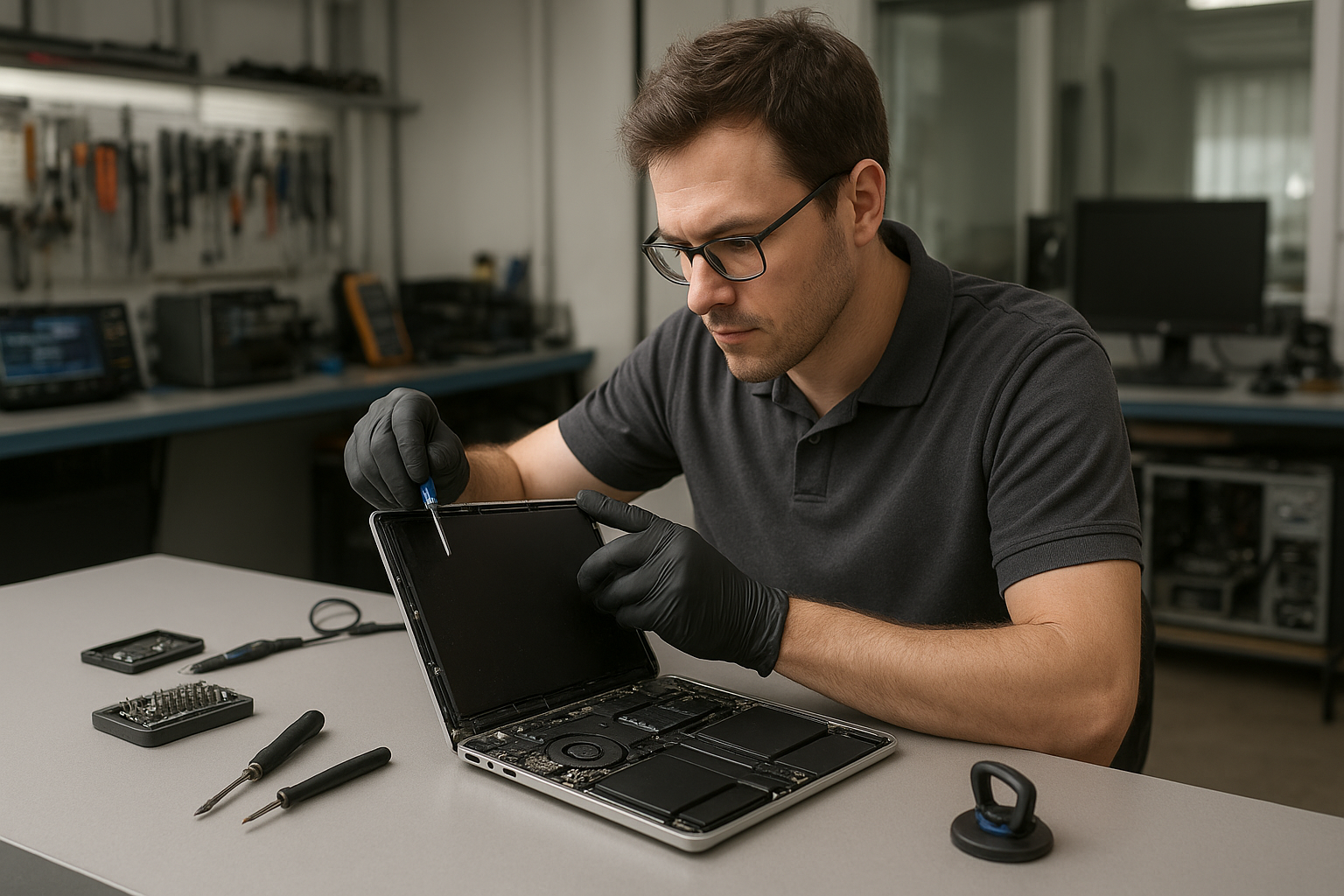
Moe Repair Vancouver MacBook Pro Screen Replacement
Moe Repair Vancouver MacBook Pro Screen Replacement is a service we provide every week at our Coquitlam shop. If your MacBook Pro has a cracked screen, lines, flicker, black spots or no image at all, we diagnose the issue and explain repair options in plain language. Many customers throughout the Tri-Cities and Vancouver choose Moe Repair because we focus on honest diagnostics, data-first safety and long-term reliability.
Problem overview: What a damaged MacBook Pro screen looks like
A damaged MacBook Pro display can show many symptoms. Some are obvious, like a shattered glass or a large black area across the panel. Others are subtler: backlight flicker, vertical or horizontal lines, colour shifting, or a completely black screen with audio still working.
At Moe Repair in Coquitlam we treat each symptom as a clue. We determine whether the issue is the glass, the LCD/OLED panel, the backlight, the display cable, or the logic board before recommending a screen replacement or alternate repair.
Common symptoms
- Visible cracks or shattered glass
- Black areas, white spots or discoloured patches
- Vertical or horizontal lines across the screen
- Flickering brightness or intermittent image
- No image but sound and sleep/wake respond correctly
- Touch or force touch malfunction on supported models
Common causes
Most screen damage results from physical impact or pressure: drops, lid slam, or heavy objects placed on the laptop. Pressure damage from incorrect packing or being in a bag with sharp items is common.
Other causes include liquid spills that track under the glass, hinge stress that cracks the panel over time, and manufacturing faults—rare, but possible on older units. Cable or connector failure can mimic panel issues, which is why we never assume the worst without testing.
Moe Repair diagnostics: How we evaluate your MacBook Pro
When you bring a MacBook Pro to Moe Repair in Coquitlam, we follow a step-by-step diagnostic routine. Our goal is to preserve your data, identify the true fault, and offer the most cost-effective fix.
- Exterior inspection: check housing, hinge, and glass for obvious damage.
- Power and boot test: confirm the Mac boots correctly and that the issue is limited to the display.
- External monitor test: connect to an external display to check GPU and logic board output.
- Backlight and inverter check: determine if the screen lights up at all.
- Cable and connector inspection: open the hinge area to test the display cable and connectors for corrosion or damage.
- Panel swap test when possible: use a known-good panel to isolate panel vs logic board faults.
This layered approach reduces unnecessary replacements and helps us decide if a screen replacement is truly required.
Repair options we present
We offer clear options based on diagnostics. These typically include:
- Glass-only repair when the glass is cracked but the panel underneath is intact. This applies to some older MacBook Pro models but is not always possible on modern sealed displays.
- Complete screen assembly replacement when the LCD/OLED panel, backlight or digitizer is damaged.
- Connector or cable repair if the fault is in the display cable or hinge assembly.
- Logic board repair when the GPU or video circuitry fails—this is rarer but sometimes the correct solution.
At Moe Repair we explain pros and cons of each option and the impact on device longevity. We also discuss data safety and any risks before starting work.
Advantages of professional replacement
Professional replacement preserves your MacBook Pro functionality and reduces the risk of secondary damage. We use proper ESD-safe procedures, calibrated tools, and trained technicians who know Apple assembly patterns.
Choosing a pro also increases the chance of a clean repair with no residual pressure spots, uneven fit, or loose connectors that cause future failures. We document the unit condition before and after work and test extensively on our bench.
When replacement makes more sense
Replacement is usually the right choice when the panel itself is damaged, when touch or backlight is failing, or when the cost to repair other components approaches the value of a new machine. We help customers weigh options, including SSD and RAM upgrades, which can extend an older MacBook Pro’s life and improve value for repair.
In Coquitlam we often help small businesses decide whether to repair or upgrade machines, balancing budget and downtime. Many Tri-Cities customers choose repair when their data, specialized software or configurations make a replacement disruptive.
What to expect during the repair process
We never promise exact turnaround times before inspecting the device, but we do explain the steps you’ll see during repair:
- Intake and diagnostic confirmation with you present or over the phone.
- Detailed estimate and approved repair scope.
- Parts ordering if required. We source compatible display assemblies and high-quality aftermarket parts when OEM is unavailable.
- Screen replacement using ESD-safe bench procedures and calibrated torque for hinge screws.
- Post-repair testing: brightness range, colour uniformity, camera and Touch ID checks where applicable.
- Data-safe handoff and final inspection with you at pickup.
We keep you informed at every stage so you know the status of your MacBook Pro while it’s in our care.
Preventative maintenance to avoid future screen issues
Simple habits reduce the chance of screen damage: always close the lid gently, avoid heavy objects on top of your laptop, and use a padded sleeve for transport. For businesses we recommend laptop cases with structured protection and regular hinge inspections to catch wear early.
We also advise backing up regularly. Even when only the screen fails, backups protect against unrelated hardware issues uncovered during repair.
Real technician advice from Moe Repair
One issue we regularly see at Moe Repair in Coquitlam is customers bringing in MacBooks with bent hinges and internal scratches from forced closure. Forcing the lid to close can tear display cables or damage the panel edges.
What customers should avoid: do not attempt to pop the glass off or pry the bezel with household tools. Modern MacBook displays are fragile and glued under tension. DIY attempts often convert a glass-only issue into a full-panel replacement or logic board damage.
Best practices: keep your MacBook in a protective case when commuting, and let a trained technician open the unit for inspection if you suspect liquid ingress or internal damage.
Related services at Moe Repair
While we perform MacBook Pro screen replacement, we also offer related services that customers often request in Coquitlam and the Tri-Cities: battery replacement, keyboard replacement, hinge repair, SSD upgrades, RAM upgrades, data recovery and motherboard repair. Combining services can reduce overall downtime and strengthen the device after repair.
Moe Repair in the Tri-Cities and Vancouver
We are based in Coquitlam and serve customers from Burnaby, Port Coquitlam, Port Moody, New Westminster and Vancouver. Many small businesses and everyday users in these communities trust us for fast, honest diagnostics and durable screen replacements.
Why local matters
Local repair means faster communication, easier drop-off, and technicians who understand the demands of nearby businesses. We frequently perform screen replacements for clients across Coquitlam who require reliable service and efficient follow-up support.
Moe Repair Vancouver MacBook Pro Screen Replacement: What we recommend
If your MacBook Pro shows any of the symptoms listed earlier, bring it to Moe Repair for a full diagnostic. We will explain the issue, show you test results, and offer clear options.
We prioritize data safety. If the drive access is at risk, we discuss data recovery options before proceeding with invasive repairs.
Frequently asked questions
Below are common customer questions we answer every day. If your question is not listed, call or email us directly.