
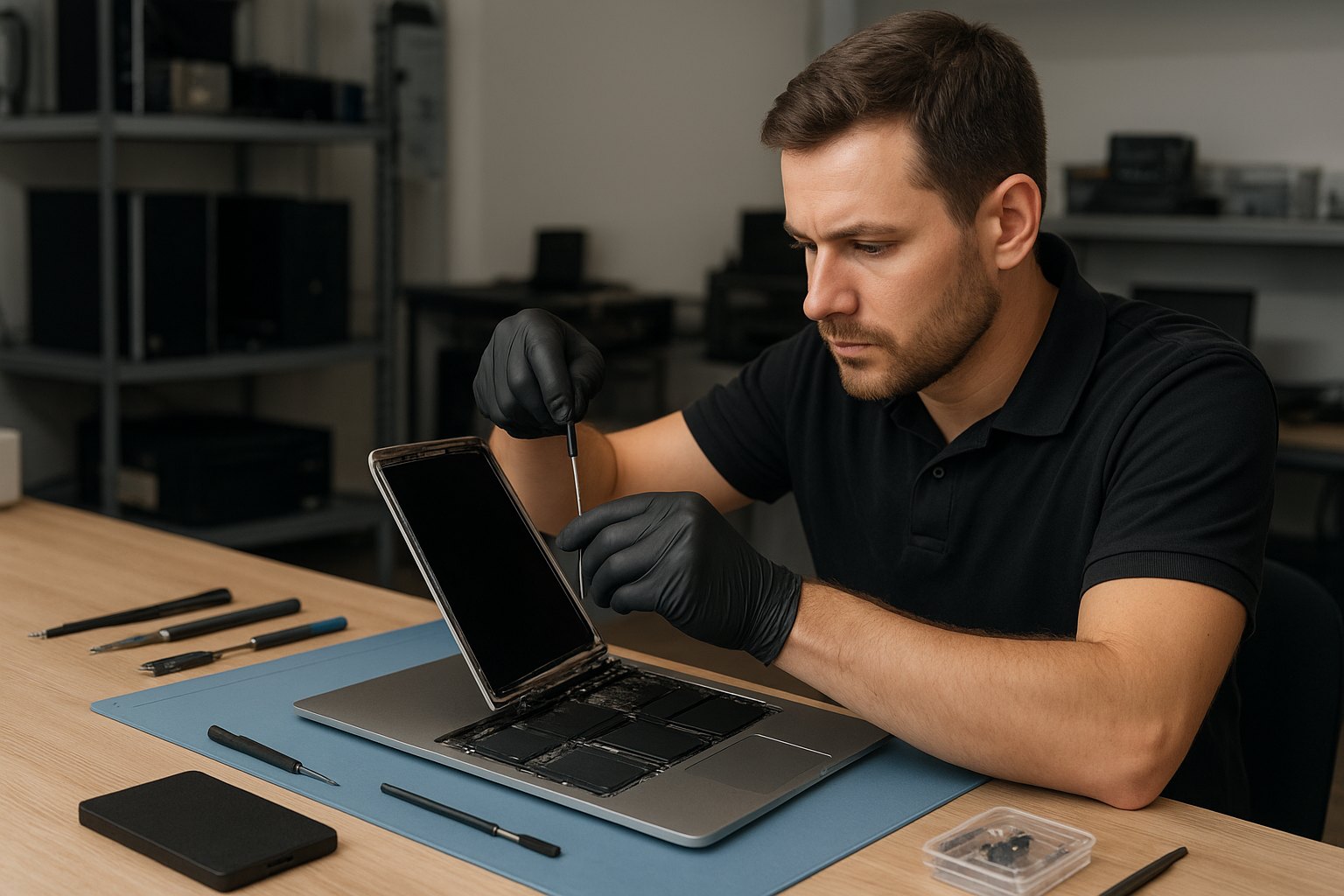
MacBook Screen Repair Coquitlam
If you need MacBook Screen Repair Coquitlam, you want an experienced technician who can diagnose the issue quickly, explain your options clearly, and perform reliable repairs without unnecessary upsells. At Moe Repair we see everything from hairline cracks to full display failures and we help Metro Vancouver customers choose the right path for their MacBook’s display.
Why your MacBook display failed: an overview
Display problems show up in many ways: a cracked glass surface, vertical or horizontal lines, dim or flickering screens, backlight failure, or a totally black display. Sometimes the glass is fine but the LCD or Retina layer is damaged. Other times the issue is a loose display cable, logic board issue, or liquid damage that affects components under the display.
Common symptoms
- Cracked or shattered glass after an impact
- Lines across the screen or coloured bands
- Flickering or intermittent image
- Dim screen with visible image when bright light is shone
- Backlight working but no image (often an LCD or connector issue)
- Touch or trackpad behaving oddly when lid is closed (in newer MacBooks)
- White or black screen at boot, or distorted image
Common causes
- Physical impact or dropping the laptop
- Pressure applied to the lid or screen (carrying with objects on keyboard)
- Wear in hinges that stresses the display assembly
- Liquid spills seeping into the display area
- Connector failure or cable fatigue from frequent opening and closing
- Faulty backlight or inverter circuitry
- Motherboard or GPU issues presenting as display faults
How a professional diagnoses MacBook screen problems
When you bring a MacBook for screen repair, we follow a measured diagnostic process to isolate the cause. That prevents unnecessary parts replacement and keeps costs down.
- Visual inspection: check glass, hinges, and for liquid residue.
- External tests: connect to an external monitor to determine whether the GPU or logic board is producing an image.
- Backlight and inverter checks: use controlled tests to verify whether the backlight or its control circuits work.
- Connector and cable inspection: open the display assembly carefully to inspect ribbon cables, connectors, and the display daughter board.
- Component-level checks: for complex cases we check board voltages and signals that feed the display.
- Data backup and safety: we advise and help customers back up data before any invasive repair.
One common issue we regularly see at Moe Repair is a MacBook that looks dead but shows an image on an external monitor. That tells us the GPU and logic board are working and the problem is limited to the internal display assembly or its connector, which is often far less expensive to repair.
Repair options for MacBook screens
Not all screen issues require the same fix. We discuss options with customers and recommend the most reliable choice based on diagnosis and the unit’s overall condition.
- Glass-only replacement: Works on models where the glass separates from the LCD without disturbing the rest of the assembly. This is device-specific and not always possible.
- LCD or Retina panel replacement: Replaces the damaged LCD layer or Retina panel when the image layer is damaged or shows lines and artifacts.
- Full display assembly replacement: Replaces the entire lid including glass, LCD, and housing. This is often used on newer MacBook models where panels are bonded or when hinges are damaged.
- Connector or cable repair: Fixes loose or damaged display cables or connectors.
- Motherboard or GPU repair: Used when the display problem originates on the logic board rather than the screen itself.
Advantages of professional repair
Choosing a certified technician means your MacBook is disassembled with the right tools, ESD precautions, and proven repair techniques. That reduces the risk of collateral damage and increases the chance of a durable fix.
- Accurate diagnosis avoids wasted parts
- Proper adhesive and sealing to maintain structural integrity
- Tested quality parts and careful calibration
- Data protection and clear communication during the process
When replacement makes more sense
Sometimes the best decision is to replace the entire display assembly or consider alternatives. We evaluate factors like the MacBook model, availability of parts, and overall device health. If the logic board has multiple failures or repair costs approach the value of the MacBook, we discuss replacement and upgrade options.
What to expect during our diagnostic and repair process
At Moe Repair we follow a clear, customer-friendly workflow:
- Initial inspection and verbal estimate over phone or in person.
- In-shop diagnostic to isolate the issue and confirm parts required.
- Written approval for the repair with scope outlined; we will not proceed without your consent.
- Keep you updated during the repair with any changes or additional findings.
- Final functional tests including screen calibration and quality checks before returning your MacBook.
We always recommend backing up important data before bringing your MacBook in. If data recovery is needed, we provide clear options for MacBook data recovery and SSD upgrade services.
Preventative maintenance to avoid future screen issues
- Use a protective sleeve or rigid case when transporting your MacBook to avoid pressure on the screen.
- Do not place objects on the keyboard when closing the lid.
- Keep liquids away from the laptop; even small spills can cause long-term damage.
- Address loose hinges early to prevent stress on display cables.
- Regularly clean the screen with recommended solutions and microfiber cloths to avoid abrasive damage.
Real technician advice from Moe Repair
As a technician with more than 20 years repairing laptops, I tell customers the same practical things I wish everyone knew. First, if you see cracks, stop using the touchscreen or applying pressure. Continued use can make an internal LCD failure worse. Second, if your MacBook experiences a spill, power it down and bring it to a shop quickly; corrosion starts right away. Third, avoid DIY screen repairs if you do not have the right tools; replacing a display on modern MacBook models often requires heat, precise torque, and calibrated reassembly.
At Moe Repair we serve customers throughout Metro Vancouver, including Coquitlam, Burnaby, Port Moody, Port Coquitlam, New Westminster, Vancouver, Surrey, Richmond, Maple Ridge, and Pitt Meadows. We handle related services like battery replacement, hinge repair, keyboard replacement, motherboard repair, SSD upgrade, and macOS repair so you can get all essential work done in one place.
Frequently asked questions
We address common customer concerns honestly and clearly in our FAQ section further below. If you do not find an answer, call us directly.
What should I bring when I come for MacBook screen repair?
Bring your MacBook and any relevant power adapter. If possible, bring proof of purchase or any previous repair records. Back up your data or let us help with data backup options before the repair.
Can you fix a cracked MacBook screen without replacing the whole assembly?
It depends on the model. Some older MacBook models allow glass-only replacement. Many newer MacBooks have bonded displays that require full assembly replacement. We diagnose and explain the most practical option after inspection.
Will a screen replacement affect my data?
Screen repairs typically do not touch the SSD or data, but we still recommend backing up. If we need to open the machine extensively, backups protect you against unlikely events.
Do you use genuine Apple parts?
We use high-quality parts and advise on what is available. Specific OEM part availability varies by model. We will explain your choice of replacement panel and the expected trade-offs during the estimate.
Can a flickering screen be a software issue?
Sometimes. We test with an external monitor and through software safe-boot to distinguish between software and hardware problems. If macOS or driver issues are the cause, we can help with macOS repair or reinstall.
Is liquid damage repair possible for screens?
Yes, but outcomes vary. Early intervention improves the chance of salvaging the display. Corrosion or residue can cause progressive failures if left untreated.
Do you offer other services while my MacBook is in for screen repair?
Yes. Common add-ons include battery replacement, SSD upgrades, RAM upgrades where applicable, fan cleaning, and macOS optimization. We can bundle services if needed.
How do you decide whether to repair or replace a MacBook with display damage?
We consider the model, repair cost, overall condition, and your needs. If the cost or availability of parts makes repair impractical, we discuss replacement options and upgrades candidly.
Conclusion
If you need MacBook Screen Repair Coquitlam, Moe Repair offers clear diagnostics, professional repairs, and honest technician advice. We focus on fixing the root cause, protecting your data, and getting you back to work with a reliable display.
Contact Moe Repair for a diagnostic and repair estimate. Phone: 778-951-4872 | Email: service@moerepair.ca | Website: https://moerepair.net
Call to action: Bring your MacBook to Moe Repair in Coquitlam or call us to schedule a diagnostic. We service Metro Vancouver and can explain repair options over the phone.