
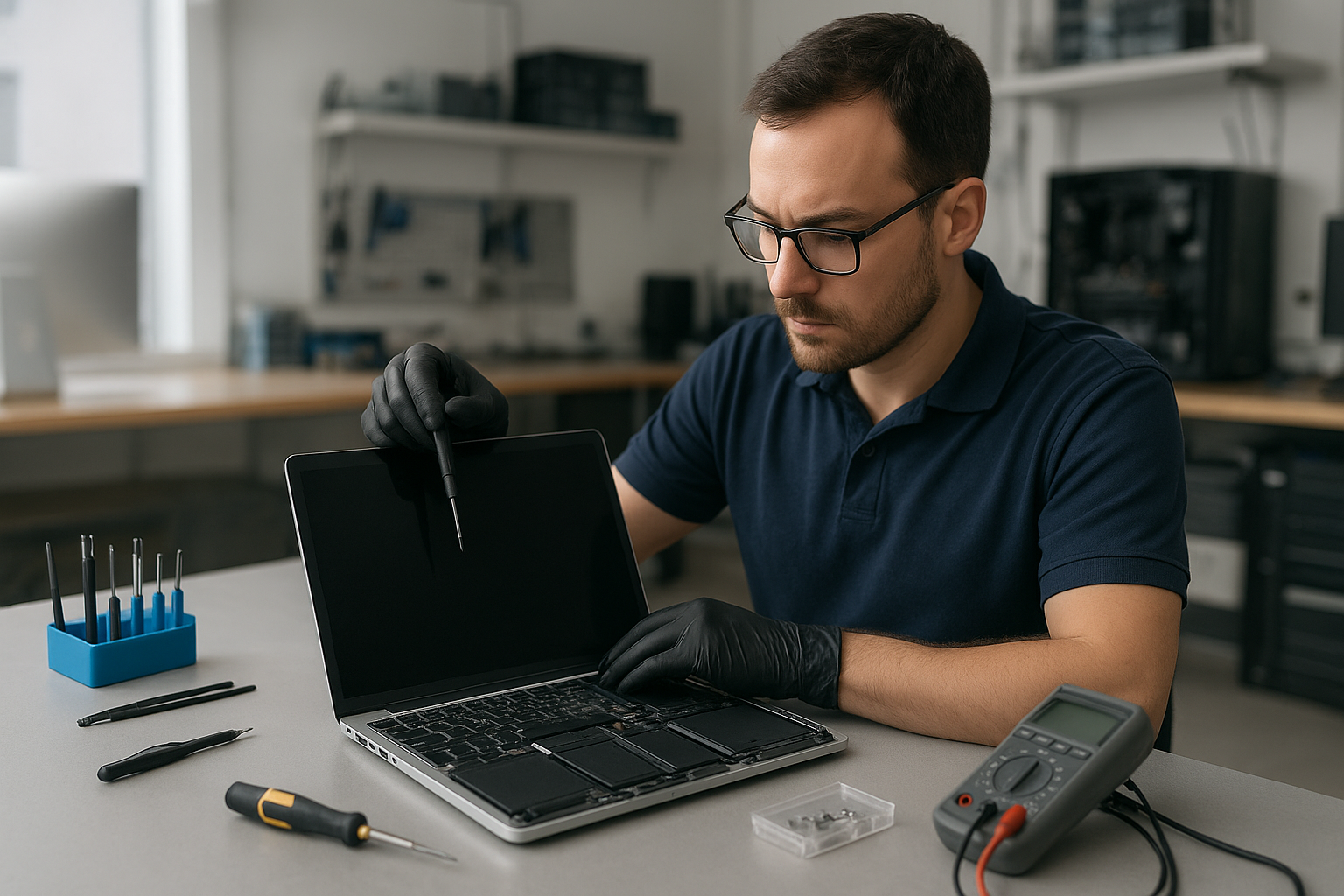
MacBook Pro Screen Repair Coquitlam
If your MacBook Pro shows a cracked glass, flickering Retina display or black screen, you need a clear diagnostic and an expert repair. At Moe Repair in Coquitlam we handle MacBook Pro screen repair and laptop display replacement with professional diagnostics and practical recommendations. Our goal is to get your notebook back to reliable use while protecting your data and budget.
Why screens fail: quick problem overview
MacBook Pro screens fail for a handful of common reasons. Physical impact causes cracked glass and pressure damage. Liquid spills can corrode connectors and damage the LCD. Normal wear can loosen hinges and stress cables, leading to flicker or intermittent image loss. Finally, motherboard faults or GPU issues sometimes present as screen problems.
Common symptoms customers bring in
- Cracked or shattered glass with otherwise working system.
- Vertical or horizontal lines, indicating panel or connector faults.
- Backlight not lighting up, but faint image visible in bright light.
- Flickering, color banding or washed-out colors, suggesting inverter or cable issues.
- Random blackouts or image loss when the lid moves, often hinge or display cable damage.
- Persistent dead pixels or small clusters of pixels that don’t change.
- Touch Bar or external monitor behaviors that point to macOS or GPU damage.
What causes these screen problems
Knowing the cause helps us recommend the right solution. A cracked laptop screen almost always comes from impact. Flicker and backlight failures are often cable, connector or backlight inverter issues. Liquid damage frequently affects the LCD, the display cables and sometimes the logic board. And repeated hinge stress can fray the display cable over time.
Professional diagnostic process at Moe Repair
We start every MacBook Pro screen repair with a structured diagnostic. First, we inspect the chassis and hinge for obvious physical damage. Then we run system checks and connect an external monitor to separate display panel faults from GPU or logic board issues. Next, we open the case to inspect the display cable, connectors and backlight components while following ESD-safe procedures.
We test the LCD assembly, backlight and related harnesses. When liquid damage is suspected, we check for corrosion and take steps to isolate affected components. Finally, we review repair options with you, clearly listing risks and expected outcomes so you can choose the best path.
Repair options: which route to take
There are a few sensible options depending on diagnosis:
- Glass-only repair: For some Retina MacBook Pros, the glass can be separated and replaced without replacing the entire assembly. This depends on model and technician assessment.
- Full LCD/display replacement: When the panel, backlight or digitizer is damaged, replacing the full assembly is the reliable fix.
- Connector and cable repair: If the issue lies with a loose or damaged display cable, we can replace or reroute the cable and address hinge wear.
- Logic board or GPU repair: If an external monitor also shows no image, the logic board may need attention. We provide honest advice and relevant motherboard repair or macOS repair options.
- Data-first approach: If data recovery is a priority, we preserve drives and advise on SSD upgrade or cloning before any invasive work.
Advantages of professional repair
Choosing a trained technician reduces risk. We use proper tools and ESD-safe practices to avoid collateral damage to the logic board or internal connectors. We test with known-good parts and validate that backlight, color calibration and hinge alignment meet Apple-quality expectations. Also, professional repair minimizes the chance of losing data during service.
When replacement makes more sense
Replacement is the right choice when the LCD is shattered beyond the point where a glass-only fix is feasible. Also, when liquid damage has spread to the logic board and repair costs exceed practical limits, a full assembly replacement or a trade-off solution may be better. We never push unnecessary replacement; we show the full inspection results and explain why one option is recommended over another.
What to expect during the repair process
We keep customers informed at every step. After diagnostic checks we explain the findings and list repair options. If you approve, we order the correct parts and keep you updated on arrivals. During the repair we test the new display assembly before reassembly and calibrate color and brightness. Finally, we run full hardware and software tests to ensure macOS behaves normally with the new display.
Preventative maintenance to protect your screen
- Use a quality protective case or sleeve and a screen protector to reduce risk of cracks and scratches.
- Open and close the lid from the center to reduce hinge stress and cable wear.
- Keep liquids away from your MacBook and clean the keyboard and vents regularly to avoid spills and heat buildup.
- Take the MacBook in for hinge or keyboard service at the first sign of stiffness or irregular lid movement.
Real technician advice — what customers often get wrong
One common issue we regularly see at Moe Repair is customers assuming an external display problem rules out a panel fault. In many cases a failing backlight or intermittent cable will show odd behaviors that mimic GPU failure. That is why we always test with both external monitors and internal connectors.
Another mistake is attempting DIY screen repair without the right tools. Improper prying can damage the case, fingerprint sensors or the delicate Retina cables. If you value your data and want to avoid compounding damage, bring the MacBook to a certified technician.
Related services we provide
Beyond screen repair, Moe Repair offers comprehensive services that often tie into display jobs. If your MacBook needs a battery replacement, hinge repair, SSD upgrade or motherboard repair after liquid damage, we can handle those too. We also perform data recovery, macOS repair and virus removal for customers across Metro Vancouver.
Serving Coquitlam and Metro Vancouver
We repair MacBook Pro displays for customers in Coquitlam, Burnaby, Vancouver, Surrey, New Westminster, Port Moody, Port Coquitlam, Maple Ridge, Richmond and Pitt Meadows. Moe Repair treats both walk-ins and booked repairs, and we explain each step so you can make an informed decision.
Frequently asked questions
Below are common questions we hear at our Coquitlam shop. If you need a personalized answer, call or book a diagnostic.
- Q: Can you fix a cracked MacBook Pro glass without replacing the LCD?
A: Sometimes. Depending on the model and extent of adhesive and clamp design, we may perform a glass-only repair. We inspect the panel and recommend the safest option. - Q: My MacBook screen flickers only when I move the lid. Is it the display?
A: That symptom commonly points to a worn display cable or hinge stress. We inspect the cable route and hinge for wear and test with a bench setup to confirm. - Q: Will a third-party screen cause problems with macOS or True Tone?
A: Some replacement assemblies do not preserve True Tone or color profiles. We discuss trade-offs and, when possible, source parts that maintain color calibration. We always disclose limitations. - Q: My MacBook screen is black but I hear startup sounds. Can the display be repaired?
A: Yes. That usually indicates a backlight or inverter problem, or a disconnected display cable. We run diagnostics to determine the exact cause. - Q: Should I back up before bringing my MacBook in for screen repair?
A: Yes. We recommend a backup prior to any repair. If you cannot, we can prioritize data-first steps and discuss data recovery or cloning options. - Q: Do you repair Touch Bar or models with built-in camera issues after screen replacement?
A: Yes. We diagnose Touch Bar and camera functions during the repair process and address any related connector or sensor issues. - Q: My MacBook suffered a spill. Can you still repair the screen?
A: Liquid damage is variable. We inspect for corrosion and test all components. Sometimes the screen is fine but the logic board or connectors need work. We give a clear summary and options. - Q: Is it worth repairing an older MacBook Pro screen?
A: We evaluate the unit’s overall condition, repair cost, and your usage needs. For many customers a screen replacement plus an SSD upgrade or battery replacement extends useful life affordably. We explain the pros and cons so you can decide.
Conclusion
For reliable MacBook Pro screen repair in Coquitlam trust Moe Repair for honest diagnostics, professional repairs and clear recommendations. Whether you need a cracked laptop screen fixed, a Retina display replaced, or follow-up motherboard or data recovery work, our technicians handle the full scope of laptop repair. Contact us for an assessment and practical advice tailored to your MacBook Pro.
Business: Moe Repair
Website: https://moerepair.net
Phone: 778-951-4872
Email: service@moerepair.ca