
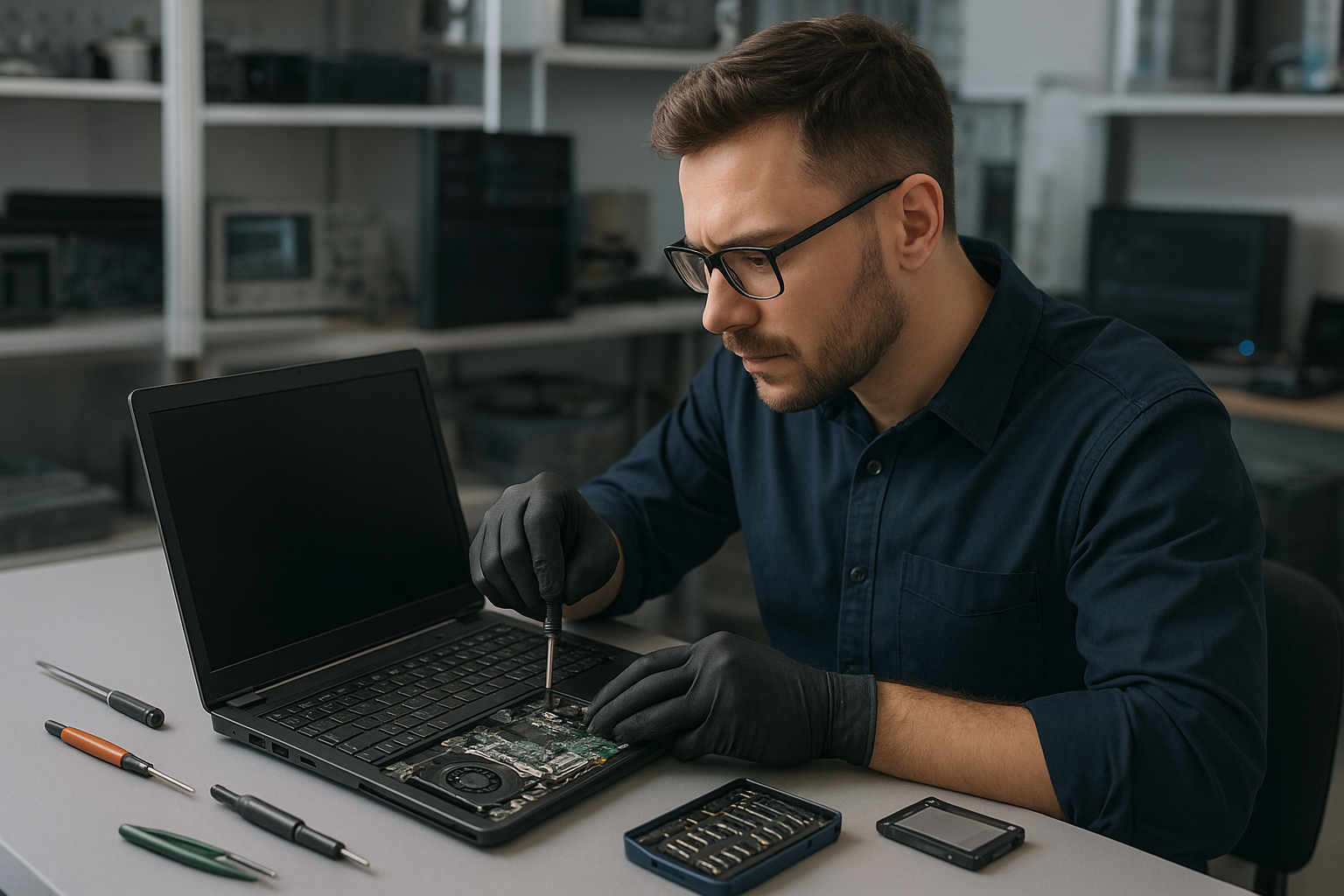
Laptop Repair Coquitlam: Trusted Local Service at Moe Repair
When your laptop fails, you need reliable Laptop Repair Coquitlam services you can trust. At Moe Repair, our certified technicians diagnose problems clearly, explain repair options, and deliver practical solutions for Dell, HP, Lenovo, ASUS, Acer, Microsoft Surface and Apple MacBook devices. We serve customers throughout Metro Vancouver, including Coquitlam, Port Moody, Burnaby and Vancouver.
Why choose local laptop repair in Coquitlam?
Local repair saves time and reduces risk. We see customers who attempted home fixes that made problems worse. As technicians, we fix the root cause, not just symptoms. You get professional diagnostics, honest advice, and repair options such as screen replacement, battery replacement, or motherboard repair.
Problem overview: what we handle
We repair a wide range of laptop problems: broken screens and cracked laptop screens, failing batteries, non-responsive keyboards, hinge damage, charging port issues, liquid damage, motherboard faults, and performance problems needing SSD upgrades or RAM upgrades. We also assist with virus removal, Windows installation, macOS repair and data recovery.
Common symptoms
- Blank or flickering display after power-on
- Slow performance or frequent crashes
- Laptop not charging or battery drains fast
- Cracked laptop screen or display lines
- Broken hinge or loose screen
- Keys not working or sticky keyboard
- Liquid spills and corrosion symptoms
- Boot errors, blue screen or repeated restarts
- Unusual noises from fan or hard drive
Common causes
Symptoms point toward common root causes. A cracked screen is physical damage. Blank screens can be display panel failure, cable issues, or GPU faults. Slow systems often need an SSD upgrade or more RAM, while repeated crashes can come from driver issues, overheating, or failing storage.
Liquid damage creates corrosion and short circuits that develop over time. Charging problems usually involve worn charging ports, adapters, or battery degradation. Motherboard faults occur from power surges, overheating, or manufacturing defects.
How professionals diagnose problems
At Moe Repair, diagnostics start with a visual inspection and a conversation about how the issue began. Then we run targeted tests: power and battery tests, display signal checks, POST diagnostics, memory and storage tests, and inspection under magnification for corrosion or cracked solder joints. For data concerns, we image the drive before attempting repairs.
We document findings and explain options in clear language. For example, if a laptop has a broken hinge and a damaged display cable, we show photos and recommend whether to replace the screen assembly or perform a hinge repair with cable replacement.
Repair options
Each repair option depends on the diagnosis and customer priorities. Common services include:
- Screen replacement for cracked laptop screen or backlight issues
- Battery replacement for reduced runtime and power problems
- Keyboard replacement or individual key repair
- Hinge repair and chassis realignment
- Charging port repair and power jack soldering
- Motherboard repair including component-level fixes when feasible
- Liquid damage repair with cleaning, corrosion removal, and testing
- SSD upgrade and RAM upgrade to speed up older systems
- Data recovery from failing drives and RAID systems
- Virus removal and Windows installation or macOS repair for software issues
Advantages of repair
Repair often preserves your data and extends the life of your device. Upgrades like an SSD or more RAM give older laptops renewed speed. Repairs can be more cost-effective and environmentally responsible than replacement. For business computers and gaming rigs, targeted repairs protect investments and minimize downtime.
When replacement makes more sense
Repair is not always the right choice. We recommend replacement when a laptop has severe motherboard failure with multiple failing subsystems, or when repair would cost close to or more than a comparable used or refurbished replacement. We help customers weigh repair vs replacement, considering data recovery needs and upgrade opportunities.
Typical repair process at Moe Repair
We follow a transparent process:
- Customer intake and problem description
- Visual inspection and non-destructive diagnostics
- Detailed diagnosis report with repair options
- Customer approval and parts procurement
- Repair with component testing and system validation
- Final quality check and handoff
We never perform invasive steps before approval. For data-sensitive devices, we prioritize creating a full disk image when possible.
Preventative maintenance to avoid future repairs
Preventative care reduces failures. Simple steps include keeping vents clear, avoiding lap use on soft surfaces, using surge protection, and using a proper case. For battery health, avoid full discharges whenever possible. Back up critical files regularly to avoid data loss when repairs are needed.
Real technician advice from Moe Repair
One common issue we regularly see at Moe Repair is customers using generic chargers that damage charging circuitry. Use the manufacturer-approved adapter or a high-quality replacement designed for your model. Another frequent mistake is ignoring small symptoms, like occasional freezes or strange noises. Early diagnostics often prevent larger failures.
If liquid is spilled, power off immediately, disconnect power and battery if possible, and bring the laptop in for inspection. Avoid using heat or home remedies that push corrosion deeper.
Brands we service
We repair laptops from Dell, HP, Lenovo, ASUS, Acer, MSI, Microsoft Surface, Samsung, LG and Apple MacBook. We handle both Windows and macOS machines and support upgrades and component-level repairs for many models.
Laptop Repair Coquitlam: Local coverage across Metro Vancouver
Moe Repair serves Coquitlam and nearby cities including Burnaby, Vancouver, Surrey, Richmond, New Westminster, Maple Ridge, Port Moody, Port Coquitlam and Pitt Meadows. We work with home users, students, small businesses and gamers to keep systems running smoothly.
Frequently Asked Questions
1. How do I know if my laptop needs repair or just a software tune-up?
Hardware issues usually show physical symptoms like a cracked screen, charging failures, or loud noises. Software problems manifest as slow performance, unexpected pop-ups, or error messages. We start with diagnostics to separate software from hardware, then recommend virus removal, Windows repair, or hardware fixes like SSD upgrade or battery replacement.
2. Can you recover data from a dead laptop?
Often yes. We image drives and use tools to recover files from failing hard drives and SSDs. Recovery depends on the drive condition. We explain possible outcomes before proceeding.
3. Is it worth repairing an older laptop?
It depends on the issue and the laptop’s role. Upgrading to an SSD or adding RAM can give several more years of useful life. For machines with extensive physical damage or multiple failing components, replacement may be more practical. We help you decide based on diagnostics.
4. Do you replace MacBook screens and perform MacBook repair?
Yes. We perform MacBook screen repair, battery replacement, keyboard service and macOS diagnostics. Some Apple models have parts constraints; we provide transparent options when parts are limited.
5. What should I do after spilling liquid on my laptop?
Power off immediately, unplug the charger, and remove the battery if removable. Do not turn the laptop back on. Bring it in for liquid damage repair; corrosion must be cleaned and tested to prevent progressive failure.
6. Can you fix a laptop that doesn’t charge?
Yes. We test the charger, power jack, battery and motherboard power circuits. Charging port repair is a common service we provide for many brands.
7. Are upgrades like SSD and RAM worth it for older laptops?
Yes. An SSD upgrade typically improves boot and application load times dramatically. Adding RAM helps multitasking. These upgrades are cost-effective compared to buying a new machine in many cases.
8. Do you offer virus removal and Windows installation?
Yes. We handle virus removal, Windows repair and clean installations. We back up user data and reinstall drivers and updates as part of the process when requested.
9. Do you repair gaming laptops and desktops?
Yes. We service gaming PC repair needs including GPU issues, cooling system cleaning, and component upgrades. Business computer repair and desktop repair are part of our services too.
10. How do I book a diagnostic?
Call Moe Repair at 778-951-4872, email service@moerepair.ca, or visit our website https://moerepair.net to request a diagnostic. We document the findings and provide a clear repair plan.
Conclusion
For reliable Laptop Repair Coquitlam services, Moe Repair offers professional diagnostics, honest advice, and practical repairs. Whether you need a cracked laptop screen replaced, a battery swap, motherboard repair, or data recovery, we help you choose the best path forward while protecting your data and budget.
Contact us: Moe Repair | Phone: 778-951-4872 | Email: service@moerepair.ca | Website: https://moerepair.net. We serve Coquitlam and Metro Vancouver with skilled laptop repair, MacBook repair, SSD upgrade and data recovery services.