Hi, How Can We Help You?
  • 203-504 Cottonwood Ave, Coquitlam
  • service@moerepair.ca
  • +1 (778) 951-4872

Category Archives: Computer Repair Burnaby

MacBook Pro Data Recovery Vancouver

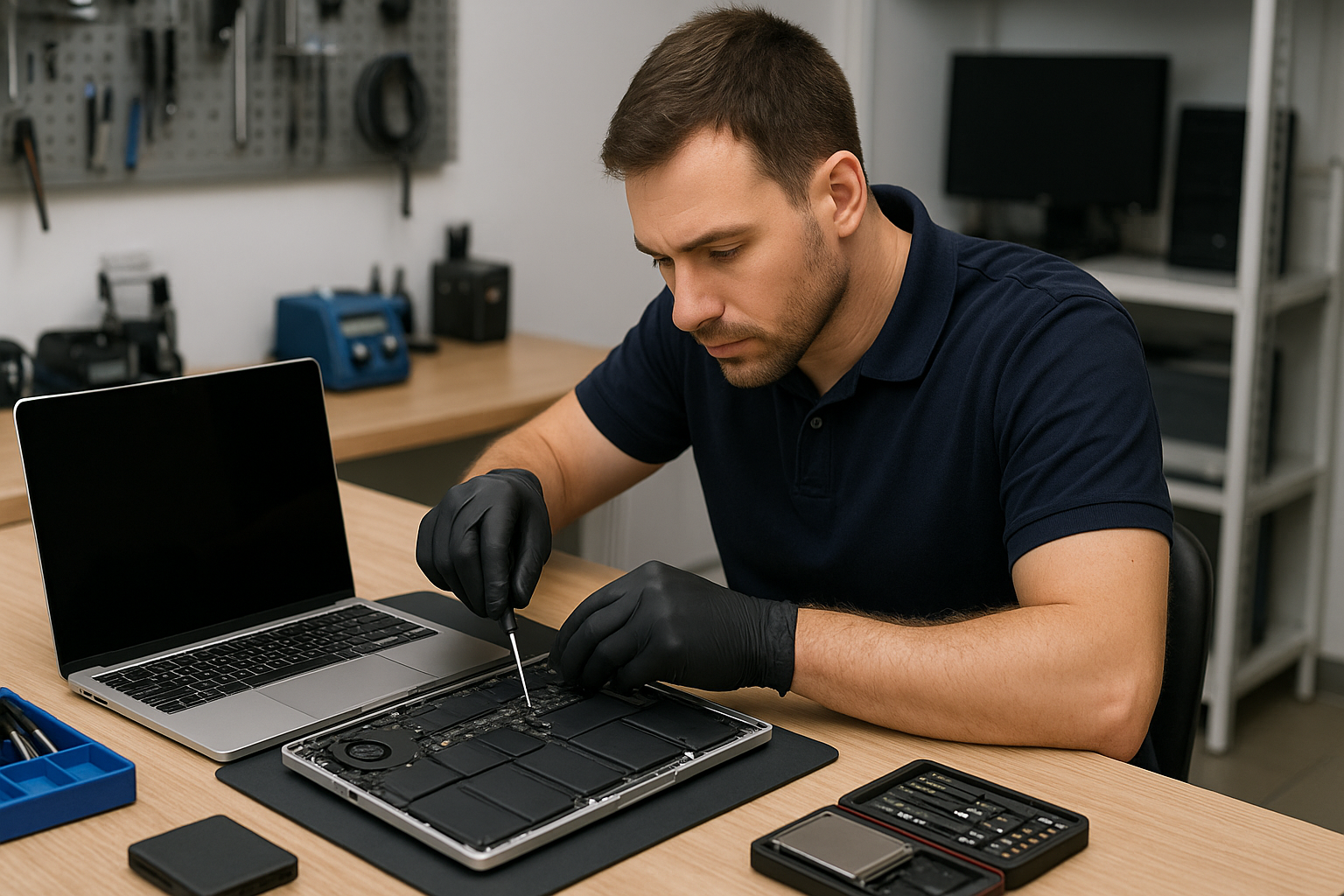
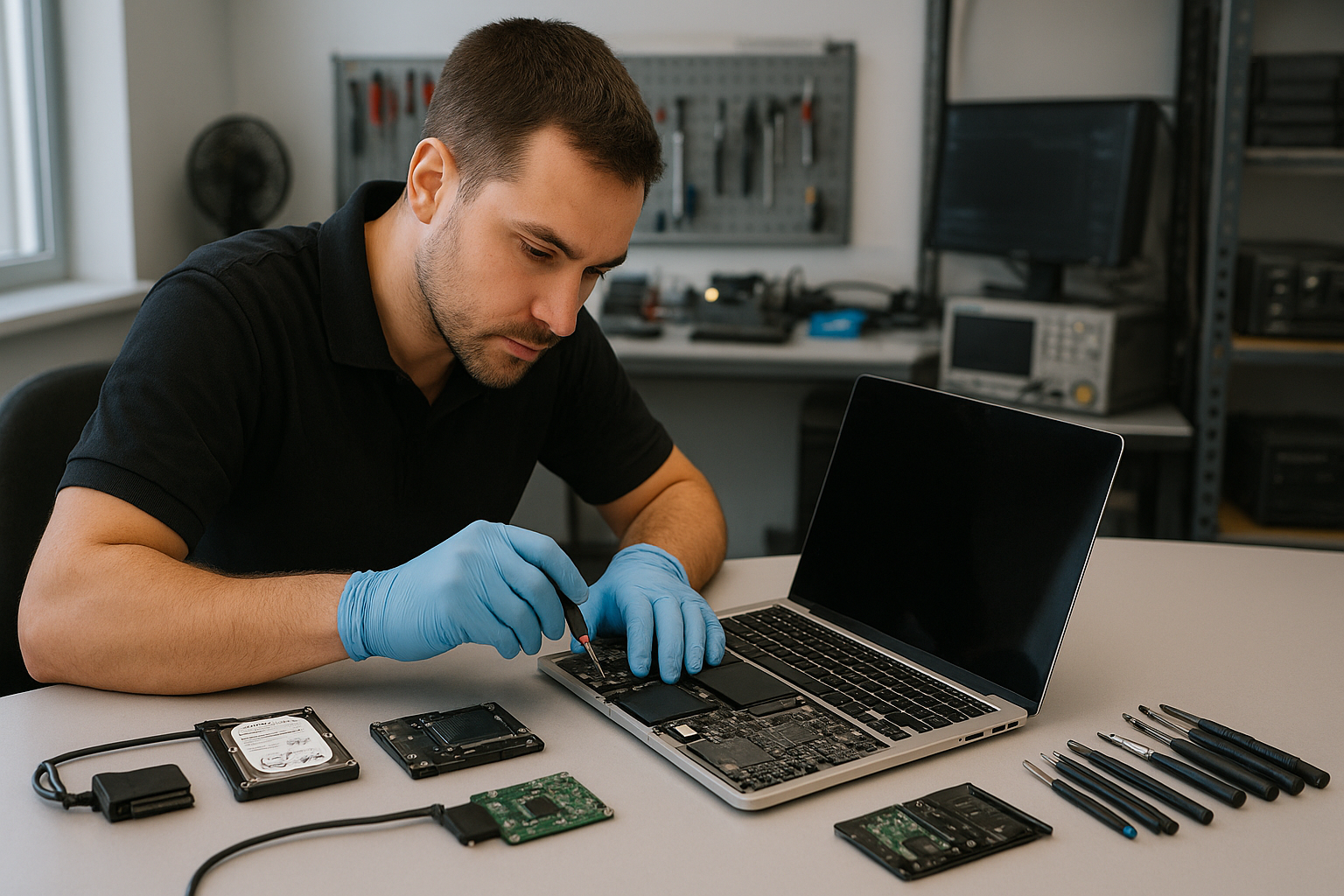
If you searched for MacBook Pro Data Recovery Vancouver, you need reliable, local expertise. At Moe Repair in Coquitlam we recover data from SSD failures, liquid-damaged logic boards and accidentally erased drives. We prioritize safe diagnostics, clear options and secure handling so you know what to expect.

Why data recovery matters and how we help

Data loss on a MacBook Pro is more than an inconvenience. Photos, business documents and irreplaceable files are often the reason customers come in. We treat each recovery as a priority and explain the realistic chances of recovery based on the failure mode.

Our approach combines careful physical inspection, non-invasive software diagnostics and controlled hardware-level recovery when required. That means better outcomes and less risk of making things worse.

Common symptoms that point to data loss

Customers from Coquitlam and the Tri-Cities typically bring MacBook Pros showing one or more of the following symptoms:

  • MacBook fails to boot or shows a flashing folder with question mark
  • macOS crashes, kernel panics or freezes during startup
  • Drive not mounting in Finder or Disk Utility shows errors
  • Strange clicking, electrical smell or visible liquid corrosion
  • Files missing after an update or accidental formatting
  • Slow performance after macOS update or hardware changes

Common causes of MacBook Pro data loss

Understanding why failures occur helps set expectations and choose the right recovery path. Common causes we see at Moe Repair include:

  • SSD or storage controller failure on logic board
  • Accidental deletion or formatting without backup
  • macOS upgrade interruptions or corrupted file system
  • Liquid damage that affects connectors or storage chips
  • Physical damage from drops or impacts
  • Firmware corruption or T2 chip related issues on newer models

How professionals diagnose MacBook Pro failures

At Moe Repair in Coquitlam we follow a step-by-step diagnostic process. We start with a secure intake and visual inspection. We document condition, serial numbers and any visible damage before touching the device.

Next, we perform non-invasive diagnostics: attempt safe boot, check Disk Utility and system logs, and examine BIOS/EFI messages. For SSD-related issues we capture SMART data where available. If the drive mounts, we immediately copy at-risk files to a secure medium to avoid further stress.

When drives do not mount, we escalate to hardware-level diagnostics. That can include board-level inspection under microscope, testing power rails, and verifying SSD channels. For T2-equipped MacBook Pros we consider secure enclave constraints and use specialized tools compatible with Apple hardware.

Repair and recovery options

We offer graduated recovery options depending on the failure:

  • File-level recovery: When the drive mounts but files are missing or corrupted, we use read-safe software tools to retrieve data.
  • Disk cloning: If the drive is partially failing, we clone readable sectors to a stable medium for offline recovery.
  • Chip-off or board-level recovery: For severe SSD or controller failures we perform advanced recovery from storage chips or repair the logic board to access data.
  • Liquid damage mitigation: We prioritize cleaning, corrosion removal and component-level repair before attempting recovery.

We always explain the risks and success probabilities before attempting invasive work. Customers in Burnaby, Port Coquitlam and Vancouver value this transparency.

Advantages of professional recovery over DIY attempts

Many customers try software tools at home. That can be okay for simple accidental deletions, but DIY attempts can make matters worse. Running the wrong tool or mounting a failing SSD repeatedly can cause irreversible damage.

Professionals use write-blocking, create forensic images and work from clones to protect original media. We also know when to stop and escalate to chip-level recovery. That restraint preserves your chances of recovering critical files.

When replacement makes more sense

Recovery is about data, not device value. If a MacBook Pro is badly damaged and the cost of board repair or chip-off recovery exceeds the value of recovered data, some customers choose replacement. We help evaluate options by presenting recovery odds alongside repair costs and replacement pathways.

For business customers in Coquitlam or New Westminster, we also discuss restoring files to new machines and implementing better backup to prevent repeat incidents.

Estimated recovery process explained

While every case is unique, the recovery workflow we follow is consistent and transparent.

  • Intake and triage: Document condition and symptoms.
  • Non-invasive diagnostics: Try safe boot, capture logs and mount checks.
  • Data preservation: If possible, create a disk image or copy files immediately.
  • Hardware diagnostics: Inspect and test power rails, connectors and SSD channels.
  • Advanced recovery: Perform board-level repair or chip-off recovery when necessary.
  • Verification and handoff: Verify recovered files and provide secure return to the customer.

We communicate status updates and recommended next steps throughout. This keeps customers in Coquitlam and the Tri-Cities informed without guessing.

Preventative maintenance and backup best practices

Recovery is expensive and stressful. Preventing data loss is always better. Here are practical steps we recommend:

  • Use Time Machine or cloud backup for continuous protection.
  • Keep at least one offsite backup for critical business data.
  • Update macOS on a schedule and avoid interrupting updates.
  • Avoid using uncertified chargers that can cause power spikes.
  • If your MacBook experiences liquid spills, power it off immediately and bring it in for inspection.

Our technicians in Coquitlam help set up backups and train business users on simple workflows that reduce risk.

Real technician advice from Moe Repair

One issue we regularly see at Moe Repair in Coquitlam is customers continuing to power on a soaked MacBook Pro. That often drives corrosion deeper and charges damaged circuits, reducing recovery chances. If liquid exposure occurs, power down, disconnect from power and bring the machine in without attempting to dry it with heat.

Another common mistake is installing multiple recovery tools and file system utilities at home. Each write attempt risks overwriting recoverable data. When in doubt, bring the device to a professional for read-only imaging.

Integrating recovery with other services

After recovery, many customers opt for SSD upgrades, thermal paste replacement or motherboard repair to restore reliable use. We also support macOS repair, virus removal and business computer repair for offices across Coquitlam and the Tri-Cities.

If recovery reveals a failing SSD, we can install a new SSD and migrate your data. For businesses, we provide recommendations for backup and redundancy to reduce downtime in the future.

Security and privacy

We handle recovered data with confidentiality. Only authorized technicians access files and we follow strict procedures for storage and deletion after handoff. We will not view or share your files beyond what is required for verification and recovery.

Frequently asked questions

The FAQ below covers common concerns customers in Vancouver, Burnaby and Port Coquitlam ask us.

Conclusion

If you need MacBook Pro Data Recovery Vancouver residents trust Moe Repair in Coquitlam for careful diagnostics and practical recovery options. We combine local service, real technician experience and secure handling to maximize your chances of getting files back. Contact us to start a clear, professional recovery process.

Business: Moe Repair

Website: https://moerepair.net

Phone: 778-951-4872

Email: service@moerepair.ca

MacBook Pro Retina Screen Replacement Halifax

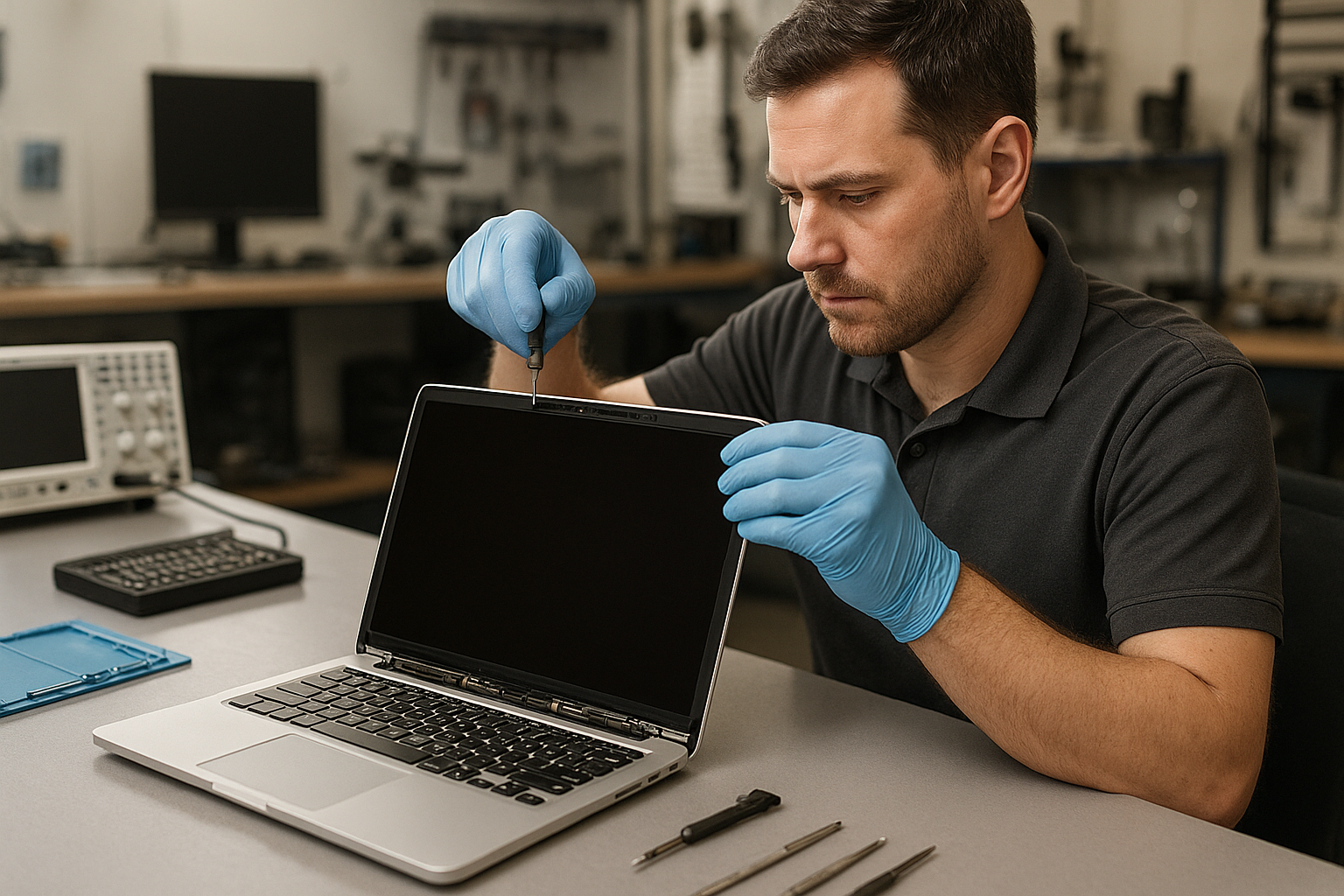
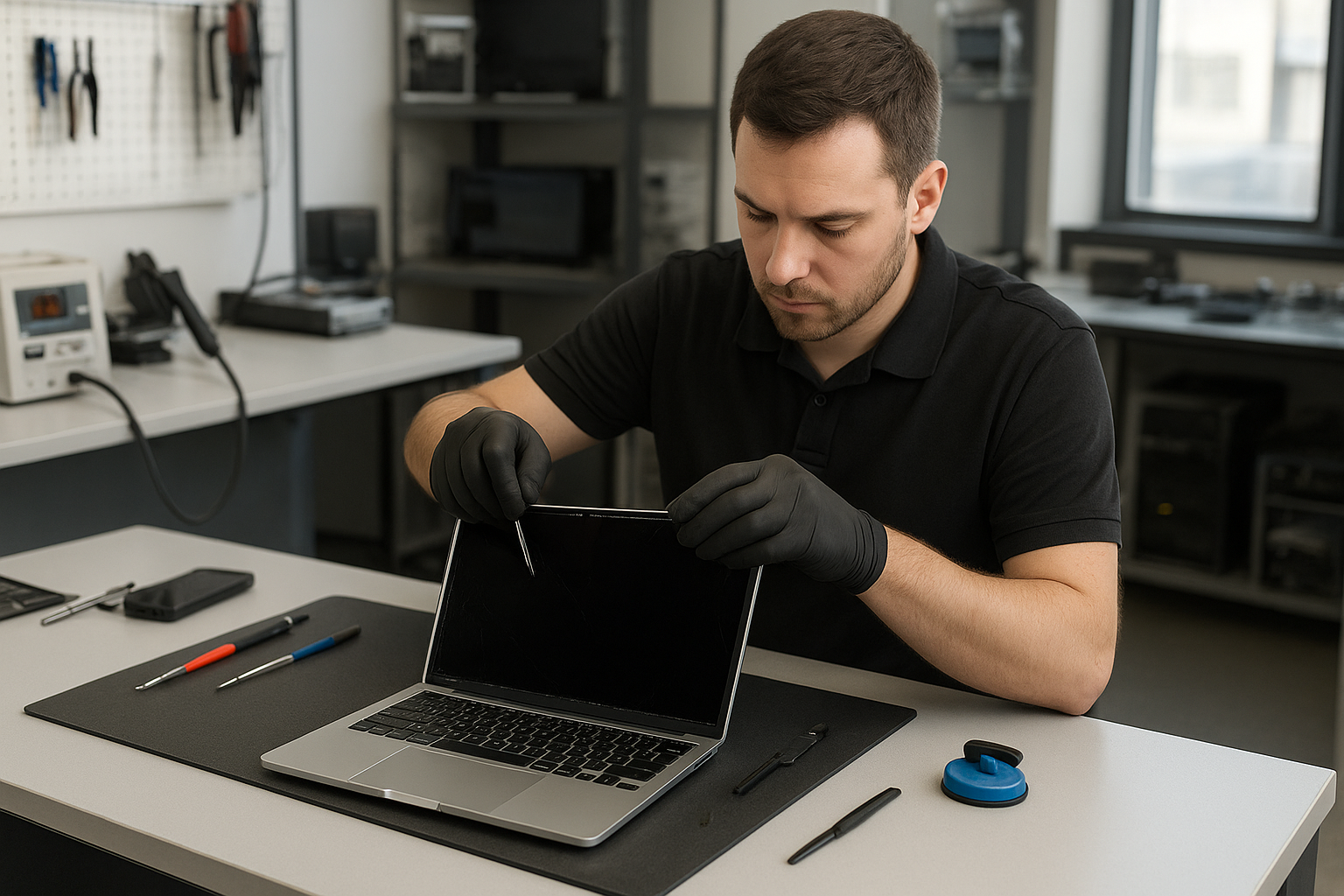
If you searched for MacBook Pro Retina Screen Replacement Halifax, you probably have a cracked or flickering Retina display and need clear, practical guidance. I’m a senior technician at Moe Repair in Coquitlam and I write this to help Halifax owners understand what’s happening, what repairs look like, and how to choose a reliable shop.

Problem overview: What a damaged Retina screen means

A broken Retina screen can show many symptoms beyond obvious glass cracks. The Retina display on MacBook Pros combines ultra-high-resolution LCD or OLED layers, a glass panel, and a delicate backlight and cable assembly. Damage to any of these layers can cause visual problems, touch issues, or complete no-display situations.

Common symptoms of Retina screen failure

Look for these common signs before you bring your MacBook in for diagnosis. Many customers across the Tri-Cities tell us they noticed these first.

  • Visible glass cracks or spiderwebbing.
  • Blank screen while power and keyboard lights function.
  • Flickering or intermittent image, often when screen angle changes.
  • Lines, coloured bands, or vertical/horizontal artifacts.
  • Dead pixels or clusters of black spots on the display.
  • Pale or uneven backlight, screen dimming, or bright spots.
  • Touchpad and keyboard work, but external monitor shows normal video.

Common causes we see at Moe Repair in Coquitlam

As technicians, we separate user-facing symptoms from underlying causes. Typical root causes include:

  • Direct impact or pressure causing glass and LCD damage.
  • Hinge or chassis damage stressing the display cable.
  • Liquid exposure corroding connectors or the backlight assembly.
  • Faulty display cables or connectors on the logic board.
  • Manufacturing defects in older panels or inverter/backlight units.
  • Motherboard video circuitry failure presenting as a screen issue.

How professionals diagnose a Retina screen problem

Diagnosis separates display hardware faults from logic board failures. At Moe Repair we follow a consistent process so customers get an honest recommendation.

  • Visual inspection for glass cracks, corrosion, and hinge damage.
  • Connect an external monitor to isolate GPU or board issues.
  • Check video cable continuity and connector seating under magnification.
  • Test backlight and inverter signals where applicable.
  • Inspect the logic board for burn marks, corrosion or liquid residue.
  • Assess whether the glass and LCD are a single assembly or separate parts based on model.

This step-by-step approach avoids unnecessary parts replacement and protects customer data when data recovery or motherboard repair is also a concern.

Repair options for MacBook Pro Retina displays

Repair options depend on model, damage type and parts availability. Common choices include:

  • Glass and LCD assembly replacement for cracked screens.
  • Full display module replacement when the whole panel is bonded.
  • Video cable or connector repair when flicker is caused by a loose cable.
  • Backlight or inverter service for dim or partially lit displays.
  • Motherboard repair when video output fails even with an external monitor.

One common issue we regularly see at Moe Repair is hinge damage that slowly severs the display cable. Replacing the hinge and cable often restores the screen without replacing the entire panel.

Advantages of professional repair

Using an experienced shop brings several advantages:

  • Correct diagnosis prevents wasted parts swaps.
  • Skilled technicians protect your data and avoid damage to the logic board.
  • We can advise whether the glass and LCD are replaceable separately for your MacBook model.
  • Proper calibration and testing after repair reduce return visits.

When replacement makes more sense

Replacement is usually the right choice when:

  • The glass and LCD are fused and the damage affects both layers.
  • Severe liquid damage has corroded internal components beyond repair.
  • Motherboard video circuitry is faulty and repair is uneconomical compared to module replacement.
  • The hinge or chassis damage is extensive and repairs would not guarantee longevity.

Estimated repair process without specific timelines

A typical professional repair workflow includes: intake, detailed inspection, diagnosis, parts ordering, repair, calibration and final testing. We always prioritize data protection during every step. If a repair might expose or risk data, a technician will explain data recovery options before proceeding.

What Halifax customers should know

If you are searching for MacBook Pro Retina Screen Replacement Halifax, here are practical choices. You can find a qualified local technician in Halifax who specializes in MacBook screen repair. Ask about their diagnostic steps, whether they test with external displays, and how they protect your data.

Alternatively, if you want a second opinion, contact Moe Repair in Coquitlam for a remote consultation. We provide clear diagnostics over the phone and can advise whether a local repair or shipment to a specialized shop is appropriate. Many customers throughout the Tri-Cities contact us this way for expert guidance before committing to a repair.

Preventative maintenance to extend your Retina display life

Small habits prevent many screen issues. Keep these practices in mind:

  • Use a padded sleeve or protective case when transporting your MacBook.
  • Avoid stacking heavy items on top of the closed laptop.
  • Keep liquids well away from open laptops and use a keyboard cover if needed.
  • Service hinges at the first sign of looseness to prevent cable damage.

Real technician advice from Moe Repair

When a customer brings a cracked Retina screen we focus on two things: accurate diagnosis and preserving user data. Don’t attempt adhesive separation or DIY screen removal unless you have the right tools and experience. Many MacBook models have delicate ribbon cables and adhesive securing the glass. Incorrect disassembly can damage the LCD or the logic board.

If you see water under the display, power the MacBook off immediately and seek professional help. Corrosion continues even after the device dries and early intervention reduces permanent damage.

Related services we provide

Alongside screen repair, Moe Repair offers services that are often needed during screen work, including battery replacement, hinge repair, SSD upgrades and data recovery. If we diagnose liquid damage or logic board faults, we provide transparent options so customers in Coquitlam and the Tri-Cities can make informed decisions about repair and data protection.

Frequently asked questions

See the FAQ below for common customer questions. If your question is not listed, contact us directly.

Conclusion

MacBook Pro Retina Screen Replacement Halifax searches often come from concerned owners who want clear options. Whether you’re in Halifax or Coquitlam, focus on accurate diagnosis, data protection and hiring a technician experienced with MacBook Retina displays. At Moe Repair we regularly diagnose complex display problems for customers across the Tri-Cities and provide clear, practical advice for out-of-area owners. For an expert consultation, contact Moe Repair and we will explain your options honestly and clearly.

Business: Moe Repair | Website: https://moerepair.net | Phone: 778-951-4872 | Email: service@moerepair.ca

Thermal Paste Replacement Coquitlam

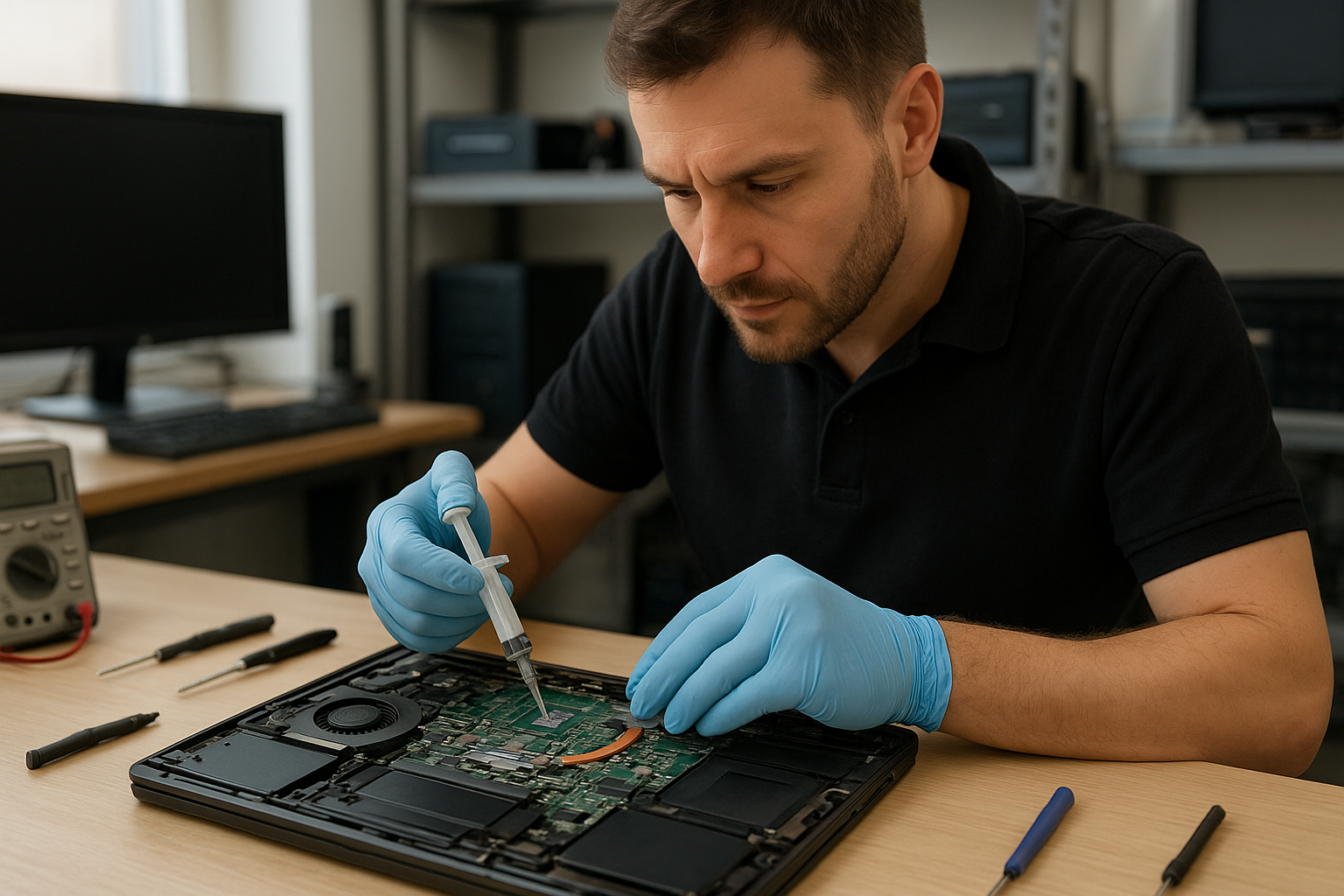
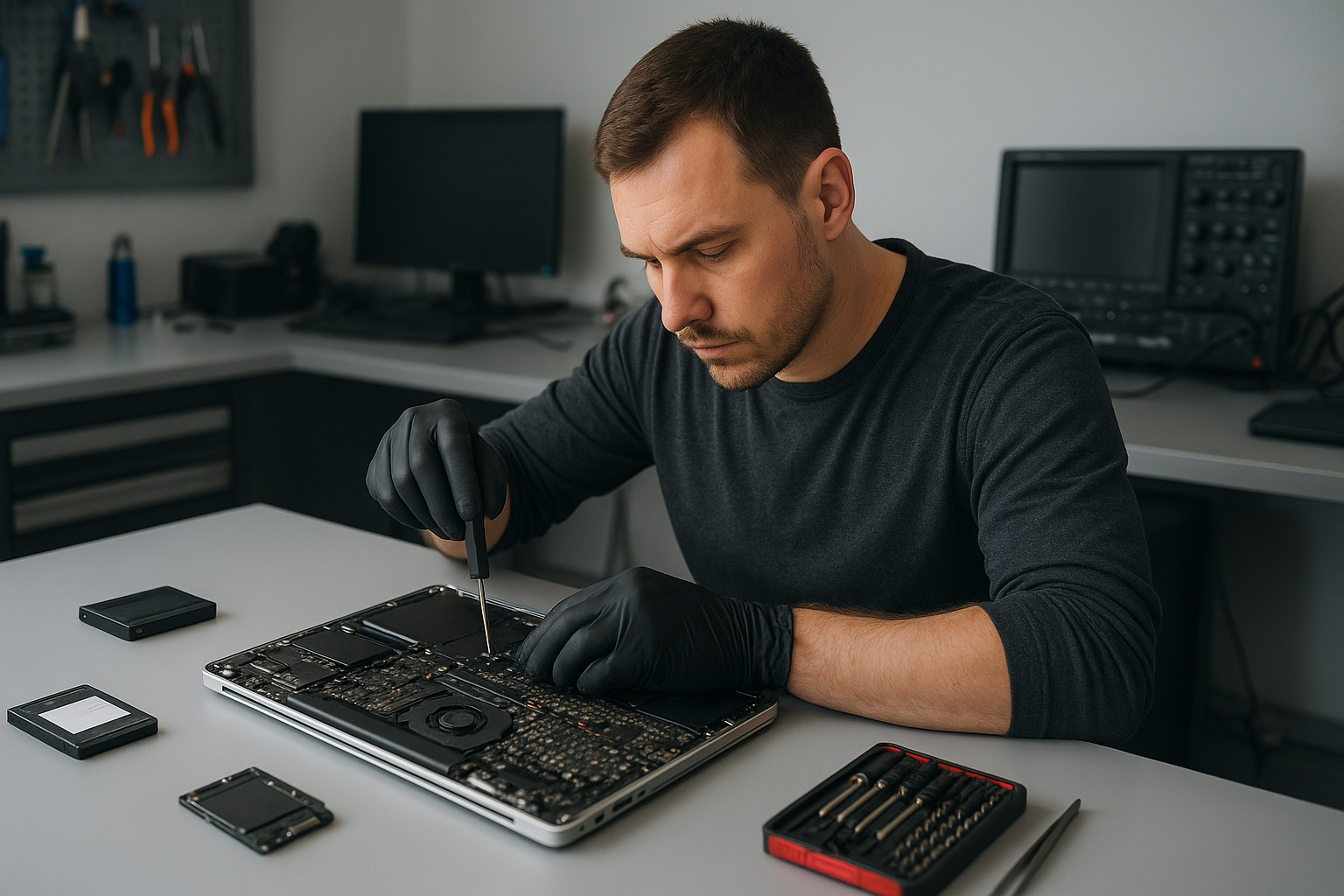
If your laptop or desktop in Coquitlam is running hot, throttling under load, or the fans are louder than usual, degraded thermal paste may be the culprit. At Moe Repair we diagnose cooling issues and perform professional thermal paste replacement on CPUs and GPUs for laptops, desktops and MacBook systems across the Tri-Cities.

Why thermal paste matters

Thermal paste, also called thermal compound or thermal interface material, fills microscopic gaps between the CPU or GPU and the heatsink. Proper contact allows heat to transfer into the heatsink and then away via the fan. Over time thermal compound dries, pumps out, or becomes contaminated, and the cooling efficiency drops.

Problem overview

Cooling problems show up differently depending on device type. A gaming laptop may throttle FPS under load. A business notebook might reboot during video calls. A desktop can experience unstable performance when the CPU temperature climbs. In many of these cases, replacing the thermal paste restores normal thermal transfer and performance.

Common symptoms

  • Sudden or gradual overheating during normal tasks
  • Performance throttling under load (CPU or GPU slows down)
  • Loud, constantly running fans even when idle
  • Random shutdowns or reboots under stress
  • Hot palm rests or very warm chassis on laptops

Common causes

We see several root causes at Moe Repair in Coquitlam:

  • Age-related drying of thermal compound on CPU or GPU
  • Improper previous application or low-quality thermal paste
  • Damaged or warped heatsink or bent mounting hardware
  • Clogged fan or dust-packed cooling channels that accelerate paste breakdown
  • Loose heatsink mounting screws or broken brackets after drops or repairs

How professionals diagnose thermal issues

As experienced technicians we follow a clear diagnostic path:

  • Verify symptoms and reproduce overheating with controlled tests.
  • Use temperature monitoring tools to record CPU and GPU temps at idle and under load.
  • Inspect vents, fans and cooling channels for dust and debris.
  • Open the chassis where applicable and inspect the existing thermal paste and heatsink seating.
  • Check fan operation and bearings, and test the cooling assembly for mechanical issues.
  • Decide if thermal paste replacement alone is sufficient or if additional repairs (fan replacement, heatsink repair, motherboard work) are required.

Repair options we offer

At Moe Repair in Coquitlam we provide tiered options depending on the device and diagnosis:

  • Cleaning and reapplication of high-quality thermal paste on CPU and GPU for laptops and desktops.
  • Replacement of thermal pads where VRMs or memory modules require padding instead of paste.
  • Fan cleaning or fan replacement when bearings or RPM issues affect cooling.
  • Heatsink reseating and hardware inspection to ensure correct torque patterns and flat contact.
  • Full teardown for MacBook models and ultraportables where access is more delicate.

Advantages of professional thermal paste replacement

DIY paste application often causes more harm than good. Professional service ensures:

  • Correct choice of thermal compound matched to the device and workload.
  • Proper cleaning using appropriate solvents that do not damage components.
  • Safe disassembly and reassembly that protects connectors, ribbon cables, and fragile parts.
  • Verification testing after repair to confirm temperatures and performance returned to normal.

When replacement makes more sense

Sometimes thermal paste is not the only problem. We recommend replacement or additional repairs when:

  • The heatsink is warped or mounting points are damaged.
  • Fan(s) are failing and require replacement to restore airflow.
  • Motherboard components that manage power or thermals are damaged and causing overheating.

In those cases we explain options and costs clearly so customers across Coquitlam and the Tri-Cities can choose the most cost-effective path.

Estimated repair process

While each device varies, our general process includes:

  • Initial diagnostic and temperature logging.
  • Safe teardown and disassembly to access the CPU/GPU area.
  • Careful cleaning with isopropyl alcohol and lint-free swabs.
  • Application of suitable thermal compound and reseating of the heatsink with correct pressure and pattern.
  • Reassembly, stress testing and final verification of temperatures and fan behavior.

We never rush a reseat or use inadequate materials. Our goal is a reliable repair, not a quick fix.

Preventative maintenance to extend cooling life

To keep thermal paste and cooling systems healthy we recommend:

  • Regular dust cleaning of vents and fans—every 6 to 12 months for laptops in dusty environments.
  • Avoid placing laptops on soft surfaces that block airflow.
  • Use a laptop cooling pad for sustained gaming or heavy workloads.
  • Monitor temperatures with software and schedule a checkup if idle or load temps climb unexpectedly.

Real technician advice from Moe Repair

One issue we regularly see at Moe Repair in Coquitlam is customers using generic, low-cost pastes or pastes applied unevenly. That leads to hot spots and inconsistent performance. We use well-tested thermal compounds and follow best practices for application depending on the chip size and heatsink design.

Another frequent mistake: replacing paste without checking the fan bearings or heatsink flatness. If the heatsink is slightly warped, new paste will not solve the problem. We inspect and report clearly so you know what repairs are necessary.

For MacBook and ultraportable repairs, proper screw torque and ribbon cable handling is critical. Our technicians are experienced with Apple models and other thin notebooks.

Related services

While addressing thermal issues we often perform complementary services that restore overall performance:

  • Fan replacement and bearing lubrication where possible
  • SSD upgrades and RAM upgrades to reduce CPU load for better thermal headroom
  • Windows installation and malware removal when software causes excess CPU usage
  • Motherboard repair when power delivery causes overheating
  • Data recovery if a drive shows signs of heat-related failure

Frequently Asked Questions

1. How do I know if my laptop needs thermal paste replacement?

Check temperatures with monitoring tools and note symptoms like persistent high fan speeds, throttling in games or heavy apps, and heat on the chassis. If cleaning vents does not help, thermal paste is a likely cause.

2. Can I apply thermal paste myself?

Yes, but proceed cautiously. Incorrect cleaning, wrong paste type, or improper application can make things worse. For MacBooks and modern thin laptops we recommend professional service because access is delicate.

3. Does replacing thermal paste improve performance?

It can restore lost performance by reducing temperatures and preventing thermal throttling. You should expect better sustained performance under load, not a higher maximum clock speed beyond original specs.

4. How often should thermal paste be replaced?

It depends on usage and environment. Typical intervals are several years, but heavy gaming, dusty conditions, or previous poor applications may require earlier attention.

5. Will replacing thermal paste fix random shutdowns?

If shutdowns are caused by overheating, yes. However, random reboots can also stem from failing power components or memory issues, so we perform a full diagnostic to confirm.

6. Do you work on MacBook and gaming laptops?

Yes. We handle Apple MacBook models as well as gaming laptops from Dell, ASUS, MSI, HP and others. Each device has specific disassembly and thermal considerations.

7. What if my fan is noisy after paste replacement?

A noisy fan usually indicates bearing wear or imbalance. If the fan continues to be loud after paste replacement, we recommend inspecting or replacing the fan rather than just reapplying paste.

8. Will thermal paste void my warranty?

Opening devices may affect manufacturer warranty. We inform customers and can perform repairs alongside authorized service notes when warranty remains a concern.

9. Do you provide service across the Tri-Cities?

Yes. Our shop in Coquitlam serves customers throughout Coquitlam, Burnaby, Port Coquitlam, Port Moody, New Westminster and nearby Vancouver neighborhoods.

10. Can thermal paste cause data loss?

Indirectly. Excessive heat can damage storage devices over time. If you suspect heat-related drive issues, we can perform data recovery and advise on preventive steps.

Conclusion

Thermal Paste Replacement Coquitlam is a reliable, effective repair for many overheating and throttling problems in laptops and desktops. At Moe Repair we combine careful diagnostics, quality thermal compounds, and proven techniques to restore cooling and performance for customers across the Tri-Cities. If your laptop or MacBook is running hot, we can help.
Contact Moe Repair to book a diagnostic or thermal service. We service laptops, desktops and MacBooks throughout Coquitlam and the surrounding communities, and we explain options clearly so you can choose the best repair for your device.

Laptop Repair Coquitlam: Trusted Local Technician Advice from Moe Repair

At Moe Repair we specialize in Laptop Repair Coquitlam customers rely on. If your notebook is slow, has a cracked laptop screen, will not charge, or suffered liquid damage, we diagnose the root cause and explain repair options in plain language.

Problem Overview: Why your laptop acts up

Laptops fail for a few predictable reasons. Wear and tear, physical impact, spilled liquids, and software corruption top the list. One common issue we regularly see at Moe Repair is a device that boots but freezes under load. That can point to failing storage, insufficient RAM, or heat-related throttling.

Understanding the symptom helps direct a faster, less costly repair. We troubleshoot both hardware and software so you avoid repeated visits.

Common Symptoms that bring customers to Moe Repair

  • Black or flickering screen after power-on (display repair or cable failure)
  • Cracked laptop screen or physical damage to the lid
  • Laptop does not power on or random shutdowns (battery, charging port, motherboard)
  • Slow performance or frequent freezing (SSD or RAM upgrade, virus removal)
  • Keyboard or trackpad stops responding (keyboard replacement or connector issues)
  • Liquid spills causing corrosion or sticky keys (liquid damage repair)
  • Overheating and loud fan noise (cleaning, thermal paste, fan replacement)
  • Missing files or inaccessible drive (data recovery)

Common Causes

Symptoms come from predictable root causes. A cracked screen typically follows a drop or pressure; a battery that will not hold charge is usually age or deep discharge; a non-booting unit can be a failed SSD, corrupted Windows installation, or a motherboard fault. Rarely, multiple issues coexist—such as a spilled liquid that damages the keyboard and a nearby charging port.

How professionals diagnose laptop problems

When you bring a device to Moe Repair we follow a step-by-step diagnostic routine. First we take a visual inspection to spot obvious damage: cracked screens, bent chassis, or liquid residue. Next we confirm power behavior: does the charger LED respond, does the battery report charge, and does the laptop show POST activity.

We test components individually when possible. That may include booting from an external SSD to rule out internal drive failure, swapping RAM to test modules, and connecting to an external monitor to isolate display issues. For suspected motherboard or charging faults we use specialized tools and run controlled tests to avoid further damage.

Repair Options explained

After diagnostics we present clear options. For screen problems we recommend laptop display replacement when the panel or inverter fails. For slow systems we explain whether an SSD upgrade or RAM upgrade delivers the best value. For water-damaged units we outline the likelihood of successful recovery and next steps for data recovery if needed.

We always explain what parts we will use, whether we recommend OEM-grade or high-quality aftermarket parts, and how the repair affects your data and installed software.

Advantages of repair over replacement

  • Cost efficiency: repairs often extend usable life for a fraction of replacement cost.
  • Data preservation: repairs can protect installed software and personal files.
  • Environmental impact: repairing reduces electronic waste compared to outright replacement.
  • Performance boosts: SSD upgrades and RAM upgrades can make an older laptop feel new.

When replacement makes more sense

Replacement can be the better choice for very old laptops with failing motherboards, unavailable parts, or when repair costs approach the value of a new machine. We evaluate age, performance needs, and repairability. For business computer repair customers replacing outdated machines often offers long-term savings and stronger warranties.

Estimated repair process (what to expect)

We keep the process transparent. First we run diagnostics and share findings. Next we get your approval for repairs and any parts required. We perform repairs using ESD-safe procedures and quality parts. After repair we test thoroughly: stress checks, display calibration, battery charge cycles, and software verification.

We do not guess; we document what we test and what we replace. You receive a clear summary and recommendations for future care.

Preventative maintenance to avoid repairs

  • Keep vents clear and clean internal fans periodically to prevent overheating.
  • Use good quality chargers to protect charging circuits and avoid cheap third-party adapters.
  • Back up data regularly so you can recover quickly after a hardware failure.
  • Avoid eating or drinking near your laptop to reduce liquid damage risk.
  • Consider an SSD upgrade for older spinning drives to reduce mechanical failures.

Real technician advice from Moe Repair

One common issue we regularly see at Moe Repair: customers ignore small display cracks until the screen flickers. Early replacement of a cracked laptop screen prevents pressure on the bezel and reduces the chance of further panel failure. If your laptop shows any sign of a crack, back up important files immediately and bring it in for inspection.

Also, do not attempt to force open a stuck chassis. Many modern laptops use hidden screws and fragile ribbon cables. A wrong move can damage the display cable or connector, turning a simple screen replacement into a motherboard-level repair.

Brands we service

We repair Dell, HP, Lenovo, ASUS, Acer, MSI, Microsoft Surface, Samsung, LG and Apple MacBook devices. Whether it is MacBook screen repair or Windows installation on a gaming laptop, our team has experience across brands and models.

Local coverage and why choose Moe Repair

Moe Repair serves customers throughout Metro Vancouver, including Coquitlam, Burnaby, Vancouver, Surrey, Richmond, New Westminster, Maple Ridge, Port Moody, Port Coquitlam and Pitt Meadows. We are a neighborhood shop that combines years of hands-on experience with straightforward recommendations.

Contact details: Phone: 778-951-4872, Email: service@moerepair.ca, Website: https://moerepair.net.

Frequently asked questions

See the FAQ section below for quick answers. If your question is urgent, call 778-951-4872 or email service@moerepair.ca.

Conclusion

If you need reliable Laptop Repair Coquitlam services, bring your laptop to Moe Repair. We diagnose clearly, explain options honestly, and perform repairs using proven practices. Whether you need laptop screen repair, battery replacement, motherboard repair, or data recovery, we help you decide the best path forward.

Call to action: Contact Moe Repair at 778-951-4872 or service@moerepair.ca to schedule diagnostics and get a clear plan for repairing your laptop.

Laptop Repair Coquitlam: Real Technician Guidance from Moe Repair

When your laptop acts up in Coquitlam, you need clear answers and dependable service. At Moe Repair we offer Laptop Repair Coquitlam customers professional diagnostics and honest recommendations for screens, batteries, motherboards and software issues. This guide explains common symptoms, causes, repair options and what to expect when you bring your device in.

Problem Overview: Why laptops fail

Laptops fail for many reasons: physical damage, wear and tear, liquid spills, software corruption and component age. Often a visible symptom—like a cracked screen—masks underlying problems such as motherboard damage or a failing battery. Our job is to separate the symptom from the root cause so you only pay for what needs fixing.

Common Symptoms We See

We regularly diagnose laptops with these common symptoms at Moe Repair:

  • Blank or flickering display even though the machine powers on
  • Slow performance, frequent crashes or blue screens
  • Battery drains quickly or won’t charge
  • Keyboard or trackpad unresponsive
  • Laptop won’t power on at all
  • Strange noises from the fan or hard drive
  • Liquid spilled on keyboard or ports
  • Charging port loose or intermittent

Common Causes Behind Those Symptoms

Pinpointing the cause prevents wasted repairs. Typical causes include:

  • Physical damage to the LCD or hinges from drops
  • Failed batteries after many charge cycles
  • SSD or hard drive degradation causing slowdowns or failure
  • Corrosion or short circuits after liquid exposure
  • Faulty power jack or charging circuitry on the motherboard
  • Software issues: corrupt OS, drivers, or malware
  • Overheating due to clogged fans or dried thermal paste

Professional Diagnostic Process

At Moe Repair we follow a structured diagnostic process to find the real problem. First, we ask about recent events: any drops, spills or Windows/macOS updates. Then we perform a hardware and software check using service tools and manufacturer diagnostics.

We inspect the screen, connectors, battery health, storage health (S.M.A.R.T.), RAM, and power delivery. If liquid damage is suspected, we open the chassis carefully to check for corrosion. For intermittent issues we replicate the fault under load to catch temperature-related failures.

After diagnostics we’ll explain the findings, list repair options and recommend the most cost-effective route. We document what we tested so you can trust our recommendation.

Repair Options Explained

Repairs vary by symptom and device condition. Common services we provide include:

  • Screen replacement for cracked or dim displays. We match the panel type to preserve resolution and touch function when possible.
  • Battery replacement for poor charge retention or sudden shutdowns.
  • Keyboard and hinge repair after wear or impact.
  • Charging port and power jack repair when the laptop charges intermittently.
  • Motherboard repair for component-level faults, short circuits, or BIOS issues.
  • Liquid damage repair including corrosion cleaning and selective replacement of damaged components.
  • SSD upgrade and RAM upgrade to boost speed and extend useful life.
  • Data recovery and virus removal when files are at risk or the OS is compromised.
  • Windows installation and macOS repair to restore system stability and security.

Advantages of Repair vs Replacement

Repair often preserves data, costs less than replacing a whole laptop and reduces e-waste. A screen, battery or SSD upgrade can extend a laptop’s life by years. For business or gaming laptops, targeted repairs and upgrades typically offer the best value.

We consider repair when the device has serviceable parts, the chassis is in good condition, and the expected lifespan after repair justifies the cost. We discuss expected performance and future-proofing options like SSDs and RAM upgrades.

When Replacement Makes More Sense

Sometimes replacement is the wiser choice. Examples include:

  • Severe motherboard damage with multiple failed subsystems
  • Extremely outdated hardware where parts are rare or costly
  • Devices with cracked or missing chassis that compromises structural safety
  • Repeated failures on the same component where long-term reliability is unlikely

We’ll always tell you honestly if repair isn’t the best investment and explain alternatives, including trade-in and data migration options.

Estimated Repair Process (What to Expect)

After you bring your laptop in, we confirm the issue and provide a clear repair estimate and recommended parts. We require your approval before proceeding. Repairs can involve ordering parts for specific models like Dell, HP, Lenovo, ASUS, Acer, MSI, Microsoft Surface or Apple MacBook. We never proceed without consent.

We test thoroughly after repairs to ensure reliability. For data-sensitive jobs we follow strict handling to protect your files. If data recovery is needed we explain the risks and next steps upfront.

Preventative Maintenance to Avoid Future Repairs

Small routines extend laptop life. Our technician recommendations include:

  • Keep vents clear and clean fans annually to avoid overheating.
  • Use a surge protector and avoid improvised chargers to protect power circuits.
  • Back up important files regularly to external drives or cloud services.
  • Replace batteries that show significant wear before they fail completely.
  • Apply a simple protective case or sleeve and avoid placing heavy items on the laptop.
  • Install OS updates and reputable antivirus software to reduce software failures.

Real Technician Advice from Moe Repair

One common issue we regularly see at Moe Repair is customers replacing a screen when the real problem is a damaged display cable or bent hinge that stresses the connector. In those cases, replacing the cable and fixing the hinge avoids an expensive panel replacement.

Another example: slow laptops often benefit more from an SSD upgrade and cleaning the OS than from a full replacement. We diagnose storage health and recommend SSD upgrades when appropriate to return a machine to like-new responsiveness.

Avoid quick fixes like using tape on hinges, sanding connectors, or using unknown replacement batteries. These can cause further damage or safety hazards. When in doubt, bring the laptop in for a professional look.

Laptop Repair Services We Provide

Moe Repair offers the following relevant services for customers across Metro Vancouver: Laptop Repair, Laptop Screen Repair, Battery Replacement, Keyboard Replacement, Hinge Repair, Motherboard Repair, Charging Port Repair, Liquid Damage Repair, SSD Upgrade, RAM Upgrade, Data Recovery, Virus Removal, Windows Installation and MacBook Repair. We serve Coquitlam, Burnaby, Vancouver, Surrey, Richmond, New Westminster, Maple Ridge, Port Moody, Port Coquitlam and Pitt Meadows.

Frequently Asked Questions

Below are common customer questions with concise answers based on technician experience.

Q: How do you determine if my laptop’s problem is hardware or software?

A: We run hardware diagnostics (battery health, RAM, storage S.M.A.R.T., power rails) and boot from clean media to isolate software faults. If the issue replicates on a clean OS or with alternate components, it’s usually hardware.

Q: Can you recover data from a dead laptop?

A: Often yes. If the storage device is intact we can image it and recover files. If the drive has physical damage we evaluate the risk and recommend professional data recovery steps.

Q: Is it worth upgrading RAM or SSD on an older laptop?

A: Upgrades are often the most cost-effective way to extend life. An SSD upgrade and more RAM provide noticeable speed gains. We assess compatibility and performance uplift before recommending upgrades.

Q: My laptop won’t charge. Is it the battery or the charger?

A: We test the charger, port, battery and charging circuitry. Sometimes the charger fails; other times the port is loose or the battery has failed. A proper assessment identifies the faulty part.

Q: What should I do after spilling liquid on my laptop?

A: Power it off, unplug, and bring it in quickly. Do not turn it on or use heat sources like hair dryers. Quick professional cleaning reduces corrosion and increases the chance of recovery.

Q: Do you repair MacBooks and Windows laptops?

A: Yes. We repair Apple MacBook models and a wide range of Windows laptops from Dell, HP, Lenovo, ASUS, Acer, MSI and Microsoft Surface devices.

Q: Will you replace a screen with an aftermarket part?

A: We match parts to maintain functionality such as touch support and resolution. We explain part origin and compatibility and document what we use so you can decide.

Q: How do I prepare my laptop for repair?

A: Back up important data if possible, remove external storage and accessories, and provide your account password if you want us to test post-repair. If you cannot back up, tell us so we can prioritize data protection.

Conclusion

When you search for Laptop Repair Coquitlam you want fast, accurate diagnostics and repairs handled by experienced technicians. At Moe Repair we combine transparent diagnostics, practical recommendations and skilled repairs to get you back to work or play. We serve customers across Metro Vancouver and stand behind our technical work.

Call To Action

Book your diagnostic with Moe Repair today: Phone 778-951-4872 | Email service@moerepair.ca | Visit https://moerepair.net. Bring your laptop to our Coquitlam location or contact us to arrange service. We’ll diagnose the issue, explain options and recommend the repair that makes sense for you.

Moe Repair serves Coquitlam, Burnaby, Vancouver, Surrey, Richmond, New Westminster, Maple Ridge, Port Moody, Port Coquitlam and Pitt Meadows. We provide Laptop Repair, Screen Replacement, Battery Replacement, Motherboard Repair, SSD Upgrades, Data Recovery and more.

Laptop Repair Coquitlam: Trusted Local Technicians at Moe Repair

If your laptop is slow, won’t boot, has a cracked screen, or shows other faults, Moe Repair offers professional Laptop Repair Coquitlam residents rely on. We diagnose hardware and software problems clearly, explain repair options, and restore devices for customers across Metro Vancouver.

Why choose Moe Repair for Laptop Repair Coquitlam

We fix everything from display repair and battery replacement to motherboard repair and liquid damage recovery. As technicians with decades of hands-on experience, we focus on accurate diagnostics and practical fixes. We serve Coquitlam and surrounding areas including Burnaby, Port Moody, Port Coquitlam, New Westminster and Vancouver.

Problem overview

Laptops fail in predictable ways: screens crack, batteries wear out, keyboards fail, and systems get infected. Sometimes performance drops after an update or noisy fans indicate cooling issues. We see these problems daily and approach each repair with a standard diagnostic workflow.

Common symptoms customers report

  • Device won’t power on or shows no lights
  • System boots slowly or freezes regularly
  • Cracked laptop screen or flickering display
  • Battery won’t hold charge or charges intermittently
  • Keys not responding or stuck keyboard
  • Overheating and loud fan noise
  • Liquid spill onto keyboard or ports
  • Unresponsive charging port or loose power connector
  • Blue screen errors or random shut downs
  • Data inaccessible after drive failure

Common causes we encounter

Failures come from wear and tear, accidental damage, software corruption, and environmental factors. For example, battery chemistry degrades over hundreds of cycles. Hinges fail from repeated stress. Liquid spills corrode connectors and short circuits. Malware and corrupted system files can make a perfectly good hard drive appear faulty.

How professionals diagnose laptop problems

At Moe Repair we follow a step-by-step diagnostic routine. First, we interview the customer to understand history and symptoms. Then we run hardware checks: power, battery, display, memory and storage tests. For software issues, we examine system logs, run malware scans, and test boot sequences. If necessary, we open the chassis to inspect for corrosion, swollen batteries, or damaged components.

Diagnostics identify whether the problem is a failed SSD, corrupted Windows installation, defective charging port, or physical damage like a cracked screen. We document findings and present repair options so customers can decide with clear information.

Repair options we provide

  • Screen replacement for cracked laptop screen or flickering displays, including MacBook screen repair and Windows laptop displays.
  • Battery replacement to restore runtime for older machines.
  • Keyboard and hinge repair for worn keys and broken hinges.
  • Charging port and power jack repair for intermittent charging issues.
  • Motherboard repair and component-level troubleshooting when power rails or chipsets fail.
  • Liquid damage repair with corrosion cleaning and component testing.
  • SSD and RAM upgrades to improve performance and responsiveness.
  • Data recovery from failing drives and RAID arrays where possible.
  • Virus removal and Windows installation to fix software corruption and restore system stability.

Advantages of repairing your laptop

Repairing often costs less than replacing and retains your data, settings, and installed software. Upgrades like an SSD or more RAM can extend a laptop’s useful life by years. Repairing reduces electronic waste and preserves business continuity for work machines.

When replacement makes more sense

Sometimes replacement is the better choice. We recommend replacing when: the device has multiple failing subsystems, the cost of parts and labor approaches the value of a new machine, or when you need major performance improvements not economically achievable with upgrades. We’ll explain the pros and cons and help you choose an upgrade path when appropriate.

Typical diagnostic and repair process

We start with a full assessment and then outline recommended fixes. Our process includes data backup or recovery planning, parts sourcing, repair work, and final testing. We do not perform repairs without customer approval. Communication is part of our service: we explain the cause, alternatives, and realistic outcomes.

For example, one common issue we regularly see at Moe Repair is Dell laptops with failed displays after a drop. Our technicians test the GPU output to confirm the motherboard is fine before replacing the screen. This avoids unnecessary part replacements.

Preventative maintenance tips

  • Keep vents clear and use on hard surfaces to avoid overheating.
  • Use a surge protector to protect against power spikes.
  • Back up data regularly to cloud or external drives.
  • Clean keyboards and screens gently to extend component life.
  • Avoid eating or drinking near your laptop to reduce liquid damage risk.
  • Update software and drivers to maintain security and performance.

Real technician advice

When a laptop shows intermittent problems, do not repeatedly force it to boot or leave it plugged in if it smells burnt. That can worsen damage. If you spill liquid, power down immediately and bring the device in. We often recover laptops after quick action; delaying increases corrosion risk.

If you need an SSD upgrade, consider cloning your existing drive. We perform migrations so your OS and applications remain intact. For MacBook repair, we follow Apple-safe procedures when working with T2 chips and proprietary connectors.

Laptop Repair Coquitlam: Brands and devices we service

We repair Dell, HP, Lenovo, ASUS, Acer, MSI, Microsoft Surface, Samsung, LG, and Apple MacBook models. Whether it is a business laptop, student notebook, or gaming rig, we have the tools and parts knowledge to diagnose and repair effectively.

Common scenarios from our shop

One recurring case: customers bring in a laptop that won’t charge. After testing the power adapter and battery, we often find a damaged charging port or a failed power IC on the motherboard. We present options: replace the port, repair the board, or replace the battery, depending on findings.

Another typical repair is cracked laptop screen replacements for MacBook and Windows machines. We always verify the inverter and video cable before replacing the panel to ensure we address the root cause.

What customers should avoid

  • Opening the laptop if you lack tools or static protection; you can cause more damage.
  • Using unverified repair videos as the only guide for complex repairs like motherboard work.
  • Continuing to use a device with a swollen battery; that is a safety risk.
  • Ignoring backups; we cannot guarantee data recovery in all cases.

Expert decision-making on repairs

We weigh component costs, parts availability, device age, and customer needs. For example, if a laptop has a cracked screen but the motherboard is original and in good shape, replacing the screen and possibly upgrading to an SSD will give a great return on investment. If the motherboard has multiple faults or parts are obsolete, replacement may be better.

Frequently Asked Questions

  • Do you offer data recovery? Yes. We perform logical and physical recovery attempts based on drive condition and provide an assessment before work begins.
  • Can you fix a liquid-damaged laptop? Often yes, if addressed quickly. We inspect for corrosion and replace affected parts where possible.
  • Do you repair MacBook screens? Yes. We handle MacBook screen replacement and related macOS repairs.
  • Will an SSD make my old laptop faster? Yes. Upgrading from an HDD to an SSD delivers noticeable speed improvements for boot and application load times.
  • Can you remove viruses and malware? Yes. We perform virus removal and Windows installation to restore a secure system.
  • Do you service gaming laptops? Yes. We work on cooling issues, GPU problems, and upgrades for gaming rigs.
  • What areas do you serve? We serve Coquitlam and Metro Vancouver including Burnaby, Port Moody, Vancouver, Surrey, and surrounding cities.

Conclusion

For reliable Laptop Repair Coquitlam customers trust Moe Repair for honest diagnostics, practical repair options, and experienced technicians. We aim to restore your device with minimal fuss while protecting your data and recommending the best course of action.

Contact Moe Repair
Phone: 778-951-4872 | Email: service@moerepair.ca | Website: https://moerepair.net

Visit us for laptop screen repair, battery replacement, motherboard work, SSD upgrades, virus removal, and more. We serve both residential and business customers across Metro Vancouver.

Laptop Repair Coquitlam | Trusted Laptop & MacBook Service by Moe Repair

If you typed “Laptop Repair Coquitlam” because your notebook has a cracked screen, won’t charge, or is running slowly, you’ve found a local repair shop with experienced technicians. At Moe Repair we diagnose and repair laptops and MacBooks for customers across Coquitlam and Metro Vancouver. Call 778-951-4872 or email service@moerepair.ca to discuss your device.

Why a clear diagnosis matters

One common issue we regularly see at Moe Repair is customers replacing parts without a proper diagnosis. That often wastes money and time. A correct diagnosis separates a simple screen replacement from deeper motherboard faults or loose display cables.

We start every job with a structured inspection. That saves you money and increases repair success rates. Our goal is to restore your laptop so it is safe, reliable, and performs like you expect.

Problem overview: What we fix

We repair a wide range of laptop faults for brands such as Dell, HP, Lenovo, ASUS, Acer, MSI, Microsoft Surface and Apple MacBook. Common services include laptop screen repair, battery replacement, keyboard and hinge repair, charging port repair, liquid damage repair, motherboard repair, SSD and RAM upgrades, virus removal, data recovery and operating system installations.

Common symptoms we see

  • Screen is cracked, flickering, has lines or a black area.
  • Battery won’t hold a charge or the laptop shuts down suddenly.
  • Device won’t power on or shows no LED activity.
  • Slow performance, frequent freezes or blue screens.
  • Keyboard keys not responding or trackpad malfunctioning.
  • Charging port is loose or requires adjustment.
  • Liquid spill or corrosion inside the case.
  • Data appears missing or the hard drive makes noise.
  • Virus or malware causing pop-ups, redirects or performance issues.

Typical causes of laptop problems

Symptoms can come from hardware, software, or both. Hardware failures are often due to wear, accidental drops, liquid exposure, or thermal stress. Software issues usually follow a corrupt operating system, malware infection, or failing storage.

For example, a flickering display might be a loose display cable, a failing LCD panel, or a graphics chipset problem. A laptop that dies when unplugged could be a faulty battery, power circuitry on the motherboard, or just a calibration issue.

How professionals diagnose laptop faults

As technicians, we follow a consistent diagnostic process:

  • Intake and history: Ask how the problem started, any recent drops, spills or updates, and whether backups exist.
  • Visual inspection: Check for damage, swelling batteries, corrosion, and loose connectors.
  • Power and POST tests: Verify power rails, fans, and boot behaviour to isolate power vs. logic board faults.
  • Component isolation: Test RAM, SSD/HDD, charger, and external devices to rule out simple causes.
  • Software checks: Run safe-mode boots, antivirus scans, drive health checks and system file checks for Windows or macOS.
  • Logical testing: Use diagnostic tools to read SMART data, run memory tests and stress GPU/CPU if needed.
  • Customer approval: Provide a clear recommendation and receive go-ahead before parts are replaced.

Repair options and what to expect

After diagnosis we explain your options and the likely outcomes. Common repairs include:

  • Screen replacement for cracked or non-responsive displays.
  • Battery replacement when capacity is degraded or the cell is swollen.
  • Keyboard and hinge repair for broken keys or loose hinges.
  • Charging port repair when the jack is loose or damaged.
  • Motherboard repair for power circuitry and component-level faults.
  • Liquid damage repair focusing on cleaning corrosion and replacing affected parts.
  • SSD and RAM upgrades to boost speed and multitasking performance.
  • Data recovery and virus removal to restore files and clean systems.
  • Windows or macOS installation and repair for software corruption or OS issues.

Advantages of repairing your laptop

Repairing often keeps more of your original hardware and data intact while costing less than buying a new device. Upgrades like SSDs and RAM can give older machines noticeably better performance. Repairing is also more sustainable than replacement and often the fastest way to get you back to work.

When replacement makes more sense

We advise replacement when a laptop has multiple failing systems, severe motherboard damage, or when repair costs approach the value of a new machine. Age, lack of driver support and inability to upgrade key components can also sway the recommendation toward replacement. We explain this honestly during the estimate so you can make an informed decision.

Estimated repair process (what actually happens)

While exact turnaround times vary by part availability and the job queue, most repairs follow the same stages:

  • Drop-off and intake: We record device details and backup requests.
  • Diagnosis: Comprehensive testing to identify root cause and write a clear estimate.
  • Approval: You approve the recommended repair path and any parts required.
  • Repair: Technicians perform the work, replace parts, and reassemble the laptop.
  • Testing and quality check: We test for stability, run benchmarks and ensure all ports and features work.
  • Pickup and advice: We walk you through the repair, provide maintenance tips and recovery recommendations.

Preventative maintenance you can do today

Preventative steps reduce the chance of breakdowns. Back up your data regularly to an external drive or cloud service. Keep vents clear and use a cooling pad for intense tasks like gaming or video editing.

Install updates and run occasional antivirus scans. Avoid eating or drinking near your laptop. If you travel with your device, always use a padded bag and avoid sharp impacts.

Real technician advice from Moe Repair

Don’t try multiple home fixes in a row after a liquid spill. Powering a wet laptop repeatedly can spread corrosion. Instead, power down, remove the battery if possible, and bring it in quickly for cleaning.

If your laptop shows errors during boot, write down exact messages and the sequence of LEDs or beeps. That information often points straight to the faulty component. Bring your original charger with the device when you visit — many power and charging problems are charger-related.

Laptop Repair Coquitlam: Our local service areas

Moe Repair serves customers throughout Metro Vancouver, including Coquitlam, Port Moody, Port Coquitlam, Burnaby, New Westminster, Vancouver, Surrey, Richmond, Maple Ridge and Pitt Meadows. We handle both consumer and business computer repair, gaming PC repair and MacBook repair.

Why customers trust Moe Repair

We combine transparent diagnostics with clear explanations in plain language. Our technicians have years of experience on brands such as Dell, HP, Lenovo, ASUS, Acer, MSI, Microsoft Surface and Apple MacBook. You get straightforward advice about repair vs replacement, and we keep your data safety front of mind.

Frequently asked questions

Below are common customer questions that often come up during a repair consultation.

1. How do you protect my data during repair?

We avoid unnecessary data access and always ask if you want us to create a backup first. If a drive is failing, we prioritize data recovery before any repair that could risk data loss.

2. Do you repair MacBooks and Windows laptops?

Yes. We repair both macOS and Windows laptops, including MacBook screen replacement, battery and keyboard repairs, plus software and OS troubleshooting.

3. Can liquid-damaged laptops be fixed?

Many can, especially if treated quickly. Success depends on how long the liquid sat and which parts were affected. Early cleaning and drying improve outcomes significantly.

4. Is it worth upgrading to an SSD?

In most cases, yes. An SSD upgrade is one of the most cost-effective ways to revive older laptops, improving boot and application load times dramatically.

5. Will you use OEM parts?

We discuss available parts options during the estimate. We recommend parts that balance reliability and value, and we explain trade-offs clearly so you can choose.

6. Do I need an appointment?

Walk-ins are welcome, but appointments help us prioritize diagnostics and reduce your wait time. Call 778-951-4872 to schedule.

7. Can you recover files from a dead laptop?

Often we can. Recovery success depends on the condition of the storage device. We perform an initial assessment and explain the realistic chances before proceeding.

8. What should I bring when I drop off my laptop?

Bring the laptop, the charger, and any notes about recent problems. If you have a backup, mention it. If not, tell us whether you want us to attempt a backup or recovery.

9. Why is my laptop overheating?

Overheating is usually caused by dust-clogged vents, old thermal paste, or heavy workloads like gaming. Cleaning vents and applying fresh thermal paste can restore normal temperatures in many cases.

10. Do you service business and gaming laptops?

Yes. We support business computer repair and gaming PC or laptop repair, including component upgrades, thermal fixes and system optimisation.

Conclusion

Laptop Repair Coquitlam at Moe Repair means honest diagnostics, clear options and practical technician advice. Whether you need a screen replacement, battery replacement, liquid damage repair, SSD upgrade or data recovery, we explain the problem and the best path forward.

For a professional assessment and reliable repair, contact Moe Repair. Phone: 778-951-4872 | Email: service@moerepair.ca | Website: https://moerepair.net. We serve Coquitlam and Metro Vancouver with trusted laptop and MacBook repair services.

Call to action

Ready to fix your laptop? Book a diagnostic with Moe Repair today by calling 778-951-4872 or emailing service@moerepair.ca. Bring your laptop to our Coquitlam location or contact us to discuss pick-up options. Let us diagnose it correctly the first time.

Laptop Repair Coquitlam

When your laptop hesitates, heats up, or won’t boot, you need clear answers fast. At Moe Repair we provide Laptop Repair Coquitlam customers trust for honest diagnostics, safe repairs, and practical advice. Whether it is a cracked laptop screen, failing battery, or corrupted operating system, we diagnose problems the way an experienced technician would and explain your options in plain language.

Why this page matters

Finding reliable notebook repair in Coquitlam is difficult. Many shops give guesses, replace parts unnecessarily, or offer unclear guarantees. We wrote this guide to help you know what to expect, how professionals diagnose faults, and when repair makes sense versus replacement.

Problem overview

Laptops fail for many reasons: physical damage, wear and tear, spilled liquids, software corruption, malware, and component failure. A single symptom like a black screen can come from many causes. Accurate diagnostics save time and money.

Common symptoms

  • Won’t power on or random shutdowns
  • Black screen or flickering display
  • Slow performance or constant fan noise
  • Battery not charging or swelling
  • Broken keys or unresponsive keyboard
  • Hinges cracked or loose
  • Ports not working (USB, charging)
  • Liquid damage or sticky keys after a spill
  • Blue screen errors or repeated crashes
  • Can’t access files or accidental deletion

Common causes

Symptoms point to several likely sources:

  • Hardware faults: failed SSD, RAM, or motherboard components
  • Power issues: bad charger, worn charging port, or failing battery
  • Display problems: cracked screen, inverter or cable failure
  • Thermal/overheating: dust-clogged fans, dried thermal paste
  • Software: corrupted OS, driver conflicts, ransomware
  • Physical/life-cycle damage: drops, hinge stress, spills

How professionals diagnose problems

At Moe Repair we follow a structured diagnostic process. Start with a customer interview: when did it start, have there been spills, any recent updates or drops. Next we inspect the hardware visually and power the unit using known-good parts like a verified charger.

We run component-level tests: boot to BIOS, memory and storage checks, display tests, and battery health reports. For intermittent faults we use logging and stress tests to reproduce the issue. For liquid damage we open the chassis to inspect corrosion and document affected areas before recommending repairs.

Repair options

Common repairs we perform for Laptop Repair Coquitlam:

  • Screen replacement — cracked laptop screen or flicker repairs with OEM or quality aftermarket panels.
  • Battery replacement — replace swollen or failing batteries and verify charging circuitry.
  • Keyboard replacement — replace worn or non-functioning keyboards and top covers.
  • Hinge repair — replace or reinforce broken hinges to protect the display and cables.
  • Charging port repair — resolder or replace loose USB-C or barrel connectors.
  • Motherboard repair — trace power faults, replace capacitors, or repair burned traces when feasible.
  • Liquid damage repair — clean corrosion, replace affected components, and advise on data recovery.
  • SSD and RAM upgrades — install and configure faster drives and more memory to extend life.
  • Data recovery — recover files from failing drives when possible.
  • Virus removal and OS repair — remove malware, reinstall Windows, or repair macOS.

Advantages of repair

Repairing your laptop often costs less than replacing it. Upgrades like SSD and RAM can dramatically improve speed. Repair preserves personal data, avoids the hassle of reinstalling all apps, and reduces electronic waste.

When replacement makes more sense

There are times repair is not the best path. Consider replacement if the laptop has multiple failing components, the motherboard is severely damaged, or the device is several generations old and no longer supported by the manufacturer. We evaluate the cost, parts availability, and expected lifespan to recommend the most practical option.

Estimated repair process

Every repair starts with a clear quote and scope. We do not guess. After diagnosis we estimate parts and labour. If you approve, we proceed and keep you updated. For complex data recovery or board-level work we explain risks and get your written consent before starting.

Preventative maintenance

Small steps extend laptop life. Keep vents clear of dust, use a cooling pad for heavy workloads, and avoid charging overnight constantly. Back up data regularly to an external drive or cloud. Avoid eating or drinking near the laptop and use a protective sleeve when traveling.

Real technician advice

One common issue we regularly see at Moe Repair is customers replacing chargers repeatedly without checking the charging port. A loose port can chew through chargers quickly. We diagnose the charging circuit first so you don’t buy the same part over and over.

Another recurring problem: people attempting DIY screen replacements on thin ultrabooks without the correct plastic tools. That often damages the bezel clips and ribbon cables. If you’re unsure, bring it in. We can usually replace the panel cleanly and test the backlight and touch functions.

If your laptop is slow, consider an SSD upgrade and a RAM boost before buying a new machine. We can clone your existing drive so your system looks and feels the same but runs faster.

What customers should avoid

  • Don’t continue using a laptop with a swollen battery. It’s a safety risk.
  • Avoid pouring water or household cleaners into keyboards. Turn the device off and seek service.
  • Don’t let unqualified shops or sellers install parts without providing clear return policies.
  • Do not install unofficial firmware or drivers from unknown sites; they can brick the device.

How we decide whether repair is worthwhile

We weigh three factors: cost of repair, expected lifespan after repair, and whether the repair preserves essential functionality or data. For business computers and gaming laptops, motherboard repair or part replacement often makes sense to avoid downtime and maintain performance. For very old consumer laptops, upgrades may be a better investment than major board repairs.

Brands we service

We repair Dell, HP, Lenovo, ASUS, Acer, MSI, Microsoft Surface, Samsung, LG and Apple MacBook models. We handle both Windows and macOS repairs, including screen replacement and MacBook keyboard repairs.

Laptop Repair Coquitlam: what to bring

  • The laptop and its charger
  • Any SD cards or external drives (so we can test ports)
  • Purchase receipt if under warranty
  • Brief description of the problem and when it started

Frequently asked questions

Below are common questions our Coquitlam customers ask. If your question isn’t listed, contact us.

1. Can you recover files from a dead laptop?

Yes in many cases. If the drive is mechanically healthy we can clone it and recover data. If the drive has physical damage, we advise specialized data recovery and explain realistic expectations.

2. Do you use OEM parts for screen replacements?

We source OEM parts when available. For discontinued models we use high-quality replacement panels and test them thoroughly before installation.

3. Is liquid damage repair worth it?

It depends on the extent of corrosion and which components are affected. Early cleaning improves success rates. We inspect the motherboard and give an honest recommendation.

4. Can you upgrade my laptop to an SSD?

Yes. An SSD upgrade is one of the fastest ways to improve older laptops. We clone your drive and ensure the OS boots properly afterward.

5. How do I know if my battery is failing?

Symptoms include rapid discharge, not charging, or swelling. We run battery health diagnostics and inspect the charging circuitry to pinpoint the issue.

6. Do you repair gaming laptops?

Yes. We handle gaming PC repair tasks like thermal re-paste, fan replacement, GPU issues, and SSD/RAM upgrades to keep performance stable.

7. Will fixing my laptop void the warranty?

If your laptop is under manufacturer warranty, third-party repairs can affect coverage. We recommend checking warranty terms first. We can work alongside authorized service centers in some cases.

8. Do you offer business IT support?

We service business computer repair needs across Metro Vancouver, including networked desktops, laptop fleets, and data recovery for offices.

9. What should I do after a spill?

Turn the laptop off, remove power and battery if possible, and bring it in right away. Do not use a hair dryer or apply heat. Early professional cleaning reduces corrosion damage.

10. How do you handle malware removal?

We run environment scans, remove infections, and repair impacted system files. If the system is heavily compromised we recommend a clean OS install with data backup first.

Conclusion

For reliable Laptop Repair Coquitlam service, Moe Repair offers experienced diagnostics, transparent recommendations, and a full range of repairs from screen replacement to motherboard work. We focus on fixing what matters and advising when replacement is smarter.

Contact Moe Repair to book diagnostics or ask questions. We serve customers throughout Metro Vancouver including Coquitlam, Port Coquitlam, Port Moody, Burnaby, Vancouver, Surrey, New Westminster, Maple Ridge, Pitt Meadows and Richmond.

Phone: 778-951-4872
Email: service@moerepair.ca
Website: https://moerepair.net

Next step: Call or email with a brief description and we will guide you on the best repair route for your laptop.

Laptop Repair Coquitlam: Trusted Local Service at Moe Repair

When your laptop fails, you need reliable Laptop Repair Coquitlam services you can trust. At Moe Repair, our certified technicians diagnose problems clearly, explain repair options, and deliver practical solutions for Dell, HP, Lenovo, ASUS, Acer, Microsoft Surface and Apple MacBook devices. We serve customers throughout Metro Vancouver, including Coquitlam, Port Moody, Burnaby and Vancouver.

Why choose local laptop repair in Coquitlam?

Local repair saves time and reduces risk. We see customers who attempted home fixes that made problems worse. As technicians, we fix the root cause, not just symptoms. You get professional diagnostics, honest advice, and repair options such as screen replacement, battery replacement, or motherboard repair.

Problem overview: what we handle

We repair a wide range of laptop problems: broken screens and cracked laptop screens, failing batteries, non-responsive keyboards, hinge damage, charging port issues, liquid damage, motherboard faults, and performance problems needing SSD upgrades or RAM upgrades. We also assist with virus removal, Windows installation, macOS repair and data recovery.

Common symptoms

  • Blank or flickering display after power-on
  • Slow performance or frequent crashes
  • Laptop not charging or battery drains fast
  • Cracked laptop screen or display lines
  • Broken hinge or loose screen
  • Keys not working or sticky keyboard
  • Liquid spills and corrosion symptoms
  • Boot errors, blue screen or repeated restarts
  • Unusual noises from fan or hard drive

Common causes

Symptoms point toward common root causes. A cracked screen is physical damage. Blank screens can be display panel failure, cable issues, or GPU faults. Slow systems often need an SSD upgrade or more RAM, while repeated crashes can come from driver issues, overheating, or failing storage.

Liquid damage creates corrosion and short circuits that develop over time. Charging problems usually involve worn charging ports, adapters, or battery degradation. Motherboard faults occur from power surges, overheating, or manufacturing defects.

How professionals diagnose problems

At Moe Repair, diagnostics start with a visual inspection and a conversation about how the issue began. Then we run targeted tests: power and battery tests, display signal checks, POST diagnostics, memory and storage tests, and inspection under magnification for corrosion or cracked solder joints. For data concerns, we image the drive before attempting repairs.

We document findings and explain options in clear language. For example, if a laptop has a broken hinge and a damaged display cable, we show photos and recommend whether to replace the screen assembly or perform a hinge repair with cable replacement.

Repair options

Each repair option depends on the diagnosis and customer priorities. Common services include:

  • Screen replacement for cracked laptop screen or backlight issues
  • Battery replacement for reduced runtime and power problems
  • Keyboard replacement or individual key repair
  • Hinge repair and chassis realignment
  • Charging port repair and power jack soldering
  • Motherboard repair including component-level fixes when feasible
  • Liquid damage repair with cleaning, corrosion removal, and testing
  • SSD upgrade and RAM upgrade to speed up older systems
  • Data recovery from failing drives and RAID systems
  • Virus removal and Windows installation or macOS repair for software issues

Advantages of repair

Repair often preserves your data and extends the life of your device. Upgrades like an SSD or more RAM give older laptops renewed speed. Repairs can be more cost-effective and environmentally responsible than replacement. For business computers and gaming rigs, targeted repairs protect investments and minimize downtime.

When replacement makes more sense

Repair is not always the right choice. We recommend replacement when a laptop has severe motherboard failure with multiple failing subsystems, or when repair would cost close to or more than a comparable used or refurbished replacement. We help customers weigh repair vs replacement, considering data recovery needs and upgrade opportunities.

Typical repair process at Moe Repair

We follow a transparent process:

  • Customer intake and problem description
  • Visual inspection and non-destructive diagnostics
  • Detailed diagnosis report with repair options
  • Customer approval and parts procurement
  • Repair with component testing and system validation
  • Final quality check and handoff

We never perform invasive steps before approval. For data-sensitive devices, we prioritize creating a full disk image when possible.

Preventative maintenance to avoid future repairs

Preventative care reduces failures. Simple steps include keeping vents clear, avoiding lap use on soft surfaces, using surge protection, and using a proper case. For battery health, avoid full discharges whenever possible. Back up critical files regularly to avoid data loss when repairs are needed.

Real technician advice from Moe Repair

One common issue we regularly see at Moe Repair is customers using generic chargers that damage charging circuitry. Use the manufacturer-approved adapter or a high-quality replacement designed for your model. Another frequent mistake is ignoring small symptoms, like occasional freezes or strange noises. Early diagnostics often prevent larger failures.

If liquid is spilled, power off immediately, disconnect power and battery if possible, and bring the laptop in for inspection. Avoid using heat or home remedies that push corrosion deeper.

Brands we service

We repair laptops from Dell, HP, Lenovo, ASUS, Acer, MSI, Microsoft Surface, Samsung, LG and Apple MacBook. We handle both Windows and macOS machines and support upgrades and component-level repairs for many models.

Laptop Repair Coquitlam: Local coverage across Metro Vancouver

Moe Repair serves Coquitlam and nearby cities including Burnaby, Vancouver, Surrey, Richmond, New Westminster, Maple Ridge, Port Moody, Port Coquitlam and Pitt Meadows. We work with home users, students, small businesses and gamers to keep systems running smoothly.

Frequently Asked Questions

1. How do I know if my laptop needs repair or just a software tune-up?

Hardware issues usually show physical symptoms like a cracked screen, charging failures, or loud noises. Software problems manifest as slow performance, unexpected pop-ups, or error messages. We start with diagnostics to separate software from hardware, then recommend virus removal, Windows repair, or hardware fixes like SSD upgrade or battery replacement.

2. Can you recover data from a dead laptop?

Often yes. We image drives and use tools to recover files from failing hard drives and SSDs. Recovery depends on the drive condition. We explain possible outcomes before proceeding.

3. Is it worth repairing an older laptop?

It depends on the issue and the laptop’s role. Upgrading to an SSD or adding RAM can give several more years of useful life. For machines with extensive physical damage or multiple failing components, replacement may be more practical. We help you decide based on diagnostics.

4. Do you replace MacBook screens and perform MacBook repair?

Yes. We perform MacBook screen repair, battery replacement, keyboard service and macOS diagnostics. Some Apple models have parts constraints; we provide transparent options when parts are limited.

5. What should I do after spilling liquid on my laptop?

Power off immediately, unplug the charger, and remove the battery if removable. Do not turn the laptop back on. Bring it in for liquid damage repair; corrosion must be cleaned and tested to prevent progressive failure.

6. Can you fix a laptop that doesn’t charge?

Yes. We test the charger, power jack, battery and motherboard power circuits. Charging port repair is a common service we provide for many brands.

7. Are upgrades like SSD and RAM worth it for older laptops?

Yes. An SSD upgrade typically improves boot and application load times dramatically. Adding RAM helps multitasking. These upgrades are cost-effective compared to buying a new machine in many cases.

8. Do you offer virus removal and Windows installation?

Yes. We handle virus removal, Windows repair and clean installations. We back up user data and reinstall drivers and updates as part of the process when requested.

9. Do you repair gaming laptops and desktops?

Yes. We service gaming PC repair needs including GPU issues, cooling system cleaning, and component upgrades. Business computer repair and desktop repair are part of our services too.

10. How do I book a diagnostic?

Call Moe Repair at 778-951-4872, email service@moerepair.ca, or visit our website https://moerepair.net to request a diagnostic. We document the findings and provide a clear repair plan.

Conclusion

For reliable Laptop Repair Coquitlam services, Moe Repair offers professional diagnostics, honest advice, and practical repairs. Whether you need a cracked laptop screen replaced, a battery swap, motherboard repair, or data recovery, we help you choose the best path forward while protecting your data and budget.

Contact us: Moe Repair | Phone: 778-951-4872 | Email: service@moerepair.ca | Website: https://moerepair.net. We serve Coquitlam and Metro Vancouver with skilled laptop repair, MacBook repair, SSD upgrade and data recovery services.

MacBook Screen Repair Coquitlam

If your MacBook screen is cracked, showing lines, or has no image at all, Moe Repair in Coquitlam can help. MacBook Screen Repair Coquitlam is what we do every week: precise diagnostics, clear repair options, and straightforward communication. We serve customers throughout Metro Vancouver, including Burnaby, Port Moody, Port Coquitlam and Vancouver.

Why a professional diagnosis matters

A broken display can be obvious, but underlying damage often hides beneath the glass. As certified technicians, we start by verifying whether the problem is the LCD, the glass, the backlight, the inverter (in older models), or a motherboard issue. Accurate diagnosis prevents wasted parts and unnecessary costs.

Common symptoms of MacBook display problems

  • Visible cracks or shattered glass after an impact
  • Vertical or horizontal lines across the screen
  • Black or blank screen despite power on
  • Flickering, dimming or uneven brightness
  • Touch issues on MacBook models with Touch Bar or touchscreen problems on third-party conversions
  • Discoloration, dead pixels or pressure spots
  • Backlight that fails but image is faintly visible under bright light

Common causes we see in Coquitlam

One common issue we regularly see at Moe Repair is accidental drops. Cracked laptop screens are usually the result of impact. However, we also see failures from liquid spills, hinge stress, manufacturing defects, or a failing display cable. Sometimes a system update or a failing graphics chip on the logic board produces artifacts that look like a screen problem but are actually motherboard-related.

Professional diagnostic process

At Moe Repair we follow a step-by-step diagnostic process so customers understand the issue and options. First, we inspect the physical condition and ask about how the damage occurred. Then we power on the machine and test with an external monitor to determine whether video output reaches another display. Next, we open the case to check connectors, display cable condition, and signs of liquid damage or corrosion. Finally, we test components with diagnostic tools and provide a transparent recommendation.

Repair options for your MacBook screen

Depending on the diagnosis, we typically recommend one of these paths:

  • Glass replacement only — For models where the glass can be separated from the display assembly, this saved component-level repair can be an option.
  • Display assembly replacement — For many MacBook models the glass and LCD are fused; replacing the full assembly is common and reliable.
  • Backlight or inverter repair — For older models with backlight issues, replacing the backlight or inverter may fix dim or flickering displays.
  • Logic board repair — If the GPU or display circuitry on the motherboard is at fault, board-level repair or replacement may be necessary.
  • Data-first approach — If the screen damage coexists with other faults, we prioritize data integrity and offer data recovery before repairs.

Advantages of repairing rather than replacing

Repairing a MacBook screen often costs less than replacing the entire laptop. It keeps your current configuration, installed software and data intact. Repairs also reduce electronic waste. Our technicians recommend repair when the rest of the machine is healthy and the expected lifespan justifies the investment.

When replacement makes more sense

Replacement becomes a better option when the MacBook has multiple critical failures: severe motherboard damage, repeated component failures, or when repair costs approach the price of a newer machine. We explain the trade-offs transparently and help customers compare repair versus replacement paths.

What to expect during a professional repair

When you bring a MacBook to Moe Repair, we first document the issue and back up important data where possible. We then provide a written estimate and explain risks — for example, older MacBooks may have fragile connectors. We only proceed after you approve the plan. After the repair, we test the display, run stress checks, and walk you through the result before handing the machine back.

Preventative maintenance to protect your MacBook display

Prevention is straightforward and effective. Use a hard shell case or sleeve when carrying your MacBook. Avoid placing heavy objects on top of the laptop. Keep liquids far away from open laptops and clean the screen gently with approved cleaners and a microfiber cloth. If hinges feel tight or loose, have them inspected before they strain the display or cables.

Real technician advice from Moe Repair

Don’t try aggressive home repairs such as prying at the display with household tools or heating the screen to separate glued layers. These moves often cause more damage. Instead, bring the machine to a professional who uses the right tools and components. If your MacBook shows lines or flickering but works with an external monitor, bring both the laptop and a description of when the issue started — that helps isolate the problem faster.

How we decide if repair is worthwhile

We balance three factors: the cost of repair, the expected remaining life of the MacBook, and your needs. For a relatively new MacBook with a healthy battery and solid performance, screen repair is usually worth it. For older machines with failing storage or a swollen battery, we may recommend a combination of services like SSD upgrade or battery replacement, or discuss replacement options.

Related services at Moe Repair

We offer services that many customers combine with screen repair: battery replacement, keyboard replacement, hinge repair, charging port repair, motherboard repair, liquid damage repair, SSD and RAM upgrades, data recovery, and macOS repair. Repairing multiple issues at once can be more efficient than repeated visits.

Estimated repair process

Every MacBook model is different. After diagnosis we give a clear estimate and explain which parts we will use. We cannot guarantee exact repair durations because parts availability and additional discoveries during repair can change the scope. However, we keep customers informed from start to finish.

Common customer mistakes and what to avoid

  • Trying to use household adhesives or tapes on broken glass.
  • Applying heat or attempting to separate fused glass/LCD without tools.
  • Continuing to power on a machine with liquid damage — it can worsen corrosion.
  • Not backing up important data before repair.

Why choose Moe Repair in Coquitlam

We combine more than 20 years of hands-on experience with clear communication. We repair Apple MacBook devices and service customers all over Metro Vancouver, including Coquitlam, Burnaby, Surrey and Vancouver. Our technicians explain findings, recommend practical options, and prioritize data safety. For appointments, contact us at 778-951-4872 or service@moerepair.ca, or visit https://moerepair.net.

Frequently Asked Questions

See below for common customer questions and concise answers from our technicians.

Conclusion

MacBook Screen Repair Coquitlam is a specialist service at Moe Repair. We focus on accurate diagnosis, practical recommendations and careful repairs so your MacBook serves you reliably. Whether you need a simple glass swap, a full display assembly replacement, or further motherboard diagnostics, we give honest advice and protect your data. Contact Moe Repair to schedule an inspection and get clear next steps.