
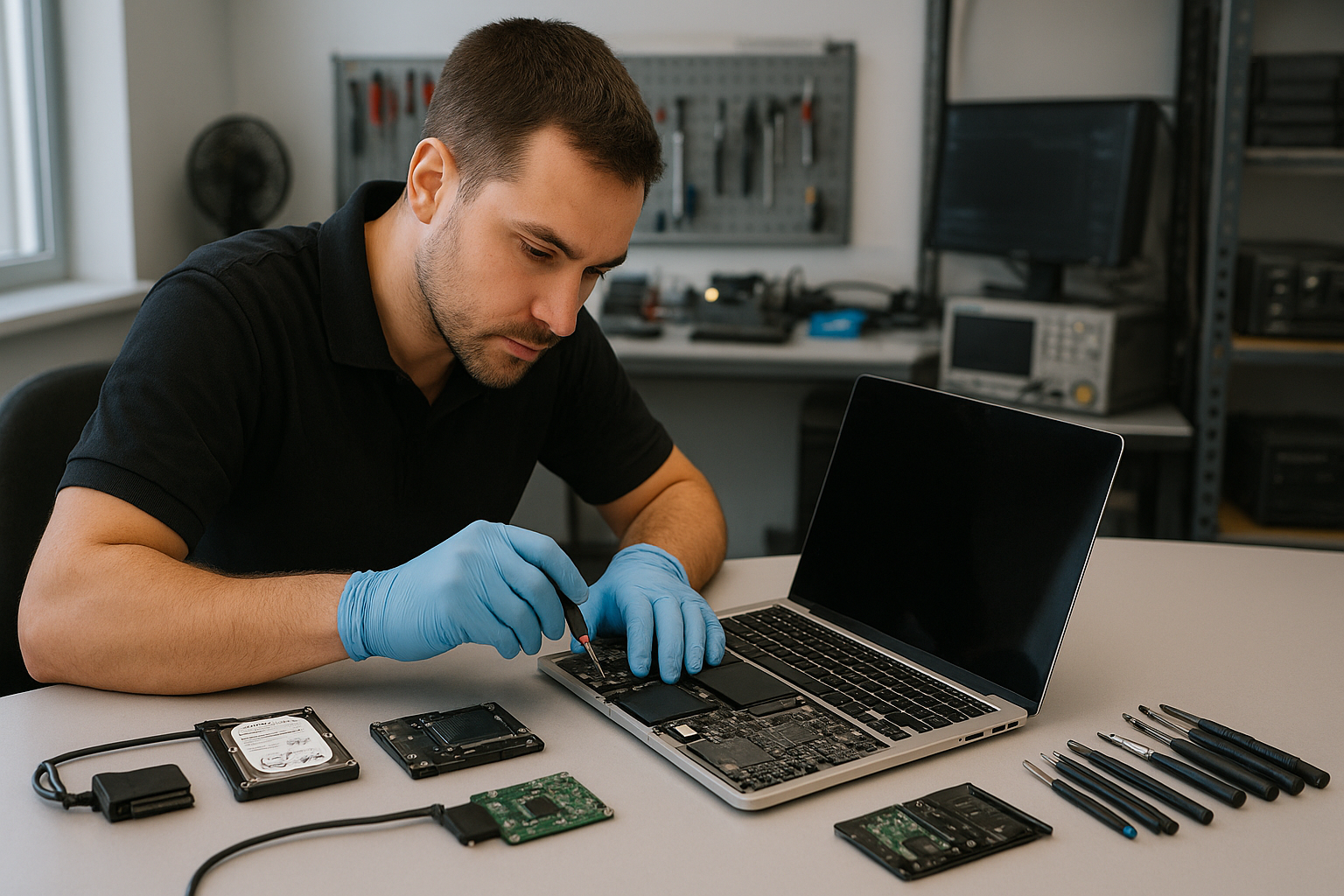
MacBook Pro Data Recovery Vancouver
If you searched for MacBook Pro Data Recovery Vancouver, you need reliable, local expertise. At Moe Repair in Coquitlam we recover data from SSD failures, liquid-damaged logic boards and accidentally erased drives. We prioritize safe diagnostics, clear options and secure handling so you know what to expect.
Why data recovery matters and how we help
Data loss on a MacBook Pro is more than an inconvenience. Photos, business documents and irreplaceable files are often the reason customers come in. We treat each recovery as a priority and explain the realistic chances of recovery based on the failure mode.
Our approach combines careful physical inspection, non-invasive software diagnostics and controlled hardware-level recovery when required. That means better outcomes and less risk of making things worse.
Common symptoms that point to data loss
Customers from Coquitlam and the Tri-Cities typically bring MacBook Pros showing one or more of the following symptoms:
- MacBook fails to boot or shows a flashing folder with question mark
- macOS crashes, kernel panics or freezes during startup
- Drive not mounting in Finder or Disk Utility shows errors
- Strange clicking, electrical smell or visible liquid corrosion
- Files missing after an update or accidental formatting
- Slow performance after macOS update or hardware changes
Common causes of MacBook Pro data loss
Understanding why failures occur helps set expectations and choose the right recovery path. Common causes we see at Moe Repair include:
- SSD or storage controller failure on logic board
- Accidental deletion or formatting without backup
- macOS upgrade interruptions or corrupted file system
- Liquid damage that affects connectors or storage chips
- Physical damage from drops or impacts
- Firmware corruption or T2 chip related issues on newer models
How professionals diagnose MacBook Pro failures
At Moe Repair in Coquitlam we follow a step-by-step diagnostic process. We start with a secure intake and visual inspection. We document condition, serial numbers and any visible damage before touching the device.
Next, we perform non-invasive diagnostics: attempt safe boot, check Disk Utility and system logs, and examine BIOS/EFI messages. For SSD-related issues we capture SMART data where available. If the drive mounts, we immediately copy at-risk files to a secure medium to avoid further stress.
When drives do not mount, we escalate to hardware-level diagnostics. That can include board-level inspection under microscope, testing power rails, and verifying SSD channels. For T2-equipped MacBook Pros we consider secure enclave constraints and use specialized tools compatible with Apple hardware.
Repair and recovery options
We offer graduated recovery options depending on the failure:
- File-level recovery: When the drive mounts but files are missing or corrupted, we use read-safe software tools to retrieve data.
- Disk cloning: If the drive is partially failing, we clone readable sectors to a stable medium for offline recovery.
- Chip-off or board-level recovery: For severe SSD or controller failures we perform advanced recovery from storage chips or repair the logic board to access data.
- Liquid damage mitigation: We prioritize cleaning, corrosion removal and component-level repair before attempting recovery.
We always explain the risks and success probabilities before attempting invasive work. Customers in Burnaby, Port Coquitlam and Vancouver value this transparency.
Advantages of professional recovery over DIY attempts
Many customers try software tools at home. That can be okay for simple accidental deletions, but DIY attempts can make matters worse. Running the wrong tool or mounting a failing SSD repeatedly can cause irreversible damage.
Professionals use write-blocking, create forensic images and work from clones to protect original media. We also know when to stop and escalate to chip-level recovery. That restraint preserves your chances of recovering critical files.
When replacement makes more sense
Recovery is about data, not device value. If a MacBook Pro is badly damaged and the cost of board repair or chip-off recovery exceeds the value of recovered data, some customers choose replacement. We help evaluate options by presenting recovery odds alongside repair costs and replacement pathways.
For business customers in Coquitlam or New Westminster, we also discuss restoring files to new machines and implementing better backup to prevent repeat incidents.
Estimated recovery process explained
While every case is unique, the recovery workflow we follow is consistent and transparent.
- Intake and triage: Document condition and symptoms.
- Non-invasive diagnostics: Try safe boot, capture logs and mount checks.
- Data preservation: If possible, create a disk image or copy files immediately.
- Hardware diagnostics: Inspect and test power rails, connectors and SSD channels.
- Advanced recovery: Perform board-level repair or chip-off recovery when necessary.
- Verification and handoff: Verify recovered files and provide secure return to the customer.
We communicate status updates and recommended next steps throughout. This keeps customers in Coquitlam and the Tri-Cities informed without guessing.
Preventative maintenance and backup best practices
Recovery is expensive and stressful. Preventing data loss is always better. Here are practical steps we recommend:
- Use Time Machine or cloud backup for continuous protection.
- Keep at least one offsite backup for critical business data.
- Update macOS on a schedule and avoid interrupting updates.
- Avoid using uncertified chargers that can cause power spikes.
- If your MacBook experiences liquid spills, power it off immediately and bring it in for inspection.
Our technicians in Coquitlam help set up backups and train business users on simple workflows that reduce risk.
Real technician advice from Moe Repair
One issue we regularly see at Moe Repair in Coquitlam is customers continuing to power on a soaked MacBook Pro. That often drives corrosion deeper and charges damaged circuits, reducing recovery chances. If liquid exposure occurs, power down, disconnect from power and bring the machine in without attempting to dry it with heat.
Another common mistake is installing multiple recovery tools and file system utilities at home. Each write attempt risks overwriting recoverable data. When in doubt, bring the device to a professional for read-only imaging.
Integrating recovery with other services
After recovery, many customers opt for SSD upgrades, thermal paste replacement or motherboard repair to restore reliable use. We also support macOS repair, virus removal and business computer repair for offices across Coquitlam and the Tri-Cities.
If recovery reveals a failing SSD, we can install a new SSD and migrate your data. For businesses, we provide recommendations for backup and redundancy to reduce downtime in the future.
Security and privacy
We handle recovered data with confidentiality. Only authorized technicians access files and we follow strict procedures for storage and deletion after handoff. We will not view or share your files beyond what is required for verification and recovery.
Frequently asked questions
The FAQ below covers common concerns customers in Vancouver, Burnaby and Port Coquitlam ask us.
Conclusion
If you need MacBook Pro Data Recovery Vancouver residents trust Moe Repair in Coquitlam for careful diagnostics and practical recovery options. We combine local service, real technician experience and secure handling to maximize your chances of getting files back. Contact us to start a clear, professional recovery process.
Business: Moe Repair
Website: https://moerepair.net
Phone: 778-951-4872
Email: service@moerepair.ca