
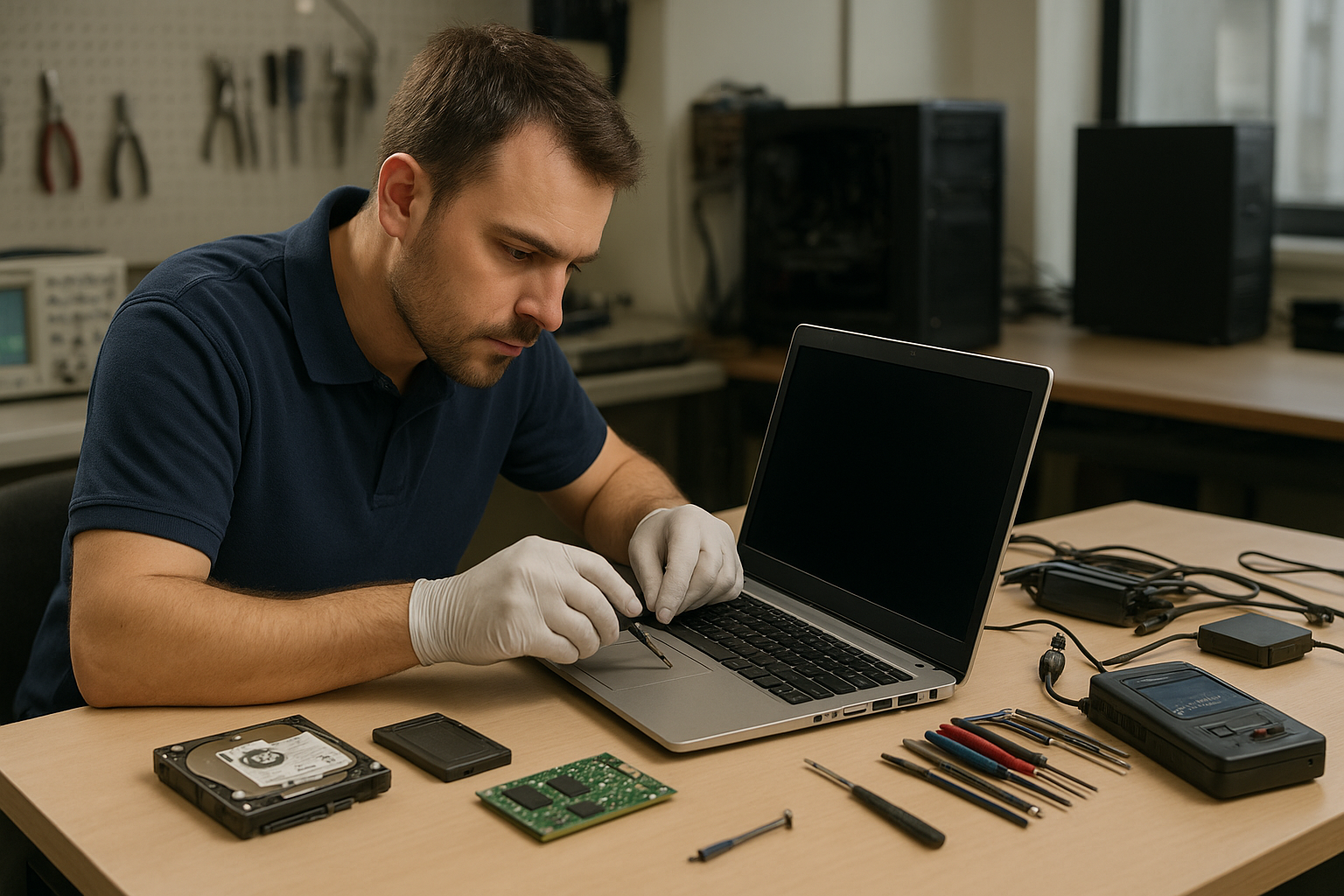
Data Recovery Services Montreal
Searching for Data Recovery Services Montreal brings up many options. As a technician at Moe Repair in Coquitlam, I wrote this guide to help you understand what good data recovery looks like, how professionals diagnose failures, and what questions to ask before you hand over a drive or device.
Why this guide matters
Data loss happens to individuals and businesses across Canada. Recovering files can be straightforward or complex depending on the cause. One issue we regularly see at Moe Repair in Coquitlam is a simple logical failure treated like a hardware failure—leading to unnecessary expense and risk. This guide helps you avoid that trap and explains how technicians decide on the best approach.
Problem overview: What is data recovery?
Data recovery is the process of retrieving inaccessible, corrupted, deleted or formatted data from storage media. That includes internal laptop drives, desktop hard drives, external USB drives, SSDs, RAID arrays and memory cards. A successful recovery preserves your files while minimizing further damage.
Common symptoms indicating you need data recovery
- Missing files after deletion or reformat
- Operating system fails to boot but drive is detected
- Drive makes clicking, grinding or repeated spin-up noises
- Frequent file corruption or unreadable folders
- SMART warnings or sudden drop in performance
- External drive not recognized by multiple computers
- Liquid damage or physical impact to the device
Common causes of data loss
Understanding the cause helps guide recovery technique.
- Logical errors: accidental deletion, format, corrupted file system or OS issues.
- Electronic failures: failed drive controller or damaged PCB.
- Mechanical failures: head crash, spindle failure, or bearing issues often produce clicking sounds.
- Firmware corruption: drive firmware becomes corrupted and the device becomes unreadable.
- SSD-specific issues: controller or NAND chip failures and internal wear-leveling complications.
- Raid failures: multiple drive issues, controller faults, or configuration errors.
- Environmental damage: liquid spills, drops or excessive heat.
How professionals diagnose problems
At Moe Repair in Coquitlam we follow a careful diagnostic process to avoid further damage and to estimate recovery odds. The steps technicians take include:
- Initial interview: Ask what happened, when, and what you attempted. That information often reveals logical errors vs. physical faults.
- Visual inspection: Look for obvious damage—burn marks, corrosion, dented enclosures, or missing screws.
- Non-powered tests: Check connectors and enclosures without powering drives when physical damage is suspected.
- Controlled power-up: Connect to diagnostic equipment and record behavior—spin-up, noises, SMART data and controller responses.
- Imaging: Create a sector-by-sector read-only copy of the device to work from. Imaging protects the original media and increases chances of success.
- Analysis: Use software tools to inspect file system structures, signature tables and partition entries to determine recovery path.
We always document the process and provide a clear cost estimate before proceeding with higher-risk procedures.
Repair and recovery options
Options depend on diagnosis and customer goals. Typical approaches include:
- Logical recovery: Use file-carving and file system repair tools to recover deleted or corrupted files from an intact drive.
- Electronic repair: Replace a failed PCB or restore firmware when possible. This requires matching firmware and board revision—a delicate task.
- Mechanical repair in cleanroom environments: Swap read/write heads or perform platter transfers for damaged HDDs. This is necessary for serious mechanical failures.
- Chip-off and specialist SSD techniques: Extract data from NAND chips when controller-level recovery is not possible. This is complex and requires lab equipment.
- RAID reconstruction: Rebuild RAID arrays using parity and sequence analysis to extract files from multiple failed drives.
Advantages of professional repair
- Higher chance of recovering critical data with less risk of further damage.
- Secure handling and confidentiality for personal and business files.
- Experienced technicians can identify and avoid common customer mistakes that make recovery harder.
- Documentation and clear communication about likelihood of success and available options.
When replacement makes more sense
Sometimes data recovery is possible but not economically sensible for the client. Reasons to consider replacement over recovery include:
- When the drive contents are not valuable or can be recreated from backups.
- Severe physical damage when the cost of lab-level recovery outweighs the value of the data.
- End-of-life hardware where continued use poses reliability and security risks.
Technicians at Moe Repair in Coquitlam explain these trade-offs clearly and help customers decide whether to recover data, replace hardware, or both.
Typical recovery process
Every case is different, but a responsible recovery follows these stages:
- Intake and evidence preservation: We record device state and limit further use.
- Diagnostic testing: Non-destructive tests to determine failure type.
- Imaging or secure cloning: Work from copies whenever possible.
- Recovery attempt: Logical reconstruction, file extraction, or hardware repair depending on diagnosis.
- Verification: Confirm recovered files open and are intact before delivery.
- Delivery and advice: Provide recovered data on a new media and advise on backup strategies.
Always ask a provider to confirm they will not overwrite the original media and that they use read-only methods first.
Preventative maintenance to avoid data loss
- Keep regular backups using 3-2-1 rule: three copies, two media types, one offsite.
- Use surge protection and avoid running laptops on unstable power sources.
- Replace drives showing SMART warnings; don’t ignore recurring bad sectors.
- Shut down a device immediately after liquid spills and consult a repair shop—continued power can worsen damage.
- Be careful with quick fixes found online; some can make recovery impossible.
Real technician advice from Moe Repair
One common mistake we see from customers throughout the Tri-Cities is repeatedly plugging a failing external drive into different computers. That often increases mechanical stress and reduces recoverable data. If your drive makes unusual noises or is not recognized, stop using it and get a proper diagnostic.
Another tip: avoid running DIY tools that write to the disk when you don’t have a backup. Many free utilities are useful for healthy drives but can make a marginal drive irrecoverable.
How we help Coquitlam businesses and residents
Moe Repair is a trusted computer repair shop in Coquitlam. We regularly perform data recovery, SSD upgrades, motherboard repair and business computer repair. If you are in Coquitlam, Burnaby, Port Coquitlam, Port Moody, New Westminster or Vancouver, our technicians can assess your device, explain the recovery options and recommend the best path forward.
Data Recovery Services Montreal: What Montreal searchers should know
Searches for Data Recovery Services Montreal often bring users to this guide because the recovery principles are universal. Whether you are in Montreal or Coquitlam, ask providers about their diagnostic process, whether they create read-only images, and if they have cleanroom or chip-off capabilities for severe failures.
Frequently Asked Questions
See the FAQ section below for common customer questions. These answers reflect our experience diagnosing and recovering drives every week.
Conclusion
If you searched for Data Recovery Services Montreal to find answers, this guide should help you evaluate providers and make better decisions. For customers in Coquitlam and the Tri-Cities, Moe Repair provides clear diagnostics, honest advice and professional recovery options for laptops, desktops, external drives and SSDs. Contact us for a consultation.
Business: Moe Repair
Website: https://moerepair.net
Phone: 778-951-4872
Email: service@moerepair.ca