
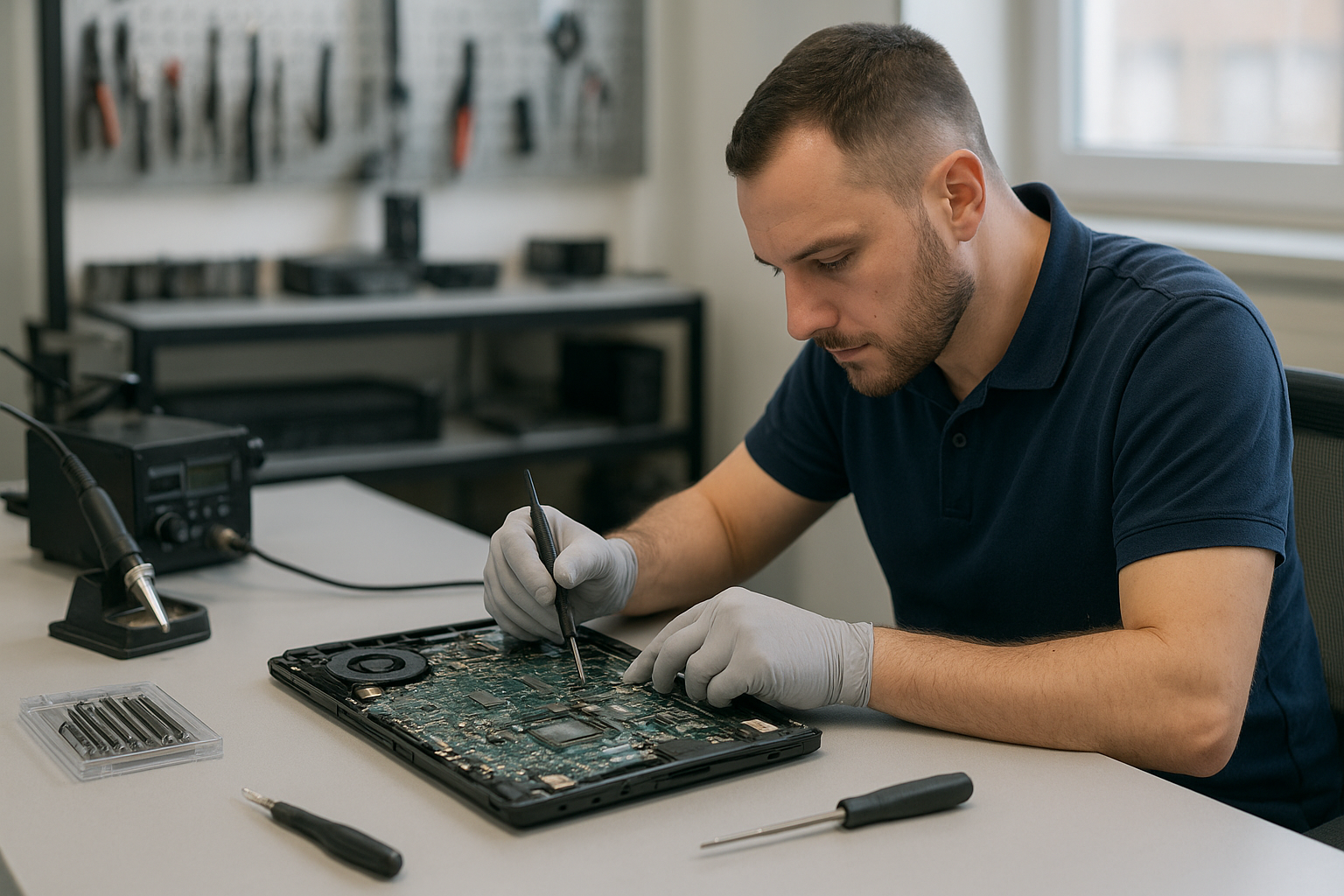
Motherboard repair Port Coquitlam
If your device fails to boot, shows no power light, or randomly restarts, you may need Motherboard repair Port Coquitlam. At Moe Repair I diagnose board-level faults using methodical tests and component-level repair when possible. I explain options clearly, including repair, replacement, or data recovery.
Why motherboard problems occur in Port Coquitlam
Local devices face everyday wear. Heat, power surges, liquid spills, and aging capacitors cause most failures. I see desktops and laptops from residents across Port Coquitlam, Coquitlam, and Port Moody with damaged voltage regulators or failed BIOS chips. Environmental dust and blocked fans cause thermal degradation over time, and gaming PCs can stress power delivery circuits faster.
Common symptoms we diagnose
- No power or fans running but no display
- POST beeps or no POST at all
- Random shutdowns or reboots
- USB ports or network ports not working
- Burnt smell, visible capacitor bulging, or liquid corrosion
- Blue screen errors linked to hardware faults
How I troubleshoot motherboard issues
My diagnostic process follows proven shop procedures. I start with a visual inspection for burned components, bulging capacitors, or corrosion. Next I test power rails with a multimeter and check the standby voltage and main 12V and 5V rails. I boot to BIOS or POST diagnostics, swap known-good RAM and power supplies, and use spare drives to rule out storage faults.
If symptoms point to BIOS corruption I try a CMOS reset, flash the BIOS chip, or program a replacement EEPROM. For laptops I test the DC jack, charging circuit, and measure the battery charging rail. These steps help separate simple fixes from board-level work that may require microsoldering.
Typical repair procedures I perform
Repairs I commonly perform include capacitor replacement, MOSFET and regulator swaps, reballing BGA chips when feasible, trace repair, and connector replacement. For MacBook logic boards I perform trackpad and keyboard connector repairs and thermal paste replacement when needed. I always document the fault and estimated repair cost before starting.
When a board is beyond economical repair I recommend replacement parts or a full system replacement. If data is at risk I coordinate data recovery in Coquitlam before proceeding. I also handle SSD upgrades, Windows installation, and virus removal as part of returning the system to service.
Tools and parts I use
I use bench power supplies, thermal cameras, hot air stations, BGA rework tools, and microscopes. I stock common capacitors, MOSFETs, voltage regulators, and DC jacks for brands like Dell XPS, Lenovo ThinkPad, HP Pavilion, and MacBook Pro. For complicated motherboard repair I order OEM parts or donor boards when needed.
Real repair example from Port Coquitlam
A Port Coquitlam customer brought a Lenovo IdeaPad that would not power on and showed no charging LED. I tested the charger and battery, then measured the motherboard power rails. The 19V adapter supplied power, but the board’s charging MOSFET showed a short to ground. After removing and replacing the failed MOSFET and two nearby capacitors, I verified the charging rail under load and reassembled the laptop. The system charged and booted to Windows. I advised the customer on a simple SSD upgrade and thermal paste replacement, and they left satisfied. For similar issues we also provide laptop repair in Coquitlam.
When to bring your device in for motherboard repair
Bring your device to us if you see persistent power issues, strange beeps, device swelling, or liquid ingress. Avoid booting repeatedly after a suspected short; that can cause further damage. If data matters, stop using the drive and ask about data recovery before major board surgery.
Repair cost, time, and realistic expectations
Costs vary by device and fault. Simple capacitor or connector swaps may take a few hours. BGA rework or EEPROM replacement can take a day or more. I never promise a guaranteed fix, but I will provide transparent diagnostics, repair estimates, and alternatives such as replacement motherboards, SSD upgrades, or full system recommendations.
Preventive maintenance to extend motherboard life
Keep vents clear, replace thermal paste every few years on high-use laptops, use a surge protector, and clean dust from fans. For gamers consider a regular computer tune-up and monitoring of temperatures. These steps reduce failures and improve longevity.
Frequently asked questions
Below are common questions I answer for Port Coquitlam customers.
How long does motherboard diagnostics take?
Diagnostics usually take 1 to 3 hours depending on complexity. Some intermittent faults need extended testing.
Can you repair liquid damaged motherboards?
Often I can. Immediate cleaning and assessment improve chances. I perform corrosion cleaning and component-level repair when possible, but success depends on exposure time and damage.
Do you offer warranty on motherboard repairs?
Repairs include a limited parts and labor warranty; warranty details depend on the specific component replaced. I provide warranty terms with every estimate.
Should I replace the whole laptop or repair the motherboard?
I assess cost versus value. For older devices replacement can be more economical. For newer or high-end systems, motherboard repair and SSD upgrades are often the best option.
Contact Moe Repair Today
If you need Motherboard repair Port Coquitlam, bring your device to Moe Repair or contact us for a free consultation. Call 778-951-4872 or email service@moerepair.ca to describe symptoms and book diagnostics. We serve Port Coquitlam and nearby areas like Coquitlam and Port Moody. I will provide a clear estimate, explain repair versus replacement, and discuss data recovery if needed. Visit our computer repair in Coquitlam page for more services and contact Moe Repair to arrange drop off or pick up.
Moe Repair
Phone: 778-951-4872
Email: service@moerepair.ca