
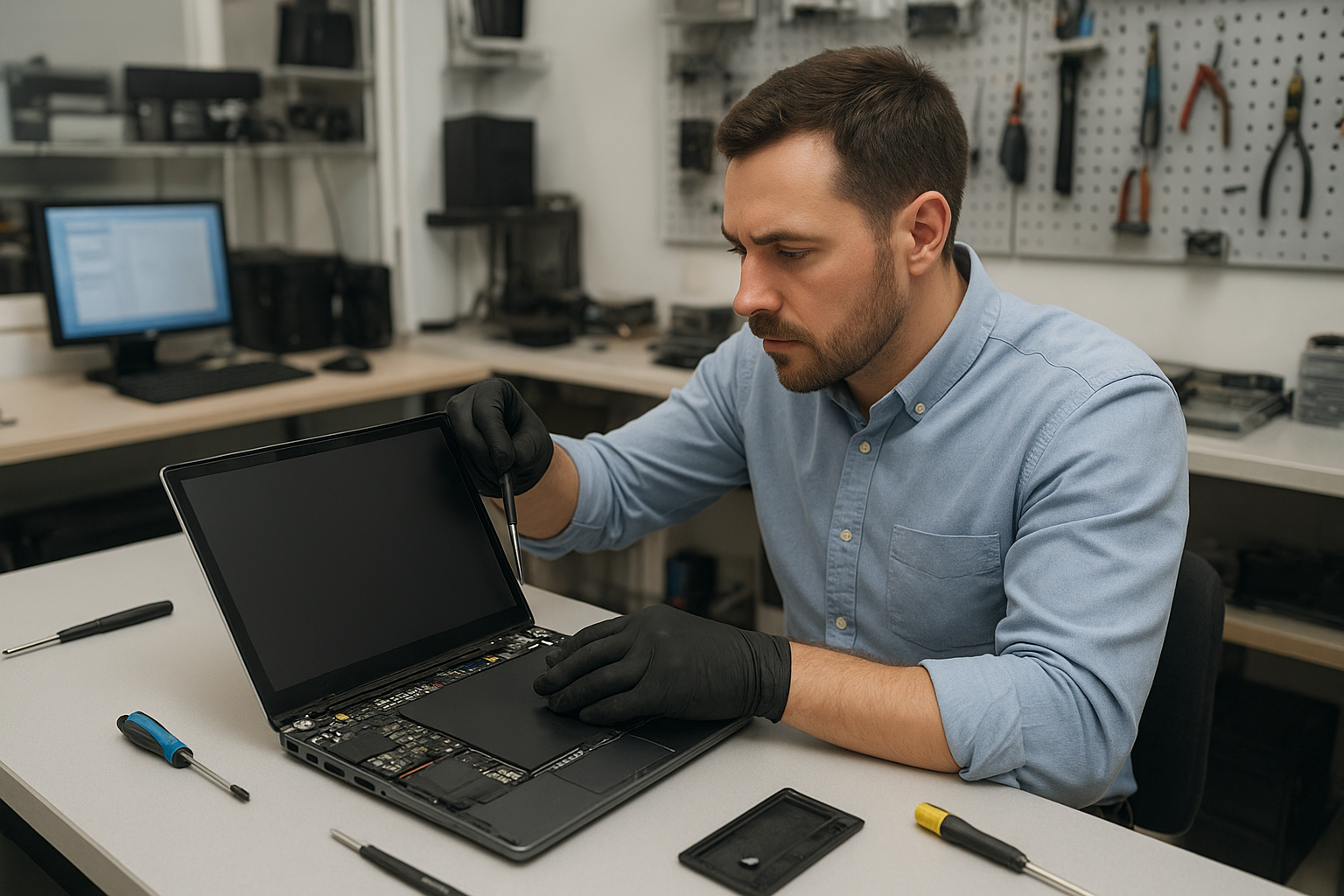
Laptop screen replacement Coquitlam: fast, reliable repairs
If your display is cracked, showing vertical lines, flickering, or no image at all, a Laptop screen replacement Coquitlam technician at Moe Repair can diagnose the issue the same day. I inspect panels, cables, and graphics outputs to find the root cause before replacing any parts. That helps avoid unnecessary costs and gets your laptop back in working order faster.
Common symptoms that need a screen replacement
Customers in Coquitlam often bring laptops with these symptoms: visible cracks, spider webbing, black spots, white or colored lines, backlight failure, touch digitizer issues, and total black screens while the system boots. Sometimes the laptop shows an image on an external monitor but not on the internal panel. These details help me narrow down whether the LCD, the display cable, the inverter on older units, or the GPU is the problem.
How we diagnose screen problems
Diagnostics start with a quick visual and functional check. I connect an external monitor to determine if the GPU outputs video. I open the bezel to inspect the display connector, looking for loose pins, torn cables, or burnt traces. For backlight problems I test the LED driver and measure power rails with a multimeter. I also test the digitizer on touch models. When necessary I use known-good donor panels to confirm whether a new panel fixes the issue before ordering parts.
Real repair procedures we use
After diagnosis I follow a step-by-step repair process: power down and remove battery, discharge capacitors, remove bezel screws, pry bezel carefully, disconnect the LVDS or eDP cable, swap the panel, reconnect and test before sealing the bezel. I use OEM or high-quality aftermarket panels depending on availability and budget. For touchscreen laptops I replace both the glass and digitizer if needed and re-calibrate the touch controller. I always follow ESD safe practices and test the repaired unit under load to confirm stability.
Example repair from our Coquitlam shop
A recent customer from Coquitlam brought a Lenovo ThinkPad with a cracked screen and intermittent backlight. The laptop powered on and BIOS booted, but the internal display had black bands and the touch layer failed. I connected an external monitor which displayed normally. I removed the bezel, inspected the eDP cable and connector, and confirmed a cracked LCD panel. I sourced a compatible ThinkPad panel, replaced the panel and digitizer, reseated the connector, and tested brightness control and touch responsiveness. The screen returned to normal, and the customer tested the machine before pickup. I explained repair options and pricing before starting. The repair did not require motherboard work and completed the same day.
Parts, models, and brand experience
We repair a wide range of brands and models including Dell XPS, Inspiron, Alienware, HP Pavilion, Envy, Omen, Lenovo ThinkPad and IdeaPad, ASUS ZenBook and ROG, Acer Aspire and Nitro, and Apple MacBook Air and Pro. For MacBook screen issues we follow Apple-specific procedures and can work on Retina displays and LED backlight modules. If your laptop needs additional services like battery replacement or motherboard repair, we can handle those as well to restore full functionality.
When a screen replacement is not the only fix
Sometimes the visible symptom hides other faults. Liquid damage, failed graphics chips, or a damaged display cable can mimic a dead panel. In those cases I recommend a full inspection and may suggest services such as data recovery, SSD upgrades, or operating system repair. I always show customers test results so you understand the reason for the repair recommendation.
Pricing, parts sourcing, and timelines
Costs depend on model and panel type. Standard 15.6 inch LCD replacements are quicker and less expensive than high-resolution OLED or Retina assemblies. I quote parts and labor after a hands-on diagnostic. When panels are in stock I can often complete the repair the same day. I offer OEM sourcing when possible and explain warranty on both parts and labor.
Practical advice for laptop owners
- Power down and avoid using a cracked screen to prevent further damage.
- Back up important files before any repair. If you need help, we offer data recovery.
- If the image appears only on an external monitor, mention that when you call to speed up diagnostics.
- Keep your receipt and serial number—warranty or prior repairs can affect part sourcing.
FAQ
Below are common questions local customers ask. For more detail, please contact our shop.
Contact Moe Repair Today
Moe Repair offers a free consultation and same-day diagnostics in many cases. Call 778-951-4872 or email service@moerepair.ca to describe your laptop issue and schedule a drop-off in Coquitlam. We serve nearby areas including Port Moody and Port Coquitlam and can advise if walk-in service is available. I will explain repair options, part choices, and expected timelines before any work begins. Reach out and we will help prioritize your repair based on urgency.
Why choose Moe Repair in Coquitlam
I combine 15 years of repair experience with clear diagnostics and honest pricing. Many local customers recommend us for laptop hinge repair, trackpad repair, thermal paste replacement, and complex motherboard work alongside screen replacements. You can also find help for virus removal, Windows installation, and printer setup. If you are unsure whether you need a screen, bring the laptop in and I will run targeted tests.
Contact information: Moe Repair — Phone: 778-951-4872 — Email: service@moerepair.ca. For broader laptop servicing options see our pages on laptop repair in Coquitlam and MacBook repair in Coquitlam. To schedule a visit use our contact Moe Repair page.
Local service and nearby coverage
We serve Coquitlam directly and provide repairs for customers from Port Moody, Port Coquitlam, Burnaby, and Vancouver. If travel is difficult we can discuss parts-only options or arrange a convenient drop-off.