
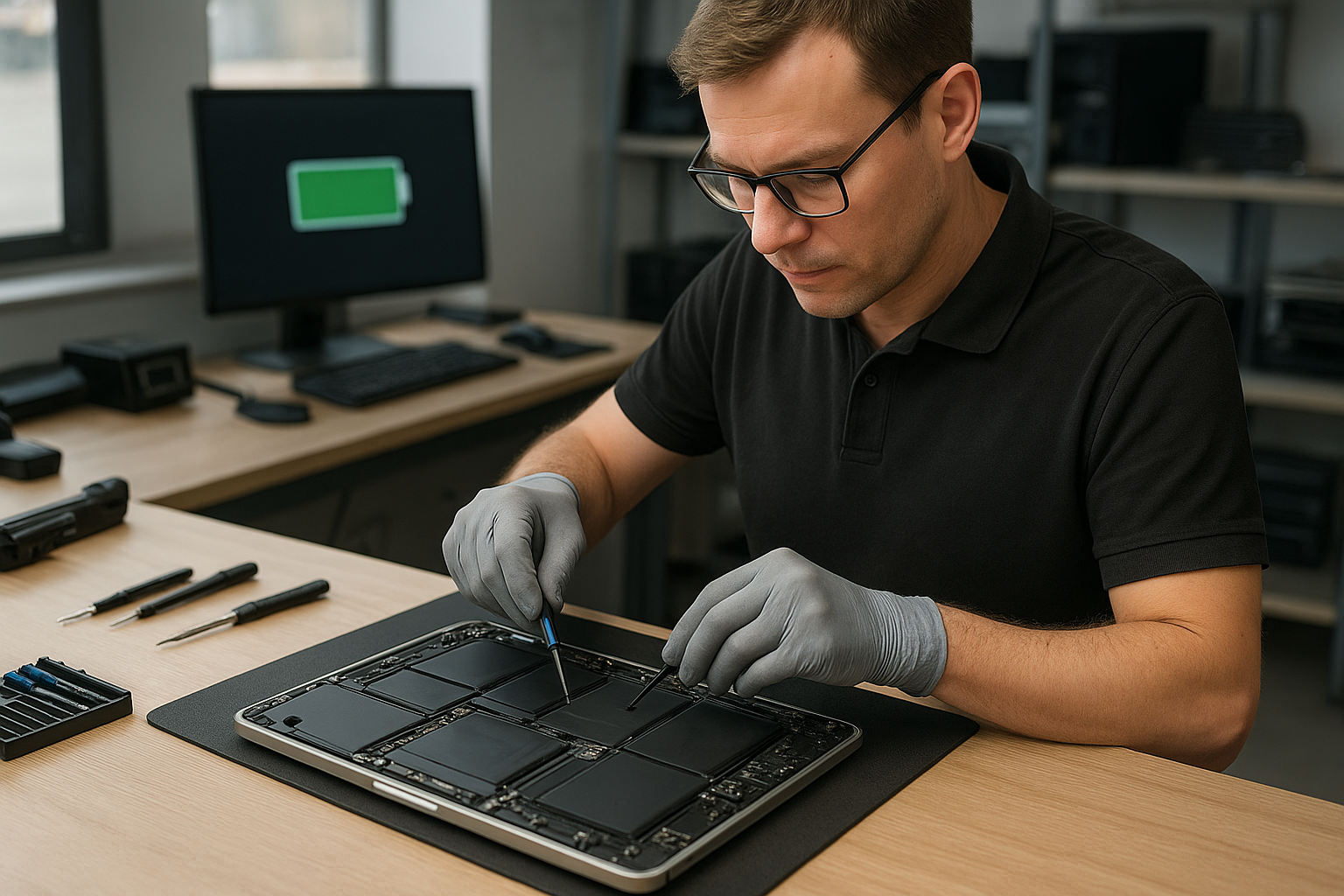
MacBook Pro battery replacement Coquitlam
If your MacBook Pro is losing charge quickly, not charging at all, or showing a swollen battery, a MacBook Pro battery replacement Coquitlam specialist can help. I am a senior technician with 15 years of hands-on experience diagnosing batteries, logic board power rails, and SMC issues. This article explains common symptoms, realistic diagnostic steps, the replacement process, and what to expect when you bring your MacBook to Moe Repair.
Common symptoms that point to a failing battery
Customers in Coquitlam and Burnaby often report these symptoms first: sudden shutdowns, charging stuck at a percentage, battery health reporting Service or Replace Soon, visible swelling lifting the trackpad, and high cycle count in system diagnostics. A battery-related charging issue sometimes mimics a logic board failure, so a careful diagnosis matters.
MacBook Pro battery replacement Coquitlam: signs and inspection
Start with a visual inspection and software checks. I check System Information and look at cycle count and condition. I use tools like CoconutBattery for a quick snapshot of battery health and voltage. Next I perform a SMC reset and test with a known-good charger. If the battery is swollen I stop using the laptop and schedule a replacement because swelling can damage the case, keyboard, or trackpad.
Detailed diagnostic procedure
My diagnostics include:
- Checking charger voltage and MagSafe/USB-C cable continuity.
- Running system_profiler and CoconutBattery to read cycle count and health.
- Inspecting the DC-in board and battery connector for corrosion or physical damage.
- Booting into safe mode to rule out software-related charging anomalies.
- Using a multimeter on the battery leads for Macs where the battery is serviceable.
If diagnostics suggest the battery is the issue, I discuss options, expected costs, and replacement timelines. For other issues I might recommend motherboard repair or a charger replacement. We also handle MacBook repair in Coquitlam when a failed charging circuit or logic board is involved.
Replacement procedure and quality checks
When replacing a battery I follow safe, manufacturer-aware procedures: power down, remove the lower case, disconnect the battery connector before any other work, and remove adhesive using approved solvents and pry tools. For Retina MacBook and MacBook Pro 2016 and later models I take extra care with battery cell adhesives and flex cables. I install a genuine-equivalent battery, reconnect, and run a full calibration and stress test for at least 6 to 24 hours to confirm stable charging under load.
After replacement I run a full system check, including thermal monitoring and an SMC health check. If any sign of a deeper problem appears, such as abnormal current draw on the logic board, I will explain motherboard repair options or an SSD upgrade if performance issues are present.
Real-world repair example
A recent customer from Port Moody brought in a Mid-2015 MacBook Pro 13 that would only run when plugged in and showed a Service battery status. I checked the charger and verified 16.5V on the adapter, then confirmed the battery cycle count was over 900 and internal voltage sag under load. The battery had no visible swelling but failed voltage tests. I explained replacement options, obtained customer approval, and replaced the battery with a tested unit. After replacement I ran CoconutBattery and a 12-hour load test. The MacBook reported Normal condition and held charge through the test. The customer left satisfied and the laptop no longer required constant tethering to a charger.
Cost, parts, and warranty details
Costs vary by model: older MacBook Pro 13 and 15 batteries typically cost less than newer Retina and 16-inch models. We provide transparent pricing and use quality batteries with a local warranty. If data recovery is needed during a repair we can handle that too — see our data recovery in Coquitlam page for options. For other services such as screen replacement, keyboard replacement, or thermal paste refresh we can combine repairs to save time and shipping costs.
How to prepare your MacBook before you bring it in
Back up your data with Time Machine or a manual copy. If you cannot power on, we can still perform diagnostics and offer partial data recovery. Remove any third-party cases. Bring your charger and tell us the symptoms and when they began. If your MacBook has liquid damage or a swollen battery, power it off and do not try to puncture the battery.
Why choose Moe Repair for battery replacement
Moe Repair has 15+ years repairing laptops and computers in Coquitlam and nearby areas like New Westminster and Port Coquitlam. We handle Apple battery service, logic board troubleshooting, and offer related services like SSD upgrades, virus removal, and operating system repair. If your case requires a motherboard repair or a trackpad replacement after a swollen battery, we have the tools and experience to advise you honestly.
Contact Moe Repair Today
If you need a MacBook Pro battery replacement Coquitlam, call Moe Repair for a free consultation and fast turnarounds. We offer in-shop diagnostics and local pickup in Coquitlam, and we serve nearby cities including Burnaby, Port Moody, and New Westminster. Call Moe Repair at 778-951-4872 or email service@moerepair.ca to book an appointment. We will run a complete battery and charging system check, explain repair options, and schedule the replacement with genuine-equivalent parts and a local warranty. If your device needs additional work we can combine services like a screen replacement or SSD upgrade to get your MacBook reliable again.
For laptop work beyond batteries we also provide laptop repair in Coquitlam and full computer repair in Coquitlam. Ready to start? Contact Moe Repair today.
Moe Repair
Phone: 778-951-4872
Email: service@moerepair.ca
Frequently asked questions
See the FAQ below for quick answers to common concerns. If you do not find your question, call us for a free consultation.