Moe Repair Tech Finder • Canada
Find the right tech.
Skip costly mistakes.
Make your next upgrade count. Compare laptops, storage, monitors and accessories with practical buying advice from Moe Repair—then shop current Amazon.ca listings.
No account needed · 7 buying categories · Amazon.ca shopping links

Shopping on your phone? Amazon.ca affiliate links may open directly in the Amazon Shopping app when supported. Otherwise, they open in your browser. Check the current price, seller, delivery and Prime eligibility on Amazon.
Skip the guesswork
Know what you need? Start shopping.
Four practical starting points. Check model compatibility before ordering; Amazon shows current pricing, sellers and delivery.
Paid shopping links. As an Amazon Associate I earn from qualifying purchases. Checkout takes place on Amazon.ca.
A reliable work laptop
Look for 16 GB RAM, SSD storage and the ports your work needs.
Shop on Amazon.ca ↗Laptop checklist →Faster portable storage
Compare 1 TB portable SSDs for backups, photos and project files.
Shop on Amazon.ca ↗Storage checklist →Wi-Fi across more rooms
Explore mesh Wi-Fi kits; placement and your internet connection still matter.
Shop on Amazon.ca ↗Wi-Fi checklist →A better dual-monitor desk
Explore docks for your laptop; confirm USB-C video and monitor support first.
Shop on Amazon.ca ↗Dock compatibility →Shopping links are paid affiliate links. As an Amazon Associate I earn from qualifying purchases. No live prices or Prime eligibility are shown here.
Know what to buy, not just what to search
Browse 18 model-specific shopping recommendations across six categories. Each guide explains who a product suits and what to check before ordering.
Practical upgrades
Small upgrades worth comparing
Start with everyday tech that can solve a specific problem. Check compatibility before buying.
Laptop charger replacement
Match your exact laptop model, connector, voltage and wattage before ordering.
Compare on Amazon.ca ↗Check charging compatibility →Easy laptop speed upgrade
Compare 1 TB SSDs, but confirm whether your laptop accepts M.2 NVMe or 2.5-inch SATA.
Compare on Amazon.ca ↗Check SSD compatibility →Home office essentials
Compare a wireless keyboard and mouse set for a cleaner everyday desk.
Compare on Amazon.ca ↗See desk setup tips →Paid Amazon links. As an Amazon Associate I earn from qualifying purchases. Check live prices, availability, seller and Prime eligibility on Amazon.ca.
Your starting points

Best starting point
Everyday laptop
A practical fit for email, study, browsing and video calls.
- Aim for 16 GB RAM for multitasking
- Consider a 512 GB SSD
- Check keyboard layout and screen size
Check your required software, seller, warranty and exact model before ordering.
Explore on Amazon.ca ↗Paid Amazon link · Check current price & Prime eligibility
Work & productivity
Work laptop
For office apps, larger documents and a busy workday.
- 16–32 GB RAM depending on your workload
- 512 GB–1 TB SSD
- Check webcam, ports and external displays
Check your required software, seller, warranty and exact model before ordering.
Explore on Amazon.ca ↗Paid Amazon link · Check current price & Prime eligibility
Gaming & graphics
Gaming laptop
For games, graphics-heavy work and demanding applications.
- Look at GPU performance in your games
- Compare cooling and refresh rates
- Confirm warranty and exact GPU power
Check your required software, seller, warranty and exact model before ordering.
Explore on Amazon.ca ↗Paid Amazon link · Check current price & Prime eligibility
Amazon buttons are paid affiliate links. Search results may include sponsored or unrelated listings. Match the actual product specifications to the checklist before buying. A search link does not confirm a product’s suitability or availability.
Buying a part for an existing computer?
Confirm the exact computer model and the manufacturer’s supported parts before ordering. RAM generation, storage interface, physical dimensions, power supply connections and USB-C capabilities vary. Send Moe Repair your model number if you need help.
Your setup. Your next step.
Where would you like an upgrade?
Explore the category that fits your plans. Get useful specifications, compatibility pointers and a clearer path to your next purchase.
Laptops
A better fit for work, study and everyday life.
Find my options →Read the buying guide · Photo: Andrew Neel
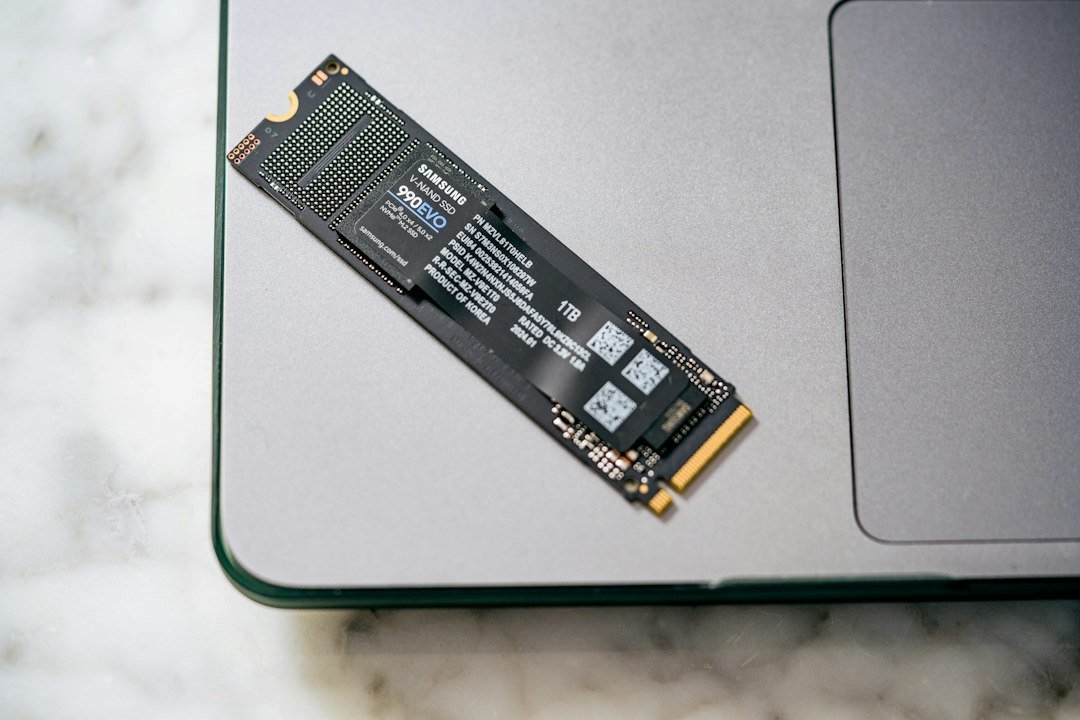
Storage & backup
More room for your files. A clearer upgrade plan.
Find my options →Read the buying guide · Photo: Samsung Memory
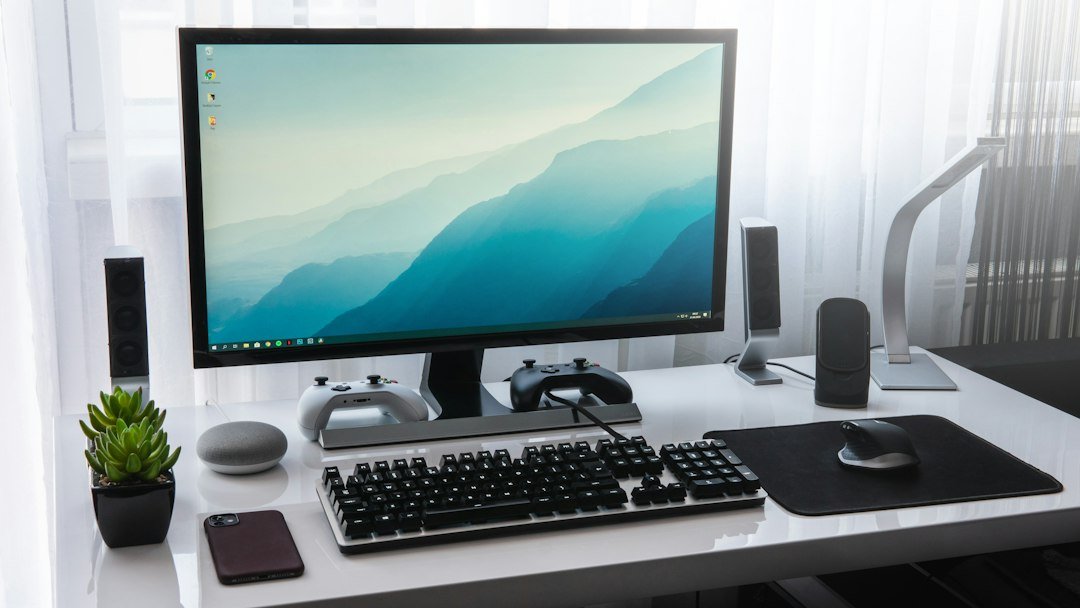
Monitors
Find your balance of screen space, detail and motion.
Find my options →Read the buying guide · Photo: Sebastian Bednarek
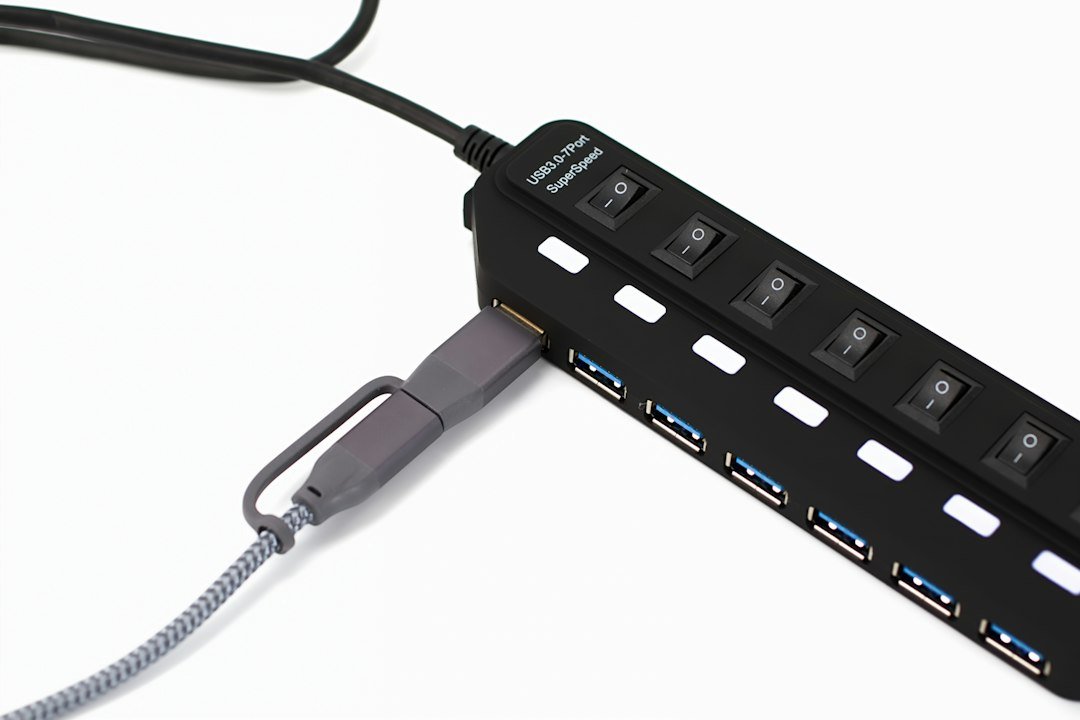
USB-C docks & chargers
Connect more of your setup with less everyday hassle.
Find my options →Read the buying guide · Photo: Barry A
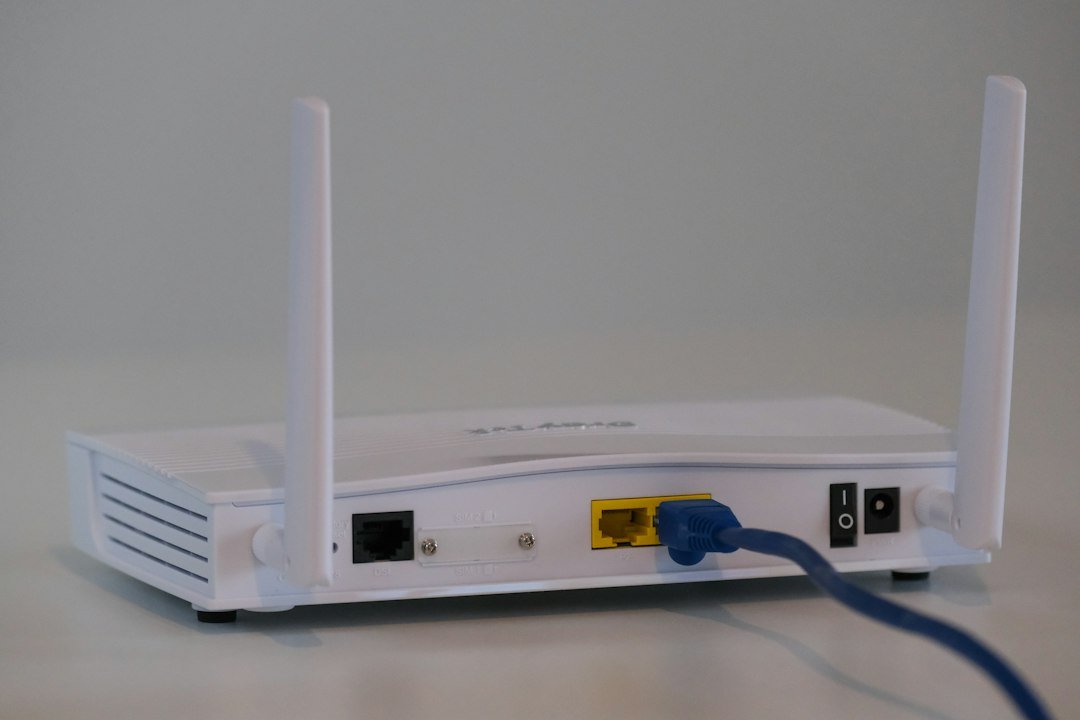
Wi-Fi & networking
Choose equipment around your real connection problem.
Find my options →Read the buying guide · Photo: Compare Fibre
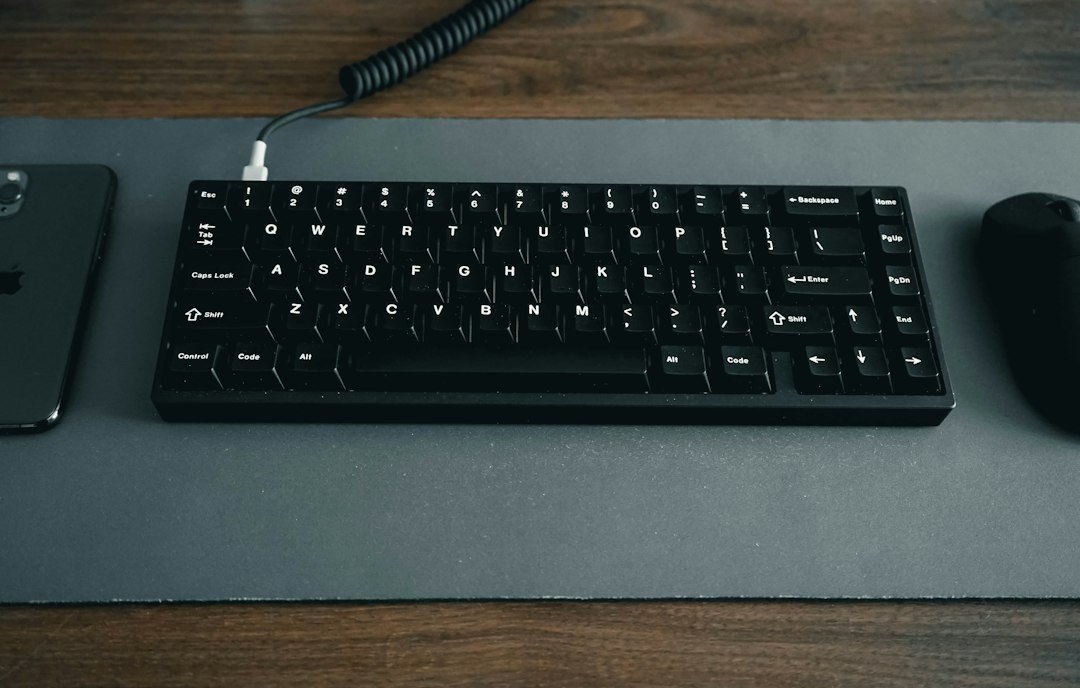
Desk accessories
Small changes that can make everyday work feel better.
Find my options →Read the buying guide · Photo: Jessica Lam
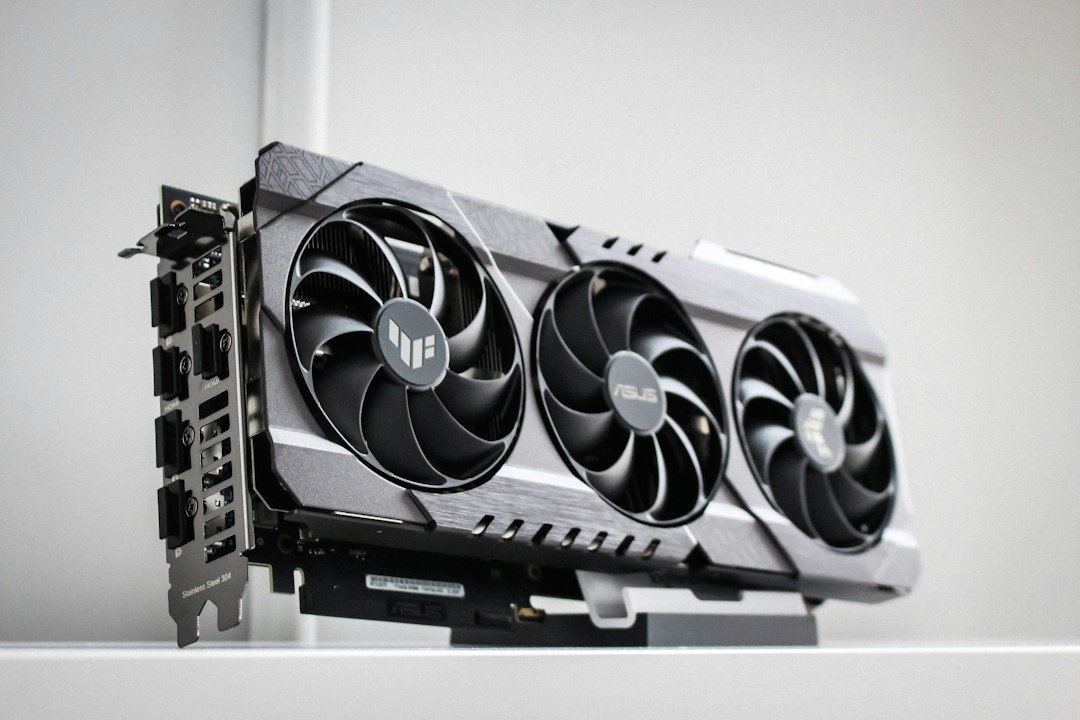
PC upgrades
Build your upgrade around the performance you need.
Find my options →Read the buying guide · Photo: Thomas Foster
A human second opinion
Not sure what fits?
Send Moe Repair your computer model and what you want to do. We can discuss compatibility and the next step.
Ask about my setup →Photos illustrate the categories; check individual Amazon listings for the exact products and specifications.
Want the details? Read our complete buying advice
Want a second opinion before ordering?
Tell Moe Repair your computer model, what you want to do and the product you are considering. Ask us about compatibility →
Browse Amazon directly
Prefer to explore? These paid affiliate links open broad Amazon.ca searches. Current prices and availability are shown on Amazon.
Affiliate disclosure: As an Amazon Associate I earn from qualifying purchases. The Amazon links on this page are paid affiliate links. Purchases and checkout take place on Amazon.