Networking buying guide
Find your stronger
connection.
One problem room or one computer that won’t keep up? Start with the connection you want to improve, then compare the equipment that fits.
Shopping buttons are paid Amazon affiliate links. As an Amazon Associate I earn from qualifying purchases.
Amazon button: paid affiliate link. Current prices and delivery are shown on Amazon.
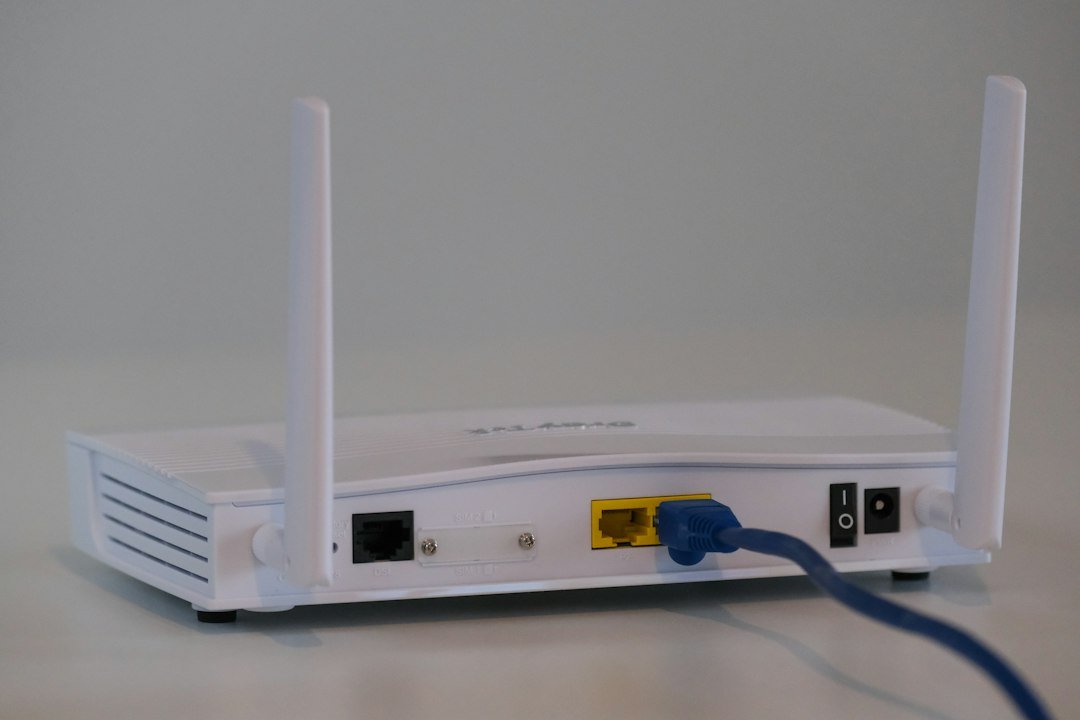
Shopping on your phone? Amazon.ca affiliate links may open directly in the Amazon Shopping app when supported. Otherwise, they open in your browser. Check the current price, seller, delivery and Prime eligibility on Amazon.
Moe Repair buyer’s shortlist
Networking products worth comparing
Choose the solution that matches the problem: weak signal, a large home, or an unreliable wired connection.
Single-router upgrade
TP-Link Archer AX55
A Wi-Fi 6 router family to consider for a typical home network.
Before you buy: Confirm ISP modem compatibility and placement before replacing your router.
Find this model on Amazon.ca Paid affiliate link · Opens Amazon.ca search resultsWhole-home coverage
TP-Link Deco X50 2-pack
A mesh Wi-Fi option to compare when one router leaves distant rooms with poor coverage.
Before you buy: Mesh performance depends on node placement and any available wired backhaul.
Find this model on Amazon.ca Paid affiliate link · Opens Amazon.ca search resultsReliable wired link
TP-Link UE300 USB Ethernet adapter
A simple Ethernet adapter option for laptops without a built-in network port.
Before you buy: Check whether your computer has a compatible USB-A port and driver support.
Find this model on Amazon.ca Paid affiliate link · Opens Amazon.ca search resultsShopping note: These links open Amazon.ca searches for the named products, not guaranteed product listings. Confirm the exact model, seller, specifications, price, delivery and Prime eligibility on Amazon before purchasing. As an Amazon Associate I earn from qualifying purchases.
Choose your direction
What would make the biggest difference?
Start with the option closest to your goal. These searches help you compare the right kind of equipment—not just the first listing you see.
USB Wi-Fi adapter
Add or replace wireless connectivity on a compatible computer.
- Check drivers for your operating system
- Match your router’s supported Wi-Fi bands
- Consider antenna size and placement
Mesh Wi-Fi kit
Explore broader coverage for a multi-room home or workspace.
- Choose a kit suitable for your floor plan
- Check wired-backhaul support if you have Ethernet
- Review ISP modem/router setup requirements
Wired Ethernet connection
A wired path for a desk or gaming setup.
- Check Ethernet ports on the computer and router
- Match cable length to the route
- A USB Ethernet adapter may be needed
Confirm the exact model and compatibility before purchasing. Amazon searches can include sponsored or unrelated listings.
Want a little more direction?
Use the Tech Finder to sort your starting points by goal and spending preference.
Before buying a new router, mesh kit or Wi-Fi adapter, identify where the connection is failing. Internet service, wireless coverage and a problem on one computer are different issues. Choosing the right category of equipment can matter more than choosing the newest wireless label.
Separate internet service from Wi-Fi coverage
Try the same ordinary task on more than one device. If appropriate equipment is already available, compare a wired connection with Wi-Fi near the router and in the problem room. Keep the test conditions similar and note whether the issue happens continuously or only at particular times.
This is a starting comparison, not a full diagnosis. A service outage, damaged cable, device fault or software issue can look like weak Wi-Fi. If all devices lose internet together, check the provider’s service information and equipment status before buying accessories.
Router, mesh, access point or adapter?
| Equipment | What it can address | What to confirm |
|---|---|---|
| Router | Routing and wireless features for a network, depending on the model. | Compatibility with the provider’s equipment and the role of the existing router. |
| Mesh Wi-Fi kit | Wireless coverage across several areas with compatible nodes. | Placement options, how nodes connect and any wired-backhaul requirements. |
| Wired access point | Wi-Fi coverage where a suitable wired network connection is available. | Power, cabling, management and operating-mode requirements. |
| USB Wi-Fi adapter | Wireless connectivity on a compatible computer. | Drivers, supported bands and the computer’s USB connection. |
| Ethernet connection | A wired route between supported devices. | Port speeds, cable length and any required adapter. |
Improve placement before replacing equipment
Intel identifies distance, obstacles, interference and connected devices as factors in Wi-Fi performance. Consider where the router is located relative to the rooms you use. A concealed position behind dense furniture or far from the work area may undermine an otherwise suitable device.
For a mesh system, plan node placement rather than putting every node in a room with an already unusable connection. Follow the manufacturer’s placement guidance and check how the nodes communicate. A larger advertised coverage figure does not guarantee results in a particular building.
Check what the laptop or desktop supports
A router’s features are only part of the connection. The computer’s adapter, operating system and driver support also matter. Before replacing an adapter, record the current model and compare the manufacturer’s supported operating systems and installation requirements.
For a USB adapter, consider the available ports and where its antenna or receiver will sit. A compact adapter may be convenient for travel; another design may be easier to position at a desk. Check device dimensions so it does not obstruct a neighbouring port.
Plan a wired option where it makes sense
For a desk that stays in one place, check whether an Ethernet route is practical. Compare the supported speed of the computer’s port or adapter, the router or switch and the rest of the path. A faster adapter alone does not increase an internet plan’s speed.
Measure the cable route before ordering and avoid a layout that creates a trip hazard or places strain on connectors. If you need a dock for the laptop as well, read our USB-C dock buying guide and compare its Ethernet and charging features together.
Check provider and business requirements
Some internet services use provider equipment for functions beyond Wi-Fi. Confirm how replacement or additional equipment should connect before changing the network. For an office, consider printers, shared devices, remote access and who maintains the configuration.
A managed workplace may also restrict driver installation. Confirm any required software with the administrator before ordering a new adapter. Keep setup records and recovery information private; do not include network passwords in an initial support message.
Compare the full cost and support
Alongside the purchase price, check delivery, taxes, required cabling, included power adapters, mounting accessories and any optional subscriptions. Confirm which features require a paid service and how firmware or security updates are provided. Review the seller, warranty and returns before committing to a kit.
What to record before asking for help
- Your city and the approximate layout or rooms affected.
- The router and modem models, if known.
- Whether the issue affects all devices or only one.
- Whether a wired connection behaves differently.
- When the issue occurs and any visible error message.
- Existing network points and practical equipment-placement options.
Moe Repair provides Wi-Fi and office network support in Coquitlam. A short description of the pattern can help determine whether equipment shopping is the right next step.
Technical references
Ready to take the next step?
Compare the options, check the details and choose the setup that fits you.
Amazon shopping buttons are paid affiliate links. Need installation or repair help? Discuss your project with Moe Repair.
Get more from your setup
Complete your next upgrade
Explore complementary technology with practical buying advice. Build a setup that works together, not just a collection of parts.

Laptops
Choose the right computer for work, home or gaming.
Read the buying guide →Illustrative photo: Andrew Neel / Unsplash
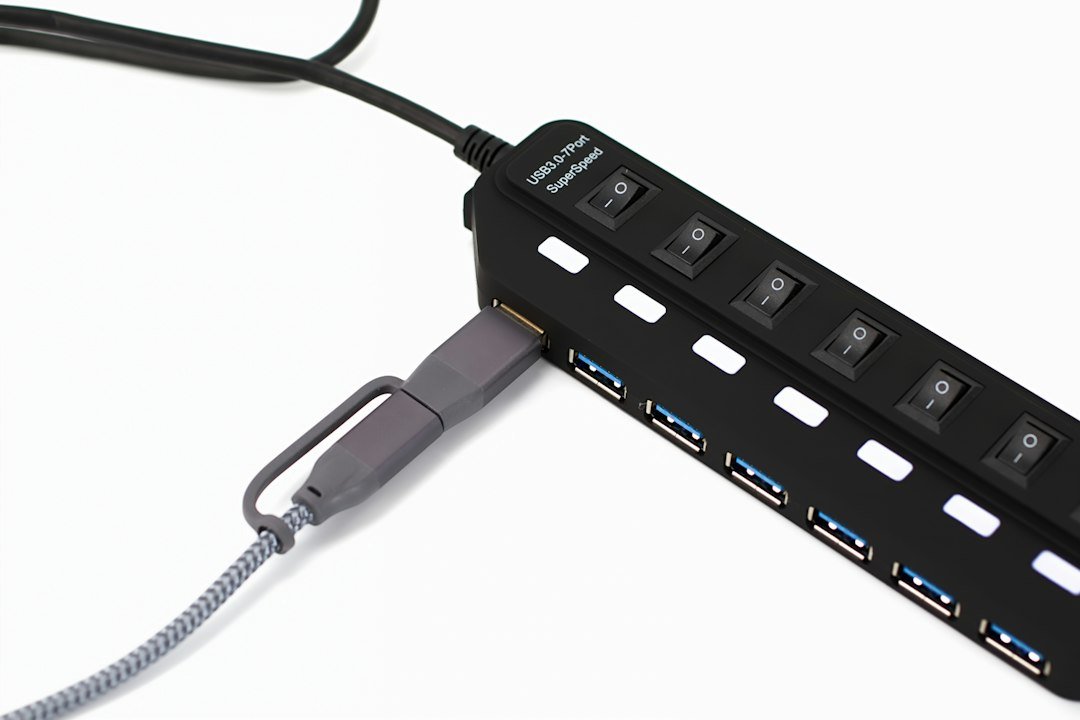
USB-C docks
Connect monitors, power and everyday peripherals.
Read the buying guide →Illustrative photo: Barry A / Unsplash
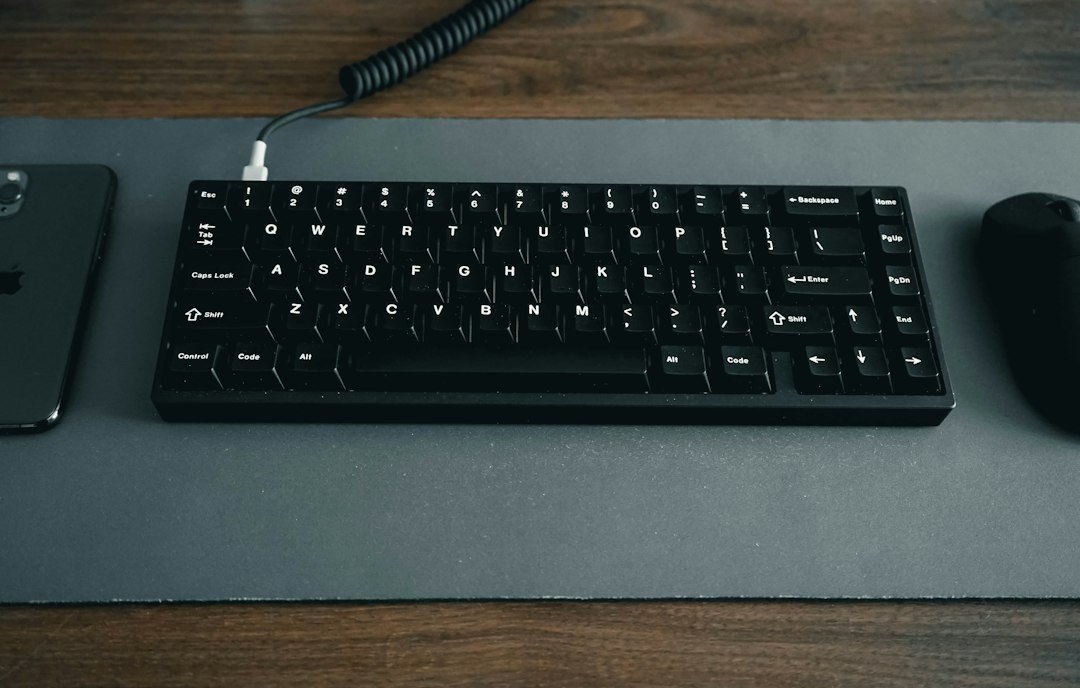
Desk accessories
Build a more comfortable, productive workspace.
Read the buying guide →Illustrative photo: Jessica Lam / Unsplash
Affiliate disclosure: As an Amazon Associate I earn from qualifying purchases. Amazon shopping links on this page are paid affiliate links. Purchases and checkout take place on Amazon. Check the exact item, seller, price, delivery and return terms before ordering.