SSD & storage buying guide
Your next storage upgrade.
Choose the right fit.
Make room for what matters. Understand SATA, NVMe and capacity before you buy, then plan the move with your files in mind.
Shopping buttons are paid Amazon affiliate links. As an Amazon Associate I earn from qualifying purchases.
Amazon button: paid affiliate link. Current prices and delivery are shown on Amazon.
Shopping on your phone? Amazon.ca affiliate links may open directly in the Amazon Shopping app when supported. Otherwise, they open in your browser. Check the current price, seller, delivery and Prime eligibility on Amazon.
Moe Repair buyer’s shortlist
Storage products worth comparing
Choose the connector and form factor first. A good SSD is only an upgrade if it works with your computer.
NVMe value option
Crucial P3 Plus 1TB (CT1000P3PSSD8)
A mainstream PCIe NVMe option for compatible M.2 laptop and desktop slots.
Before you buy: Verify M.2 2280 NVMe support; it is not a 2.5-inch SATA drive.
Find this model on Amazon.ca Paid affiliate link · Opens Amazon.ca search resultsHigher-end internal SSD
Samsung 990 PRO 2TB
An option to compare for demanding storage workloads and modern compatible systems.
Before you buy: Check motherboard support and available cooling; peak speed depends on the PC.
Find this model on Amazon.ca Paid affiliate link · Opens Amazon.ca search resultsPortable backup storage
Samsung T7 Shield 1TB
A compact external USB SSD for file transfers and secondary backups.
Before you buy: It is external storage, not an internal laptop upgrade; keep another backup copy.
Find this model on Amazon.ca Paid affiliate link · Opens Amazon.ca search resultsShopping note: These links open Amazon.ca searches for the named products, not guaranteed product listings. Confirm the exact model, seller, specifications, price, delivery and Prime eligibility on Amazon before purchasing. As an Amazon Associate I earn from qualifying purchases.
Choose your direction
What would make the biggest difference?
Start with the option closest to your goal. These searches help you compare the right kind of equipment—not just the first listing you see.
Portable SSD
Compact storage for moving files and keeping a separate copy.
- Choose capacity above your current file size
- USB connection compatible with your computer
- Keep a second backup for important files
Desktop backup drive
For larger backups that stay at your desk.
- Choose enough space for multiple backup versions
- Check Windows or Mac backup compatibility
- Expect many desktop drives to need a power outlet
Internal NVMe SSD
For a compatible computer’s internal storage upgrade.
- Confirm M.2 slot and NVMe support
- Match supported drive length and thickness
- Plan how to migrate your operating system
Confirm the exact model and compatibility before purchasing. Amazon searches can include sponsored or unrelated listings.
Want a little more direction?
Use the Tech Finder to sort your starting points by goal and spending preference.
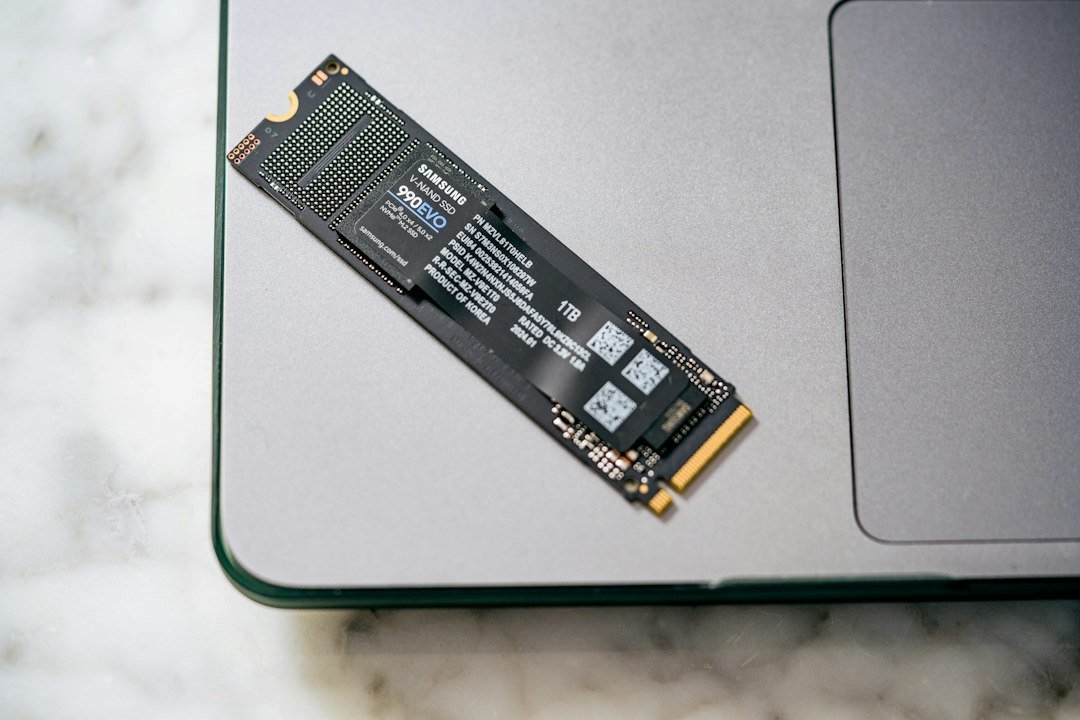
Choosing a laptop SSD starts with compatibility. A faster drive is only useful if it fits, uses an interface your computer supports and solves the problem you actually have. This guide explains SATA, NVMe and M.2 so you can compare upgrades before ordering.
SATA vs NVMe vs M.2: what is the difference?
| Drive type | What it means | Check before buying |
|---|---|---|
| 2.5-inch SATA SSD | A rectangular drive using the SATA interface. | A compatible bay, connector, drive thickness and any required mounting hardware. |
| M.2 SATA SSD | A small circuit-board drive using SATA in the M.2 format. | Explicit M.2 SATA support. A slot that accepts NVMe alone is not enough. |
| M.2 NVMe SSD | An M.2 drive communicating over PCIe using NVMe. | NVMe support, supported length, thickness, cooling clearance and the system’s specifications. |
MSI’s installation guidance distinguishes M.2 SATA from M.2 PCIe storage and explains why the motherboard’s specifications come first. Do not select an SSD by its photograph or connector notches alone.
Identify the exact computer before comparing drives
Write down the full model number from the label or the manufacturer’s support page. A familiar product-family name can cover several different configurations. Find the service manual or storage specifications for that exact model, then check whether storage is replaceable and which slot or bay is available.
For an M.2 drive, a size such as 2280 identifies dimensions: 22 mm wide and 80 mm long. The computer must have the correct mounting point and sufficient clearance. A desktop SSD with a tall heatsink may not fit inside a thin laptop. Some computers use proprietary or soldered storage, so a generic replacement may not be an option.
When is an SSD upgrade worthwhile?
First distinguish slow storage from an almost-full drive, limited memory, overheating, software problems or failing hardware. Replacing a mechanical system drive with a compatible SSD can improve responsiveness, but changing one SSD for another does not guarantee a noticeable improvement in everyday email and browsing.
For a computer used mainly for documents, prioritize sufficient capacity, compatibility and a suitable warranty. For frequent large file transfers, also consider sustained performance and cooling. A high advertised peak speed does not describe every workload.
How much SSD capacity should you choose?
Check how much space you currently use, including applications, photos and local cloud-file copies. Allow room for future files, operating-system updates and temporary work. As a planning example, someone already using 400 GB should consider more than a 500 GB replacement. Capacity needs depend on what stays on the computer; no single size fits every customer.
A larger drive does not replace a backup. Important files should have another recoverable copy, ideally separate from the computer. See our backup and maintenance service if you need help planning that.
Plan migration before placing the order
- Back up important data and check that you can open the backup.
- Decide between cloning the existing installation and a clean installation followed by file transfer.
- Check whether you need a SATA or NVMe-compatible enclosure, adapter or mounting hardware.
- Keep any device-encryption recovery information available privately during the migration.
- Confirm the new drive boots and files are present before repurposing the original.
If the old drive disappears, reports errors or makes unusual noises, pause ordinary upgrade attempts and discuss data recovery. Repeated cloning attempts can be the wrong priority when the only copy of important data is at risk.
Check the complete cost in Canada
Compare the drive, any required adapter, migration or installation labour, applicable taxes and shipping. Check who sells the item, whether it is new or refurbished, and how warranty service works. Amazon’s price and availability must be confirmed on Amazon at the time you buy.
SSD upgrade questions
Can I install an NVMe SSD in any laptop?
No. The exact computer must support the drive’s interface and physical format, and its storage must be replaceable. Check the manufacturer’s documentation first.
Will an SSD fix every slow computer?
No. A storage upgrade helps when storage is a meaningful limitation. Diagnose memory pressure, heat, software and hardware faults before buying parts.
Can Moe Repair help confirm what I need?
Send the model number and describe the upgrade you want. Do not send passwords or recovery keys. Compatibility and any installation arrangements can then be discussed.
Manufacturer reference
MSI: checking SSD support and installation requirements. Your own computer’s service manual remains the reference for its supported hardware.
Ready to take the next step?
Compare the options, check the details and choose the setup that fits you.
Amazon shopping buttons are paid affiliate links. Need installation or repair help? Discuss your project with Moe Repair.
Get more from your setup
Complete your next upgrade
Explore complementary technology with practical buying advice. Build a setup that works together, not just a collection of parts.

Laptops
Choose the right computer for work, home or gaming.
Read the buying guide →Illustrative photo: Andrew Neel / Unsplash
PC upgrades
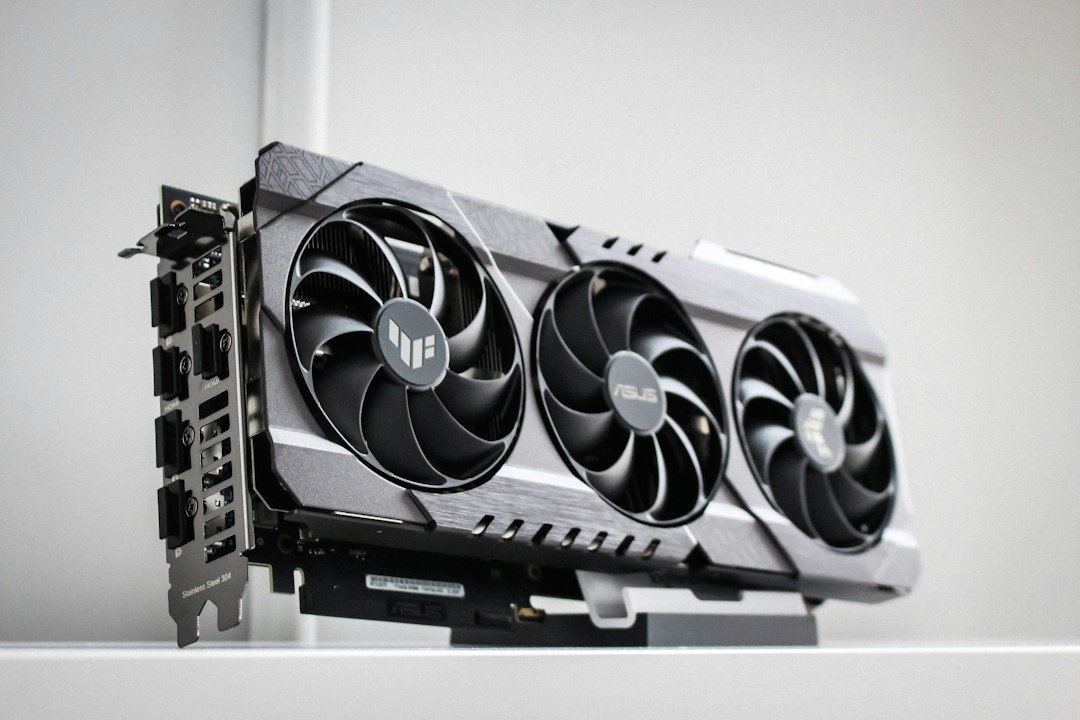
Plan RAM, storage and graphics upgrades confidently.
Read the buying guide →Illustrative photo: Thomas Foster / Unsplash
USB-C docks
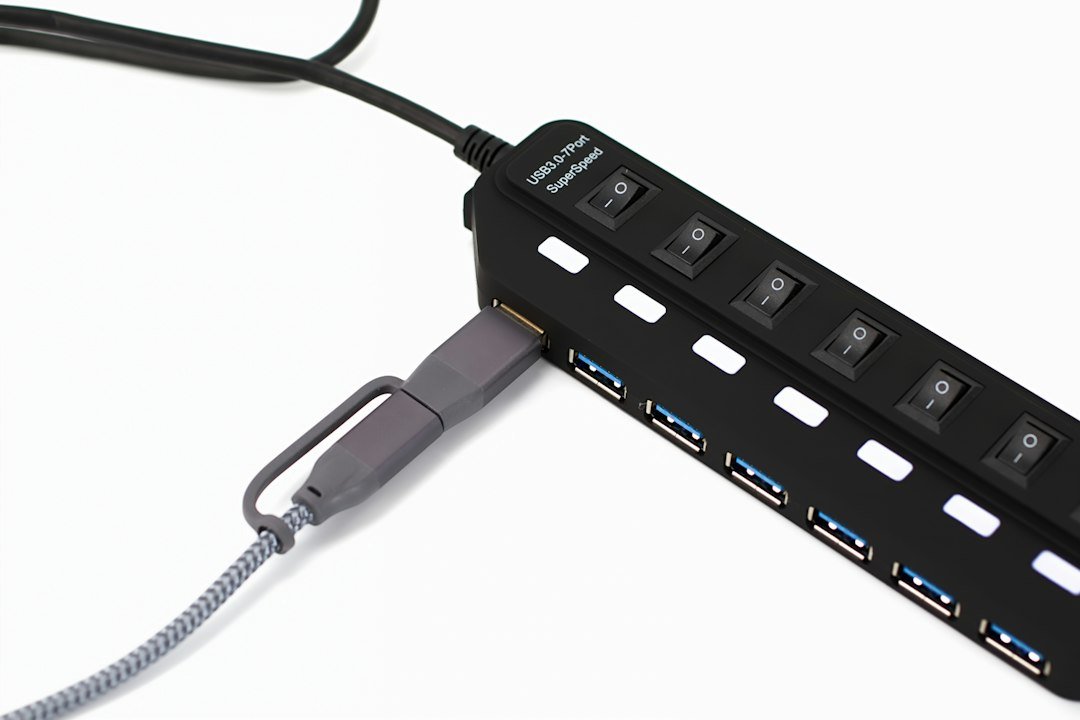
Connect monitors, power and everyday peripherals.
Read the buying guide →Illustrative photo: Barry A / Unsplash
Affiliate disclosure: As an Amazon Associate I earn from qualifying purchases. Amazon shopping links on this page are paid affiliate links. Purchases and checkout take place on Amazon. Check the exact item, seller, price, delivery and return terms before ordering.