Hi, How Can We Help You?
  • 203-504 Cottonwood Ave, Coquitlam
  • service@moerepair.ca
  • +1 (778) 951-4872

Author Archives: moe

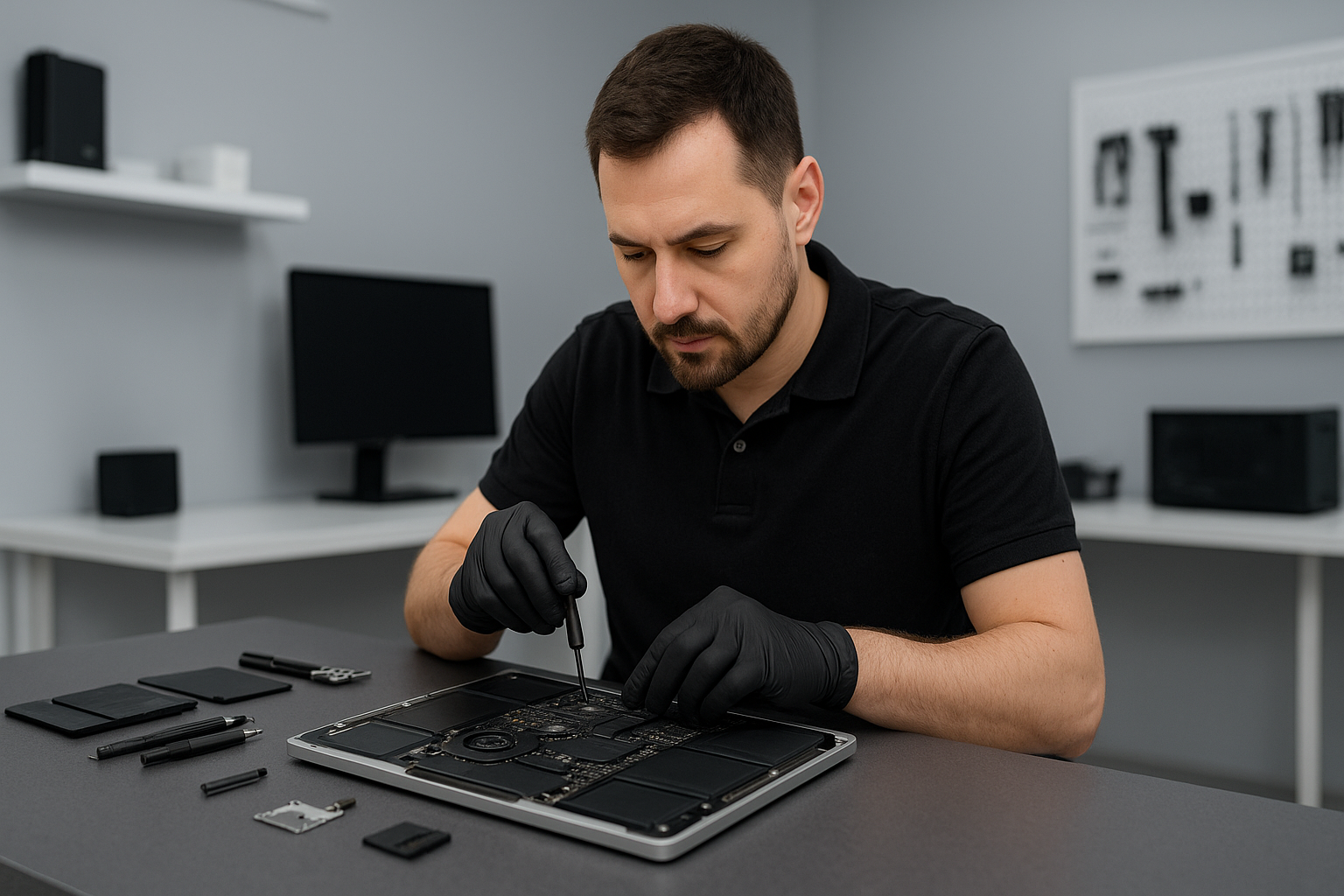
MacBook data recovery Surrey: Expert recovery from Moe Repair

As a senior technician with more than 15 years of hands-on experience, I see a range of failures every week. If you need MacBook data recovery Surrey, you need a careful, methodical approach. I will explain realistic repair procedures, common failure symptoms, diagnostic steps, and practical advice so you know what to expect before you bring your device to Moe Repair.

Why choose MacBook data recovery Surrey at Moe Repair

We recover data for customers across Surrey, Coquitlam, Burnaby, Vancouver, Richmond and beyond. You get local, fast service. We handle SSD data recovery, hard drive recovery, Time Machine restores, encrypted drive situations, and liquid damage recovery. We avoid guesswork. Instead, we run controlled diagnostics and explain every step.

Common symptoms that need data recovery

Watch for these signs. Your MacBook may show a flashing folder with question mark, fail to boot, freeze on the Apple logo, or report a corrupt volume. You might hear a clicking or grinding noise, or see repeated kernel panics. Other symptoms include S.M.A.R.T. warnings, mounting errors, or no disk detected. Liquid damage often causes intermittent detection or shorted ports. Each symptom guides our procedure.

Initial diagnostics we perform

First, we never initialize or reformat the drive. Instead, we perform a non-invasive inspection. We check System Information for drive presence. Then, we attach the SSD or drive to a dedicated recovery station using SATA or NVMe adapters. Next, we run disk utilities and sector scans. If the drive responds, we image it sector-by-sector with read-only tools, using low-level cloning or ddrescue to avoid further damage.

Step-by-step recovery procedures

Step 1, verify the failure type. We separate logical corruption from physical failure. Step 2, make a safe image of your drive when possible. Step 3, attempt file carving or catalog rebuilds from the image. Step 4, for encrypted volumes, we request your passphrase or recovery key. Step 5, return recovered data to a new SSD or external drive and verify integrity. These steps apply to SSD upgrades, Time Machine restores, and most MacBook repair scenarios.

Physical repairs that help data recovery

Sometimes the logic board, SATA connector, or cable prevents detection. We perform motherboard repair or connector replacement when safe. For liquid damage, we clean the board, replace corroded components, and then re-run recovery procedures. If the internal fan has failed and overheated the drive, we replace the fan and thermal paste, then stabilize the device before imaging the drive.

Tools and software we use

We use professional-grade hardware write-blockers, sector imaging tools, and macOS recovery utilities. For SSDs with firmware issues, we apply targeted techniques and secure vendor methods when possible. For RAID or complex failures, we combine hardware and software recovery workflows. Always, we act to minimize further data loss.

What recovery costs and timelines look like

Minor logical recoveries often finish within 24 to 48 hours. Physical recoveries take longer, from a few days to a week, depending on parts and complexity. Pricing depends on the failure type. We provide transparent estimates after an initial diagnosis. For many customers in Surrey and neighboring areas like New Westminster, Maple Ridge, or Langley, we offer same-day diagnostics and clear next steps.

Practical advice to protect your data now

First, stop using a failing drive to avoid overwriting recoverable data. Second, keep backups on Time Machine or an external drive. Third, if your MacBook suffered a spill, power it off and bring it in; do not power it on. Fourth, consider regular SSD upgrades or computer tune-up services to prevent future failures.

Related services we provide

Moe Repair handles MacBook repair, screen replacement, battery replacement, keyboard replacement, trackpad repair, laptop fan replacement, thermal paste replacement, motherboard repair, liquid damage repair, SSD upgrades, Windows installation, virus removal, gaming PC repair, and computer tune-up. We combine repair and recovery when needed to return a stable, working device.

Local coverage and pickup options

We serve Surrey, Coquitlam, Burnaby, Vancouver, Richmond, New Westminster, Maple Ridge, Port Moody, Port Coquitlam, Pitt Meadows, Langley, Delta, North Vancouver, West Vancouver, White Rock, Abbotsford, Mission, and Chilliwack. You can walk into our shop, schedule a drop-off, or request local pickup when available. For remote consultations, we provide phone guidance and arrange secure drop-off windows.

How to prepare before you bring your MacBook

Write down your Apple ID and passwords. Pack your charger and any external drives. Note any recent software changes, updates, or crashes. Tell us if FileVault is enabled. If you have a Time Machine backup, bring it. These details speed diagnosis and improve recovery rates.

Real case example

Recently, a customer from Surrey brought a MacBook that would not mount the internal SSD after a liquid spill. We performed logic board cleaning, replaced a corroded SATA connector, imaged the SSD with a write-blocker, and restored the home folder to a new SSD. The customer recovered 99 percent of photos and documents. They also booked a thermal paste replacement and laptop fan replacement to prevent future overheating.

If you need reliable MacBook data recovery Surrey, contact Moe Repair. We are local, experienced, and careful with your data. We will explain costs, give a free initial assessment, and prioritize secure handling.

Moe Repair
Phone: 778-951-4872
Email: service@moerepair.ca
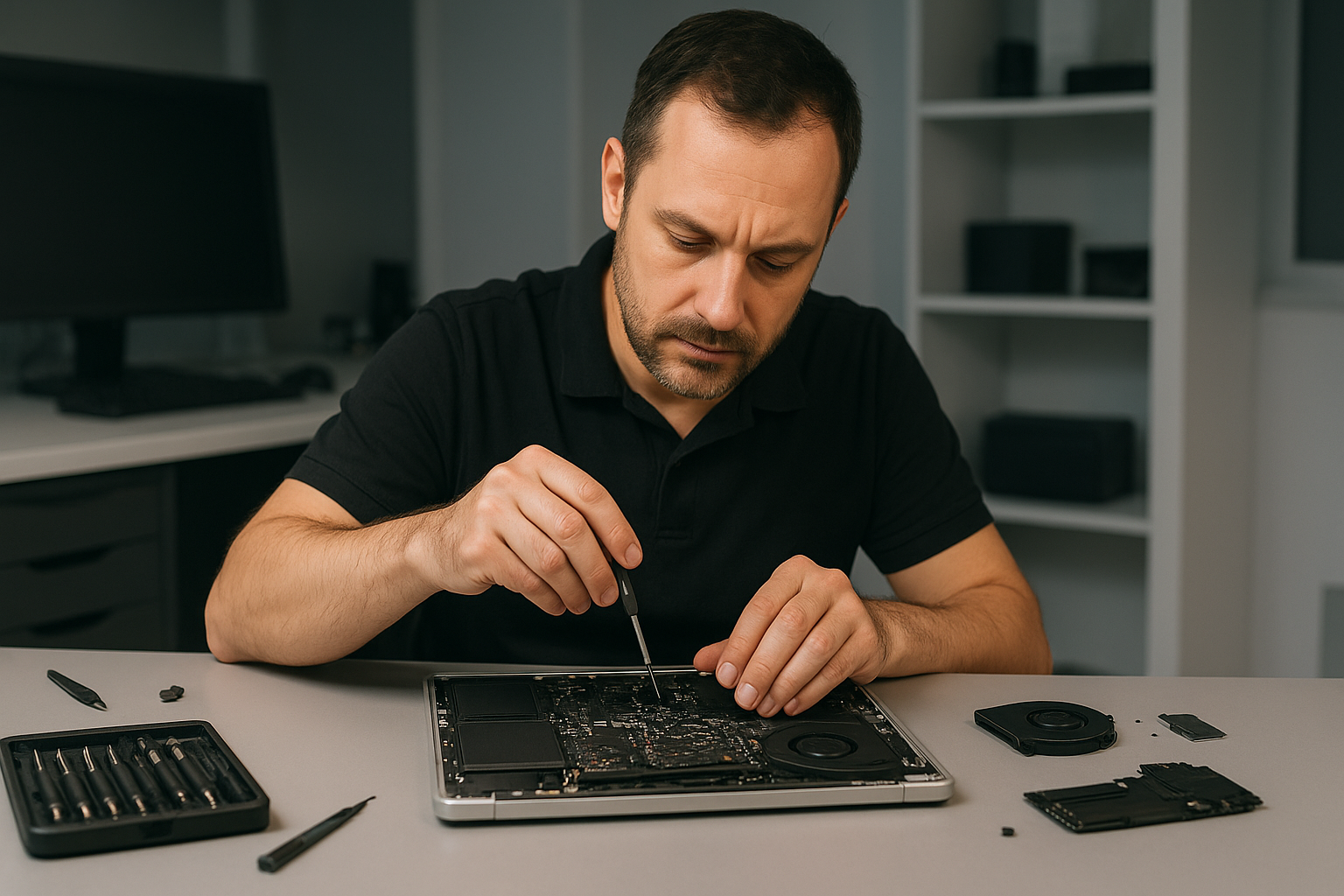
MacBook repair Richmond: Expert Apple Repairs Nearby

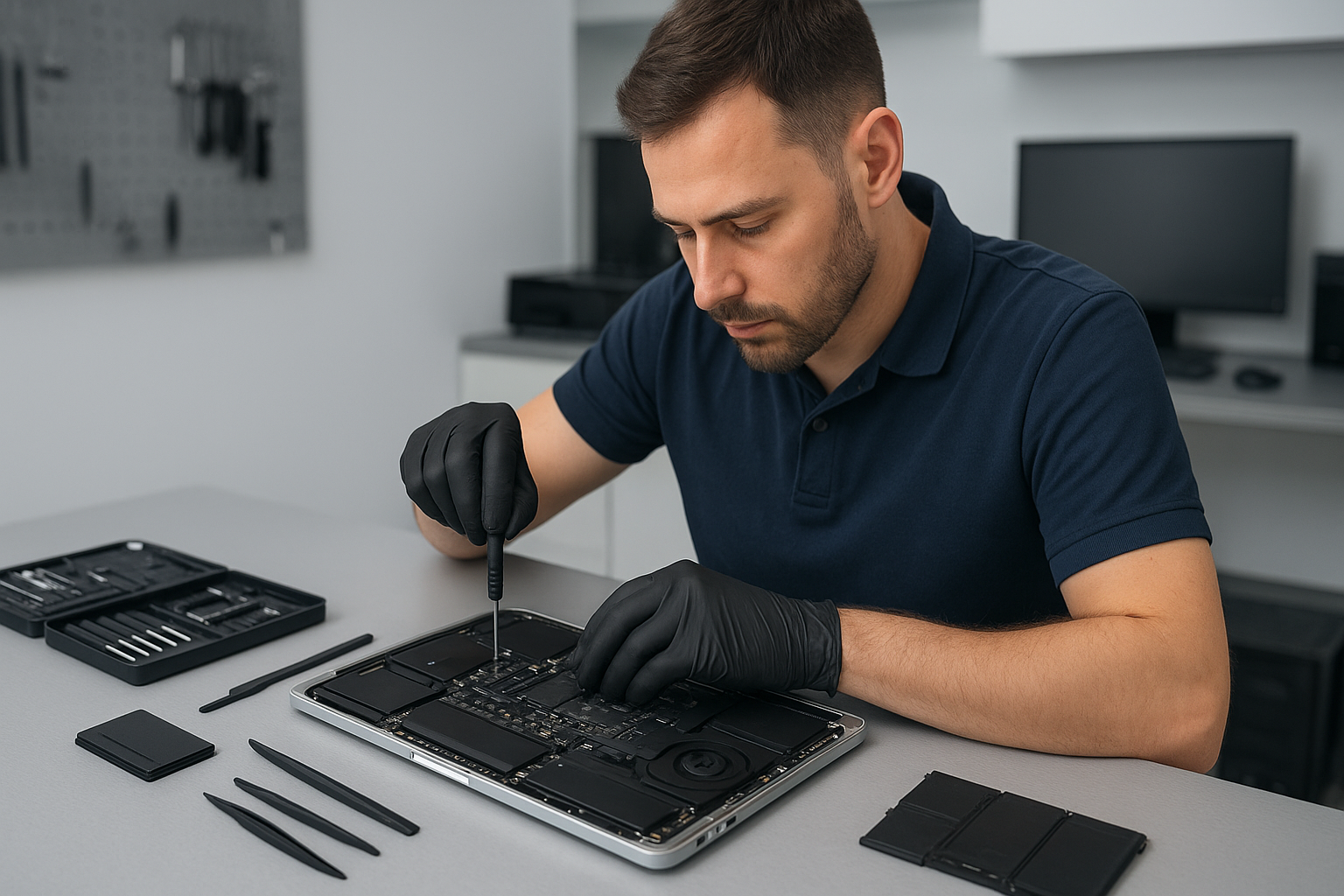
I am a senior computer repair technician with more than 15 years of hands-on experience. If you need MacBook repair Richmond, you will get clear diagnostics, honest pricing, and fast turnaround. I specialize in screen replacement, battery replacement, SSD upgrades, data recovery, and motherboard repair. My goal is simple, restore your MacBook to reliable performance so you can get back to work or play.

Why choose Moe Repair for MacBook repair Richmond

At Moe Repair we use proven diagnostic steps, quality parts, and careful repair procedures. First, we identify symptoms such as unexpected shutdowns, swollen batteries, dim or cracked screens, or persistent kernel panics. Then, we run targeted tests to confirm the root cause, and finally we perform repairs using ESD-safe techniques.

Typical symptoms and what they mean

Slow startup, spinning beach ball, or slow apps usually indicate a failing hard drive or full disk, and an SSD upgrade often solves this. Rapid battery drain and irregular charging point to battery replacement, or a faulty charging circuit on the motherboard. Cracked or flickering displays need MacBook screen replacement. Liquid damage can corrode connectors, causing trackpad or keyboard failure. Sudden no-boot or white screen often means logic board issues, where motherboard repair or component-level fixes are necessary.

Real repair procedures I perform

For a screen replacement I open the chassis, disconnect the battery, remove the cracked panel, clean the bezel, and install the new display. I test backlight, camera, and inverter if present. For battery replacement I verify battery health in system diagnostics, perform an SMC reset after install, and calibrate charge cycles. For SSD upgrades I clone the drive when possible, install the new SSD, then migrate the OS and verify TRIM support.

For liquid damage repair I disassemble the MacBook, clean all contact points with isopropyl alcohol, inspect for corrosion, replace damaged connectors, and then run a burn-in test. For motherboard repair I use microscopes and rework stations to replace burned components or repair traces. For virus removal and Windows installation on dual-boot systems, I secure your data, remove malware, and then install or restore the OS cleanly.

How I diagnose your MacBook

I follow a step-by-step process. First, I back up data when possible. Next, I run Apple Diagnostics and check system logs for kernel panics. Then, I inspect the physical hardware for damage. I test power delivery, SMC and NVRAM, and run disk checks. If needed, I boot from external media to isolate software from hardware faults. This approach reduces guesswork and helps avoid unnecessary parts replacement.

Data recovery and safe handling

Data recovery begins with creating a read-only image of your drive to prevent further damage. I work with SSDs and traditional drives, and apply logical recovery methods before hardware-level interventions. If your MacBook suffered liquid damage, I advise powering off immediately and bringing the unit in for cleaning, because continuing to power it can cause permanent board damage.

Common quick fixes you can try

  • Reset SMC and NVRAM if your MacBook will not boot or has battery reporting issues.
  • Boot into Safe Mode to check for corrupt login items or extensions.
  • Run Disk Utility to repair permissions and verify the startup disk.
  • Disconnect external devices to isolate peripheral conflicts.

However, do not open unibody MacBooks unless you have the right tools and ground yourself, because static or improper screw removal can cause costly damage. Instead, contact a professional for screen replacement, trackpad repair, or motherboard repair.

Services I provide near Richmond

We offer comprehensive services including laptop repair, MacBook repair, screen replacement, battery replacement, data recovery, virus removal, Windows installation, SSD upgrades, motherboard repair, liquid damage repair, gaming PC repair, keyboard replacement, trackpad repair, laptop fan replacement, thermal paste replacement, and computer tune-up. We serve Richmond and nearby communities like Coquitlam, Burnaby, Vancouver, Surrey, New Westminster, Maple Ridge, Port Moody, Port Coquitlam, Pitt Meadows, Langley, Delta, North Vancouver, West Vancouver, White Rock, Abbotsford, Mission, and Chilliwack.

Turnaround, parts, and warranty

I stock common parts such as screens, batteries, and SSDs for fast turnaround. For complex motherboard repairs or hard-to-find components, I source OEM quality or equivalent parts. All repairs include a limited warranty, and I document changes so you know exactly what was done.

Pricing and estimates

I provide transparent estimates after diagnostics. Diagnostics include hardware and software checks, and I discuss repair options, costs, and expected outcomes. Often an SSD upgrade plus a tune-up breathes new life into older MacBooks at a lower cost than motherboard repair.

How to get your MacBook fixed

Bring your MacBook to Moe Repair, or contact us for pickup options in Richmond. I will run diagnostics, give an honest assessment, and explain repair steps and timelines. If you need urgent MacBook screen replacement or battery replacement, mention that when you call so we can prioritize parts.

Moe Repair
Phone: 778-951-4872
Email: [service@moerepair.ca](mailto:service@moerepair.ca)

We repair MacBooks and other laptops professionally. From screen and battery repair to data recovery and motherboard work, I handle each job with care and technical skill. Contact Moe Repair today for reliable, local MacBook repair Richmond.

MacBook repair Surrey: Expert MacBook Repairs from Moe Repair

If you are searching for dependable MacBook repair Surrey services, you have found the right shop. I am a senior technician with more than 15 years of hands-on experience servicing MacBooks, laptops, and desktops across the Lower Mainland. At Moe Repair we focus on fast diagnostics, clear pricing, and repairs completed to Apple-level standards, without the wait.

Expert MacBook repair Surrey Services

We repair all MacBook models, including MacBook Air and MacBook Pro. Our common services include screen replacement, battery replacement, SSD upgrades, motherboard repair, liquid damage repair, and keyboard replacement. Additionally, we offer data recovery, virus removal, Windows installation for dual boot setups, thermal paste replacement, laptop fan replacement, trackpad repair, and full computer tune-up services.

Common symptoms and what they mean

If your MacBook will not boot, shows a gray or white screen, or displays a flashing folder, that suggests a storage or motherboard fault. Slow performance often points to a failing HDD or insufficient RAM, and an SSD upgrade usually fixes it. Random shutdowns and excessive fan noise indicate thermal issues, which I address with a combination of laptop fan replacement and thermal paste replacement.

A cracked or flickering display means you need a screen replacement, while a swollen battery or short battery life indicates battery replacement. Sticky or unresponsive keys call for keyboard replacement, and a glitchy trackpad often needs trackpad repair or cable reseating. Liquid spills show corrosion, and timely liquid damage repair can save the logic board.

How I diagnose your MacBook

I start every repair with a step by step diagnostic. First, I log the symptoms and run Apple diagnostics and hardware tests. Next, I inspect connectors, check the battery health, and test the SSD or hard drive using sector and SMART utilities. For motherboard and power issues, I measure voltages at the DC-in and SMC circuits. For liquid damage, I open the machine, clean corrosion with isopropyl alcohol, and test power rails before reassembly. I document findings and outline repair options with transparent costs.

Typical repair procedures you can expect

For a screen replacement, I disconnect the battery, remove the display assembly, and install a high-quality OEM-grade panel. Then I calibrate the display and test for backlight and camera function. For battery replacement, I remove the old pack, clean adhesive residue, and install a calibrated replacement to restore full charging cycles. When upgrading to an SSD, I clone the drive, install the SSD, and verify TRIM support and secure boot integrity.

Motherboard repair requires microsoldering and board-level fault isolation. I repair SMC circuits, replace blown capacitors, and reball or replace chips when necessary. For data recovery, I quarantine the drive, image it to a secure workstation, and extract files using industry tools. If recovery needs a cleanroom, I coordinate with trusted partners for physical media recovery.

Liquid damage and data protection

If you spill liquid on a MacBook, shut it down immediately, disconnect power, and bring it in as soon as possible. Meanwhile, avoid turning it on or charging it. Early intervention reduces corrosion and raises the chance of full recovery. I prioritize data integrity, so for critical files I recommend imaging the drive first, then attempting repairs.

Why choose Moe Repair for MacBook repair Surrey

First, I provide honest, experience-driven advice. Second, I use quality parts, and when I replace a screen or battery, I test for fit and longevity. Third, I serve customers across Coquitlam, Burnaby, Vancouver, Surrey, Richmond, New Westminster, Maple Ridge, Port Moody, Port Coquitlam, Pitt Meadows, Langley, Delta, North Vancouver, West Vancouver, White Rock, Abbotsford, Mission, and Chilliwack. That broad reach means local support and quick turnaround.

Furthermore, I offer service warranty on many repairs. For virus removal and Windows installation, I clean the system, install the latest security updates, and optimize startup items. For gaming PC repair, I diagnose GPU and PSU issues, and perform thermal paste replacement and cooling upgrades to stabilize performance.

Practical advice to protect your MacBook

Back up your data regularly using Time Machine or cloud backup. Avoid running heavy apps without adequate cooling, and replace aging batteries before they swell. Use a padded sleeve when commuting. If you see warning signs like frequent kernel panics, buzzing fans, or charging failures, bring your MacBook in early to prevent more expensive repairs later.

We support appointments and walk-ins. When you contact Moe Repair, I perform a hands-on inspection, give a clear estimate, and explain repair options. I keep you informed during the repair and test thoroughly before returning your MacBook.

Moe Repair is ready to help. Phone: 778-951-4872 Email: service@moerepair.ca. Visit us for professional laptop repair, MacBook repair, screen replacement, battery replacement, SSD upgrades, motherboard repair, liquid damage repair, data recovery, and more.

Fast FAQs

Q: How long does a screen replacement take? A: Usually 1 to 3 business days, depending on parts availability.

Q: Can you recover data from a dead MacBook? A: Yes, we image drives and use specialist tools. If the drive has physical damage, we partner with cleanroom labs.

Q: Do you offer a warranty on repairs? A: Yes. Warranty terms vary by service, and I will confirm details when you receive your estimate.

Call Moe Repair today at 778-951-4872 or email service@moerepair.ca to book diagnostics and fast, reliable MacBook repair Surrey from a senior technician you can trust.

Data recovery Surrey: Recover Your Files Quickly and Securely

As a senior technician with more than 15 years of hands on experience, I know how devastating data loss can be. If you need Data recovery Surrey, stop using the device immediately and contact Moe Repair. We act fast to preserve evidence and maximize recoverability.

Why call Moe Repair for Data recovery Surrey

We handle hard drive recovery, SSD recovery, external drive recovery and RAID recovery using industry proven tools and disciplined procedures. We provide transparent diagnostics, clear pricing, and secure handling for sensitive files. We also offer laptop repair and MacBook repair, including screen replacement and battery replacement, which often intersect with data recovery cases.

Common failure symptoms

  • Clicking or grinding sounds from a hard drive.
  • Drive not detected in BIOS or Disk Management.
  • Corrupted or missing partitions, frequent crashes, or BSOD.
  • Slow performance after update, unreadable files, or strange errors.
  • Physical damage from liquid damage, or accidental drops.
  • SSD showing firmware errors, or controller failure.

These symptoms can indicate mechanical failure, firmware corruption, bad sectors, or logic board issues. We diagnose each case methodically to determine the best recovery path.

Initial diagnostic steps we perform

First, we document the problem, model, and firmware. Then we run non intrusive tests. We check SMART data with tools like CrystalDiskInfo or vendor utilities. We inspect the PCB and connections visually for burns or corrosion. If the drive spins but makes noise, we stop and move to a controlled lab procedure. For SSDs we test controller responses and check for recognition issues. We always create a forensic image when possible to avoid further damage.

Often customers confuse virus removal or Windows installation problems with data loss. We verify whether files are actually missing, corrupted, or simply inaccessible due to malware or OS issues before starting recovery.

How we recover data, step by step

Our recovery workflow follows proven best practices. First, we clone the drive using read optimized tools, such as GNU ddrescue for tricky media. Cloning keeps the original safe. Next, we work on the image to repair file systems, recover partitions, or perform data carving for fragmented files. For RAID systems, we analyze array parameters and rebuild a virtual array to extract data.

If mechanical repair is required, we use clean room techniques. We perform PCB swaps carefully, match firmwares, and handle delicate components under magnification. For liquid damage, we clean corrosion and stabilize the electronics before imaging. For SSD NAND level work, we consult partner labs that specialize in chip off recovery when necessary.

Typical recovery times and success rates

Simple logical recoveries, like deleted files or corrupted partitions, often finish in 24 to 48 hours. Mechanical or NAND recoveries can take several days. Success depends on damage type, prior usage after failure, and physical condition. We give honest assessments and outline costs before work begins.

Preventive advice and practical tips

To lower the chance of data loss, keep regular backups, use reliable antivirus to avoid malware, and replace aging hard drives with SSD upgrades when appropriate. For laptops, a computer tune up, thermal paste replacement, and laptop fan replacement improve longevity. Regular backups and RAID with redundancy also reduce risk.

If you suspect drive failure, power off the device and avoid DIY fixes like repeated power cycles. Do not install recovery software on the affected drive. Instead, contact Moe Repair for secure handling and proper diagnostics.

Other services we provide in Surrey and nearby

Moe Repair offers comprehensive services beyond data recovery. We handle virus removal, Windows installation, motherboard repair, gaming PC repair, keyboard replacement, trackpad repair, screen replacement, liquid damage repair, SSD upgrades, and battery replacement. We serve Coquitlam, Burnaby, Vancouver, Richmond, New Westminster, Maple Ridge, Port Moody, Port Coquitlam, Pitt Meadows, Langley, Delta, North Vancouver, West Vancouver, White Rock, Abbotsford, Mission, and Chilliwack.

What to expect when you bring your device to Moe Repair

Bring your device to our shop or arrange a pickup. We run a free initial inspection and provide a written quote. If we proceed, we prioritize data integrity, create images, and return recovered files on an encrypted drive or via secure transfer, based on your preference.

We handle sensitive content with confidentiality. In complex cases requiring partner labs, we coordinate the process and keep you updated. We also offer follow up support like computer tune up to ensure a stable environment after recovery.

For fast, secure, and professional Data recovery Surrey service, contact Moe Repair now. Call 778-951-4872, or email service@moerepair.ca. Our hands on experience in laptop repair and MacBook repair means we can handle both hardware and software aspects of recovery.

Trust Moe Repair to recover your important photos, business documents, and irreplaceable files with care and expertise. We are here to help across the Lower Mainland, and we provide honest advice about backups, RAID configuration, and long term data protection.

Moe Repair
Phone: 778-951-4872
Email: service@moerepair.ca
Data recovery Coquitlam: Proven File Recovery by Moe Repair

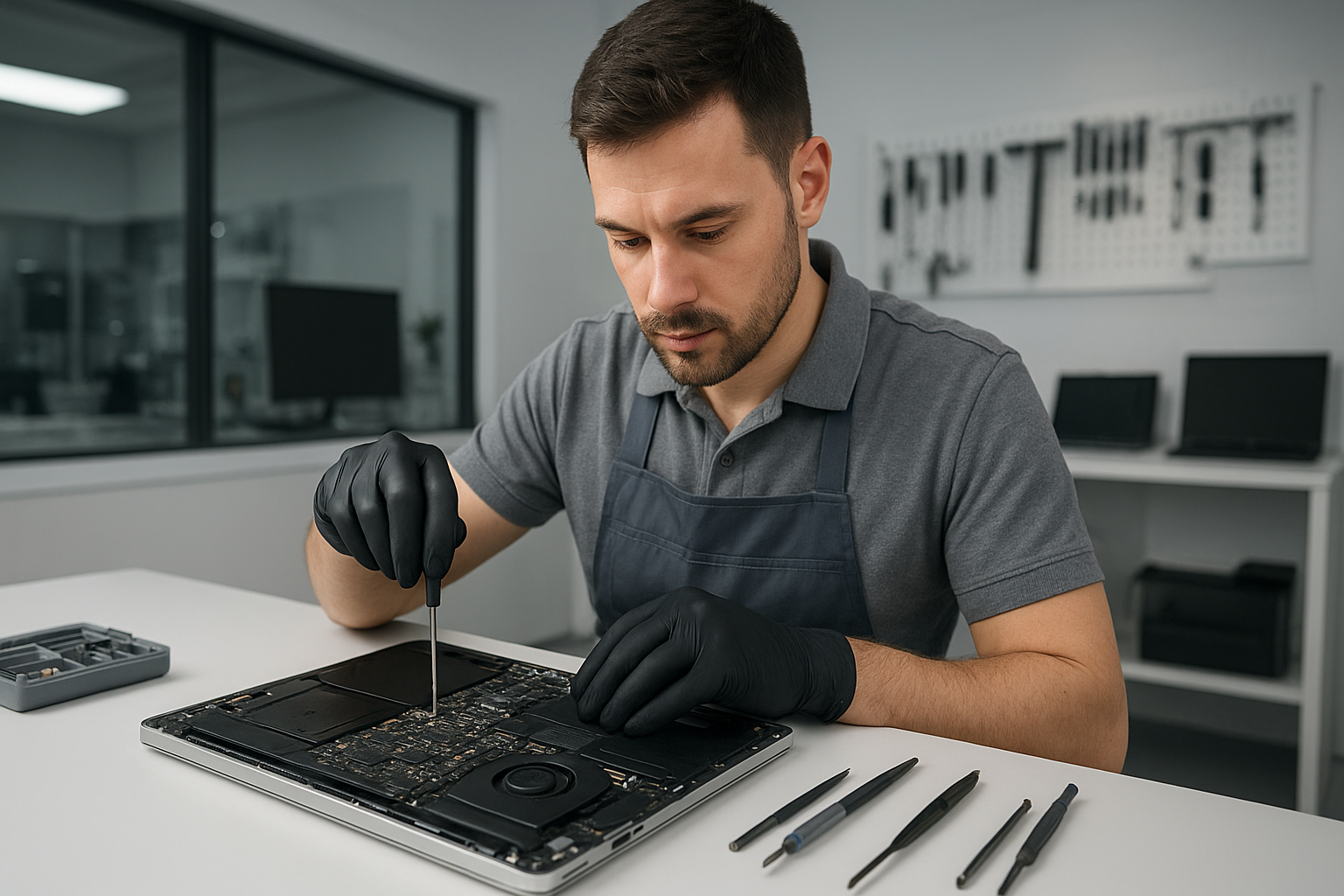
I am a senior computer technician with more than 15 years of hands-on experience. When you need Data recovery Coquitlam, you want clear diagnostics, safe procedures, and results. At Moe Repair I handle everything from crashed hard drive recovery to SSD recovery, and I work with laptops, MacBooks, desktops and NAS arrays.

Data recovery Coquitlam, what to expect

First, I perform a triage. I ask where the device was used, whether you saw error messages, and whether there was physical damage or liquid exposure. Then I run drive diagnostics, including SMART checks and power tests. I never write to a failing drive, instead I create a bit-for-bit disk image and work from that clone. This protects your original media and improves recovery rates.

Common failure symptoms

  • Clicking, grinding or ticking noises from a hard drive, indicating mechanical failure.
  • Drive not detected in BIOS or Disk Management, common with controller or PCB damage.
  • Error messages such as “drive needs to be formatted” or file system corruption.
  • Deleted or overwritten files after accidental deletion or formatted partition.
  • Slow performance and repeated crashes, often due to bad sectors or malware.
  • SSD showing zero capacity or firmware lock, which requires specialized tools.

Realistic diagnostic steps I perform

  1. Visual inspection for liquid damage, burnt components or loose connectors.
  2. Run SMART and manufacturer diagnostic tools to log errors.
  3. Test on a known-good USB/SATA adapter and alternate computer.
  4. Create a full disk image using a forensic tool, such as ddrescue, to preserve data.
  5. Analyze the image with file system repair and recovery software like R-Studio or PhotoRec.
  6. If needed, escalate to clean-room mechanical repair or PCB swap for hard drives, and chip-off for some SSD cases.

For RAID recovery I document the array topology, use sector-level copies, and reassemble the array in a controlled environment. For all recoveries I keep chain-of-custody notes and provide a recovery report.

Practical advice for customers

First, stop using the device immediately. Every write operation reduces the chance of full recovery. Second, avoid DIY fixes that write to the disk, like reformatting or running Windows install, because that can overwrite important sectors. Third, back up recovered files once we return them, and ask about a backup solution so you avoid future losses.

If your laptop experienced liquid damage, bring it in quickly. I offer motherboard repair, keyboard replacement, trackpad repair, and component-level cleaning. For MacBook repair I handle logic board diagnostics and data retrieval from Mac-formatted drives. If your system is slow, consider SSD upgrades or a computer tune-up to prevent future failures.

Examples of repair procedures

Mechanical hard drive with clicking noise. I open in a clean room when required, replace the actuator or head stack only if an exact donor match exists, then image the repaired drive. If mechanical repair is not safe, I try firmware recovery options or continue with logical recovery from the best possible image.

SSD that reports zero capacity. I inspect the PCB, reflow suspect joints where safe, and if firmware corruption is suspected, attempt vendor-level tools or chip-off with specialized hardware. For many consumer SSDs, success depends on prior TRIM activity, so immediate action improves outcomes.

Corrupted file system or accidental deletion. I image the drive, then use file carving and file system repair tools to rebuild partitions and recover documents, photos and databases. I verify recovered files before returning them to you.

Why choose Moe Repair for Data recovery Coquitlam

I apply a methodical, technician-grade process. That includes encrypted transfer of recovered data, secure wiping of donor media, and transparent pricing. I also offer related services such as virus removal, Windows installation, laptop fan replacement, thermal paste replacement, and motherboard repair. For gamers I provide gaming PC repair and component-level troubleshooting. For phones or other devices I will provide a referral to a trusted partner when appropriate.

We serve Coquitlam and surrounding communities including Burnaby, Vancouver, Surrey, Richmond, New Westminster, Maple Ridge, Port Moody, Port Coquitlam, Pitt Meadows, Langley, Delta, North Vancouver, West Vancouver, White Rock, Abbotsford, Mission, and Chilliwack.

Pricing and turnaround

I provide a free initial assessment for many devices. Simple recoveries from logical deletion often complete in 24 to 72 hours. Mechanical or complex RAID and SSD cases may take longer, depending on parts and clean-room scheduling. I always estimate time and cost before proceeding.

Moe Repair Phone: 778-951-4872
Email: [service@moerepair.ca](mailto:service@moerepair.ca)

Next steps – contact Moe Repair

If you need Data recovery Coquitlam, call now. I will instruct you how to transport the device safely, and begin diagnostics as soon as your device arrives. Acting quickly increases the chance of a full recovery.

We combine honest assessments with hands-on skills. Whether you need external hard drive recovery, recover deleted files, or RAID recovery for a business server, I provide realistic expectations and professional results. Contact Moe Repair today for a fast, secure recovery.

Data recovery Surrey

When a hard drive, SSD, or RAID array fails, you need clear steps and proven tools. I am a senior technician with over 15 years of hands-on experience. At Moe Repair, we provide reliable Data recovery Surrey services that focus on safe diagnostics, drive imaging, and file retrieval. Contact us right away, and stop using the device to avoid further damage.

Common symptoms we see

Clients from Surrey, Coquitlam, Burnaby, and Vancouver call about similar issues. Symptoms include clicking or grinding noises, drives not detected in BIOS, repeated crashes, blue screens, corrupted files, sudden file deletion, and SMART warnings. For SSDs, you may see slow performance, bad blocks, or a drive that reports as empty after a firmware issue.

Why those symptoms matter

Noise often indicates mechanical failure in an HDD, while unreadable partitions suggest logical corruption. SSD failures often result from controller or NAND problems, and RAID issues can come from multiple drive errors or controller failure. Therefore, we approach each case with a tailored workflow.

How we diagnose failures

First, we perform a noninvasive inspection. We check connectors, power, and enclosure health. Then we run hardware diagnostics using industry tools. For HDDs, we read SMART data and listen for head clicks. For SSDs, we check firmware versions and run controller diagnostics.

Next, we attempt a secure read using write-blockers. We avoid writing to the damaged media. Instead, we create a full disk image with tools like ddrescue or a commercial imager. For RAID arrays, we document the configuration and image each drive separately. If needed, we use donor parts in a controlled environment.

Real recovery procedures we use

For mechanical HDD failure, we perform head-stack replacement only in a certified clean environment. We then image the drive and recover files from the copy. For logical corruption or deleted files, we run file system repair tools, and file recovery software including sector-level analysis.

For SSDs, we check for firmware corruption and attempt controller reinitialization when safe. If NAND access is required, we perform chip-off recovery. For encrypted drives, we work with customers to obtain credentials. For RAID, we rebuild arrays in a lab and image each disk before reconstruction.

Tools and software we rely on

We use hardware imagers, write-blockers, clean-room benches, and professional software such as R-Studio, UFS Explorer, and specialized firmware tools. We also perform drive cloning and system imaging to create safe working copies. These steps improve success rates while protecting original data.

Practical advice before you call

First, stop using the drive. Continued use risks permanent data loss. Second, do not run DIY recovery tools on physically failing drives. However, you can power down and bring the device in for diagnostics.

Also, if your laptop shows a blank screen but powers on, try removing external drives and booting from a USB recovery tool. If you suspect liquid damage, power off and bring the machine in immediately. For MacBook repair, we perform trackpad repair, keyboard replacement, and battery replacement as needed during recovery.

Why choose Moe Repair for Data recovery Surrey

We combine practical experience with transparent pricing. I have handled thousands of cases, from simple deleted files to complex RAID recovery. We explain diagnostic findings, recovery chances, and costs before starting work. Moreover, we offer secure handling and confidentiality.

We also provide laptop repair, screen replacement, virus removal, Windows installation, SSD upgrades, motherboard repair, liquid damage repair, gaming PC repair, keyboard replacement, trackpad repair, laptop fan replacement, thermal paste replacement, and computer tune-up services.

Turnaround and success rates

Turnaround depends on failure type. Logical recoveries often complete in 24 to 72 hours. Mechanical or chip-off recoveries take longer. We always image your drive first, then work on the image to maximize success. We keep you informed at every step.

Pricing and data privacy

We provide a clear diagnostic fee and a tiered recovery quote. You decide whether to proceed. We never charge for unsuccessful attempts beyond diagnostics unless otherwise agreed. All recovered data stays private, and we can provide secure transfer options or encrypted external drives.

Service areas we cover

We serve Surrey, Coquitlam, Burnaby, Vancouver, Richmond, New Westminster, Maple Ridge, Port Moody, Port Coquitlam, Pitt Meadows, Langley, Delta, North Vancouver, West Vancouver, White Rock, Abbotsford, Mission, and Chilliwack.

What to expect when you bring your device in

We run a free preliminary triage over the phone. Then, we perform a paid diagnostic that includes SMART checks and a damage assessment. You get a written quote. Afterwards, we proceed with imaging and recovery once you approve the work.

Contact Moe Repair

Call us at 778-951-4872, or email service@moerepair.ca for fast, professional Data recovery Surrey service. We accept walk-ins and appointments. Bring your laptop, desktop, or external drive to our workshop to start diagnostics.

Finally, back up recovered files and set up scheduled backups. We can help with backup solutions, cloud sync, and on-site system imaging. Protect your data and avoid future emergencies.

Moe Repair, Phone: 778-951-4872, Email: service@moerepair.ca

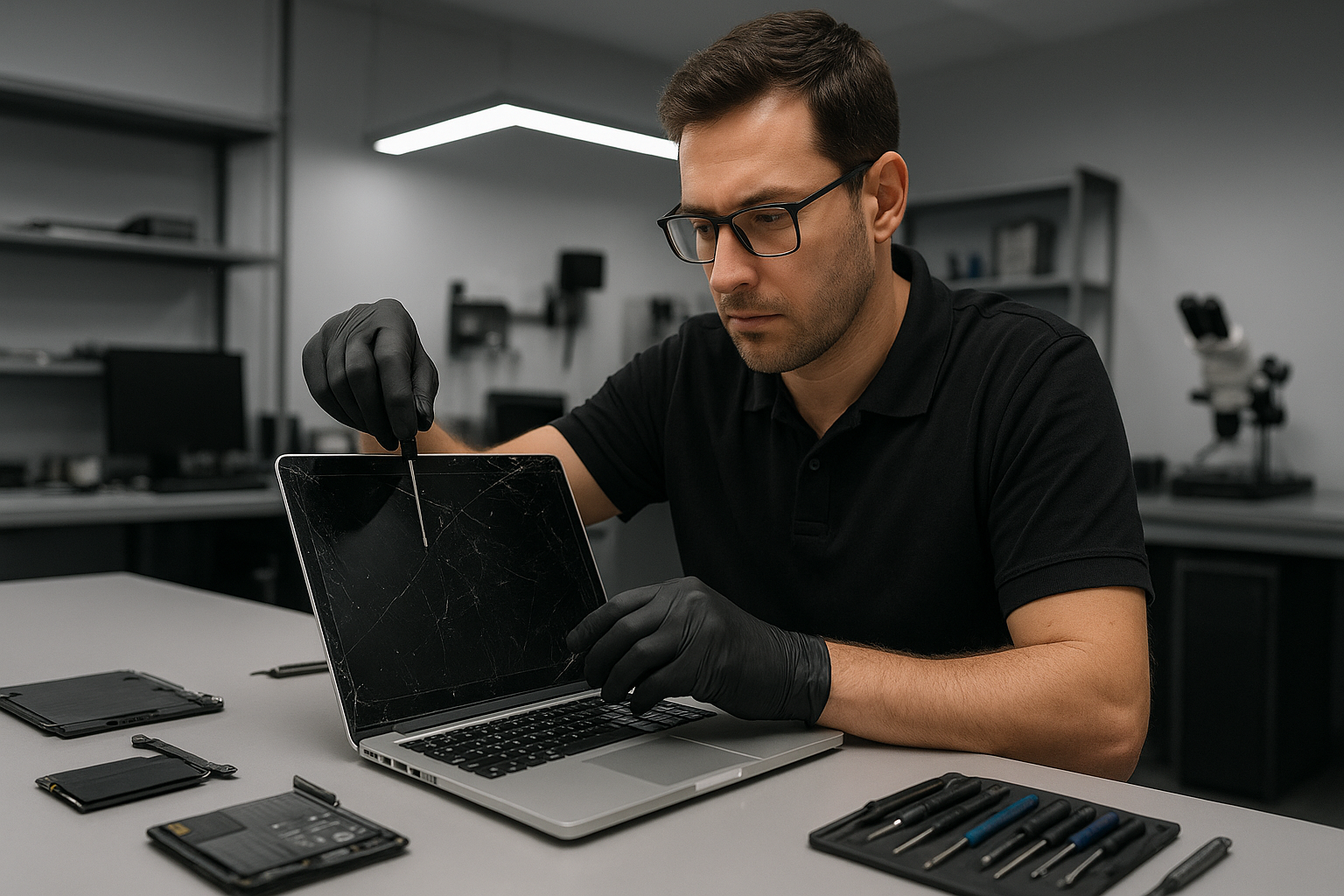
MacBook screen replacement Vancouver: Expert repairs in Coquitlam and the Lower Mainland

If you need MacBook screen replacement Vancouver, I can help. I am a senior computer repair technician with more than 15 years of hands-on experience repairing MacBooks, laptops, and desktops across Coquitlam and the Lower Mainland.

Why choose Moe Repair for your MacBook screen replacement Vancouver

We repair cracked screens, Retina display issues, and LCD replacement jobs every week. First, I run a careful diagnostic to confirm whether the problem is the glass, the display assembly, the backlight, or the display cable. Then I explain your options clearly, including OEM parts versus high-quality aftermarket panels, so you make the right decision.

We provide fast turnarounds, reliable warranty coverage, and transparent pricing. In addition to screen replacement, we offer battery replacement, SSD upgrades, motherboard repair, liquid damage repair and more. We serve Coquitlam, Burnaby, Vancouver, Surrey and the surrounding areas.

Common symptoms indicating a screen replacement

  • Cracked glass or shattered display from drops.
  • Black spots, dead pixels, or lines across the screen.
  • Flickering or intermittent backlight problems.
  • Dim screen when the hinge moves, indicating a loose display cable.
  • No image, yet the MacBook powers on, often a sign of a failed display assembly.

Realistic diagnostic steps I perform

First, I test with an external monitor to confirm whether the graphics and logic board are working. If the external monitor displays normally, the issue is restricted to the display, not the GPU or motherboard. Next, I inspect the bezel and hinges for structural damage. Then I open the MacBook, check the display cable and its connector for corrosion or damage, and run a continuity check if needed.

If liquid damage is suspected, I test the keyboard, trackpad, charging port, and internal sensors before powering the unit fully. For backlight and flicker issues, I test under different brightness settings and wiggle the hinge to reproduce the fault. This helps me determine whether a simple cable reseat will fix it, or if full screen replacement is necessary.

What the replacement procedure looks like

When we agree on repair, I follow a step-by-step procedure. I power down the MacBook, remove the bottom case, disconnect the battery, and safely remove the display assembly. I examine the display housing for additional damage and clean the connectors. Then I install the new screen assembly, align it precisely, and torque the hinge screws to spec.

After reassembly, I run a full hardware test. I check for dead pixels, color accuracy, brightness range, and proper function of the camera and sensors. Finally, I perform a brief stress test to confirm stability. We include a short warranty on parts and labor so you can be confident in the repair.

Parts, quality, and pricing

We use quality display assemblies that match OEM specifications whenever possible. For older models or tight budgets, I explain the trade-offs of aftermarket panels. Either way, I test every screen before installation, and I recommend replacing the thermal paste and performing a computer tune-up while the machine is open, when appropriate. That saves you time and may prevent overheating or fan noise issues later.

More services to keep your MacBook running well

Beyond screen replacement, we handle MacBook repair for keyboard replacement, trackpad repair, battery replacement, laptop fan replacement, thermal paste replacement, SSD upgrades, data recovery, and even motherboard repair. We also perform virus removal, Windows installation for Boot Camp, and gaming PC repair for customers who need performance upgrades.

If your MacBook suffered liquid damage, we provide liquid damage repair and full diagnostics. If your data is at risk, our data recovery team uses safe imaging tools to recover files without further wear to the drive.

Practical customer advice

  • Back up your data before any repair. Use Time Machine, iCloud, or an external drive.
  • Describe symptoms clearly and note when the damage occurred. This saves diagnostic time.
  • If your MacBook has visible liquid residue, do not power it on. Bring it in immediately for liquid damage repair.
  • Consider an SSD upgrade and a computer tune-up while we replace your screen to speed things up and improve performance.

Our service area

Moe Repair serves Coquitlam, Burnaby, Vancouver, Surrey, Richmond, New Westminster, Maple Ridge, Port Moody, Port Coquitlam, Pitt Meadows, Langley, Delta, North Vancouver, West Vancouver, White Rock, Abbotsford, Mission and Chilliwack. If you are nearby, we can often offer same-day or next-day appointments.

Fast, local, and trusted

With 15 plus years of experience, I have seen every MacBook problem from cracked screens to complex motherboard repair. I use proven diagnostic steps, quality parts, and careful assembly techniques. I communicate clearly, so you know exactly what we will do and why.

Call or email today for a free estimate. Moe Repair
Phone: 778-951-4872
Email: [service@moerepair.ca](mailto:service@moerepair.ca)

Liquid damage repair Surrey: What to do when your laptop or MacBook meets liquid

As a senior technician with more than 15 years of hands-on experience, I have seen every possible spill. Liquid damage is one of the most urgent repairs we handle. If you need Liquid damage repair Surrey, stop using the device, and bring it to Moe Repair right away. Immediate action saves data, prevents corrosion, and improves repair outcomes.

Liquid damage repair Surrey, symptoms and first actions

Common failure symptoms include no power, random shutdowns, distorted or flickering display, keyboard and trackpad failure, charging problems, and burning or corrosion smell. Often the machine boots intermittently, or it will POST but fail to load the operating system. If you see liquid under the keyboard or on the screen, act fast.

First actions I recommend: power off immediately, unplug the charger, remove the battery if the design allows it, and place the device on a clean, dry surface. Do not try to boot, do not put it in rice, and do not use a hair dryer on high heat. These steps prevent electrical shorts and further corrosion.

Why professional diagnostics matter

At Moe Repair we perform controlled diagnostics, using safe power injection and multimeter checks. We test DC rails, fuses and power ICs, then run a visual inspection under magnification. This process isolates damage to the charging circuit, USB ports, keyboard matrix, or the motherboard itself. We also check the SSD or hard drive for data recovery needs.

Typical liquid damage repair procedure

Here is a realistic, step by step workflow we follow for laptops, MacBook repair and desktops.

  • Power down and document the device condition, model and serial numbers.
  • Remove bottom cover, battery, storage and memory modules when accessible.
  • Photograph corrosion and deposits for customer records.
  • Use 90 percent plus isopropyl alcohol to remove residues, followed by careful mechanical cleaning with soft brushes and swabs.
  • Ultrasonic cleaning for heavily corroded boards is available for select motherboards in our workshop.
  • Measure DC voltages, test fuses, and confirm continuity on critical traces with a multimeter.
  • Replace damaged components, such as blown fuses, electrolytic capacitors, charging ICs or USB ports, using microsoldering and board-level repair.
  • Reassemble and perform a controlled power-up with current limiting to watch for shorts.
  • Run full hardware tests, boot to safe diagnostics, and check storage integrity, then update firmware and reinstall or repair the operating system if needed.

When necessary we perform motherboard repair, microsoldering, or full board replacements. For MacBook repair we often replace the top case, keyboard replacement or trackpad repair after cleaning, and we handle battery replacement safely.

Data recovery, SSD upgrades and additional services

If storage shows errors, our data recovery process uses cloned imaging and sector-level repair tools. For failing drives we can perform SSD upgrades, Windows installation or migrate macOS data safely. We also offer virus removal, computer tune-up, thermal paste replacement, laptop fan replacement, and screen replacement to restore full function.

Turnaround time, costs and warranty

Typical turnaround for moderate liquid damage is 48 to 96 hours, depending on parts. Severe corrosion or full motherboard replacements take longer. We provide clear quotes before work begins, and we warranty repairs according to the parts and labor performed. We always inform customers if data recovery is needed prior to other repairs.

What customers in Surrey and the Lower Mainland should know

Moe Repair serves Surrey, Coquitlam, Burnaby, Vancouver, Richmond, New Westminster, Maple Ridge, Port Moody, Port Coquitlam, Pitt Meadows, Langley, Delta, North Vancouver, West Vancouver, White Rock, Abbotsford, Mission, and Chilliwack. We advise customers in all areas to avoid home remedies that make repairs harder. Bring the device to us for professional laptop repair, MacBook repair, or gaming PC repair services.

Real diagnostic steps we use

During diagnostics we run these checks in order: visual inspection, S.M.A.R.T. test on drives, power rail validation, POST diagnostics, and component level testing under microscope. If the keyboard or trackpad fails, we probe the matrix and connector pins. For display issues we isolate between screen replacement needs and GPU or cable faults.

How we prevent future damage

After repair we recommend battery replacement if the cell shows stress, and thermal paste replacement to ensure cooling efficiency. For gamers we offer SSD upgrades and computer tune-up to maximize performance. We also suggest protective cases and spill-resistant keyboards for vulnerable devices.

Always remember, quick, correct steps improve recovery odds. If your device has liquid ingress, do not charge it, and do not boot it. Instead, contact Moe Repair for urgent assistance.

Moe Repair
Phone: 778-951-4872
Email: [service@moerepair.ca](mailto:service@moerepair.ca)

Common questions I answer every day

Is my data safe? Often yes, if you bring the device in quickly. Do not attempt power cycles at home. Can you fix my MacBook logic board? Yes, we perform board-level repairs and component replacements. Will insurance cover it? Sometimes. Save the device and claim details, and we can provide an itemized repair report.

If you see corrosion on the board, or the device smells of burned electronics, contact us immediately. We provide fast diagnostics, transparent quotes, and thorough testing after repair.

Moe Repair is your trusted shop for Liquid damage repair Surrey, motherboard repair, data recovery, laptop fan replacement, keyboard replacement, and complete system restoration. Call 778-951-4872 or email [service@moerepair.ca](mailto:service@moerepair.ca) now for same-day intake and expert care.

MacBook repair Burnaby: Fast, expert MacBook service

I have over 15 years repairing laptops and Macs across Burnaby and the Lower Mainland. If you need MacBook repair Burnaby, I inspect your machine, diagnose faults, and recommend affordable repairs. I work cleanly and quickly, and I explain each step in plain language.

What we fix, and common symptoms you may see

At Moe Repair I handle everything from screen replacement to motherboard repair. Common symptoms include a MacBook that will not boot, a swollen battery, a cracked screen, an unresponsive trackpad, overheating, loud fan noise, and liquid damage corrosion.

Other signs are slow performance after a macOS update, frequent kernel panics, or strange graphics artifacts. Those symptoms often point to failing SSDs, logic board issues, or thermal problems. I run targeted diagnostics to find the root cause before recommending repairs.

Quick diagnostic steps I use

I start with a visual inspection, checking for corrosion, swollen batteries, and physical damage. Next, I test power delivery and SMC and PRAM resets. Then I run Apple Diagnostics and a hardware test. For storage issues I check SMART data. For data loss I image the drive and begin recovery attempts.

These steps give me a clear path. For a Mac that does not power on, I measure voltage at the DC input, and trace to the charging circuit on the logic board. For intermittent failures, I run stress tests and hardware monitoring software to capture faults under load.

Real repair procedures I perform

Screen replacement, for example, requires careful separation of the display assembly, disconnecting the camera and display cables, replacing the panel, and recalibrating the display. I use professional suction tools and a static-safe work area.

Battery replacement includes a safe discharge, removing adhesive, installing the new battery, and verifying battery health with system reports. I advise on battery calibration and carry genuine-grade and high-quality OEM-equivalent cells.

For SSD upgrades, I clone the original drive where possible, test the new SSD, and securely mount it. Then I reinstall macOS or restore your data. That minimizes downtime and avoids data loss.

Liquid damage repair follows a corrosion cleaning protocol. I disassemble the MacBook, remove the battery, clean with isopropyl alcohol and specialized brushes, then inspect the board for damaged components. I replace corroded connectors and, when necessary, perform micro-soldering on the logic board.

Motherboard repair and logic board microsoldering require steady hands and high-magnification equipment. I repair power rails, replace capacitors and MOSFETs, and reball chips when needed. I document every repair for warranty purposes.

Performance and cooling work I recommend

If your MacBook runs hot, I clean the fan, replace the thermal paste, and reseat the heatsink. I also offer laptop fan replacement and thermal paste replacement. These simple steps often reduce fan noise and improve performance.

When performance lags, I suggest SSD upgrades and a computer tune-up. That includes system cleanup, malware checks, and optimizing startup items. If you need Windows installation on a Mac, I can provision Boot Camp and handle driver installs.

Data recovery and virus removal

When a drive fails, I image the drive and work from a clone to recover files. I use sector-by-sector imaging tools and file carving when necessary. For virus removal, I scan with multiple engines, remove malicious files, and patch vulnerabilities.

What to bring and what to expect

Bring your MacBook, charger, and any recent backups. If you cannot bring it in, I offer pickup in selected areas. I perform a free initial visual inspection, followed by a paid diagnostic that I credit toward any repair.

Expect a clear estimate, honest timelines, and repair options. I stock common parts such as screens, batteries, and SSDs. For complex motherboard repairs I order parts and keep you informed during the repair process.

Why choose Moe Repair in Burnaby and the Lower Mainland

I have worked on MacBooks, laptops, and gaming PCs for over 15 years. I combine hands-on repair experience with modern tools. I offer screen replacement, keyboard replacement, trackpad repair, battery replacement, SSD upgrades, motherboard repair, liquid damage repair, and data recovery.

I serve Coquitlam, Burnaby, Vancouver, Surrey, Richmond, New Westminster, Maple Ridge, Port Moody, Port Coquitlam, Pitt Meadows, Langley, Delta, North Vancouver, West Vancouver, White Rock, Abbotsford, Mission, and Chilliwack. I deliver fast turnarounds and clear communication.

Transparent pricing and warranties

I provide itemized estimates. Many repairs include a parts and labor warranty. For example, a screen replacement has a clear warranty period, and motherboard repairs include a functional guarantee. I explain warranty terms before we begin work.

If you need fast, reliable MacBook repair Burnaby call or email me now. I handle laptop repair, gaming PC repair, Windows installation, virus removal, and complete computer tune-up services. I prioritize data safety and honest service.

Moe Repair
Phone: 778-951-4872
Email: [service@moerepair.ca](mailto:service@moerepair.ca)

MacBook screen replacement Surrey: Fast, expert repairs

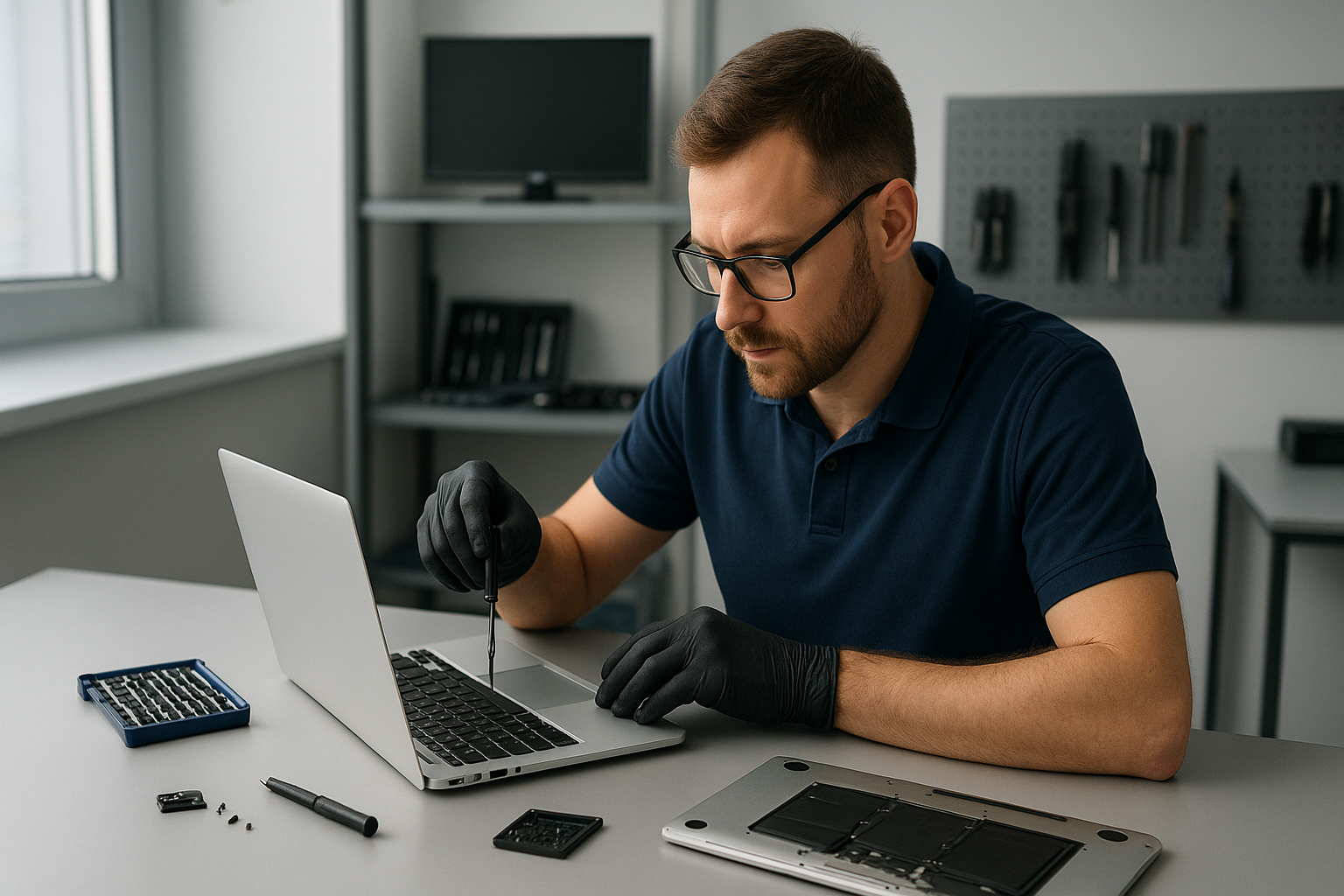
I have more than 15 years of hands-on experience repairing Apple laptops. If you need a MacBook screen replacement Surrey, I diagnose the issue quickly, explain options, and complete the repair with professional grade parts and tools.

Why Moe Repair for MacBook screen replacement Surrey

Our Coquitlam workshop and mobile service cover Surrey and the surrounding areas. We repair MacBook Pro and MacBook Air displays, including Retina and non-Retina models. In addition, we handle battery replacement, SSD upgrades, motherboard repair, and liquid damage repair.

First, we inspect the MacBook visually. Next, we run diagnostics to confirm whether the issue is the LCD, backlight, display cable, or graphics output. Then, we provide a clear quote, and get your approval before proceeding.

Common symptoms that indicate a screen problem

Common failure symptoms I see include a cracked glass, vertical or horizontal lines, black or white screens, flickering, dim backlight, or dead pixels. Sometimes the display is fine but the hinge, trackpad, or keyboard has physical damage. Additionally, liquid spills cause corrosion affecting the display connector.

Our realistic diagnostic steps

First, I power on the MacBook and note boot behavior. Then, I connect an external monitor to check if the GPU sends a signal. If the external display works, the issue is likely the screen assembly or cable. If the external display shows the same problem, I inspect the logic board and graphics chip.

Next, I open the bottom case, disconnect the battery for safety, and check the display cable for damage or a loose connection. I test the backlight with a flashlight to determine if the LCD is receiving power. Finally, I record part numbers to order the correct replacement display or glass.

Typical repair procedure

I follow a careful procedure. First, I disconnect power and ground myself to avoid static damage. Then, I remove the bottom case, keyboard or top case if required, and detach the display hinges. Next, I remove the display assembly, separate the glass from the LCD if we are replacing only the glass, or replace the full assembly when necessary.

After installing the new screen, I reconnect the display cable, secure the hinges, and run a full functional test. I check the backlight, color calibration, webcam, Wi-Fi antenna routing, and hinge tension. Then, I reinstall the case, run a thermal and performance check, and update system software if needed.

How long does a MacBook screen replacement Surrey take?

Turnaround depends on parts availability. For common MacBook Pro and MacBook Air models we carry parts and offer same-day or next-day service. For Retina LCDs or older models, it can take one to two days. For rare parts, we source them quickly from trusted suppliers.

Genuine parts and warranty

We use high-quality OEM and vetted OEM-equivalent displays. All screen replacements include a warranty on parts and labor. Additionally, we stand ready to perform follow-up checks, and handle related issues like trackpad repair, keyboard replacement, or battery replacement if discovered during diagnostics.

Pricing and saving tips

Price varies by model and component. For example, a MacBook Air glass-only replacement is cheaper than a full Retina display assembly. First, we diagnose the root cause. Then, we suggest the most cost effective, long-term solution. For many customers, an SSD upgrade and a computer tune-up after repair extends laptop life and improves performance.

Working across the Lower Mainland

We serve Surrey, Coquitlam, Burnaby, Vancouver, Richmond, New Westminster, Maple Ridge, Port Moody, Port Coquitlam, Pitt Meadows, Langley, Delta, North Vancouver, West Vancouver, White Rock, Abbotsford, Mission, and Chilliwack.

Whether you need a straightforward MacBook screen replacement Surrey, or additional services like data recovery, virus removal, Windows installation, motherboard repair, gaming PC repair, laptop fan replacement, or thermal paste replacement, we can help. We also offer trackpad repair and keyboard replacement as part of display service when needed.

Practical advice for customers

If your MacBook screen is cracked do not press hard on the glass, because pressure can spread damage to the LCD. If you spilled liquid, power off immediately and avoid charging the laptop. Bring the device in as soon as possible for liquid damage repair, because early intervention greatly increases recovery success.

Back up your data before any repair if possible. If you cannot access the drive, we offer data recovery services. For best results, avoid DIY fixes that risk voiding warranties or causing further damage.

What to expect when you contact Moe Repair

Call or email to describe the issue. Provide your MacBook model and visible symptoms. We will advise initial steps, confirm appointment availability, and estimate costs. During repair, we keep you informed, and we test the machine thoroughly before returning it to you.

Moe Repair
Phone: 778-951-4872
Email: service@moerepair.ca
Contact us today for reliable MacBook screen replacement Surrey, expert MacBook repair, and friendly service from a senior technician.