Hi, How Can We Help You?
  • 203-504 Cottonwood Ave, Coquitlam
  • service@moerepair.ca
  • +1 (778) 951-4872

Author Archives: moe

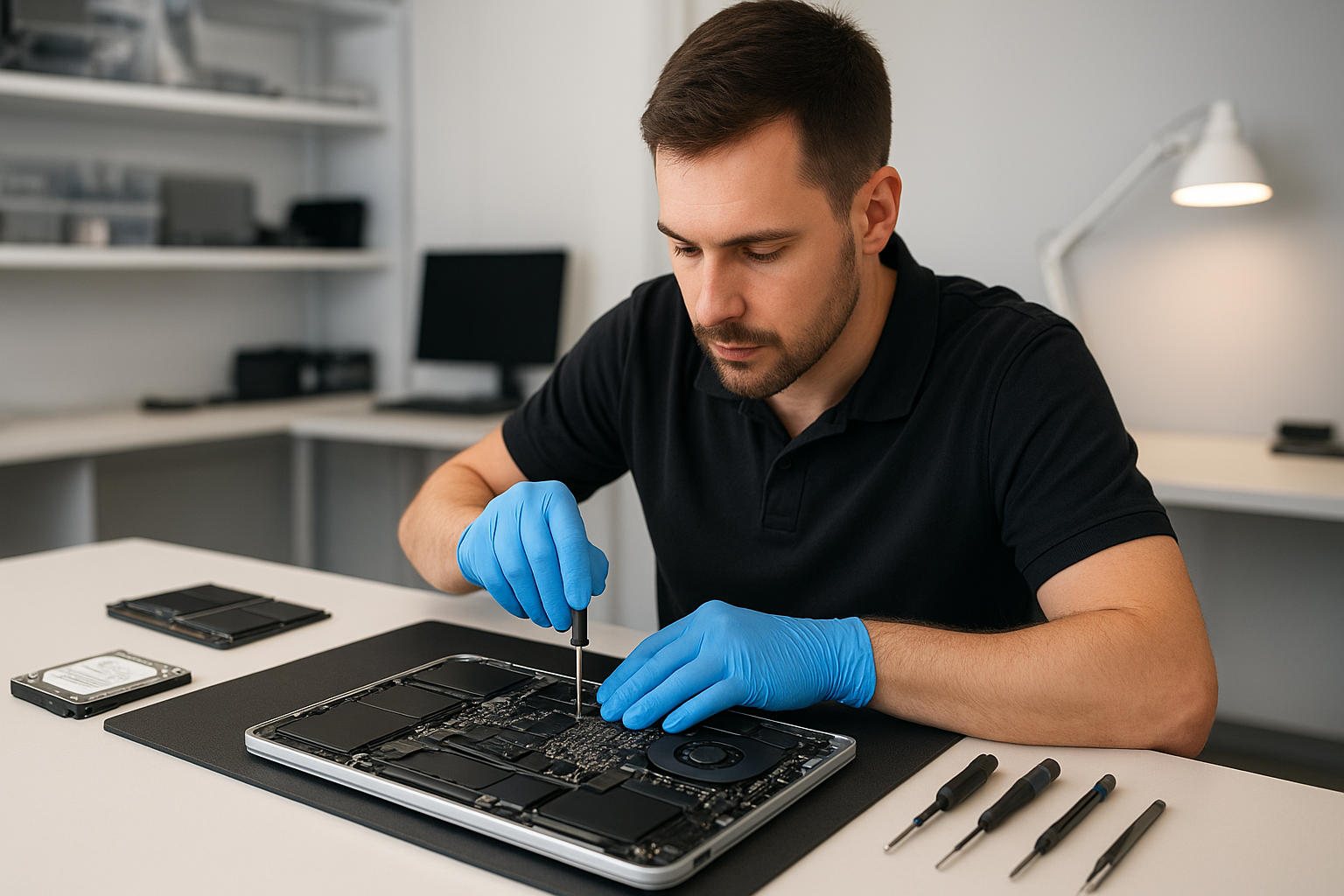
MacBook liquid damage repair Burnaby: fast, experienced board-level service

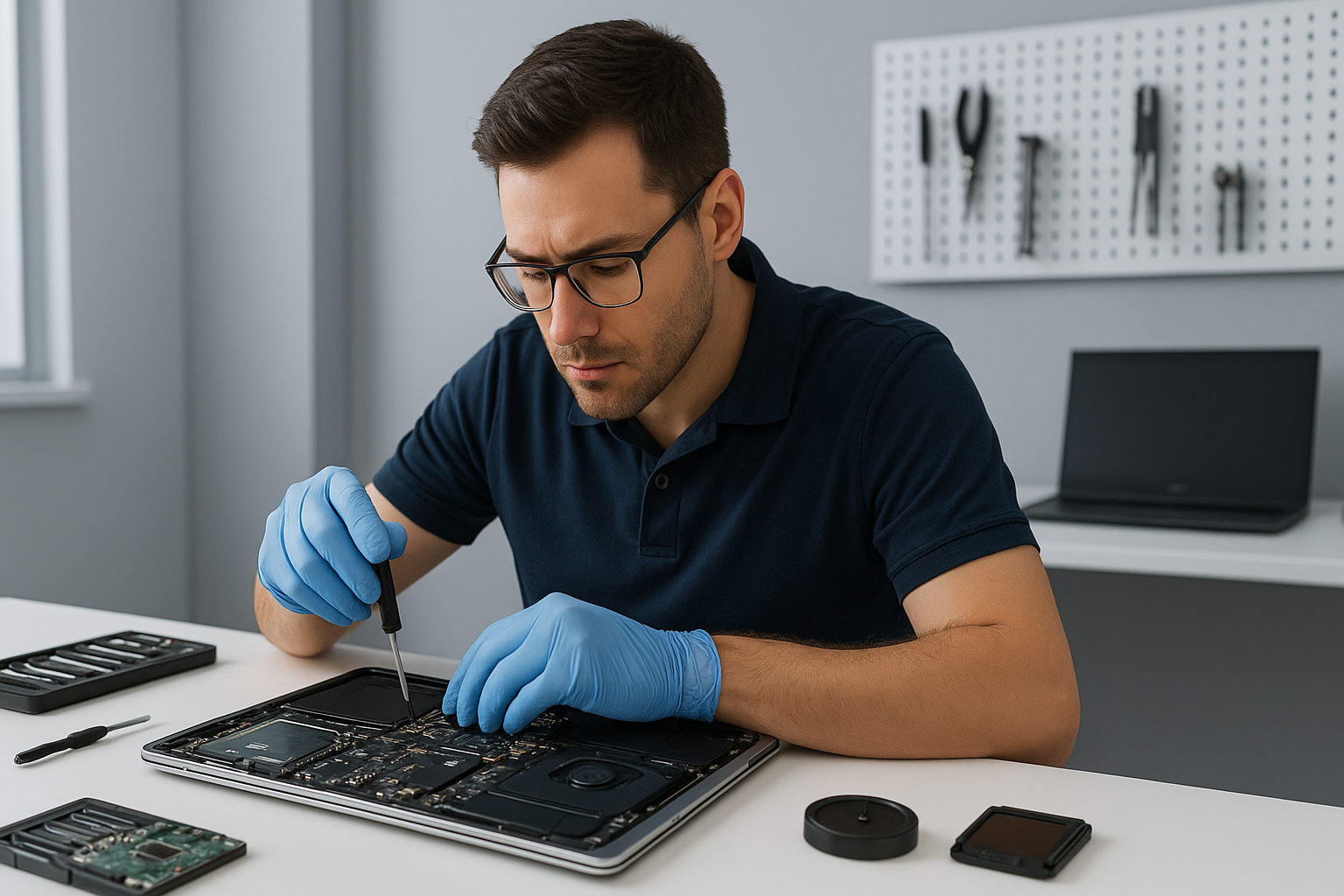
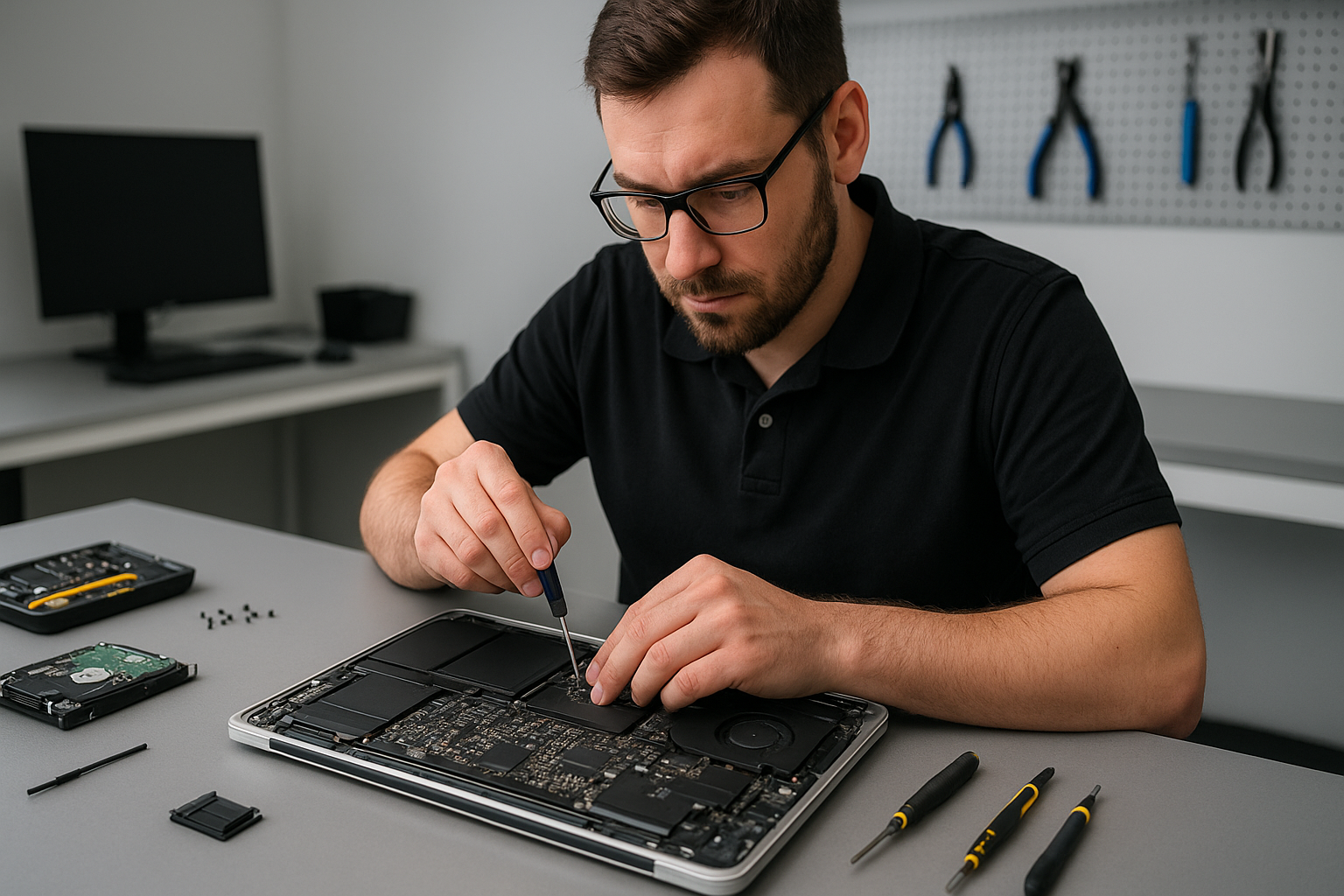
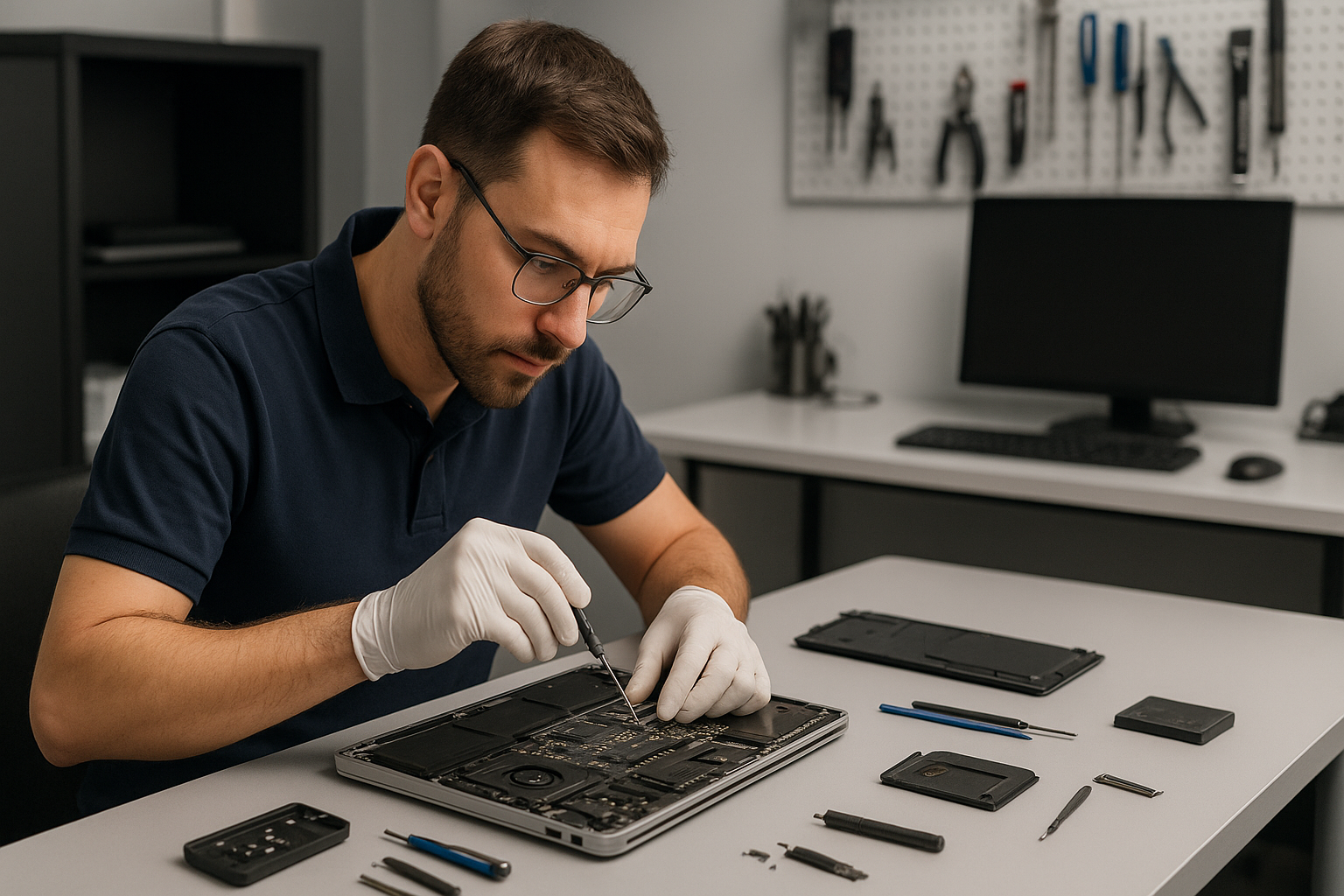
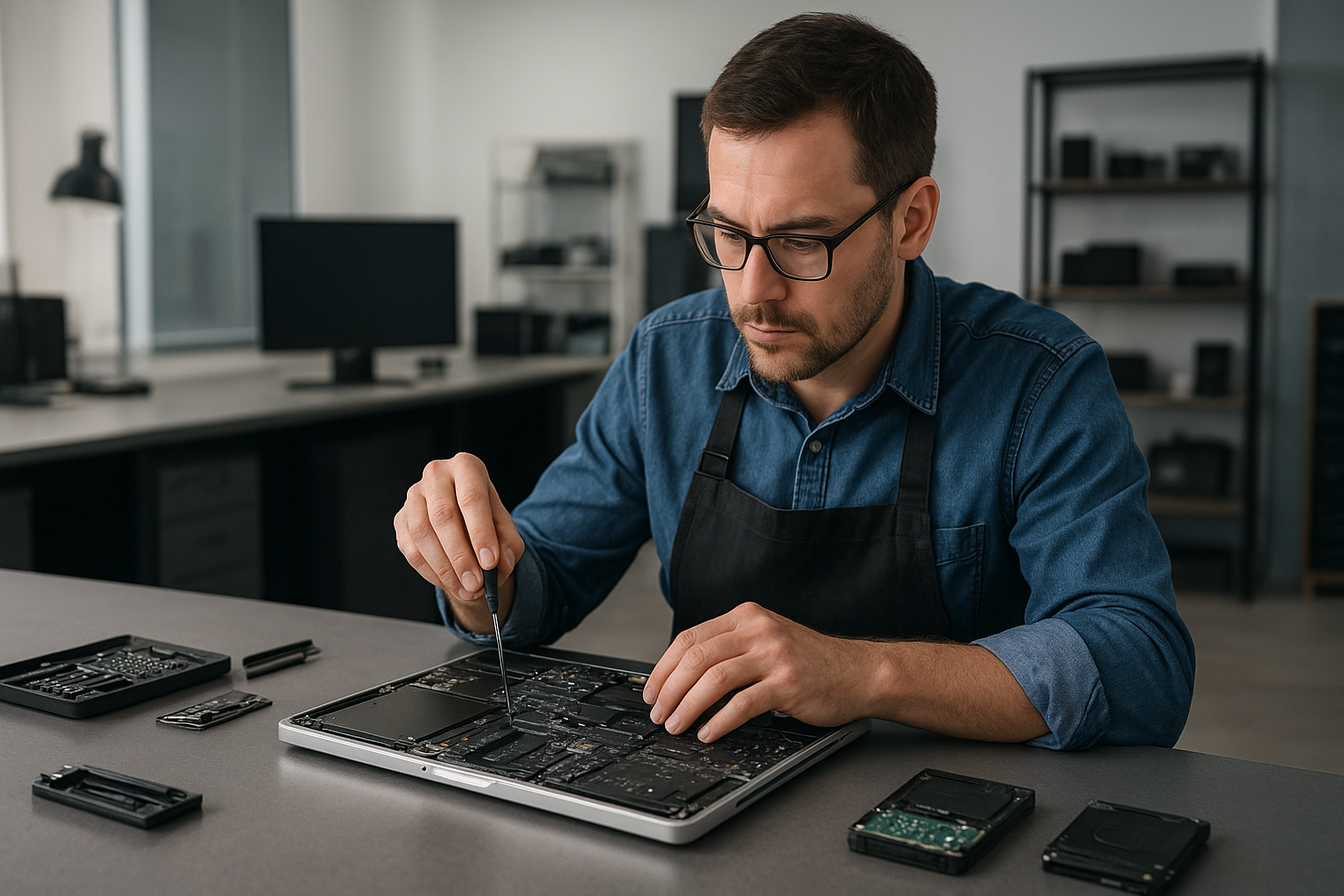
If you need MacBook liquid damage repair Burnaby, you want a technician who has seen serious corrosion, healed shorted circuits, and recovered lost photos, documents, and projects. I am a senior computer repair technician with more than 15 years of hands-on experience. At Moe Repair, I diagnose spills quickly, explain realistic repair options, and perform board-level fixes when necessary.

Why quick action matters for MacBook liquid damage repair Burnaby

Liquid conducts electricity, therefore immediate steps matter. If your MacBook got a spill, shut it down, unplug the charger, and do not try to power it on. That reduces further shorts and permanent damage. Bring the laptop in as soon as possible for professional liquid damage repair, otherwise corrosion can spread to the motherboard and connectors.

Common symptoms of liquid damage

Customers often report these signs. The MacBook will not turn on. It may show flickering, unexpected shutdowns, or boot loops. You might see the keyboard or trackpad acting erratically. The screen may have lines or fail to display. Sometimes the battery drains fast after a spill, or the charging circuit stops working. We also see sticky keys, fan running full speed, and symptoms that suggest SSD or data corruption.

Practical first steps before you come to Moe Repair

First, power off and remove external devices. Second, place the MacBook on a dry, flat surface and tilt it to drain liquid away from the keyboard. Do not use a hair dryer. Do not attempt to disassemble unless you have the right tools and ESD precautions. Finally, contact Moe Repair for a rapid drop-off or mail-in service.

What we inspect during MacBook liquid damage repair Burnaby

We follow a standard, thorough process. First, we document visible corrosion and take internal photos. Next, we perform a no-power inspection, looking at connectors, battery, SSD, and the logic board. Then, we clean contamination with isopropyl alcohol under magnification, remove corrosion, and replace damaged components when needed. Finally, we test power rails, charging circuits, keyboard, trackpad, and display.

Realistic repair procedures we perform

Often, cleaning and replacing a few components fixes the issue. We remove the logic board, ultrasonic clean persistent residues, and reflow or replace corroded chips. If the charging IC or power rail is damaged, we perform board-level soldering repairs. We also replace affected parts such as the battery, keyboard, trackpad, or display. For storage failure, we offer SSD upgrades and data recovery. For customers who use Windows on their Mac, we can reinstall Windows or migrate data safely.

Diagnostics and testing

We use bench power supplies, thermal cameras, and multimeters. First, we check power rails off the board. Then, we apply limited power to observe current draw. We use schematic-based troubleshooting to isolate faults. After repairs, we run extended stress tests, thermal paste replacement if necessary, and a full computer tune-up so your MacBook runs reliably.

How much will MacBook liquid damage repair Burnaby cost?

Cost varies. Simple cleaning and a keyboard replacement cost less than board-level IC replacement. We provide an upfront estimate after diagnostics. Importantly, we offer data recovery quotes separately, because recovering photos and files can require special hardware and time. We will never perform unnecessary repairs, and we explain repair, replacement, and data recovery tradeoffs clearly.

Other services you can get at Moe Repair

Along with liquid damage repair, we offer MacBook repair, laptop repair, screen replacement, battery replacement, SSD upgrades, motherboard repair, keyboard replacement, trackpad repair, laptop fan replacement, thermal paste replacement, virus removal, Windows installation, gaming PC repair, and computer tune-up. We help customers across Coquitlam, Burnaby, Vancouver, Surrey, Richmond, and nearby cities.

Data safety and recovery

We focus on preserving your data first. When a drive shows errors after a spill, we isolate the SSD and image it in a clean lab environment. If imaging succeeds, we recover user files and restore them to a new SSD or external drive. If the SSD has physical damage, we consult with specialized recovery partners. We always explain the chances of success and costs beforehand.

Why choose Moe Repair in Burnaby and the Lower Mainland?

I bring 15 years of hands-on experience with board-level Mac repair. We use professional tools, clean workspace practices, and OEM-quality parts where possible. We serve customers from New Westminster, Maple Ridge, Port Moody, Port Coquitlam, Pitt Meadows, Langley, Delta, North Vancouver, West Vancouver, White Rock, Abbotsford, Mission, Chilliwack, and beyond. We stand by our work, and we communicate clearly every step of the way.

Contact us for MacBook liquid damage repair Burnaby

Do not wait. Bring your MacBook in for immediate diagnostics, or call us for advice. We will triage the device, give a transparent estimate, and start repairs after your approval. Moe Repair handles urgent board repair and full rebuilds. We also perform virus removal, screen replacement, battery replacement, and full system upgrades.

Moe Repair
Phone: 778-951-4872
Email: service@moerepair.ca

We accept walk-ins and booked appointments. Meanwhile, if your MacBook shows any symptoms after a spill, power it down and reach out to us right away. Fast, precise action increases the chance of a full recovery.
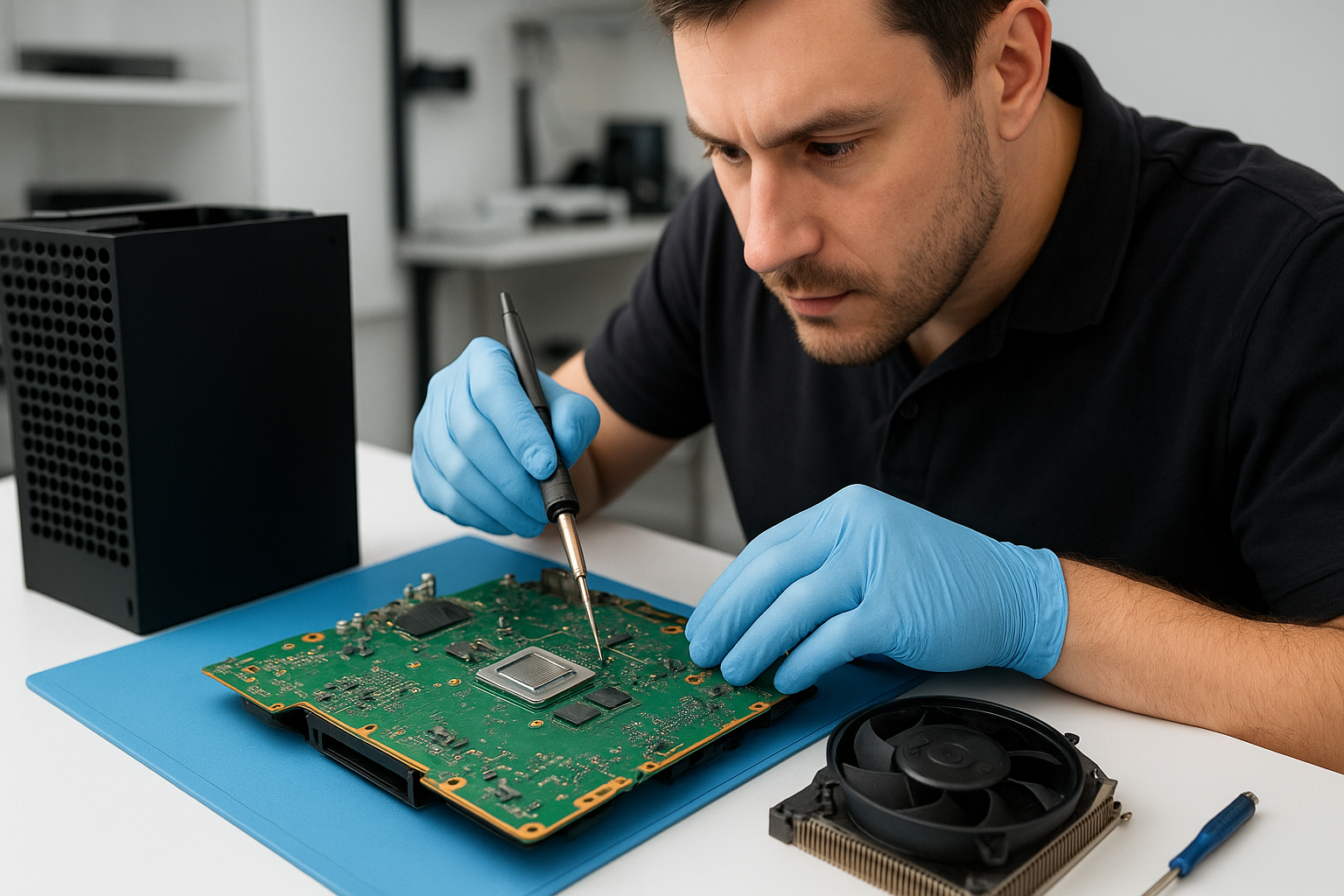
MacBook repair Surrey: Senior Technician Services

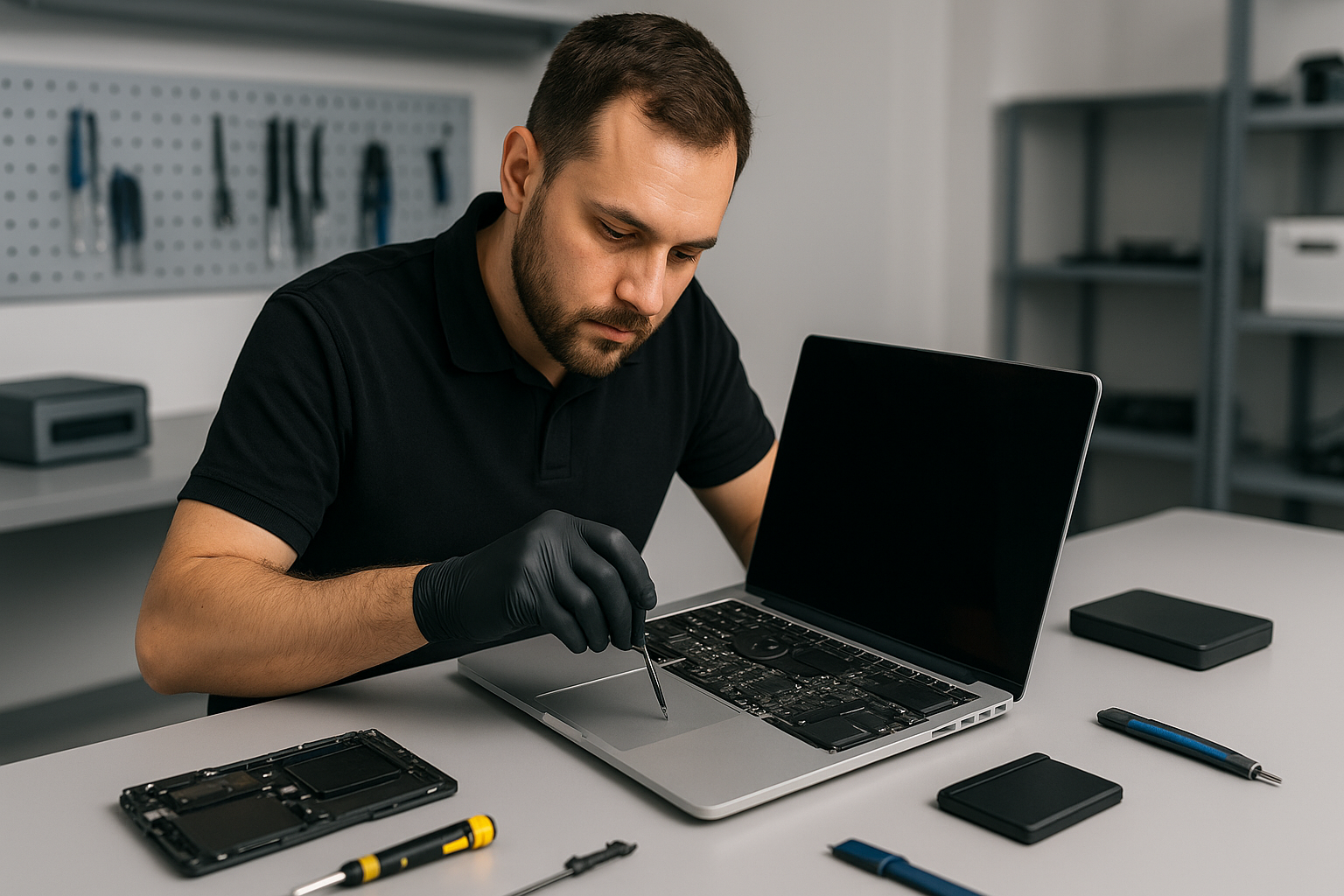
I have worked on Apple laptops for more than 15 years, and I understand how critical a reliable Mac is to your work and life. If you need MacBook repair Surrey, I diagnose issues fast, explain options clearly, and repair your machine with professional parts and techniques.

MacBook repair Surrey — Common symptoms I see

Customers bring Macs showing many warning signs. Typical symptoms include no power, swollen battery, cracked screen, sticky or unresponsive keyboard, intermittent trackpad, noisy fans, frequent crashes, data loss, or the machine failing to boot. Liquid damage and motherboard faults appear often after spills or drops.

Real diagnostic steps I perform

First, I perform a visual inspection, looking for corrosion, dents and burn marks. Then, I verify power delivery using a MagSafe or USB-C adapter and a known good cable. Next, I run Apple diagnostics and check the SMC and NVRAM settings when appropriate.

For battery issues, I run cycle count and health reports, and check charging circuitry with a multimeter. For a non-booting Mac, I isolate the SSD by placing it into an external enclosure to confirm the drive is readable. If the SSD is fine, I examine the logic board for blown capacitors, burned traces, or loose connectors.

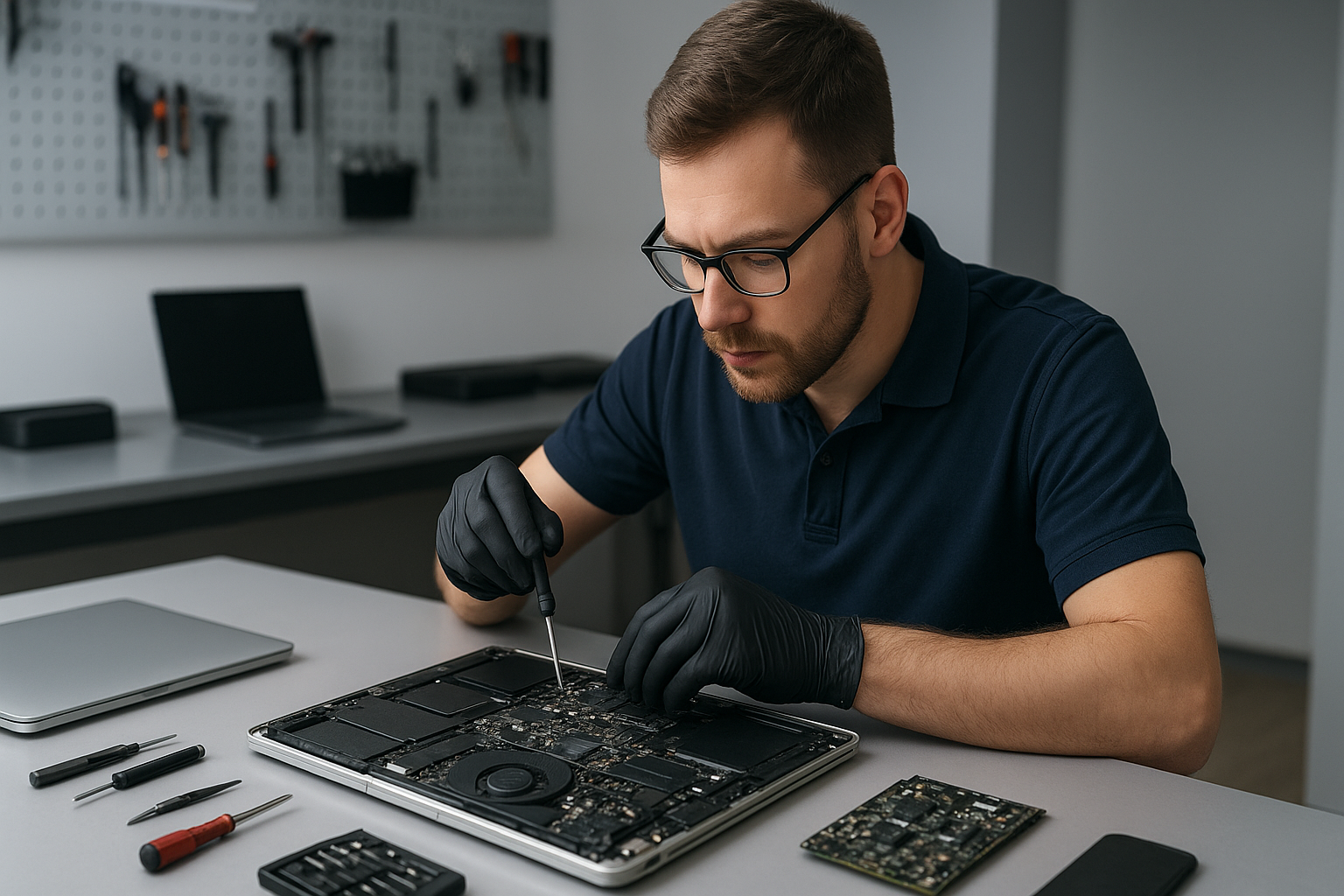
When the screen flickers or shows lines, I test with an external monitor to determine if the issue is the display assembly or the GPU/logic board. For liquid damage, I open the case, document corrosion patterns, clean connectors with isopropyl alcohol under magnification, and bench-test with minimal components.

Real repair procedures I use

Screen replacement: I power down, disconnect the battery, remove the damaged display assembly, transfer any required sensors or camera modules, and install a high-quality replacement. I test brightness, color, and the camera before resealing the case.

Battery replacement: I remove the bottom case, detach the battery connector, and carefully remove adhesive with gentle heat and plastic tools. I install an OEM-grade or premium third-party battery, calibrate charge reporting, and verify safe charging behavior.

SSD upgrades and data recovery: I clone drives using industry tools when possible. If the SSD shows logical failure, I perform wear-level and health checks, attempt cloning sector-by-sector, and if needed, escalate to a data recovery lab. For fusion or proprietary Apple storage, I advise immediate backup and professional handling to maximize success.

Motherboard repair: I diagnose power rails and signal lines, replace blown MOSFETs, reball chips where necessary, and reflow components under controlled conditions. I document results with serial logs and provide a clear warranty on repairs I complete.

Why choose Moe Repair for MacBook repair Surrey

As a senior technician I emphasize honest diagnoses and repair longevity. I provide detailed quotes, explain repair vs replacement trade offs, and list parts and labor warranties. In addition to MacBook repair, Moe Repair offers laptop repair, gaming PC repair and Windows installation for dual-boot setups.

We also perform virus removal, computer tune-up, thermal paste replacement, laptop fan replacement and keyboard replacement. If you live in Coquitlam, Burnaby, Vancouver, Richmond, New Westminster, Maple Ridge, Port Moody, Port Coquitlam, Pitt Meadows, Langley, Delta, North Vancouver, West Vancouver, White Rock, Abbotsford, Mission or Chilliwack, we can help you quickly.

Turnaround times and parts

Minor repairs like battery replacement, keyboard replacement or trackpad repair often complete same day. Screen replacements and motherboard repairs typically take one to three days depending on parts and diagnostic depth. SSD upgrades and data recovery depend on data volume and drive condition, but I provide status updates throughout.

Practical advice to avoid further damage

If your Mac has liquid exposure, power it off immediately, disconnect power, and bring it in without attempting to boot. For cracked screens, avoid using excessive pressure which can damage the digitizer. Back up your data frequently, ideally using Time Machine or cloud backups, and keep firmware and macOS updated to reduce security issues.

Service highlights and what I fix

  • Screen replacement and cracked display repairs
  • Battery replacement and charging circuit repairs
  • Data recovery from SSDs and corrupted drives
  • Liquid damage repair and corrosion cleaning
  • Motherboard repair and component level soldering
  • SSD upgrades and Windows installation
  • Keyboard replacement and trackpad repair
  • Laptop fan replacement and thermal paste replacement
  • Virus removal and computer tune-up
  • Gaming PC repair and general laptop repair

I keep spare parts on hand for many MacBook models, and I source OEM or high-quality alternatives when originals are discontinued.

Transparent pricing and warranty

I provide an itemized estimate before starting work. Repairs include a parts and labor warranty. For complex motherboard repairs I explain risk, success rates and offer alternatives like SSD cloning and data extraction when cost-effective.

How to get started with MacBook repair Surrey

First, call or email Moe Repair to describe symptoms. Please include your Mac model and serial number if possible. Bring your Mac to our shop or arrange a local drop off. I perform a thorough diagnostic and provide a clear quote before any work begins.

Contact details:

Moe Repair
Phone: 778-951-4872
Email: service@moerepair.ca

We serve Surrey and the surrounding areas including Coquitlam, Burnaby, Vancouver, Richmond, New Westminster, Maple Ridge, Port Moody, Port Coquitlam, Pitt Meadows, Langley, Delta, North Vancouver, West Vancouver, White Rock, Abbotsford, Mission and Chilliwack.

Final note from a senior technician

I approach every Mac with careful diagnostics, proven repair methods and respect for your data. If you need MacBook repair Surrey, contact Moe Repair today. I will explain the fix, show you the faulty components when helpful, and get your Mac back to reliable service.

Xbox Series X overheating repair Coquitlam

Professional Console Repair and Maintenance

At Moe Repair in Coquitlam we specialise in diagnosing and repairing overheating problems for gaming consoles of all kinds. While our headline focus is Xbox Series X overheating repair Coquitlam, our experience spans Xbox Series S and the full PlayStation family including PS5, PS5 Slim and PS5 Pro. For more complex issues that interact with your home PC or laptop, we also provide computer repair in Coquitlam, laptop repair in Coquitlam, and MacBook repair in Coquitlam. If you need a quick question answered or to book a diagnostic, please contact Moe Repair.

PS5 Liquid Metal Replacement

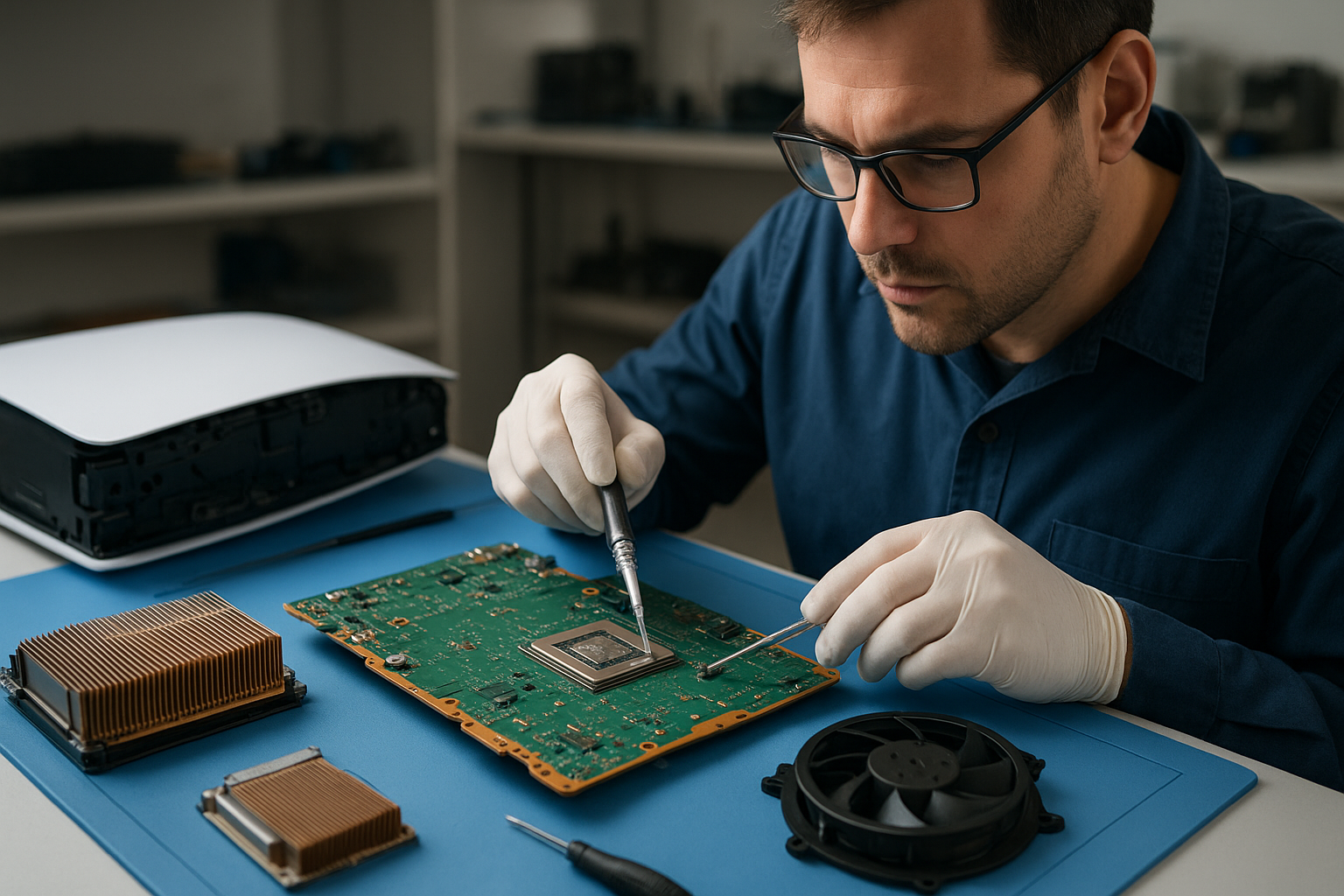
Although this page targets Xbox Series X overheating repair Coquitlam, many thermal management techniques overlap between systems. One high-impact service we offer for PS5 systems is liquid metal replacement on the CPU/GPU heat spreader. Over time, original thermal paste can dry out, and for PS5 variants (including PS5 Slim and PS5 Pro) upgraded liquid metal improves heat transfer, reduces peak temperatures, and prolongs component life. We only perform liquid metal work in controlled conditions with insulated application to prevent shorts, and we test thoroughly before returning the console.

Console Cleaning and Dust Removal

Dust buildup is the most common cause of overheating and loud fan noise. Our cleaning service includes full disassembly, compressed-air dust removal, careful brush cleaning of heatsinks and fan blades, and vacuum extraction. We service both Xbox Series X and Xbox Series S models as well as PS5 consoles. Regular dust removal prevents thermal throttling, reduces random shutdowns, and keeps your system running quietly in Coquitlam, Burnaby, Port Moody, Port Coquitlam, New Westminster, and Maple Ridge.

Console Overheating Repair

Overheating repair begins with a thorough diagnostic: thermal imaging, temperature logging under load, and visual inspection for dust, degraded thermal paste, or damaged cooling components. For Xbox Series X overheating repair in Coquitlam we commonly perform fan cleaning or replacement, heatsink re-seating, thermal paste re-application, and board-level repairs when required. We prioritise non-destructive solutions first, escalating to component-level fixes only when necessary.

Signs Your Console Needs Service

Watch for these warning signs of heat-related failure: loud fan noise, inconsistent fan speeds, random shutdowns, message warnings about temperature, system performance drops, or the console feeling unusually hot to the touch. These symptoms are common across PS5, PS5 Pro, PS5 Slim, Xbox Series X, and Xbox Series S. If you’re in Coquitlam or nearby (Burnaby, Port Moody, Port Coquitlam, New Westminster, Maple Ridge), bring your console in early — catching issues sooner often keeps the repair simple and affordable.

Why Thermal Management Matters

Effective thermal management preserves performance and avoids permanent damage. A console that runs hot will throttle CPU/GPU performance, shorten component lifespan, and increase the risk of solder joint failure or warped boards. Our approach at Moe Repair combines preventive maintenance (dust removal, fan cleaning), thermal compound upgrades (including professional-grade thermal paste and liquid metal for PS5 where appropriate), and firmware/BIOS checks to ensure the system’s cooling profiles are functioning correctly.

Gaming Consoles We Service

We service a wide range of consoles for local gamers in Coquitlam and surrounding cities. Our core services include:

  • Xbox Series X — diagnostics, fan replacement, heatsink repairs, thermal paste re-application and more.
  • Xbox Series S — compact cooling solutions and dust removal for small-form-factor designs.
  • PS5, PS5 Slim, PS5 Pro — cleaning, fan servicing, and PS5 liquid metal replacement where beneficial.
  • Older consoles — retro cleaning and maintenance to keep legacy systems playable.

Why Choose Moe Repair

With over 15 years of hands-on repair experience at our Coquitlam location, we understand the local gaming community and the specific environmental factors that affect consoles here — such as seasonal dust and indoor heating patterns. Our technicians use professional diagnostic tools, thermal imaging, and factory-grade parts. We offer transparent pricing, fast turnaround, and warranty on our repairs. Whether you’re a competitive player in New Westminster or a family gamer in Port Coquitlam, our goal is a reliable, quiet console that performs like new.

Frequently Asked Questions

How long does an overheating diagnostic and repair take?

Most diagnostics take 30–60 minutes. Simple cleaning and fan cleaning can often be completed the same day; more complex repairs like board-level work or PS5 liquid metal replacement can take 1–3 business days depending on parts availability.

Do you recommend liquid metal for all PS5 consoles?

Not always. Liquid metal provides superior thermal conductivity but requires careful application and insulation. We recommend it for PS5 consoles with sustained high temperatures or for owners seeking maximum thermal performance (e.g., heavy multiplayer or streaming setups). We evaluate each console individually during diagnostics.

Will cleaning my console void the warranty?

If you open the console yourself and break warranty seals, it may void the manufacturer warranty. Bringing the console to a professional shop like Moe Repair avoids accidental damage and we document all work done. We provide a service receipt and warranty on our repairs.

Can a noisy fan be fixed without replacing it?

Often yes. Many noisy fans are simply clogged with dust or have worn lubrication. Our fan cleaning and bearing service can quiet a fan in many cases. If the fan is physically damaged or the motor has failed, we recommend replacement with a high-quality OEM-equivalent part.

Do you service consoles from nearby cities?

Absolutely. We serve gamers in Coquitlam and surrounding areas including Burnaby, Port Moody, Port Coquitlam, New Westminster, and Maple Ridge. Drop-off or ship-in options are available; contact us for details.

Real Repair Example

Customer: Local Coquitlam PS5 owner reporting frequent random shutdowns and loud fan noise after 2 years of heavy use.

Initial symptoms: console would run for 10–20 minutes under load then shut down, fans spiked to maximum RPM and remained noisy. The customer had not opened the console previously.

Diagnostic process: we performed a visual inspection, removed covers, and used thermal imaging and temperature logging while running a standard stress test. The results showed a GPU hotspot significantly above expected operating temperature and heavy dust accumulation in the intake and around the fan. Power rail voltages were within tolerance, so we focused on thermal path issues.

Service performed: full disassembly, complete dust removal using anti-static brushes and vacuum extraction, fan rotor cleaning and bearing lubrication test. We removed the stock thermal pad and inspected the thermal interface. Thermal paste had dried and was no longer conducting heat effectively. Given the client’s usage profile and the PS5 model, we recommended a controlled liquid metal replacement paired with a protective gasket on sensitive components. We swapped the thermal interface, reassembled, and re-tested under load.

Outcome: idle and load temperatures dropped by an average of 10–15°C, fan noise reduced significantly, and random shutdowns ceased. The client reported immediate improvement in game stability and quieter operation. We provided a 90-day service warranty on the thermal work.

Contact Moe Repair Today

Moe Repair

778-951-4872

service@moerepair.ca

If you’re experiencing issues with an Xbox Series X overheating in Coquitlam, or need PS5 liquid metal replacement, fan cleaning, or a full dust removal and thermal tune-up, call us at 778-951-4872 or contact Moe Repair online to book your diagnostic. Fast, local, and trusted by gamers across Coquitlam, Burnaby, Port Moody, Port Coquitlam, New Westminster, and Maple Ridge.

Data recovery Langley: Fast file recovery and hard drive repair

Data recovery Langley customers trust Moe Repair when a drive fails, files disappear, or a laptop will not boot. With more than 15 years of hands-on experience, I diagnose storage failures quickly and recover photos, documents, and business data reliably.

Data recovery Langley, what goes wrong and common symptoms

Hard drives and SSDs fail in predictable ways. You might see clicking or grinding noises from a hard disk, slow access times on an SSD, or repeated blue screens during Windows startup. Other common symptoms include inaccessible partitions, file corruption, accidental deletion, and drives that are not detected in the BIOS.

Clients often describe situations like a laptop that suffered liquid damage, a desktop that will not boot after a power surge, or an external hard drive that stopped spinning. I also handle RAID failures, USB drive corruption, and MacBook drives that experience file system errors.

First steps you should take

Stop using the drive immediately. Powering a failing disk can make mechanical damage worse. If a laptop has liquid damage, remove power and the battery and bring it in. For accidental deletion or format errors, avoid writing new files to the drive. That improves the chance of successful file restoration.

How Moe Repair diagnoses your drive

I start with a non-invasive inspection. I check SMART data, run sector scans, and evaluate the drive electronics. For logical failures I image the disk to a secure workstation, then perform file carving and recovery from the image. For mechanical issues I move to a clean bench with professional tools and, when necessary, replace the drive PCB or perform platter-level recovery in a controlled environment.

For RAID recovery, I document the array configuration, image the member disks, and reconstruct the array in software. For SSD recovery, I check the controller and firmware status before attempting block-level extraction. I provide full diagnostic reports so you understand the cause and the recovery steps.

What you can expect from our Data recovery Langley service

I aim for transparent pricing and realistic recovery estimates. Turnaround depends on the failure type. Logical recoveries often finish in 24 to 72 hours. Mechanical or RAID cases take longer, usually 3 to 7 days. I always try the least invasive methods first, then escalate as needed.

We recover data from:

  • Internal HDDs and SSDs
  • External hard drives and USB drives
  • Laptop and MacBook drives
  • RAID arrays and NAS systems
  • Damaged or liquid-exposed devices

We also provide related services like laptop repair, MacBook repair, screen replacement, battery replacement, virus removal, Windows installation, SSD upgrades, motherboard repair, and liquid damage repair. If your device needs hardware repair before recovery, we handle that in-house.

Realistic repair procedures I use

For logical errors I create a sector-by-sector image using a hardware imager. Then I run file system repairs on the image copy, not the original, to avoid further damage. For deleted files I use metadata analysis and file carving tools to reconstruct documents and images.

For mechanical failures I examine the PCB, check head assembly noise, and sometimes swap a donor PCB if the firmware allows. If a head replacement or platter transfer is required, I perform the work on a certified clean bench. These procedures follow industry best practices and maximize recovery success.

Practical advice to protect your data

First, back up regularly. Use at least one off-site backup or cloud solution, plus a local backup for speed. Second, avoid DIY recovery attempts that write to the failed disk. Third, replace aging drives proactively and consider SSD upgrades for performance and reliability. Finally, schedule routine computer tune-up and thermal paste replacement for laptops to prevent heat-related failures.

Why choose Moe Repair for Data recovery Langley

I bring 15 plus years of technical experience and a proven track record. I work with customers across Coquitlam, Burnaby, Vancouver, Surrey, Richmond, New Westminster, Maple Ridge, Port Moody, Port Coquitlam, Pitt Meadows, Langley, Delta, North Vancouver, West Vancouver, White Rock, Abbotsford, Mission, and Chilliwack.

My workshops use professional tools, controlled clean environments, and secure imaging systems to protect your data privacy. I also handle laptop fan replacement, thermal paste replacement, keyboard replacement, trackpad repair, screen replacement, and gaming PC repair when devices need both hardware and data attention.

Contact Moe Repair for a clear diagnosis and a plan to recover your files. I explain the likely outcome, costs, and timeline before any work begins.

Phone: 778-951-4872
Email: service@moerepair.ca

Common questions and next steps

If your device shows physical damage, unplug it and bring it to our shop. For non-physical failures, we often start with a remote consultation and then an in-person drop-off. I provide immediate guidance so you do not make changes that reduce recovery chances.

Remember, time matters with failing drives. Call Moe Repair as soon as you notice symptoms, and let a professional reduce the risk of permanent data loss.

Moe Repair recovers files, restores systems, and performs comprehensive hardware repairs. From Windows data recovery to Mac data recovery, SSD recovery to RAID recovery, we handle the full range of data loss scenarios.

Data recovery Burnaby: How Moe Repair restores lost data fast

As a senior computer repair technician with more than 15 years of hands-on experience, I know how devastating lost data can be. Data recovery Burnaby is one of our core specialties at Moe Repair. We recover photos, documents, business files, and entire partitions from HDDs, SSDs, and RAID arrays for customers across Burnaby and the Lower Mainland.

Why stop using the drive immediately

First, stop using the affected computer or external drive. Continued operation can overwrite the exact sectors that hold your missing files, reducing the chance of a successful recovery. For this reason, I always advise customers to power down their device and call us right away.

Common failure symptoms I see every week

You may notice several typical signs of data loss. Drives that produce clicking or grinding noises usually indicate mechanical failure. Drives that do not appear in BIOS or Disk Management suggest controller or connection problems. Slow performance, frequent file corruption, and blue screens often point to file system damage, malware infection, or failing sectors. Liquid damage and sudden power loss can cause motherboard and PCB faults. I diagnose each case carefully to avoid further harm.

Realistic diagnostic steps we perform

When you bring a device to Moe Repair in Burnaby, we follow a strict diagnostic routine. First, we document the symptoms and run noninvasive checks, including power and cable tests. Next, we connect the drive to dedicated diagnostic hardware to see whether the drive spins and whether the controller responds.

If the drive is accessible, we create a bit-for-bit image using specialized cloning tools. Cloning isolates the failing media so we can work on the copy, not the original. Then, we run sector scans to map bad areas, and use file system repair and recovery software to extract files. For complex cases, like RAID recovery or physical head failures, we use clean room techniques and partner with lab services when needed.

Repair procedures I recommend

For logical failures, such as accidental deletion, file system corruption, or virus-related damage, we attempt software recovery after imaging the drive. We deploy recovery suites that recover filenames, folder structure, and metadata where possible. For physical failures, like stuck heads or motor issues, we advise immediate professional intervention. If the PCB is burnt, we may perform a controlled PCB swap followed by firmware calibration.

In cases of liquid damage or severe mechanical failure, we either perform in-house repairs when feasible, or send the drive to our clean room partner. Throughout the process, we preserve chain of custody and maintain clear communication, so you know what to expect and how much time and cost the recovery will likely involve.

What you can do before contacting us

If you lose data, try not to run any repair utilities that write to the disk. Do not reformat, and do not reinstall the operating system. Instead, write down what happened, where the disk was used, and the symptoms you observed. This information helps our diagnostics. You can also back up any remaining accessible files to another drive while avoiding the damaged media.

Why choose Moe Repair for Data recovery Burnaby

I lead a team with deep experience across MacBook repair, laptop repair, SSD upgrades, motherboard repair, and thermal and fan maintenance. Because we handle a wide range of hardware repairs, we can often combine data recovery with repairs like screen replacement, battery replacement, or trackpad repair for laptops that also need service.

We serve Coquitlam, Burnaby, Vancouver, Surrey, Richmond, New Westminster, Maple Ridge, Port Moody, Port Coquitlam, Pitt Meadows, Langley, Delta, North Vancouver, West Vancouver, White Rock, Abbotsford, Mission, and Chilliwack. For gaming PC repair and workstation recovery, we use advanced diagnostics and cloning tools to retrieve large datasets safely.

Pricing, turnaround, and security

Prices depend on the failure type and recovery complexity. Simple logical recoveries often complete within 24 to 72 hours. Mechanical and RAID recoveries can take several days. We provide a clear estimate after a no-risk diagnostic. Additionally, we handle your data with strict confidentiality. We use secure storage and delete temporary images once you confirm successful recovery.

Real outcomes from real cases

Recently, I recovered years of family photos from a water-damaged laptop where the motherboard and storage were compromised. After isolating the SSD and cloning it, I reconstructed the file system and restored over 95 percent of the pictures. In another case, we rebuilt a failed 4-drive RAID for a small business in Burnaby, minimizing downtime and allowing the client to resume operations the next day.

Other repair services that help prevent data loss

We also offer preventive and complementary services to protect your data. These include computer tune-up, virus removal, Windows installation, SSD upgrades, disk cloning for backups, and regular maintenance like thermal paste replacement and laptop fan replacement. For MacBook repair and Mac data recovery, we handle specialized file systems and hardware repairs as well.

Finally, I recommend regular backups. Use a 3-2-1 backup strategy, with local and offsite copies. If you need help setting automated backups or selecting reliable external drives, we can set that up during a routine service visit.

For immediate help with Data recovery Burnaby, contact Moe Repair. Phone 778-951-4872, or email service@moerepair.ca. We provide transparent diagnostics and clear options for recovering your files.

Data recovery Abbotsford, Fast and Secure File Recovery by Moe Repair

As a senior technician with more than 15 years of hands-on experience, I understand how stressful data loss feels. At Moe Repair, we specialize in Data recovery Abbotsford for individuals and businesses. We recover photos, documents, email archives, databases and more from damaged or failing drives.

Data recovery Abbotsford: common symptoms and when to act

Recognizing failure early improves recovery chances. Common symptoms include clicking or grinding noises from a hard drive, drives not mounting, frequent crashes, corrupted files, slow access times, and BIOS or UEFI failing to detect the drive. Occasionally, liquid damage, accidental deletion, or a failed Windows installation causes data loss. When you see these signs, stop using the device immediately. Continuing to power a failing drive can worsen physical damage, and therefore lower success rates.

Initial diagnostic steps we take

First, we isolate the issue. We inspect the laptop or desktop for obvious physical damage, then connect the drive to a dedicated diagnostics station. We run SMART tests, check the file system, and use sector-level scanning tools. For SSDs, we look for controller faults and firmware issues. For RAID arrays, we analyze the configuration and reconstruct missing parity if possible. We always document the state and get your approval before proceeding.

Realistic repair procedures

For logical failures, we start with a sector-by-sector clone to a clean image. Then, we run file system repair tools and manual reconstruction to extract intact files. For physically damaged HDDs, we work with a certified cleanroom partner for head replacements or platter transfers. For SSDs with controller failure, we work with vendor tools and chip-off techniques when appropriate. For RAID, we rebuild the array virtually to avoid further writes. We never run destructive recovery steps without explicit consent.

Typical recovery timelines and success factors

Small logical recoveries often finish in a few hours. Complex physical recoveries can take several days. Success depends on damage type, prior use after failure, and drive condition. We provide an initial evaluation and a clear estimate so you know what to expect. Additionally, we prioritize urgent business recoveries when necessary.

Our practical, step-by-step diagnostics and customer advice

Step 1, stop using the device and unplug it. Step 2, note the symptoms and any recent events, such as power surges, drops, or liquid spills. Step 3, collect the device and contact Moe Repair for a free intake consultation. We will tell you whether to bring the laptop in, ship the drive, or leave the system powered off until we can assess it.

Also, create a list of priority files. This helps us focus on what matters most and can speed up delivery. Finally, keep backups to prevent future loss. We offer backup setup and cloud migration services as part of our computer tune-up and data protection work.

Services we use during recovery

We combine advanced tools and proven techniques. Our procedures often include drive cloning, file carving, metadata reconstruction, and manual folder repair. When needed, we perform thermal paste replacement, laptop fan replacement, battery replacement, or screen replacement so the device runs reliably after recovery. We also provide motherboard repair, liquid damage repair, keyboard replacement, trackpad repair, and more to make the device fully usable.

Related services

Beyond recovery, Moe Repair offers virus removal, Windows installation, SSD upgrades, MacBook repair, laptop repair, gaming PC repair, and comprehensive computer tune-up services. We focus on long-term reliability by recommending SSD upgrades, regular backups, and preventive maintenance.

Why choose Moe Repair in Abbotsford and the Lower Mainland

First, we have hands-on experience with HDD repair, SSD recovery, external drive recovery, RAID recovery, and file system repair. Second, we maintain strict data security practices. We work transparently and provide written estimates. Third, we serve Coquitlam, Burnaby, Vancouver, Surrey, Richmond, New Westminster, Maple Ridge, Port Moody, Port Coquitlam, Pitt Meadows, Langley, Delta, North Vancouver, West Vancouver, White Rock, Abbotsford, Mission, and Chilliwack.

Moreover, we use no-nonsense pricing and communicate clearly. When recovery is not possible, we explain why and provide alternatives. If you need file recovery after a failed Windows installation, or you face corrupted APFS or NTFS volumes, we have the tools and experience to help.

What to expect when you bring your device

We inspect your device, run non-invasive diagnostics, and then provide a plan. We offer secure onsite repairs for many issues, and if we require a cleanroom, we coordinate the transfer. We always attempt the least invasive method first, while preserving your data integrity. Once we recover files, we copy them to a secure external drive or encrypted storage, then guide you through a safe restore.

Contact Moe Repair for a fast, professional evaluation. Phone: 778-951-4872. Email: service@moerepair.ca. We deliver reliable data recovery Abbotsford customers trust, with honest diagnostics and proven techniques.

June 22, 2026

Data recovery Surrey

As a senior computer repair technician with more than 15 years of hands-on experience, I understand how stressful data loss feels. When you need Data recovery Surrey, you want a proven process, fast diagnostics, and a secure recovery plan. At Moe Repair, we handle everything from accidental deletion and corrupted drives, to SSD failure and RAID array problems.

Data recovery Surrey: common causes and symptoms

Hard drives and SSDs fail in two main ways, logical failure and physical failure. Logical failures include corrupted files, deleted partitions, and firmware issues. Physical failures include clicking sounds, overheating, liquid damage, and total drive failure. Typical symptoms are slow access, unreadable files, error messages, frequent crashes, and the system not recognizing the drive.

Common device types we recover

  • Laptops and MacBook repair cases with damaged internal drives.
  • Desktops and gaming PC repair drives, including SSD upgrades gone wrong.
  • External HDDs, USB sticks, NAS devices, and RAID arrays.

How we diagnose data loss

First, we perform a non-invasive visual inspection. Next, we connect drives to isolated diagnostic stations. We use power-limited adapters to prevent further damage. Then, we log error codes and SMART data to determine if the failure is logical or physical.

For logical issues, we attempt a sector-by-sector image. For physical issues, we evaluate for mechanical faults such as stuck heads or motor failure. If a cleanroom repair is required, we discuss options and costs before proceeding.

Realistic recovery procedures we use

We follow step-by-step methods that prioritize your data safety. First, create a forensic image of the failing drive using read-optimized tools. For degraded drives, we use ddrescue style imaging to preserve healthy sectors. Next, we analyze the image with file system tools to reconstruct partitions and recover files.

If a PCB swap or head replacement is necessary, we perform those repairs in a controlled environment. For RAID arrays, we rebuild the logical structure, extract metadata, then reconstruct files. For encrypted drives, we work with the customer to obtain credentials, then apply decryption after imaging.

Practical customer advice

  • Stop using the device immediately. Continued use risks overwriting recoverable data.
  • Do not open the drive yourself. Dust and static can make recovery impossible.
  • Bring the full device to the shop if possible, not just a single component.
  • Keep a backup plan. After recovery, we can set up automated backups or cloud sync solutions.

When to choose professional help

If you hear unusual noises, see corrupted files, or the drive is not detected, contact us without delay. DIY software can help with accidental deletion, however physical faults require hardware expertise. We provide transparent quotes before any invasive work.

Related services we provide

Beyond data recovery, Moe Repair offers laptop repair, MacBook repair, screen replacement, battery replacement, virus removal, Windows installation, SSD upgrades, motherboard repair, liquid damage repair, gaming PC repair, keyboard replacement, trackpad repair, laptop fan replacement, thermal paste replacement, and computer tune-up.

Turnaround times and pricing

Turnaround depends on damage type. Logical recoveries often complete within 24 to 72 hours. Physical recoveries that require parts or cleanroom work take longer. We provide an initial diagnostic estimate, then a firm quote. We only proceed after you approve the cost.

Why Moe Repair is the right choice in Surrey

We combine technical depth with practical experience. I have repaired thousands of drives, rebuilt RAID systems, and rescued files from water damaged laptops. We use modern tools, secure procedures, and we document every step so you can trust the process. We serve customers across Coquitlam, Burnaby, Vancouver, Surrey, Richmond, New Westminster, Maple Ridge, Port Moody, Port Coquitlam, Pitt Meadows, Langley, Delta, North Vancouver, West Vancouver, White Rock, Abbotsford, Mission, and Chilliwack.

Moe Repair

Phone: 778-951-4872

Email: [service@moerepair.ca](mailto:service@moerepair.ca)

Steps to take now

First, call 778-951-4872. Next, bring the device to our shop, or ship it with care. Do not attempt to power a failing drive repeatedly. Finally, ask for a diagnostic report and recovery plan before work begins.

We treat your files with confidentiality, and we offer follow-up services such as SSD upgrades, Windows installation, and computer tune-up to prevent future problems. Contact Moe Repair today for fast Data recovery Surrey by experienced technicians.

Xbox Series X thermal paste replacement Coquitlam

Professional Console Repair and Maintenance

At Moe Repair in Coquitlam, we specialize in console thermal management and preventative maintenance for a wide range of gaming systems. Whether you’re experiencing loud fan noise, overheating, random shutdowns, or performance issues, our certified technicians have 15+ years of experience repairing consoles from Xbox Series X and Series S to PS5, PS5 Slim and PS5 Pro. We serve gamers across Coquitlam and the surrounding communities including Burnaby, Port Moody, Port Coquitlam, New Westminster and Maple Ridge.

Our services include Xbox Series X thermal paste replacement Coquitlam residents trust, PS5 liquid metal replacement and inspection, fan cleaning, dust removal, and full diagnostic services. We focus on long-term thermal solutions so your console runs cooler, quieter and more reliably.

PS5 Liquid Metal Replacement

Although your primary search may be for Xbox Series X thermal paste replacement Coquitlam, many gamers also bring PS5 models in for advanced thermal work. For PS5, PS5 Slim and PS5 Pro, we offer professional liquid metal replacement for the IHS (integrated heat spreader) when appropriate. Liquid metal can offer superior thermal conductivity compared with traditional pastes, but it requires precise application, secure insulation of electrical contacts, and periodic inspection.

Our technicians evaluate whether liquid metal is the right solution based on the model, warranty status, and the console’s history. We provide full documentation of the process so you understand the benefits and trade-offs, and we always recommend the safest, most effective thermal management for your system.

Console Cleaning and Dust Removal

Dust buildup is one of the most common causes of overheating and loud fan noise. Our full console cleaning service includes safe disassembly, compressed-air dust removal, precision brush cleaning of heatsink fins and vents, and inspection of fan bearings and shrouds. We service all current platforms including Xbox Series X, Xbox Series S, PS5, PS5 Slim and PS5 Pro.

Cleaning services we offer:

  • Complete internal dust removal and debris cleaning
  • Fan cleaning and lubrication when necessary
  • Heat sink inspection and thermal paste or liquid metal assessment
  • Thermal pad replacement and reassembly with proper torque settings

Proper dust removal and fan cleaning often resolves loud fan noise and improves performance dramatically without more invasive procedures.

Console Overheating Repair

Overheating is not only annoying; it can cause thermal throttling, reduced frame rates, long load times, and in worst cases, hardware damage. Our overheating repair service includes a comprehensive diagnostic to identify whether the root cause is dust buildup, failing fans, degraded thermal paste, liquid metal issues on PS5, or more serious hardware faults.

Typical overheating repairs include:

  • Thermal paste replacement on Xbox Series X and Series S
  • Liquid metal reapplication or inspection on PS5 variants
  • Fan cleaning, repair or replacement
  • Thermal pad replacement and heatsink re-seating
  • Firmware checks and system stress testing

After each repair, we run controlled thermal and performance tests to verify that temperatures are within safe limits and that the system performs as expected.

Signs Your Console Needs Service

Watch for these symptoms — they often indicate the need for thermal work such as Xbox Series X thermal paste replacement Coquitlam owners request:

  • Loud or unusually frequent fan noise
  • Console feels hot to the touch, especially near vents
  • Random shutdowns during gameplay or long sessions
  • Performance drops, frame rate stutters or thermal throttling
  • High internal temperatures on diagnostic tools or reports

If you live in Coquitlam, Burnaby, Port Moody, Port Coquitlam, New Westminster or Maple Ridge and notice these signs, bring your console in early. Small issues like dust buildup and old thermal paste are much easier to resolve before they cause permanent damage.

Why Thermal Management Matters

Thermal management isn’t just about keeping a console quiet. It’s about preserving the life of the CPU, GPU, power delivery components and other sensitive parts that degrade faster when exposed to high temperatures for extended periods. Replacing thermal paste on an Xbox Series X can restore efficient heat transfer from the processor to the heatsink, reducing operating temperatures and preventing thermal throttling.

For PS5 models, a liquid metal option can provide improved heat conduction, but it requires experienced hands. Improper application can create electrical shorts or uneven cooling. At Moe Repair, our technicians follow manufacturer-safe procedures and use high-quality materials to ensure longevity and safety.

Gaming Consoles We Service

We service a broad range of consoles and models, including:

  • Xbox Series X — including thermal paste replacement and fan repairs
  • Xbox Series S — cleaning and thermal maintenance
  • PS5, PS5 Slim and PS5 Pro — liquid metal replacement, fan cleaning and more
  • Older Xbox and PlayStation models — cleaning, repairs and upgrade advice

Additionally, we offer computer and laptop services if your gaming setup needs broader support: computer repair in Coquitlam, laptop repair in Coquitlam, and MacBook repair in Coquitlam.

Why Choose Moe Repair

We’re locally owned and operated in Coquitlam with over 15 years of hands-on repair experience. We understand the local gaming community and provide transparent diagnostics, honest pricing and reliable follow-up. Customers from Burnaby, Port Moody, Port Coquitlam, New Westminster and Maple Ridge trust Moe Repair for fast turnaround and professional service.

Our process includes:

  • Careful pre-repair diagnostics and detailed estimates
  • Use of quality thermal pastes and materials
  • Clean workspace and anti-static procedures
  • Thermal and performance testing post-repair
  • Clear communication and warranty on parts and labor

Real Repair Example

Case: A PS5 Pro was brought in from Port Moody with repeated overheating, loud fan noise and occasional shutdowns after long sessions. Initial inspection showed heavy dust buildup in the intake and heatsink fins, and thermal readings showed CPU/GPU junction temperatures exceeding expected thresholds under load.

Diagnostic process:

  • Visual inspection and cleaning of exterior vents and filters
  • Safe disassembly to access the fan assembly and heatsink
  • Compressed-air dust removal, precision brushing and vacuuming of debris
  • Fan bearing inspection and spin-up testing — fan motor showed signs of wear
  • Thermal interface inspection — liquid metal application from original service had partially migrated and needed reapplication

Repair steps taken:

  • Full cleaning of heatsink and fan; replaced worn fan with OEM-equivalent part
  • Thorough removal of old liquid metal and cleaning of mating surfaces using isopropyl alcohol and lint-free swabs
  • Careful reapplication of fresh liquid metal using a controlled dot and spread method, with dielectric protection applied to nearby components
  • Reassembly using proper torque and verification of thermal pad placement
  • Post-repair stress testing with temperature logging over extended gameplay

Outcome: The PS5 Pro temperatures dropped to within manufacturer targets, fan speeds reduced and noise levels were significantly lower. The random shutdowns stopped, and frame rates stabilized during longer sessions. The customer reported improved reliability and quieter operation.

Frequently Asked Questions

How long does Xbox Series X thermal paste replacement take?

Turnaround varies, but standard thermal paste replacement typically takes 1-2 business days depending on our queue. We provide an estimated completion time when you contact Moe Repair.

Is liquid metal safe for my PS5 or should I stick with thermal paste?

Liquid metal can offer better thermal conductivity but requires precise application and insulation of electrical contacts. We evaluate each console individually and recommend the safest option.

Will replacing thermal paste void my warranty?

Modifying a console can affect manufacturer warranty. We discuss warranty considerations upfront and provide options. For many customers, out-of-warranty repair is the best path to restore performance.

Can cleaning the fan and dust removal fix loud fan noise?

Often yes. Dust buildup and debris are common causes of loud fans. If a fan bearing or motor is failing, we can replace the fan to restore quiet operation.

Do you provide service for consoles from nearby cities?

Yes. We serve Coquitlam, Burnaby, Port Moody, Port Coquitlam, New Westminster, Maple Ridge and nearby areas. Call or drop off your console for a diagnostic.

Contact Moe Repair Today

Moe Repair

Phone: 778-951-4872

Email: service@moerepair.ca

If you’re searching for Xbox Series X thermal paste replacement Coquitlam, or need PS5 liquid metal replacement, PS5 cleaning service, PS5 overheating repair, or any gaming console maintenance, visit us or contact Moe Repair to schedule a diagnostic. Fast, local, and reliable service for gamers across Coquitlam and the Lower Mainland.

MacBook repair Surrey: Expert MacBook service in Surrey

MacBook repair Surrey is what I do every day. As a senior technician with over 15 years of hands-on experience, I diagnose and fix Mac hardware and software issues quickly and reliably.

MacBook repair Surrey, common issues and what to expect

Customers bring MacBooks with screen flicker, won’t boot, sudden shutdowns, swollen batteries, or trackpad failures. I see liquid damage, keyboard failure, and corroded connectors after spills. Often a Mac is slow because the SSD is full or failing, or because the thermal paste and fan need attention. For gaming rigs and heavy workloads, I perform thermal paste replacement and fan replacement to prevent throttling.

Typical symptoms

  • Black screen on startup, or Apple logo not progressing
  • Flickering or cracked display, backlight problems
  • Battery drains fast, won’t hold charge, or bulging battery
  • Trackpad or keyboard not responding
  • Overheating and loud fan noise
  • Liquid in keyboard or sticky keys after a spill
  • Data inaccessible after crash, or ransomware symptoms

Realistic diagnostic steps I use

I start with a verified workflow. First, I ask about recent events, and then I run Apple Diagnostics or targeted hardware tests. Next, I check system logs, boot in safe mode, and try an external display for screen issues. For power issues, I measure SMC behavior, reset the SMC and NVRAM when appropriate, and check battery cycle counts.

If the MacBook shows kernel panics, I inspect connected devices and run a memory and SSD test. For suspected logic board faults, I visually inspect the board at high magnification for burned components or corrosion. I do voltage checks on power rails before recommending motherboard repair or component replacement.

Repair procedures I perform

For screen replacement, I remove the defective assembly, test the display cable, and install a high-quality replacement panel. Then, I calibrate brightness and test the camera and sensors.

For battery replacement, I remove the old battery, inspect the adhesive and case for damage, and install a new OEM-compatible battery. I verify battery health and charge cycles after installation.

For liquid damage repair, I power down immediately, remove power sources, disassemble the MacBook, and clean corrosion with isopropyl alcohol and specialized cleaners. I replace damaged connectors and perform board-level repairs when necessary. Often this prevents further shorting and data loss.

For data recovery, I attempt logical recovery first, using target disk mode or drive imaging. If a drive shows mechanical failure, I clone sectors using professional tools, and if needed, send the drive to a trusted lab for media-level recovery. We aim to recover photos, documents, and business files quickly.

For SSD upgrades, I recommend an SSD with the correct interface and thermal profile. I clone your existing drive, secure your data, and install the new drive with macOS installation and firmware updates. This often yields major performance gains on older MacBook Air and Pro models.

Motherboard and logic board repair

When the problem is a failed power IC, capacitor, or solder joint, I perform board-level diagnostics. That includes microscope inspection, micro-soldering, and component replacement. I will always explain the repair options and costs before proceeding.

Why choose Moe Repair for MacBook repair Surrey

I blend precise diagnostics with practical advice. I explain failure causes, outline repair steps, and present clear costs. My shop offers screen replacement, battery replacement, data recovery, virus removal, Windows installation on Macs when requested, SSD upgrades, motherboard repair, liquid damage repair, keyboard replacement, trackpad repair, laptop fan replacement, thermal paste replacement, and full computer tune-up services.

We serve customers across the Lower Mainland, including Coquitlam, Burnaby, Vancouver, Surrey, Richmond, New Westminster, Maple Ridge, Port Moody, Port Coquitlam, Pitt Meadows, Langley, Delta, North Vancouver, West Vancouver, White Rock, Abbotsford, Mission, and Chilliwack.

What I recommend to customers

Back up your data regularly, ideally using Time Machine and an offsite backup. If your MacBook shows odd noises or battery swelling, power it down and bring it in. Avoid trying to dry a wet MacBook with heat. Instead, power off and bring it to a technician immediately for liquid damage repair.

Also, avoid installing suspicious apps. For virus removal and system cleanup, I remove malware, clean startup items, and perform a secure tune-up. For performance problems, I test the SSD and memory first, then suggest SSD upgrades or macOS reinstall if needed.

Typical turnaround times and warranty

Minor repairs like battery or keyboard replacement often complete the same day. Screen replacement can take 1 to 2 days depending on parts. Board-level work can take several days. I provide a parts and labor warranty, and I explain terms before any work begins.

If you need fast, reliable MacBook repair Surrey, contact Moe Repair. We handle MacBook Pro and MacBook Air models, and we also repair laptops, desktops, and gaming PCs. Call or email to get a detailed estimate and diagnostic.

Moe Repair
Phone: 778-951-4872
Email: service@moerepair.ca

Console dust removal Coquitlam

Professional Console Repair and Maintenance

At Moe Repair in Coquitlam we specialize in professional console dust removal and full thermal maintenance for modern systems. Dust buildup is one of the most common causes of loud fan noise, overheating, random shutdowns and performance issues on consoles like the PS5, PS5 Slim, PS5 Pro, Xbox Series X and Xbox Series S. Our experienced technicians combine precise cleaning, fan service and advanced thermal work — including safe PS5 liquid metal replacement when required — to restore quiet, reliable operation.

PS5 Liquid Metal Replacement

Some PlayStation 5 models benefit from liquid metal thermal compound on the CPU to improve heat transfer and lower operating temperatures. At Moe Repair we only perform PS5 liquid metal replacement when diagnostics indicate thermal paste is degraded or when the unit has persistent overheating despite standard cleaning. We use industry-standard procedures to apply liquid metal safely, re-assemble thermal pads and test thermal sensors so your PS5, PS5 Slim or PS5 Pro leaves our bench stable and cool.

Console Cleaning and Dust Removal

Our PS5 cleaning service and general console dust removal routines include a full teardown (where applicable), compressed-air-safe dust extraction, coil and heatsink brushing, fan cleaning and bearing inspection, and replacement of worn fan components. For Xbox Series X and Series S consoles we focus on dust channels and vents, intake grills and blowers that commonly trap debris. Proper dust removal improves airflow and reduces the chance of hot spots that cause throttling and performance issues.

Console Overheating Repair

Overheating repair is often a multi-step process: diagnosis, targeted cleaning, component-level inspection, thermal compound replacement or upgrade, fan replacement if necessary, and comprehensive stress testing. Whether your PS5 is showing thermal throttling or an Xbox Series X suffers random shutdowns, our Coquitlam repair shop has the thermal management experience to find the root cause and apply a long-term fix.

Signs Your Console Needs Service

Watch for these common symptoms that indicate dust removal and thermal service is needed:

  • Loud fan noise under light load — excessive noise often means dust on fan blades or obstructed airflow.
  • Overheating warnings or high internal temperatures reported by the console.
  • Random shutdowns, crashes or system reboots during gameplay.
  • Reduced performance or framerate drops tied to longer play sessions.
  • Visible dust in vents, intake grills or around exhaust ports.

If you live in Coquitlam, Burnaby, Port Moody, Port Coquitlam, New Westminster or Maple Ridge and notice these issues, book a cleaning and inspection with us to avoid permanent damage to the CPU, GPU or power delivery components.

Why Thermal Management Matters

Thermal management affects the longevity and performance of modern consoles. When a console runs hot, manufacturers throttle the CPU or GPU to protect hardware, which leads to stuttering, longer load times and unstable frame rates. Excessive heat over months can degrade solder joints, thermal pads and the internal metalwork. Effective dust removal, fan maintenance and—if needed—upgraded thermal interface materials (including liquid metal on select PS5 units) deliver measurable improvements in temperature and noise levels.

Gaming Consoles We Service

We provide cleaning, dust removal and thermal repair services for:

  • PS5, PS5 Slim and PS5 Pro — full cleaning, fan replacement, thermal paste and liquid metal work.
  • Xbox Series X and Xbox Series S — dust removal, fan cleaning and thermal inspections.
  • Older and legacy consoles — when parts are available we offer cleaning and basic repairs to extend life.

Each model has its own disassembly steps and thermal characteristics. Our team keeps up with the latest repair guides and parts to give your console the best possible service in Coquitlam and surrounding areas.

Why Choose Moe Repair

With more than 15 years of hands-on experience repairing consoles, laptops and desktops, Moe Repair in Coquitlam provides trusted local service. We combine careful diagnostics with transparent pricing and clear communication. When you bring a system to us you get:

  • Detailed diagnostic testing and temperature monitoring.
  • Safe, ESD-conscious disassembly and cleaning procedures.
  • Quality parts and thermal materials, and the option for PS5 liquid metal replacement when appropriate.
  • Local pickup/drop-off and courteous, knowledgeable staff who serve Coquitlam, Burnaby, Port Moody, Port Coquitlam, New Westminster and Maple Ridge.

We also repair computers and laptops — see our other services such as computer repair in Coquitlam, laptop repair in Coquitlam and MacBook repair in Coquitlam for more details.

Real Repair Example

Case: A PS5 from a customer in Port Moody arrived with complaints of loud, constant fan noise, frequent random shutdowns and poor performance during extended play sessions.

Diagnostic process: We ran an initial temperature log under controlled load and observed CPU/GPU temperatures spiking well above normal after 20–30 minutes. Visual inspection showed significant dust accumulation in the intake chamber and a partially clogged heatsink. The fan bearings were slightly rough, and thermal paste looked dried at the CPU die.

Repair steps performed:

  1. Full teardown to access the heatsink, fan assembly and airflow channels.
  2. Compressed-air-safe dust extraction and manual brushing to remove compacted lint from vents and heatsink fins.
  3. Fan cleaning + bearing assessment; the fan was serviced and minor wobble corrected. When a noisy bearing persisted we replaced the fan with a new OEM-equivalent unit.
  4. Thermal inspection: removed old thermal paste, cleaned contact surfaces and assessed the need for liquid metal. Because the customer’s unit was a PS5 with a history of high temperatures, we recommended and applied liquid metal on the CPU while using high-quality thermal pads elsewhere.
  5. Reassembly and extended stress testing: monitored temps and fan curves for two hours. Temperatures fell by an average of 12–18°C under load, fan noise decreased significantly and no shutdowns occurred during testing.

Final outcome: The PS5 returned to the customer from Port Moody with far quieter operation, sustained performance and no further random shutdowns. We provided a thermal report and recommendations for keeping the unit clean at home.

Frequently Asked Questions

How often should I get console dust removal?

For most users, a professional cleaning every 12–18 months is sufficient. If you use your console heavily or have pets, consider service every 6–12 months to prevent dust buildup and overheating.

Does liquid metal void my PS5 warranty?

Applying liquid metal typically requires opening the console and can void manufacturer warranty. We discuss risks upfront and only recommend liquid metal when the asset is out of warranty or when benefits outweigh the risks. We provide service documentation for transparency.

Can I clean my console myself?

You can perform light exterior cleaning and vacuum around vents, but internal cleaning and fan servicing should be done by professionals. Improper disassembly or using high-pressure air can damage components or push dust deeper into the system.

Why does my console keep shutting down during games?

Random shutdowns are often caused by overheating, failing power components or blocked airflow. We perform diagnostics to determine if dust, fan failure or a deeper hardware issue is responsible and recommend repairs accordingly.

Do you offer same-day or expedited service in Coquitlam?

Depending on parts availability and workload we offer expedited options. Call us to check current turnaround times for PS5 fan replacements, liquid metal jobs or Xbox Series X/S cleanings.

Contact Moe Repair Today

Moe Repair

778-951-4872

service@moerepair.ca

Ready to book your console dust removal in Coquitlam? Schedule an appointment or contact Moe Repair for fast, professional service. We also provide computer repair in Coquitlam, laptop repair in Coquitlam and MacBook repair in Coquitlam if you have other devices that need attention.