
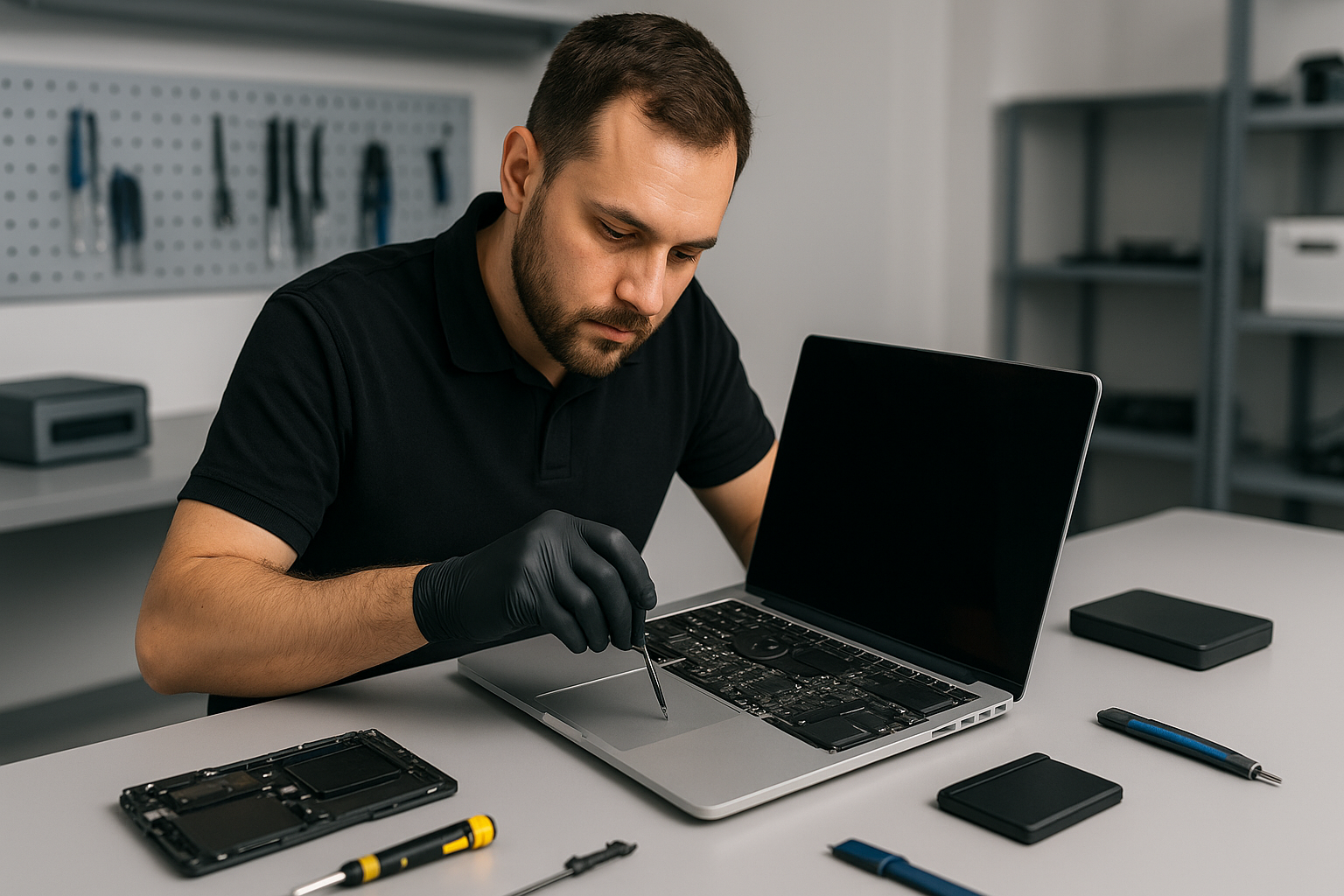
MacBook liquid damage repair Burnaby: fast, experienced board-level service
If you need MacBook liquid damage repair Burnaby, you want a technician who has seen serious corrosion, healed shorted circuits, and recovered lost photos, documents, and projects. I am a senior computer repair technician with more than 15 years of hands-on experience. At Moe Repair, I diagnose spills quickly, explain realistic repair options, and perform board-level fixes when necessary.
Why quick action matters for MacBook liquid damage repair Burnaby
Liquid conducts electricity, therefore immediate steps matter. If your MacBook got a spill, shut it down, unplug the charger, and do not try to power it on. That reduces further shorts and permanent damage. Bring the laptop in as soon as possible for professional liquid damage repair, otherwise corrosion can spread to the motherboard and connectors.
Common symptoms of liquid damage
Customers often report these signs. The MacBook will not turn on. It may show flickering, unexpected shutdowns, or boot loops. You might see the keyboard or trackpad acting erratically. The screen may have lines or fail to display. Sometimes the battery drains fast after a spill, or the charging circuit stops working. We also see sticky keys, fan running full speed, and symptoms that suggest SSD or data corruption.
Practical first steps before you come to Moe Repair
First, power off and remove external devices. Second, place the MacBook on a dry, flat surface and tilt it to drain liquid away from the keyboard. Do not use a hair dryer. Do not attempt to disassemble unless you have the right tools and ESD precautions. Finally, contact Moe Repair for a rapid drop-off or mail-in service.
What we inspect during MacBook liquid damage repair Burnaby
We follow a standard, thorough process. First, we document visible corrosion and take internal photos. Next, we perform a no-power inspection, looking at connectors, battery, SSD, and the logic board. Then, we clean contamination with isopropyl alcohol under magnification, remove corrosion, and replace damaged components when needed. Finally, we test power rails, charging circuits, keyboard, trackpad, and display.
Realistic repair procedures we perform
Often, cleaning and replacing a few components fixes the issue. We remove the logic board, ultrasonic clean persistent residues, and reflow or replace corroded chips. If the charging IC or power rail is damaged, we perform board-level soldering repairs. We also replace affected parts such as the battery, keyboard, trackpad, or display. For storage failure, we offer SSD upgrades and data recovery. For customers who use Windows on their Mac, we can reinstall Windows or migrate data safely.
Diagnostics and testing
We use bench power supplies, thermal cameras, and multimeters. First, we check power rails off the board. Then, we apply limited power to observe current draw. We use schematic-based troubleshooting to isolate faults. After repairs, we run extended stress tests, thermal paste replacement if necessary, and a full computer tune-up so your MacBook runs reliably.
How much will MacBook liquid damage repair Burnaby cost?
Cost varies. Simple cleaning and a keyboard replacement cost less than board-level IC replacement. We provide an upfront estimate after diagnostics. Importantly, we offer data recovery quotes separately, because recovering photos and files can require special hardware and time. We will never perform unnecessary repairs, and we explain repair, replacement, and data recovery tradeoffs clearly.
Other services you can get at Moe Repair
Along with liquid damage repair, we offer MacBook repair, laptop repair, screen replacement, battery replacement, SSD upgrades, motherboard repair, keyboard replacement, trackpad repair, laptop fan replacement, thermal paste replacement, virus removal, Windows installation, gaming PC repair, and computer tune-up. We help customers across Coquitlam, Burnaby, Vancouver, Surrey, Richmond, and nearby cities.
Data safety and recovery
We focus on preserving your data first. When a drive shows errors after a spill, we isolate the SSD and image it in a clean lab environment. If imaging succeeds, we recover user files and restore them to a new SSD or external drive. If the SSD has physical damage, we consult with specialized recovery partners. We always explain the chances of success and costs beforehand.
Why choose Moe Repair in Burnaby and the Lower Mainland?
I bring 15 years of hands-on experience with board-level Mac repair. We use professional tools, clean workspace practices, and OEM-quality parts where possible. We serve customers from New Westminster, Maple Ridge, Port Moody, Port Coquitlam, Pitt Meadows, Langley, Delta, North Vancouver, West Vancouver, White Rock, Abbotsford, Mission, Chilliwack, and beyond. We stand by our work, and we communicate clearly every step of the way.
Contact us for MacBook liquid damage repair Burnaby
Do not wait. Bring your MacBook in for immediate diagnostics, or call us for advice. We will triage the device, give a transparent estimate, and start repairs after your approval. Moe Repair handles urgent board repair and full rebuilds. We also perform virus removal, screen replacement, battery replacement, and full system upgrades.
Moe Repair
Phone: 778-951-4872
Email: service@moerepair.ca
We accept walk-ins and booked appointments. Meanwhile, if your MacBook shows any symptoms after a spill, power it down and reach out to us right away. Fast, precise action increases the chance of a full recovery.