
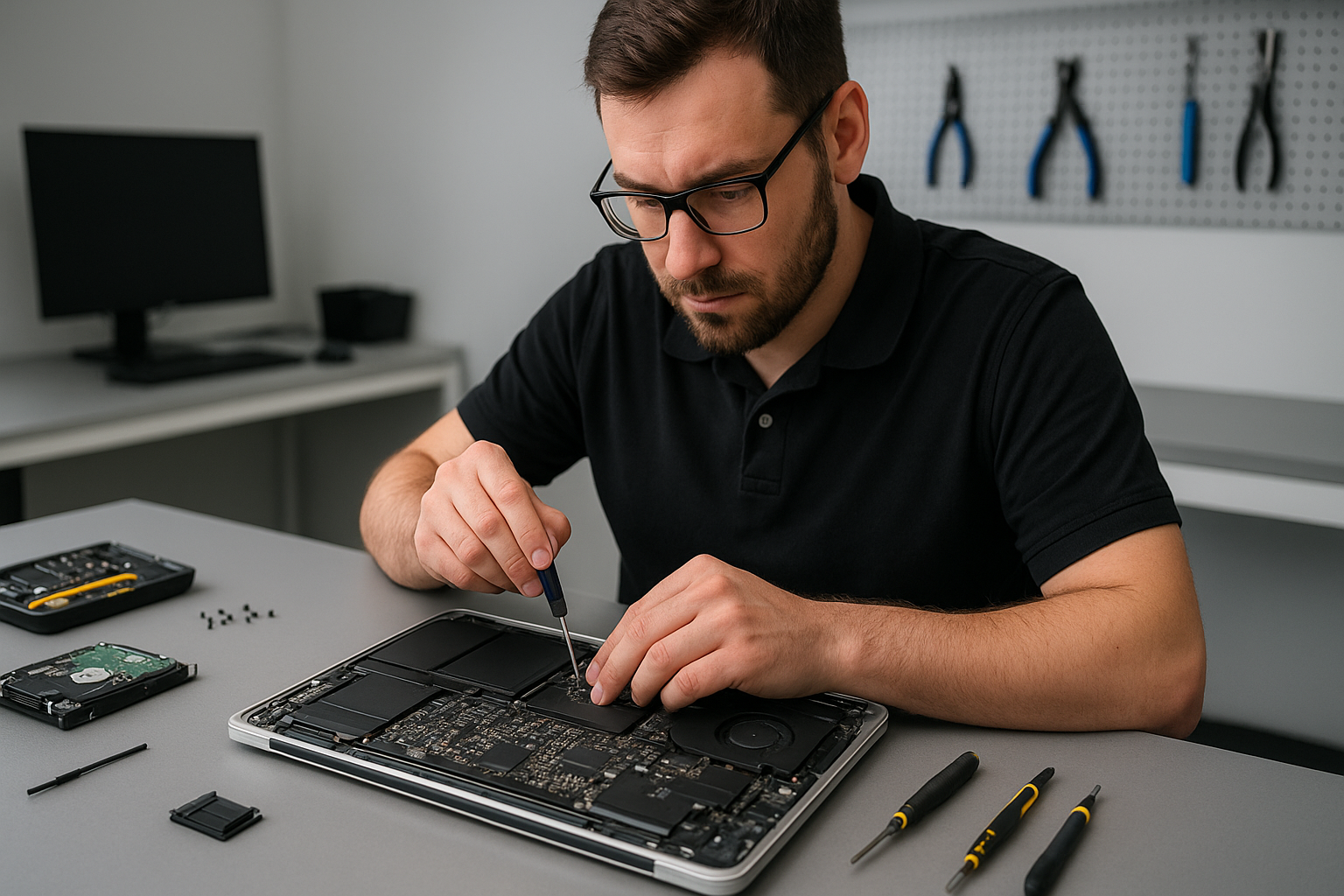
Data recovery Burnaby: How Moe Repair restores lost data fast
As a senior computer repair technician with more than 15 years of hands-on experience, I know how devastating lost data can be. Data recovery Burnaby is one of our core specialties at Moe Repair. We recover photos, documents, business files, and entire partitions from HDDs, SSDs, and RAID arrays for customers across Burnaby and the Lower Mainland.
Why stop using the drive immediately
First, stop using the affected computer or external drive. Continued operation can overwrite the exact sectors that hold your missing files, reducing the chance of a successful recovery. For this reason, I always advise customers to power down their device and call us right away.
Common failure symptoms I see every week
You may notice several typical signs of data loss. Drives that produce clicking or grinding noises usually indicate mechanical failure. Drives that do not appear in BIOS or Disk Management suggest controller or connection problems. Slow performance, frequent file corruption, and blue screens often point to file system damage, malware infection, or failing sectors. Liquid damage and sudden power loss can cause motherboard and PCB faults. I diagnose each case carefully to avoid further harm.
Realistic diagnostic steps we perform
When you bring a device to Moe Repair in Burnaby, we follow a strict diagnostic routine. First, we document the symptoms and run noninvasive checks, including power and cable tests. Next, we connect the drive to dedicated diagnostic hardware to see whether the drive spins and whether the controller responds.
If the drive is accessible, we create a bit-for-bit image using specialized cloning tools. Cloning isolates the failing media so we can work on the copy, not the original. Then, we run sector scans to map bad areas, and use file system repair and recovery software to extract files. For complex cases, like RAID recovery or physical head failures, we use clean room techniques and partner with lab services when needed.
Repair procedures I recommend
For logical failures, such as accidental deletion, file system corruption, or virus-related damage, we attempt software recovery after imaging the drive. We deploy recovery suites that recover filenames, folder structure, and metadata where possible. For physical failures, like stuck heads or motor issues, we advise immediate professional intervention. If the PCB is burnt, we may perform a controlled PCB swap followed by firmware calibration.
In cases of liquid damage or severe mechanical failure, we either perform in-house repairs when feasible, or send the drive to our clean room partner. Throughout the process, we preserve chain of custody and maintain clear communication, so you know what to expect and how much time and cost the recovery will likely involve.
What you can do before contacting us
If you lose data, try not to run any repair utilities that write to the disk. Do not reformat, and do not reinstall the operating system. Instead, write down what happened, where the disk was used, and the symptoms you observed. This information helps our diagnostics. You can also back up any remaining accessible files to another drive while avoiding the damaged media.
Why choose Moe Repair for Data recovery Burnaby
I lead a team with deep experience across MacBook repair, laptop repair, SSD upgrades, motherboard repair, and thermal and fan maintenance. Because we handle a wide range of hardware repairs, we can often combine data recovery with repairs like screen replacement, battery replacement, or trackpad repair for laptops that also need service.
We serve Coquitlam, Burnaby, Vancouver, Surrey, Richmond, New Westminster, Maple Ridge, Port Moody, Port Coquitlam, Pitt Meadows, Langley, Delta, North Vancouver, West Vancouver, White Rock, Abbotsford, Mission, and Chilliwack. For gaming PC repair and workstation recovery, we use advanced diagnostics and cloning tools to retrieve large datasets safely.
Pricing, turnaround, and security
Prices depend on the failure type and recovery complexity. Simple logical recoveries often complete within 24 to 72 hours. Mechanical and RAID recoveries can take several days. We provide a clear estimate after a no-risk diagnostic. Additionally, we handle your data with strict confidentiality. We use secure storage and delete temporary images once you confirm successful recovery.
Real outcomes from real cases
Recently, I recovered years of family photos from a water-damaged laptop where the motherboard and storage were compromised. After isolating the SSD and cloning it, I reconstructed the file system and restored over 95 percent of the pictures. In another case, we rebuilt a failed 4-drive RAID for a small business in Burnaby, minimizing downtime and allowing the client to resume operations the next day.
Other repair services that help prevent data loss
We also offer preventive and complementary services to protect your data. These include computer tune-up, virus removal, Windows installation, SSD upgrades, disk cloning for backups, and regular maintenance like thermal paste replacement and laptop fan replacement. For MacBook repair and Mac data recovery, we handle specialized file systems and hardware repairs as well.
Finally, I recommend regular backups. Use a 3-2-1 backup strategy, with local and offsite copies. If you need help setting automated backups or selecting reliable external drives, we can set that up during a routine service visit.
For immediate help with Data recovery Burnaby, contact Moe Repair. Phone 778-951-4872, or email service@moerepair.ca. We provide transparent diagnostics and clear options for recovering your files.