
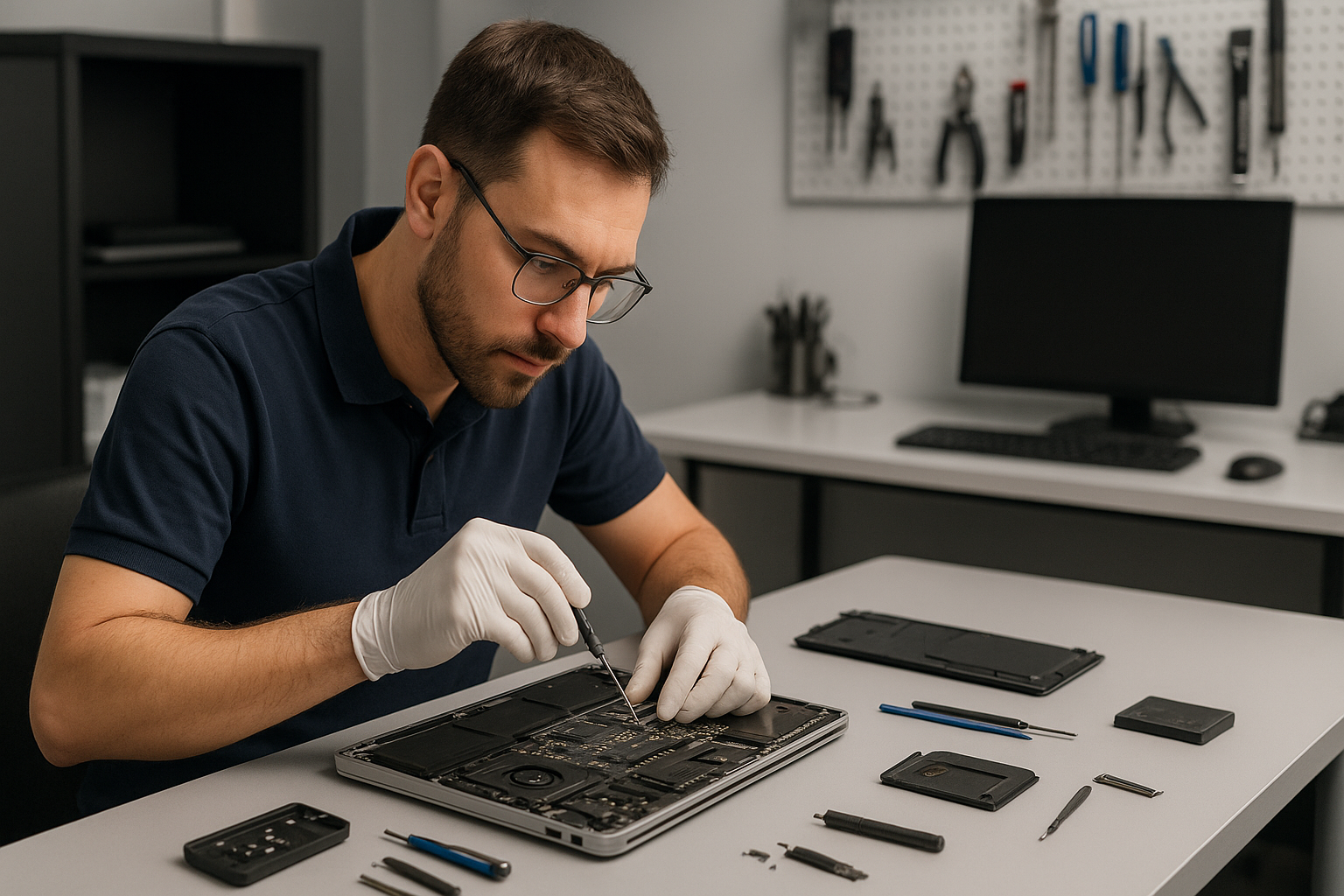
Data recovery Abbotsford, Fast and Secure File Recovery by Moe Repair
As a senior technician with more than 15 years of hands-on experience, I understand how stressful data loss feels. At Moe Repair, we specialize in Data recovery Abbotsford for individuals and businesses. We recover photos, documents, email archives, databases and more from damaged or failing drives.
Data recovery Abbotsford: common symptoms and when to act
Recognizing failure early improves recovery chances. Common symptoms include clicking or grinding noises from a hard drive, drives not mounting, frequent crashes, corrupted files, slow access times, and BIOS or UEFI failing to detect the drive. Occasionally, liquid damage, accidental deletion, or a failed Windows installation causes data loss. When you see these signs, stop using the device immediately. Continuing to power a failing drive can worsen physical damage, and therefore lower success rates.
Initial diagnostic steps we take
First, we isolate the issue. We inspect the laptop or desktop for obvious physical damage, then connect the drive to a dedicated diagnostics station. We run SMART tests, check the file system, and use sector-level scanning tools. For SSDs, we look for controller faults and firmware issues. For RAID arrays, we analyze the configuration and reconstruct missing parity if possible. We always document the state and get your approval before proceeding.
Realistic repair procedures
For logical failures, we start with a sector-by-sector clone to a clean image. Then, we run file system repair tools and manual reconstruction to extract intact files. For physically damaged HDDs, we work with a certified cleanroom partner for head replacements or platter transfers. For SSDs with controller failure, we work with vendor tools and chip-off techniques when appropriate. For RAID, we rebuild the array virtually to avoid further writes. We never run destructive recovery steps without explicit consent.
Typical recovery timelines and success factors
Small logical recoveries often finish in a few hours. Complex physical recoveries can take several days. Success depends on damage type, prior use after failure, and drive condition. We provide an initial evaluation and a clear estimate so you know what to expect. Additionally, we prioritize urgent business recoveries when necessary.
Our practical, step-by-step diagnostics and customer advice
Step 1, stop using the device and unplug it. Step 2, note the symptoms and any recent events, such as power surges, drops, or liquid spills. Step 3, collect the device and contact Moe Repair for a free intake consultation. We will tell you whether to bring the laptop in, ship the drive, or leave the system powered off until we can assess it.
Also, create a list of priority files. This helps us focus on what matters most and can speed up delivery. Finally, keep backups to prevent future loss. We offer backup setup and cloud migration services as part of our computer tune-up and data protection work.
Services we use during recovery
We combine advanced tools and proven techniques. Our procedures often include drive cloning, file carving, metadata reconstruction, and manual folder repair. When needed, we perform thermal paste replacement, laptop fan replacement, battery replacement, or screen replacement so the device runs reliably after recovery. We also provide motherboard repair, liquid damage repair, keyboard replacement, trackpad repair, and more to make the device fully usable.
Related services
Beyond recovery, Moe Repair offers virus removal, Windows installation, SSD upgrades, MacBook repair, laptop repair, gaming PC repair, and comprehensive computer tune-up services. We focus on long-term reliability by recommending SSD upgrades, regular backups, and preventive maintenance.
Why choose Moe Repair in Abbotsford and the Lower Mainland
First, we have hands-on experience with HDD repair, SSD recovery, external drive recovery, RAID recovery, and file system repair. Second, we maintain strict data security practices. We work transparently and provide written estimates. Third, we serve Coquitlam, Burnaby, Vancouver, Surrey, Richmond, New Westminster, Maple Ridge, Port Moody, Port Coquitlam, Pitt Meadows, Langley, Delta, North Vancouver, West Vancouver, White Rock, Abbotsford, Mission, and Chilliwack.
Moreover, we use no-nonsense pricing and communicate clearly. When recovery is not possible, we explain why and provide alternatives. If you need file recovery after a failed Windows installation, or you face corrupted APFS or NTFS volumes, we have the tools and experience to help.
What to expect when you bring your device
We inspect your device, run non-invasive diagnostics, and then provide a plan. We offer secure onsite repairs for many issues, and if we require a cleanroom, we coordinate the transfer. We always attempt the least invasive method first, while preserving your data integrity. Once we recover files, we copy them to a secure external drive or encrypted storage, then guide you through a safe restore.
Contact Moe Repair for a fast, professional evaluation. Phone: 778-951-4872. Email: service@moerepair.ca. We deliver reliable data recovery Abbotsford customers trust, with honest diagnostics and proven techniques.