
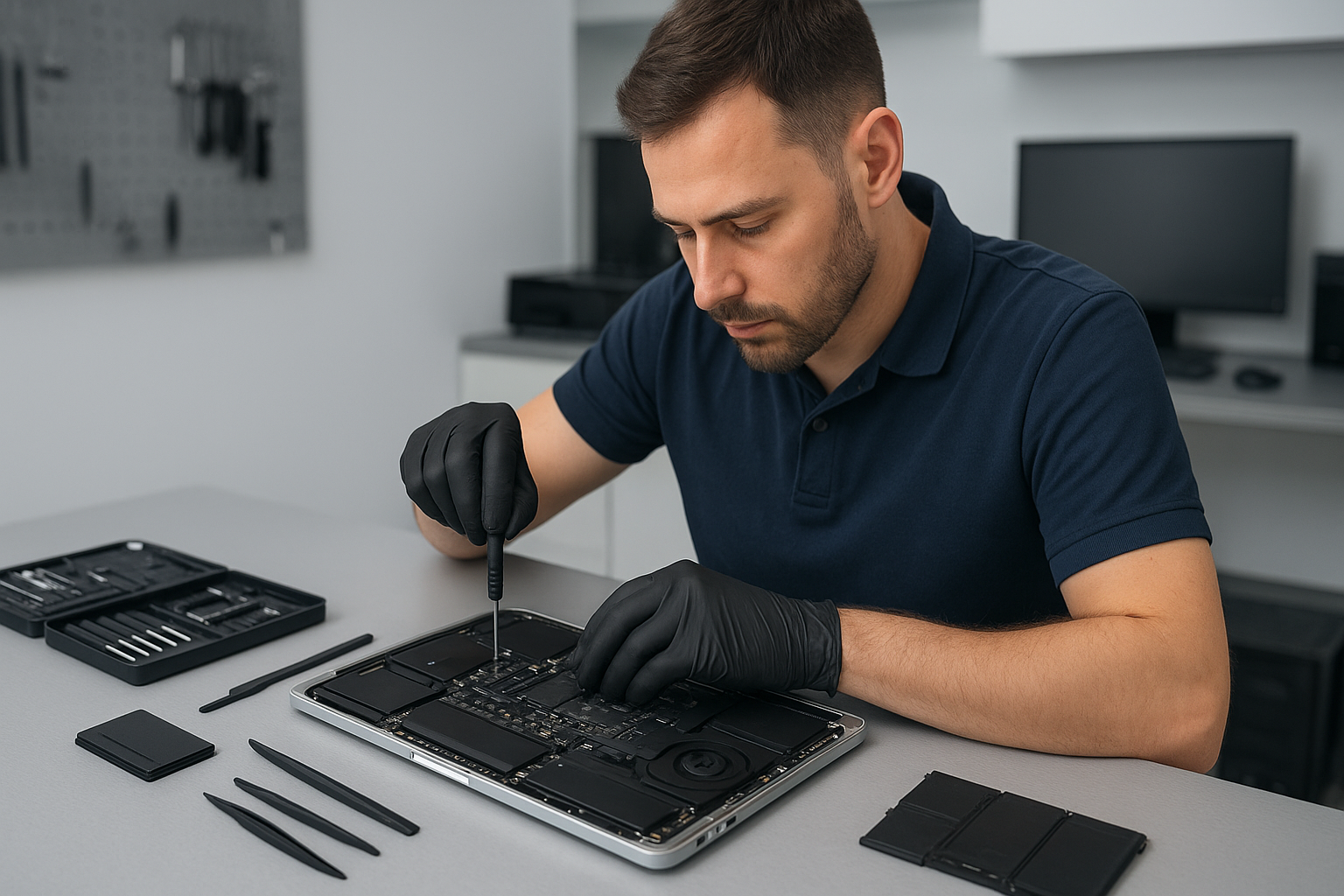
MacBook data recovery Surrey: Expert recovery from Moe Repair
As a senior technician with more than 15 years of hands-on experience, I see a range of failures every week. If you need MacBook data recovery Surrey, you need a careful, methodical approach. I will explain realistic repair procedures, common failure symptoms, diagnostic steps, and practical advice so you know what to expect before you bring your device to Moe Repair.
Why choose MacBook data recovery Surrey at Moe Repair
We recover data for customers across Surrey, Coquitlam, Burnaby, Vancouver, Richmond and beyond. You get local, fast service. We handle SSD data recovery, hard drive recovery, Time Machine restores, encrypted drive situations, and liquid damage recovery. We avoid guesswork. Instead, we run controlled diagnostics and explain every step.
Common symptoms that need data recovery
Watch for these signs. Your MacBook may show a flashing folder with question mark, fail to boot, freeze on the Apple logo, or report a corrupt volume. You might hear a clicking or grinding noise, or see repeated kernel panics. Other symptoms include S.M.A.R.T. warnings, mounting errors, or no disk detected. Liquid damage often causes intermittent detection or shorted ports. Each symptom guides our procedure.
Initial diagnostics we perform
First, we never initialize or reformat the drive. Instead, we perform a non-invasive inspection. We check System Information for drive presence. Then, we attach the SSD or drive to a dedicated recovery station using SATA or NVMe adapters. Next, we run disk utilities and sector scans. If the drive responds, we image it sector-by-sector with read-only tools, using low-level cloning or ddrescue to avoid further damage.
Step-by-step recovery procedures
Step 1, verify the failure type. We separate logical corruption from physical failure. Step 2, make a safe image of your drive when possible. Step 3, attempt file carving or catalog rebuilds from the image. Step 4, for encrypted volumes, we request your passphrase or recovery key. Step 5, return recovered data to a new SSD or external drive and verify integrity. These steps apply to SSD upgrades, Time Machine restores, and most MacBook repair scenarios.
Physical repairs that help data recovery
Sometimes the logic board, SATA connector, or cable prevents detection. We perform motherboard repair or connector replacement when safe. For liquid damage, we clean the board, replace corroded components, and then re-run recovery procedures. If the internal fan has failed and overheated the drive, we replace the fan and thermal paste, then stabilize the device before imaging the drive.
Tools and software we use
We use professional-grade hardware write-blockers, sector imaging tools, and macOS recovery utilities. For SSDs with firmware issues, we apply targeted techniques and secure vendor methods when possible. For RAID or complex failures, we combine hardware and software recovery workflows. Always, we act to minimize further data loss.
What recovery costs and timelines look like
Minor logical recoveries often finish within 24 to 48 hours. Physical recoveries take longer, from a few days to a week, depending on parts and complexity. Pricing depends on the failure type. We provide transparent estimates after an initial diagnosis. For many customers in Surrey and neighboring areas like New Westminster, Maple Ridge, or Langley, we offer same-day diagnostics and clear next steps.
Practical advice to protect your data now
First, stop using a failing drive to avoid overwriting recoverable data. Second, keep backups on Time Machine or an external drive. Third, if your MacBook suffered a spill, power it off and bring it in; do not power it on. Fourth, consider regular SSD upgrades or computer tune-up services to prevent future failures.
Related services we provide
Moe Repair handles MacBook repair, screen replacement, battery replacement, keyboard replacement, trackpad repair, laptop fan replacement, thermal paste replacement, motherboard repair, liquid damage repair, SSD upgrades, Windows installation, virus removal, gaming PC repair, and computer tune-up. We combine repair and recovery when needed to return a stable, working device.
Local coverage and pickup options
We serve Surrey, Coquitlam, Burnaby, Vancouver, Richmond, New Westminster, Maple Ridge, Port Moody, Port Coquitlam, Pitt Meadows, Langley, Delta, North Vancouver, West Vancouver, White Rock, Abbotsford, Mission, and Chilliwack. You can walk into our shop, schedule a drop-off, or request local pickup when available. For remote consultations, we provide phone guidance and arrange secure drop-off windows.
How to prepare before you bring your MacBook
Write down your Apple ID and passwords. Pack your charger and any external drives. Note any recent software changes, updates, or crashes. Tell us if FileVault is enabled. If you have a Time Machine backup, bring it. These details speed diagnosis and improve recovery rates.
Real case example
Recently, a customer from Surrey brought a MacBook that would not mount the internal SSD after a liquid spill. We performed logic board cleaning, replaced a corroded SATA connector, imaged the SSD with a write-blocker, and restored the home folder to a new SSD. The customer recovered 99 percent of photos and documents. They also booked a thermal paste replacement and laptop fan replacement to prevent future overheating.
If you need reliable MacBook data recovery Surrey, contact Moe Repair. We are local, experienced, and careful with your data. We will explain costs, give a free initial assessment, and prioritize secure handling.
Moe Repair
Phone: 778-951-4872
Email: service@moerepair.ca