
Liquid damage repair Surrey: What to do when your laptop or MacBook meets liquid
As a senior technician with more than 15 years of hands-on experience, I have seen every possible spill. Liquid damage is one of the most urgent repairs we handle. If you need Liquid damage repair Surrey, stop using the device, and bring it to Moe Repair right away. Immediate action saves data, prevents corrosion, and improves repair outcomes.
Liquid damage repair Surrey, symptoms and first actions
Common failure symptoms include no power, random shutdowns, distorted or flickering display, keyboard and trackpad failure, charging problems, and burning or corrosion smell. Often the machine boots intermittently, or it will POST but fail to load the operating system. If you see liquid under the keyboard or on the screen, act fast.
First actions I recommend: power off immediately, unplug the charger, remove the battery if the design allows it, and place the device on a clean, dry surface. Do not try to boot, do not put it in rice, and do not use a hair dryer on high heat. These steps prevent electrical shorts and further corrosion.
Why professional diagnostics matter
At Moe Repair we perform controlled diagnostics, using safe power injection and multimeter checks. We test DC rails, fuses and power ICs, then run a visual inspection under magnification. This process isolates damage to the charging circuit, USB ports, keyboard matrix, or the motherboard itself. We also check the SSD or hard drive for data recovery needs.
Typical liquid damage repair procedure
Here is a realistic, step by step workflow we follow for laptops, MacBook repair and desktops.
- Power down and document the device condition, model and serial numbers.
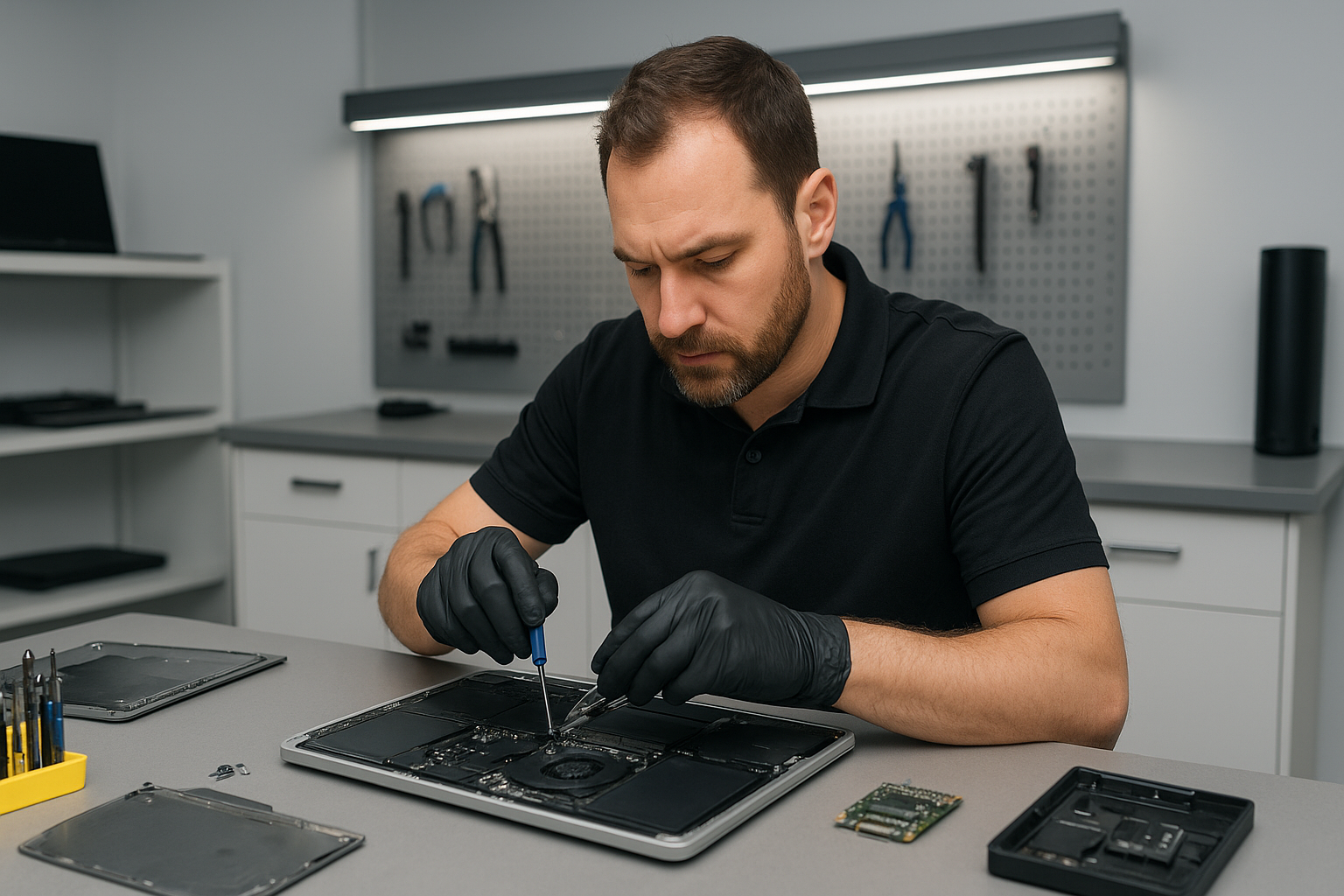
- Remove bottom cover, battery, storage and memory modules when accessible.
- Photograph corrosion and deposits for customer records.
- Use 90 percent plus isopropyl alcohol to remove residues, followed by careful mechanical cleaning with soft brushes and swabs.
- Ultrasonic cleaning for heavily corroded boards is available for select motherboards in our workshop.
- Measure DC voltages, test fuses, and confirm continuity on critical traces with a multimeter.
- Replace damaged components, such as blown fuses, electrolytic capacitors, charging ICs or USB ports, using microsoldering and board-level repair.
- Reassemble and perform a controlled power-up with current limiting to watch for shorts.
- Run full hardware tests, boot to safe diagnostics, and check storage integrity, then update firmware and reinstall or repair the operating system if needed.
When necessary we perform motherboard repair, microsoldering, or full board replacements. For MacBook repair we often replace the top case, keyboard replacement or trackpad repair after cleaning, and we handle battery replacement safely.
Data recovery, SSD upgrades and additional services
If storage shows errors, our data recovery process uses cloned imaging and sector-level repair tools. For failing drives we can perform SSD upgrades, Windows installation or migrate macOS data safely. We also offer virus removal, computer tune-up, thermal paste replacement, laptop fan replacement, and screen replacement to restore full function.
Turnaround time, costs and warranty
Typical turnaround for moderate liquid damage is 48 to 96 hours, depending on parts. Severe corrosion or full motherboard replacements take longer. We provide clear quotes before work begins, and we warranty repairs according to the parts and labor performed. We always inform customers if data recovery is needed prior to other repairs.
What customers in Surrey and the Lower Mainland should know
Moe Repair serves Surrey, Coquitlam, Burnaby, Vancouver, Richmond, New Westminster, Maple Ridge, Port Moody, Port Coquitlam, Pitt Meadows, Langley, Delta, North Vancouver, West Vancouver, White Rock, Abbotsford, Mission, and Chilliwack. We advise customers in all areas to avoid home remedies that make repairs harder. Bring the device to us for professional laptop repair, MacBook repair, or gaming PC repair services.
Real diagnostic steps we use
During diagnostics we run these checks in order: visual inspection, S.M.A.R.T. test on drives, power rail validation, POST diagnostics, and component level testing under microscope. If the keyboard or trackpad fails, we probe the matrix and connector pins. For display issues we isolate between screen replacement needs and GPU or cable faults.
How we prevent future damage
After repair we recommend battery replacement if the cell shows stress, and thermal paste replacement to ensure cooling efficiency. For gamers we offer SSD upgrades and computer tune-up to maximize performance. We also suggest protective cases and spill-resistant keyboards for vulnerable devices.
Always remember, quick, correct steps improve recovery odds. If your device has liquid ingress, do not charge it, and do not boot it. Instead, contact Moe Repair for urgent assistance.
Moe Repair
Phone: 778-951-4872
Email: [service@moerepair.ca](mailto:service@moerepair.ca)
Common questions I answer every day
Is my data safe? Often yes, if you bring the device in quickly. Do not attempt power cycles at home. Can you fix my MacBook logic board? Yes, we perform board-level repairs and component replacements. Will insurance cover it? Sometimes. Save the device and claim details, and we can provide an itemized repair report.
If you see corrosion on the board, or the device smells of burned electronics, contact us immediately. We provide fast diagnostics, transparent quotes, and thorough testing after repair.
Moe Repair is your trusted shop for Liquid damage repair Surrey, motherboard repair, data recovery, laptop fan replacement, keyboard replacement, and complete system restoration. Call 778-951-4872 or email [service@moerepair.ca](mailto:service@moerepair.ca) now for same-day intake and expert care.