
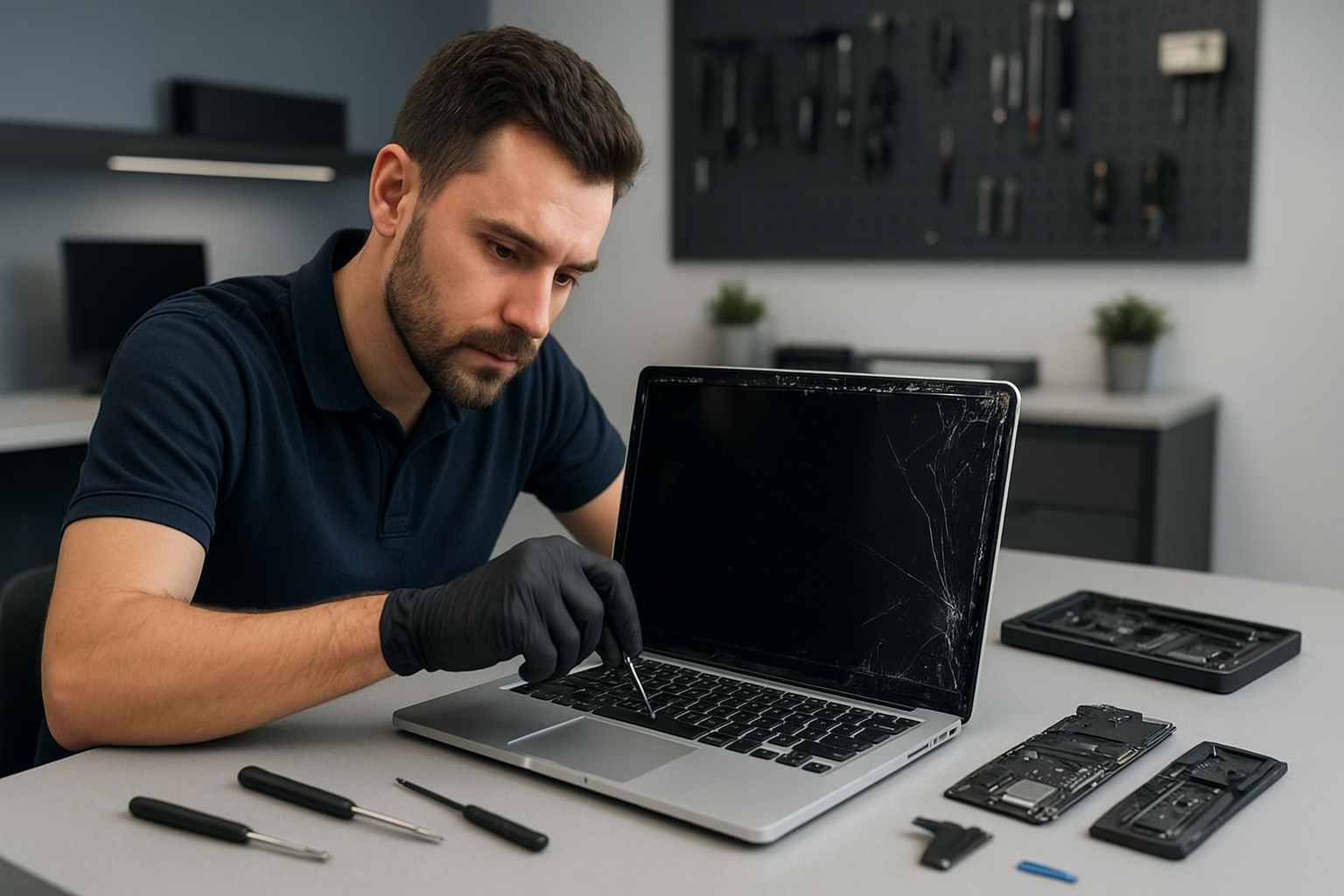
MacBook screen replacement Vancouver: Expert repairs in Coquitlam and the Lower Mainland
If you need MacBook screen replacement Vancouver, I can help. I am a senior computer repair technician with more than 15 years of hands-on experience repairing MacBooks, laptops, and desktops across Coquitlam and the Lower Mainland.
Why choose Moe Repair for your MacBook screen replacement Vancouver
We repair cracked screens, Retina display issues, and LCD replacement jobs every week. First, I run a careful diagnostic to confirm whether the problem is the glass, the display assembly, the backlight, or the display cable. Then I explain your options clearly, including OEM parts versus high-quality aftermarket panels, so you make the right decision.
We provide fast turnarounds, reliable warranty coverage, and transparent pricing. In addition to screen replacement, we offer battery replacement, SSD upgrades, motherboard repair, liquid damage repair and more. We serve Coquitlam, Burnaby, Vancouver, Surrey and the surrounding areas.
Common symptoms indicating a screen replacement
- Cracked glass or shattered display from drops.
- Black spots, dead pixels, or lines across the screen.
- Flickering or intermittent backlight problems.
- Dim screen when the hinge moves, indicating a loose display cable.
- No image, yet the MacBook powers on, often a sign of a failed display assembly.
Realistic diagnostic steps I perform
First, I test with an external monitor to confirm whether the graphics and logic board are working. If the external monitor displays normally, the issue is restricted to the display, not the GPU or motherboard. Next, I inspect the bezel and hinges for structural damage. Then I open the MacBook, check the display cable and its connector for corrosion or damage, and run a continuity check if needed.
If liquid damage is suspected, I test the keyboard, trackpad, charging port, and internal sensors before powering the unit fully. For backlight and flicker issues, I test under different brightness settings and wiggle the hinge to reproduce the fault. This helps me determine whether a simple cable reseat will fix it, or if full screen replacement is necessary.
What the replacement procedure looks like
When we agree on repair, I follow a step-by-step procedure. I power down the MacBook, remove the bottom case, disconnect the battery, and safely remove the display assembly. I examine the display housing for additional damage and clean the connectors. Then I install the new screen assembly, align it precisely, and torque the hinge screws to spec.
After reassembly, I run a full hardware test. I check for dead pixels, color accuracy, brightness range, and proper function of the camera and sensors. Finally, I perform a brief stress test to confirm stability. We include a short warranty on parts and labor so you can be confident in the repair.
Parts, quality, and pricing
We use quality display assemblies that match OEM specifications whenever possible. For older models or tight budgets, I explain the trade-offs of aftermarket panels. Either way, I test every screen before installation, and I recommend replacing the thermal paste and performing a computer tune-up while the machine is open, when appropriate. That saves you time and may prevent overheating or fan noise issues later.
More services to keep your MacBook running well
Beyond screen replacement, we handle MacBook repair for keyboard replacement, trackpad repair, battery replacement, laptop fan replacement, thermal paste replacement, SSD upgrades, data recovery, and even motherboard repair. We also perform virus removal, Windows installation for Boot Camp, and gaming PC repair for customers who need performance upgrades.
If your MacBook suffered liquid damage, we provide liquid damage repair and full diagnostics. If your data is at risk, our data recovery team uses safe imaging tools to recover files without further wear to the drive.
Practical customer advice
- Back up your data before any repair. Use Time Machine, iCloud, or an external drive.
- Describe symptoms clearly and note when the damage occurred. This saves diagnostic time.
- If your MacBook has visible liquid residue, do not power it on. Bring it in immediately for liquid damage repair.
- Consider an SSD upgrade and a computer tune-up while we replace your screen to speed things up and improve performance.
Our service area
Moe Repair serves Coquitlam, Burnaby, Vancouver, Surrey, Richmond, New Westminster, Maple Ridge, Port Moody, Port Coquitlam, Pitt Meadows, Langley, Delta, North Vancouver, West Vancouver, White Rock, Abbotsford, Mission and Chilliwack. If you are nearby, we can often offer same-day or next-day appointments.
Fast, local, and trusted
With 15 plus years of experience, I have seen every MacBook problem from cracked screens to complex motherboard repair. I use proven diagnostic steps, quality parts, and careful assembly techniques. I communicate clearly, so you know exactly what we will do and why.
Call or email today for a free estimate. Moe Repair
Phone: 778-951-4872
Email: [service@moerepair.ca](mailto:service@moerepair.ca)