
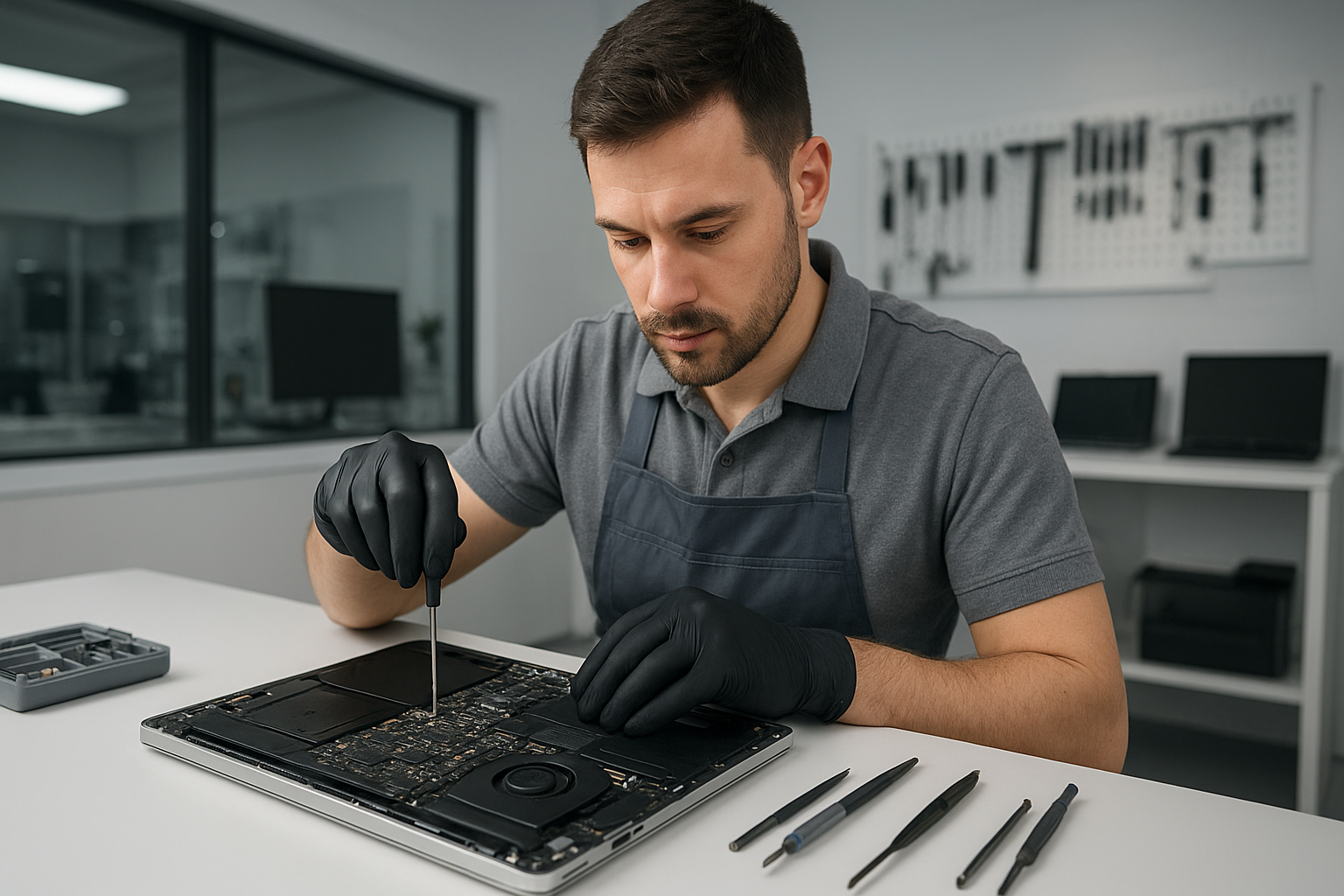
MacBook repair Surrey: Expert MacBook Repairs from Moe Repair
If you are searching for dependable MacBook repair Surrey services, you have found the right shop. I am a senior technician with more than 15 years of hands-on experience servicing MacBooks, laptops, and desktops across the Lower Mainland. At Moe Repair we focus on fast diagnostics, clear pricing, and repairs completed to Apple-level standards, without the wait.
Expert MacBook repair Surrey Services
We repair all MacBook models, including MacBook Air and MacBook Pro. Our common services include screen replacement, battery replacement, SSD upgrades, motherboard repair, liquid damage repair, and keyboard replacement. Additionally, we offer data recovery, virus removal, Windows installation for dual boot setups, thermal paste replacement, laptop fan replacement, trackpad repair, and full computer tune-up services.
Common symptoms and what they mean
If your MacBook will not boot, shows a gray or white screen, or displays a flashing folder, that suggests a storage or motherboard fault. Slow performance often points to a failing HDD or insufficient RAM, and an SSD upgrade usually fixes it. Random shutdowns and excessive fan noise indicate thermal issues, which I address with a combination of laptop fan replacement and thermal paste replacement.
A cracked or flickering display means you need a screen replacement, while a swollen battery or short battery life indicates battery replacement. Sticky or unresponsive keys call for keyboard replacement, and a glitchy trackpad often needs trackpad repair or cable reseating. Liquid spills show corrosion, and timely liquid damage repair can save the logic board.
How I diagnose your MacBook
I start every repair with a step by step diagnostic. First, I log the symptoms and run Apple diagnostics and hardware tests. Next, I inspect connectors, check the battery health, and test the SSD or hard drive using sector and SMART utilities. For motherboard and power issues, I measure voltages at the DC-in and SMC circuits. For liquid damage, I open the machine, clean corrosion with isopropyl alcohol, and test power rails before reassembly. I document findings and outline repair options with transparent costs.
Typical repair procedures you can expect
For a screen replacement, I disconnect the battery, remove the display assembly, and install a high-quality OEM-grade panel. Then I calibrate the display and test for backlight and camera function. For battery replacement, I remove the old pack, clean adhesive residue, and install a calibrated replacement to restore full charging cycles. When upgrading to an SSD, I clone the drive, install the SSD, and verify TRIM support and secure boot integrity.
Motherboard repair requires microsoldering and board-level fault isolation. I repair SMC circuits, replace blown capacitors, and reball or replace chips when necessary. For data recovery, I quarantine the drive, image it to a secure workstation, and extract files using industry tools. If recovery needs a cleanroom, I coordinate with trusted partners for physical media recovery.
Liquid damage and data protection
If you spill liquid on a MacBook, shut it down immediately, disconnect power, and bring it in as soon as possible. Meanwhile, avoid turning it on or charging it. Early intervention reduces corrosion and raises the chance of full recovery. I prioritize data integrity, so for critical files I recommend imaging the drive first, then attempting repairs.
Why choose Moe Repair for MacBook repair Surrey
First, I provide honest, experience-driven advice. Second, I use quality parts, and when I replace a screen or battery, I test for fit and longevity. Third, I serve customers across Coquitlam, Burnaby, Vancouver, Surrey, Richmond, New Westminster, Maple Ridge, Port Moody, Port Coquitlam, Pitt Meadows, Langley, Delta, North Vancouver, West Vancouver, White Rock, Abbotsford, Mission, and Chilliwack. That broad reach means local support and quick turnaround.
Furthermore, I offer service warranty on many repairs. For virus removal and Windows installation, I clean the system, install the latest security updates, and optimize startup items. For gaming PC repair, I diagnose GPU and PSU issues, and perform thermal paste replacement and cooling upgrades to stabilize performance.
Practical advice to protect your MacBook
Back up your data regularly using Time Machine or cloud backup. Avoid running heavy apps without adequate cooling, and replace aging batteries before they swell. Use a padded sleeve when commuting. If you see warning signs like frequent kernel panics, buzzing fans, or charging failures, bring your MacBook in early to prevent more expensive repairs later.
We support appointments and walk-ins. When you contact Moe Repair, I perform a hands-on inspection, give a clear estimate, and explain repair options. I keep you informed during the repair and test thoroughly before returning your MacBook.
Moe Repair is ready to help. Phone: 778-951-4872 Email: service@moerepair.ca. Visit us for professional laptop repair, MacBook repair, screen replacement, battery replacement, SSD upgrades, motherboard repair, liquid damage repair, data recovery, and more.
Fast FAQs
Q: How long does a screen replacement take? A: Usually 1 to 3 business days, depending on parts availability.
Q: Can you recover data from a dead MacBook? A: Yes, we image drives and use specialist tools. If the drive has physical damage, we partner with cleanroom labs.
Q: Do you offer a warranty on repairs? A: Yes. Warranty terms vary by service, and I will confirm details when you receive your estimate.
Call Moe Repair today at 778-951-4872 or email service@moerepair.ca to book diagnostics and fast, reliable MacBook repair Surrey from a senior technician you can trust.