Laptop buying guide • Canada
Choose your next laptop
with confidence.
For work, study or a little of everything. Find the memory, storage and connections that make sense for the way you use a computer.
Shopping buttons are paid Amazon affiliate links. As an Amazon Associate I earn from qualifying purchases.
Amazon button: paid affiliate link. Current prices and delivery are shown on Amazon.

Shopping on your phone? Amazon.ca affiliate links may open directly in the Amazon Shopping app when supported. Otherwise, they open in your browser. Check the current price, seller, delivery and Prime eligibility on Amazon.
Moe Repair buyer’s shortlist
Laptops worth comparing
Three useful starting points for home, business and gaming. Laptop specifications can vary by seller and model number.
Everyday laptop
ASUS Vivobook 15 (X1504 family)
A practical starting point for web browsing, schoolwork and office tasks.
Before you buy: Check for at least 16GB RAM, adequate SSD space and the exact processor.
Find this model on Amazon.ca Paid affiliate link · Opens Amazon.ca search resultsWork and productivity
Lenovo ThinkPad E16 Gen 2
A business-focused option to compare for spreadsheets, multitasking and an external-monitor setup.
Before you buy: Confirm keyboard layout, operating system, memory and docking support.
Find this model on Amazon.ca Paid affiliate link · Opens Amazon.ca search resultsGaming and graphics
ASUS TUF Gaming A15 (2024)
A stronger starting point when dedicated graphics and gaming performance matter.
Before you buy: Check the exact GPU, screen refresh rate, warranty and power adapter.
Find this model on Amazon.ca Paid affiliate link · Opens Amazon.ca search resultsShopping note: These links open Amazon.ca searches for the named products, not guaranteed product listings. Confirm the exact model, seller, specifications, price, delivery and Prime eligibility on Amazon before purchasing. As an Amazon Associate I earn from qualifying purchases.
Choose your direction
What would make the biggest difference?
Start with the option closest to your goal. These searches help you compare the right kind of equipment—not just the first listing you see.
Everyday laptop
For browsing, email, video calls and documents.
- 16 GB RAM is a useful starting point for multitasking
- 512 GB SSD for applications and personal files
- Choose a screen and keyboard you find comfortable
Work laptop
For office work, larger documents and frequent multitasking.
- 16–32 GB RAM, depending on your workload
- 512 GB or 1 TB SSD
- Check ports, webcam and external-monitor support
Gaming laptop
For games and graphics-heavy applications.
- Dedicated graphics suited to your games
- 16 GB RAM or more and SSD storage
- Check cooling, GPU power limits and screen refresh rate
Confirm the exact model and compatibility before purchasing. Amazon searches can include sponsored or unrelated listings.
Want a little more direction?
Use the Tech Finder to sort your starting points by goal and spending preference.
The right laptop is the one that fits your applications, files, screen preferences and working environment. This Canadian buying guide explains how to choose RAM, storage and connections without treating the most expensive configuration as the default.
Start with your actual applications
List the programs you need before looking at processor names. A computer for email, school documents and video calls has different priorities from a machine for engineering software, editing large videos or demanding games. Check the software publisher’s supported operating systems, processors, memory and graphics requirements.
Ask a school or employer about required applications and account setup. Do not assume an application works on Windows on Arm, macOS and standard Windows PCs in exactly the same way. Compatibility is more valuable than a specification you cannot use.
How much RAM do you need?
| Memory | When to consider it | Trade-off |
|---|---|---|
| 8 GB | Light use with a small number of applications, where cost is the main constraint. | Less room for multitasking. Check whether memory can be upgraded later. |
| 16 GB | A starting point for general Windows office, study and household multitasking. | Large creative projects or virtual machines may need more. |
| 32 GB or more | Workloads whose software requirements or measured memory use justify it. | Extra capacity may add little value if your workload does not use it. |
RAM is working space; SSD storage holds applications and files. Buying more storage does not add RAM. Some laptops have soldered memory, so confirm the configuration before purchase. For an existing computer, read how to assess whether you need more RAM before ordering an upgrade.
Choose storage around the files you keep locally
Check the storage used on your current computer and estimate what will move to the new one. Documents and email differ from a large photo collection, game library or editing project. A 512 GB SSD is a useful planning starting point for many general-use buyers; consider 1 TB or more when your local files justify the space.
Cloud storage does not automatically mean files use no local space. Check your sync settings and offline needs. Also plan a separate backup, because a new laptop can still be lost or fail. Our SSD compatibility guide explains storage interfaces if you expect to upgrade later.
Compare the screen, keyboard and portability
Read text on the display if you can and consider glare, brightness and your normal viewing distance. A larger screen can be easier to use at a desk; a smaller machine may be easier to carry. Neither screen size nor weight alone tells you whether a laptop will be comfortable.
Check the keyboard layout, number pad, webcam, trackpad and the combined weight of the laptop and charger. Battery claims depend on workload and test conditions. Look for reviews of the exact configuration and consider whether its test conditions resemble your use.
Check connections before buying accessories
List your monitor, printer, USB devices, headset and network connection. Check whether the laptop includes the ports you need or requires adapters. A USB-C-shaped connector does not by itself tell you about charging or monitor support. Use our USB-C docking station compatibility guide before choosing a one-cable desk setup.
New or refurbished: compare the complete offer
For Canadian buyers, compare the final Canadian-dollar total, applicable taxes, delivery costs, seller, return terms and warranty coverage. For a refurbished laptop, check condition grading, battery policy, charger inclusion and any stated repair history. Do not assume every listing in the same search has the same coverage.
Confirm the operating-system licence and edition, and whether productivity software is actually included. A trial is different from a purchased licence or subscription. For Windows hardware, consult Microsoft’s current Windows 11 system requirements; meeting the minimum alone does not establish that a machine suits your applications.
Should you upgrade your current laptop instead?
A healthy computer with replaceable storage or memory may still suit you after an upgrade. A machine with several faults, limited software support or non-upgradeable capacity may need a different decision. Compare the repair or upgrade cost with a suitable replacement and consider the time needed to migrate accounts, files and applications.
Moe Repair can discuss laptop assessment and repair in Coquitlam. Share your model, symptoms and required applications so the discussion starts with your actual needs.
Before you order
- Confirm the exact configuration, not just the product-family name.
- Check your applications and any school or employer requirements.
- Confirm RAM and storage upgradeability.
- Check display, charging and accessory connections.
- Compare seller, warranty and return terms.
- Plan file migration and backup.
Ready to take the next step?
Compare the options, check the details and choose the setup that fits you.
Amazon shopping buttons are paid affiliate links. Need installation or repair help? Discuss your project with Moe Repair.
Get more from your setup
Complete your next upgrade
Explore complementary technology with practical buying advice. Build a setup that works together, not just a collection of parts.
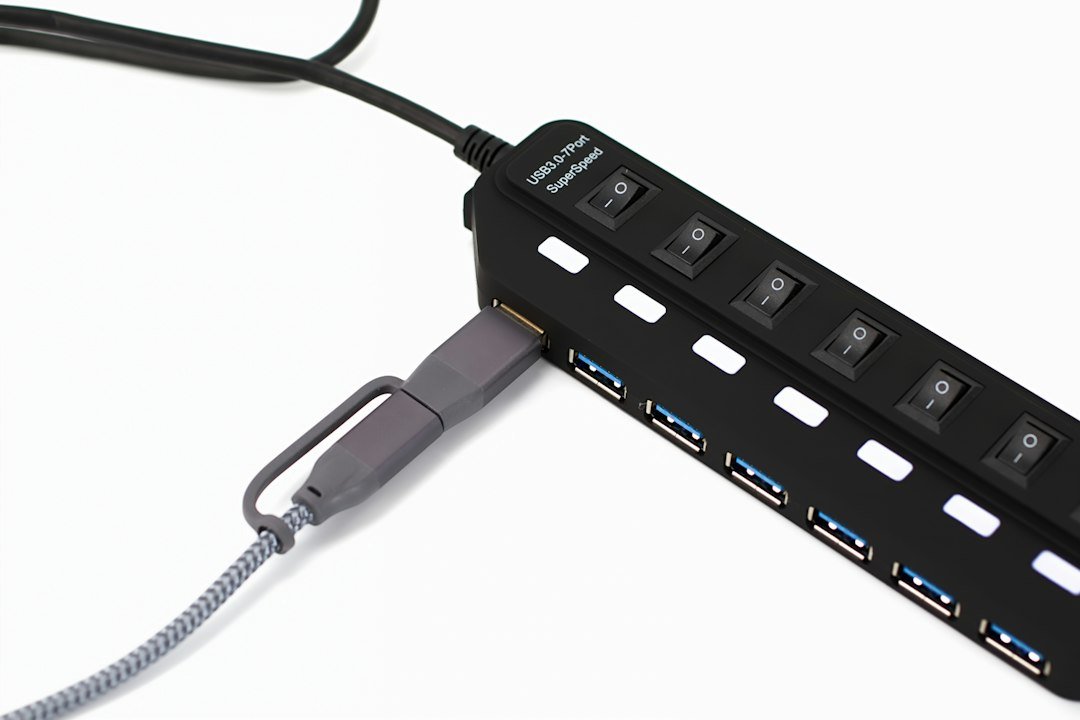
USB-C docks
Connect monitors, power and everyday peripherals.
Read the buying guide →Illustrative photo: Barry A / Unsplash
Desk accessories
Build a more comfortable, productive workspace.
Read the buying guide →Illustrative photo: Jessica Lam / Unsplash
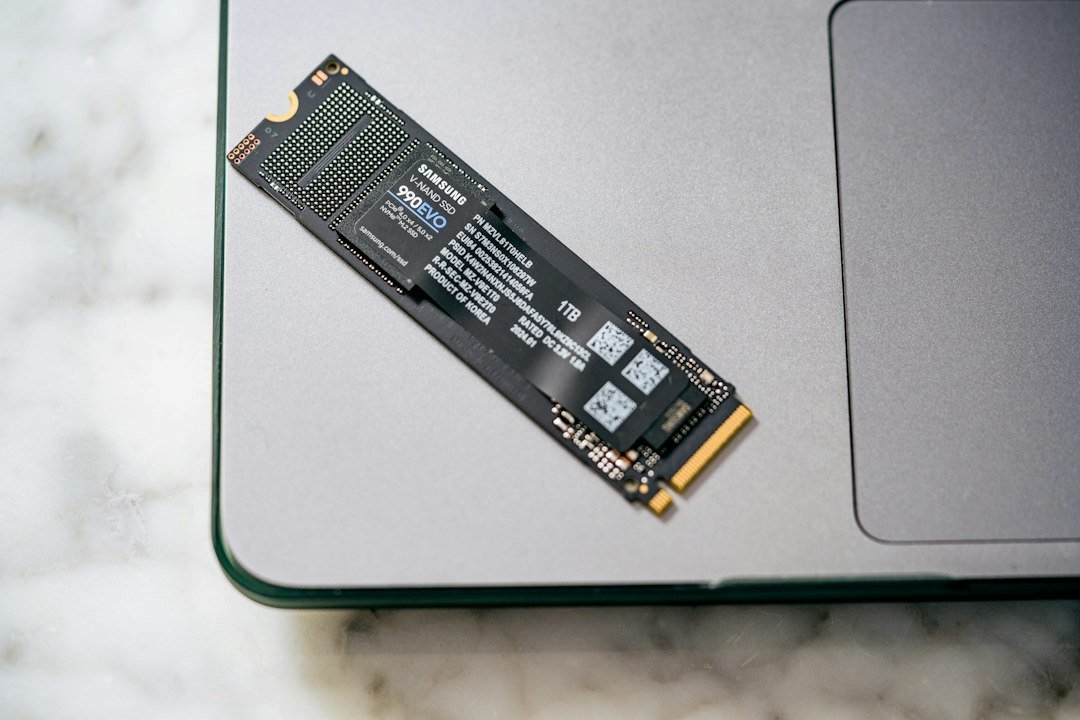
SSDs & backup
Compare storage speed, capacity and compatibility.
Read the buying guide →Illustrative photo: Samsung Memory / Unsplash
Affiliate disclosure: As an Amazon Associate I earn from qualifying purchases. Amazon shopping links on this page are paid affiliate links. Purchases and checkout take place on Amazon. Check the exact item, seller, price, delivery and return terms before ordering.