Hi, How Can We Help You?
  • 203-504 Cottonwood Ave, Coquitlam
  • service@moerepair.ca
  • +1 (778) 951-4872

Category Archives: Computer Repair Burnaby

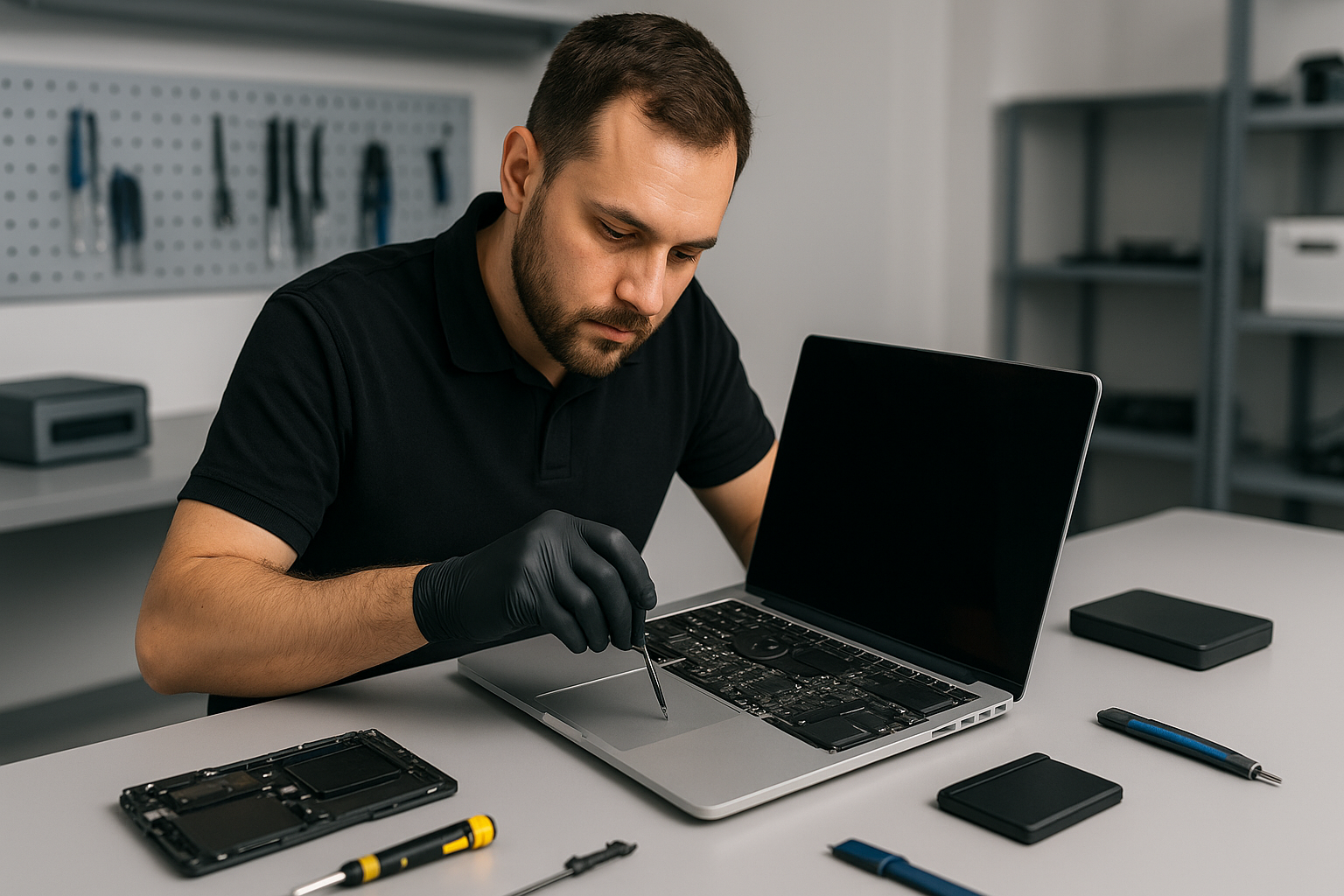
MacBook Pro screen replacement Coquitlam

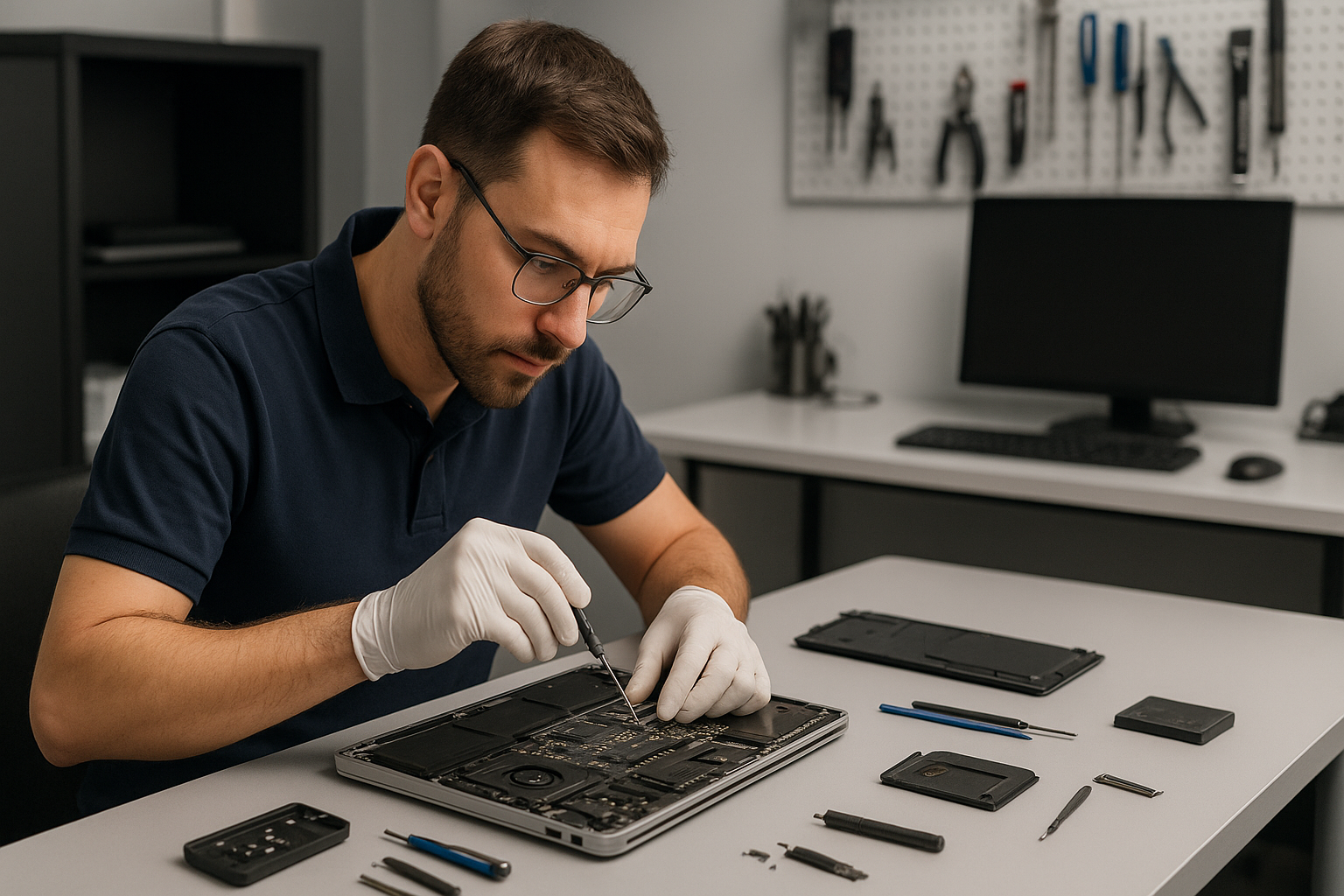
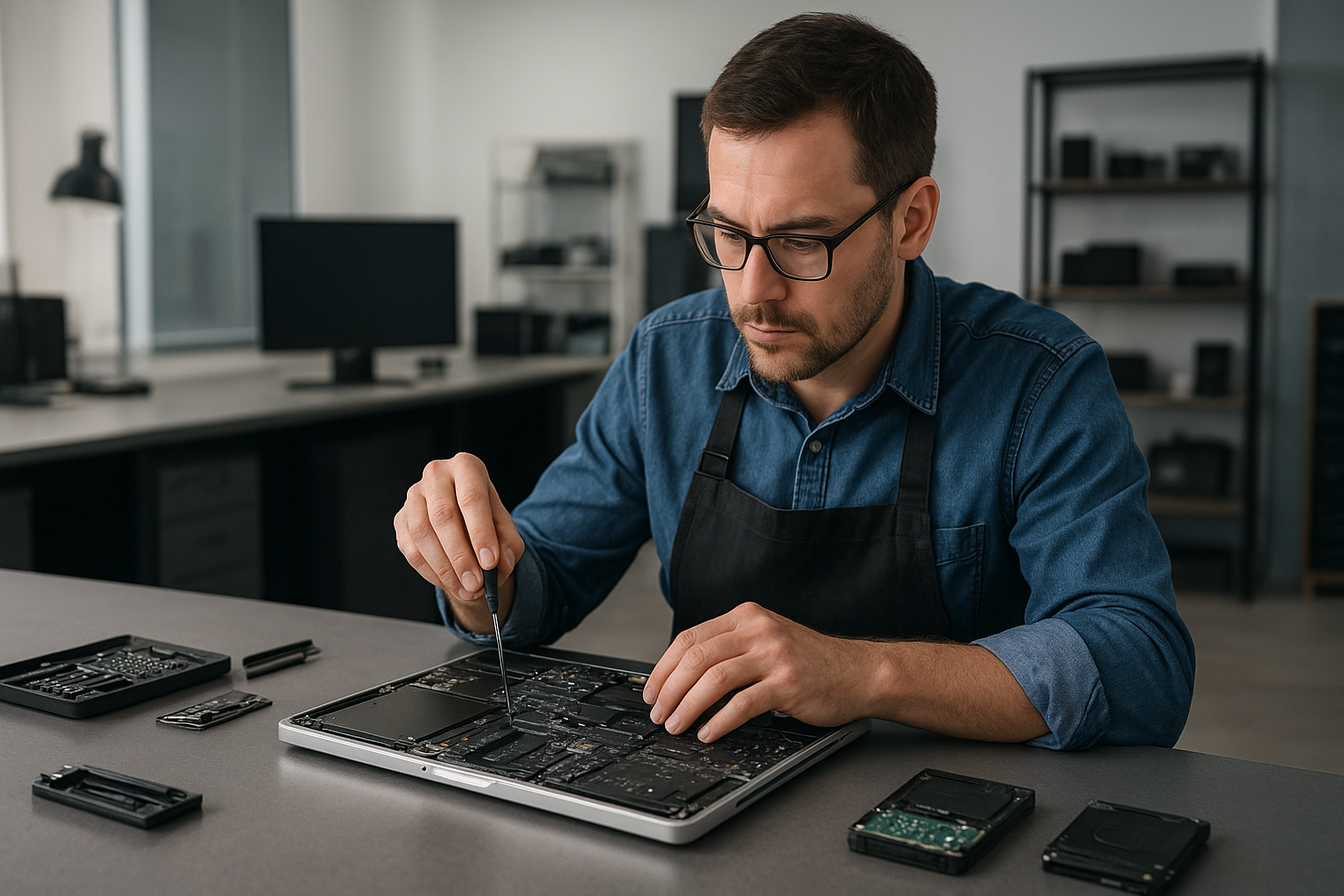
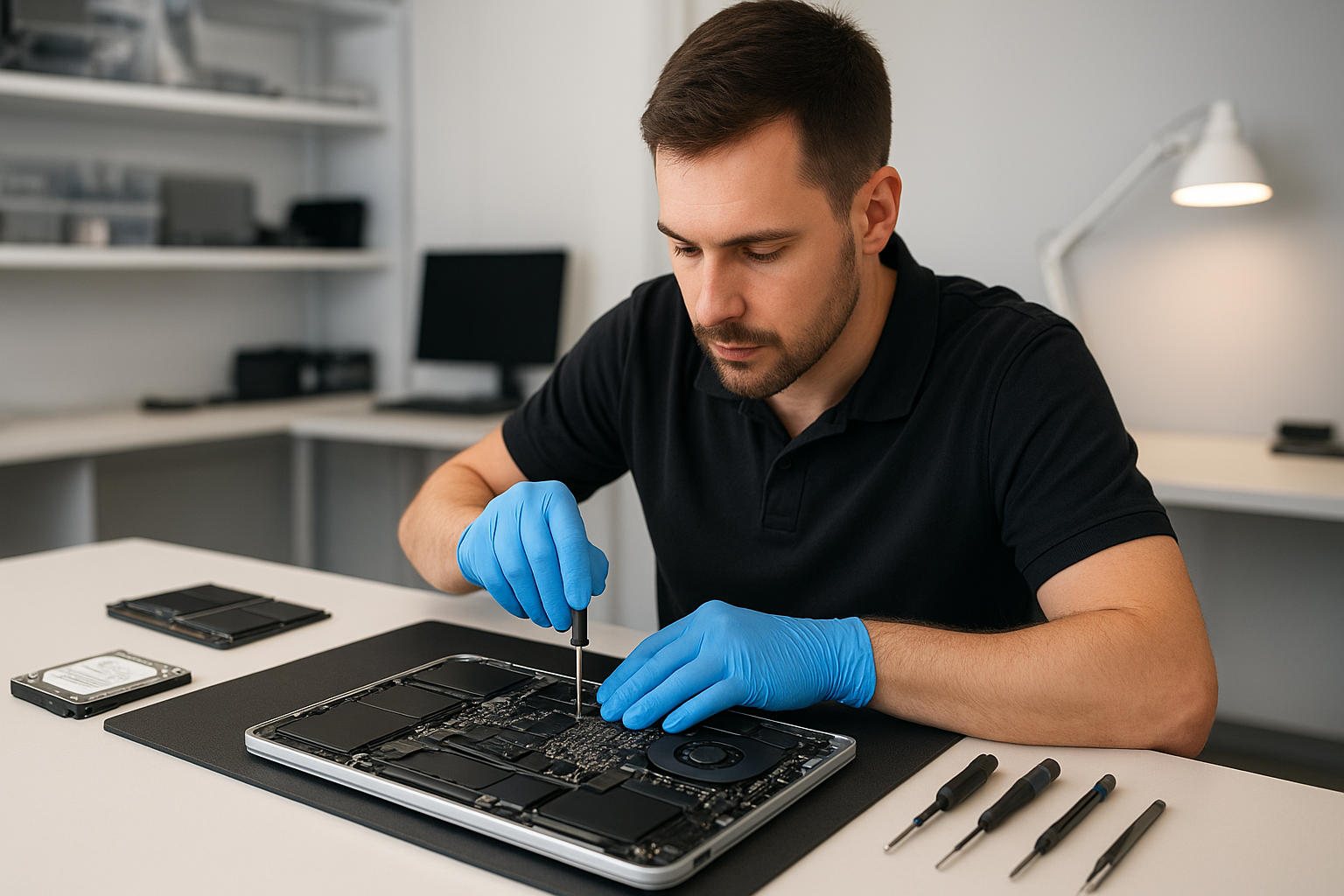
If your MacBook Pro has a cracked panel, flickering image, or dead pixels, a MacBook Pro screen replacement Coquitlam technician can restore its display and usability. At Moe Repair I focus on an accurate diagnosis, honest pricing, and proven repair methods that protect your data and extend the life of your machine. Call Moe Repair at 778-951-4872 or email service@moerepair.ca to start the process.

MacBook Pro screen replacement Coquitlam: why choose Moe Repair

I have over 15 years of hands-on repair experience with MacBook Air and MacBook Pro models, including Retina and M1 machines. I use OEM-grade panels where possible and high-quality aftermarket alternatives when appropriate. You can read about our broader offerings like computer repair in Coquitlam and how we handle board-level issues.

Common symptoms that mean you need a screen replacement

Watch for these realistic signs: a visible crack or shattered glass, large black areas on the display, vertical or horizontal lines, flicker during boot or under load, very dim backlight even at full brightness, or complete no-display while the machine still boots. These symptoms often suggest LCD or panel damage, backlight failure, or connector problems.

Typical diagnostic process for a MacBook Pro screen replacement

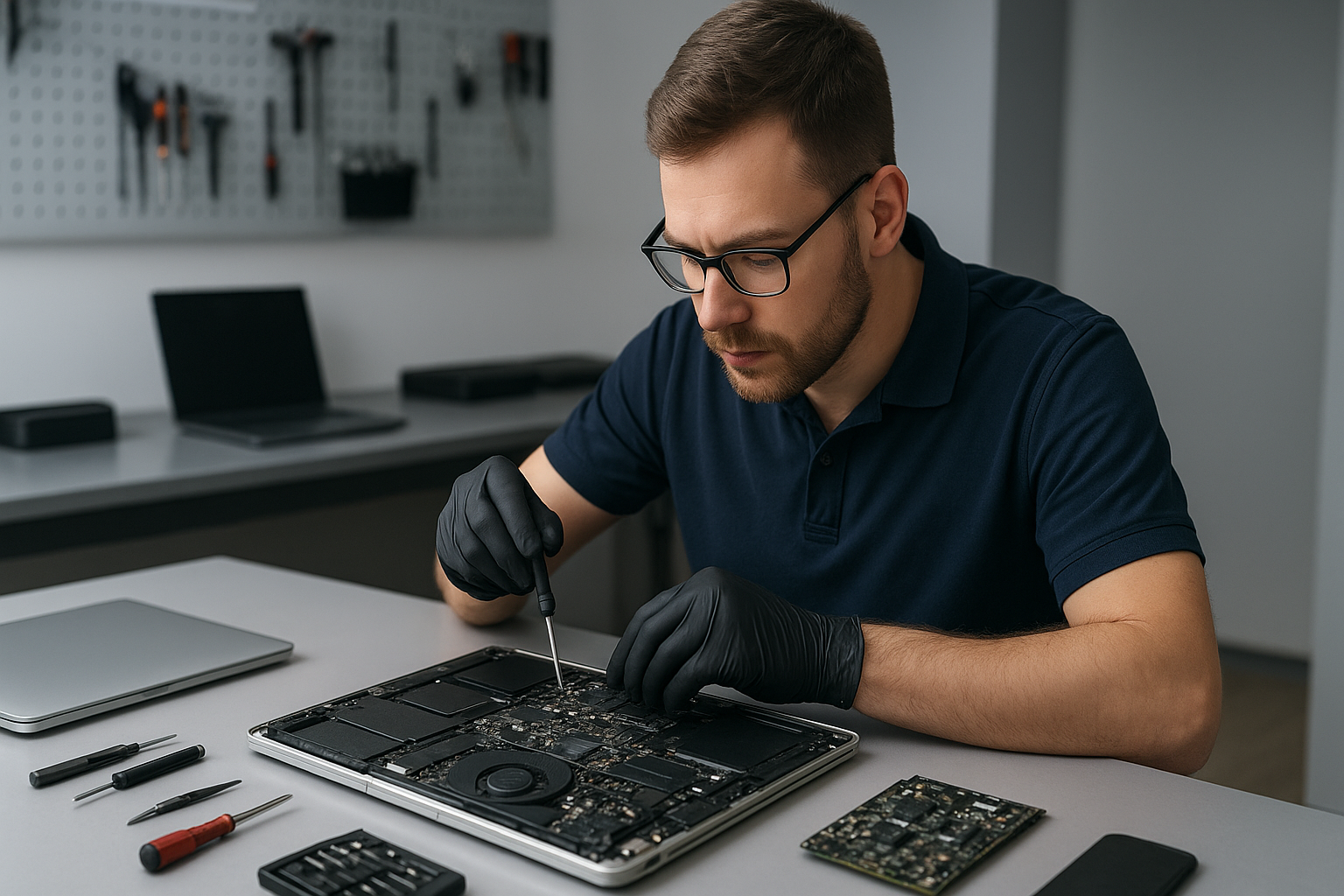
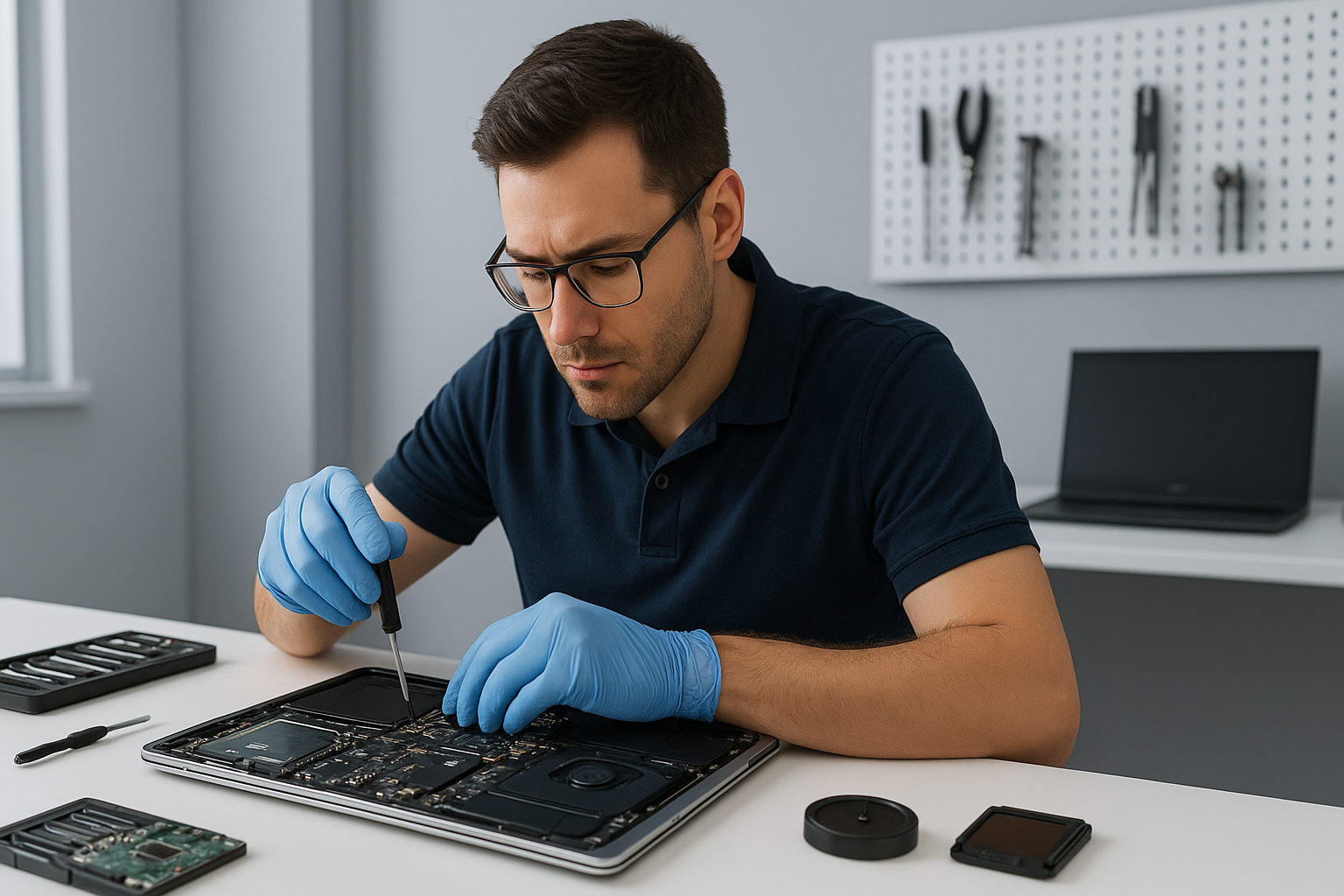
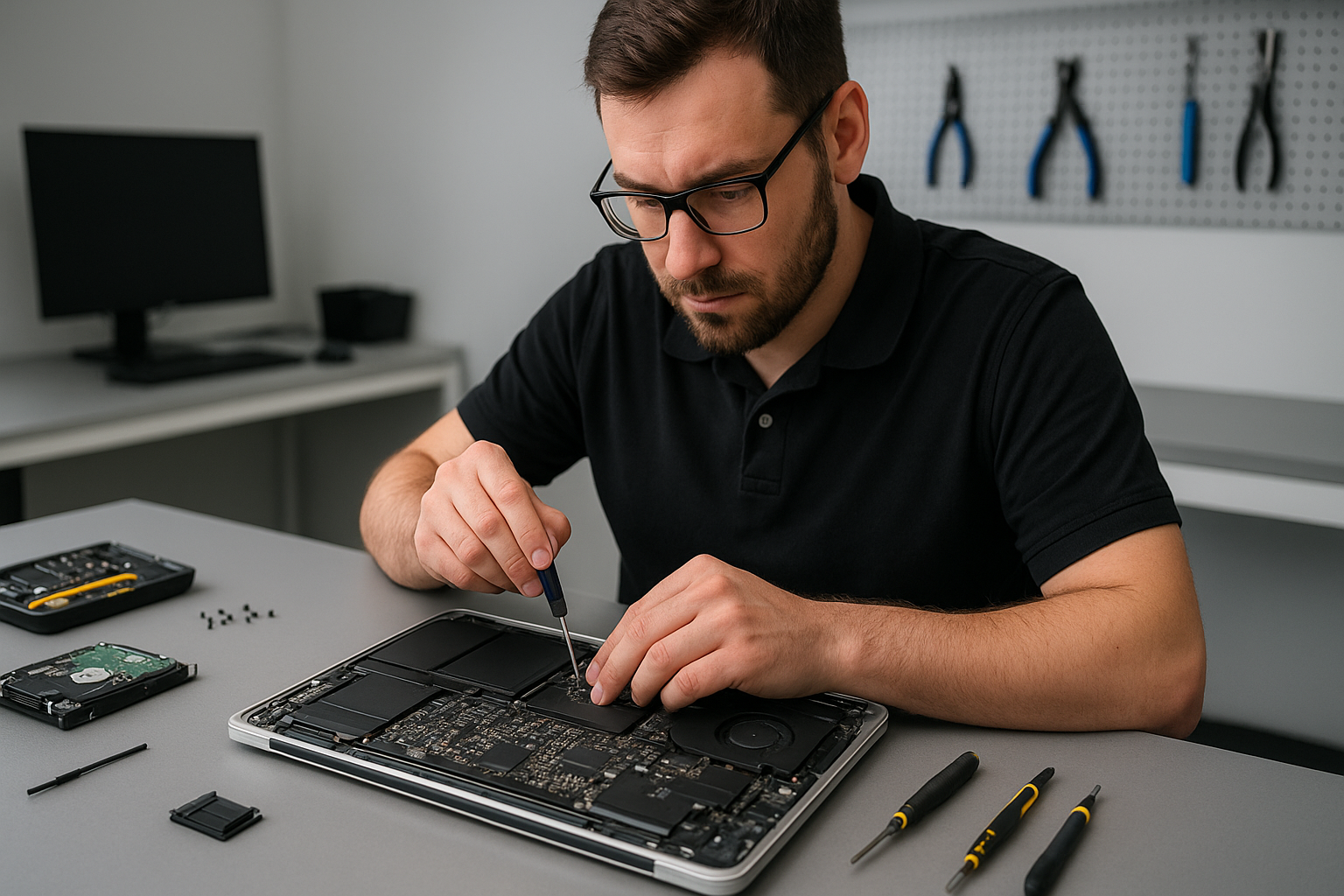
Diagnostics start with a visual inspection and targeted functional tests. I check the external case for impact damage, test with an external monitor to rule out GPU/motherboard issues, and inspect the LVDS/eDP cable and display connector. I run Apple Hardware Test or Apple Diagnostics and check system logs for display-related errors. If needed, I open the bottom case to test the display cable under load and confirm whether the issue is the panel, cable, or board-level.

Realistic repair procedures I perform

Repairs include glass-only replacement for some Retina models, full assembly replacement for fused panels, connector reseating, and backlight inverter or cable replacement. I always take ESD precautions, remove the battery when appropriate, and test the machine at multiple boot phases. For logical board faults found during diagnostics I discuss options such as motherboard repair or replacement and link relevant services like MacBook repair in Coquitlam and data recovery in Coquitlam when data integrity is a concern.

Parts and quality

I source panels compatible with specific MacBook Pro model years, from unibody models through Retina and Touch Bar variants. When possible I use OEM-grade parts; otherwise I provide clear options and warranty differences so you can decide. I do not recommend cheap panels that cause color shift or early failure.

Repair example: a common Coquitlam customer case

A recent customer from Coquitlam brought a 2017 MacBook Pro with a cracked screen after dropping it on concrete. The machine powered on but showed vertical colored lines and a glass fracture. I first connected an external monitor to confirm the GPU was functional. Next I opened the chassis, removed the battery, and inspected the display cable and hinge area. The cable and board looked intact, so I replaced the full display assembly with a high-quality Retina replacement. After reassembly I calibrated the display, ran a stress test for 48 hours, and confirmed Wi-Fi and trackpad function. The customer left satisfied; the machine showed no lines and normal brightness. I discussed battery and SSD health and recommended a tune-up to keep performance stable.

What to expect for timeline and cost

Turnaround usually ranges from same-day to 2 business days depending on parts availability. Costs vary by model and whether the repair is glass-only or a full assembly replacement. I provide a clear written quote before any work. If a motherboard fault appears during diagnostics, I will present repair or replacement options rather than proceeding without consent.

Preventing future screen damage

Use a protective sleeve or hard case, avoid stacking heavy items on your bag, and keep liquids away from the keyboard to reduce hinge and screen stress. If you want added protection, we offer screen protectors and hinge strain checks during a laptop repair in Coquitlam service.

Other related services we provide

  • Battery replacement and trackpad repair
  • SSD upgrades and operating system repair
  • Liquid damage repair and motherboard repair
  • Data recovery and virus removal
  • Computer tune-up and Wi-Fi troubleshooting

Frequently asked questions

Below are common customer concerns; see the FAQ section for fuller answers.

Contact Moe Repair Today

Moe Repair offers a free consultation to evaluate your MacBook Pro screen problem and recommend the best repair path. Call 778-951-4872 or email service@moerepair.ca. We serve Coquitlam and nearby areas, including Port Moody, Port Coquitlam, Burnaby, and Maple Ridge. Expect a clear quote, options for OEM-grade or high-quality aftermarket parts, and professional repair tracking. To schedule, use our online contact form or call directly. We also handle related needs like SSD upgrades, battery replacement, and data recovery.

Local coverage and follow-up

I work with customers across Coquitlam and neighboring cities to provide respectful drop-off timings and follow-up diagnostics. If you need a screen replacement and a system tune-up afterward, we bundle services where sensible to save time and cost.

Warranty and post-repair support

All screen replacements include a limited parts and labor warranty. I explain warranty terms in writing. If you notice pixel issues, color drift, or connector problems after pickup, return and I will re-test and repair as needed.

FAQ

The FAQ below answers more detailed questions from customers about MacBook Pro screen replacement Coquitlam.

Moe Repair
Phone: 778-951-4872
Email: service@moerepair.ca

PS5 cleaning service Coquitlam

Professional Console Repair and Maintenance

At Moe Repair in Coquitlam we combine more than 15 years of hands-on console repair experience with a local, customer-first approach. Whether you own a PS5, PS5 Slim or PS5 Pro, our technicians diagnose and fix thermal, cooling and performance issues quickly and affordably. We also service Xbox Series X and Xbox Series S owners who experience loud fan noise, overheating, or random shutdowns. Customers from Burnaby, Port Moody, Port Coquitlam, New Westminster and Maple Ridge trust our shop for reliable maintenance and proven results.

PS5 Liquid Metal Replacement

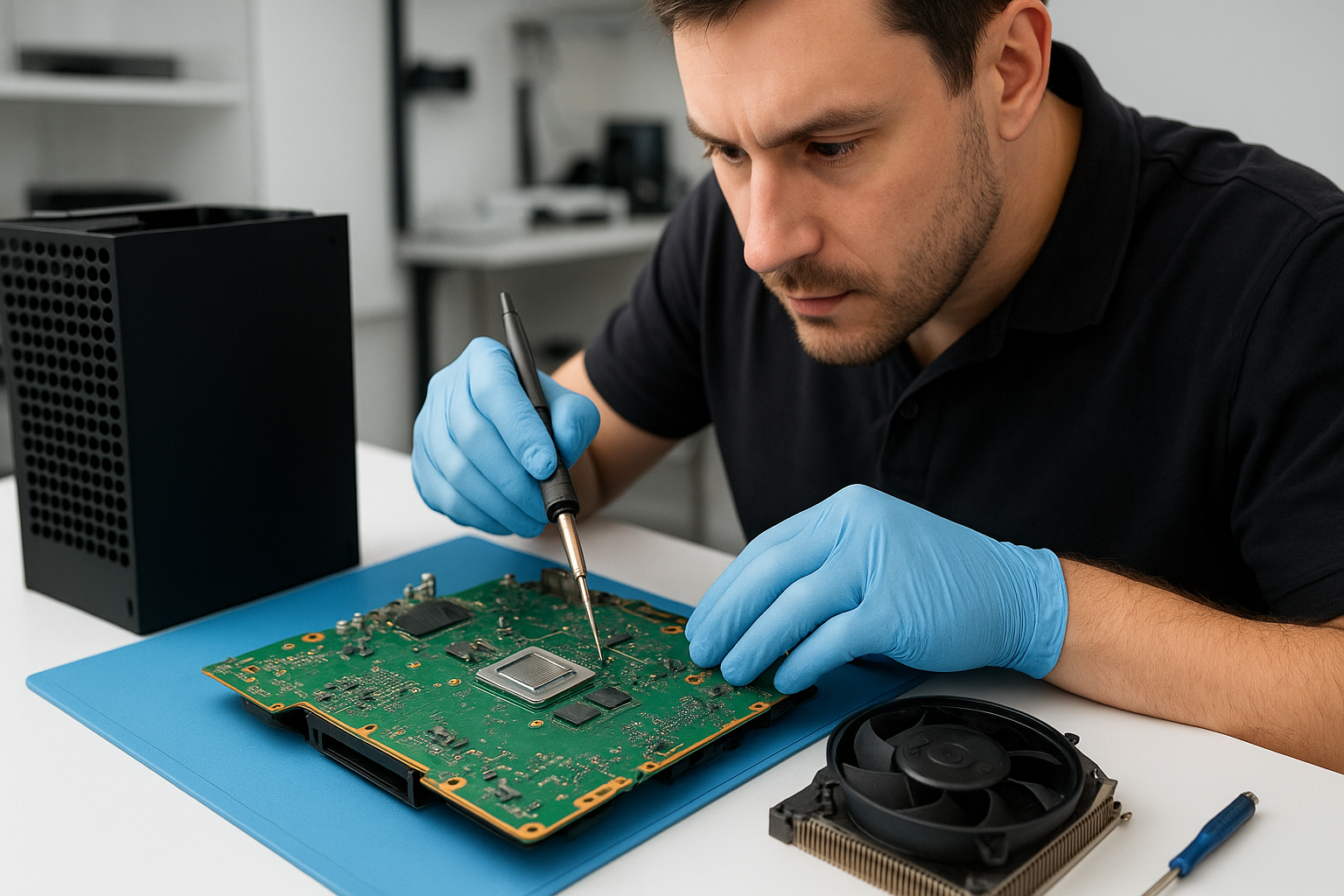
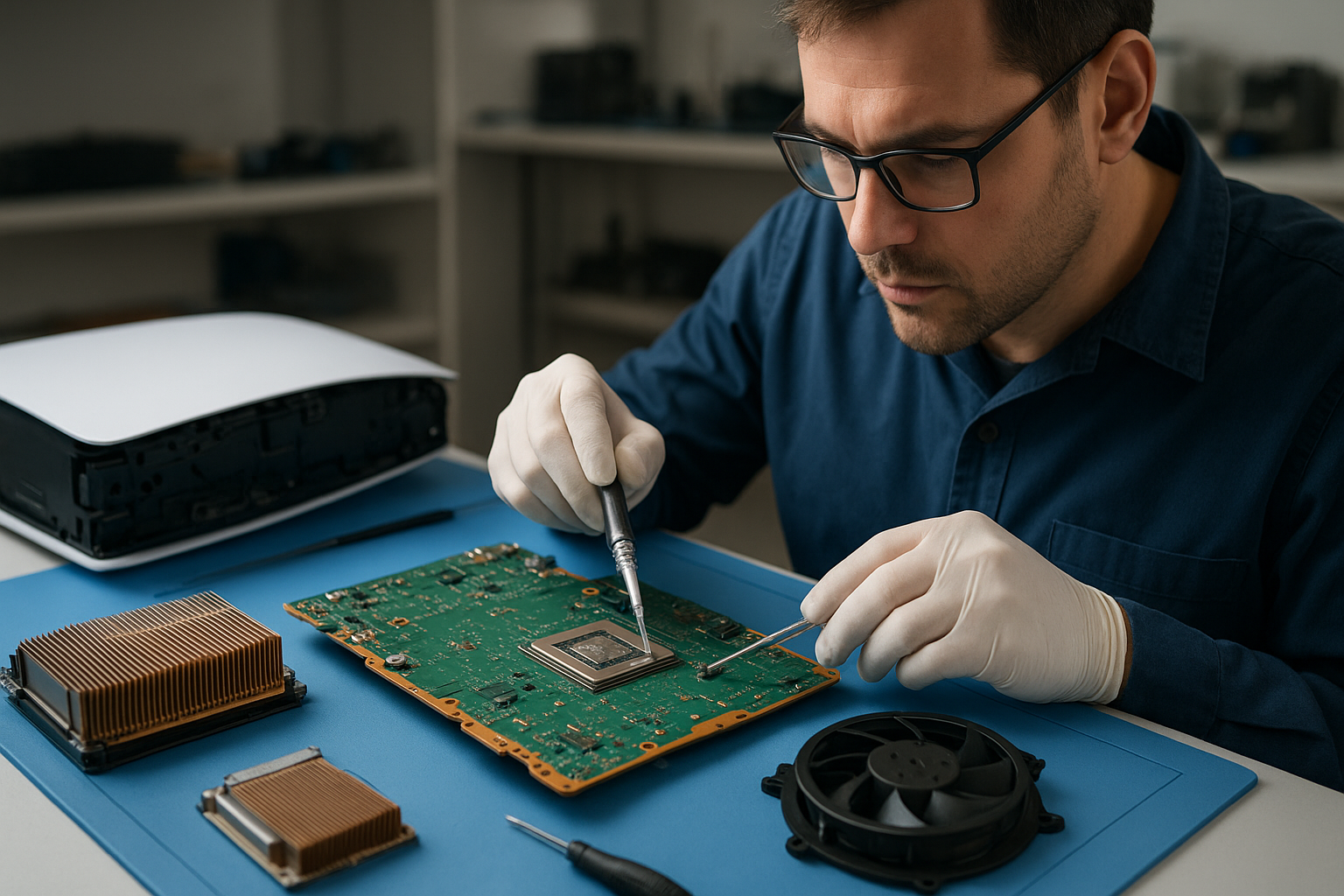
Liquid metal replacement on the PS5 is a premium thermal upgrade that improves heat transfer between the SoC and heatsink compared with standard thermal paste. At Moe Repair we perform liquid metal replacements with meticulous cleanup, surface prep and application to avoid risks like spillage or electrical shorts. For PS5 Pro and PS5 Slim consoles—their different boards and cooling arrangements require tailored application techniques. Liquid metal is particularly effective when a PS5 shows persistent high temperatures after standard cleaning or when gamers want optimal thermal headroom for demanding titles.

Console Cleaning and Dust Removal

Dust buildup is the most common cause of loud fan noise, reduced cooling efficiency and thermal throttling. Our PS5 cleaning service Coquitlam process includes:

  • Safe disassembly of the PS5 shell and separation of cooling modules.
  • Compressed air cleaning and precision vacuuming to remove deep dust from the fan, heat sink and vents.
  • Isopropyl cleaning of contact surfaces and replacement of degraded thermal pads where necessary.
  • Full bench testing after reassembly to ensure stable temperatures and quiet operation.

We use industry-grade tools and ESD-safe procedures to protect electronics. Regular cleaning prevents long-term damage and keeps consoles like the PS5 and PS5 Slim running quieter and longer.

Console Overheating Repair

Overheating can present as loud fans, thermal throttling, reduced frame rates, or sudden shutdowns. Our overheating repair workflow begins with a full diagnostic: internal temperature logging, fan speed analysis, and inspection for dust or failed components. Common fixes include fan cleaning or replacement, heatsink re-seating, thermal pad replacement, and—when appropriate—liquid metal re-application. We also check for software or system-level causes and recommend firmware updates or system resets when needed.

Signs Your Console Needs Service

Bring your PS5 to Moe Repair if you notice any of the following:

  • Loud fan noise that persists even during light gameplay
  • Overheating alerts or unusually hot console surfaces
  • Random shutdowns or system crashes during gaming sessions
  • Reduced performance, frame drops or thermal throttling
  • Visible dust at vents and fan intakes

Addressing these signs early—especially for consoles used in dust-prone environments like basements or entertainment centers—prevents more costly repairs down the road.

Why Thermal Management Matters

Thermal management determines a console’s longevity and performance. Modern chips in the PS5 and PS5 Pro produce significant heat under load; if that heat isn’t efficiently moved away, the system reduces clock speeds to protect itself. That results in stuttering, lower FPS and sometimes permanent component wear. Proper thermal management includes clean airflow, effective heatsinks, good thermal interface materials (thermal paste or liquid metal), and correctly seated cooling assemblies. At Moe Repair our approach balances repair, maintenance and performance upgrades tailored to each console model.

Gaming Consoles We Service

We service a wide range of modern gaming consoles with the same standards of care:

  • PS5, PS5 Slim, PS5 Pro
  • Xbox Series X, Xbox Series S

Whether you need a routine fan cleaning for a PS5 Slim, a liquid metal replacement for a PS5 Pro, or dust removal and repairs for an Xbox Series X, our technicians in Coquitlam have the tools and experience to deliver consistent results.

Why Choose Moe Repair

Moe Repair is locally owned and operated in Coquitlam, with more than 15 years of experience repairing consoles, laptops and desktops. Our technicians are skilled at diagnosing complex thermal and board-level issues and we prioritize transparency. We provide clear estimates, documented diagnostics and recommendations—whether you need simple fan cleaning, a full liquid metal replacement, or more advanced board repairs.

We also offer related computer services for gamers and power users: computer repair in Coquitlam, laptop repair in Coquitlam, and MacBook repair in Coquitlam. If you prefer to arrange drop-off or get directions, please contact Moe Repair.

Frequently Asked Questions

How often should I have my PS5 cleaned?

For average home use, we recommend a professional cleaning every 12–18 months. If your console runs in dusty environments or near pets, schedule service every 6–12 months to prevent dust buildup and overheating.

Is liquid metal safe for my PS5?

When applied by experienced technicians, liquid metal is safe and offers superior thermal conductivity. It must be applied carefully with proper insulation for nearby components. At Moe Repair we follow best practices to avoid leakage and ensure long-term stability.

My PS5 fan is loud after firmware updates—do you fix software-related issues?

Yes. We check both hardware and software causes. Firmware changes can alter fan curves; we will test thermal behavior and recommend whether a hardware cleaning or a system-level reset/update is needed.

Do you replace PS5 fans and parts?

We stock compatible replacement fans and thermal components for PS5 models. If a fan or thermal pad needs replacement, we will provide an estimate and perform the repair using quality parts and ESD-safe procedures.

Can you service consoles from Burnaby, Port Moody or Maple Ridge?

Absolutely. We regularly serve customers from Burnaby, Port Moody, Port Coquitlam, New Westminster and Maple Ridge. Drop-offs and mail-in options are available—contact us for details.

Real Repair Example

Customer: PS5 (standard model) brought in from Port Moody with complaints of loud fan noise, high temperature warnings and occasional random shutdowns during gameplay.

Diagnostic process:

  1. Visual inspection revealed significant dust accumulation inside the intake vents and a partially clogged fan impeller.
  2. Booted the console to log temperature sensors and fan RPM. Under a controlled stress test the CPU/GPU package reached 92°C and fan RPM spiked continuously.
  3. Opened the chassis in ESD-safe conditions and photographed internal state for the customer record.

Repair and cleaning:

  1. Removed the fan assembly and used precision compressed air and an anti-static vacuum to clear dust from the fan and heatsink fins.
  2. Inspected thermal interface: found an old, dried thermal paste layer and several compressed thermal pads showing degradation.
  3. Removed old thermal paste and pads, cleaned surfaces with isopropyl alcohol, applied a high-quality thermal paste to the SoC. Because the customer reported heavy use and wanted improved thermals, we discussed liquid metal replacement. With customer approval we performed a controlled liquid metal application to the SoC and reinstalled insulated thermal pads on surrounding power components to prevent conductivity issues.
  4. Reassembled the console, verified fan alignment and re-seated the heatsink. Ran an extended stress test to monitor temperatures and fan behavior.

Final outcome:

Peak package temperatures dropped from 92°C to 72°C under identical load conditions. Fan RPM stayed in a lower range and the console no longer triggered shutdowns. The customer reported significantly quieter operation and improved sustained performance during lengthy sessions.

Contact Moe Repair Today

Moe Repair

Phone: 778-951-4872

Email: service@moerepair.ca

For scheduling or questions about our PS5 cleaning service Coquitlam, liquid metal replacements, or general console maintenance, please call or email. You can also contact Moe Repair online to book an appointment.

We look forward to helping you keep your PS5, PS5 Slim, PS5 Pro or Xbox Series X/S running cool and quiet—serving gamers across Coquitlam, Burnaby, Port Moody, Port Coquitlam, New Westminster and Maple Ridge.

MacBook Pro screen replacement Coquitlam: Fast, local repair from Moe Repair

If your MacBook Pro shows cracks, vertical lines, or a blacked-out display, a timely MacBook Pro screen replacement Coquitlam service can save time and reduce risk to your data. At Moe Repair we diagnose each issue step by step, using proven procedures and OEM or equivalent-quality parts to restore your display and user experience.

MacBook Pro screen replacement Coquitlam: What we fix

We repair Retina and non-Retina MacBook Pro models, including Touch Bar and older unibody models. Typical problems include cracked glass, damaged LCD backlight, flicker, persistent vertical or horizontal lines, and display assembly separation after liquid exposure. We also handle trackpad and keyboard concerns that arise after screen damage. For broader device needs see our MacBook repair in Coquitlam page.

Common symptoms of a failing MacBook Pro screen

  • Cracked glass with otherwise normal system operation
  • Black spots, bleeding, or dead pixels on the LCD
  • Backlight failure: screen very dim despite normal power
  • Flicker or random lines during motion or video playback
  • No display but machine boots to sound and keyboard backlight

How we diagnose screen problems

Diagnosis starts with a visual inspection, followed by targeted tests. We connect a known-good external monitor to determine if the GPU and logic board output video. We inspect the display cable and connector for corrosion, bent pins, or liquid residue. If the external monitor shows normal output, we focus on the display assembly and backlight driver.

We also run a hardware test and check SMC and NVRAM settings when relevant. If a hardware fault is less clear, we test with a donor display to isolate the failure to the panel, cable, or board. For other system services, including virus removal or SSD upgrades, check our computer repair in Coquitlam listing.

Replacement process and parts we use

Our replacement procedure follows these steps: power down and isolate the battery, remove the bottom case, detach the display assembly connectors, remove the damaged display, install the replacement assembly, reconnect and test before reassembly. We verify backlight uniformity, color calibration, and Touch Bar function when applicable.

We source OEM or high-quality equivalent display assemblies and test each screen before installation. For logic board repairs or if the display cable is damaged we offer motherboard repair and cable replacement. Moe Repair technicians can also perform battery replacement, keyboard replacement, and thermal paste replacement if needed after a screen repair.

Real repair example from Port Coquitlam

A customer from Port Coquitlam brought in a 2018 MacBook Pro with a cracked Retina glass and intermittent vertical green lines. After recording symptoms and backup confirmation, I connected an external monitor which showed perfect output. I then inspected the display connector and found a partially torn ribbon and corrosion from an earlier spill. Using a donor panel verified the LCD was faulty. We replaced the entire display assembly, cleaned and reseated the connector, and tested the machine under load for an hour. The repair restored normal display and the customer’s data remained intact. I explained the findings and provided options before starting the work.

Turnaround time, pricing, and warranty

Turnaround depends on parts availability. For common MacBook Pro models we often complete screen replacement the same day or within 1-3 business days. Pricing varies by model and whether the Touch Bar or Retina assembly is required. We provide a parts and labor estimate upfront and offer a limited warranty on parts and installation. If you need data recovery after a damaged display, we handle that too—learn more at our data recovery in Coquitlam page.

When a full logic board repair is necessary

Sometimes a non-working display is caused by the GPU, display driver circuit, or faults on the motherboard. We perform voltage checks on the display rails and inspect the backlight driver components. If the logic board requires work, we explain the options including motherboard repair vs replacement. We also offer SSD upgrades and operating system repair if you want to improve performance after the screen fix.

Preventive tips and customer advice

Avoid pressing on the screen, use a sleeve when transporting, and keep liquids away from your MacBook. If you notice small cracks or hairline fractures, bring the MacBook in right away. Early intervention often reduces repair cost and prevents liquid ingress to the motherboard. For laptop fan replacement, thermal paste replacement, or general tune-ups, schedule a service with our technicians.

Contact Moe Repair Today

If you need a MacBook Pro screen replacement Coquitlam residents trust, call Moe Repair for a free consultation and transparent estimate. We serve Coquitlam and nearby areas including Port Moody and Port Coquitlam, and we regularly help customers from Burnaby and Vancouver. Phone: 778-951-4872. Email: service@moerepair.ca. You can also contact Moe Repair online to book an appointment or ask about parts and turnaround.

Why choose our shop in Coquitlam

We combine 15+ years of hands-on repair experience with clear diagnostics and realistic repair options. We do not replace parts unnecessarily and we document the diagnostic steps so you understand the work performed. For laptop-level issues beyond the screen, our laptop repair in Coquitlam team can evaluate battery, trackpad, or keyboard faults that often accompany accidental damage.

Frequently asked questions

The FAQ below answers common concerns about MacBook Pro screen replacement in Coquitlam. If you do not find your question, call 778-951-4872 or email service@moerepair.ca.

Laptop screen replacement Coquitlam: Fast, local repairs from Moe Repair

If your laptop shows cracks, lines, or a black display, a Laptop screen replacement Coquitlam specialist can often restore it the same day. I’m a senior technician at Moe Repair in Coquitlam and I diagnose display failures daily. This article explains common symptoms, realistic diagnostics, repair steps, parts choices, pricing considerations, and what to expect when you bring your device to our shop.

Common signs you need Laptop screen replacement Coquitlam

Signs a screen is damaged include visible cracks, vertical or horizontal lines, complete black screen with sound, backlight failure, and areas of discoloration or dead pixels. Some laptops have intermittent flicker that worsens when the lid moves—that often points to a damaged display cable or hinge. If you see distorted images but an external monitor works, a screen or the LVDS/eDP cable is likely the issue.

How we diagnose a broken laptop screen

Diagnosis starts with simple checks. We connect an external monitor to isolate the issue. If the external display is fine, the problem is the laptop display panel, cable, or connector. Next we test brightness controls and backlight by adjusting brightness and shining a flashlight at an apparently black screen to see faint image. We open the bezel to inspect the display connector and hinge area for pinched cables or corrosion.

Tools and tests

  • External display test and GPU sanity check
  • Multimeter checks on inverter lines in older CCFL laptops
  • Visual inspection under bezel for cable damage
  • Temporary replacement with a known-good panel to confirm failure

When needed, we log diagnostic steps and provide a written estimate. If you also need data recovery in Coquitlam we handle that together to avoid extra trips.

Parts and models we repair in Coquitlam

We replace screens on Windows laptops and MacBooks, including Dell XPS, Inspiron, Latitude, HP Envy, Pavilion, Lenovo ThinkPad and Legion, ASUS ZenBook and ROG, Acer Swift and Predator, Microsoft Surface models, and Apple MacBook Air and MacBook Pro displays. For Macs we check retina panel compatibility carefully and discuss OEM versus high-quality aftermarket options.

Typical repair procedures and timing

Procedure varies by model. For most clamshell laptops we remove the bezel, disconnect the display panel and cable, test power to the connector, install the replacement panel, and reassemble. Surface and some ultrabooks may require full disassembly. We keep most common panels in stock for Coquitlam customers and can often complete repairs same day. Complex models or ordered OEM panels can take 1–3 business days.

We also offer complementary services during the repair: laptop repair in Coquitlam like battery replacement, keyboard replacement, or SSD upgrades while the unit is open. This saves you time and shipping costs.

Real repair example from a local customer

A customer from Port Moody brought in a Lenovo IdeaPad with a cracked corner and a persistent vertical green line. After an external monitor test confirmed the GPU was fine, I removed the bezel and inspected the eDP cable. The cable had abrasion where the hinge contacts it. I temporarily installed a known-good panel to verify the line persisted, confirming a damaged panel. I explained options: replace the cable if available or replace the full panel. The customer chose a same-day panel replacement. After reassembly and stress-testing the lid 200 cycles, the display worked normally. Total time: 3 hours. Cost and data concerns were discussed up front and we did not need data recovery in Coquitlam.

Warranty, parts quality, and pricing

We offer a limited parts and labour warranty on screen replacements. OEM panels cost more but match factory calibration. Aftermarket panels are a reliable lower-cost option for many models. I always show you the part I plan to use and explain trade-offs. For Apple devices we discuss Retina variants because wrong pixel density or connector type will cause issues.

If you need broader service, we also provide computer repair in Coquitlam including motherboard repair, liquid damage repair, virus removal, Windows installation, and thermal paste replacement. Combining services often reduces the overall cost.

Practical advice to protect your laptop screen

  • Use a padded sleeve when transporting a laptop.
  • Avoid heavy items on top of your laptop in bags.
  • Regularly clean the screen with a microfiber cloth and approved cleaner to avoid pressure marks.
  • If the screen flickers only when you move the lid, stop using it until a technician inspects the hinge and cable.

FAQs

Below are common questions we get from Coquitlam customers. If your question is not listed, please contact Moe Repair.

How much does Laptop screen replacement Coquitlam usually cost?

Costs range by model and part choice. Typical consumer laptops start at a lower aftermarket price, while OEM or Retina panels cost more. We provide a written quote after diagnosis.

Can you replace a cracked screen without losing my files?

Yes. Screen replacement is a hardware swap and does not affect your drive. If we need to open the chassis further, we take precautions and can perform data recovery in Coquitlam if a drive is compromised.

Do you repair MacBook displays?

Yes. We service MacBook Air and MacBook Pro models. We check model numbers carefully to match Retina and non-Retina panels and discuss OEM versus high-quality alternatives. See our MacBook repair in Coquitlam page for details.

How long will the repair take?

Many common laptops are same-day if we have the panel in stock. Complex or ordered OEM parts may take a few business days.

Contact Moe Repair Today

Moe Repair provides a free consultation and transparent written estimates for Laptop screen replacement Coquitlam and related services in Coquitlam and nearby areas including Port Moody, Port Coquitlam, Burnaby, and New Westminster. Call us at 778-951-4872 or email service@moerepair.ca to describe the symptoms, get a price range, and schedule a drop-off. We will outline parts options, expected turnaround, and any additional services like laptop repair in Coquitlam or computer repair in Coquitlam if you need them.

Moe Repair
Phone: 778-951-4872
Email: service@moerepair.ca

If you are in Vancouver, Burnaby, or nearby communities and need a reliable, experienced technician for screen replacement, bring your laptop to our Coquitlam shop or contact Moe Repair to arrange service.

PS5 cleaning service Coquitlam

Professional Console Repair and Maintenance

At Moe Repair in Coquitlam we specialize in professional console maintenance and repairs focused on thermal management, dust removal, and performance restoration. Whether you own a PS5, PS5 Slim, PS5 Pro, Xbox Series X or Xbox Series S, our 15+ years of hands-on experience mean faster diagnostics, safer disassembly, and proven solutions for loud fan noise, overheating, and random shutdowns. We serve customers across Coquitlam and the Tri-Cities, including Burnaby, Port Moody, Port Coquitlam, New Westminster and Maple Ridge.

PS5 Liquid Metal Replacement

One of the most effective upgrades for PS5 thermal performance is replacing old thermal paste with factory-grade liquid metal between the heatsink and the SoC. Our PS5 liquid metal replacement service is performed with strict ESD precautions and precise application to avoid spillover or contact with sensitive components. Liquid metal significantly improves heat transfer, reduces junction temperatures, and often lowers fan speeds and noise during heavy gaming sessions, which is especially noticeable on PS5 Pro and PS5 Slim units that run hotter under certain configurations.

Console Cleaning and Dust Removal

Dust buildup is the primary cause of thermal issues in consoles. Our PS5 cleaning service includes:

  • Careful exterior and interior inspection
  • Complete disassembly to access intake, exhaust, and internal cavities
  • Compressed air and anti-static vacuum dust removal
  • Fan blade cleaning and bearing inspection
  • Re-application of thermal interface material or liquid metal if required

We also clean optical drives and vents to prevent performance throttling and read errors. For customers in Coquitlam and nearby cities like Burnaby and Port Moody, this service restores quieter operation and consistent frame rates during long play sessions.

Console Overheating Repair

Overheating symptoms—persistent loud fan noise, random shutdowns, thermal throttling, or degraded performance—require a methodical diagnostic approach. At Moe Repair we begin with temperature logging, visual inspection, and targeted component testing. Repairs may include fan replacement, heatsink reseating, replacing dried thermal paste with premium compounds or liquid metal, and cleaning obstructed airflow paths. We document each step and test the console under load to ensure the issue is fully resolved.

Real repair example

Customer brought in a PS5 from Coquitlam that was shutting down after 20–30 minutes of gameplay and exhibiting loud, high-pitched fan noise. Diagnostic steps we performed:

  • Recreated the symptom in-shop and recorded temperature rise with a thermal probe while running a stress test.
  • Opened the chassis and found significant dust accumulation on intake channels and a small accumulation of conductive dust near the fan housing.
  • Removed the fan assembly and inspected bearings—noise was due to grit and mild bearing wear; fan blades were cleaned and bearing lubricated, but replacement was recommended for long-term stability.
  • Removed the heatsink and inspected the thermal interface: the factory thermal compound had dried and there were visible hot spots on the SoC pad.
  • Performed ultrasonic cleaning of heatsink contact surfaces, applied high-quality liquid metal to the SoC, and reassembled with care to prevent spillover. All screws were torqued to spec and rubber dampers reinstalled correctly to reduce vibration.
  • Repeated stress testing for one hour; the unit maintained stable temperatures 8–12°C lower than before, fan RPMs were reduced under load, and no shutdowns occurred.

Final outcome: PS5 returned to the customer with quieter operation, improved thermal headroom, and consistent performance during extended sessions. We provided maintenance tips for keeping vents clear and scheduled follow-up inspection in 12 months.

Signs Your Console Needs Service

Watch for these signs that indicate your PS5 needs professional cleaning or repair:

  • Loud or unusual fan noise during light gameplay
  • Console heats up quickly or the exterior becomes very hot
  • Random shutdowns or system restarts
  • Reduced performance, stuttering, or frame drops
  • Persistent disc read errors or unusual spinning noises from the drive

If you notice any of these symptoms in Coquitlam, Burnaby, Port Moody, Port Coquitlam, New Westminster or Maple Ridge, bring your console to Moe Repair for a thorough inspection.

Why Thermal Management Matters

Thermal management is the key to longevity and peak performance in modern consoles. Effective cooling prevents thermal throttling, maintains consistent CPU/GPU clocks, and extends component life. For PS5 models—especially PS5 Pro and PS5 Slim that may run different power profiles—adequate cooling and clean airflow preserve stability during extended 4K or high-refresh-rate sessions. Our approach combines proper vent cleaning, fan servicing, heatsink inspection, and, when beneficial, liquid metal application to optimize heat transfer.

Gaming Consoles We Service

We service a wide range of consoles and related devices:

  • PlayStation: PS5, PS5 Slim, PS5 Pro
  • Xbox: Xbox Series X, Xbox Series S
  • Older generation consoles by request

Beyond consoles, we also offer related electronics services in Coquitlam such as computer repair in Coquitlam, laptop repair in Coquitlam, and MacBook repair in Coquitlam—helpful if you’re experiencing network or accessory issues that affect gaming.

Why Choose Moe Repair

Moe Repair combines experience, local convenience, and documented repair procedures. Benefits of choosing us in Coquitlam include:

  • Over 15 years of hands-on electronics and console repair experience
  • Specialized PS5 thermal services including liquid metal replacement
  • Transparent diagnostics and competitive pricing
  • Fast turnaround for most cleaning and fan replacement jobs
  • Careful ESD-safe handling and documented testing before return

We recommend routine maintenance every 12–18 months for consoles in dusty environments. Book a diagnostic or get a quote by visiting our contact Moe Repair page or calling us directly.

Frequently Asked Questions

How often should I have my PS5 cleaned?

For most homes in Coquitlam and nearby areas, a professional cleaning every 12–18 months is recommended. Homes with pets or heavy dust may need cleaning every 6–12 months.

Is liquid metal safe for my PS5?

When applied correctly by experienced technicians with proper masking and ESD procedures, liquid metal is safe and offers superior thermal conductivity. At Moe Repair we only use liquid metal on compatible contact surfaces and ensure no electrical exposure.

Will cleaning fix random shutdowns?

Often yes—random shutdowns are commonly caused by overheating from dust buildup or degraded thermal paste. If cleaning and thermal restoration don’t resolve the issue, we continue diagnostics to check for failing components or power delivery faults.

Can you service PS5 Slim and PS5 Pro models?

Yes. Our team is familiar with PS5, PS5 Slim, and PS5 Pro internal layouts and power/thermal differences. Each model receives model-specific care to avoid damage and preserve warranty considerations where possible.

How long does a typical cleaning or liquid metal service take?

Standard cleaning and fan servicing typically take 1–3 business days depending on workload. Liquid metal replacements and more involved thermal services can take 2–5 business days to allow full testing and stress checking.

Contact Moe Repair Today

Moe Repair
778-951-4872
service@moerepair.ca

Located in Coquitlam and serving Burnaby, Port Moody, Port Coquitlam, New Westminster and Maple Ridge. For fast diagnostics or to schedule a PS5 cleaning service, please contact Moe Repair or call us at 778-951-4872.

Xbox Series X thermal paste replacement Coquitlam

Professional Console Repair and Maintenance

At Moe Repair in Coquitlam we specialize in thermal management and comprehensive maintenance for modern consoles. Whether you own an Xbox Series X, Xbox Series S, PS5, PS5 Slim, or PS5 Pro, our 15+ years of experience repairing gaming systems across Coquitlam and neighbouring communities like Burnaby, Port Moody, Port Coquitlam, New Westminster, and Maple Ridge means fast, reliable diagnostics and repairs. Common issues we address include loud fan noise, random shutdowns, overheating, performance issues, and dust buildup that degrades long-term reliability.

PS5 Liquid Metal Replacement

Although this page focuses on Xbox Series X thermal paste replacement in Coquitlam, our shop is also one of the local leaders in PS5 liquid metal replacement and thermal upgrades. The PS5 family (standard PS5, PS5 Slim, PS5 Pro) uses different thermal solutions than Xbox consoles; many PS5 units benefit from a careful liquid metal re-application when standard thermal pads or pastes fail. We perform full tear-downs, component-level cleaning, inspection of the IHS and heatsink contact surfaces, and controlled liquid metal re-flow or reapplication where appropriate. Liquid metal must be applied by a trained technician to avoid corrosion or bridging onto nearby components—this is not a DIY job.

Console Cleaning and Dust Removal

Dust buildup is one of the leading causes of thermal problems in consoles. At Moe Repair we offer deep cleaning services that include dust removal, fan cleaning, vent and heatsink vacuuming, and contact surface polishing. Dust can insulate heat sinks, clog intake and exhaust paths, and cause fans to run louder and faster. Our cleaning service for Xbox Series X and PS5 models returns airflow to factory or better conditions and is often the first step before any thermal paste or liquid metal work.

Console Overheating Repair

Overheating manifests as sudden temperature spikes, reduced clock speeds, framerate drops, loud fan noise, and sometimes abrupt power-offs. We diagnose thermal faults using calibrated temperature probes and software telemetry where available. For Xbox Series X thermal paste replacement in Coquitlam we remove the system cover, inspect the heatsink and CPU/GPU seating, clean old compound residue, and apply an optimized high-performance thermal paste formulated for long-term stability. In more advanced PS5 repairs we may recommend liquid metal replacement when thermal margins demand it.

Real Repair Example: A PS5 with Overheating Symptoms — A customer from Port Moody brought in a PS5 Pro exhibiting frequent overheating, system throttling, and audible fan bearings noise. Diagnostic steps: we ran thermal logs and saw GPU hotspot temperatures well above normal under load. Disassembly revealed heavy dust accumulation in the dual intake channels and a dried, uneven thermal interface on the IHS. Our repair process included ultrasonic-safe dust removal, meticulous fan cleaning and lubrication where possible, full removal of old thermal compound, inspection of the mounting posts and heatsink flatness, and replacement with high-quality liquid metal on the CPU/GPU contact surfaces. We verified contact pressure and reassembled the console with new intake filters. Final outcome: idle and load temperatures dropped by 12–18°C, fan RPM under load reduced significantly, noise lowered, and the console no longer experienced random shutdowns. The client from Port Moody reported restored performance and quieter operation after pickup.

Signs Your Console Needs Service

Watch for these indicators that your Xbox Series X, Xbox Series S, or any PlayStation may need thermal attention:

  • Loud fan noise that ramps up quickly under light loads
  • Random shutdowns or reboots during gameplay
  • Noticeable performance drops or frame rate dips
  • High temperature warnings or system alerts
  • Excess dust visible in vents or uneven exhaust airflow

If you’re in Coquitlam or nearby areas (Burnaby, Port Coquitlam, New Westminster, Maple Ridge), bring your console in before minor issues escalate into irreversible hardware damage.

Why Thermal Management Matters

Thermal management directly impacts reliability and performance. Poor heat transfer from the CPU/GPU to the heatsink leads to thermal throttling, higher fan speeds, and in extreme cases, solder joint fatigue or component failure. Regular maintenance—cleaning fans, replacing degraded thermal paste, or upgrading to liquid metal where appropriate—improves heat dissipation and extends the lifespan of your console. Our technicians balance thermal conductivity with electrical safety and follow OEM and community best practices for each platform, including Xbox Series X thermal paste replacement and PS5 liquid metal solutions.

Gaming Consoles We Service

We service a wide range of gaming consoles with specialization in current-gen systems:

  • Xbox Series X — thermal paste replacement, fan replacement, diagnostics
  • Xbox Series S — cleaning, thermal checks, and performance tuning
  • PS5, PS5 Slim, PS5 Pro — liquid metal replacement, dust removal, fan cleaning
  • Legacy consoles — cleaning and component-level repairs where possible

Beyond consoles, Moe Repair also handles related electronics and offers complementary services like computer repair in Coquitlam, laptop repair in Coquitlam, and MacBook repair in Coquitlam—useful if your gaming PC or accessories need attention alongside your console.

Why Choose Moe Repair

We are a locally owned repair shop in Coquitlam with over 15 years of hands-on experience and a strong track record fixing thermal and mechanical issues in gaming consoles. Reasons customers in Coquitlam, Burnaby, Port Moody, Port Coquitlam, New Westminster, and Maple Ridge choose Moe Repair:

  • Certified technicians with console-specific experience
  • Transparent diagnostics and written estimates
  • Quality thermal materials and safe liquid metal application techniques
  • Fast turnaround for most common services
  • Local warranty on repair work where applicable

If you want to schedule a drop-off or ask about an estimate, you can contact Moe Repair to book your appointment.

Frequently Asked Questions

How long does an Xbox Series X thermal paste replacement take?

Typical repair time is 1–3 business days depending on workload and whether additional issues (like warped heatsinks or fan replacement) are found. Emergency and same-day options may be available—call ahead.

Is liquid metal better than thermal paste for PS5?

Liquid metal can provide lower thermal resistance than standard paste, significantly reducing hotspot temperatures on PS5 models. However, it requires careful application to avoid electrical conduction issues and corrosion. We evaluate each PS5 and recommend liquid metal only when benefits outweigh risks.

Will cleaning my console myself void the warranty?

Opening consoles typically voids manufacturer warranties. If your system is still under warranty, consider contacting the manufacturer first. For out-of-warranty consoles or when warranty service is not practical, our professional cleaning and thermal services are safe and backed by our local warranty.

Why is my console still loud after replacing thermal paste?

Loud noise can be due to worn fan bearings, poor airflow due to dust in other areas, or an improperly seated heatsink. We conduct a full inspection to identify the root cause and offer targeted repairs—fan replacement, re-seating heatsinks, or improving airflow with cleaning and filters.

Do you service consoles from other Tri-Cities areas?

Yes. We serve customers throughout Coquitlam, Burnaby, Port Moody, Port Coquitlam, New Westminster, Maple Ridge, and surrounding communities. Local pickup and delivery options may be available—call to discuss logistics.

Contact Moe Repair Today

Moe Repair
778-951-4872
service@moerepair.ca

For estimates or to schedule an appointment for Xbox Series X thermal paste replacement in Coquitlam, PS5 liquid metal work, or a console cleaning and diagnostic, please contact Moe Repair. We also offer services for PCs and laptops—see our pages on computer repair in Coquitlam, laptop repair in Coquitlam, and MacBook repair in Coquitlam.

Protect your investment with timely maintenance and expert thermal work. Whether you’re in central Coquitlam or in nearby Port Coquitlam, Burnaby, Port Moody, New Westminster, or Maple Ridge, we’re ready to help restore optimal performance to your Xbox or PlayStation.

MacBook screen replacement Coquitlam: What to expect from a local expert

If you searched for MacBook screen replacement Coquitlam, you probably have a MacBook with a cracked glass, flicker, or lines across the display. At Moe Repair I diagnose the exact cause, explain your options, and carry out the repair using quality parts. I have over 15 years of hands-on experience repairing MacBook Air and MacBook Pro models for customers across Coquitlam, Port Moody, and Burnaby.

Common symptoms that need MacBook screen replacement Coquitlam

Symptoms vary by model, but common signs I see include:

  • Visible cracks or shattered glass on the Retina display
  • Black spots, bleeding colors, or vertical and horizontal lines
  • Backlight issues such as dim display or uneven lighting
  • Unresponsive touch on models with touch features or flickering when opening the lid
  • No image on the screen while the machine boots (but audio and power LED work)

How I diagnose a damaged MacBook display

My diagnostic process focuses on isolating display hardware from logic board faults. Typical steps:

  • Visual inspection for glass and chassis damage
  • Connect to an external monitor to check if GPU and macOS boot correctly
  • Run Apple Diagnostics or hardware tests for GPU/logic board errors
  • Inspect display cable and hinge area for flex damage
  • Test backlight and inverter circuits on older models and LED driver circuits on newer ones

This approach helps determine whether you need a full display assembly, just the LCD, or a board-level repair.

Real repair procedures I perform

Repair steps vary by model. For a typical MacBook Pro Retina replacement I will:

  • Back up user data if requested and safe to do; offer data recovery in Coquitlam if needed
  • Power down, remove the lower case, and disconnect the battery
  • Remove the display assembly trim and carefully disconnect the LVDS/DisplayPort cable
  • Replace the LCD or full display assembly with a tested OEM or high-quality aftermarket panel
  • Reassemble, calibrate color, and run a thermal and stress test

I don’t cut corners on connectors and adhesives. I also check for secondary faults like bent hinge posts or liquid residue that could affect long-term reliability.

Repair example from a Coquitlam customer

A customer in Port Coquitlam brought in a 2016 MacBook Pro with vertical colored lines and a partially black screen after dropping it on the keyboard. I first connected the MacBook to an external monitor; the external output was clean which pointed to a display or cable fault rather than the GPU. I then inspected the hinge area and found a torn display flex cable along with a cracked LCD. After discussing options I replaced the full display assembly because the cost difference to source a new flex cable and a used LCD did not justify the risk. I installed a tested Retina display assembly, reseated all connectors, and ran a two-hour burn-in. The MacBook returned to the customer with a clear screen and normal brightness; the hinge felt solid and the trackpad was unaffected. The customer paid for parts and labour and left satisfied, but I advised them that future hinge impacts could damage the new assembly.

Typical turnaround time and parts

Turnaround depends on parts availability for your model. For common MacBook Air and MacBook Pro models I often complete the job same-day or within 1-3 business days. Less common or older Macs may require ordering parts, which can extend time to 3-7 days. I use OEM panels when available and high-quality aftermarket assemblies otherwise. I will always explain the part source and warranty before starting.

Costs, warranty, and when motherboard work is needed

Screen replacement costs vary by model and part quality. If diagnostics show the logic board or GPU is damaged I will explain options such as display cable replacement, board repair, or replacement. I provide a limited warranty on parts and labour. If you also need laptop repair in Coquitlam services like battery replacement, SSD upgrades, or keyboard replacement I can bundle work to save you time.

Preventive tips and what to do before bringing your MacBook in

  • Power down the MacBook and bring it in as-is to preserve evidence of impact or liquid
  • If the laptop still boots, back up critical files to an external drive or to the cloud
  • Avoid placing pressure on the cracked screen to prevent glass shards or further LCD damage
  • Bring your charger and describe any prior incidents like drops or spills

For other services I offer, see my pages on computer repair in Coquitlam and MacBook repair in Coquitlam for more details.

Common questions I answer during diagnostics

Customers often ask: Can I replace only the glass? Sometimes, but on many Retina models the glass is fused to the LCD and replacing only the glass risks poor touch and color performance. I will be transparent about the safest and most cost-effective option for your MacBook.

Contact Moe Repair Today

Moe Repair provides local MacBook screen replacement Coquitlam service plus pickups and drop-off options in nearby areas like Port Moody and Burnaby. Call 778-951-4872 or email service@moerepair.ca for a free consultation. Tell me your MacBook model and symptoms and I will give an honest assessment of repair cost, parts, and likely turnaround. We also offer related services including battery replacement, SSD upgrades, motherboard repair, and data recovery. If you prefer, schedule an appointment online through our contact Moe Repair page and I will follow up with next steps and pickup options for Coquitlam and nearby communities.

Why choose a local technician in Coquitlam

Local repairs mean faster diagnostics, easier communication, and the ability to return the machine quickly when parts are in stock. I work with customers across Coquitlam, Port Coquitlam, Port Moody, and Burnaby. For complex failures I can coordinate with our parts suppliers and explain whether a motherboard repair or display replacement is the best route.

Frequently asked questions

See the FAQ below for common concerns. If your question is urgent, call 778-951-4872 or email service@moerepair.ca.

Other services

We also handle virus removal, Windows installation, printer setup, Wi-Fi troubleshooting, and comprehensive tune-ups.

Xbox Series X cleaning service Coquitlam

Professional Console Repair and Maintenance

At Moe Repair in Coquitlam we specialize in professional console maintenance and repairs for all modern systems, with a strong focus on Xbox Series X cleaning service Coquitlam. With over 15 years of hands-on experience repairing consoles, laptops, and desktops, our technicians diagnose thermal issues, remove dust buildup, clean and balance fans, and perform thermal compound and liquid metal work when necessary. We service gamers across Coquitlam and nearby communities including Burnaby, Port Moody, Port Coquitlam, New Westminster, and Maple Ridge.

PS5 Liquid Metal Replacement

Although this page is focused on Xbox Series X cleaning service Coquitlam, our shop also handles advanced PS5 repairs like liquid metal replacement for PS5, PS5 Slim, and PS5 Pro models. Liquid metal can dramatically improve thermal transfer on the PS5’s large die, reducing temperatures and fan noise when applied correctly. We only use the approved techniques, replace thermal pads where needed, and test for conductivity and stability so there are no short circuits or long-term reliability issues. If your PS5 has had a failed DIY liquid metal attempt, bring it in — we can safely clean and reapply thermal interfaces or revert to high-quality thermal paste if preferred.

Console Cleaning and Dust Removal

Dust buildup is the most common cause of loud fan noise, overheating, and performance issues. For Xbox Series X cleaning service Coquitlam we perform a complete dust removal procedure: external cleaning, disassembly, compressed-air-assisted dust extraction, vacuuming of debris, and careful cleaning of heat sink fins and air channels. We also clean the fan assembly, check for bearing wear, and replace worn fans if necessary. These steps are essential for Xbox Series X and Xbox Series S units, and the same principles apply to PS5, PS5 Slim, and PS5 Pro consoles.

Console Overheating Repair

Overheating symptoms—loud fan noise, reduced performance, random shutdowns, or thermal throttling—require a systematic approach. Our overheating repair process for Xbox Series X cleaning service Coquitlam includes full diagnostic testing, thermographic scans, BIOS/firmware checks, and stress testing after repair. We inspect for dust-clogged vents, dried or degraded thermal compound, faulty fans, and warped or damaged heat spreaders. For PS5 consoles we may recommend liquid metal replacement or reflow of thermal compound; for Xbox Series consoles we focus on cleaning, fan replacement, and improving airflow paths to restore stable thermal management.

Signs Your Console Needs Service

  • Loud, constantly spinning fans even during low load
  • Random shutdowns or restarts during gameplay
  • Noticeable performance drops or frame rate stuttering
  • Excessive heat from vents or unusually hot chassis
  • Visible dust accumulation in vents or on internal components

If you experience any of these in Coquitlam or nearby cities like Burnaby or Port Moody, bring your console to Moe Repair for inspection. Left unaddressed, dust buildup and poor thermal management can cause permanent hardware damage.

Why Thermal Management Matters

Thermal management is the difference between a reliable console and one that struggles under load. Proper cooling keeps processors and GPUs within safe operating temperatures, preserving performance and extending the life of your Xbox Series X, Xbox Series S, PS5, PS5 Slim, and PS5 Pro. At Moe Repair we balance airflow, clean heat sinks, replace degraded thermal paste or pads, and perform liquid metal services on compatible PS5 units when appropriate. Good thermal practices prevent loud fan noise, random shutdowns, and long-term performance issues.

Gaming Consoles We Service

We service a broad range of consoles with tailored cleaning and repair procedures, including:

  • Xbox Series X — full cleaning, fan replacement, thermal checks
  • Xbox Series S — dust removal and airflow optimization
  • PS5, PS5 Slim, PS5 Pro — cleaning, fan servicing, and liquid metal replacement when necessary
  • Older consoles — dust removal, power supply checks, and performance tuning

Whether your console is from day one of release or a newer revision, our experience at Moe Repair in Coquitlam ensures we use the right parts and methods for long-lasting repairs.

Why Choose Moe Repair

We are Coquitlam’s trusted console repair team. Here’s why gamers from Port Coquitlam, New Westminster, Maple Ridge, Burnaby, and Port Moody trust us:

  • 15+ years experience in electronics repair and gaming consoles
  • Cleanroom-style handling for thermal compound and liquid metal work
  • Transparent diagnostics and fair pricing for Xbox Series X cleaning service Coquitlam
  • Fast turnaround and thorough testing before return
  • Local shop knowledge — we understand how dust and environmental factors in the Tri-Cities area affect consoles

Need a related service? We also offer computer repair in Coquitlam, laptop repair in Coquitlam, and MacBook repair in Coquitlam. For bookings and questions, please contact Moe Repair.

Frequently Asked Questions

How long does an Xbox Series X cleaning take?

Typical cleaning and diagnostics take 1-3 business days depending on queue and whether parts are needed. Simple dust removal and fan cleaning are often completed the same day; more extensive repairs, replacement fans, or thermal rework may require additional time.

Do you perform liquid metal replacement on PS5 models?

Yes. We perform liquid metal replacement for PS5, PS5 Slim, and PS5 Pro models when it’s the best long-term solution. This is done cautiously in a controlled environment with proper safeguards. If your PS5 has had a failed DIY attempt, we can assess and remediate damage.

Will cleaning my console void the warranty?

Opening a console typically affects manufacturer warranties. We clearly explain warranty implications before any repair. For out-of-warranty consoles or devices with expired coverage, professional cleaning can extend the lifespan and restore performance.

Can you fix random shutdowns and performance issues?

Yes. Random shutdowns and performance drops are frequently caused by overheating, clogged airflow, failing fans, or degraded thermal compound. Our diagnostics identify the root cause and we perform the necessary repairs to return your console to stable operation.

Do you serve areas outside Coquitlam?

Absolutely. While we are based in Coquitlam, gamers from Burnaby, Port Moody, Port Coquitlam, New Westminster, Maple Ridge, and other Metro Vancouver communities regularly bring devices to us for reliable service.

Real Repair Example

Case: A PS5 arrived at our Coquitlam shop with repeated thermal shutdowns and loud fan noise during even light gameplay. The owner reported the console was several years old and had never been opened.

Diagnostic process: We ran a controlled stress test and recorded thermals and fan RPMs. The PS5 was reaching junction temperatures above safe limits, the fan was spinning at maximum RPM quickly, and airflow was visibly restricted by compacted dust in the intake and on the heat sink fins.

Disassembly and cleaning: We carefully disassembled the console, documenting the process and using ESD-safe tools. We removed dense dust cakes from the fan assembly, intake vents, and heat sink. The fan bearings showed early wear; we cleaned the fan and tested its balance, but recommended replacement to avoid near-term failure.

Liquid metal inspection: On inspecting the PS5’s thermal interface, we found the original thermal paste had dried and some thermal pads had compressed. The customer opted for a liquid metal replacement to achieve better long-term thermal performance. We cleaned the old compound, applied a thin, controlled layer of liquid metal to the CPU/GPU die, and replaced thermal pads on VRMs and other contact points.

Final outcome: After reassembly, we ran extended stress tests. Peak temperatures dropped significantly, fan speeds stabilized at much lower RPMs for the same loads, and the unit no longer experienced shutdowns. The customer reported quieter, more consistent performance and a long-term improvement in thermal behavior.

Contact Moe Repair Today

Moe Repair
778-951-4872
service@moerepair.ca

For dependable Xbox Series X cleaning service Coquitlam and full console maintenance, bring your device to Moe Repair or contact Moe Repair to book an inspection. We’re proud to serve Coquitlam and neighbouring communities including Burnaby, Port Moody, Port Coquitlam, New Westminster, and Maple Ridge.

MacBook Pro screen replacement Coquitlam: Same-day Retina Repairs by Moe Repair

If your MacBook Pro has a cracked or flickering display, a MacBook Pro screen replacement Coquitlam specialist at Moe Repair can diagnose and often repair it the same day. I recommend stopping regular use to avoid further damage. As a senior technician with over 15 years repairing MacBook screens, I explain symptoms, testing steps, and repair options so you understand each stage.

Common symptoms that point to a replacement

Typical signs we see at our shop in Coquitlam include:

  • Cracked glass with visible spiderweb fracture
  • Black areas or vertical lines on a Retina display
  • Flicker, backlight failure, or dim screen
  • Unresponsive touch on MacBook Pro models with a touch bar or digitizer issues
  • Distorted colors after an impact
  • Camera or ambient light sensor failures following a drop

How we diagnose a MacBook Pro screen replacement Coquitlam request

Diagnosis starts with a careful visual inspection of the chassis and screen assembly. I then run a series of tests:

  • External monitor test to determine if the issue is the LCD or the logic board
  • Inspect display cable and hinge for pinching or corrosion
  • Check backlight and power rails on the board if the screen is dark but the external display works
  • Run Apple diagnostics and load test images to look for dead pixels and uniformity issues

These steps help identify whether you need a full screen assembly replacement, an LCD-only swap, or motherboard repair. We also recommend backing up data before major repairs; see our data recovery in Coquitlam page if you have concerns about lost files.

Our MacBook Pro screen replacement Coquitlam process

We work methodically to avoid additional damage. The process typically follows:

  • Confirm symptoms and run the diagnostic steps above
  • Provide a written estimate and parts options (genuine Apple or high-grade OEM)
  • Remove the old screen assembly, inspect the display cable and hinge for damage
  • Install the replacement display, reseat the camera and sensors, and calibrate the display
  • Run a full test including camera, ambient sensor, Wi-Fi, and trackpad checks

If you need other work, we can combine services like laptop repair in Coquitlam such as battery replacement, SSD upgrades, or thermal paste replacement while your MacBook is open.

Parts and MacBook models we service

We handle a wide range of MacBook Pro models including Retina, Touch Bar, and older non-Retina models. For modern MacBook Pro screens we replace the full screen assembly and where appropriate offer Retina LCD or OEM alternatives. We also perform related repairs like hinge repair, display cable replacement, and trackpad repair.

Real repair example: Port Moody MacBook Pro with shattered Retina display

A recent customer from Port Moody dropped an M1 MacBook Pro, shattering the glass and leaving vertical color bands. I started with an external monitor test which showed the GPU and logic board were fine. After removing the top case I inspected the display connector and hinge; the cable showed no tears. I provided options and after approval replaced the full Retina display assembly. Post-repair tests checked color calibration, backlight uniformity, and the Touch Bar. The replacement resolved the bands and restored full brightness. The customer also asked about battery health, so I ran a battery diagnostic and offered a discounted battery replacement, which he accepted.

Turnaround times and pricing factors

Turnaround depends on part availability and model. Many straightforward replacements finish the same day in Coquitlam. Older or rare models may take longer due to parts sourcing. Price varies by model and whether you choose Apple genuine parts. We quote before work and never start without your approval. For combined services see our computer repair in Coquitlam page for additional options.

What you should do before bringing your MacBook in

Before you arrive, do these quick steps:

  • Back up your data to iCloud or an external drive
  • Turn off the MacBook to prevent short circuits if the screen is cracked
  • Note any additional issues like battery swelling, keyboard problems, or liquid exposure

If you need hands-on help with backups, we offer data recovery in Coquitlam and can assist safely.

Warranty, testing, and aftercare

We test every repair under load for several hours to make sure heat, Wi-Fi, and display stability are solid. We provide a limited parts and labor warranty on screen replacements. We do not guarantee repairs on devices with severe liquid damage or hidden motherboard faults, but we always explain options clearly.

Contact Moe Repair Today

If you need a MacBook Pro screen replacement Coquitlam customers trust, call or email Moe Repair for a free consultation. We offer same-day inspections when parts are available and serve Coquitlam as well as nearby Port Moody, Port Coquitlam, Burnaby, and New Westminster. Call 778-951-4872 or email service@moerepair.ca to book a drop-off or request a quote. Mention any related issues like battery wear or trackpad problems so we can plan diagnostics and give an accurate estimate. Visit our MacBook repair in Coquitlam page for more details and customer feedback.

Other services we offer

While replacing a screen we commonly handle related fixes: SSD upgrades, motherboard repair, keyboard replacement, liquid damage repair, and virus removal on other systems. If you need multi-service support, our technicians can combine tasks to save you time and cost. For general laptop needs check our laptop repair in Coquitlam page.

Moe Repair
Phone: 778-951-4872
Email: service@moerepair.ca

We accept drop-offs and appointments. If you are in Burnaby, New Westminster, or Port Coquitlam we can often arrange a quick turnaround.

Frequently asked questions

See below for common questions and answers about MacBook Pro screen replacement in Coquitlam.

Console dust removal Coquitlam

Professional Console Repair and Maintenance

At Moe Repair in Coquitlam we specialize in professional console dust removal Coquitlam gamers trust. With over 15 years of hands-on experience servicing gaming hardware, our technicians combine careful diagnostics with proven cleaning and thermal-management techniques. We service PS5, PS5 Slim, PS5 Pro, Xbox Series X and Xbox Series S consoles, and we see a lot of dust-related issues from Coquitlam neighborhoods and surrounding cities including Burnaby, Port Moody, Port Coquitlam, New Westminster and Maple Ridge.

PS5 Liquid Metal Replacement

One of the more advanced thermal upgrades and repairs we perform is PS5 liquid metal replacement. Factory thermal paste can harden or be inadequately applied on some units, and the PS5’s high-power chips benefit from precision thermal interface materials. Liquid metal offers lower thermal resistance compared with conventional paste, but it must be applied correctly to avoid short circuits and long-term corrosion. At Moe Repair we perform a full diagnostic, remove the cooling assembly, clean the CPU die and heatsink mating surfaces, and then apply a compatible liquid metal compound before remounting and testing. We also inspect thermal pads and the rest of the cooling assembly for dust or damage, so that the liquid metal replacement delivers measurable temperature drops and quieter fan operation.

Console Cleaning and Dust Removal

Console dust removal is more than just blowing air into vents. Our PS5 cleaning service follows an ESD-safe workflow: full teardown, compressed air at calibrated pressure, motorized fan inspection, bristle cleaning for heatsink fins, vacuuming of loose debris, and if needed, ultrasonic cleaning of removable parts. For Xbox Series X and Series S we use manufacturer-aware methods to remove dust from the large heatsink and to clear air channels without damaging plastic clips or airflow guides. Regular dust removal reduces fan wear, prevents clogging of heat sinks, and restores quiet operation.

Console Overheating Repair

Overheating is one of the most common problems we diagnose in Coquitlam. Symptoms include loud fan noise, thermal throttling, random shutdowns, reduced performance, and visible dust buildup around vents. Our console overheating repair process begins with thermal logging and inspection to identify hotspots and airflow restrictions. After cleaning, we verify fan operation, check bearings and PWM control signals, and if temperatures remain high we assess the thermal interface and consider liquid metal or high-quality thermal paste replacement. In many cases a thorough dust removal and fan cleaning resolves overheating; in more severe cases we replace failed fans or upgrade thermal interfaces.

Signs Your Console Needs Service

Watch for these symptoms — they often mean it’s time for a professional console dust removal Coquitlam service:

  • Loud or unusually high-pitched fan noise during gameplay
  • Frequent or random shutdowns during intensive games
  • Consistently high internal temperatures or thermal warnings
  • Reduced frame-rates and performance drops despite normal network and game settings
  • Visible dust around intake or exhaust vents and persistent filament-like buildup on vents

If you live in Coquitlam or nearby areas such as Burnaby, Port Moody, Port Coquitlam, New Westminster or Maple Ridge and notice these symptoms, bring the console in for a full evaluation. You can also contact Moe Repair to schedule a check.

Why Thermal Management Matters

Thermal management is the difference between a console that performs reliably for years and one that struggles after a few months. Proper cooling keeps the CPU and GPU within safe operating temperatures, prevents thermal throttling that reduces gaming performance, and extends component life. We address thermal management comprehensively: cleaning airflow passages, verifying fan speed curves with diagnostic tools, replacing worn fans, and when appropriate, replacing thermal paste or installing liquid metal on PS5 Pro and PS5 Slim models to improve heat transfer. These steps lower operating temperatures and reduce loud fan activity that can disrupt your gaming session.

Gaming Consoles We Service

Our experience covers the major current-gen consoles and their variants:

  • PlayStation 5 (PS5) and PS5 Slim
  • PS5 Pro (thermal and performance-focused servicing)
  • Xbox Series X — deep clean of the vertical tower-style cooler
  • Xbox Series S — targeted dust removal on smaller form factor units

Each model has distinct cooling designs and risk points. For example, the Xbox Series X uses a large monolithic heatsink and a single large exhaust fan, while PS5 models use a wider cooling array and in some cases benefit more noticeably from improved thermal interface materials. Our technicians are trained to handle the disassembly patterns and safety considerations of every model we accept.

Why Choose Moe Repair

Choosing Moe Repair means choosing a team with deep repair experience and local knowledge. We maintain a clean, ESD-safe workspace and document repairs with photos and test logs. We’re centrally located in Coquitlam and serve customers from Burnaby, Port Moody, Port Coquitlam, New Westminster and Maple Ridge. Our services include PS5 cleaning service, fan cleaning, dust removal, liquid metal replacement, and full overheating repair. We also offer complementary services if your console issue overlaps with computer or laptop problems — see our pages for computer repair in Coquitlam, laptop repair in Coquitlam, and MacBook repair in Coquitlam.

Frequently Asked Questions

How often should I get console dust removal?

For most households, a professional deep cleaning every 12–18 months is sufficient. If you live in a dustier environment, have pets, or run your console for many hours daily, consider a service every 6–12 months.

Is liquid metal safe on my PS5?

When applied by a trained technician, liquid metal is safe and effective. It delivers lower thermal resistance than thermal paste but requires careful application and proper isolation from electrical contacts. At Moe Repair we use compatible products and follow strict procedures to avoid migration or corrosion.

Can I clean my console at home?

You can perform light exterior cleaning and use low-pressure canned air on vents, but avoid high-pressure air, disassembly without ESD precautions, or liquids. For full dust removal and thermal work (like liquid metal replacement), bring the console to a professional.

Why is my PS5 still loud after cleaning?

If loud fan noise persists after dust removal, the issue may be worn fan bearings, a faulty fan controller, or degraded thermal compound. We perform a full diagnostic to pinpoint the cause and recommend targeted repairs or replacements.

Do you offer warranty on repairs and cleaning?

Yes — we provide a warranty on parts and workmanship for specific services. Warranty terms vary by repair type; we’ll explain coverage at the time of service.

Real Repair Example

Customer brought in a PS5 from Port Moody with loud fan noise, occasional random shutdowns, and frame-rate drops after 30–40 minutes of play. Diagnostic workflow:

  1. Initial inspection: heavy dust accumulation in intake vents and visible clogging between heatsink fins.
  2. Thermal logging: CPU/GPU junction temps exceeding safe thresholds during a controlled stress test, with fans running at maximum RPM.
  3. Disassembly: ESD-safe teardown to remove the cover, fan assembly and heatsink for closer inspection.
  4. Cleaning: compressed air and fine brushes to remove dust, vacuuming to capture particles, cleaning the fan blades and bearing area, replacing a worn PWM fan bearing when necessary.
  5. Thermal interface inspection: old thermal paste had dried and contact between die and heatsink was uneven. We cleaned the mating surfaces and applied a high-quality thermal paste; because the unit was a PS5 Pro variant with sustained higher thermal loads, we recommended and applied a compatible liquid metal substitute designed for consoles.
  6. Reassembly and testing: after reassembly we reran stress tests — temperatures dropped by 8–12°C under load, fan RPMs reduced by 20% in the same scenarios, and the console no longer exhibited thermal shutdowns. Final verification included a 2-hour gaming session to confirm stability.

Outcome: The console returned to normal quiet operation and stable performance. The customer from Port Moody reported improved gameplay for demanding titles and no further shutdowns.

Contact Moe Repair Today

Moe Repair
778-951-4872
service@moerepair.ca

For fast, professional console dust removal Coquitlam gamers rely on, contact Moe Repair or call 778-951-4872 to schedule your PS5 cleaning service, fan cleaning, or overheating repair. We service Coquitlam and nearby communities including Burnaby, Port Moody, Port Coquitlam, New Westminster and Maple Ridge. If you have other devices, check our repair services for computer repair in Coquitlam, laptop repair in Coquitlam and MacBook repair in Coquitlam.