Data recovery Richmond: Reliable Local Service from Moe Repair
As a senior technician with more than 15 years of hands-on experience, I know how stressful data loss feels. Data recovery Richmond cases come in every day, from accidental deletes to drives that click or do not spin up. In this article I will explain common failure symptoms, diagnostic steps, realistic repair procedures, and practical advice so you can act quickly and safely.
Data recovery Richmond: What we fix
We handle hard drive recovery, SSD recovery, RAID recovery, external drive recovery, USB recovery, and MacBook data recovery. We recover deleted files, corrupted drive partitions, and damaged file systems like NTFS, FAT32, HFS+, and APFS. Often we also support forensic recovery and emergency data recovery when time is critical.
Common failure symptoms
Listen for clicking or grinding sounds. The drive may not mount or show as RAW. You might see repeated boot loops, file system errors, or folders with zero byte files. SSDs can suddenly become read-only, or show slow access due to controller faults. Malware and virus removal issues can also mimic hardware faults.
Initial diagnostics steps
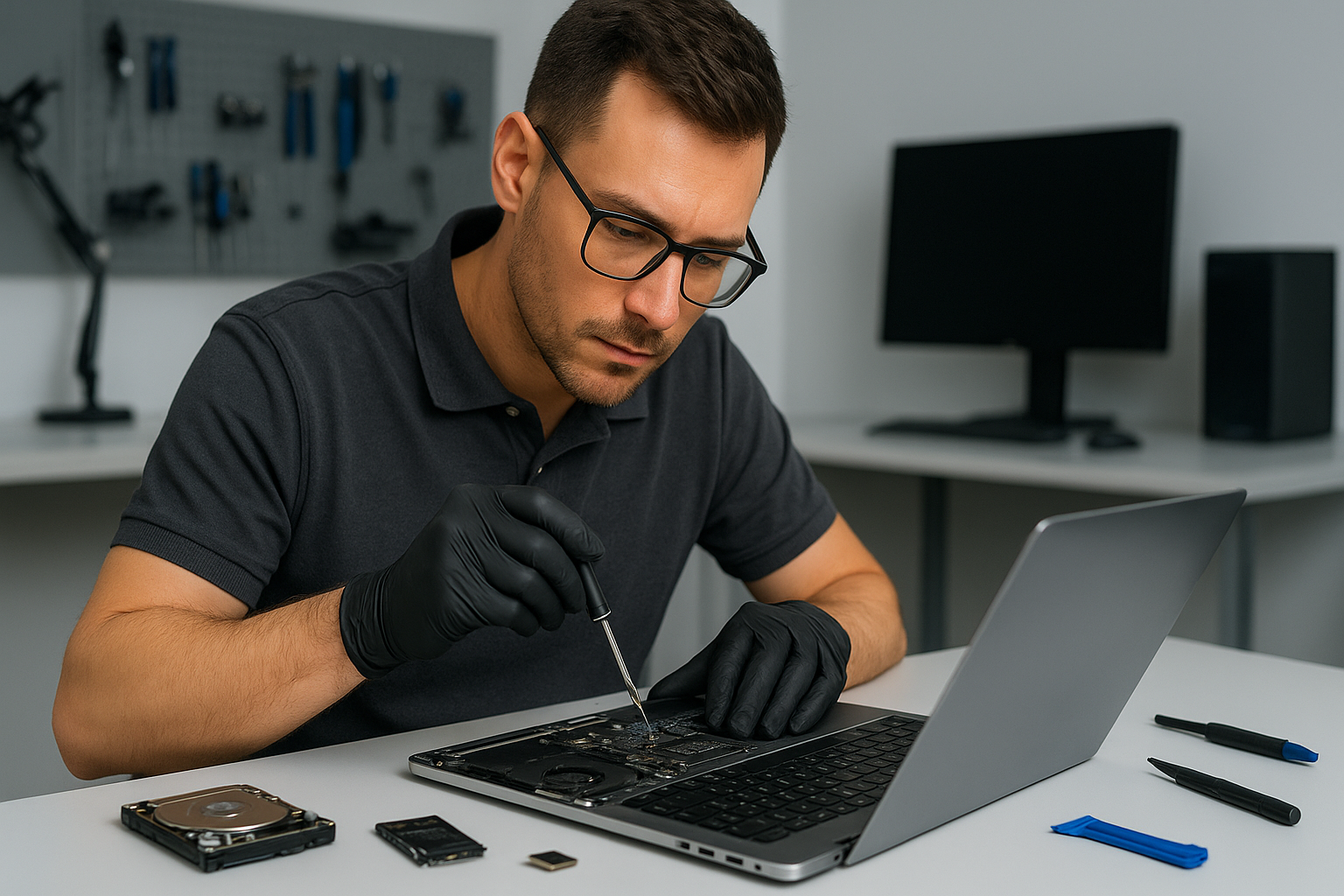
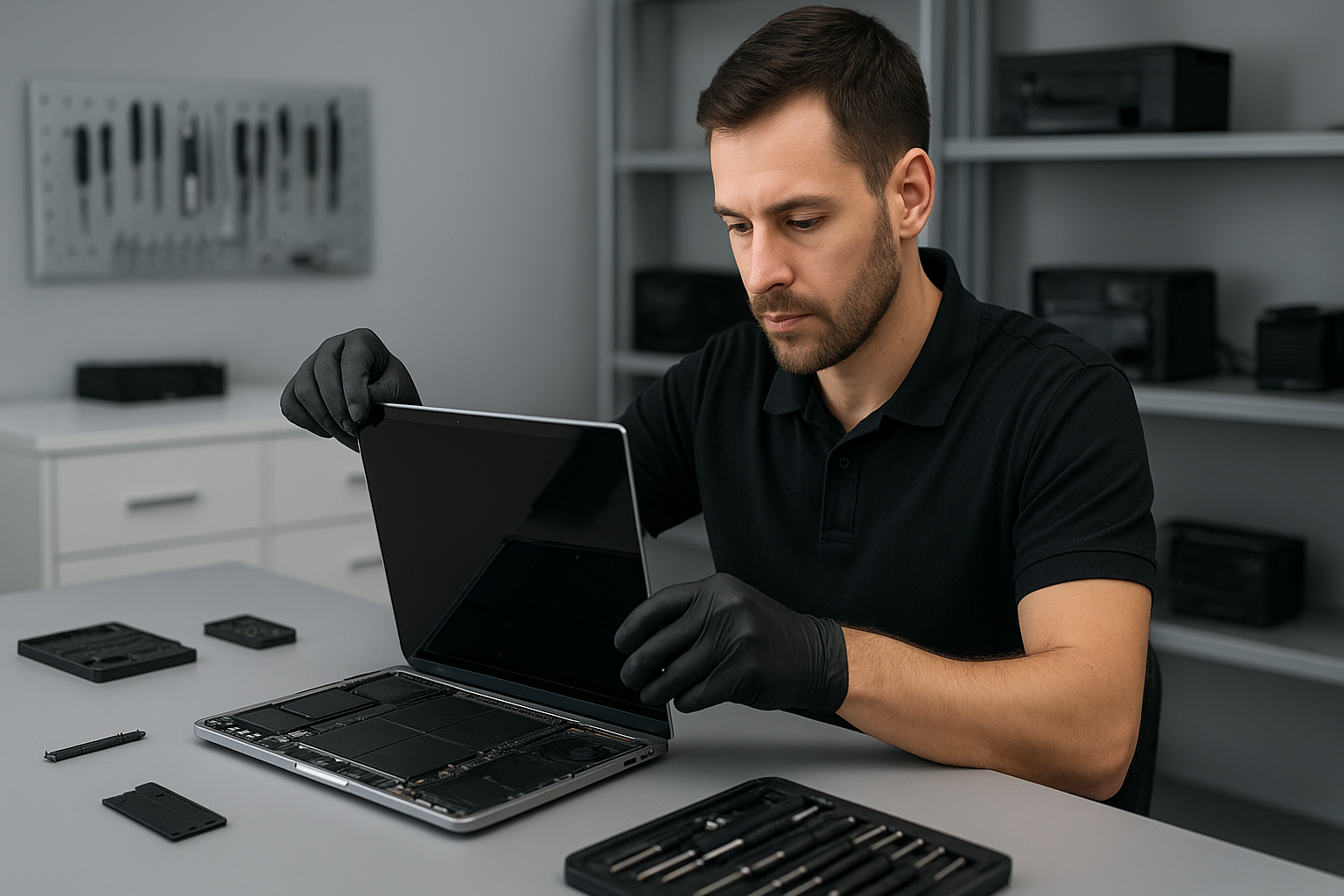
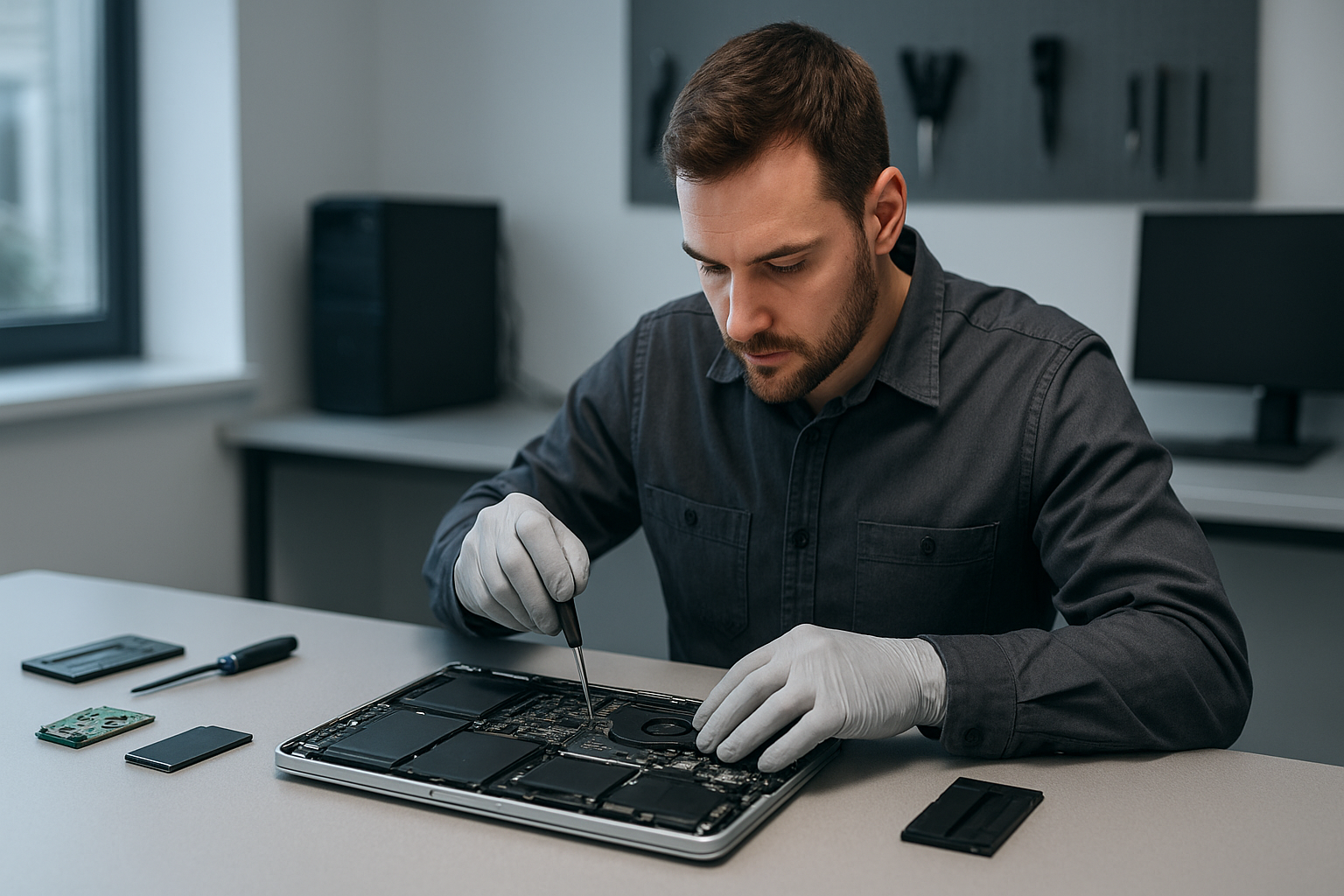
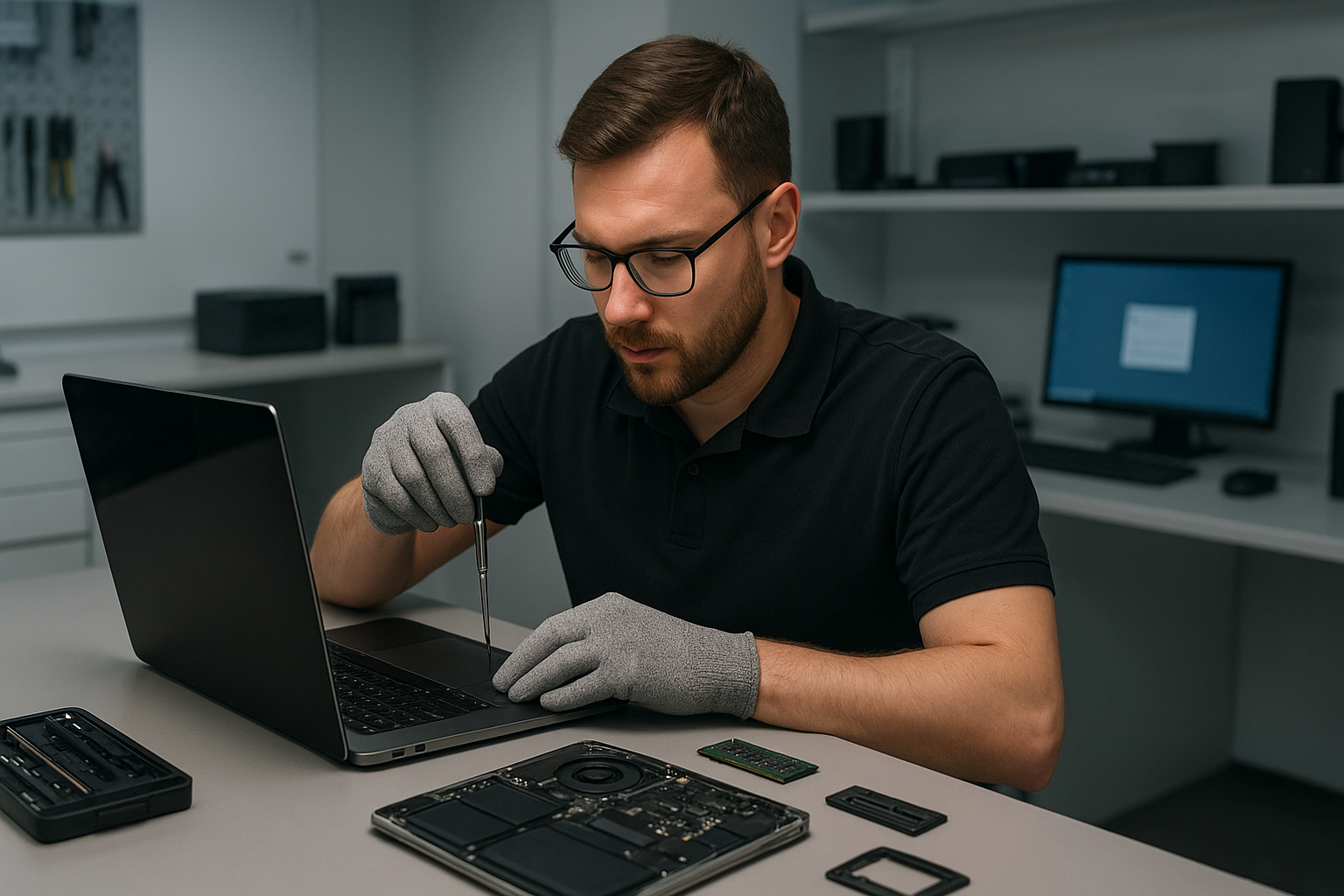
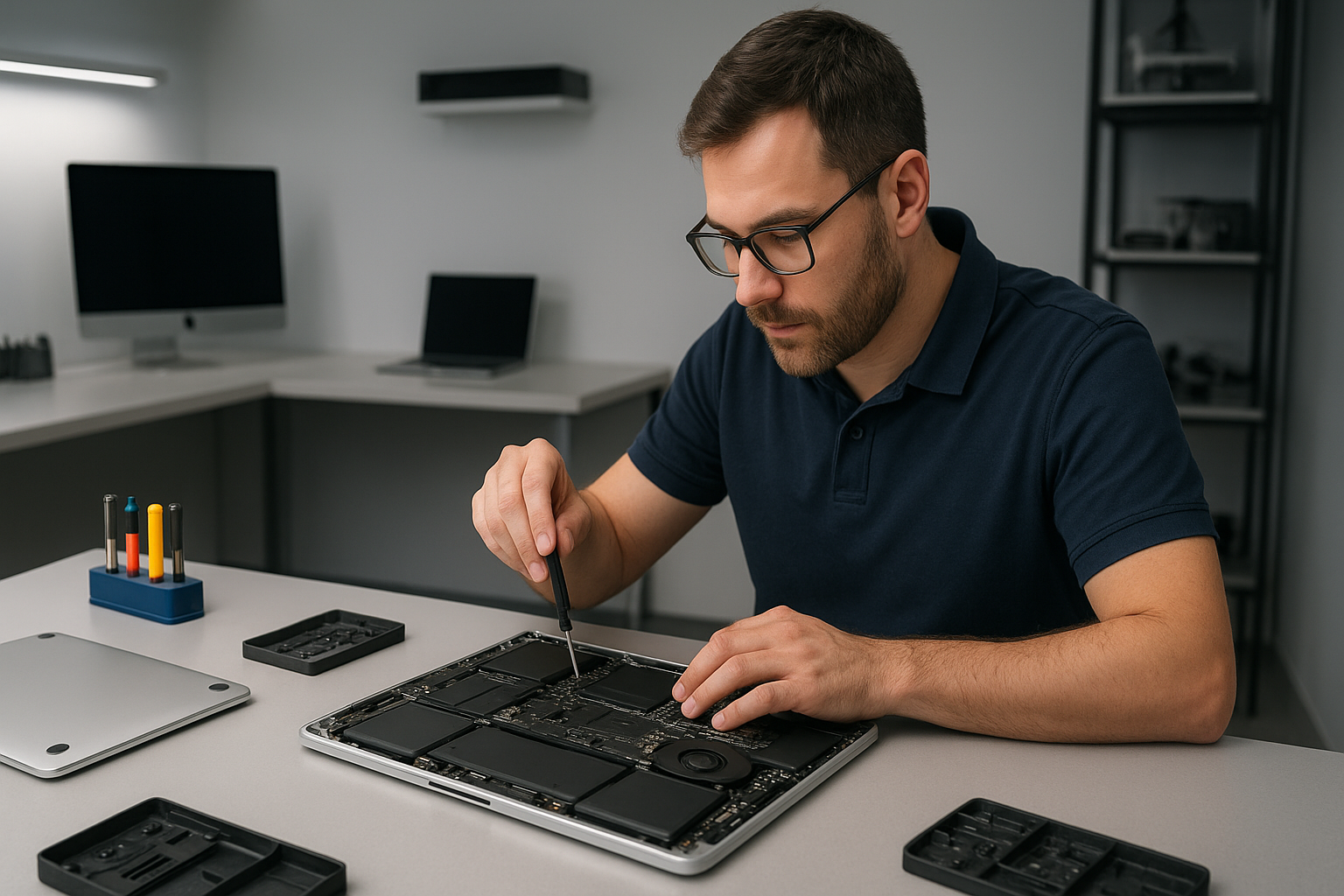
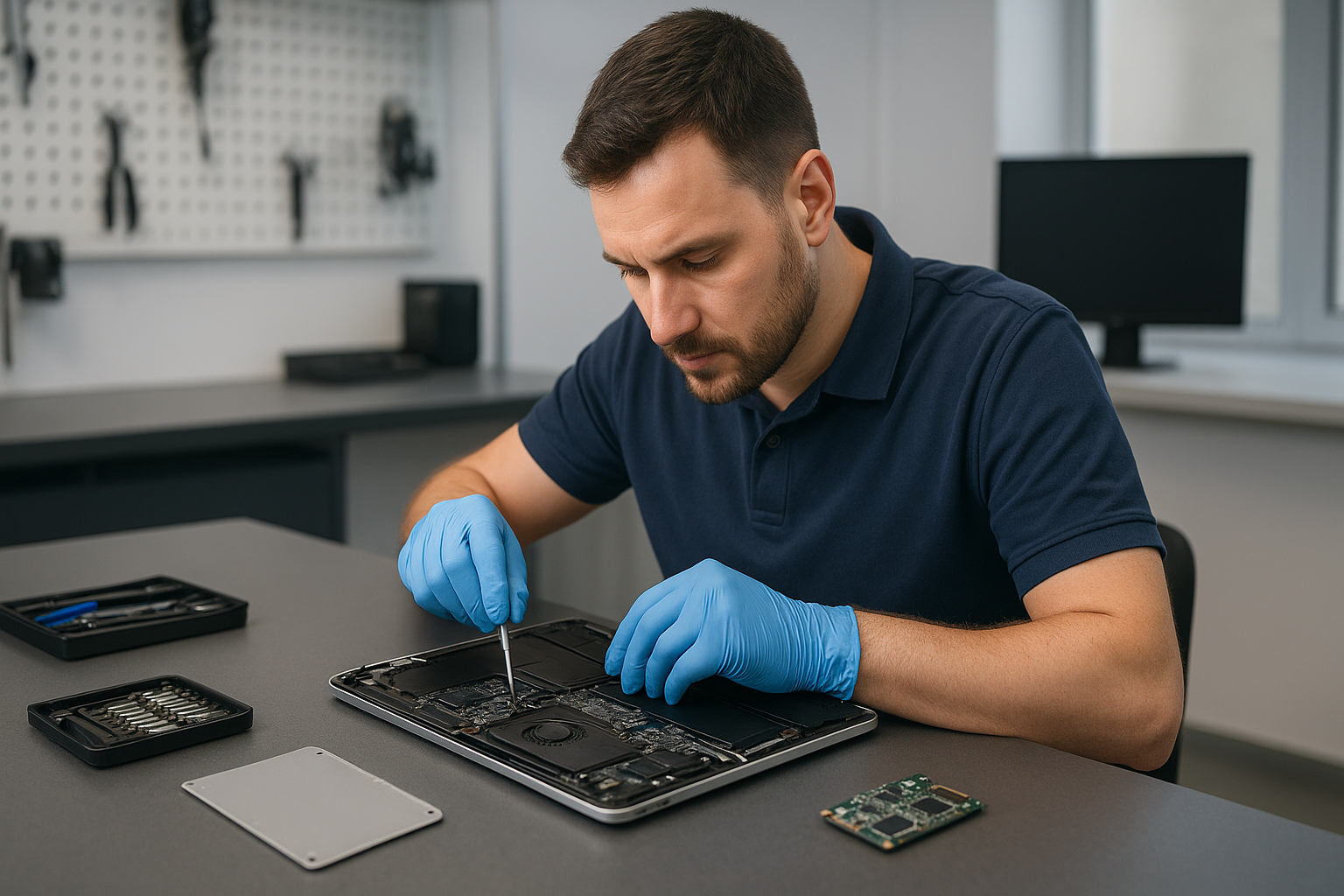
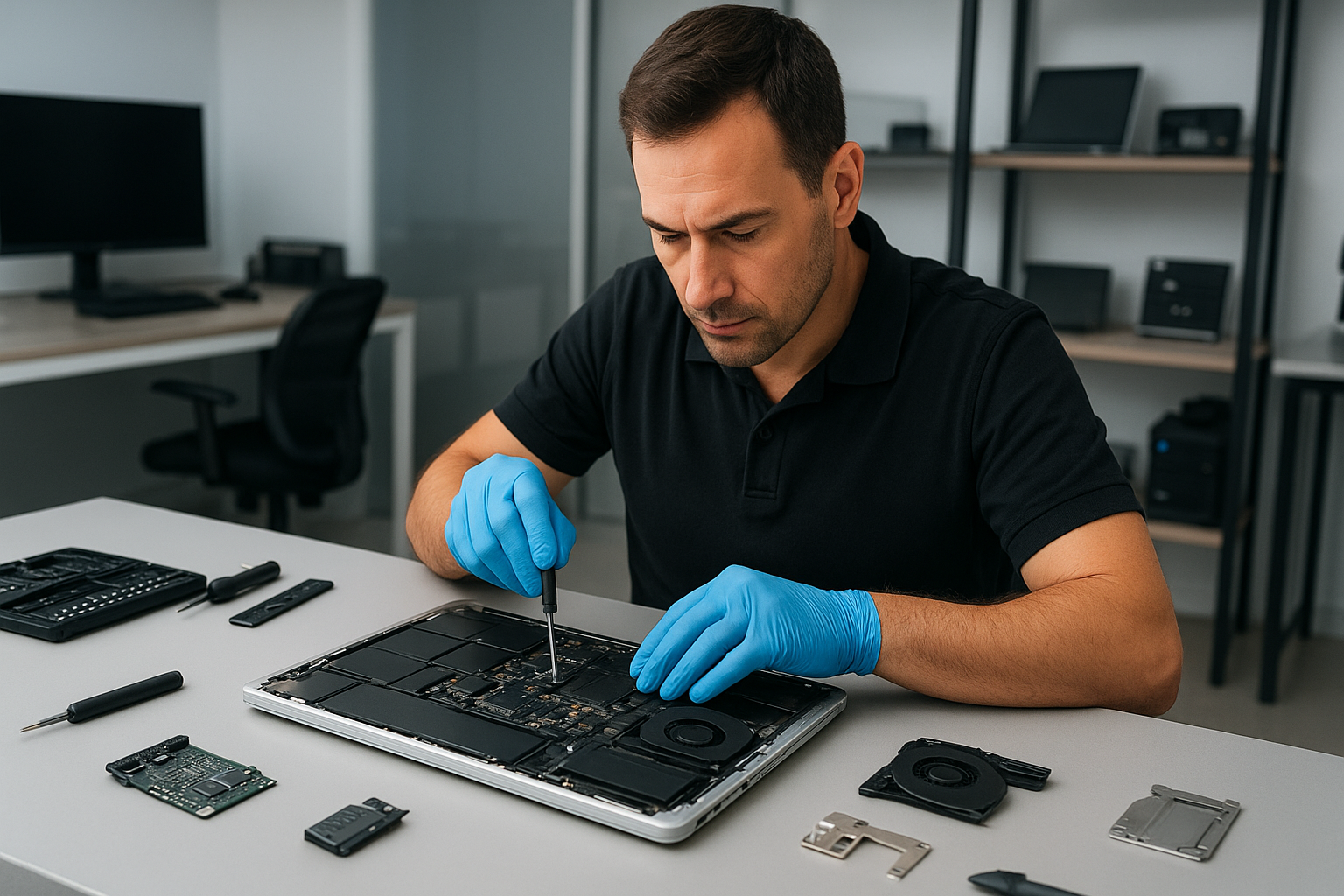
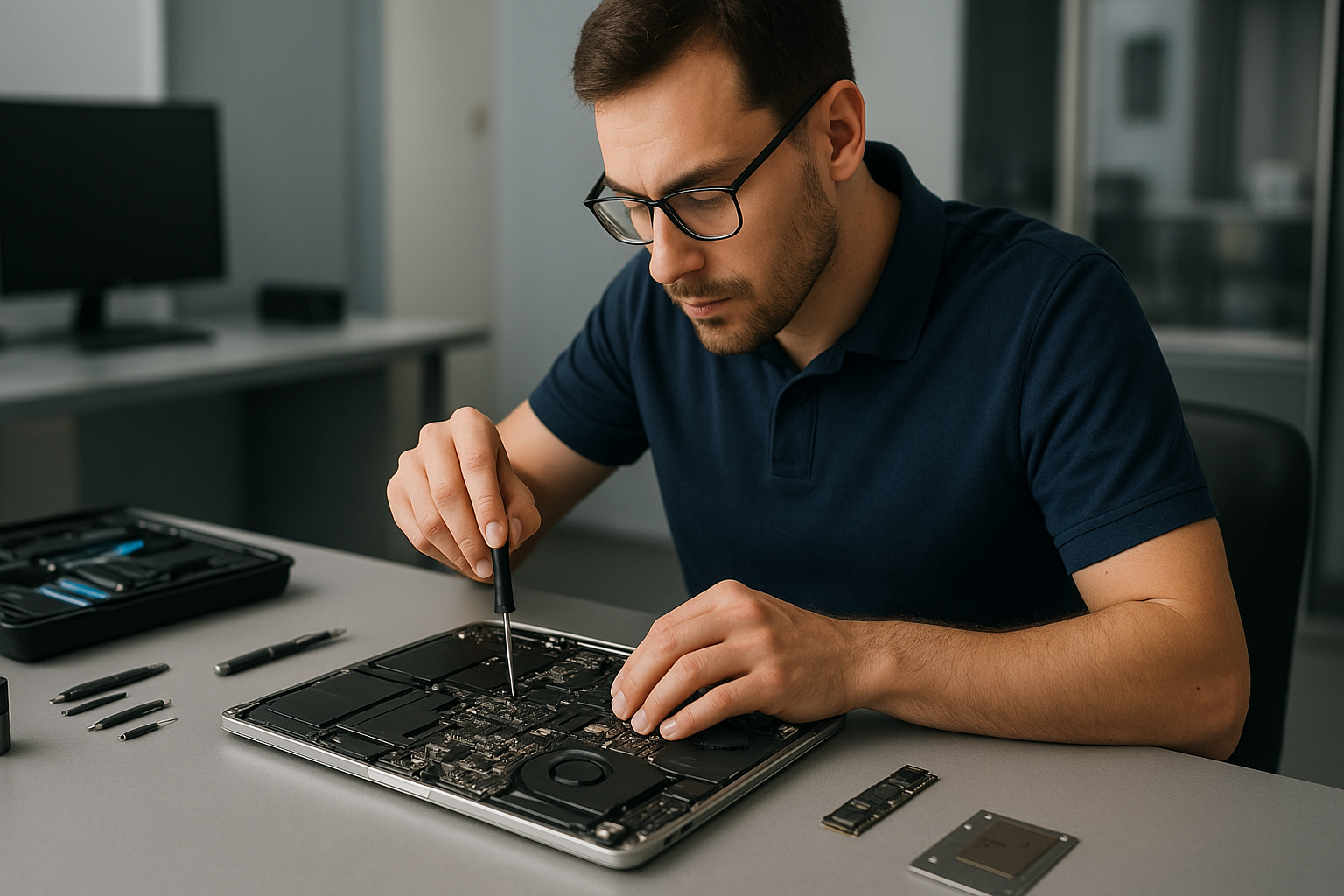
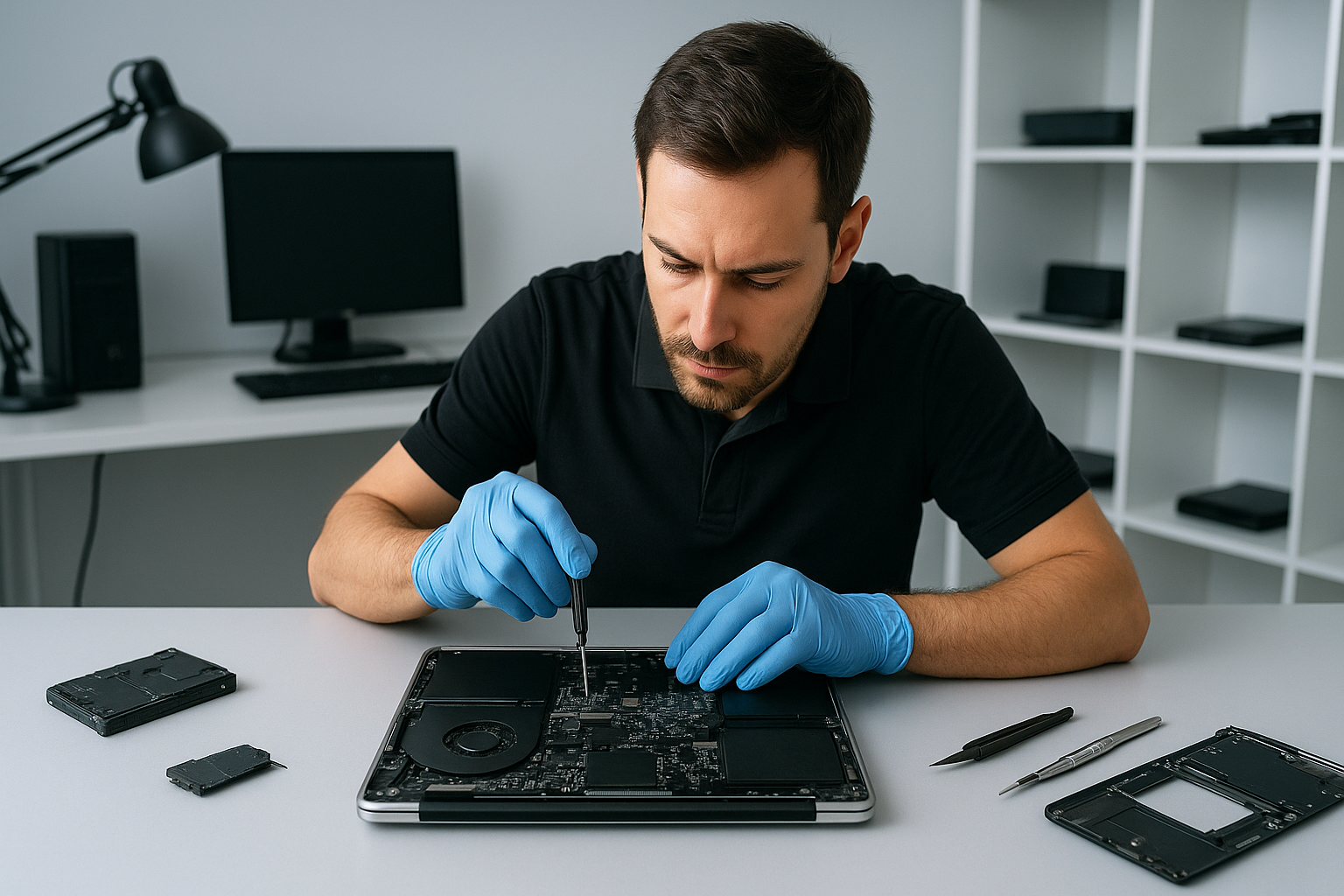
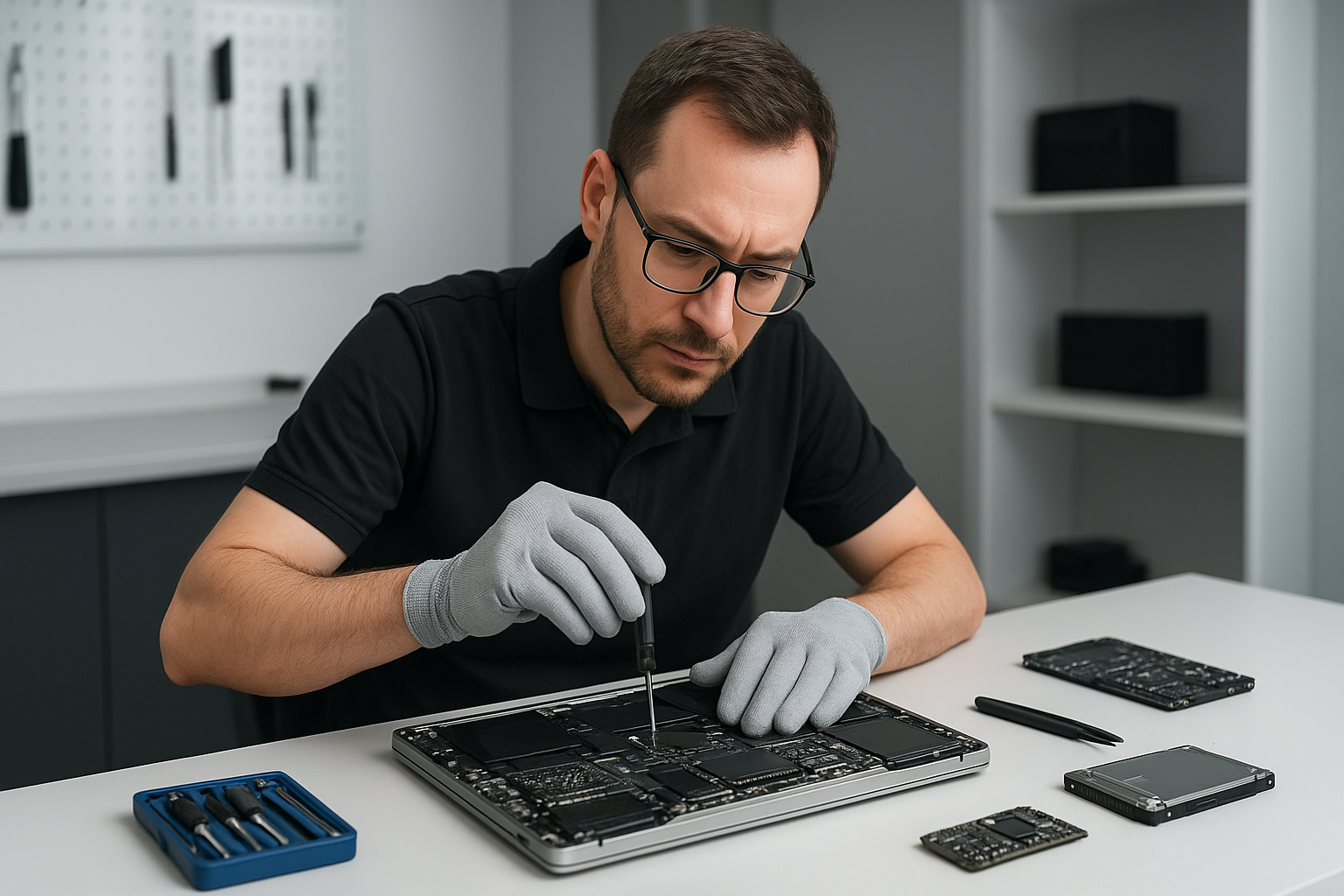
First, stop using the drive. Continuing to power a failing HDD risks further mechanical damage. Next, we run non-invasive tests, including SMART checks, power draw measurements, and controller diagnostics. For laptops and MacBooks we remove the drive and test it on a separate workstation. We always document the device state before any procedure.
Realistic repair procedures we use
For logical failures, we create a full disk image using industry tools like ddrescue. Then we work from the image to reconstruct partitions and recover files. This protects your original media, while allowing file recovery, partition recovery, and deleted files restoration.
For physical HDD failures that need mechanical repair, we evaluate whether a cleanroom procedure is required. If so, we partner with certified cleanroom services for platter swaps or head replacements. We only proceed after explaining risks and costs to the customer.
For SSDs, we explore firmware repair, controller diagnostics, and chip-off recovery when necessary. For RAID arrays, we analyze metadata, rebuild arrays in a controlled environment, and use specialized RAID recovery software to extract data.
Diagnostics we perform on-site
- SMART status and vendor error logs review.
- Non-destructive imaging with error handling.
- File system repair tests on images, not originals.
- Malware scans to rule out virus-related corruption.
- Power cycle tests to identify intermittent failures.
How we prioritize your data
We triage each case based on symptoms. Emergency data recovery gets fast-tracked. For corporate or critical personal files, we start imaging immediately. For less urgent cases we still follow the same safe workflow. We keep you informed at every step, and we never attempt risky procedures without consent.
Practical advice for customers
If your laptop or desktop shows problems, disconnect the drive and avoid DIY fixes that can worsen damage. For liquid damage, power off and bring the device in. Don’t run disk repair utilities repeatedly on a failing drive. Instead, contact us for a professional assessment.
Also, maintain backups. We can help with backup services and system recovery, including cloud sync, external drive setup, and automated backups. For gamers, we offer SSD upgrades and gaming PC repair, which reduce the chance of future data loss.
Why choose Moe Repair for Data recovery Richmond
Moe Repair combines 15 plus years of experience with modern tools. We recover data from laptops, desktops, MacBooks, and servers. We also offer laptop repair, screen replacement, battery replacement, SSD upgrades, motherboard repair, liquid damage repair, keyboard replacement, trackpad repair, laptop fan replacement, thermal paste replacement, and computer tune-up services.
We serve Richmond and nearby communities, including Coquitlam, Burnaby, Vancouver, Surrey, New Westminster, Maple Ridge, Port Moody, Port Coquitlam, Pitt Meadows, Langley, Delta, North Vancouver, West Vancouver, White Rock, Abbotsford, Mission, and Chilliwack.
Transparent pricing and fast turnaround
We provide a clear evaluation and a no-surprise quote before starting work. For logical recovery we often retrieve files in days. For mechanical or chip-off cases we give realistic timelines and communicate progress. We also offer virus removal and Windows installation if your system needs repair after recovery.
Contact us
Bring your device to our shop, or call for an immediate assessment. We accept laptops, MacBooks, gaming PCs, RAID arrays, external drives, and USB media. Let us diagnose the problem, create a recovery plan, and get your files back.
Moe Repair
Phone: 778-951-4872
Email: service@moerepair.ca
Data recovery Richmond: Next steps
If you are experiencing data loss, act now. Turn off the device, avoid writes, and contact Moe Repair. We will prioritize your case, perform careful diagnostics, and give you a realistic recovery plan. With proper imaging, partition recovery, and professional tools, most cases result in successful file recovery.
Call 778-951-4872 or email service@moerepair.ca to start your recovery. We handle emergency data recovery and provide ongoing support including backup services to prevent future loss.