
Data recovery Burnaby: Recover Lost Files from HDD, SSD, RAID
Data recovery Burnaby is our specialty. As a senior technician with more than 15 years of hands-on experience, I know how stressful lost files and failing drives can be. In this article I explain common failure symptoms, real diagnostic steps, practical recovery procedures, and clear next steps so you can get your data back fast and safely.
Why choose professional data recovery in Burnaby
Attempting DIY recovery can make a physical problem worse, and it often reduces the chance of full recovery. At Moe Repair we combine clean bench techniques, controlled imaging, and specialist software and hardware tools. We recover data from HDDs, SSDs, RAID arrays, and external drives for customers across Burnaby, Coquitlam, Vancouver, Surrey and the rest of the Lower Mainland.
Typical symptoms we troubleshoot
Common failure signs include clicking or grinding noises from a hard drive, intermittent drive recognition, blue screen or boot failure, corrupted files, slow performance after an OS update, or a drive that fully disappears from BIOS. SSD failure often shows as sudden write errors, slow response, or SMART warnings. RAID failures often show degraded arrays, rebuild errors, or multiple drive failures.
Data recovery Burnaby, diagnosis and safe handling
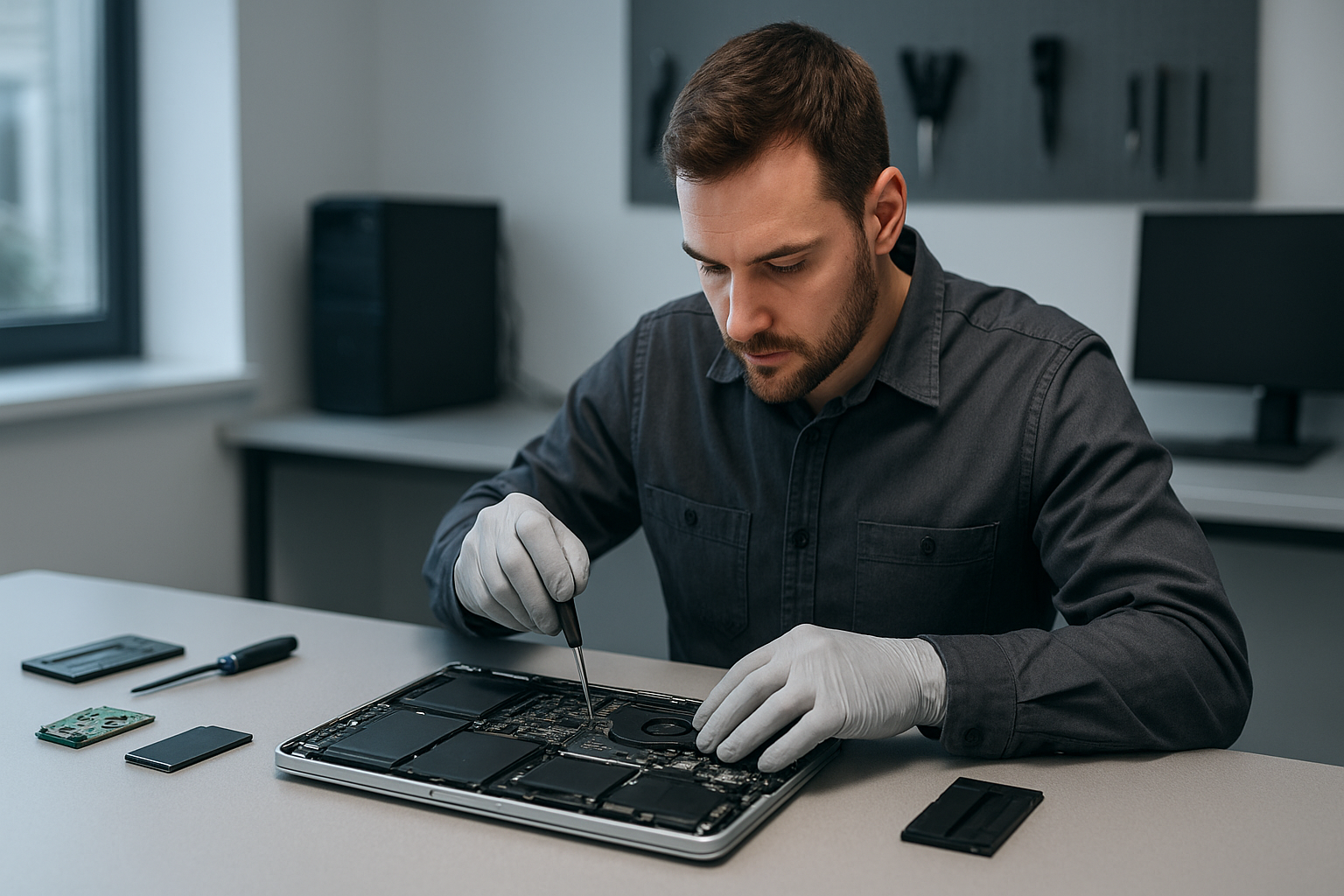
Step 1, visual and basic electronics check. I inspect the drive or laptop for liquid damage, burnt components, or swollen batteries. Step 2, connect to a forensic write-blocker and take a hardware-level image when possible. This preserves your original media. Step 3, analyze the image in a controlled environment to attempt file system repair or extract data using specialized tools.
If a drive makes unusual noises I avoid spinning it for long periods. Instead, I perform component-level diagnosis, checking PCB faults, head stack problems, and motor issues. For SSDs I examine firmware symptoms and controller behavior. For RAID arrays I verify controller logs, reassemble arrays in a lab, and rebuild images drive by drive.
Real recovery procedures we use
- Clean bench inspection for liquid damage and mechanical faults.
- Chip-off and board-level repair when controllers or NAND chips fail.
- Head swap only in clean room conditions for mechanical drive failures.
- Imaging the drive to a secure storage device to avoid risking the original media.
- File carving and metadata reconstruction for fragmented or corrupted file systems.
- RAID parameter reconstruction and virtual rebuild for complex arrays.
These procedures require specialist equipment and experience. They also require patience and careful decision making, since every recovery has trade offs between speed, cost, and success rate.
Practical steps you can take right now
First, stop using the failed device. Powering a failing drive repeatedly can cause additional damage. Second, note the symptoms, such as sounds, error messages, and what led up to the failure. Third, avoid DIY tools that write to the drive or perform superficial repairs like freezing the drive, which often makes things worse.
If the problem is a corrupted MacBook after an update, or a Windows boot failure, we can often recover files and reinstall the OS. For laptops we also offer related services including laptop repair, MacBook repair, screen replacement, battery replacement, keyboard replacement, trackpad repair, laptop fan replacement, and thermal paste replacement. For desktops we handle motherboard repair, SSD upgrades, gaming PC repair, and computer tune-up services.
What to expect on arrival
Bring the device into our shop or arrange a drop-off. We run a no-damage preliminary evaluation, then provide a transparent quote and estimated recovery time. Small logical recoveries often complete within 24 to 72 hours. Complex mechanical or RAID recoveries can take longer, depending on the extent of damage and parts needed.
Pricing, turnaround and success factors
Costs depend on the type of failure. Logical recoveries cost less, while mechanical repairs and clean room procedures cost more. Success depends on the degree of physical damage and whether the drive was repeatedly powered after failure. We prioritize non-destructive steps first, and escalate only when needed.
We serve customers throughout the area, including Coquitlam, Burnaby, Vancouver, Surrey, Richmond, New Westminster, Maple Ridge, Port Moody, Port Coquitlam, Pitt Meadows, Langley, Delta, North Vancouver, West Vancouver, White Rock, Abbotsford, Mission, and Chilliwack.
Preventive advice and backup solutions
After recovery we recommend a 3-2-1 backup plan, using local backups on external drives and cloud backups for critical files. We can help with SSD upgrades and Windows installation, and perform a full computer tune-up to reduce future risk. For businesses we provide RAID monitoring and scheduled maintenance to avoid downtime.
For damaged devices due to liquid, we provide liquid damage repair and immediate stabilization. For suspected malware causing file loss or corruption, our virus removal and forensic tools isolate and remove threats before performing recovery.
Moe Repair handles both single device recoveries and enterprise level jobs. We explain risks clearly, and we document every step so you know exactly what we did. Customers trust our transparent quotes and proven track record.
Moe Repair Phone: 778-951-4872 Email: [service@moerepair.ca](mailto:service@moerepair.ca)
If you are in Burnaby or nearby and need reliable help, contact us now. We provide honest advice, realistic timelines, and secure handling of your media. Call 778-951-4872 or email [service@moerepair.ca](mailto:service@moerepair.ca) to start your recovery.