
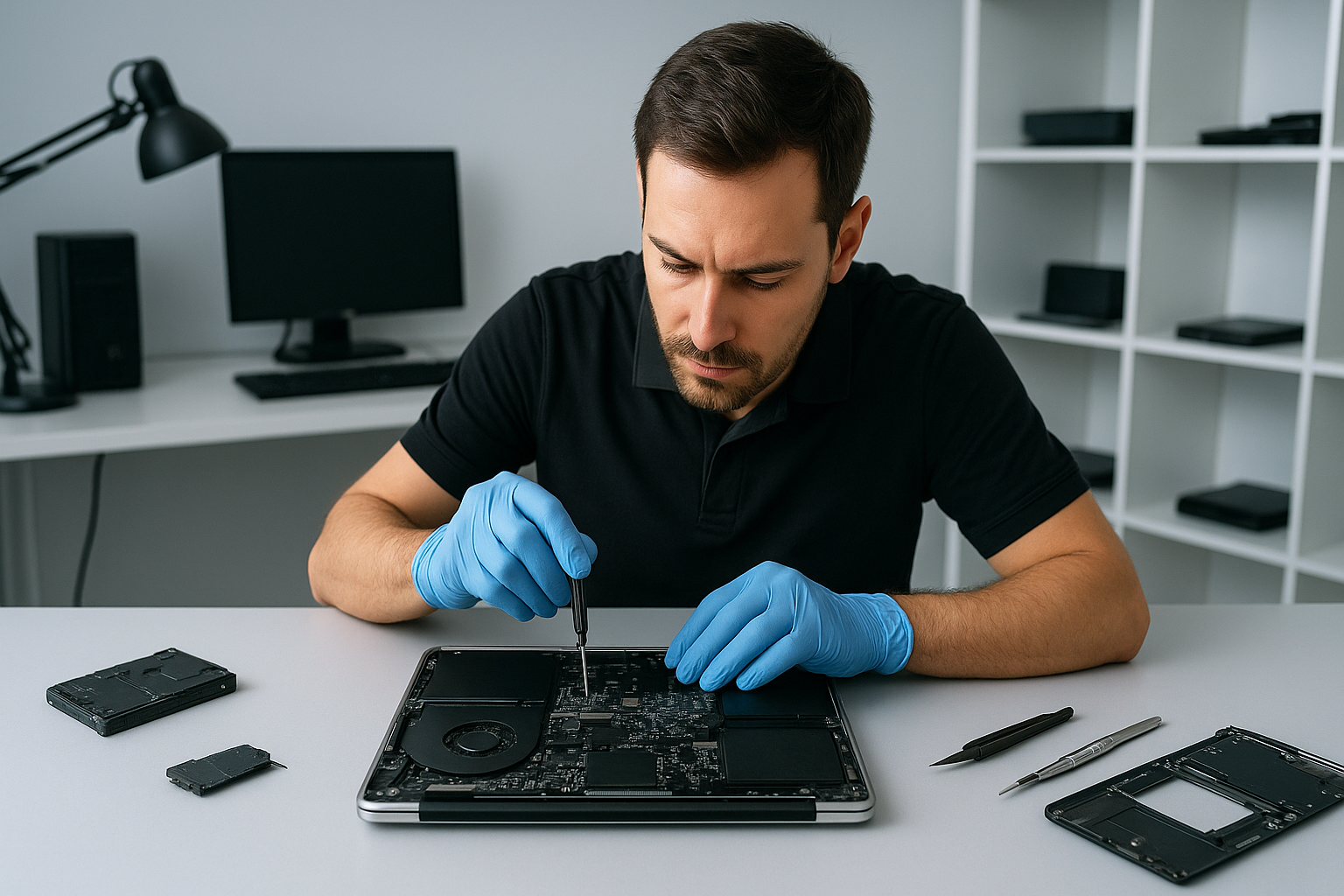
Data recovery Abbotsford: Professional file recovery by Moe Repair
Data recovery Abbotsford is one of the most common emergency requests I handle. With more than 15 years as a senior computer repair technician, I have recovered files from failing hard drives, SSDs, RAID arrays, and water-damaged laptops. If you lost photos, business documents, or a client database, I can help.
How I diagnose and start recovery
First, I perform a controlled assessment. I check SMART data for hard drive errors. Then, I run a non-intrusive scan to distinguish logical failure from physical failure. For SSD failure, I look for firmware corruption or controller faults. For liquid damage, I inspect corrosion, connectors, and the motherboard.
Next, I image the failing device to a stable drive using read-only tools. I commonly use ddrescue for imaging unstable HDDs, then analyze the image with tools like R-Studio and TestDisk. This step preserves your original data and prevents further damage.
Common symptoms I see
Customers often describe clicking noises, slow file access, frequent crashes, or missing partitions. For SSDs, symptoms include devices not detected, repeated reboots, or sudden data loss. For liquid damage, devices may power on briefly, show visual artifacts, or not power up at all.
Realistic recovery procedures I use
If I detect logical failures like accidental deletion, corrupted files, or file system errors, I recover data from the drive image using file recovery tools and partition recovery methods. If the drive has bad sectors, I map them and extract readable data sector by sector.
When I find physical damage, I advise either a cleanroom repair or board-level intervention. For example, with a hard drive head crash I arrange professional head replacement and then perform a safe image. For some SSD controller failures, I use firmware tools or donor-board transfers when appropriate.
For RAID recovery, I document the array layout, take images of each member, and rebuild the array in a secure lab environment. I handle both hardware RAID and software RAID arrays, including NAS recovery scenarios.
Diagnostic steps I recommend to customers
- Stop using the affected device immediately. Continued use can overwrite recoverable data.
- Note symptoms, recent events, and any error messages. That history speeds diagnosis.
- If liquid damage occurred, do not power the device on. Bring it in right away.
- Back up remaining working systems. Use external drives or cloud backup where possible.
Why choose Moe Repair for Data recovery Abbotsford
At Moe Repair I combine hands-on diagnostics with careful imaging and proven recovery workflows. I serve homes and businesses across Coquitlam, Burnaby, Vancouver, Surrey, Richmond, New Westminster, Maple Ridge, Port Moody, Port Coquitlam, Pitt Meadows, Langley, Delta, North Vancouver, West Vancouver, White Rock, Abbotsford, Mission, and Chilliwack.
We handle laptop repair, MacBook repair, screen replacement, battery replacement, keyboard replacement, trackpad repair, laptop fan replacement, and thermal paste replacement. We also offer SSD upgrades, motherboard repair, liquid damage repair, gaming PC repair, virus removal, Windows installation, and computer tune-up services. These services often complement data recovery after hardware repairs or malware removal.
Turnaround, pricing, and confidentiality
I always start with a transparent diagnostic. After initial diagnostics, I provide a written quote and an estimated recovery success range. I keep your data private, and I use secure handling and encrypted storage for recovered files.
For emergency cases, I can prioritize imaging and recovery. For non-critical cases, I still follow the same careful procedures to maximize recovery while minimizing costs.
Practical tips to prevent future data loss
Always maintain regular backups. Use both an external drive and cloud backup when possible. Monitor SMART data and replace drives that show increasing bad sectors. For laptops, keep vents clean and replace aging batteries to avoid sudden shutdowns that can corrupt files.
Also, consider SSD upgrades for performance, but clone the old drive first. If you suspect malware or ransomware, shut down the device and contact us before attempting fixes. We provide virus removal and ransomware triage as part of our services.
What to bring when you visit
Bring the device, any original power adapters, and a note describing the problem and recent events. If the drive came from a RAID or NAS, include the chassis and label the drive order if possible. This information helps me complete a faster and more accurate recovery.
Moe Repair offers transparent, expert service. Call 778-951-4872 or email service@moerepair.ca to start a diagnostic. I will explain the likely causes, recovery options, and pricing before any work begins.
Moe Repair
Phone: 778-951-4872
Email: service@moerepair.ca