
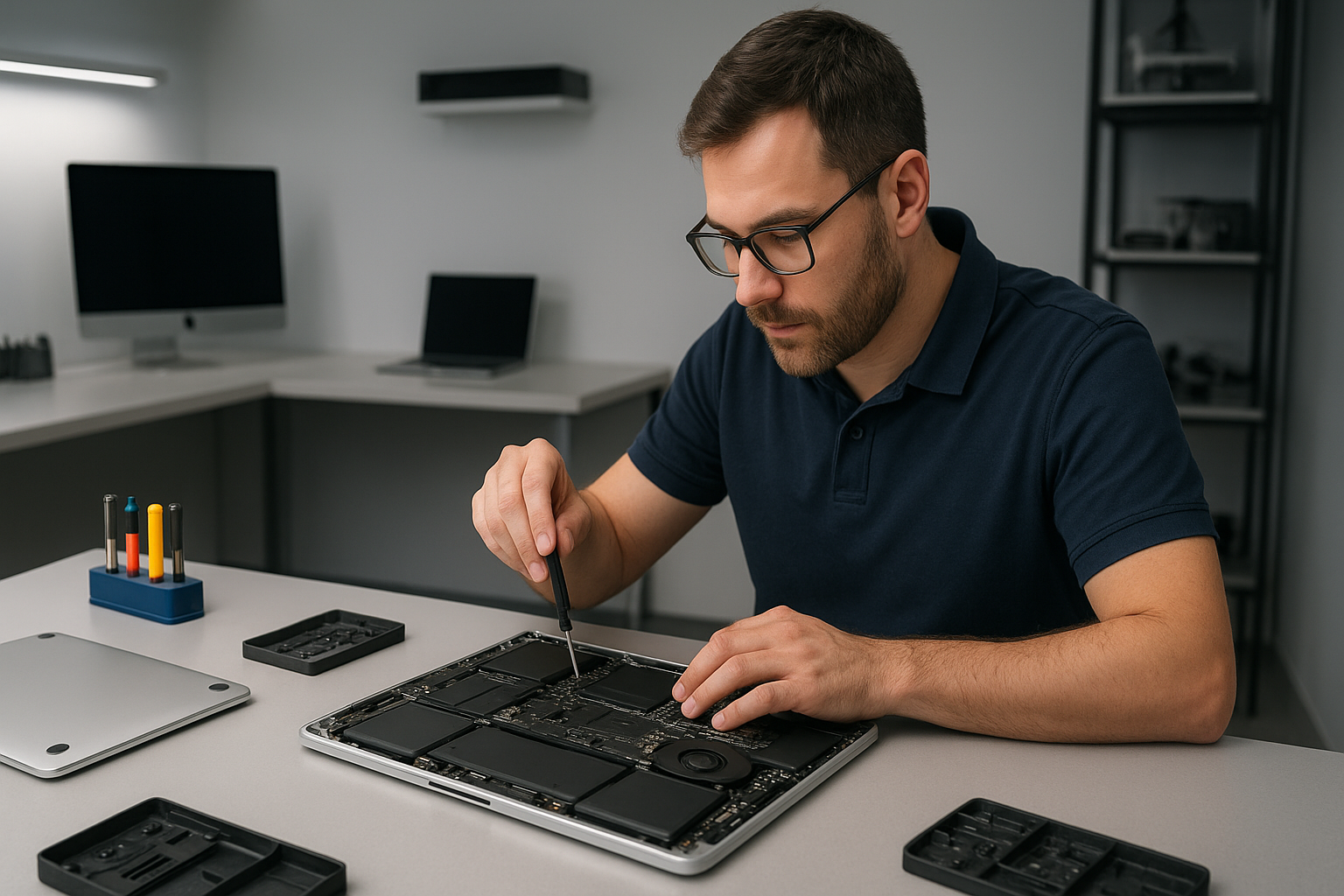
MacBook repair Burnaby: Expert MacBook Repairs by Moe Repair
MacBook repair Burnaby customers trust our shop because I bring over 15 years of hands-on experience. I diagnose issues quickly, explain options clearly, and perform reliable repairs. Whether you need screen replacement, battery replacement, or motherboard repair, I treat each MacBook like my own.
MacBook repair Burnaby: Services and Diagnostics
First, I perform a step-by-step diagnostic. I check the power path, battery health, SMC and PRAM status, and run a hardware test. Next, I inspect the display cable, inverter, or backlight for screen issues. For liquid damage, I open the chassis immediately, clean corrosion with isopropyl alcohol, and isolate damaged components. In many cases, an SSD upgrade or thermal paste replacement will restore performance.
Common symptoms I repair
Slow performance, frequent kernel panics, or unexpected shutdowns often point to failing SSDs, corrupted macOS, or thermal issues. A dim or flickering screen usually means a display cable fault, screen replacement, or an LCD inverter problem. If your MacBook won’t charge, I test the charger, MagSafe or USB-C port, battery, and the charging circuit on the motherboard.
Real repair procedures I use
For logic board repair, I trace voltage rails under a microscope, replace blown MOSFETs, and reflow solder joints when appropriate. For screen replacement, I remove the top case carefully, disconnect the retina cable, replace the panel, and calibrate the display. For battery replacement, I use OEM-equivalent cells, secure adhesive with pre-cut strips, and verify battery cycle counts and SMC behavior after installation.
How I diagnose your MacBook
First, I reproduce the symptom. Then, I run Apple Diagnostics and targeted tests. Next, I check system logs for kernel errors, monitor temperatures, and run a filesystem check for data issues. For slow boot or corrupted macOS, I back up data, reinstall macOS or perform a Windows installation if requested, and offer data recovery when needed.
Liquid damage and data recovery
When liquid reaches a MacBook, quick action matters. I power down immediately, remove the battery when possible, and begin cleaning within hours. I document corrosion, replace damaged connectors, and test storage devices. If the drive still spins, I clone it to a secure SSD for data recovery. For coffee spills, I focus on keyboard replacement and trackpad repair after cleaning.
Virus removal, tune-ups, and upgrades
Although macOS has strong protections, malware can occur. I remove malware manually, reset accounts, and reinstall macOS if necessary. For older MacBooks, SSD upgrades combined with a clean install can add years of life. I also perform computer tune-up services, including thermal paste replacement, laptop fan replacement, and system optimization.
Why choose Moe Repair in Burnaby
I work with a full range of services, from laptop repair and gaming PC repair to motherboard repair and liquid damage repair. I offer screen replacement, keyboard replacement, trackpad repair, and battery replacement using quality parts. Moreover, I provide virus removal, data recovery, and SSD upgrades.
Because I operate locally, I serve customers across Metro Vancouver, including Coquitlam, Vancouver, Surrey, Richmond, New Westminster, Maple Ridge, Port Moody, Port Coquitlam, Pitt Meadows, Langley, Delta, North Vancouver, West Vancouver, White Rock, Abbotsford, Mission, and Chilliwack.
Transparent pricing and realistic timelines
I explain repairs before starting. For a typical screen replacement, I estimate parts and labour, then test the unit for 24 hours. For motherboard repairs, I provide upfront diagnostic fees and report repairable components. For data recovery, I give conservative success rates and possible costs. You decide, and I proceed only with your approval.
Practical advice to avoid future problems
First, always use genuine chargers to protect charging circuits. Second, avoid exposing laptops to liquids and clean vents regularly to prevent fan and thermal issues. Third, back up with Time Machine or a cloud service to minimize data recovery needs. Finally, schedule a computer tune-up annually to check battery health and perform SSD maintenance.
If you need urgent MacBook repair Burnaby service, contact Moe Repair. I offer same-day minor repairs when parts are available, and I keep you updated at every step. For complex motherboard work, I provide detailed reports and component-level fixes.
Moe Repair Phone: 778-951-4872 Email: service@moerepair.ca
We repair MacBook models across generations, including Retina and M1 series. We also handle Windows installation on compatible hardware, and gaming PC repair for high-performance systems. For any MacBook or laptop issue, I will diagnose, explain, and fix it reliably.
Call 778-951-4872 or email service@moerepair.ca to book a diagnostic. Visit our shop for professional MacBook repair Burnaby service, quality parts, and honest advice from a senior technician with more than 15 years of experience.