Hi, How Can We Help You?
  • 203-504 Cottonwood Ave, Coquitlam
  • service@moerepair.ca
  • +1 (778) 951-4872

Category Archives: Computer Repair Burnaby

Xbox Series X cleaning service Coquitlam

Professional Console Repair and Maintenance

At Moe Repair in Coquitlam we specialize in console cleaning, thermal management, and performance restoration for all modern gaming systems. Whether you own an Xbox Series X or Series S, or one of Sony’s PS5, PS5 Slim, or PS5 Pro models, our experienced technicians deliver thorough diagnostics, safe disassembly, expert dust removal, and proven repair solutions. We frequently serve gamers across Coquitlam and nearby communities including Burnaby, Port Moody, Port Coquitlam, New Westminster, and Maple Ridge.

PS5 Liquid Metal Replacement

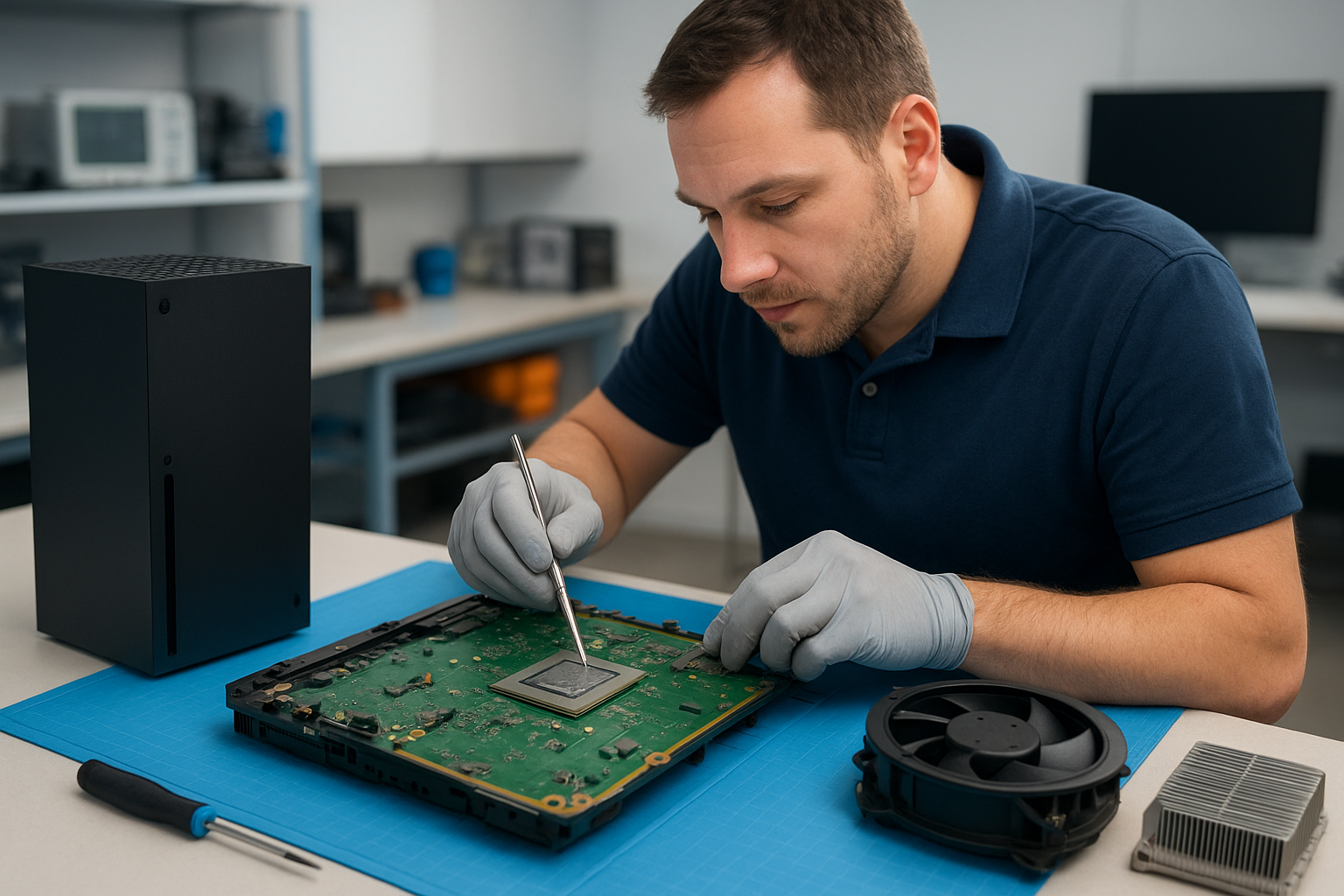
Although this page focuses on Xbox Series X cleaning service Coquitlam, our shop is also a trusted provider for PS5 liquid metal replacement and advanced thermal upgrades. Liquid metal thermal interface compounds can significantly improve heat transfer on PS5 and PS5 Pro CPUs but must be applied by a trained technician to avoid shorting or damage. At Moe Repair we perform full liquid metal inspections, reapplication, and protective measures for consoles returned to us for overheating repair or performance tuning.

Console Cleaning and Dust Removal

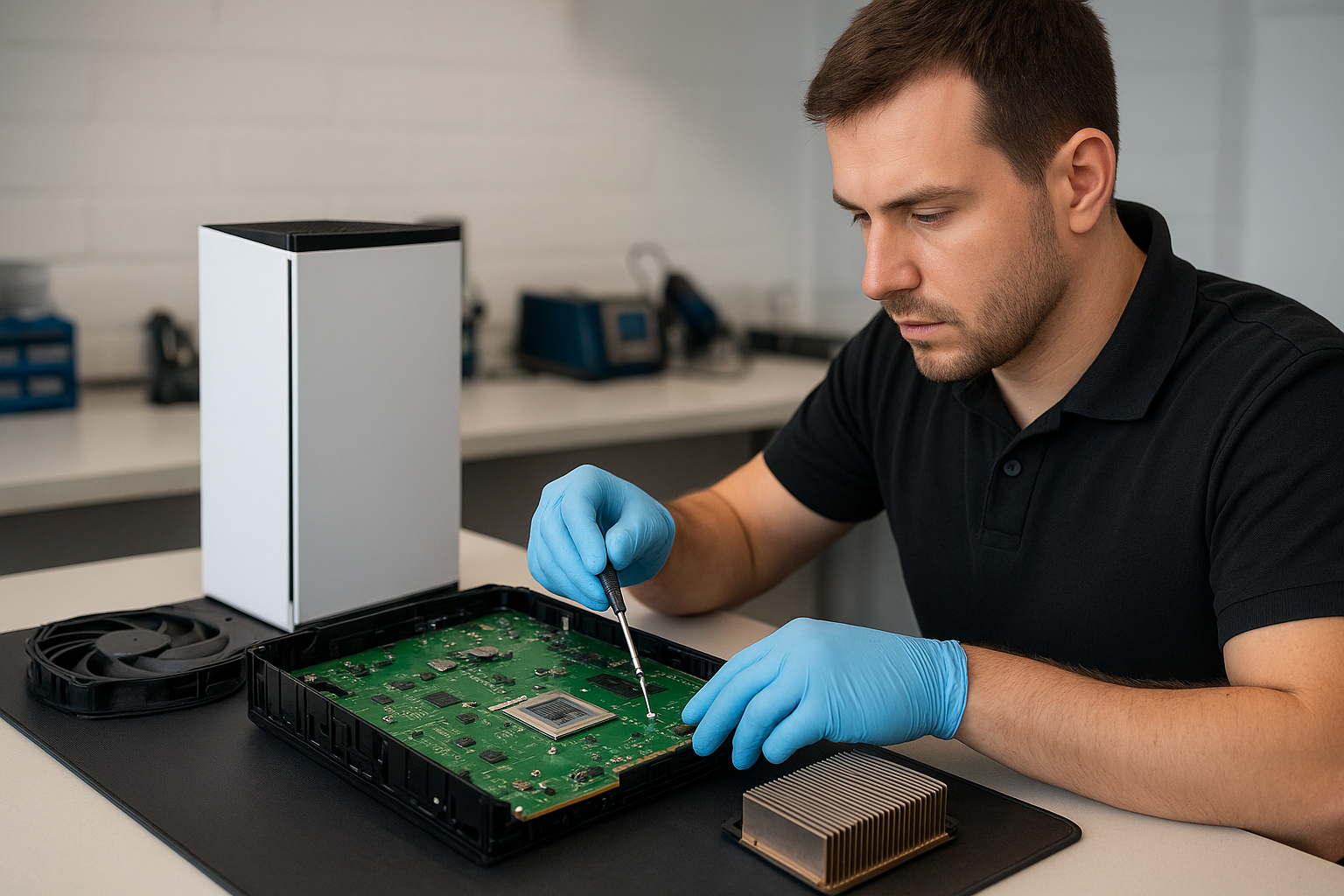
Dust buildup is the number one cause of loud fan noise, overheating, and random shutdowns. Our Xbox Series X cleaning service Coquitlam includes a complete tear-down, compressed-air dust removal, non-abrasive brush cleaning, and careful vacuum extraction of intake and exhaust paths. We also clean fan blades and bearings, remove accumulated lint from vents, and inspect heatsinks for blocked fins. For PS5 owners we offer dedicated PS5 cleaning service and fan cleaning for the PS5 Slim and PS5 Pro as well.

Console Overheating Repair

Overheating and thermal throttling lead to frequent crashes, stuttering gameplay, and shortened component life. Our console overheating repair process starts with temperature monitoring under load, visual inspection for dust and debris, and fan speed analysis. If necessary we replace failing fans, reapply thermal paste or liquid metal for PS5 systems, and ensure proper airflow routing. For the Xbox Series X we prioritize OEM-compatible thermal compounds and fan replacements that restore factory-level cooling performance.

Signs Your Console Needs Service

Watch for these common symptoms that mean it’s time to bring your console to Moe Repair in Coquitlam:

  • Loud fan noise during gameplay or idle
  • Visible dust and debris in vents and ports
  • Overheating messages, thermal throttling, or sudden FPS drops
  • Random shutdowns or inability to boot after extended play
  • Performance issues like freezes, stuttering, or long load times

We diagnose noisy fans and overheating in both Xbox Series X and PS5 models (including PS5 Slim and PS5 Pro) and provide targeted cleaning, fan cleaning, and repairs.

Why Thermal Management Matters

Effective thermal management preserves performance and reliability. Dust buildup insulates heat-producing components, causing fans to work harder and wear out sooner. Poor thermal interface materials reduce heat transfer and increase component temperatures. Our approach combines precision cleaning, inspection of thermal paste and pads, and replacement where needed. We also offer recommendations on console placement, ventilation, and maintenance intervals to help gamers across Coquitlam, Burnaby, Port Moody, Port Coquitlam, New Westminster, and Maple Ridge avoid repeat service visits.

Gaming Consoles We Service

Moe Repair provides comprehensive service for a wide range of consoles, including:

  • Xbox Series X – full cleaning, fan replacement, thermal diagnostics
  • Xbox Series S – dust removal and thermal tuning
  • PlayStation 5, PS5 Slim, PS5 Pro – liquid metal replacement, fan cleaning, overheating repair
  • Legacy consoles – cleaning and component repairs when parts are available

We also handle related issues that mimic thermal failure: HDD/SSD errors, power supply faults, and aged fans that cause loud noises or inconsistent cooling.

Why Choose Moe Repair

With over 15 years of hands-on experience at our Coquitlam location, Moe Repair brings professional skill and local trust to every job. Our technicians are trained in safe disassembly, ESD precautions, and manufacturer-aware repair methods. We use high-quality thermal compounds and replacement parts, and provide detailed reports after diagnostics. We aim to minimize turnaround time for customers in Coquitlam and nearby areas like Burnaby, Port Moody, Port Coquitlam, New Westminster, and Maple Ridge. For other devices, check our broader services including computer repair in Coquitlam, laptop repair in Coquitlam, and MacBook repair in Coquitlam. To schedule a service, visit our contact Moe Repair page.

Frequently Asked Questions

How often should I get an Xbox Series X cleaned?

For a typical gaming environment, we recommend a cleaning every 12–18 months. If your home has pets, smokers, or heavy dust, consider servicing every 6–12 months to prevent dust buildup and overheating.

Do you replace thermal paste on Xbox and PS5 consoles?

Yes. On Xbox Series X we use high-quality thermal paste replacements when needed. For PS5 systems, we also offer liquid metal replacement services—applied only by skilled technicians to ensure safe and effective results.

My PS5 keeps shutting down during long sessions. Can you fix that?

Random shutdowns are commonly caused by overheating, blocked airflow, failing fans, or degraded thermal paste. We perform load testing, clean cooling paths, inspect fan operation, and reapply thermal compounds or liquid metal as appropriate to restore stable operation.

Will cleaning my console void the warranty?

If your console is still under manufacturer warranty, internal servicing by third parties can sometimes affect coverage. We always inform customers about warranty considerations and can perform non-invasive cleaning or offer guidance on authorized service when applicable.

How long does a typical cleaning or overheating repair take?

Most cleanings and basic fan services are completed within 1–2 business days. More complex jobs such as PS5 liquid metal replacement or major component repairs may take 2–4 days depending on parts availability and diagnostic results.

Real Repair Example

Case: A PS5 Pro dropped into our Coquitlam shop for an overheating complaint after 2-hour play sessions. Symptoms reported were loud fan noise, thermal warning pop-ups, and occasional random shutdowns. Diagnostic process: we performed a full hardware inspection and temperature logging under controlled load. Visual inspection revealed significant dust buildup across the outer shroud, blocked intake filters, and an accumulation of dust lodged between the fan blades. The thermal paste on the APU looked dry and uneven. Repair steps: 1) Full safe teardown following Sony guidelines; 2) Complete dust removal using compressed air, soft-bristle brushes, and vacuum capture to protect the board; 3) Fan cleaning and bearing assessment; 4) Removal of old thermal paste and inspection of heat spreader; 5) Application of high-grade liquid metal thermal compound on the APU (only after confirming there were no exposed conductors and applying necessary protective measures); 6) Reassembly and thermal verification. Final outcome: temperatures under load dropped by an average of 8–10°C, fan RPMs were reduced by 20% under equivalent load, noise dropped noticeably, and the console no longer experienced shutdowns. The customer returned to smooth, sustained gameplay and was advised on maintenance intervals to avoid repeat issues.

Contact Moe Repair Today

Moe Repair
778-951-4872
service@moerepair.ca

If you’re in Coquitlam or nearby towns such as Burnaby, Port Moody, Port Coquitlam, New Westminster, or Maple Ridge and you’re experiencing loud fan noise, overheating, performance issues, or random shutdowns, contact us for reliable Xbox Series X cleaning service Coquitlam and full console repairs. We provide transparent quotes and a professional, warranty-conscious approach to maintenance and thermal management.
MacBook repair Surrey: Reliable, Professional MacBook Service

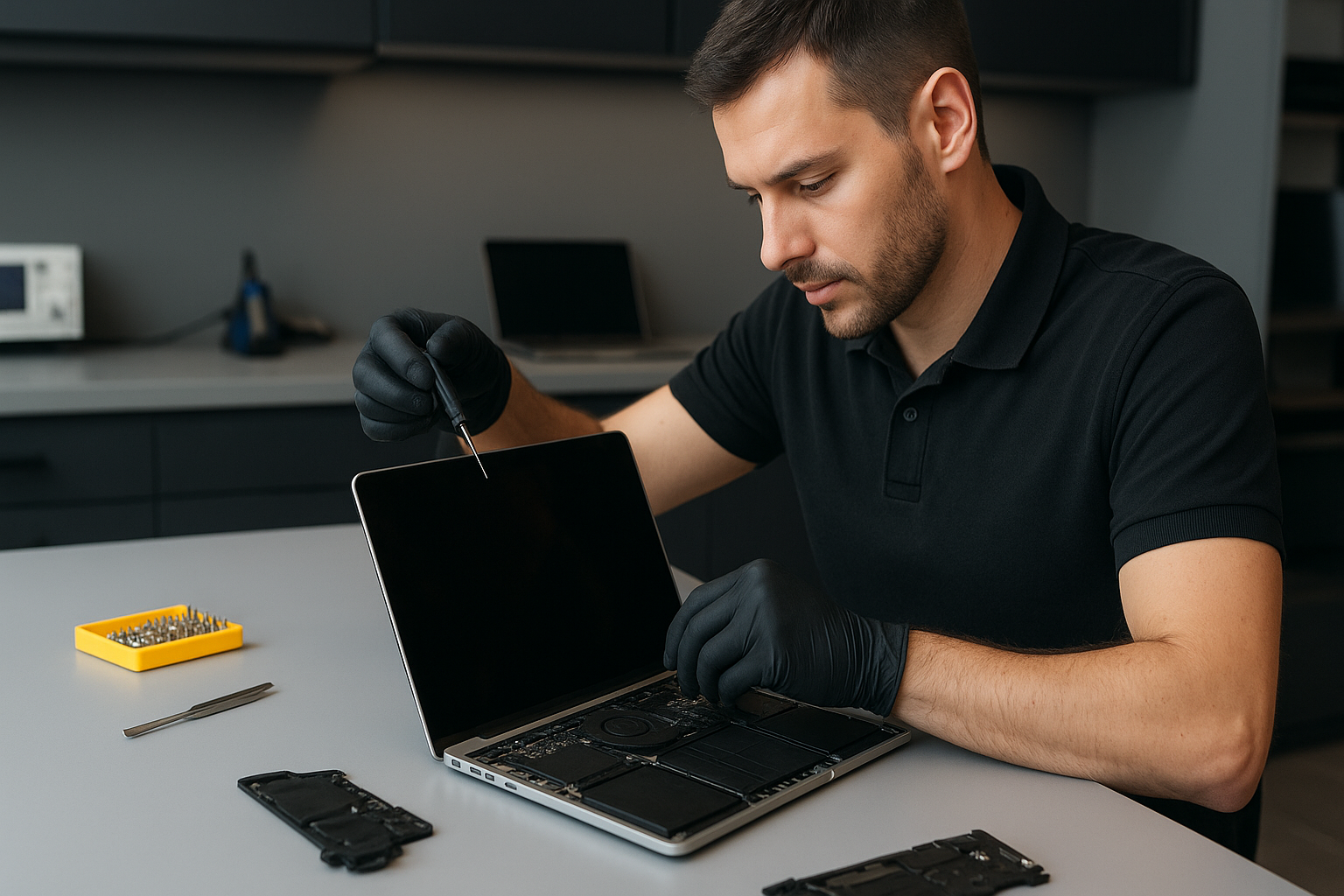
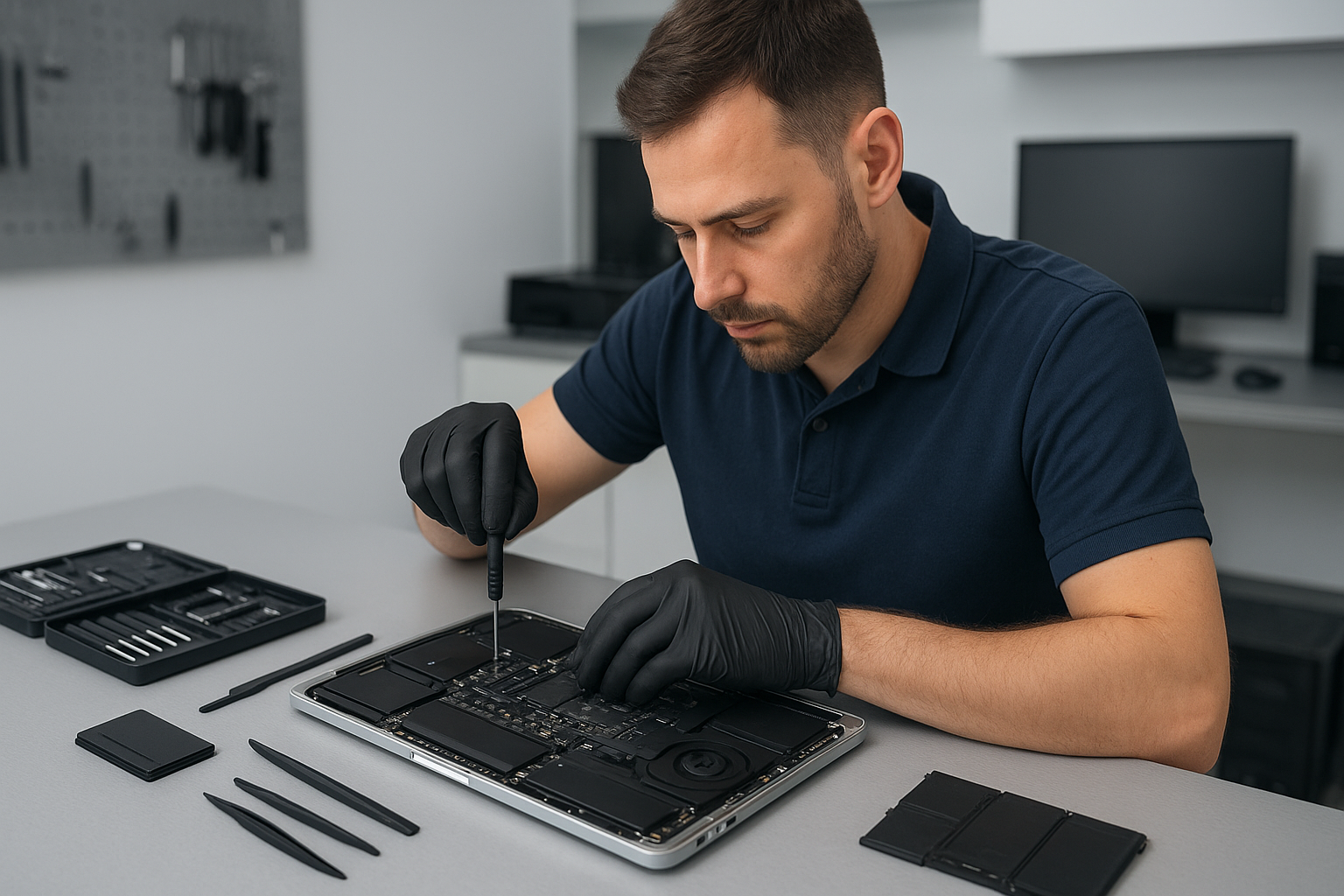
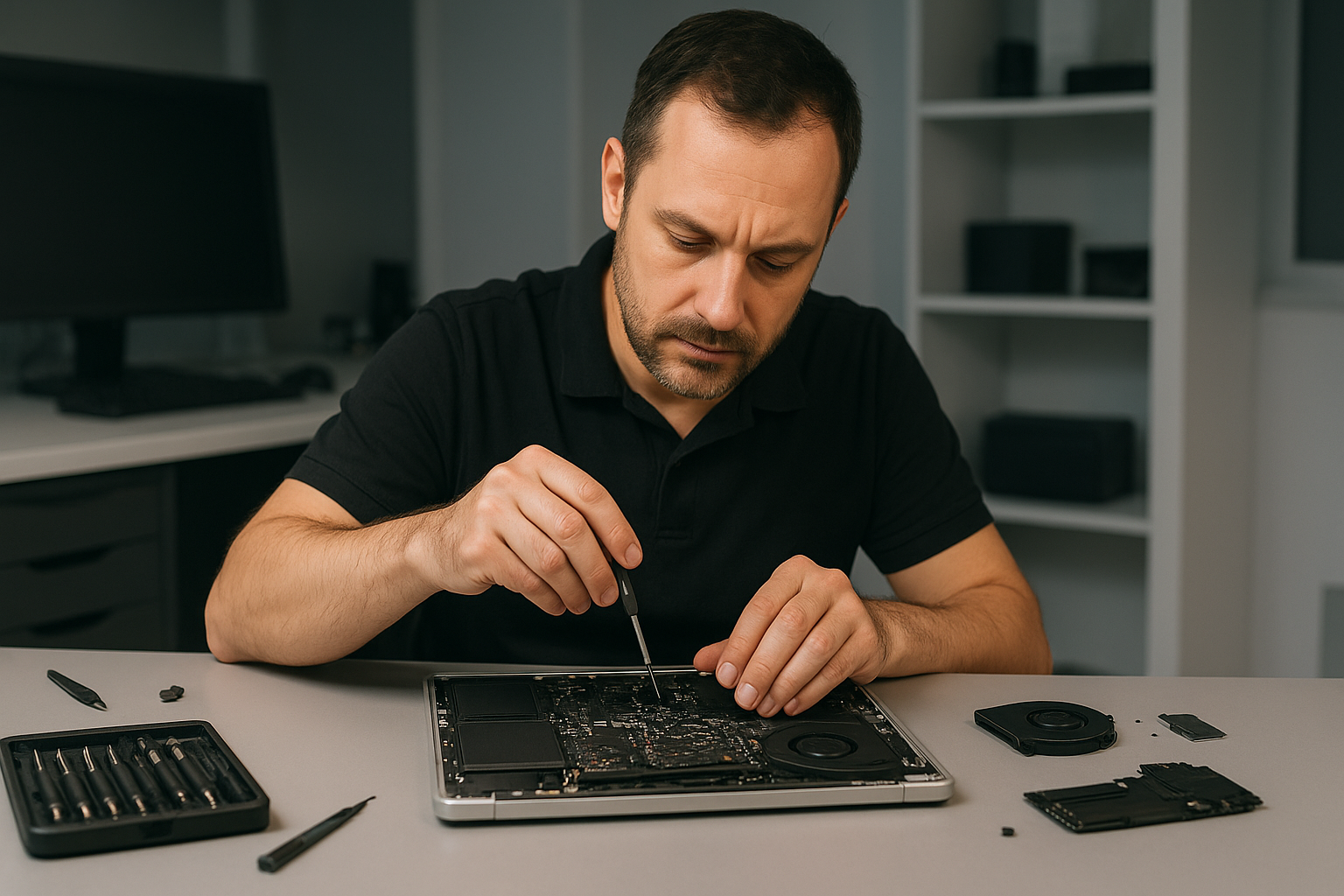
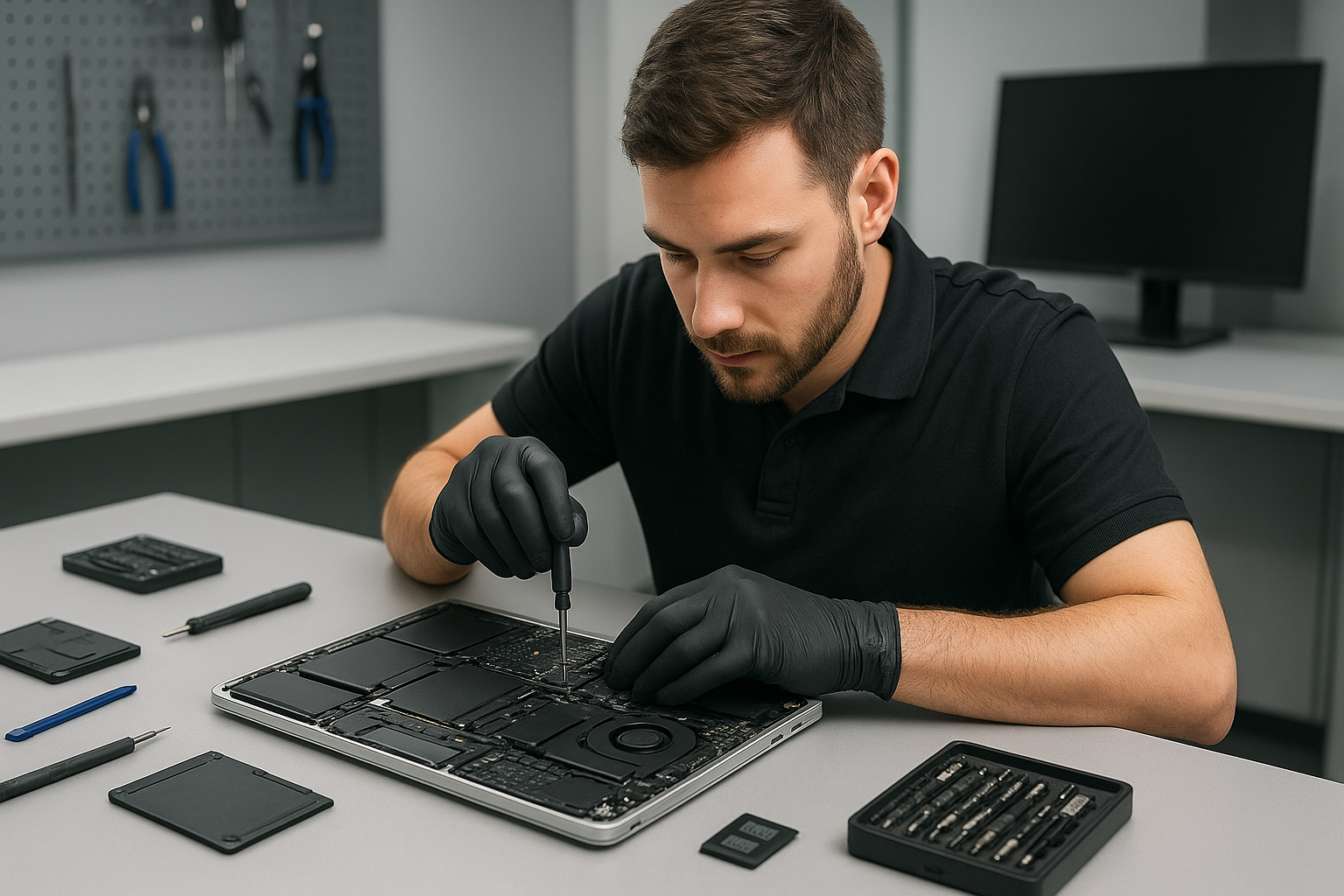
As a senior computer repair technician with more than 15 years of hands-on experience, I perform precise MacBook repair Surrey services for customers across the Lower Mainland. If your MacBook shows a failing battery, cracked screen, trackpad issues, or won’t boot, you can expect thorough diagnostics, transparent pricing, and fast turnaround.

Why choose Moe Repair for MacBook repair Surrey

I focus on realistic, proven repair procedures. First, I run a hardware and software check. Then, I perform non-destructive troubleshooting, so your data stays safe. We handle everything from screen replacement and battery replacement to motherboard repair and liquid damage repair. We also offer SSD upgrades and data recovery when drives fail.

Common symptoms I fix daily

Customers bring in MacBooks with these common symptoms. The laptop won’t power on, frequent shutdowns, swollen battery bulging the case, flickering or cracked screen, unresponsive keyboard or trackpad, loud fan noise, and overheating. Some machines suffer slow performance due to a failing SSD, or malware that requires virus removal. I diagnose each symptom step by step, and then explain the best repair options.

Real diagnostic steps I take

First, I perform a visual inspection for liquid damage and corrosion. Next, I check battery health and cycle count in System Information. I run Apple Diagnostics or targeted hardware tests to isolate logic board faults. For storage issues I test the SSD with SMART tools and create an image for data recovery when needed. If the MacBook fails to boot, I attempt safe-mode, NVRAM and SMC resets, and use target disk mode to recover files before any logic board work.

Typical repair procedures and practical advice

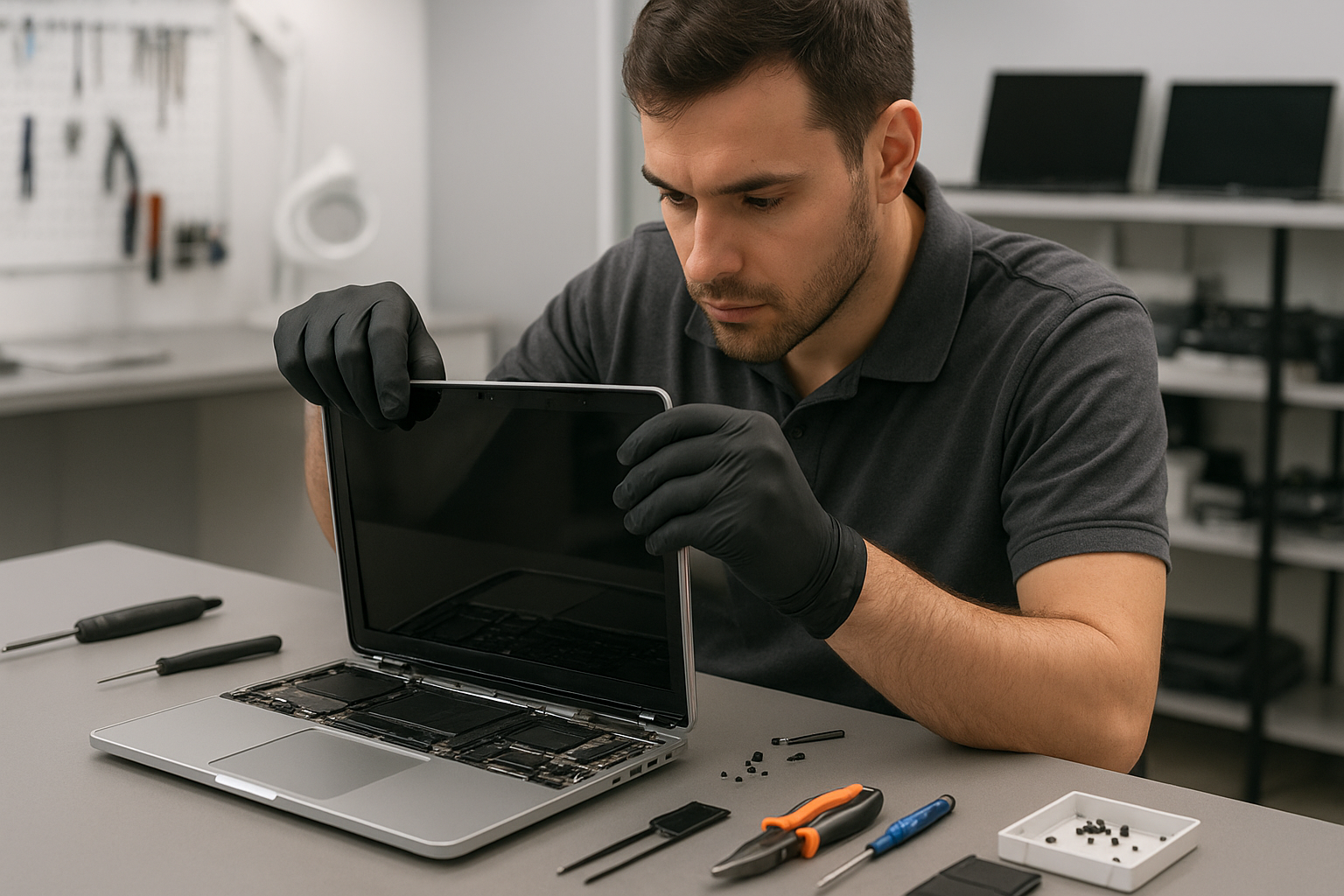
Screen replacement, for example, involves carefully removing the display assembly, replacing the glass and retina panel or the entire lid, and recalibrating the camera and sensors. For battery replacement, I disconnect power, remove the adhesive with heat and solvent safe for Mac components, install the OEM-style battery, and verify charge cycles and SMC behavior.

When a MacBook shows liquid damage, I document corrosion locations, clean connectors with isopropyl alcohol, and test power rails with a multimeter. If the logic board needs repair, I perform microsoldering and component-level replacement when practical, or recommend motherboard repair or replacement. For overheating or fan issues, I clean vents, replace the laptop fan, and perform thermal paste replacement on the CPU and GPU, which often restores performance and reduces noise.

For performance boosts, SSD upgrades and OS reinstallation or Windows installation on compatible hardware can give older machines a new lease on life. We clone drives to protect data and offer secure data recovery if a drive is failing.

Transparent estimates, fast turnaround

I provide clear quotes before any work starts, and I explain repair procedures so customers understand the value. Many common tasks, like keyboard replacement or trackpad repair, can be completed the same day. More complex motherboard repair or liquid damage restoration may require a longer timeline, but I keep you informed at every step.

Services we offer near Surrey

Moe Repair handles laptop repair, MacBook repair, screen replacement, battery replacement, data recovery, virus removal, Windows installation, SSD upgrades, motherboard repair, liquid damage repair, gaming PC repair, keyboard replacement, trackpad repair, laptop fan replacement, thermal paste replacement, and computer tune-up.

We serve customers in Surrey and nearby communities including Coquitlam, Burnaby, Vancouver, Richmond, New Westminster, Maple Ridge, Port Moody, Port Coquitlam, Pitt Meadows, Langley, Delta, North Vancouver, West Vancouver, White Rock, Abbotsford, Mission, and Chilliwack.

What to do before you bring your MacBook in

Back up your data whenever possible. If the MacBook won’t boot, try target disk mode or use an external enclosure. Keep your firmware passwords and Apple ID info ready. Remove external media and bring any original chargers. These steps speed up diagnostics, and they help me focus on repair rather than recovery.

Case examples from my workshop

Example 1, a MacBook Pro with a cracked retina screen and failing camera. I replaced the entire display assembly, reconnected the camera ribbon, and performed a system check to ensure sensors worked correctly. Example 2, a MacBook Air with a swollen battery. I safely removed the battery, replaced it, and reverified the battery health and charging circuit. Example 3, a water-damaged MacBook with corrosion. After cleaning, I replaced several capacitors on the logic board and recovered the hard drive, preserving user data.

Pricing and warranty

I offer competitive pricing for parts and labor, and I stand behind my work with a limited warranty on repairs. When I replace screens, batteries, SSDs, or perform motherboard repair, I document serial numbers and provide a clear warranty statement. This gives customers peace of mind after MacBook repair Surrey service.

If you need MacBook diagnostics, screen repair, or data recovery, contact Moe Repair. Moe Repair Phone: 778-951-4872 Email: [service@moerepair.ca](mailto:service@moerepair.ca)

Call now for expert MacBook repair Surrey service. We fix MacBook Pro and MacBook Air models, and we support related services like gaming PC repair and Windows installation for dual-boot needs. Trust an experienced technician to handle your Mac with care, and to get you back to work quickly.

Xbox Series X cleaning service Coquitlam

Professional Console Repair and Maintenance

At Moe Repair in Coquitlam we specialize in professional console cleaning and maintenance for all major models, including Xbox Series X, Xbox Series S, PS5, PS5 Slim, and PS5 Pro. With over 15 years of experience repairing gaming hardware across Coquitlam and neighbouring cities like Burnaby, Port Moody, Port Coquitlam, New Westminster, and Maple Ridge, our team diagnoses thermal problems, fixes loud fan noise, and resolves random shutdowns and performance issues quickly and affordably.

Whether you need a simple fan cleaning or a complete thermal management overhaul, our shop uses industry-standard tools and parts. If you prefer to arrange service ahead of time, you can contact Moe Repair for drop-off instructions and estimates.

PS5 Liquid Metal Replacement

While our focus for this page is Xbox Series X cleaning service Coquitlam, many customers bring PlayStation consoles to Moe Repair for advanced thermal work. PS5 overheating is often caused by degraded thermal paste or suboptimal heat transfer from the SoC. We offer PS5 liquid metal replacement for PS5, PS5 Slim, and PS5 Pro models when diagnostics show high die temperatures or thermal throttling.

Liquid metal improves thermal conductivity compared with standard thermal paste, reducing sustained temperatures and fan ramping. We only apply liquid metal when appropriate and take precautions to protect surrounding components. After replacement we run stress tests and thermal imaging to verify stable temperatures and reduced fan noise.

Console Cleaning and Dust Removal

Dust buildup is the single most common cause of overheating, loud fans, and random shutdowns across Xbox Series X and PS5 consoles. Our Xbox Series X cleaning service Coquitlam includes:

  • External case cleaning and visual inspection
  • Safe disassembly and internal dust removal
  • Fan cleaning, bearing lubrication or replacement if needed
  • Heat sink and vent cleaning
  • Thermal paste inspection and reapplication if necessary
  • Final reassembly and functional testing

We use anti-static procedures, compressed air with filtration, and soft brushes to remove embedded dust without pushing debris further into components. Many consoles collected from Coquitlam neighborhoods, Burnaby high-rises, and Maple Ridge households show heavy dust in the exhaust channels that severely reduces airflow.

Console Overheating Repair

Overheating can manifest as loud fan noise, thermal throttling, error messages, or sudden shutdowns. For Xbox Series X consoles we perform a careful diagnostic process: temperature logging, fan speed profiling, power rail checks, and inspection for dust, warped heat sinks, or failed thermal interfaces. Common repairs include fan cleaning or replacement, re-seating heat sinks, reapplying thermal compound, and clearing obstructed vents.

We also handle PS5 overheating repair and similar thermal issues for PS5 Slim and PS5 Pro. When the problem is hardware-level rather than just dust — for example, a failing MOSFET or damaged fan header — we provide transparent repair quotes and explain options including board-level service or replacement components.

Signs Your Console Needs Service

Look for these common signs that your console — Xbox Series X, Xbox Series S, PS5, or related models — needs professional cleaning or repair:

  • Loud, high-pitched or grinding fan noise
  • Frequent overheating warnings or forced shutdowns
  • Performance issues like stuttering, low FPS, or long load times
  • Visible dust at vents or on the exterior case
  • Random shutdowns during gameplay or boot
  • Uneven heating or hot spots during use

If you see any of these symptoms in Coquitlam or nearby communities such as Port Moody or New Westminster, bring your console to Moe Repair for diagnostic testing. We also offer related services like computer repair in Coquitlam, laptop repair in Coquitlam, and MacBook repair in Coquitlam for customers wanting a one-stop solution for home electronics.

Why Thermal Management Matters

Thermal management affects performance, longevity, and stability. Consoles like the Xbox Series X and PS5 pack powerful components into a compact chassis. When thermal paste ages, heat pipes weaken, or fans get clogged with pet hair and dust, the heat can’t escape efficiently. This forces fans to run loudly and continuously, reduces sustained performance, and can lead to hardware damage over time.

Our thermal management services include fan balancing, bearing replacement, heat sink reseating, thermal pad replacement, and — where appropriate — PS5 liquid metal replacement. We stress-test consoles to ensure they maintain safe operating temperatures during heavy loads, which is especially important for users in warmer households or for setups placed inside entertainment centers with limited airflow.

Gaming Consoles We Service

Moe Repair handles a wide range of gaming systems for players across Coquitlam, Port Coquitlam, Burnaby, Maple Ridge, New Westminster, and Port Moody. Our common service list includes:

  • Xbox Series X – full cleaning, fan replacement, thermal fixes
  • Xbox Series S – compact cleaning and dust removal
  • PS5 / PS5 Slim / PS5 Pro – cleaning, fan service, liquid metal replacement
  • Older generation consoles – vibration, disc drive, and heat issues

We tailor repairs to the model and the customer’s needs: a gamer wanting maximum sustained performance may opt for liquid metal on a PS5 Pro, while a family using an Xbox Series S for streaming might only need routine dust removal and fan cleaning.

Why Choose Moe Repair

Our technicians have more than 15 years of hands-on experience troubleshooting consoles and PCs. We combine repair expertise with an SEO-savvy approach to ensure local gamers can find us when they need help. Choosing Moe Repair in Coquitlam means:

  • Fast turnaround and clear pricing
  • Experienced technicians who document diagnostics
  • Use of quality thermal compounds and replacement parts
  • Thorough testing to prevent repeat visits
  • Friendly local service across Coquitlam, Burnaby, Port Moody, Port Coquitlam, New Westminster, and Maple Ridge

If you need more than a console tune-up, we also provide services for home computers and laptops — see our computer repair in Coquitlam, laptop repair in Coquitlam, and MacBook repair in Coquitlam pages for details.

Frequently Asked Questions

How long does an Xbox Series X cleaning service take?

Typical cleaning and basic diagnostics take 1-2 business days depending on workload. If additional repairs or parts are required, we’ll provide a timeline upfront.

Do you recommend liquid metal for PS5 consoles?

Liquid metal is a high-performance solution best used when standard thermal paste no longer provides adequate cooling. We recommend it after thermal diagnostics show sustained high die temps; it’s ideal for PS5 and PS5 Pro owners seeking better long-term thermal performance.

Will cleaning void my warranty?

If your console is still under manufacturer warranty, we’ll advise whether professional cleaning by us affects the warranty. For out-of-warranty consoles from Coquitlam and nearby areas, our service is safe and documented.

Can you fix random shutdowns and performance issues?

Yes. Random shutdowns are often thermal or power-related. We run temperature logs, check power delivery, clean cooling paths, and replace failing components to restore stable operation.

Do you offer pickup or mail-in service in Coquitlam?

We accept drop-offs and can discuss options for pickup or courier service in Coquitlam, Port Moody, and nearby cities. Contact us to arrange logistics.

Real Repair Example

Customer from Coquitlam brought in a PS5 Pro experiencing loud fan noise, occasional stuttering during gameplay, and one random shutdown during a long session. Our diagnostic process included temperature logging under load, visual inspection, and disassembly. We found heavy dust buildup across the fan housing and intake vents, a thin and uneven thermal paste layer on the SoC, and one fan bearing showing slight play.

Service steps performed:

  1. Documented initial temp logs and fan RPMs.
  2. Careful disassembly with anti-static precautions.
  3. Compressed air and brush cleaning to remove dust, followed by ultrasonic cleaning of fan blades.
  4. Inspected and replaced the worn fan bearing with a matched OEM part.
  5. Removed old thermal paste and applied liquid metal after confirming suitability for the specific die and heat spreader layout.
  6. Reassembled and ran stress tests, obtaining a 10-15°C drop in peak die temperature and significantly lower fan RPMs with no stuttering or shutdowns.

Outcome: The console returned to the customer with quieter operation, improved stability during long sessions, and a full report of the work done. The customer from Port Coquitlam reported a noticeable reduction in fan noise while streaming and extended gaming sessions without shutdowns.

Contact Moe Repair Today

Moe Repair
778-951-4872
service@moerepair.ca

For scheduling or questions about Xbox Series X cleaning service Coquitlam and other console repairs, please contact Moe Repair. We’re proud to serve gamers across Coquitlam, Burnaby, Port Moody, Port Coquitlam, New Westminster, and Maple Ridge.

Laptop screen replacement Surrey: Fast, Reliable Repairs by Moe Repair

As a senior technician with more than 15 years of hands-on experience, I know how disruptive a damaged display can be. Laptop screen replacement Surrey is a common request at Moe Repair. We fix cracked screens, flicker issues, blackouts, and lines across displays. We serve Surrey and surrounding areas with fast diagnostics and honest pricing.

Laptop screen replacement Surrey. What I check first

When a customer brings in a laptop, I follow a quick, reliable diagnostic routine. First, I inspect the damage visually. Then I connect an external monitor to determine if the GPU or the screen is at fault. If the external monitor image is fine, the problem is almost always the LCD or the display cable. Next, I power-cycle the machine and check for loose cable connections behind the bezel and hinges.

Common symptoms I see include a fully black screen with backlight flicker, vertical or horizontal lines, discolored patches, or a cracked glass panel. For MacBook repair or Windows laptops, the procedure is similar but hinges and thin panels on MacBooks require extra care.

Realistic repair procedure I use

Once we confirm the screen is the issue, I identify the exact panel model by checking the service tag and the label on the old display. Then, I do the following steps.

  • Power down and remove the battery if possible. For built-in batteries, I follow manufacturer safety steps.
  • Remove the bezel carefully, keeping all screws and clips organized.
  • Disconnect the display cable and inverter or backlight connector, if present.
  • Remove the old LCD and transfer any brackets.
  • Test the replacement panel before reassembling the bezel, to ensure proper image and backlight operation.
  • Reassemble, torque screws correctly, and run a post-repair test for color accuracy and dead pixels.

We always test before sealing the laptop. We use anti-static precautions and premium adhesive when the glass must be replaced. For certain models I replace the entire lid assembly to maintain structural integrity, especially in heavy-use laptops or gaming laptops.

Why choose Moe Repair in Surrey and the Lower Mainland

At Moe Repair we combine technical skill with clear communication. I handle MacBook repair, screen replacement, battery replacement, data recovery, virus removal and Windows installation every week. We also perform SSD upgrades, motherboard repair, liquid damage repair, keyboard replacement, trackpad repair, laptop fan replacement, thermal paste replacement, and full computer tune-ups.

We use genuine or high-quality OEM-compatible panels. In many cases we can source same-day replacements otherwise we give a clear ETA. We serve Coquitlam, Burnaby, Vancouver, Richmond, New Westminster, Maple Ridge, Port Moody, Port Coquitlam, Pitt Meadows, Langley, Delta, North Vancouver, West Vancouver, White Rock, Abbotsford, Mission, and Chilliwack.

Diagnostics and how you can help

To help us diagnose your laptop quickly, please note your laptop model and any recent events such as drops, liquid spills, or power surges. If the screen is cracked and shards are present, shut down the laptop and bring it in. Avoid using the device to prevent further damage to the panel or connectors.

If you suspect liquid damage, power off the laptop and do not charge it. Bring it to us as soon as possible. We perform liquid damage repair and clean the motherboard, which can save the laptop and protect your data. We also offer data recovery when drives behave erratically after a screen failure or spill.

Cost, turnaround and warranty

Costs vary by model and availability of parts. A basic consumer laptop screen replacement typically takes a few hours to a day. High-end MacBook screens or custom gaming laptop lids may take longer. We provide a written estimate and a warranty on parts and labour. We also perform SSD upgrades and Windows installation if you want an overall speed boost while we service the screen.

We keep transparency. If motherboard repair or trackpad repair is also required, we explain options and costs before proceeding. For customers who need data recovery, we advise on safe steps and secure handling of drives.

Frequently asked repair questions

Q: Can I replace a cracked screen myself? A: You can, but I do not recommend it unless you have experience with delicate laptop internals. Incorrect parts or improper reassembly can damage the display connector, the camera, or the hinge. Also, some modern MacBook models glue the glass to the frame, requiring special lifts and adhesive.

Q: Will my data be safe during repair? A: Yes. We do not touch storage without permission. If needed, we perform data recovery or clone the drive before doing repairs that risk the drive.

Q: How soon can you repair my laptop? A: For many models we offer same-day service. Otherwise we give a clear ETA when ordering parts. Call or email for a slot.

Other services to consider

While replacing a screen, many customers take advantage of other upgrades. An SSD upgrade and thermal paste replacement dramatically improve performance and temperatures. We also recommend a computer tune-up after major repairs to ensure the system runs clean and fast. If you have virus symptoms, we handle virus removal and secure the system.

For gamers, we provide gaming PC repair, laptop fan replacement, and motherboard repair to restore peak performance. For MacBook repair, we handle keyboard replacement and trackpad repair with OEM-quality parts.

Contact Moe Repair

If you need Laptop screen replacement Surrey, bring your device to Moe Repair. We will diagnose it promptly, explain the repair procedures, and get you back to work fast. Call us at 778-951-4872, or email service@moerepair.ca. We accept walk-ins and scheduled appointments.

Moe Repair is committed to quality, honesty, and fast turnaround. Whether you are in Surrey, Coquitlam, Burnaby, Vancouver, Richmond, or beyond, we will treat your laptop like our own.

Phone: 778-951-4872
Email: service@moerepair.ca

PS5 liquid metal replacement Coquitlam

Professional Console Repair and Maintenance

At Moe Repair in Coquitlam we specialize in advanced console thermal management, cleaning and hardware-level repairs. With more than 15 years of experience repairing gaming consoles and computers, our technicians understand the unique cooling and maintenance needs of modern systems like the PS5, PS5 Slim and PS5 Pro, and we also service competing platforms such as the Xbox Series X and Xbox Series S. If you live in Coquitlam, Burnaby, Port Moody, Port Coquitlam, New Westminster or Maple Ridge, we offer fast diagnostics, transparent pricing and reliable results.

PS5 Liquid Metal Replacement

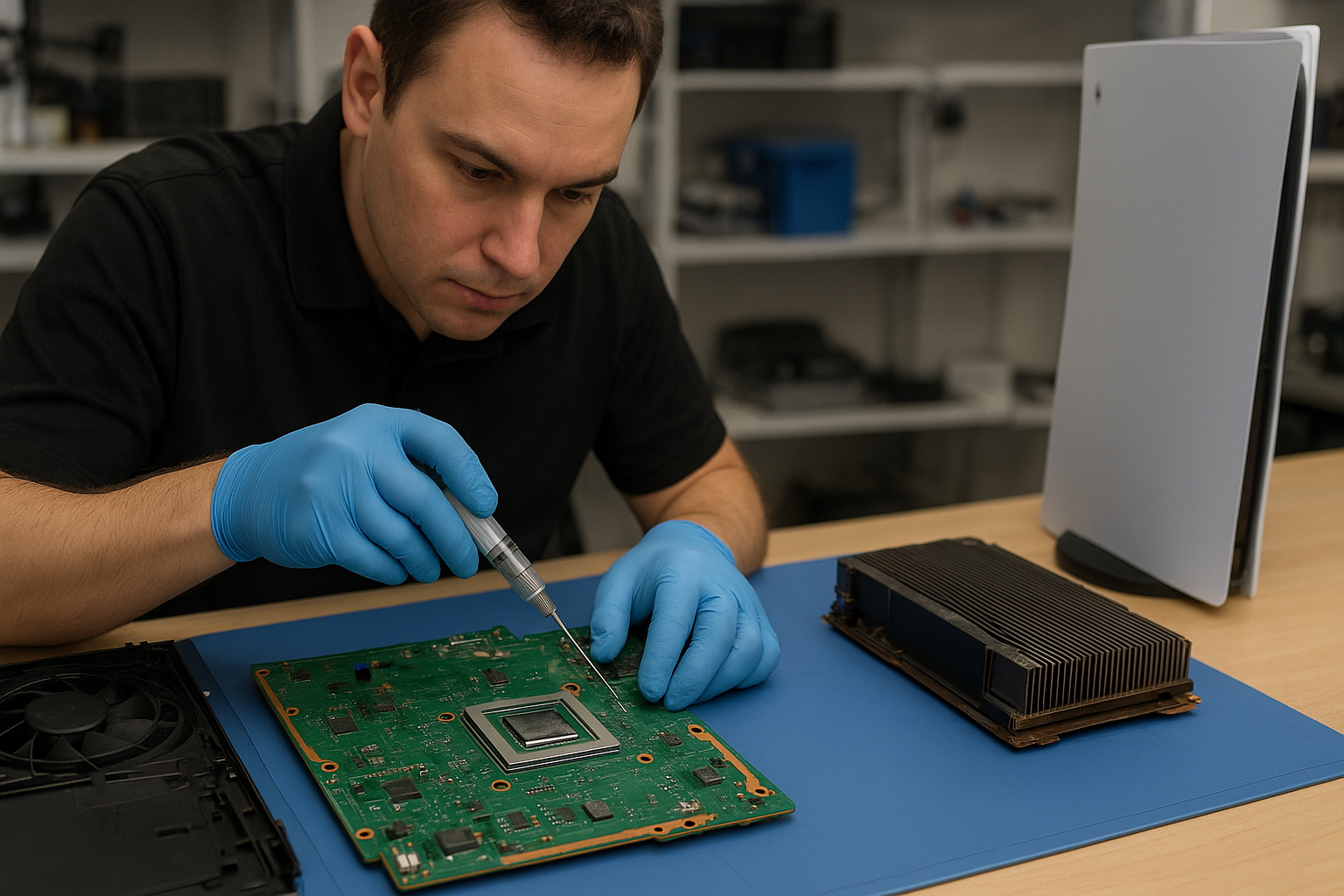
Liquid metal replacement is a professional-grade thermal upgrade that replaces the stock thermal compound on the PS5’s processor with a liquid metal solution. Liquid metal has significantly higher thermal conductivity than conventional paste, which can reduce CPU/GPU temperatures and improve long-term performance. However, applying it requires precision — liquid metal is electrically conductive and can short components if misapplied. Our technicians at Moe Repair follow a strict protocol: full teardown, board cleaning, secure application with proper barriers, reassembly and testing. That’s why residents of Coquitlam and nearby communities trust us for PS5 liquid metal replacement.

Console Cleaning and Dust Removal

Dust buildup inside a console is one of the most common drivers of overheating, loud fan noise and random shutdowns. Our full cleaning service includes:

  • Complete disassembly of the console shell and fans
  • Compressed air and manual dust removal from vents, heat sinks and fan blades
  • Cleaning of air tunnels and filtration areas
  • Inspection of heat sink surfaces for old thermal paste or corrosion
  • Re-lubrication of fan bearings when appropriate

We service PS5, PS5 Slim and PS5 Pro units, and can apply the same cleaning principles to Xbox Series X and Series S consoles. If you’re in Coquitlam or nearby Burnaby and noticing loud fan noise or degraded performance, a professional cleaning often restores normal operation without expensive replacements.

Console Overheating Repair

Overheating can present as loud fan noise, thermal throttling (reduced frame rates), random shutdowns, or error codes. For overheating repairs we provide:

  • Thermal diagnostics and temperature logging
  • Fan cleaning and replacement if necessary
  • Thermal pad and paste assessment and replacement
  • Liquid metal replacement for PS5 CPU/GPU assemblies where appropriate
  • Reflow or board-level repairs if we detect damaged components

Every repair includes a burn-in test to confirm temperatures are stable under load. Our shop in Coquitlam services consoles from nearby Port Moody, Port Coquitlam, New Westminster and Maple Ridge with same-day or next-day turnarounds whenever possible.

Signs Your Console Needs Service

Watch for these common symptoms that indicate your PS5 or other console needs professional attention:

  • Loud fan noise: Fans running at high RPM continuously, even during light use.
  • Overheating: High on-screen temperatures, thermal warnings or reduced performance.
  • Random shutdowns: Console powers off during gameplay or while streaming.
  • Performance issues: Frame-rate drops, stuttering, or longer load times.
  • Visible dust buildup: Vents obstructed or heavy dust within intake areas.

If you notice any of these signs, bring your console to Moe Repair in Coquitlam for an inspection. We can often resolve issues with fan cleaning, dust removal and thermal rework without the need for costly component replacement.

Why Thermal Management Matters

Proper thermal management extends the life of your console and preserves peak performance. The PS5 platform uses sophisticated cooling but still requires maintenance — especially in homes with pets, smoking, or heavy dust exposure. Upgrading to liquid metal on PS5 models can reduce peak temperatures and lower fan RPMs, meaning quieter operation and fewer thermal throttles. For competitive players on PS5 Pro or owners of PS5 Slim units, good thermal care can maintain consistent frame rates and responsiveness. Protecting thermal pathways and ensuring efficient airflow is a key part of routine gaming console maintenance.

Gaming Consoles We Service

We repair and maintain the following systems:

  • PS5, PS5 Slim, PS5 Pro — cleaning, fan service, liquid metal and overheating repair
  • Xbox Series X and Xbox Series S — fan cleaning, dust removal and thermal diagnostics
  • Older consoles and specialty gaming hardware — upon request

Our services are available to gamers across Coquitlam and neighboring areas like Burnaby, Port Moody, Port Coquitlam, New Westminster and Maple Ridge.

Why Choose Moe Repair

Moe Repair combines 15+ years of hands-on repair experience with a commitment to customer service. Benefits of choosing us include:

  • Certified technicians experienced in delicate tasks like liquid metal application
  • Local Coquitlam shop with fast turnaround for nearby communities
  • Transparent diagnostics and fixed-price quotes
  • Comprehensive testing and warranty on repairs
  • Cross-platform expertise: consoles, laptops, desktops and MacBooks

We also offer related services if your gaming PC or laptop needs attention: see our computer repair in Coquitlam, laptop repair in Coquitlam and MacBook repair in Coquitlam pages for details. If you’re ready to book a service or have questions, contact Moe Repair and we’ll walk you through the options.

Frequently Asked Questions

Is liquid metal safe for my PS5?

Yes, when applied by a trained technician. Liquid metal is electrically conductive, so it must be isolated from surrounding components and applied only to the CPU/GPU mating surfaces. At Moe Repair we use professional techniques and protective masks to prevent shorts and ensure long-term stability.

Will liquid metal void my warranty?

Applying liquid metal usually involves opening the console and may void manufacturer warranties. If your PS5 is still under official warranty, check Sony’s terms before proceeding. Many customers with out-of-warranty consoles in Coquitlam choose liquid metal to regain performance and quiet operation.

How often should I have my console cleaned?

For most households, a professional cleaning every 12–18 months is sufficient. If you have pets, smoke indoors, or keep the console in a dusty environment, consider a service every 6–12 months to prevent dust buildup and overheating.

Can cleaning alone fix loud fan noise?

Often, yes. Dust buildup on fan blades and in air tunnels forces fans to spin harder. Our fan cleaning, bearing lubrication and airflow restoration frequently reduce noise. If a fan is worn or the motor is failing, we recommend replacement.

Do you service consoles from Burnaby and Maple Ridge?

Absolutely. We serve Coquitlam and surrounding cities including Burnaby, Port Moody, Port Coquitlam, New Westminster and Maple Ridge. Drop off your console or contact us to arrange a convenient appointment.

Real Repair Example

Case: A PS5 brought in from Port Coquitlam was experiencing loud fan noise, frequent thermal throttling and two random shutdowns during extended play. Diagnostic process: we logged operating temperatures under load and observed CPU/GPU temps spiking above safe thresholds, with fans ramping to maximum. Inspection revealed heavy dust buildup in the intake vents and a partially degraded thermal interface on the processor, with dried thermal paste and oxidized heat sink surfaces.

Repair steps performed: complete disassembly, thorough dust removal from vents, fan removal and cleaning, inspection of fan bearings and re-lubrication. We removed the old thermal paste, cleaned the heat sink and CPU contact, and applied a precision liquid metal replacement with dielectric barriers where needed. After reassembly we ran a stress test; temperatures dropped by an average of 12–18°C under load and fan RPMs remained moderate. Outcome: the console no longer throttled, fan noise reduced significantly, and the customer reported stable operation without further shutdowns. The repair was completed in two business days and the customer from Port Coquitlam picked up the console satisfied with the results.

Contact Moe Repair Today

Moe Repair
778-951-4872
service@moerepair.ca

If your PS5 in Coquitlam, Burnaby, Port Moody, Port Coquitlam, New Westminster or Maple Ridge is overheating, making noise, or shutting down unexpectedly, call us or contact Moe Repair to schedule diagnostics and trusted PS5 liquid metal replacement and cleaning services.

MacBook screen replacement Richmond: Expert, Same-Day Service

As a senior technician with more than 15 years of hands-on experience, I see one common problem in the shop, cracked or flickering displays. If you need MacBook screen replacement Richmond I can help. I diagnose the issue quickly, recommend the right parts, and perform repairs that last.

MacBook screen replacement Richmond: Signs, Diagnosis, and Options

Common symptoms that bring customers in include cracked glass, dead pixels, screen flicker, vertical or horizontal lines, and a dim backlight. Sometimes the MacBook shows a black screen yet powers on. Others report ghosting or discoloration after liquid spills. Each symptom points to a different cause, such as front glass damage, LCD panel failure, backlight inverter problems, or a loose display cable.

First, I perform a visual inspection. Then, I connect an external monitor. If the external display works, the GPU and motherboard likely function, and the issue sits with the display assembly, display cable, or hinge connector. If the external display also fails, deeper motherboard repair or GPU diagnostics may be necessary.

Realistic Repair Procedure I Use

I follow step-by-step procedures that protect your data and the logic board. First, I power down the MacBook and remove the battery where possible. Next, I separate the display assembly, then inspect the display connector and camera cable for corrosion or damage. I test with a known-good LCD panel or display cable to isolate the faulty component.

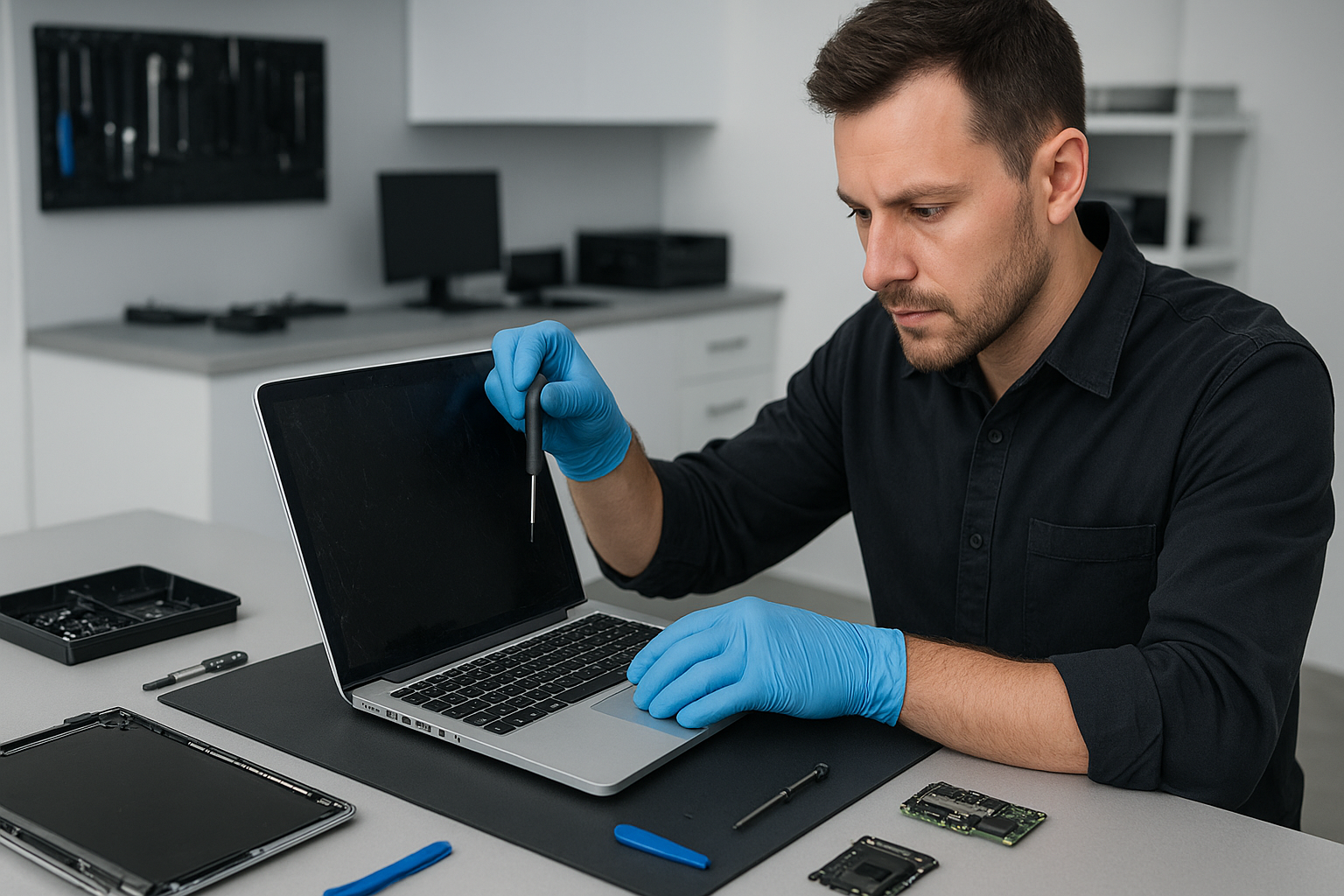
For a cracked front glass, I replace the glass and the adhesive assembly. For a full LCD failure, I replace the entire screen assembly. On Retina models, I use proper heat tools to soften adhesive and avoid pressure that can crack the new panel. Finally, I calibrate color and test backlight uniformity, pixel health, and hinge stability.

Parts and Warranty

I offer OEM-grade parts and high-quality third-party alternatives. Whenever possible, I recommend genuine Apple or OEM display assemblies for the best color accuracy and durability. Each repair includes a post-service test and a warranty on parts and labour. That reduces the risk of pixel damage or premature failure.

Why Choose Moe Repair for Your MacBook screen replacement Richmond

Moe Repair combines real experience with fast turnaround. I perform MacBook repair, laptop repair, and screen replacement with clean-room care and professional tools. You get:

  • Fast diagnostics and same-day repair on many models
  • Data-safe procedures, so you do not lose files
  • Clear pricing and transparent parts choices
  • Service across the Lower Mainland including Coquitlam, Burnaby, Vancouver, Surrey, and Richmond

Additionally, I handle battery replacement, data recovery, SSD upgrades, motherboard repair, liquid damage repair, keyboard replacement, trackpad repair, laptop fan replacement, and thermal paste replacement. If your MacBook suffers from virus or malware on a Boot Camp partition, I also provide virus removal and Windows installation services.

Diagnostic Steps I Run

During diagnostics I run a systematic checklist. I start with software checks, safe mode boot, and PRAM reset. Then I inspect connectors and test voltages on the display cable. I look for corrosion after liquid exposure and test with external monitors to localize the fault. My goal is an accurate repair that avoids unnecessary part swaps.

Typical Repair Times and Costs

Turnaround depends on model and part availability. For common MacBook Air and MacBook Pro models I often offer same-day or next-day service. Retina and older models sometimes require ordering specific screen assemblies. I price repairs competitively and explain OEM versus aftermarket choices, so you can choose the right balance of cost and longevity.

What To Expect During a Screen Replacement

Expect careful disassembly, use of ESD-safe tools, and a final calibration. I inspect and replace the display cable if needed to prevent future flicker. I also check the camera and microphone connectors, and test the hinge to prevent stress on the new screen. If liquid damage exists, I prioritize drying, corrosion removal, and motherboard repair if required.

Customer Advice and Preventative Tips

Protect your investment. Use a protective sleeve, avoid stacking heavy items on your laptop, and do not force the lid beyond its normal range. If you spill liquid, power off immediately and bring the MacBook in for liquid damage repair. For performance maintenance, consider SSD upgrades and computer tune-up services every 12 to 24 months.

If your MacBook develops display issues, act quickly. Small cracks can let in dust and moisture, causing bigger problems. A prompt screen replacement can save the logic board from corrosion or further damage.

Related Services I Provide

Besides screen repair, I also do battery replacement, data recovery, motherboard repair, gaming PC repair, keyboard replacement, trackpad repair, and full computer tune-up. If your device needs thermal paste replacement or a laptop fan replacement, I handle that too to keep your system cool and stable.

Moe Repair serves Richmond, Coquitlam, Burnaby, Vancouver, Surrey, New Westminster, Maple Ridge, Port Moody, Port Coquitlam, Pitt Meadows, Langley, Delta, North Vancouver, West Vancouver, White Rock, Abbotsford, Mission, and Chilliwack.

Contact Moe Repair for a clear quote and a reliable repair plan. Phone: 778-951-4872, Email: service@moerepair.ca.

Ready to schedule your MacBook screen replacement Richmond?

Bring your MacBook to our workshop, or arrange courier pickup. We provide honest advice, expert screen assembly replacement, and follow-up support. Call Moe Repair at 778-951-4872 to book an appointment, or email service@moerepair.ca. I look forward to restoring your display and getting you back to work quickly.

Data recovery Burnaby: How we recover your files fast

As a senior technician with more than 15 years of hands-on experience, I know how devastating data loss feels. Data recovery Burnaby is our core specialty, and we recover files from failed hard drives, SSDs, RAID arrays, and NAS units across Burnaby and the Lower Mainland.

Data recovery Burnaby, our step-by-step diagnostic process

When you bring a device to Moe Repair we follow a proven workflow. First, we stop using the drive to avoid further damage. Then we run SMART diagnostics to check for mechanical symptoms. Next, we image the media with a read-only clone using tools like ddrescue, to preserve evidence and maximize recoverable data.

We test with CrystalDiskInfo or manufacturer tools, and for Macs we use Disk Utility diagnostics. If the drive shows logical failure, such as corrupt file system or accidental deletion, we perform file system repair and deleted file recovery. For physical failures, we isolate issues in a clean bench and consider PCB swap or component-level repair when safe.

Common failure symptoms we see

  • Clicking or grinding noises, typical of bearing or head failure.
  • Drives not spinning, often due to PCB or power faults.
  • Intermittent detection, typical of bad sectors or failing heads.
  • Corrupted partitions, lost files, or filesystem errors.
  • SSD that won’t mount after firmware or controller issues.
  • RAID degradation when multiple drives present errors.
  • Liquid damage with visible corrosion or shorted connectors.

Real repair procedures we use

For mechanical HDD failures we image the disk in a controlled environment. If heads are damaged, we coordinate cleanroom head swap procedures. For PCB failures, we match board numbers, reprogram ROM data as needed, and bench-test before cloning. For SSD recovery we handle controller-level failures, extract NAND where appropriate, and reconstruct data sets with vendor-aware tools.

For RAID recovery we document the array, clone all members, and rebuild the array in a safe virtual environment. For NAS units we repair both the drive and the enclosure, preserving metadata and timestamps wherever possible. We never run destructive repair steps until you approve the recovery plan.

Why you should stop using a failing device immediately

Every write operation can overwrite recoverable files. Also, powering a mechanically failing drive risks further head crashes. Therefore, if you notice symptoms, power it down, disconnect from networks, and contact Moe Repair. We serve Coquitlam, Burnaby, Vancouver, Surrey, Richmond, and surrounding areas.

Practical steps you can take now

  • Stop using the device. Do not attempt low-level fixes yourself.
  • Do not reformat or reinstall the OS if the drive contains important files.
  • If the device suffered liquid damage, do not power it on. Keep it in a static-free bag and bring it in.
  • Note the exact symptoms, error messages, and any recent events before failure.
  • Backups are essential. We offer backup solution advice and computer tune-up services to prevent future loss.

What types of media we recover

We handle a wide range of media. HDD recovery and SSD recovery for laptops and desktops. External drive and USB recovery. RAID recovery and NAS recovery for small business systems. We also perform Mac data recovery and PC data recovery, encrypted drive recovery, and forensic recovery when required.

Typical brands we work on include Western Digital recovery, Seagate recovery, Samsung, Toshiba, and Kingston devices. We also perform data cloning, partition recovery, and file system repair for NTFS, HFS+, APFS, exFAT, and FAT32.

Other repair services we offer near Burnaby

Beyond data recovery Burnaby, Moe Repair also offers laptop repair, MacBook repair, screen replacement, battery replacement, virus removal, Windows installation, SSD upgrades, motherboard repair, liquid damage repair, gaming PC repair, keyboard replacement, trackpad repair, laptop fan replacement, thermal paste replacement, and computer tune-up. We serve Port Moody, Port Coquitlam, Coquitlam, New Westminster, Maple Ridge, Pitt Meadows, Langley, Delta, North Vancouver, West Vancouver, White Rock, Abbotsford, Mission, and Chilliwack.

Transparent pricing and secure handling

We provide a clear evaluation with no surprises. Evaluation includes a SMART report, an imaging estimate, and a recovery success probability. We keep recovered data on encrypted storage during transfer. Finally, we return files on your preferred media or secure cloud transfer.

Why choose Moe Repair for Data recovery Burnaby

First, we apply 15 plus years of workshop experience to every case. Second, we use industry tools and strict protocols to limit risk. Third, we communicate clearly, so you know the options and costs before we proceed.

We have handled everything from logical file corruption to physical head crashes. In many cases we recover photos, videos, business documents, and accounting data that customers believed were gone forever. We also advise on backup configuration after recovery to prevent repeat incidents.

Contact us for a fast evaluation

Bring your device to Moe Repair or mail it to our Coquitlam workshop. Call 778-951-4872 or email service@moerepair.ca. We provide same-day diagnostics in many cases, and emergency options for business-critical data.

Remember, acting quickly improves recovery chances. If you need Data recovery Burnaby, contact Moe Repair today. We serve Burnaby and the entire Metro Vancouver area with professional, confidential service.

MacBook screen replacement Surrey: Trusted repairs by Moe Repair

If you need MacBook screen replacement Surrey, bring your MacBook to Moe Repair for professional service backed by more than 15 years of hands on experience. I inspect every laptop and MacBook, so I can diagnose screen faults, broken glass, or backlight issues quickly. We serve customers across Surrey, Coquitlam, Burnaby, Vancouver and the entire Lower Mainland.

MacBook screen replacement Surrey, what to expect

When you contact Moe Repair we start with clear communication. First, I ask about symptoms, how the damage occurred, and the MacBook model. Then I run a quick diagnostic to separate screen failures from graphics or motherboard issues. For example, an external monitor test tells us if the GPU is fine, while a cracked glass or flickering backlight points to a display assembly or cable problem.

Common failure symptoms

Symptoms I see frequently include cracked glass, vertical or horizontal lines, intermittent flicker, dim backlight, and black screens with sound. Sometimes the camera or ambient light sensor fails after a drop. Other times liquid damage or a failing display connector causes artifacts. Recognizing the symptom helps me choose between screen replacement, connector reseating, or motherboard repair.

Initial diagnostics I perform

I follow practical steps. First, I power up and test with an external monitor. Next, I check System Report for display hardware errors. Then I open the hinge area, inspect the display cable, and test the backlight with controlled voltages. Finally I run a thermal and power check to rule out battery or logic board faults. These steps reduce unnecessary part replacement, saving you time and money.

Realistic repair procedure

For a standard MacBook screen replacement I use ESD safe tools and model specific kits. I remove the pentalobe and tri wing screws, detach the battery when required, then carefully separate the display assembly. I test the new screen while the unit is still open, before reinstalling adhesives and screws. For Retina models I replace the full screen assembly, for older models I may replace just the LCD or backlight. We always use genuine parts or high quality OEM assemblies, and I calibrate the display after installation.

During liquid damage repair I document corrosion, clean contacts with isopropyl alcohol, and dry the chassis. If the motherboard shows damage I recommend motherboard repair or data recovery depending on the fault. For SSD upgrades or data recovery we provide secure cloning and backup services, so your files remain safe while we work on the display.

Why choose Moe Repair

Choosing Moe Repair for MacBook screen replacement Surrey gives you skilled technicians who also handle battery replacement, keyboard replacement, trackpad repair, laptop fan replacement, thermal paste replacement, and computer tune-up services. We offer transparent pricing, same day diagnostics when possible, and a workmanship warranty. Moreover, we repair laptops and gaming PC repair, perform virus removal, Windows installation, SSD upgrades, and motherboard repair across the region.

Parts and quality

We use genuine Apple parts or high quality OEM screen assemblies. Consequently, you get accurate colors, correct brightness, and reliable backlight performance. We avoid cheap glass-only fixes unless you explicitly request them. For Retina displays we replace the full assembly to preserve the camera, microphone, and ambient light sensor alignment.

Turnaround and costs

Turnaround varies by model and parts availability. In many cases we complete MacBook screen replacement Surrey within one business day. For older or liquid damaged units we provide a written estimate and explain repair, replacement, or data recovery options. We also offer SSD upgrades and computer tune-up services while your device is in for screen replacement, giving your Mac new responsiveness.

Practical customer advice

If your screen is cracked, stop using the MacBook to avoid glass shards entering the keyboard. Back up your data before bringing the device in. If the display flickers only when moving the hinge, avoid stressing the hinge and bring it in promptly, because a failing display cable can damage the logic board. Lastly, ask about a protective case after repair to reduce future impact damage.

Service area and convenience

We provide MacBook screen replacement Surrey and serve nearby communities including Coquitlam, Burnaby, Vancouver, Richmond, New Westminster, Maple Ridge, Port Moody, Port Coquitlam, Pitt Meadows, Langley, Delta, North Vancouver, West Vancouver, White Rock, Abbotsford, Mission, and Chilliwack. You can drop off your MacBook, or arrange for local courier pickup in some areas.

Other repairs we handle

Beyond screen replacement we perform motherboard repair, liquid damage repair, battery replacement, data recovery, virus removal, Windows installation, SSD upgrades, keyboard replacement, trackpad repair, laptop fan replacement, thermal paste replacement, and gaming PC repair. Therefore, we can often diagnose multiple issues and combine repairs to save you downtime.

For transparent, reliable service call Moe Repair today. Our goal is to restore your MacBook to full function, quickly and professionally. If you need MacBook screen replacement Surrey call now for fast diagnostics and genuine parts.

Moe Repair
Phone: 778-951-4872
Email: service@moerepair.ca

MacBook data recovery Surrey: Expert recovery from Moe Repair

As a senior technician with more than 15 years of hands-on experience, I see a range of failures every week. If you need MacBook data recovery Surrey, you need a careful, methodical approach. I will explain realistic repair procedures, common failure symptoms, diagnostic steps, and practical advice so you know what to expect before you bring your device to Moe Repair.

Why choose MacBook data recovery Surrey at Moe Repair

We recover data for customers across Surrey, Coquitlam, Burnaby, Vancouver, Richmond and beyond. You get local, fast service. We handle SSD data recovery, hard drive recovery, Time Machine restores, encrypted drive situations, and liquid damage recovery. We avoid guesswork. Instead, we run controlled diagnostics and explain every step.

Common symptoms that need data recovery

Watch for these signs. Your MacBook may show a flashing folder with question mark, fail to boot, freeze on the Apple logo, or report a corrupt volume. You might hear a clicking or grinding noise, or see repeated kernel panics. Other symptoms include S.M.A.R.T. warnings, mounting errors, or no disk detected. Liquid damage often causes intermittent detection or shorted ports. Each symptom guides our procedure.

Initial diagnostics we perform

First, we never initialize or reformat the drive. Instead, we perform a non-invasive inspection. We check System Information for drive presence. Then, we attach the SSD or drive to a dedicated recovery station using SATA or NVMe adapters. Next, we run disk utilities and sector scans. If the drive responds, we image it sector-by-sector with read-only tools, using low-level cloning or ddrescue to avoid further damage.

Step-by-step recovery procedures

Step 1, verify the failure type. We separate logical corruption from physical failure. Step 2, make a safe image of your drive when possible. Step 3, attempt file carving or catalog rebuilds from the image. Step 4, for encrypted volumes, we request your passphrase or recovery key. Step 5, return recovered data to a new SSD or external drive and verify integrity. These steps apply to SSD upgrades, Time Machine restores, and most MacBook repair scenarios.

Physical repairs that help data recovery

Sometimes the logic board, SATA connector, or cable prevents detection. We perform motherboard repair or connector replacement when safe. For liquid damage, we clean the board, replace corroded components, and then re-run recovery procedures. If the internal fan has failed and overheated the drive, we replace the fan and thermal paste, then stabilize the device before imaging the drive.

Tools and software we use

We use professional-grade hardware write-blockers, sector imaging tools, and macOS recovery utilities. For SSDs with firmware issues, we apply targeted techniques and secure vendor methods when possible. For RAID or complex failures, we combine hardware and software recovery workflows. Always, we act to minimize further data loss.

What recovery costs and timelines look like

Minor logical recoveries often finish within 24 to 48 hours. Physical recoveries take longer, from a few days to a week, depending on parts and complexity. Pricing depends on the failure type. We provide transparent estimates after an initial diagnosis. For many customers in Surrey and neighboring areas like New Westminster, Maple Ridge, or Langley, we offer same-day diagnostics and clear next steps.

Practical advice to protect your data now

First, stop using a failing drive to avoid overwriting recoverable data. Second, keep backups on Time Machine or an external drive. Third, if your MacBook suffered a spill, power it off and bring it in; do not power it on. Fourth, consider regular SSD upgrades or computer tune-up services to prevent future failures.

Related services we provide

Moe Repair handles MacBook repair, screen replacement, battery replacement, keyboard replacement, trackpad repair, laptop fan replacement, thermal paste replacement, motherboard repair, liquid damage repair, SSD upgrades, Windows installation, virus removal, gaming PC repair, and computer tune-up. We combine repair and recovery when needed to return a stable, working device.

Local coverage and pickup options

We serve Surrey, Coquitlam, Burnaby, Vancouver, Richmond, New Westminster, Maple Ridge, Port Moody, Port Coquitlam, Pitt Meadows, Langley, Delta, North Vancouver, West Vancouver, White Rock, Abbotsford, Mission, and Chilliwack. You can walk into our shop, schedule a drop-off, or request local pickup when available. For remote consultations, we provide phone guidance and arrange secure drop-off windows.

How to prepare before you bring your MacBook

Write down your Apple ID and passwords. Pack your charger and any external drives. Note any recent software changes, updates, or crashes. Tell us if FileVault is enabled. If you have a Time Machine backup, bring it. These details speed diagnosis and improve recovery rates.

Real case example

Recently, a customer from Surrey brought a MacBook that would not mount the internal SSD after a liquid spill. We performed logic board cleaning, replaced a corroded SATA connector, imaged the SSD with a write-blocker, and restored the home folder to a new SSD. The customer recovered 99 percent of photos and documents. They also booked a thermal paste replacement and laptop fan replacement to prevent future overheating.

If you need reliable MacBook data recovery Surrey, contact Moe Repair. We are local, experienced, and careful with your data. We will explain costs, give a free initial assessment, and prioritize secure handling.

Moe Repair
Phone: 778-951-4872
Email: service@moerepair.ca

MacBook repair Richmond: Expert Apple Repairs Nearby

I am a senior computer repair technician with more than 15 years of hands-on experience. If you need MacBook repair Richmond, you will get clear diagnostics, honest pricing, and fast turnaround. I specialize in screen replacement, battery replacement, SSD upgrades, data recovery, and motherboard repair. My goal is simple, restore your MacBook to reliable performance so you can get back to work or play.

Why choose Moe Repair for MacBook repair Richmond

At Moe Repair we use proven diagnostic steps, quality parts, and careful repair procedures. First, we identify symptoms such as unexpected shutdowns, swollen batteries, dim or cracked screens, or persistent kernel panics. Then, we run targeted tests to confirm the root cause, and finally we perform repairs using ESD-safe techniques.

Typical symptoms and what they mean

Slow startup, spinning beach ball, or slow apps usually indicate a failing hard drive or full disk, and an SSD upgrade often solves this. Rapid battery drain and irregular charging point to battery replacement, or a faulty charging circuit on the motherboard. Cracked or flickering displays need MacBook screen replacement. Liquid damage can corrode connectors, causing trackpad or keyboard failure. Sudden no-boot or white screen often means logic board issues, where motherboard repair or component-level fixes are necessary.

Real repair procedures I perform

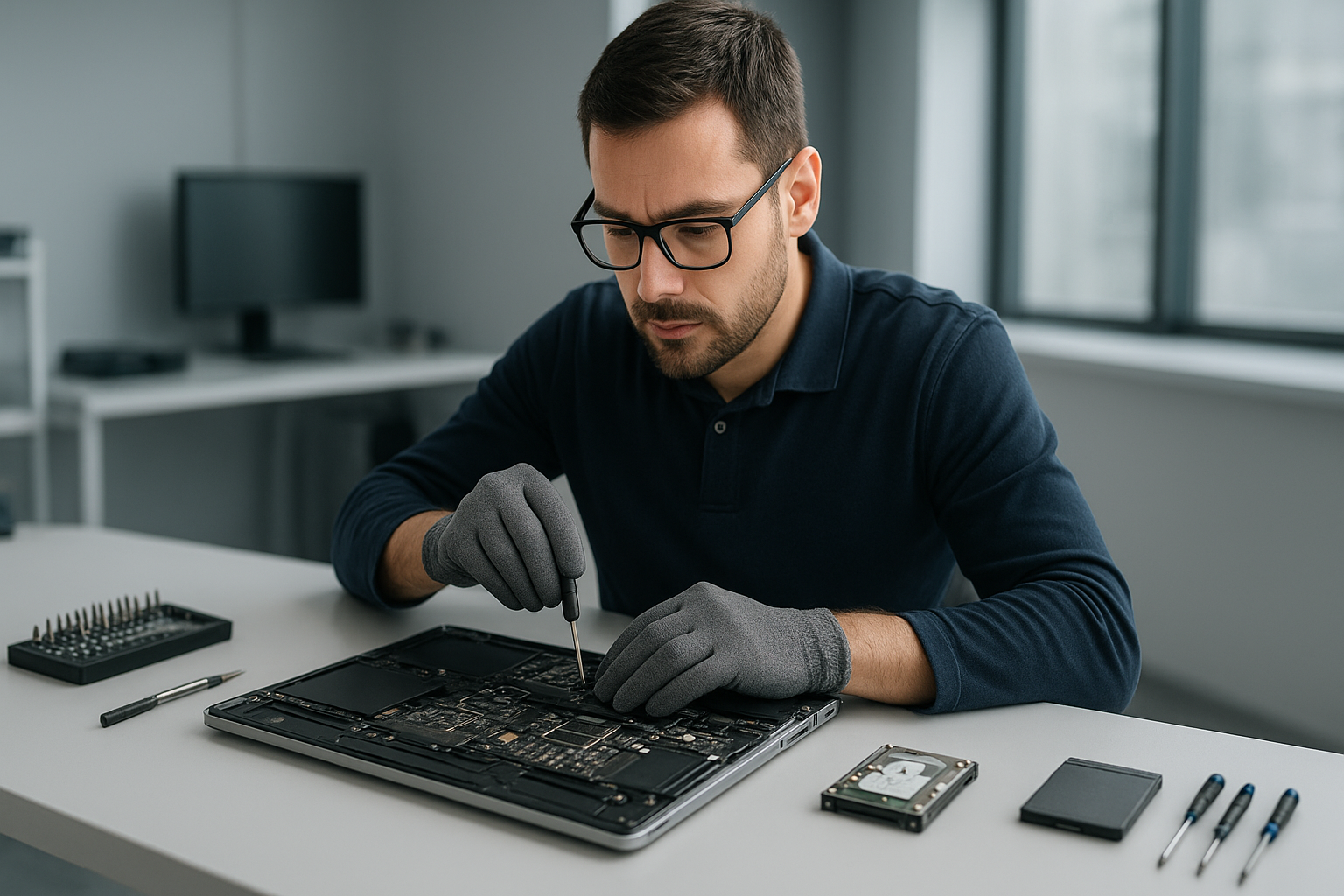
For a screen replacement I open the chassis, disconnect the battery, remove the cracked panel, clean the bezel, and install the new display. I test backlight, camera, and inverter if present. For battery replacement I verify battery health in system diagnostics, perform an SMC reset after install, and calibrate charge cycles. For SSD upgrades I clone the drive when possible, install the new SSD, then migrate the OS and verify TRIM support.

For liquid damage repair I disassemble the MacBook, clean all contact points with isopropyl alcohol, inspect for corrosion, replace damaged connectors, and then run a burn-in test. For motherboard repair I use microscopes and rework stations to replace burned components or repair traces. For virus removal and Windows installation on dual-boot systems, I secure your data, remove malware, and then install or restore the OS cleanly.

How I diagnose your MacBook

I follow a step-by-step process. First, I back up data when possible. Next, I run Apple Diagnostics and check system logs for kernel panics. Then, I inspect the physical hardware for damage. I test power delivery, SMC and NVRAM, and run disk checks. If needed, I boot from external media to isolate software from hardware faults. This approach reduces guesswork and helps avoid unnecessary parts replacement.

Data recovery and safe handling

Data recovery begins with creating a read-only image of your drive to prevent further damage. I work with SSDs and traditional drives, and apply logical recovery methods before hardware-level interventions. If your MacBook suffered liquid damage, I advise powering off immediately and bringing the unit in for cleaning, because continuing to power it can cause permanent board damage.

Common quick fixes you can try

  • Reset SMC and NVRAM if your MacBook will not boot or has battery reporting issues.
  • Boot into Safe Mode to check for corrupt login items or extensions.
  • Run Disk Utility to repair permissions and verify the startup disk.
  • Disconnect external devices to isolate peripheral conflicts.

However, do not open unibody MacBooks unless you have the right tools and ground yourself, because static or improper screw removal can cause costly damage. Instead, contact a professional for screen replacement, trackpad repair, or motherboard repair.

Services I provide near Richmond

We offer comprehensive services including laptop repair, MacBook repair, screen replacement, battery replacement, data recovery, virus removal, Windows installation, SSD upgrades, motherboard repair, liquid damage repair, gaming PC repair, keyboard replacement, trackpad repair, laptop fan replacement, thermal paste replacement, and computer tune-up. We serve Richmond and nearby communities like Coquitlam, Burnaby, Vancouver, Surrey, New Westminster, Maple Ridge, Port Moody, Port Coquitlam, Pitt Meadows, Langley, Delta, North Vancouver, West Vancouver, White Rock, Abbotsford, Mission, and Chilliwack.

Turnaround, parts, and warranty

I stock common parts such as screens, batteries, and SSDs for fast turnaround. For complex motherboard repairs or hard-to-find components, I source OEM quality or equivalent parts. All repairs include a limited warranty, and I document changes so you know exactly what was done.

Pricing and estimates

I provide transparent estimates after diagnostics. Diagnostics include hardware and software checks, and I discuss repair options, costs, and expected outcomes. Often an SSD upgrade plus a tune-up breathes new life into older MacBooks at a lower cost than motherboard repair.

How to get your MacBook fixed

Bring your MacBook to Moe Repair, or contact us for pickup options in Richmond. I will run diagnostics, give an honest assessment, and explain repair steps and timelines. If you need urgent MacBook screen replacement or battery replacement, mention that when you call so we can prioritize parts.

Moe Repair
Phone: 778-951-4872
Email: [service@moerepair.ca](mailto:service@moerepair.ca)

We repair MacBooks and other laptops professionally. From screen and battery repair to data recovery and motherboard work, I handle each job with care and technical skill. Contact Moe Repair today for reliable, local MacBook repair Richmond.