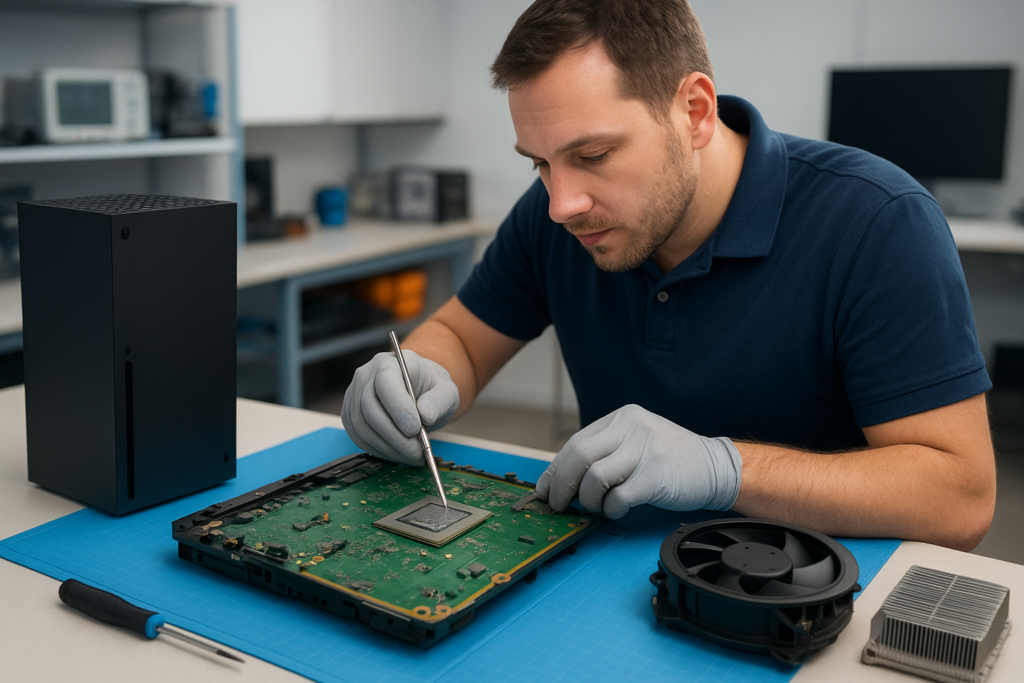
Xbox Series X cleaning can address dust obstructing the cooling path. It is most useful when inspection links the symptoms to airflow; loud noise or a shutdown can also have other causes.
Check the installation
Keep ventilation openings clear, allow space around the console and follow the manufacturer’s placement instructions. Power off and disconnect the console before exterior cleaning. Avoid liquids or improvised tools inside vents.
Describe the noise and shutdown pattern
Tell us whether the sound is airflow, rattling, grinding or disc-drive activity. Note whether a ventilation warning appears and whether the problem happens during a particular game or while idle. These details help distinguish dust, fan and other hardware concerns.
What service may include
After assessment, agreed work may include removal of internal dust, inspection of cooling paths and a check of fan operation. A worn or damaged fan may need replacement. If the processor’s thermal interface requires attention, see Xbox Series X thermal paste service.
What cleaning cannot promise
Cleaning alone will not fix a defective power supply, damaged board or every game crash. We do not promise a specific temperature drop or FPS increase. Thermal materials must suit the exact design; liquid metal is not a routine Xbox maintenance upgrade.
Prepare for repair
Back up supported saves when possible and mention previous internal repair or liquid exposure. Check warranty repair options before third-party internal work. Ask about current assessment and completion timing before dropping off.
Contact Moe Repair in Coquitlam at 778-951-4872 or send a service enquiry. Include the exact console model, symptoms and any previous repair. We serve Metro Vancouver and can discuss eligible mail-in arrangements before you ship.