Hi, How Can We Help You?
  • 203-504 Cottonwood Ave, Coquitlam
  • service@moerepair.ca
  • +1 (778) 951-4872

Author Archives: moe

MacBook screen replacement Coquitlam: What to expect from a local expert

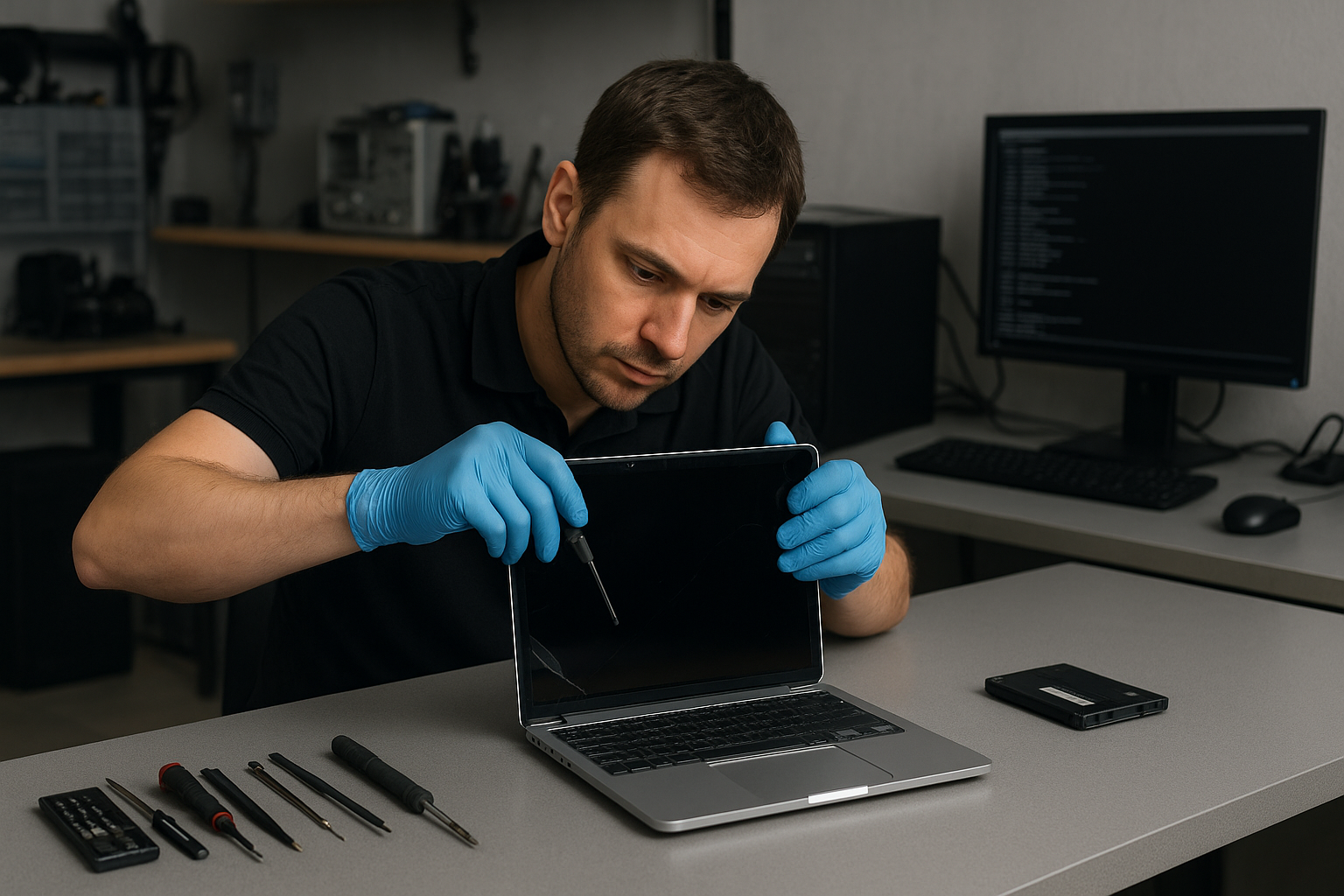
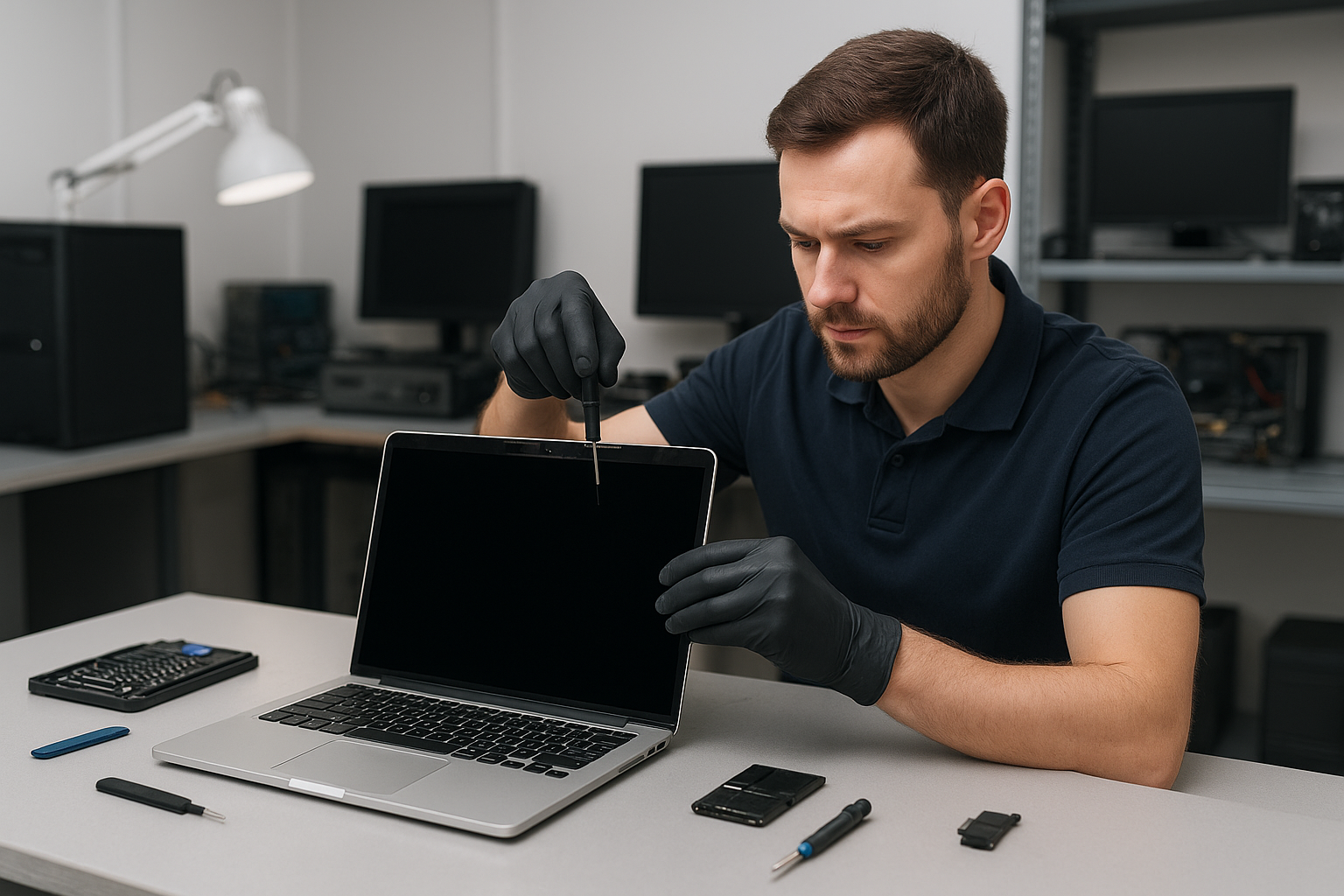
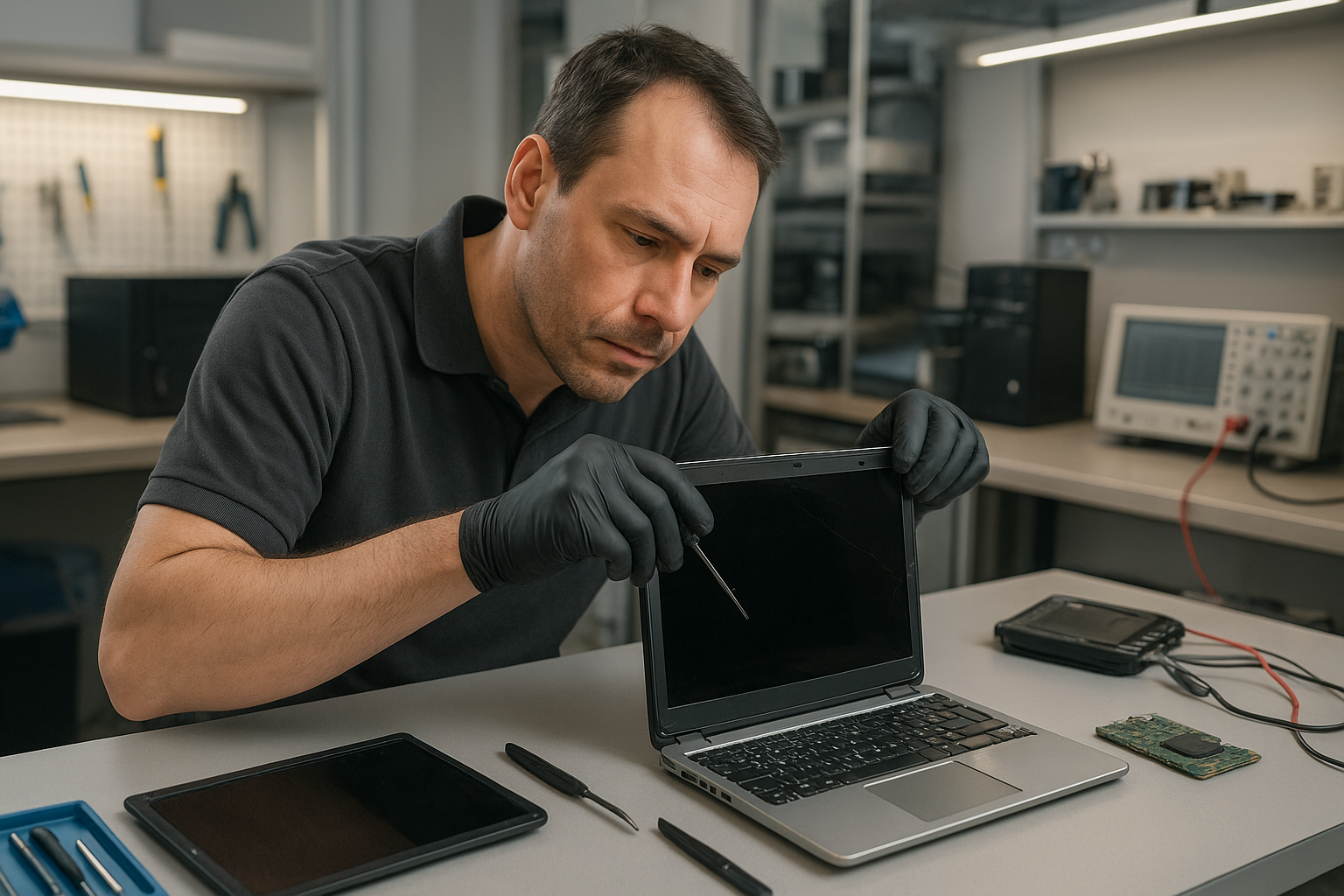
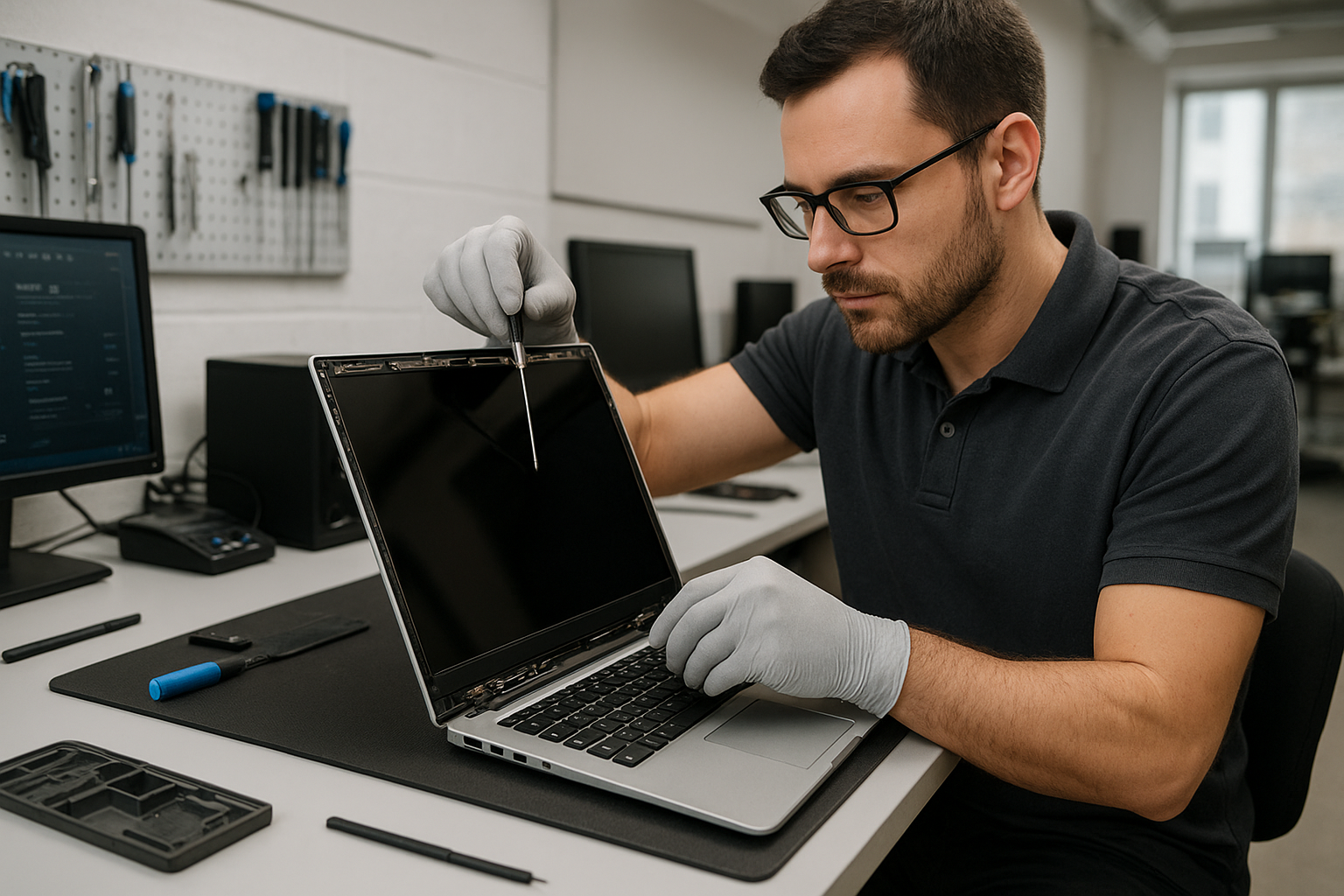
If you searched for MacBook screen replacement Coquitlam, you probably have a MacBook with a cracked glass, flicker, or lines across the display. At Moe Repair I diagnose the exact cause, explain your options, and carry out the repair using quality parts. I have over 15 years of hands-on experience repairing MacBook Air and MacBook Pro models for customers across Coquitlam, Port Moody, and Burnaby.

Common symptoms that need MacBook screen replacement Coquitlam

Symptoms vary by model, but common signs I see include:

  • Visible cracks or shattered glass on the Retina display
  • Black spots, bleeding colors, or vertical and horizontal lines
  • Backlight issues such as dim display or uneven lighting
  • Unresponsive touch on models with touch features or flickering when opening the lid
  • No image on the screen while the machine boots (but audio and power LED work)

How I diagnose a damaged MacBook display

My diagnostic process focuses on isolating display hardware from logic board faults. Typical steps:

  • Visual inspection for glass and chassis damage
  • Connect to an external monitor to check if GPU and macOS boot correctly
  • Run Apple Diagnostics or hardware tests for GPU/logic board errors
  • Inspect display cable and hinge area for flex damage
  • Test backlight and inverter circuits on older models and LED driver circuits on newer ones

This approach helps determine whether you need a full display assembly, just the LCD, or a board-level repair.

Real repair procedures I perform

Repair steps vary by model. For a typical MacBook Pro Retina replacement I will:

  • Back up user data if requested and safe to do; offer data recovery in Coquitlam if needed
  • Power down, remove the lower case, and disconnect the battery
  • Remove the display assembly trim and carefully disconnect the LVDS/DisplayPort cable
  • Replace the LCD or full display assembly with a tested OEM or high-quality aftermarket panel
  • Reassemble, calibrate color, and run a thermal and stress test

I don’t cut corners on connectors and adhesives. I also check for secondary faults like bent hinge posts or liquid residue that could affect long-term reliability.

Repair example from a Coquitlam customer

A customer in Port Coquitlam brought in a 2016 MacBook Pro with vertical colored lines and a partially black screen after dropping it on the keyboard. I first connected the MacBook to an external monitor; the external output was clean which pointed to a display or cable fault rather than the GPU. I then inspected the hinge area and found a torn display flex cable along with a cracked LCD. After discussing options I replaced the full display assembly because the cost difference to source a new flex cable and a used LCD did not justify the risk. I installed a tested Retina display assembly, reseated all connectors, and ran a two-hour burn-in. The MacBook returned to the customer with a clear screen and normal brightness; the hinge felt solid and the trackpad was unaffected. The customer paid for parts and labour and left satisfied, but I advised them that future hinge impacts could damage the new assembly.

Typical turnaround time and parts

Turnaround depends on parts availability for your model. For common MacBook Air and MacBook Pro models I often complete the job same-day or within 1-3 business days. Less common or older Macs may require ordering parts, which can extend time to 3-7 days. I use OEM panels when available and high-quality aftermarket assemblies otherwise. I will always explain the part source and warranty before starting.

Costs, warranty, and when motherboard work is needed

Screen replacement costs vary by model and part quality. If diagnostics show the logic board or GPU is damaged I will explain options such as display cable replacement, board repair, or replacement. I provide a limited warranty on parts and labour. If you also need laptop repair in Coquitlam services like battery replacement, SSD upgrades, or keyboard replacement I can bundle work to save you time.

Preventive tips and what to do before bringing your MacBook in

  • Power down the MacBook and bring it in as-is to preserve evidence of impact or liquid
  • If the laptop still boots, back up critical files to an external drive or to the cloud
  • Avoid placing pressure on the cracked screen to prevent glass shards or further LCD damage
  • Bring your charger and describe any prior incidents like drops or spills

For other services I offer, see my pages on computer repair in Coquitlam and MacBook repair in Coquitlam for more details.

Common questions I answer during diagnostics

Customers often ask: Can I replace only the glass? Sometimes, but on many Retina models the glass is fused to the LCD and replacing only the glass risks poor touch and color performance. I will be transparent about the safest and most cost-effective option for your MacBook.

Contact Moe Repair Today

Moe Repair provides local MacBook screen replacement Coquitlam service plus pickups and drop-off options in nearby areas like Port Moody and Burnaby. Call 778-951-4872 or email service@moerepair.ca for a free consultation. Tell me your MacBook model and symptoms and I will give an honest assessment of repair cost, parts, and likely turnaround. We also offer related services including battery replacement, SSD upgrades, motherboard repair, and data recovery. If you prefer, schedule an appointment online through our contact Moe Repair page and I will follow up with next steps and pickup options for Coquitlam and nearby communities.

Why choose a local technician in Coquitlam

Local repairs mean faster diagnostics, easier communication, and the ability to return the machine quickly when parts are in stock. I work with customers across Coquitlam, Port Coquitlam, Port Moody, and Burnaby. For complex failures I can coordinate with our parts suppliers and explain whether a motherboard repair or display replacement is the best route.

Frequently asked questions

See the FAQ below for common concerns. If your question is urgent, call 778-951-4872 or email service@moerepair.ca.

Other services

We also handle virus removal, Windows installation, printer setup, Wi-Fi troubleshooting, and comprehensive tune-ups.
MacBook Pro screen replacement Coquitlam: Same-day Retina Repairs by Moe Repair

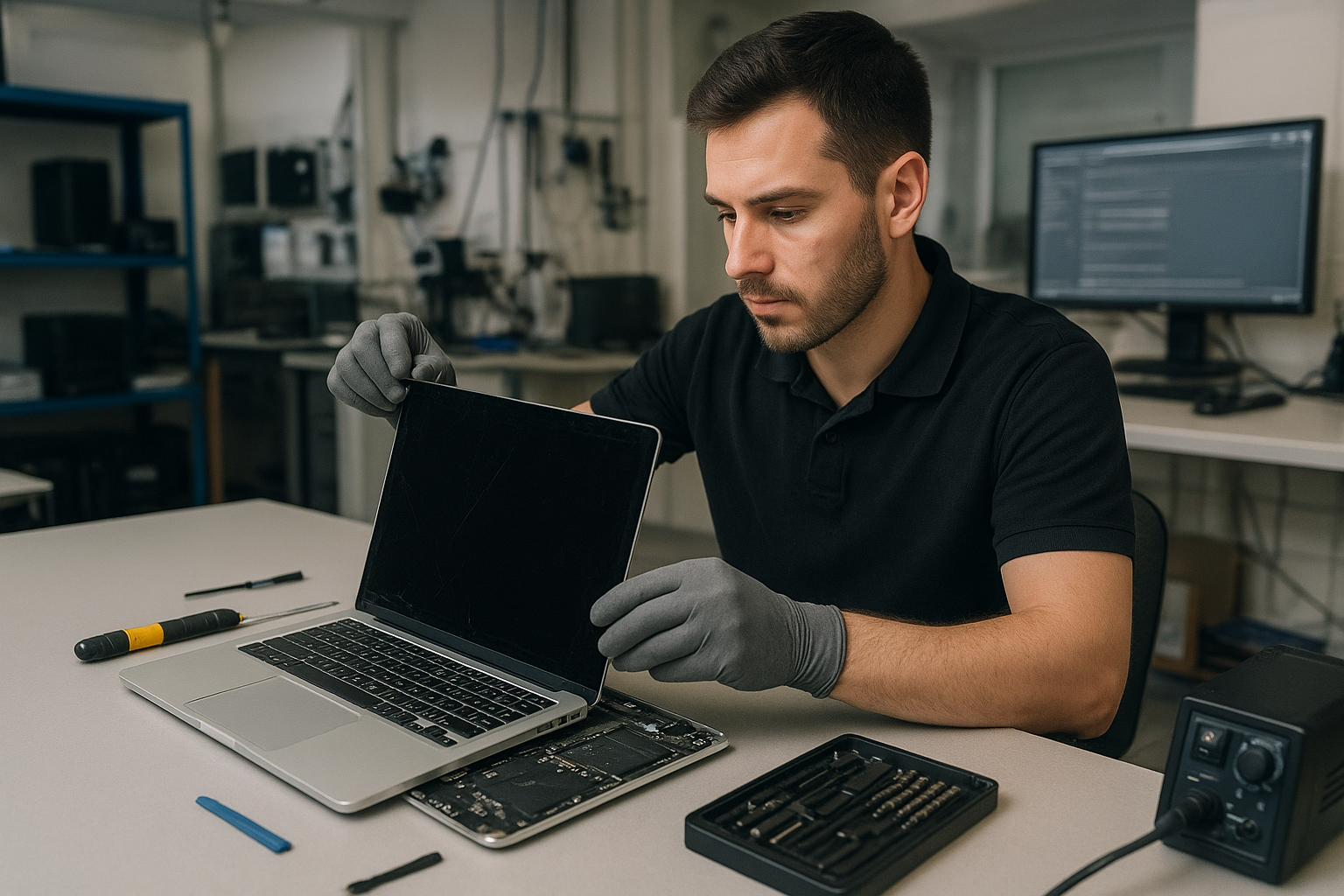
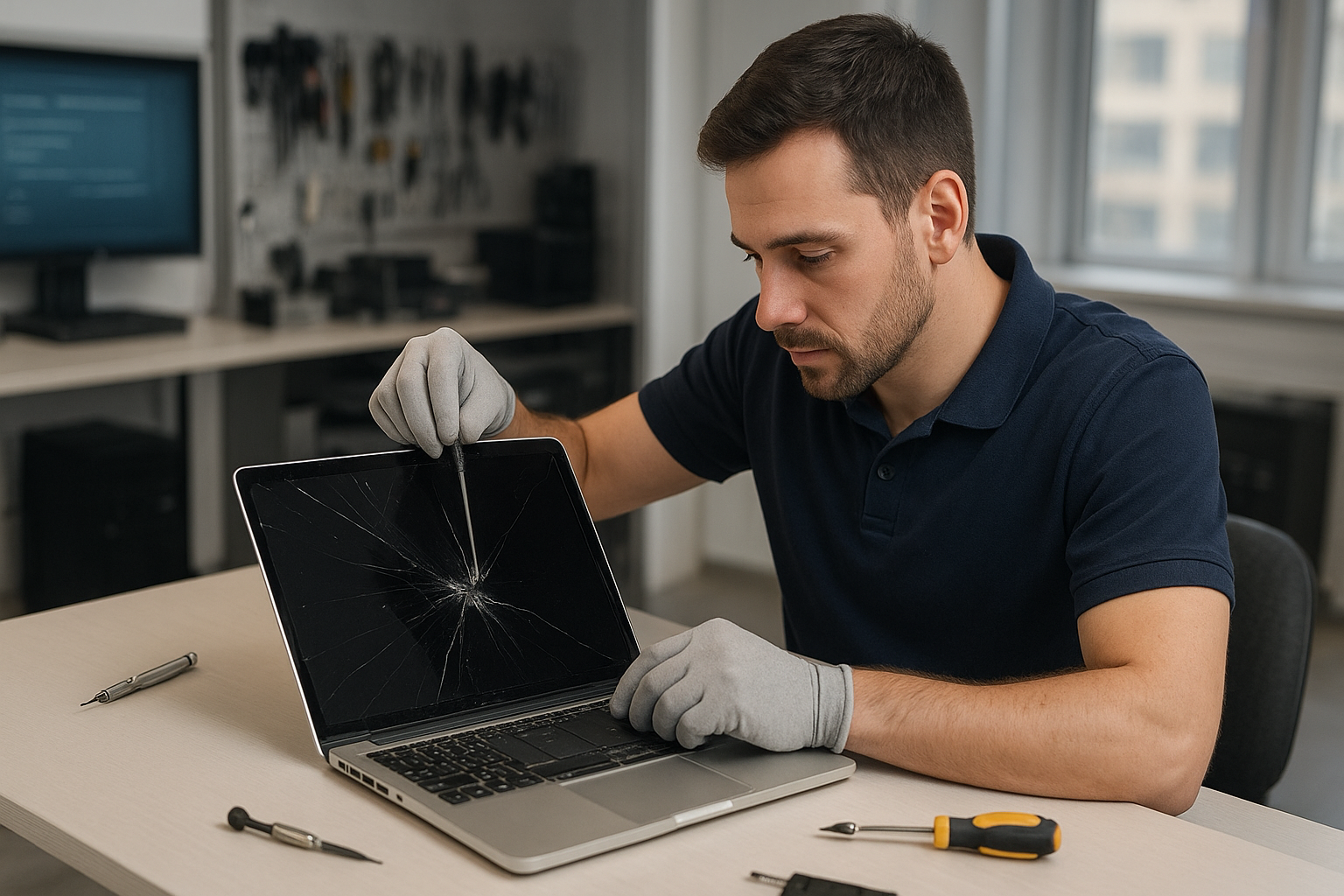
If your MacBook Pro has a cracked or flickering display, a MacBook Pro screen replacement Coquitlam specialist at Moe Repair can diagnose and often repair it the same day. I recommend stopping regular use to avoid further damage. As a senior technician with over 15 years repairing MacBook screens, I explain symptoms, testing steps, and repair options so you understand each stage.

Common symptoms that point to a replacement

Typical signs we see at our shop in Coquitlam include:

  • Cracked glass with visible spiderweb fracture
  • Black areas or vertical lines on a Retina display
  • Flicker, backlight failure, or dim screen
  • Unresponsive touch on MacBook Pro models with a touch bar or digitizer issues
  • Distorted colors after an impact
  • Camera or ambient light sensor failures following a drop

How we diagnose a MacBook Pro screen replacement Coquitlam request

Diagnosis starts with a careful visual inspection of the chassis and screen assembly. I then run a series of tests:

  • External monitor test to determine if the issue is the LCD or the logic board
  • Inspect display cable and hinge for pinching or corrosion
  • Check backlight and power rails on the board if the screen is dark but the external display works
  • Run Apple diagnostics and load test images to look for dead pixels and uniformity issues

These steps help identify whether you need a full screen assembly replacement, an LCD-only swap, or motherboard repair. We also recommend backing up data before major repairs; see our data recovery in Coquitlam page if you have concerns about lost files.

Our MacBook Pro screen replacement Coquitlam process

We work methodically to avoid additional damage. The process typically follows:

  • Confirm symptoms and run the diagnostic steps above
  • Provide a written estimate and parts options (genuine Apple or high-grade OEM)
  • Remove the old screen assembly, inspect the display cable and hinge for damage
  • Install the replacement display, reseat the camera and sensors, and calibrate the display
  • Run a full test including camera, ambient sensor, Wi-Fi, and trackpad checks

If you need other work, we can combine services like laptop repair in Coquitlam such as battery replacement, SSD upgrades, or thermal paste replacement while your MacBook is open.

Parts and MacBook models we service

We handle a wide range of MacBook Pro models including Retina, Touch Bar, and older non-Retina models. For modern MacBook Pro screens we replace the full screen assembly and where appropriate offer Retina LCD or OEM alternatives. We also perform related repairs like hinge repair, display cable replacement, and trackpad repair.

Real repair example: Port Moody MacBook Pro with shattered Retina display

A recent customer from Port Moody dropped an M1 MacBook Pro, shattering the glass and leaving vertical color bands. I started with an external monitor test which showed the GPU and logic board were fine. After removing the top case I inspected the display connector and hinge; the cable showed no tears. I provided options and after approval replaced the full Retina display assembly. Post-repair tests checked color calibration, backlight uniformity, and the Touch Bar. The replacement resolved the bands and restored full brightness. The customer also asked about battery health, so I ran a battery diagnostic and offered a discounted battery replacement, which he accepted.

Turnaround times and pricing factors

Turnaround depends on part availability and model. Many straightforward replacements finish the same day in Coquitlam. Older or rare models may take longer due to parts sourcing. Price varies by model and whether you choose Apple genuine parts. We quote before work and never start without your approval. For combined services see our computer repair in Coquitlam page for additional options.

What you should do before bringing your MacBook in

Before you arrive, do these quick steps:

  • Back up your data to iCloud or an external drive
  • Turn off the MacBook to prevent short circuits if the screen is cracked
  • Note any additional issues like battery swelling, keyboard problems, or liquid exposure

If you need hands-on help with backups, we offer data recovery in Coquitlam and can assist safely.

Warranty, testing, and aftercare

We test every repair under load for several hours to make sure heat, Wi-Fi, and display stability are solid. We provide a limited parts and labor warranty on screen replacements. We do not guarantee repairs on devices with severe liquid damage or hidden motherboard faults, but we always explain options clearly.

Contact Moe Repair Today

If you need a MacBook Pro screen replacement Coquitlam customers trust, call or email Moe Repair for a free consultation. We offer same-day inspections when parts are available and serve Coquitlam as well as nearby Port Moody, Port Coquitlam, Burnaby, and New Westminster. Call 778-951-4872 or email service@moerepair.ca to book a drop-off or request a quote. Mention any related issues like battery wear or trackpad problems so we can plan diagnostics and give an accurate estimate. Visit our MacBook repair in Coquitlam page for more details and customer feedback.

Other services we offer

While replacing a screen we commonly handle related fixes: SSD upgrades, motherboard repair, keyboard replacement, liquid damage repair, and virus removal on other systems. If you need multi-service support, our technicians can combine tasks to save you time and cost. For general laptop needs check our laptop repair in Coquitlam page.

Moe Repair
Phone: 778-951-4872
Email: service@moerepair.ca

We accept drop-offs and appointments. If you are in Burnaby, New Westminster, or Port Coquitlam we can often arrange a quick turnaround.

Frequently asked questions

See below for common questions and answers about MacBook Pro screen replacement in Coquitlam.

MacBook screen replacement Coquitlam: Expert same-day repair at Moe Repair

MacBook screen replacement Coquitlam is a service we perform every week at Moe Repair. If your MacBook shows a cracked glass, vertical lines, flicker, or no backlight, you can bring it to our shop for a professional diagnosis. We handle MacBook Air and MacBook Pro Retina displays, and we work with OEM-grade parts where possible.

Why choose Moe Repair for MacBook screen replacement Coquitlam

As a senior technician with over 15 years hands-on experience, I inspect the device start to finish. I look for secondary damage such as bent chassis, loose display cable, or liquid residue. When you choose Moe Repair you get transparent pricing, clear options, and a written estimate before any work. For other services like computer repair in Coquitlam or a full laptop repair in Coquitlam, we provide the same level of detail and workmanship.

Common symptoms of a damaged MacBook screen

Typical signs that you need a MacBook screen replacement Coquitlam include:

  • Cracked glass with intact image underneath
  • Black spots or dead pixels
  • Vertical or horizontal lines across the display
  • Backlight failure or uneven brightness
  • Display flicker or dimming when opening the lid
  • No image on screen while laptop powers on

These symptoms can point to the glass, LCD, display cable, or the GPU. Correct diagnosis avoids unnecessary parts replacement.

How we diagnose MacBook screen issues

Diagnosis follows a systematic approach. First we document the fault with photos and check the serial number and model. Next we boot the MacBook and test with an external monitor to separate GPU issues from display failure. We open the hinge area to inspect the display cable and board connectors for corrosion or damage. If liquid is suspected, we inspect corrosion and run a moisture test. We also test power rails on the display board to confirm backlight and inverter function when relevant.

Tools and tests we use

  • External monitor test
  • Multimeter for DC rails
  • Microscope for connector inspection
  • Genuine and high-quality aftermarket display assemblies for fit testing

Repair process and parts used

Once we confirm the problem, we explain your options: glass only, full display assembly, or logic board repair if needed. Many Retina models require full display assembly replacement because the glass is fused. Our repair steps include safe disassembly, ESD-safe handling, replacement with OEM or equivalent parts, calibration, and a stress test of brightness, color, and hinge operation. We also check the camera and Wi-Fi antenna routing when replacing assemblies.

We also perform related services such as MacBook repair in Coquitlam, battery replacement, trackpad repair, SSD upgrades, and data recovery if files need to be secured before repair. For data concerns we partner with our data recovery in Coquitlam team to preserve your files.

Real repair example from a nearby customer

A recent customer from Port Moody brought in a 2017 MacBook Pro with a shattered top-left corner and intermittent vertical lines. I documented the damage, tested with an external monitor to rule out GPU failure, and inspected the display connector under a microscope. The LCD had a hairline fracture and the display cable showed abrasion from a bent hinge. I quoted a full display assembly replacement, explained the parts and warranty, and began work after approval. After replacing the assembly and testing keyboard backlight and camera, the MacBook passed a two-hour brightness and color stress test. The customer left satisfied, and I advised hinge adjustment to prevent recurrence.

Turnaround time and pricing considerations

Turnaround depends on model and parts availability. Many common MacBook Air and Pro assemblies are in stock for same-day or next-day repairs in Coquitlam. Complex cases involving logic board work or liquid damage can take longer. We provide an upfront estimate and will not proceed without your approval. We do not guarantee a successful outcome in every case but we will explain risks, especially for older models or units with prior repairs.

Preventing future screen damage

To reduce the risk of future damage, use a protective sleeve, avoid placing objects on top of your laptop, and check hinge tension periodically. If your MacBook was exposed to liquid, power it off and bring it in immediately—timely action reduces long-term corrosion and improves the chance of a successful repair. For other preventative services like thermal paste replacement or a computer tune-up, we can bundle tasks to save time.

FAQ

What models do you service for MacBook screen replacement Coquitlam?

We service MacBook Air and MacBook Pro models, including Retina displays. We identify the exact model and recommend either glass-only or full assembly replacement depending on construction.

How long does a screen replacement usually take?

Most standard replacements finish same day to next day when parts are in stock. Complex cases or liquid-damaged units can take longer.

Will you attempt to recover data before replacing the screen?

If the drive is accessible, we can back up your data prior to repair. If needed, we offer data recovery in Coquitlam services and can discuss safe options.

Do you use original Apple parts?

We use OEM-grade parts or high-quality equivalents depending on availability. We always disclose the part source and warranty before starting work.

Can a cracked screen cause other damage?

Yes. A cracked screen can allow moisture or dust infiltration and can stress the display cable and hinge. During inspection we look for secondary issues like motherboard damage or Wi-Fi antenna problems.

Contact Moe Repair Today

Moe Repair offers a free consultation for MacBook screen replacement Coquitlam. Call Moe Repair at 778-951-4872 or email service@moerepair.ca to describe your issue and get a clear estimate. We serve Coquitlam and nearby areas including Port Moody and Burnaby, and we can advise on parts availability and expected turnaround. Bring your MacBook to our shop for a hands-on inspection or request a phone consult if you cannot travel. We also handle related services like battery replacement, liquid damage repair, SSD upgrades, and full computer repair in Coquitlam. Contacting us early can reduce repair time and cost.

If you need to schedule an appointment or ask about pricing, please contact Moe Repair or call now at 778-951-4872. Email service@moerepair.ca for photographs and serial number details before your visit.

MacBook Pro screen replacement Coquitlam: Same-Day Retina and LCD Repair

If you need a MacBook Pro screen replacement Coquitlam, start here. I diagnose displays every day at Moe Repair and I explain the exact fault before any work begins. That approach keeps surprises low and repairs efficient for customers across Coquitlam and nearby cities.

Common symptoms that mean you need a screen replacement

Symptoms we see commonly include a shattered glass panel, vertical or horizontal lines across the display, dead pixels, a dim backlight, flicker during movement, pressure spots where the image distorts, or no image while the machine powers on. Sometimes the issue looks like a graphics failure, so we run tests to separate a screen fault from a logic board problem.

How we diagnose a MacBook Pro screen problem

Diagnosis starts with a visual inspection. I check the hinge and frame for physical damage, then connect the MacBook Pro to an external monitor to confirm whether the GPU and logic board are outputting a proper signal. I run Apple Diagnostics, test brightness rails, and gently reseat the display cable after disconnecting battery power. If a replacement screen is required, I test a donor display on the machine to verify the failure before ordering parts.

MacBook Pro screen replacement Coquitlam: Parts and repair procedure

On modern Retina MacBook Pros the display and glass are usually one assembly. The repair procedure includes backing up data, disconnecting the battery, removing the top case and display cables, and installing a new display assembly with calibrated brightness and color profiles. We use tested display assemblies or high-quality OEM-equivalent units, and we always check the camera, microphone, and Wi-Fi antenna connections that run through the hinge.

Realistic repair example from a local customer

A customer from Burnaby brought a 2017 MacBook Pro with a cracked Retina glass and intermittent backlight. I examined the hinge and tested an external monitor. The external monitor showed a perfect image, so the GPU and logic board were OK. I replaced the display assembly, reseated the cable and tested brightness under load. The repair restored full function. I explained the cost and the risk of hidden hinge damage before starting. The customer left with a functioning MacBook Pro and a clear diagnostic report.

When a screen issue is not a screen issue

Some MacBook display problems come from the logic board, GPU, or a failing LVDS/eDP cable. If an external monitor shows the same artifacts, we focus on motherboard repair and GPU diagnostics. For those services ask about our MacBook repair in Coquitlam options or broader computer repair in Coquitlam services.

Options, pricing and turnaround times

Turnaround depends on parts availability. For many MacBook Pro models we keep common Retina assemblies in stock for same-day or next-day service. We provide a written quote before work starts, and we offer options such as OEM-quality displays versus aftermarket panels. If data access is a concern, we can also discuss data recovery in Coquitlam before starting invasive repairs.

Practical advice to protect your MacBook Pro

Use a padded sleeve and avoid putting heavy items on top of the laptop. Check hinges for looseness and stop using a screen that has spreading cracks. If your MacBook Pro shows liquid exposure, power it off and bring it in immediately for liquid damage inspection. We offer battery replacement and keyboard repair if spills cause additional faults.

Signs to get professional help rather than DIY

A DIY screen swap can damage delicate display connectors or the logic board if the battery is not isolated. If you see flicker after a DIY replacement, stop and bring the machine in. We also handle related services such as SSD upgrades, trackpad repair, fan replacement, thermal paste replacement, and motherboard repair.

Warranty and testing after the repair

After any replacement we run extended diagnostics and stress tests to check brightness consistency, backlight operation, and camera function. We provide a limited warranty on parts and labor, and we will explain coverage details on pickup.

Why choose Moe Repair in Coquitlam

I bring over 15 years of hands-on repair experience to each job. We provide honest diagnostics, clear pricing, and local pick-up and drop-off options. For laptop repair beyond display work, see our laptop repair in Coquitlam page for services like keyboard replacement and SSD upgrades. Customers from Port Moody, Port Coquitlam, Burnaby, and Vancouver trust our team because we document the issue and the repair steps.

Frequently asked questions

Below are common questions about MacBook Pro screen replacement Coquitlam. If your question is not listed, please contact Moe Repair.

Contact Moe Repair Today

Moe Repair offers a free consultation and upfront quotes for MacBook Pro screen replacement Coquitlam. Call Moe Repair at 778-951-4872 or email service@moerepair.ca to describe your issue and book a diagnostic. We serve customers across Coquitlam and nearby areas like Port Moody, Port Coquitlam, Burnaby, and Vancouver. Bring your MacBook Pro in for a fast assessment and we will explain repair options, timing, and costs before starting any work. Free consultation available by phone or in-store.

Contact details: Moe Repair, Phone: 778-951-4872, Email: service@moerepair.ca.

Other services we provide

  • Battery replacement and thermal testing
  • Liquid damage repair and motherboard inspection
  • SSD upgrades and operating system repair
  • Data recovery, virus removal, and computer tune-up

If you need help now, call 778-951-4872 or contact Moe Repair online to schedule a diagnostic appointment.

MacBook screen replacement Coquitlam: fast, local repairs you can trust

If your MacBook shows a cracked panel, vertical lines, or a black screen after a drop, a professional MacBook screen replacement Coquitlam shop can often bring it back to usable condition. At Moe Repair I focus on quick, measured diagnostics and honest advice so you know whether a screen replacement, a logic board repair, or a data recovery path makes sense.

MacBook screen replacement Coquitlam: common symptoms

Watch for these realistic symptoms that indicate display damage or failure: visible cracks, touch or Force Touch not responding on a MacBook Pro, flickering backlight, persistent vertical or horizontal lines, dim display, or a completely black screen while the machine powers on. Liquid exposure often starts with flicker and then progresses to dead pixels or total display failure.

Initial diagnostic steps I perform

I begin every job with non-destructive tests. First I connect the MacBook to an external monitor to separate GPU/motherboard issues from the display assembly. Then I inspect the display hinge, flex cables, and the panel for physical damage. I check the display connector for bent pins and use a multimeter to verify power rails to the backlight or LED driver on older models. For Retina models I examine the eDP cable and test the hinge channel where cables often fray.

How the repair process works

After diagnostics I explain options: replace the entire display assembly, replace the glass only when feasible, or perform a motherboard-level repair if the fault is on the logic board. Where possible I recommend OEM-equivalent panels for consistent color and brightness. Repairs usually include cleaning connectors, replacing the display assembly, reapplying adhesive, and calibrating the panel. I test under load and run overnight stress tests when necessary.

Parts, warranty and quality for Coquitlam customers

I use verified display assemblies for MacBook Air and MacBook Pro lines whenever available. Third-party panels are an option for older models when cost is a priority. Every screen replacement includes functional testing and a workmanship warranty. If you have concerns about your hard drive or data I can also combine the service with data recovery in Coquitlam so you do not risk losing files during a repair.

Common models and compatibility issues

We repair MacBook Air, MacBook Pro, and Retina models. Some 2016-2019 MacBook Pro models require full display assemblies due to fused glass and fragile cables. I verify model numbers and production year before ordering parts to avoid compatibility errors. If you need other services I often perform battery replacement, trackpad repair, or SSD upgrades during the same visit to save you time.

Real-world repair example from Port Moody

A recent customer from Port Moody brought in a 13-inch MacBook Pro with a cracked corner and intermittent display flicker. Symptoms included a faint image that disappeared when the lid moved. I connected an external monitor which displayed normally, confirming the GPU and OS were fine. Inspecting the hinge revealed a frayed eDP cable. I ordered an OEM-equivalent display assembly, replaced the assembly, reseated the cables, and performed color calibration. After the repair the display held steady through hinge cycles. The customer was advised that backlight uniformity can differ slightly between panels and we discussed warranty options before payment.

Pricing, turnaround and what to bring

Turnaround varies by model and part availability. Many common MacBook screen replacement Coquitlam jobs finish the same day when parts are in stock. Bring your power adapter and remove any case. If you have sensitive data I recommend discussing a backup or letting us pair the work with data recovery services. For additional maintenance we can also perform a computer tune-up or virus removal while we have your machine.

When a display replacement is not the right fix

Not every flicker means a bad panel. If an external monitor also flickers, or if the screen shows artifacts even on an external display, the issue might be the logic board or GPU. In those cases I investigate motherboard repair options or recommend MacBook repair in Coquitlam to address the root cause. I will never replace a screen when it is unlikely to resolve the problem.

Local service and additional repairs

As a Coquitlam-based technician I handle nearby areas including Burnaby and New Westminster. I work with customers who also need laptop repair, battery replacement, keyboard replacement, or liquid damage repair. If your MacBook has multiple issues we plan work to minimize downtime and cost. For other devices I can also help with computer repair in Coquitlam or general laptop services.

Frequently asked questions

How long does a MacBook screen replacement take?

Turnaround usually ranges from a few hours to two business days depending on part availability and model. I will give an estimate after diagnostics and order parts immediately when needed.

Will replacing the screen fix color or brightness problems?

If the issue is a defective panel, yes. If color or brightness problems stem from the GPU or logic board, replacing the screen will not help. I test with an external monitor to determine the fault before recommending a screen replacement.

Can cracked glass be replaced separately from the display?

On some older models the glass can be replaced alone. For most Retina and unibody MacBooks the glass is fused to the LCD and we replace the entire display assembly for reliability.

Do you use OEM parts?

We use OEM-equivalent panels and where genuine Apple parts are available we offer them. I explain pros and cons and warranty differences for each option during the estimate.

What if my MacBook has liquid damage and a broken screen?

Liquid damage complicates repairs. I prioritize stabilizing the logic board and recovering data. If the board is healthy we proceed with screen replacement. We can combine this with data recovery if needed.

Contact Moe Repair Today

If you need MacBook screen replacement Coquitlam service, contact Moe Repair for a free consultation and honest estimate. Call 778-951-4872 or email service@moerepair.ca. We serve Coquitlam and nearby areas like Burnaby, Port Moody and New Westminster with fast diagnostics, reliable parts, and local pickup when possible. Mention any other services you need, such as SSD upgrades or battery replacement, and we will include them in the quote.

Moe Repair
Phone: 778-951-4872
Email: service@moerepair.ca

Laptop screen replacement Coquitlam: Fast, Reliable Repairs by Moe Repair

If your laptop shows lines, a cracked panel, or a black screen, a prompt Laptop screen replacement Coquitlam service can save time and data. At Moe Repair I diagnose the root cause, confirm if the panel, cable or controller is failing, and explain repair options clearly before any work begins.

Signs your laptop needs a screen replacement in Coquitlam

Common symptoms I see in Coquitlam customers include a cracked glass surface, vertical or horizontal lines, flickering backlight, partial image, a blank but powered-on system, and distorted colors. Sometimes touch input fails on convertible screens. If you notice pressure marks or long hairline cracks, bring the laptop in for a quick check.

Why choose Moe Repair for Laptop screen replacement Coquitlam

I have over 15 years of hands-on repair experience and work in Coquitlam with parts sourced for major brands such as Dell (XPS, Inspiron), HP (Pavilion, Envy), Lenovo (ThinkPad, Legion), ASUS, Acer and Apple MacBook Air and MacBook Pro models. We provide honest diagnostics, documented quotes and clear timelines. If the issue is broader we also offer computer repair in Coquitlam and related services.

Common causes of laptop screen damage

Damage can come from drops, pressure, keyboard strikes, liquid spills, hinge failure or internal cable wear. Backlight and inverter failures produce dim or no image while the BIOS splash may still show on an external monitor. Loose display connectors or damaged cables often look like intermittent flicker. I also see many cracked panels from accidental impacts.

How we diagnose and repair laptop screens

Diagnostic steps I run include:

  • Visual inspection for glass cracks or case damage.
  • Hooking an external monitor to separate GPU/motherboard issues from the panel.
  • Testing the LVDS/eDP cable, hinge strain relief and display connector continuity.
  • Checking backlight voltage and inverter (on older CCFL models).
  • Verifying OSD and brightness controls, and running a short stress test after replacement.

Repair process

Once we identify the faulty component, I order the correct panel or assembly based on model number and connector type. Typical steps are disassembling the bezel, removing the damaged panel, swapping the display assembly, securing screws and testing before reassembly. For MacBooks we check for frame or camera alignment. For touchscreen laptops we test digitizer function and calibrate if needed. We follow ESD precautions and document the work for warranty purposes.

Repair example: a Coquitlam customer case

A recent customer from Coquitlam brought in an HP Pavilion with a large crack across the right side of the screen and a vertical band of pink pixels. After confirming the laptop powered on and showed a clean image on an external monitor, I ruled out GPU or motherboard failure. I opened the bezel, inspected the eDP cable and connector, and found the panel itself fractured. I ordered a matching LED panel, replaced the assembly, and verified touch and webcam function. The laptop left the shop with a clear image and stable brightness under load. The customer opted for an optional protective screen film to reduce future damage.

Costs, parts and warranty for Laptop screen replacement Coquitlam

Costs depend on brand, screen size, resolution and whether the digitizer is integrated. Replacements for generic 15.6-inch panels are usually less than branded high-resolution assemblies. We offer quotes after diagnostics and explain upgrade options such as replacing a 1366×768 panel with a 1080p panel when compatible. We provide a parts and labour warranty on replacements and can discuss additional services like laptop repair in Coquitlam, battery replacement, SSD upgrades or motherboard work if needed.

Preventive tips to avoid future screen damage

Simple habits reduce risk: use a hard case when commuting, avoid stacking heavy items on your laptop, clean hinges and keep cables strain-free, and use a screen protector on MacBook or touchscreen devices. If you spill liquid, power off immediately and get professional liquid damage repair to prevent corrosion.

Other services we commonly combine with screen work

When replacing a screen we often recommend a quick health check: run an SSD upgrade or backup, perform a system tune-up, check thermal paste and fans, and scan for viruses. If critical files are at risk we offer data recovery in Coquitlam. For MacBooks visit our MacBook repair in Coquitlam page for model-specific guidance.

Contact Moe Repair Today

At Moe Repair I offer a free consultation and transparent quote before any Laptop screen replacement Coquitlam work begins. Call 778-951-4872 or email service@moerepair.ca to describe symptoms and get a first estimate. We serve Coquitlam and nearby areas including Port Moody, Port Coquitlam and Burnaby. Bring your laptop to our shop for testing, or arrange drop-off. During the free consultation I walk you through the diagnostic findings, parts options, expected turnaround and a fair price. Many common panels are in stock for same-day replacement; complex assemblies may take a day or two. Contact Moe Repair for a clear repair plan and friendly technical answers.

Frequently asked questions

Below are common questions from local customers about Laptop screen replacement Coquitlam.

Moe Repair
Phone: 778-951-4872
Email: service@moerepair.ca

Laptop screen replacement Coquitlam: Expert same-day repairs at Moe Repair

If your display is cracked, flickering, or showing lines, our technicians in Coquitlam specialize in Laptop screen replacement Coquitlam and can often diagnose the issue the same day. I have more than 15 years repairing screens on everything from Dell XPS and Lenovo ThinkPad to MacBook Air and MacBook Pro. We focus on accurate diagnostics, quality parts, and a clear explanation of options before we start work.

How a damaged laptop screen typically presents

Common symptoms include visible cracks, black blobs, white spots, vertical or horizontal lines, backlight failure, dead pixels, and touch unresponsiveness. You might also see a blank screen while the laptop still boots (often indicating a cable or inverter issue) or a half-visible image when the lid is flexed (suggesting a damaged display cable or hinge).

Common causes of screen damage in Coquitlam

In Coquitlam we see drops from backpacks, lid pressure from closed bags, hinge fatigue, and liquid spills from coffee shops. Thermal stress and worn cable connectors are frequent too. Outdoor workers bring devices with impact damage, while students and commuters often present hinge-related cracks. If you need broader services like computer repair in Coquitlam alongside screen work, we handle those too.

Laptop screen replacement Coquitlam: What we check

When you bring a laptop in for Laptop screen replacement Coquitlam, we follow a step-by-step diagnostic workflow: visual inspection, external monitor test, bezel removal to inspect the LVDS/eDP cable and connector, hinge and frame checks, voltage checks at the power rail for the backlight, and driver or OS validation. For touchscreen systems we also test the digitizer separately to confirm whether only the LCD is faulty.

Our repair process and realistic diagnostic steps

Initial diagnostics

We start by photographing the damage, verifying the model number, and testing with an external monitor. If the external monitor displays normally, the GPU and motherboard are likely fine. Next, we remove the bezel, check for physical frame damage, and test the internal display cable under load.

Component tests and replacement

If the cable appears damaged or loose, that can sometimes fix the issue without a new panel. When the panel is the problem, we order a compatible LCD or OLED assembly and replace the screen, supporting parts like hinges and the bezel when needed. We perform a post-repair burn-in and pixel test before returning the laptop.

Real repair example from a Coquitlam customer

A recent customer from Coquitlam brought in a Lenovo ThinkPad with a spiderweb crack and intermittent backlight. After testing with an external monitor and removing the bezel, I found the panel was fractured and the backlight connector had slight corrosion from a spilled drink. I explained repair options and costs, ordered an OEM-grade replacement panel, replaced the screen and the connector, then verified brightness ranges and hinge alignment under load. The laptop returned with a clean image and stable backlight; the customer kept their original drive and data intact.

Costs, parts, and warranty

Costs depend on the model and panel type. Generic LCD replacements are cheaper, while Retina, OLED, and touch assemblies cost more. We use quality parts and can source OEM or OEM-equivalent panels for MacBook screen replacement or Dell XPS displays. Pricing includes diagnostics, installation, and a limited warranty on the part and workmanship. We also offer related services like laptop repair in Coquitlam, battery replacement, SSD upgrades, and motherboard repair when needed.

Practical advice before you arrive

  • Back up critical files if possible or ask about data recovery in Coquitlam when backups are not available.
  • Bring the charger and any notes about when the issue started.
  • Ask about part origin and warranty for MacBook screen replacement or touchscreen repairs.
  • Avoid DIY glue or third-party kits that can damage bezels or connectors.

Preventing future screen damage

Use a protective sleeve, avoid placing heavy items on top of laptops, and keep liquids away from the keyboard. If your hinges feel loose, have them checked early to avoid torque that cracks panels. We also perform thermal paste replacement and fan servicing to prevent heat-related display issues on high-performance laptops or gaming rigs.

Contact Moe Repair Today

If you need Laptop screen replacement Coquitlam service, call Moe Repair at 778-951-4872 or email service@moerepair.ca for a free consultation. We offer same-day diagnostics in many cases and serve nearby areas including Port Moody, Port Coquitlam, New Westminster, and Burnaby. Whether you have a cracked screen on a MacBook Pro, a flickering Dell XPS, or a touchscreen Surface, we will explain repair options, part choices, and estimated turnaround before starting work. Schedule drop-off or ask about pickup options through our contact page.

Frequently Asked Questions

Below are common customer questions about Laptop screen replacement Coquitlam. If you don’t see your question, please contact Moe Repair.

Other services you may need

We also handle virus removal, Windows installation, SSD upgrades, keyboard replacement, trackpad repair, liquid damage repair, Wi-Fi troubleshooting, printer setup, email setup, and computer tune-ups. For MacBook-specific issues visit our MacBook repair in Coquitlam page.

Moe Repair
Phone: 778-951-4872
Email: service@moerepair.ca

Laptop screen replacement Coquitlam: fast, reliable display repairs

If your laptop shows a cracked panel, flicker, or no image at all, Moe Repair provides expert Laptop screen replacement Coquitlam services with clear diagnostics and part options. I have over 15 years repairing laptops in Coquitlam and nearby cities, and I explain what to expect and how we work.

Laptop screen replacement Coquitlam: Signs you need a replacement

Common symptoms include visible cracks, vertical or horizontal lines, backlight failure, dark patches, flickering, or a completely black display while the laptop powers on. Touchscreen issues can show unresponsive or ghost touches. Some symptoms are subtle: fine hairline cracks or pressure spots that spread over days.

How we diagnose screen problems in Coquitlam

Diagnosis starts the moment you walk in. I first connect the laptop to an external monitor to determine if the GPU and motherboard are sending a signal. Then I inspect the bezel and connector for physical damage, test the display cable with continuity checks, and verify the inverter on older CCFL panels. For touchscreen devices I test the digitizer and run calibration utilities.

Practical diagnostic steps I perform

  • External monitor test to separate display vs system faults.
  • Physical inspection of the hinge area and bezel for flex damage.
  • Connector reseating and flex-cable continuity checks under magnification.
  • Power-supply and backlight measurements with a multimeter.
  • Software checks for driver issues and firmware updates.

Real repair procedures we use

When the display is confirmed faulty, I order an OEM or high-quality replacement panel that fits the model—examples include Dell XPS panels, HP Envy screens, Lenovo Legion and ThinkPad displays, and Apple Retina assemblies for MacBook models. The repair steps include removing the bezel, disconnecting and documenting cable routing, transferring components such as webcams or antennas, installing the new assembly, and running extended tests for dead pixels, backlight uniformity, and touch response.

Parts sourcing and choice

I explain the trade-offs between OEM and aftermarket panels so customers can decide. Where possible I use OEM or manufacturer-grade panels; for older or budget models a tested aftermarket display keeps costs down.

Common laptop models we replace screens on

We see a wide range of laptops: Dell Inspiron, XPS, and Alienware; HP Pavilion and Envy; Lenovo ThinkPad and IdeaPad; ASUS ZenBook and ROG; Acer Aspire and Predator; Apple MacBook Air and MacBook Pro; and Microsoft Surface devices. For MacBook owners we also offer specialized MacBook repair in Coquitlam procedures and parts handling.

Real repair example from Coquitlam

A recent customer from Coquitlam brought a 14-inch Dell Inspiron with a diagonal crack and intermittent horizontal lines. I first connected an external monitor which showed normal output. I then removed the bezel, inspected the flex cable and found the cable pinout intact but the LCD panel had visible internal delamination. After agreeing on OEM vs aftermarket options and cost, I replaced the display assembly, reattached the webcam and Wi-Fi antenna, and performed a pixel and backlight test. The result: bright, uniform image and restored full touchscreen response where applicable. The customer left with clear notes on care and hinge inspection intervals.

How much does a screen replacement cost in Coquitlam?

Costs vary by model and panel type. Budget laptops can be cheaper, while Retina or high-refresh-rate gaming panels cost more. We provide a free diagnostic and a written quote before any work. If additional services are needed, such as motherboard repair after liquid damage or SSD upgrades, we quote those separately. For more on our general offerings, see our computer repair in Coquitlam page and our laptop repair in Coquitlam overview.

Testing, warranty, and final checks

After installation we run stress tests, pixel maps, and driver validation. I do not promise absolute pixel perfection, but I ensure the display meets agreed standards and that the laptop performs under normal load. Repairs include a limited parts and labor warranty, and we document the work so you know exactly what was done.

When a screen is not the only issue

Sometimes screen problems reveal deeper issues like motherboard damage, faulty power rails, or liquid exposure. When necessary I recommend additional diagnostics or services such as motherboard repair, liquid damage repair, data recovery, or an SSD upgrade. If you suspect data loss after a display failure, our data recovery in Coquitlam team can advise next steps.

Preventing future screen damage

Simple steps reduce risk: use a padded case, avoid pressure on the lid, keep liquids away, and close the lid gently. For frequent travelers consider a secondary screen protector or a rugged case. Regular tune-ups and hinge inspections help avoid cable wear that leads to intermittent lines or loss of image.

Frequently Asked Questions

How long does a laptop screen replacement take?

Most repairs complete the same day if we have the correct part in stock. If we must order an OEM panel it can take a few days. We always provide an accurate ETA after diagnosis.

Will my data be safe during a screen replacement?

Yes. Replacing a screen is a non-destructive repair. We do not modify or erase user data. If you are concerned, we can image your drive before work or offer data recovery in Coquitlam services if needed.

Do you use OEM parts?

We prefer OEM or manufacturer-grade panels. If an aftermarket option is acceptable we explain the differences and price. For MacBooks we follow specific handling guidelines on the MacBook repair in Coquitlam page.

What if the flicker returns after replacement?

If flicker returns we recheck connectors, cable routing, and the motherboard power rails. If additional repairs are needed we provide an updated quote; we do not hide follow-up issues.

Contact Moe Repair Today

Moe Repair is ready to assess your laptop and provide a free consultation. Call 778-951-4872 or email service@moerepair.ca to book a diagnostic. We serve Coquitlam and nearby areas including Burnaby, Port Moody, Port Coquitlam, and Vancouver. Expect honest pricing, clear options for OEM versus aftermarket panels, and a timeline before any work begins. For quick questions or to arrange pickup, contact Moe Repair and we will get you scheduled.

For other services we offer battery replacement, keyboard replacement, trackpad repair, thermal paste replacement, and virus removal. If your problem extends beyond the screen, our technicians can handle motherboard repair, SSD upgrades, operating system repair, and more.

Phone: 778-951-4872
Moe Repair
Email: service@moerepair.ca

MacBook Pro screen replacement Coquitlam

If your MacBook Pro screen in Coquitlam is cracked, has black spots, flickers, or shows no image at all, you need a clear diagnostic and a careful screen replacement. At Moe Repair I diagnose and replace screens on Retina, Touch Bar, M1 and M2 MacBook Pro models every week. I use genuine or OEM-equivalent assemblies and follow careful testing workflows so you get a reliable result.

Common MacBook Pro screen symptoms

Typical issues I see include visible cracks in the glass, vertical or horizontal lines, backlight failure, dead pixels, intermittent flicker, and display artifacts. Some customers report a normal image that suddenly goes black when they open or close the lid. Others see a dim screen or distorted colors after a drop or liquid spill. These symptoms often point to either a damaged display assembly or a problem at the display connector on the logic board.

How I inspect and diagnose MacBook Pro screen problems

My diagnostic process begins with a visual inspection for glass damage, case distortion, and liquid residue. I check the display with an external monitor to tell if the GPU and GPU drivers are working. Next I open the machine and inspect the display cable, ground points, and the eDP/LVDS connector for bent pins or corrosion. I use a digital multimeter to confirm power rails to the backlight and verify signals on the display connector.

If the external monitor shows a clean image, the issue is usually the LCD or the display assembly. When the external monitor is blank as well, I focus on the logic board, GPU, and power circuits. I document each step and review repair options with the customer before starting any work.

Realistic repair procedures I perform

For a display assembly replacement I follow these steps: back up the customer data when possible, disconnect battery, remove lower case and display hinges, detach the camera/ambient light flex and display data cable, install the new screen assembly, reattach connectors with proper torque, calibrate color and brightness settings, and run a multi-hour stress test to confirm stability and absence of flicker. For Touch Bar models I also verify camera and microphone function post-repair.

When I suspect a logic board fault I inspect the display connector area for damaged capacitors or trace lifts. Sometimes a connector reflow or micro-soldering repair fixes an intermittent image, but replacement of the full assembly is often safer and faster for physical damage.

Repair example from Coquitlam

A recent customer from Port Moody brought in a 2019 MacBook Pro with a cracked Retina screen and intermittent blackouts. Symptom: visible crack plus sections of the display that went black when the lid was tilted. I tested an external display which showed a perfect image, confirming the GPU was fine. After opening the machine, I found a torn display flex cable near the hinge and a cracked LCD. I explained two options: cable repair plus LCD replacement or full screen assembly replacement. The customer chose full assembly replacement for longer-term reliability. I installed an OEM-equivalent screen, confirmed the hinge alignment, and ran a six-hour display test. The screen no longer blacked out and color calibration matched expected values. The customer left satisfied with restored display quality.

Parts, pricing, and turnaround time

Turnaround varies by model. Common Retina MacBook Pros (2015-2019) typically take 1-2 business days when parts are in stock. Newer M1 and M2 models may take longer for genuine Apple assemblies. I source high-quality replacement assemblies and discuss warranty terms before any repair. If data recovery is required, I can perform drive imaging and offer data recovery in Coquitlam services while the screen work proceeds.

Why choose Moe Repair in Coquitlam

I have 15+ years of hands-on experience repairing laptops and desktops. I treat MacBook repairs with the same careful procedures used for logic board and connector level work. Many customers in Coquitlam, Burnaby, and Port Coquitlam trust my transparent diagnostics and clear pricing. For broader needs I also handle computer repair in Coquitlam, battery replacement, keyboard replacement, and motherboard repair. If you need a quick laptop tune-up after a screen swap, ask about SSD upgrades and thermal paste replacement.

Practical advice before you bring your MacBook in

  • Power down and avoid using the machine if the glass is shattered to reduce the risk of cutting. Back up important files when possible.
  • Note when the problem happens: after a drop, after liquid exposure, or only on battery power. This helps prioritize diagnostics.
  • Bring charger and mention any previous repairs—this helps me match parts and check charging behavior.

Related services I provide

While replacing a screen I often recommend checking the battery health and running a quick laptop repair in Coquitlam tune-up to catch loose screws, worn thermal paste, or fan issues. I also offer MacBook repair in Coquitlam for logic board diagnostics, trackpad repair, and liquid damage repair. If the storage shows signs of failure I can perform SSD upgrades and cloning before beginning the physical repair.

Frequently asked questions

Below are common questions customers ask about MacBook displays and replacements. If you need more details, please contact Moe Repair.

Contact Moe Repair Today

Moe Repair offers a free consultation to evaluate your MacBook Pro screen issue and recommend an efficient repair plan. Call 778-951-4872 or email service@moerepair.ca to book a drop-off or same-day diagnostics. We serve customers across Coquitlam and nearby areas including Burnaby, Port Moody, Port Coquitlam, and New Westminster. I will explain part options, estimated time, and warranty coverage before starting any work.

Contact info: Moe Repair, Phone: 778-951-4872, Email: service@moerepair.ca.

FAQ Section

Laptop screen replacement Coquitlam: Fast OEM Parts & Same-Day Repair

If your laptop shows cracks, black spots, flicker, or a completely dark screen, a professional laptop screen replacement Coquitlam service can save the device and your data. At Moe Repair I diagnose the display, test the connectors and backlight, and recommend either an OEM or high-quality aftermarket replacement depending on budget and availability.

Why choose Moe Repair for Laptop screen replacement Coquitlam

I have over 15 years of hands-on repair experience in Coquitlam and the Tri-Cities area. I focus on accurate diagnostics so we only replace what needs replacing. You can also bring other issues to the same visit like battery replacement or a tune-up. Many customers combine a screen replacement with an SSD upgrade or computer repair in Coquitlam if we find underlying problems.

Common symptoms that point to a screen failure

Symptoms that usually require laptop screen replacement include visible cracks or shattered glass, vertical or horizontal lines, dead pixels, large dark areas, backlight failure (screen very dim), complete black screen with audio still working, and touch digitizer failure on touchscreen models. I also see intermittent flicker that points to a loose display cable or a failing inverter on older CCFL screens.

How we diagnose a screen problem

The diagnostic process starts with simple checks: external monitor test, reseating display cable, and testing with a spare screen if available. I use multimeters to test the backlight and 12V/5V rails on the display connector. If the external monitor is fine but the laptop panel is not, that isolates the screen. I document all findings and provide a repair estimate before starting work.

Screen replacement process and repair procedures

When we replace a screen we follow strict steps: power off and isolate the battery, remove bezel and hinges carefully, disconnect the display cable, swap the LCD or OLED panel and the inverter or driver board if needed, and then verify the new panel under load. For touchscreen or Retina MacBook panels I calibrate and test the digitizer and color profile. I always check hinges and the display cable for wear because repeated hinge stress often damages the cable.

Parts and quality

I source OEM parts for MacBook Air, MacBook Pro Retina, Dell XPS, HP Spectre and many other models when possible. For certain older or rare models I use high-quality aftermarket assemblies that meet manufacturer specs. You will get a clear parts warranty and I explain the differences between OEM and aftermarket options before you approve the job.

Real repair example from Port Moody

A recent local customer from Port Moody brought in a Lenovo ThinkPad with a shattered corner and vertical lines across the display after a drop. I performed an external monitor test which worked fine, ruled out GPU failure, and found the display cable had light abrasion. I replaced the cracked LCD panel with an OEM equivalent, replaced the worn display cable and tightened the hinge tension. After calibration the screen showed no lines and touch response was normal. The laptop left the shop working and the customer chose an optional protective case to reduce future risk.

What about MacBook and other brand models

I repair many model lines: MacBook Air and MacBook Pro Retina, Dell Inspiron and XPS, HP Pavilion and Envy, ASUS ZenBook, Lenovo ThinkPad and Legion, Acer Aspire and Predator, and Microsoft Surface devices. Surface repairs can involve the digitizer and glass bonded to the display which changes the procedure and cost. I will explain the steps and potential risks before we proceed.

Turnaround time, pricing, and when replacement might not be best

Typical turnaround for stock panels is same-day or next-day in Coquitlam. Rare parts may take longer. I provide a written estimate after diagnostics. Sometimes the cost of replacement approaches the value of an older laptop; in that case I discuss alternatives like data recovery, a clean OS installation, or an SSD upgrade to extend the machine life. You can also ask about combining services like laptop repair in Coquitlam for a full check-up.

Preventing future screen damage

Use a padded laptop bag, avoid placing heavy items on top of the laptop, and replace broken hinges early to prevent cable chafe. If you spill liquid, power off immediately and bring the laptop for liquid damage repair—delaying can make screen problems worse. For gamers, consider a laptop cooling service or thermal paste replacement to avoid heat-related display flicker.

Frequently Asked Questions

The FAQ below answers common questions about laptop screen replacement Coquitlam. For model-specific questions, call or book a diagnostic. You can also visit our MacBook repair page for Apple specific guidance and warranty considerations at MacBook repair in Coquitlam.

Contact Moe Repair Today

If you need a quick diagnostic or a quote for laptop screen replacement Coquitlam contact Moe Repair for a free consultation. Call 778-951-4872 or email service@moerepair.ca. We serve Coquitlam and nearby areas including Port Moody, Burnaby and New Westminster. I can advise on OEM versus aftermarket parts, turnaround time, and combine the repair with battery replacement or data recovery if needed. Walk-ins are welcome but booking ensures the fastest service.

How to get started

Call 778-951-4872 or use our online form to contact Moe Repair. Bring the laptop to the shop or ask about limited pickup for local business customers in Coquitlam. I will run a diagnostic, present clear options, and only proceed after you approve the estimate.

More repair services you might need

Along with screen replacement I offer motherboard repair, keyboard replacement, trackpad repair, fan replacement, virus removal, Windows installation, and data recovery in Coquitlam. Combining services often reduces total downtime and cost.

Moe Repair
Phone: 778-951-4872
service@moerepair.ca

Frequently Asked Questions

Below are common customer questions about laptop screen replacement in Coquitlam.

How long does a screen replacement take?

Most common models are replaced same-day or next-day. I confirm part availability during the diagnostic and give an accurate turnaround estimate.

Will replacing the screen fix flicker and vertical lines?

Often yes, but I always test the GPU and display cable. If the GPU or motherboard is failing I will explain that the screen replacement may not fix the issue.

Do you offer OEM parts for MacBook and Dell?

I source OEM parts for many models including MacBook Pro Retina and Dell XPS where available. I also provide quality aftermarket panels when OEMs are not available.

Can you recover data if the screen is damaged?

Yes. If the laptop powers on we can recover data or perform a drive clone. If the drive is damaged we offer data recovery in Coquitlam services.

How much does a screen replacement cost?

Costs vary by model and part choice. After diagnostics I provide a clear quote including parts, labor, and warranty details.