
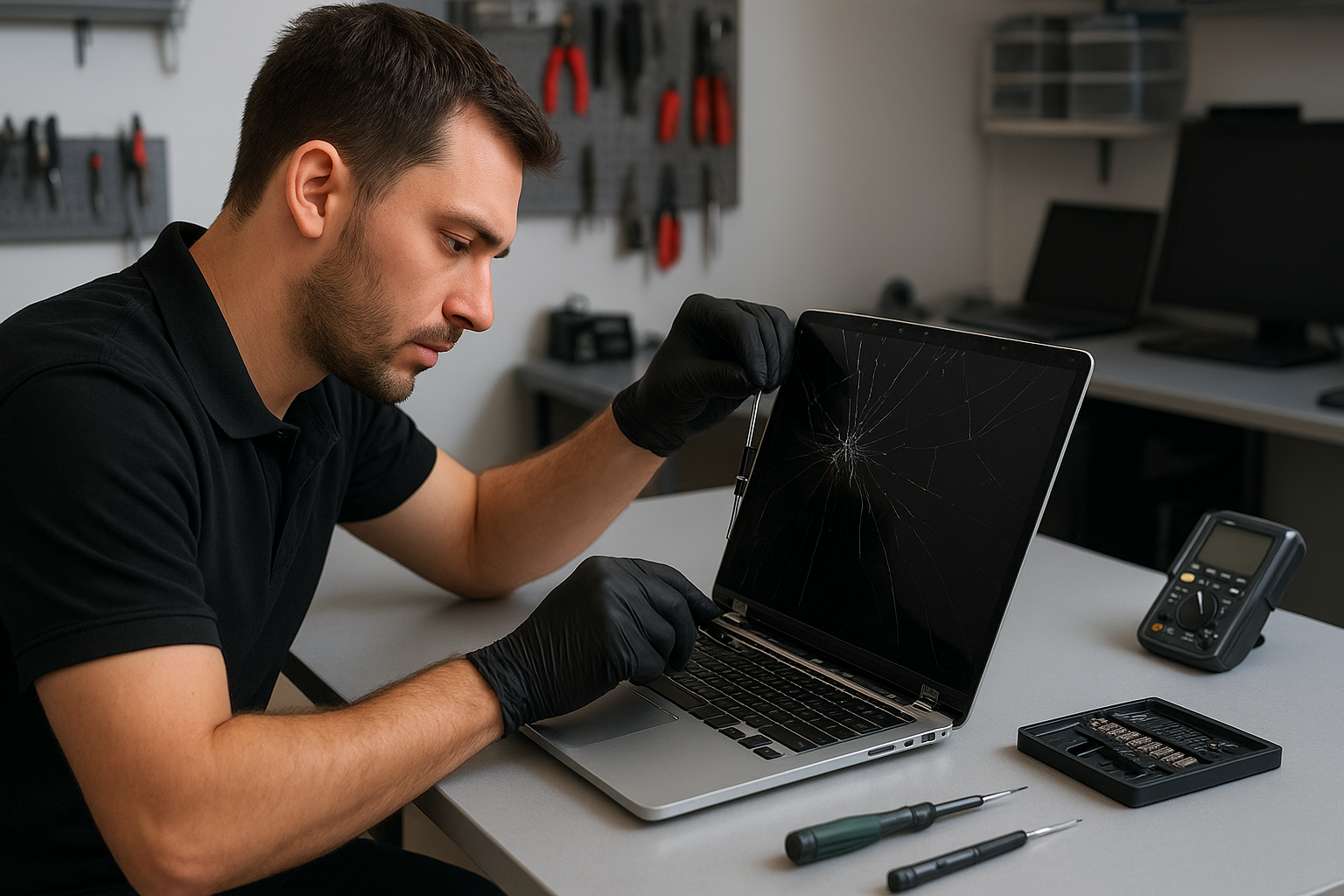
MacBook Pro screen replacement Coquitlam
If your MacBook Pro screen in Coquitlam is cracked, has black spots, flickers, or shows no image at all, you need a clear diagnostic and a careful screen replacement. At Moe Repair I diagnose and replace screens on Retina, Touch Bar, M1 and M2 MacBook Pro models every week. I use genuine or OEM-equivalent assemblies and follow careful testing workflows so you get a reliable result.
Common MacBook Pro screen symptoms
Typical issues I see include visible cracks in the glass, vertical or horizontal lines, backlight failure, dead pixels, intermittent flicker, and display artifacts. Some customers report a normal image that suddenly goes black when they open or close the lid. Others see a dim screen or distorted colors after a drop or liquid spill. These symptoms often point to either a damaged display assembly or a problem at the display connector on the logic board.
How I inspect and diagnose MacBook Pro screen problems
My diagnostic process begins with a visual inspection for glass damage, case distortion, and liquid residue. I check the display with an external monitor to tell if the GPU and GPU drivers are working. Next I open the machine and inspect the display cable, ground points, and the eDP/LVDS connector for bent pins or corrosion. I use a digital multimeter to confirm power rails to the backlight and verify signals on the display connector.
If the external monitor shows a clean image, the issue is usually the LCD or the display assembly. When the external monitor is blank as well, I focus on the logic board, GPU, and power circuits. I document each step and review repair options with the customer before starting any work.
Realistic repair procedures I perform
For a display assembly replacement I follow these steps: back up the customer data when possible, disconnect battery, remove lower case and display hinges, detach the camera/ambient light flex and display data cable, install the new screen assembly, reattach connectors with proper torque, calibrate color and brightness settings, and run a multi-hour stress test to confirm stability and absence of flicker. For Touch Bar models I also verify camera and microphone function post-repair.
When I suspect a logic board fault I inspect the display connector area for damaged capacitors or trace lifts. Sometimes a connector reflow or micro-soldering repair fixes an intermittent image, but replacement of the full assembly is often safer and faster for physical damage.
Repair example from Coquitlam
A recent customer from Port Moody brought in a 2019 MacBook Pro with a cracked Retina screen and intermittent blackouts. Symptom: visible crack plus sections of the display that went black when the lid was tilted. I tested an external display which showed a perfect image, confirming the GPU was fine. After opening the machine, I found a torn display flex cable near the hinge and a cracked LCD. I explained two options: cable repair plus LCD replacement or full screen assembly replacement. The customer chose full assembly replacement for longer-term reliability. I installed an OEM-equivalent screen, confirmed the hinge alignment, and ran a six-hour display test. The screen no longer blacked out and color calibration matched expected values. The customer left satisfied with restored display quality.
Parts, pricing, and turnaround time
Turnaround varies by model. Common Retina MacBook Pros (2015-2019) typically take 1-2 business days when parts are in stock. Newer M1 and M2 models may take longer for genuine Apple assemblies. I source high-quality replacement assemblies and discuss warranty terms before any repair. If data recovery is required, I can perform drive imaging and offer data recovery in Coquitlam services while the screen work proceeds.
Why choose Moe Repair in Coquitlam
I have 15+ years of hands-on experience repairing laptops and desktops. I treat MacBook repairs with the same careful procedures used for logic board and connector level work. Many customers in Coquitlam, Burnaby, and Port Coquitlam trust my transparent diagnostics and clear pricing. For broader needs I also handle computer repair in Coquitlam, battery replacement, keyboard replacement, and motherboard repair. If you need a quick laptop tune-up after a screen swap, ask about SSD upgrades and thermal paste replacement.
Practical advice before you bring your MacBook in
- Power down and avoid using the machine if the glass is shattered to reduce the risk of cutting. Back up important files when possible.
- Note when the problem happens: after a drop, after liquid exposure, or only on battery power. This helps prioritize diagnostics.
- Bring charger and mention any previous repairs—this helps me match parts and check charging behavior.
Related services I provide
While replacing a screen I often recommend checking the battery health and running a quick laptop repair in Coquitlam tune-up to catch loose screws, worn thermal paste, or fan issues. I also offer MacBook repair in Coquitlam for logic board diagnostics, trackpad repair, and liquid damage repair. If the storage shows signs of failure I can perform SSD upgrades and cloning before beginning the physical repair.
Frequently asked questions
Below are common questions customers ask about MacBook displays and replacements. If you need more details, please contact Moe Repair.
Contact Moe Repair Today
Moe Repair offers a free consultation to evaluate your MacBook Pro screen issue and recommend an efficient repair plan. Call 778-951-4872 or email service@moerepair.ca to book a drop-off or same-day diagnostics. We serve customers across Coquitlam and nearby areas including Burnaby, Port Moody, Port Coquitlam, and New Westminster. I will explain part options, estimated time, and warranty coverage before starting any work.
Contact info: Moe Repair, Phone: 778-951-4872, Email: service@moerepair.ca.