Hi, How Can We Help You?
  • 203-504 Cottonwood Ave, Coquitlam
  • service@moerepair.ca
  • +1 (778) 951-4872

Author Archives: moe

Laptop screen replacement Coquitlam: Fast, professional screen repairs

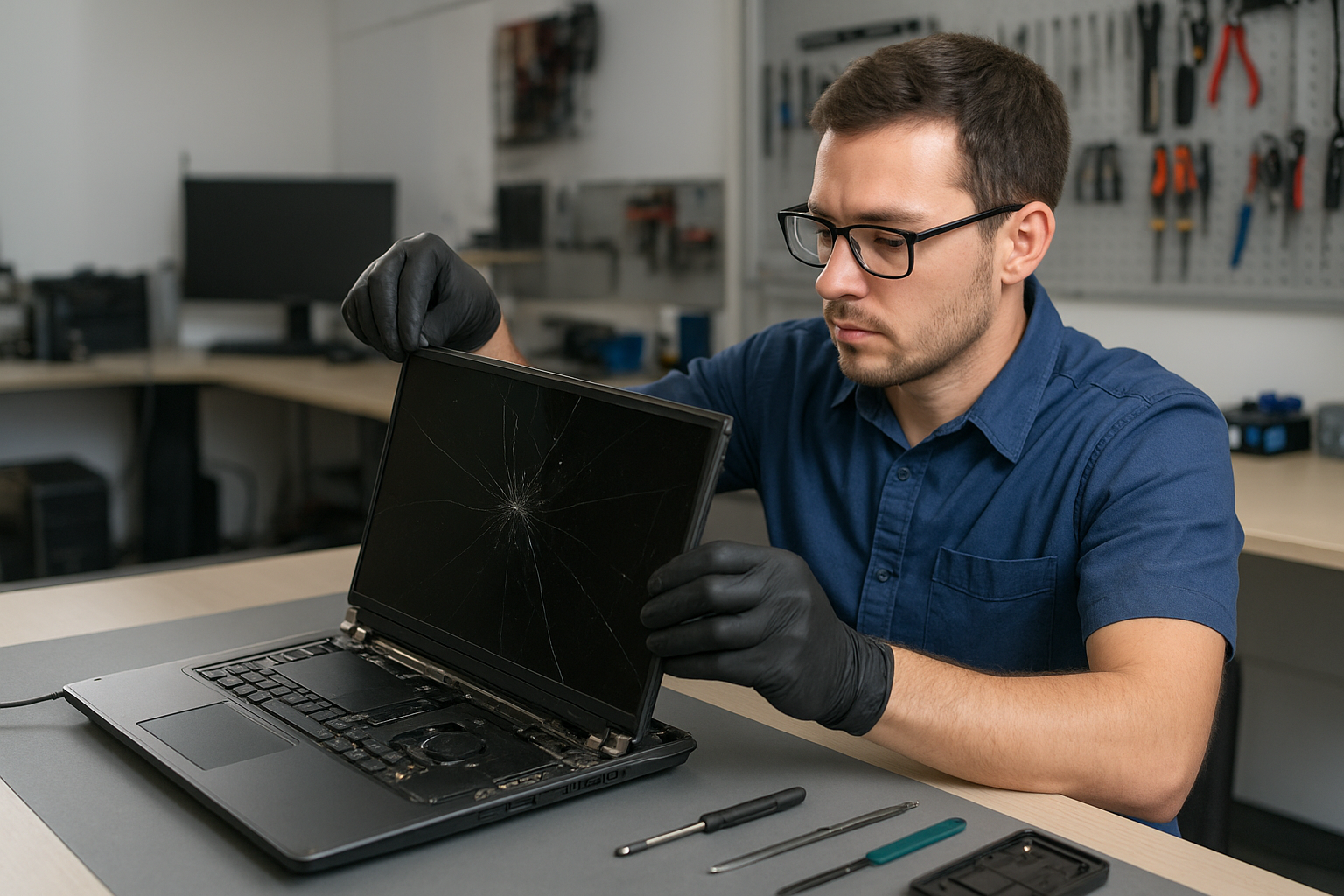
If your laptop screen is cracked, flickering, or black, a Laptop screen replacement Coquitlam specialist at Moe Repair can restore your display quickly. I have over 15 years of hands-on repair experience and I diagnose each issue with tools and test procedures I trust. We service a wide range of models, from MacBook Air and MacBook Pro to Dell XPS, HP Pavilion, Lenovo ThinkPad, and ASUS ROG.

Common symptoms that mean you need Laptop screen replacement Coquitlam

Not every display issue needs a full replacement. Still, common symptoms we see at the shop include:

  • Visible crack or spidering across the panel
  • Vertical or horizontal lines on the screen
  • Partial image, black banding, or sections missing
  • Flickering or intermittent image that changes with lid angle
  • No image but power light on (backlight or inverter issue)
  • Touchscreen failure or unresponsive touch zones

How we diagnose laptop screen issues

When a customer brings a device in for Laptop screen replacement Coquitlam we follow a structured diagnostic routine. First, we connect the laptop to an external monitor or TV to confirm whether the GPU and motherboard output a video signal. If the external display works, the problem is isolated to the display assembly, cable, or backlight.

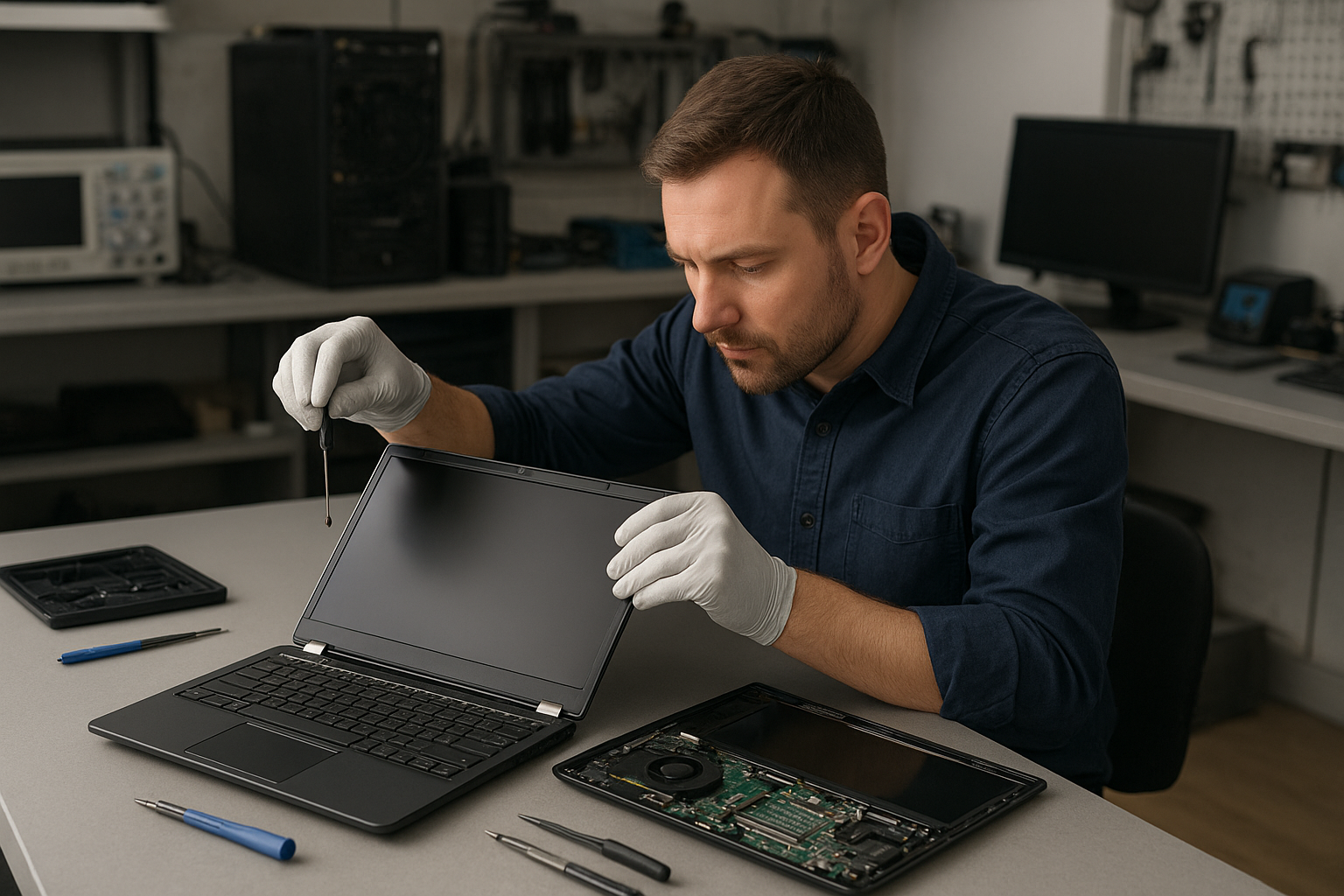
Next, we open the display bezel to inspect the FFC cable and hinge strain relief. We reseat connectors and check for cracked solder points. For backlight or dim display issues, we measure voltage at the inverter or LED driver and test the backlight under known-good power. For touchscreen faults, we test the touch controller and calibrate drivers.

Screen replacement process and parts

If replacement is required we provide options: OEM panels where available or high-quality aftermarket panels for older models. The repair steps typically include:

  • Order correct part by model and serial number
  • Power down, remove battery where possible, and discharge capacitors
  • Remove bezel, unscrew hinges, and disconnect display cable
  • Install new LCD or OLED panel and reconnect the cable
  • Test the new panel for brightness, color, and artifacts
  • Reassemble and perform a final system test

We also handle related services like hinge replacement, inverter repair, and trackpad repair if damage extends beyond the panel. For Apple laptops, see our MacBook repair in Coquitlam page for model-specific guidance.

Real repair example from Coquitlam

A recent customer from Coquitlam brought in a Lenovo ThinkPad with a cracked bottom corner of the screen and persistent vertical lines. I first confirmed the motherboard output using an external monitor. With the external display working, I opened the lid and inspected the display cable. The cable had hairline damage near the hinge and the panel had multiple delaminated layers.

After ordering a replacement Lenovo panel and a short-run reinforced cable, I powered down the laptop, removed the bezel, and replaced both components. I calibrated color profiles, tested brightness across 0-100 percent, and stressed the hinge through 500 open-close cycles. The customer left satisfied with a clear panel and proper hinge alignment. I also recommended an SSD upgrade and offered a free inspection for battery health to keep performance steady.

Costs, turnaround time, and warranty expectations

Costs vary by model. High-end OLED panels or Retina MacBook assemblies cost more than standard LCDs. Typical turnaround for stock parts is same-day to two days. When parts require ordering, expect 2 to 5 business days. We provide a parts-and-labor estimate before any work and keep you updated during the repair.

We use tested components and offer a limited warranty on parts and labor. While many repairs succeed, I do not guarantee a specific outcome until we complete diagnostics because issues like hidden motherboard damage or liquid corrosion can change the plan.

Preventive tips and related repairs

To reduce future screen damage avoid placing heavy items on laptops, carry devices in padded cases, and fix loose hinges promptly. If liquid reached the keyboard, seek immediate service; a liquid spill can cause corrosion that later affects the display cable or motherboard. We also handle battery replacement, thermal paste replacement, laptop fan replacement, data recovery, and SSD upgrades to improve overall reliability.

For other problems beyond the screen view our computer repair in Coquitlam and laptop repair in Coquitlam pages to learn about services like virus removal, Windows installation, and motherboard repair.

Signs you can delay replacement and when you cannot

If cracks are cosmetic and the image displays normally, you may delay replacement briefly. However, once lines appear, the crack spreads, or touch input fails, delaying risks further damage and potential data loss. If you notice unusual colors or the screen goes black after lid movement, bring the laptop in for a prompt inspection and possible replacement to avoid additional costs.

Contact Moe Repair Today

Moe Repair offers a free consultation to assess your laptop and provide an honest quote for Laptop screen replacement Coquitlam. Call us at 778-951-4872 or email service@moerepair.ca to describe the fault and schedule drop-off or same-day service when parts are available. We serve Coquitlam and nearby areas including Port Moody, Port Coquitlam, Burnaby, and New Westminster. Whether you need a MacBook screen replacement, Dell panel swap, or hinge repair, we will explain your options and begin work only after you approve the estimate.

Why local customers trust Moe Repair

Local customers choose us for clear diagnostics, transparent pricing, and thorough testing. We keep detailed repair notes and advise on additional services such as data recovery or SSD upgrades if we see failing storage. For urgent issues, call 778-951-4872 or visit our contact Moe Repair page to arrange service. We aim to fix displays right the first time while minimizing downtime.

More resources and next steps

If you need MacBook-specific screen help or want a head-start on the diagnostic process, check our MacBook repair in Coquitlam page. For data concerns after a cracked screen incident, our data recovery in Coquitlam service can help retrieve important files.

Contact information:
Moe Repair
Phone: 778-951-4872
Email: service@moerepair.ca

We welcome questions and will walk you through diagnostics, timeline, and cost so you can make an informed decision about Laptop screen replacement Coquitlam.
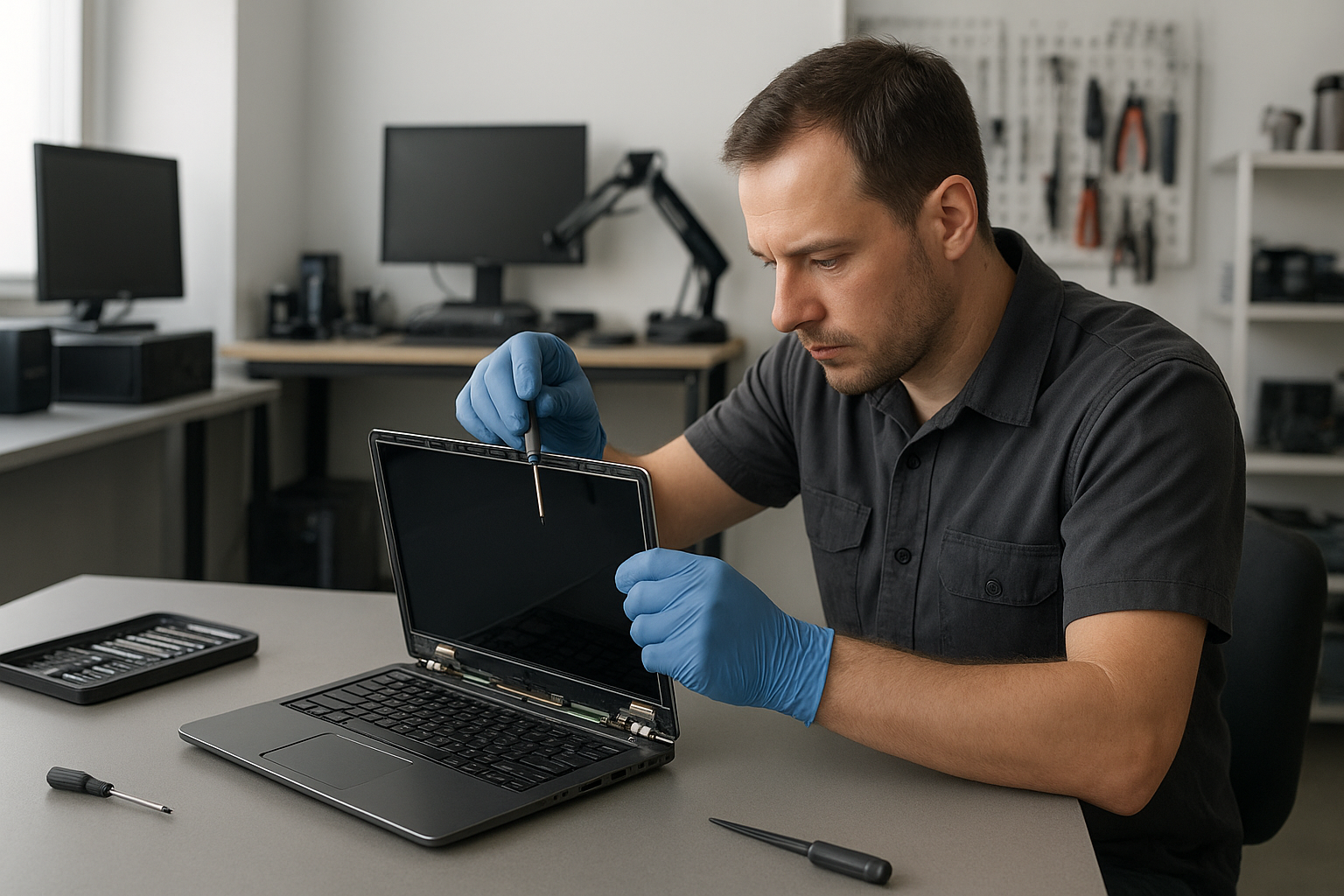
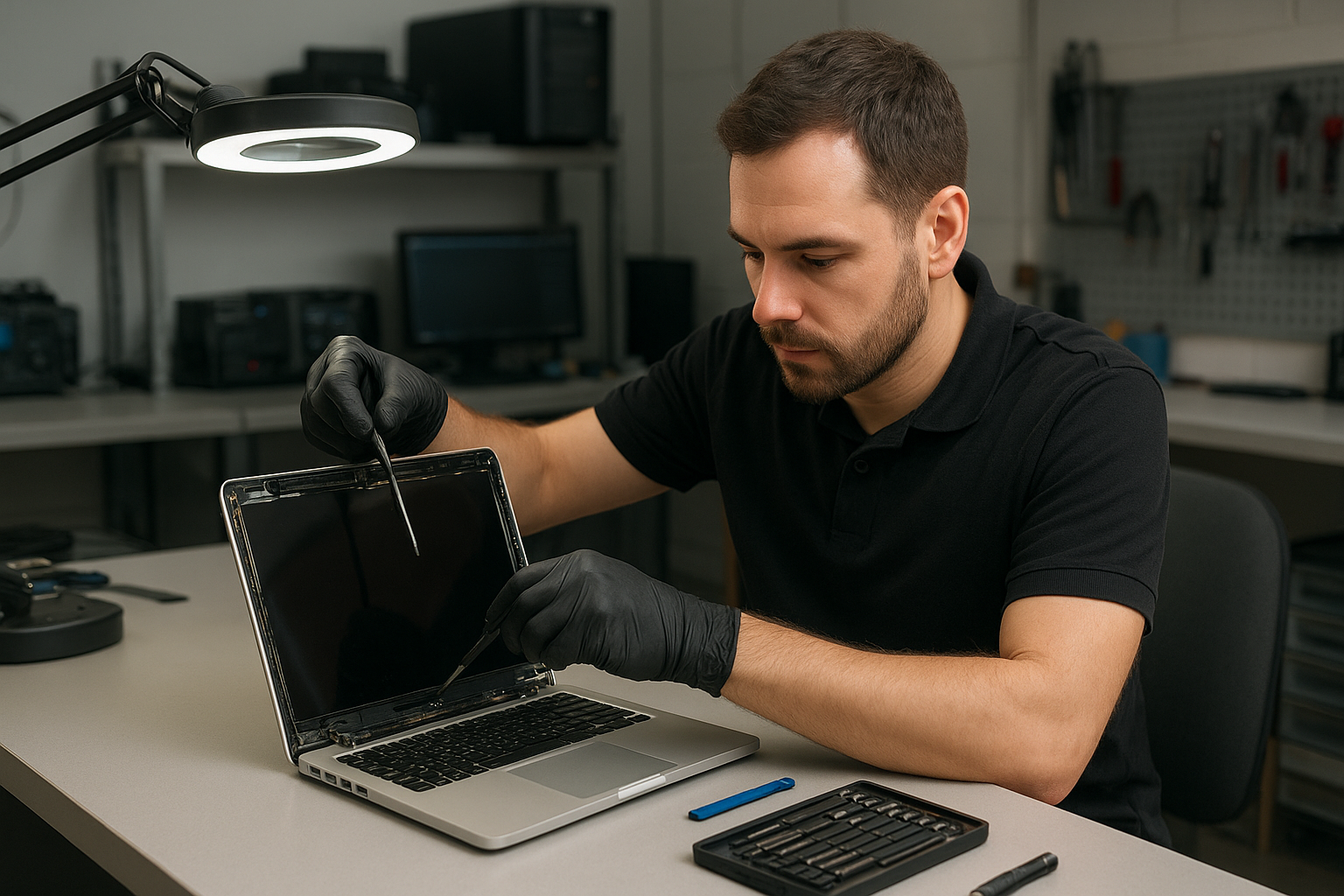
Laptop screen replacement Coquitlam: Expert same-day service at Moe Repair

If your laptop shows cracks, vertical lines, or a black display, Moe Repair can help. Laptop screen replacement Coquitlam is our daily work. I’ll walk you through common symptoms, realistic diagnostics, repair steps, and what to expect when you bring your laptop to our Coquitlam shop.

Common symptoms that need Laptop screen replacement Coquitlam

Typical signs you need a screen replacement include a visible crack in the glass, persistent flicker, color banding, black areas on the display, or dead pixels. You may also see a dim image that brightens with a flashlight, which often points to a backlight or inverter problem rather than the panel. Customers across Coquitlam and nearby Port Moody or Port Coquitlam bring in laptops with these exact issues.

How we diagnose a broken screen

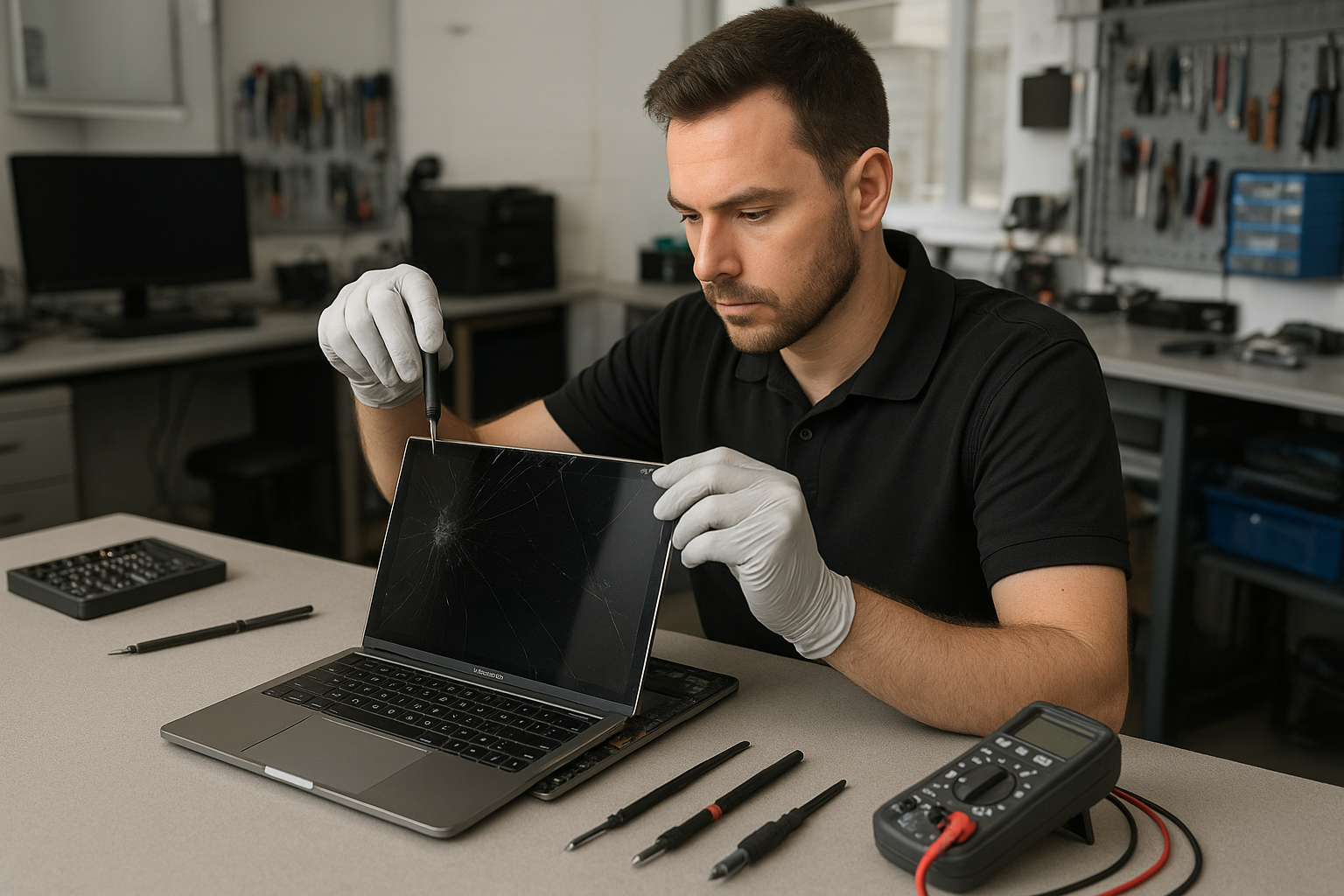
Diagnosis starts with two quick checks. First, connect the laptop to an external monitor to determine if the GPU and motherboard are functional. Second, perform a visual and connectivity check: remove the bezel, inspect the LVDS or eDP cable, and reseat the connector. We use a multimeter to verify the panel power rails and an external power test to confirm backlight voltage.

Diagnostic steps I perform

  • Power-on test with external display to isolate GPU issues.
  • Backlight flashlight test to spot a dark but working display.
  • Reseat display cable and check inverter/backlight components.
  • Inspect for liquid damage or impact that can complicate replacement.
  • Identify panel part number to source an OEM or compatible replacement.

Replacement process and realistic repair procedures

Once I confirm the panel is at fault, I order the correct display assembly or LCD panel. Repair steps include ESD precautions, removing the bezel and hinges, disconnecting the camera and cable, and replacing the panel or digitizer. For touchscreen models we test the digitizer and recalibrate touch input after installation. After reassembly we run stress tests and color calibration, and update display drivers if necessary.

Parts, warranty and model considerations

We use OEM-grade panels for Apple models like MacBook Air and MacBook Pro, and high-quality compatible panels for Dell XPS, HP Pavilion, Lenovo ThinkPad, ASUS ZenBook and Microsoft Surface where OEM parts are not available. We provide a parts and labor warranty and explain tradeoffs so you can choose the best option for budget and longevity.

Real repair example from our Coquitlam shop

A recent Coquitlam customer brought in a 15-inch HP Pavilion with a spiderweb crack and intermittent color banding. I first connected an external monitor and confirmed the GPU and motherboard were fine. Then I removed the bezel and found the display cable intact but the panel had impact damage. After sourcing a matching HD panel, I replaced the display assembly, reconnected the camera and Wi-Fi antenna leads, and reinstalled the hinge screws with proper torque. Post-repair I ran a 24-hour burn-in with color calibration and checked Wi-Fi and camera functions. The customer left satisfied with a clear display and normal performance.

Cost expectations and turnaround time

Costs depend on the laptop model and whether you need an OEM panel or a compatible replacement. Typical turnaround for in-stock panels is same-day to two business days. If we need to order a rare panel for a MacBook Pro Retina or a Surface model the lead time can be longer. We provide a clear estimate before any work and offer options like SSD upgrades or battery replacement while the unit is in for screen service.

Practical advice to protect your laptop screen

Use a padded sleeve, avoid putting heavy objects on the laptop lid, and keep liquids away from the keyboard to prevent liquid damage that can spread to the display assembly. If you suspect internal moisture contact, shut down the laptop and bring it in for liquid damage repair promptly. For local questions about general tune-ups or virus removal while your machine is in, see our computer repair in Coquitlam page.

Additional services we often combine with screen replacement

We frequently perform trackpad repair, keyboard replacement, thermal paste replacement, motherboard repair, SSD upgrades, and data recovery alongside screen work. If you need Apple-specific help, check our MacBook repair page. For general laptop hardware issues, our laptop repair in Coquitlam information explains common fixes.

How to prepare before you bring your laptop in

Back up important data or ask about our data recovery in Coquitlam options if the drive is failing. Remove passwords if possible to speed diagnosis. If you need directions or want to book an appointment, contact Moe Repair and we will guide you through drop-off or same-day service availability.

Contact Moe Repair Today

Moe Repair is open for drop-off and diagnostics in Coquitlam. We offer a free consultation to review options, parts, and pricing. Call Moe Repair at 778-951-4872 or email service@moerepair.ca to arrange a time. We serve customers in Coquitlam and nearby cities including Port Moody and Port Coquitlam, and we can often complete simple screen swaps same day. Bring your laptop to our shop for a clear estimate before any work begins.

Moe Repair
Phone: 778-951-4872
Email: service@moerepair.ca

Frequently asked troubleshooting tips

If the screen shows vertical lines after a drop, avoid powering repeatedly and bring it in for inspection — repeated attempts can cause more damage. If the screen is black but the laptop boots, an external display test can reveal whether only the panel needs replacement. For liquid spills, bring the device in even if the screen appears fine, because corrosion can show up later and affect the display connector or motherboard.

We aim to be transparent about repair risks. Some rare cases require motherboard work or full-display assembly replacement. We will diagnose and explain options before starting work.

Local experience and why Coquitlam customers trust us

With over 15 years of hands-on experience I have repaired everything from broken glass on a MacBook Air to motherboard-level display power faults on gaming laptops. Our shop in Coquitlam handles repairs for Burnaby and New Westminster residents as well. We test thoroughly, offer clear quotes, and keep you updated during the repair process.

Contact Moe Repair Today

Moe Repair offers a free consultation and clear estimates. Call 778-951-4872 or email service@moerepair.ca to schedule a drop-off. We serve Coquitlam, Port Moody, Port Coquitlam, Burnaby, and New Westminster and often provide same-day screen swaps for common models.

For ongoing laptop issues like blue screen repair, virus removal, or operating system repair during a screen replacement, ask our technician to combine services to save time and cost.

Contact Moe Repair Today

Moe Repair
Phone: 778-951-4872
Email: service@moerepair.ca
Free consultation available. We proudly serve Coquitlam and nearby Port Moody, Port Coquitlam, Burnaby, and New Westminster.

Contact Moe Repair Today

Call now for an estimate and to check same-day availability: 778-951-4872. We inspect your machine, confirm part options, and proceed only with your approval.

MacBook Pro display replacement Coquitlam

MacBook Pro display replacement Coquitlam is a common request at our shop when screens crack, flicker, or show vertical lines. At Moe Repair I diagnose the entire system, not just the glass, so you get an accurate estimate and the best course of action. For hardware and software concerns see our MacBook repair in Coquitlam page for services and model compatibility.

Signs you need a MacBook Pro display replacement Coquitlam

Typical symptoms that point to a display replacement include visible cracks, glass detachment, black spots, vertical or horizontal lines, backlight failure, intermittent flicker, and an unresponsive digitizer on Retina models. Battery swelling that pushes the screen up and liquid under the glass are urgent signs. If the lid won’t close properly or the webcam area looks misaligned, bring it in for inspection.

How we diagnose display issues

Diagnosis starts with a visual inspection of the chassis and hinges. I connect the MacBook to an external monitor to determine if the GPU is functioning. If the external monitor is clean while the internal screen fails, the problem is most often the display assembly or cable. I reset SMC and NVRAM, inspect the display flex and hinge area for pinched cables, and run Apple/third-party diagnostics. We also check for motherboard faults, which sometimes mimic screen failures. For broader issues we handle computer repair in Coquitlam and related services.

If you suspect you need MacBook Pro display replacement Coquitlam, schedule a diagnostic and we will document findings before any repair.

Common repair procedures for MacBook displays

Repair steps depend on the model. For Retina and Touch Bar MacBook Pros I usually replace the entire display assembly because glass, LCD, and digitizer are bonded. For some older non-Retina models an LCD-only swap may be possible. Standard procedure I follow:

  • Confirm a current backup and fully power down the device.
  • Remove the bottom case and disconnect the battery to avoid shorts.
  • Remove display trim and carefully disconnect the display cable and camera assembly when required.
  • Replace the assembly or LCD, reassemble with correct torque on hinges, and reconnect all peripherals.
  • Run brightness, color, and webcam tests and stress the machine under load.

Parts, warranty, and additional services

We use high-quality OEM-equivalent assemblies and where available OEM parts for the best fit and color accuracy. Each display replacement includes function testing and a limited parts warranty. Many customers ask to combine screen repairs with other services like laptop repair in Coquitlam, SSD upgrades, or battery replacement to save time. If your drive shows errors we can coordinate data recovery in Coquitlam before disassembly.

Realistic repair example

A customer from Port Moody dropped a 2017 MacBook Pro and returned with a spiderweb crack across the glass and screen flicker. I inspected the hinge and tested an external monitor. The external output was stable, which pointed to the display assembly and not the GPU. Inside I found a fractured glass and a partially torn display flex cable. I ordered a compatible Retina display assembly, disconnected the battery, and replaced the assembly. After reassembly I calibrated color, verified camera and microphone operation, and stress-tested for several hours. The screen stopped flickering and the customer’s data remained intact. Repair time was two business days and I recommended a protective sleeve to reduce recurrence.

What to expect: timeline and pricing

Turnaround varies by part availability. In-stock parts can allow same-day or next-day service. Special-order Retina displays may take 2-4 business days. Prices differ by model and year; we provide a written estimate and do not begin work without your approval. For MacBook Pro display replacement Coquitlam we explain risks like underlying motherboard damage or liquid contamination that can affect success and cost.

Preventive tips to protect your MacBook screen

Use a padded sleeve when transporting your MacBook and avoid pressure on the lid. Check for early signs of battery swelling and consider professional battery replacement if you notice bulging. Small repairs such as keyboard replacement or thermal paste replacement can prevent heat-related display problems. If you spill liquid, power off and bring the device in quickly for liquid damage repair — delays reduce the chance of recovery.

Frequently asked questions

Below are common questions customers ask before booking a screen replacement.

How long will my MacBook be in for a display replacement?

Typical repairs take 1-3 business days depending on part availability. Some stock parts allow same-day service.

Will my data be safe during the repair?

We do not need to wipe your drive for a display swap. Still, we recommend a current backup. If the drive shows problems we offer diagnostics and data recovery options.

Do you use OEM parts?

We use OEM or high-quality OEM-equivalent assemblies depending on model availability. We provide warranty details with the estimate.

Can a cracked glass be repaired without replacing the whole assembly?

On some older models only the glass or LCD can be swapped. For Retina and Touch Bar units we commonly replace the whole assembly due to bonded layers.

Do you offer a warranty?

Yes. Each repair includes a limited parts and labor warranty. Warranty details vary by the part and service.

Contact Moe Repair Today

Moe Repair is ready to handle MacBook Pro display replacement Coquitlam and nearby communities including Port Moody, Port Coquitlam, and Burnaby. Call 778-951-4872 or email service@moerepair.ca to arrange a free consultation and a no-obligation estimate. We will confirm model details, possible parts lead time, and recommended diagnostics before any work begins. Drop-offs are welcome, and we can often offer same-day estimates for in-stock parts. If you need help with data backup, SSD upgrades, or battery replacement while the machine is in for service, mention it when you contact Moe Repair. We serve Coquitlam residents and nearby areas and can advise on shipping if you are outside the region.

Moe Repair
Phone: 778-951-4872
Email: service@moerepair.ca

Xbox Series X cleaning service Surrey

Professional Console Repair and Maintenance

At Moe Repair in Coquitlam we specialize in comprehensive console care, with a focus on thermal management, dust removal and fan servicing for Xbox Series X and Xbox Series S owners in Surrey and neighbouring cities like Burnaby, Port Moody, Port Coquitlam, New Westminster and Maple Ridge. With more than 15 years hands-on experience repairing gaming consoles and computers, our technicians diagnose loud fan noise, overheating, random shutdowns and performance issues quickly and reliably.

PS5 Liquid Metal Replacement

Although this service page focuses on Xbox Series X cleaning service Surrey, our team also handles advanced PS5 work including PS5 liquid metal replacement for PS5, PS5 Slim and PS5 Pro models. Liquid metal is an advanced thermal interface option that can improve heat transfer when applied correctly. We inspect solder joints, migration risk, and cooling integrity to ensure any PS5 liquid metal work is safe and long-lasting. If you own a PS5 variant and experience throttling, high temperatures, or persistent loud fan noise, ask about our liquid metal consultation during your visit.

Console Cleaning and Dust Removal

Dust buildup is the single most common cause of thermal problems in modern consoles. Our Xbox Series X cleaning service Surrey includes:

  • Full external and internal dust removal
  • Compressed-air-safe debris extraction and brush cleaning
  • Inspection and cleaning of heatsinks and heatpipes
  • Fan cleaning, bearing inspection and lubrication where appropriate
  • Thermal paste reapplication or upgrades on request

We handle the delicate disassembly needed for Xbox Series X and Series S and follow OEM-safe procedures. For PS5 consoles we add extra checks for the large heatsink assembly and, when requested, evaluate the need for a PS5 liquid metal replacement or a high-quality thermal paste service.

Console Overheating Repair

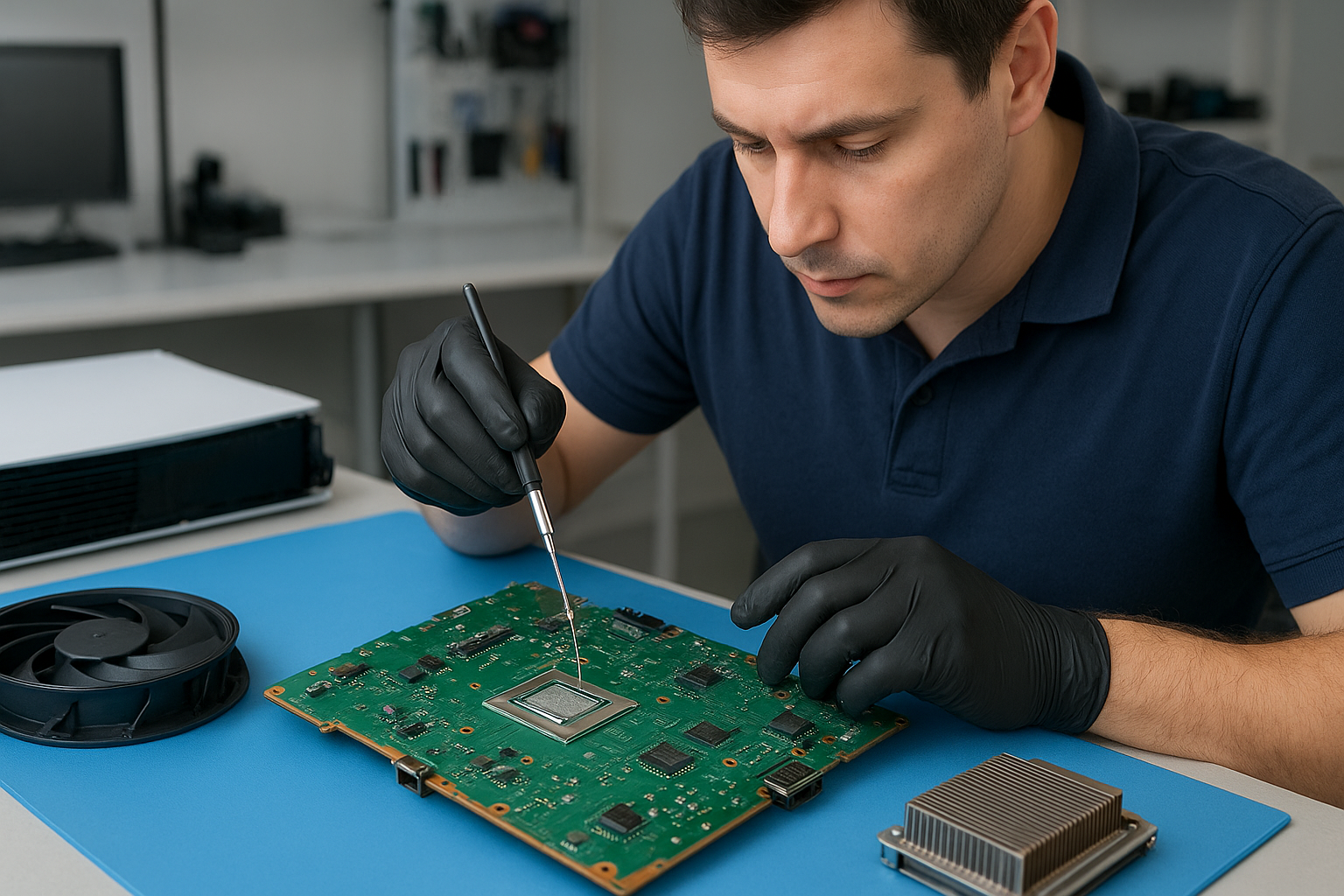
Overheating and thermal throttling reduce performance and can cause random shutdowns or even long-term hardware damage. Our overheating repair workflow includes thermal imaging when needed, temperature logging under load, fan RPM tests, and visual inspection for dust buildup or damaged components. Common repairs include fan replacement, heatsink reseating, thermal paste or liquid metal reapplication (PS5), and cleaning air channels to restore airflow.

Real repair example — PS5 overheating case:

A customer from Port Moody brought in a PS5 Pro suffering frequent shutdowns after 20–30 minutes of play and very loud fan noise. Diagnostic steps we performed:

  1. Recorded temperature readings under load and confirmed abnormal junction temperatures.
  2. Disassembled the unit, documenting the process to preserve warranty-style notes for the customer.
  3. Found heavy dust accumulation across the intake ports and a thin, hardened layer of old thermal paste on the SoC. The fan bearings showed increased friction causing the loud noise.
  4. Performed thorough dust removal using ESD-safe brushes and filtered vacuum extraction, cleaned the heatsink fins and air channels, replaced the noisy fan with a tested OEM-equivalent, and removed old thermal paste.
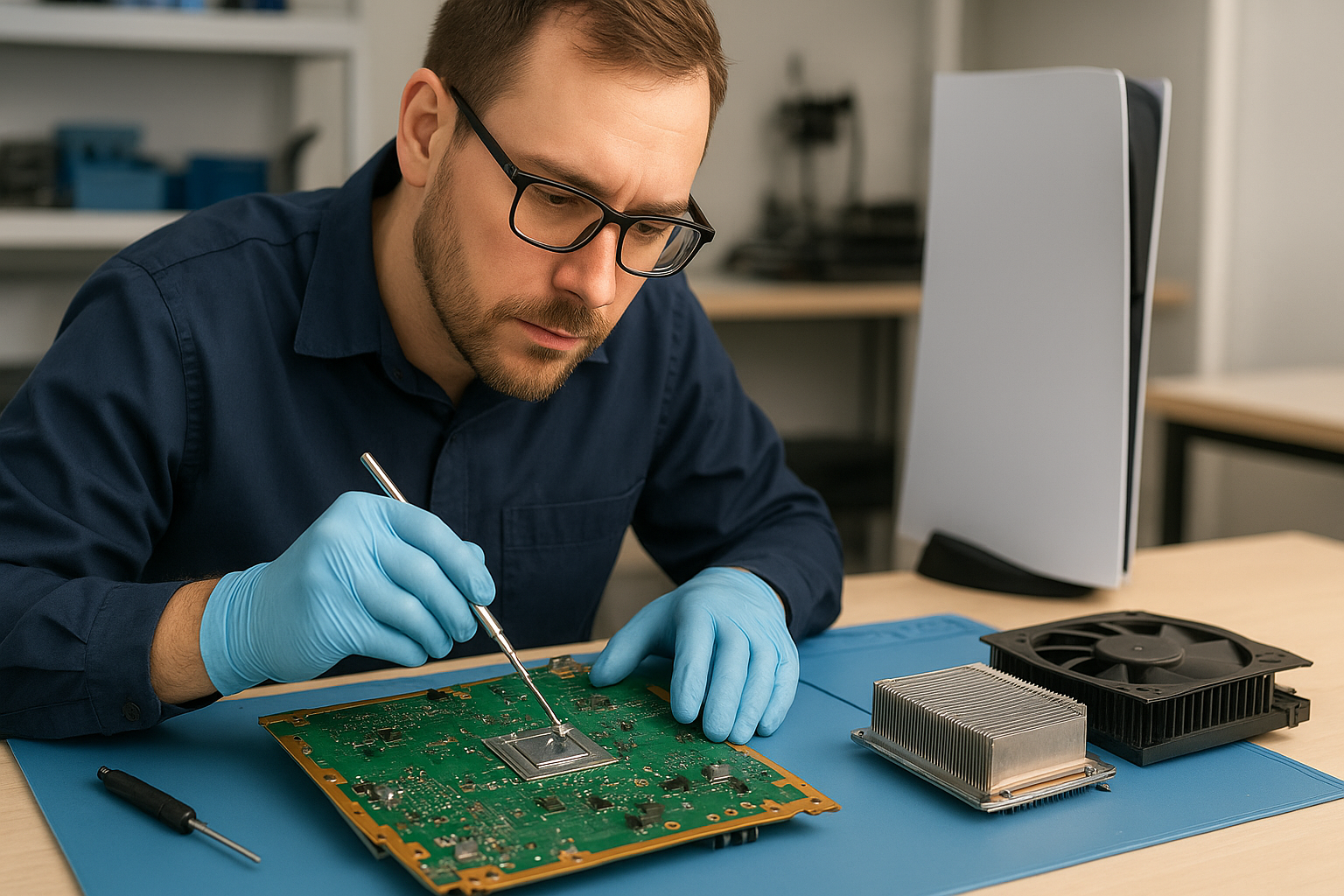
  5. Applied high-quality liquid metal replacement to the PS5 Pro SoC following our controlled process, checked for possible migration, and reassembled with new pads and adhesives where required.
  6. Re-tested under load; temperatures dropped significantly, fan speeds normalized, and the console ran stable with no shutdowns.

Outcome: The PS5 Pro returned to expected performance with quieter operation and improved thermal margins, giving the customer confidence that the repair addressed the core issues.

Signs Your Console Needs Service

Watch for these red flags that indicate your Xbox Series X, Xbox Series S, PS5, PS5 Slim or PS5 Pro needs professional attention:

  • Loud or grinding fan noise
  • Persistent overheating or hot vents
  • Random shutdowns or system crashes during gameplay
  • Reduced frame rates, stuttering or performance drops
  • Visible dust buildup in vents or on surfaces

If you see any of these symptoms in Surrey or nearby Coquitlam neighborhoods — or in Burnaby, Port Coquitlam, New Westminster or Maple Ridge — bring your console to us for a diagnostic. Early intervention prevents more costly motherboard or storage damage.

Why Thermal Management Matters

Effective thermal management extends console lifespan and keeps performance consistent. We focus on:

  • Correct thermal interface selection (high-quality paste or liquid metal for PS5 where applicable)
  • Heatsink seating and spring pressure checks
  • Fan performance and airflow path integrity
  • Dust filtration and intake protection advice

Our shop in Coquitlam uses calibrated tools and experience-based procedures to balance cooling efficiency with component safety. For example, PS5 liquid metal replacement can provide superior heat transfer, but must be done by technicians who understand migration risks and long-term reliability — we’ve performed many such jobs successfully and safely.

Gaming Consoles We Service

We service a full range of consoles and models, including:

  • Xbox Series X — cleaning service, fan replacement, thermal checks (the focus of this page)
  • Xbox Series S — dust removal and performance tuning
  • PS5, PS5 Slim, PS5 Pro — cleaning, fan cleaning, overheating repair and PS5 liquid metal replacement

Beyond consoles we also offer related services to keep your gaming setup running: computer repair in Coquitlam, laptop repair in Coquitlam, and MacBook repair in Coquitlam.

Why Choose Moe Repair

Moe Repair is locally owned in Coquitlam and trusted across the Tri-Cities and Lower Mainland. Our advantages:

  • 15+ years of experience repairing gaming consoles and computers
  • Transparent diagnostics and written estimates
  • Quality parts, careful thermal work and proper reassembly
  • Quick turnaround and friendly local support for Surrey, Burnaby, Port Moody, Port Coquitlam, New Westminster and Maple Ridge

We prioritize permanent fixes over quick band-aids — if your Xbox Series X is overheating or the fan is loud, our full-service cleaning and thermal repair will get it back to reliable performance.

Frequently Asked Questions

How long does an Xbox Series X cleaning service take?

Typical cleaning services take 1–3 business days depending on workload and whether thermal paste or fan replacement is needed. Complex repairs (e.g., part ordering or PS5 liquid metal jobs) may take longer; we’ll give a clear ETA at drop-off.

Can dust buildup permanently damage my console?

Yes. Severe dust and heat stress can damage solder joints, capacitors, or storage devices. Regular maintenance prevents performance degradation and reduces the chance of permanent damage.

Is liquid metal safe for PS5, and should I get it?

Liquid metal can significantly improve heat transfer on PS5 models but must be applied by experienced technicians to prevent migration and electrical shorts. We evaluate each unit and only recommend liquid metal when benefits outweigh risks.

Do you service consoles from outside Coquitlam?

Yes — we serve Surrey, Burnaby, Port Moody, Port Coquitlam, New Westminster, Maple Ridge and surrounding areas. Local drop-off or courier arrangements can be discussed when you contact Moe Repair.

Will cleaning void my warranty?

Opening a console can affect manufacturer warranty if not done by an authorized service center. We provide clear advice and documentation; if warranty is still valid, we’ll discuss options before proceeding.

Contact Moe Repair Today

Moe Repair
778-951-4872
service@moerepair.ca

Ready to schedule an Xbox Series X cleaning service Surrey or need a PS5 overheating consultation? contact Moe Repair for an appointment or bring your console to our Coquitlam shop. We also offer related services like computer repair in Coquitlam, laptop repair in Coquitlam, and MacBook repair in Coquitlam.

Our team is proud to support gamers across Coquitlam and nearby communities — for fast, professional, and transparent console cleaning and repair, call 778-951-4872 or email service@moerepair.ca.

Laptop screen replacement Coquitlam: Fast, Local Repair by Experts

If your display is cracked, flickering, or black but the laptop powers on, a professional Laptop screen replacement Coquitlam service can save time and money. I am a senior technician with 15 years fixing screens, hinges, and display cables in Coquitlam and nearby cities. I explain symptoms, walk you through diagnostics, and complete careful repairs using tested parts.

Common laptop screen problems in Coquitlam

Typical symptoms customers bring in include visible cracks, vertical or horizontal lines, backlight failure, dim or flickering image, and touch layer failures on touchscreens. You might also see a working external monitor while the built-in panel stays dark. Those differences tell us whether the panel, cable, inverter, or GPU is at fault.

How we diagnose broken and flickering screens

Diagnosis starts with a phone intake and a quick visual inspection. At the bench I test the laptop with an external monitor to separate GPU or motherboard issues from a display panel failure. Next I remove the bezel and check the LVDS/eDP cable, hinge strain points, and connector pins. I use a multimeter to verify backlight voltage and continuity. If the backlight circuit reads correctly but the image is corrupted, the panel itself is usually bad.

Tools and realistic diagnostic steps

Common diagnostic tools I use are a multimeter, DC power jig, spare display cables, and donor panels for swap testing. For MacBook Air and Pro models I also check the display cable routing under the hinge where wear often shows. If needed, I run a short burn-in with a brightness and color test to confirm the repair under load.

Laptop screen replacement Coquitlam: parts, brands, and fit

We source OEM and high-quality aftermarket panels for brands like Dell (XPS, Inspiron), HP (Pavilion, Envy, Omen), Lenovo (ThinkPad, Legion), Acer, ASUS, and Apple MacBook Pro and Air. For MacBook repairs we also inspect the Retina connector and the T-con board when applicable. I explain the difference in parts quality and warranty before you authorize any work.

Repair procedures: from disassembly to testing

Repair steps include secure data backup when customers request it, careful bezel removal, hinge and cable inspection, panel replacement, and a full functional test. We clean connector contacts, replace broken brackets, and apply protective adhesive where required. After reassembly we test Wi-Fi, webcam, and sleep/wake behavior to ensure no secondary damage occurred. If you need additional services like a battery replacement, SSD upgrade, or operating system repair, we can handle that during the same visit.

Safety and data handling

Before opening any laptop we disconnect the battery when possible and document serials and configuration. If a customer is worried about files, we offer data recovery in Coquitlam and can clone drives prior to repairs.

Real repair example from Coquitlam

A local student from Port Coquitlam brought in a Lenovo IdeaPad with a shattered screen after a drop. Initial inspection showed the display glass broken, but the laptop booted to BIOS and an external HDMI monitor worked. I removed the bezel, tested the eDP cable with a donor panel, and confirmed the connector read normal voltages. I ordered a compatible 15.6″ IPS replacement, swapped the panel, replaced two damaged hinge screws, and ran a two-hour burn-in. The screen returned to full brightness and the display colors matched the external monitor. I explained the options and costs before starting; work completed in one business day. The customer left satisfied and asked about an SSD upgrade the same visit.

When to replace the panel, cable, or motherboard

Replace the panel when cracks, dead pixels, or glass damage appear. Replace the cable if there are intermittent flicker issues that move with lid position. If both external tests and cable swaps fail, motherboard-level faults like a damaged GPU or power rail may be the cause. We perform these tests and provide transparent quotes, and we can combine services like laptop repair in Coquitlam or computer repair in Coquitlam if other components need work.

Pricing, parts warranty, and turnaround time

Turnaround depends on part availability. We keep common panels in stock for many Dell, HP, Lenovo, and MacBook models. When parts are special order we give an ETA. All parts come with a limited warranty, and we test devices before customer pickup. We discuss data backup, and if you need MacBook repair in Coquitlam we cover specific Apple part options.

Practical advice to prevent future screen damage

  • Use a padded sleeve during transport.
  • Avoid putting heavy objects on the laptop lid.
  • Keep liquids away to reduce risk of liquid damage that can spread to the display circuitry.
  • Close the lid gently and avoid picking up a laptop by the screen.

Contact Moe Repair Today

If you need a free consultation for Laptop screen replacement Coquitlam, call Moe Repair at 778-951-4872 or email service@moerepair.ca. We offer a free initial diagnostic estimate and serve Coquitlam, Burnaby, Port Moody and Port Coquitlam. Walk-ins are welcome but appointments help us reserve parts and speed your repair. Tell us your model, symptoms, and whether you need services like battery replacement, SSD upgrades, or data recovery. We will provide clear options before any work begins.

FAQ

How long does a typical screen replacement take?

Most common laptop screen replacements take between 2 and 48 hours depending on part availability. If we have your panel in stock we often finish the same day. For special-order or hard-to-find panels it can take longer and we will give an ETA.

Will replacing the screen affect my data?

Screen replacement itself does not erase your data. However, if you request a backup or if we see signs of drive issues we recommend cloning your drive or using our data recovery in Coquitlam services before proceeding.

Do you use OEM parts for MacBook and Windows laptops?

We source OEM where possible and high-quality equivalent panels when OEM is not available. For MacBook repairs we discuss Apple-specific part options during the estimate. We also handle related repairs like MacBook repair in Coquitlam.

Can a flickering screen be repaired without replacing the panel?

Sometimes yes. Flicker that changes with lid position often points to a damaged cable or loose connector. We test by reseating cables and performing cable swaps. If the panel itself is failing we will recommend replacement.

Moe Repair
Phone: 778-951-4872
Email: service@moerepair.ca

Laptop screen replacement Coquitlam

If your laptop shows black bars, a cracked glass layer, or flickering backlight, a fast Laptop screen replacement Coquitlam can get you back to work. I’m a senior technician at Moe Repair and I’ve performed hundreds of screen replacements for customers across Coquitlam, Port Moody and Port Coquitlam. We diagnose problems on arrival and explain the repair options before any work starts.

Why Moe Repair for Laptop screen replacement Coquitlam

At our Coquitlam shop we balance speed and care. I test the panel, the display cable, and the inverter or backlight before recommending an LCD or OLED assembly replacement. We use OEM or high-quality compatible parts and provide honest pricing for laptop repair, MacBook repair, battery replacement, and data recovery. For general issues you can also read our computer repair in Coquitlam page to see our range of services.

Common laptop screen problems we fix

Typical symptoms we see: a spiderweb crack on the glass, vertical or horizontal lines, dim or no backlight, a blank screen with power lights on, dead pixels, or an unresponsive touchscreen. Damaged hinges and bent frames can pinch the display cable and cause intermittent flicker. We also handle model-specific issues for Dell XPS, Inspiron, Alienware, HP Envy, ProBook, Lenovo ThinkPad and IdeaPad, ASUS ZenBook and ROG, Acer Nitro and Predator, Apple MacBook Air and MacBook Pro, and Microsoft Surface series.

How we diagnose a broken laptop screen

Our diagnostic steps are hands-on and methodical. First, we attach an external monitor to check whether the GPU and motherboard output are healthy. If the external display is fine, the problem is isolated to the screen or cable. Next we open the bezel to inspect the display cable, connector, and hinge area for damage or corrosion. We run the panel under load to watch for thermal flicker and test the inverter/backlight on older CCFL systems. For MacBooks we also check the LVDS/eDP connector pins and the top-case assembly before quoting a screen replacement. For more laptop-level issues consult our laptop repair in Coquitlam page.

Diagnostic tools we use

We use a digital multimeter, USB power meters, calibrated external displays, and replacement test panels to verify faults. Diagnostics usually take 20 to 40 minutes and are included in many repair quotes.

Typical laptop screen replacement process

After you approve the quote, we order the correct assembly for your model — glass digitizer, LCD/OLED panel, and bezel as required. Replacement steps include removing the battery and power, disassembling the bezel, disconnecting and testing the display cable, installing the new panel, and reassembling with new adhesive where needed. We verify the backlight, color calibration, and touchscreen function before returning the laptop to you.

Quality checks we perform

Every repair includes a multi-hour burn-in where we run video loops, color patterns, and touchscreen responsiveness tests. We also check Wi-Fi, keyboard and trackpad function, and do a basic system tune-up so your laptop leaves our shop ready to use.

Repair example: Coquitlam customer with a cracked ThinkPad screen

A recent customer from Coquitlam brought in a Lenovo ThinkPad X1 with a cracked corner and intermittent vertical lines. I connected an external monitor which displayed perfectly, isolating the fault to the screen assembly or cable. After removing the bezel I found the display cable had been pinched by a slightly bent hinge and the panel glass was fractured. I quoted a screen assembly replacement and hinge realignment. With approval I replaced the panel with a high-quality Lenovo-compatible assembly, reseated the cable with a new protective guide, and adjusted the hinge to prevent repeat damage. Final testing showed a stable image and no flicker. The customer left satisfied and I advised a soft case to reduce future hinge stress.

When to replace versus repair the screen

Replace the full assembly when glass is cracked, touch is unresponsive, or the backlight has failed. If lines are caused by a loose cable or a corrupt driver we may repair or update the OS instead. For motherboards producing no image we recommend motherboard repair or a full diagnostic — services covered under our MacBook repair in Coquitlam and data recovery in Coquitlam pages when needed.

Practical advice for customers in Coquitlam

  • Back up important files before any repair when possible. We offer data recovery if needed.
  • Bring original chargers and passwords so we can test under normal conditions.
  • Ask for OEM part options and labor warranties.
  • Consider an SSD upgrade or battery replacement while we’re inside the chassis to save time.

Frequently Asked Questions

How long does a Laptop screen replacement Coquitlam take?

Most replacements finish the same day if the part is in stock, typically 2 to 4 hours. If a special-order panel is required it can take 1 to 3 business days.

Can cracked glass be repaired without replacing the panel?

In some touchscreen models you can replace just the glass digitizer, but many modern laptops use bonded assemblies so full panel replacement is usually the reliable option.

Will you keep my data safe during repair?

Yes. We avoid touching user data. If we must access the drive we work with you to protect information and offer data recovery in Coquitlam for damaged drives.

Do you service MacBook screens and Windows laptops?

Yes. We repair MacBook Air and MacBook Pro displays, Windows laptops from Dell, HP, Lenovo, ASUS, Acer, and Microsoft Surface devices. See our laptop repair in Coquitlam page for details.

Contact Moe Repair Today

Moe Repair offers a free consultation for laptop screen issues and fast turnaround for local customers in Coquitlam, Port Moody, Port Coquitlam, Burnaby and Vancouver. Call Moe Repair at 778-951-4872 or email service@moerepair.ca to describe your symptoms and schedule a diagnostics appointment. We will outline repair options, parts choices, and estimated timelines before any work begins. If you prefer, you can contact Moe Repair online to book a slot and get a preliminary quote.

Moe Repair
Phone: 778-951-4872
Email: service@moerepair.ca

MacBook Pro screen replacement Coquitlam: Fast, reliable display repairs

If your MacBook shows cracks, vertical lines, or a black screen, a MacBook Pro screen replacement Coquitlam specialist can help. At Moe Repair we diagnose the display, protect your data, and replace the assembly or glass with OEM or high-grade options. Call 778-951-4872 to start troubleshooting.

Why MacBook Pro screens fail in Coquitlam

Screen damage happens for obvious reasons like drops and impacts. It also appears after liquid exposure, hinge stress, or wear on older Retina displays. Coquitlam weather does not directly break screens, but frequent transport between home and work can increase the chance of accidental damage. I see more cracked 13-inch MacBook Pro screens and flickering 15-inch Retina displays after customers report their laptop was dropped in Port Moody or bumped inside a backpack.

Signs your MacBook Pro needs a screen replacement

  • Cracked glass or spiderweb fractures across the display.
  • Black areas, vertical or horizontal lines, or color banding.
  • Backlight failure: a dim or completely dark screen while the MacBook appears to boot.
  • Touch or force touch issues when the display assembly is damaged.
  • Intermittent flicker that changes when you adjust the hinge angle.

How we diagnose MacBook Pro screen issues

When you bring a machine in, I start with a visual inspection for glass damage and hinge distortion. Next I connect an external monitor to determine if the GPU and logic board are working. If the external display is fine, the problem is in the display assembly, LVDS/Retina cable, or backlight circuit.

Diagnostic steps include:

  • Safe-boot and SMC reset to rule out firmware issues.
  • External display test to separate GPU from display faults.
  • Camera, sensor, and microphone checks to confirm topcase integrity.
  • Voltage measurements at the display connector and backlight pins when safe to do so.
  • Inspection for corrosion after liquid exposure.

Our MacBook Pro screen replacement process

I treat each MacBook Pro like my own. After backup advice and owner consent I order the appropriate screen assembly or glass. We use quality replacement parts for Retina and non-Retina models, and I document the serial and part numbers for your record.

Repair steps I follow:

  • Power down and remove the battery where possible to prevent shorts.
  • Careful adhesive heat and screen removal using proper tools and ESD procedures.
  • Inspect and, if necessary, replace the LVDS/Retina cable or camera cable.
  • Re-attach new display, ensure hinge torque and alignment, and seal with correct adhesives.
  • Test brightness control, True Tone (when applicable), camera, and sensors.
  • Run a stress test and final cosmetic check before return.

We handle related services too: computer repair in Coquitlam, laptop repair in Coquitlam, and MacBook repair in Coquitlam. If the logic board is damaged we discuss motherboard repair or SSD upgrades and data recovery options.

A recent MacBook Pro screen repair example

A customer from Port Moody brought in a 2018 13-inch MacBook Pro with a cracked corner and intermittent black screen. I connected an external monitor and confirmed the system booted fine. Visual inspection showed the display glass fractured and the flex cable lightly torn near the hinge.

After explaining options, the customer approved a full display assembly replacement using a high-grade panel. I removed the broken assembly, replaced the display and flex cable, and reassembled the lid. Post-repair tests showed no flicker, correct color profile, and a working FaceTime camera. The job took about three hours from diagnostics to final testing. The customer returned next day satisfied, and we recommended a protective sleeve to avoid future damage.

What to expect for cost and turnaround in Coquitlam

Costs vary by model and part choice. Simple glass replacements can be cheaper, while full Retina assemblies cost more. Typical turnaround is same-day to next-day if parts are in stock. If we need to order an OEM assembly the wait can be a few days. We always provide an estimate after the initial diagnostic.

Preventive tips and related services

To reduce future risk carry your MacBook in a padded case and avoid placing heavy bags on top of it. If liquid gets in, power off immediately and bring it to us for data recovery in Coquitlam and liquid damage repair. We also offer battery replacement, keyboard replacement, trackpad repair, thermal paste replacement, and SSD upgrades to extend the life of your MacBook Pro.

FAQ about MacBook Pro screen replacement Coquitlam

Below are common questions we hear. If yours is not listed, please contact Moe Repair.

Q: How long will a MacBook Pro screen replacement take?
A: Most replacements complete same-day or next-day depending on parts. I give an upfront estimate after diagnostics.

Q: Will you back up my data before repair?
A: I always recommend backing up first. If you cannot, we can perform a data snapshot and discuss data recovery precautions.

Q: Do you use OEM parts?
A: We offer OEM and high-grade aftermarket assemblies. I will explain the difference and recommend based on model and budget.

Q: Can a cracked glass be repaired without replacing the whole display?
A: Sometimes on older non-Retina models. On many Retina MacBook Pros, replacing the full assembly is more reliable.

Contact Moe Repair Today

Moe Repair offers a free consultation and clear pricing for MacBook Pro screen replacement Coquitlam residents. Call 778-951-4872 or email service@moerepair.ca to discuss parts, turnaround, and pickup options. We serve Coquitlam and nearby areas including Port Moody, Port Coquitlam, Burnaby, and New Westminster. Drop in or contact Moe Repair to book diagnostics.

Moe Repair
Phone: 778-951-4872
Email: service@moerepair.ca

Console thermal paste replacement Coquitlam

Professional Console Repair and Maintenance

If your PS5, PS5 Slim, PS5 Pro, Xbox Series X or Xbox Series S is running hot, shutting down randomly, or making loud fan noises, Moe Repair in Coquitlam offers specialized console thermal paste replacement and thermal management services. With over 15 years of hands-on experience, our certified technicians diagnose overheating, dust buildup and performance issues quickly and reliably. We serve gamers throughout Coquitlam and nearby communities including Burnaby, Port Moody, Port Coquitlam, New Westminster and Maple Ridge.

PS5 Liquid Metal Replacement

The PS5 and its variants shipped with advanced thermal solutions, but thermal paste and liquid metal degrade over time. At Moe Repair we provide professional PS5 liquid metal replacement when appropriate — a precision task that requires full disassembly, proper substrate cleaning, safe application, and thermal testing. Liquid metal improves heat transfer between the APU/GPU and the heatsink, often resolving stubborn overheating and throttle issues on PS5, PS5 Slim and PS5 Pro consoles. Our technicians use ESD-safe workstations and high-quality thermal compounds and follow best practices to prevent electrical shorts and corrosion.

Console Cleaning and Dust Removal

Many overheating problems are caused by dust buildup, clogged vents, and obstructed fans. Our console cleaning service includes complete dust removal, fan cleaning, and thorough internal vacuuming and brushing. We remove accumulated debris from heat sinks, intake vents, and blower assemblies to restore proper airflow. Whether you have a PS5 in a living-room setup or an Xbox Series X stored in a confined space, dust removal is a critical first step before considering thermal paste replacement or liquid metal service.

Console Overheating Repair

Overheating repairs at Moe Repair often include a combination of cleaning, fan servicing, and thermal compound replacement. For the PS5 family and Xbox Series consoles we check fan bearings, thermistors, and heatsink seating. If the system is still overheating after cleaning, we move to thermal interface replacement — applying premium thermal paste, or in select PS5 cases, a controlled liquid metal swap. Repairs restore stable temperatures, reduce loud fan noise, and recover consistent performance.

Signs Your Console Needs Service

  • Loud fan noise during light gameplay or idle
  • Frequent random shutdowns or automatic reboots
  • Severe performance drops and frame-rate stuttering
  • High internal temperatures reported by system diagnostics
  • Visible dust around vents and intake grills

If you experience any of these issues, bring your console to Moe Repair in Coquitlam for a professional inspection. We also advise players in Burnaby, Port Moody, Port Coquitlam, New Westminster and Maple Ridge to schedule maintenance before damage occurs.

Why Thermal Management Matters

Thermal management is not just about keeping a console cool — it preserves component life and maintains performance. A chipset running hot can throttle frequencies to avoid damage, resulting in frame drops, longer load times, and unstable online play. Replacing degraded thermal paste or upgrading to an appropriate liquid metal solution on PS5 models improves heat transfer and stabilizes temperatures under sustained loads. Correct cooling also prevents long-term damage to VRMs, capacitors and the motherboard PCB.

Gaming Consoles We Service

We repair and maintain a wide range of modern consoles, including:

  • PlayStation 5 (PS5)
  • PlayStation 5 Slim (PS5 Slim)
  • PlayStation 5 Pro (PS5 Pro)
  • Xbox Series X
  • Xbox Series S

Each model requires a unique approach to thermal paste replacement and cooling. For example, the PS5 form factors have different heatsink assemblies from the Xbox Series X/S, and our technicians tailor the service accordingly. We also offer related services for PCs and laptops — see our computer repair in Coquitlam, laptop repair in Coquitlam and MacBook repair in Coquitlam pages for more details.

Why Choose Moe Repair

Moe Repair combines local knowledge with technical expertise. Our shop in Coquitlam provides fast turnaround, honest diagnostics, and transparent pricing. Benefits of choosing Moe Repair include:

  • Experienced technicians with over 15 years repairing consoles and electronics
  • Clean, documented repair process including thermal imaging and stress testing
  • Quality parts and premium thermal compounds specifically chosen for consoles
  • Warranty on repairs and follow-up support for thermal issues
  • Convenient service for Coquitlam, Burnaby, Port Moody, Port Coquitlam, New Westminster and Maple Ridge gamers

Real Repair Example

One recent repair involved a PS5 Pro brought in from Port Moody with repeated random shutdowns and extreme fan noise. Our diagnostic process began with a full visual inspection and temperature logging. We observed high idle temperatures and a noisy blower fan. Step one: we disassembled the console in our ESD-safe area and documented each component. Compressed-air cleaning removed heavy dust from the intake filters and heat sink fins. The fan bearings showed wear and were cleaned and lubricated, but temperatures remained above expected ranges. We removed the heatsink and inspected the thermal interface: the factory thermal paste was hardened and uneven, and the contact between the APU and heatsink showed minor corrosion spots. After carefully cleaning the CPU/GPU surfaces with high-purity isopropyl alcohol and flux removers, we applied a controlled liquid metal compound on the APU surface for improved thermal conductivity (care taken to protect surrounding components). We reassembled the console, replaced worn rubber mounts, and performed a 2-hour stress test while logging temperatures and fan RPM. Result: idle and load temperatures dropped by 8–12°C, fan noise decreased significantly, and the random shutdowns ceased. The customer from Port Moody reported stable gameplay sessions at normal fan speeds upon pickup.

Frequently Asked Questions

How do I know if my PS5 needs liquid metal instead of thermal paste?

We evaluate each console individually. Liquid metal provides superior thermal conductivity but requires careful application and is typically used when thermal paste replacement alone doesn’t achieve required temperatures. We recommend a diagnostic first — if thermal paste replacement returns normal temperatures, liquid metal may not be necessary.

Will replacing thermal paste void my warranty?

Opening a console yourself can void the manufacturer warranty. Have a professional technician perform the work; we document our repairs and can advise about warranty status. For out-of-warranty consoles, our service is safe and effective.

How long does a thermal paste or liquid metal service take?

Typical turnaround is 1–3 business days depending on workload and parts availability. Complete diagnostics, cleaning, application, and stress testing take time to ensure reliable results.

Do you service consoles from nearby areas like Burnaby and Maple Ridge?

Yes. We serve gamers across Coquitlam and surrounding cities including Burnaby, Port Moody, Port Coquitlam, New Westminster and Maple Ridge. Drop off or contact us to arrange service.

Can cleaning the fan and dust removal improve performance?

Absolutely. Many performance and overheating issues are caused by dust buildup. Fan cleaning and dust removal often resolve loud noise and excessive temperatures without needing thermal paste replacement.

Contact Moe Repair Today

Moe Repair

778-951-4872

service@moerepair.ca

For a professional inspection or to schedule a console thermal paste replacement in Coquitlam, contact Moe Repair today. We also provide full diagnostics and repair services beyond consoles — check our computer repair in Coquitlam, laptop repair in Coquitlam and MacBook repair in Coquitlam pages for additional services.

Protect your gaming investment with timely maintenance: dust removal, fan cleaning, and proper thermal interface application extend your console’s life and keep games running smoothly. Call us at 778-951-4872 or email service@moerepair.ca to get started.

Dell XPS Battery replacement Coquitlam

If your Dell XPS battery no longer holds charge, shows swelling, or reports poor health, Moe Repair provides reliable Dell XPS Battery replacement Coquitlam services. As a senior technician with 15 years of hands-on repair experience, I focus on accurate diagnosis, safe battery handling, and using genuine parts when available.

Common symptoms of failing Dell XPS batteries

Customers often bring in XPS laptops with these symptoms: rapid battery drain, laptop only runs when plugged in, battery percentage jumps between values, laptop shuts down at 30% charge, or a visible battery bulge. You might also see charging stuck at 0% or Windows reporting “plugged in, not charging.” These signs are typical for Dell XPS models including XPS 13 and XPS 15.

How we diagnose Dell XPS Battery replacement Coquitlam

Diagnosis is step one. I start with a visual inspection for swelling and corrosion, then test the charger and DC jack. Next I use Dell diagnostics in BIOS or Dell SupportAssist to read battery health and cycle count. If needed I open the unit to test battery voltage and the motherboard power rails with a multimeter and inspect the SMBus lines for communication errors.

We also run a controlled load test to confirm battery capacity under real conditions. If the battery fails the health test or voltage is out of spec, we recommend replacement. For many customers I suggest checking laptop repair in Coquitlam services when other faults appear, such as charging port damage or motherboard issues.

Typical Dell XPS battery repair procedures

When a replacement is necessary I follow a strict procedure: power down and disconnect, discharge residual power, remove the bottom cover, disconnect the battery connector, and remove the pack. I replace with a compatible genuine or high-quality OEM battery and reassemble with new adhesive where required. Then I update BIOS and power management firmware, calibrate the new battery with a full charge-discharge cycle, and perform a final load test.

We also handle related services such as computer repair in Coquitlam and SSD upgrades if customers want improved battery life through lower system strain.

Safety and disposal

Batteries that show swelling get handled carefully and sent for certified recycling. We do not reinstall damaged packs. Proper disposal prevents fire risk and environmental harm.

Parts, warranty, and genuine Dell batteries

We recommend genuine Dell batteries when possible to ensure proper firmware compatibility and safety. When genuine parts are unavailable, we use high-quality replacement batteries that meet strict safety and capacity specifications. Replacement batteries come with a limited service warranty which I explain before any work starts.

Real repair example from Port Moody

A recent customer from Port Moody brought a Dell XPS 13 that would not charge beyond 15% and shut off unexpectedly. I tested the charger (it delivered correct voltage), used BIOS diagnostics which showed a battery health of 18% and a high cycle count. Opening the laptop revealed mild swelling and a failing cell. After discussing options I installed a genuine Dell replacement battery, updated BIOS firmware, and calibrated the pack. Post-repair the laptop reached full charge and passed a three-hour load test. The customer reported normal runtime the next day, though I advised monitoring the first week as new batteries settle in.

Cost, turnaround times, and what to expect in Coquitlam

Turnaround depends on part availability. For common XPS models we often complete replacement the same day or next business day. Diagnostic fees are applied toward repair once you approve work. Pricing varies by model and battery type; I give clear estimates and explain repair risks up front.

If diagnostics point to motherboard power rail faults or charging port damage, we cover those repairs too. For motherboard repairs and data-sensitive work, consider our data recovery in Coquitlam and backup recommendations before service.

Practical advice to extend battery life

  • Avoid extreme temperatures and frequent deep discharges.
  • Use Balanced or Power Saver profiles when unplugged.
  • Keep BIOS and power drivers updated to maintain accurate battery reporting.
  • Get a battery health check annually if you use your XPS for work or travel.

Frequently asked questions

Below are common customer questions about Dell XPS batteries. You can also contact Moe Repair to discuss your XPS symptoms.

Contact Moe Repair Today

Moe Repair offers a free consultation to review your Dell XPS battery symptoms and next steps. Call Moe Repair at 778-951-4872 or email service@moerepair.ca to schedule diagnostics in Coquitlam and nearby areas including Port Moody, Port Coquitlam, Burnaby, and Vancouver. We provide transparent quotes, careful repairs, and secure battery disposal. If you need laptop battery replacement, motherboard checks, or a quick charger test, reach out and we will walk you through options and timelines.

Services mentioned include laptop repair, battery replacement, screen replacement, motherboard repair, SSD upgrades, thermal paste replacement, liquid damage repair, and Windows installation. Our shop handles both MacBook and Windows devices and we can advise on whether a battery swap or more extensive repair is best for your Dell XPS.

Moe Repair
Phone: 778-951-4872
Email: service@moerepair.ca

Local service and nearby coverage

We serve Coquitlam residents and nearby communities. If you live in Port Moody, Port Coquitlam, Burnaby, or Vancouver we can often arrange same-day drop-off or quick turnaround. Local customers appreciate our clear diagnostics and practical repair options.

If you need battery diagnostics or a quote, call now or bring your XPS to the shop. We will test the charger, battery, and motherboard power rails before recommending replacement.

Additional support and follow-up

After a battery replacement I provide follow-up tips and perform a short warranty check if any power issues recur. For data-sensitive devices I recommend a backup or we can assist with data recovery if something goes wrong during older hardware repairs.

Why choose Moe Repair for Dell XPS Battery replacement Coquitlam

I diagnose like a technician and explain like a neighbor. You get clear costs, honest advice about replacement versus repair, and a focus on safety. If you want broader system tune-up, see our computer repair in Coquitlam services or ask about an SSD upgrade for longer battery life under load.

Laptop screen replacement Coquitlam

If your laptop shows cracks, lines, backlight issues, or a black screen, a timely Laptop screen replacement Coquitlam service can save time and cost compared with replacing the whole machine. I’m a senior technician at Moe Repair with 15 years of hands-on experience repairing screens on Dell, HP, Lenovo, ASUS, Acer, Microsoft Surface and Apple MacBook models across Coquitlam and nearby cities.

Common screen symptoms we see in Coquitlam

Customers bring laptops with these typical symptoms: visible cracks from drops, vertical or horizontal lines, partial image, no backlight but sound still plays, flicker when opening the lid, or a completely black screen. These can affect XPS, Inspiron, Latitude, ThinkPad, Pavilion, Envy, MacBook Pro, MacBook Air and Surface devices.

How we diagnose Laptop screen replacement Coquitlam jobs

Diagnosis starts with simple tests. We connect an external monitor to check if the GPU and drivers are OK. If the external image is clean, the issue is usually the LCD, inverter or LVDS/eDP cable. We open the bezel, inspect the cable and hinge area for damage and test the connector under load. For MacBook and Retina displays we check the display data cable and SMC status.

Step-by-step repair procedure

Repairs follow standard technician processes. We power down and remove the battery when possible, use ESD precautions, remove the bezel, test and reseat the cable, then swap in a known-good panel to confirm. If the replacement is needed, we order a matching panel (original or OEM), replace the panel, reapply adhesives, align the hinge, and test brightness, color calibration, and touch functionality for touchscreens. We also run a stress test to verify stability before returning the laptop.

Parts, models and compatibility

We stock common panels and can source specialty parts for models like Dell XPS, Precision, Alienware, HP Omen, ProBook, Lenovo Legion and IdeaPad, ASUS ROG and ZenBook, Acer Nitro and Predator, as well as MacBook Air and MacBook Pro retina assemblies and Microsoft Surface displays. When a customer needs a MacBook screen replacement, we cross-reference serials to ensure part compatibility. For Windows laptops we reinstall or update the display driver if required.

Real repair example from Coquitlam

A recent customer from Port Moody brought a Lenovo ThinkPad with a cracked display after a backpack buckle strike. Symptoms: spiderweb crack across the left panel, no image in that region, touch still responsive on the opposite side. I first connected an external monitor to confirm the motherboard and GPU were fine. After opening the bezel I found the eDP cable pinched at the hinge and a cracked LCD. I explained options and cost, ordered the correct ThinkPad panel, replaced the screen and reseated the cable. After calibration and a two-hour stress test the screen was stable and touch function restored. The customer left satisfied with a functioning laptop and a clear repair invoice.

Estimated cost and turnaround for Laptop screen replacement Coquitlam

Costs vary by model and part availability. Standard non-touch 15-inch panels are less expensive than Retina or touch assemblies. Typical turnaround for in-stock parts is same-day to 48 hours. For special-order panels, allow 3-5 business days. We provide an estimate after diagnostics; we do not recommend guesswork pricing over the phone without inspection.

When we do not recommend replacement

If motherboard damage, bent chassis, or widespread liquid damage exists, replacing a screen may not be the most cost-effective fix. In those cases we offer honest advice, including options for data recovery in Coquitlam if the drive needs to be rescued before other repairs.

Other services related to screen repair

While replacing screens we often perform related services: battery replacement, keyboard replacement, trackpad repair, laptop fan replacement, thermal paste replacement, SSD upgrades, motherboard repair and operating system repair. If malware or driver errors are present we can also provide virus removal and Windows installation. See our full laptop repair in Coquitlam and computer repair in Coquitlam pages for details.

Testing and warranty

After repair we test brightness, color uniformity, viewing angles, and touch input for touchscreens. We power-cycle the machine and run a burn-in. Moe Repair provides a limited parts and labor warranty; warranty terms depend on the part source (OEM or third-party). We will explain warranty details before starting work.

Contact Moe Repair Today

If you need Laptop screen replacement Coquitlam, bring your laptop to our shop or contact us for a free consultation. Moe Repair in Coquitlam offers honest diagnostics, local technicians, and clear pricing. Call 778-951-4872 or email service@moerepair.ca to arrange drop-off or to ask about parts availability. We serve Coquitlam and nearby areas including Port Moody, Port Coquitlam and Burnaby. You can also visit our contact page to schedule online: contact Moe Repair. We often refer customers with Mac-specific issues to our MacBook repair in Coquitlam page for additional guidance.

FAQ

The most common questions are below; if you don’t see your issue listed, please contact Moe Repair for a free consultation.

How long does a typical laptop screen replacement take?

Most in-stock panel replacements are completed within the same day or 24-48 hours. If we must order a specialty panel, expect 3-5 business days depending on supply.

Will replacing the screen fix flicker or lines?

Not always. We diagnose first by testing an external monitor and inspecting the LVDS/eDP cable. If the issue is a loose cable or inverter on older laptops, a replacement screen alone might not be necessary.

Do you use OEM parts for MacBook and Windows laptops?

We use OEM panels when available. For some models we source high-quality OE-equivalent panels. We will explain part origin and warranty before proceeding with the repair.

Can you recover data if the laptop is not booting after a screen break?

Yes. We offer data recovery in Coquitlam and can remove drives for cloning or recovery if required before any major repairs are attempted.

Do you repair touchscreens and 2-in-1 Surface displays?

Yes. We service touch assemblies and Surface devices, but many Surface repairs require longer lead times for parts. We will provide an accurate ETA during the initial diagnosis.