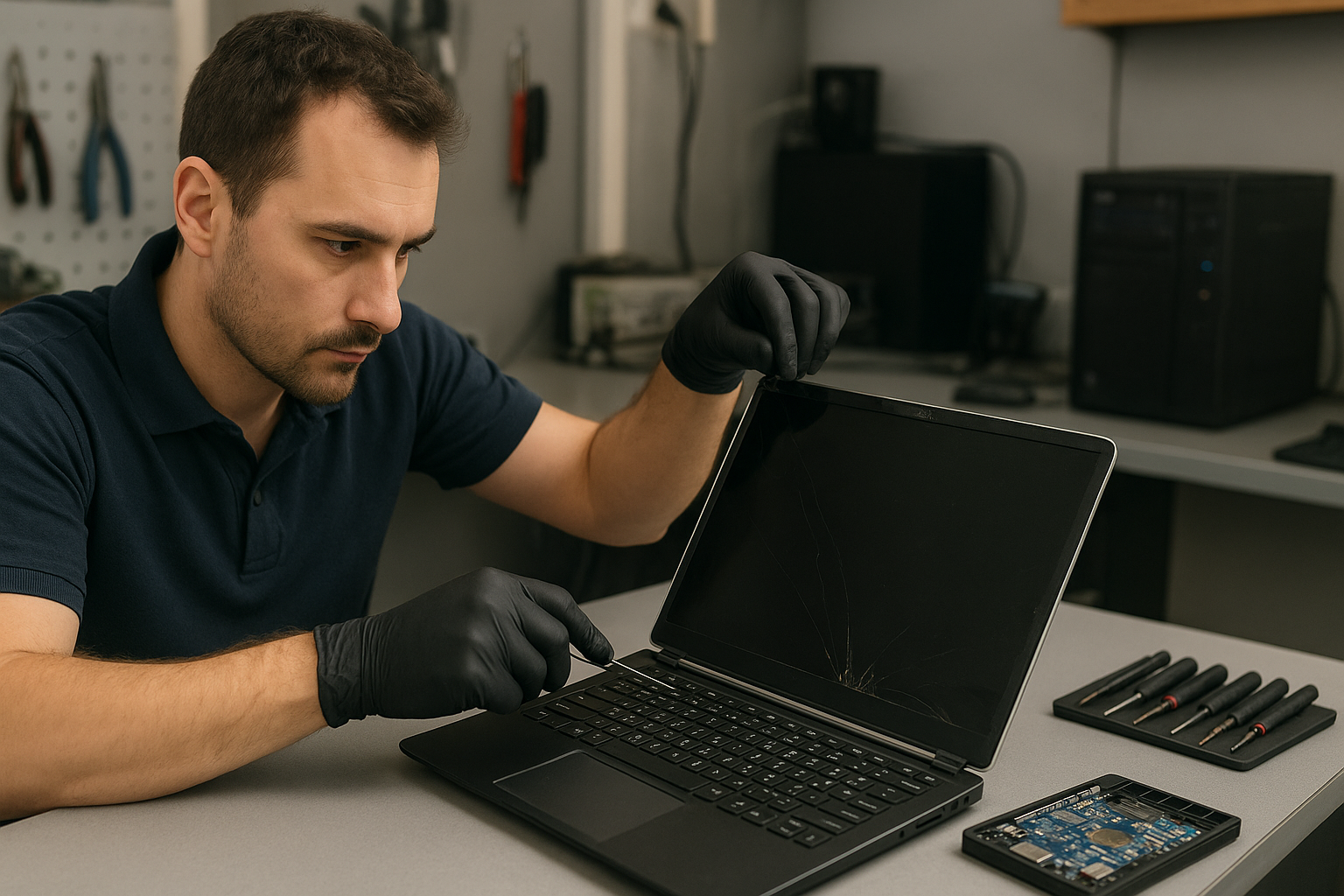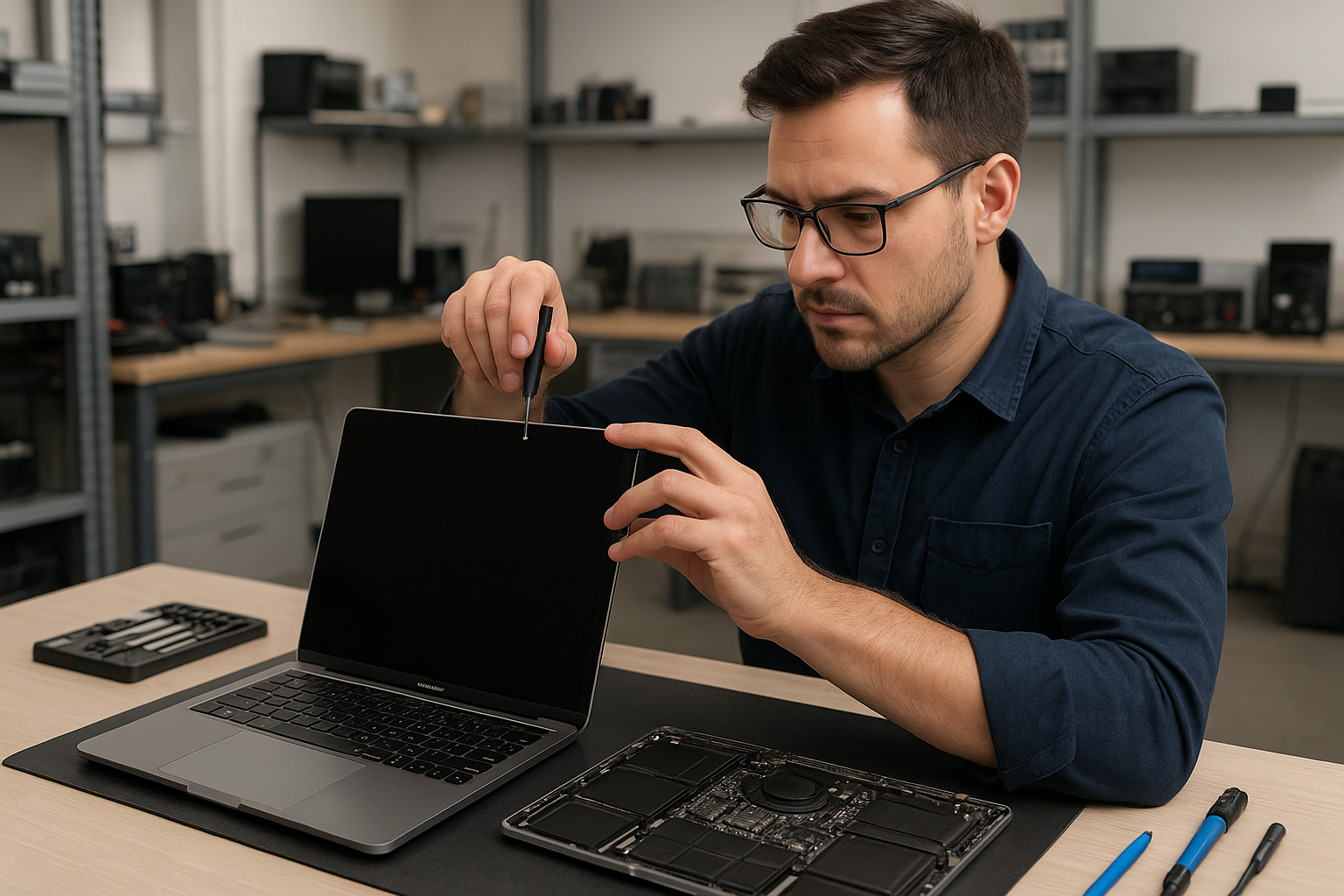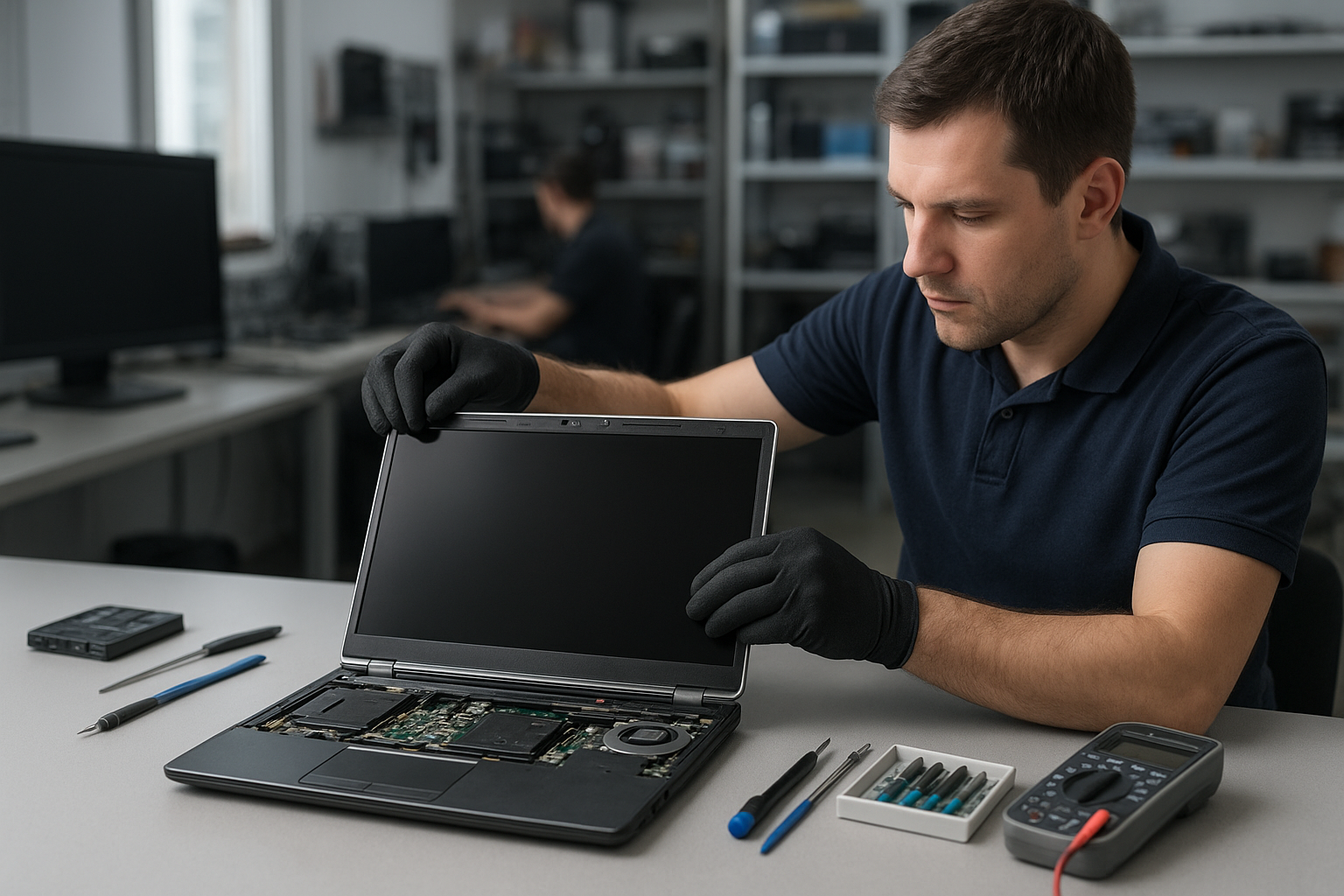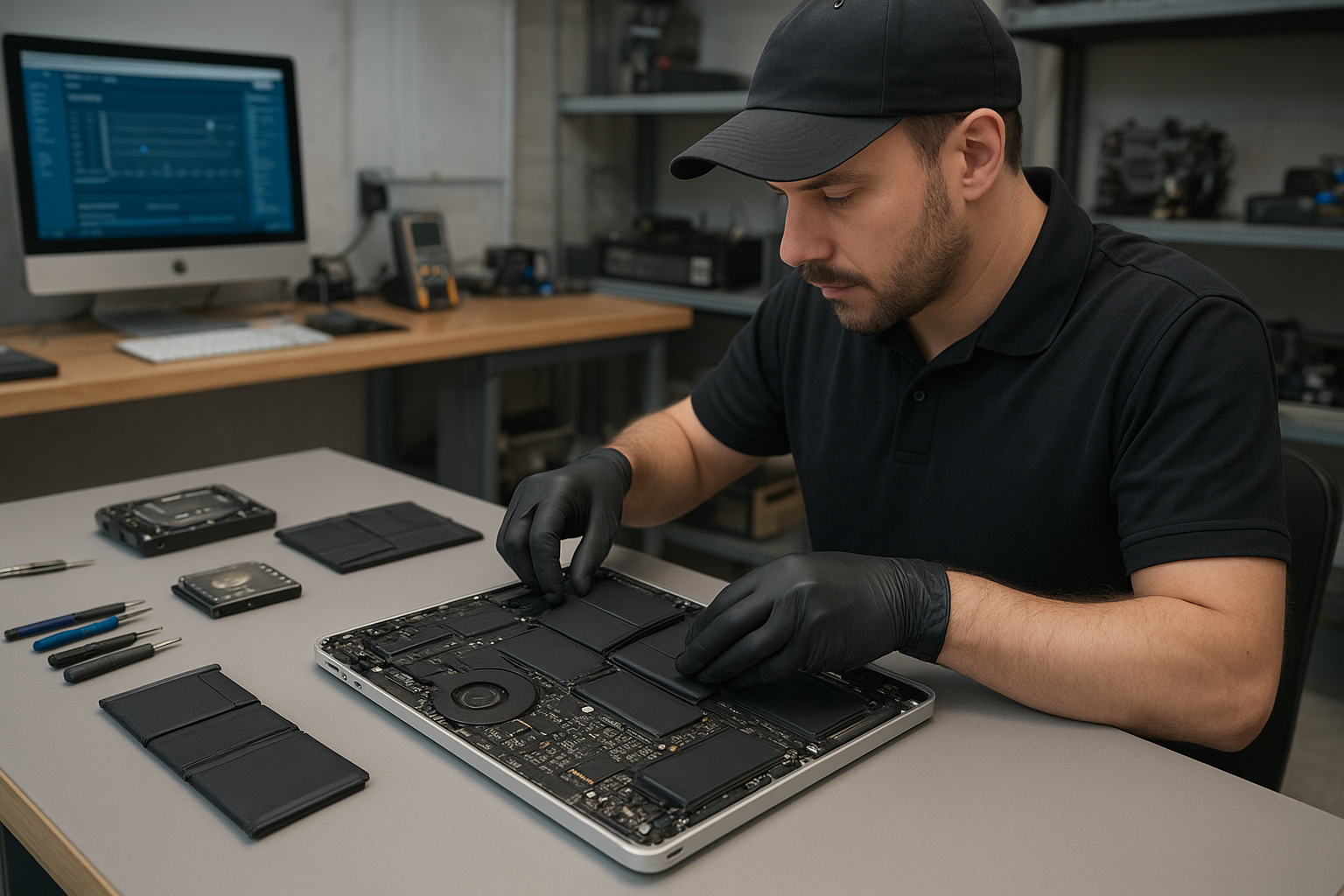
Hi, How Can We Help You?
  • 203-504 Cottonwood Ave, Coquitlam
  • service@moerepair.ca
  • +1 (778) 951-4872

Author Archives: moe

MacBook Pro battery replacement Coquitlam: Fast, local service by Moe Repair

If your MacBook Pro shows poor runtime, sudden shutdowns, or a swollen battery, a professional MacBook Pro battery replacement Coquitlam technician can help. At Moe Repair I run a targeted battery diagnosis within 15 minutes and explain options before any work begins. You can reach us at 778-951-4872 or service@moerepair.ca.

MacBook Pro battery replacement Coquitlam: Signs and Symptoms

Common signs you need a battery replacement include rapid battery drain, unexpected shutdowns at 30-40% charge, the macOS Battery Condition reporting “Replace Soon” or “Service Battery”, battery swelling lifting the trackpad, and the laptop only powering on with the charger. I also see issues where the battery reports high cycle counts or the laptop refuses to charge past a low percentage.

How we diagnose battery issues in Coquitlam

Diagnosis starts with software checks: System Information for cycle count and condition, Console logs to find sudden shutdown events, and a Safe Boot to rule out background processes. Next I test the MagSafe or USB-C charger and cable, measure charging voltage at the connector, and perform an SMC reset if appropriate. If symptoms persist I open the MacBook, visually inspect the battery for swelling, check the battery connector and flex cable, and use a multimeter to verify battery rail voltage.

Real technician repair procedures

Battery replacement procedures vary by model. For a Retina unibody MacBook Pro I remove the bottom case, disconnect the battery connector, remove adhesive strips or use gentle heat and adhesive remover, swap the battery pack, and reconnect. For 2016 and later Touch Bar models I follow anti-static precautions and work under magnification to avoid flex cable damage. After installing a new OEM-grade or OEM-equivalent battery I run a charge/discharge cycle, verify charging behavior, and confirm macOS shows normal cycle count and condition.

Typical turnaround, parts, and testing

Most MacBook Pro battery replacement Coquitlam jobs take 30 minutes to 2 hours depending on model and availability of parts. I stock batteries for common Retina models and can order others within 1-3 business days. All batteries are quality-tested before installation. After repair I stress test the MacBook with a battery and power cycle test to ensure stability. If you need data protection before service, I can discuss data recovery in Coquitlam options.

Models, compatibility, and safety

I work on MacBook Pro models including Retina 2012-2015, Touch Bar 2016-2021, and later models. Some newer MacBooks have glued-in batteries requiring patience and proper tools. I follow Apple safety protocols for swollen cells and arrange safe battery recycling. If you have a MacBook Air or iMac battery concern I also provide MacBook repair in Coquitlam and diagnostics.

Real repair example from a Coquitlam customer

A recent customer in Coquitlam brought a 2015 MacBook Pro that shut down at 20% and had a high cycle count. I checked System Information, which showed 1050 cycles and “Service Battery”. I confirmed the charger and measured the battery rail voltage; readings were fluctuating under load. After explaining options I removed the bottom case, replaced the original battery with a tested OEM-equivalent pack, reseated the connector, and recalibrated the battery. Post-repair the MacBook ran a controlled discharge test and stayed stable. The customer reported normal runtime the next day. I documented the diagnostics and left clear aftercare steps.

What to expect on arrival

Bring your MacBook and any important passwords. I recommend a quick backup, but I can perform a backup or discuss data recovery in Coquitlam if files are at risk. When you drop off for laptop repair in Coquitlam I perform an initial inspection, provide a written estimate, and begin work only after you approve the quote.

Other services we provide

Beyond battery replacement I handle screen replacement, keyboard replacement, trackpad repair, SSD upgrades, motherboard repair, liquid damage repair, thermal paste replacement, and virus removal. For customers switching between Windows and macOS I also offer operating system repair and Windows installation. If your Mac needs a tune-up or Wi-Fi troubleshooting I can help with that too.

Pricing and warranty

Pricing depends on MacBook Pro model and battery availability. I use tested batteries and provide a limited warranty on parts and labor. I will not guarantee outcomes where the motherboard or charging circuits are damaged until I perform diagnostics. If further repairs are needed, such as motherboard repair, I will explain the options clearly.

Frequently Asked Questions

How long does a MacBook Pro battery replacement take?

Most replacements take 30 to 120 minutes. If parts are not in stock it can take 1 to 3 business days. I will advise on the expected turnaround during your initial call or drop-off.

Will replacing the battery fix sudden shutdowns?

If the cause is a failing battery then yes it often resolves sudden shutdowns. However, I always check the charging circuitry and perform tests because motherboard faults can mimic battery failure.

Do you use original Apple batteries?

I use OEM-equivalent batteries that meet safety and performance specifications. When genuine Apple parts are available I will inform you of the cost. All batteries are tested prior to installation.

Can you replace a swollen battery safely?

Yes. Swollen batteries are handled with care: the device is powered down, the battery isolated, and removed using safe techniques. I arrange proper recycling for the old pack.

Do I need to back up my Mac before service?

Yes, always back up important data. I can assist with backups or discuss data recovery if you cannot back up before service.

Contact Moe Repair Today

Moe Repair offers a free consultation for MacBook Pro battery replacement Coquitlam customers. Call 778-951-4872 or email service@moerepair.ca to describe your symptoms and get a time estimate. We serve Coquitlam and nearby areas including Port Moody, Port Coquitlam, Burnaby, and New Westminster and can advise on same-day pickup or next-day parts. Bring your MacBook by for a quick diagnostic and a clear price before any work begins.

Moe Repair
Phone: 778-951-4872
Email: service@moerepair.ca
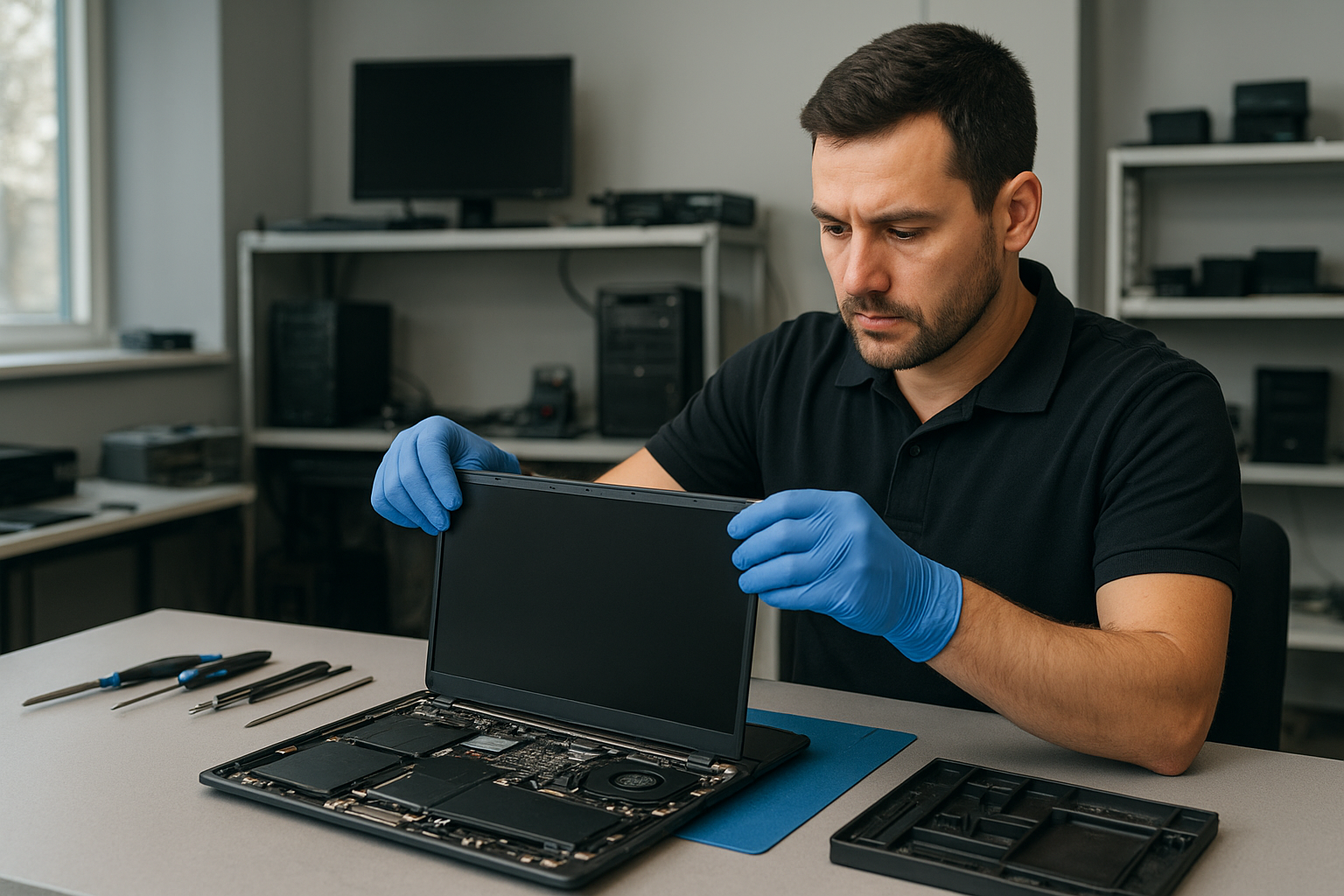
Laptop screen replacement Coquitlam: Fast, reliable laptop screen repair by Moe Repair

If you searched for Laptop screen replacement Coquitlam, you need clear, practical answers and a technician who understands how laptops fail and how to fix them. I am a senior repair technician with over 15 years of hands-on experience at Moe Repair in Coquitlam. I will explain symptoms, diagnostics, repair steps, and realistic expectations so you can decide quickly.

Why choose Moe Repair for Laptop screen replacement Coquitlam

We focus on accurate diagnosis, quality parts, and careful assembly. Unlike shops that replace panels without testing connectors or inverter circuits, our process includes a full system check. We handle everything from cheap consumer notebooks to Dell XPS, HP EliteBook, Lenovo ThinkPad, ASUS ZenBook, and Apple MacBook Pro and MacBook Air models. For general system issues you can also ask about computer repair in Coquitlam or specialized MacBook repair in Coquitlam when panels and logic boards have interacting faults.

Common symptoms that need a screen replacement

Watch for these realistic symptoms that indicate a panel problem or connector failure:

  • Cracked glass or visible shatter from drops or pressure.
  • Vertical or horizontal lines across the display.
  • Black spots, large dead zones, or partial image loss.
  • Flickering at certain angles or when opening and closing the lid.
  • No backlight while external monitor still works.

Some symptoms mimic GPU or cable issues, so we run targeted tests before replacing the screen. For other issues like battery problems or slow performance, we provide laptop repair in Coquitlam services including battery replacement and SSD upgrades.

How we diagnose a broken laptop screen

Diagnosis starts with a quick visual inspection and continues with step tests:

  • Connect an external monitor to separate panel vs. GPU faults.
  • Swap the LCD cable connector and test the hinge flex to replicate flicker.
  • Check backlight inverter (older CCFL) or LED driver voltages with a multimeter.
  • Inspect the cable for pin damage, corrosion, or prior poor repairs.
  • Run a POST and OS-level test to rule out driver problems.

We document the fault and show you photos before any part is ordered. If a motherboard fault appears likely, we compare repair vs replacement costs and discuss options including data recovery or motherboard repair.

What the replacement process involves

A proper replacement follows these steps:

  • Power down and remove battery where possible.
  • Remove bezel and inspect for hidden damage.
  • Disconnect the LCD cable and remove the broken panel.
  • Test the new panel on the bench with the same connector to confirm function.
  • Install the new panel, reassemble, and run screen calibration and stress tests.

We use OEM or high-quality equivalent panels depending on availability and customer preference. After replacement we test Wi-Fi, trackpad, keyboard, and run a short burn-in to catch intermittent faults. We can also combine this with services like thermal paste replacement, fan replacement, or an SSD upgrade if the laptop shows other service needs.

Real repair example from Coquitlam

A recent customer from Coquitlam brought in a 2018 Lenovo IdeaPad with a cracked screen after their child dropped it. The laptop would power on, but the display showed vertical green lines and a large black blotch. I first connected an external monitor which displayed a normal desktop. That confirmed the GPU and OS were fine and pointed to the internal panel or cable. After removing the bezel I found hairline cracks in the panel and a slightly pinched cable at the hinge. I ordered a direct-fit replacement panel, tested it on the bench, and completed the swap. Final tests included hinge flex cycling and a 24-hour burn-in. The outcome: the customer left with a fully repaired screen and I recommended an inexpensive protective sleeve to reduce repeat damage.

Costs, parts, and warranty

Price depends on screen size, resolution, and whether you want OEM or aftermarket parts. High-resolution IPS panels and touch assemblies cost more. We provide a clear quote before work begins. Most replacements include a limited parts and labor warranty; we will explain warranty duration when you bring the laptop in. If you have critical data concerns we can combine replacement with data recovery in Coquitlam evaluations before any invasive repairs.

Preventive tips and what to expect after a replacement

After a new screen is installed, avoid closing the lid with objects on the keyboard, use a padded case for transport, and consider a screen protector. If you see flicker after repair, contact us right away — sometimes a loose cable or hinge stress causes intermittent faults. For additional maintenance, we offer computer tune-up, virus removal, and operating system repair to keep the machine running smoothly.

FAQs about Laptop screen replacement Coquitlam

Below are common customer questions. If you have more, please contact Moe Repair.

How long does a typical screen replacement take?

Most straightforward replacements are same-day or next-day depending on part availability. We keep many common panels in stock in Coquitlam and can often finish repairs within a few hours.

Will I lose my data during a screen replacement?

Replacing the screen itself does not erase data. However, if we must perform motherboard repair or storage work, we follow precautions to protect your files and offer data recovery options if needed.

Do you use OEM parts?

We offer OEM when available and verified high-quality equivalents when OEM is obsolete or not cost effective. We explain the difference and warranty for each option before work starts.

Can a cracked screen damage the motherboard?

Rarely. Impact strong enough to crack the panel can also stress the hinge or connectors. Our diagnostics include a motherboard check so we catch collateral damage early.

Contact Moe Repair Today

Moe Repair can assess your laptop and provide a free consultation. Call 778-951-4872 or email service@moerepair.ca to describe the symptoms and get a time estimate. We serve Coquitlam and nearby areas including Port Moody, Port Coquitlam, Burnaby, and Vancouver. Our free consultation explains repair options, part choices, and expected turnaround before any work begins. If you prefer, book an appointment online or bring your laptop in and we will start with a clear diagnosis and written quote.

For related issues we handle motherboard repair, keyboard replacement, trackpad repair, liquid damage repair, battery replacement, SSD upgrades, and operating system repair. If you need faster help while deciding, call 778-951-4872 to speak directly with a technician.

More help and related services

We also provide virus removal, Windows installation, printer setup, and Wi-Fi troubleshooting. If your laptop shows blue screens or won’t boot after a screen failure, ask about our laptop repair in Coquitlam service for a combined diagnostic and repair plan.

Location and how to reach us

Moe Repair is local to Coquitlam. For a quick answer or to schedule, call 778-951-4872 or email service@moerepair.ca. You can also contact Moe Repair through our website for an appointment.

Laptop screen replacement Coquitlam: Fast, Local Laptop Screen Repair

If your laptop shows lines, black areas, or a cracked glass, our team at Moe Repair handles Laptop screen replacement Coquitlam every day. I am a senior technician with more than 15 years of hands-on experience, and I write this guide to help you understand symptoms, diagnostics, repair steps, and realistic expectations for screen repairs in Coquitlam and nearby areas.

Common symptoms that need a screen replacement

Look for these signs before booking a repair: visible cracks in the glass, vertical or horizontal lines, black or dead pixels, large dark blotches caused by pressure, a totally blank screen with power LEDs on, or flicker and backlight failures. Touchscreen issues also fall under screen repair when the glass digitizer fails. These symptoms often overlap with GPU or cable faults, so proper diagnosis matters.

Why choose Moe Repair for Laptop screen replacement Coquitlam

We repair everything from Dell XPS, Inspiron, and Alienware to HP Pavilion and Omen, Lenovo ThinkPad and IdeaPad, ASUS ZenBook and ROG, Acer Predator, Microsoft Surface models, and MacBook Air and MacBook Pro retina displays. We use sourced panels matched to the original spec when available, and explain options including OEM-equivalent or cost-effective compatible panels. For MacBook owners we also provide MacBook repair in Coquitlam expertise.

Typical diagnostic process

Diagnostics start with a visual inspection and sequence checks. I test the external display via HDMI to rule out motherboard GPU failure. Next I open the laptop to check the LVDS/eDP cable and inverter on older models. I use a known-good panel to verify whether the issue is the cable, the backlight, or the panel itself. For touchscreen faults I confirm digitizer response before replacing the glass. This step-wise approach avoids unnecessary part swaps and helps keep costs down.

Realistic repair procedures and parts

Once we confirm the panel is the issue, repairs typically include:

  • Ordering a matched LCD/LED panel or digitizer.
  • Replacing the screen assembly and any damaged hinges or bezel clips.
  • Cleaning connectors, reseating the display cable, and testing backlight and touch functions.
  • Calibrating display settings and running a stress test to check for flicker under load.

We also handle related services like laptop repair in Coquitlam such as battery replacement, trackpad repair, keyboard replacement, fan replacement, thermal paste refresh, SSD upgrades, and operating system repair so you get a full fix in one visit.

Real repair example from a Coquitlam customer

A recent customer from Port Moody brought a Lenovo IdeaPad with a shattered screen after a fall. On arrival I photographed the damage, connected an external monitor to confirm the GPU and motherboard were fine, and inspected the hinge assembly. The LVDS cable showed no burn or damage, so I sourced a compatible IPS panel and replaced the display assembly. After reassembly I ran a 4-hour looped video and a touchscreen calibration. The customer left with a fully working display the same day. I explained that while the screen repair was successful, the hinge had accelerated wear and recommended replacing the hinge clips within the next year to avoid repeat damage.

Pricing, parts availability, and turnaround time

Costs vary by model and panel type. Standard panels for Windows laptops are usually quicker and less expensive. Retina displays and Surface assemblies often require longer lead times and higher part costs. We offer transparent estimates after diagnostics. Where possible we provide same-day or next-day service for in-stock parts. For complex motherboard or display-interface issues, repairs may take longer. Ask about express options when you contact Moe Repair.

When a screen may not be the only problem

If your laptop has liquid damage, intermittent power, or blue screen errors alongside screen issues, I start with data protection and check for corrosion on the motherboard. We provide data recovery in Coquitlam if necessary before repair. For suspected motherboard faults we test power rails and display circuits before ordering parts to avoid replacing a screen that will still not display.

Preventive advice to avoid future screen damage

Use a padded sleeve or protective case, avoid stacking heavy objects on top of a laptop, and keep hinges clean to reduce stress on the display cable. If you travel frequently, consider a hard-case backpack. Regular laptop tune-ups and thermal checks also reduce risk from overheating that can sometimes cause display anomalies.

Frequently asked questions

The section below answers common customer concerns about Laptop screen replacement Coquitlam.

Moe Repair
Phone: 778-951-4872
Email: service@moerepair.ca
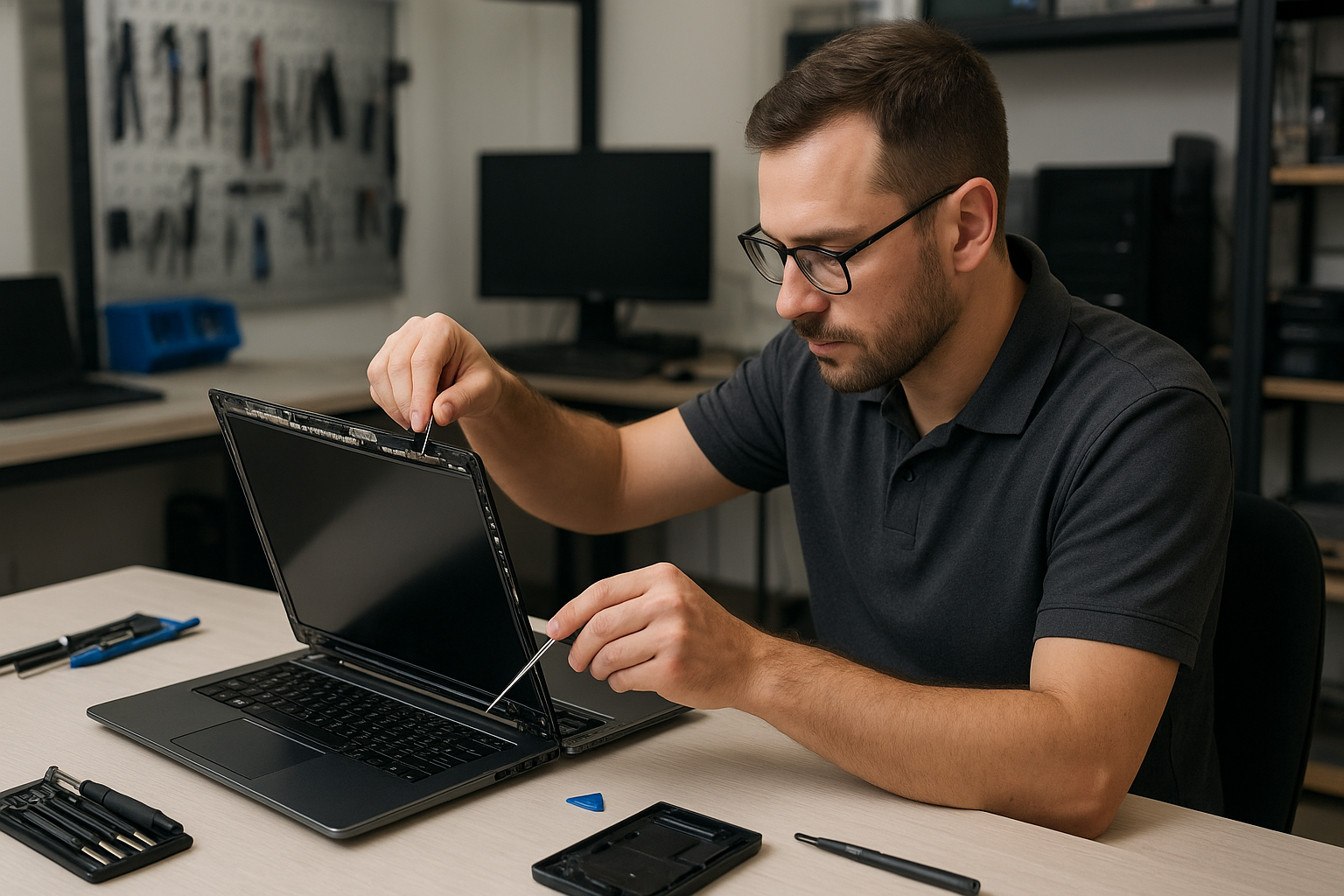
Contact Moe Repair Today

Moe Repair offers a free consultation to assess your laptop display and recommend the most cost-effective fix. Call 778-951-4872 or email service@moerepair.ca to schedule diagnostics. We serve Coquitlam and nearby Burnaby, Port Moody, New Westminster, and Port Coquitlam with local pickup where available. Bring your device to our shop or request a carry-in estimate and we’ll outline parts, timing, and warranty details so you can decide with confidence.

More services you might need

Alongside screen replacement we perform motherboard repair, liquid damage repair, virus removal, Windows installation, SSD upgrades, Wi-Fi troubleshooting, printer and email setup, and blue screen repair. If your device needs multiple services we bundle repairs to save time and money.

Local support and warranty

All replacements come with a parts and labour warranty specific to the component. We keep records of the panel part number and serial where possible so you know what replaced panel is in your laptop. Local customers in Coquitlam, Burnaby, Port Moody and New Westminster appreciate the quick follow-up and in-person support we provide.

Frequently asked questions about Laptop screen replacement Coquitlam

See the FAQ below for quick answers, or contact us directly for a detailed inspection.

Laptop screen replacement Coquitlam

If your laptop shows cracks, vertical lines, a black bar, or a dim display, Laptop screen replacement Coquitlam is a service we perform daily at Moe Repair. I am a senior technician with more than 15 years of hands-on experience repairing screens on Dell XPS, HP Pavilion, Lenovo ThinkPad, MacBook Air and MacBook Pro, ASUS ROG, and other models. We troubleshoot, source parts, and complete the repair with care.

Why choose Moe Repair in Coquitlam for your screen replacement?

We focus on accurate diagnostics before quoting a repair. That saves you money. Our bench tests include external display checks, backlight current measurements, and cable continuity tests. We also handle related services such as laptop repair in Coquitlam, computer repair in Coquitlam, and MacBook repair in Coquitlam when the issue is not just the panel.

Common symptoms that indicate you need Laptop screen replacement Coquitlam

  • Visible crack or shattered glass
  • Vertical or horizontal lines across the display
  • Flickering or intermittent image
  • Dim image despite brightness at maximum (backlight fault)
  • Colour banding or distorted colours
  • No image but power LED shows the laptop is on

Diagnostic steps we run for laptop screen replacement Coquitlam

Our process is systematic. First, we connect the laptop to an external monitor. If the external image is clean, the GPU and motherboard likely work fine. Next, we open the screen bezel and inspect the LVDS or eDP cable for kinks, corrosion, or a dislodged connector. For older models we test the inverter or the LED driver. We measure backlight voltage and check for short circuits on the display connector. Only after isolating the failed component do we recommend a screen replacement.

Repair process: parts, tools, and real procedures

Replacing a laptop screen requires careful disassembly and the right parts. We use ESD-safe tools, calibrated screwdrivers, and testers. Typical steps include:

  • Backup and secure customer data when access to storage is required.
  • Power down, remove battery where possible, and disconnect power sources.
  • Remove bezel and screws; document screw locations.
  • Inspect and test the display cable and hinges; replace cable if damaged.
  • Install the correct replacement panel – OEM or high-quality aftermarket.
  • Test the panel under load, confirm backlight, brightness, and color calibration.
  • Reassemble and perform final QA, including hinge torque checks and cosmetic inspection.

Parts sourcing and model compatibility

We stock common sizes and resolutions for Dell, HP, Lenovo, ASUS, Acer, and Apple. For MacBook displays we follow Apple guidelines and test the display driver board where appropriate. We will explain OEM vs aftermarket trade-offs so you make an informed choice.

A real repair example from Coquitlam

A recent customer from Coquitlam brought a 15-inch Lenovo IdeaPad with a hairline crack and intermittent vertical lines. Symptom: the display flickered and produced green bands after opening the lid. Diagnostics: I connected an external monitor and saw a stable image, which indicated the GPU was fine. I removed the bezel and found the eDP cable partially pinched near the hinge. I swapped in a known-good cable and performed a bench test; the image stabilized but a small area of the panel still had dead pixels. Outcome: I recommended replacing the panel assembly. The customer approved an aftermarket 1080p panel. I installed it, rechecked for backlight uniformity and hinge alignment, then returned the laptop the same day. The display worked and the customer left satisfied. This example shows why a stepwise diagnostic approach matters for Laptop screen replacement Coquitlam.

Pricing, warranties, and repair options

Prices vary by model and panel type. We provide clear quotes after inspection. Warranties depend on the part supplier; we offer a limited workmanship warranty on every screen replacement. If motherboard damage or liquid damage is present, additional services like data recovery in Coquitlam or motherboard repair may be necessary. We also provide related upgrades such as SSD upgrades and battery replacement when helpful.

Preventive tips to avoid future screen damage

  • Use a padded laptop bag and avoid heavy objects on top of the lid.
  • Open the laptop from the center of the lid to reduce hinge stress.
  • Keep liquids away to reduce the risk of liquid damage repair later on.
  • If your laptop is a gaming model like Alienware or ASUS ROG, avoid placing intense heat sources near vents to prevent warp and cable strain.

Contact Moe Repair Today

Moe Repair offers a free consultation for Laptop screen replacement Coquitlam. Call us at 778-951-4872 or email service@moerepair.ca to describe the symptoms and book a drop-off or same-day bench diagnostic. We serve Coquitlam and nearby areas including Port Moody, Port Coquitlam, Burnaby, and New Westminster. Expect transparent pricing, clear explanations of OEM versus aftermarket parts, and honest recommendations. If you prefer, use our online contact form to schedule an appointment or bring your laptop to our shop for a physical inspection. We also handle battery replacement, trackpad repair, thermal paste replacement, virus removal, Windows installation, and more.

Frequently Asked Questions

The FAQ below answers common customer concerns about Laptop screen replacement Coquitlam.

Contact & location

Moe Repair
Phone: 778-951-4872
Email: service@moerepair.ca
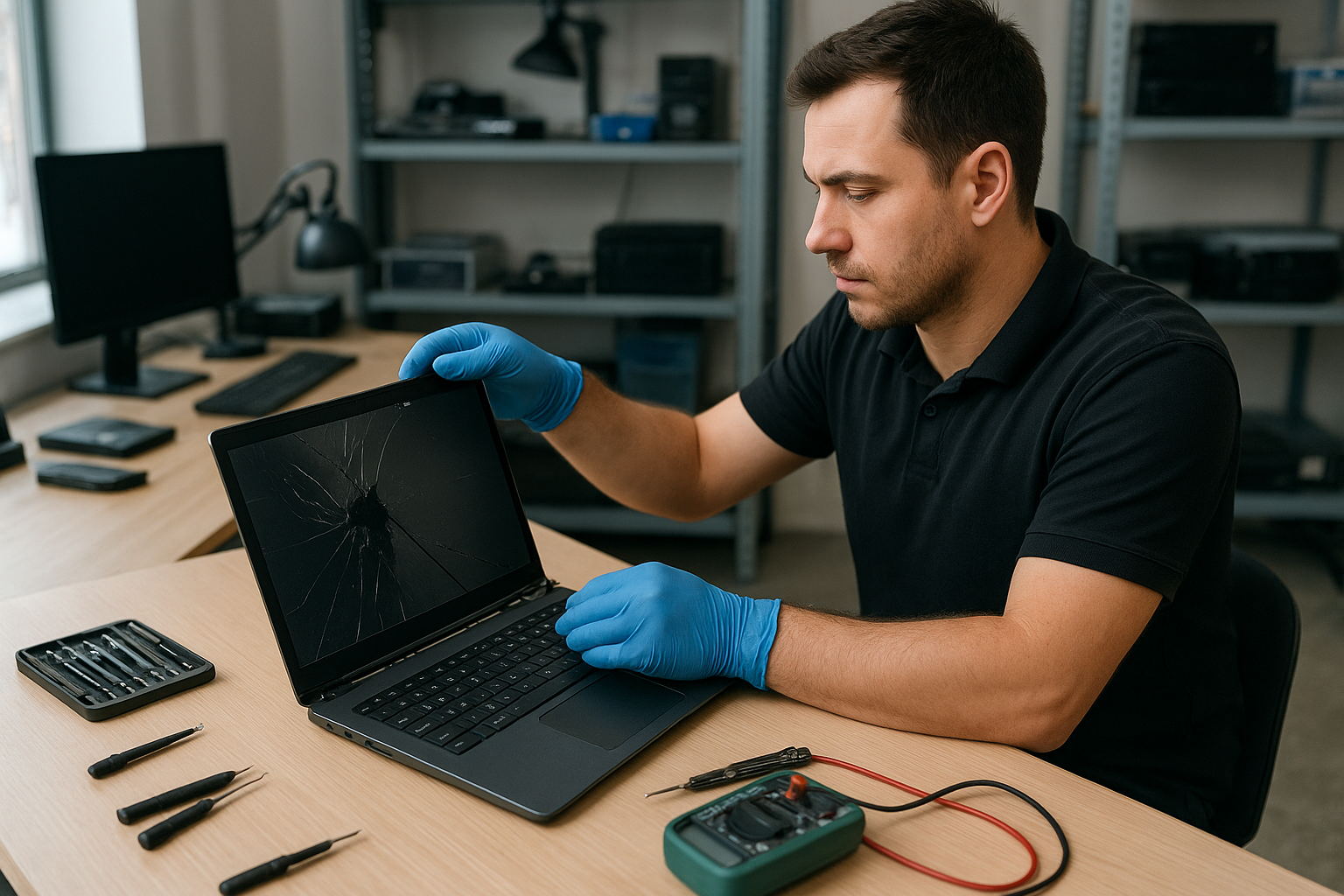
Related services

If your device needs more than a screen, we offer motherboard repair, liquid damage repair, keyboard replacement, fan replacement, and computer tune-up. For Apple devices see our MacBook repair in Coquitlam page.

Laptop screen replacement Coquitlam: Fast, local screen repair

If you are searching for Laptop screen replacement Coquitlam, you want a technician who diagnoses accurately and uses quality parts. I have over 15 years repairing laptops across Coquitlam and nearby cities. I will explain common symptoms, how I diagnose problems, real repair steps, and what to expect from a repair at Moe Repair.

Common symptoms that mean you need a screen replacement

Most customers describe visible problems before they come into the shop. Typical symptoms include:

  • Cracks or spiderweb damage on the glass
  • Vertical or horizontal lines across the display
  • Black spots or sections of the screen that do not light up
  • Flickering, dimming, or backlight failure
  • Touchscreen unresponsive or erratic behaviour on Surface and touchscreen laptops

Some issues that look like screen problems are actually GPU or motherboard related. If you also see artifacts on an external monitor, the issue could be the graphics chip rather than the panel.

How we diagnose a laptop screen problem

At Moe Repair I follow a clear diagnostic path. First I check the physical condition of the lid, hinges, and bezel. Then I connect the laptop to an external monitor to separate panel issues from GPU or cable faults. Next I open the laptop to inspect the LVDS/eDP cable and inverter (on older models), look for liquid residue, and test the backlight circuit under load.

Diagnostic tests typically include booting to BIOS, running stress on the display, and swapping in a known-good cable or panel when available. If the laptop shows the same issue on an external display, I investigate motherboard and GPU components. For Macs I check the display assembly connectors and SMC/PRAM settings where relevant. You can learn more about related services like laptop repair in Coquitlam and computer repair in Coquitlam on our service pages.

Common repair procedures and what I do

Repair steps depend on the diagnosis. Typical procedures include:

  • Replacing the LCD/LED panel and reassembling the bezel
  • Replacing the inverter or LED driver on older screens
  • Replacing or reseating the display cable and testing hinges for damage
  • Replacing the entire screen assembly on MacBook Air and MacBook Pro models
  • Repairing motherboard display circuits if the panel and cable test good

We stock common panels for Dell Inspiron, XPS, HP Pavilion and Envy, Lenovo ThinkPad and IdeaPad, ASUS ZenBook and ROG, Acer Aspire and Nitro, and Apple MacBook Air and MacBook Pro parts. For Surface devices we test digitizers and connectors before recommending a full assembly replacement.

Why choose Moe Repair for Laptop screen replacement Coquitlam

As a senior technician I do more than replace parts. I check for secondary damage like bent lids, damaged hinges, or liquid intrusion. I document the condition with photos and explain options before any work starts. We use tested replacement panels and offer honest timelines. For MacBook repairs you can also view our MacBook repair in Coquitlam details.

Real repair example from a local customer

A recent customer from Port Moody brought a 2017 Lenovo Yoga with a cracked corner and vertical green lines. I started by connecting an external monitor; the output was clean so the GPU was OK. Opening the laptop revealed a torn eDP cable and a cracked internal panel. I sourced a correct replacement panel and a reinforced cable, replaced the display assembly, tested the hinge alignment and backlight, and ran a 2-hour stress test. The screen returned to full brightness and touch response. The customer left satisfied and I recommended a protective sleeve to reduce future damage.

Pricing, parts source, and turnaround time

Costs vary by model and whether we replace just the LCD, the digitizer, or the entire assembly. Typical same-day repairs for common Windows laptops can be completed in 2-4 hours if the part is in stock. MacBook assemblies often take 1-2 business days. We use OEM or high-grade compatible panels and provide a parts warranty. If data is a concern, we also offer data recovery in Coquitlam and SSD upgrades while your laptop is in for repair.

How to protect your laptop screen after repair

Simple habits extend screen life: use a padded sleeve for transport, avoid dropping the lid against hard surfaces, clean with a microfiber cloth and isopropyl-based cleaner, and fix loose hinges promptly. If you experience battery swelling, stop using the laptop and bring it in; swelling can press on the screen and cause damage. We also provide battery replacement and thermal paste replacement when needed.

Frequently asked questions

Below are common questions I hear from Coquitlam customers. If your question is not listed, please contact Moe Repair.

How long does a typical screen replacement take?

Most standard laptop screen replacements at Moe Repair take 2 to 4 hours when the correct part is in stock. MacBook assemblies may take longer due to availability.

Can a cracked screen be repaired or does it always need full replacement?

Cracked glass usually requires a full panel or assembly replacement because many modern displays are fused. I inspect the digitizer and internal glass to recommend the right option.

Do you offer warranties on screen replacements?

Yes, we offer a parts and labour warranty on screen replacements. Warranty length depends on the part source. We provide details before starting any work.

Will replacing the screen fix touch issues?

If the touchscreen digitizer is damaged, replacing the panel or digitizer assembly typically restores touch. I test touch functionality before and after the repair.

What if the laptop has liquid damage and a broken screen?

Liquid damage complicates repairs. I clean corrosion, test connectors, and repair or replace damaged components. If data is critical, we can also perform data recovery in Coquitlam.

Contact Moe Repair Today

Moe Repair offers a free consultation for Laptop screen replacement Coquitlam and nearby areas like Burnaby, Port Moody, Port Coquitlam, and New Westminster. Call Moe Repair at 778-951-4872 or email service@moerepair.ca to describe the symptoms and get a time estimate. We provide honest diagnostics, cost estimates, and payment options. If you prefer, bring your laptop to our Coquitlam shop or request a drop-off appointment. Free consultation available and we can advise whether a screen replacement, cable repair, or motherboard service is the best next step.

Contact details: Moe Repair, Phone: 778-951-4872, Email: service@moerepair.ca.

Laptop screen replacement Coquitlam

Laptop screen replacement Coquitlam is a common request at Moe Repair. If your display has cracks, vertical lines, a black panel, or the touch layer has stopped responding, you should get a professional diagnostic before ordering parts. I’m a senior technician with over 15 years repairing screens on MacBook Air, MacBook Pro, Dell XPS, HP Envy, Lenovo ThinkPad, and Microsoft Surface models.

Signs you need Laptop screen replacement Coquitlam

Common symptoms include visible cracks, a backlight that flickers, dead pixels, color banding, vertical or horizontal lines, a completely black screen with audio still playing, and a touchscreen that no longer registers taps. Liquid residue under the glass or a lifting bezel are also red flags. If you see these, bring the laptop to Moe Repair for testing; many issues can look like screen faults but come from the cable or motherboard.

How we diagnose screen problems

Diagnosis starts with a visual inspection and repeatable symptom test. I test the unit with an external monitor to determine whether the GPU or the screen is at fault. Next steps include checking the display cable connection at the hinge, inspecting for corrosion from liquid damage, and running a backlight test. I use a multimeter to check power rails and, when necessary, a replacement flicker-free panel to confirm the fault before ordering parts.

Tools and quick tests

  • External monitor test to isolate GPU issues.
  • Reseat display connector to check for intermittent contact.
  • Backlight and inverter testing on older models.
  • Multimeter checks on LVDS/eDP power rails.

Common repair procedures and parts

Typical repairs include replacing the LCD/LED panel assembly, swapping the digitizer on touchscreen models, or replacing just the outer glass for some MacBook and Dell models. On older laptops with CCFL backlights we may need an inverter. For many repairs we offer OEM panels or high-quality aftermarket assemblies depending on budget. We also provide related services like laptop repair in Coquitlam, battery replacement, SSD upgrades, and motherboard repair if the problem extends beyond the screen.

Real repair example from a Coquitlam customer

A recent customer from Coquitlam brought in a 15-inch Dell Inspiron with a shattered glass and intermittent vertical green lines. I photographed the damage, powered on the laptop, and connected an external monitor. The external display was normal which indicated a panel or cable issue rather than the GPU. I removed the bezel, reseated the eDP cable, and tested again; the lines persisted. I ordered an OEM replacement panel, installed it, and tested brightness levels and color calibration. The repair restored full display function and the customer left satisfied. I documented the steps and provided care tips to avoid pressure on the lid.

What to expect during repair and pricing

When you bring a laptop to Moe Repair we provide a written estimate after diagnosis. Typical turnaround is same-day to two business days if the part is in stock. Repair times vary by model: many 13-inch and 15-inch laptops are quick, while MacBook Pro Retina and Surface assemblies take longer due to adhesive and calibration. We do not mark up OEM part model numbers and we explain aftermarket options. If additional services are needed, like data recovery or motherboard repair, we will discuss them with you before starting work. For general computer needs see our computer repair in Coquitlam page.

Preventing future screen damage

Practical advice: use a padded sleeve, avoid placing heavy objects on top of the laptop, close the lid gently, and keep liquids away from the keyboard. For touchscreen laptops, use a tempered glass protector. If you travel frequently, consider a hard-shell case. If you suspect liquid exposure, power off immediately and bring the laptop in for liquid damage repair and cleaning to prevent corrosion to the display connector or motherboard.

Frequently Asked Questions

How long does a laptop screen replacement take?

After diagnosis, most screen replacements at Moe Repair take from one to three business days depending on part availability and model complexity.

Can you replace a cracked MacBook screen?

Yes. We perform MacBook screen replacement and careful adhesive removal for Retina models. See our MacBook repair in Coquitlam information for specifics.

Will replacing the screen fix vertical lines?

Vertical lines are often caused by a damaged panel or a failing display cable. We always test with an external monitor first to confirm. If lines remain on the external monitor the issue may be the GPU or motherboard.

Do I need to backup data before repair?

You should. We recommend backing up important files. If you need help we provide data recovery in Coquitlam and backup services prior to major repairs.

Do you use OEM parts?

We offer OEM panels where available and high-quality aftermarket options. We explain the difference and warranty coverage during the estimate.

Contact Moe Repair Today

Moe Repair has been fixing laptop screens across Coquitlam, Port Moody, Port Coquitlam, and Burnaby for over 15 years. Call 778-951-4872 or email service@moerepair.ca for a free consultation to assess your broken screen and discuss OEM versus aftermarket options. Walk-ins are welcome and we can often combine screen replacement with a battery replacement, SSD upgrade, or motherboard inspection while you wait. For appointments use our contact Moe Repair page. We provide honest diagnostics and clear pricing for every repair.

We serve local customers throughout Coquitlam and nearby cities including Burnaby and New Westminster. For other laptop concerns such as Wi-Fi troubleshooting, blue screen repair, virus removal, or keyboard replacement, bring the device to our shop or ask about mobile pickup options.

Moe Repair
Phone: 778-951-4872
Email: service@moerepair.ca
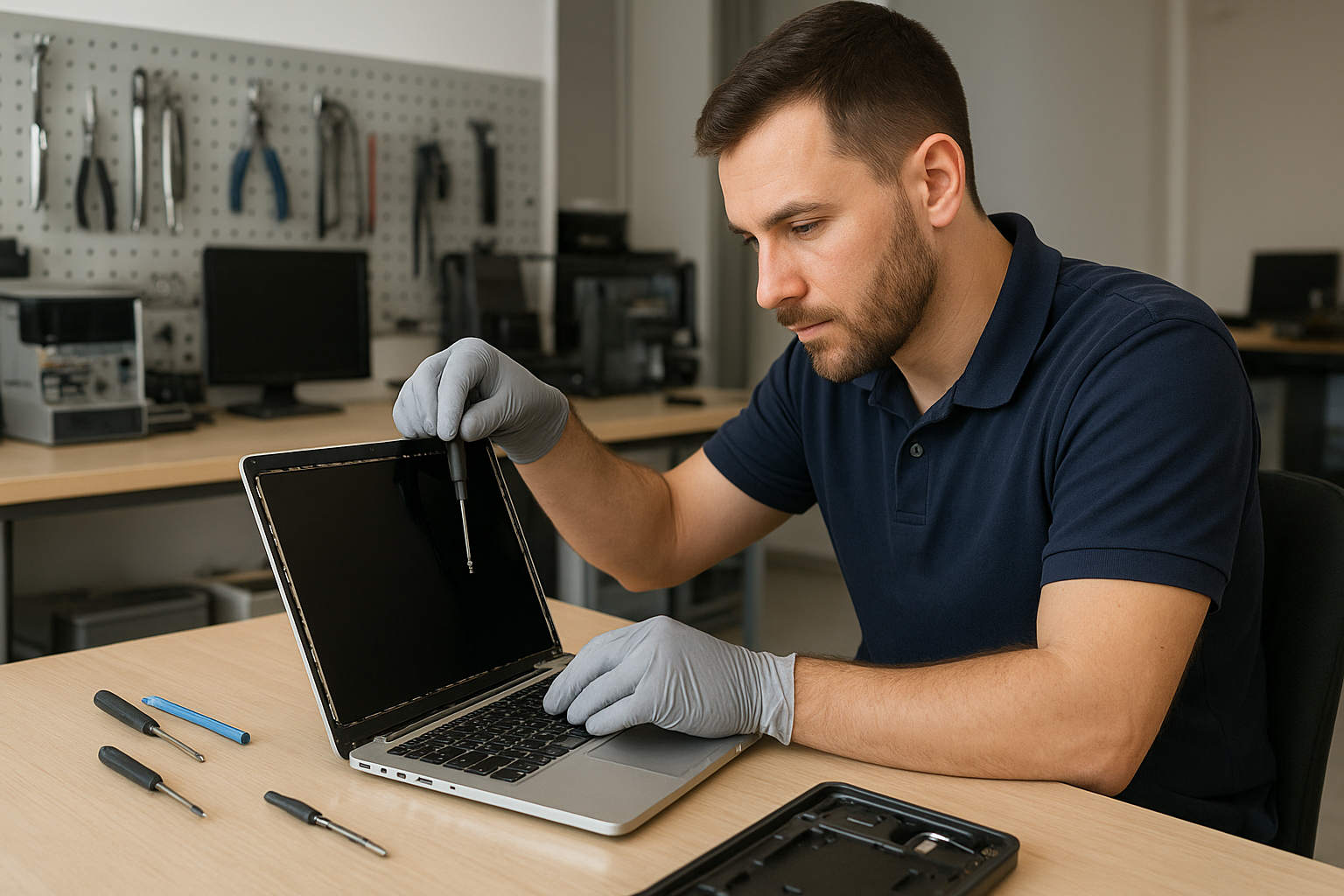
Laptop screen replacement Coquitlam: fast, expert repairs by Moe Repair

Laptop screen replacement Coquitlam customers trust must be built on real diagnostics and skilled repair. If your display is cracked, has vertical lines, or shows no image at all, bring it to Moe Repair for a methodical inspection and honest advice. I will explain symptoms, test the hardware, and recommend the best repair or replacement option.

Why choose Moe Repair for Laptop screen replacement Coquitlam

With over 15 years repairing laptops across Coquitlam and nearby cities, I focus on accurate diagnostics rather than guesswork. We keep parts for popular models like Dell XPS, Inspiron, Lenovo ThinkPad, HP Pavilion, MacBook Air and Pro, and Microsoft Surface. Read more about our general services in computer repair in Coquitlam to see how screen work fits into broader system health.

Common screen symptoms we diagnose

Symptoms that indicate a screen issue include cracked glass, dead pixels, backlight failure (very dim screen), vertical or horizontal lines, flicker, and intermittent blackout under lid movement. Touchscreen issues show as ghost touches or dead zones. If you see black bars, color shifts, or the laptop boots but shows no image, these are key clues. We often pair screen complaints with battery replacement, SSD upgrades, or motherboard repair if the damage affected other components.

Our diagnostic process and realistic procedures

First I verify whether the problem is the panel, the cable, or the GPU. I test with an external monitor to rule out GPU failure. Then I open the bezel to inspect the LCD/eDP or LVDS cable for pin damage and check the connector seating. For older laptops with CCFL backlights I test the inverter; for modern LED panels I measure power rails and backlight supply. I also check for liquid damage or corrosion that could affect the display connector or the motherboard.

Typical repair steps: from parts to calibration

When the panel is at fault I source a compatible replacement panel or full display assembly. Steps include:

  • Documenting the device and part numbers.
  • Backing up important files or recommending data recovery in Coquitlam if storage looks damaged.
  • Removing bezel and disconnecting battery where applicable.
  • Replacing the LCD or display assembly, reseating the cable, and securing the hinge and frame.
  • Running burn-in tests, color calibration and brightness checks.

We also handle touchscreen replacement and glass-only replacement when possible. For Apple devices we follow Apple-compatible procedures and can help with MacBook repair in Coquitlam requests, using genuine or high-quality aftermarket options depending on cost and availability.

Real repair example from Port Moody

A recent customer from Port Moody brought in a Lenovo IdeaPad with a cracked screen and intermittent vertical lines after a drop. I first connected an external monitor and confirmed the GPU was fine. Opening the bezel revealed a torn eDP cable and a cracked IPS panel. I explained options: replace cable only and test, or replace the full assembly for long-term reliability. The customer chose a full display replacement. After installing the new panel and testing hinge tension, the screen showed correct colors and no lines under load. I also ran a quick system tune-up and advised on an SSD upgrade to speed boot times.

Parts, warranty, and compatibility with brands

We source panels for Dell Latitude and XPS, Alienware, HP Envy and Omen, Lenovo ThinkPad and Legion, ASUS ZenBook and ROG, Acer Nitro and Predator, and Apple MacBook Air and Pro models. Where possible we use OEM or high-grade replacements and provide a limited warranty on the part and labor. If a motherboard or GPU fault shows up during diagnostics, we will discuss options like motherboard repair or component-level rework instead of unnecessary panel replacement.

Other services that help after a screen repair

Screen damage sometimes accompanies keyboard replacement, trackpad repair, liquid damage repair, battery replacement, or thermal paste replacement to address heat-related issues. We can also perform a virus removal, Windows installation, or a full computer tune-up. If you need ongoing laptop performance improvements ask about SSD upgrades or gaming PC repair for high-refresh displays.

Frequently asked questions about Laptop screen replacement Coquitlam

Below are common customer questions. You can also book a laptop repair in Coquitlam or contact Moe Repair for specifics about your model.

Q: How long does a screen replacement take?
A: Most replacements take 1 to 3 hours for common models once parts are on hand. If we must order a special panel it can take additional days.

Q: Will replacing the screen delete my data?
A: No. Replacing the screen does not affect the hard drive. We still recommend backups and can help with data recovery if the drive shows issues.

Q: Can you fix a touchscreen without replacing the whole assembly?
A: Sometimes the glass digitizer can be replaced separately, but on many modern ultrabooks the assembly is fused and the entire display must be replaced.

Q: How do you diagnose whether the motherboard or screen is faulty?
A: I use an external monitor to test the GPU, inspect the video cable and connector, and measure power rails. If the external monitor works but the laptop screen does not, the panel or cable is usually the cause.

Contact Moe Repair Today

Moe Repair offers a free consultation to assess your display problem and explain repair options. Call 778-951-4872 or email service@moerepair.ca to describe the symptom and your laptop model. We serve Coquitlam and nearby areas including Port Moody and Burnaby. You can schedule an in-shop appointment or ask about same-day screen replacement for common models. We will give a transparent estimate and recommend repair or replacement based on diagnostics.

For quick help, call now at 778-951-4872, or visit our contact page. Moe Repair aims to return your laptop with a reliable screen and professional follow-up advice.

Laptop screen replacement Coquitlam: Fast Local Repairs by Moe Repair

Laptop screen replacement Coquitlam is one of the most common repairs we perform at Moe Repair. A cracked panel, vertical lines, or a black screen can stop work and study. As a senior technician with over 15 years of hands-on experience, I will explain symptoms, the diagnostic steps we take, and realistic repair options so you can decide with confidence.

Why choose Laptop screen replacement Coquitlam at Moe Repair

We repair every major brand including Dell XPS and Inspiron, HP Pavilion and Envy, Lenovo ThinkPad and Legion, ASUS ZenBook and ROG, Acer Aspire, Microsoft Surface, and Apple MacBook Air and MacBook Pro. Our shop in Coquitlam stocks common OEM and compatible panels to shorten turnaround, and we test every unit after repair. If you need broader services like computer repair in Coquitlam or an SSD upgrade, we can bundle services to save you time.

Common symptoms of a failing laptop screen

  • Cracked glass with visible spiderweb fractures.
  • Vertical or horizontal colored lines across the display.
  • Black or blank screen while the laptop is powered on.
  • Flickering, dimming, or backlight issues.
  • Partial image, ghosting, or pressure-sensitive spots.
  • Touchscreen not responding or erratic touch input.

How we diagnose a broken laptop screen

Diagnosis starts with a visual inspection and functional test. We check external damage, hinge stress, and the bezel for impact signs. Next, we connect an external monitor to separate a GPU or motherboard issue from a panel failure. We inspect the LVDS or eDP cable and connector for bent pins or loose seating. We also test the inverter or backlight circuit on older CCFL panels. If the issue is intermittent, we run stress tests and check for driver conflicts and Windows updates. For MacBooks we perform SMC and PRAM resets as part of the diagnostic process.

Realistic repair procedures we follow

After diagnosing, we present repair choices: replace the front glass only, swap the LCD panel, or replace the full display assembly. Our steps typically include:

  • Backing up your data when the repair could risk components, and offering data recovery in Coquitlam if needed.
  • Ordering the exact replacement panel or OEM-equivalent for your model.
  • Disassembling the lid, testing the cable continuity, and replacing the panel and backlight as required.
  • Reassembling, calibrating the display, and running burn-in and color tests.

Repair example: Port Moody customer with a cracked HP Pavilion screen

A recent customer from Port Moody brought in an HP Pavilion with a cracked upper-right corner and vertical green lines across the display. I started by connecting an external monitor; the external image was clean which pointed to a panel or cable. I removed the bezel and inspected the eDP cable—no damage. I ordered a matching 15.6-inch IPS replacement panel. After installing the new panel and testing brightness and color, the vertical lines were gone and the hinge operated smoothly. The repair took three hours including calibration. I advised the customer about a protective sleeve and offered an SSD upgrade while the laptop was open.

Parts, turnaround, and cost considerations in Coquitlam

Turnaround depends on part availability. For common models like Dell XPS, MacBook Pro, or Lenovo IdeaPad, we often have parts in stock. For rare panels we provide ETA and keep you updated. We do not guarantee every repair but give honest assessments. If a motherboard or inverter is at fault, we explain options including motherboard repair or full display assembly replacement. We also offer extended repair like battery replacement or keyboard replacement when needed.

Preventive tips to protect your laptop screen

Use a padded sleeve, avoid stacking heavy items on top of the laptop, and close the lid gently. Keep liquids away to reduce liquid damage risk and consider a screen protector for touchscreens. Regularly running a laptop repair in Coquitlam tune-up can reveal hinge wear before it cracks the screen. If you spill liquid, power off immediately and bring the device in for inspection.

Warranty and parts selection

We offer warranty on parts and labor depending on the component vendor and repair performed. When available, we use OEM panels. For older or out-of-warranty machines we may use high-quality compatible panels to balance cost and performance. We explain the trade-offs and provide written estimates before any work begins.

Troubleshooting before you bring it in

If your screen is blank but you can hear the laptop running, try connecting an external monitor and reseating the RAM. Update display drivers and check the brightness keys. If the screen shows flicker only on battery power, test with the charger attached. These steps can narrow the issue, but they do not replace proper diagnostics performed by a technician.

Contact Moe Repair Today

Moe Repair offers a free consultation and quick estimates for Laptop screen replacement Coquitlam. Call us at 778-951-4872 or email service@moerepair.ca to describe your symptoms and schedule a drop-off. We serve Coquitlam and nearby areas including Burnaby, Port Moody, and Port Coquitlam, and we can often provide same-day repairs for in-stock panels. If you need other services like MacBook repair, motherboard repair, or virus removal, mention that when you contact us so we can prepare parts and diagnostics.

Other services we provide

While focused on screens, we also handle battery replacement, SSD upgrades, thermal paste replacement, laptop fan replacement, and operating system repair. If you suspect data issues we can assist with data recovery. For broader system work, ask about bundle pricing when combining a screen replacement with an SSD upgrade or Windows installation.

Moe Repair Phone: 778-951-4872 Email: service@moerepair.ca
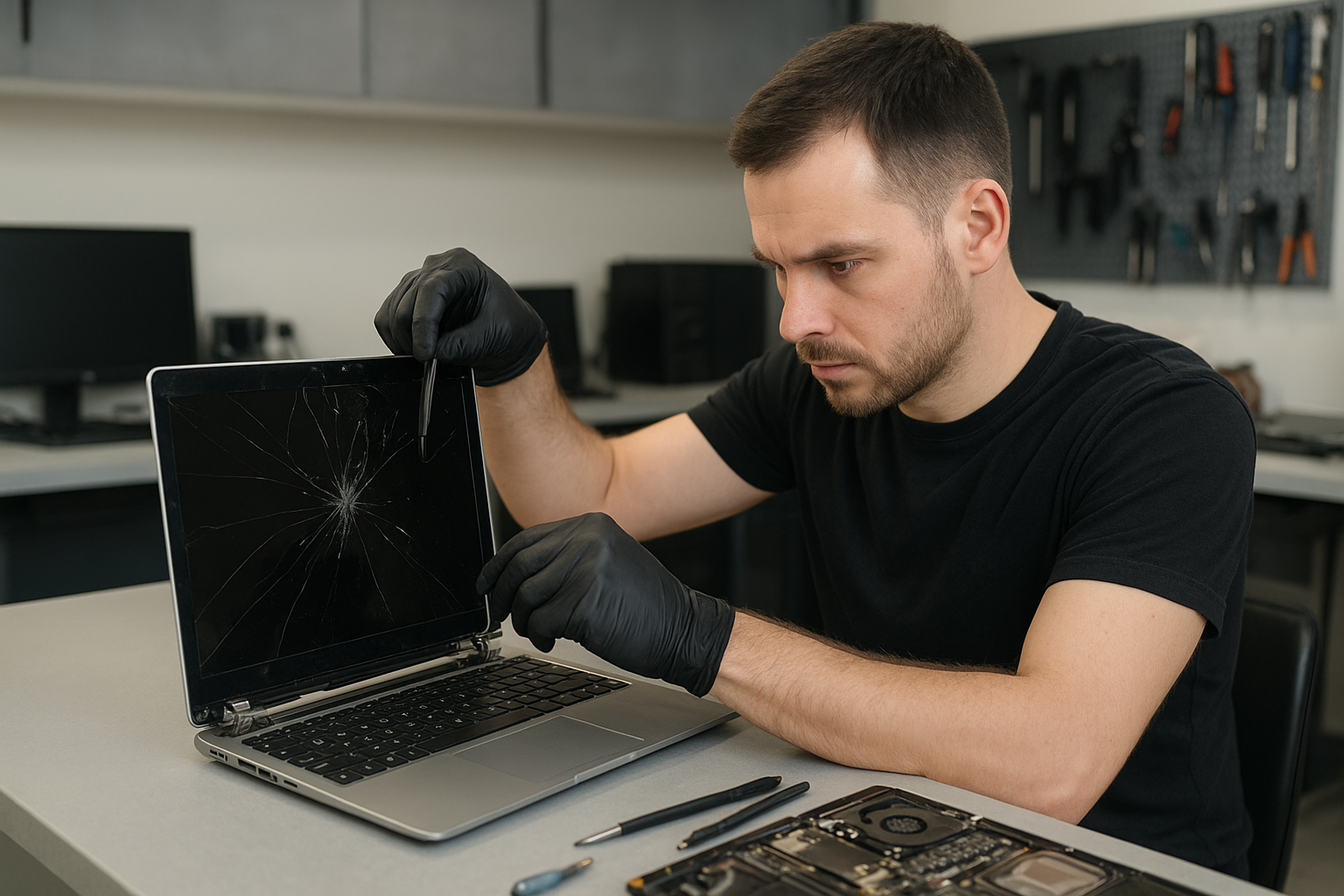
What to bring and expectations

Bring your power adapter and any visible accessories. If your machine is encrypted, bring login credentials or be prepared to authorize the repair. We always attempt non-destructive repairs first and explain any potential data risk. If additional services are required we get your approval before proceeding.

Local experience and trust

We have repaired hundreds of laptops across Coquitlam, Burnaby, Vancouver, and surrounding cities. Local customers appreciate straightforward estimates and clear communication. If you want a physical estimate, stop by the shop for a quick inspection.

FAQ

Below are answers to common questions about Laptop screen replacement Coquitlam. You can also contact Moe Repair for a tailored quote.

MacBook Pro screen replacement Coquitlam

If your MacBook Pro screen is cracked, has vertical lines, a black spot, or the backlight is failing, you need experienced service. At Moe Repair I perform careful diagnostics and precise repairs for MacBook Pro screen replacement Coquitlam customers trust. I inspect the model, test display signals, and recommend the best parts and repair path before any work starts.

Common screen problems we fix in Coquitlam

Local customers bring machines with a range of symptoms: glass shattered from a drop, LCD showing colored bands, a dim or flickering display, or the Retina panel with dead pixels. I also see display artifacts after liquid spills and hinge damage that stresses the flex cable. These symptoms often indicate a failed LCD assembly, a broken digitizer, or a damaged display cable.

How we diagnose MacBook Pro screen issues

Diagnosis starts with a visual inspection and a hardware test. I connect the MacBook Pro to an external monitor to determine if the GPU or logic board is working. If the external display is fine, the problem is isolated to the display assembly or display cable. I use image testing, continuity checks on the LVDS/eDP cable, and measure backlight voltages where appropriate. For MacBook models with Retina or Touch Bar displays I confirm model-specific connector types before ordering parts.

MacBook Pro screen replacement Coquitlam: Typical procedure

After diagnosis I document the problem and provide a quote. The replacement process usually includes these steps:

  • Power down and remove battery or isolate power for models with non-removable batteries.
  • Remove the display bezel and glass carefully to avoid damaging the camera or sensors.
  • Disconnect the display cable and camera/ambient light connectors.
  • Replace the LCD/digitizer assembly or glass depending on the repair plan.
  • Reinstall and test under load, check brightness, color accuracy, and camera function.
  • Run a software display calibration and final quality check before returning the machine.

I use OEM or high-quality compatible panels depending on the customer’s preference and MacBook model. I also offer related services such as MacBook repair, battery replacement, trackpad repair, and SSD upgrades if other issues are found during diagnostics.

Real repair example: Port Moody MacBook Pro with shattered display

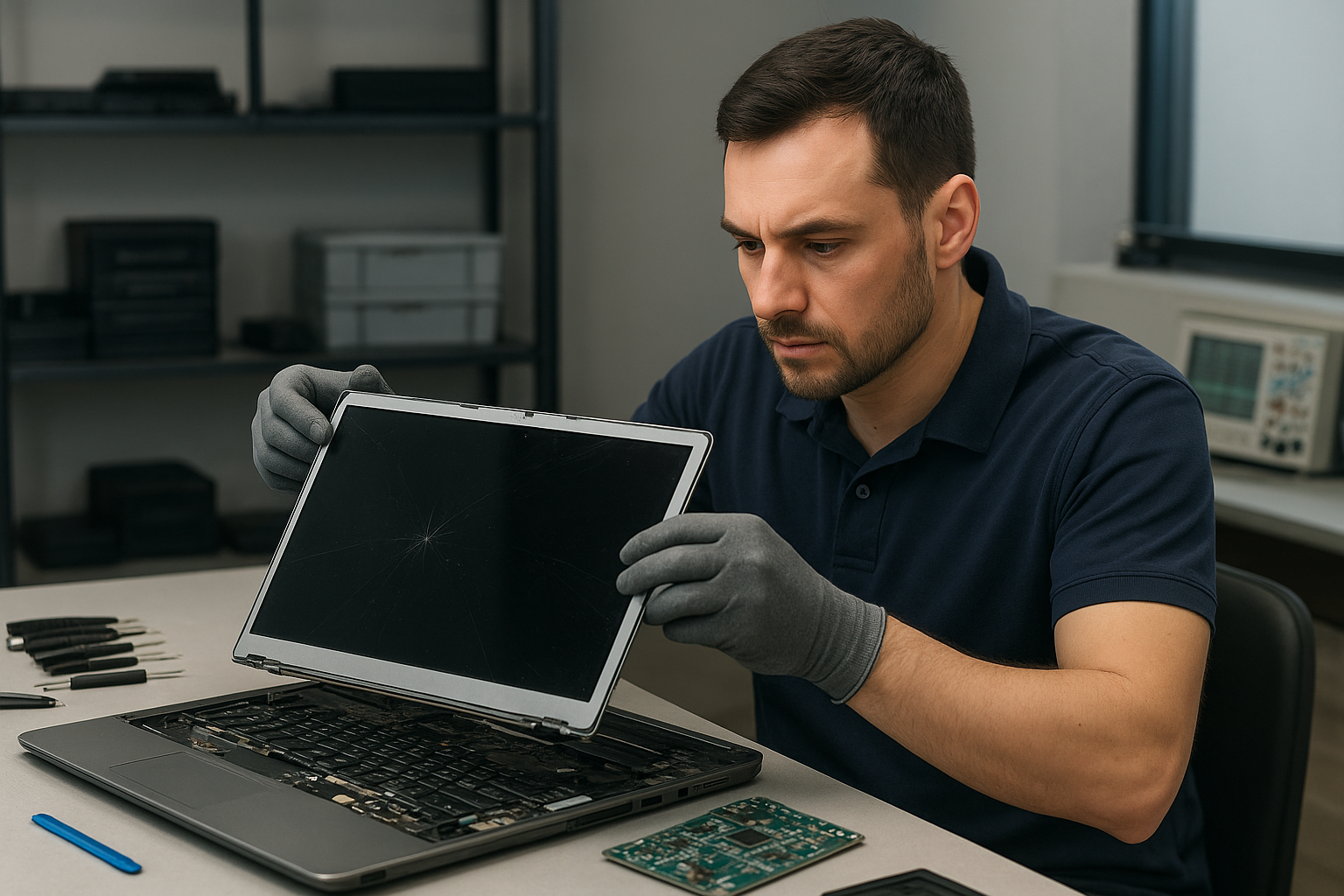
A customer from Port Moody dropped a 2016 MacBook Pro and the screen glass shattered with vertical green lines appearing across the display. I started by connecting an external monitor. The external display worked, which indicated the logic board was OK. I inspected the display cable and found the eDP connector intact but the LCD assembly had multiple fractures. I explained the repair options and cost, then replaced the full display assembly with a tested Retina panel. After reassembly I checked the camera, microphone, and keyboard backlight. The repair restored full image quality and the machine passed a 24-hour stress test before the customer picked it up.

Parts, cost, and warranty details for Coquitlam repairs

Costs vary with the MacBook Pro model, Retina versus non-Retina, and availability of OEM parts. I quote a parts and labor price after diagnosis. Where possible I use Apple-spec components for Retina and Touch Bar models. Repair times are typically same-day to 48 hours depending on part availability. I also offer limited warranties on parts and workmanship. For other needs like data recovery or motherboard repair I provide separate estimates; see our data recovery in Coquitlam page for details.

When a screen replacement is not the only fix

Sometimes a screen symptom reveals underlying issues such as liquid damage, bent hinge frames, or logic board faults. I test power rails, check the charging system, and run system diagnostics. If the logic board shows faults I explain options including motherboard repair or a replacement. I can also handle related services like keyboard replacement, thermal paste replacement, and operating system repair. For general laptop needs check our laptop repair in Coquitlam page.

Preventive tips to avoid future screen damage

Use a protective sleeve or hard case and avoid placing objects on top of the open MacBook Pro. Keep liquids away from the keyboard and always close the lid gently. If you commute, use a padded backpack and make sure the laptop is not pressed against hard items. If you suspect a small crack or flicker, bring the MacBook in early; small issues are less expensive to fix than full assembly failures.

Contact Moe Repair Today

If you need a MacBook Pro screen replacement Coquitlam residents rely on, call me for a clear diagnosis and a written quote. Moe Repair offers a free consultation by phone and quick turnarounds for most models. I serve Coquitlam and nearby areas like Port Moody, Port Coquitlam, Burnaby, and Vancouver. Call 778-951-4872 or email service@moerepair.ca to schedule a drop-off or mail-in repair. You can also contact Moe Repair online for directions and service details.

Why local customers choose Moe Repair in Coquitlam

I bring over 15 years of hands-on repair experience. I treat each MacBook Pro as a precision device and document the repair process. Local customers appreciate transparent quotes, clear communication, and repair options that balance cost and long-term reliability. If you need additional work like SSD upgrades, virus removal, or Wi-Fi troubleshooting I can include those in the same service visit to minimize downtime.

Moe Repair
Phone: 778-951-4872
Email: service@moerepair.ca
Frequently asked questions

See the FAQs below for quick answers to common concerns. For a specific estimate bring your MacBook to our Coquitlam shop or contact Moe Repair for a free consultation.

Laptop screen replacement Coquitlam: Fast, local screen repair and replacement

If your laptop shows cracks, vertical lines, backlight issues, or a black screen, Moe Repair in Coquitlam can help. Laptop screen replacement Coquitlam is a common request I handle daily. I diagnose, source correct parts, and replace screens on Windows laptops, MacBook Air and MacBook Pro, gaming laptops like Alienware and ROG, and business models such as ThinkPad and Latitude.

Common signs you need Laptop screen replacement Coquitlam

Symptoms we see from local customers include:

  • Visible cracks in the glass or shattered display
  • Vertical or horizontal lines across the screen
  • Faint image with very low brightness or backlight failure
  • Flicker, color banding, or dead pixels
  • Screen works with external monitor but not internal panel

If you spot any of these on your device, bring it to our Coquitlam shop for a quick assessment. We also handle related issues like keyboard replacement, trackpad repair, battery replacement, and motherboard repair if damage is more extensive.

How we diagnose a broken laptop screen

We follow a step-by-step diagnostic routine before recommending a screen replacement:

  • Visual inspection for glass damage and loose bezel
  • Connect to an external monitor to confirm GPU and motherboard output
  • Run backlight and inverter tests on older CCFL displays
  • Check LVDS/eDP cable continuity and reseat the connector
  • Measure panel power rails with a multimeter for proper voltages
  • Test with a known-good panel if available to confirm the fault

These diagnostics reduce guesswork and avoid unnecessary motherboard repairs. For MacBook or Surface devices we use manufacturer-specific steps. If data is at risk, we can start data recovery in Coquitlam immediately before any invasive work.

What a screen replacement involves

Typical replacement procedure I perform includes:

  • Backing up user data when possible
  • Careful bezel and hinge disassembly using ESD-safe tools
  • Disconnecting display flex cable and removing the damaged panel
  • Installing the matched replacement panel and thermal pads if needed
  • Reassembling, testing brightness, touch function, and colors
  • Final calibration and a burn-in test to confirm stability

We use OEM or high-quality compatible parts depending on availability and customer preference. If your laptop also needs an SSD upgrade, Windows installation, or a computer tune-up, we can combine services to save you time.

Parts, models, and compatibility

Not all screens are interchangeable. I identify the exact part number by checking the sticker on the original panel or using the laptop serial. Common models we replace include:

  • Apple MacBook Air and MacBook Pro panels
  • Dell XPS, Inspiron, Latitude, and Alienware screens
  • HP Pavilion, Envy, and Omen
  • Lenovo ThinkPad, IdeaPad, and Legion
  • Asus ZenBook, VivoBook, and ROG

When parts are not in stock we order them quickly. If you want genuine panels for MacBooks or branded panels for gaming laptops, we explain options and lead times. If the issue is more than a screen, see our laptop repair in Coquitlam page.

Real repair example from a Coquitlam customer

A recent customer from Port Moody brought in a Lenovo Yoga with a cracked screen and intermittent touch. I inspected the hinge area and found the glass fractured but the LCD backlight still worked intermittently. I connected an external display to confirm the GPU and ran continuity checks on the eDP cable. The fault traced to the panel and a partially torn flex cable. After explaining replacement and cost, I ordered a matching IPS panel, replaced the screen and the damaged bezel, and ensured the touch digitizer responded. The laptop left with restored display and stable touch input. The customer accepted our recommendation for a thermal paste replacement and SSD upgrade while in for repair.

Repair turnaround time, costs, and warranty

Turnaround depends on part availability. For common panels we often complete same-day or next-day service. Less common OEM panels may take a few days. We provide an estimate after diagnostics. Pricing covers parts, labor, and a limited parts warranty. We cannot guarantee results in every case, especially with underlying motherboard damage, but we document findings and next steps. If your laptop has liquid damage, we treat that as a priority since it can affect the logic board.

Preventing future screen damage

Practical tips to reduce risk:

  • Use a padded laptop sleeve or hard case when commuting
  • Avoid placing heavy objects on the laptop lid
  • Keep liquids away from the keyboard to prevent liquid damage
  • Consider a tempered glass screen protector for detachable tablets
  • Address hinge rattle early to prevent flex cable wear

For ongoing maintenance we offer thermal paste replacement, fan replacement, and computer tune-up services to keep the laptop running cooler and extend component life.

Frequently asked questions

Q: How long does a laptop screen replacement take?
A: Most common laptop screen replacements take 2 to 24 hours if the part is in stock. Custom or discontinued panels can take several days.

Q: Will replacing the screen fix flicker or lines?
A: If the external monitor shows a clean image and the panel tests bad, a screen replacement usually fixes those symptoms. If the graphics output is inconsistent, motherboard or cable faults may be the cause.

Q: Can you replace touch screens on MacBooks and Windows laptops?
A: Yes. We replace touch digitizers on supported models. We verify touch and pen input as part of post-repair testing.

Q: Do you service gaming laptops and high-refresh panels?
A: Yes. We work on high-refresh panels for gaming laptops like ROG, Alienware, and Predator and can handle calibration after installation.

Contact Moe Repair Today

Moe Repair offers a free consultation and fast estimates for Laptop screen replacement Coquitlam and nearby areas including Port Moody, Port Coquitlam, Burnaby, and New Westminster. Call Moe Repair at 778-951-4872 or email service@moerepair.ca to arrange diagnostics or a drop-off. We can advise on parts, costs, and turnaround before starting work and can bundle services like SSD upgrades, battery replacement, or data recovery if needed.

We also handle broader issues: if you suspect motherboard repair, need virus removal, Wi-Fi troubleshooting, or printer setup, ask during your appointment. For more on our shop and services, visit our computer repair in Coquitlam page or our MacBook repair page. To book a repair directly, please contact Moe Repair.

Moe Repair
Phone: 778-951-4872
Email: service@moerepair.ca