
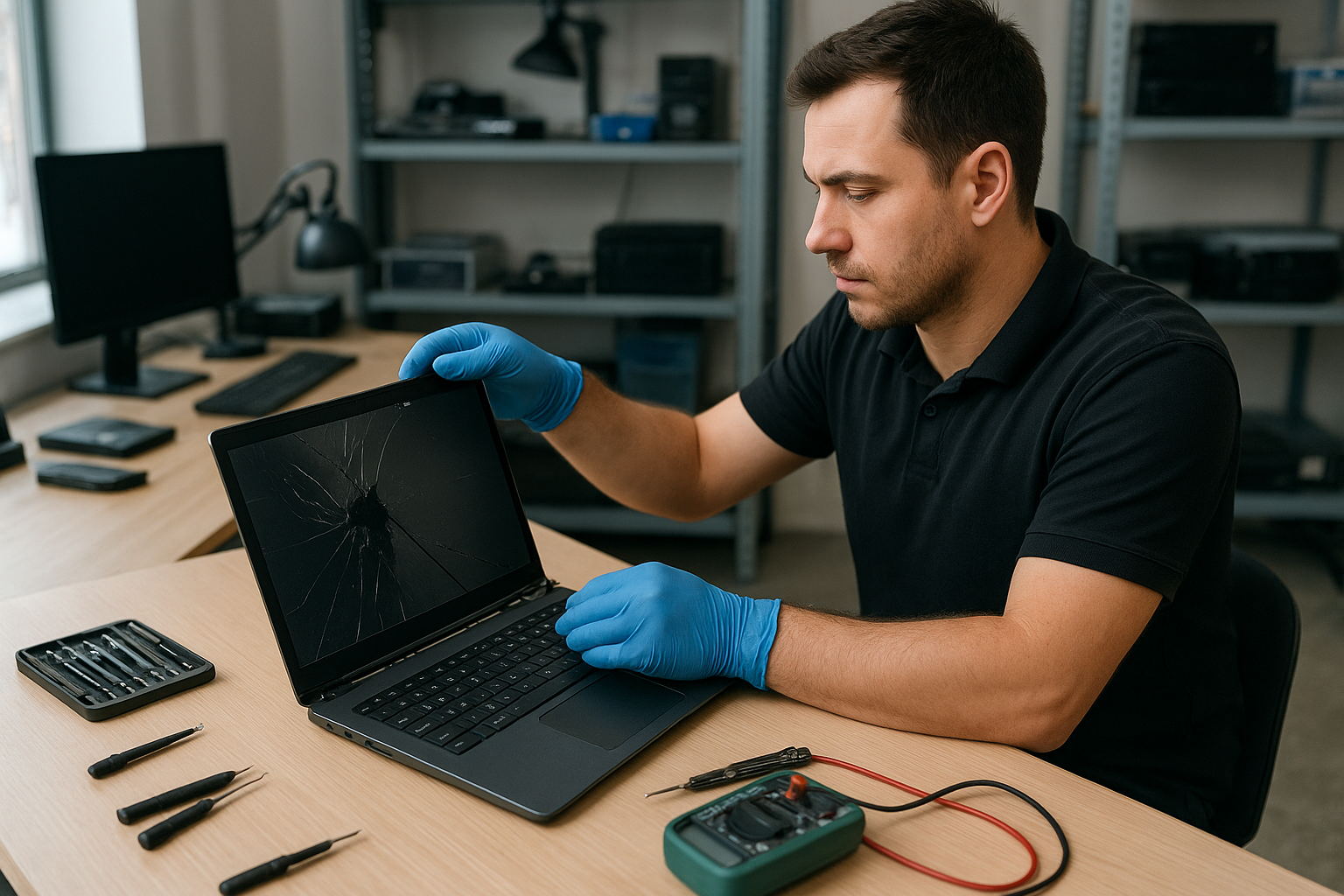
Laptop screen replacement Coquitlam
If your laptop shows cracks, vertical lines, a black bar, or a dim display, Laptop screen replacement Coquitlam is a service we perform daily at Moe Repair. I am a senior technician with more than 15 years of hands-on experience repairing screens on Dell XPS, HP Pavilion, Lenovo ThinkPad, MacBook Air and MacBook Pro, ASUS ROG, and other models. We troubleshoot, source parts, and complete the repair with care.
Why choose Moe Repair in Coquitlam for your screen replacement?
We focus on accurate diagnostics before quoting a repair. That saves you money. Our bench tests include external display checks, backlight current measurements, and cable continuity tests. We also handle related services such as laptop repair in Coquitlam, computer repair in Coquitlam, and MacBook repair in Coquitlam when the issue is not just the panel.
Common symptoms that indicate you need Laptop screen replacement Coquitlam
- Visible crack or shattered glass
- Vertical or horizontal lines across the display
- Flickering or intermittent image
- Dim image despite brightness at maximum (backlight fault)
- Colour banding or distorted colours
- No image but power LED shows the laptop is on
Diagnostic steps we run for laptop screen replacement Coquitlam
Our process is systematic. First, we connect the laptop to an external monitor. If the external image is clean, the GPU and motherboard likely work fine. Next, we open the screen bezel and inspect the LVDS or eDP cable for kinks, corrosion, or a dislodged connector. For older models we test the inverter or the LED driver. We measure backlight voltage and check for short circuits on the display connector. Only after isolating the failed component do we recommend a screen replacement.
Repair process: parts, tools, and real procedures
Replacing a laptop screen requires careful disassembly and the right parts. We use ESD-safe tools, calibrated screwdrivers, and testers. Typical steps include:
- Backup and secure customer data when access to storage is required.
- Power down, remove battery where possible, and disconnect power sources.
- Remove bezel and screws; document screw locations.
- Inspect and test the display cable and hinges; replace cable if damaged.
- Install the correct replacement panel – OEM or high-quality aftermarket.
- Test the panel under load, confirm backlight, brightness, and color calibration.
- Reassemble and perform final QA, including hinge torque checks and cosmetic inspection.
Parts sourcing and model compatibility
We stock common sizes and resolutions for Dell, HP, Lenovo, ASUS, Acer, and Apple. For MacBook displays we follow Apple guidelines and test the display driver board where appropriate. We will explain OEM vs aftermarket trade-offs so you make an informed choice.
A real repair example from Coquitlam
A recent customer from Coquitlam brought a 15-inch Lenovo IdeaPad with a hairline crack and intermittent vertical lines. Symptom: the display flickered and produced green bands after opening the lid. Diagnostics: I connected an external monitor and saw a stable image, which indicated the GPU was fine. I removed the bezel and found the eDP cable partially pinched near the hinge. I swapped in a known-good cable and performed a bench test; the image stabilized but a small area of the panel still had dead pixels. Outcome: I recommended replacing the panel assembly. The customer approved an aftermarket 1080p panel. I installed it, rechecked for backlight uniformity and hinge alignment, then returned the laptop the same day. The display worked and the customer left satisfied. This example shows why a stepwise diagnostic approach matters for Laptop screen replacement Coquitlam.
Pricing, warranties, and repair options
Prices vary by model and panel type. We provide clear quotes after inspection. Warranties depend on the part supplier; we offer a limited workmanship warranty on every screen replacement. If motherboard damage or liquid damage is present, additional services like data recovery in Coquitlam or motherboard repair may be necessary. We also provide related upgrades such as SSD upgrades and battery replacement when helpful.
Preventive tips to avoid future screen damage
- Use a padded laptop bag and avoid heavy objects on top of the lid.
- Open the laptop from the center of the lid to reduce hinge stress.
- Keep liquids away to reduce the risk of liquid damage repair later on.
- If your laptop is a gaming model like Alienware or ASUS ROG, avoid placing intense heat sources near vents to prevent warp and cable strain.
Contact Moe Repair Today
Moe Repair offers a free consultation for Laptop screen replacement Coquitlam. Call us at 778-951-4872 or email service@moerepair.ca to describe the symptoms and book a drop-off or same-day bench diagnostic. We serve Coquitlam and nearby areas including Port Moody, Port Coquitlam, Burnaby, and New Westminster. Expect transparent pricing, clear explanations of OEM versus aftermarket parts, and honest recommendations. If you prefer, use our online contact form to schedule an appointment or bring your laptop to our shop for a physical inspection. We also handle battery replacement, trackpad repair, thermal paste replacement, virus removal, Windows installation, and more.
Frequently Asked Questions
The FAQ below answers common customer concerns about Laptop screen replacement Coquitlam.
Contact & location
Moe Repair
Phone: 778-951-4872
Email: service@moerepair.ca
Related services
If your device needs more than a screen, we offer motherboard repair, liquid damage repair, keyboard replacement, fan replacement, and computer tune-up. For Apple devices see our MacBook repair in Coquitlam page.