
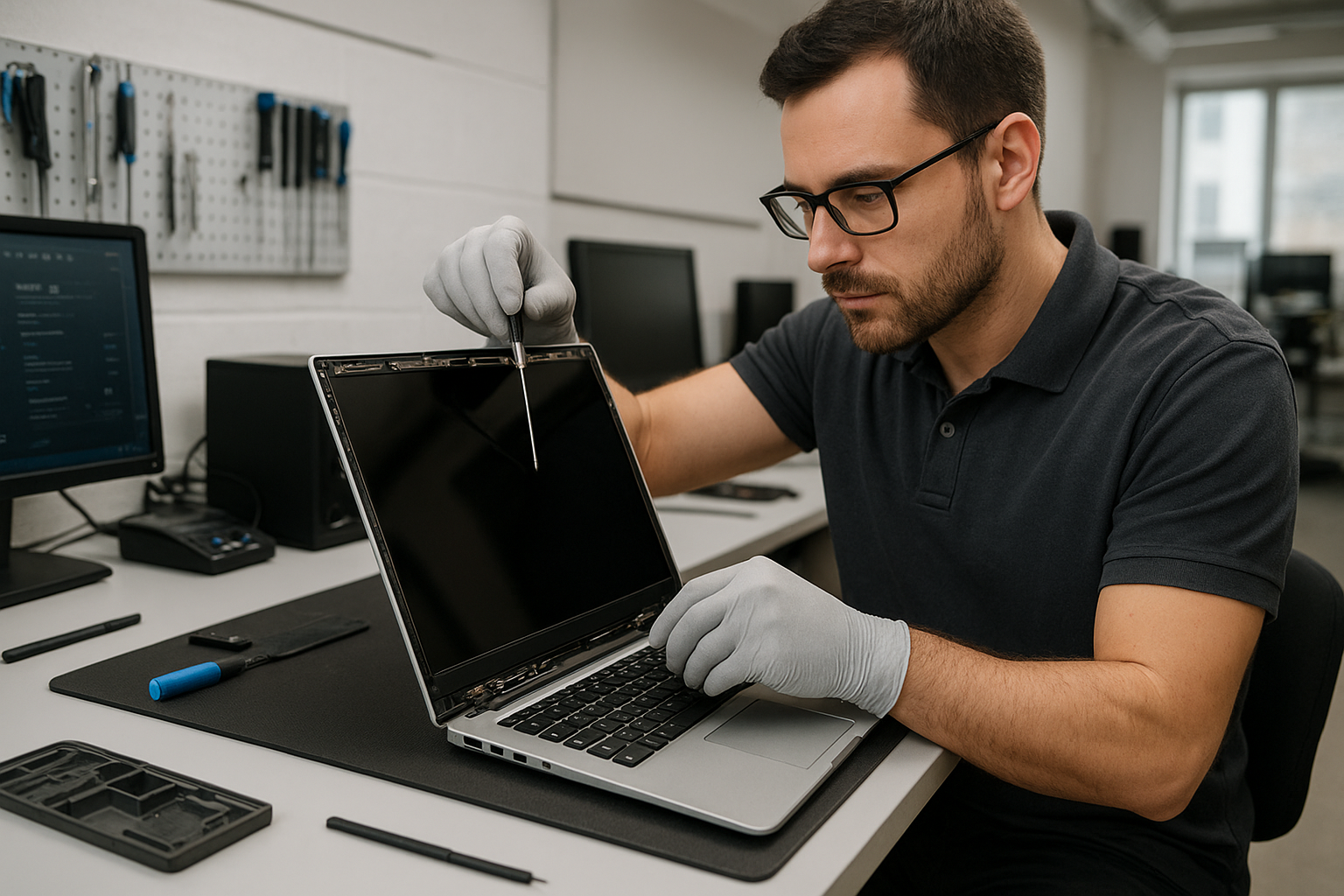
Laptop screen replacement Coquitlam: Expert same-day repairs at Moe Repair
If your display is cracked, flickering, or showing lines, our technicians in Coquitlam specialize in Laptop screen replacement Coquitlam and can often diagnose the issue the same day. I have more than 15 years repairing screens on everything from Dell XPS and Lenovo ThinkPad to MacBook Air and MacBook Pro. We focus on accurate diagnostics, quality parts, and a clear explanation of options before we start work.
How a damaged laptop screen typically presents
Common symptoms include visible cracks, black blobs, white spots, vertical or horizontal lines, backlight failure, dead pixels, and touch unresponsiveness. You might also see a blank screen while the laptop still boots (often indicating a cable or inverter issue) or a half-visible image when the lid is flexed (suggesting a damaged display cable or hinge).
Common causes of screen damage in Coquitlam
In Coquitlam we see drops from backpacks, lid pressure from closed bags, hinge fatigue, and liquid spills from coffee shops. Thermal stress and worn cable connectors are frequent too. Outdoor workers bring devices with impact damage, while students and commuters often present hinge-related cracks. If you need broader services like computer repair in Coquitlam alongside screen work, we handle those too.
Laptop screen replacement Coquitlam: What we check
When you bring a laptop in for Laptop screen replacement Coquitlam, we follow a step-by-step diagnostic workflow: visual inspection, external monitor test, bezel removal to inspect the LVDS/eDP cable and connector, hinge and frame checks, voltage checks at the power rail for the backlight, and driver or OS validation. For touchscreen systems we also test the digitizer separately to confirm whether only the LCD is faulty.
Our repair process and realistic diagnostic steps
Initial diagnostics
We start by photographing the damage, verifying the model number, and testing with an external monitor. If the external monitor displays normally, the GPU and motherboard are likely fine. Next, we remove the bezel, check for physical frame damage, and test the internal display cable under load.
Component tests and replacement
If the cable appears damaged or loose, that can sometimes fix the issue without a new panel. When the panel is the problem, we order a compatible LCD or OLED assembly and replace the screen, supporting parts like hinges and the bezel when needed. We perform a post-repair burn-in and pixel test before returning the laptop.
Real repair example from a Coquitlam customer
A recent customer from Coquitlam brought in a Lenovo ThinkPad with a spiderweb crack and intermittent backlight. After testing with an external monitor and removing the bezel, I found the panel was fractured and the backlight connector had slight corrosion from a spilled drink. I explained repair options and costs, ordered an OEM-grade replacement panel, replaced the screen and the connector, then verified brightness ranges and hinge alignment under load. The laptop returned with a clean image and stable backlight; the customer kept their original drive and data intact.
Costs, parts, and warranty
Costs depend on the model and panel type. Generic LCD replacements are cheaper, while Retina, OLED, and touch assemblies cost more. We use quality parts and can source OEM or OEM-equivalent panels for MacBook screen replacement or Dell XPS displays. Pricing includes diagnostics, installation, and a limited warranty on the part and workmanship. We also offer related services like laptop repair in Coquitlam, battery replacement, SSD upgrades, and motherboard repair when needed.
Practical advice before you arrive
- Back up critical files if possible or ask about data recovery in Coquitlam when backups are not available.
- Bring the charger and any notes about when the issue started.
- Ask about part origin and warranty for MacBook screen replacement or touchscreen repairs.
- Avoid DIY glue or third-party kits that can damage bezels or connectors.
Preventing future screen damage
Use a protective sleeve, avoid placing heavy items on top of laptops, and keep liquids away from the keyboard. If your hinges feel loose, have them checked early to avoid torque that cracks panels. We also perform thermal paste replacement and fan servicing to prevent heat-related display issues on high-performance laptops or gaming rigs.
Contact Moe Repair Today
If you need Laptop screen replacement Coquitlam service, call Moe Repair at 778-951-4872 or email service@moerepair.ca for a free consultation. We offer same-day diagnostics in many cases and serve nearby areas including Port Moody, Port Coquitlam, New Westminster, and Burnaby. Whether you have a cracked screen on a MacBook Pro, a flickering Dell XPS, or a touchscreen Surface, we will explain repair options, part choices, and estimated turnaround before starting work. Schedule drop-off or ask about pickup options through our contact page.
Frequently Asked Questions
Below are common customer questions about Laptop screen replacement Coquitlam. If you don’t see your question, please contact Moe Repair.
Other services you may need
We also handle virus removal, Windows installation, SSD upgrades, keyboard replacement, trackpad repair, liquid damage repair, Wi-Fi troubleshooting, printer setup, email setup, and computer tune-ups. For MacBook-specific issues visit our MacBook repair in Coquitlam page.
Moe Repair
Phone: 778-951-4872
Email: service@moerepair.ca