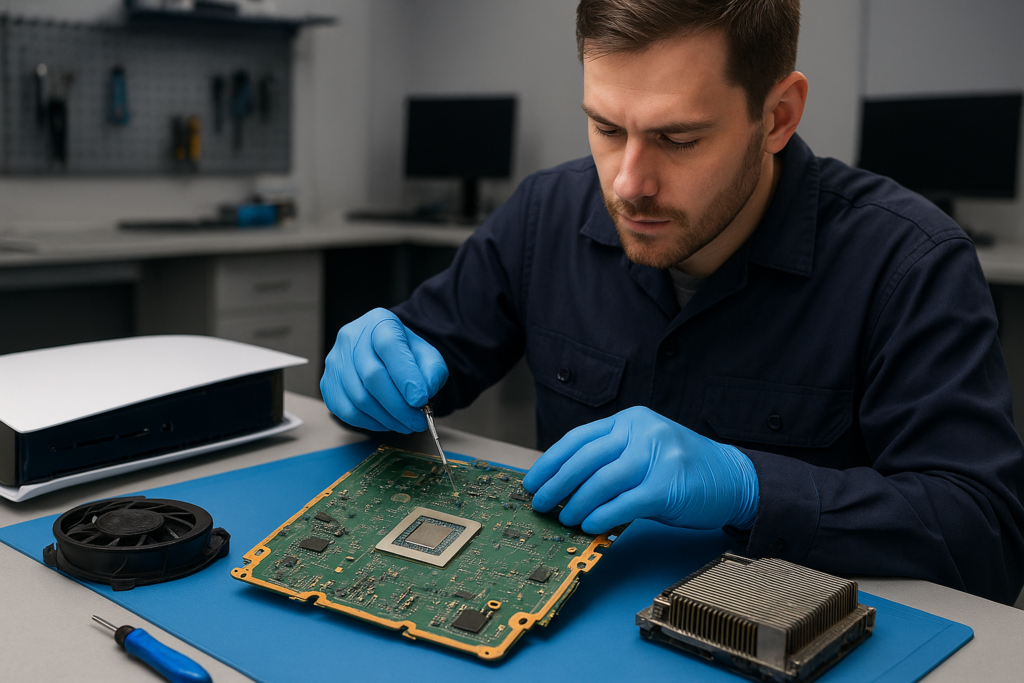
Dust can obstruct a PS5’s cooling paths, but a noisy fan or sudden shutdown does not automatically mean the console needs a deep clean. Moe Repair checks the symptoms and cooling condition before recommending service.
Safe checks at home
Give the console open ventilation and avoid placing it on thick carpet or inside a cramped cabinet. Turn it off, disconnect power and let it cool before cleaning. Follow Sony’s PS5 noise and ventilation guidance. Some increase in fan noise during demanding games is normal.
What a cleaning assessment checks
- Dust and debris in accessible air paths, fan areas and heatsink passages.
- Fan condition, unusual vibration or obstruction.
- Reported warnings, shutdown patterns and any signs of previous internal work.
- Whether another power or hardware fault needs investigation.
Cleaning and liquid metal are different tasks
PS5 processors use liquid metal from the factory. Cleaning does not automatically require disturbing that interface. If inspection shows a separate interface problem, we discuss PS5 liquid metal service and the associated risks before proceeding.
Can cleaning fix shutdowns?
It can help when restricted airflow is responsible. A failing fan, power supply or board fault can need different work. Cleaning does not guarantee higher frame rates, a particular temperature reduction or a repair for every shutdown.
Arrange service
Provide the PS5 model or CFI number, how long it runs before the issue occurs and the exact warning message. Ask about the current queue, assessment charge and expected timing. Check manufacturer warranty options before internal third-party repair.
Contact Moe Repair in Coquitlam at 778-951-4872 or send a service enquiry. Include the exact console model, symptoms and any previous repair. We serve Metro Vancouver and can discuss eligible mail-in arrangements before you ship.