
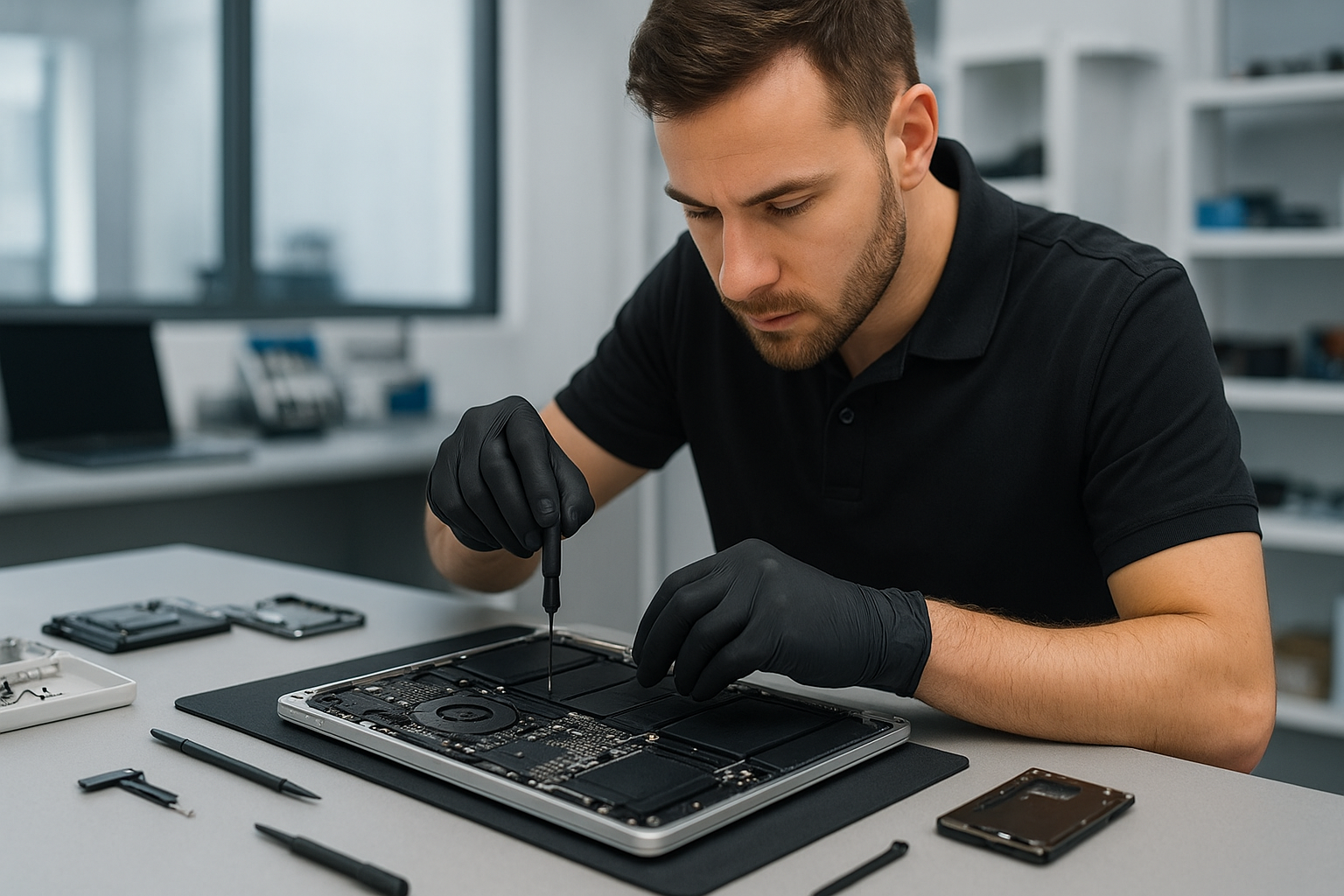
MacBook repair Burnaby: Expert MacBook service near you
As a senior technician with more than 15 years of hands-on experience, I diagnose and fix Macs every day. If you need MacBook repair Burnaby residents trust, you want clear steps, honest pricing, and reliable parts. We provide just that at Moe Repair.
Why choose Moe Repair for MacBook repair Burnaby
First, we run a fast, structured diagnostic. Then, we explain findings and show options. We use OEM-grade screens for screen replacement, high-quality batteries for battery replacement, and industry standard tools for motherboard repair and liquid damage repair. We also offer SSD upgrades and thermal paste replacement to restore performance.
What we repair and why it matters
We fix physical damage like cracked screens, failing keyboards, worn trackpads, and bad hinges. We also repair internal issues that cause a slow MacBook. For example, we replace failing fans, reapply thermal paste, and upgrade to SSDs to dramatically improve speed.
Common failure symptoms and real diagnostics
When customers bring a MacBook to us, they report symptoms like: not charging, random shutdowns, boot loop, blank screen, keyboard keys not responding, sticky trackpad, noisy fan, or liquid exposure. We follow exact diagnostic steps.
Step 1, visual and power check. We inspect the MagSafe or USB-C power port, battery swelling, corrosion, and the screen for hairline cracks.
Step 2, isolated boot. We boot from an external SSD or recovery partition to separate software from hardware issues. Next, we run Apple Diagnostics, then SMC and PRAM resets for power and display anomalies.
Step 3, targeted component testing. We swap in a known-good charger, test the battery using system report, and if necessary, remove the bottom cover to measure voltage at the battery connector. For liquid damage, we check for corrosion on the logic board under magnification, then clean and test each circuit.
Real repair procedures we perform
Screen replacement. We carefully remove the display assembly, transfer the camera and sensors, install a calibrated display, and verify backlight, color, and coating integrity.
Battery replacement. We power down, disconnect the battery connector, remove adhesive with safe heat and plastic tools, install the new battery, recalibrate charging cycles, and confirm battery health in macOS.
Logic board and motherboard repair. For logic board repair, we diagnose hotspots with a thermal camera, test power rails, and replace damaged MOSFETs or capacitors under microscope when repairable. Otherwise, we recommend a board-level replacement.
Data recovery. We clone drives when possible, extract data from failing SSDs or corrupted file systems, and preserve user privacy throughout the process. We recommend backups, but we can recover data from both physical and logical failures.
Software and tune-up services
We remove viruses and malware, although Macs are less likely to have typical PC viruses. Still, we remove browser hijackers, clean up adware, and perform system tune-ups. We also handle Windows installation for Boot Camp users and full OS reinstalls when needed.
SSD upgrades and fresh OS installations accelerate older machines. We image the original drive, install macOS or Windows according to customer needs, and restore data securely.
Liquid damage and emergency repair
Liquid damage requires immediate attention. We instruct customers to power off, disconnect power, and bring the MacBook in. We disassemble, clean corrosion, and test each component. Prompt action raises the chance of successful motherboard repair and data recovery.
Pricing, parts, and turnaround
We offer transparent quotes. For common jobs like screen replacement or battery replacement, we list labor and part costs up front. For complex motherboard repair or data recovery, we provide a diagnostic report before we proceed. We stock common parts, and we can often complete screen or battery replacement the same day.
Service examples
Example 1. MacBook Pro with cracked screen and stuck pixels. We performed a screen replacement and calibration, replaced the thermal paste, and completed a computer tune-up. The machine now runs quiet and cool.
Example 2. MacBook Air not turning on. After power rail diagnosis, we replaced a damaged DC-in board and the battery, then performed an SSD upgrade to improve boot times.
What you can do before bringing your MacBook in
Always back up if possible. Use Time Machine or clone the drive. If the Mac will not boot, avoid repeated forced power cycles. For liquid spills, turn off immediately and bring it in. For sticky keys, clean with compressed air, but avoid liquids.
Also, gather your Apple ID and any firmware passwords. That speeds up diagnostics and avoids hold-ups during service.
Service areas we cover
Moe Repair serves Coquitlam, Burnaby, Vancouver, Surrey, Richmond, New Westminster, Maple Ridge, Port Moody, Port Coquitlam, Pitt Meadows, Langley, Delta, North Vancouver, West Vancouver, White Rock, Abbotsford, Mission, and Chilliwack. We welcome walk-ins and booked appointments.
Other services we provide
In addition to MacBook repair Burnaby residents use, we provide laptop repair, keyboard replacement, trackpad repair, laptop fan replacement, motherboard repair, SSD upgrades, thermal paste replacement, virus removal, Windows installation, gaming PC repair, and computer tune-up services.
Contact Moe Repair for honest advice, precise diagnostics, and skilled repairs. Phone: 778-951-4872. Email: service@moerepair.ca. We look forward to getting your MacBook back to top performance.