Hi, How Can We Help You?
  • 203-504 Cottonwood Ave, Coquitlam
  • service@moerepair.ca
  • +1 (778) 951-4872

Category Archives: Computer Repair Burnaby

Data recovery Surrey: Proven methods to recover your files fast

Data recovery Surrey is a service I have performed for more than 15 years. I am a senior computer repair technician, and I know how stressful lost documents, photos, and business files can be. In this article I explain realistic diagnostic steps, common failure symptoms, and practical procedures we use at Moe Repair to recover data safely.

Data recovery Surrey, what to do first

If a drive shows signs of failure, stop using it immediately. Do not run multiple recovery apps, do not clone over the drive, and do not keep powering a failing laptop or external disk. For example, if your laptop crashes, a failing hard drive can worsen with every start. Instead, power it down, disconnect any external drives, and call Moe Repair at 778-951-4872 or email service@moerepair.ca.

Common failure symptoms I see

These are symptoms that usually indicate an issue requiring professional attention.

  • Strange clicking or grinding noises from a hard drive, a sign of mechanical failure.
  • Repeated system crashes, Blue Screen of Death, or corrupted file errors.
  • Files that vanish, folders read as empty, or file names garbled, typical of logical corruption.
  • SSD that shows zero capacity, or sudden unreadable partitions, often tied to controller failure or TRIM-related overwrites.
  • RAID arrays degraded, with missing volumes or rebuild failures, a complex scenario for data retrieval.
  • Liquid damage or power surges that cause motherboard or drive electronics failure.

How we diagnose drives at Moe Repair

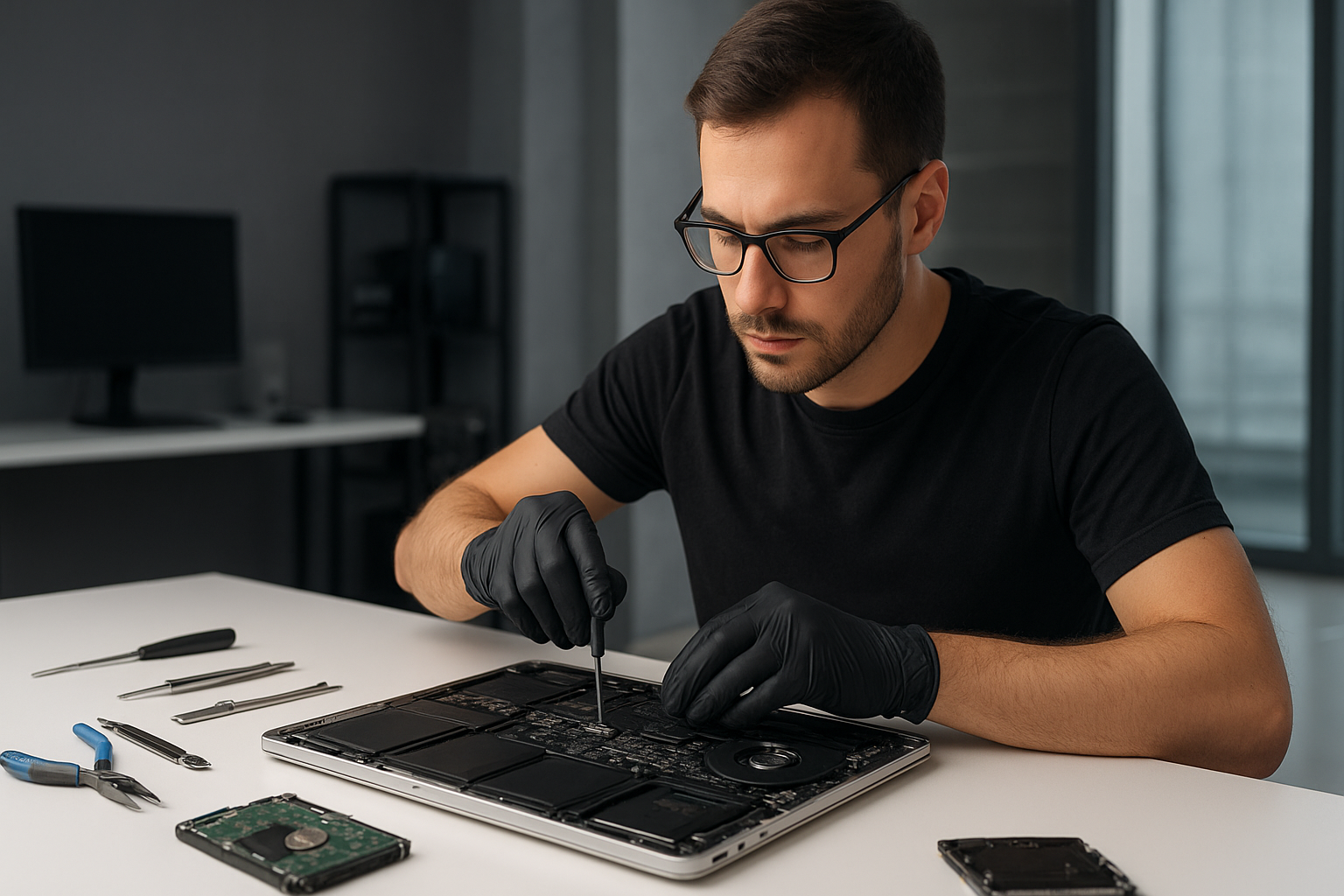
First, we perform non-invasive checks. We inspect SMART data to examine reallocated sectors, pending sectors, and temperature history. Then, we use a write-blocker and create a forensic disk image. For mechanically noisy drives, we use controlled spin-up tools or a cleanroom swap of the head assembly when needed.

For SSD recovery, we analyze controller behavior, check firmware, and determine whether TRIM has erased data. For RAID, we capture each member drive as a disk image, analyze parity and stripe size, and rebuild the array in a lab environment, without writing to originals.

Real recovery procedures and tools I use

I use industry-grade tools and methods. That includes disk imaging with ddrescue, deep scanning with validated recovery suites, and physical repairs in our partner cleanroom for head swaps or PCB repairs. We document every step, and we maintain chain of custody for business clients.

When a drive has bad sectors, we read healthy areas first, then target failing sectors selectively. For logical corruption, we repair file system metadata, recover file tables, and reconstruct files. For MacBook repair or Windows installation issues tied to data loss, we image the drive first before reinstalling any operating system.

Practical customer advice

Do not try quick fixes that write to the failed disk. Avoid free software that asks you to install on the same drive. If you have a laptop with liquid damage, bring it in quickly, and turn it off, as corrosion can spread. If you suspect ransomware or virus activity, disconnect the machine from networks and call us, so we can isolate and recover data safely while removing malware.

Also, consider SSD upgrades and regular backups to prevent future loss. We offer backup solutions, computer tune-up, and cloud sync setup to protect important files.

Typical recovery timelines and outcomes

Simple logical recoveries take a few hours to a day. Mechanical recoveries that require cleanroom work may take several days. RAID and complex cases can take longer, depending on drive condition and complexity. We provide a free initial assessment, and then a clear quote with success likelihood based on diagnostics.

Related services we provide

We combine data recovery with laptop repair, MacBook repair, screen replacement, battery replacement, virus removal, SSD upgrades, motherboard repair, liquid damage repair, gaming PC repair, keyboard replacement, trackpad repair, laptop fan replacement, thermal paste replacement, and Windows installation. Many clients come to us for a damaged machine and also need data recovery or a full system rebuild.

Why choose Moe Repair in Surrey and the Lower Mainland

With over 15 years of hands-on experience, I personally handle diagnostics and recovery planning. We serve Surrey, Coquitlam, Burnaby, Vancouver, Richmond, New Westminster, Maple Ridge, Port Moody, Port Coquitlam, Pitt Meadows, Langley, Delta, North Vancouver, West Vancouver, White Rock, Abbotsford, Mission, and Chilliwack.

We maintain strict data privacy, transparent pricing, and documented procedures. Moreover, we provide repair options, such as SSD upgrades or motherboard repair, when recovery is complete and you want to improve system reliability.

What to expect when you bring a device in

We start with a diagnostic log, then create a safe image. We discuss the recovery strategy and expected costs. For physical repairs, we explain cleanroom steps. For logical issues, we outline the percentage chance of success. We never overwrite original media unless you authorize it.

If you need immediate help, contact Moe Repair right away. Phone 778-951-4872, or email service@moerepair.ca. We will advise the safest next steps and arrange secure drop-off or mail-in recovery.

Remember, the faster you act, the higher the chance to recover your files. Call us in Surrey, or any of our service areas, for dependable, professional data recovery services.
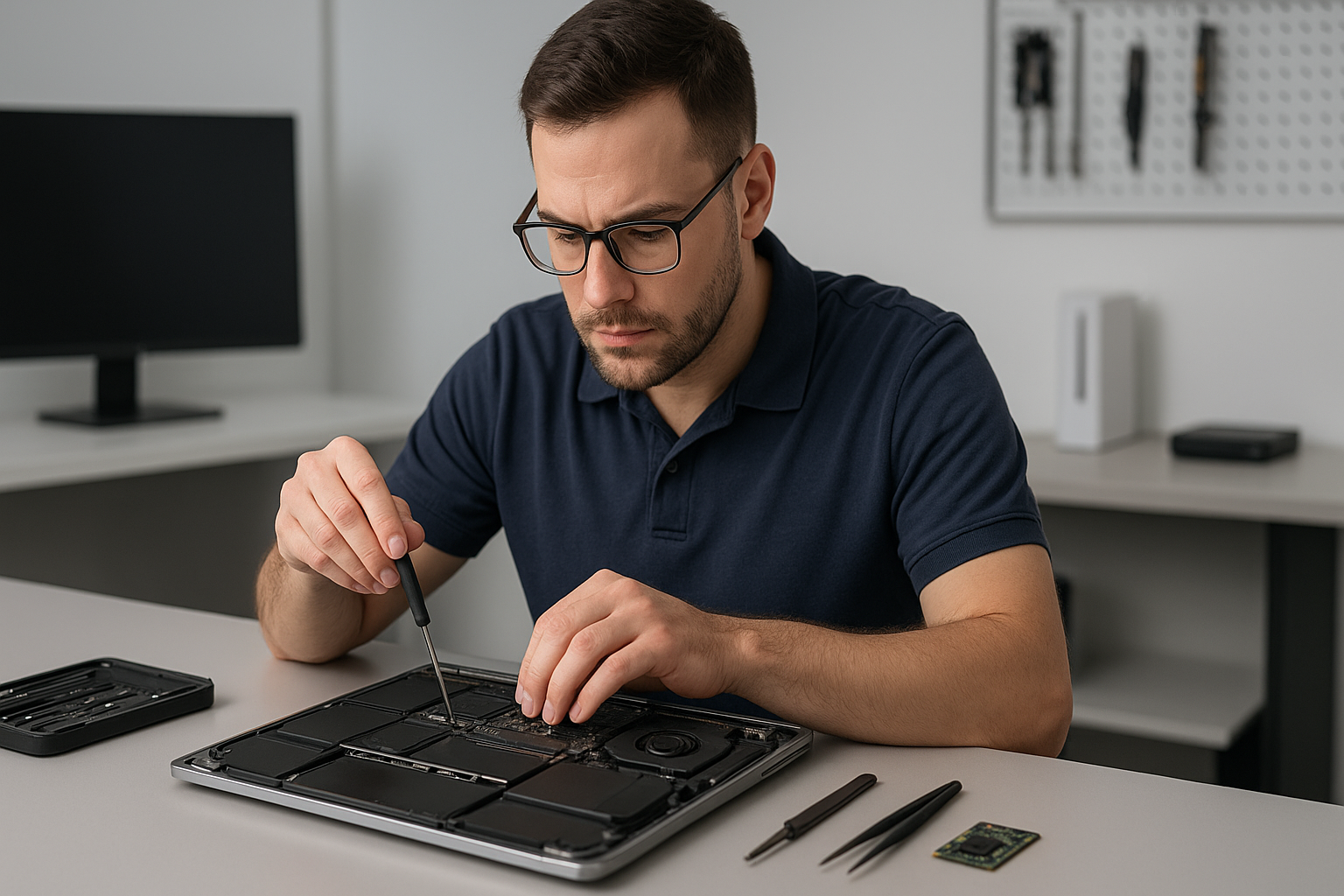
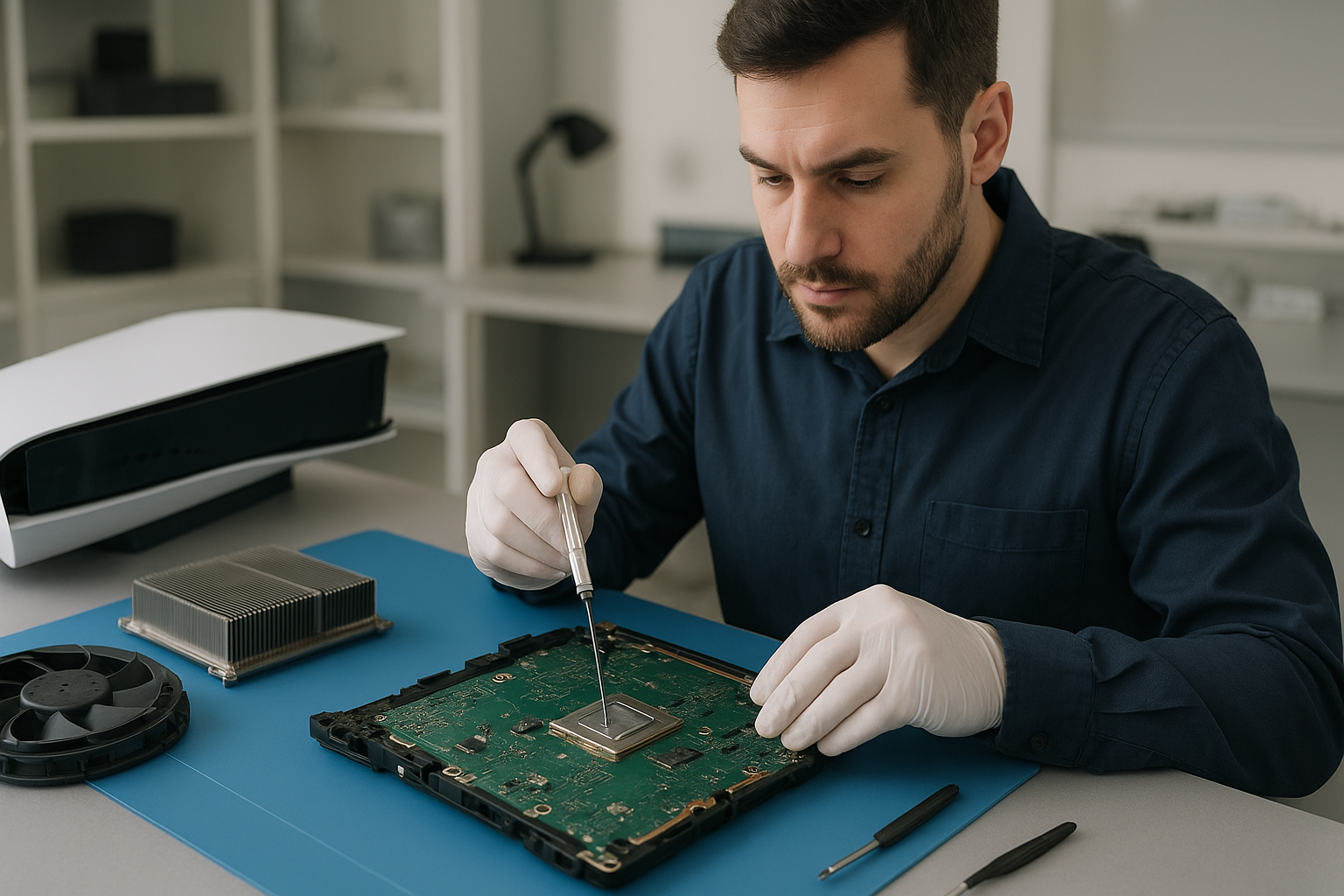
Data recovery North Vancouver: How Moe Repair restores lost files

As a senior technician with more than 15 years of hands-on experience, I know how stressful data loss feels. When you need Data recovery North Vancouver, Moe Repair offers clear diagnostics, secure workflows, and practical recovery steps that preserve your files and your privacy.

Data recovery North Vancouver: quick diagnosis and next steps

First, we isolate the drive or device. Whether it is a laptop SSD, a MacBook hard drive, or an external USB HDD, we never write to the media during initial diagnostics. Instead, we image the disk and run file system checks. Therefore we avoid further damage and maximize recoverability.

Common failure symptoms

Customers typically contact us with these symptoms. The computer will not boot. The OS shows a blue screen or kernel panic. Files disappear or folders show zero bytes. The drive makes clicking or grinding noises. The device was dropped or experienced liquid damage. Windows installation fails, or a MacBook will not mount an external drive.

Realistic diagnostic steps we run

We start with a non-destructive approach. First we connect the drive to a hardware write-blocker. Next we create a forensic-quality disk image using specialized tools. Then we check the partition table and run SMART tests, sector checks, and CRC scans. If the drive shows mechanical failure, we evaluate for lab-level recovery, and we discuss costs and timelines with you.

What to expect during recovery

For logical failures, like accidental deletion, corruption after a failed Windows installation, or a formatted drive, we use targeted recovery software and manual file carving. For SSDs, we apply controller-aware techniques to rescue TRIM-limited data when possible. For physical problems, like a clicking hard drive or liquid damage, we stabilize the device and partner with certified clean-room labs when necessary.

Typical repair procedures

  • Imaging the drive to a secure workstation, using a hardware write-blocker.
  • Running SMART and sector-level diagnostics to identify bad blocks.
  • Attempting logical recovery with software, followed by manual reconstruction of file systems.
  • If mechanical work is needed, coordinating with an ISO-certified lab for platter swaps or PCB repair.
  • Verifying recovered files for integrity, then copying to a new SSD or external drive.

Along the way we document the process. We keep you informed, and we only proceed with your approval. We also offer secure disposal of damaged drives if you choose not to recover them.

Common causes of data loss

Most data loss stems from one of three issues. First, accidental deletion or formatting. Second, software corruption after updates, virus infection, or failed Windows installation. Third, physical damage from drops, liquid spills, or overheating. We often see SSD upgrades that fail due to improper cloning, and gaming PC users who push thermal limits without replacing thermal paste or the fan, causing drive errors.

Why choose Moe Repair in North Vancouver

Moe Repair combines hands-on laptop repair and advanced data recovery skills. We perform MacBook repair, screen replacement, battery replacement, keyboard replacement, trackpad repair, and motherboard repair. We also handle thermal paste replacement, laptop fan replacement, and SSD upgrades. Because we service computers across Coquitlam, Burnaby, Vancouver, Surrey, Richmond, New Westminster, Maple Ridge, Port Moody, Port Coquitlam, Pitt Meadows, Langley, Delta, West Vancouver, White Rock, Abbotsford, Mission, and Chilliwack, we understand local needs and timelines.

We secure your privacy. We use encrypted transfer of recovered files. We also recommend on-site or off-site backup solutions to prevent future emergencies, including routine computer tune-up and scheduled backups.

Real customer scenarios

Example 1, a photographer in North Vancouver brought a crashed external drive with months of RAW files. We imaged the drive, rebuilt the damaged file table, and recovered 98 percent of the images. Example 2, a gamer’s SSD failed mid-raid build. We recovered game saves and assisted with an SSD upgrade and clean Windows installation.

Practical advice you can use now

If your device shows signs of failure, stop using it immediately. Do not attempt risky recovery tools without imaging first. For liquid damage, power off and do not charge the device. For accidental deletion, turn off syncing services to stop changes to cloud copies. Then contact Moe Repair for secure diagnostics.

Pricing, timelines, and next steps

We offer upfront pricing for diagnostics and tiered recovery estimates based on logical or physical recovery needs. Small logical recoveries often finish within 24 to 72 hours. Physical recoveries that require lab work take longer, typically several days to weeks. We always provide a cost estimate before proceeding.

Contact us for a fast, secure evaluation. We handle virus removal, motherboard repair, liquid damage repair, and other repairs needed to get your machine back to working order after data trouble.

Contact Moe Repair

Call us at 778-951-4872 or email service@moerepair.ca. Bring your device to our shop, or ask about safe courier options from North Vancouver and surrounding cities. When you need Data recovery North Vancouver, we act quickly and keep your data safe.

Moe Repair, trusted for laptop repair, MacBook repair, screen replacement, battery replacement, SSD upgrades, RAID recovery, and complete computer tune-up services.

PS5 cleaning service Coquitlam

Professional Console Repair and Maintenance

At Moe Repair in Coquitlam we provide professional PS5 cleaning service Coquitlam gamers trust. With over 15 years repairing consoles and computers, our technicians specialize in thermal management, fan cleaning, dust removal and liquid metal replacement for PS5, PS5 Slim and PS5 Pro. We also service Xbox Series X and Xbox Series S consoles. Whether you live in Central Coquitlam or commute from Burnaby, Port Moody, Port Coquitlam, New Westminster or Maple Ridge, our team will get your console running quietly and reliably.

PS5 Liquid Metal Replacement

One of the most effective upgrades for older or heavily used PS5 systems is a liquid metal replacement on the CPU/GPU interfaces. Over time, factory thermal paste can dry and become less effective, increasing operating temperatures and causing loud fan noise or random shutdowns. At Moe Repair we perform careful liquid metal re-application when appropriate — cleaning the old compound, inspecting the cooling block and evaporative pads, and using precise quantities to improve heat transfer without creating electrical risk. Liquid metal can significantly lower temperatures in PS5 and PS5 Pro hardware when applied correctly, improving sustained performance during long multiplayer sessions or when running demanding titles.

Console Cleaning and Dust Removal

Dust buildup is the most common cause of noisy fans and overheating in modern consoles. Our PS5 cleaning service Coquitlam includes a full teardown, targeted dust removal from vents and heat sinks, ultrasonic cleaning of intake filters where applicable, and compressed-air-free methods for fragile components. We remove accumulated dust from the fan assembly, blades and the rest of the airflow channel to restore proper cooling efficiency. Cleaning extends life and reduces thermal throttling so you keep high frame rates in competitive games.

Console Overheating Repair

Overheating can manifest as loud fan noise, thermal throttling, black screen, or random shutdowns. Our overheating repair workflow begins with a diagnostic stress test, temperature logging and visual inspection. From there we identify whether the issue is dust, degraded thermal paste, a failing fan bearing, or electronic faults. Repairs can include fan cleaning or replacement, reapplying thermal paste or liquid metal, replacing thermal pads, and repairing power delivery components. We test PS5 Slim and PS5 Pro models under load to verify thermal improvements and stable performance after repair.

Signs Your Console Needs Service

  • Loud, high-pitched fan noise during light gameplay
  • Random shutdowns or restarts during games or downloads
  • Reduced performance, frame drops or thermal throttling
  • Excess dust visible in vents and ports
  • Console feels unusually hot to the touch after short sessions

If you notice any of the above on a PS5 or PS5 Pro, bring it to Moe Repair in Coquitlam for a full assessment. We also handle similar symptoms on Xbox Series X and Xbox Series S consoles and offer cross-platform diagnostics.

Why Thermal Management Matters

Thermal management isn’t just about quiet fans — it affects longevity and performance. High sustained temperatures accelerate component wear and can trigger protective shutdowns that interrupt gameplay. Proper thermal management includes clean airflow channels, efficient heat spreaders, correct thermal paste or liquid metal application, and functional fan assemblies. Our technicians measure temperature deltas before and after service to prove the improvements and help you understand the impact of maintenance.

Gaming Consoles We Service

We service a wide range of consoles including:

  • PS5, PS5 Slim and PS5 Pro — cleaning, liquid metal replacement, fan repair and overheating fixes
  • Xbox Series X and Xbox Series S — fan cleaning, dust removal and thermal repairs
  • Other legacy consoles and custom builds — ask our team

Whether it’s a warranty-era PS5 Pro showing performance issues or an Xbox Series X suffering from dust buildup, we provide transparent diagnostics and written estimates before any repair begins.

Why Choose Moe Repair

Moe Repair has served Coquitlam and nearby communities including Burnaby, Port Moody, Port Coquitlam, New Westminster and Maple Ridge for over a decade. Our benefits include:

  • Experienced technicians with 15+ years repairing consoles and computers
  • Full teardown cleaning, dust removal and safe liquid metal application
  • Genuine parts and quality-tested fans and thermal compounds
  • Fast turnaround and detailed thermal test reports
  • Local expertise in gaming console maintenance and performance tuning

We also provide broader electronic and computer services — see our computer repair in Coquitlam, laptop repair in Coquitlam, and MacBook repair in Coquitlam pages for full details.

Frequently Asked Questions

How long does a PS5 cleaning service take?

Typical cleaning, diagnostics and testing is completed within 24–48 hours depending on parts availability. Liquid metal replacement or fan replacement may extend the timeframe to 2–3 business days.

Will liquid metal damage my PS5?

Liquid metal must be applied by experienced technicians to avoid short circuits. At Moe Repair we isolate circuits, mask surrounding components and use precise application techniques. When done correctly, liquid metal improves thermal transfer and stability.

Can you fix random shutdowns on my PS5?

Yes. Random shutdowns are commonly caused by overheating, failing fans, or degraded thermal paste. We run stress tests to identify the cause and recommend cleaning, fan replacement, thermal rework, or board-level repairs as needed.

Do you service consoles from other cities?

Yes. We frequently receive consoles from Burnaby, Port Moody, Port Coquitlam, New Westminster and Maple Ridge. Local drop-offs in Coquitlam are welcome, and we can advise on shipping preparation if you’re outside the area.

Is warranty voided by cleaning or liquid metal work?

Opening a console typically affects manufacturer warranty. We document the condition and provide clear estimates, so you can choose the service that’s right for an out-of-warranty device or older systems where warranty has expired.

Real Repair Example

Customer: Local competitive gamer from Port Coquitlam brought in a PS5 (standard model) complaining of loud fan noise, frequent random shutdowns during long sessions, and reduced performance in multiplayer games.

Diagnosis: We ran a stress test and recorded GPU/CPU temperatures reaching 92°C under load with immediate fan ramp to maximum. Visual inspection revealed substantial dust buildup in the intake, a sticky fan bearing on the main blower and old, crusted thermal paste on the heat spreader. Power delivery readings were normal.

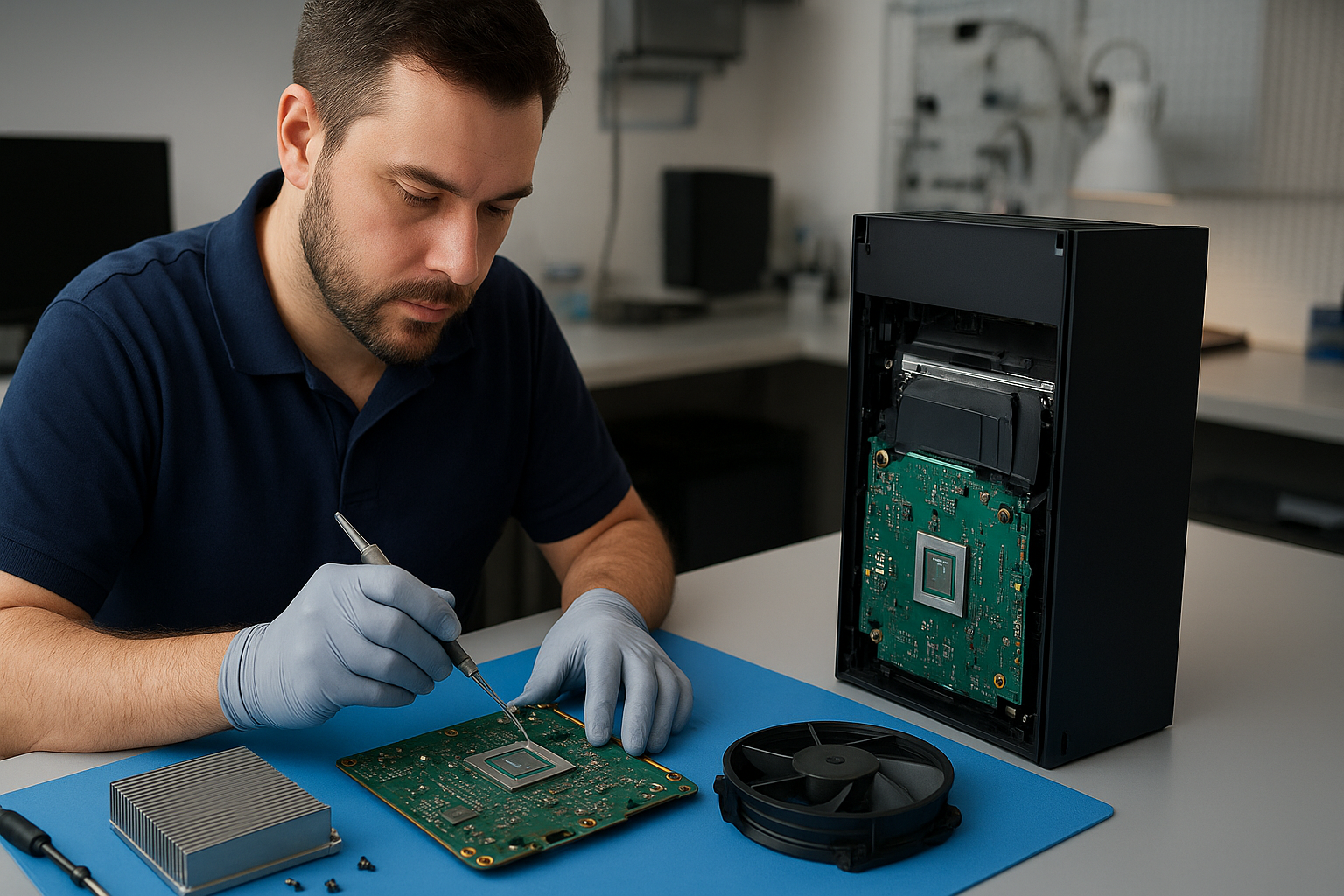
Repair process: The console was disassembled in our ESD-safe bench. We removed 6g of compacted dust from the heat sink and intake channels using vacuum-assisted micro-tools and solvent-safe swabs. The noisy fan was replaced with an OEM-equivalent unit. The factory thermal compound was carefully cleaned from die and heat spreader; we analyzed the thermal pad contacts and replaced degraded pads. A controlled liquid metal re-application was performed on the CPU/GPU contact area using a thin scribe technique and capillary-assisted spread to ensure a safe, even bond. All components were reassembled and thermal sensors re-calibrated.

Outcome: Post-repair stress tests showed stable temperatures averaging 62–68°C under the same load, fan RPMs reduced by 40% at comparable workloads and no shutdowns after a 6-hour endurance test. The customer reported restored performance and much quieter operation. The PS5 was returned with a written report and 90-day service warranty on parts and labor.

Contact Moe Repair Today

Moe Repair
778-951-4872
service@moerepair.ca

Ready to schedule your PS5 cleaning service Coquitlam? For appointments and fast estimates, please contact Moe Repair or call us at 778-951-4872. If you also need help with other devices, check out our computer repair in Coquitlam, laptop repair in Coquitlam and MacBook repair in Coquitlam pages for more information.

Data recovery Burnaby: Restore lost files fast with Moe Repair

With more than 15 years repairing laptops, desktops and servers, I know how devastating lost data can be. Data recovery Burnaby is a common request at our Coquitlam shop. Victims of failed hard drives, SSDs, or liquid-damaged MacBooks bring us urgent cases daily. We act fast, and we protect your data.

Data recovery Burnaby: Common symptoms we fix

Customers often describe the same set of symptoms. The drive is not detected, the computer freezes at boot, Windows or macOS reports a corrupted volume, or the drive clicks and shows SMART errors. Other signs include missing files after a failed update, deleted files emptied from the recycle bin, or a laptop that fell and now does not spin up. We handle all these scenarios.

Typical failure symptoms

  • Clicking, grinding, or no spin from an HDD.
  • Intermittent recognition, slow transfers, or firmware faults on SSDs.
  • RAID arrays that won’t mount after a power surge.
  • Files deleted accidentally, or partitions overwritten.
  • Liquid damage to laptops and MacBooks causing short circuits or corrosion.

How we diagnose your device

First, we secure the device and stop any further writes. Then we run non-destructive diagnostics. For mechanical drives we check SMART data, listen for head crash sounds, and test the controller board. For SSDs we inspect for firmware failures and check for trim activity that may complicate recovery.

We image the drive using write-blockers and tools like ddrescue, creating a sector-by-sector clone to work from. Imaging preserves the original drive and gives us a working copy for logical recovery with tools such as R-Studio, PhotoRec, or custom forensic utilities. For RAID recovery, we analyze the array layout, confirm stripe size and parity, and reconstruct virtual volumes in a controlled environment.

Real repair procedures we perform

  • Disk cloning and imaging to prevent further data loss.
  • Bad sector management using controlled retries and sector reallocation.
  • PCB replacement on HDDs when the controller is damaged, with donor board adaptations and ROM transfer when required.
  • Firmware interventions for certain SSD and HDD models, when safe and possible.
  • Liquid damage cleaning, corrosion removal, and controlled drying for laptops and MacBooks, followed by PCB level inspection.
  • File system reconstruction and file carving for deleted or corrupted files.

Local, secure, and transparent process

We document every diagnostic step. You get a clear estimate before we proceed. If we cannot recover your data, we explain why, and we do not charge for failed attempts on most cases. We use clean benches for any internal drive work that requires partial disassembly. Our processes follow industry best practices for forensic data recovery and privacy protection.

When to bring your device in

If you see unusual noise, error messages, or your device won’t boot, power it off and bring it to Moe Repair. Continuing to power a failing drive can cause further damage. Stop installing OS updates, do not run CHKDSK repeatedly, and avoid any DIY board swaps unless you are experienced. These actions can reduce the chance of successful data recovery.

Services we combine with data recovery

We frequently pair recovery with laptop repair, MacBook repair, screen replacement, battery replacement, virus removal, Windows installation, SSD upgrades, and motherboard repair. After recovery, customers often choose SSD upgrades, thermal paste replacement, or a computer tune-up to improve performance. We also repair gaming PCs, replace keyboards and trackpads, and handle laptop fan replacement.

Service areas and logistics

Our main shop is in Coquitlam, and we serve Burnaby, Vancouver, Surrey, Richmond, New Westminster, Maple Ridge, Port Moody, Port Coquitlam, Pitt Meadows, Langley, Delta, North Vancouver, West Vancouver, White Rock, Abbotsford, Mission and Chilliwack. Drop-offs are welcome, and we provide secure shipping options for remote clients.

Pricing and timelines

Simple logical recoveries, such as deleted file restoration, often return files within 24 to 48 hours. Physical recoveries, RAID rebuilds, or PCB/firmware cases can take several days to a week depending on parts and complexity. We provide itemized quotes and keep you updated every step of the way.

Why choose Moe Repair

As a senior technician with over 15 years of hands-on experience, I diagnose accurately and act decisively. We blend technical skill with clear communication. We handle HDD recovery, SSD recovery, external drive recovery, RAID recovery and forensic data recovery. You keep control of your data, and we prioritize confidentiality and secure handling.

Moe Repair
Phone: 778-951-4872
Email: [service@moerepair.ca](mailto:service@moerepair.ca) or service@moerepair.ca

If you need immediate assistance, call 778-951-4872 and we will arrange a fast assessment.

Xbox Series X cleaning service Coquitlam

Professional Console Repair and Maintenance

At Moe Repair in Coquitlam we provide professional Xbox Series X cleaning service Coquitlam gamers trust. With more than 15 years of experience repairing consoles and computers, our technicians combine precision diagnostics with industry‑best cleaning and thermal management techniques. We service Xbox Series X and Series S consoles alongside PlayStation models including PS5, PS5 Slim and PS5 Pro. Our goal is to eliminate loud fan noise, prevent random shutdowns, fix overheating and restore peak performance for players in Coquitlam, Burnaby, Port Moody, Port Coquitlam, New Westminster and Maple Ridge.

PS5 Liquid Metal Replacement

Liquid metal thermal interface compounds are a high‑performance choice for PS5 and PS5 Pro systems where heat transfer must be maximized. However, liquid metal requires careful handling and professional installation to avoid corrosion or electrical shorts. At Moe Repair we perform full PS5 liquid metal replacement for customers experiencing thermal throttling or persistent overheating after routine cleaning. Our process includes safe removal of old thermal paste, inspection of heat spreaders and vapor chambers, and controlled application of liquid metal with proper insulation around contacts. We also advise on compatibility with PS5 Slim and Pro variants and provide long‑term maintenance recommendations to extend cooling performance.

Console Cleaning and Dust Removal

Dust buildup is the most common cause of loud fan noise and poor thermal performance. Our Xbox Series X cleaning service Coquitlam covers complete disassembly, compressed air dust removal, brush cleaning of fan blades, and ultrasonic cleaning of adhered debris when necessary. We remove accumulated dust from vents, heatsinks and intake paths, re‑lubricate bearings if required and reassemble consoles to factory tolerances. For PS5 and its variants we pay special attention to the fan shrouds and the dual cooling channels to ensure unobstructed airflow. Regular dust removal keeps temperatures down and reduces the frequency of random shutdowns.

Console Overheating Repair

Overheating can show up as loud fans, random shutdowns, frame drops or persistent thermal warnings. Our diagnostic workflow identifies whether the root cause is dust, failing fans, degraded thermal paste, or hardware faults on the mainboard. For Xbox Series X machines we test airflow, load the console with controlled thermal stress tests, monitor temperature sensors, and isolate noise sources. Repairs can include fan replacement, heatsink reseating, thermal paste or liquid metal re‑application, and board‑level repairs for damaged power delivery components.

Real Repair Example — PS5 Overheating and Liquid Metal Inspection

A customer from Port Moody brought in a PS5 with frequent shutdowns during extended sessions and loud, constant fan operation. Diagnostic steps taken:

  • Visual inspection revealed heavy dust accumulation in the intake and a warped fan blade causing vibration.
  • Thermal logging under load showed CPU die temperatures spiking above safe thresholds while the heat spreader temperature lagged, indicating poor thermal transfer.
  • We disassembled the PS5, removed dust, cleaned the fan and replaced the damaged blade. The thermal pad and original thermal paste were carefully removed and inspected.
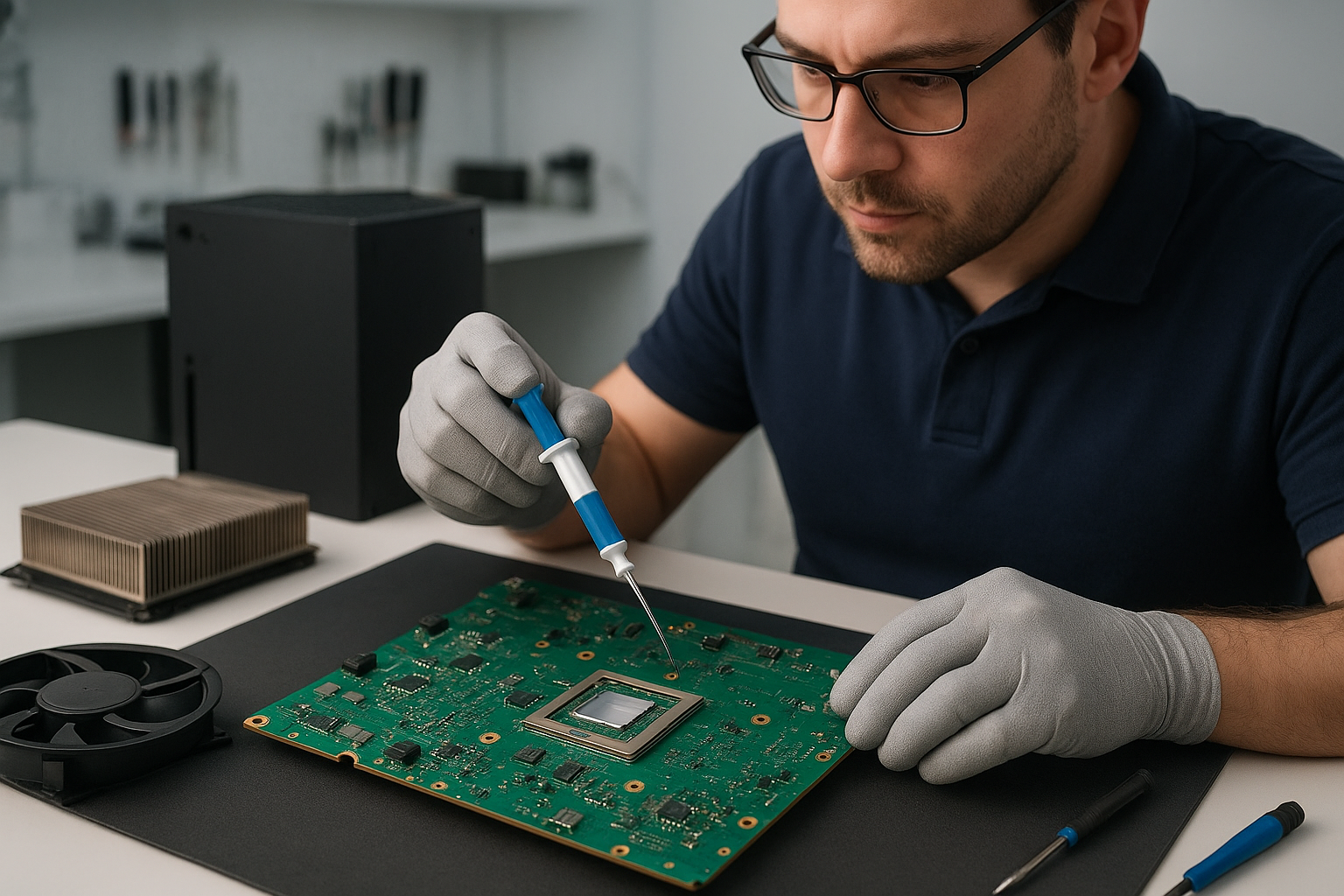
  • During inspection we found uneven application of paste and oxidation on the heat spreader contact surfaces. We cleaned mating surfaces, reapplied high‑quality liquid metal to the die (ensuring full electrical isolation of surrounding components) and reassembled with new shielding and correct torque on mounting screws.
  • Post‑repair testing included extended play and thermal monitoring — temperatures stabilized within normal ranges, fan RPMs dropped to expected levels, and the random shutdowns stopped.

Outcome: The PS5 returned to reliable performance with lower noise and no further thermal events. The customer in Port Moody reported improved frame stability and quieter operation during long sessions.

Signs Your Console Needs Service

Watch for these symptoms in your Xbox Series X, Series S, PS5, PS5 Slim or PS5 Pro:

  • Loud fan noise that starts gradually or suddenly
  • Frequent overheating warnings or thermal throttling
  • Random shutdowns under load or while idle
  • Performance issues like frame drops, stuttering or long boot times
  • Visible dust buildup around vents and intake areas

If you notice any of the above in Coquitlam or nearby communities like Burnaby, Port Coquitlam or New Westminster, bring your console in for a professional check. Early intervention prevents board damage and extends console lifespan.

Why Thermal Management Matters

Effective thermal management improves performance and longevity. Proper heatsink contact, uncompromised airflow and the right thermal compound (thermal paste or liquid metal where appropriate) reduce CPU and GPU temperatures, prevent throttling and lower fan wear. We balance cooling upgrades and maintenance to maintain reliability without voiding necessary warranties when possible. For competitive gamers on PS5 Pro or heavy users on Xbox Series X, good thermal health is essential for consistent frame rates and stable multiplayer sessions.

Gaming Consoles We Service

Moe Repair performs service and maintenance on a wide range of consoles, including:

  • Xbox Series X
  • Xbox Series S
  • PlayStation 5 (PS5), PS5 Slim and PS5 Pro
  • Older generations and other gaming hardware on request

We also handle related services that keep your gaming setup healthy, like computer repair in Coquitlam, laptop repair in Coquitlam and MacBook repair in Coquitlam, so you have a single trusted shop for all your electronics.

Why Choose Moe Repair

Local gamers choose Moe Repair because we combine hands‑on technician experience with transparent pricing and reliable turnarounds. Benefits of our service:

  • Over 15 years of console and electronics repair experience
  • Specialized PS5 liquid metal replacement expertise
  • Complete cleaning, fan servicing and dust removal for Xbox Series X and S
  • Diagnostics that identify thermal and power issues causing random shutdowns
  • Convenient for Coquitlam residents and nearby areas: Burnaby, Port Moody, Port Coquitlam, New Westminster and Maple Ridge
  • Easy scheduling and follow‑up, with honest advice on repairs versus replacements

Ready to schedule? Reach out via phone or email, or contact Moe Repair online for a quote.

Frequently Asked Questions

How often should I have my Xbox Series X cleaned?

For typical home usage, an annual cleaning is a good baseline. If you live in a dusty environment, have pets, or play for long daily sessions, consider cleaning every 6–9 months. Regular cleaning prevents dust buildup that causes overheating and loud fan noise.

Can you replace liquid metal on a PS5 Pro without damaging the console?

Yes — when performed by experienced technicians. Liquid metal requires precise application and electrical isolation. We inspect, prepare surfaces and protect sensitive areas before application to avoid corrosion or shorts.

Will cleaning my Xbox Series X void the warranty?

Basic external cleaning won’t void warranty, but opening the console can. We inform customers about warranty considerations before disassembly. In many cases we can do non‑intrusive cleaning or advise on authorized service options.

How long does a typical cleaning and thermal service take?

Minor cleaning and fan service can be same‑day. More extensive work like liquid metal replacement or board‑level repairs typically takes 1–3 business days depending on parts availability and diagnostic needs.

Do you service consoles from areas outside Coquitlam?

Yes. We regularly serve customers from Burnaby, Port Moody, Port Coquitlam, New Westminster and Maple Ridge. If you are nearby, call ahead to arrange drop‑off or to check on same‑day availability.

Contact Moe Repair Today

Moe Repair

778-951-4872

service@moerepair.ca

For fast, professional Xbox Series X cleaning service Coquitlam locals rely on, call us or contact Moe Repair to book your appointment. Whether it’s dust removal, fan cleaning, PS5 liquid metal replacement, or full overheating repair, we have the tools and experience to get you back to gaming.

Xbox Series X thermal paste replacement Coquitlam

Professional Console Repair and Maintenance

At Moe Repair in Coquitlam we specialize in thermal management and full-service console maintenance for gamers across Coquitlam and the Tri-Cities, including Burnaby, Port Moody, Port Coquitlam, New Westminster and Maple Ridge. Whether your Xbox Series X is showing performance issues, loud fan noise, random shutdowns, or simply running hotter than it should, a professional Xbox Series X thermal paste replacement Coquitlam service can restore stability and extend the life of your console.

We also provide complementary services such as PS5 liquid metal replacement, PS5 cleaning service, PS5 overheating repair and fan cleaning for the full PlayStation family, including PS5 Slim and PS5 Pro models.

PS5 Liquid Metal Replacement

Liquid metal thermal interface compounds are increasingly used in PS5 and other high-performance consoles to improve heat transfer between the SoC and the heatsink. At Moe Repair we perform safe liquid metal replacement and inspection, ensuring the compound is applied correctly and isolated from other PCB components. Liquid metal can dramatically reduce operating temperatures when applied correctly, but it requires skilled technicians to avoid short circuits or damage to surrounding components.

Console Cleaning and Dust Removal

Dust buildup is one of the most common causes of overheating and loud fan noise in gaming consoles. Our console cleaning and dust removal service includes:

  • Careful disassembly of the chassis and heatsink
  • Compressed air dust removal and precision vacuuming
  • Removal of obstructive debris from vents and intakes
  • Inspection and cleaning of fans and heat pipes
  • Reassembly and thermal performance testing

This service is essential for Xbox Series X and Xbox Series S owners, as well as PS5, PS5 Slim and PS5 Pro users who want to prevent dust-related performance issues.

Console Overheating Repair

Overheating can present as throttled performance, graphical stutter, frequent crashes, or sudden shutdowns. Common overheating repair steps we perform at Moe Repair include:

  • Full diagnostic testing and temperature logging
  • Fan cleaning and replacement if bearings or blades are damaged
  • Thermal paste replacement on CPU/GPU/SoC (including Xbox Series X thermal paste replacement)
  • Inspection and replacement of thermal pads or liquid metal for PS5 models
  • Firmware and power delivery checks to rule out non-thermal causes

Our goal is to get your console running cool and quiet again so you can enjoy uninterrupted gaming sessions.

Signs Your Console Needs Service

Watch for these signs that indicate your Xbox Series X or PS5 needs attention:

  • Loud fan noise that persists even under light load
  • Overheating during gameplay or streaming
  • Random shutdowns or restarts
  • Reduced performance or frequent frame drops
  • Visible dust build-up in vents or on external surfaces

If you live in Coquitlam, Burnaby, Port Moody, Port Coquitlam, New Westminster or Maple Ridge and notice any of these symptoms, bring your console to Moe Repair for a professional evaluation.

Why Thermal Management Matters

Thermal management is more than just keeping fans quiet. Proper heat transfer from the CPU/GPU to the heatsink ensures sustained performance, prevents thermal throttling, and reduces the risk of hardware failure. Over time, thermal paste degrades, dries out and loses conductivity. Replacing old or compromised thermal paste on the Xbox Series X is a cost-effective way to:

  • Lower operating temperatures
  • Reduce fan speed and associated noise
  • Prevent random shutdowns caused by overheating
  • Improve long-term reliability and component lifespan

We use high-quality thermal pastes and, where appropriate for PS5 models, correctly applied liquid metal to maximize thermal conductivity while protecting surrounding electronics.

Gaming Consoles We Service

Moe Repair services a wide range of consoles including:

  • Xbox Series X — including thermal paste replacement and fan servicing
  • Xbox Series S — cooling and dust removal
  • PS5, PS5 Slim and PS5 Pro — liquid metal replacement, fan cleaning, dust removal and overheating repair

We also handle general gaming console maintenance, board-level repairs, power issues and accessory diagnostics. If you’re unsure whether your model needs service, contact us for guidance.

Why Choose Moe Repair

With more than 15 years of experience in console and electronics repair, Moe Repair is a trusted choice for gamers in Coquitlam and surrounding communities. Our technicians combine deep technical knowledge with careful handling practices to ensure safe work on complex consoles. We provide:

  • Accurate diagnostics and transparent pricing
  • High-quality thermal pastes and approved liquid metal compounds for PS5 models
  • Fast turnaround times while maintaining safety and precision
  • Local pickup and drop-off recommendations for customers in Burnaby, Port Moody, Port Coquitlam, New Westminster and Maple Ridge
  • Warranty on our thermal and cleaning services

For related services, we also offer computer repair in Coquitlam, laptop repair in Coquitlam and MacBook repair in Coquitlam.

Frequently Asked Questions

How do I know if my Xbox Series X needs thermal paste replacement?

If your console runs very hot, the fan is louder than normal, you experience performance drops, or it shuts down unexpectedly, thermal paste degradation could be a cause. Our diagnostic includes temperature logging so we can confirm.

Can you replace thermal paste on PS5 and use liquid metal?

Yes. We perform both thermal paste replacement and liquid metal application for PS5, PS5 Slim and PS5 Pro models where appropriate. Liquid metal offers superior thermal conductivity but must be applied by experienced technicians to avoid risks.

How long does a thermal service take?

Typical thermal paste replacement and cleaning takes 1–3 business days depending on workload. If the job requires parts (like a replacement fan) the timeline may be slightly longer. We provide ETA at drop-off.

Do you offer a warranty on thermal paste replacement?

Yes. We stand behind our workmanship with a limited warranty on thermal services and cleaning. Warranty details are provided with your service receipt.

Do you service consoles from Burnaby and surrounding cities?

Absolutely. Customers from Burnaby, Port Moody, Port Coquitlam, New Westminster and Maple Ridge regularly bring consoles to our Coquitlam shop. We also advise on safe shipping if you’re located further away.

Real Repair Example

Case: A PS5 arrived at our Coquitlam shop with frequent overheating and random shutdowns during extended sessions. Symptoms included audible fan ramp-up after only 15–20 minutes of gameplay, temperature spikes recorded in logs, and visible dust accumulation around the intake vents.

Diagnostic process: We performed a full visual inspection and thermal log under controlled load. The internal heat sink had a dust layer that reduced airflow and the factory thermal interface showed signs of aging. The console had intermittent GPU thermal throttling readings.

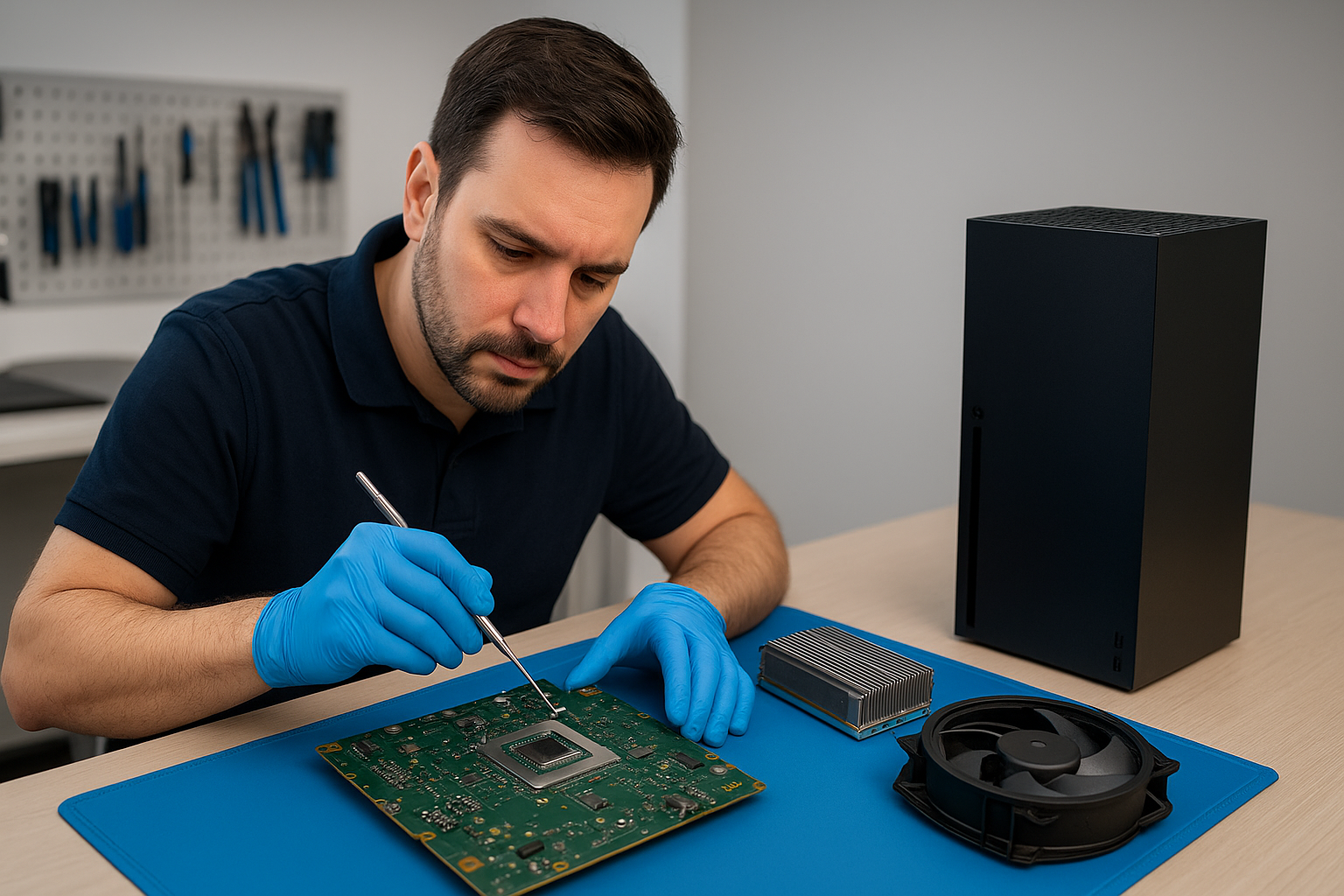
Repair steps: We carefully disassembled the PS5, performed a deep dust removal and fan cleaning, inspected fan bearings and replaced a slightly noisy fan. We removed the old thermal interface compound, evaluated the contact surfaces and applied a controlled liquid metal replacement on the SoC where appropriate. We also cleaned and replaced deteriorated thermal pads on surrounding components.

Final outcome: Post-service tests showed a 10–15°C reduction in peak temperatures and sustained stable frame rates without throttling. The fan remained quiet under moderate load, and the client reported no further shutdowns after a week of heavy use. The repair restored performance and extended the console’s reliable service life.

Contact Moe Repair Today

Moe Repair

778-951-4872

service@moerepair.ca

If you need an Xbox Series X thermal paste replacement Coquitlam service or related console maintenance, contact Moe Repair today to schedule a diagnostic or drop off your console at our Coquitlam shop. We also provide expert computer repair in Coquitlam, laptop repair in Coquitlam and MacBook repair in Coquitlam for gamers who need full-system care.

Xbox Series X thermal paste replacement Coquitlam

Professional Console Repair and Maintenance

At Moe Repair in Coquitlam we specialize in comprehensive console thermal management, including Xbox Series X thermal paste replacement Coquitlam customers trust. With over 15 years of experience repairing gaming consoles, laptops and Macs in Coquitlam and the Tri-Cities area, our technicians diagnose loud fan noise, overheating, random shutdowns and performance issues to restore reliable gaming performance. We service gamers from Burnaby, Port Moody, Port Coquitlam, New Westminster and Maple Ridge.

PS5 Liquid Metal Replacement

While this page focuses on the Xbox Series X thermal paste replacement Coquitlam players need, we also offer PS5 liquid metal replacement for PS5, PS5 Slim and PS5 Pro consoles. Liquid metal provides superior thermal conduction for heavy-load consoles but requires professional application and insulation to avoid shorts and long-term corrosion. At Moe Repair we inspect the cooling assembly, test for compatibility, and apply liquid metal under controlled conditions to reduce temperatures and fan speeds.

Console Cleaning and Dust Removal

Dust buildup is one of the most common causes of overheating and noisy fans across all consoles — Xbox Series X, Xbox Series S, PS5 and its variants. Our console cleaning service includes full disassembly, compressed air dust removal, ultrasonic cleaning of fans when appropriate, and safe removal of lint from heat-sinks and vents. Regular cleaning improves airflow and extends the life of your thermal paste or liquid metal application.

Console Overheating Repair

Overheating repairs often involve a combination of services: deep cleaning, fan replacement or fan cleaning, thermal paste or liquid metal replacement, and diagnostics to identify failing temperature sensors or power-related components. Symptoms we address include loud fan noise, thermal throttling, random shutdowns, and persistent high-temperature readings. We provide clear diagnostics and transparent pricing for Coquitlam customers before any repair begins.

Signs Your Console Needs Service

  • Loud fan noise that doesn’t reduce during light gameplay
  • Random shutdowns or restarts during games or menus
  • Thermal throttling resulting in frame rate drops or stuttering
  • Visible dust buildup in vents and on heat sinks
  • Excessive temperature readings on diagnostics or during heavy sessions

If you notice these signs on an Xbox Series X, Series S, PS5, PS5 Slim, or PS5 Pro, bring your console to Moe Repair for professional evaluation in Coquitlam. We also recommend periodic maintenance to customers in Burnaby, Port Moody, Port Coquitlam, New Westminster and Maple Ridge to prevent major failures.

Why Thermal Management Matters

Thermal management directly impacts reliability and performance. The thermal interface material (TIM) – thermal paste or liquid metal – sits between the SoC/GPU and the heat sink. Over time thermal paste dries, becomes less effective, and cannot transfer heat efficiently. This leads to overheating, loud fans and potential long-term damage. Replacing degraded TIM and ensuring effective dust removal restores thermal conduction so cooling systems run quieter and components operate at designed clock speeds.

Gaming Consoles We Service

Our repair bench in Coquitlam is set up for a wide range of consoles and related maintenance:

  • Xbox Series X — thermal paste replacement, fan cleaning, diagnostics
  • Xbox Series S — dust removal and thermal fixes
  • PS5, PS5 Slim, PS5 Pro — liquid metal replacement, cleaning, overheating repair
  • Older consoles — cleaning and component-level repairs

We also offer complementary services for your home gaming setup like firmware checks and storage health inspections. For computer and laptop needs, check our other services: computer repair in Coquitlam, laptop repair in Coquitlam, and MacBook repair in Coquitlam. If you have questions or want to book an appointment please contact Moe Repair.

Why Choose Moe Repair

Our team brings over a decade of experience and a strict quality process to every Xbox Series X thermal paste replacement Coquitlam job. We use high-quality thermal compounds and, where appropriate, professionally-applied liquid metal for PS5 systems. Repair steps include:

  1. Full diagnostics and thermal readings
  2. Controlled disassembly and dust removal
  3. Inspection of heat-sinks, fans and temperature sensors
  4. Precision re-application of thermal paste or liquid metal
  5. Reassembly, burn-in testing and customer handover

We back up repairs with clear testing and stand by our workmanship for peace of mind across Coquitlam and the surrounding communities.

Frequently Asked Questions

How long does an Xbox Series X thermal paste replacement take?

Typical service time is 2–4 business days depending on workload and parts availability. Same-day service may be possible for simple cleanings; call first to confirm. We serve clients across Coquitlam, Burnaby and nearby cities.

Is liquid metal better than thermal paste for a PS5?

Liquid metal offers better thermal conductivity and lower temperatures under heavy load for PS5 models. However, it requires careful application and protective barriers to prevent corrosion. We only use liquid metal in consoles where it’s appropriate and safe.

Will replacing thermal paste fix random shutdowns?

Often yes — if the shutdowns are caused by thermal throttling or overheating. We perform diagnostics to ensure the cause isn’t a failing power supply or other hardware issue before recommending TIM replacement.

Do you offer cleaning services without thermal paste replacement?

Yes. Our PS5 cleaning service and Xbox cleaning service include dust removal, fan cleaning, and airflow testing. Many customers opt for cleaning as preventive maintenance to avoid needing a TIM change later.

Do you service consoles from Port Moody and Port Coquitlam?

Absolutely. We regularly help gamers from Port Moody, Port Coquitlam, New Westminster, Maple Ridge and Burnaby. Drop off or contact us to arrange courier options if you can’t come in person.

Real Repair Example

Case: PS5 with severe overheating and random shutdowns. The console arrived from a Coquitlam customer reporting loud fan noise and shutdowns after 30–45 minutes of play. Diagnostic process:

  • Initial thermal logging showed CPU/GPU temps exceeding safe thresholds under synthetic load.
  • Visual inspection revealed heavy dust buildup in the intake vents and clogged fan fins.
  • Disassembly, ultrasonic fan cleaning and careful dust removal around the heat sink revealed old, dried-out thermal paste and a small loss of contact between the heat sink and die.
  • We removed the old TIM, inspected the die for damage, and applied a controlled liquid metal replacement suitable for the PS5 model. We also checked for any corrosion or residue and protected surrounding components with non-conductive barriers.
  • Reassembled the unit, performed extended stress testing, and logged temperatures. Fan speeds were significantly reduced and thermal headroom improved. The random shutdowns did not recur during 8+ hours of validation testing.

Outcome: The PS5 returned to the customer with quieter operation, stable temperatures, and reliable long-session performance. The customer reported no further shutdowns and better frame-rate stability in demanding games.

Contact Moe Repair Today

Moe Repair
778-951-4872
service@moerepair.ca

For Xbox Series X thermal paste replacement Coquitlam gamers, PS5 liquid metal, fan cleaning, dust removal, or overheating repairs, call or email to schedule an appointment. We proudly serve Coquitlam and nearby communities including Burnaby, Port Moody, Port Coquitlam, New Westminster and Maple Ridge.

MacBook repair Surrey

I am a senior technician with more than 15 years of hands on experience repairing MacBooks and laptops. If your Mac is slow, refuses to boot, or has a cracked screen, Moe Repair provides reliable MacBook repair Surrey service with clear diagnostics and affordable solutions.

MacBook repair Surrey: common problems I fix

Customers in Surrey and nearby areas bring MacBooks with a range of symptoms. Common failure signs include no power, repeated kernel panics, a blank screen, swollen battery, trackpad erratic behavior, and fans running loud constantly.

Typical services I perform include screen replacement, battery replacement, SSD upgrades, motherboard repair, trackpad repair, keyboard replacement, laptop fan replacement, thermal paste replacement, liquid damage repair, data recovery and virus removal when needed.

Realistic diagnostic steps I use

First, I capture the symptoms and error messages. Then I follow step by step checks. I verify power and SMC status, check for bent or corroded connectors, and test with a known good charger. I boot into Recovery and Safe Mode. I run Apple Diagnostics or use a USB tool for deeper hardware scans.

For storage issues I connect the drive in an external enclosure and test read and write speeds. For mysterious shutdowns I inspect the logic board under magnification, test voltage rails with a multimeter, and check for swollen capacitors or heat damage. For trackpad, keyboard, or display issues I test flex cables and connectors under gentle movement.

Screen replacement and battery repair procedures

When replacing a MacBook screen I power down, remove pentalobe screws, and separate the display assembly carefully. I disconnect the display flex and camera cable, then swap the panel. I always test before reassembly to avoid repeat disassembly.

For battery replacement I check cycle count and swelling. I remove adhesive strips and replace the battery with an Apple compatible cell. Then I run a full calibration and check charging behavior. If charging circuits show abnormal current I escalate to motherboard repair.

SSD upgrades, data recovery and performance tune ups

Upgrading to an SSD is one of the fastest ways to restore performance. I image your drive, install the SSD, and migrate the system or perform a fresh macOS install. I also apply thermal paste replacement and clean fans if the Mac overheats.

For failed drives I perform non destructive data recovery attempts first. I mount the drive, attempt logical recovery with specialist tools, and only escalate to hardware recovery when necessary. I always provide a recovery estimate before proceeding.

Why choose Moe Repair for MacBook repair Surrey

I have repaired hundreds of MacBooks across Coquitlam, Burnaby, Vancouver, Richmond and Surrey. I use professional tools and follow safe repair procedures. I document diagnostics, show you failed components, and explain repair options. I offer transparent pricing for motherboard repair and component replacements.

We also work on Windows installation, virus removal, gaming PC repair and complete computer tune up services for a wide range of devices. If you are in New Westminster, Maple Ridge, Port Moody, Port Coquitlam, Pitt Meadows, Langley, Delta, North Vancouver, West Vancouver, White Rock, Abbotsford, Mission or Chilliwack, we can help or advise on drop off and courier options.

Common failure symptoms and simple checks you can try

If your MacBook will not boot, disconnect accessories and try Safe Mode. If the battery does not charge, try an SMC reset. If the screen shows lines or flickers, try external display testing to isolate the GPU or the display panel. If the keyboard or trackpad misbehaves, create a new user and test, to rule out software conflicts.

These simple steps often narrow the problem. However, for liquid damage, persistent kernel panics, or motherboard faults, professional diagnostics and repair are required to avoid data loss.

Transparent repairs and practical advice

I always provide a clear estimate, the expected turnaround, and parts warranty. For older MacBooks I recommend SSD upgrades and a thermal paste replacement to extend life. For accidental spills I advise powering off immediately, leaving the machine open to dry, and bringing it in for a full inspection to prevent corrosion.

Get fast, reliable MacBook repair Surrey service

Bring your MacBook to Moe Repair for honest diagnostics and practical solutions. We handle screen replacement, battery replacement, mother board repair, data recovery, liquid damage repair and more. We also support laptop repair for Windows machines, keyboard replacement, trackpad repair and laptop fan replacement.

Moe Repair Phone: 778-951-4872 Email: [service@moerepair.ca](mailto:service@moerepair.ca)

Call now to discuss your MacBook issue, get a transparent quote, and schedule a same week repair. We respond quickly and we back our work with a warranty so you can trust your Mac is in skilled hands.

PS5 cleaning service Coquitlam

Professional Console Repair and Maintenance

At Moe Repair in Coquitlam, we provide professional PS5 cleaning service Coquitlam gamers trust. With more than 15 years of hands-on console repair experience, our technicians specialize in thermal management, fan cleaning, dust removal and complex repairs like liquid metal replacement on PS5, PS5 Slim and PS5 Pro models. We also service Xbox Series X and Xbox Series S systems for customers across Coquitlam and neighbouring communities including Burnaby, Port Moody, Port Coquitlam, New Westminster and Maple Ridge.

If your PS5 is making loud fan noise, overheating, experiencing random shutdowns or suffering performance issues, a deep internal clean and inspection is often the fastest and most cost-effective way to restore reliable performance and reduce noise.

PS5 Liquid Metal Replacement

Liquid metal replacement is a specialized thermal upgrade and repair that we perform for PS5 consoles showing sustained high temperatures or poor temperature conduction. Liquid metal (a gallium-based thermal interface) can dramatically improve heat transfer between the SoC and heatsink compared with stock thermal paste — when applied correctly. Our senior technician evaluates each PS5 for suitability before proceeding, tests for any previous liquid metal use, and applies high-grade, safe liquid metal compounds with the correct insulation and application technique to prevent corrosion or shorts.

We perform liquid metal replacement alongside a full cleaning and fan service to ensure the console maintains stable temperatures long-term. This service is available for PS5, PS5 Slim and PS5 Pro units and is commonly requested by power users in Coquitlam and surrounding areas.

Console Cleaning and Dust Removal

Dust buildup is the number one cause of loud fan noise, overheating, and random shutdowns. Our PS5 cleaning service Coquitlam includes:

  • Complete disassembly of the PS5 shell and covers using manufacturer-safe techniques
  • Compressed air and precision vacuuming to remove dust from heatsinks, vents and fan blades
  • Alcohol-based cleaning of contact surfaces and fan bearings when appropriate
  • Visual inspection for damaged components, thermal paste degradation or signs of previous overheating
  • Reassembly and thermal verification tests

We use ESD-safe tools and follow strict procedures to preserve your warranty where possible. Dust removal is not only about immediate fixes — it’s preventive maintenance that extends the lifespan of your console.

Console Overheating Repair

Overheating can present as loud fans, reduced framerate, game crashes or unexpected shutdowns. Our overheating repair workflow includes thermal imaging, sensor readouts, stress testing and targeted repairs or replacements. Common fixes we perform:

  • Fan cleaning and replacement for worn bearings
  • Thermal paste replacement or liquid metal reapplication
  • Heatsink reseating and cleaning of airflow channels
  • Repair of damaged power delivery components when identified

We aim to return your PS5 to stable operating temperatures and quiet operation so you can enjoy uninterrupted gaming sessions in Coquitlam and nearby neighbourhoods like Burnaby, Port Moody and Port Coquitlam.

Signs Your Console Needs Service

Watch for these common signs that indicate your PS5 needs a professional cleaning or repair:

  • Loud, persistent fan noise even at low system loads
  • Increased temperature warnings or frequent thermal throttling
  • Random shutdowns under load or during gameplay
  • Performance drops, stuttering or lower-than-expected framerates
  • Visible dust in vents or on external surfaces

If you see any of these in your PS5, PS5 Slim or PS5 Pro, bring the console to Moe Repair for a full diagnostic and cleaning. Our technicians also advise gamers in New Westminster and Maple Ridge on routine maintenance to avoid future issues.

Why Thermal Management Matters

Thermal management is the backbone of console reliability. Efficient heat transfer keeps CPU and GPU temperatures within safe ranges, reducing the risk of long-term component damage. Poor thermal management accelerates wear, increases fan noise and causes the system to throttle performance to protect itself.

At Moe Repair, we emphasize correct airflow, clean heatsinks and proper thermal compounds. Whether it’s a standard thermal paste refresh or a precision liquid metal replacement, our approach balances cooling performance and long-term safety. We also educate customers on placement, ventilation and dust-control practices to maintain optimal thermal conditions at home.

Gaming Consoles We Service

Our team has extensive experience with modern consoles and models, including:

  • PS5
  • PS5 Slim
  • PS5 Pro
  • Xbox Series X
  • Xbox Series S

We apply the same rigorous cleaning and thermal repair procedures across all models, tailoring repairs to each console’s internal layout and cooling design.

Why Choose Moe Repair

Moe Repair is a local, veteran-owned repair shop in Coquitlam with over a decade of console and electronics repair experience. What sets us apart:

  • Senior technicians with 15+ years of practical service experience
  • Transparent diagnostics and upfront pricing
  • Specialized services like liquid metal replacement and thermal imaging
  • Fast turnaround for urgent gaming needs
  • Strong local reputation across Coquitlam, Burnaby, Port Moody, Port Coquitlam, New Westminster and Maple Ridge

We also offer related services for your devices: computer repair in Coquitlam, laptop repair in Coquitlam and MacBook repair in Coquitlam. For appointment bookings or questions, please contact Moe Repair.

Real Repair Example

Case: A PS5 brought in from Port Moody with loud fan noise and random shutdowns after 1–2 hours of gameplay. Initial inspection revealed heavy dust accumulation around the intake vents and a sticky residue on fan blades. Diagnostic steps we took:

  1. Documented symptoms and serial number, then performed a baseline thermal and fan-speed test to reproduce the issue.
  2. Carefully disassembled the console using ESD-safe tools and photographed key stages for the customer record.
  3. Removed dust from vents, fan shroud and heatsink using precision vacuuming and compressed air; cleaned fan blades with isopropyl alcohol to remove residue and restore balance.
  4. Inspected the thermal interface and found degraded factory thermal paste with uneven spread; after cleaning, we assessed the need for liquid metal.
  5. Applied a liquid metal replacement to the SoC using a controlled process with dielectric barriers and capillary application to prevent migration. Replaced old thermal pads on VRMs and reassembled the unit.
  6. Performed stress testing and thermal imaging; temperatures dropped by an average of 8–12°C under load and fan speeds normalized. Verified no more random shutdowns across extended testing.

Outcome: The console returned to the owner from Port Moody running quieter, cooler and with no random shutdowns. We provided care tips to avoid repeat dust buildup and offered a scheduled maintenance plan for gamers in Coquitlam.

Frequently Asked Questions

How often should I get my PS5 cleaned?

For most households, a full internal cleaning every 12–18 months is recommended. If you game more than 20 hours per week, keep pets nearby, or live in a dusty environment like certain parts of Maple Ridge, consider cleaning every 6–12 months.

Is liquid metal replacement safe for my PS5?

When performed by experienced technicians using correct application and insulation methods, liquid metal replacement is safe and can significantly improve thermal performance. Improper application can cause shorts or corrosion, which is why it’s a specialized service we perform carefully.

Do you service consoles from Burnaby or New Westminster?

Yes. We service customers across the Lower Mainland, including Burnaby, Port Moody, Port Coquitlam, New Westminster and Maple Ridge. Local drop-off and mail-in options are available.

What causes loud fan noise on the PS5?

Loud fan noise is typically caused by dust buildup, unbalanced fans, degraded fan bearings, or thermal throttling that forces higher fan speeds. A full cleaning and inspection will identify the cause and the appropriate repair.

Can cleaning improve performance and stop random shutdowns?

Yes. Many performance issues and shutdowns are thermal-related. Cleaning dust, replacing thermal paste or applying liquid metal, and ensuring proper airflow can stop thermal throttling and random shutdowns in most cases.

Contact Moe Repair Today

Moe Repair

778-951-4872

service@moerepair.ca

If your PS5 is overheating, making loud fan noises, or shutting down unexpectedly, bring it to Moe Repair for trusted PS5 cleaning service Coquitlam gamers rely on. Call or email us to schedule a diagnostic or ask about preventative maintenance plans.

Data recovery Surrey: Fast, secure file recovery by Moe Repair

Data recovery Surrey customers trust requires experience and care. I am a senior computer repair technician with more than 15 years of hands-on experience. I diagnose hard drive clicks, SSD controller failures, and RAID degradations. I recover photos, documents, and business data for clients across the Lower Mainland.

Data recovery Surrey services we provide

At Moe Repair we handle hard drive recovery, SSD recovery, external drive recovery, RAID recovery, file recovery and deleted files restoration. We work on Windows, MacBook and Linux systems, and we recover from logical failure and physical failure.

Common symptoms that indicate data loss

Customers bring devices with a wide range of symptoms. Typical signs include clicking or grinding noises, slow read speeds, corrupted files, missing partitions, folder structure changes, system not booting, blue screen errors, or intermittent detection by the computer.

For SSDs you might see sudden failure, firmware errors, or the drive simply vanish from BIOS. For RAID arrays, you may face degraded RAID, rebuild failures, or parity mismatches.

How we diagnose your drive

We start with noninvasive checks. First we perform a visual inspection for liquid damage or burnt components. Next we run SMART diagnostics to check reallocated sectors and pending sectors. Then we attempt a safe clone using bit-by-bit imaging tools such as ddrescue. This preserves your media while we work on recovery.

If imaging fails due to bad sectors, we perform sector-level reads with controlled power and timing. For physical failures we evaluate the PCB, actuator, and heads. When necessary we source a donor board and perform a PCB swap, and we always verify board firmware compatibility.

Real repair procedures we use

For logical corruption, we extract partitions and run file system repair tools, followed by file carving to recover lost photos and documents. For encrypted volumes like BitLocker or FileVault, we work with the keys you provide to avoid data loss.

For physical damage on hard drives, we do head swaps only in cleanroom conditions. We do not attempt unsafe DIY fixes. For SSD controller or NAND issues, we use specialist tools and chip-off methods when appropriate. For RAID recovery, we analyze metadata, reconstruct stripe geometry, and assemble virtual arrays to extract files.

What you can do immediately

Stop using the device. Continued power or writes increase the chance of permanent data loss. Do not format the drive or run unreliable recovery software. If the drive clicks, unplug it and bring it to us. For laptops, remove the drive if you can do so safely. For liquid damage, power down immediately and avoid turning the device back on.

Backups prevent stress. While we offer computer tune-up, SSD upgrades and Windows installation, we also advise setting up automated backups once recovery completes.

Why choose Moe Repair for Data recovery Surrey

I apply a methodical workflow. First, we run diagnostics and provide an accurate quote. Then we image the device, perform logical recovery, and escalate to physical procedures if needed. We maintain a secure chain of custody and confidentiality for business and personal data.

We serve Coquitlam, Burnaby, Vancouver, Surrey, Richmond, New Westminster, Maple Ridge, Port Moody, Port Coquitlam, Pitt Meadows, Langley, Delta, North Vancouver, West Vancouver, White Rock, Abbotsford, Mission, and Chilliwack.

Besides data recovery, our shop offers laptop repair, MacBook repair, screen replacement, battery replacement, virus removal, SSD upgrades, motherboard repair, liquid damage repair, gaming PC repair, keyboard replacement, trackpad repair, laptop fan replacement, thermal paste replacement, and computer tune-up.

Transparent pricing and timeline

We provide a diagnostic first. Small logical recoveries may finish within 24 to 48 hours. Physical recoveries or RAID jobs take longer, because we perform careful imaging and testing. We always explain costs before proceeding.

Security and privacy

We keep recovered data private. You can request to collect only recovered files on a new drive. We securely erase intermediary copies when the job completes.

Real examples from the shop

Recently, we recovered a MacBook Pro with a corrupted APFS container after an interrupted macOS update. We imaged the SSD, repaired the container, and restored 95 percent of user files. In another case, a client from Surrey had a crashed hard drive with a clicking head. We performed a donor head swap in our clean environment and cloned the drive to recover business invoices.

Costs versus DIY risks

Cheap DIY attempts often cause more damage. For example, freezing a hard drive can cause condensation, and swapping parts without matching firmware can corrupt the drive further. Pay for professional recovery to maximize outcomes.

Contact Moe Repair

If you need immediate help with Data recovery Surrey, call us right away. We provide honest advice, clear pricing, and professional procedures.

Moe Repair
Phone: 778-951-4872
Email: service@moerepair.ca

Bring your device to our shop for diagnostics. We work quickly, and we will guide you through every step, from imaging to final file delivery.

We understand how important your data is. Contact Moe Repair now, and let us recover your files with the care they deserve.