Hi, How Can We Help You?
  • 203-504 Cottonwood Ave, Coquitlam
  • service@moerepair.ca
  • +1 (778) 951-4872

Category Archives: Computer Repair Burnaby

Data recovery Coquitlam: Fast, secure file recovery by Moe Repair

I have over 15 years as a senior technician repairing laptops and desktops. When customers call about lost files, the first phrase is usually Data recovery Coquitlam, and for good reason. In this article I explain realistic repair procedures, common failure symptoms, diagnostic steps, and practical advice so you can act quickly and protect your data.

Data recovery Coquitlam services we provide

Moe Repair performs professional data recovery on failing drives, including hard drive recovery and SSD recovery. We handle RAID recovery, external drive recovery, laptop data recovery, Mac data recovery, and Windows data recovery. We also offer related repairs, such as motherboard repair, liquid damage repair, screen replacement, battery replacement, and SSD upgrades. We serve Coquitlam and surrounding areas including Burnaby, Vancouver, Surrey, Richmond, New Westminster, and more.

Recognize the common failure symptoms

Symptoms tell me if a problem is logical or mechanical. If you hear clicking, grinding, or repeated spin cycles, that suggests mechanical failure, possible head damage or platter damage. If the drive mounts but files are missing or corrupted, that often points to logical failure, file system corruption, or accidental deletion. Other signs include slow access, frequent crashes, blue screens, strange noises, and failure after liquid exposure.

Step by step diagnostics I perform

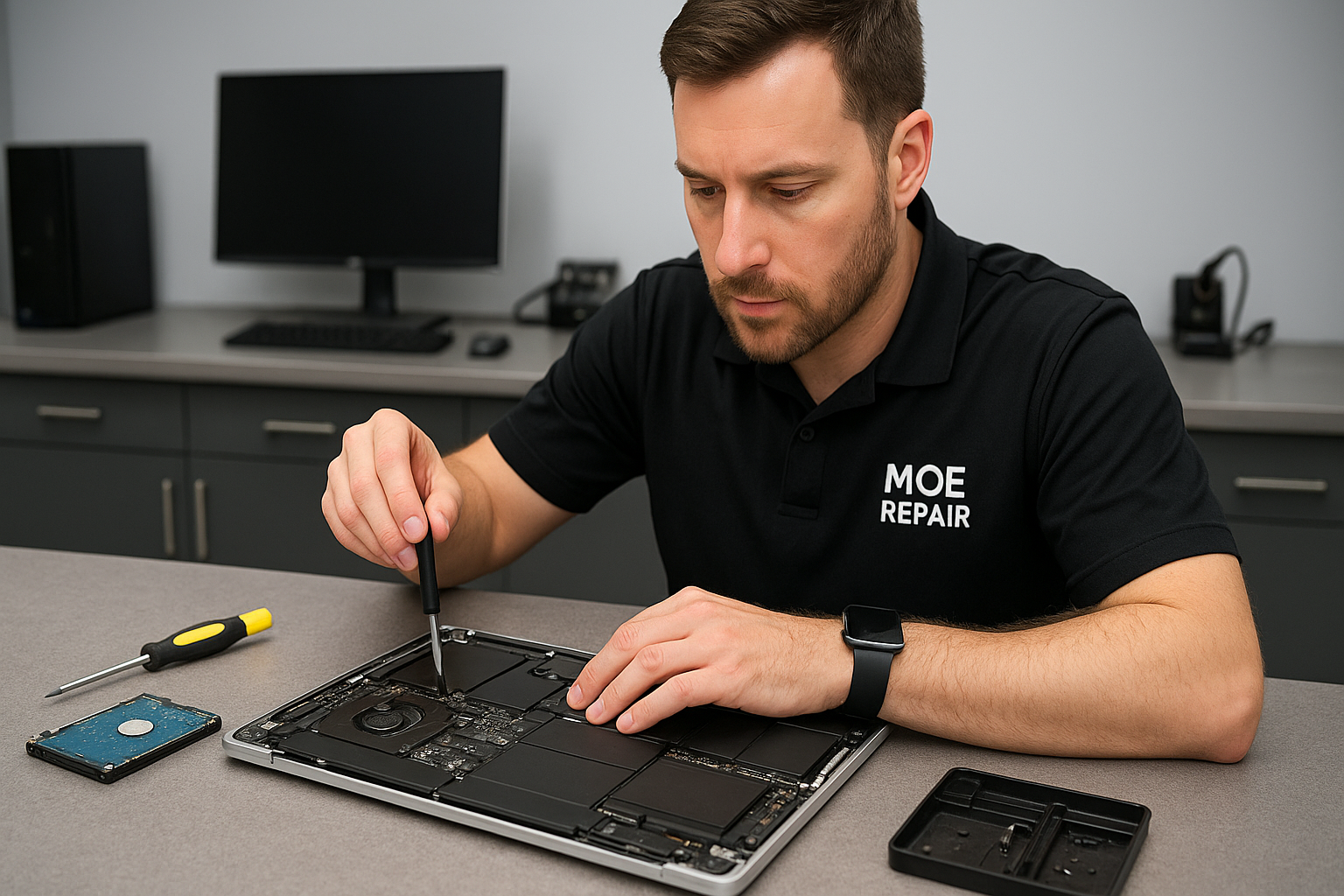
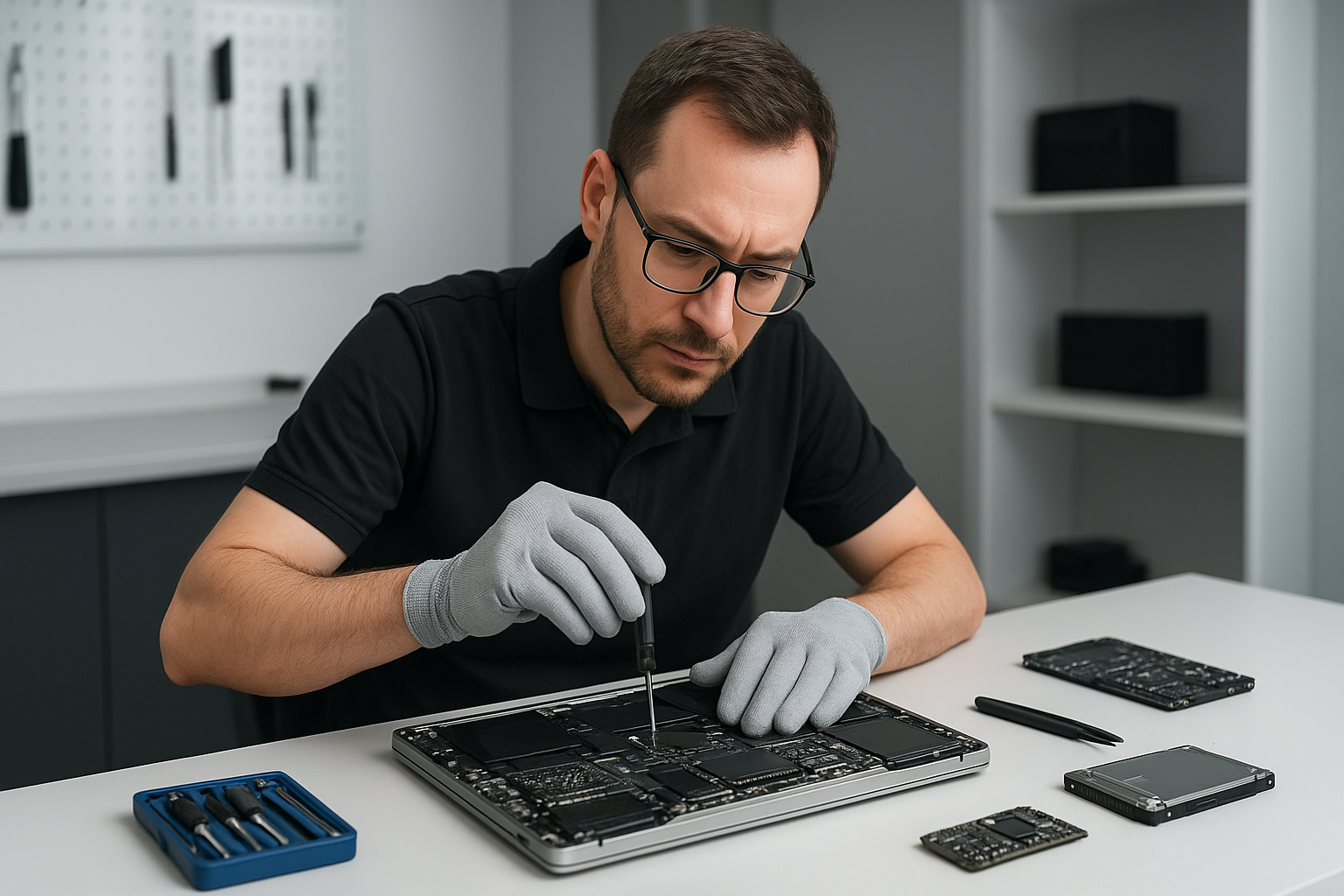
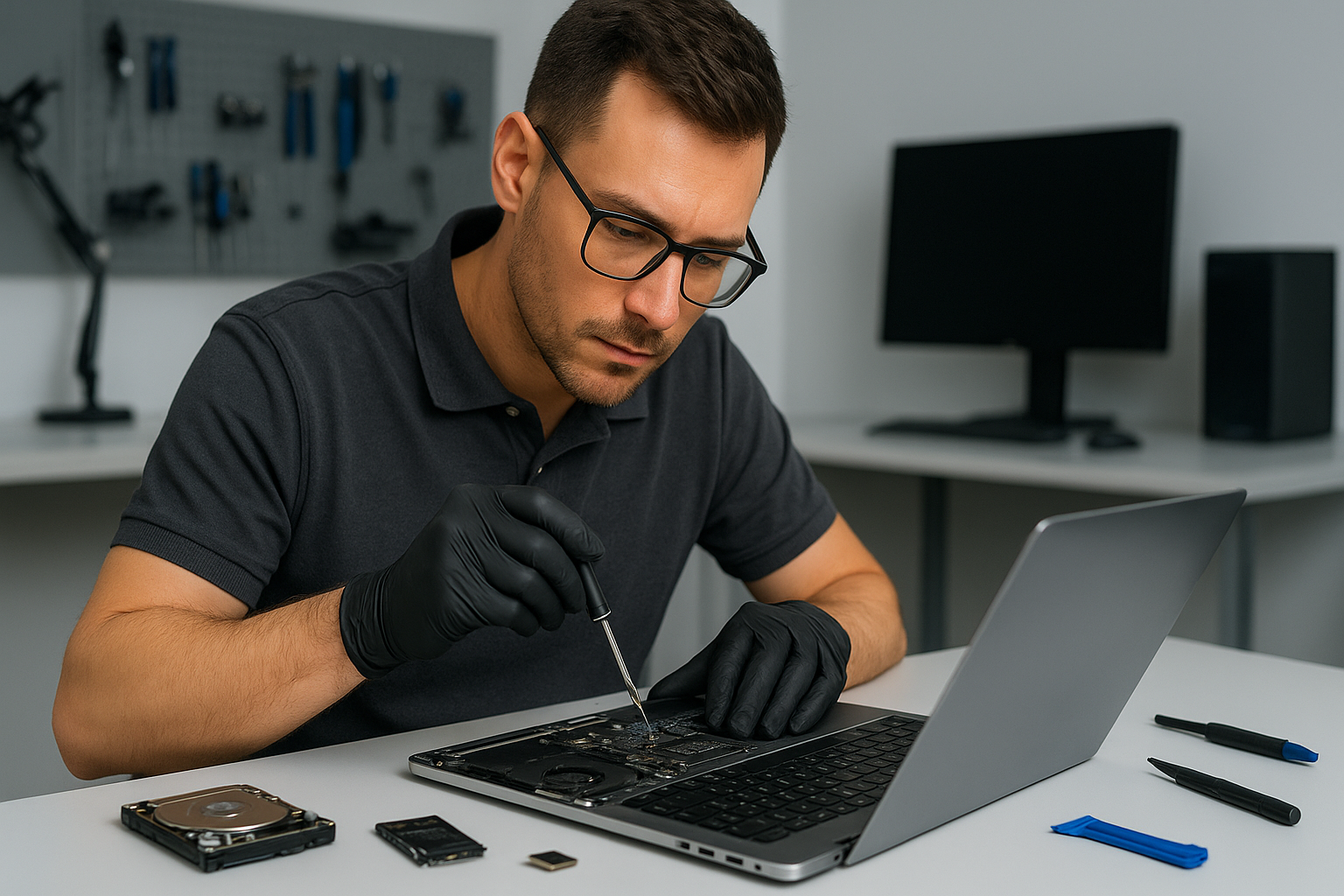
First I perform a non invasive inspection. I check for visible damage, burnt components, and liquid residue. Then I connect the drive to a dedicated recovery workstation. For mechanical suspects, I do not power the drive repeatedly. Instead, I document symptoms, capture SMART data, and image the drive with a hardware write blocker. For logical problems, I attempt read only cloning to an image, then run file system repair tools and recovery software on a copy.

When RAID recovery is required, I analyze the controller metadata, calculate stripe size and order, then assemble a virtual RAID for safe cloning. For SSD recovery I check firmware and use specialized tools for NAND reads. For external drive enclosures I test the drive raw on a SATA dock to rule out enclosure adapter failure.

Realistic repair procedures

For mechanical failures I follow a staged approach. If heads or motor are faulty, I may perform head replacement in a clean room environment, then clone the platters immediately. If platter damage exists, I prioritize salvage and use disk imaging at the lowest level possible. For logical failures I work on a cloned image and use forensic file recovery tools to reconstruct files and repair file system structures.

We use disk cloning, sector level recovery, and when necessary, partner lab services for complex cases. We never run risky fixes on the original media. Instead, we work on copies, and provide a detailed recovery report after the job.

What you should do immediately

If you suspect data loss, stop using the device. Do not attempt repeated power cycles. Do not format or initialize the drive if the system asks. Instead, note any error messages and contact Moe Repair right away. Backups are the best prevention, so set up automatic backups after recovery. We also provide computer tune-up, virus removal, Windows installation, and SSD upgrades to improve long term reliability.

Pricing and turnaround

Turnaround depends on damage. Logical recoveries often finish within one to three business days. Mechanical and RAID cases may take longer. We provide a free initial consultation and a transparent estimate. There is no data, no charge policy for many recovery types, and we always explain the risks up front.

Why choose Moe Repair

I bring hands on experience from thousands of recoveries. We combine professional data recovery techniques, recovery software, disk cloning hardware, and careful diagnostic workflows. We also repair laptops, offer MacBook repair, replace keyboards and trackpads, perform laptop fan replacement, thermal paste replacement, and gaming PC repair. We serve the broader Lower Mainland, including Maple Ridge, Port Moody, Port Coquitlam, Pitt Meadows, Langley, Delta, North Vancouver, West Vancouver, White Rock, Abbotsford, Mission, and Chilliwack.

We value security. We do not upload your data to third party servers without consent. We provide secure on site work or encrypted transport when needed.

Practical examples from the bench

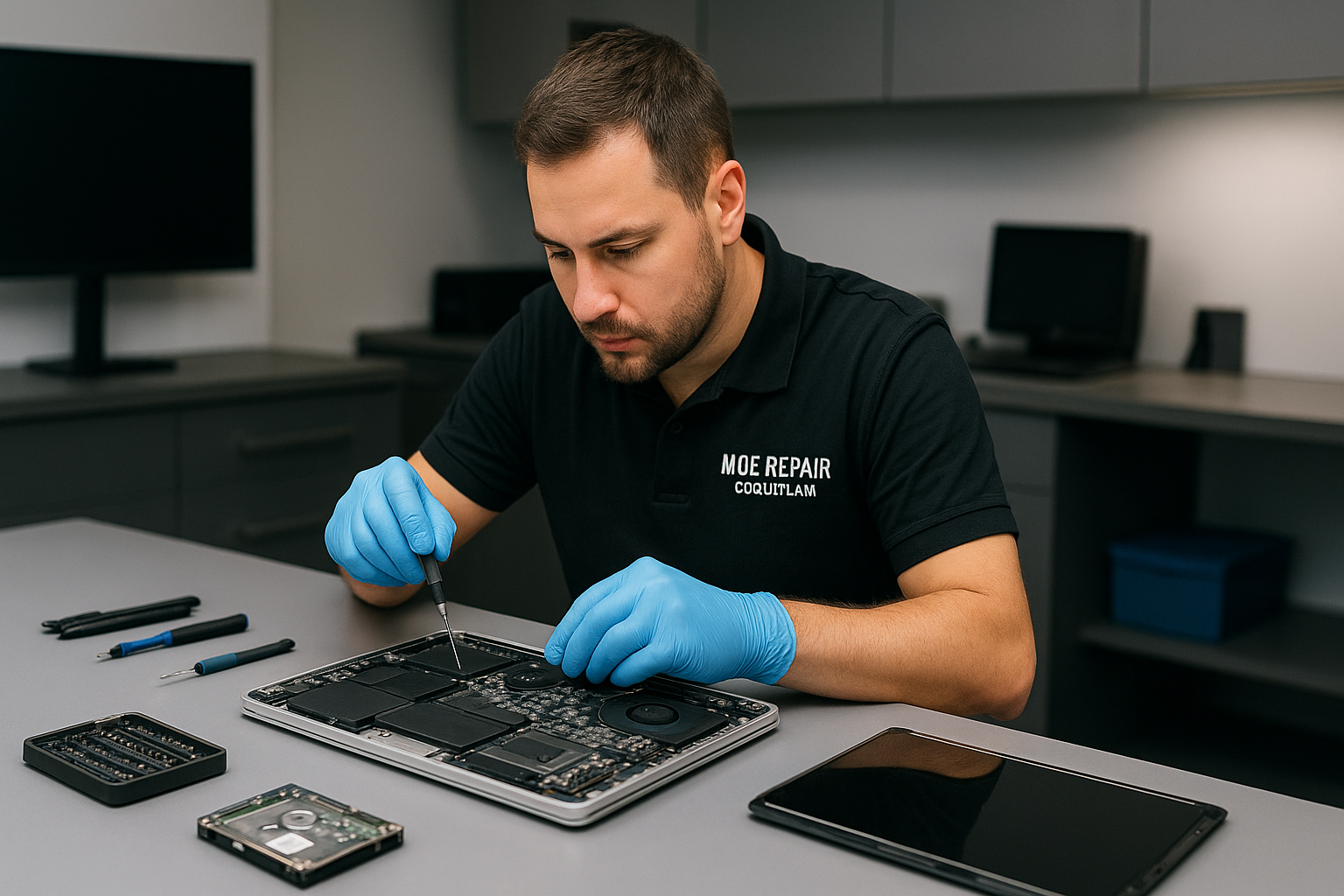
Example one, a MacBook with liquid damage would not boot. I removed the SSD and performed a logical image. I used Mac data recovery tools to repair the APFS journal and recovered user documents, then reinstalled macOS. Example two, a desktop RAID array failed after a power surge. I identified a degraded drive and reconstructed the RAID, then cloned each member and rebuilt the array virtually to extract the files. These steps involved motherboard diagnostics, file salvage, and careful verification.

How we return your data

We return recovered files on an external drive, USB stick, or secure network transfer. We also offer disk cloning so you can replace the failed drive with an SSD upgrade or refurbished hard drive. After recovery we can perform a computer tune-up and Windows installation when needed, to ensure your system runs smoothly.

Contact Moe Repair

For expert Data recovery Coquitlam services call Moe Repair at 778-951-4872, or email service@moerepair.ca. We provide honest estimates, secure practices, and local service across Coquitlam and neighbouring cities. Reach out as soon as possible, and do not power on a suspect drive repeatedly.

Moe Repair stands ready for data recovery, laptop repair, MacBook repair, virus removal, motherboard repair, liquid damage repair, keyboard replacement and more. Call 778-951-4872 today for a fast consultation.
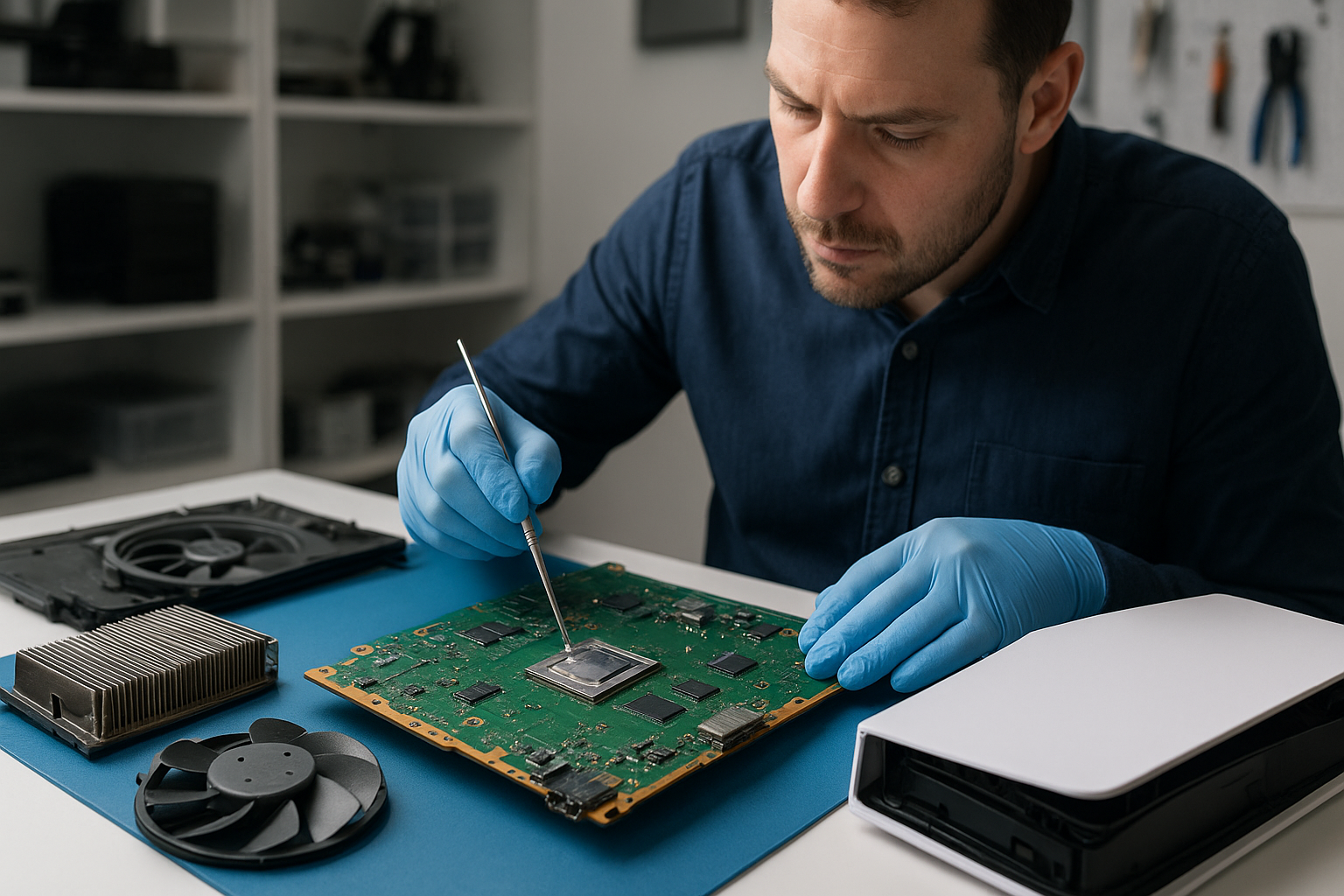
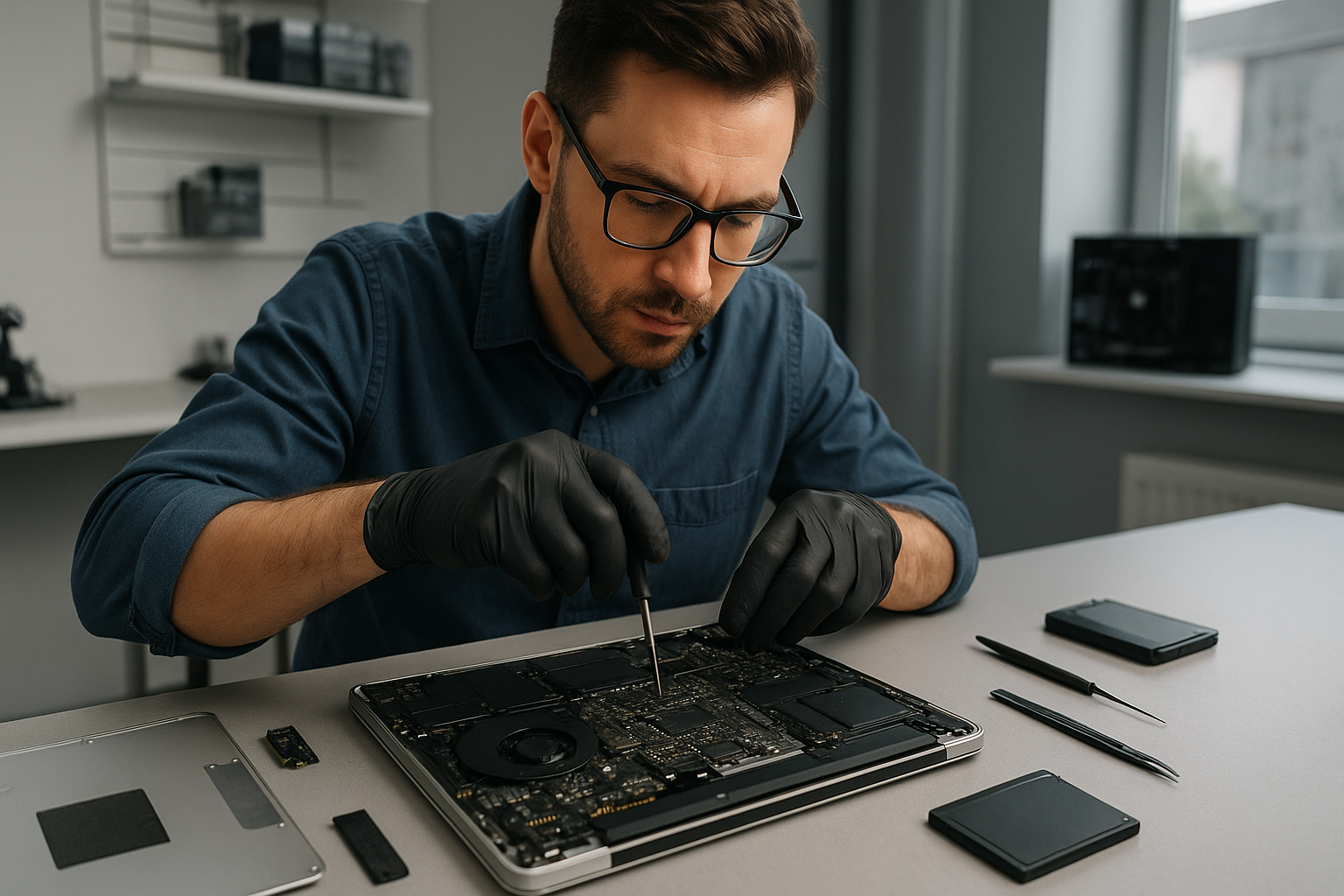
PS5 cleaning service Coquitlam

Professional Console Repair and Maintenance

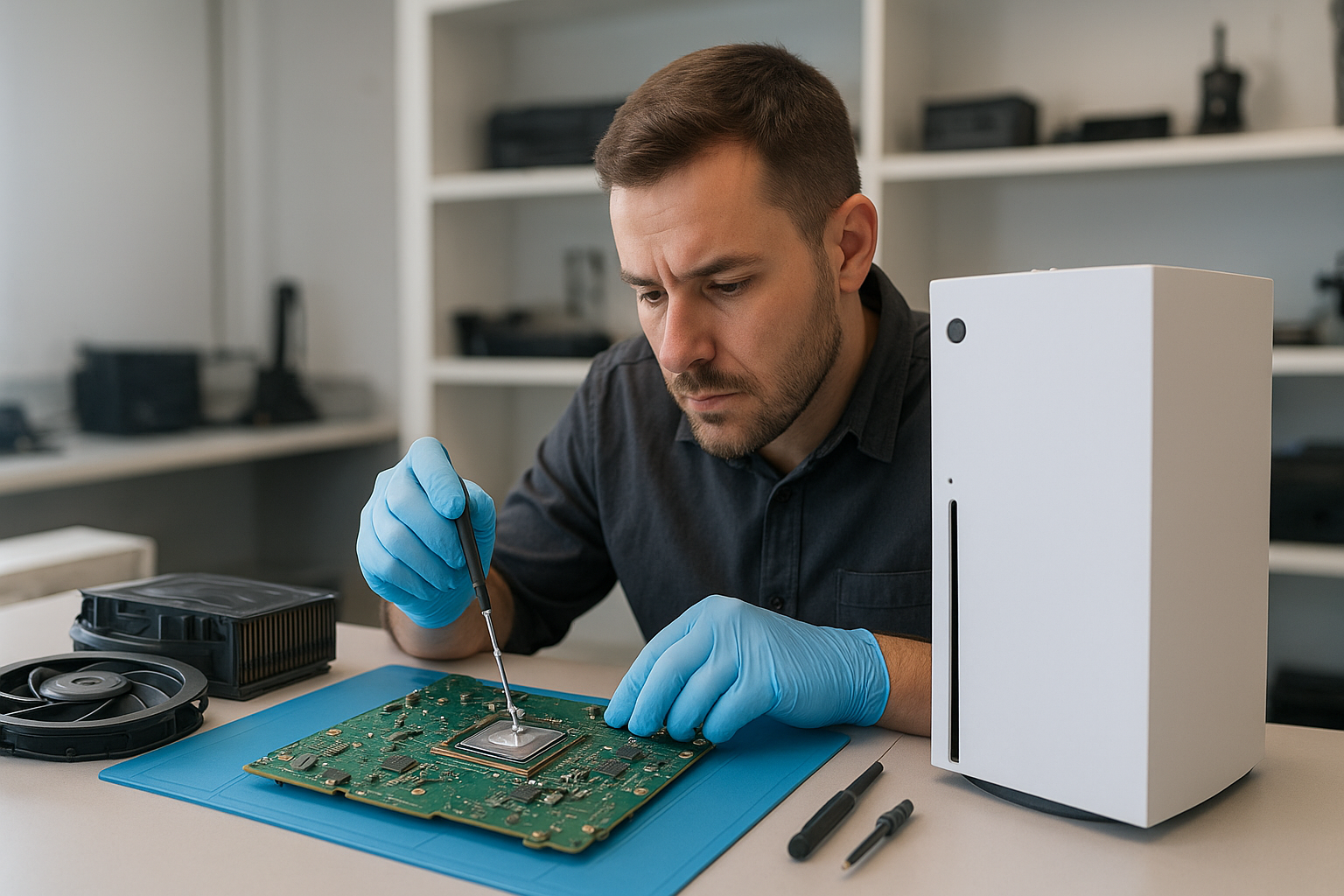
At Moe Repair in Coquitlam we provide professional PS5 cleaning service Coquitlam for players who demand reliable performance from their consoles. With more than 15 years of experience repairing gaming consoles and computers, our technicians specialize in thermal management, fan cleaning, dust removal and liquid metal replacement for the PS5, PS5 Slim and PS5 Pro. We also service Xbox Series X and Xbox Series S devices, and offer the same meticulous approach to preventing overheating, loud fan noise and random shutdowns.

PS5 Liquid Metal Replacement

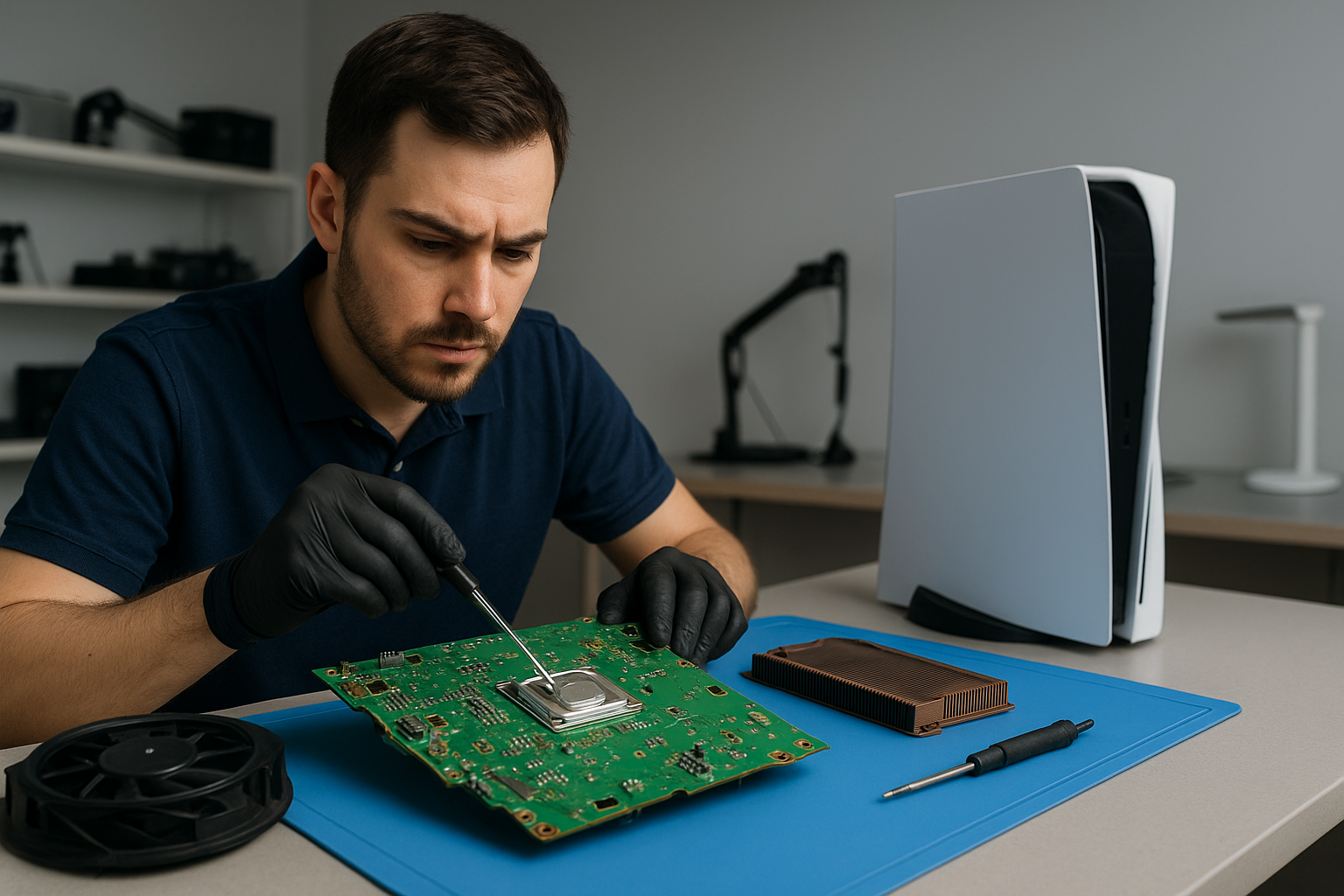
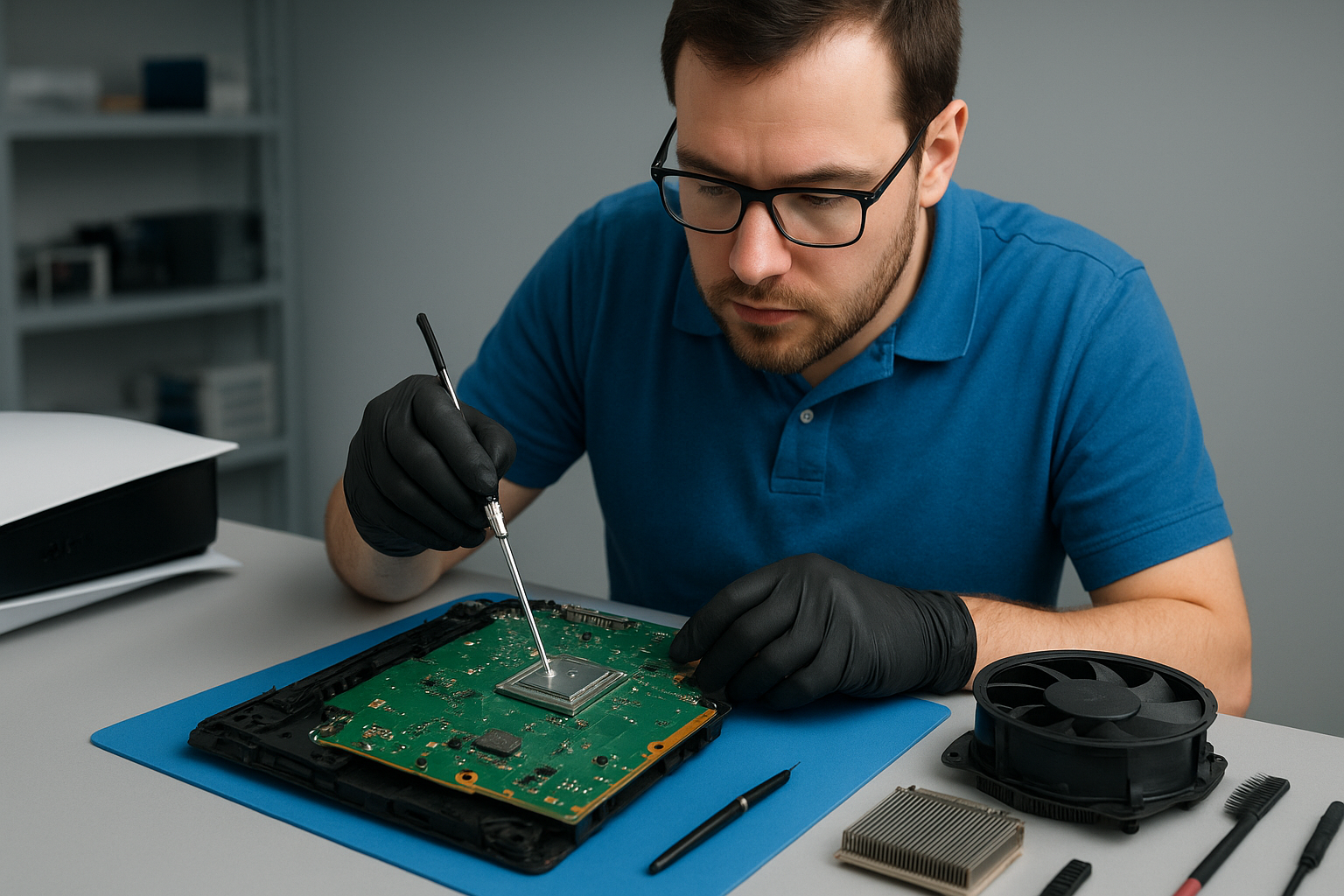
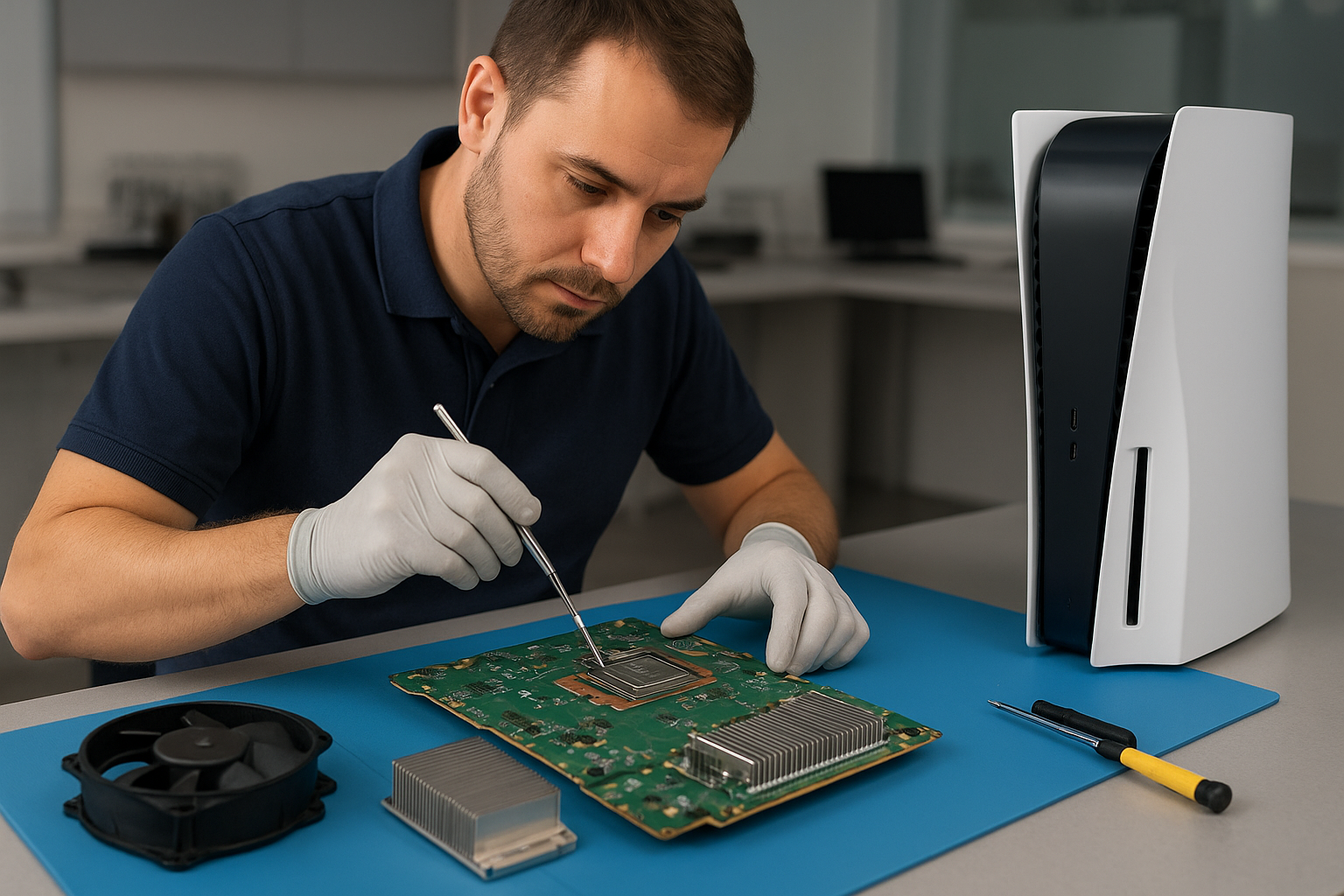
Liquid metal thermal compounds can dramatically improve heat transfer between the PS5 CPU/GPU and the heatsink, lowering operating temperatures and reducing fan load. At Moe Repair we perform professional liquid metal replacement with careful cleaning, reflow-safe application techniques, and rigorous testing. This service is ideal for consoles that have been opened previously, have aged thermal paste, or are experiencing thermal throttling and performance issues. We document the process and test the console through realistic gameplay sessions to ensure temperatures and stability are improved.

Console Cleaning and Dust Removal

Dust buildup inside a console impedes airflow, insulates heat-producing components and forces fans to spin faster and louder. Our PS5 cleaning service Coquitlam includes a full teardown and deep cleaning of the air intakes, fan assembly, heatsink fins and internal chassis. We remove debris with safe tools and industry-approved cleaning agents, vacuum and compressed air where appropriate, and ensure the cooling path is unobstructed. Regular cleaning extends the life of your PS5, PS5 Slim or PS5 Pro and mitigates many causes of overheating and random shutdowns.

Console Overheating Repair

Overheating repairs at Moe Repair include diagnosis of thermal issues, replacement of failing fans, cleaning and dust removal, reapplying thermal compound or replacing it with liquid metal when appropriate, and verifying power supply and sensor integrity. We address symptoms such as loud fan noise, system slowdowns, thermal throttling, game crashes and random shutdowns. Our process ensures every repair is tested under load to confirm the overheating issue is resolved.

Signs Your Console Needs Service

  • Loud fan noise even when idle
  • Console feels hot to the touch during short play sessions
  • Random shutdowns during gameplay
  • Framerate drops or stuttering that improves after a cooldown
  • Visible dust buildup in vents or on external surfaces

If you notice any of these signs on your PS5, PS5 Slim, PS5 Pro, Xbox Series X or Series S, bring it to Moe Repair in Coquitlam for a professional diagnosis. We serve gamers throughout Coquitlam and nearby communities including Burnaby, Port Moody, Port Coquitlam, New Westminster and Maple Ridge.

Why Thermal Management Matters

Proper thermal management preserves performance and longevity. High temperatures accelerate component wear, increase the risk of solder joint fatigue and can trigger thermal throttling, which reduces gaming performance. Our technicians focus on:

  • Effective dust removal and airflow restoration
  • Fan inspection and bearing replacement if needed
  • High-quality thermal paste or liquid metal application
  • Reassembling and testing under realistic gaming loads

We balance cooling improvements with safety—liquid metal delivers excellent thermal conductivity but must be applied by experienced technicians to avoid electrical shorts or damage. Moe Repair follows strict ESD and application procedures to protect your PS5.

Gaming Consoles We Service

While this page focuses on PS5 cleaning service Coquitlam, our shop is equipped to diagnose and repair a wide range of consoles and devices:

  • PS5, PS5 Slim, PS5 Pro — fan cleaning, liquid metal replacement, overheating repair
  • Xbox Series X and Xbox Series S — dust removal, fan replacement, thermal repairs
  • Older generation consoles — cleaning and power-related repairs

We also offer complimentary diagnostics when you bring your device into the shop and can coordinate repairs alongside our other services such as computer repair in Coquitlam, laptop repair in Coquitlam and MacBook repair in Coquitlam if you have multiple devices needing attention.

Why Choose Moe Repair

Moe Repair is locally owned and operated in Coquitlam with a reputation for honest diagnostics, quality parts and careful workmanship. Our technicians bring over 15 years of hands-on experience with console cooling systems, and we prioritize transparent communication so you know exactly what repairs are needed and why. We service customers from Coquitlam, Burnaby, Port Moody, Port Coquitlam, New Westminster and Maple Ridge, and we stand behind our work with clear warranties on parts and labor.

Need help right away? You can contact Moe Repair to book an appointment or drop off your console for diagnostics.

Frequently Asked Questions

How often should I have my PS5 cleaned?

For most users, a professional cleaning every 12–18 months is sufficient. If your home is dusty, you have pets, or you game in a smoking environment, consider cleaning every 6–12 months. If the console sits in a tight cabinet or near a heater, cleaning intervals should be shorter.

Is liquid metal replacement safe for PS5 consoles?

Yes, when performed by a qualified technician. Liquid metal offers superior thermal conductivity compared to standard thermal paste, but it is conductive and requires careful application and protective measures around exposed traces and components. We use proven techniques to prevent migration and ensure long-term stability.

Can cleaning fix random shutdowns and loud fans?

Often cleaning solves both problems by restoring airflow and reducing heat that forces fans to spin up. If the fan itself is worn or the thermal compound has degraded, additional repairs like fan replacement or liquid metal/thermal paste reapplication may be necessary.

Do you service PS5 Slim and PS5 Pro models?

Yes. We service PS5 base models, PS5 Slim and PS5 Pro with tailored cleaning and cooling solutions for each chassis and thermal layout. We also work on Xbox Series X and Series S consoles.

How long does a typical PS5 cleaning take?

A standard teardown, cleaning, thermal rework and testing typically takes 1–3 business days depending on workload and whether advanced services like liquid metal replacement are requested. We provide time estimates during diagnosis.

Real Repair Example

Customer brought a PS5 into Moe Repair with complaints of frequent random shutdowns during 30–45 minute gaming sessions and unusually loud fan noise. Initial inspection showed heavy dust accumulation in top intake vents and a visibly clogged fan assembly. Diagnostic logging under a controlled load revealed CPU/GPU temps spiking above safe thresholds, followed by an over-temperature shutdown sequence.

Repair process:

  1. Documented symptoms and serial information, then backed up console settings for the customer.
  2. Full teardown to the heatsink and fan assembly; removed thick dust using soft brushes, micro-vacuums and non-conductive compressed air techniques.
  3. Inspected thermal paste and mounting hardware. Thermal paste was aged and uneven—decided liquid metal replacement would provide the best long-term result.
  4. Safely cleaned the CPU/GPU contact surfaces with high-grade solvent, applied a non-spill liquid metal solution following protective masking of surrounding components, and reassembled with new fan bearings where wear was detected.
  5. Stress-tested with extended gameplay scenarios and thermal logging. Peak temperatures dropped by an average of 12–18°C and fan speeds remained at quieter profiles under the same loads. No shutdowns occurred during extended testing.
  6. Returned the console with a full explanation of the work performed, tips for maintaining airflow, and a recommended cleaning schedule.

Outcome: The PS5 returned to sustained stable performance, fans were noticeably quieter, and the random shutdowns were eliminated.

Contact Moe Repair Today

Moe Repair

778-951-4872

service@moerepair.ca

If your PS5 is exhibiting overheating, loud fans, random shutdowns or performance issues, bring it to our Coquitlam repair centre. We serve gamers across Coquitlam, Burnaby, Port Moody, Port Coquitlam, New Westminster and Maple Ridge. For appointments and inquiries you can also contact Moe Repair online. For related device needs, explore our computer repair in Coquitlam, laptop repair in Coquitlam and MacBook repair in Coquitlam services.

Data recovery Surrey

As a senior repair technician with more than 15 years of hands-on experience, I lead the team at Moe Repair when customers need reliable data recovery. If you face accidental deletion, a corrupted drive, RAID failure, or liquid damage, Data recovery Surrey is our specialty. We serve Coquitlam, Burnaby, Vancouver, Surrey, Richmond and the wider Lower Mainland.

Data recovery Surrey: What we do

First, we stop further damage. Second, we perform noninvasive diagnostics. Third, we create a sector-by-sector clone of your device. In practice, that means we use a hardware write blocker, run SMART checks, and image the drive with tools like ddrescue to preserve every recoverable sector. For SSD recovery, we assess controller failures and logical corruption. For RAID recovery, we analyze metadata, reconstruct arrays, and extract files in a controlled environment.

Common symptoms we see

Customers call after seeing clicking or beeping from an external hard drive, a laptop that will not boot, folders that show zero bytes, corrupted files, or a blue screen during Windows startup. Sometimes MacBook repair clients bring in machines after liquid damage, where the logic board or SSD stops responding. Other times the problem is performance related, where data is technically present but access is painfully slow due to bad sectors.

Realistic diagnostic steps

We follow a strict process. First, we document the device and the failure symptoms. Next, we visually inspect for physical damage or corrosion. Then, we connect the drive through a write blocker and read SMART attributes. If SMART reports reallocated sectors or pending sectors, we image immediately. For drives that click, we avoid spinning them up repeatedly and move to controlled imaging with patience. For SSDs, we check firmware and controller health, and attempt logical recovery if the NAND is intact.

Repair procedures we use

For logical failures, we work from the cloned image, using file recovery tools and forensic techniques to recover deleted files and repair corrupted file systems. For partial hardware failures, we may replace a PCB symptomatically, but we only swap circuit boards when we have a compatible donor and when it is safe to do so. For severe physical failures, such as head crashes, we coordinate with a certified clean room lab for head stack replacement or platter-level work. We never recommend risky DIY data recovery that can make recovery impossible.

Typical turnaround and costs

Turnaround depends on the failure type. Logical recoveries often complete within 24 to 72 hours. Physical or RAID recoveries can take longer, especially when lab work is needed. We provide transparent estimates after initial diagnostics. Additionally, we offer emergency data recovery for urgent cases and forensic recovery when needed.

How to prevent data loss

First, build a backup strategy. Use external hard drives, cloud backups, and at least one offsite copy. Second, schedule regular computer tune-up and SSD upgrades to replace aging drives before failure. Third, stop using a failing drive, and avoid initializing or formatting it. Finally, if you suspect malware, get virus removal and a clean Windows installation or MacBook repair. Regular maintenance like thermal paste replacement and laptop fan replacement helps the system run cooler and can extend drive life.

Services we provide

Moe Repair offers laptop repair, MacBook repair, screen replacement, battery replacement, data recovery, virus removal, Windows installation, SSD upgrades, motherboard repair, liquid damage repair, gaming PC repair, keyboard replacement, trackpad repair, laptop fan replacement, thermal paste replacement, and computer tune-up. We handle external hard drive recovery, USB recovery, HDD repair, and RAID reconstruction.

Diagnostic checklist for customers

  • Note the exact symptoms, recent events, and error messages.
  • Do not run chkdsk or reformat if the data is critical, unless advised.
  • Power down the device to prevent further damage.
  • Bring the device to the shop, or arrange for pickup from Surrey, Coquitlam, Burnaby, Vancouver, Richmond, New Westminster, Maple Ridge, Port Moody, Port Coquitlam, Pitt Meadows, Langley, Delta, North Vancouver, West Vancouver, White Rock, Abbotsford, Mission or Chilliwack.

Why choose Moe Repair for Data recovery Surrey

We combine field experience, proven procedures, and a customer-first approach. We image drives immediately to a secure workstation and work from the clone, protecting your original media. We communicate clearly, provide itemized estimates, and explain recovery likelihoods. Moreover, we perform secure data wipes when requested and advise on backup solutions to prevent future data loss.

We have handled everything from deleted file recovery to complex RAID recovery. Our recovery technician team uses industry-standard tools and follows best practices for data retrieval. We recover documents, photos, databases, VM images, and more.

Contact Moe Repair

For reliable Data recovery Surrey, call Moe Repair right away. Stopping use of the device improves recovery chances. Call 778-951-4872, or email service@moerepair.ca to start diagnostics. We operate a professional repair workshop with modern lighting and premium tools, and we serve the entire Metro Vancouver area.

Moe Repair
Phone: 778-951-4872
Email: service@moerepair.ca

Data recovery Richmond: Expert file recovery by Moe Repair

Data recovery Richmond is a common request at Moe Repair. With more than 15 years of hands-on experience repairing desktops and laptops across the Lower Mainland, I lead a team that recovers files from failed hard drives, SSDs, and damaged phones. We serve Richmond and nearby cities including Coquitlam, Burnaby, Vancouver, Surrey, and more.

Why choose Moe Repair for Data recovery Richmond

We handle everything from simple file restoration to complex RAID recovery. We use professional tools, cleanroom procedures for physical drive work, and controlled imaging to protect your original media. As a senior technician, I treat every recovery like a delicate operation. We combine expertise in hard drive recovery, SSD recovery, and Mac data recovery to deliver results.

Typical failure symptoms we see

Common signs of HDD failure include clicking, grinding, slow access, or drives that do not spin up. SSD symptoms include sudden data loss, inaccessible partitions, or visible corruption. Corrupted files, frequent crashes, blue screens, and error messages during boot often indicate file system damage or a crashed drive. We also see liquid damage, motherboard failure, and accidental deletion needing recover deleted files services.

Practical diagnostics and first steps

First, stop using the device immediately, and do not run repair utilities that write to the disk. Next, we perform a non-invasive inspection, checking for physical damage, swollen batteries, or burnt components. Then we image the drive to an encrypted workstation. Imaging preserves the original drive and creates a working copy for recovery. For failed HDDs with mechanical issues, we evaluate whether cleanroom platter work or head replacement is necessary. For SSDs, we use firmware-level tools and NAND analysis when possible.

Realistic repair procedures we use

Our lab follows a step-by-step process. We start with logical recovery techniques, using file carving and filesystem repair on cloned images. If that fails, we escalate to hardware procedures. For hard drive recovery, we perform head swaps, controlled platter transfers, and rebuild damaged controllers on donor boards when required. For SSD recovery, we extract NAND modules and use chip-off techniques for raw data reconstruction. When RAID recovery is needed, we analyze the array configuration, rebuild virtual volumes, and extract data while preserving parity and order.

Examples of recovered data

We recover business documents, email archives, accounting files, photos, and video projects. We restore deleted files, recover photos from corrupted SD cards, and salvage virtual machines from crashed servers. Forensic recovery and secure data handling are available for legal or sensitive cases.

Additional laptop and desktop services

While performing recovery we often recommend preventative repairs and upgrades. We provide laptop repair, MacBook repair, screen replacement, battery replacement, keyboard replacement, trackpad repair, laptop fan replacement, and thermal paste replacement. We also offer motherboard repair, liquid damage repair, SSD upgrades, Windows installation, virus removal, gaming PC repair, and general computer tune-up services.

What you can expect during a recovery

Expect a clear diagnostic, a written estimate, and step-by-step communication. We prioritize data integrity, so we image first, then recover on the image. Typical turnaround times vary based on failure type. Logical recoveries can take 24 to 72 hours, while physical repairs and NAND work may take longer. We provide secure transfer of recovered files, and optional backup solutions to prevent future data loss.

Local coverage and pickup

Moe Repair serves Richmond, Coquitlam, Burnaby, Vancouver, Surrey, New Westminster, Maple Ridge, Port Moody, Port Coquitlam, Pitt Meadows, Langley, Delta, North Vancouver, West Vancouver, White Rock, Abbotsford, Mission, and Chilliwack. We offer drop-off, local pickup, and mail-in options for external drive recovery and laptop data recovery.

Cost factors and value

Costs depend on complexity. Simple file recovery and software-based restorations are cost-effective. Mechanical failures and chip-off work require more time and parts. We provide transparent pricing and only proceed after you approve an estimate. Remember, professional recovery often saves you from losing critical business data, so it is a sound investment.

Protect your data after recovery

After we restore your files, implement a backup plan. Use external drives, cloud backups, or RAID arrays for redundancy. Schedule regular computer tune-up and SSD upgrades to prevent unexpected failures. If you use a laptop or MacBook, maintain battery health and keep vents clear to avoid thermal issues that can lead to data loss.

If you need immediate help, contact Moe Repair right away. We will evaluate your case and provide a fast quote. Phone: 778-951-4872. Email: service@moerepair.ca.

Data recovery Richmond is our specialty. Call Moe Repair for secure, professional recovery and continued support across the Lower Mainland.

Console dust removal Coquitlam

Professional Console Repair and Maintenance

At Moe Repair in Coquitlam we specialize in console dust removal and full-service maintenance for current gaming systems. Years of hands-on experience have taught us that many performance issues — loud fan noise, overheating, random shutdowns, and reduced frame rates — begin with dust buildup and poor thermal management. Our technicians are trained on PS5, PS5 Slim, PS5 Pro, Xbox Series X and Xbox Series S models and focus on restoring airflow and thermal efficiency to keep your console running quietly and reliably.

PS5 Liquid Metal Replacement

One advanced service we provide is PS5 liquid metal replacement. Some PS5 models benefit significantly from a professional liquid metal reapplication when the thermal interface degrades or was improperly applied at the factory. Properly performed liquid metal replacement improves heat transfer between the SoC and the heatsink, lowering core temperatures and stabilizing performance. This service is done with care to avoid conductivity risks — we follow ESD best practices, secure the liquid metal to the contact surfaces, and reseal the unit to factory-level protection.

Console Cleaning and Dust Removal

Our PS5 cleaning service includes a full teardown, dust removal from vents, heatsinks, fan blades, and internal channels, plus a gentle but thorough cleaning of the optical drive and port areas. Fan cleaning is performed using low-pressure air, anti-static brushes, and targeted vacuum extraction to remove trapped dust without pushing debris deeper. For Xbox Series X and Series S consoles we apply the same meticulous approach, addressing the vertical airflow path and the rear vents to restore optimal circulation.

Console Overheating Repair

Overheating can have multiple causes: dust buildup, failing fans, dried thermal paste, or insufficient thermal interface material. Our overheating repair process starts with diagnostics to record temperature behavior under load, identify abnormal fan RPMs, and check for error logs and thermal throttling events. Depending on the findings we perform thermal paste or liquid metal replacement, fan replacement or cleaning, heatsink re-seating, and any necessary PCB-level repairs to restore normal thermal regulation.

Signs Your Console Needs Service

Watch for these symptoms — they often indicate dust-related or thermal issues:

  • Loud fan noise or fans running at high RPM constantly
  • Overheating warnings or thermal shutdowns during gameplay
  • Random shutdowns or automatic reboots under load
  • Performance issues such as stuttering, frame drops, or lower sustained clock speeds
  • Excessive dust around vents and intake ports

If you live in Coquitlam, Burnaby, Port Moody, Port Coquitlam, New Westminster or Maple Ridge and notice these issues, bring your console in for a professional inspection. Early intervention can prevent permanent hardware damage.

Why Thermal Management Matters

Thermal management is the backbone of reliable console performance. Efficient heat transfer keeps the CPU and GPU within operating temperatures, allowing the console to sustain boost clocks and avoid thermal throttling. Dust buildup creates insulation and restricts airflow, raising component temperatures and forcing fans to spin faster — increasing noise and accelerating wear. Proper maintenance involves cleaning, replacing degraded thermal interface materials, and occasionally upgrading or replacing failing fans.

Gaming Consoles We Service

We regularly service the following consoles:

  • PS5, PS5 Slim, PS5 Pro — full cleaning, liquid metal or thermal paste service, fan and heatsink repairs
  • Xbox Series X — intake and exhaust cleaning, fan replacement, thermal diagnostics
  • Xbox Series S — compact airflow checks, dust removal, and controller port cleaning

Our technicians are also experienced in related electronics repair. If your console shares an issue with a home PC or Mac, you may also find value in our broader services, such as computer repair in Coquitlam, laptop repair in Coquitlam, and MacBook repair in Coquitlam.

Why Choose Moe Repair

Moe Repair combines experienced technicians with transparent diagnostics. We document temperature baselines and fan behavior before and after service so you can see the improvement. Our shop in Coquitlam has served gamers from Burnaby to Maple Ridge with fast turnarounds and honest pricing. We use OEM or high-quality replacement parts and follow manufacturer-safe procedures for sensitive services like PS5 liquid metal replacement. When you trust us with your console, we prioritize data retention, safe handling, and detailed reporting of repairs performed.

Real Repair Example

Customer: Local homeowner in Coquitlam brought in a PS5 showing severe overheating symptoms — frequent shutdowns after 20–30 minutes of play, loud fan noise and visible dust on vents.

Diagnostic process: We logged temperatures during a stress test and saw the system rising quickly to 95+ degrees Celsius with fan RPMs pegged at maximum. Internal inspection revealed heavy dust coating the heatsink fins and fan blades, and slightly dried thermal paste on the SoC. No immediate signs of a failing fan motor, but airflow was significantly impeded.

Repair actions:

  • Full teardown of the PS5, taking ESD precautions
  • Careful removal of dust using anti-static brushes, targeted vacuum extraction and low-pressure air to avoid pushing dust into connectors
  • Removal of old thermal paste and inspection of the liquid metal pad area; for this unit the thermal interface was replaced with high-quality thermal paste because the controller board design made liquid metal application unnecessary for this model
  • Fan cleaning and balancing; bearings were lubricated where accessible and necessary
  • Reassembly and repeat thermal testing

Final outcome: Post-service thermal logs showed idle and load temperatures reduced by approximately 12–18 degrees Celsius, fan RPMs remained moderate under the same stress test, and the unit completed extended gaming sessions without shutdowns. The customer reported a quieter system and restored performance.

Frequently Asked Questions

How often should I have my console cleaned?

For typical home environments, every 12–18 months is a good baseline. If you have pets, live in a dusty area, or use your console extensively, consider a cleaning every 6–9 months.

Is liquid metal replacement safe for my PS5?

When performed by a trained technician, yes. Liquid metal improves thermal conductivity but requires careful application and insulation around nearby components to prevent conductivity-related issues. We evaluate whether your specific PS5 model benefits from liquid metal or if high-grade thermal paste is a better choice.

Can dust removal fix random shutdowns?

Often it can. Random shutdowns under load are commonly caused by overheating from restricted airflow. Cleaning dust and restoring thermal efficiency frequently resolves these symptoms, though we always perform diagnostics to rule out failing components.

Do you service consoles from nearby cities?

Yes. We serve gamers across Coquitlam, Burnaby, Port Moody, Port Coquitlam, New Westminster, Maple Ridge and surrounding areas. Drop-offs and mail-in services can be arranged; call ahead for scheduling.

Will cleaning my console erase game saves?

No. Dust removal and thermal service do not affect saved data stored on the console’s internal storage or cloud. If a storage drive is removed for repair, we take precautions to preserve data and will discuss options with you beforehand.

Contact Moe Repair Today

Ready to stop loud fan noise, overheating and random shutdowns? Bring your console to Moe Repair in Coquitlam or reach out to schedule a diagnostic. Our experienced team will provide an honest assessment and clear quote.

Moe Repair
778-951-4872
service@moerepair.ca

For appointments and general inquiries, please contact Moe Repair and explore our related services for computer repair in Coquitlam, laptop repair in Coquitlam and MacBook repair in Coquitlam.

Data recovery Richmond: Reliable Local Service from Moe Repair

As a senior technician with more than 15 years of hands-on experience, I know how stressful data loss feels. Data recovery Richmond cases come in every day, from accidental deletes to drives that click or do not spin up. In this article I will explain common failure symptoms, diagnostic steps, realistic repair procedures, and practical advice so you can act quickly and safely.

Data recovery Richmond: What we fix

We handle hard drive recovery, SSD recovery, RAID recovery, external drive recovery, USB recovery, and MacBook data recovery. We recover deleted files, corrupted drive partitions, and damaged file systems like NTFS, FAT32, HFS+, and APFS. Often we also support forensic recovery and emergency data recovery when time is critical.

Common failure symptoms

Listen for clicking or grinding sounds. The drive may not mount or show as RAW. You might see repeated boot loops, file system errors, or folders with zero byte files. SSDs can suddenly become read-only, or show slow access due to controller faults. Malware and virus removal issues can also mimic hardware faults.

Initial diagnostics steps

First, stop using the drive. Continuing to power a failing HDD risks further mechanical damage. Next, we run non-invasive tests, including SMART checks, power draw measurements, and controller diagnostics. For laptops and MacBooks we remove the drive and test it on a separate workstation. We always document the device state before any procedure.

Realistic repair procedures we use

For logical failures, we create a full disk image using industry tools like ddrescue. Then we work from the image to reconstruct partitions and recover files. This protects your original media, while allowing file recovery, partition recovery, and deleted files restoration.

For physical HDD failures that need mechanical repair, we evaluate whether a cleanroom procedure is required. If so, we partner with certified cleanroom services for platter swaps or head replacements. We only proceed after explaining risks and costs to the customer.

For SSDs, we explore firmware repair, controller diagnostics, and chip-off recovery when necessary. For RAID arrays, we analyze metadata, rebuild arrays in a controlled environment, and use specialized RAID recovery software to extract data.

Diagnostics we perform on-site

  • SMART status and vendor error logs review.
  • Non-destructive imaging with error handling.
  • File system repair tests on images, not originals.
  • Malware scans to rule out virus-related corruption.
  • Power cycle tests to identify intermittent failures.

How we prioritize your data

We triage each case based on symptoms. Emergency data recovery gets fast-tracked. For corporate or critical personal files, we start imaging immediately. For less urgent cases we still follow the same safe workflow. We keep you informed at every step, and we never attempt risky procedures without consent.

Practical advice for customers

If your laptop or desktop shows problems, disconnect the drive and avoid DIY fixes that can worsen damage. For liquid damage, power off and bring the device in. Don’t run disk repair utilities repeatedly on a failing drive. Instead, contact us for a professional assessment.

Also, maintain backups. We can help with backup services and system recovery, including cloud sync, external drive setup, and automated backups. For gamers, we offer SSD upgrades and gaming PC repair, which reduce the chance of future data loss.

Why choose Moe Repair for Data recovery Richmond

Moe Repair combines 15 plus years of experience with modern tools. We recover data from laptops, desktops, MacBooks, and servers. We also offer laptop repair, screen replacement, battery replacement, SSD upgrades, motherboard repair, liquid damage repair, keyboard replacement, trackpad repair, laptop fan replacement, thermal paste replacement, and computer tune-up services.

We serve Richmond and nearby communities, including Coquitlam, Burnaby, Vancouver, Surrey, New Westminster, Maple Ridge, Port Moody, Port Coquitlam, Pitt Meadows, Langley, Delta, North Vancouver, West Vancouver, White Rock, Abbotsford, Mission, and Chilliwack.

Transparent pricing and fast turnaround

We provide a clear evaluation and a no-surprise quote before starting work. For logical recovery we often retrieve files in days. For mechanical or chip-off cases we give realistic timelines and communicate progress. We also offer virus removal and Windows installation if your system needs repair after recovery.

Contact us

Bring your device to our shop, or call for an immediate assessment. We accept laptops, MacBooks, gaming PCs, RAID arrays, external drives, and USB media. Let us diagnose the problem, create a recovery plan, and get your files back.

Moe Repair
Phone: 778-951-4872
Email: service@moerepair.ca

Data recovery Richmond: Next steps

If you are experiencing data loss, act now. Turn off the device, avoid writes, and contact Moe Repair. We will prioritize your case, perform careful diagnostics, and give you a realistic recovery plan. With proper imaging, partition recovery, and professional tools, most cases result in successful file recovery.

Call 778-951-4872 or email service@moerepair.ca to start your recovery. We handle emergency data recovery and provide ongoing support including backup services to prevent future loss.

Xbox Series X cleaning service Coquitlam

Professional Console Repair and Maintenance

At Moe Repair in Coquitlam we specialize in professional gaming console maintenance and repairs. Whether you bring in an Xbox Series X with persistent loud fan noise, an Xbox Series S that shuts down randomly, or a PlayStation like the PS5, PS5 Slim or PS5 Pro suffering from overheating, our experienced technicians diagnose and fix thermal and dust-related problems fast. We serve Coquitlam residents as well as nearby communities including Burnaby, Port Moody, Port Coquitlam, New Westminster, and Maple Ridge.

Common problems we solve: loud fan noise, overheating, random shutdowns, reduced performance, and visible dust buildup. We also provide routine cleaning and preventive maintenance to keep your console running at peak performance.

PS5 Liquid Metal Replacement

Although the headline focus is Xbox Series X cleaning service Coquitlam, our shop is a full-service console center and we frequently perform advanced procedures like PS5 liquid metal replacement. Liquid metal can dramatically improve heat transfer on PS5 CPUs and GPUs, especially on PS5 Pro and PS5 Slim variants where thermal design is updated. Our technicians carefully remove old thermal compound, inspect the die and spreader, and apply a controlled amount of liquid metal or premium thermal paste when appropriate. We follow ESD-safe procedures and pressure-tested reassembly to ensure long-term reliability.

Console Cleaning and Dust Removal

Dust buildup is the number one cause of overheating and loud fans. Our cleaning service includes full disassembly when needed, compressed-air dust removal, vacuum-assisted extraction, targeted brush cleaning of heat sinks and vents, and fan blade cleaning. For Xbox Series X cleaning service Coquitlam customers we also inspect fan bearings and connector integrity. For PS5 customers we perform PS5 fan cleaning and remove dust behind the shrouds where it accumulates.

We document before-and-after photos on request so you can see the difference. For many consoles a thorough clean restores near-new acoustics and temperature behavior without replacing major parts.

Console Overheating Repair

Overheating has many causes: dust obstruction, degraded thermal paste, failing fans, or poor airflow placement in your entertainment center. Our console overheating repair process begins with a thermal assessment using diagnostic logs and temperature probes when possible. We check for system errors, fan RPM curves, and any irregular power draw that might indicate electrical faults.

Repairs may include fan replacement, re-flowing connectors, thermal pad replacement, or advanced services like PS5 liquid metal replacement or changing thermal paste on Xbox Series X components. After repair we run sustained load tests to verify temperatures and stability. We also give personalized recommendations for placement and ventilation at home to prevent recurrence.

Signs Your Console Needs Service

  • Loud or whirring fan noise even when idle
  • High internal temperatures or hot air blowing from vents
  • Random shutdowns or crashes during gameplay
  • Performance issues like stuttering, long load times, or throttling
  • Visible dust buildup in vents or on fan blades

If you notice any of the above on your Xbox Series X or Series S, or on a PS5/PS5 Pro/PS5 Slim, bring it in for inspection. Early intervention prevents board-level damage and keeps repair costs down.

Why Thermal Management Matters

Thermal management is about more than comfort — it’s about longevity. Excessive heat can accelerate solder joint fatigue, degrade thermal pads, and shorten fan life. Proper heat transfer via quality thermal paste or liquid metal, clean air pathways, and functioning fans ensures consoles maintain performance settings and avoids thermal throttling. As veteran technicians at Moe Repair we emphasize preventive maintenance and educate customers on airflow best practices in living rooms and gaming setups.

Gaming Consoles We Service

We service a wide range of consoles including:

  • Xbox Series X — targeted cleaning, fan replacement, thermal diagnosis
  • Xbox Series S — dust removal and power/stability repairs
  • PS5, PS5 Slim, PS5 Pro — cleaning, fan cleaning, liquid metal replacement, overheating repair
  • Older consoles — retro cleaning and maintenance

Our team uses manufacturer-aware techniques and high-quality replacement parts to ensure compatibility and longevity. If you need additional computer services while you’re in Coquitlam, ask about our computer repair in Coquitlam, laptop repair in Coquitlam, or MacBook repair in Coquitlam options.

Why Choose Moe Repair

With over 15 years of console and electronics repair experience in Coquitlam, Moe Repair combines technical skill with friendly local service. We provide transparent diagnostics, written estimates, and a clear explanation of recommended repairs. Our shop is centrally located for gamers in Burnaby, Port Moody, Port Coquitlam, New Westminster, and Maple Ridge, and we prioritize quick turnaround without cutting corners.

We stand behind our repairs with quality checks and a warranty on parts and labor where applicable. Whether you need a quick Xbox Series X cleaning service Coquitlam customers trust, or advanced PS5 thermal work like liquid metal replacement, we have the tools and experience to get it right.

Frequently Asked Questions

How long does an Xbox Series X cleaning take?

Typical cleaning and basic diagnostics take 1–2 business days depending on shop workload. Advanced repairs like fan replacement or thermal rework may take longer. We provide an estimated timeline when you contact Moe Repair.

Is liquid metal safe for my PS5?

When applied by an experienced technician, liquid metal is safe and offers superior thermal conductivity. We inspect the die, use barrier coatings where necessary, and test thoroughly. We only recommend it when benefits outweigh risks.

Will cleaning void my warranty?

If your console is still under manufacturer warranty, check terms first. We perform non-destructive external cleaning and can advise whether an internal service might affect warranty status. We document everything and can work with you to minimize warranty impact.

Why is my console still loud after cleaning?

Persistent noise can mean worn bearings in the fan, bent blades, or a failing power delivery component causing higher RPMs. We diagnose and replace failing fans or correct the root cause so noise levels return to normal.

Do you service consoles from nearby cities?

Yes. We serve Coquitlam and nearby communities including Burnaby, Port Moody, Port Coquitlam, New Westminster, and Maple Ridge. Drop your console off or call ahead for an appointment.

Real Repair Example

Case: PS5 Overheating and Random Shutdowns — A customer from Port Moody brought a PS5 Pro that would overheat after 20–30 minutes of gameplay and then randomly power off. Symptoms included elevated fan speeds, hotter-than-normal exhaust air, and occasional artifacting on-screen.

Diagnostics: We started with system logs and a visual inspection. The intake and heat sink were clogged with dust and a large layer of pet hair had accumulated around the fan. Fan bearings showed signs of wear. We ran an infrared thermal probe under load and recorded hotspot readings exceeding safe thresholds.

Repair process: The PS5 was fully disassembled in an ESD-safe environment. We removed the fan and cleaned it with solvent and ultrasonic treatment to remove gunk, replaced the fan bearing assembly due to wear, and vacuumed and brushed the heat sink fins. We removed old thermal paste and inspected the IHS and die. Because the customer wanted maximum thermal improvement, we performed a controlled liquid metal replacement on the CPU/GPU, applying the proper spread and protective barriers to surrounding components. We reassembled the unit with new thermal pads where necessary and tested the system under sustained load.

Outcome: Post-repair temperatures dropped by an average of 12–18°C under load, fan speeds reduced significantly, and the random shutdowns stopped. The console ran stable for a prolonged stress test and the customer reported a much quieter experience at home. We provided guidance on placement and recommended periodic cleaning every 6–12 months depending on the environment.

Contact Moe Repair Today

Moe Repair
778-951-4872
service@moerepair.ca

For fast and reliable Xbox Series X cleaning service Coquitlam or PS5 thermal services in Coquitlam and surrounding areas, call or email us today. You can also contact Moe Repair online to schedule a drop-off or ask about shipping options from Burnaby, Port Moody, Port Coquitlam, New Westminster, or Maple Ridge.

We look forward to helping you keep your console cool, quiet, and performing at its best.

Xbox Series X cleaning service Coquitlam

Professional Console Repair and Maintenance

At Moe Repair in Coquitlam we specialize in professional console repair and maintenance for all major models, including Xbox Series X, Xbox Series S, PS5, PS5 Slim and PS5 Pro. With more than 15 years of hands-on experience repairing gaming hardware, our technicians combine industry-standard procedures with local knowledge to keep your console running cool and quiet. Whether you live in Coquitlam or nearby Burnaby, Port Moody, Port Coquitlam, New Westminster or Maple Ridge, our shop provides targeted cleaning, diagnostics and thermal management services to avoid loud fan noise, overheating, random shutdowns and performance issues.

PS5 Liquid Metal Replacement

Liquid metal thermal compound is an advanced thermal interface material that can dramatically improve heat transfer between the PS5 CPU/GPU and the heatsink. We service PS5, PS5 Slim and PS5 Pro consoles, performing safe liquid metal replacement when appropriate. This is a delicate procedure — improper application can damage components — so it’s important to use a trusted technician. At Moe Repair we clean old TIM, inspect the die and socket, apply a controlled amount of liquid metal, and reassemble with high-quality pads and thermal paste elsewhere as needed. Liquid metal replacement is often recommended for PS5 units suffering persistent high temperatures or thermal throttling despite fan cleaning and dust removal.

Console Cleaning and Dust Removal

Dust buildup is one of the most common causes of loud fan noise and overheating in gaming consoles. Our cleaning service includes a full teardown of the Xbox Series X and Xbox Series S for thorough dust removal, compressed-air cleaning, and contact cleaning on fan blades and air passages. For Sony units including PS5 variants, we remove the outer shrouds, clean out dust traps, and perform PCB-level cleaning where required. We also replace worn fan bearings and reseat heatsinks to ensure the best airflow and cooling performance. Regular cleaning prevents performance issues and prolongs your console’s lifespan.

Console Overheating Repair

Overheating can manifest as loud fans, random shutdowns, reduced frame rates, visual artifacts, or the system refusing to power on. Our overheating repair workflow includes:

  • Full diagnostic to reproduce symptoms and collect temperature logs where possible
  • Disassembly, dust removal and fan inspection/cleaning
  • Thermal pad and paste inspection and replacement (including liquid metal for PS5 where suitable)
  • Heatsink and airflow optimization, fan replacement if bearings or motors are failing
  • Reassembly and stress testing to confirm temperatures and stability

We document each step and provide clear recommendations for maintenance to help prevent recurrence.

Signs Your Console Needs Service

Watch for these warning signs that your Xbox Series X or other console needs professional cleaning and repair:

  • Loud or constantly spinning fan noise
  • Overheating warnings or high reported temperatures
  • Random shutdowns during gameplay or prolonged sessions
  • Reduced performance, stutters, or frame drops not caused by network issues
  • Visible dust around vents and intake areas

If you notice any of these symptoms in Coquitlam or surrounding communities like Burnaby, Port Moody, Port Coquitlam, New Westminster and Maple Ridge, bring your console in for a professional assessment.

Why Thermal Management Matters

Thermal management is central to console reliability and performance. Modern consoles (Xbox Series X, Xbox Series S, PS5, PS5 Slim, PS5 Pro) are powerful but compact; they rely on carefully engineered cooling solutions. Dust obstructs airflow, old thermal paste dries out, and fans degrade over time — all of which reduce heat transfer and can cause throttling, loud fans, and random shutdowns. Our technicians focus on restoring proper heat transfer through cleaning, thermal pad/paste replacement and, when needed, liquid metal upgrades for PS5 models. Proper thermal care extends component life and ensures consistent gaming performance.

Gaming Consoles We Service

We service a broad range of consoles with tailored procedures for each model. Common units include:

  • Xbox Series X — comprehensive cleaning, fan replacement, thermal checks
  • Xbox Series S — airflow cleaning, dust removal and software diagnostics
  • PS5, PS5 Slim, PS5 Pro — cleaning, liquid metal replacement, fan and pad replacement
  • Older consoles — cleaning, power issues and cartridge slot maintenance where applicable

If you’re unsure about your model or symptoms, bring the console to Moe Repair and our technicians will run a free intake diagnostic to recommend the right service.

Why Choose Moe Repair

Moe Repair brings over 15 years of electronics and console repair experience in Coquitlam. Our advantages include:

  • Experienced technicians trained in thermal management and safe liquid metal handling
  • Transparent diagnostics and repair quotes — no surprises
  • Fast turnaround for routine cleaning and a thorough approach for complex overheating issues
  • Local service for Coquitlam, Burnaby, Port Moody, Port Coquitlam, New Westminster and Maple Ridge
  • Complementary services: computer repair in Coquitlam, laptop repair in Coquitlam and MacBook repair in Coquitlam

Real Repair Example: PS5 Overheating and Liquid Metal Inspection

Case: A PS5 (standard model) was brought into our Coquitlam shop after repeated shutdowns during 4K HDR sessions and persistent loud fan noise. The owner reported the console worked fine for short sessions but would overheat after 30–45 minutes.

Diagnostic process: We recorded fan RPMs and internal temperature readings under load. Ambient conditions were normal, and the system exhibited thermal throttling at the GPU. Visual inspection revealed a heavy dust accumulation in the intake vents and a partial gap between the heatsink and SOC caused by a dried thermal pad.

Service performed: Full teardown and ultrasonic cleaning of the fan assembly; careful dust removal from the power supply and airflow channels; removal and inspection of the heatsink. We replaced degraded thermal pads and evaluated the existing thermal paste on the SoC. Because the PS5 had signs of degraded heat transfer and the customer requested a long-term fix, we recommended liquid metal replacement on the SoC. After masking nearby components and applying a controlled amount of liquid metal, we reattached the heatsink with proper mounting torque and tested for conductivity to ensure no bridging occurred.

Final outcome: Post-service stress testing showed significantly lower peak temperatures, quieter fan operation (lower RPM under equal load) and no shutdowns after prolonged 4K sessions. The owner reported noticeably improved stability and cooling performance, and we provided maintenance tips to avoid dust buildup going forward.

Frequently Asked Questions

How often should I get my Xbox Series X cleaned?

For typical home environments, we recommend a professional cleaning every 12–18 months. If you have pets, smoke or heavy dust, consider a 6–12 month interval.

Do you recommend liquid metal for every PS5?

No. Liquid metal is beneficial for certain PS5 units showing persistent thermal issues or for owners who want maximal thermal performance. It requires experienced technicians due to conductivity and rework considerations. We inspect and advise on a case-by-case basis.

Will cleaning void my warranty?

Opening consoles can void manufacturer warranties. If your console is under official warranty, we recommend checking with the manufacturer first. That said, many out-of-warranty consoles benefit significantly from professional cleaning and repairs performed by qualified technicians.

Can dust removal fix random shutdowns?

Often, yes. Dust can restrict airflow and cause overheating-triggered shutdowns. Cleaning, replacing thermal pads/paste, and ensuring fans are functional usually resolves shutdowns caused by thermal issues. If the shutdowns persist, further electrical diagnostics may be required.

Do you offer same-day service for console cleaning in Coquitlam?

We strive for quick turnaround. Simple cleaning and fan jobs are sometimes same-day depending on workload and part availability. For more complex repairs like liquid metal replacement, allow 1–3 business days. Call ahead to confirm availability.

Contact Moe Repair Today

Moe Repair
778-951-4872
service@moerepair.ca

If your Xbox Series X or PS5 is making loud fan noise, overheating, or shutting down randomly in Coquitlam or surrounding areas like Burnaby, Port Moody, Port Coquitlam, New Westminster or Maple Ridge, bring it to Moe Repair or contact Moe Repair to schedule a diagnostic and cleaning service. We also handle computer repair in Coquitlam, laptop repair in Coquitlam and MacBook repair in Coquitlam — one trusted local shop for your digital life.

Xbox Series X cleaning service Coquitlam

Professional Console Repair and Maintenance

At Moe Repair in Coquitlam, we provide professional console repair and maintenance backed by over 15 years of hands-on experience. Our team specializes in cleaning, thermal management, and performance restoration for modern consoles including the Xbox Series X, Xbox Series S, PS5, PS5 Slim, and PS5 Pro. Whether you’re in Coquitlam or nearby communities like Burnaby, Port Moody, Port Coquitlam, New Westminster, or Maple Ridge, our technicians are ready to diagnose loud fan noise, overheating, random shutdowns, and other performance issues caused by dust buildup and thermal degradation.

PS5 Liquid Metal Replacement

While this page focuses on Xbox Series X cleaning service Coquitlam, many customers bring in multiple consoles for service. We perform PS5 liquid metal replacement for PS5, PS5 Slim, and PS5 Pro units when thermal paste options aren’t sufficient. Liquid metal provides better thermal conductivity than standard pastes, drastically reducing CPU and GPU temperatures when applied correctly. Our technicians follow strict safety and insulation protocols to prevent short circuits and ensure long-term reliability. If you have a PS5 suffering from thermal throttling or repeated overheating, ask about our PS5 liquid metal replacement and PS5 overheating repair services.

Console Cleaning and Dust Removal

Dust buildup is the leading cause of overheating and loud fan noise across all consoles. Our Xbox Series X cleaning service in Coquitlam includes:

  • Full external cleaning and sanitization
  • Careful disassembly to access internal fans and heatsinks
  • Compressed air dust removal, brush cleaning, and vacuuming with ESD-safe tools
  • Inspection of fan bearings and replacement or lubrication as needed
  • Reassembly, testing, and thermal validation under load

We also offer PS5 cleaning service and PS5 fan cleaning for clients who own both PlayStation and Xbox hardware. Regular cleaning extends the lifespan of your console, improves cooling performance, and helps avoid random shutdowns and performance issues.

Console Overheating Repair

Overheating is a common complaint in consoles that have never been professionally cleaned or have been used in dusty environments. At Moe Repair, our console overheating repair process includes thermal diagnostics, fan and heatsink inspection, cleaning, and thermal interface replacement. For the Xbox Series X, we verify airflow paths, replace degraded thermal pads, and ensure the fan curves operate as intended. If deeper intervention is necessary, we provide advanced services such as reflow or component-level repair.

Real Repair Example: PS5 Overheating Case Study

One recent real-world repair involved a PS5 Pro brought to our Coquitlam shop showing frequent overheating, loud fan noise, and occasional random shutdowns. Initial diagnostics showed elevated CPU temperatures and fan speeds under light load. We opened the unit, documented thermal paste condition, and found heavy dust accumulation around the heatsink and fan assembly. The thermal paste had dried and was no longer making good contact.

Repair steps taken:

  1. Photographed the unit and components for client records.
  2. Performed a complete dust removal using low-pressure compressed air and soft brushes to clear heatsink fins and fan blades.
  3. Removed the old thermal paste and evaluated the IHS; discovered minor hotspots and uneven contact.
  4. Applied a high-performance liquid metal compound after masking sensitive areas to improve thermal transfer.
  5. Reassembled the console, calibrated the fan profile, and ran stress tests to confirm stable temperatures and noise levels.

Outcome: The PS5 Pro temperatures dropped by over 12°C under load, fan noise reduced significantly, and the console no longer experienced random shutdowns. The customer in Port Moody reported improved gaming sessions and longer stable playtimes.

Signs Your Console Needs Service

Watch for these common indicators that your Xbox Series X or PS5 may need professional cleaning or repair:

  • Loud fan noise that gets louder over time
  • Overheating warnings or thermal shutdowns
  • Random shutdowns during gameplay or streaming
  • Consistent performance drops, frame rate stuttering, or lag
  • Discolored or overheated vent areas indicating poor airflow

If you notice any of the above while gaming in Coquitlam, Burnaby, Port Coquitlam, New Westminster, or Maple Ridge, bring your console in for a professional assessment. Our diagnostics identify whether the issue is dust buildup, failing fans, degraded thermal paste, or a deeper hardware fault.

Why Thermal Management Matters

Proper thermal management keeps components within safe operating temperatures, prevents thermal throttling, and extends component lifespan. Modern consoles like the Xbox Series X and PS5 family (PS5, PS5 Slim, PS5 Pro) push a lot of performance through compact systems; without good airflow and thermal interface materials, chips will run hotter and slower. We focus on:

  • Ensuring heatsinks and fans are free of dust
  • Replacing worn thermal pads and paste (or applying liquid metal on supported PS5 models)
  • Testing under load to validate cooling improvements

Thermal improvements reduce loud fan noise and prevent the cascade of issues caused by persistent overheating, such as corrupted saves, random shutdowns, and permanent hardware damage.

Gaming Consoles We Service

Our Coquitlam shop services a wide range of consoles and builds, including:

  • Xbox Series X — cleaning, fan replacement, thermal maintenance
  • Xbox Series S — dust removal and performance tuning
  • PS5, PS5 Slim, PS5 Pro — cleaning, fan cleaning, liquid metal upgrades, overheating repair
  • Legacy consoles and specialty repairs upon request

If you’re not sure whether we cover a model, call or email us — we often handle mixed-shop jobs for customers in Coquitlam, Burnaby, Port Moody, Port Coquitlam, New Westminster, and Maple Ridge.

Why Choose Moe Repair

Moe Repair combines technical expertise with local, reliable service. As a senior technician with more than 15 years in the field, I personally oversee every console that comes through our doors. Our benefits include:

  • Fast turnaround for most cleaning and thermal services
  • Detailed diagnostics and transparent pricing
  • Professional-grade tools and ESD-safe procedures
  • Experience with both Xbox and PlayStation thermal solutions
  • Local convenience for gamers in Coquitlam and neighboring cities

We also offer related services including computer repair in Coquitlam, laptop repair in Coquitlam, and MacBook repair in Coquitlam. For all console issues—especially those involving thermal materials or fan replacements—trust Moe Repair to get you back to gaming quickly and safely.

Frequently Asked Questions

Q1: How often should I have my Xbox Series X cleaned?

A: For most households, a professional clean every 12–18 months is sufficient. If you live in a dusty home, have pets, or use the console in a small, unventilated area, consider cleaning every 6–12 months.

Q2: Can cleaning fix random shutdowns and performance drops?

A: Yes—if the root cause is dust-related overheating or degraded thermal interfaces. Our diagnostics will confirm whether cleaning, thermal paste replacement, fan repair, or more extensive board-level work is required.

Q3: Do you offer liquid metal upgrades for PS5 only?

A: We perform liquid metal replacement primarily on PS5 models where it’s appropriate. For Xbox Series X and other consoles, we use manufacturer-recommended thermal compounds and pads unless a custom solution is warranted and safe.

Q4: How long does an Xbox Series X cleaning service take?

A: Most cleanings are completed within 24–72 hours depending on parts availability and workload. Emergency or same-day options may be available—call us to check current turnaround times.

Q5: Do you warranty your repairs?

A: Yes. We provide a workmanship warranty on cleaning and repair services. Specific part warranties depend on the manufacturer of the replacement component. We’ll detail warranty terms before starting any work.

Contact Moe Repair Today

Moe Repair

778-951-4872

service@moerepair.ca

Ready to schedule service for your Xbox Series X cleaning service in Coquitlam? contact Moe Repair or call us today. We also provide fast, reliable support for computer and laptop needs—see our computer repair in Coquitlam, laptop repair in Coquitlam, and MacBook repair in Coquitlam pages for more information.

Data recovery Burnaby: Fast, secure file recovery near you

I am a senior technician with more than 15 years of hands-on experience. If you need Data recovery Burnaby, you came to the right place. I diagnose drives, recover deleted files, and protect your privacy during every step.

Why choose Moe Repair for Data recovery Burnaby

We perform professional hard drive recovery and SSD recovery for homes and businesses across Burnaby, Coquitlam, Vancouver, Surrey and nearby cities. We handle HDD repair, RAID recovery, external drive recovery, USB recovery and deleted files recovery with secure labs and verified procedures.

Common failure symptoms I see every week

Mechanical clicking or grinding sounds, slow file access, unrecognized disks, corrupted file systems, files that disappear after accidental deletion, and drives that overheat. Liquid-damaged laptops, virus-infected PCs, or systems with motherboard failure can also cause data loss.

Safe initial diagnostics

First, I stop using the affected drive. Continued use risks further damage or overwritten data. Then I run non-invasive diagnostics. I inspect SMART data, check for bad sectors, and connect drives to write-blockers to prevent accidental writes. I log error codes and run imaging tools to clone recoverable sectors to a secure workstation.

Realistic recovery procedures

For logical failures such as deleted files or corrupted partitions, I use specialized recovery software and manual filesystem repair. For physical failures, like motor or head damage, I follow clean-room procedures. If a head swap or platter repair is required, I move the drive to our certified partner lab. For SSDs I use firmware-level tools and vendor protocols when possible, and I carefully extract data from intact NAND when necessary.

Typical turnaround and pricing expectations

Small logical recoveries often finish in 24 to 72 hours. Complex RAID arrays, firmware issues, or physical repairs typically take longer, often 5 to 10 business days. I provide a clear estimate after diagnostics, and you keep full control. We offer secure transfer to new SSDs or external drives, and we perform optional SSD upgrades and computer tune-up services after recovery.

What I do during a recovery

I document the device state, create a forensic image where possible, attempt logical recovery on the image, and only perform physical procedures when imaging fails. I verify file integrity, recover photos, documents, databases and email, and return results on a new drive or via secure transfer. I also offer advice to prevent future data loss, including backup setup and cloud sync recommendations.

Steps you can take now

Power off the device, avoid DIY fixes that could overwrite data, and do not run chkdsk or repair utilities before consulting a pro. If your laptop has liquid damage, bring it in quickly for liquid damage repair and motherboard inspection. For virus-related data loss, I combine virus removal and safe recovery techniques to avoid reinfection.

Related services I provide

After recovery, many customers ask me to perform laptop repair, MacBook repair, screen replacement, battery replacement, keyboard replacement, trackpad repair, laptop fan replacement, thermal paste replacement, Windows installation, SSD upgrades, motherboard repair, gaming PC repair, and computer tune-up. I serve clients across Burnaby, Coquitlam, Vancouver, Richmond, Surrey and beyond.

Local coverage and secure handling

Moe Repair offers local data recovery and support in Burnaby, New Westminster, Port Moody, Port Coquitlam, Pitt Meadows, Maple Ridge, Langley, Delta, North Vancouver, West Vancouver, White Rock, Abbotsford, Mission and Chilliwack. I maintain chain of custody for business clients and follow strict privacy procedures for personal files.

How I diagnose a failed drive

1. Visual inspection for burns, corrosion or impact damage. 2. SMART analysis and sector scan. 3. Non-destructive imaging with error handling. 4. File system analysis and targeted recovery. 5. If needed, escalate to clean-room head or platter work through certified partners. I document every step so you know what happened and why.

Real examples

Recently a client brought a MacBook that would not boot after a spill. I performed trackpad repair and liquid damage repair, imaged the SSD, and recovered customer photos and accounting files. Another client suffered RAID controller failure, I rebuilt the array image and recovered critical company databases. Both clients also requested virus removal, Windows installation and SSD upgrades after recovery.

Preventive advice

Use 3-2-1 backup rules. Keep one local backup on an external drive and one offsite. Replace laptop batteries that bulge, and upgrade failing HDDs to SSDs for durability. Schedule a computer tune-up yearly, and update antivirus software regularly. If you suspect thermal issues, consider thermal paste replacement and fan replacement to protect drives and system stability.

Contact Moe Repair for Data recovery Burnaby

If you need experienced, transparent service, contact Moe Repair right away. Time matters with data loss. Call 778-951-4872 or email service@moerepair.ca to start diagnostics. We provide honest estimates, secure handling, and recovery options tailored to your budget and urgency.

Moe Repair, Phone: 778-951-4872, Email: [service@moerepair.ca](mailto:service@moerepair.ca)

We support laptop repair, MacBook repair, screen replacement, battery replacement, data recovery, virus removal, Windows installation, SSD upgrades, motherboard repair, liquid damage repair, gaming PC repair, keyboard replacement, trackpad repair, laptop fan replacement, thermal paste replacement, and computer tune-up across the Lower Mainland and Fraser Valley.