
Data recovery Surrey: Proven methods to recover your files fast
Data recovery Surrey is a service I have performed for more than 15 years. I am a senior computer repair technician, and I know how stressful lost documents, photos, and business files can be. In this article I explain realistic diagnostic steps, common failure symptoms, and practical procedures we use at Moe Repair to recover data safely.
Data recovery Surrey, what to do first
If a drive shows signs of failure, stop using it immediately. Do not run multiple recovery apps, do not clone over the drive, and do not keep powering a failing laptop or external disk. For example, if your laptop crashes, a failing hard drive can worsen with every start. Instead, power it down, disconnect any external drives, and call Moe Repair at 778-951-4872 or email service@moerepair.ca.
Common failure symptoms I see
These are symptoms that usually indicate an issue requiring professional attention.
- Strange clicking or grinding noises from a hard drive, a sign of mechanical failure.
- Repeated system crashes, Blue Screen of Death, or corrupted file errors.
- Files that vanish, folders read as empty, or file names garbled, typical of logical corruption.
- SSD that shows zero capacity, or sudden unreadable partitions, often tied to controller failure or TRIM-related overwrites.
- RAID arrays degraded, with missing volumes or rebuild failures, a complex scenario for data retrieval.
- Liquid damage or power surges that cause motherboard or drive electronics failure.
How we diagnose drives at Moe Repair
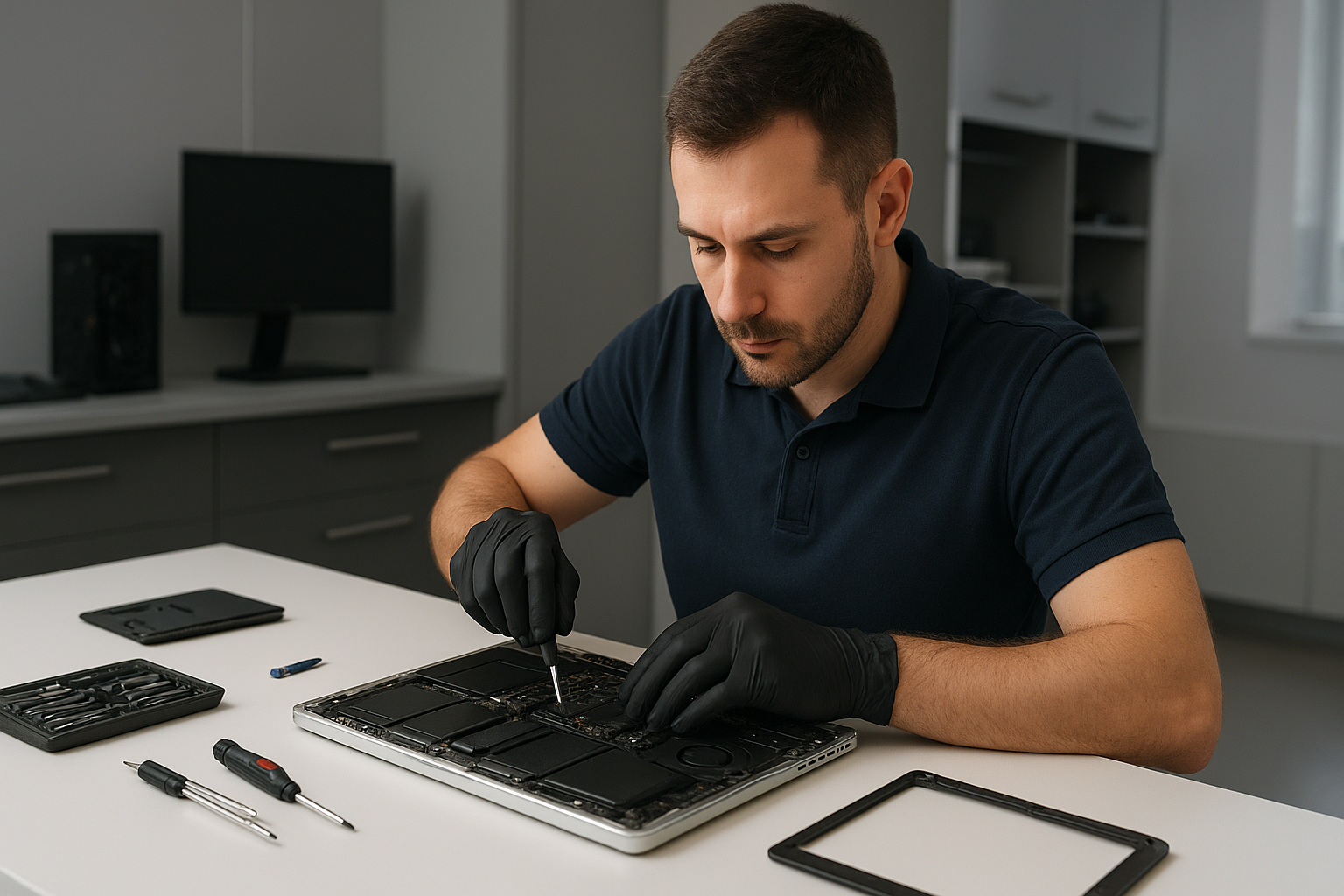
First, we perform non-invasive checks. We inspect SMART data to examine reallocated sectors, pending sectors, and temperature history. Then, we use a write-blocker and create a forensic disk image. For mechanically noisy drives, we use controlled spin-up tools or a cleanroom swap of the head assembly when needed.
For SSD recovery, we analyze controller behavior, check firmware, and determine whether TRIM has erased data. For RAID, we capture each member drive as a disk image, analyze parity and stripe size, and rebuild the array in a lab environment, without writing to originals.
Real recovery procedures and tools I use
I use industry-grade tools and methods. That includes disk imaging with ddrescue, deep scanning with validated recovery suites, and physical repairs in our partner cleanroom for head swaps or PCB repairs. We document every step, and we maintain chain of custody for business clients.
When a drive has bad sectors, we read healthy areas first, then target failing sectors selectively. For logical corruption, we repair file system metadata, recover file tables, and reconstruct files. For MacBook repair or Windows installation issues tied to data loss, we image the drive first before reinstalling any operating system.
Practical customer advice
Do not try quick fixes that write to the failed disk. Avoid free software that asks you to install on the same drive. If you have a laptop with liquid damage, bring it in quickly, and turn it off, as corrosion can spread. If you suspect ransomware or virus activity, disconnect the machine from networks and call us, so we can isolate and recover data safely while removing malware.
Also, consider SSD upgrades and regular backups to prevent future loss. We offer backup solutions, computer tune-up, and cloud sync setup to protect important files.
Typical recovery timelines and outcomes
Simple logical recoveries take a few hours to a day. Mechanical recoveries that require cleanroom work may take several days. RAID and complex cases can take longer, depending on drive condition and complexity. We provide a free initial assessment, and then a clear quote with success likelihood based on diagnostics.
Related services we provide
We combine data recovery with laptop repair, MacBook repair, screen replacement, battery replacement, virus removal, SSD upgrades, motherboard repair, liquid damage repair, gaming PC repair, keyboard replacement, trackpad repair, laptop fan replacement, thermal paste replacement, and Windows installation. Many clients come to us for a damaged machine and also need data recovery or a full system rebuild.
Why choose Moe Repair in Surrey and the Lower Mainland
With over 15 years of hands-on experience, I personally handle diagnostics and recovery planning. We serve Surrey, Coquitlam, Burnaby, Vancouver, Richmond, New Westminster, Maple Ridge, Port Moody, Port Coquitlam, Pitt Meadows, Langley, Delta, North Vancouver, West Vancouver, White Rock, Abbotsford, Mission, and Chilliwack.
We maintain strict data privacy, transparent pricing, and documented procedures. Moreover, we provide repair options, such as SSD upgrades or motherboard repair, when recovery is complete and you want to improve system reliability.
What to expect when you bring a device in
We start with a diagnostic log, then create a safe image. We discuss the recovery strategy and expected costs. For physical repairs, we explain cleanroom steps. For logical issues, we outline the percentage chance of success. We never overwrite original media unless you authorize it.
If you need immediate help, contact Moe Repair right away. Phone 778-951-4872, or email service@moerepair.ca. We will advise the safest next steps and arrange secure drop-off or mail-in recovery.
Remember, the faster you act, the higher the chance to recover your files. Call us in Surrey, or any of our service areas, for dependable, professional data recovery services.