Alienware gaming PC repair Vancouver
If your Alienware gaming desktop is showing artifacts, unexpected shutdowns, or poor performance, you need reliable Alienware gaming PC repair Vancouver technicians who know Dell Aurora hardware. At Moe Repair I focus on practical diagnostics and repairs for Aurora towers and Alienware laptops like the m15 and m17. I explain what I find in plain terms and offer repair or upgrade options so you can make an informed decision.
Common symptoms that need Alienware repair in Vancouver
Typical symptoms I see include random restarts, system freezes under load, loud fan noise, thermal throttling, display corruption, or failure to POST. You may also notice slow SSD performance after a Windows update or boot loops after BIOS updates. These are signs to stop using the system for gaming and book diagnostics.
How I diagnose Alienware systems
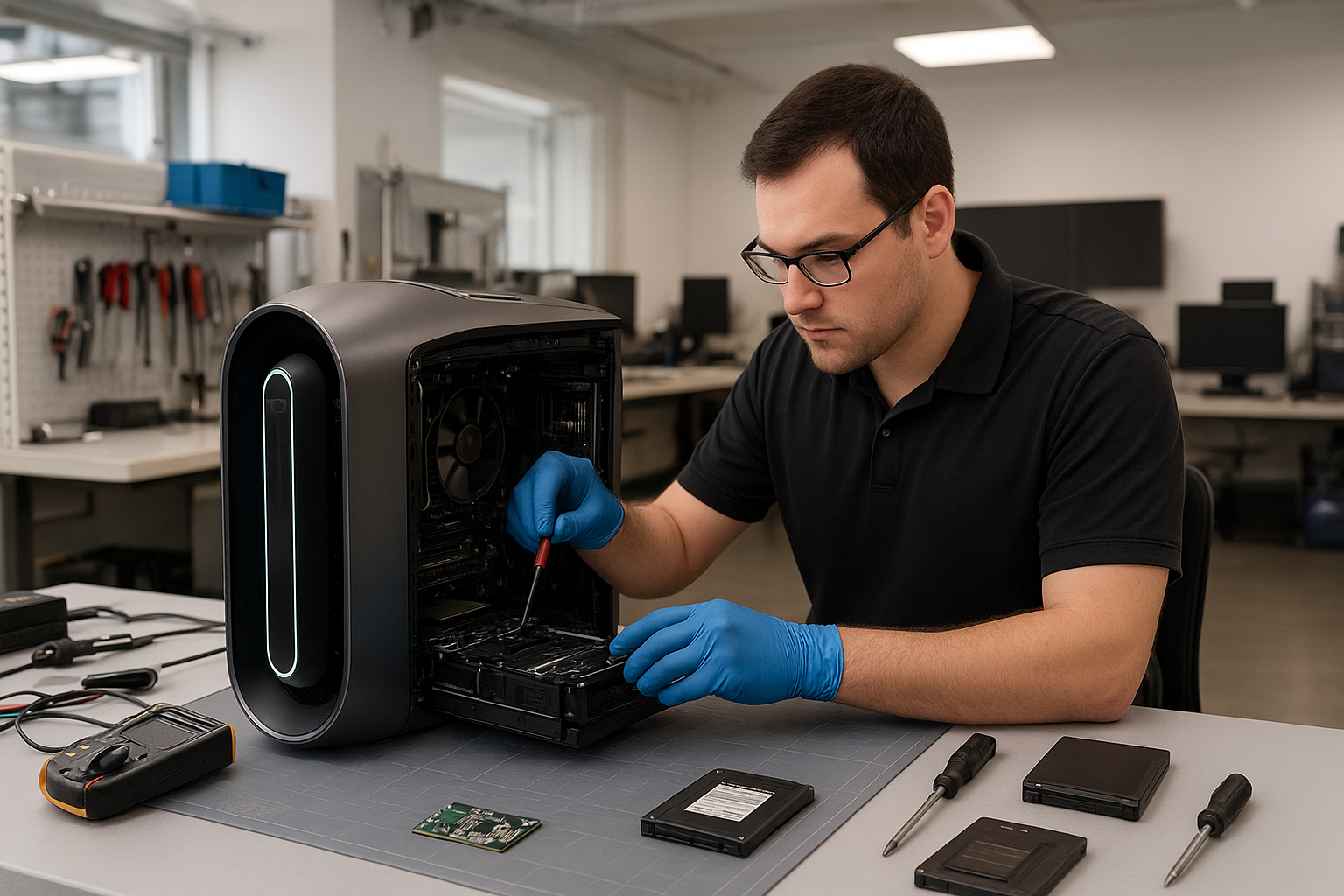
My diagnostic workflow begins with a visual inspection and basic tests: check POST codes, confirm power rails with a multimeter, and run a controlled boot. I use temperature monitoring tools to observe CPU and GPU under load, and I run GPU stress tests and memtest86 for RAM faults. I check Windows event logs and run driver rollbacks when needed.
Real repair procedures I perform
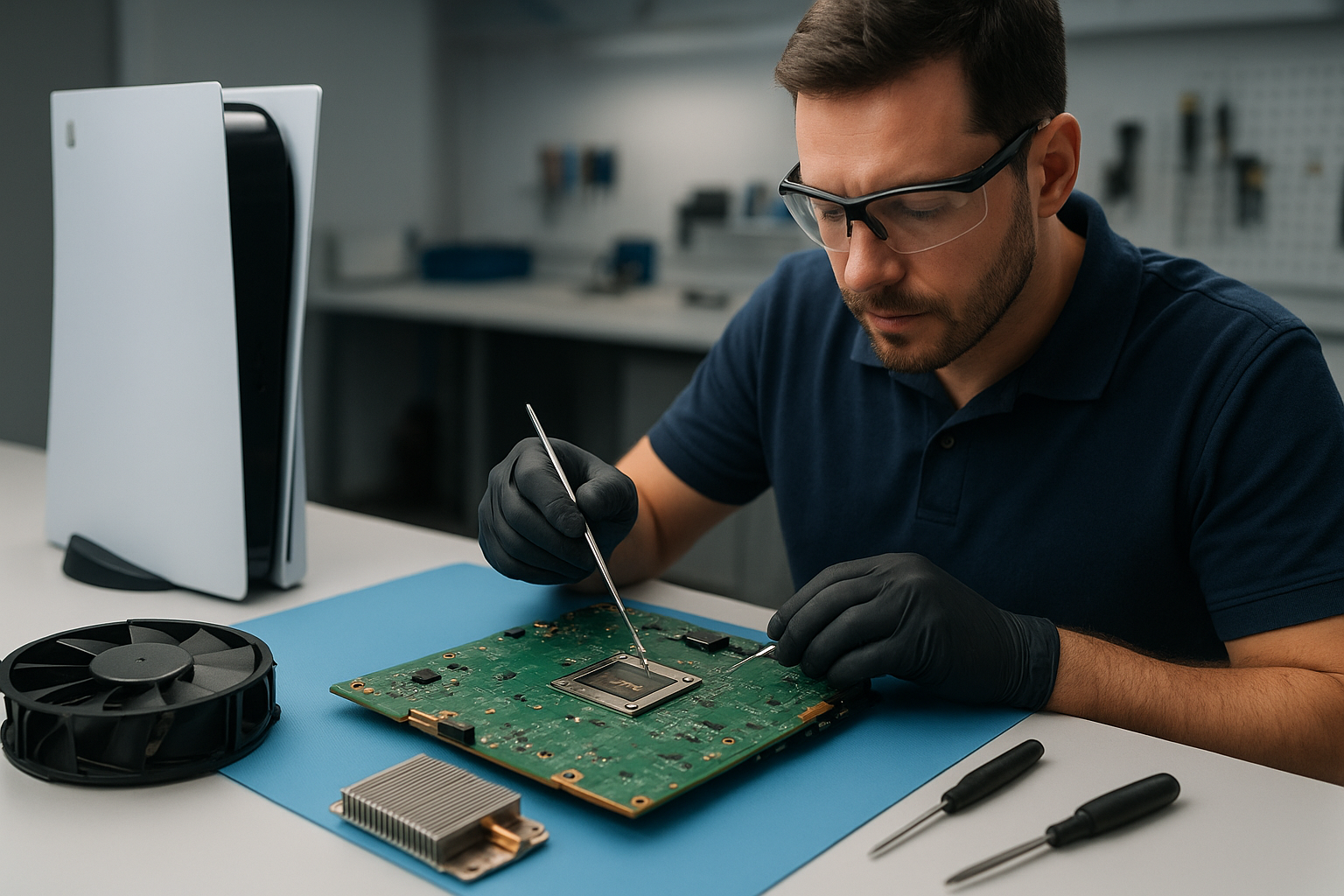
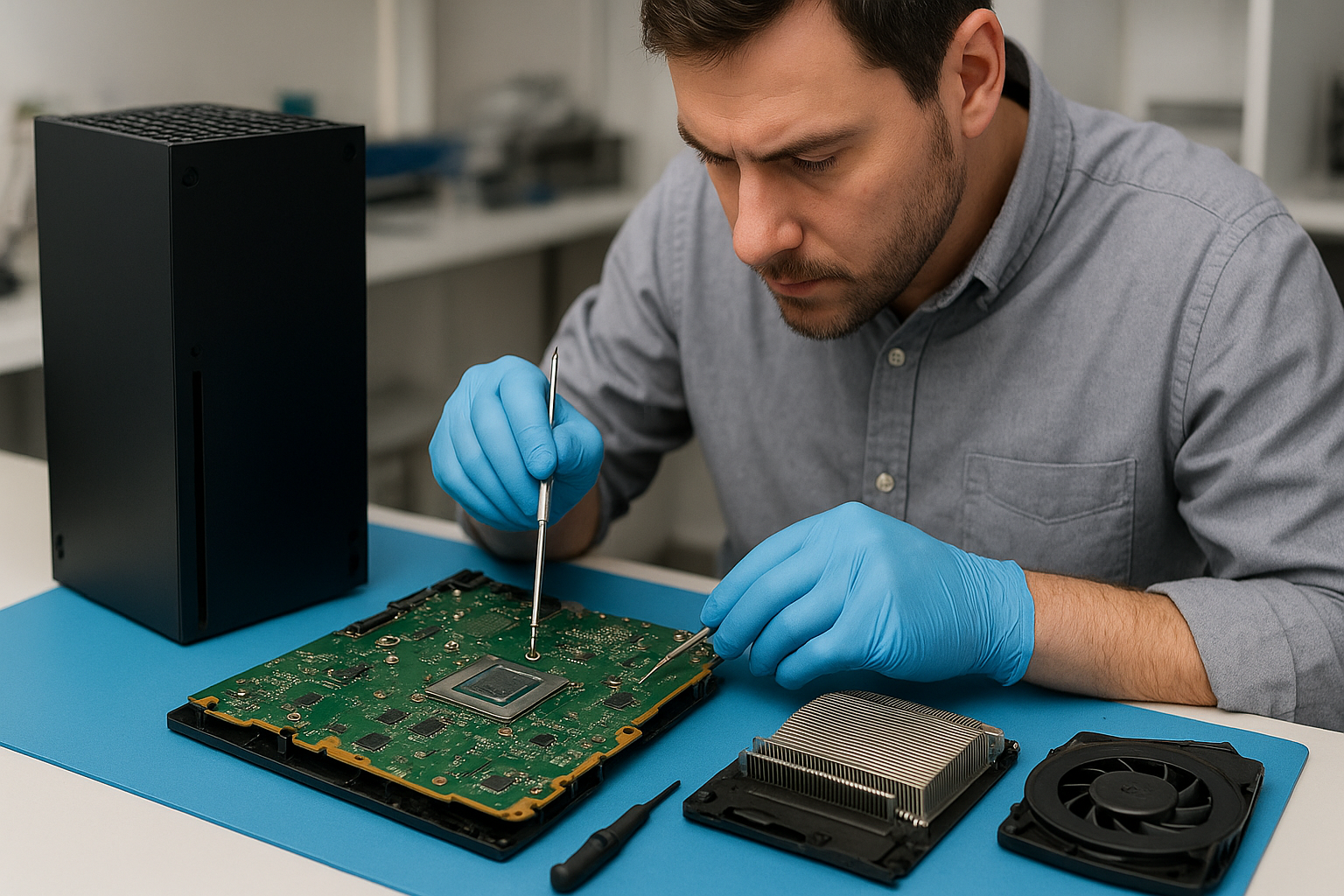
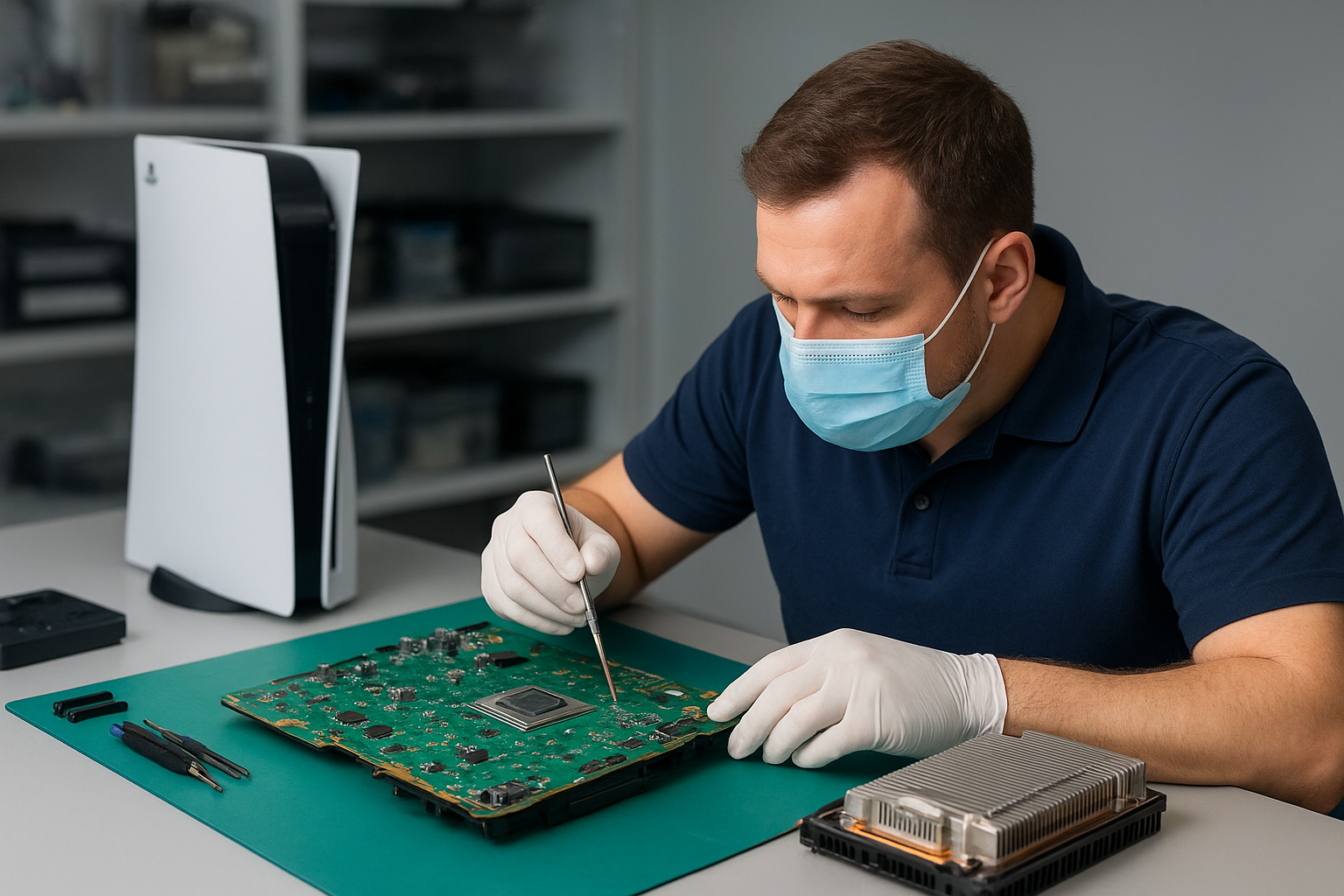
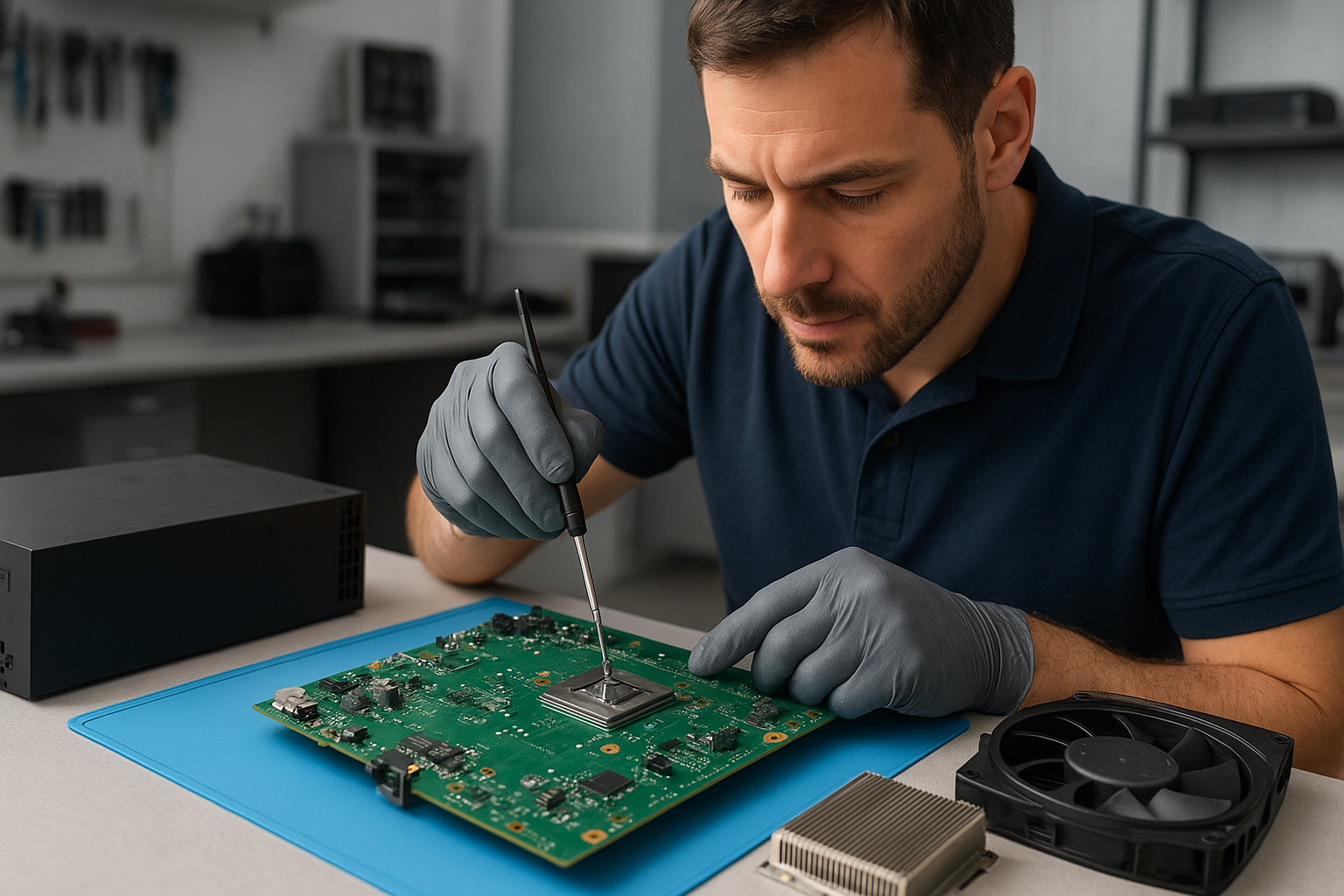
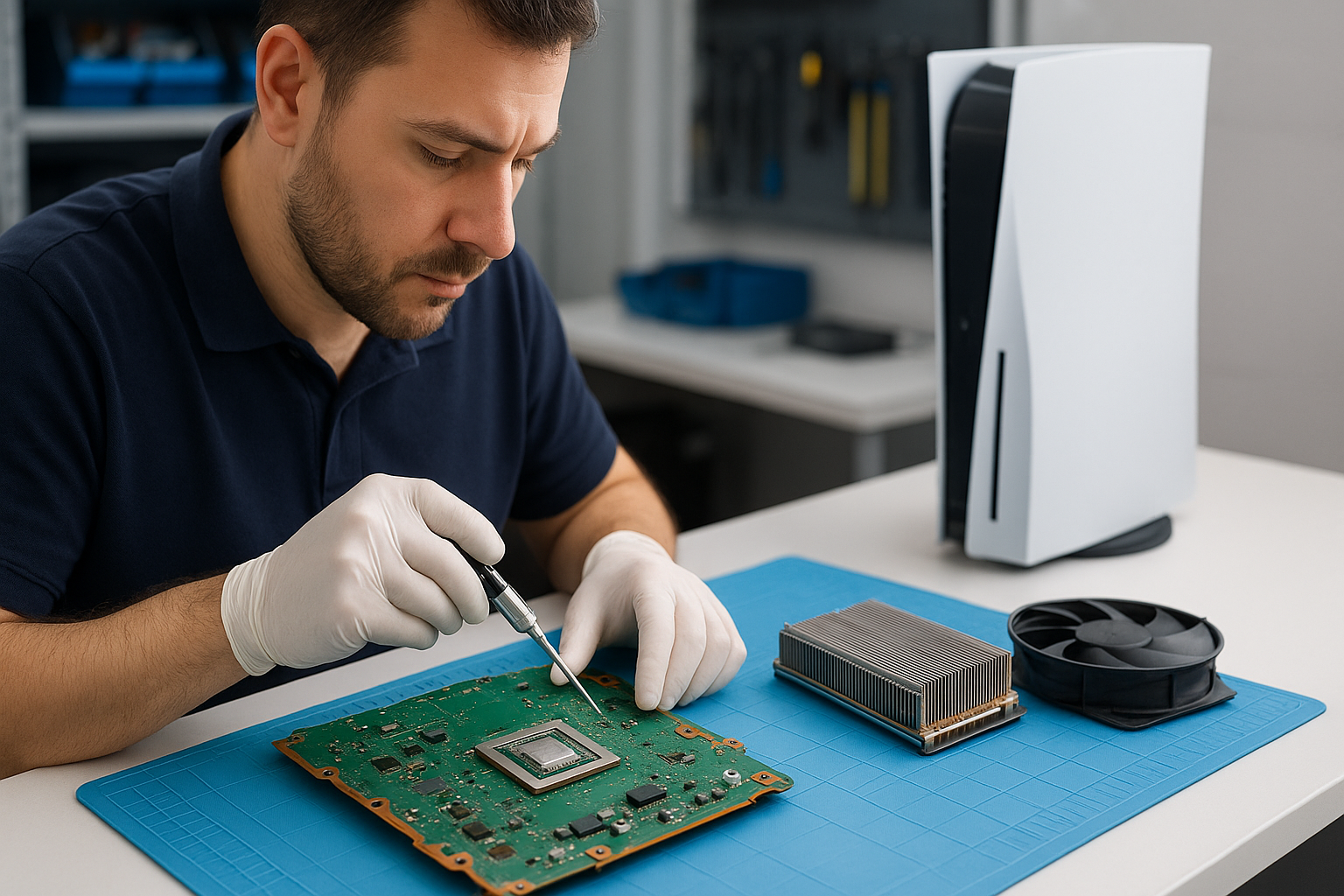
Repair steps vary by fault. For thermal issues I clean dust, replace or repair case fans, replace the GPU blower on older Aurora models, and perform thermal paste replacement on CPU and GPU where accessible. For storage problems I verify SSD health, clone drives, and perform Windows installation when required. Motherboard repairs include replacing failing capacitors or MOSFETs when a component-level fix is necessary.
Parts, upgrades and when to replace components
I recommend SSD upgrades for long load times, larger cooling solutions when temps stay above safe thresholds, and PSU upgrades when voltage rails are unstable. For Alienware Aurora R-series, a higher quality SFX/ATX PSU can stop random shutdowns. If a GPU shows hardware artifacting despite cooling improvements, the long-term solution may be GPU replacement or RMA if under warranty.
Real-world repair example from Vancouver
A recent customer in Vancouver brought an Alienware Aurora R10 that crashed during long gaming sessions and showed horizontal lines on screen. I inspected the case, ran GPU stress tests and monitored thermal sensors. Temperatures spiked to 98C on the GPU, and one blower fan was not spinning freely. After disassembling the GPU shroud I found heavy dust buildup and a failing fan bearing.
I cleaned the heatsink, replaced the failed blower fan, reapplied high-quality thermal paste to the GPU die, and reseated the power connectors. After updating the GPU driver and running a two-hour stability test, temperatures dropped to a steady 68C under load and the artifacting disappeared. The customer returned for a follow-up and reported stable gaming sessions. I explained that while this repair resolved the symptoms, continued monitoring is recommended because long-term GPU degradation can still occur.
When I recommend data recovery or OS repair
If a failing drive contains game installs or personal files, I can perform non-destructive imaging and attempt data recovery in-lab. For Windows corruption or blue screen errors I run system file checks, repair the bootloader, and reinstall Windows with driver optimization. If you need data recovery, see our dedicated service for data recovery in Coquitlam for more on processes and pricing.
Other services that support Alienware repairs
I also handle SSD upgrades, motherboard repair, virus removal, thermal paste replacement, and Wi-Fi troubleshooting. For users who also have laptops, I offer laptop repair in Coquitlam and screen or battery replacements. For general system tune-ups or non-gaming desktops, see our computer repair in Coquitlam page for common procedures.
Maintenance tips to avoid future problems
Simple maintenance goes a long way. Keep vents clear, clean dust at least twice a year, monitor temperatures, and update firmware and GPU drivers from Dell’s site. Avoid overclocking until cooling is verified. If your Alienware lives in a dusty room, consider a positive case airflow setup and high-quality air filters.
Pricing and realistic expectations for repairs
I provide an honest quote after diagnostics. Some issues, like software conflicts or driver problems, are low cost. Component-level motherboard repairs or GPU replacements are pricier. I will always show diagnostics and discuss repair vs replacement. For warranty options, check Dell support before investing in out-of-warranty board-level work.
Contact Moe Repair Today
Moe Repair offers a free consultation and local pickup options for customers in Vancouver and nearby areas. Call Moe Repair at 778-951-4872 or email service@moerepair.ca to describe the symptoms. I serve Vancouver, Burnaby, Coquitlam and North Vancouver and can advise whether a visit is necessary or if a remote troubleshooting step can get you back online quickly. Use the contact Moe Repair form for appointment requests and estimates.
Frequently asked questions
Below are common questions I get from local gamers. If you do not see your issue, please reach out.
Can you repair my Alienware Aurora that won’t boot?
I start with power supply and POST checks, verify motherboard voltages, and test RAM and GPU in known-good configurations. If the PSU is failing I recommend replacement first; if the motherboard shows failed components I will quote board-level repair or replacement options.
How long does a typical repair take?
Simple repairs like fan replacement or thermal servicing can be same-day. Component-level motherboard work typically takes several days depending on parts. I aim for clear timelines after diagnostics.
Do you handle Alienware laptops like the m15 and m17?
Yes. I repair Alienware laptops for cooling issues, screen replacement, SSD upgrades, and liquid damage repair. See our laptop repair in Coquitlam page for common laptop services.
Will you recover my saved games and files?
When a drive is failing I image the drive to prevent further loss and attempt file recovery. For full details, check our data recovery in Coquitlam service page or contact us directly.
For Mac users, I also offer MacBook repair in Coquitlam for those who use cross-platform setups.
Moe Repair
Phone: 778-951-4872
Email: service@moerepair.ca