
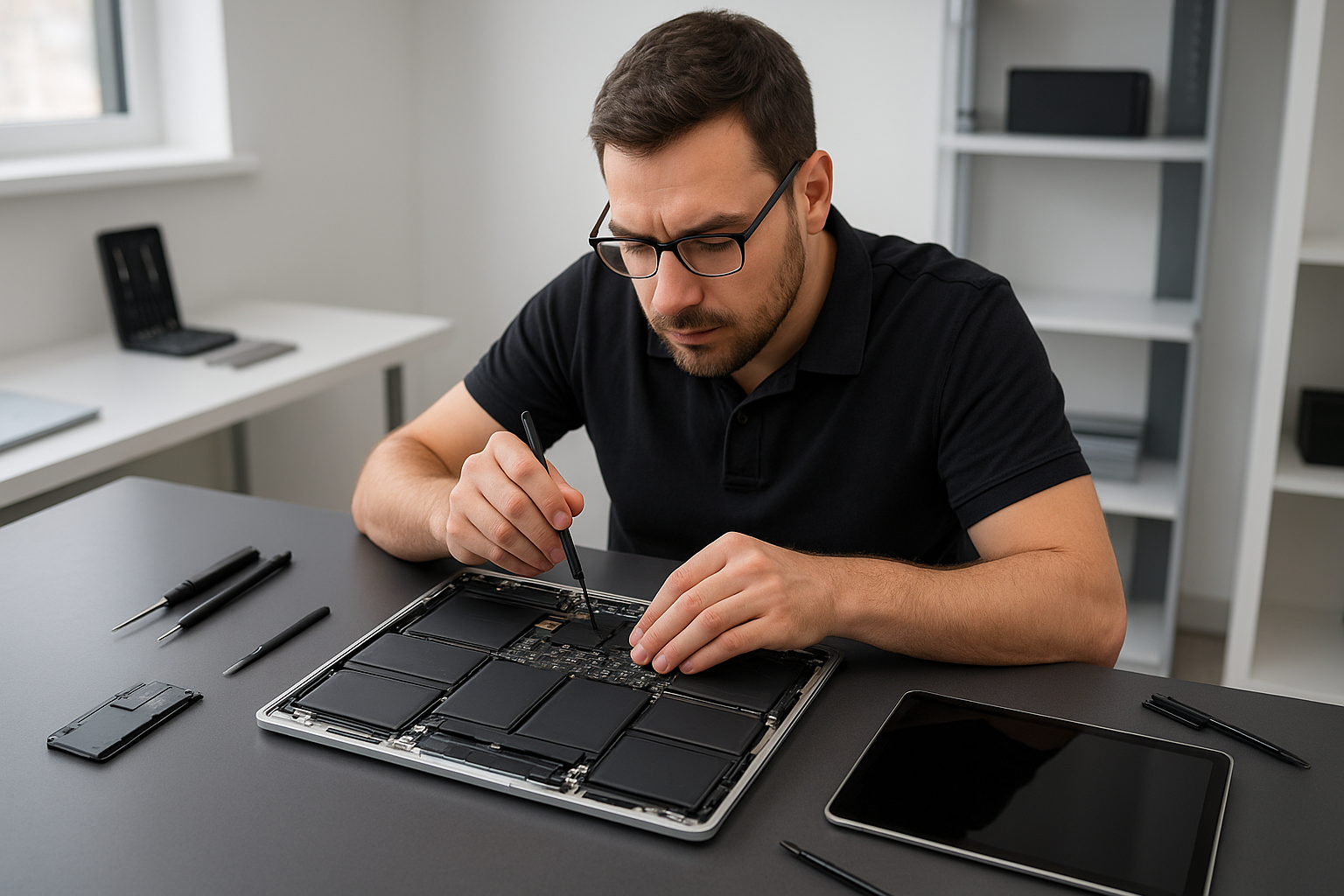
MacBook screen replacement Surrey: Fast, professional service
As a senior technician with more than 15 years of hands-on experience, I perform MacBook screen replacement Surrey customers trust. I see every symptom, from a cracked screen to backlight failure, and I follow proven diagnostic steps to fix your display quickly and safely.
Why choose Moe Repair for MacBook screen replacement Surrey
First, I inspect your MacBook visually and with software diagnostics. Then, I confirm the failure mode. I only use high quality LCD replacement panels or OEM-grade parts when available. In many cases, I replace the entire display assembly to ensure proper alignment, touch function, and backlight performance.
You will get fast turnaround. I offer clear pricing, and I explain repair cost factors such as retina display type, model year, and whether the glass and LCD are both damaged. Moreover, I provide extra services like battery replacement, SSD upgrades, and motherboard repair when required.
Common symptoms I diagnose
Customers bring MacBooks in for many reasons. Typical symptoms include cracked glass, black screen after a drop, lines or flicker across the display, dim backlight, dead pixels, and touch or trackpad issues after an impact. Sometimes the screen works but the image has color shift, which often points to a failing display cable or connector.
If you see any of these, shut down the machine and avoid flexing the lid. Back up your data if possible. Next, contact us so we can run a full diagnostic and advise the safest next steps.
How we diagnose display problems
We follow systematic diagnostics. First, we reproduce the issue and check external display output. If an external monitor shows an image, we know the GPU and logic board function. Then, we inspect the display connector, inverter or cable, and test backlight circuits. For retina models, we test the display assembly connectors and perform continuity checks.
When liquid damage is suspected, we open the case and look for corrosion on the display connector, trackpad cable, and logic board. I document findings and recommend repairs, such as liquid damage repair, motherboard repair, or a full screen replacement.
Realistic repair procedure
When I perform a replacement, I take these practical steps. First, I power down the MacBook and disconnect the battery. Safety matters. Then, I remove the pentalobe screws and separate the display assembly if needed. I detach the display data cable, carefully remove the old assembly, and install the new LCD or complete display.
I use ESD-safe tools and precision screwdrivers. Then, I reseat connectors, verify backlight operation, and run a color calibration test. Finally, I tighten screws to spec and perform a full boot and stress check. If the issue is related to hinge damage or chassis flex, I address that too, ensuring the new screen aligns properly and that the trackpad repair or keyboard replacement is clean.
What to expect for cost and time
Repair costs vary by MacBook model, part availability, and whether the glass and LCD both need replacement. Older models may require LCD replacement or an inverter, while newer retina display MacBooks usually need full display assembly replacement. We provide an estimate after diagnostics, and often complete screen replacements the same day or within 48 hours.
Also, we offer related services, such as data recovery if your MacBook will not boot, thermal paste replacement or laptop fan replacement if overheating occurred, and a computer tune-up after hardware work to ensure peak performance.
Preventive advice and practical tips
To prolong your display life, use a protective sleeve, avoid placing heavy items on top of the laptop, and keep liquids away. For transport, close the lid and use a padded bag. If liquid spills occur, power down immediately and bring the MacBook in. We provide liquid damage repair and quick cleaning to limit corrosion.
Do not attempt DIY separation of glued display layers on retina models. Specialized tools and adhesives keep alignment and prevent additional damage. Instead, let a trained technician handle the replacement to avoid further costs like motherboard repair or data loss.
Other services we provide
At Moe Repair we cover the full range of repairs. We do laptop repair, MacBook repair, screen replacement, battery replacement, data recovery, virus removal, Windows installation, SSD upgrades, motherboard repair, liquid damage repair, gaming PC repair, keyboard replacement, trackpad repair, laptop fan replacement, thermal paste replacement, and computer tune-up.
Consequently, whether you need a simple LCD replacement or advanced motherboard work after a liquid accident, we have the tools and experience to finish the job right. We serve customers across Coquitlam, Burnaby, Vancouver, Surrey, Richmond, New Westminster, Maple Ridge, Port Moody, Port Coquitlam, Pitt Meadows, Langley, Delta, North Vancouver, West Vancouver, White Rock, Abbotsford, Mission, and Chilliwack.
Why timely repair matters
Delaying screen repair can lead to larger problems. A cracked screen can allow dust or moisture to enter, worsening pixel damage or causing a short on the logic board. Likewise, pressure damage can spread. Thus, prompt MacBook screen replacement Surrey residents rely on prevents secondary failures and saves money over time.
If you require data recovery, we can often extract your files before any major repair. For performance upgrades, we also recommend SSD upgrades and a clean Windows installation or macOS tune-up where appropriate.
Contact Moe Repair
For fast, reliable MacBook screen replacement Surrey customers count on, contact Moe Repair today. Call 778-951-4872, or email [service@moerepair.ca](mailto:service@moerepair.ca). We will schedule diagnostics, explain repair options, and provide a clear estimate.
Moe Repair is ready to help with any screen crack, backlight issue, flicker, or display failure. Bring your MacBook to our shop, or ask about pickup options across the Lower Mainland. We guarantee professional workmanship and honest advice based on 15 plus years of experience.