Hi, How Can We Help You?
  • 203-504 Cottonwood Ave, Coquitlam
  • service@moerepair.ca
  • +1 (778) 951-4872

Author Archives: moe

Laptop screen replacement Coquitlam: Same-day, professional repairs at Moe Repair

If your laptop shows a cracked glass, vertical lines, or a completely black panel, Laptop screen replacement Coquitlam is available now at Moe Repair. I am a senior technician with over 15 years fixing displays in Coquitlam and surrounding cities. I will explain common symptoms, how we diagnose the failure, realistic repair steps, and what to expect before you bring your laptop in.

Common symptoms that need a screen replacement

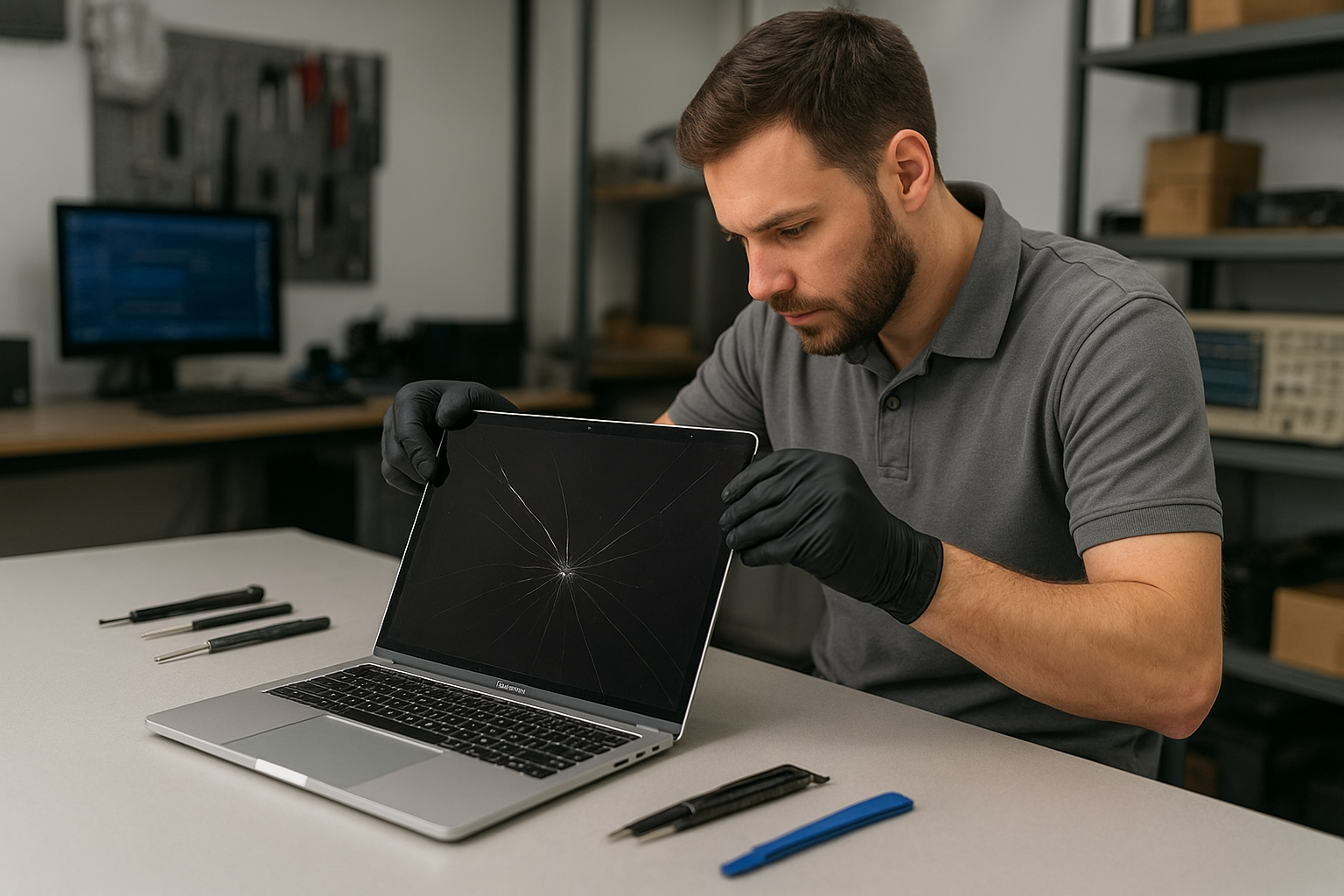
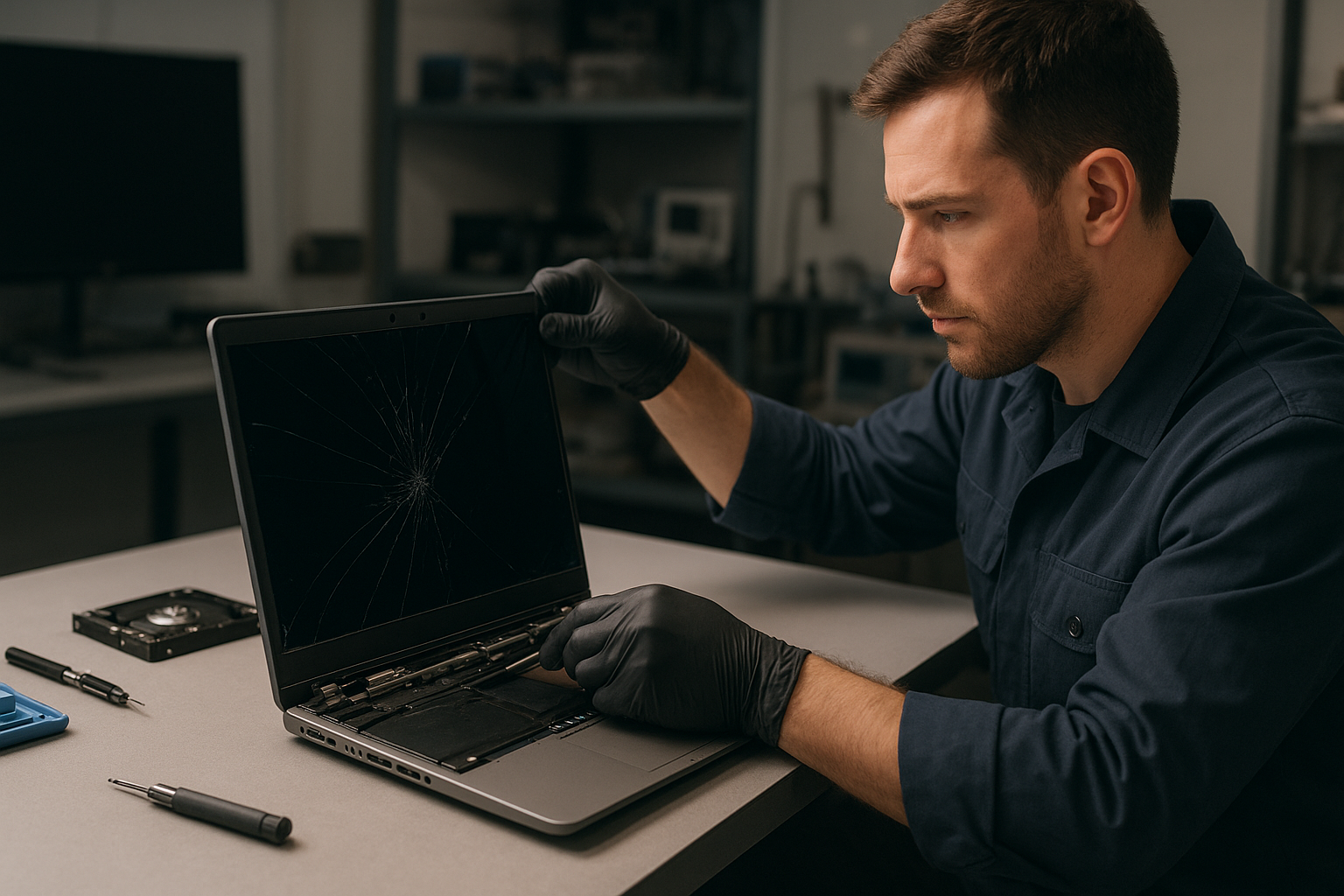
Signs that point to a screen fault include visible cracks, glass spidering, bright or dark vertical or horizontal lines, large dead pixel clusters, backlight failure (dim screen while external monitor works), and touchscreen unresponsiveness. Intermittent flicker when moving the lid, odd color bands, or black areas along the bezel also indicate physical panel or cable issues. If you need general laptop repair in Coquitlam, we inspect the screen as part of a full diagnostic.

Laptop screen replacement Coquitlam: Our diagnostic steps

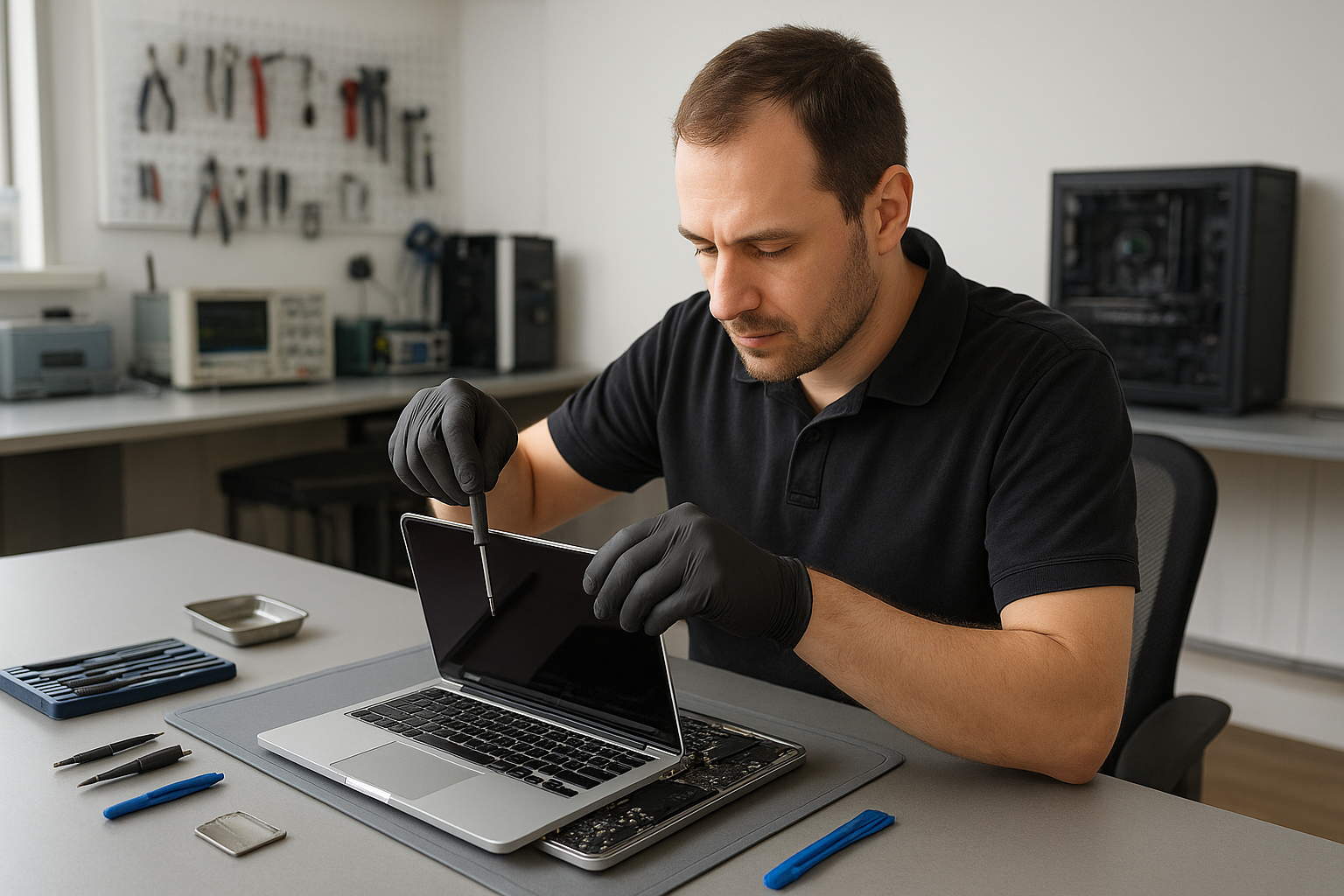
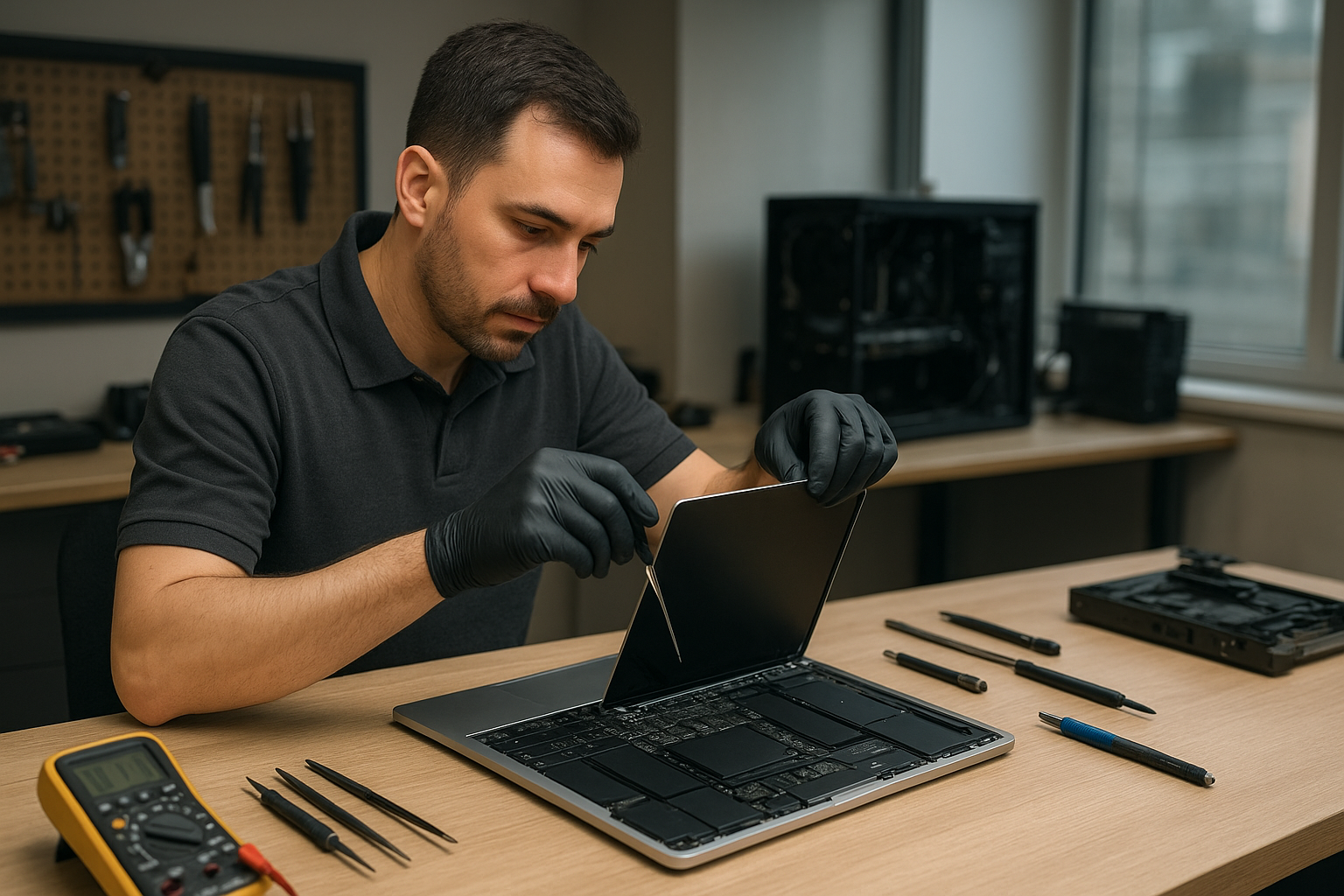
We start with a careful inspection. First I power on the unit and note the exact symptom. Then I connect an external monitor to isolate whether the GPU and motherboard are functioning. If the external display is fine, the fault is almost always the panel, LVDS/eDP cable, or the inverter/backlight circuit. Next I open the bezel, check the display cable for kinks or crushed areas, and test the cable with a donor panel when available. If the problem follows the cable, we replace the cable. Otherwise, we source a matching screen assembly and test before fitting.

Parts, sourcing, and replacement options

We stock common panels for Dell XPS, Inspiron, Latitude, HP Pavilion, EliteBook, Lenovo ThinkPad and IdeaPad, Acer Aspire and Nitro, ASUS ZenBook and ROG, MacBook Air and MacBook Pro. For Apple models we also offer MacBook repair in Coquitlam using appropriate Retina or LCD assemblies. You can choose OEM-grade or high-quality aftermarket screens. I explain the differences in brightness, coating, and resolution so you can decide. We never rush you into an expensive OEM if a tested compatible part will meet your needs.

Step-by-step repair procedure we follow

  • Power down and disconnect battery to prevent shorts, especially on older machines.
  • Remove bezel and camera assembly carefully to avoid breaking clips.
  • Inspect and test the display cable and inverter/backlight if present.
  • Mount the replacement panel on a bench and power it up to verify no dead pixels and correct backlight function.
  • Install the screen assembly, reconnect battery, and run a display calibration and stress test for color and stability.
  • Clean the screen and return the device with a photo of the working display and a brief report.

Real repair example from Coquitlam

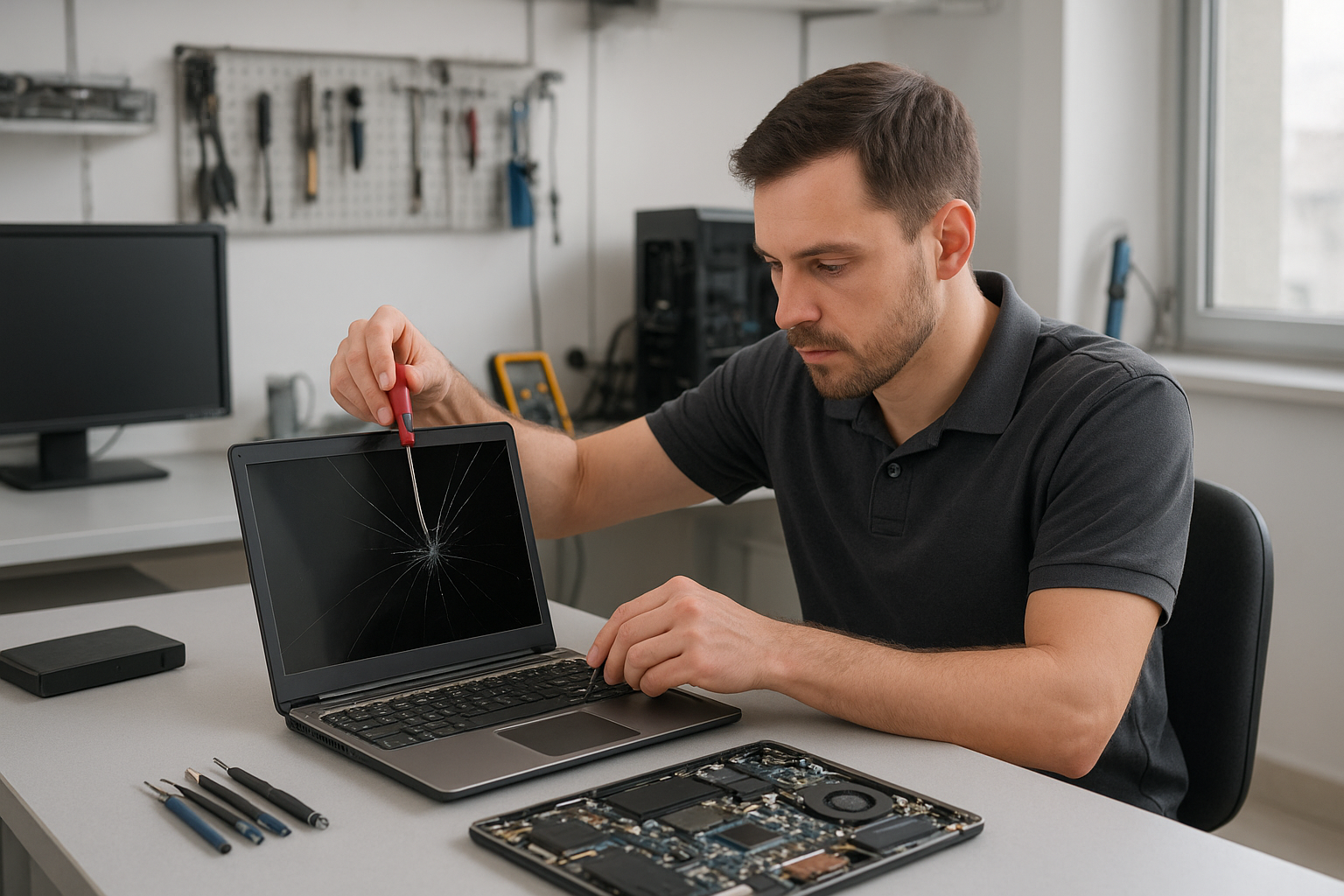
A recent customer from Coquitlam brought in an HP Pavilion with a cracked corner and intermittent vertical green lines. After initial testing I connected an external monitor; the external image was stable so the GPU was fine. I removed the bezel and found the LVDS cable pinched at the hinge, causing a short when the lid closed. I tested the panel with a replacement cable and confirmed the lines disappeared. The repair involved replacing the display cable and installing a grade-A aftermarket panel because the original OEM panel had long lead times. After reassembly I performed a 48-hour burn-in test under load and handed it back with a full functionality report. The customer reported normal operation for months afterward.

When a full motherboard repair or data recovery is needed

Sometimes screen issues coexist with other failures: liquid damage, charging faults, or SSD corruption. We offer computer repair in Coquitlam and services like motherboard repair, liquid damage repair, battery replacement, and data recovery in Coquitlam when necessary. If diagnostics show a failed power rail or GPU fault, I will explain options and costs before proceeding. We do not hide problems; we present repair, replace, or data-recovery choices.

Preventive tips and customer advice

To reduce screen damage risk, use a padded laptop sleeve, avoid dropping or putting heavy objects on the lid, and keep liquids away from your laptop. If you notice early symptoms like flicker or small dead pixel groups, bring it in quickly. Small cable issues are often cheaper to fix before they develop into full panel or hinge damage. We also recommend an SSD upgrade or thermal paste replacement while the machine is open if you are due for performance improvements.

Frequently asked questions

Below are common questions customers ask about Laptop screen replacement Coquitlam. You can also contact Moe Repair directly for specifics about your model.

How long does a laptop screen replacement take?

Turnaround depends on part availability. Common models are often same-day or next-day. Rare panels may take a few days. We give an ETA after diagnostics.

Will I lose my data during a screen replacement?

Screen replacement alone does not affect data. However, if we find storage or motherboard issues, we discuss data recovery options before proceeding.

Do you use OEM parts?

We offer OEM-grade or high-quality aftermarket panels. I explain the cost and trade-offs so you can choose the best option for your budget and needs.

Is it worth repairing an older laptop screen?

It depends on the device condition, repair cost, and whether other components need replacement. We provide honest advice and may suggest SSD upgrades or battery replacement if that adds value.

Contact Moe Repair Today

Moe Repair offers a free consultation for Laptop screen replacement Coquitlam and nearby areas. Call Moe Repair at 778-951-4872 or email service@moerepair.ca to describe the issue and get an estimated turnaround. We serve Coquitlam, Burnaby, Port Moody, Port Coquitlam and New Westminster with experienced technicians, clear pricing, and honest diagnostics. Bring your laptop to our Coquitlam shop or arrange a drop-off. We will run a full diagnostic and explain repair options before starting any work.

Moe Repair
Phone: 778-951-4872
Email: service@moerepair.ca
MacBook Pro hinge repair Vancouver

MacBook Pro hinge repair Vancouver is a common request at Moe Repair. If your MacBook Pro screen wobbles, clicks when you open or close the lid, or the display flickers at certain angles, bring it to our Vancouver shop for a professional inspection. I’m a senior technician with over 15 years of hands-on experience repairing Apple laptops, and I work on MacBook Pro 13, 15, and 16 models every week.

Common symptoms of hinge damage

Typical symptoms include loose or grinding hinges, the display not staying open, uneven bezel gaps, and display flicker when adjusting the lid. You may also notice a bent chassis near the hinge or torn display cable insulation. Early signs are small clicks or increased wobble when opening and closing the lid.

MacBook Pro hinge repair Vancouver: Diagnostic steps

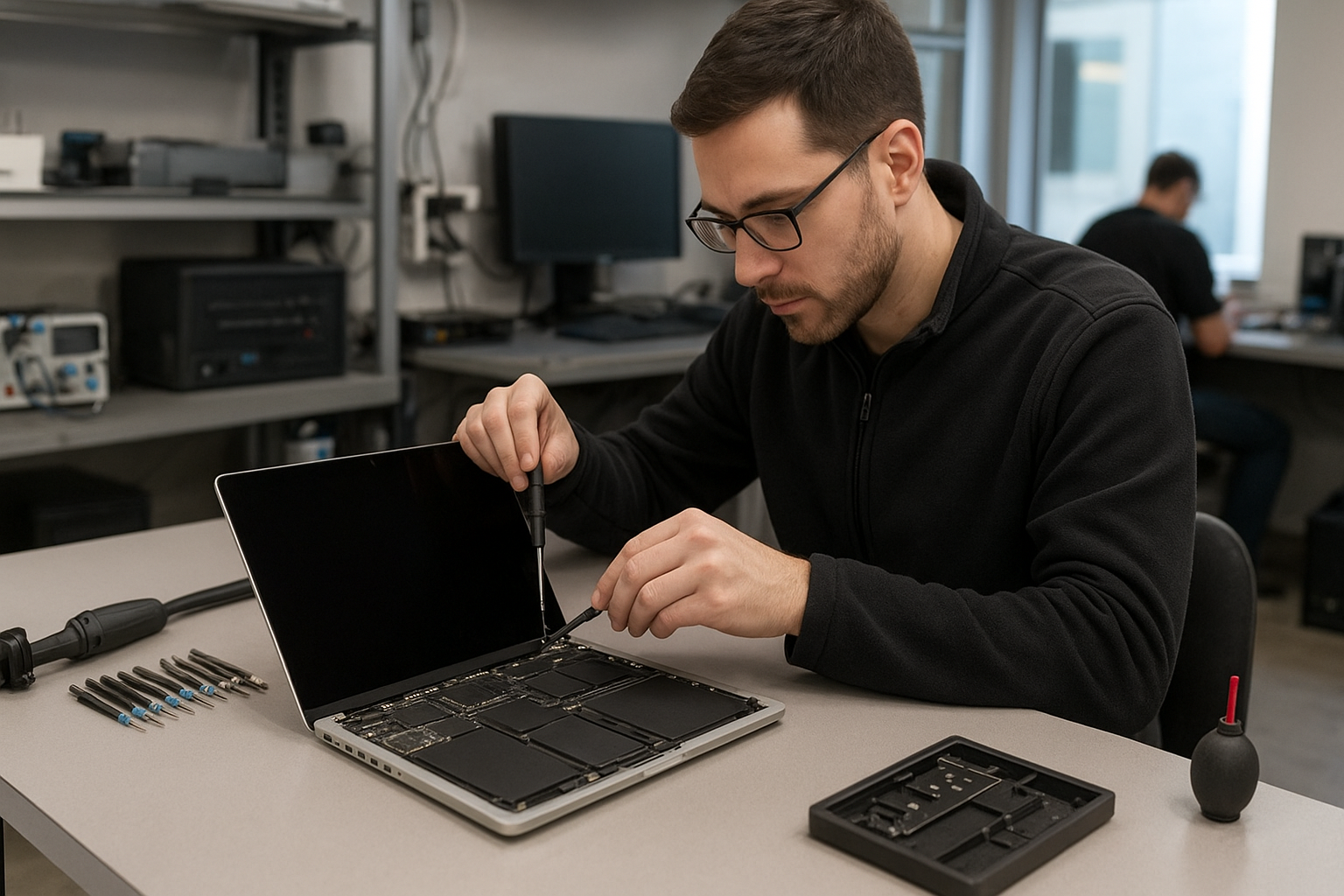
When we diagnose a hinge problem we follow a consistent process. First, we document the external damage and test the screen through multiple open/close cycles. Next, we open the case, remove the bottom cover, and inspect hinge screws, the display bracket, and the hinge barrel. We check the display cable for chafing where it passes through the hinge and verify the display connector on the logic board. If liquid exposure is suspected, we check for corrosion and test power rails. We always show photos and explain options before any repairs.

What causes MacBook hinge failure

Failure comes from drops, pressure on the lid, or repeated stress at certain angles. Liquid spills accelerate corrosion around hinge screws and connectors. Over time, screw threads can strip and hinge bushings wear out. Many customers see DIY guides after searching MacBook Pro hinge repair Vancouver and attempt quick fixes; that often leads to more damage. A professional inspection prevents unnecessary display replacement and identifies related issues like damaged display cables or loose logic board mounts.

Repair procedures and parts we use

Repair varies by model. Standard steps include removing the display assembly, replacing the hinge assembly or display brackets, installing new screws and inserts, and replacing any damaged display cables. If a cable or connector is compromised we replace it or the entire display panel depending on cost and availability. We use OEM or high-quality parts, apply thread locker on critical fasteners, and test the display across full motion cycles. We also coordinate related services such as MacBook repair in Coquitlam when customers need screen replacement, keyboard replacement, or battery replacement during the same visit.

Motherboard and cable diagnostics

If flicker or backlight failure accompanies hinge damage, I inspect the display connector on the logic board and test voltage rails. Where necessary I perform motherboard-level diagnosis and recommend motherboard repair or display replacement. For customers worried about data, we provide data recovery in Coquitlam and backup options before starting major work.

Typical repair times and costs

Simple hinge screw repairs can be same-day. Bracket or display replacements usually take 2 to 5 business days depending on parts. After inspection we provide a clear estimate and explain whether a hinge rebuild, display cable replacement, or full display assembly swap is the most cost-effective option. We can also perform SSD upgrades, thermal paste replacement, or a tune-up while the machine is open to reduce total downtime.

Real repair example from Vancouver

A customer from Vancouver brought a MacBook Pro 15 that would not stay open and emitted a grinding sound. Visual inspection showed two stripped hinge screw mounts and a cracked left display bracket. I removed the display, replaced the bracket and hinge screw kit, and discovered micro-tears in the display cable. After replacing the cable and re-seating the connector I cycled the lid 500 times, verified stable video output, and completed a thermal and system check. This MacBook Pro hinge repair Vancouver job stopped the wobble and fixed intermittent screen flicker. I explained the findings and showed the customer photos before proceeding.

Preventive care and customer advice

To minimize hinge wear, avoid lifting the laptop by the display, close the lid gently, and keep food and liquids away. If you hear a new noise or see play in the hinge, bring it in quickly to prevent bracket cracks or display damage. When we repair hinges we often recommend complementary services like keyboard replacement, trackpad repair, or a battery check to prevent repeated disassembly.

Contact Moe Repair Today

If you need MacBook Pro hinge repair Vancouver customers trust Moe Repair for detailed diagnostics and clear pricing. Call Moe Repair at 778-951-4872 or email service@moerepair.ca to schedule a free consultation. We accept walk-ins and booked drop-offs in Vancouver and nearby Burnaby, Coquitlam, Richmond, and Surrey. During your free consult we inspect the hinge, test the display and logic board, and provide an itemized quote before any work. Ask about combined services like screen replacement, motherboard repair, SSD upgrades, or data recovery to avoid repeat disassembly. You can also contact Moe Repair online to arrange a same-day estimate or drop-off.

Frequently Asked Questions

How long will a MacBook hinge repair take?

Repair time ranges from same-day for small screw fixes to 5 business days for bracket and display parts. We give an estimate after diagnosis.

Will replacing the hinge fix my flickering screen?

Sometimes. If flicker is caused by a torn display cable or a loose connector, replacing the hinge and cable can fix it. If the logic board is damaged we will explain motherboard repair or display replacement options.

Can you repair a hinge on all MacBook Pro models?

We commonly repair MacBook Pro 13, 15, and 16 models. Some ultra-thin models require a full display assembly replacement. We explain options and costs after inspection.

Do you back up data before repairs?

We recommend customers back up their data. If you cannot, we offer data recovery in Coquitlam and standard backup services prior to major repairs.

How much will it cost?

Costs vary by model and damage. After a free inspection we provide a detailed quote. We can combine hinge repair with services like SSD upgrades, keyboard replacement, or thermal paste replacement to reduce repeated labor costs.

For other services, Moe Repair also handles computer repair in Coquitlam, laptop repair in Coquitlam, virus removal, Wi-Fi troubleshooting, and printer setup.

Moe Repair
Phone: 778-951-4872
Email: service@moerepair.ca
Laptop screen replacement Coquitlam

If your laptop shows cracks, vertical lines, backlight failure, or a blank display, a prompt Laptop screen replacement Coquitlam specialist can prevent further damage and data loss. I’m a senior technician at Moe Repair with over 15 years fixing laptops across Coquitlam, Port Moody and Burnaby. Below I explain how we diagnose issues, the realistic repair steps we follow, and what to expect when you bring a machine to our shop.

Why laptop screens fail in Coquitlam

Screens fail for several reasons: accidental drops, hinge stress that chafes the display cable, liquid damage, or panel aging. Some models, like Dell XPS and Lenovo ThinkPad, develop hinge-related LVDS or eDP cable faults. MacBook Pro and Air models often need whole-glass assembly replacements for Retina panels. Identifying the root cause avoids repeated repairs.

Common symptoms that indicate a screen replacement

  • Cracks or visible glass damage
  • Black screen with power LED on
  • Vertical or horizontal lines across the display
  • Flickering or intermittent image
  • Touch input not responding on touchscreen laptops

These symptoms often require different approaches. For example, a faint image with backlight only sometimes means a failed inverter on older laptops, while a blank screen with external monitor working points to the panel or cable.

How we diagnose a laptop display problem

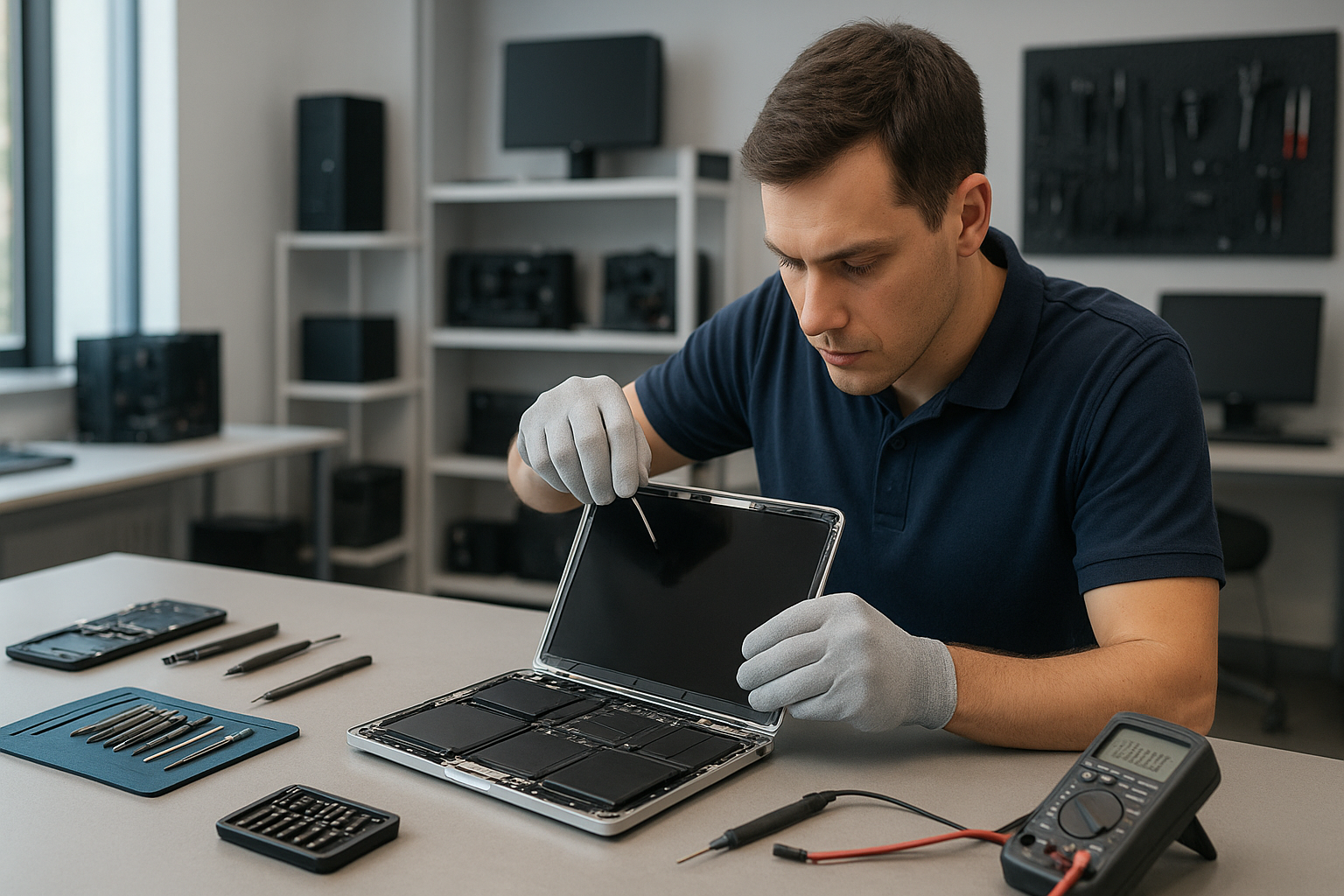
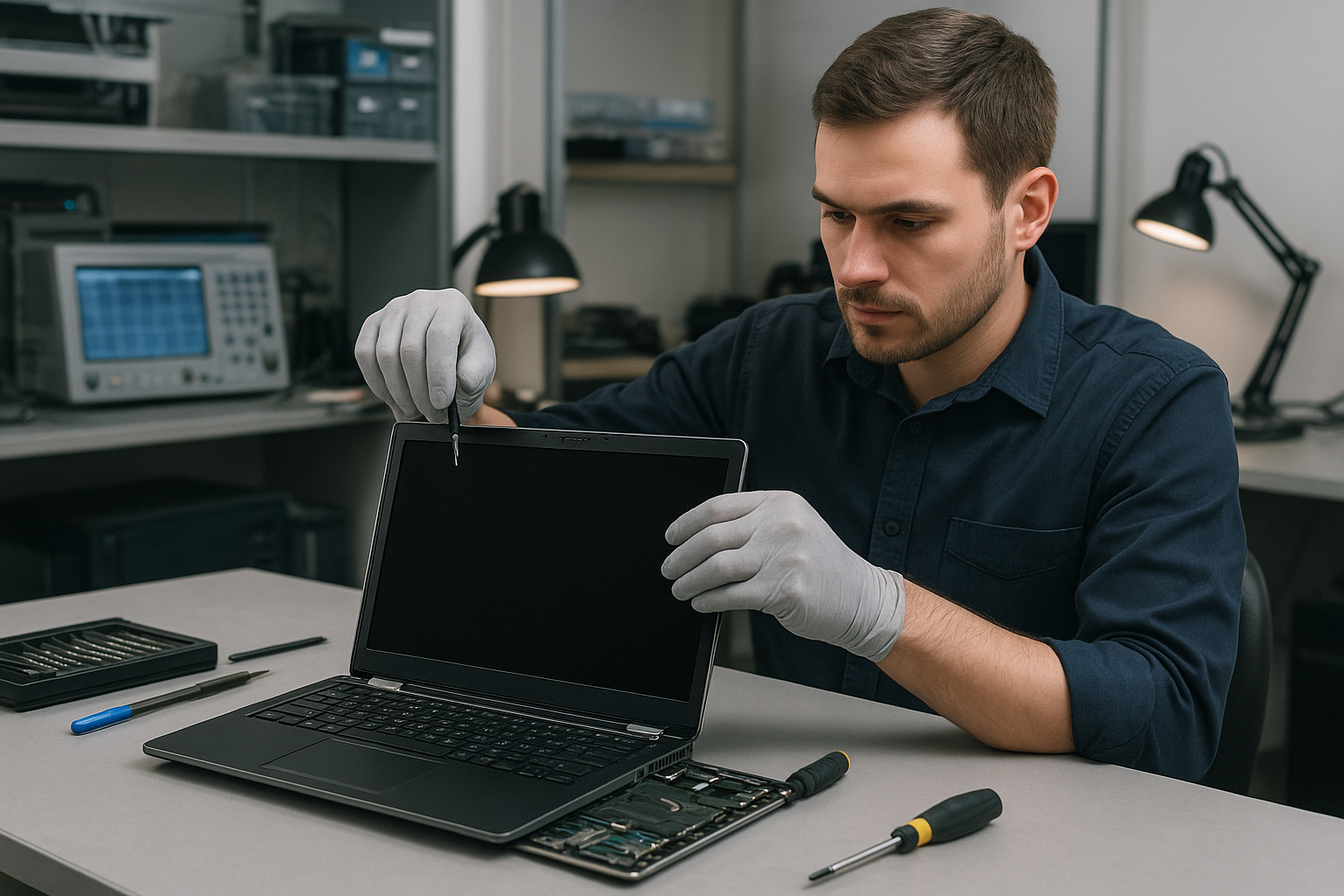
Our diagnostics start with simple, repeatable tests. We always connect a known-good external monitor to isolate the GPU and motherboard. If the external display works, we focus on the screen assembly, LVDS/eDP cable, hinge area, and display connectors. We open the bezel (with ESD-safe tools), inspect the cable for abrasion, and test the backlight and power rails with a multimeter. For MacBooks we inspect the display board and camera assembly as well. We document findings before recommending a repair.

Repair procedures we commonly perform

After diagnostics, typical Laptop screen replacement Coquitlam steps include:

  • Ordering an OEM or high-quality compatible panel matched to model (e.g., MacBook Retina, Dell XPS, HP Envy, Lenovo Legion)
  • Carefully removing the damaged panel and bezel
  • Inspecting and, if needed, replacing the LVDS/eDP cable and connector
  • Replacing hinges if they have damaged the cable or mounting points
  • Reassembling and testing brightness, color calibration, and webcam function

We also offer complementary checks like battery replacement, SSD upgrade, and thermal paste replacement when appropriate. If the laptop shows signs of liquid damage or motherboard faults, we explain options including data recovery or motherboard repair.

Real repair example from a local customer

A recent customer from Port Moody brought a Dell Inspiron with a cracked corner and vertical lines across the screen. Symptoms: visible glass crack, intermittent image, and lines on boot. Diagnostics: external monitor showed a clean image, which told me the GPU was fine. I opened the laptop, inspected the LVDS/eDP cable and hinge area, and found the cable pinched and frayed where it passed through the hinge. Repair: I sourced a compatible Dell Inspiron LCD panel and a new display cable, replaced the hinge screws and cable routing, installed the new panel, and re-tested under load. Outcome: the display returned to full brightness with no lines; the customer left satisfied and able to continue work without data loss. This is a typical Laptop screen replacement Coquitlam scenario where a replacement panel and cable fix the issue.

Parts, warranty and repair options

We use OEM or high-quality compatible panels. For MacBook screen replacement we specify Retina or True Tone-compatible parts when available. Repairs include a limited parts and labour warranty; specifics depend on the model and part source. If the motherboard is affected, or the laptop has prior liquid damage, we provide an honest assessment and options like data recovery in Coquitlam if necessary.

Practical advice before you bring your laptop in

  • Back up your data if possible. If you cannot access storage, ask about data recovery.
  • Bring the original charger. We test under normal load to avoid false negatives.
  • Tell us about drops, spills, or prior repairs. This speeds up diagnostics.

For other issues beyond the screen, we also handle laptop repair in Coquitlam and computer repair in Coquitlam, including virus removal, operating system repair, and SSD upgrades.

What to expect when you choose Moe Repair

We provide a written estimate after a hands-on diagnosis, typical turnaround from parts-on-hand is same-day to two days. We aim for clear pricing, and we will not replace parts unnecessarily. If we find related issues like a failing hinge, worn cable, or motherboard corrosion, we explain the trade-offs and get your approval before proceeding.

Contact Moe Repair Today

Moe Repair offers a free consultation and clear pricing for Laptop screen replacement Coquitlam. Call us at 778-951-4872 or email service@moerepair.ca to describe symptoms and schedule a diagnostics appointment. We serve customers across Coquitlam and nearby communities including Port Moody and Burnaby, and we can often source parts quickly for Dell, HP, Lenovo, ASUS, Acer and Apple models.

Frequently asked questions

Below are common questions customers ask when they need a laptop screen replacement in Coquitlam.

How long does a laptop screen replacement take?

Typical turnaround is same-day to two business days if we have the part in stock. Sourcing specialized parts like Retina panels may take longer.

Will replacing the screen fix flicker or lines?

If the GPU and motherboard are healthy, replacing the screen or display cable usually resolves flicker and lines. We confirm with an external monitor test before replacing the panel.

Can you replace a touch screen?

Yes. Touch screen replacements require matching the digitizer and display assembly. We test touch response and calibrate when needed.

Do you offer a warranty on the replacement?

Yes. We provide a parts and labour warranty; length depends on the part supplier and the laptop model. We include warranty details on your invoice.

How much will it cost?

Cost depends on model and part availability. We provide firm quotes after inspection and give options like OEM or compatible panels to match your budget.

For specialized MacBook repairs see our MacBook repair in Coquitlam page and for broader services like motherboard repair or SSD upgrades we can advise on the best approach.

Moe Repair
Phone: 778-951-4872
Email: service@moerepair.ca
Laptop screen replacement Coquitlam: Fast, local repairs by Moe Repair

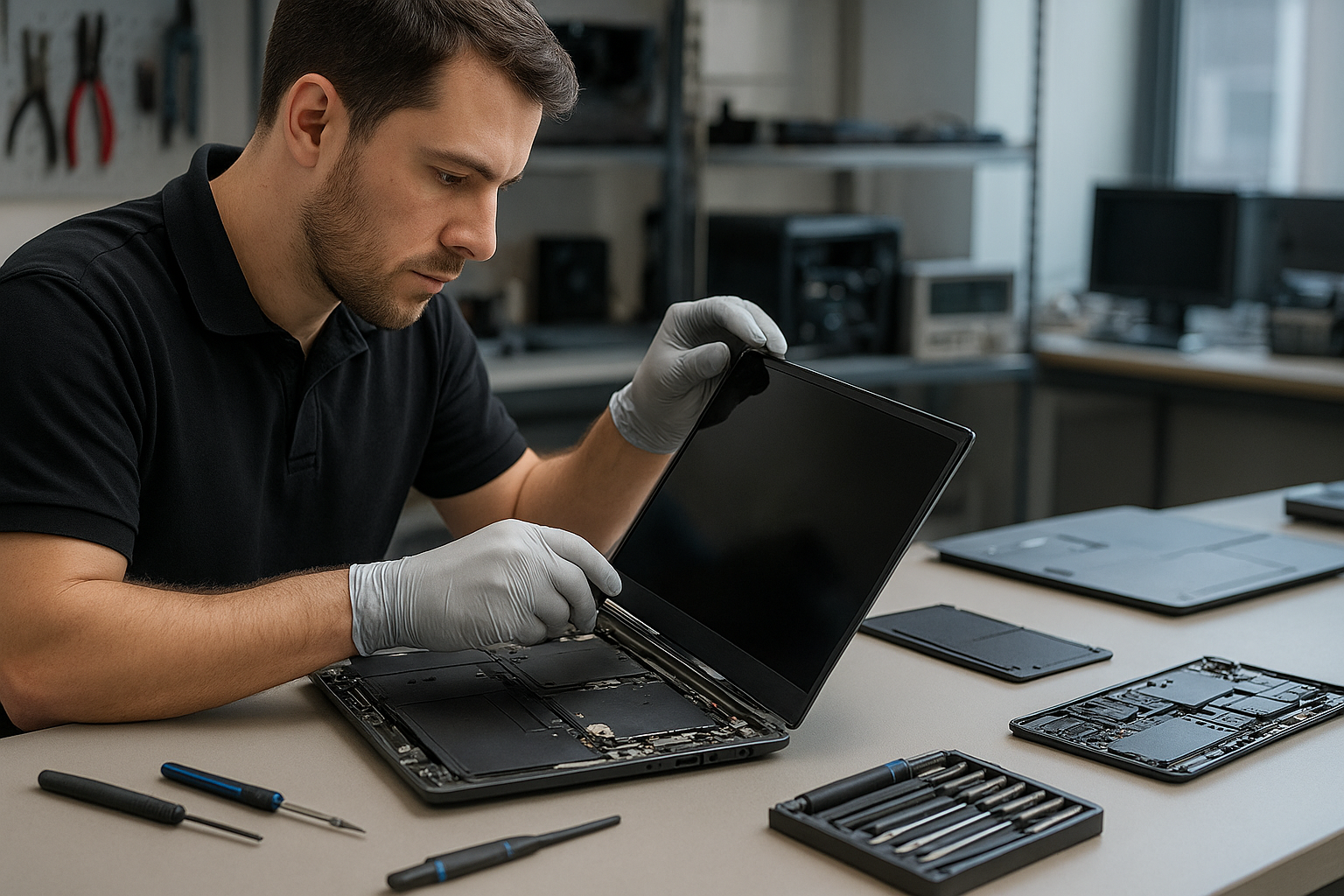
If your laptop shows cracks, black spots, or a flickering image, Laptop screen replacement Coquitlam specialists at Moe Repair can diagnose and repair most displays the same day. I am a senior technician with 15 years of hands-on experience repairing screens on MacBook, Dell, HP, Lenovo, ASUS, and Surface devices across Coquitlam, Burnaby, and Port Moody.

Why choose Laptop screen replacement Coquitlam with Moe Repair

We focus on accurate diagnostics and quality parts. I test the panel, inverter or backlight, display cable, and the GPU output before replacing a screen. That prevents unnecessary part swaps and saves time. Customers who need broader service can combine screen replacement with laptop repair in Coquitlam or request an SSD upgrade and battery replacement while we have the unit open.

Common symptoms that mean you need a replacement

  • Visible cracks or spiderweb glass from drops or pressure.
  • Vertical or horizontal lines, often from a damaged LCD matrix.
  • Black areas or white blotches indicating panel failure.
  • Backlight failure causing a dark screen with faint image.
  • Flickering or intermittent image from a loose display cable or failing panel.
  • Touchscreen unresponsive after impact on compatible models.

How we diagnose a faulty laptop screen

The diagnostic starts with reproducing the symptom. I connect the laptop to an external monitor to determine if the GPU and motherboard output video. If the external monitor works, the issue is almost always the display assembly or cable. If the external monitor also fails, I test power rails and the display connector on the motherboard, and perform basic motherboard testing used in computer repair in Coquitlam.

Tools and tests I use

  • External monitor test to isolate the panel from the GPU.
  • Multimeter checks on display power rails and LVDS/eDP connector pins.
  • Temporary panel swap when a compatible donor panel is available.
  • Visual inspection for hinge damage or liquid residue that can affect the screen.

The replacement process step by step

Once we agree on the repair, the workflow is practical and transparent. I back up or recommend a backup, remove the bezel and hinges, disconnect the display cable, and replace the glass and LCD assembly if required. After installation I reflow connectors, apply thermal and anti-static precautions, and run a 30-minute burn test to confirm stability. If the issue was related to a loose cable or hinge damage, I address that too to prevent recurrence.

Parts, models and brand considerations

Not all panels are the same. For MacBook Air and MacBook Pro Retina models we stock OEM and high-quality aftermarket Retina panels. For Dell XPS, Inspiron, and Alienware, or Lenovo ThinkPad and Legion, I match the resolution and connector type. Surface devices often require glass-and-display bonded assemblies which take more time and careful handling. If repair is not feasible, we explain options including data recovery in Coquitlam when internal components need work.

Typical cost and turnaround time in Coquitlam

Screen costs vary by model. Standard 14 to 15.6-inch panels for mainstream brands are usually quicker and less expensive. Retina, touch, and 4K panels cost more. Turnaround is often same day or 24-48 hours depending on parts availability. I provide an itemized estimate before work and discuss alternatives like external display solutions if a replacement is impractical.

A realistic repair example from nearby Port Coquitlam

A customer from Port Coquitlam brought in an HP Pavilion with a shattered top-left corner and vertical colored lines across the screen. I performed an external monitor test: external output was clean. I inspected the hinge area and found the display cable pin had torn slightly from a previous repair. After sourcing a matching HP panel, I replaced the assembly, repaired the cable anchor, and tightened the hinge. Post-repair the display showed full brightness with no lines. I discussed options and performed a free Wi-Fi and battery check before returning the laptop.

Additional repairs we commonly perform

During a screen job many customers also request battery replacement, keyboard replacement, trackpad repair, fan replacement, thermal paste replacement, or an OS reinstall. For gamers we handle GPU-related issues and gaming PC repair. If your laptop shows blue screen errors or boot failures after a drop, our motherboard repair and operating system repair services work together to restore function.

FAQ

Below are answers to common customer questions about Laptop screen replacement Coquitlam.

Q: How long will my laptop be at Moe Repair?
A: Most standard replacements finish same day; bonded Retina or Surface assemblies may take 24-48 hours depending on parts.

Q: Can you fix a flicker without replacing the screen?
A: Sometimes a loose cable or bad inverter causes flicker. We diagnose first and replace the screen only when necessary.

Q: Do you use OEM panels?
A: We stock OEM where available and high-quality equivalents for discontinued or hard-to-find panels; I will explain differences and warranties.

Q: Will my data be safe during a screen repair?
A: We treat customer data seriously. We recommend a backup; if you cannot, we take basic precautions. For sensitive cases we offer data recovery in Coquitlam services.

Contact Moe Repair Today

Moe Repair offers a free consultation and local service across Coquitlam, Burnaby, Port Moody, Port Coquitlam, and New Westminster. Call us at 778-951-4872 or email service@moerepair.ca to describe your laptop issue and book a same-day diagnostic. We provide clear estimates, possible timelines, and options like combining screen replacement with battery replacement or an SSD upgrade to get your machine running better after the repair.

How to prepare your laptop before bringing it in

Shut down the laptop and bring the charger. If possible, sign out of accounts and remove passwords to speed testing. If you cannot remove a password, we will discuss options. You can read about other services like MacBook repair in Coquitlam and laptop repair in Coquitlam on our site.

For a quick diagnostic or to ask about parts for your specific model such as Dell XPS, HP Envy, Lenovo ThinkPad, or Microsoft Surface, contact Moe Repair at 778-951-4872 or email service@moerepair.ca. We inspect each case and recommend practical repairs rather than unnecessary replacements.

MacBook Pro screen replacement Coquitlam: Expert same-day service

If you need MacBook Pro screen replacement Coquitlam, you want clear answers fast. I’m a senior technician with over 15 years repairing MacBooks and other laptops. In this article I explain symptoms, diagnostic steps, repair procedures, and what to expect from a professional repair at Moe Repair in Coquitlam.

MacBook Pro screen replacement Coquitlam: What to expect

When customers book a screen repair we start with a visual inspection and a short history interview. Common signs that point to a screen issue include cracked glass, vertical or horizontal lines, black spots, backlight failure, and a completely blank display while the machine powers on. If you see flickering after a hinge movement, that often points to a torn display cable rather than the logic board.

Common Symptoms of a Failing MacBook Pro Screen

Symptoms I encounter most often in Coquitlam include:

  • Cracked glass with intact image beneath the digitizer
  • Lines or color bands across the display
  • Dim or no backlight while system boots
  • Intermittent image when screen angle changes
  • Touch Bar display artifacts on applicable models

These symptoms help me decide between screen replacement, cable repair, or further motherboard testing. If you want a full system check while replacing a screen, we also handle MacBook repair in Coquitlam including battery replacement and trackpad repair.

How We Diagnose Screen Issues

My diagnosis workflow is practical and repeatable. First I confirm whether the GPU outputs an image by connecting an external monitor. If the external monitor shows a clean image, the issue is localized to the display assembly, cable, or hinge connector. If both displays fail, I inspect the logic board, power rails, and GPU traces.

Tools and tests I use

  • External display test and SMC/NVRAM resets
  • Visual inspection of the display flex cable and hinge area under magnification
  • Multimeter checks on display power rails and LVDS/eDP data lines
  • Replacement of the display assembly with a known-good unit to confirm fault

This diagnostic approach prevents unnecessary motherboard work and helps price the repair accurately. For laptop firmware or operating system issues I often combine a screen change with an OS check; for full system work see our computer repair in Coquitlam services.

Typical Repair Procedures and Parts

For modern MacBook Pro models we usually replace the entire display assembly. That includes the glass, LCD, and bezel preassembled for most models. For older models a separate LCD swap is possible. Typical steps I perform:

  • Power down, isolate battery, and place on an ESD mat
  • Remove bottom case and hinge covers using pentalobe and tri-point tools
  • Disconnect battery and display data connector carefully
  • Remove and replace the display assembly or LCD panel
  • Reconnect, calibrate, test for dead pixels and backlight uniformity
  • Run stress tests and external monitor checks before returning the machine

We source OEM-grade Retina panels and high-quality assemblies for MacBook Pro 13, 15, and 16 models. If your MacBook Pro also needs a battery replacement or SSD upgrades, we can perform those services at the same time to save you time.

Real Repair Example from a Coquitlam Customer

A recent customer in Port Moody brought a 2017 MacBook Pro with a cracked glass and vertical purple lines across the display. I asked about the history and learned the laptop had been dropped near the hinge. My first step was connecting an external monitor. The external output was clean, so I scoped the hinge area and found a partially torn display flex cable and a hairline crack in the panel’s internal connector.

I quoted a screen assembly replacement and explained options. After approval I replaced the full display assembly, re-routed the new cable with improved strain relief, recalibrated the display, and tested for 24 hours. The final tests showed normal color, no lines, and stable backlight. The customer left with their data intact and was referred to our data recovery in Coquitlam team for a separate backup query.

Signs a Full Motherboard Repair or Data Recovery is Needed

Sometimes the display issue masks deeper problems. If the external monitor shows artifacts, or if the machine fails to power consistently, I escalate to logic board inspection. We offer motherboard repair and component-level fixes when appropriate. If there is liquid damage or your MacBook will not boot, consider contacting us before attempting DIY repairs to minimize data loss. For data-focused cases, see our data recovery in Coquitlam page.

Preventive Advice and When Not To DIY

A few practical tips: power off a damaged MacBook, avoid pressing on cracked glass, and do not attempt to peel the display assembly if you do not have the correct tools. DIY screen swaps can damage the T2 security chip or the logic board if the battery is not isolated. For secure repairs, book an appointment with a trained technician. We also handle related services like virus removal, operating system repair, and thermal paste replacement during major repairs.

Frequently Asked Questions

How long does a MacBook Pro screen replacement take?

Turnaround depends on parts availability and model. Many repairs complete same-day if we have the panel in stock; otherwise 1-3 business days.

Will replacing the screen affect my data?

Screen replacement alone does not erase data. However, we recommend a backup before any major work. If you cannot boot, ask about our data recovery options.

Do you use OEM parts for MacBook displays?

We use OEM-grade and manufacturer-verified assemblies when available and clean-room procedures for delicate models. I explain part origins and warranty with every quote.

Can a cracked glass be replaced separately?

On some older non-Retina models yes. On most Retina and Touch Bar MacBook Pros the glass is bonded to the LCD and we replace the full assembly to ensure reliable results.

Contact Moe Repair Today

If you need MacBook Pro screen replacement Coquitlam, call Moe Repair for a free consultation. I will walk you through diagnostics, parts choices, and estimated turnaround. Moe Repair offers competitive pricing and local parts sourcing for Coquitlam and nearby areas like Port Moody and Burnaby. Call 778-951-4872 or email service@moerepair.ca to arrange a drop-off or same-day appointment. You can also use our online form at contact Moe Repair to describe the problem and attach photos.

Moe Repair
Phone: 778-951-4872
Email: service@moerepair.ca
We also provide laptop repair and related services including laptop repair in Coquitlam, SSD upgrades, motherboard repair, liquid damage repair, and printer setup.

Apple MacBook Pro screen replacement Coquitlam

If you need Apple MacBook Pro screen replacement Coquitlam, Moe Repair provides trained technicians, clear diagnostics, and reliable screen replacements for Retina and non-Retina models. I am a senior technician with 15 years repairing MacBook screens and related board-level faults. Contact Moe Repair by phone at 778-951-4872 or by email at service@moerepair.ca for a quick assessment.

Common MacBook Pro screen symptoms in Coquitlam

Common symptoms we see from Coquitlam customers include a cracked glass surface, vertical or horizontal lines, black blotches on the panel, a backlight that stays dark while the machine boots, or image distortion. Sometimes the image shows on an external monitor while the built-in screen stays blank. Those signs usually point to a failed LCD or a damaged display cable rather than a graphics chip, though liquid damage can complicate the issue.

How we diagnose MacBook Pro screen issues

Diagnosis starts with a visual inspection and basic tests. We connect an external monitor to confirm whether the GPU and system are outputting video. Next, we run an SMC and NVRAM reset, boot into safe mode, and inspect the display connector and hinge area for corrosion or impact damage. If the external monitor shows a clean image while the internal screen fails, that narrows the fault to the display assembly, display cable, or backlight circuit. We log all findings and explain options before any repair.

Apple MacBook Pro screen replacement Coquitlam: how we do it

Our Apple MacBook Pro screen replacement Coquitlam process follows strict ESD and repair standards. Steps include:

  • Verify the model number (for example, MacBook Pro 13-inch A1706, 15-inch Retina A1398).
  • Back up data or offer data recovery in Coquitlam if a drive is failing.
  • Order the correct display or glass assembly, preferring OEM or high-quality OEM-equivalent parts.
  • Fully disassemble the screen assembly, replace the panel or glass, reconnect the LVDS/DisplayPort cable, and reassemble.
  • Test under load, check color, brightness, touch (if Touch Bar or True Tone models), and calibrate if necessary.

We also inspect the battery, trackpad, and keyboard during the repair and can combine services like battery replacement or laptop repair in Coquitlam if other issues are present.

Repair procedures and parts we use

Depending on the model, we replace either the entire display assembly or the glass and LCD. On newer Touch Bar MacBook Pro models we test the display cable and the TCON board. On older unibody models we check the inverter/backlight. Replacing a display involves careful adhesive removal, hinge torque checks, and resealing. Where possible we use Apple-grade parts and test True Tone and FaceTime camera functionality after reassembly.

When we look deeper: board-level checks

If a MacBook Pro shows backlight flicker or only works at certain angles, we inspect the display connector on the logic board and the backlight power rail. We have repaired display connectors and replaced faulty power MOSFETs in some cases. If the fault is on the motherboard we discuss options including motherboard repair or replacement with the customer before proceeding.

Real repair example: cracked Retina display from a Port Moody customer

A recent customer from Port Moody brought a 15-inch Retina MacBook Pro with a large black spot and glass shards after an accidental drop. I inspected the hinge area, connected an external monitor, and saw a clean image, confirming the logic board was intact. After confirming cost and timeline with the customer, we ordered a Retina display assembly, carefully removed the old assembly, replaced the screen, and calibrated color. The laptop passed brightness and True Tone tests and returned to the customer with functioning speakers and keyboard. The customer also accepted a battery health check and an SSD upgrade quote.

Costs, turnaround, and warranty for screen replacement

Costs vary by model and part quality. Typical turnaround time in Coquitlam is same-day to 3 business days depending on part availability. We provide upfront quotes and a limited parts and labour warranty. If you need MacBook repair in Coquitlam that includes battery replacement, keyboard replacement, or motherboard work, we will itemize those services and discuss trade-offs between repair and replacement.

Signs you may need a motherboard or display cable repair

If the built-in screen shows artifacting or the image disappears intermittently even when the display cable looks intact, the issue may be a loose connector, a damaged cable, or a motherboard rail problem. We use multimeters and scope traces on the power rails to identify failed components. For liquid damage cases we test corrosion points and may recommend computer repair in Coquitlam services beyond the screen job.

Preventing screen damage and additional services

To reduce future damage, use a padded sleeve, avoid placing heavy objects on the lid, and close the MacBook gently. If you want extra protection we can fit a tempered glass protector or advise on a carrying case. While repairing a screen, many customers opt for additional maintenance: thermal paste replacement, laptop fan replacement, SSD upgrades, or an OS tune-up. We also handle virus removal, Windows installation for dual-boot setups, printer setup, and email configuration.

Contact Moe Repair Today

Moe Repair offers a free consultation and clear quotes for Apple MacBook Pro screen replacement Coquitlam. Call Moe Repair at 778-951-4872 or email service@moerepair.ca to describe your symptoms and book an inspection. We serve Coquitlam and nearby areas including Port Moody, Port Coquitlam, and Burnaby, and we can often provide same-day parts for common MacBook Pro models. Use our online form or contact Moe Repair to get started; we will explain repair options, time estimates, and warranty terms before any work begins.

Frequently Asked Questions

How long does an Apple MacBook Pro screen replacement in Coquitlam take?

Turnaround is typically same-day to 3 business days depending on model and part availability. We will give an estimate when you contact Moe Repair.

Will replacing the screen erase my data?

Screen replacement does not erase data, but we recommend a backup before any repair. If your drive shows errors we offer data recovery in Coquitlam.

Do you use genuine Apple parts?

We prioritize Apple-grade parts where available and explain part options and pricing during diagnosis.

Do you repair liquid-damaged MacBook screens?

We can repair screens after liquid damage if the display and connectors are intact, but we will inspect for corrosion and recommend motherboard repair if needed.

What warranty do you provide for screen replacements?

We provide a limited parts and labour warranty; details vary by part and model and will be included in your written estimate.

For reliable Apple MacBook Pro screen replacement Coquitlam service, reach out to Moe Repair. Phone: 778-951-4872. Email: service@moerepair.ca.

MacBook Pro screen replacement Coquitlam: Fast, reliable repairs at Moe Repair

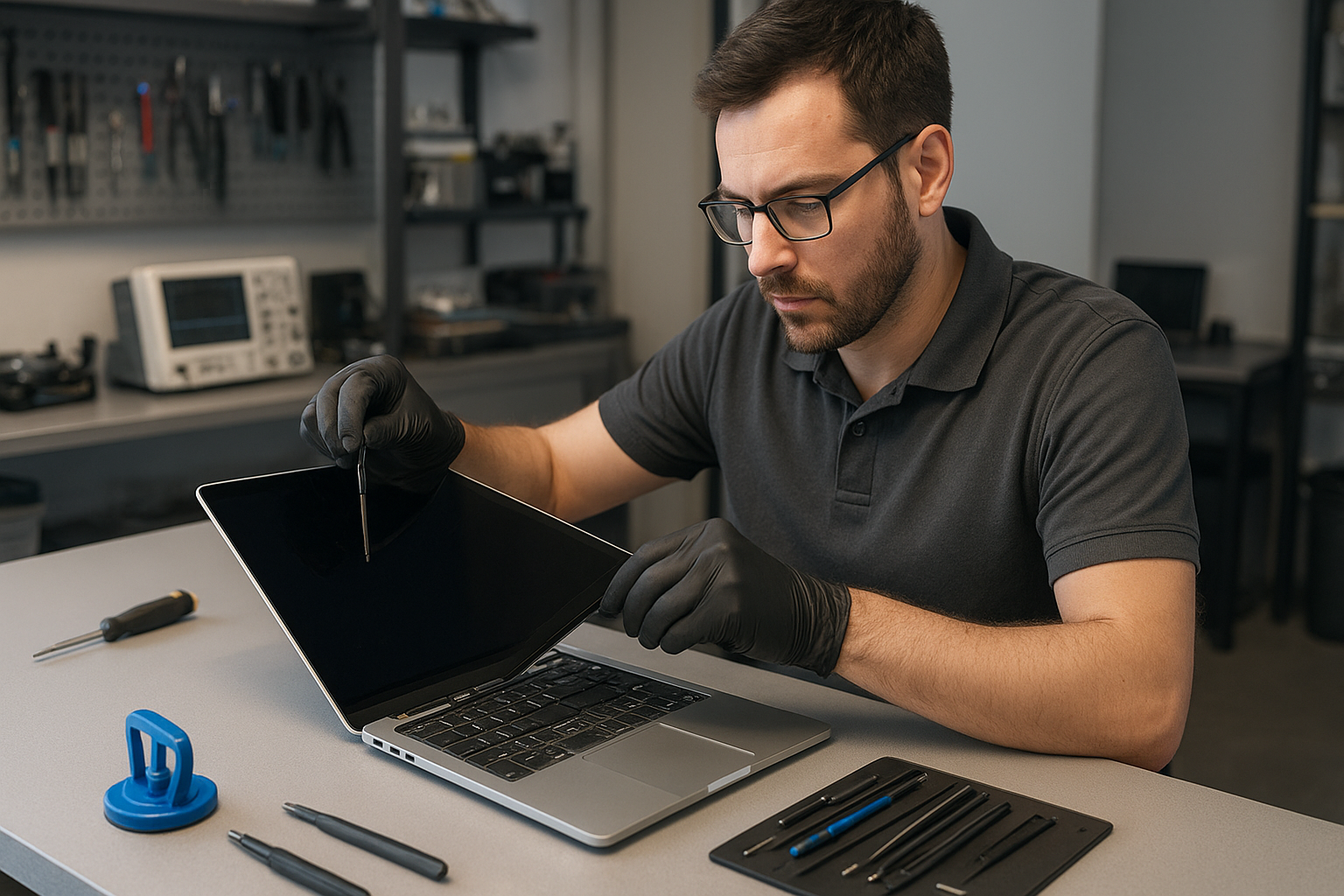
If your MacBook display is cracked, flickering, or black, a MacBook Pro screen replacement Coquitlam technician at Moe Repair can help. We see everything from glass-only cracks to full Retina panel failures. I write this as a senior technician with over 15 years of bench experience repairing MacBook Air and MacBook Pro models, so I explain symptoms, tests, and repair steps clearly so you know what to expect.

Why choose MacBook Pro screen replacement Coquitlam at Moe Repair

We specialize in MacBook repair and laptop repair in Coquitlam with hands-on diagnostics and transparent quotes. When you bring a MacBook for a screen replacement we check the display assembly, backlight, display cable, and logic board traces. We also test for related problems like trackpad or camera issues caused by a cracked top case. For general computer needs, see our computer repair in Coquitlam page to learn more about on-site and in-shop services.

Common screen damage and symptoms

Typical symptoms customers report include:

  • Visible glass cracks with touch still responsive
  • Black screen but audio plays or external display works
  • Vertical or horizontal lines across the display
  • Backlight dimming or uneven lighting
  • Flickering at startup or after hinge movement
  • Partial touch responsiveness or ghosting on Touch Bar models

These symptoms help us decide whether you need glass-only repair, full LCD replacement, or a logic board inspection for display power issues.

How we diagnose MacBook Pro screen issues

Diagnosis starts with a visual inspection. We open the hinge area to inspect the display cable and check for liquid corrosion. We connect to an external monitor to confirm if the GPU and mainboard are outputting video. If the external monitor shows a clean image the issue is usually the display assembly or its cable. We also run Apple diagnostics and stress tests, check the display inverter for older models, and inspect the camera and ambient light sensor while the unit is powered.

Typical repair procedures and parts

After diagnosis we present options. Common repair steps include:

  • Reseating or replacing the display cable or connector
  • Replacing the entire display assembly for Retina models
  • Glass-only replacement when LCD and backlight are intact
  • Repairing hinge mounts and resecuring the display to prevent future cable stress
  • Testing for related issues like battery swelling that can press the screen

We use OEM-quality or high-grade aftermarket panels depending on availability and customer preference. We do not replace parts unnecessarily; for example, if the LCD is fine and only the glass is shattered we may recommend a glass-only repair to reduce cost. For broader laptop work, customers often combine screen replacement with an SSD upgrade or battery replacement to extend the machine’s life. Learn more about our laptop repair in Coquitlam options.

Real repair example from Coquitlam

A recent customer from Port Moody brought a 2016 MacBook Pro 13 with a cracked display and intermittent vertical lines. I inspected the screen and connected an external monitor. The external output was clean, so I removed the display assembly and checked the LVDS cable. The cable had frayed insulation near the hinge and a bent pin on the board connector. After replacing the display cable and installing a grade-A replacement Retina panel, I calibrated the display and ran a burn-in test. The final result was a stable image and no lines. I explained the repair steps and provided a 90-day parts and labour check. If you need MacBook repair in Coquitlam or surrounding areas, we can also help with data backups and data recovery in Coquitlam before any major work.

Costs, turnaround and warranty

Costs vary by model and whether you need glass-only or full-panel replacement. Typical turnaround for common MacBook Pro models is same-day to 48 hours when parts are in stock. We test each repaired unit under load and include a limited warranty on parts and labour. We cannot guarantee outcomes for machines with severe liquid damage or extensive logic board failure, but we present diagnosis and options upfront so you can make an informed choice. For motherboard or logic board concerns we offer repair or replacement advice and, when needed, can perform solder-level motherboard repair.

Preventive tips and what to bring

Before arriving, back up your data or ask about a backup service. If the screen is shattered, bring the MacBook in a padded sleeve to prevent shards. Avoid attempting to pry the glass yourself — you can damage the LCD or camera. If you see battery swelling, stop using the machine and bring it in immediately. For other repairs like keyboard replacement or trackpad repair, combining services often saves time and shipping.

Contact Moe Repair Today

If you need a MacBook Pro screen replacement Coquitlam specialist, call Moe Repair for a free consultation. We offer hands-on diagnostics, OEM-quality or high-grade panels, and clear pricing. Call 778-951-4872 or email service@moerepair.ca to describe your symptoms and book a drop-off or pickup. We service Coquitlam and nearby cities including Port Moody, Port Coquitlam, Burnaby and Maple Ridge and can advise whether an on-site visit or shop repair is best for you. Contact Moe Repair now for a free consult and transparent quote before any work begins.

Frequently Asked Questions

How long does a MacBook Pro screen replacement take?

Turnaround depends on the model and parts availability. Most MacBook Pro screen replacements at Moe Repair complete same day or within 48 hours if parts are in stock. We confirm timing during diagnosis and give you options if parts need to be ordered.

Can you repair a cracked glass without replacing the LCD?

Sometimes. If the LCD and backlight are intact we can perform a glass-only repair for certain Retina models. We test the panel first; if the LCD shows any damage or touch problems, a full display assembly replacement is recommended.

Will my data be at risk during screen replacement?

Screen replacement does not normally affect stored data, but accidents happen. We advise backing up prior to service. If you cannot back up, ask about our data recovery in Coquitlam options before repair starts.

Do you use OEM parts for MacBook Pro screens?

We source OEM-quality parts where available. We will present OEM and high-grade aftermarket options and explain the differences in price and expected performance.

How do I book a screen replacement?

Call 778-951-4872, email service@moerepair.ca, or contact Moe Repair online to schedule a drop-off. We also repair other issues like battery replacement, SSD upgrades, and liquid damage repair while your machine is with us.

MacBook Pro screen replacement Coquitlam: Fast local repairs at Moe Repair

If your MacBook Pro shows cracks, black spots, flicker, or a washed-out display, a MacBook Pro screen replacement Coquitlam service from Moe Repair can get your laptop back to work quickly. I’m a senior technician with over 15 years hands-on experience; I diagnose each unit methodically and explain repair options so you can make an informed choice.

Common MacBook Pro screen problems we see in Coquitlam

Customers bring in MacBook Pros with a range of symptoms: visible glass cracks, vertical or horizontal lines, backlight failure, intermittent flicker, or a completely black screen with trackpad and keyboard still responsive. Some screens show pressure halos or delamination while others have touchbar-related display issues on Retina and Touch Bar models. We also see screen problems caused by liquid damage and drops from commuting in Port Moody, Port Coquitlam, and Burnaby.

How we diagnose MacBook Pro screen issues

Diagnosis starts with a visual inspection, followed by targeted tests. I boot each MacBook to safe mode to rule out software. Then I connect an external monitor to separate GPU or logic board faults from display module failures. I check the display cable and hinge area for damage, and test the backlight inverter and power rails if a display is dark but the machine boots. If liquid was involved, I open the case to inspect for corrosion and perform board-level checks.

Tools and tests we use

  • External monitor test to isolate GPU vs screen.
  • Multimeter checks on display power rails and LVDS/eDP signals.
  • Visual inspection for cracked glass, separated laminations, or dead pixels.
  • Software checks including SMC and NVRAM resets and diagnostics.

These steps let us recommend only necessary repairs. For general laptop issues beyond the screen, we also offer laptop repair in Coquitlam and MacBook repair in Coquitlam services.

Screen replacement process and repair procedures

When a replacement is required, we follow a careful process: back up data when possible, power down and disconnect the battery, remove the display assembly, and replace with a tested screen assembly or high-quality panel. For Retina models we handle the delicate adhesive and calibrated panels. After installation we calibrate brightness and color, test for dead pixels, and run a stress test under load.

Parts and quality

We use OEM or high-quality equivalent panels depending on availability and your preference. If you need an original Apple panel for a specific MacBook Pro model, we’ll discuss lead times and cost. We also offer related services such as data recovery in Coquitlam if your drive needs imaging before repairs.

Real repair example from a Coquitlam customer

A recent customer from Coquitlam dropped a 15-inch MacBook Pro while walking from the SkyTrain. The top half of the display glass shattered and the screen showed vertical green lines. I checked an external monitor which showed the desktop correctly, confirming the logic board was fine. After opening the display assembly I found a cracked LCD and a bent hinge stressing the display cable. I replaced the LCD panel, realigned the hinge, and replaced the display cable. Post-repair tests included brightness ramps, pixel checks, and hinge torque verification. The customer left with a fully functional display; I advised a case and hinge inspection every six months.

Costs, turnaround time, and compatibility

Cost depends on model and part type. Older non-Retina replacements are typically less expensive than Retina and Touch Bar panels. Turnaround is often same-day for common MacBook Pro models when parts are in stock, otherwise 2-5 business days. We don’t guarantee outcomes for units with severe water or motherboard damage, but we provide honest estimates and alternative options like computer repair in Coquitlam, motherboard repair, or SSD upgrades if the logic board needs attention.

Preventing future screen damage

Simple steps reduce risk: use a padded sleeve, avoid placing heavy items on the laptop, and keep liquids away from the keyboard. If you commute, consider a hard-shell case and regular hinge checks. For units with past liquid exposure, schedule periodic checks for corrosion. We also provide battery replacement, keyboard replacement, trackpad repair, thermal paste replacement, and laptop fan replacement to extend service life.

Frequently Asked Questions about MacBook Pro screen replacement Coquitlam

Below are common questions. If your situation isn’t listed, please reach out.

Q: How long does a screen replacement take?
A: Typical turnaround is same-day to 48 hours when parts are available. Complex logic board issues can extend time.

Q: Will replacing the screen affect my data?
A: Replacing a screen does not normally affect data on the drive. We still recommend a backup. If the drive needs removal for repair, we handle imaging and offer data recovery if needed.

Q: Do you use genuine Apple parts?
A: We use OEM when available and high-quality equivalents otherwise. We will discuss options and costs before starting work.

Q: What if the screen problem is caused by a damaged logic board?
A: We diagnose with an external monitor test. If the logic board is at fault we’ll explain repair or replacement options, including motherboard repair or full system repair.

Contact Moe Repair Today

Moe Repair provides free consultation and honest estimates for MacBook Pro screen replacement Coquitlam and nearby areas like Port Moody, Port Coquitlam, Burnaby, and Vancouver. Call Moe Repair at 778-951-4872 or email service@moerepair.ca to describe your symptoms and schedule a diagnosis. We accept walk-ins when possible and will advise whether same-day replacement is available. If you prefer, use our online contact form to book an appointment or discuss options for battery replacement, liquid damage repair, or SSD upgrades.

Additional services and local support

Beyond screen work we handle complete MacBook care: battery replacement, keyboard replacement, trackpad repair, virus removal, operating system repair, and Wi-Fi troubleshooting. Local customers in Coquitlam and surrounding cities trust our transparency and technical approach. For broader issues we also provide Windows installation, printer setup, and email setup as part of our computer service offerings.

Frequently Asked Questions

This section repeats the most common concerns so you can quickly find answers before calling. For tailored advice, contact Moe Repair or call 778-951-4872.

Laptop screen replacement Coquitlam: Expert local repairs by Moe Repair

If your display is cracked, flickering, or completely black, a reliable Laptop screen replacement Coquitlam service can save your device and data. At Moe Repair I diagnose the problem, explain options, and replace screens for brands from Dell XPS and HP Envy to MacBook Pro and Lenovo ThinkPad. Call Moe Repair at 778-951-4872 or email service@moerepair.ca for a quick estimate.

Symptoms that mean you need Laptop screen replacement Coquitlam

Common symptoms include visible cracks, vertical or horizontal lines, backlight failure, large clusters of dead pixels, or a display that works only with an external monitor. You might also see a fuzzy image, partial color loss, or a touchscreen that no longer responds. These are typical signs we see daily in Coquitlam customers.

How we diagnose a damaged laptop screen

Diagnosis starts with a physical inspection and basic tests. I check the hinge and bezel for signs of impact, then connect the laptop to an external monitor to determine whether the GPU and motherboard are sending a proper signal. If the external monitor shows the image, the issue is most likely the panel, the LVDS/EDP cable, or the inverter in older CCFL displays.

Steps I perform during diagnostics

  • Inspect case and hinge for mechanical damage or liquid residue.
  • Test with external monitor to isolate GPU vs. panel problems.
  • Open the bezel to inspect cable seating and backlight inverter (where applicable).
  • Use a multimeter to check backlight power rails and continuity of the display cable.
  • Run software tests to rule out driver or operating system issues.

Common repair procedures for Laptop screen replacement Coquitlam

When a replacement is required I follow a controlled process: remove battery and power, ground myself for ESD protection, remove the bezel and display assembly, disconnect the EDP/LVDS cable and webcam/power cables, install the new panel, and test before reassembling. For MacBook displays I also inspect the display cable routing and tighten bracket screws to prevent future failures.

Replacement parts and compatibility

I source OEM or high-quality OEM-equivalent panels for many models including MacBook Air, MacBook Pro, Dell Inspiron and XPS, HP Pavilion and Envy, Lenovo IdeaPad and ThinkPad, ASUS ZenBook and ROG, and Acer Aspire. I match panel resolution, backlight type, and connector pinout to ensure correct fit and functionality.

Repair example from a local customer

A recent customer from Port Moody brought in an HP Pavilion with a shattered corner and flickering display. After checking with an external monitor and testing the display cable, I found the panel had a cracked glass layer and several shorted backlight lines. I explained the cost of replacing the panel versus a full display assembly. With approval, I installed a matching OEM-equivalent 15.6″ IPS panel, reseated the cable, and confirmed stable brightness and no flicker under load. The laptop left the shop with a new hinge screw tightened and the warranty documented.

What to expect: turnaround time and costs

Typical turnaround for stock panels is 1 to 2 business days. Rare panels may take longer. Costs vary by model and screen type: a standard 15.6″ 1080p panel will be less than a 4K MacBook Pro Retina assembly. I always provide a written estimate before any work. If motherboard or GPU damage is suspected, I will suggest a motherboard inspection or offer data recovery in Coquitlam options when data integrity is at risk.

Additional services and preventative tips

While replacing your screen I can also test the battery and cooling system, recommend an SSD upgrade, or perform a full computer tune-up to improve performance. To reduce future damage, use a padded case, avoid leaving laptops on soft surfaces that trap heat, and close lids carefully to prevent hinge-related screen stress.

How to choose between repair and replacement

Deciding between repairing the screen or replacing the laptop depends on age, repair cost, and performance needs. For recent models with good batteries and SSDs, screen replacement often makes financial sense. For older machines with multiple failing components, I will outline repair costs compared to replacement so you can make an informed choice.

Frequently asked questions about Laptop screen replacement Coquitlam

Below are answers to common customer concerns. If you have a unique situation, please contact Moe Repair and I will walk you through options.

How long will a screen replacement take?

Most common panels are replaced within 1 to 2 business days. If a part needs ordering, turnaround can be longer. I always confirm timing before starting work.

Will my data be safe during the repair?

Yes. I avoid accessing personal files unless needed for diagnostics. For extra protection I recommend backing up important files or consider our data recovery services if you suspect drive problems.

Do you use OEM parts?

I use OEM parts when available and high-quality OEM-equivalents as needed. I document the part source and provide a parts warranty on installations.

Can you fix a touchscreen that does not respond?

Touchscreen failure can be caused by the digitizer, the display panel, or drivers. I test hardware and software to isolate the issue and replace only the failed component when possible.

Contact Moe Repair Today

Moe Repair offers a free consultation and fast quotes for Laptop screen replacement Coquitlam and surrounding areas including Port Moody, Port Coquitlam, Burnaby and Maple Ridge. Call 778-951-4872 or email service@moerepair.ca to discuss your laptop model, symptoms, and scheduling. We can often provide same-day pickup or drop-off options for local customers. Let me inspect your device and recommend the best, cost-effective solution.

For other issues I also handle MacBook repair, battery replacement, virus removal, Windows installation, keyboard replacement, and liquid damage repair. Learn more about our services on the site or contact Moe Repair to book an appointment.

Moe Repair – Phone: 778-951-4872 – Email: service@moerepair.ca

MacBook Pro display replacement Coquitlam

If your MacBook Pro shows cracks, vertical lines, or a black screen, a proper evaluation matters. At Moe Repair I diagnose and repair displays for MacBook Pro models in Coquitlam every week. The phrase MacBook Pro display replacement Coquitlam means fast local service, accurate diagnostics, and parts chosen for reliability.

Common signs your MacBook Pro needs a display replacement

Customers bring laptops with a variety of symptoms: shattered glass, flickering backlight, colored vertical bands, black areas on the panel, or a touch bar that no longer responds. Some machines power on but show no image, and others show ghosting or dead pixels. I also see dim displays caused by failed backlight in the inverter circuit or damaged display cables after a drop.

How we diagnose display problems in Coquitlam

Diagnosis begins with a visual inspection for glass cracks and hinge damage. Then I run a series of tests: connect an external monitor to rule out GPU or motherboard faults, check display cable continuity, and measure backlight voltage rails with a multimeter. For newer Retina models I inspect the display connector on the logic board under magnification. If liquid damage is suspected I remove the bottom case and inspect corrosion. I log findings and explain options before any parts are ordered.

Repair options and replacement parts

Options vary by model and condition. For simple glass-only damage I may replace just the outer glass for older non-Retina panels, but most Retina and Touch Bar MacBook Pros require full assembly replacement. I use quality OEM or OEM-equivalent panels and test each replacement under load. Where appropriate I recommend also checking the battery and trackpad during the repair. For related services we handle MacBook repair in Coquitlam including battery replacement, trackpad repair, and motherboard service.

Real repair example from a Coquitlam customer

A customer from Port Moody brought a 2016 MacBook Pro with a cracked display and intermittent vertical stripes. I first connected an external monitor which showed a normal image, indicating the GPU was fine. After opening the case I found the display cable had a bent pin and the LCD panel had multiple cracks. I explained the options: cable repair alone might fix the stripes but the cracked glass would remain. The customer approved a full display assembly replacement. I installed an OEM-equivalent Retina panel, calibrated the display, and tested Wi-Fi and keyboard function before returning the laptop. The result: a fully functional display and a clear quote for future battery service when needed.

Typical repair procedures we follow

  • Backup recommendation and optional data snapshot before any repair.
  • Power down, remove battery connection for safety, and use ESD precautions.
  • Remove bottom case, detach display connector, and remove hinges as required.
  • Install replacement panel, reseat connectors, and secure hinges to spec.
  • Run post-repair tests: brightness range, color uniformity, camera, Wi-Fi and keyboard.

We also offer related services: laptop repair in Coquitlam for non-Apple machines, SSD upgrades, and data recovery in Coquitlam when drives show issues after drops.

Pricing, parts and turnaround time

Turnaround depends on model and parts availability. Common 13-inch Retina replacements are often done same-day or next-day, while rare models may take longer. I provide a clear estimate and explain trade-offs between OEM and aftermarket parts. I do not advertise unrealistic guarantees, but I do provide a short warranty on parts and workmanship and test each repair thoroughly.

Preventive tips to protect your MacBook Pro display

Use a padded sleeve when transporting, avoid placing heavy items on the laptop, and check hinges periodically. If liquid enters the chassis power down immediately and bring it in for liquid damage repair—corrosion can quickly damage display circuits. Regular fans and thermal paste replacement can also reduce heat stress on the logic board which indirectly protects display electronics.

Why choose Moe Repair for MacBook Pro display replacement Coquitlam

With over 15 years of hands-on repair experience I approach each screen replacement as a technician first. I document diagnostic steps and share findings in plain language. I also handle broader issues if they appear during repair, from motherboard repair to Wi-Fi troubleshooting. If you need other services like battery replacement or keyboard replacement I can check and quote those during the same visit. For broader computer needs I support computer repair in Coquitlam and gaming PC repair when required.

Frequently Asked Questions

How long does a MacBook Pro display replacement take?

Turnaround usually ranges from same-day to 3 business days depending on model and parts. I provide an estimated completion time when you drop off or contact Moe Repair.

Will my data be safe during screen repair?

I recommend a backup before any repair. I take precautions to avoid data loss and can provide data recovery assistance if a drive shows problems.

Do you use OEM parts?

I use OEM or high-quality OEM-equivalent panels depending on availability and the customer’s preference. I explain the differences and warranty for each choice.

Can you fix a display with a black screen but the machine seems to boot?

Yes. I test with an external monitor to distinguish between display, cable, and logic board issues. From there I recommend the least invasive repair that addresses the symptom.

Contact Moe Repair Today

Moe Repair offers a free consultation for MacBook Pro display replacement in Coquitlam and nearby areas including Port Moody, Port Coquitlam, Burnaby and New Westminster. Call 778-951-4872 or email service@moerepair.ca to describe the symptoms and book a diagnostic. I will outline repair options, part choices, and a timeline before any work begins. If you prefer, use the online form on the contact page to schedule a drop-off.

Moe Repair
Phone: 778-951-4872
Email: service@moerepair.ca