
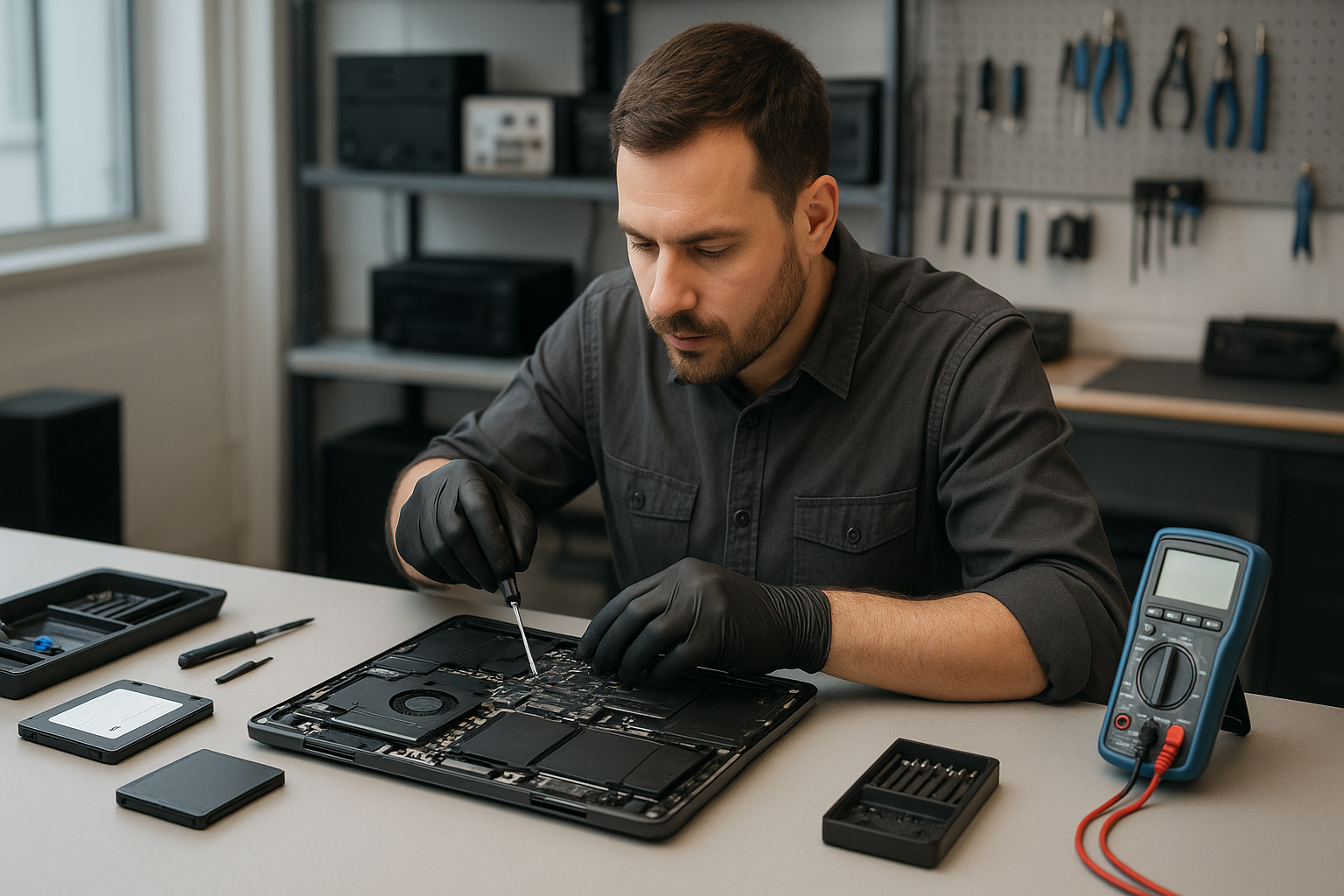
Laptop Repair Coquitlam
When your laptop hesitates, heats up, or won’t boot, you need clear answers fast. At Moe Repair we provide Laptop Repair Coquitlam customers trust for honest diagnostics, safe repairs, and practical advice. Whether it is a cracked laptop screen, failing battery, or corrupted operating system, we diagnose problems the way an experienced technician would and explain your options in plain language.
Why this page matters
Finding reliable notebook repair in Coquitlam is difficult. Many shops give guesses, replace parts unnecessarily, or offer unclear guarantees. We wrote this guide to help you know what to expect, how professionals diagnose faults, and when repair makes sense versus replacement.
Problem overview
Laptops fail for many reasons: physical damage, wear and tear, spilled liquids, software corruption, malware, and component failure. A single symptom like a black screen can come from many causes. Accurate diagnostics save time and money.
Common symptoms
- Won’t power on or random shutdowns
- Black screen or flickering display
- Slow performance or constant fan noise
- Battery not charging or swelling
- Broken keys or unresponsive keyboard
- Hinges cracked or loose
- Ports not working (USB, charging)
- Liquid damage or sticky keys after a spill
- Blue screen errors or repeated crashes
- Can’t access files or accidental deletion
Common causes
Symptoms point to several likely sources:
- Hardware faults: failed SSD, RAM, or motherboard components
- Power issues: bad charger, worn charging port, or failing battery
- Display problems: cracked screen, inverter or cable failure
- Thermal/overheating: dust-clogged fans, dried thermal paste
- Software: corrupted OS, driver conflicts, ransomware
- Physical/life-cycle damage: drops, hinge stress, spills
How professionals diagnose problems
At Moe Repair we follow a structured diagnostic process. Start with a customer interview: when did it start, have there been spills, any recent updates or drops. Next we inspect the hardware visually and power the unit using known-good parts like a verified charger.
We run component-level tests: boot to BIOS, memory and storage checks, display tests, and battery health reports. For intermittent faults we use logging and stress tests to reproduce the issue. For liquid damage we open the chassis to inspect corrosion and document affected areas before recommending repairs.
Repair options
Common repairs we perform for Laptop Repair Coquitlam:
- Screen replacement — cracked laptop screen or flicker repairs with OEM or quality aftermarket panels.
- Battery replacement — replace swollen or failing batteries and verify charging circuitry.
- Keyboard replacement — replace worn or non-functioning keyboards and top covers.
- Hinge repair — replace or reinforce broken hinges to protect the display and cables.
- Charging port repair — resolder or replace loose USB-C or barrel connectors.
- Motherboard repair — trace power faults, replace capacitors, or repair burned traces when feasible.
- Liquid damage repair — clean corrosion, replace affected components, and advise on data recovery.
- SSD and RAM upgrades — install and configure faster drives and more memory to extend life.
- Data recovery — recover files from failing drives when possible.
- Virus removal and OS repair — remove malware, reinstall Windows, or repair macOS.
Advantages of repair
Repairing your laptop often costs less than replacing it. Upgrades like SSD and RAM can dramatically improve speed. Repair preserves personal data, avoids the hassle of reinstalling all apps, and reduces electronic waste.
When replacement makes more sense
There are times repair is not the best path. Consider replacement if the laptop has multiple failing components, the motherboard is severely damaged, or the device is several generations old and no longer supported by the manufacturer. We evaluate the cost, parts availability, and expected lifespan to recommend the most practical option.
Estimated repair process
Every repair starts with a clear quote and scope. We do not guess. After diagnosis we estimate parts and labour. If you approve, we proceed and keep you updated. For complex data recovery or board-level work we explain risks and get your written consent before starting.
Preventative maintenance
Small steps extend laptop life. Keep vents clear of dust, use a cooling pad for heavy workloads, and avoid charging overnight constantly. Back up data regularly to an external drive or cloud. Avoid eating or drinking near the laptop and use a protective sleeve when traveling.
Real technician advice
One common issue we regularly see at Moe Repair is customers replacing chargers repeatedly without checking the charging port. A loose port can chew through chargers quickly. We diagnose the charging circuit first so you don’t buy the same part over and over.
Another recurring problem: people attempting DIY screen replacements on thin ultrabooks without the correct plastic tools. That often damages the bezel clips and ribbon cables. If you’re unsure, bring it in. We can usually replace the panel cleanly and test the backlight and touch functions.
If your laptop is slow, consider an SSD upgrade and a RAM boost before buying a new machine. We can clone your existing drive so your system looks and feels the same but runs faster.
What customers should avoid
- Don’t continue using a laptop with a swollen battery. It’s a safety risk.
- Avoid pouring water or household cleaners into keyboards. Turn the device off and seek service.
- Don’t let unqualified shops or sellers install parts without providing clear return policies.
- Do not install unofficial firmware or drivers from unknown sites; they can brick the device.
How we decide whether repair is worthwhile
We weigh three factors: cost of repair, expected lifespan after repair, and whether the repair preserves essential functionality or data. For business computers and gaming laptops, motherboard repair or part replacement often makes sense to avoid downtime and maintain performance. For very old consumer laptops, upgrades may be a better investment than major board repairs.
Brands we service
We repair Dell, HP, Lenovo, ASUS, Acer, MSI, Microsoft Surface, Samsung, LG and Apple MacBook models. We handle both Windows and macOS repairs, including screen replacement and MacBook keyboard repairs.
Laptop Repair Coquitlam: what to bring
- The laptop and its charger
- Any SD cards or external drives (so we can test ports)
- Purchase receipt if under warranty
- Brief description of the problem and when it started
Frequently asked questions
Below are common questions our Coquitlam customers ask. If your question isn’t listed, contact us.
1. Can you recover files from a dead laptop?
Yes in many cases. If the drive is mechanically healthy we can clone it and recover data. If the drive has physical damage, we advise specialized data recovery and explain realistic expectations.
2. Do you use OEM parts for screen replacements?
We source OEM parts when available. For discontinued models we use high-quality replacement panels and test them thoroughly before installation.
3. Is liquid damage repair worth it?
It depends on the extent of corrosion and which components are affected. Early cleaning improves success rates. We inspect the motherboard and give an honest recommendation.
4. Can you upgrade my laptop to an SSD?
Yes. An SSD upgrade is one of the fastest ways to improve older laptops. We clone your drive and ensure the OS boots properly afterward.
5. How do I know if my battery is failing?
Symptoms include rapid discharge, not charging, or swelling. We run battery health diagnostics and inspect the charging circuitry to pinpoint the issue.
6. Do you repair gaming laptops?
Yes. We handle gaming PC repair tasks like thermal re-paste, fan replacement, GPU issues, and SSD/RAM upgrades to keep performance stable.
7. Will fixing my laptop void the warranty?
If your laptop is under manufacturer warranty, third-party repairs can affect coverage. We recommend checking warranty terms first. We can work alongside authorized service centers in some cases.
8. Do you offer business IT support?
We service business computer repair needs across Metro Vancouver, including networked desktops, laptop fleets, and data recovery for offices.
9. What should I do after a spill?
Turn the laptop off, remove power and battery if possible, and bring it in right away. Do not use a hair dryer or apply heat. Early professional cleaning reduces corrosion damage.
10. How do you handle malware removal?
We run environment scans, remove infections, and repair impacted system files. If the system is heavily compromised we recommend a clean OS install with data backup first.
Conclusion
For reliable Laptop Repair Coquitlam service, Moe Repair offers experienced diagnostics, transparent recommendations, and a full range of repairs from screen replacement to motherboard work. We focus on fixing what matters and advising when replacement is smarter.
Contact Moe Repair to book diagnostics or ask questions. We serve customers throughout Metro Vancouver including Coquitlam, Port Coquitlam, Port Moody, Burnaby, Vancouver, Surrey, New Westminster, Maple Ridge, Pitt Meadows and Richmond.
Phone: 778-951-4872
Email: service@moerepair.ca
Website: https://moerepair.net
Next step: Call or email with a brief description and we will guide you on the best repair route for your laptop.